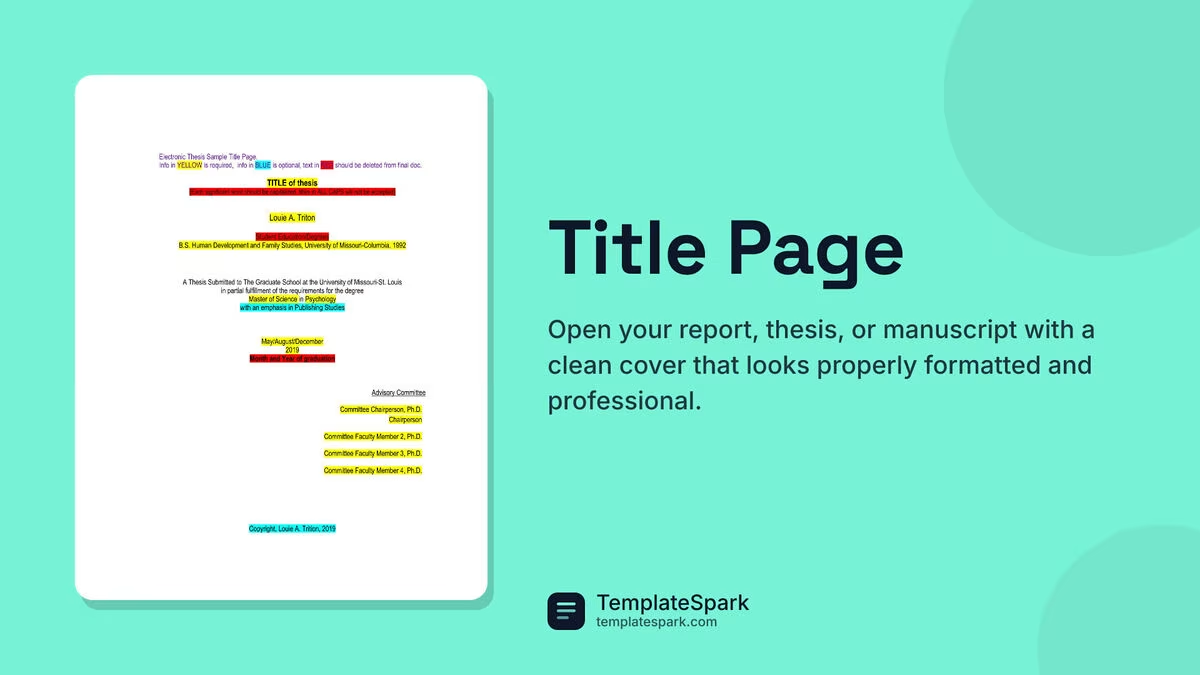
Free Title Page Templates (Word, PDF)
Life by marcuskristensen
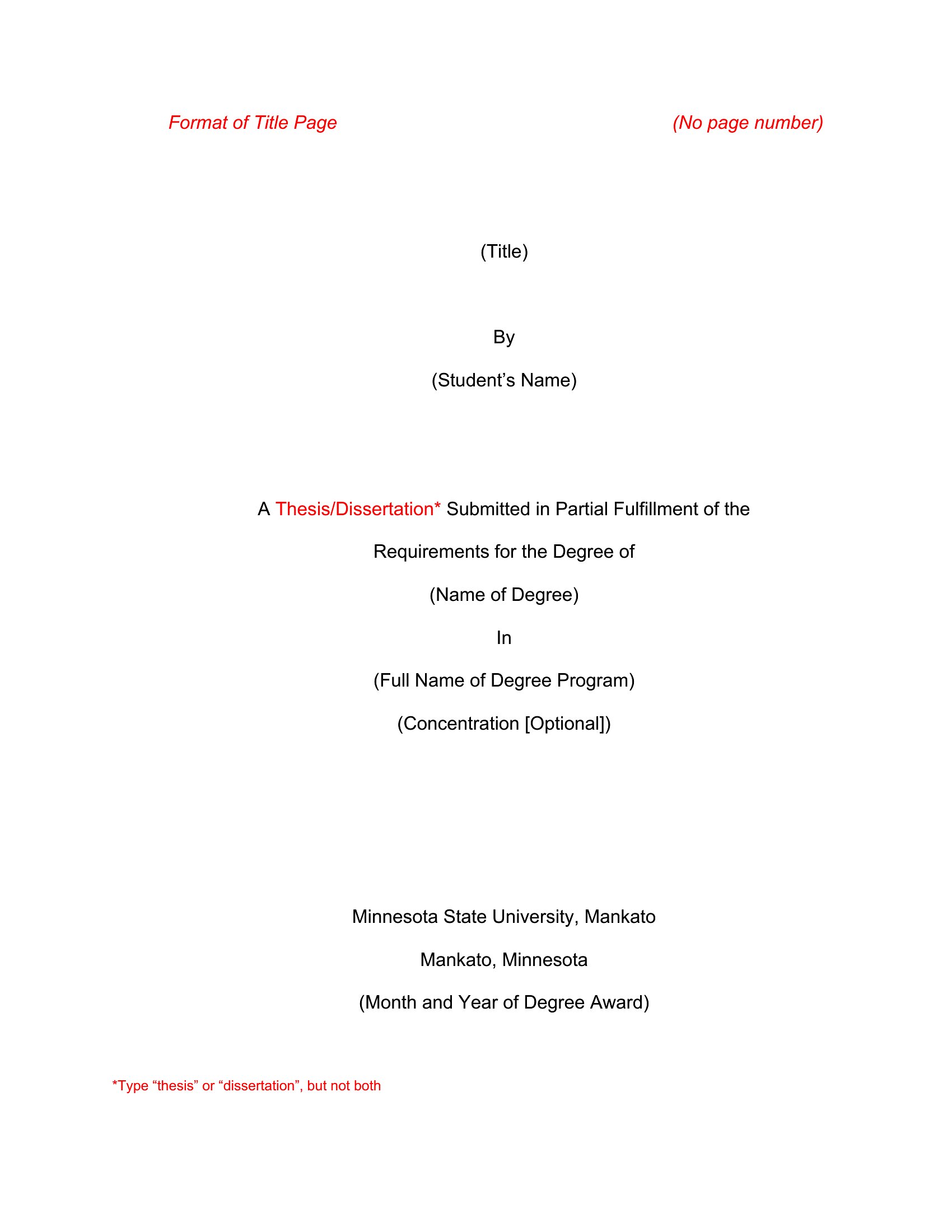
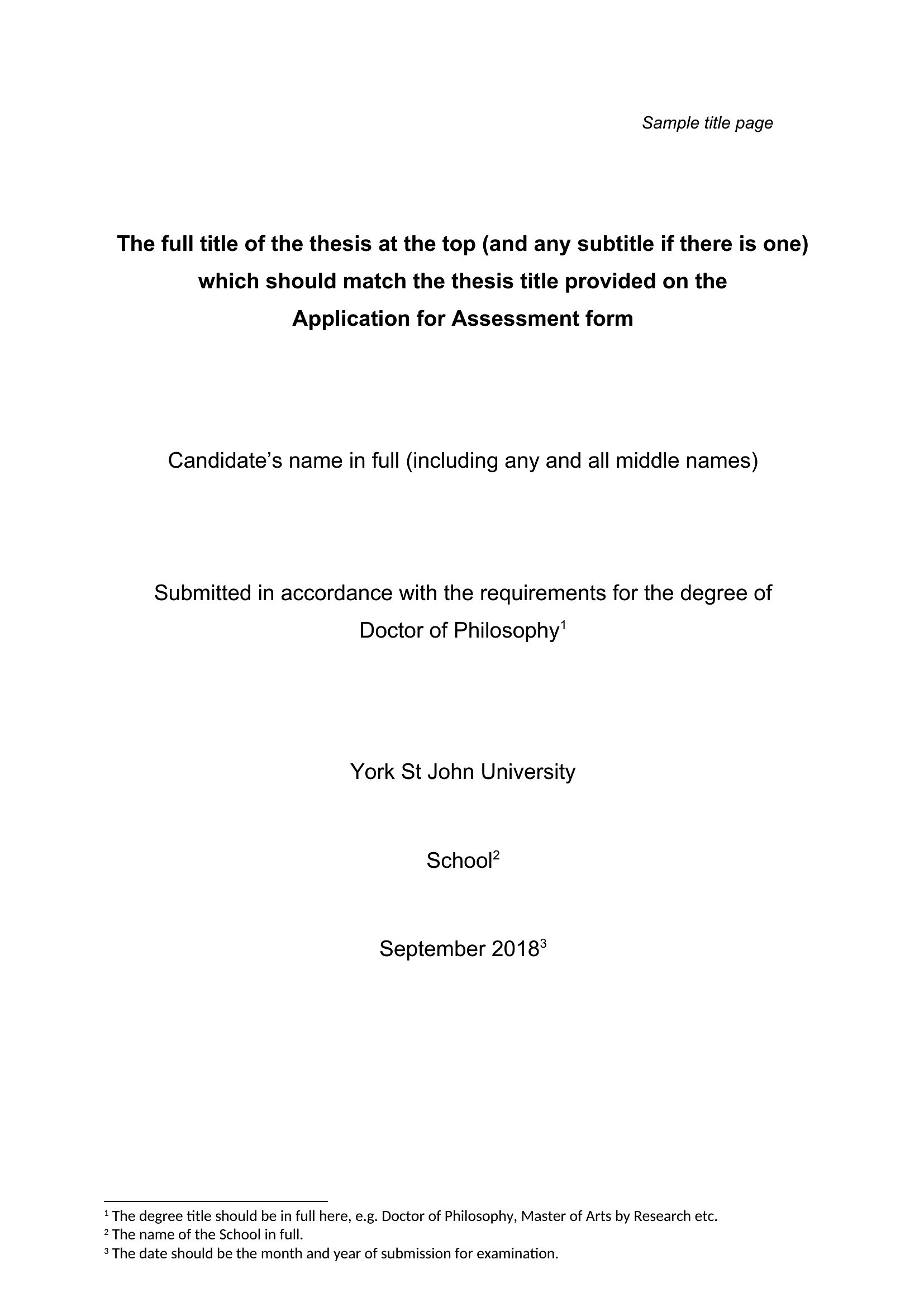
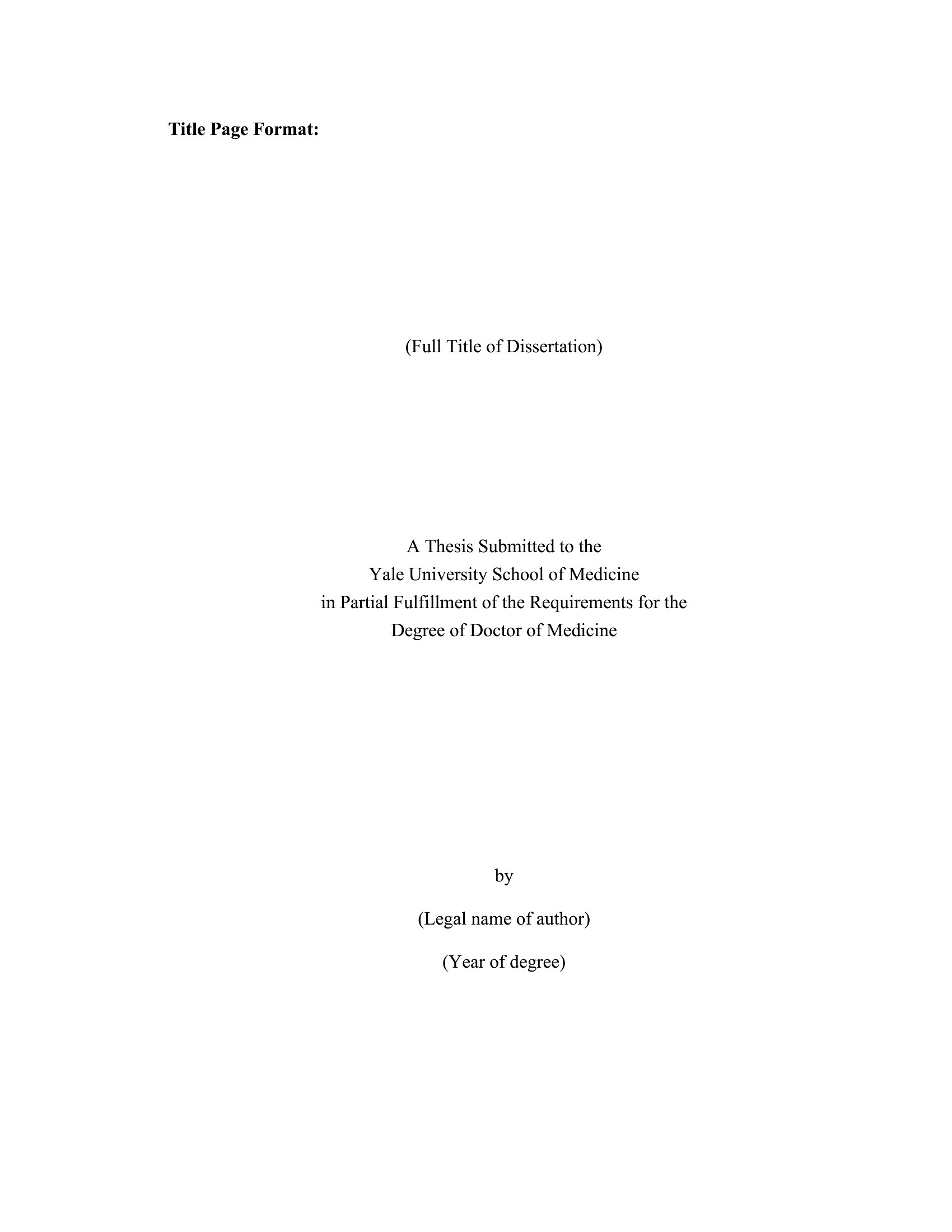
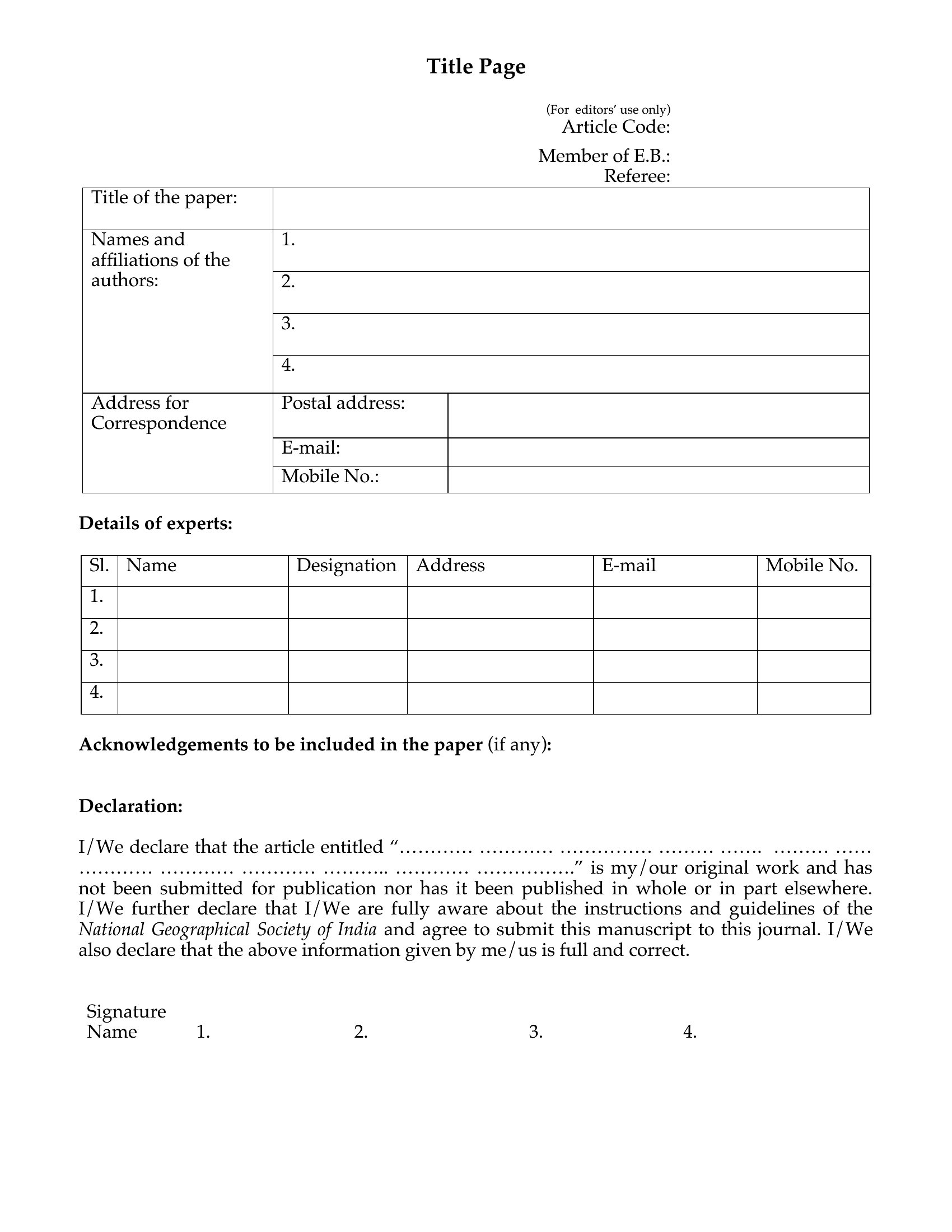
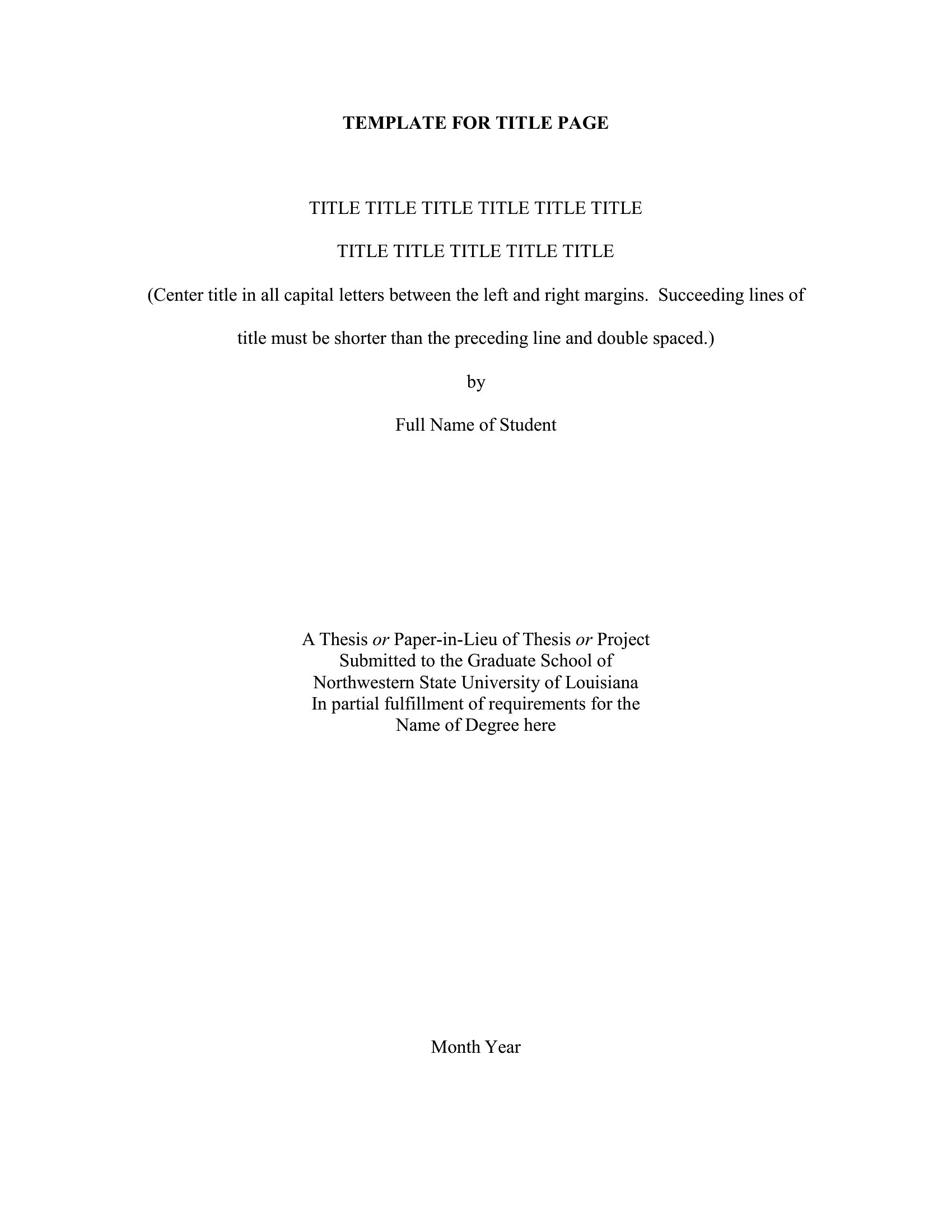
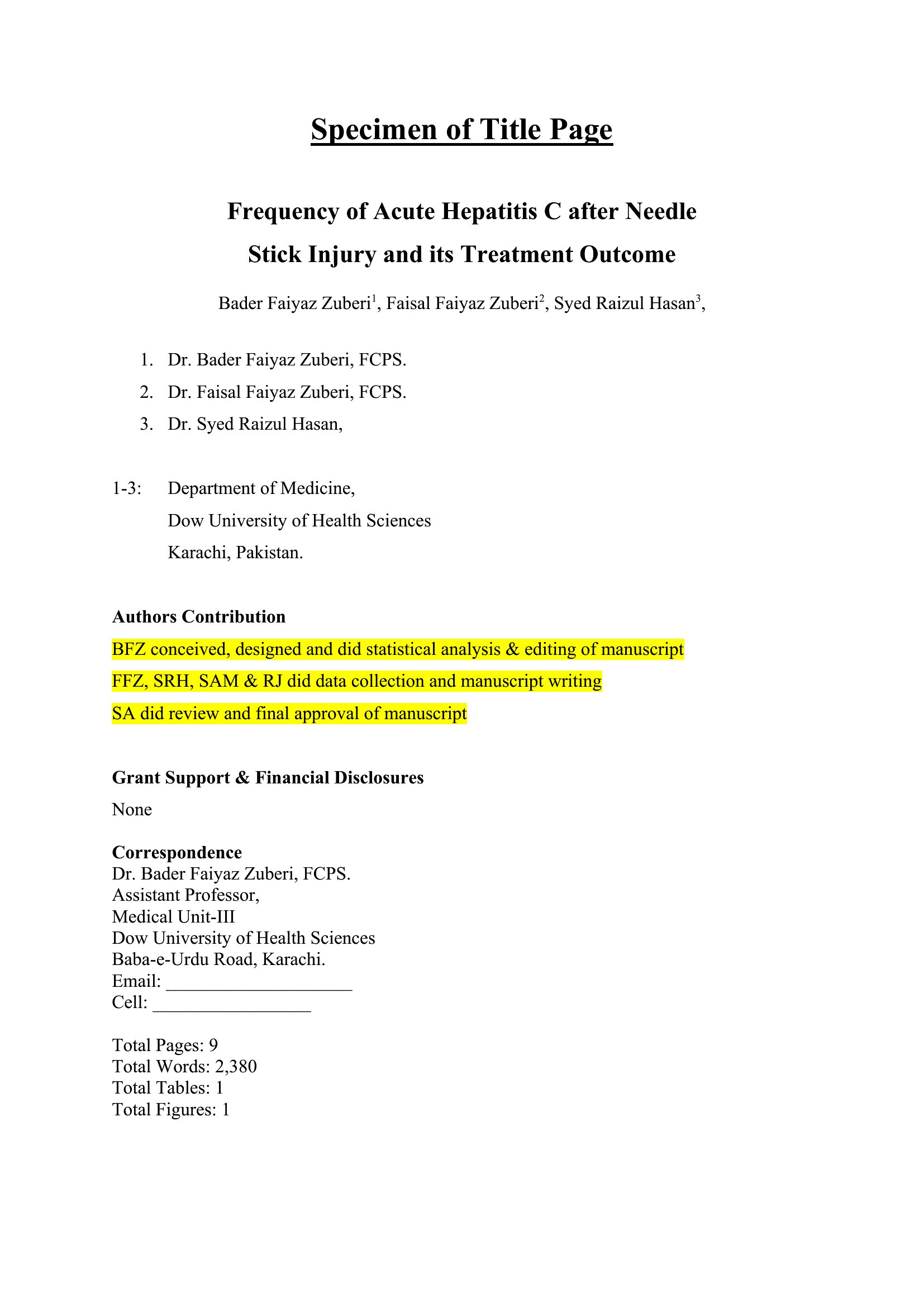
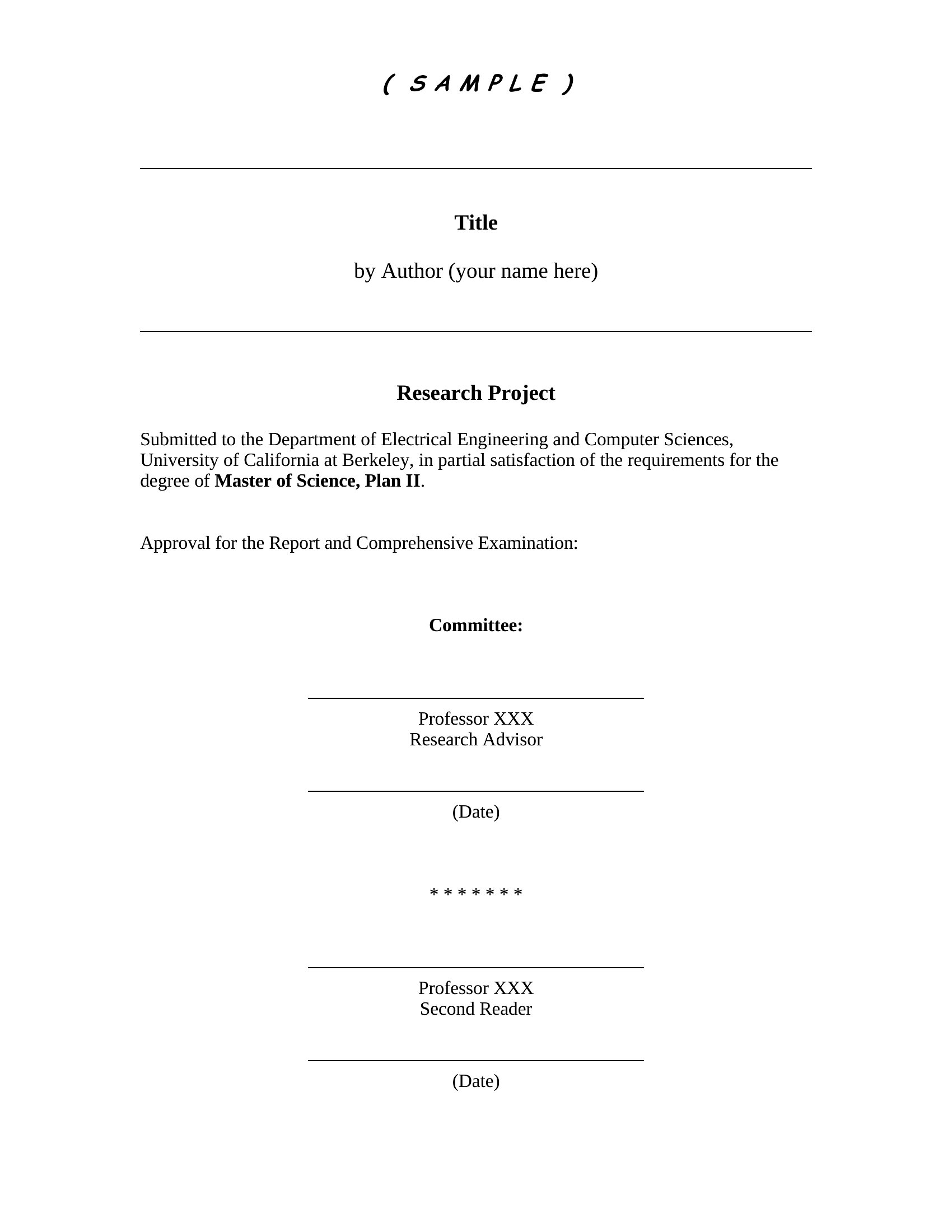
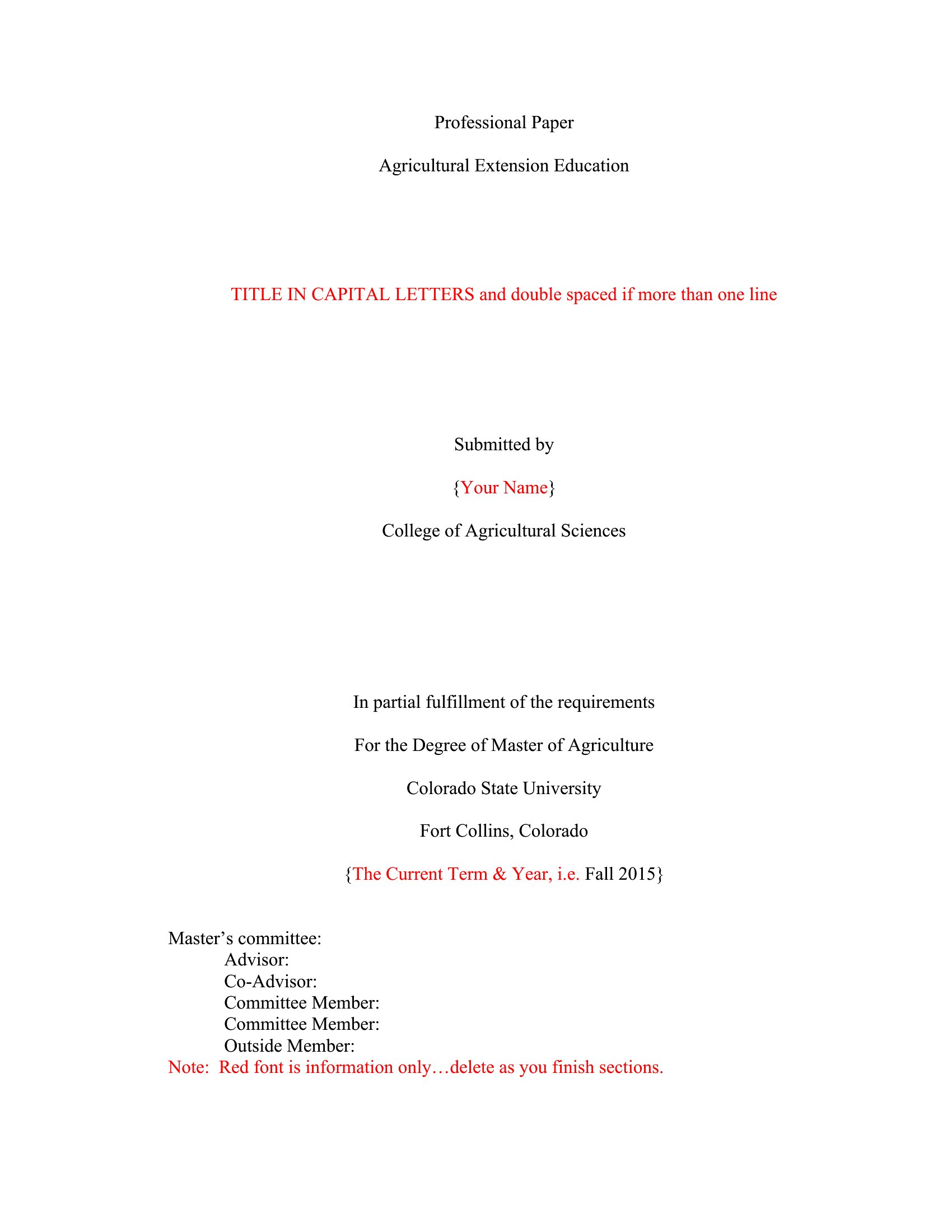
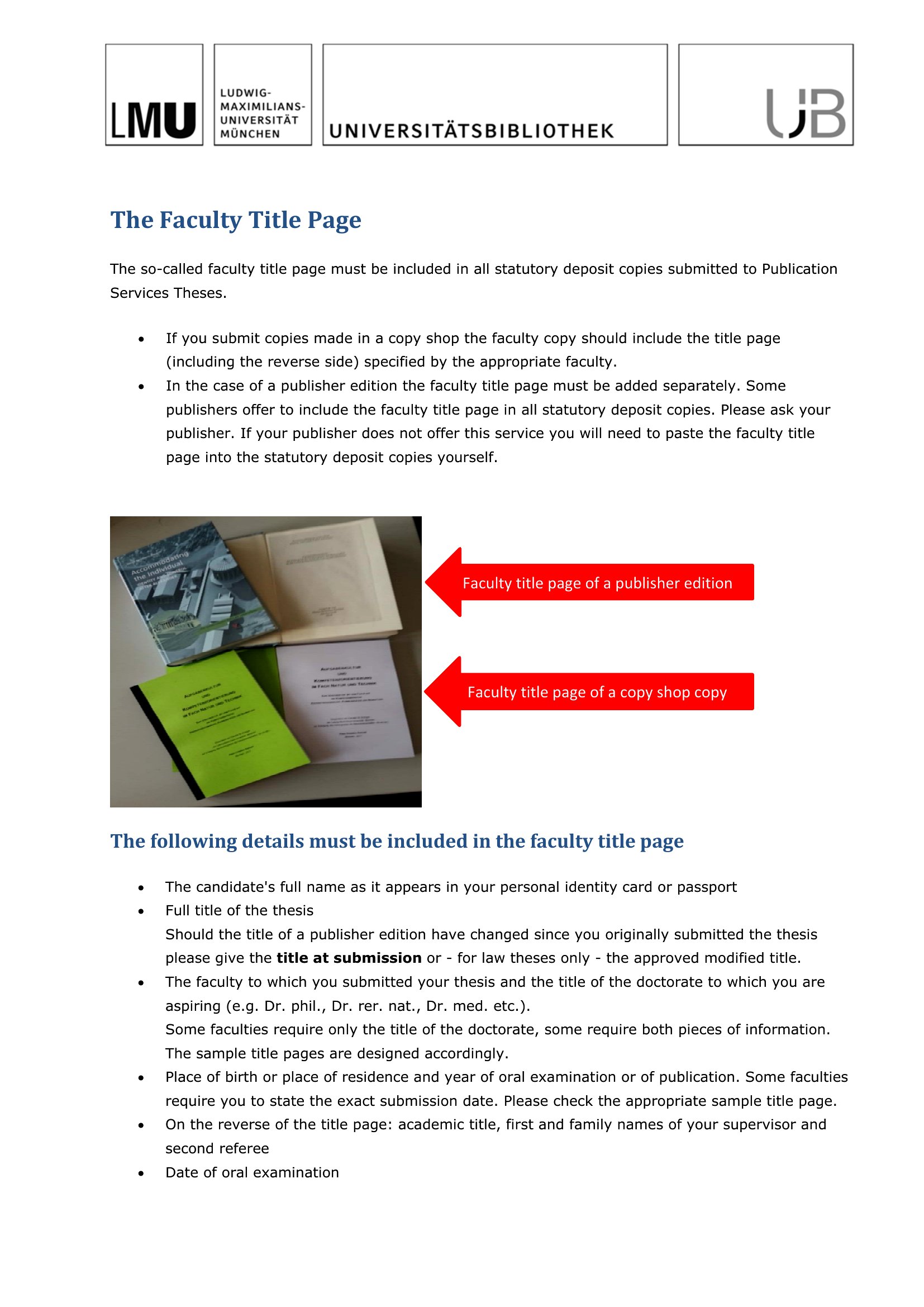
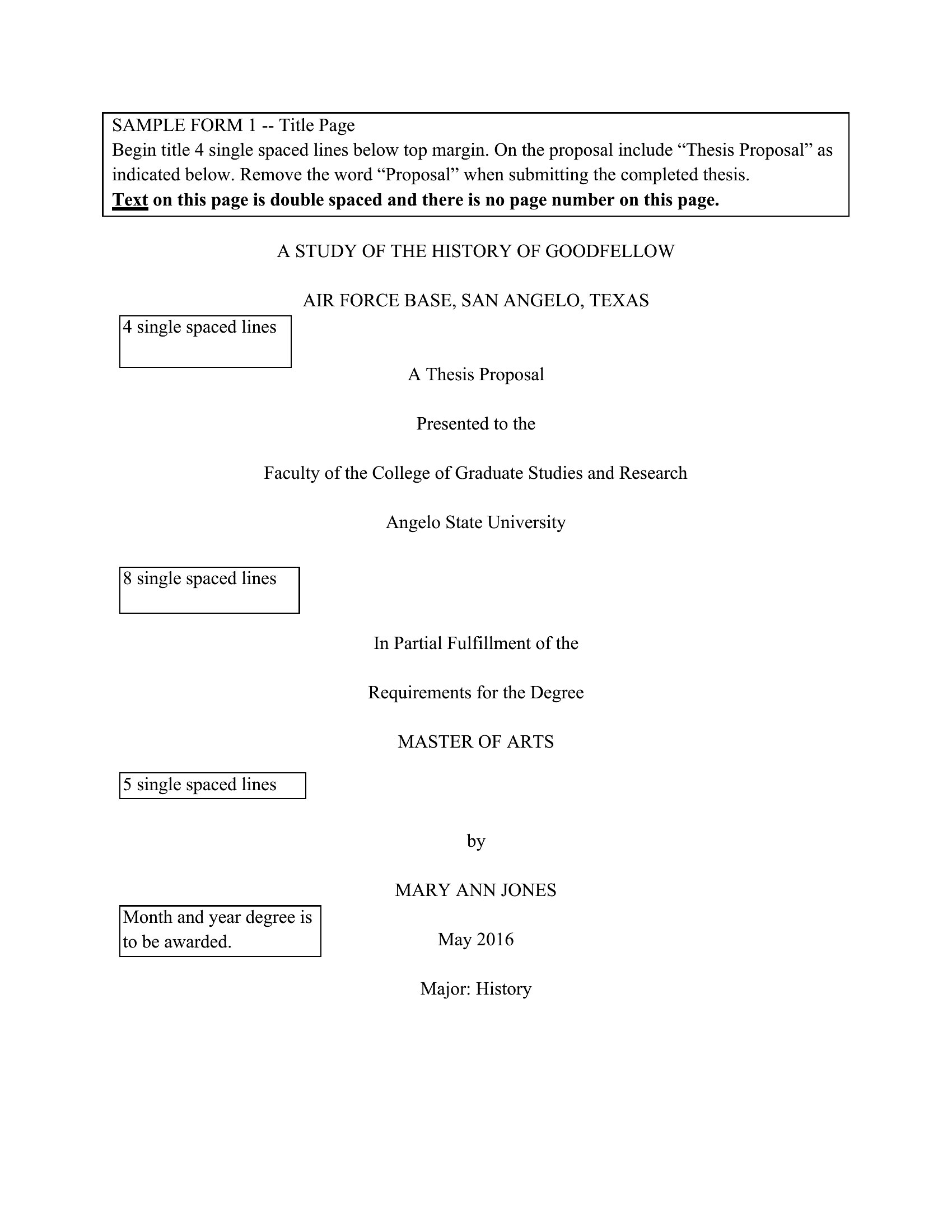
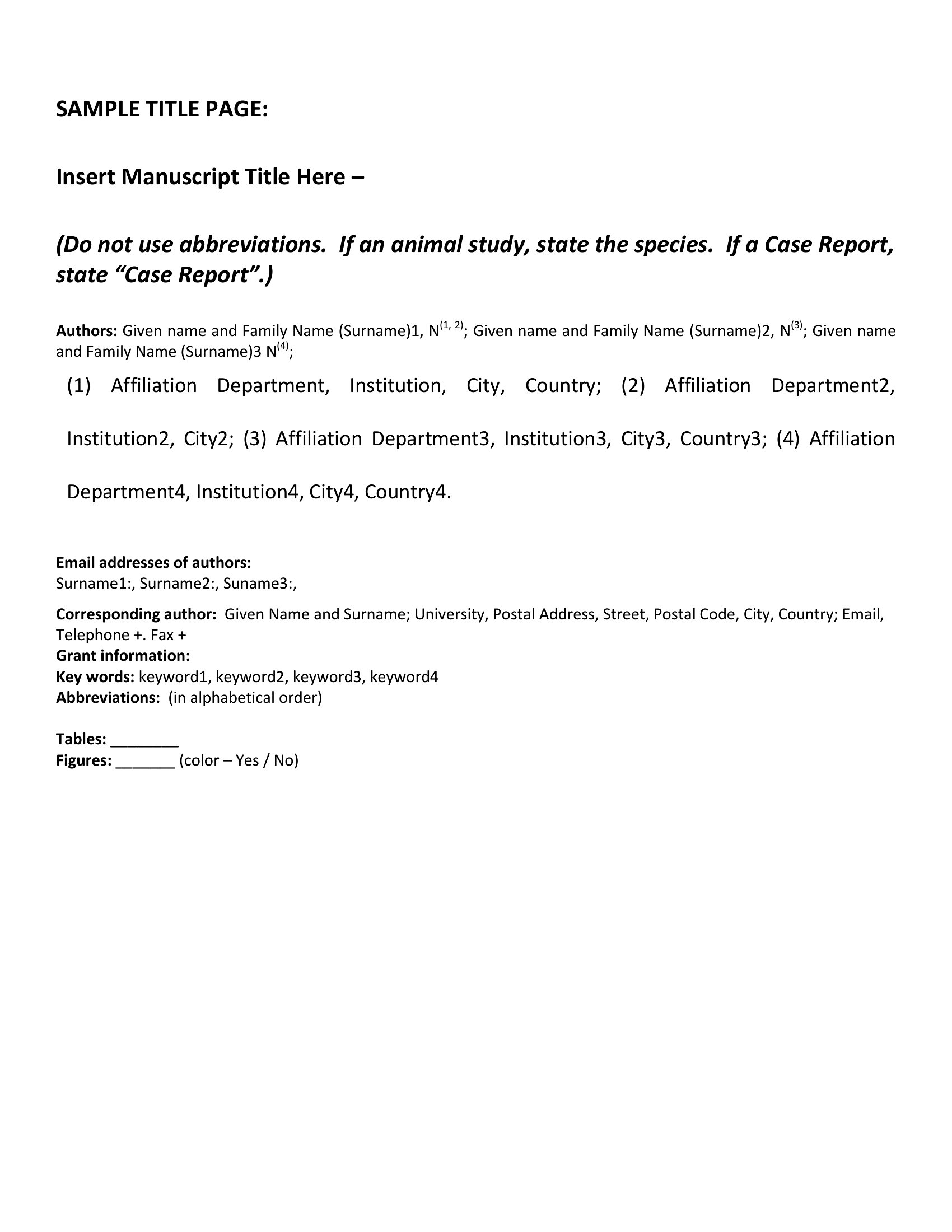
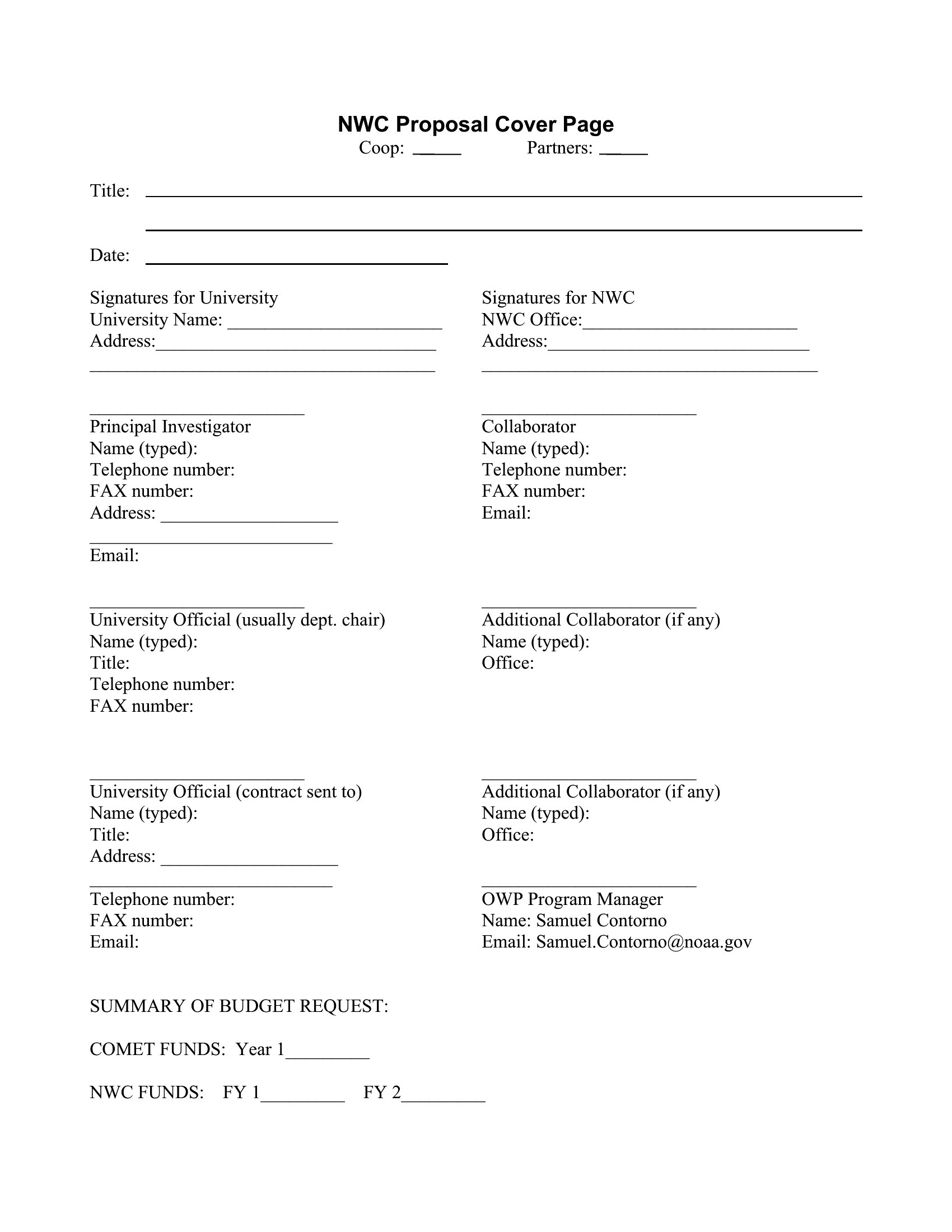
A clean title page sets the tone for any report, essay, or manuscript before the reader hits the first paragraph. This set of 48 title page templates gives students, authors, and professionals a polished cover with space for the title, author, date, and course or company details. The designs range from strict academic formats to creative book covers.
The Word versions let you match a required style like MLA or APA and edit every field, while the PDFs print ready to go. Fill in your details, pick a layout that suits the assignment or project, and you've got a professional first impression. Download the style you need and finish your document with a proper cover.
Choose from 48 Title Page Templates
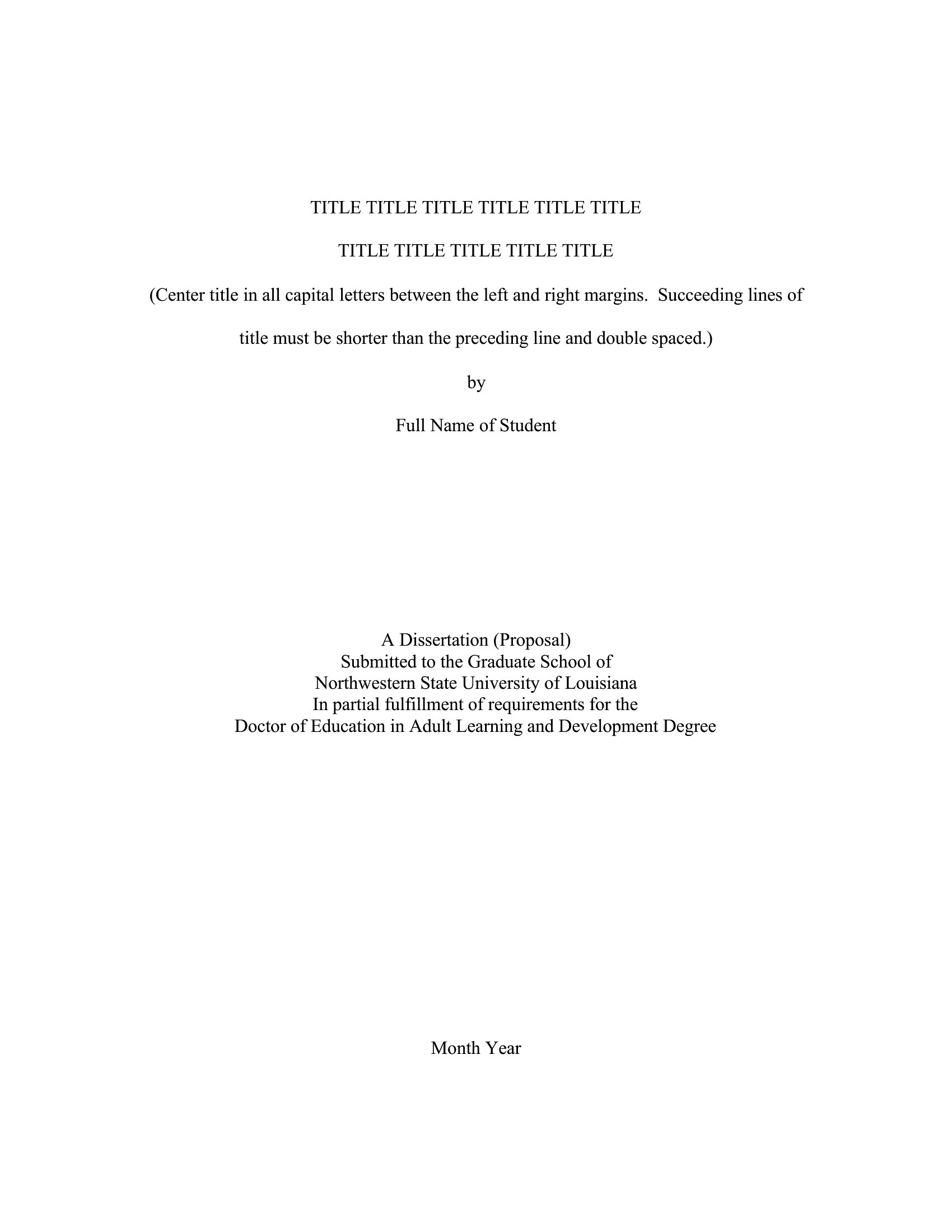
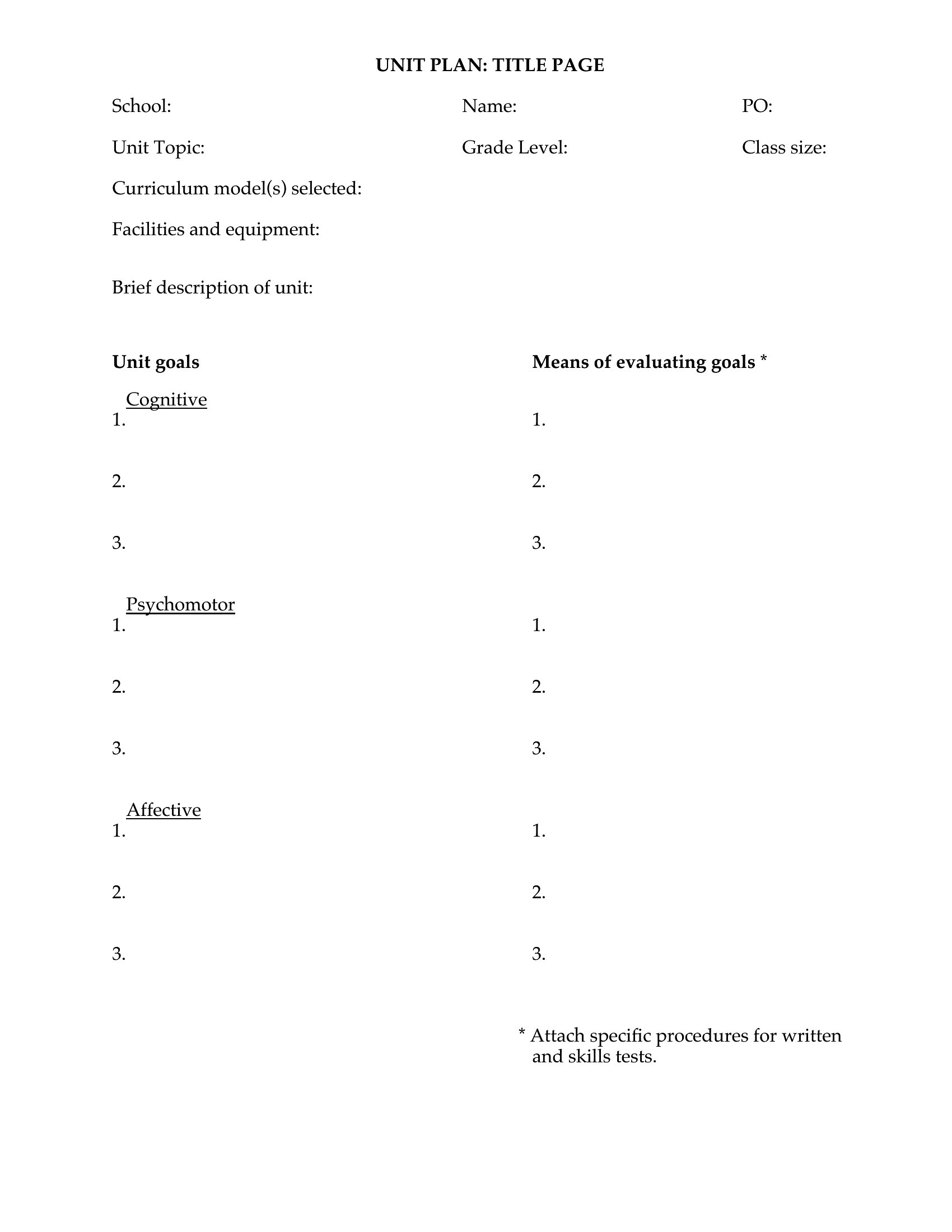


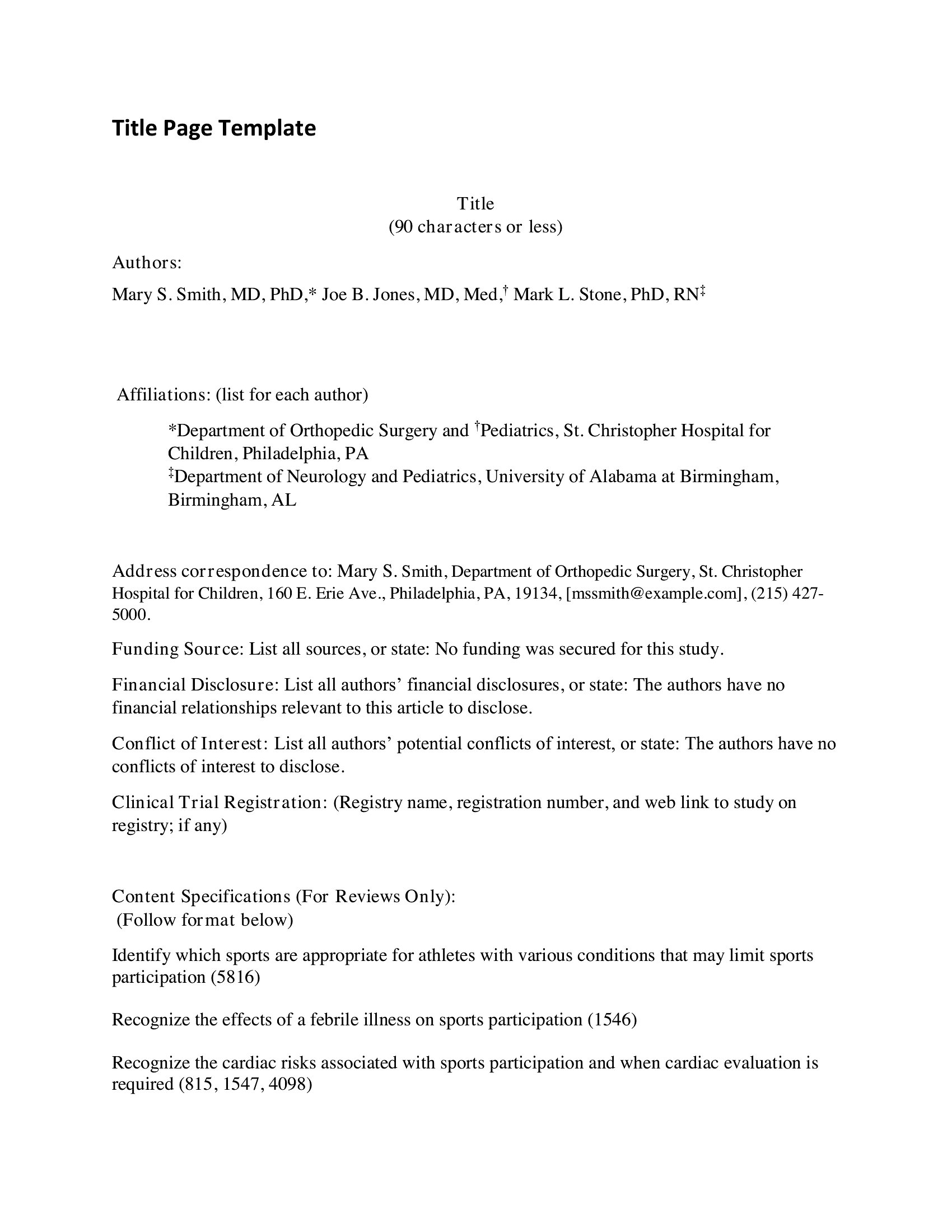

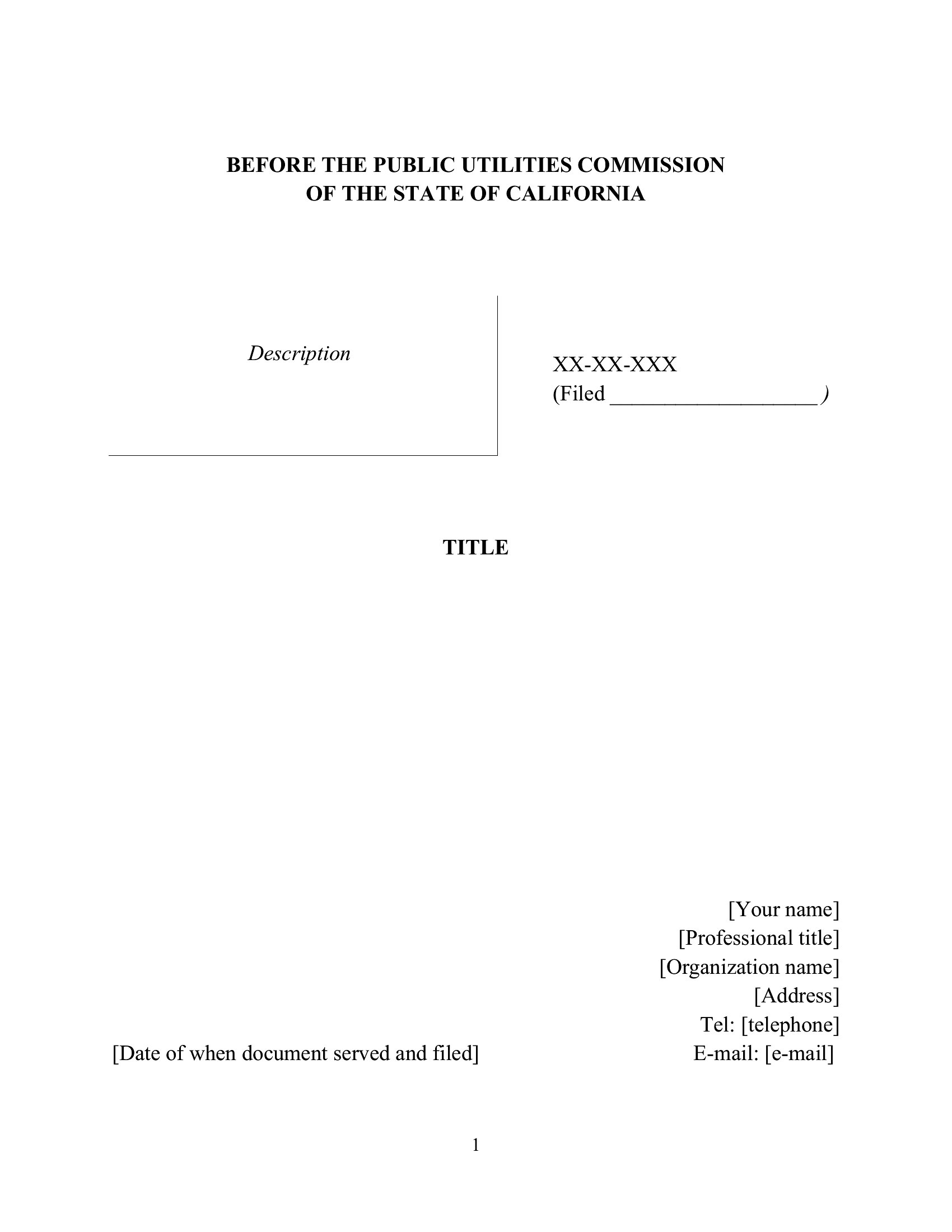
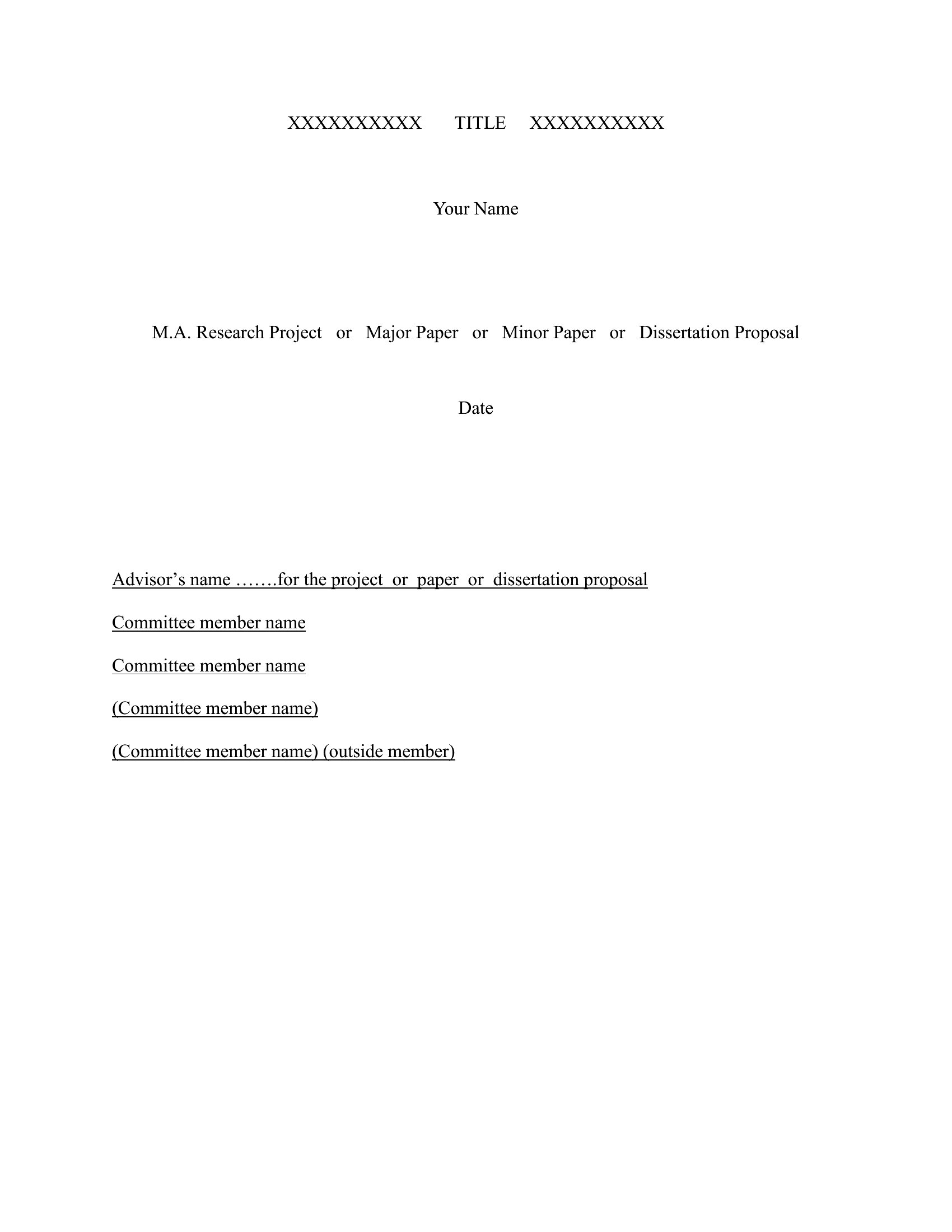
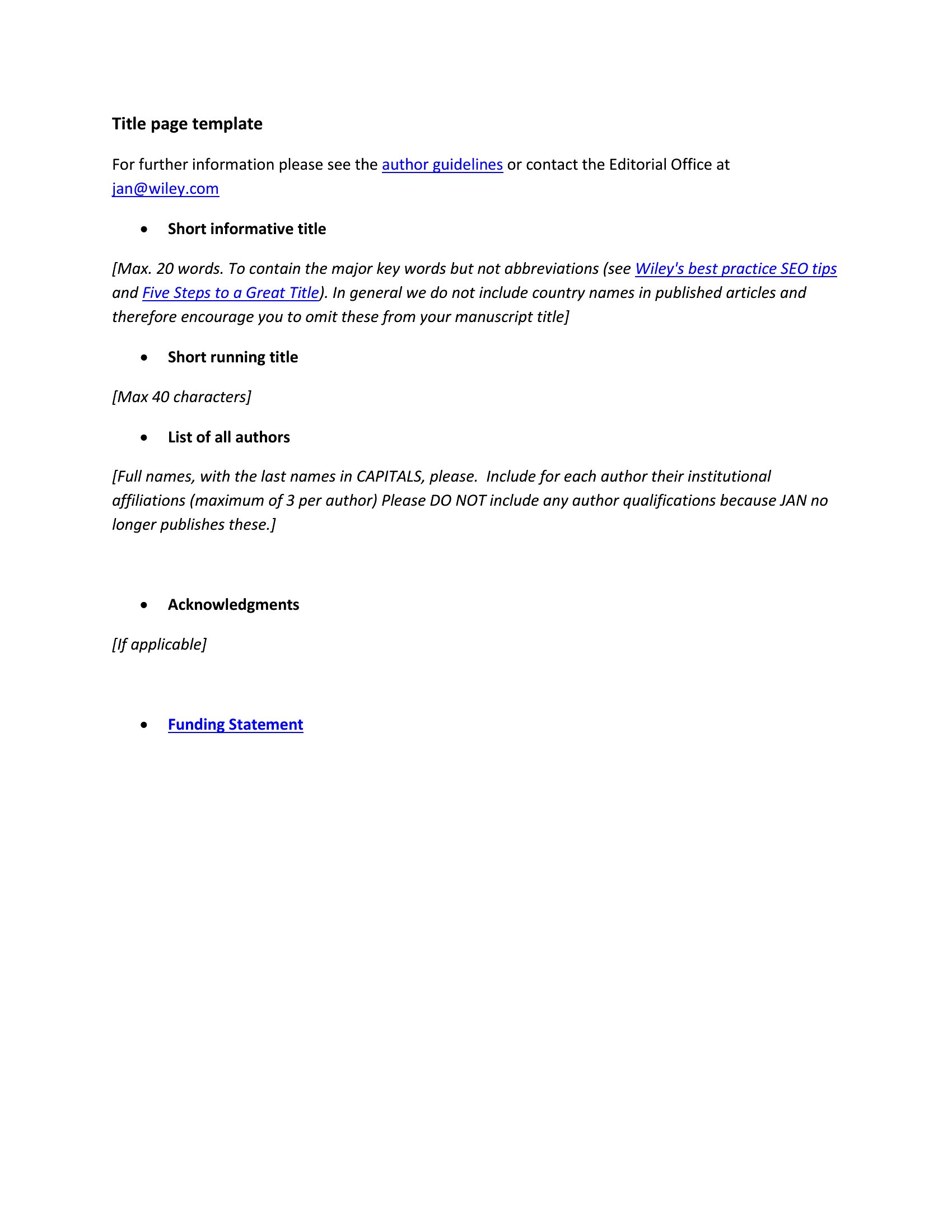
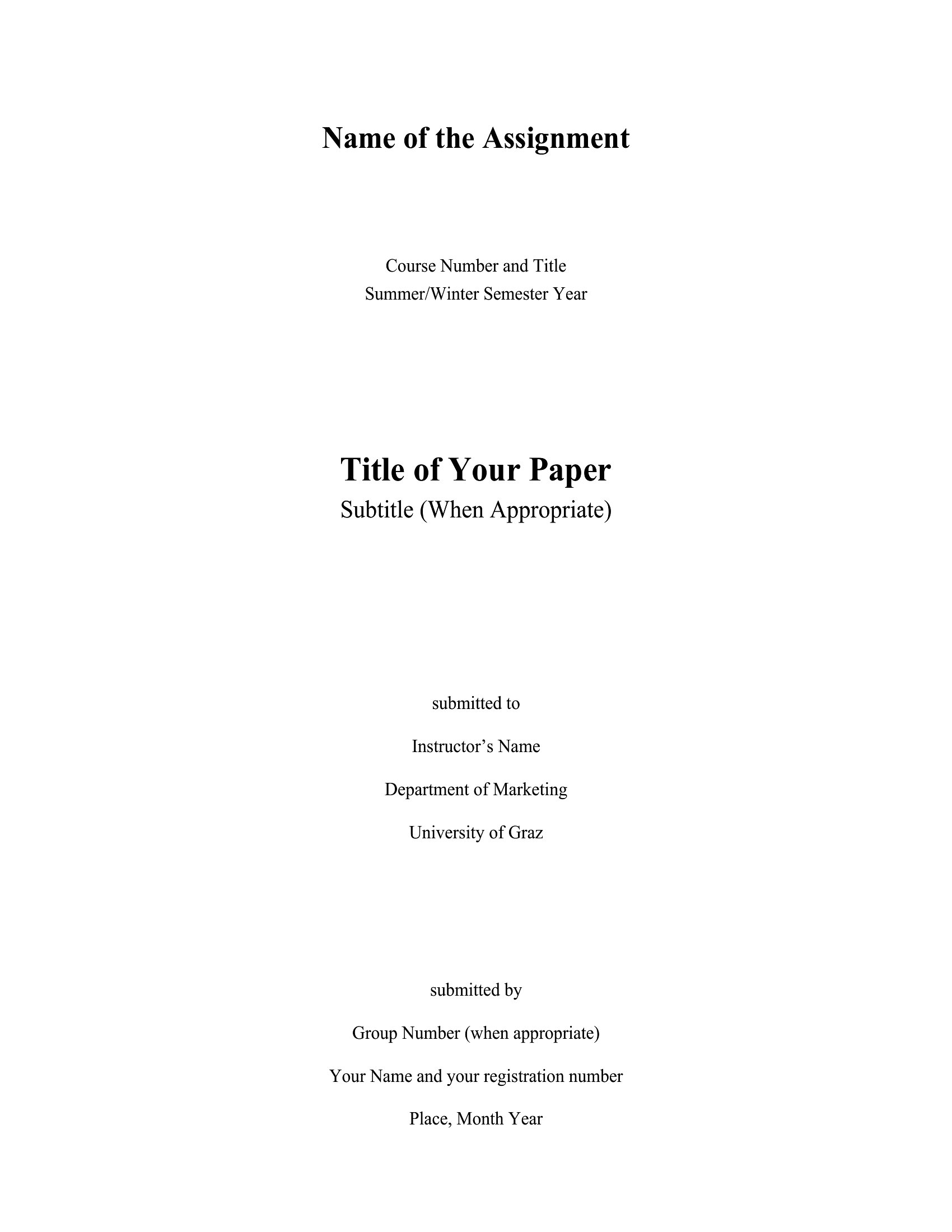
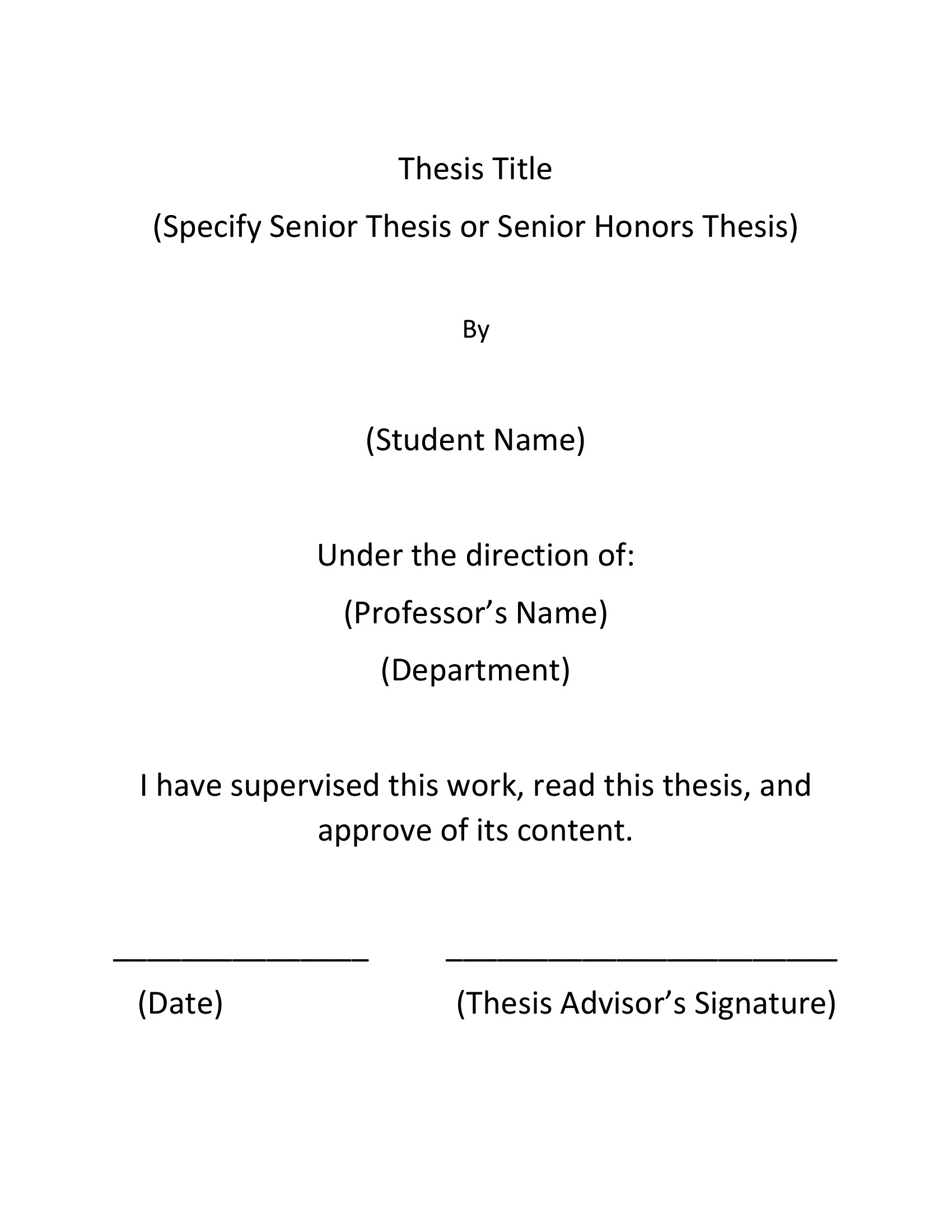
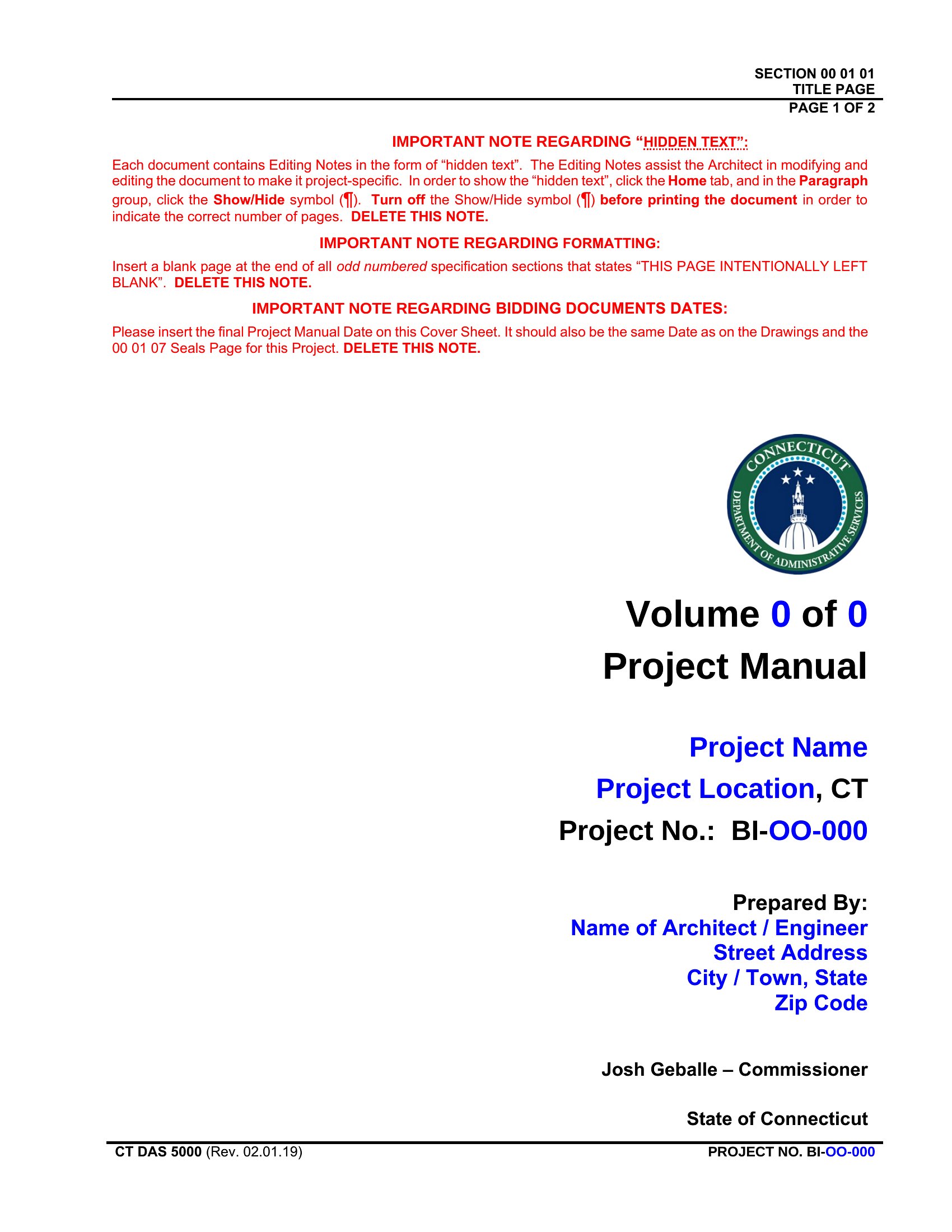
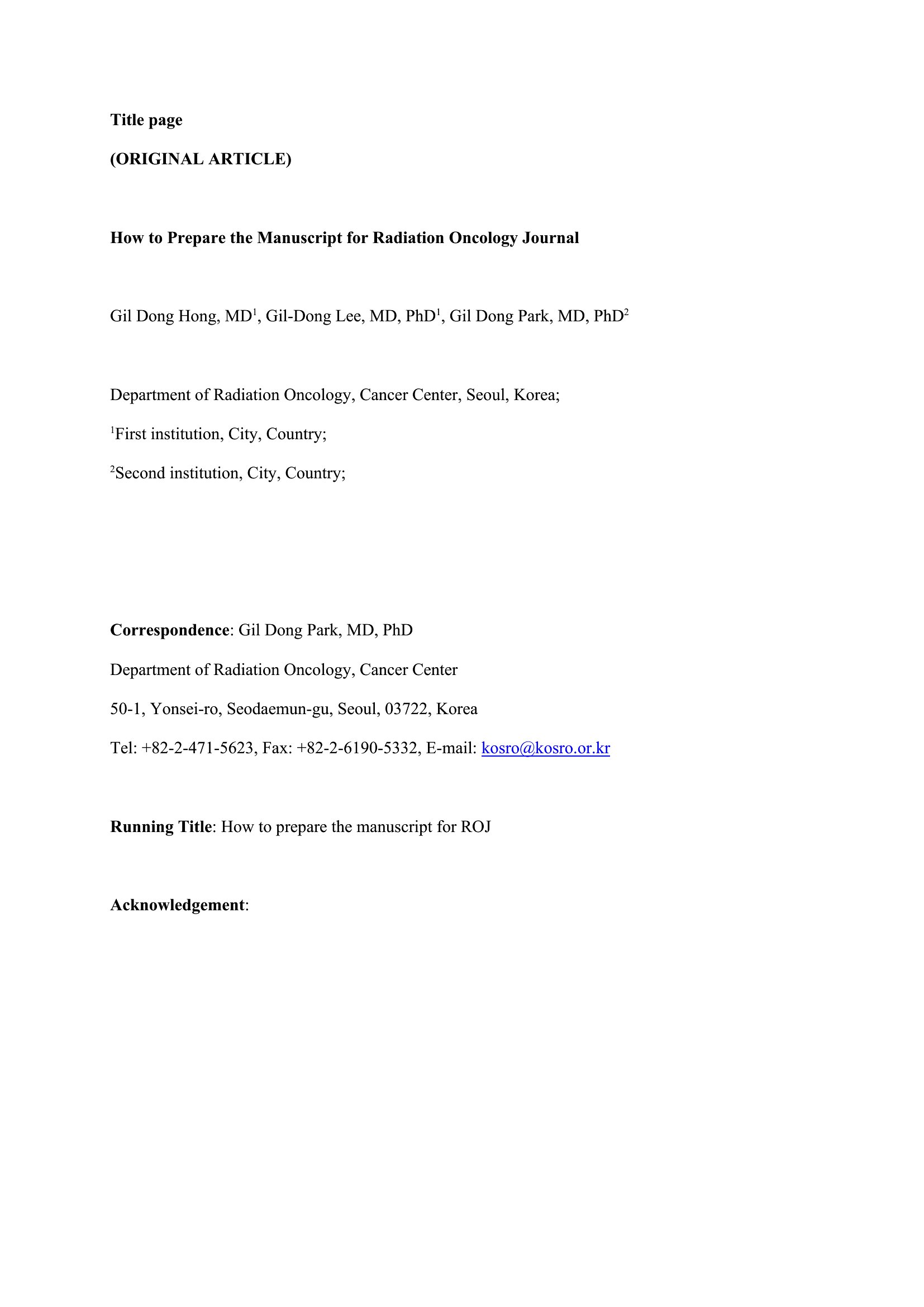
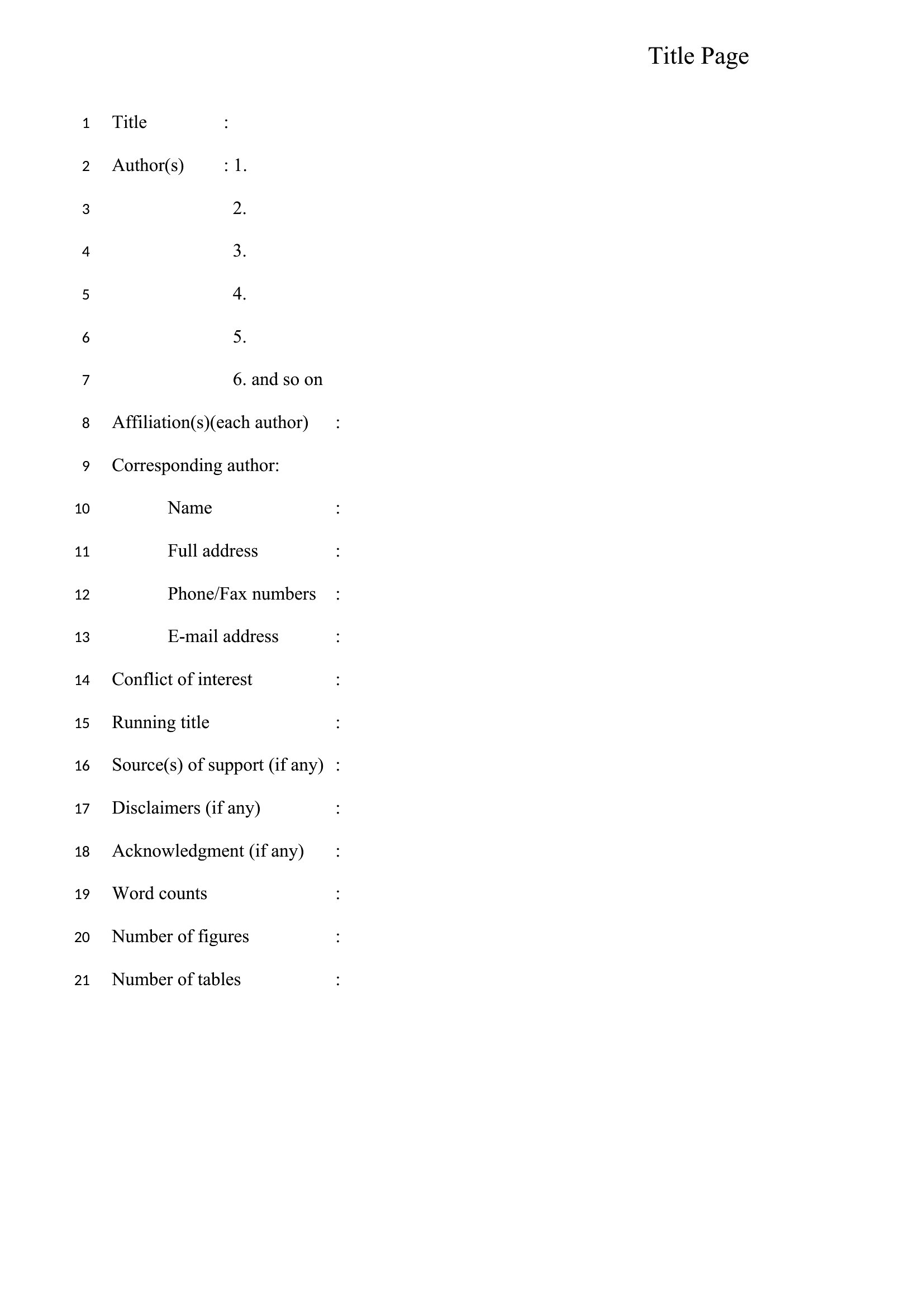
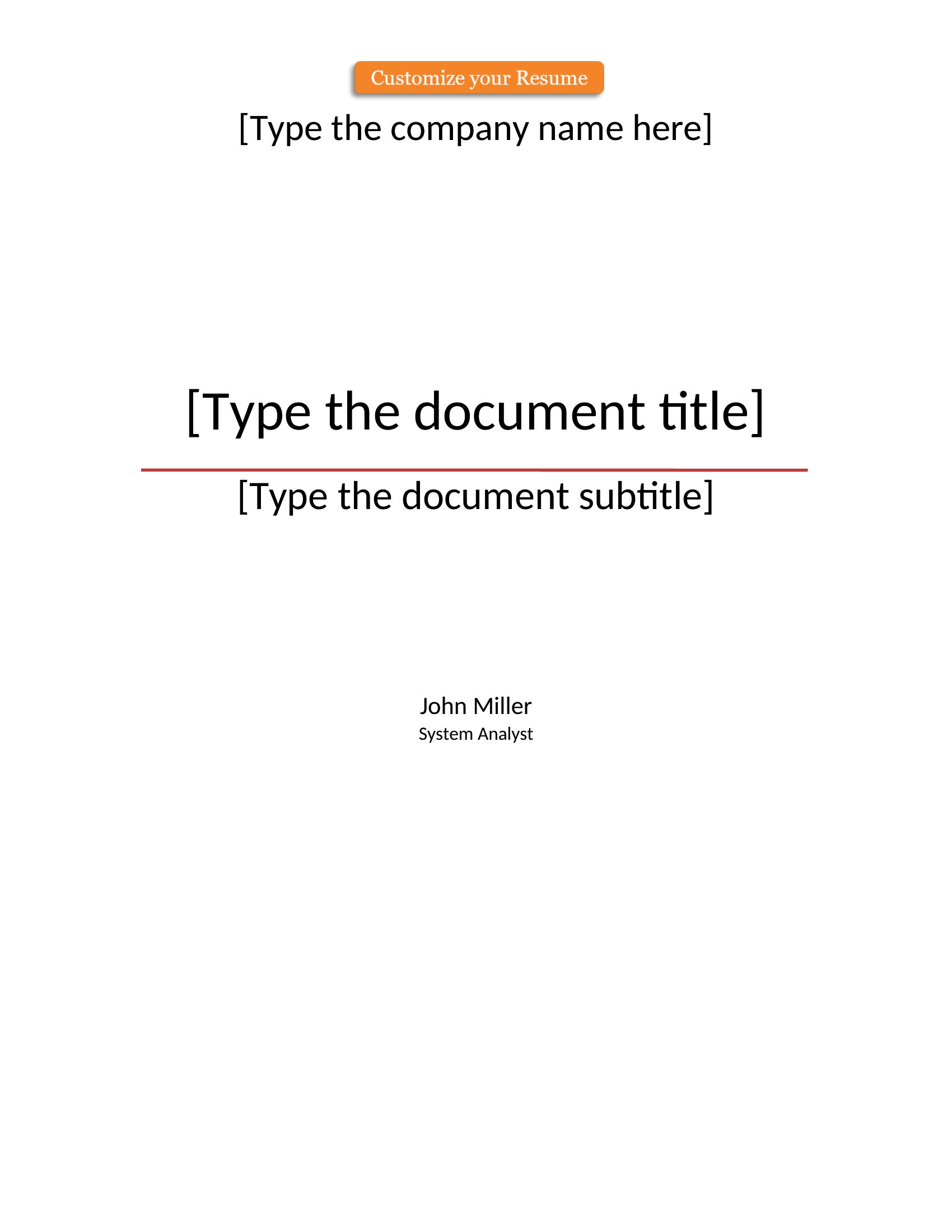
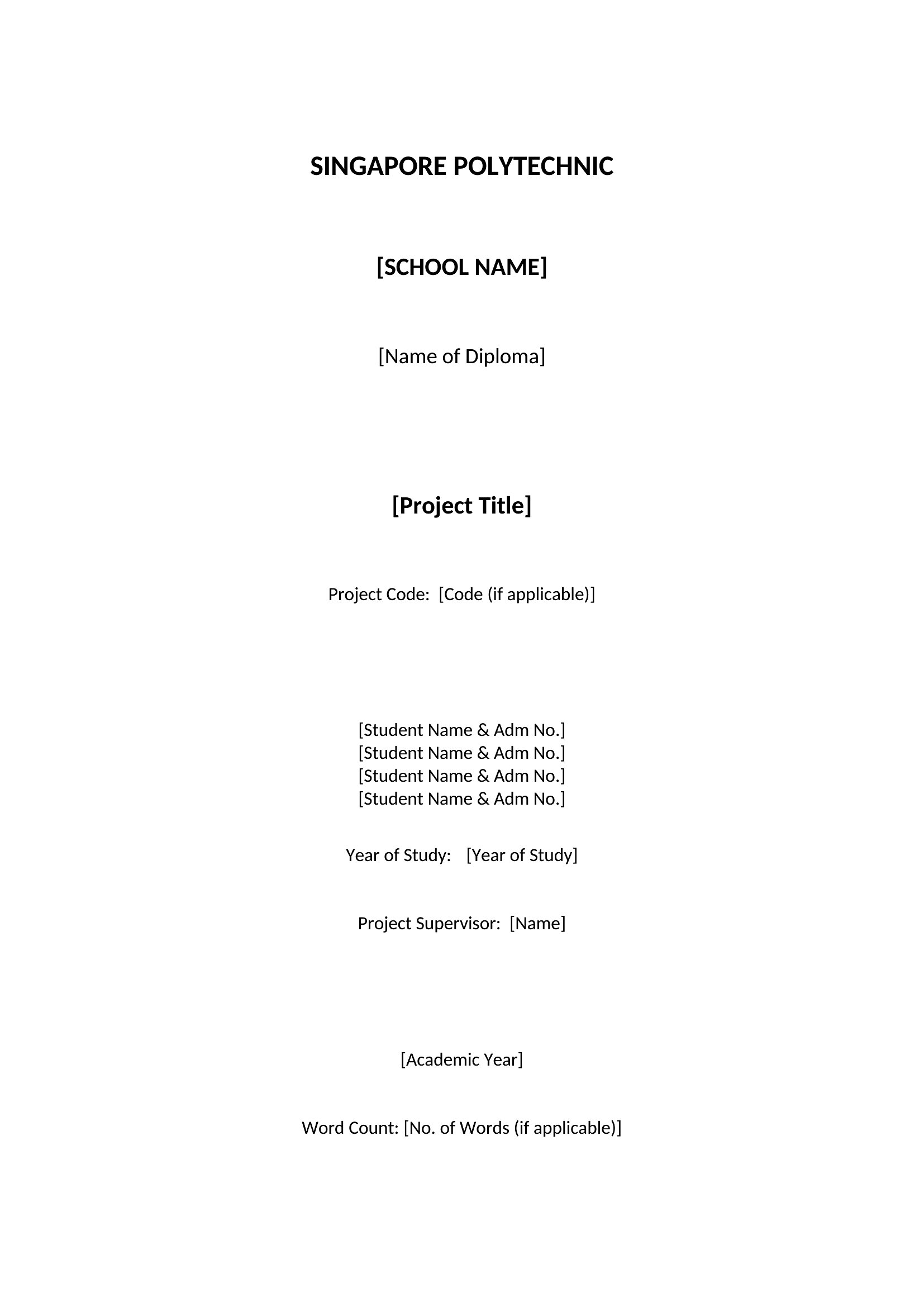
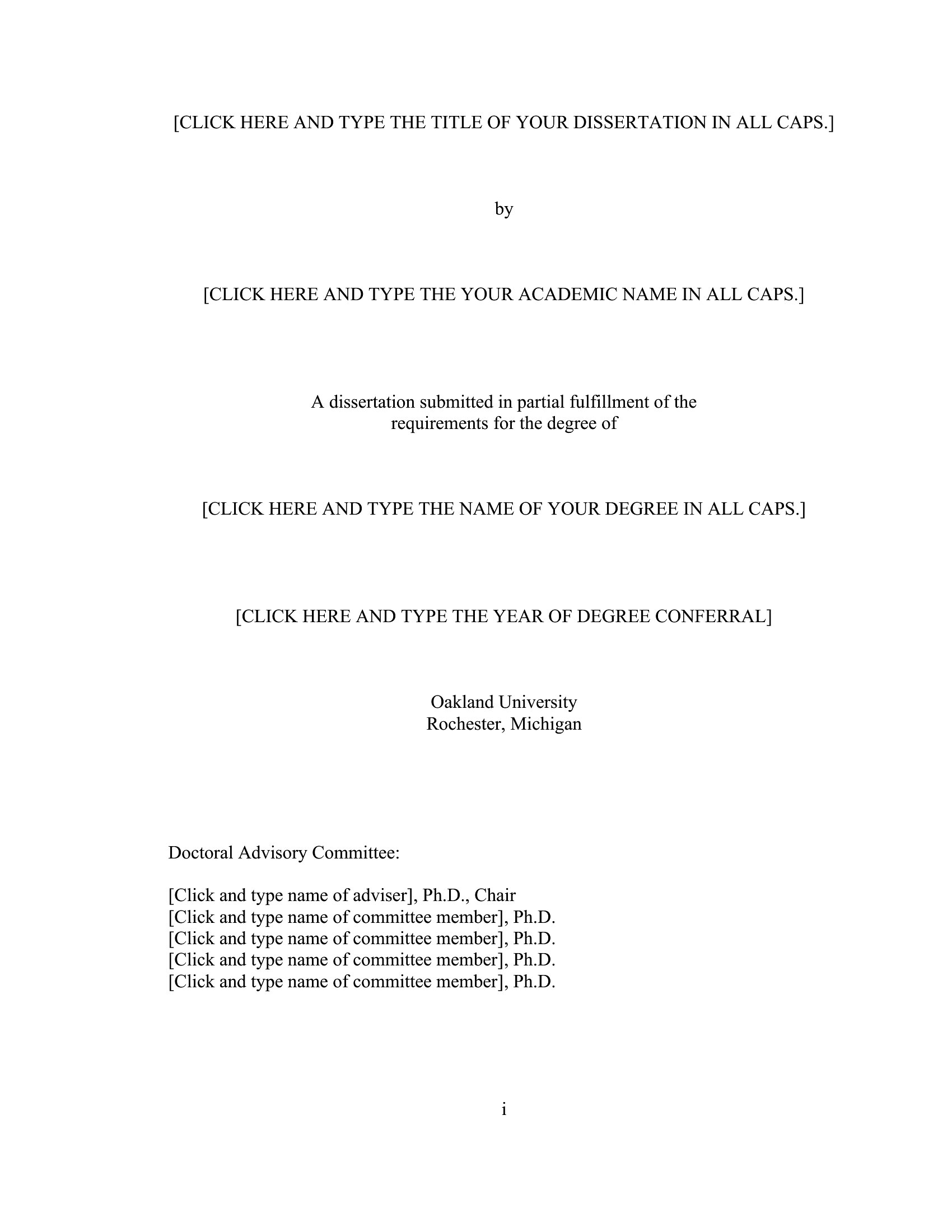
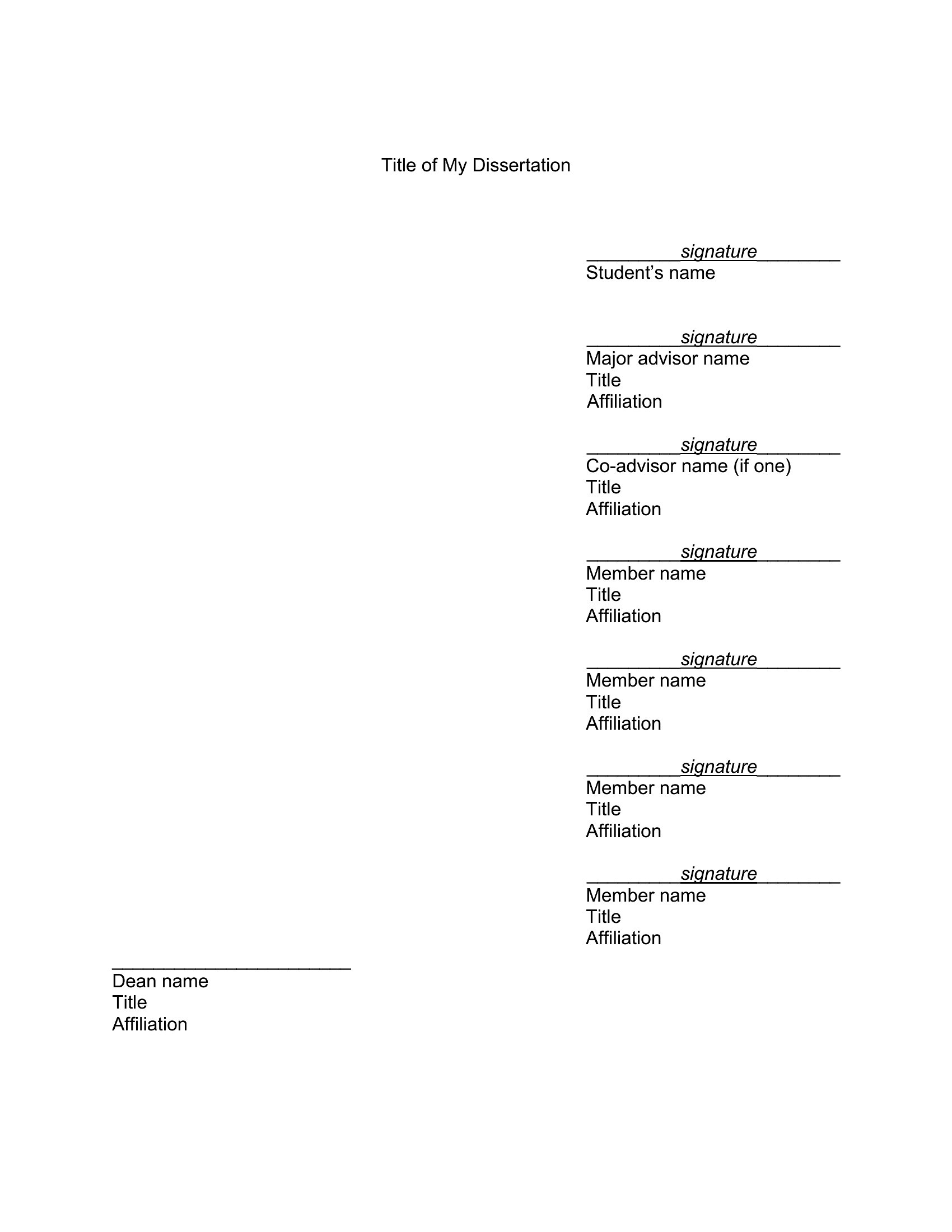
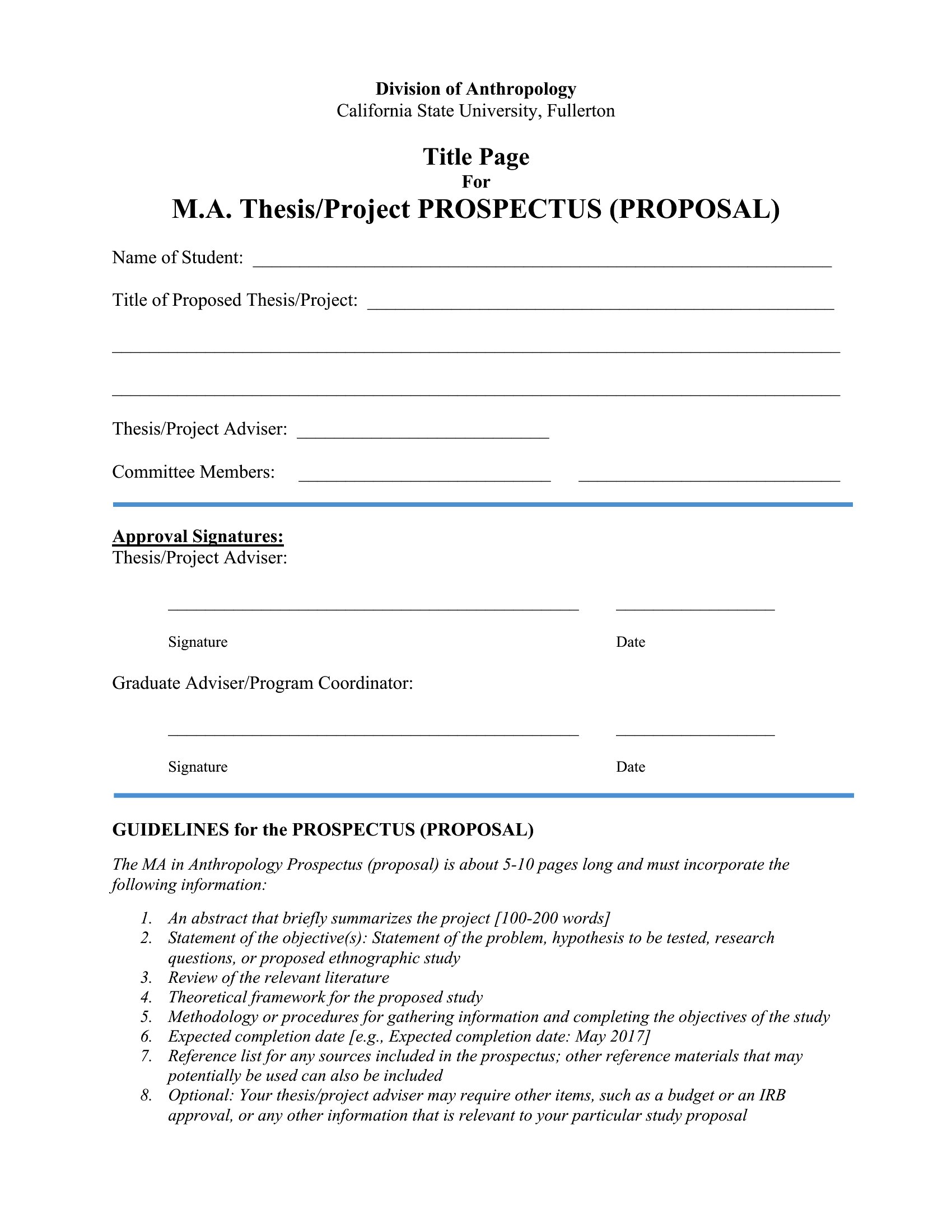
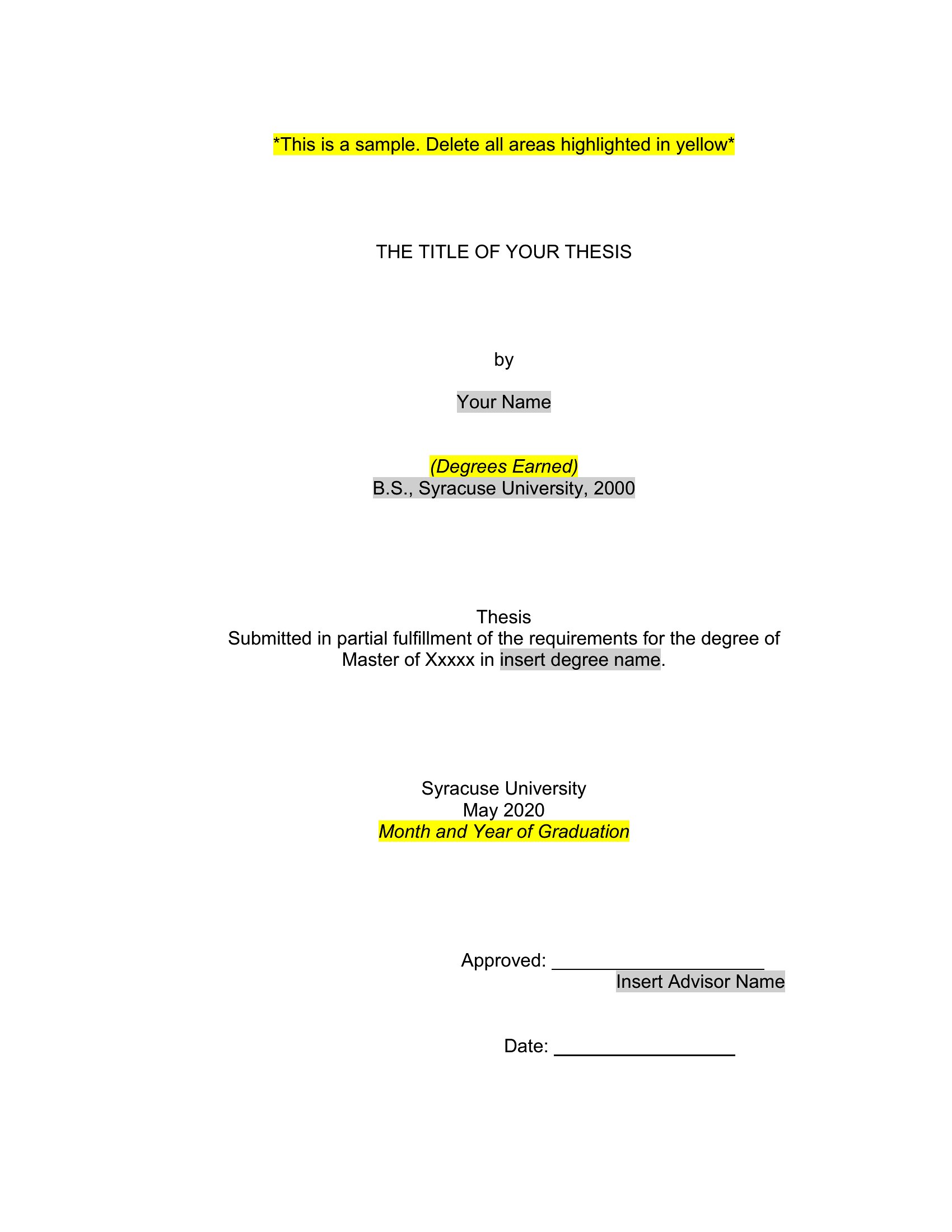
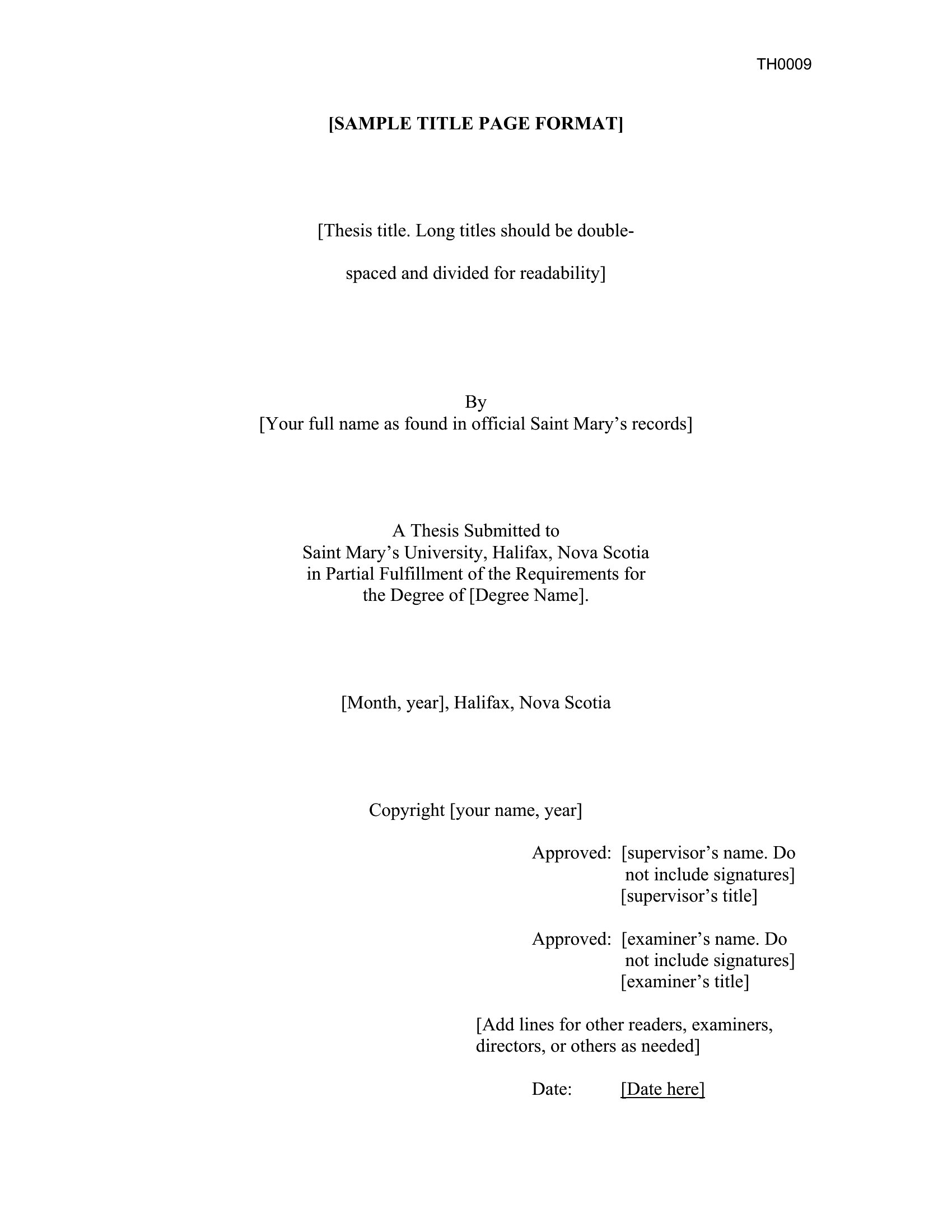
Blank Title Page Pdf
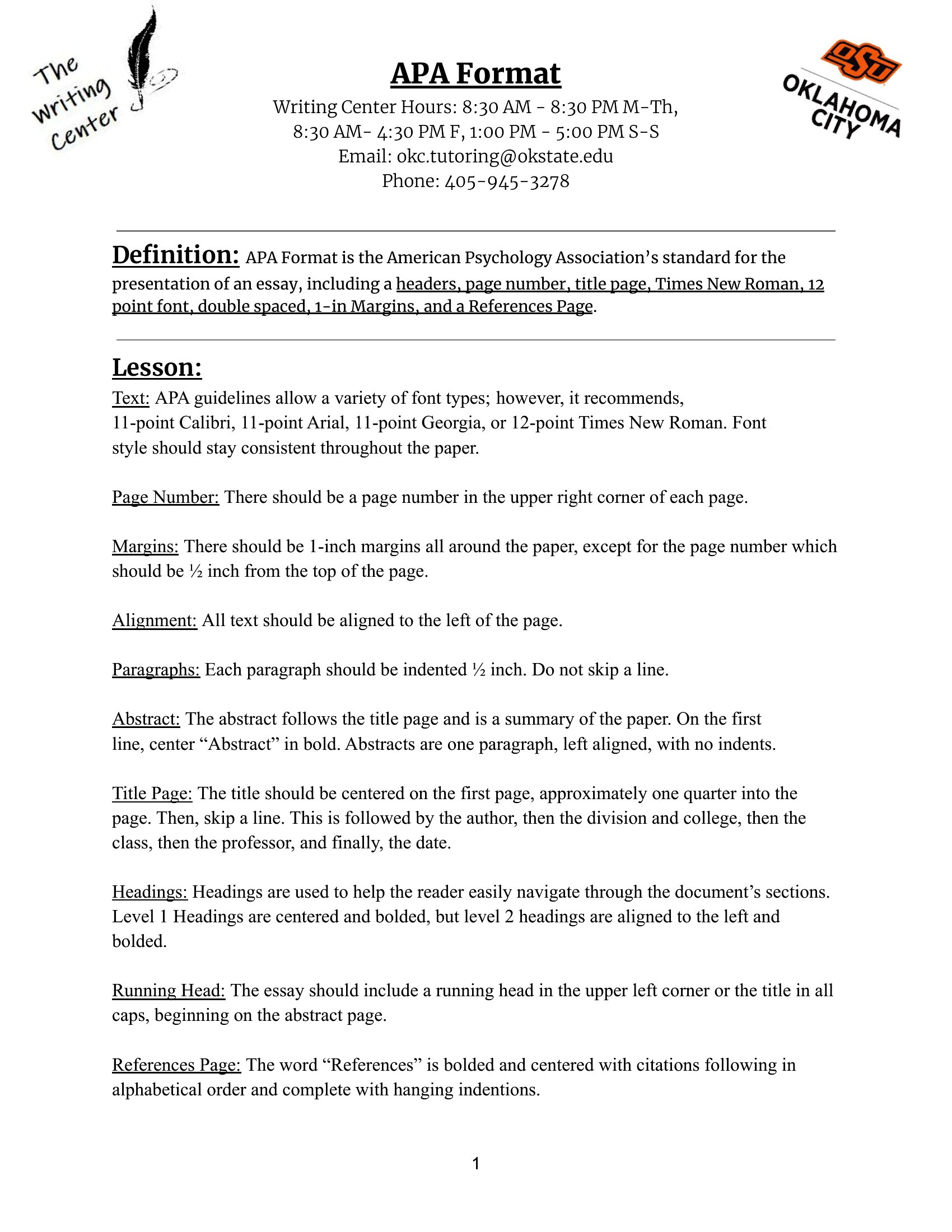
Blank Title Page
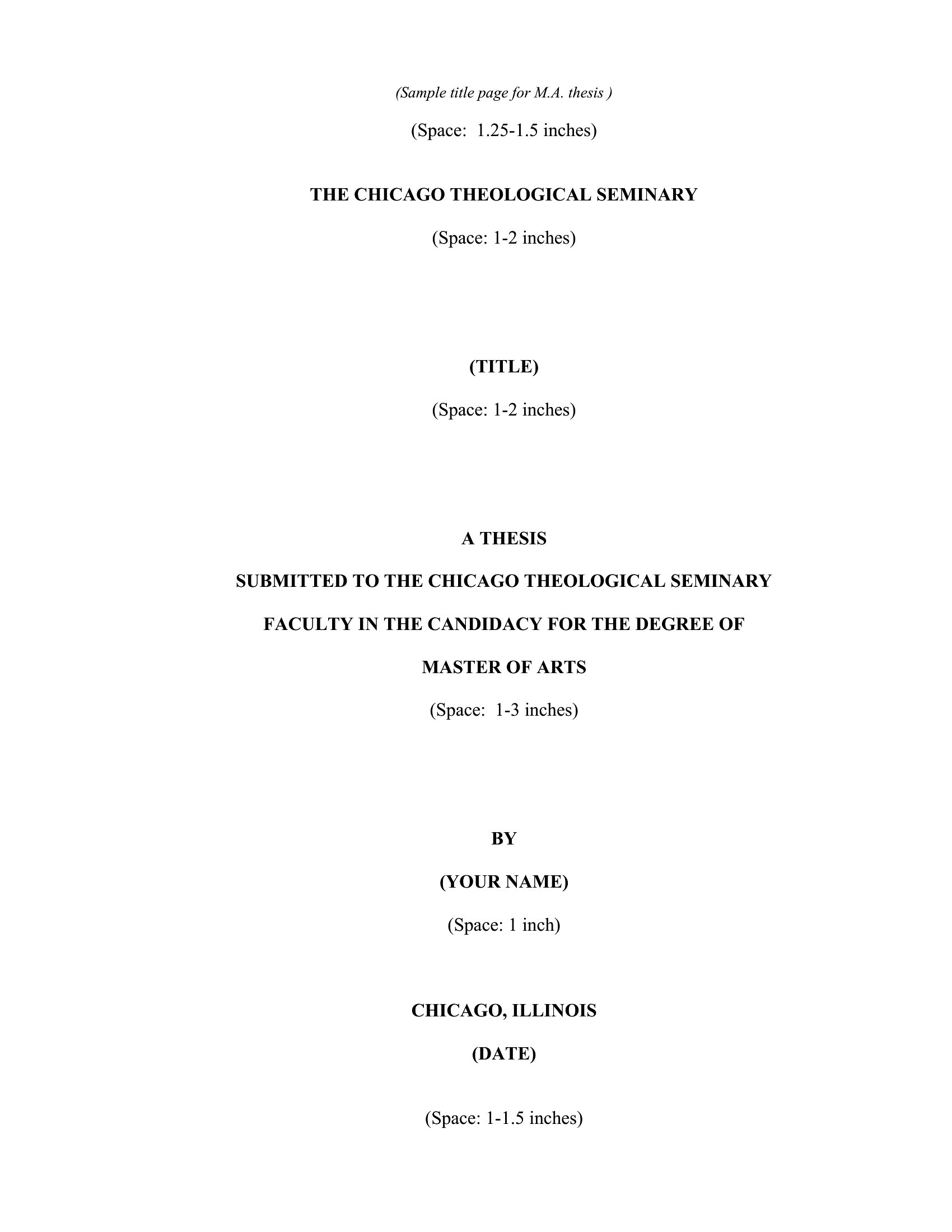
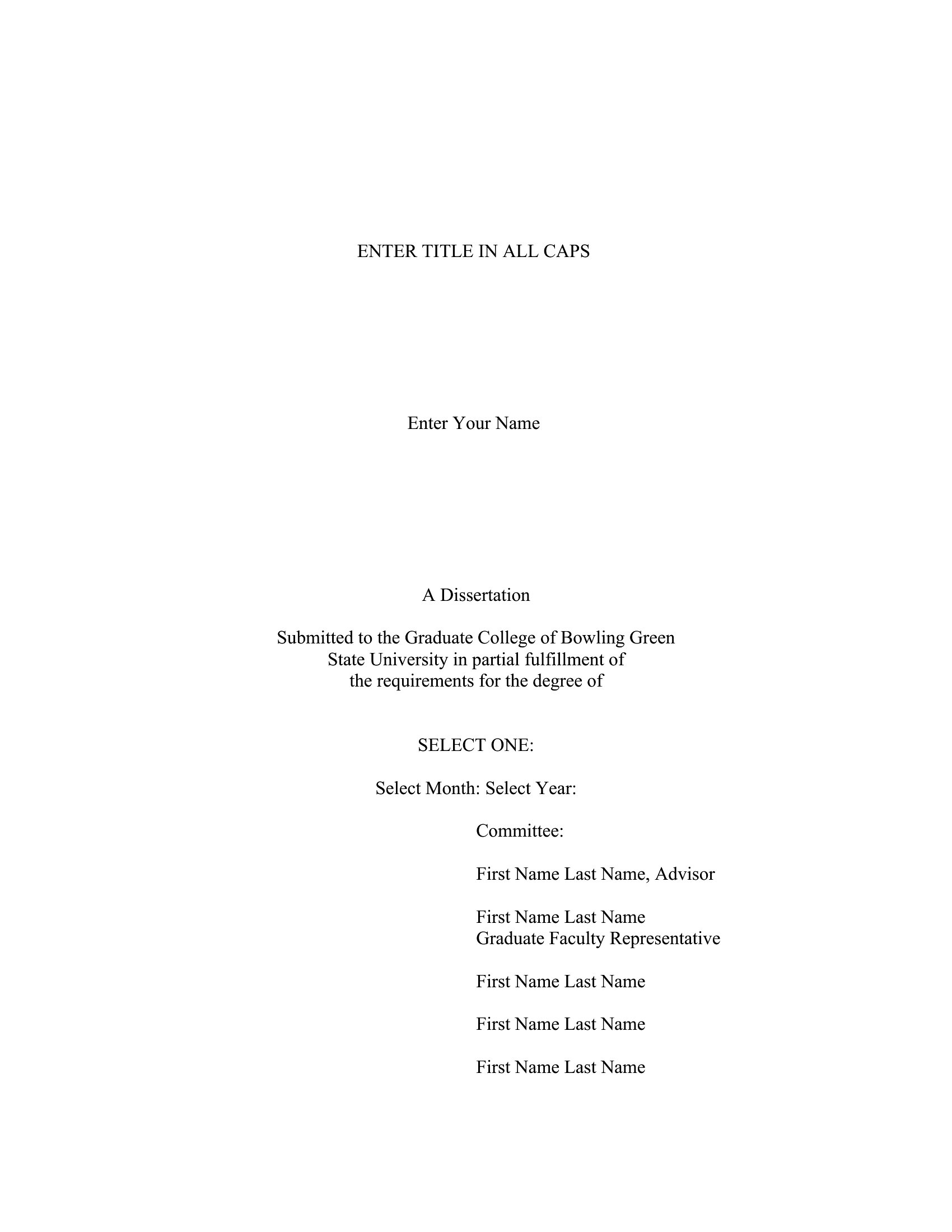
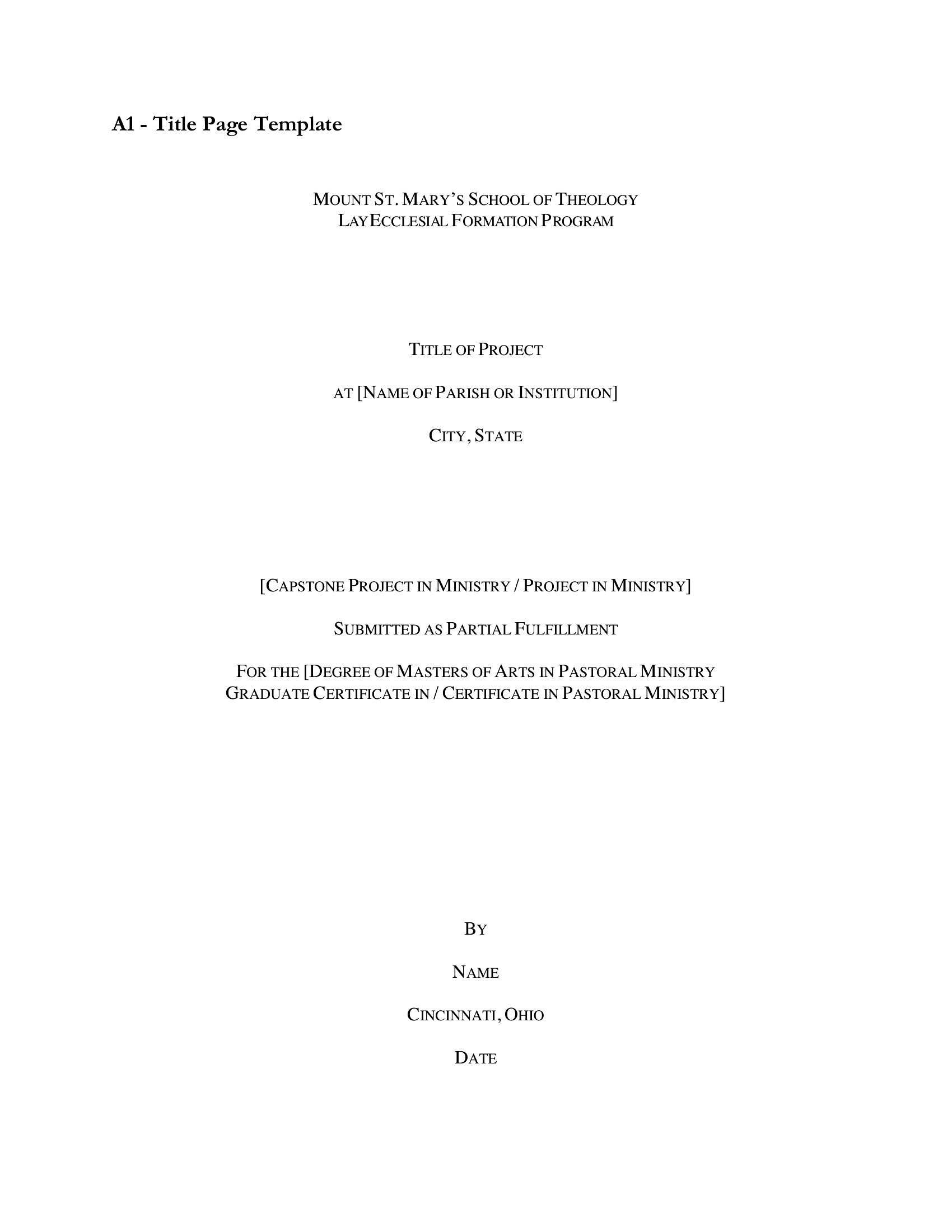
Free Title Page
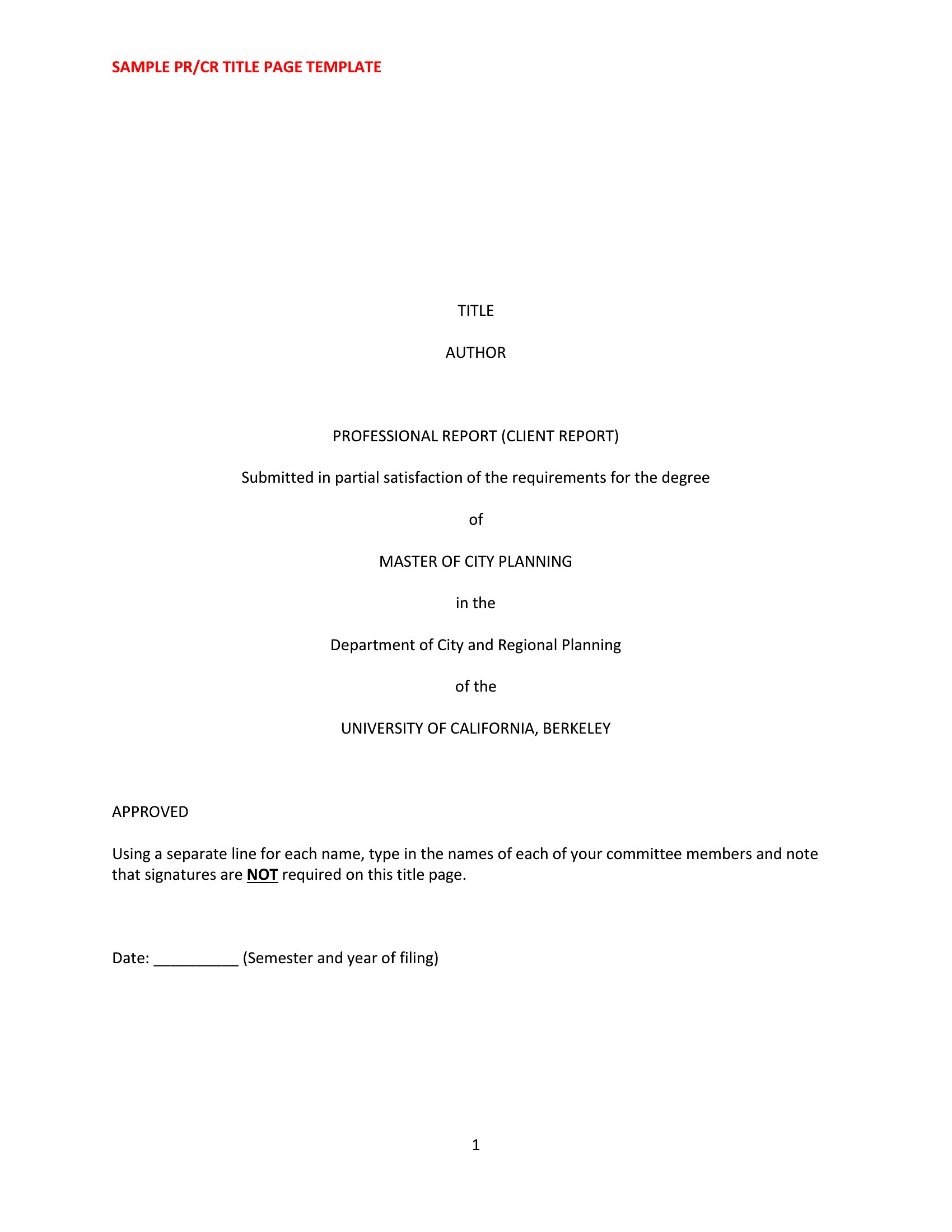

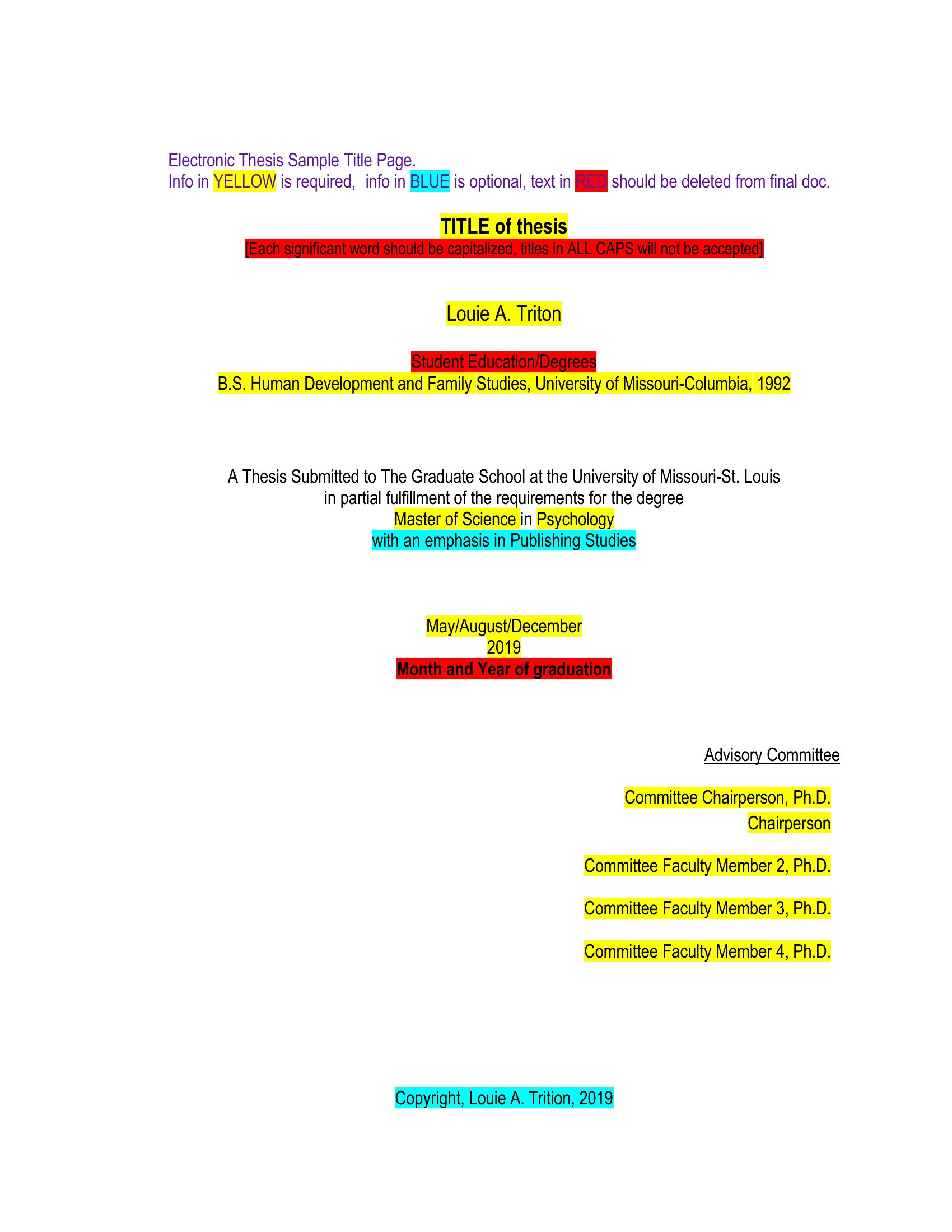
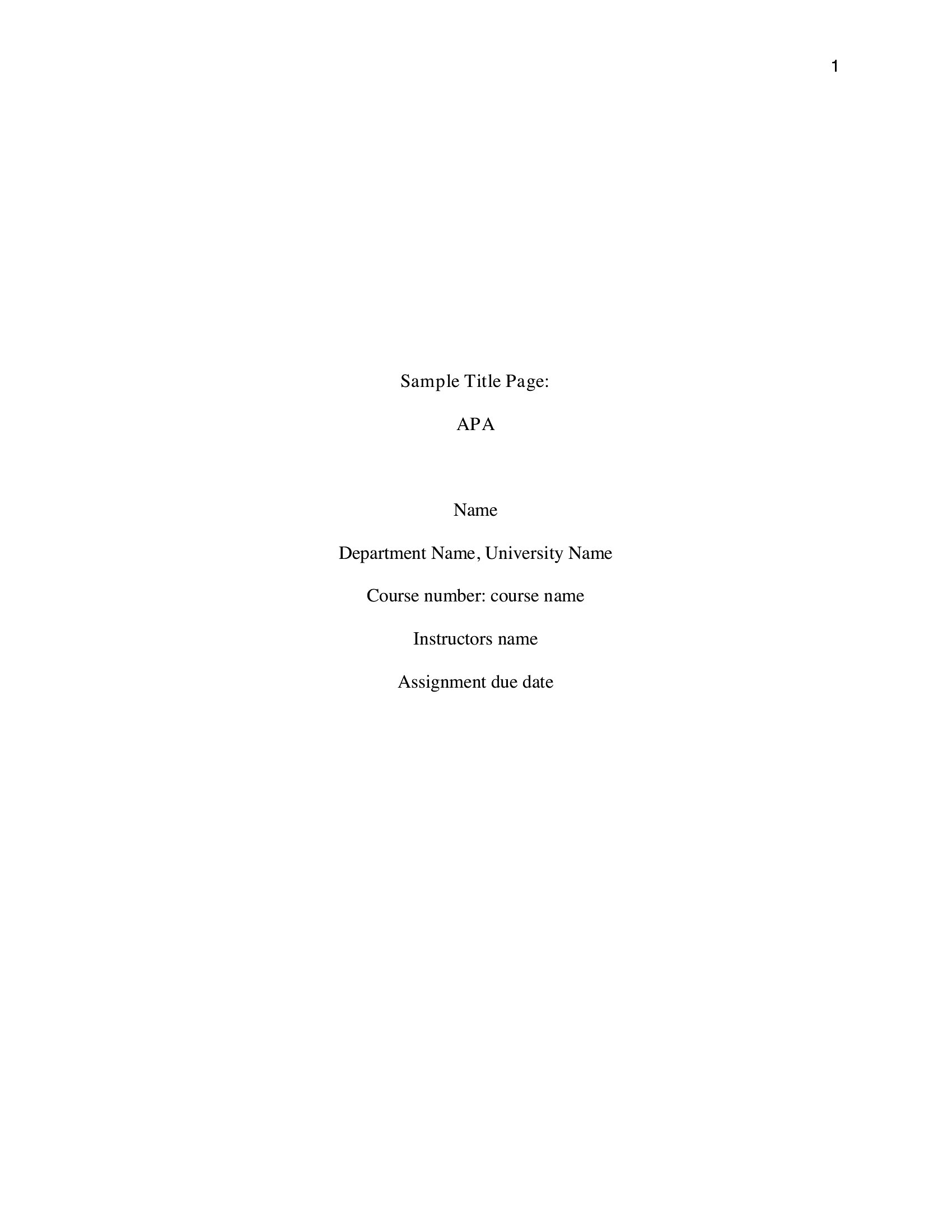
Pdf Title Page
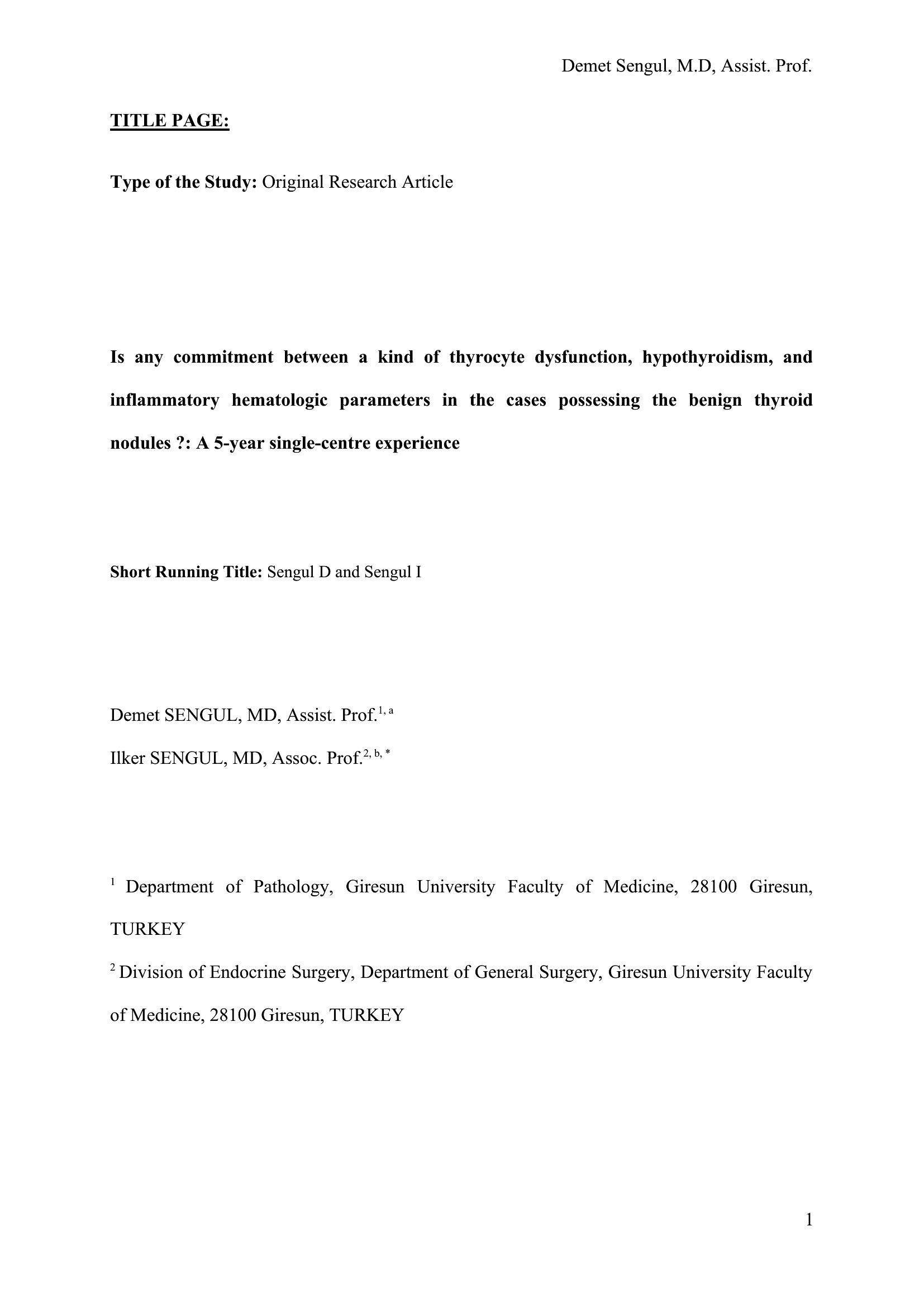
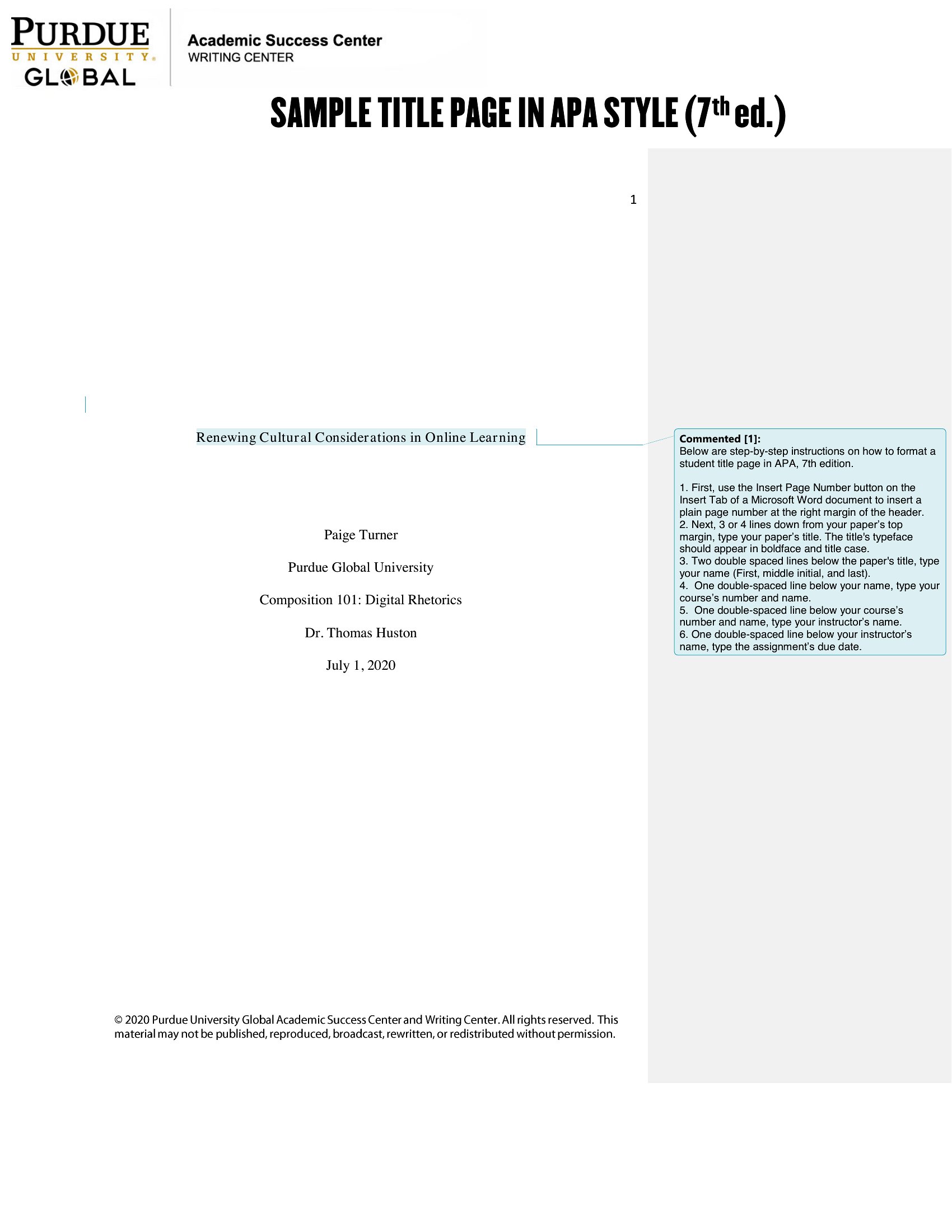
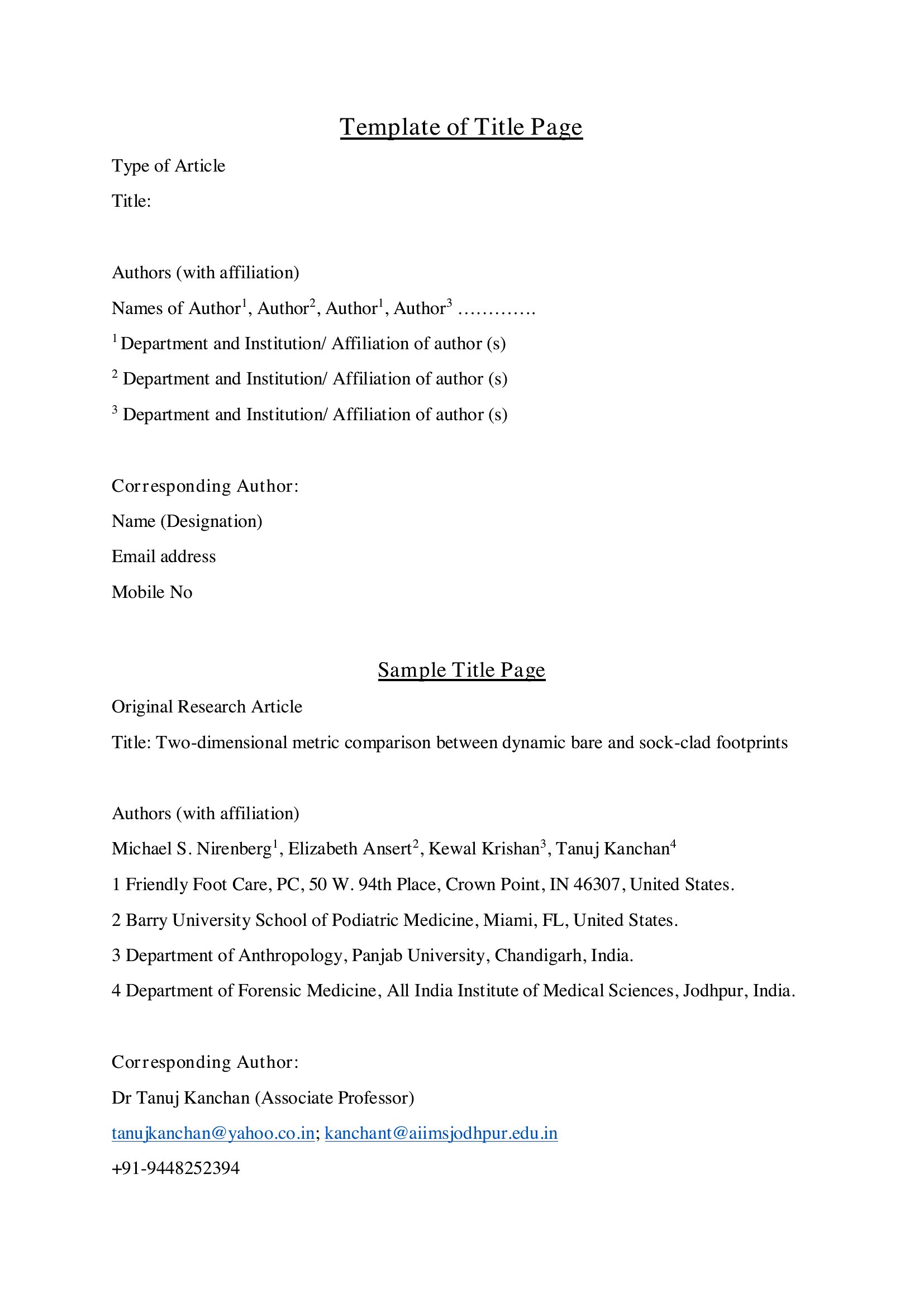
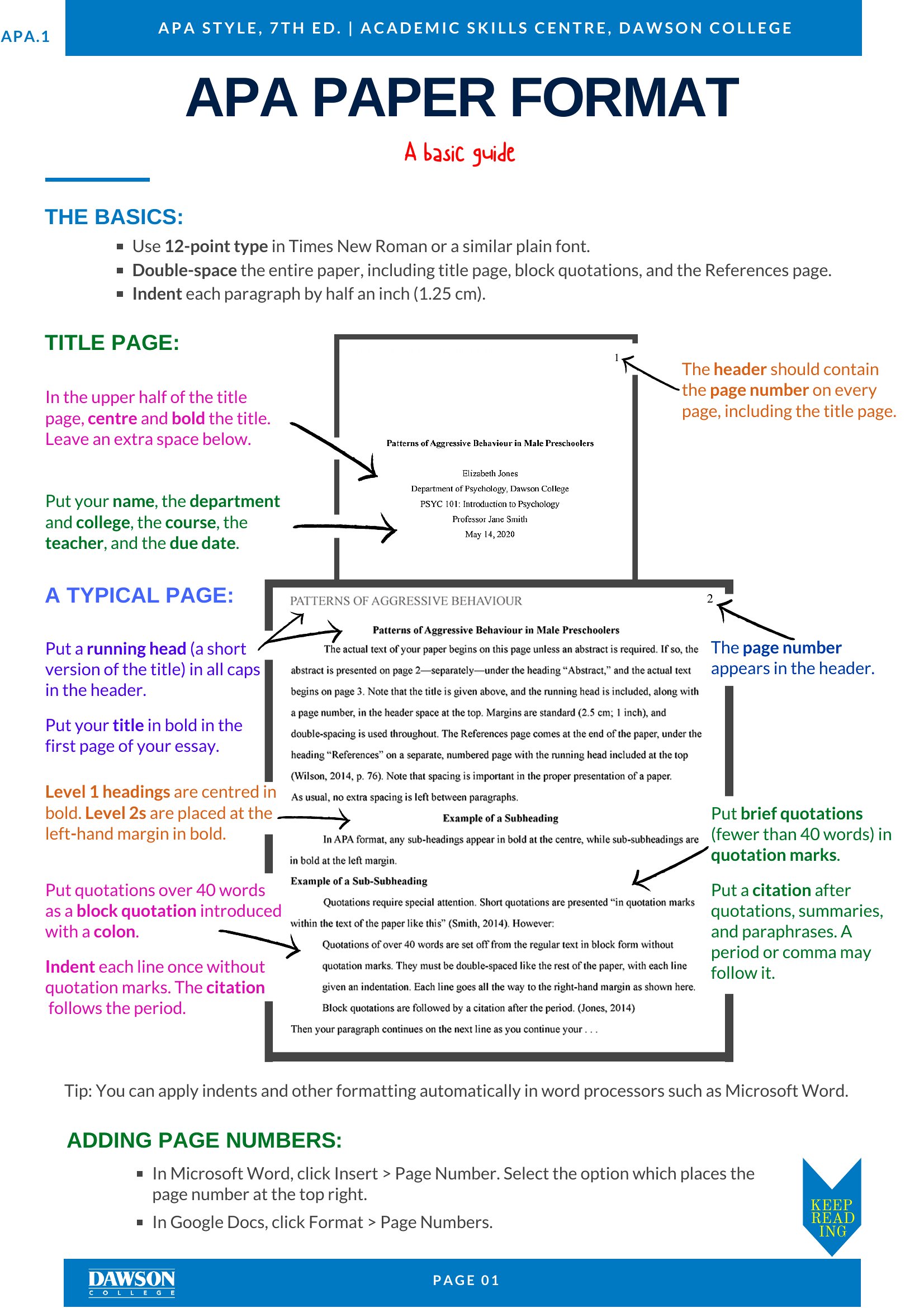
Word Title Page
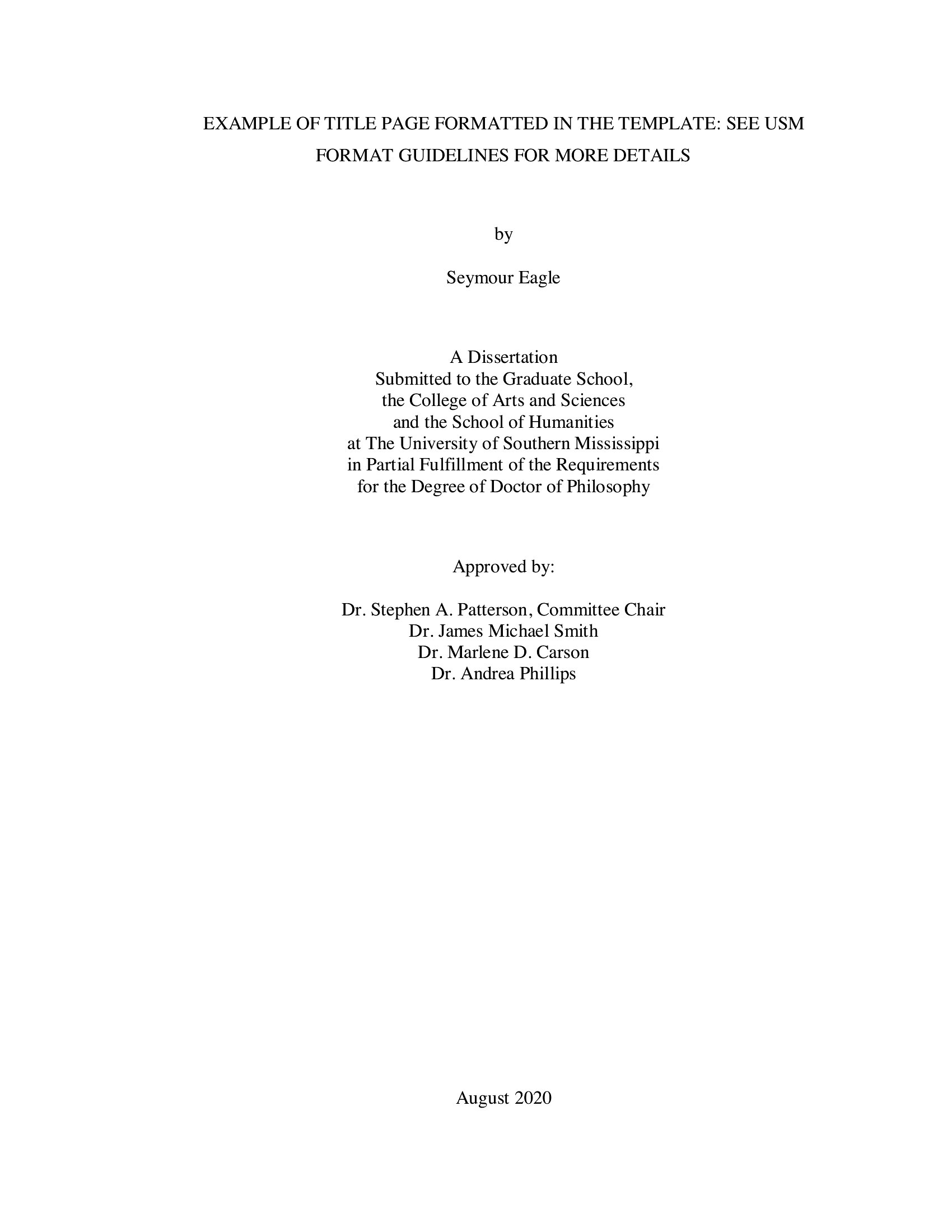
Frequently Asked Questions about Title Page Templates
Are these Title Page templates free to download?
Yes. Every Title Page template in this collection is free to download from TemplateSpark. Just open the template you need, download it, and start editing right away — no subscription required to get started.
What file formats are available for Title Page templates?
These Title Page templates are available in Word and PDF. Pick the format that matches your workflow — each download keeps the original layout so it looks right whether you open, print, or share it.
Can I edit these Title Page templates?
Yes. The editable files open in Microsoft Word (and compatible apps like Google Docs or LibreOffice), so you can change the text, colors, and layout to fit your needs, then save or export the finished Title Page document.
How many Title Page templates can I choose from?
This page collects 48 Title Page templates so you can compare styles and layouts in one place. Browse the options, open the one that fits your purpose best, and download it in your preferred format.
Can I use Title Page templates for commercial purposes?
In most cases, yes — these Title Page templates are intended for both personal and business use. Check the license note on the template before redistributing or reselling, and avoid sharing the source files as your own product.
What should a title page include?
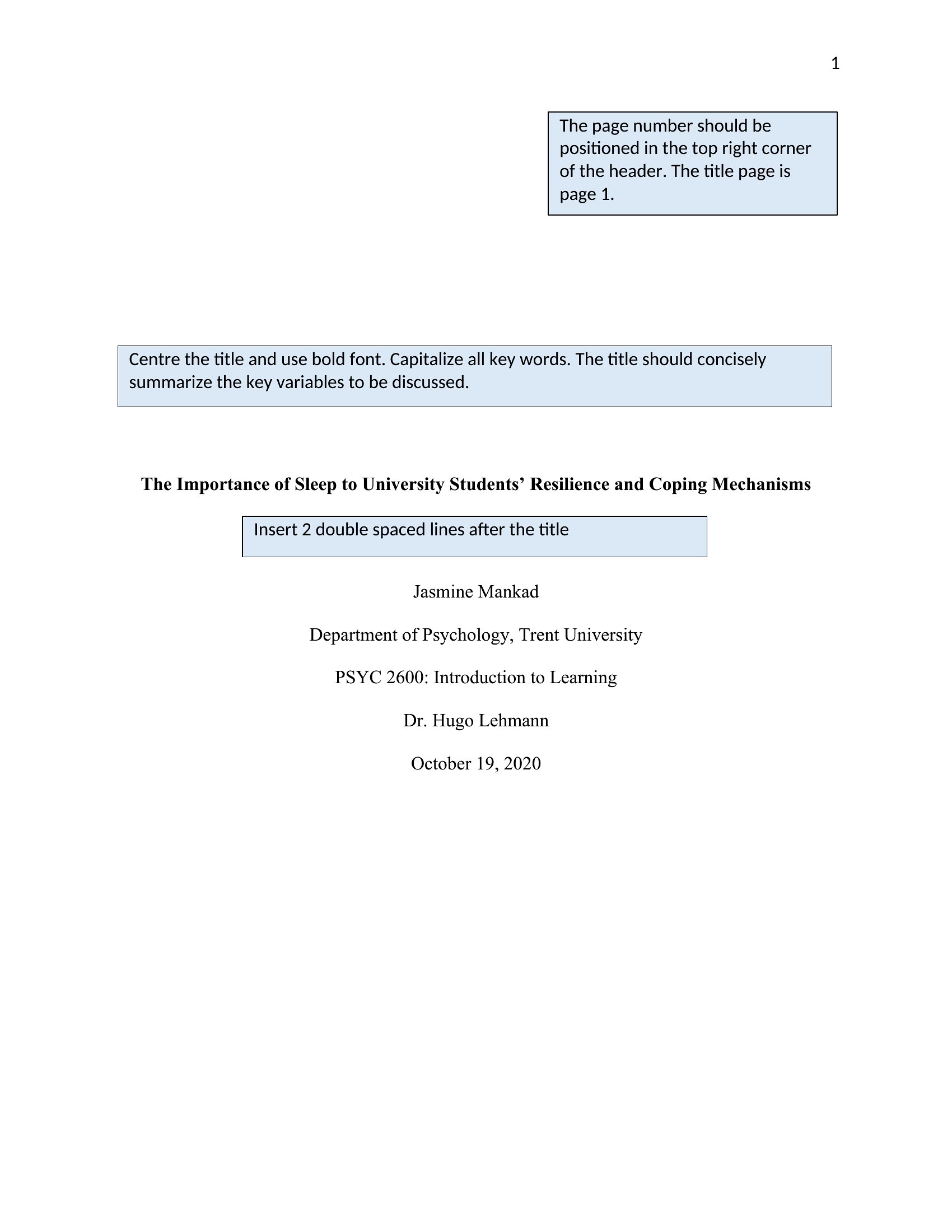
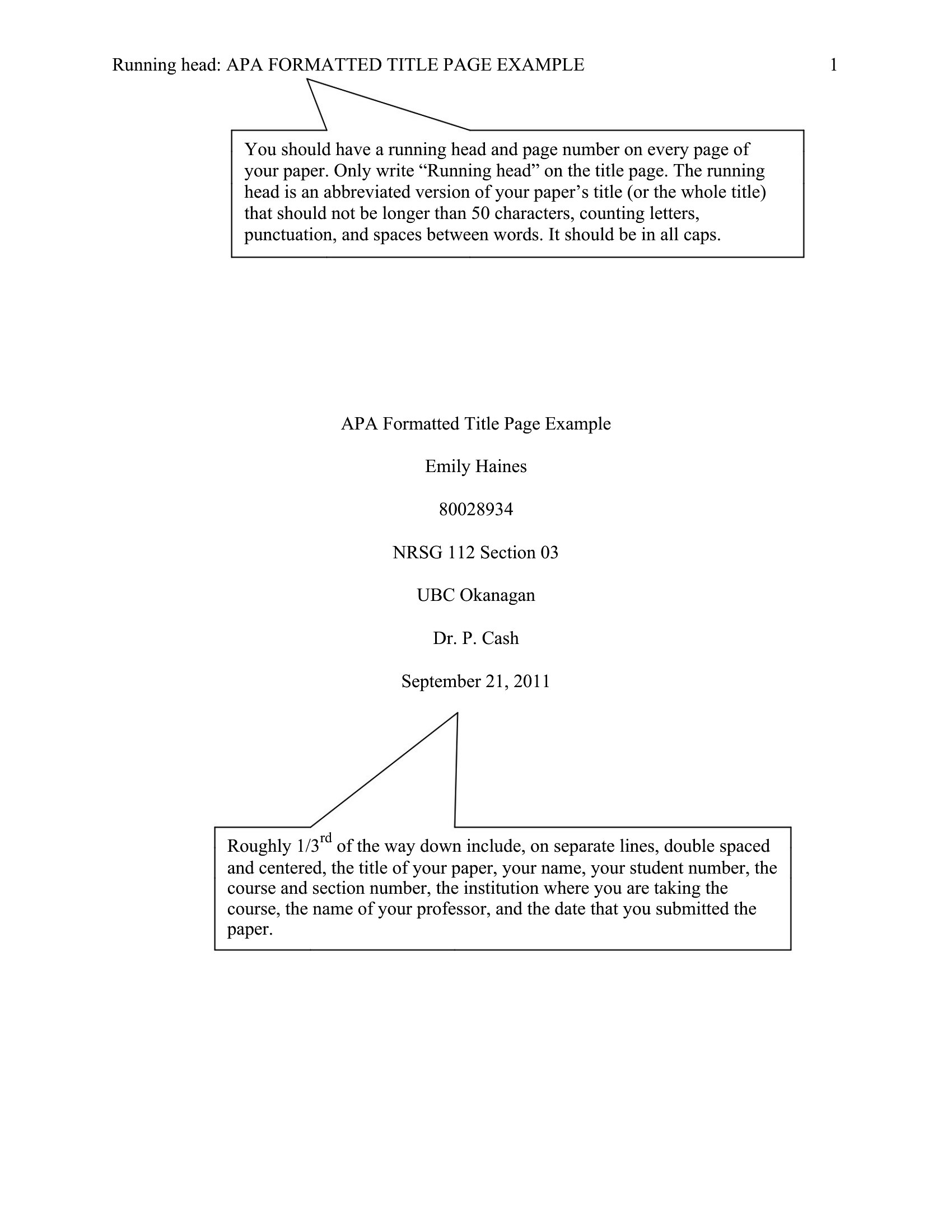
A title page typically includes the document title, the author's name, and the date. Academic versions often add the course, instructor, and institution, while business ones may show the company. The layout is clean and centered so the key details introduce the work clearly before the content begins.
How do you format a title page for an academic paper?
Follow the required style, such as APA or MLA, which sets the order and placement of the title, author, institution, and date. Center the main elements, use consistent fonts, and keep spacing even. Checking the assignment guidelines ensures the page meets the expected academic format.
What is the difference between a title page and a cover page?
The terms are often used interchangeably, but a title page generally lists the formal details like title, author, and date inside a document. A cover page can be more decorative, acting as an outer front for reports or proposals. Both introduce the work before its main content.
Comments
Join the conversation
Sign in to share your thoughts and leave a comment on this resource.