
Free Car Show Flyer Templates (Word, PDF)
Legal by constancefournier
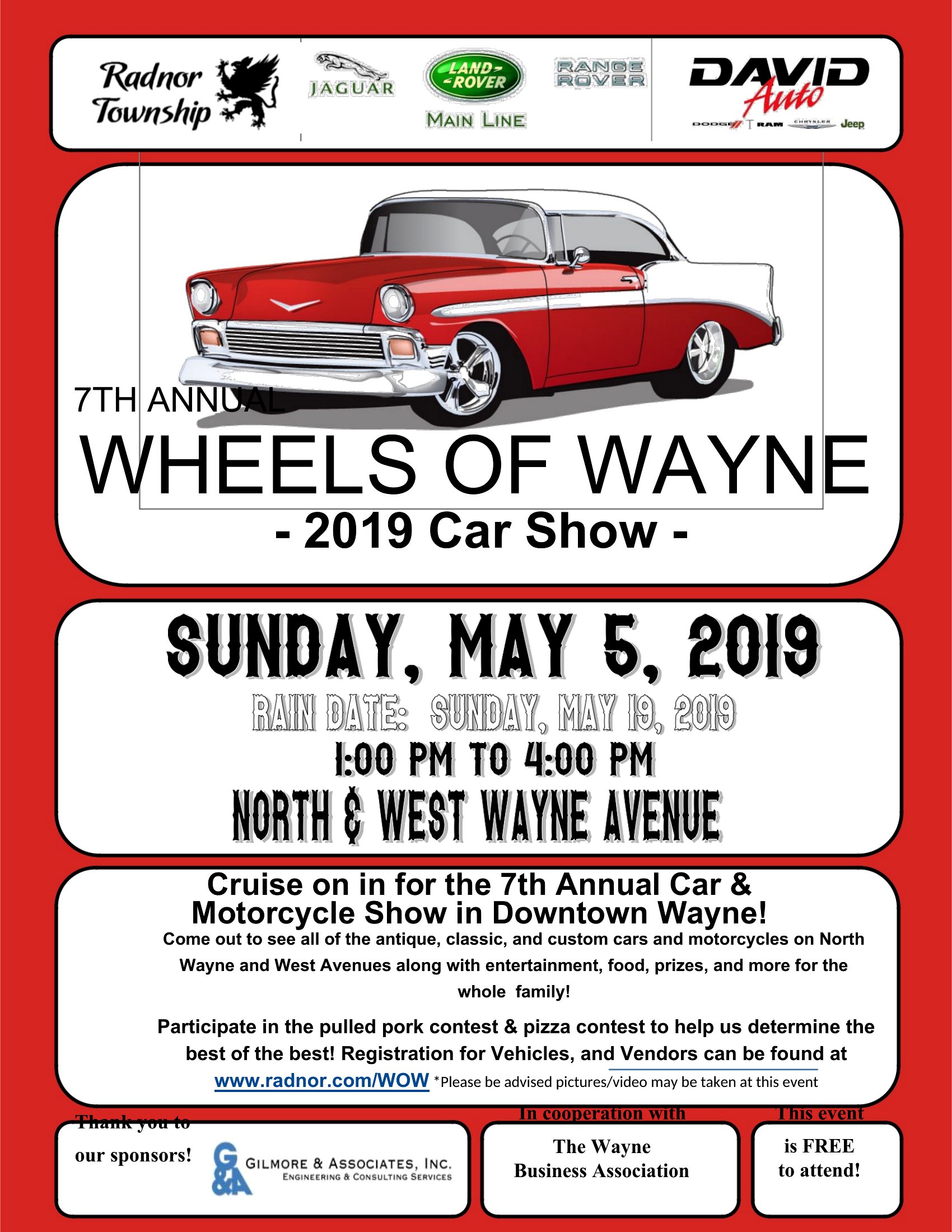
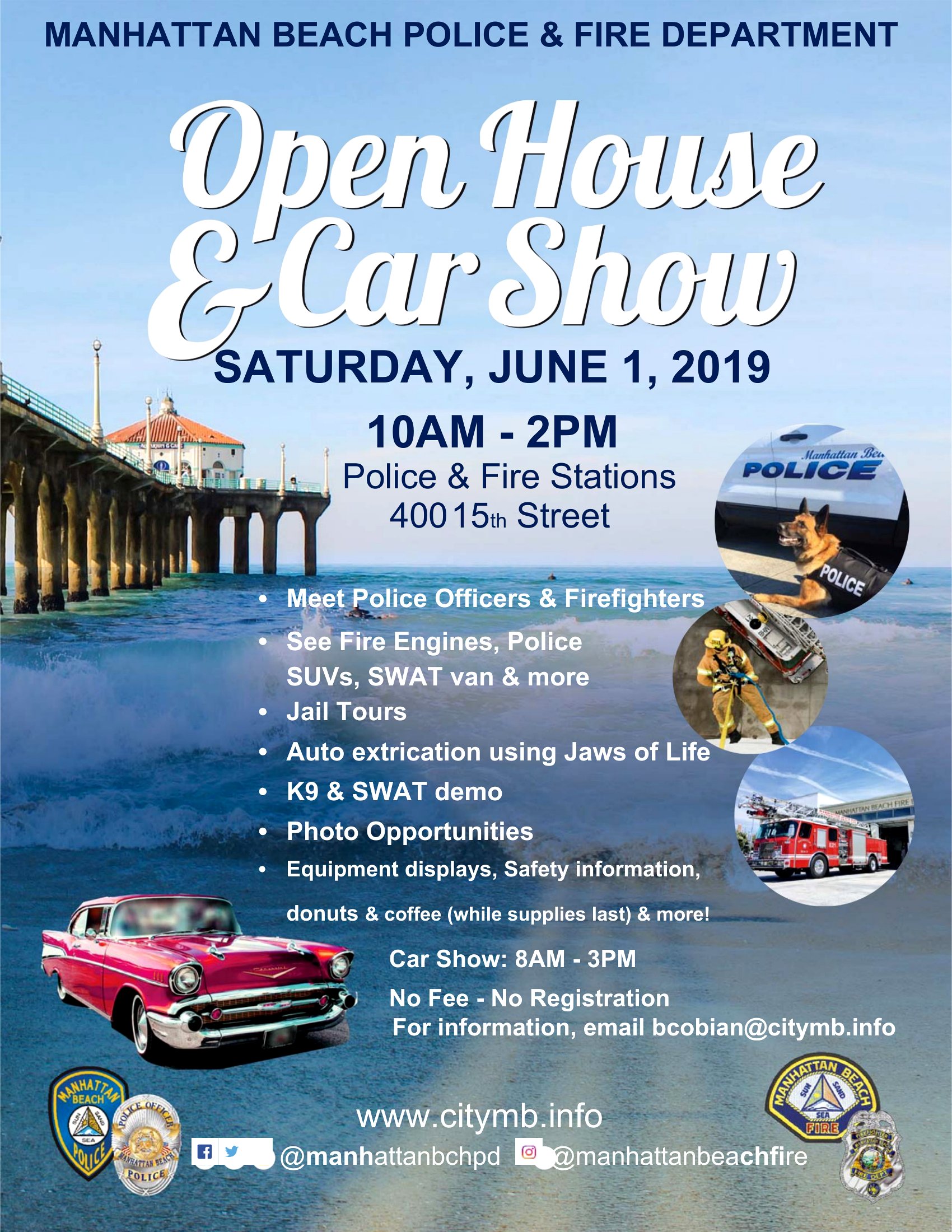
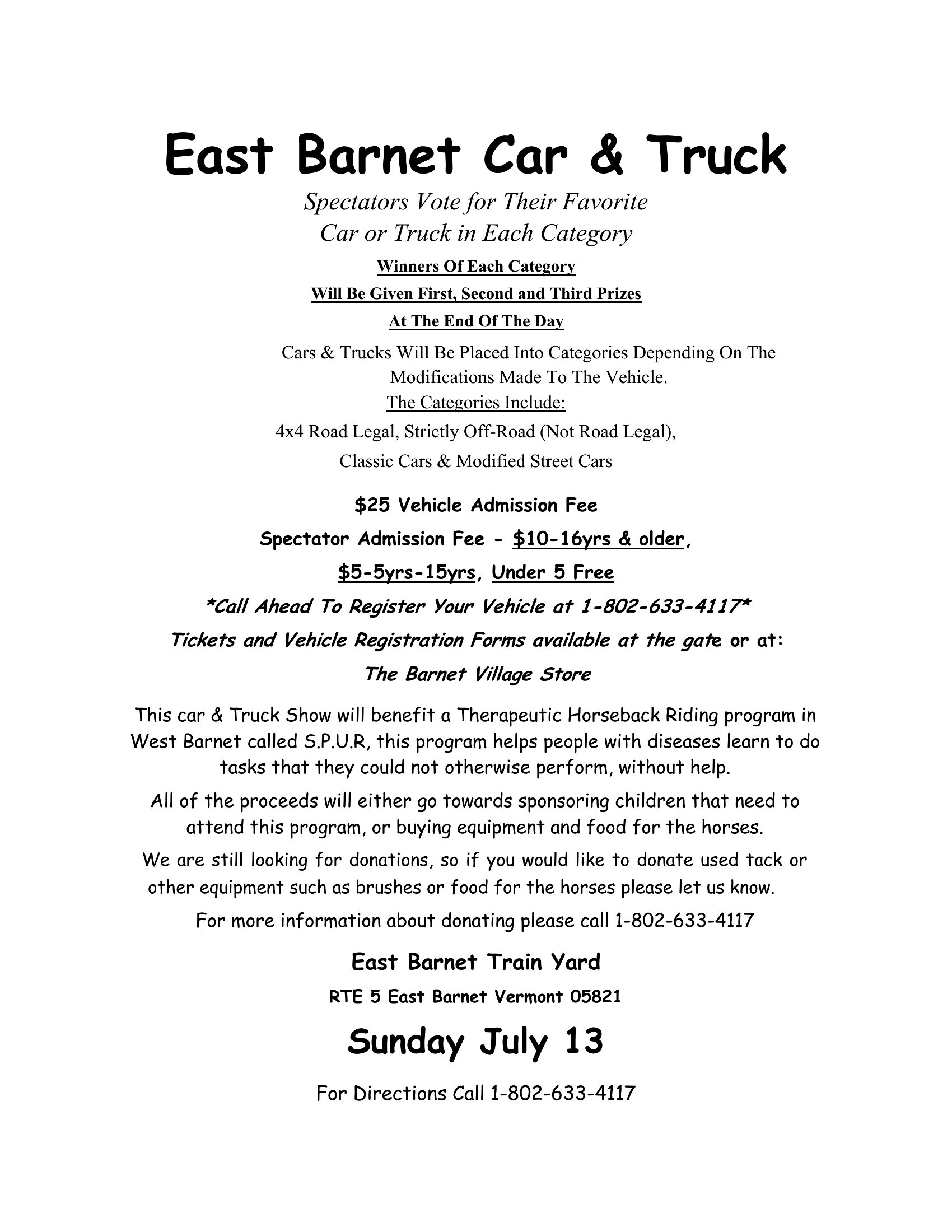
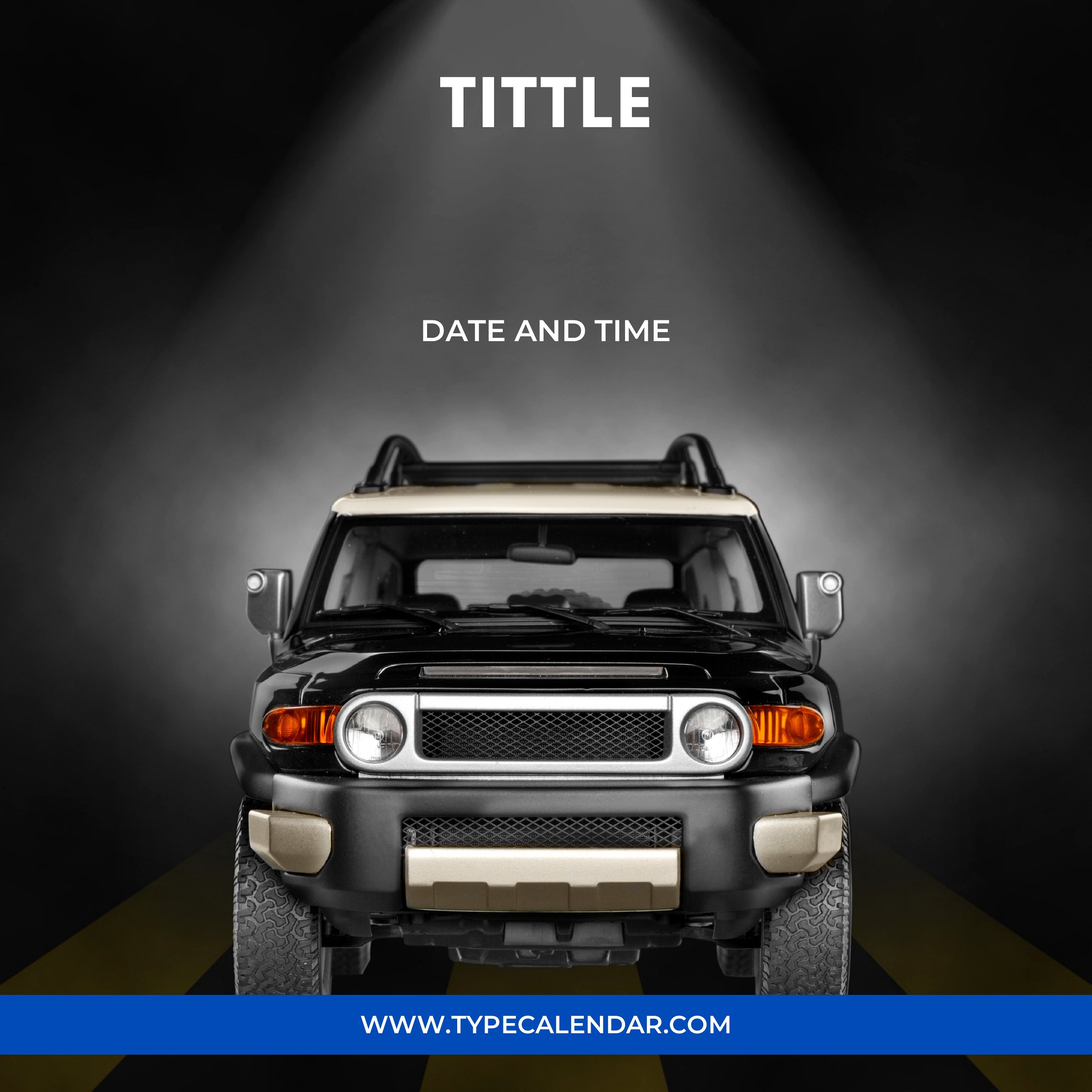
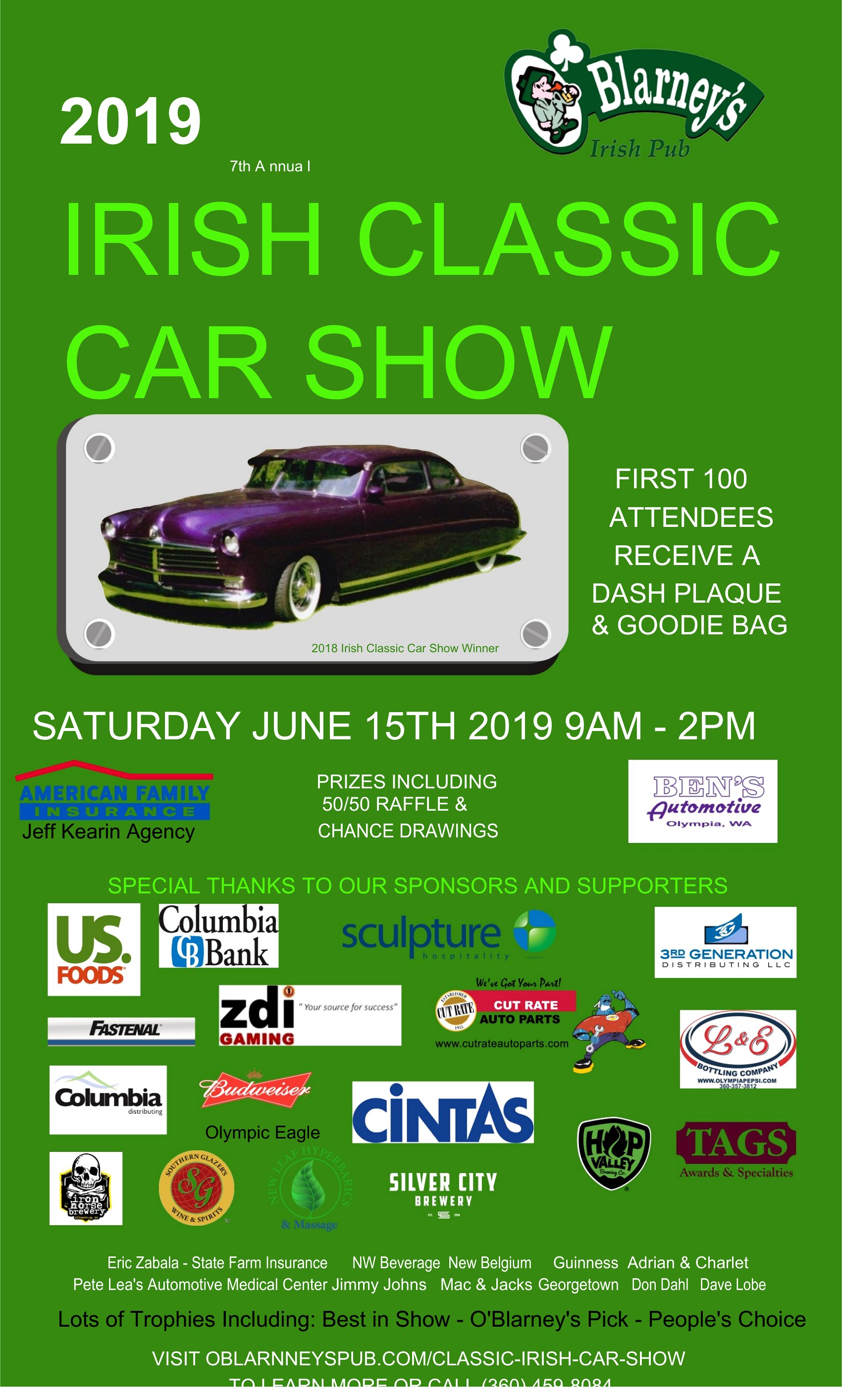
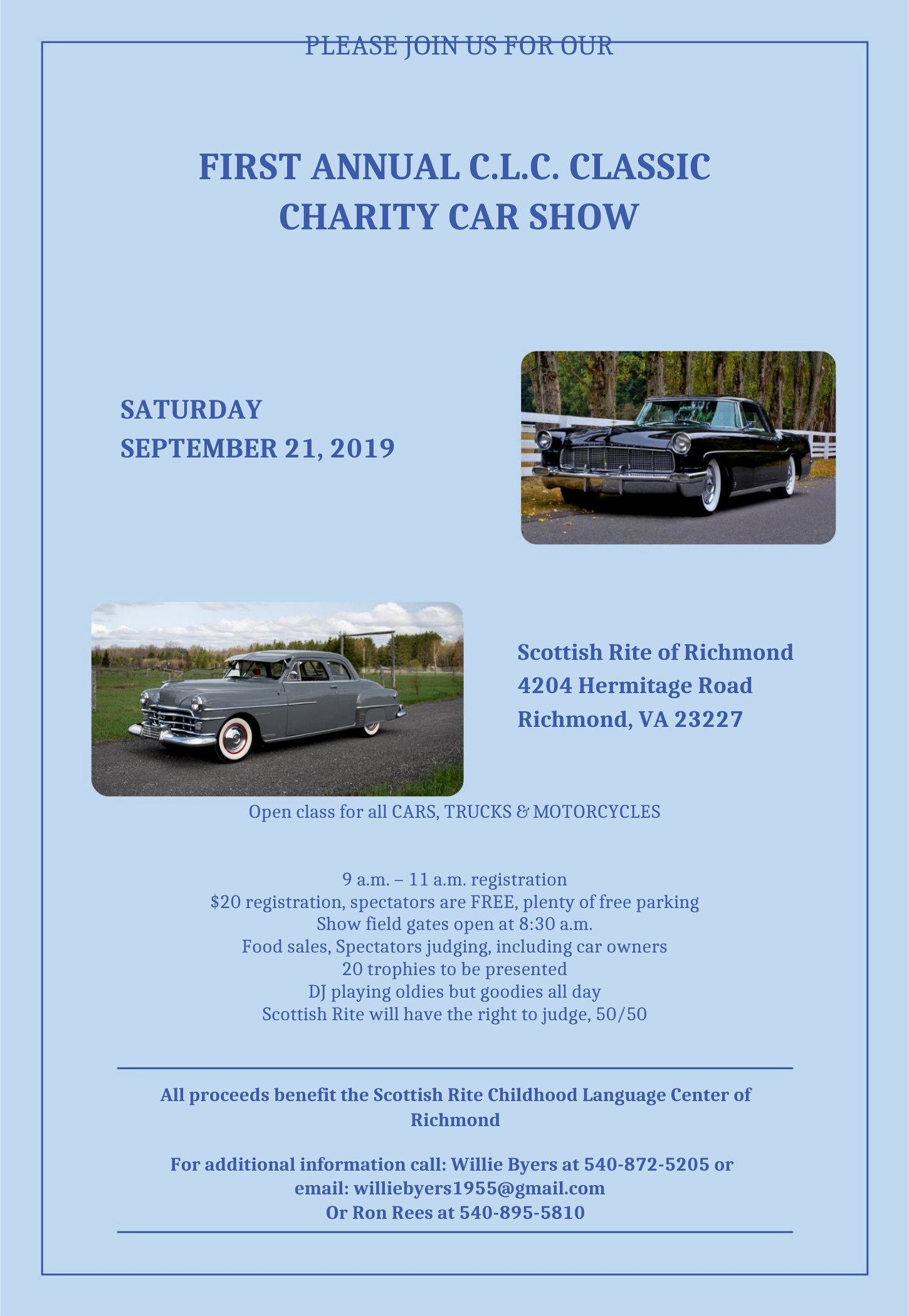
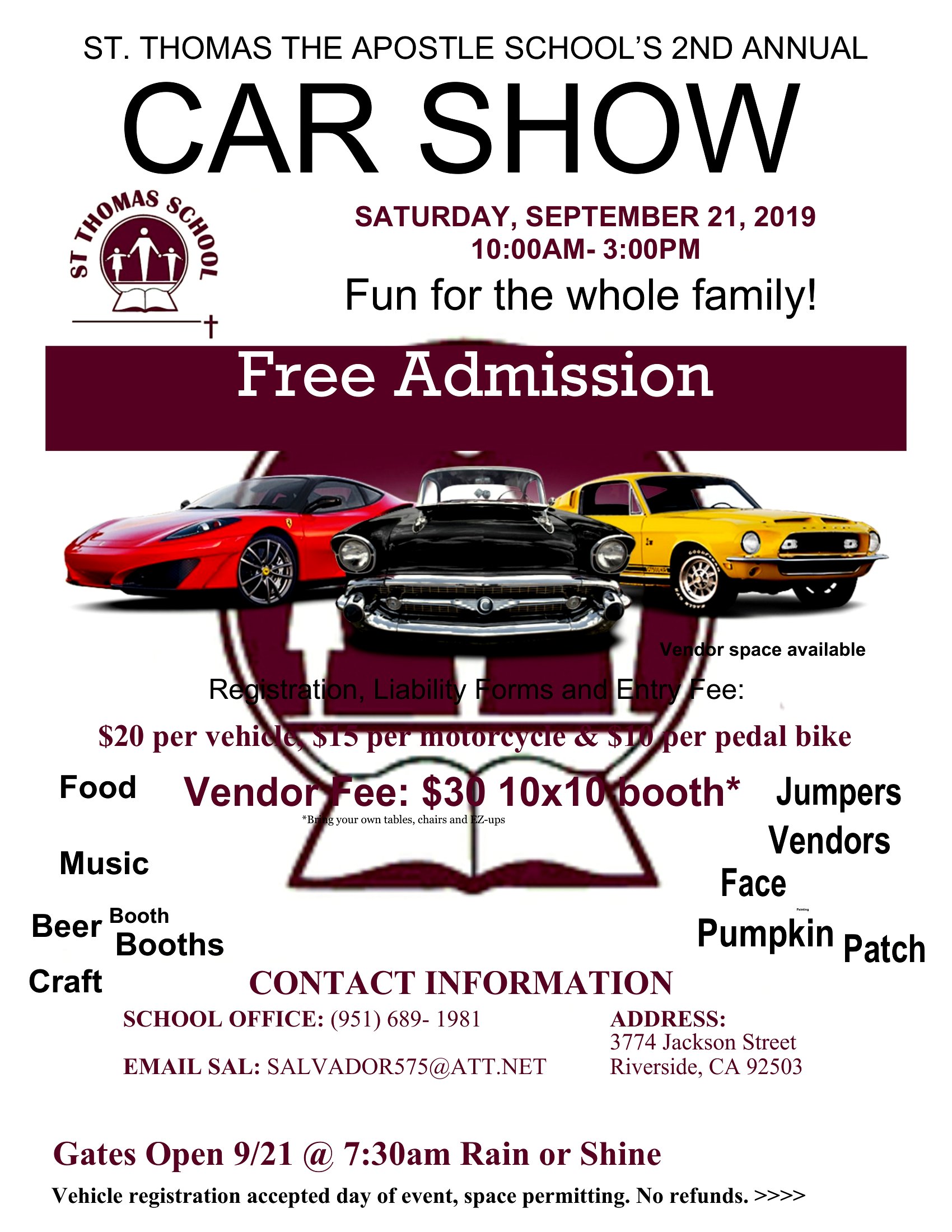
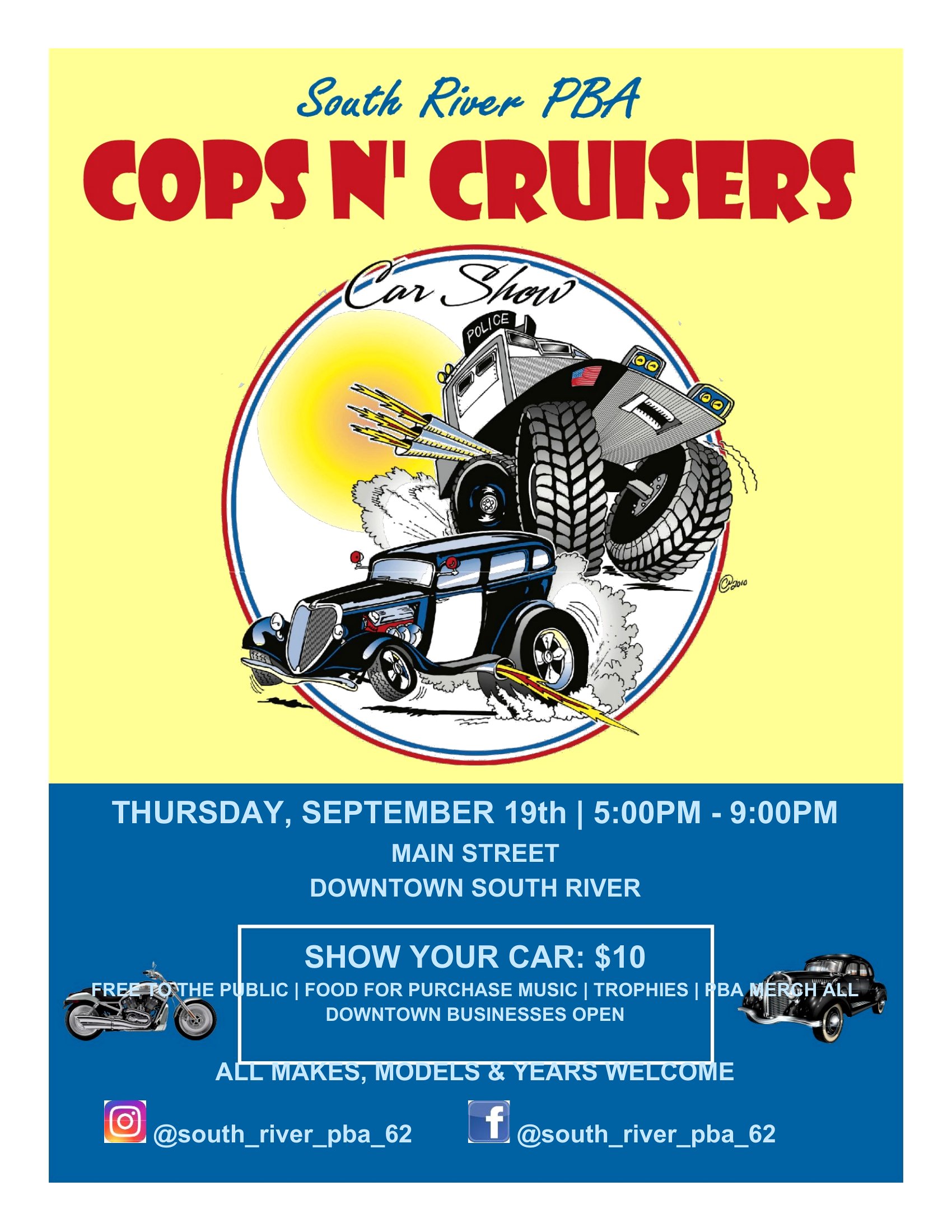
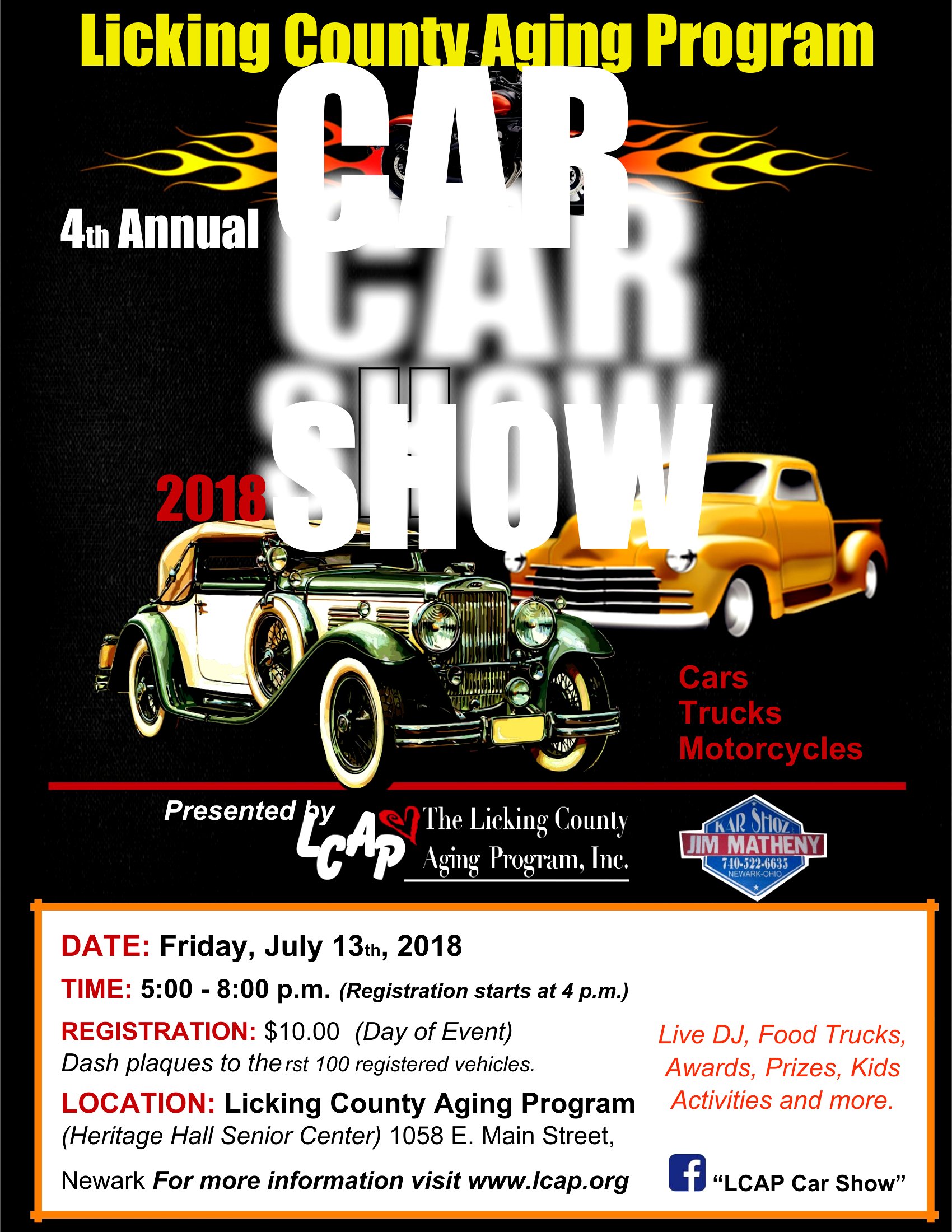
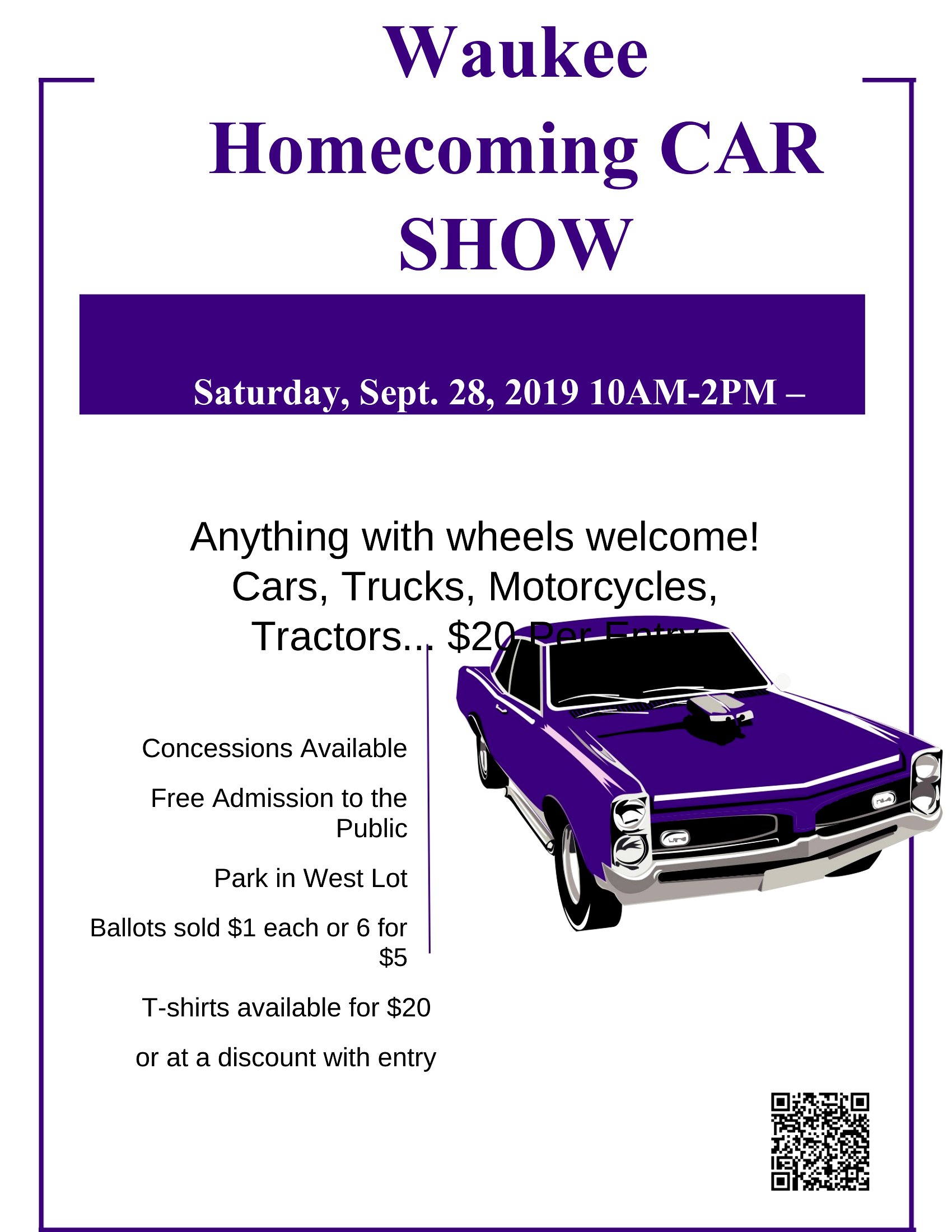
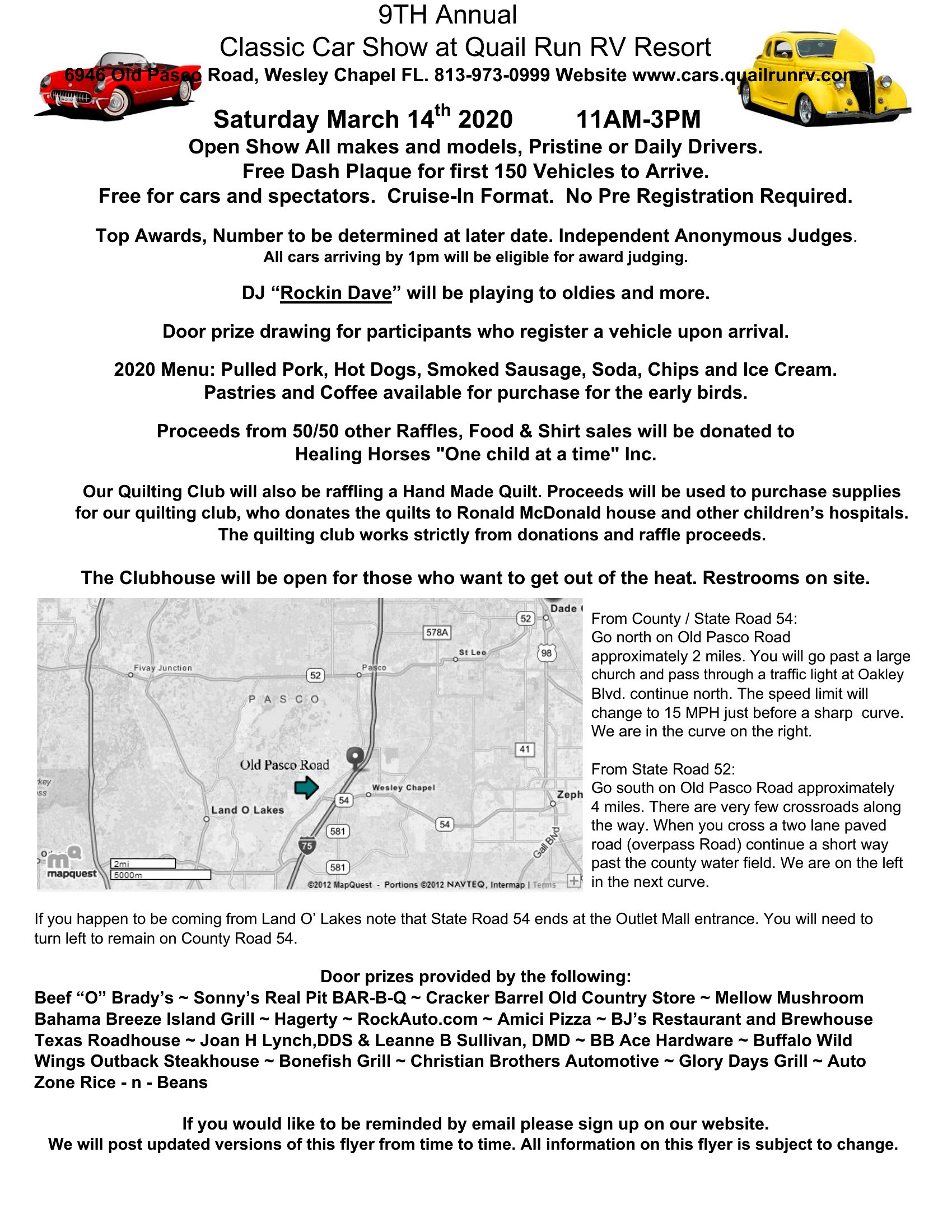
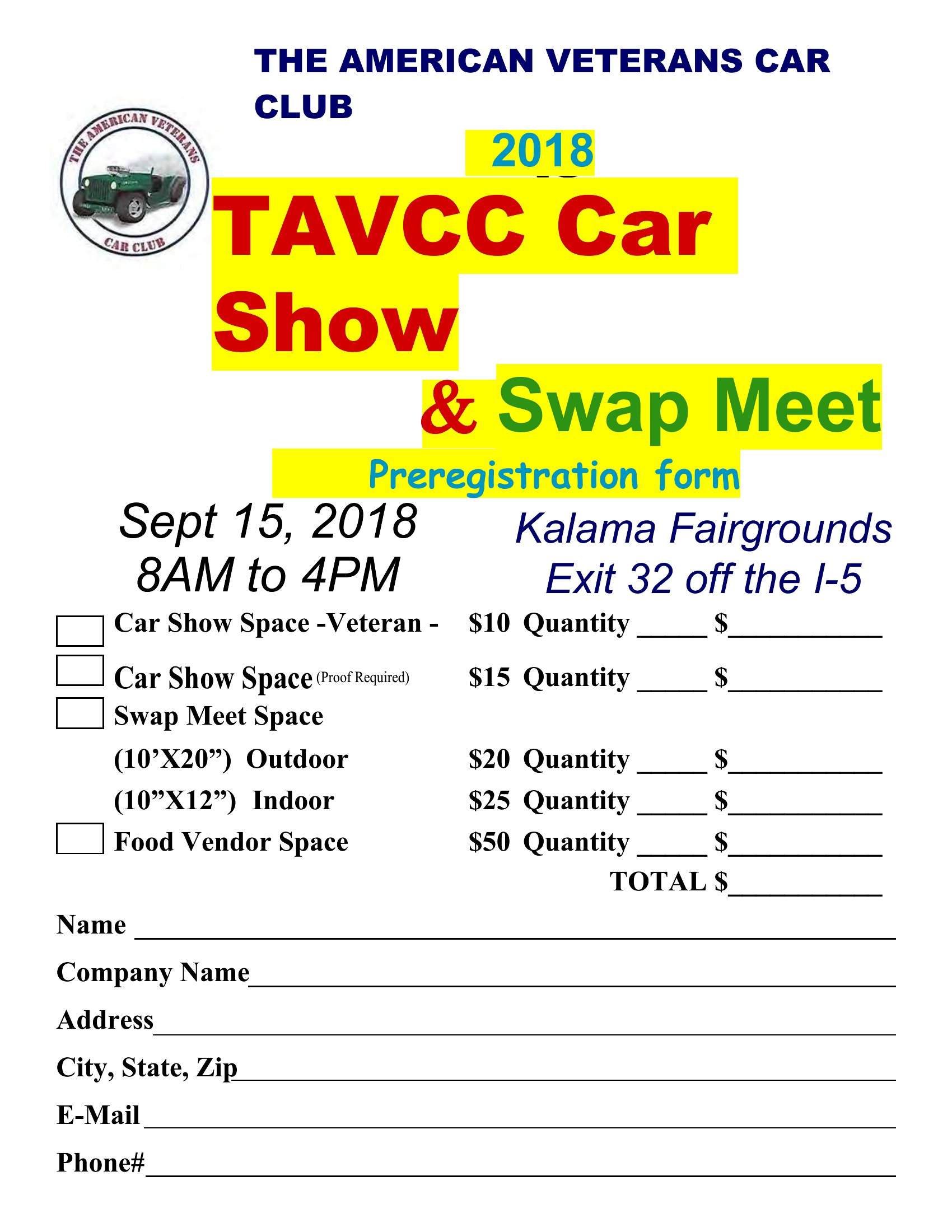
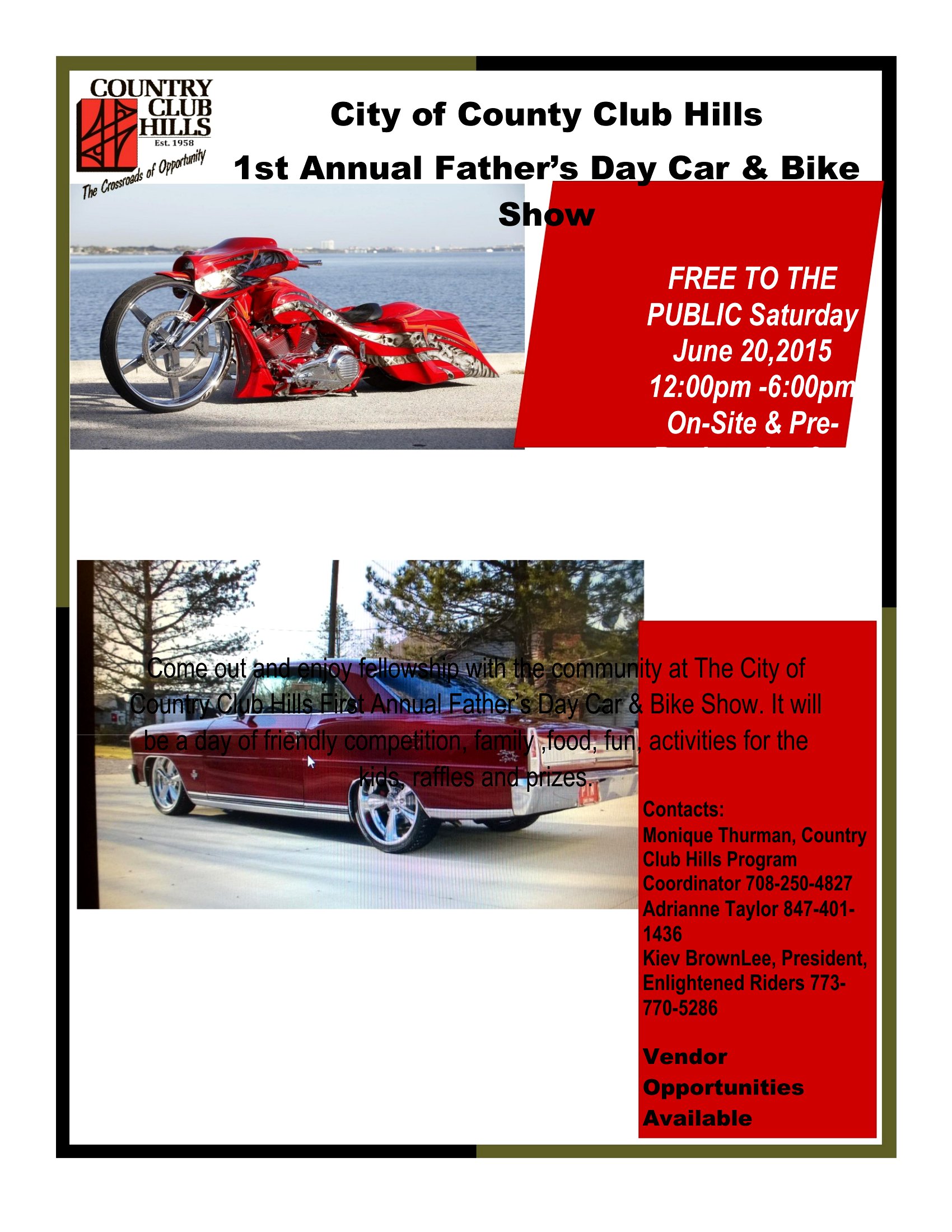
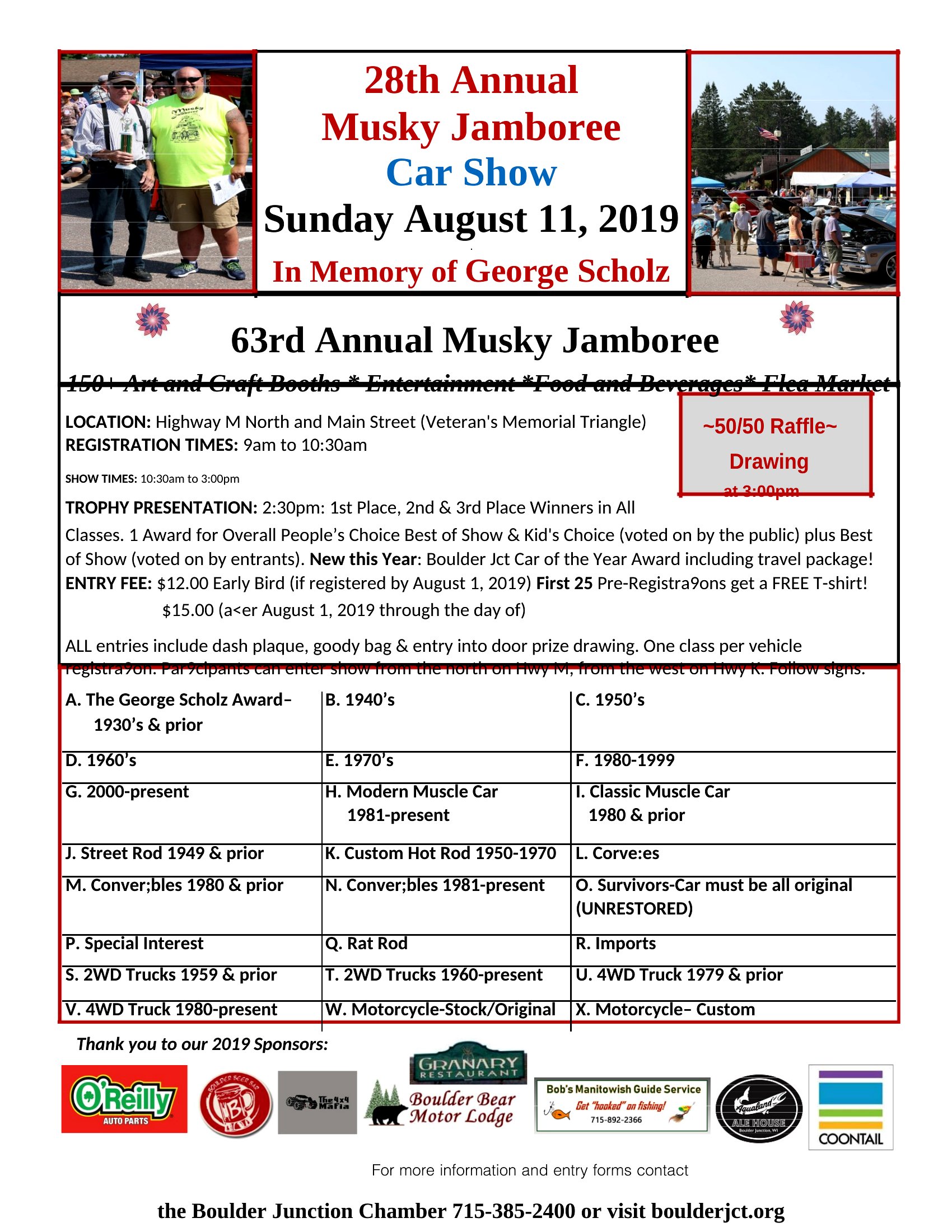
A bold flyer is how word gets around about a car show, cruise-in, or fundraiser, and a strong template does the design work for you. This set of 50 car show flyer templates suits clubs, dealerships, and charity organizers who want something eye-catching without hiring a designer. The layouts leave room for your event name, date, location, entry details, and a few photos.
Edit the Word versions to drop in your text, or print a ready PDF to post around town. Add your sponsors, adjust the colors, and share the file on social media to reach more people. Pick the flyer that matches your event and start spreading the word.
When to use this Car Show Flyer template
- Car clubs hosting a local meetup need a flyer to attract 50+ attendees, highlighting rare models and judging categories in a clean, professional layout.
- A charity event organizing a car show fundraiser requires a visually striking flyer to showcase donor sponsorships and auction details for maximum impact.
- Dealerships promoting a test-drive weekend use these templates to feature model highlights, special offers, and RSVP deadlines in bold typography.
- Small-town event organizers planning a community cruise-in use these flyers to include route maps, check-in times, and family-friendly activities in an easy-to-scan format.
Which format should I download?
Choose Word if you need to tweak text, swap images, or adjust layouts before finalizing—ideal for last-minute event details. Opt for PDF when you want a polished, print-ready version that preserves branding and formatting. Both formats support quick edits, but Word offers flexibility for non-designers, while PDF ensures consistency for shared or printed materials.
Choose from 50 Car Show Flyer Templates
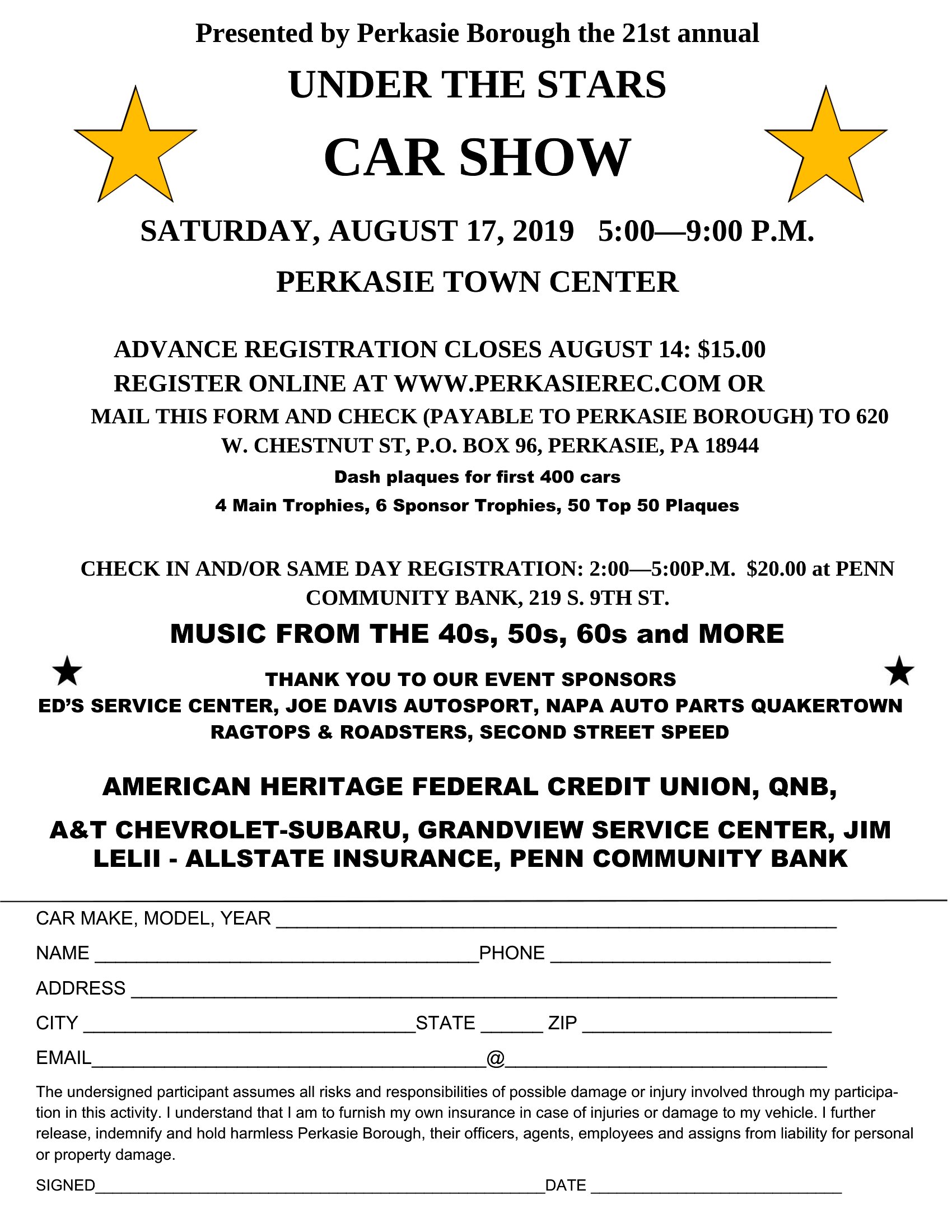
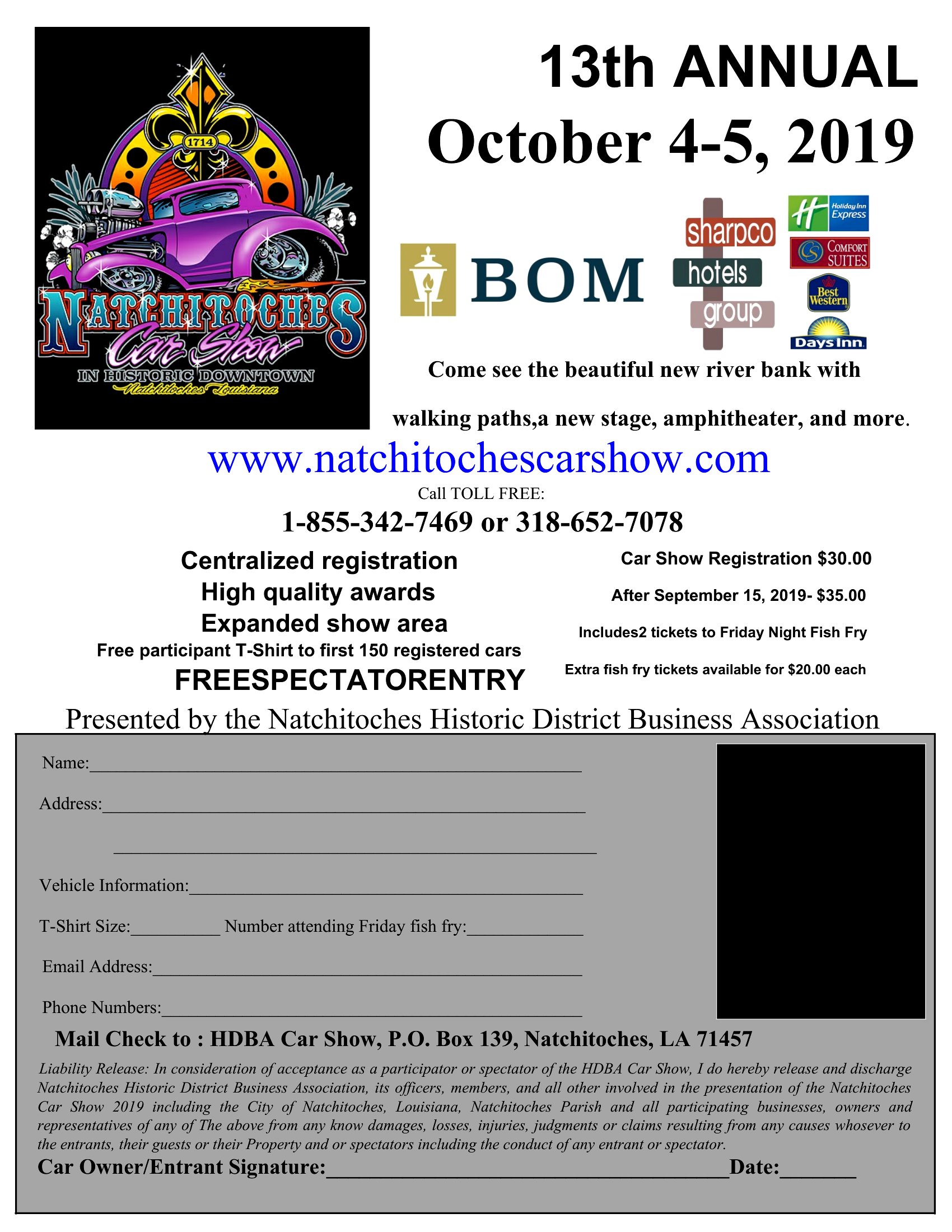
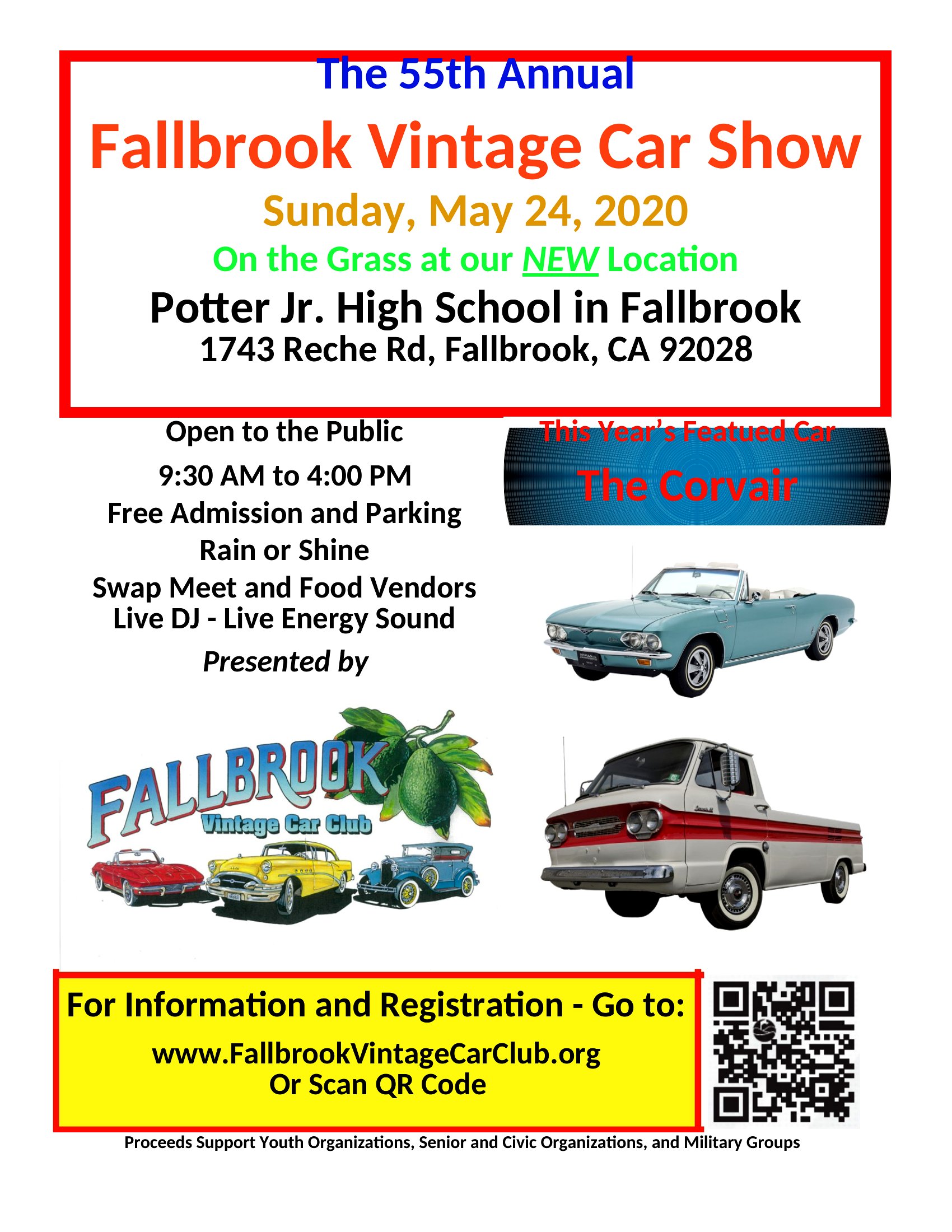
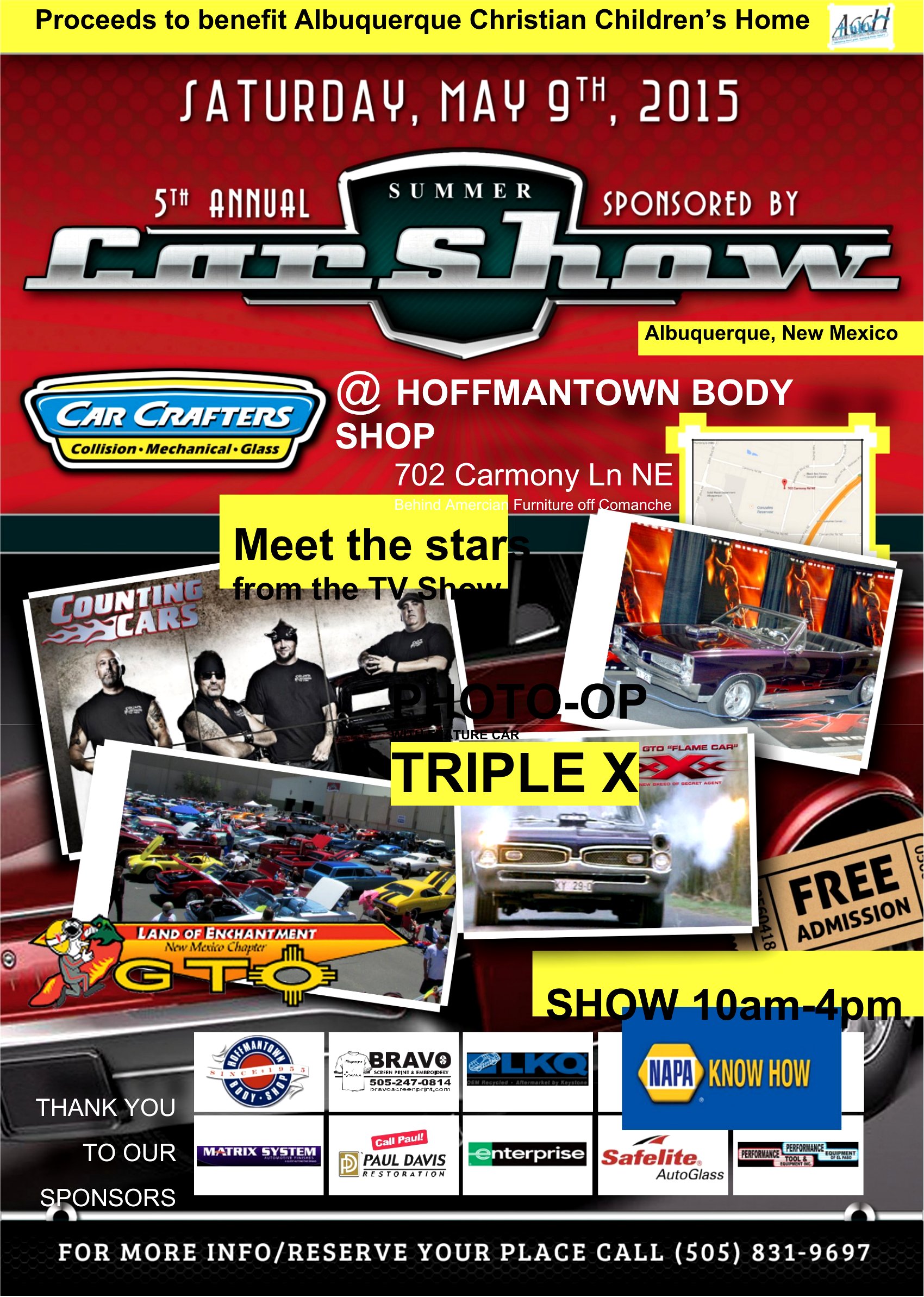
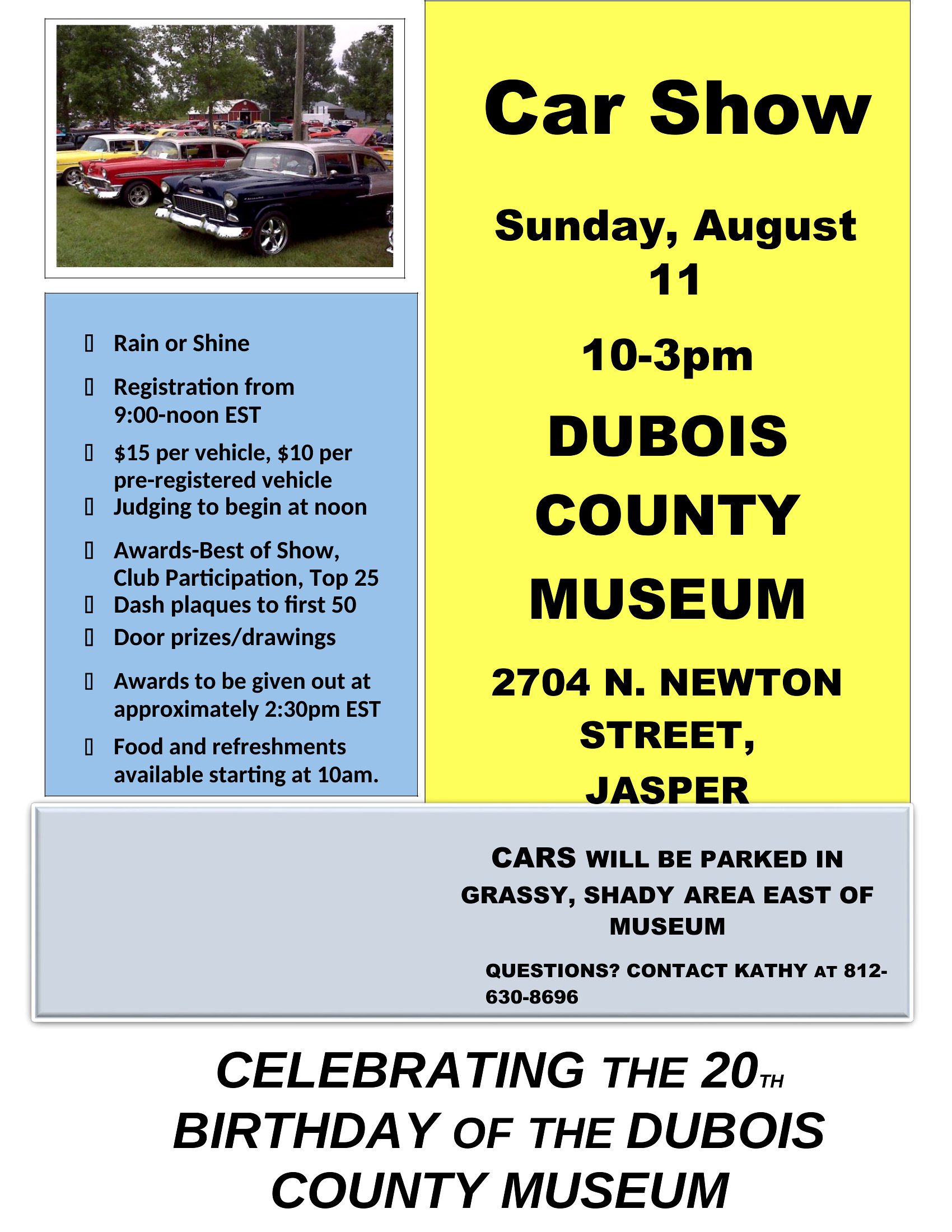
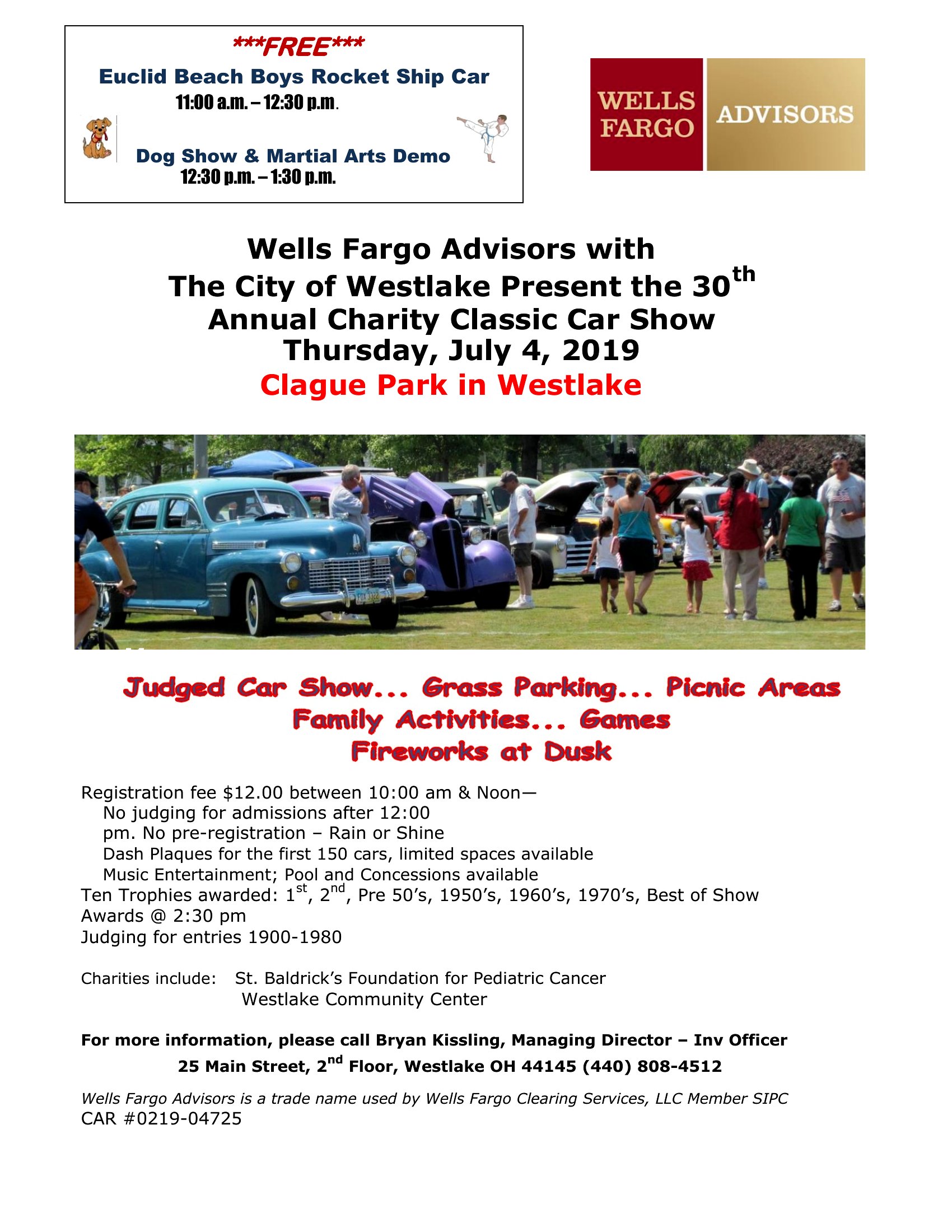
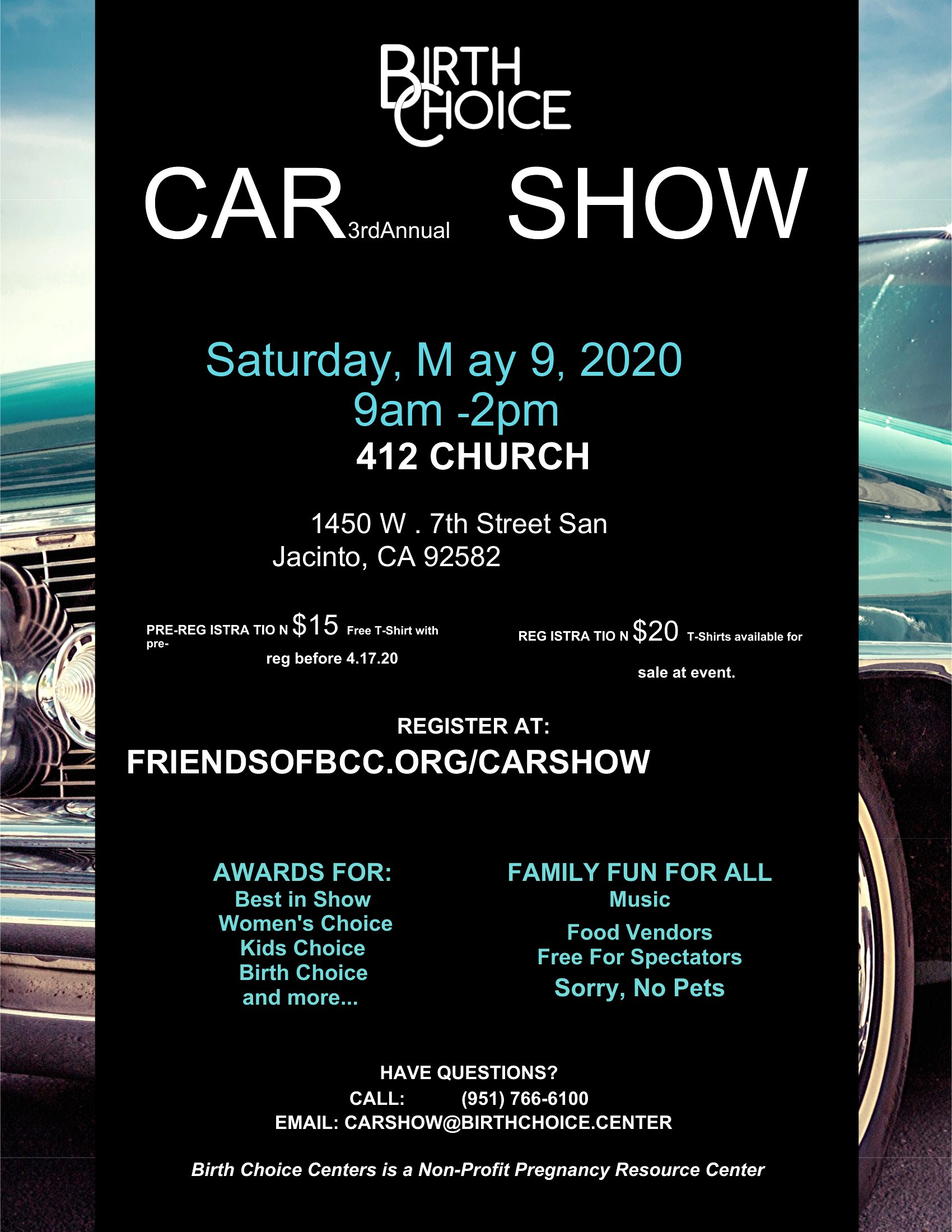

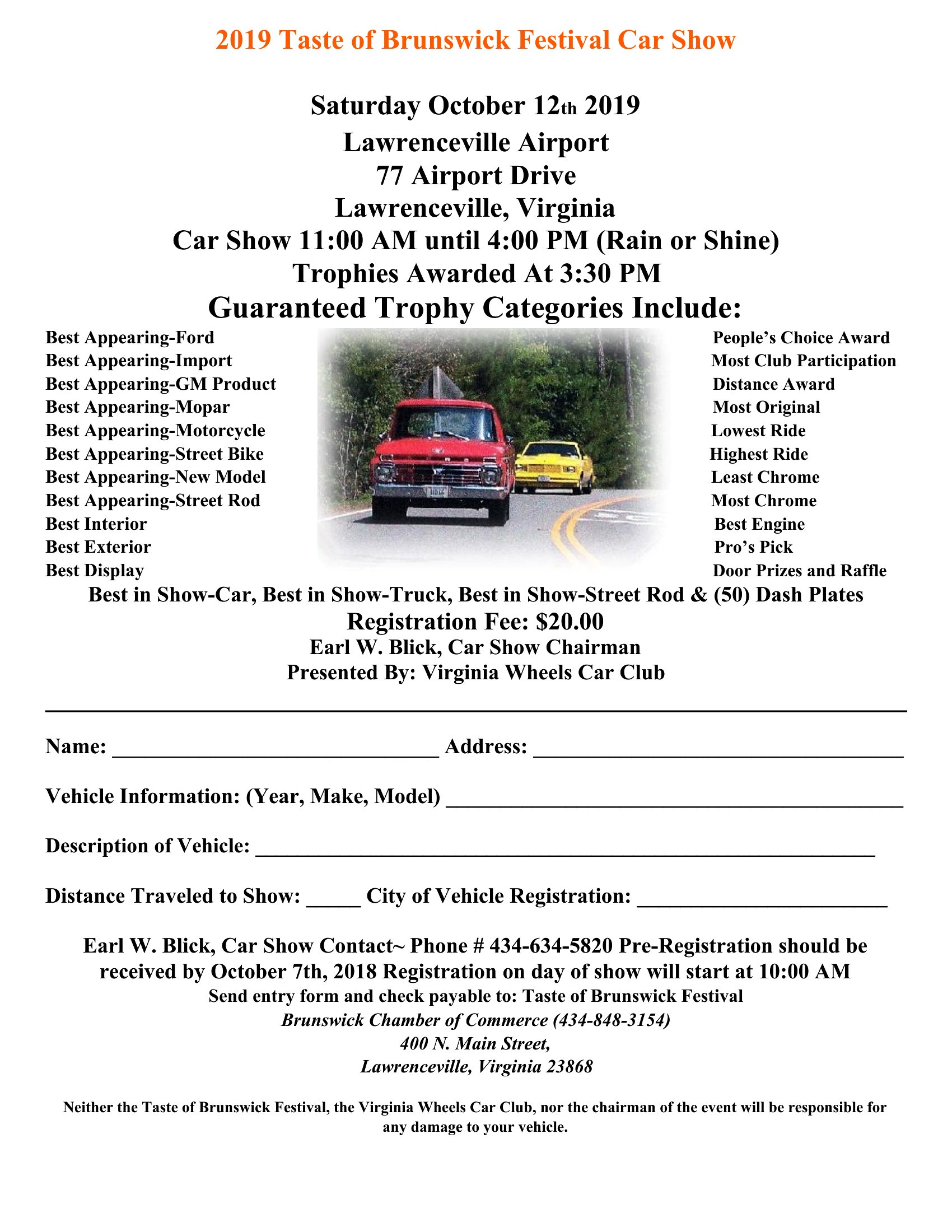
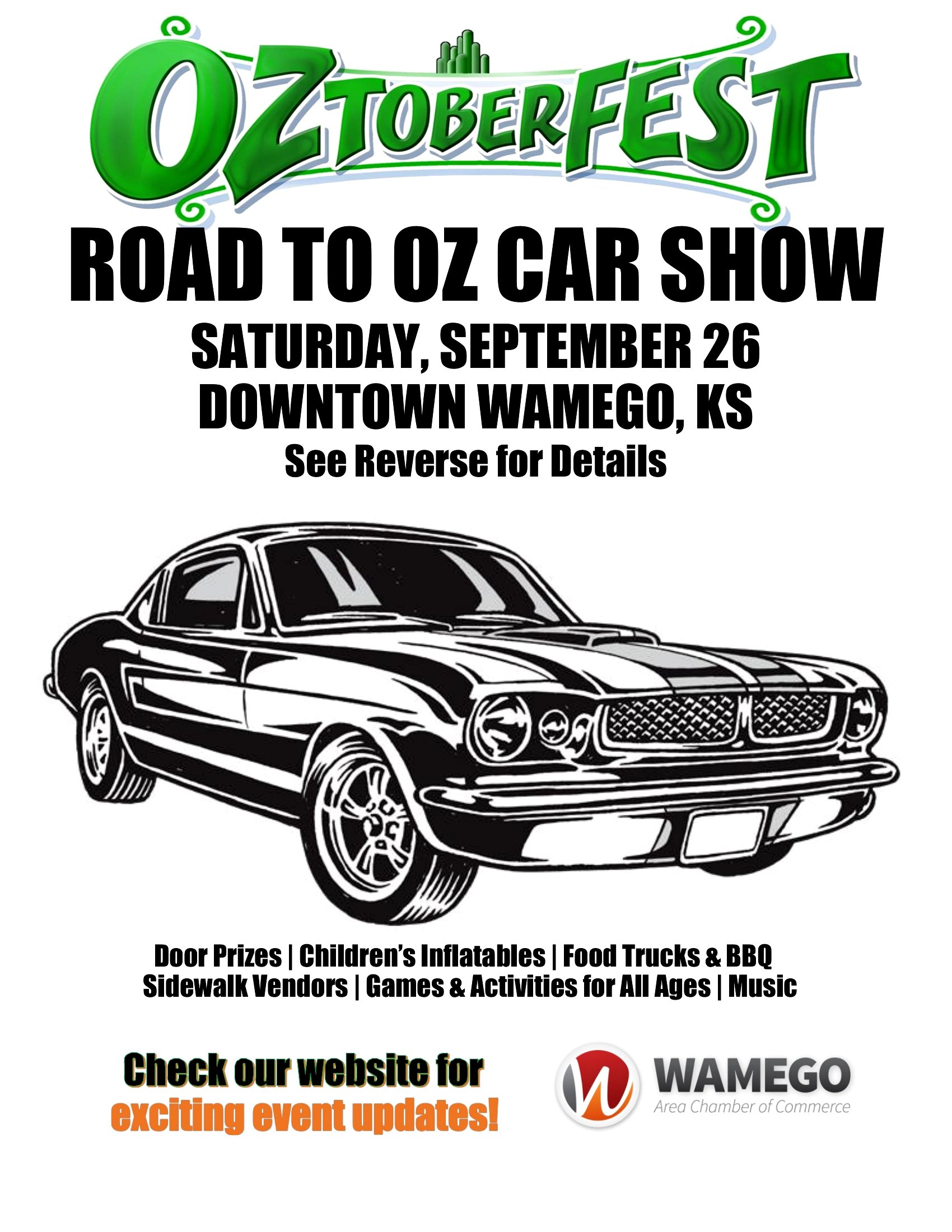
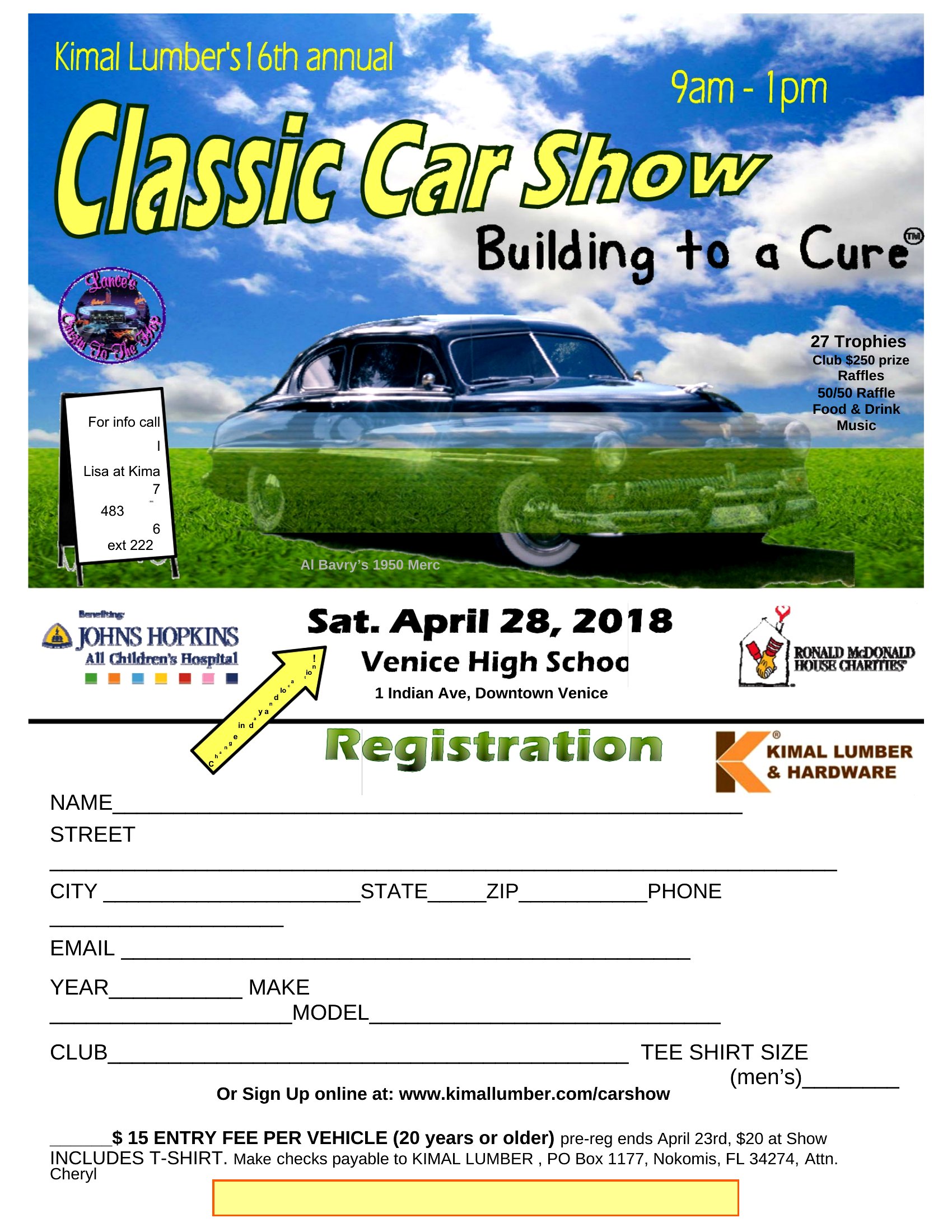
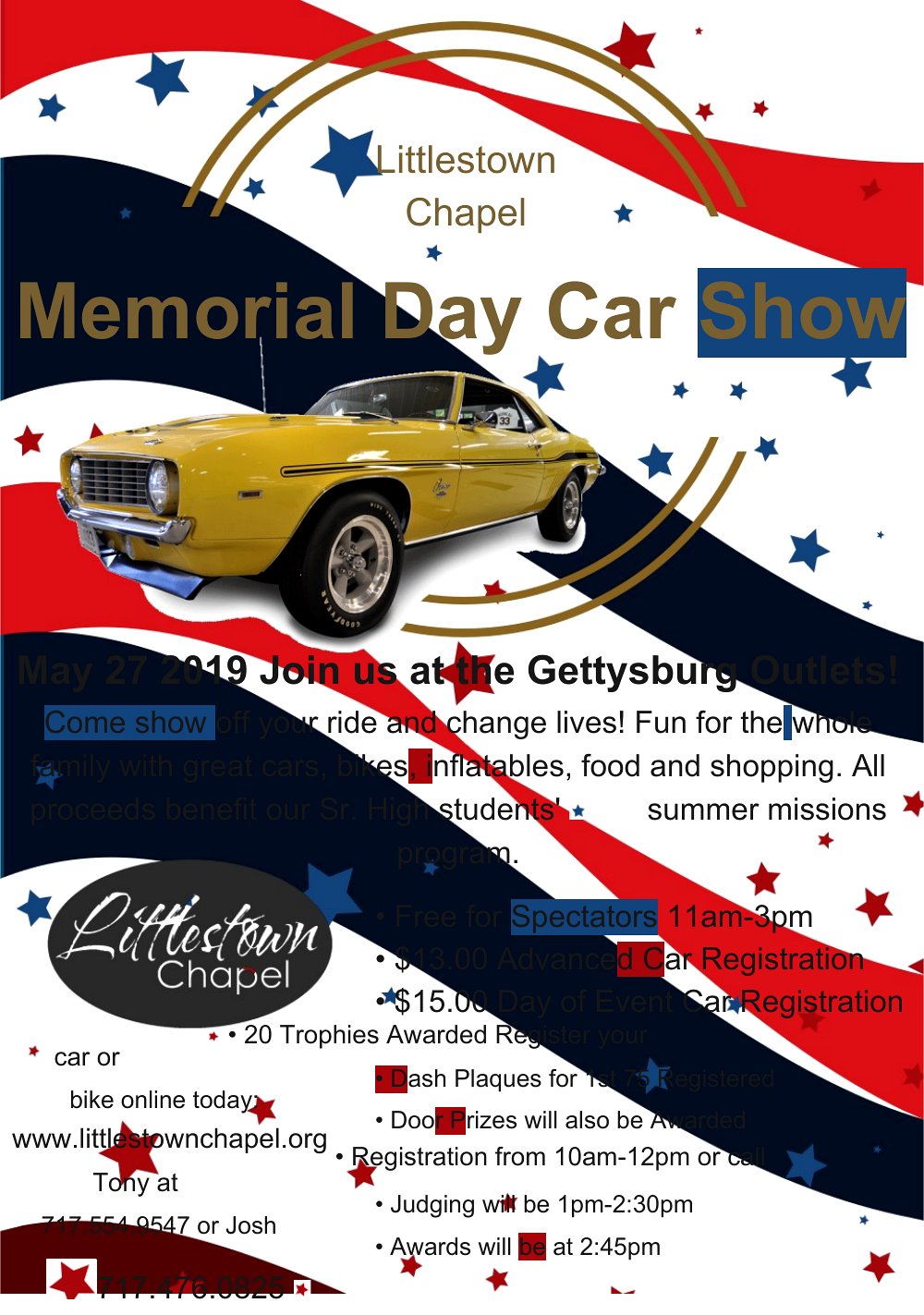
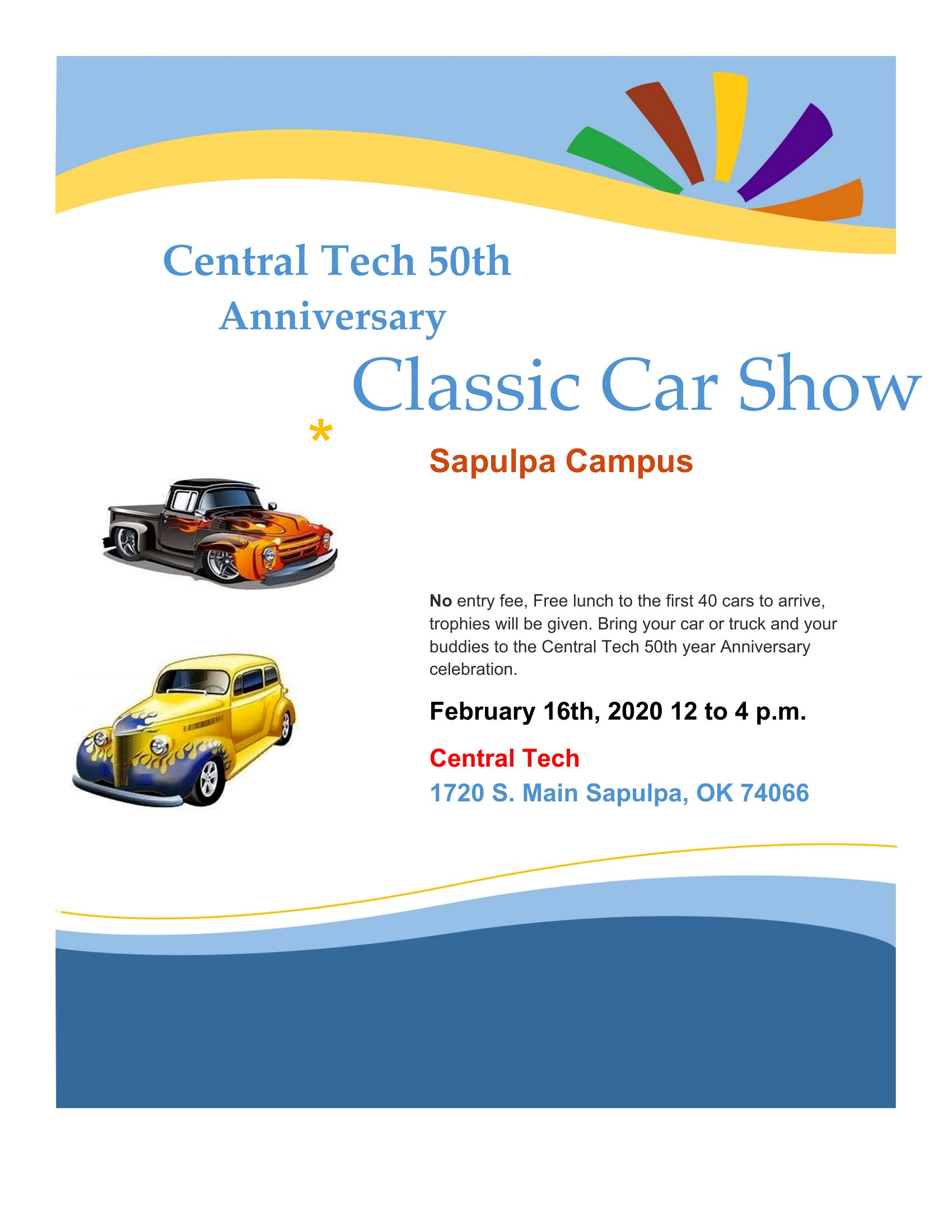
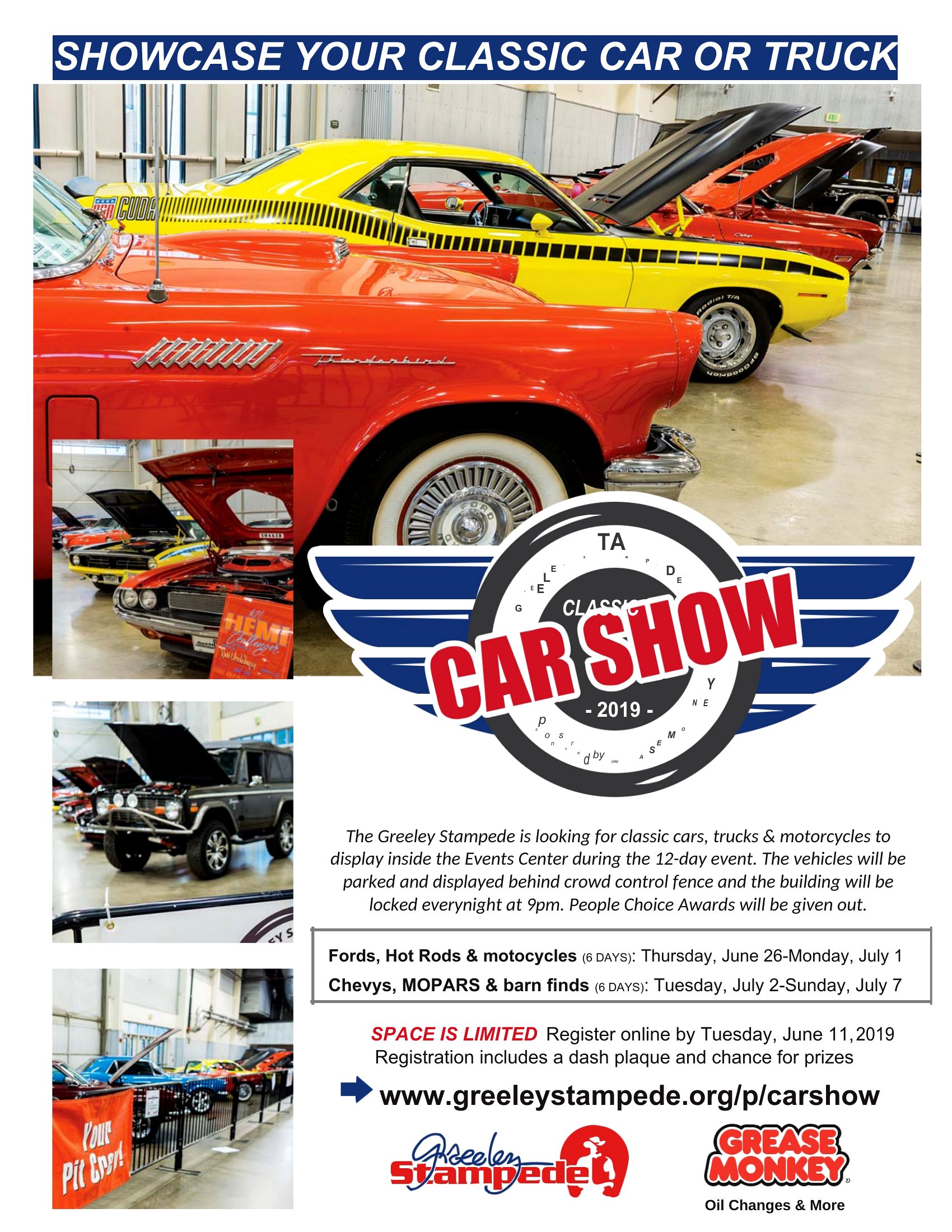
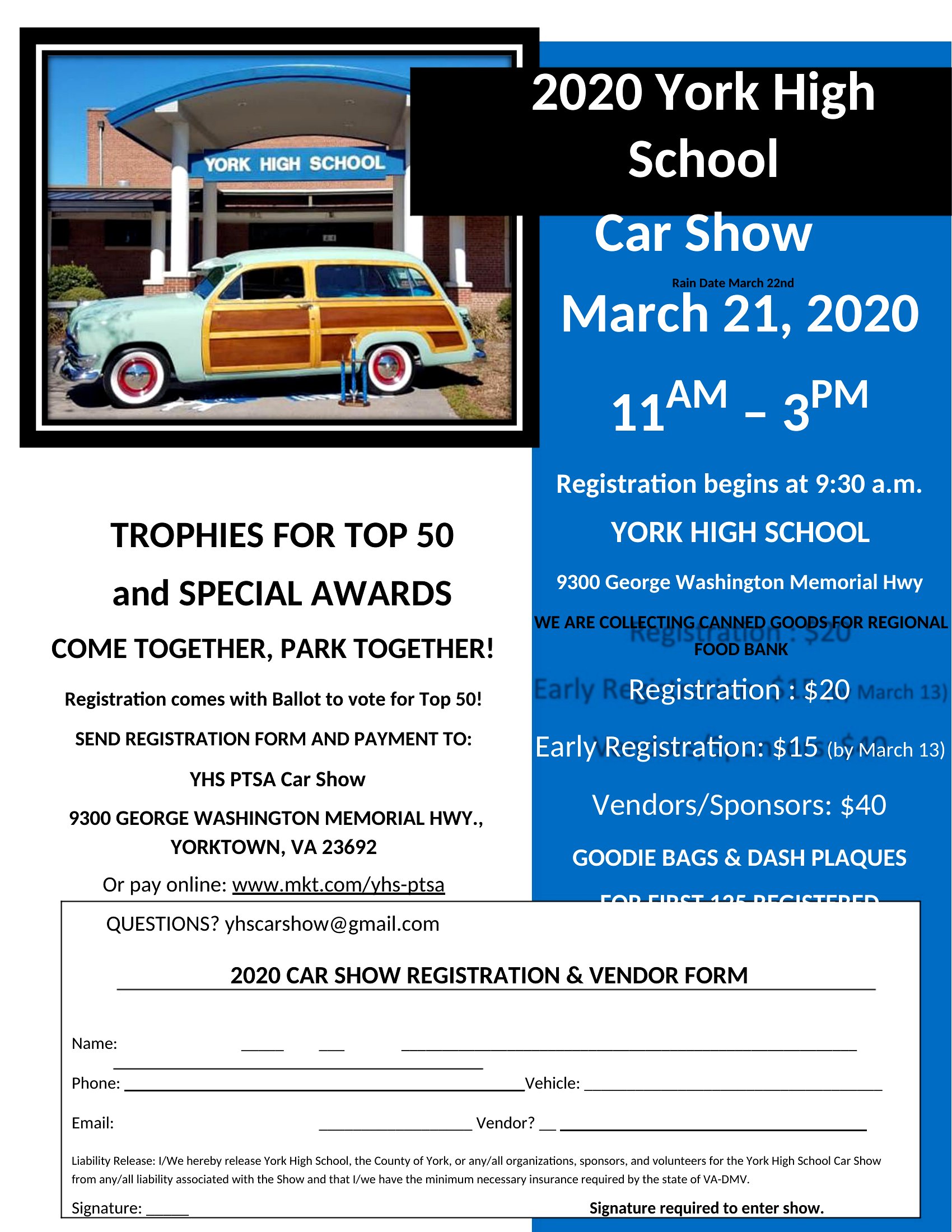
Flyer Car Show
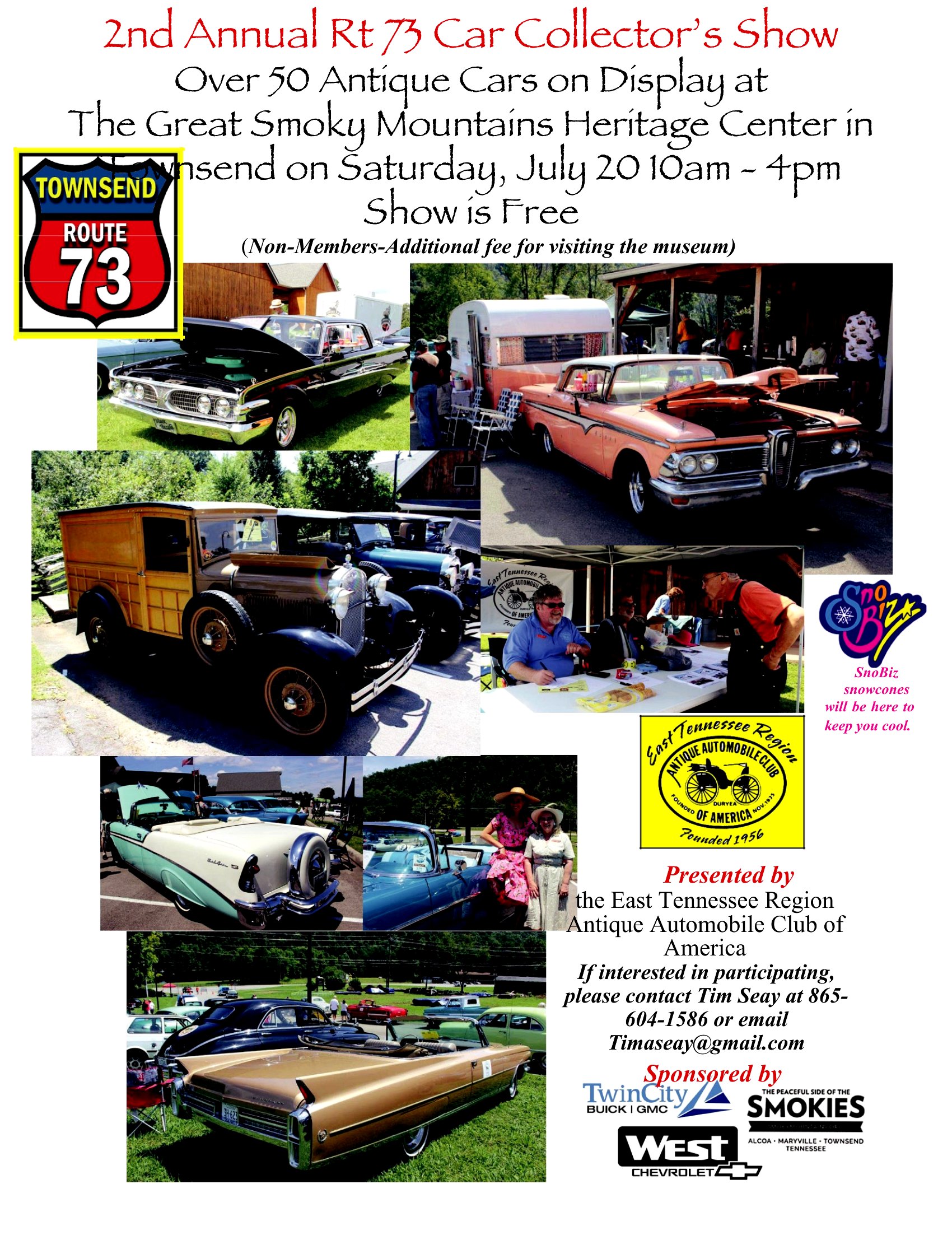
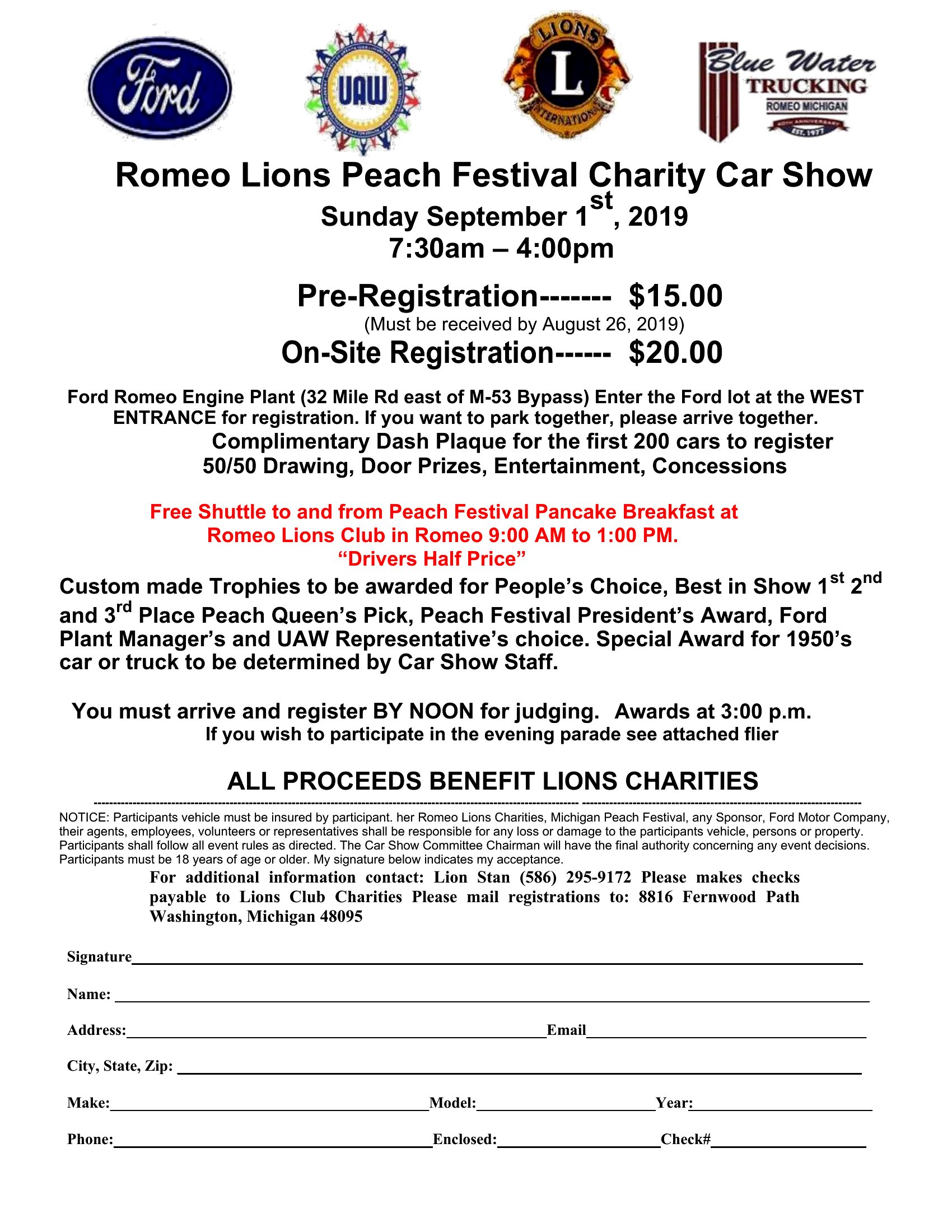
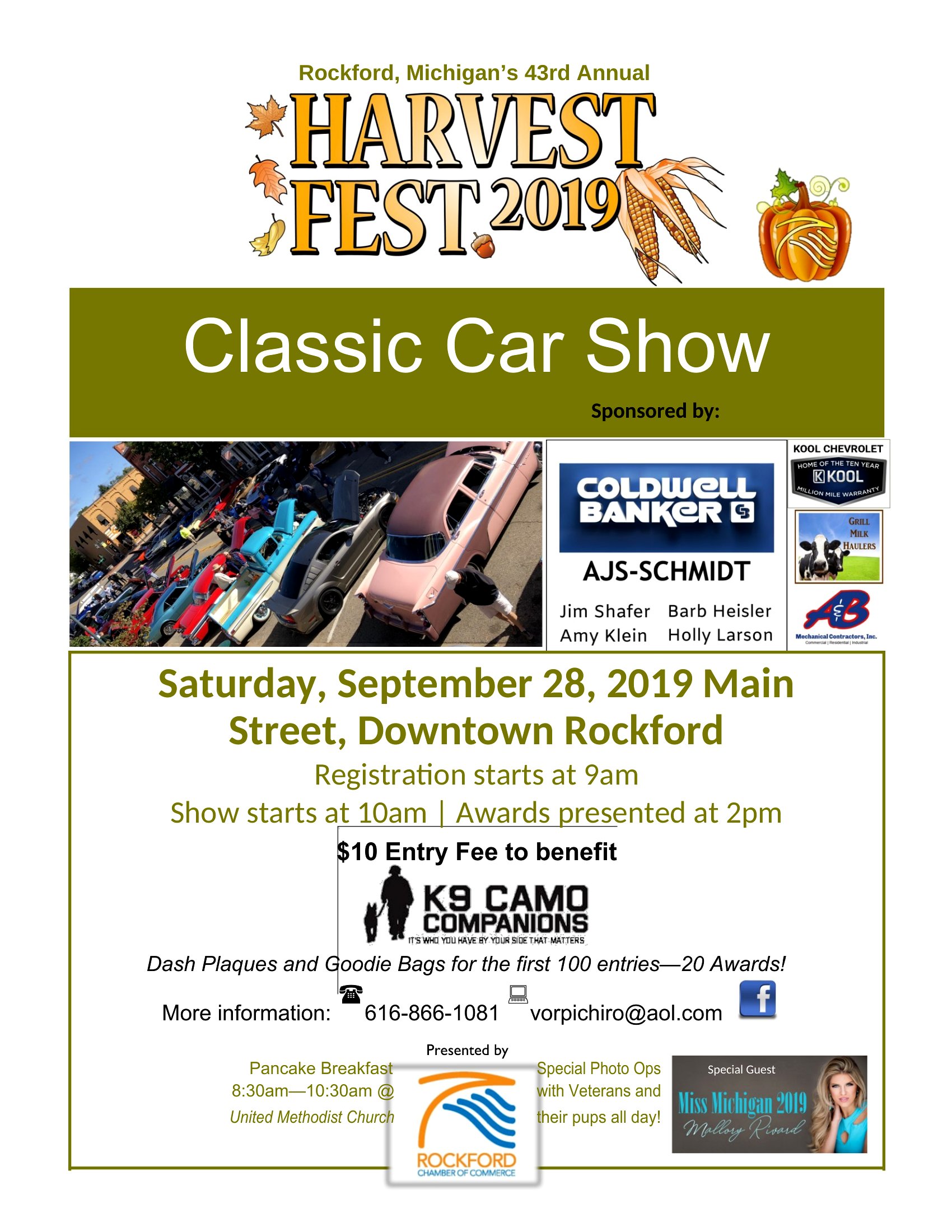
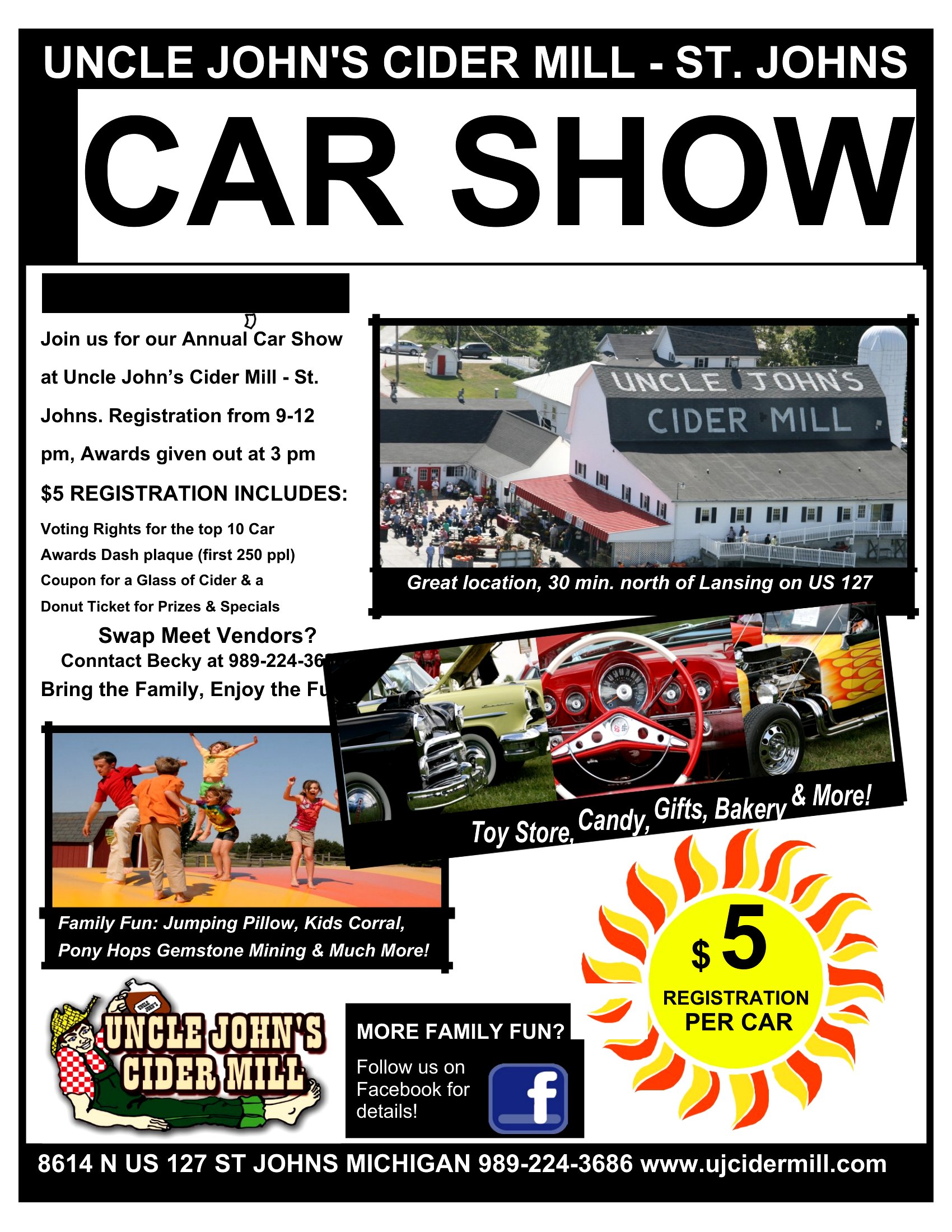
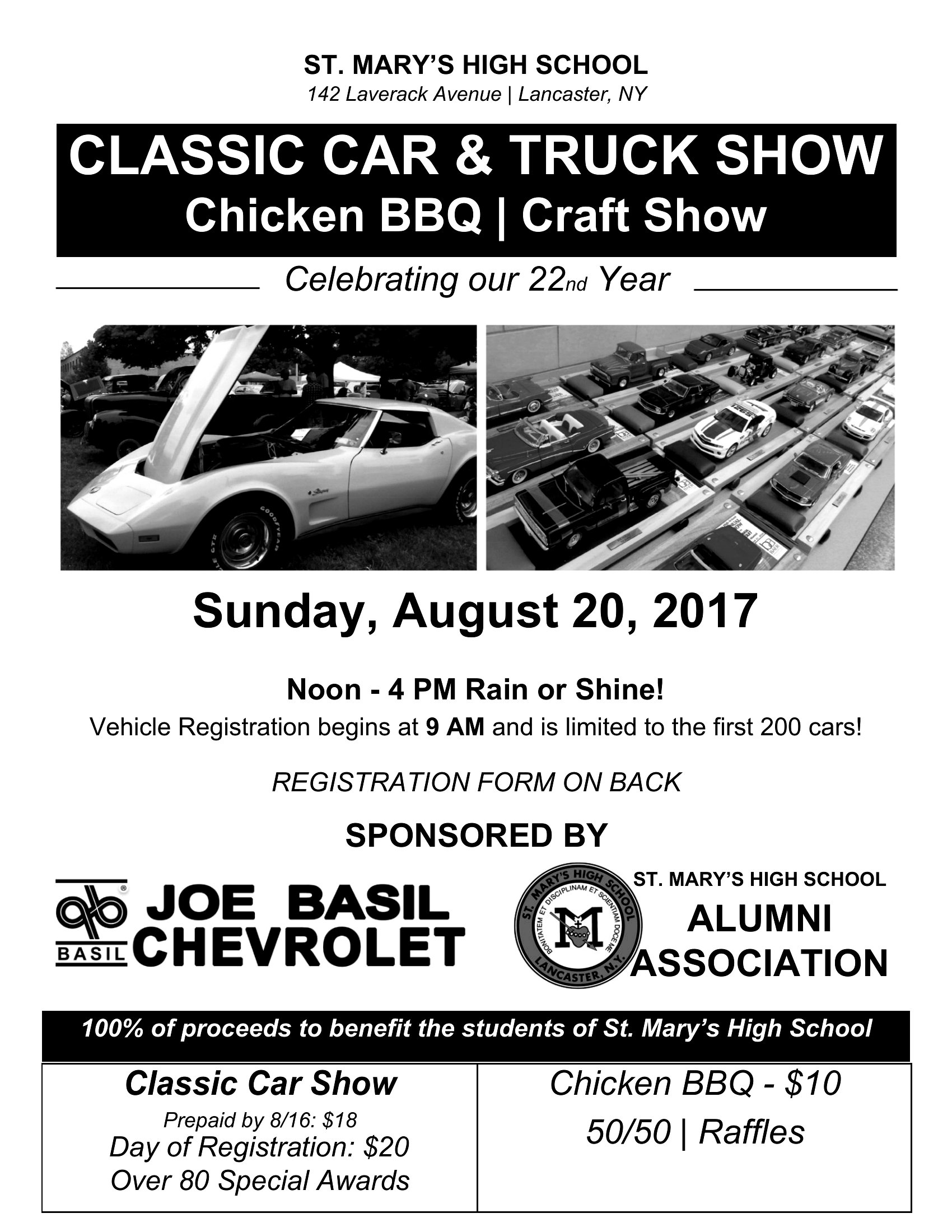
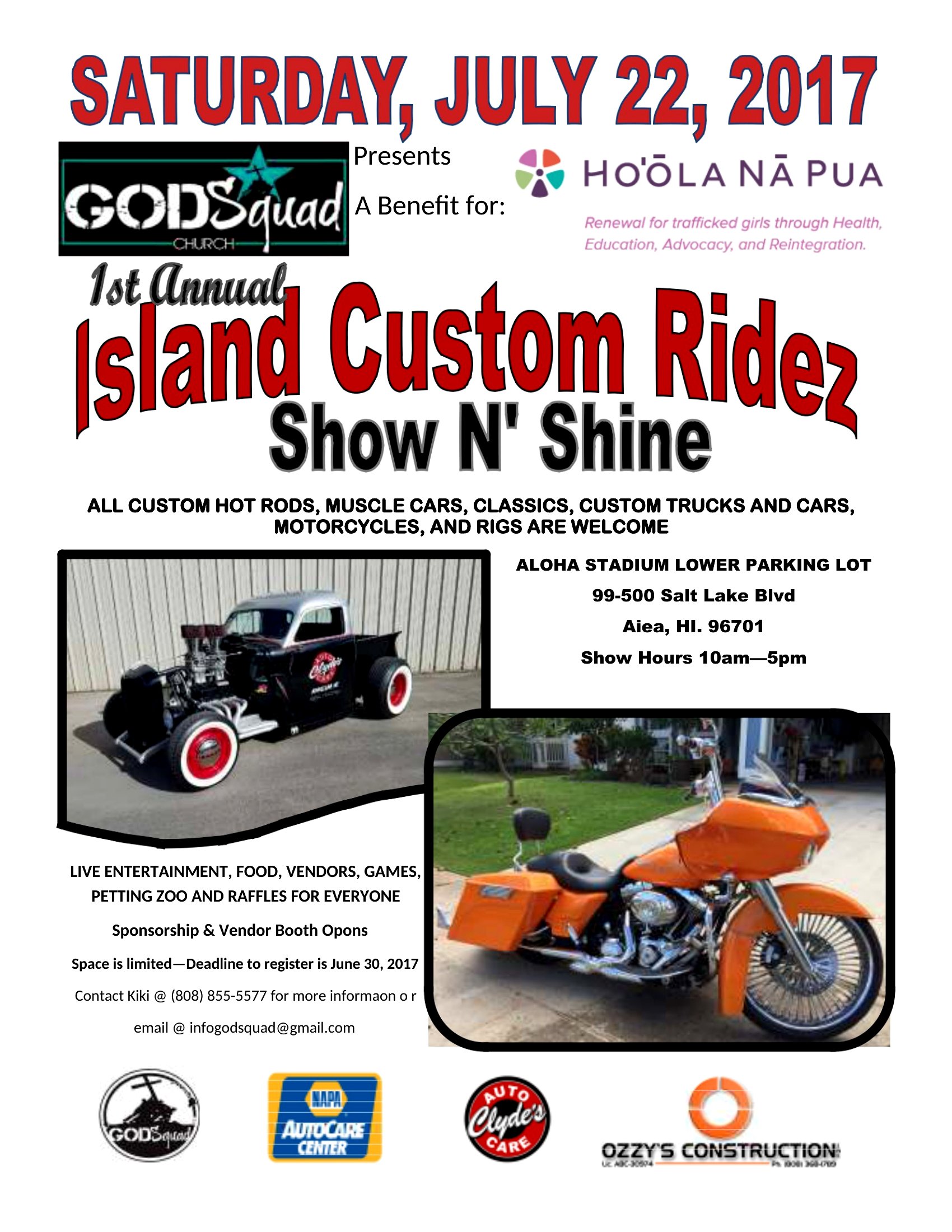
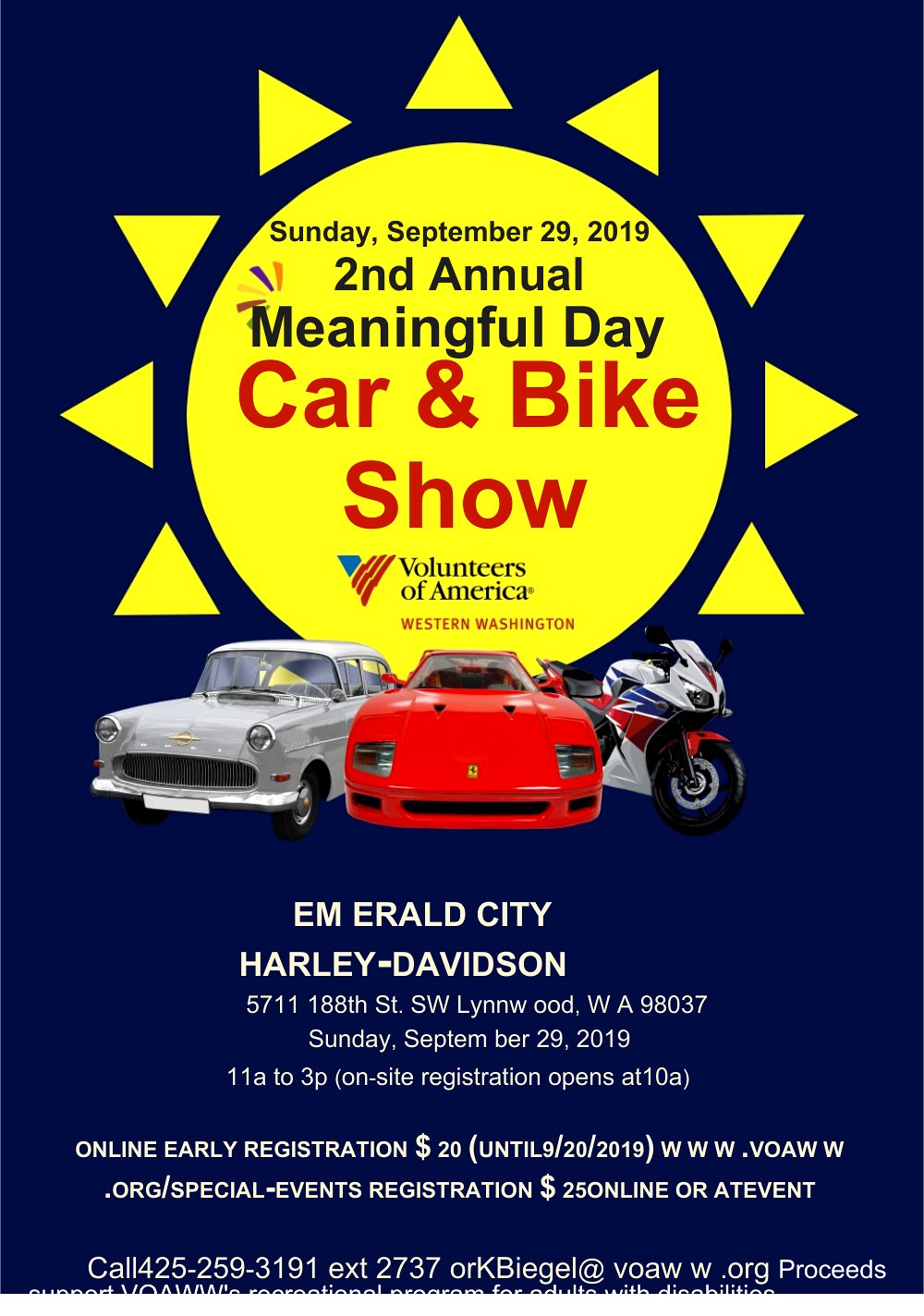
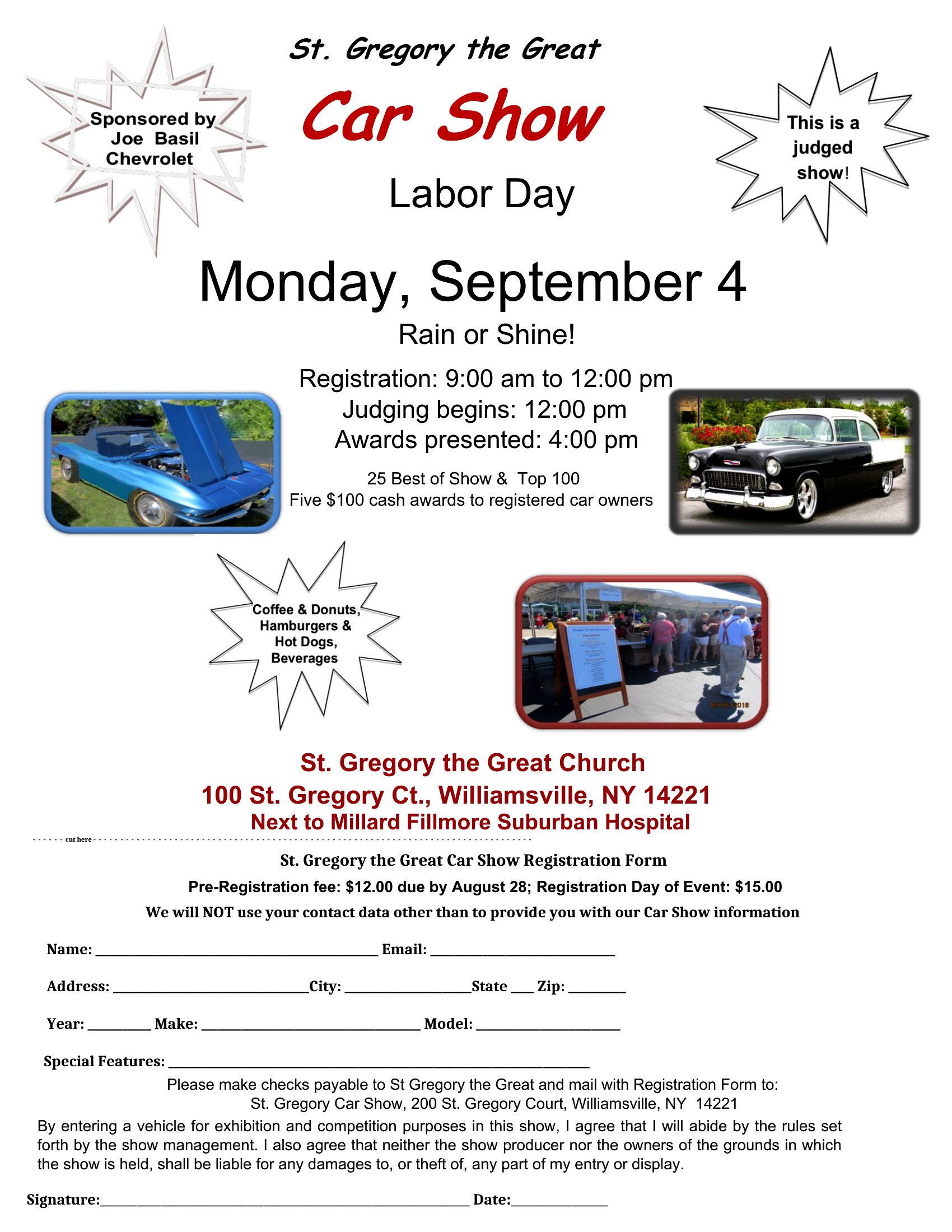

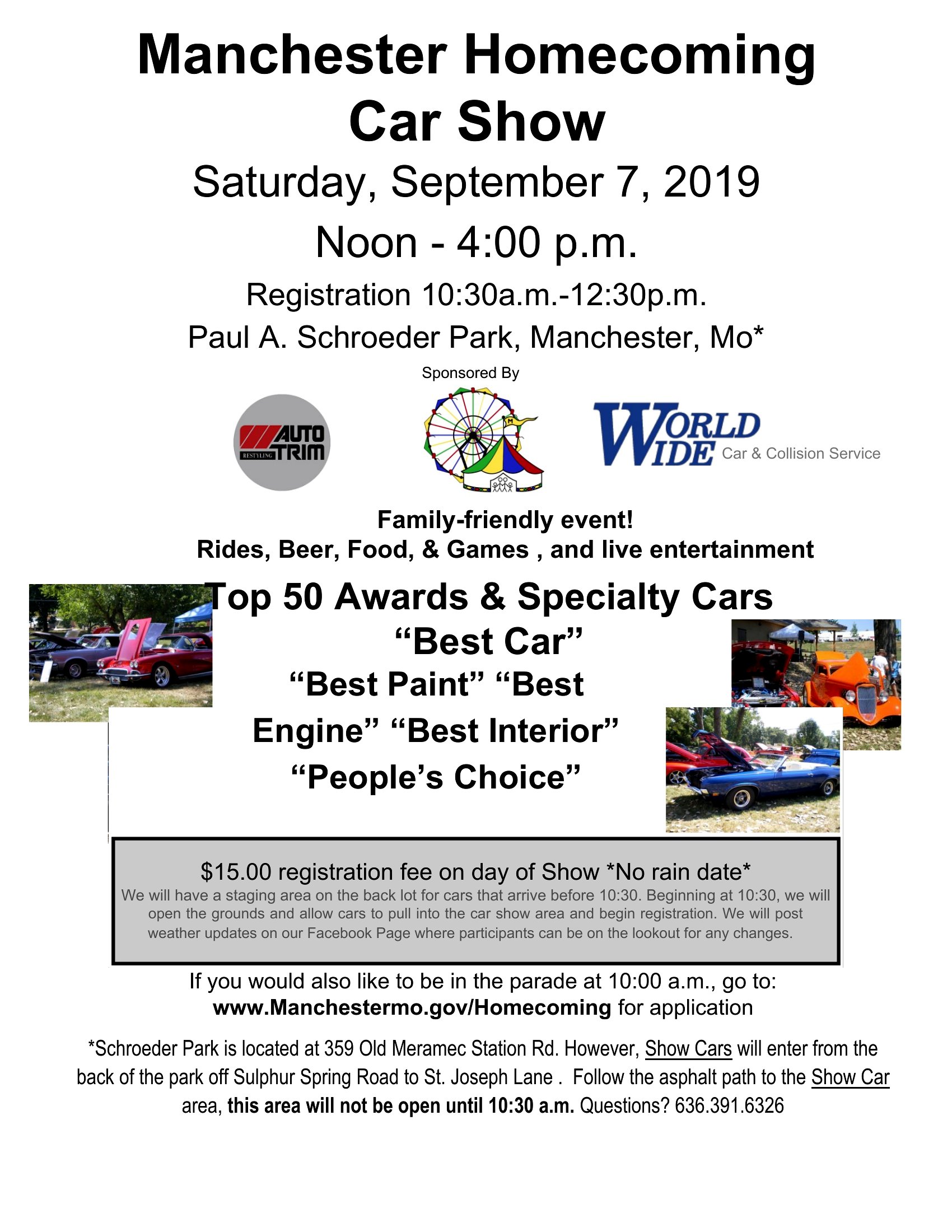
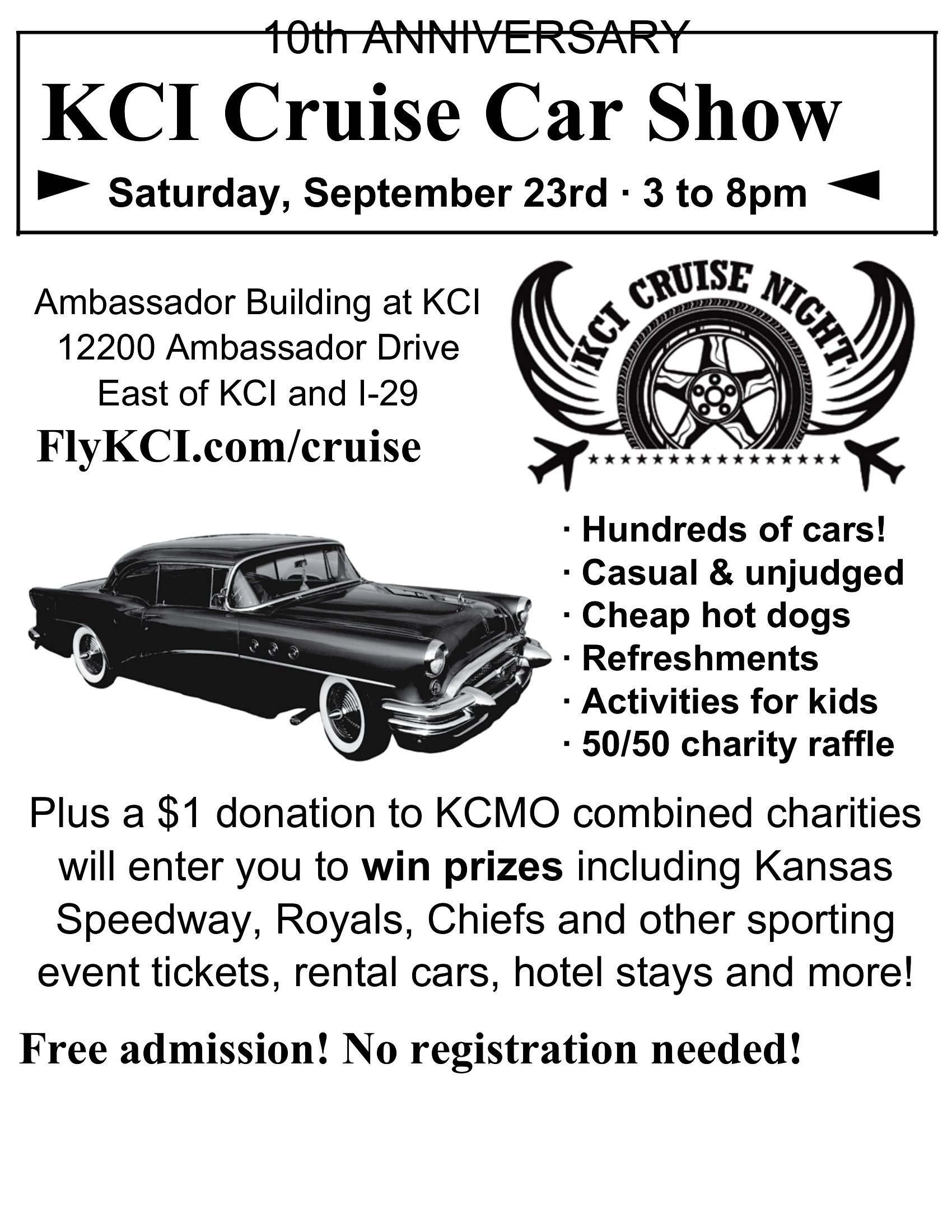
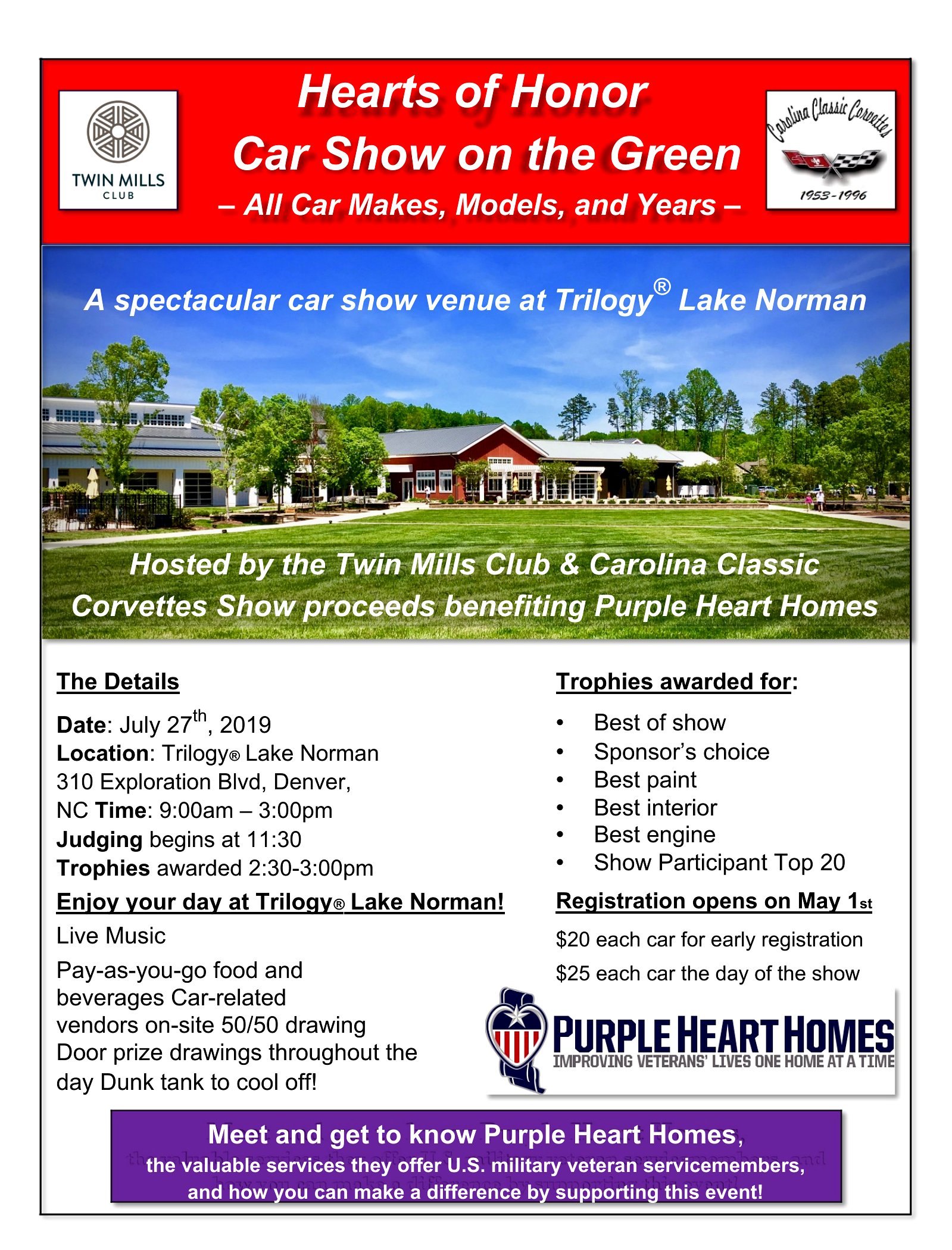
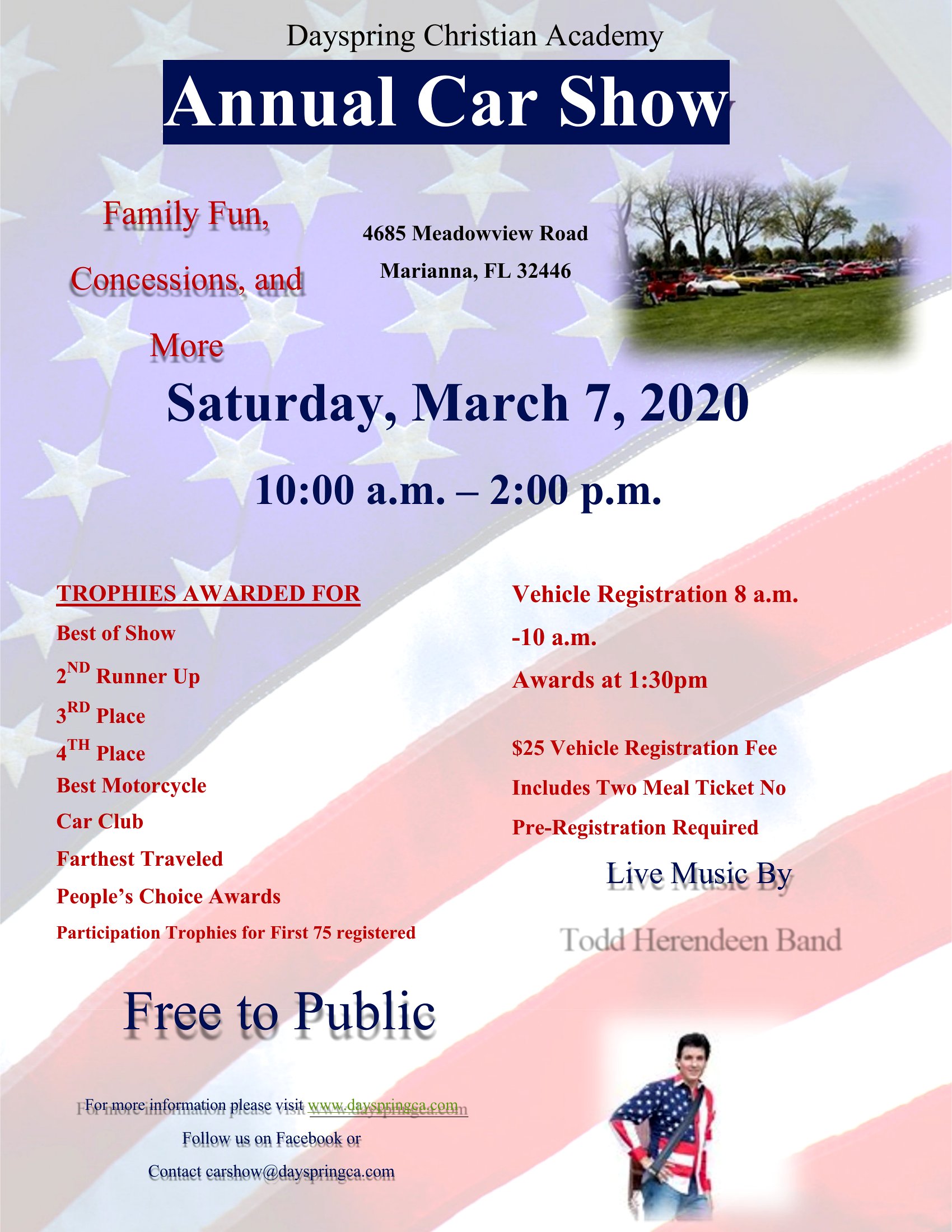
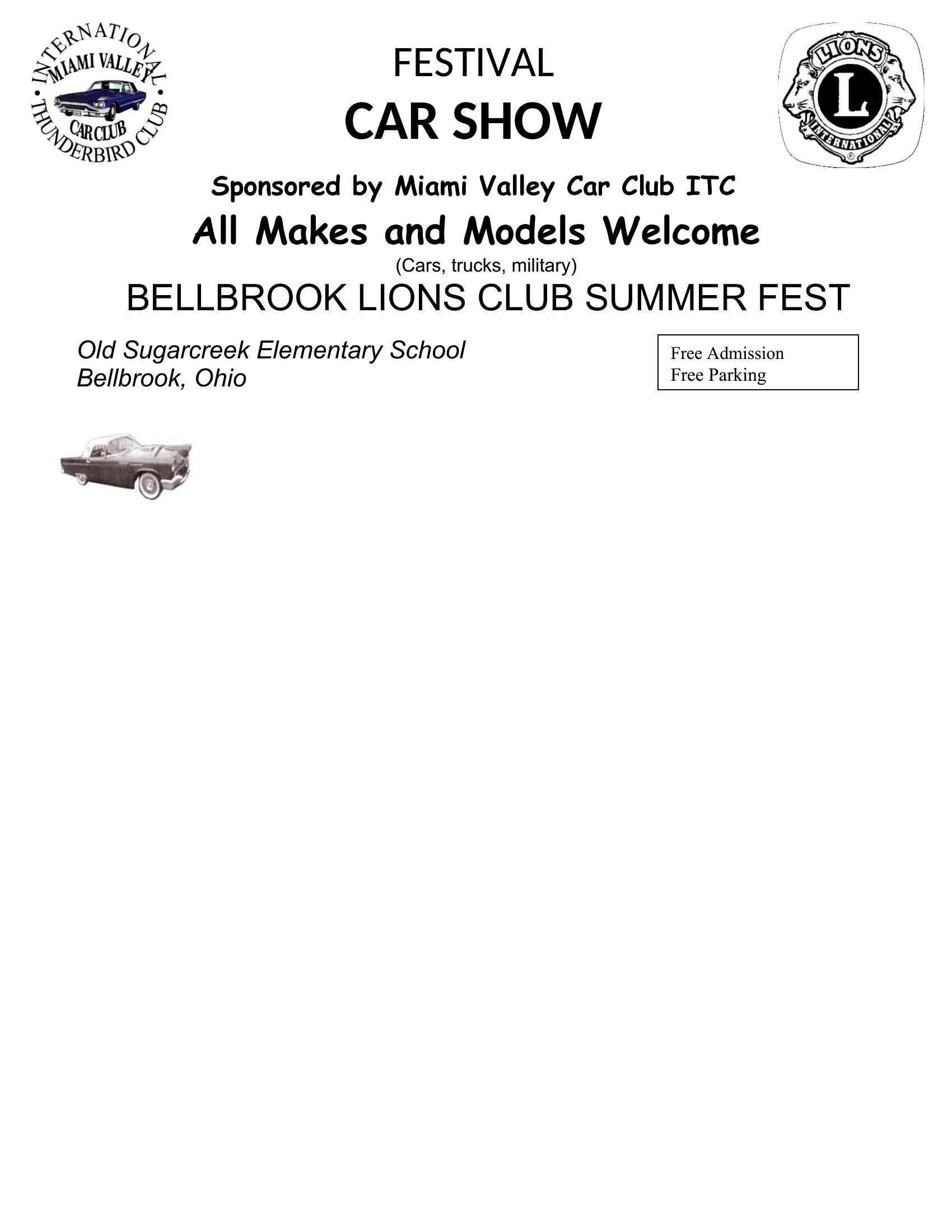
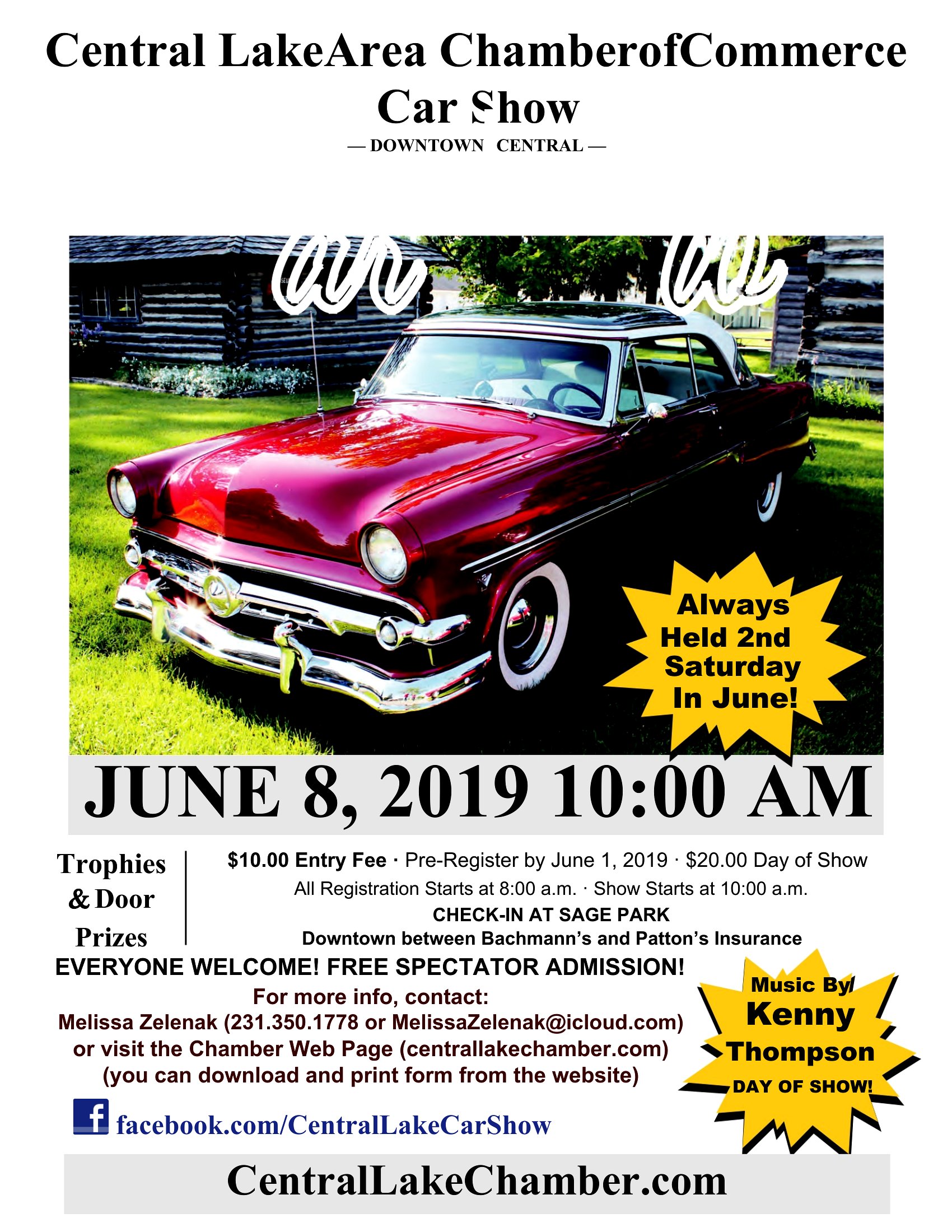
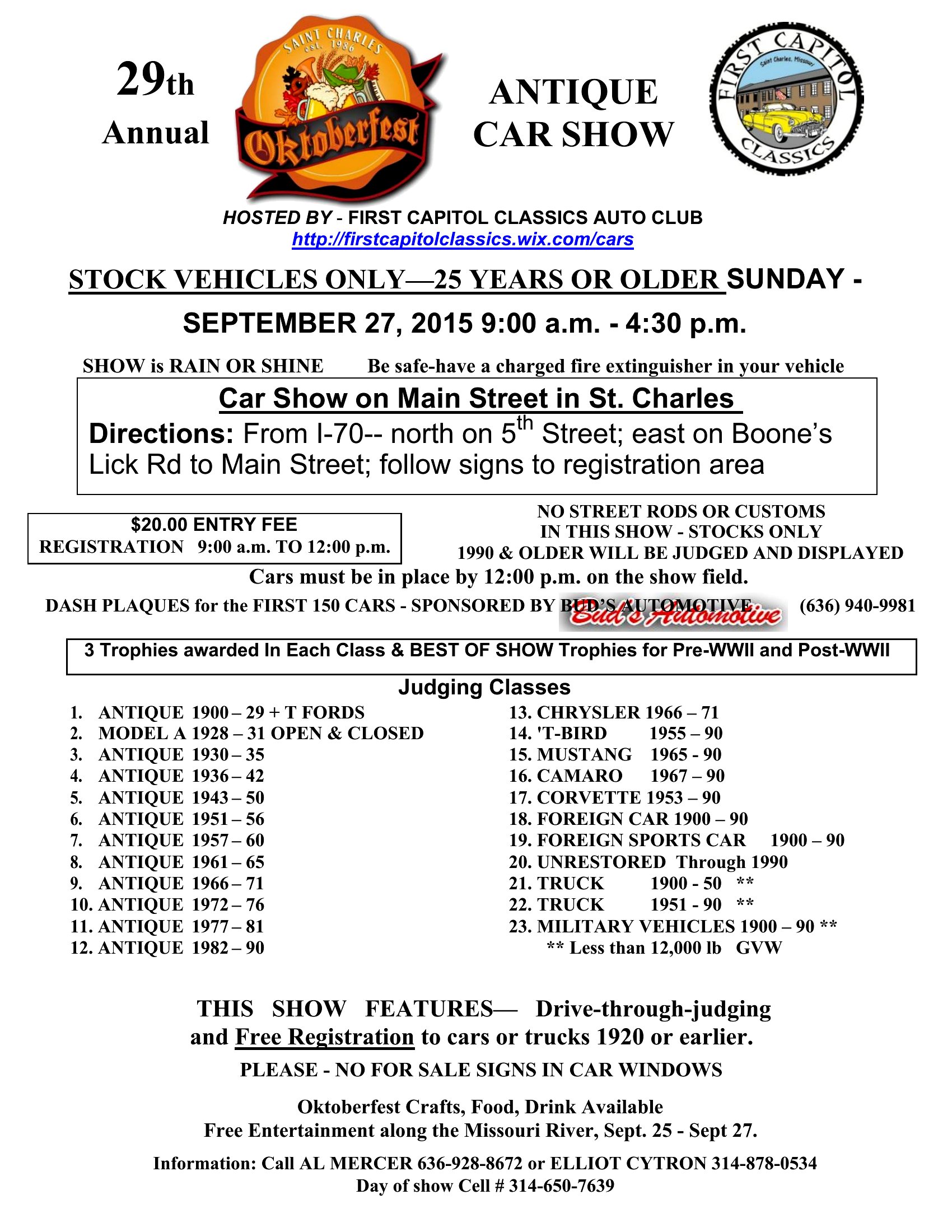
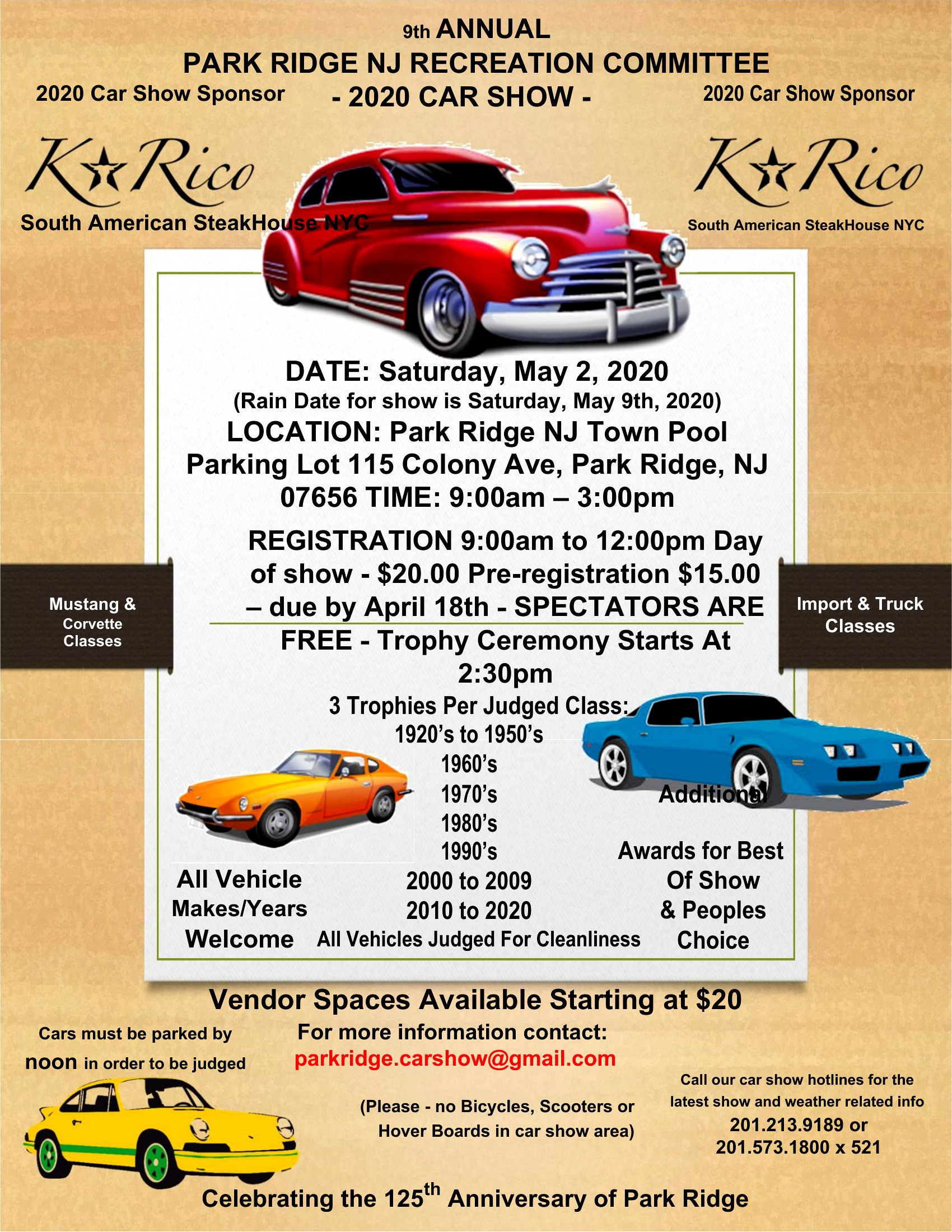
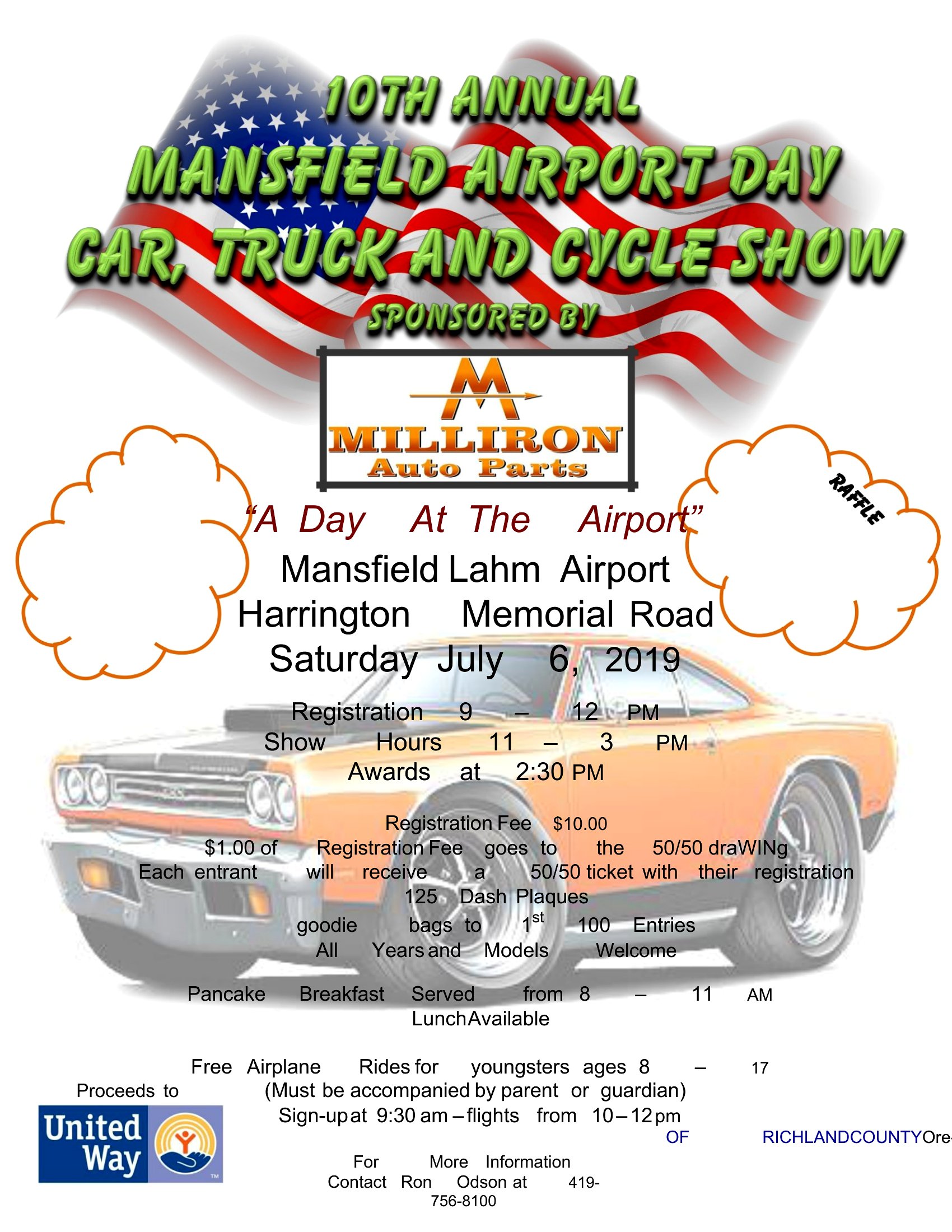
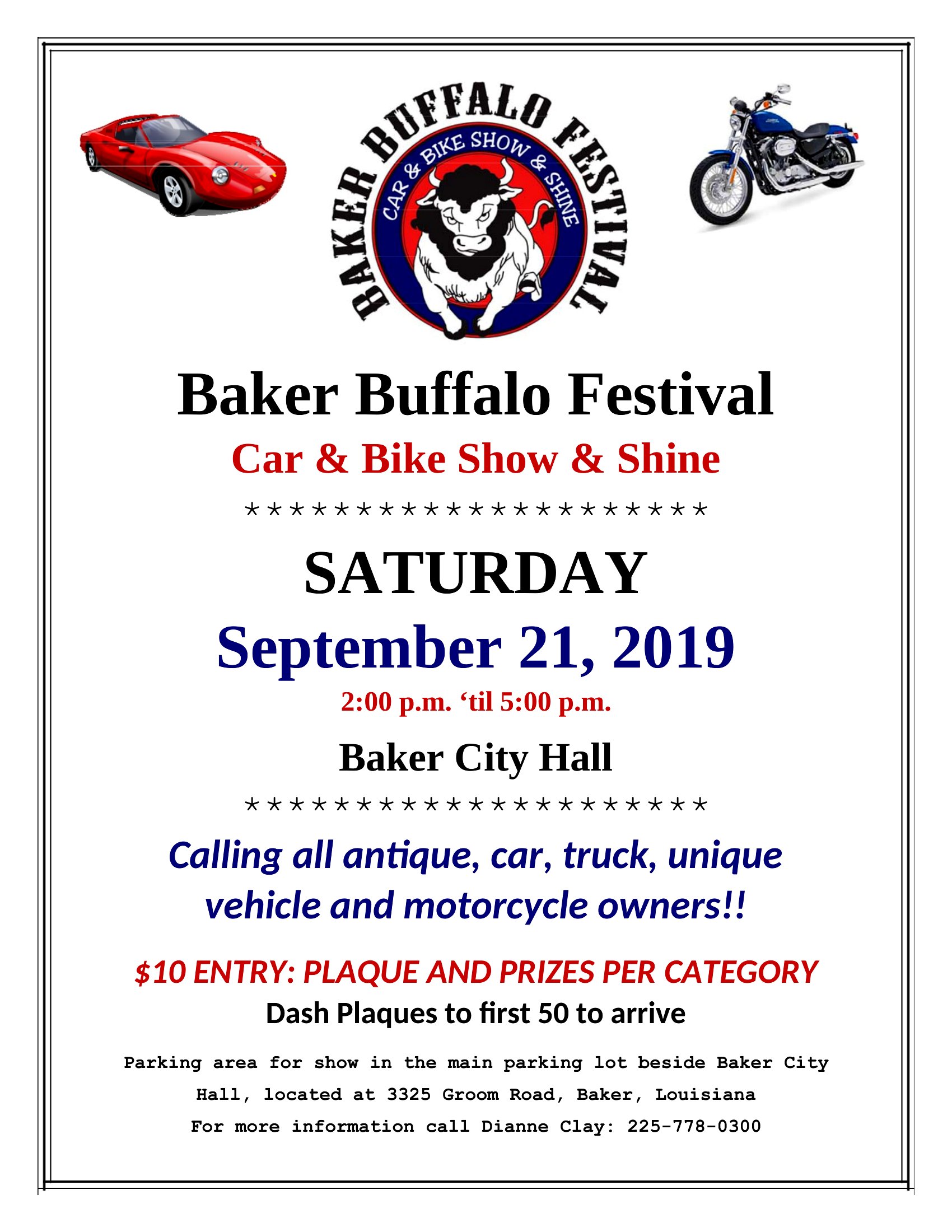
Car Show Flyer
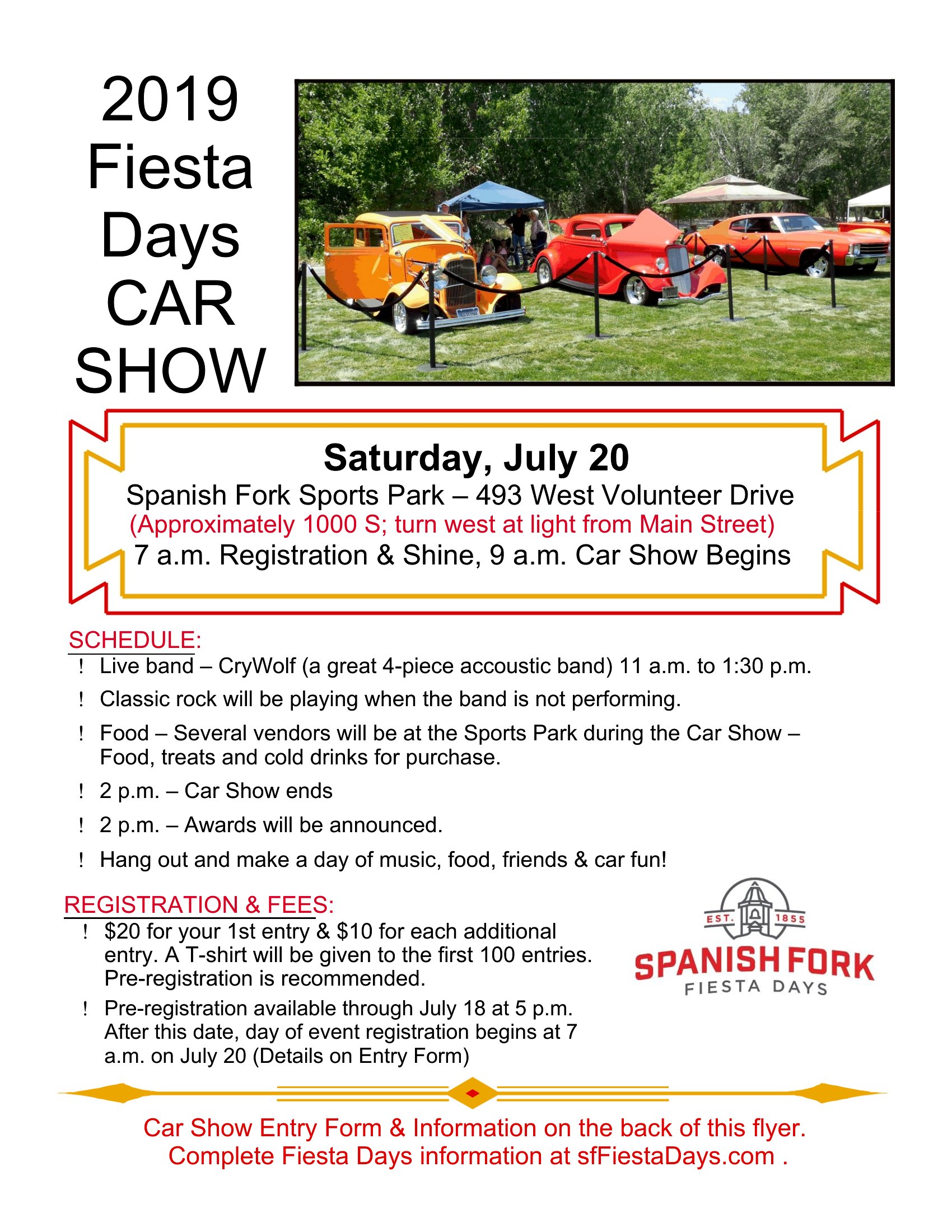
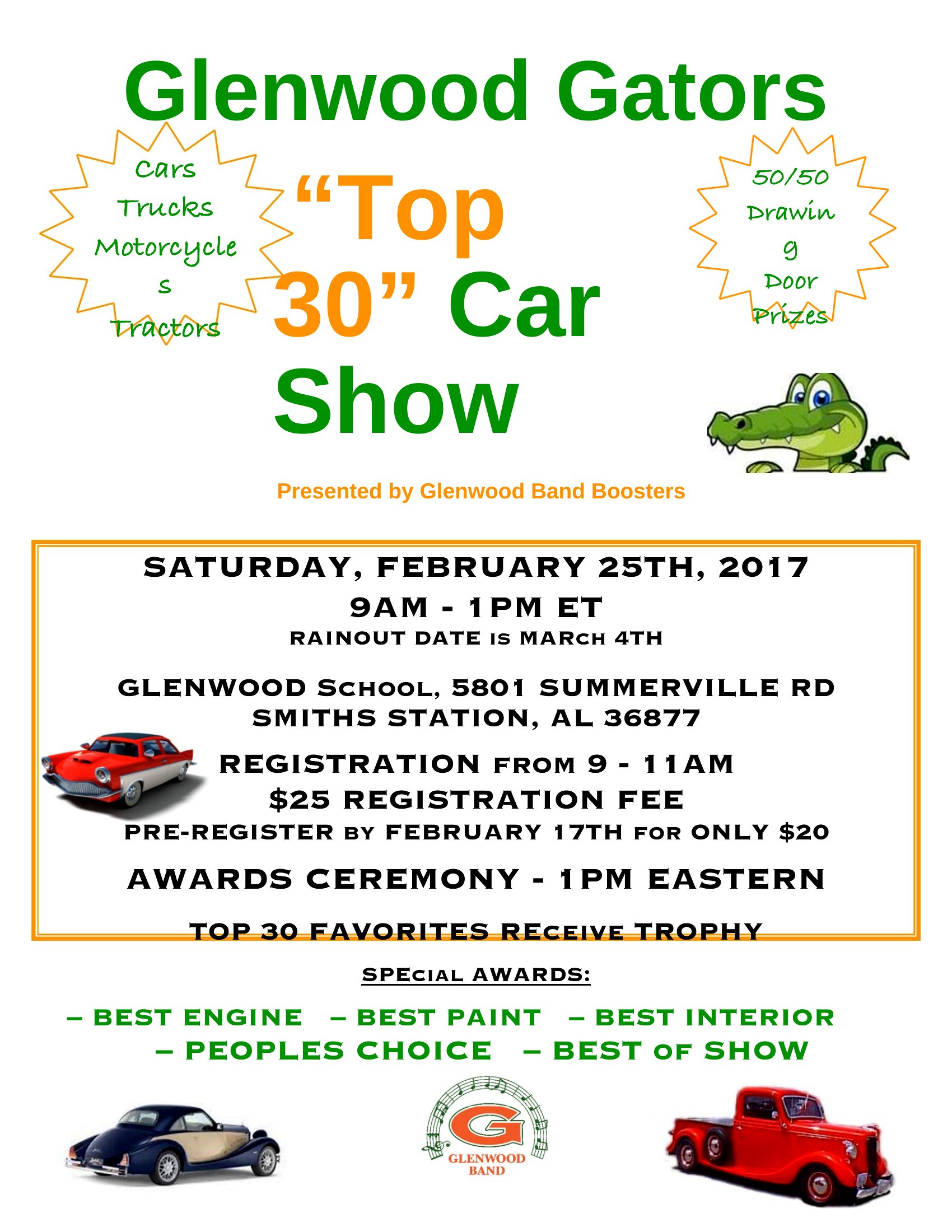
Car Show Flyers
How to use this Car Show Flyer template
Can these flyers include legal disclaimers for event waivers or liability notices?
These templates provide space for basic event details, but they’re not legal documents. For waivers or liability protections, consult a legal professional to draft language tailored to your event’s risks. You can add a small text box in the Word version for disclaimers.
How do I ensure the flyer design works for both digital sharing and printed posters?
Use the PDF format for print—it locks in colors and high-resolution images. For digital sharing, save as a high-DPI JPEG or PNG from the Word version. Test both on different devices to check readability. Avoid ultra-thin fonts or fine details that may blur when printed.
Are there templates that emphasize sponsorship logos or vendor booths?
Yes, several designs include dedicated sections for sponsor logos or vendor listings. Look for layouts with sidebars or footer areas labeled ‘Sponsors’ or ‘Booths.’ Adjust the Word template to resize these sections as needed, or use the PDF for a pre-formatted sponsor grid.
Comments
Join the conversation
Sign in to share your thoughts and leave a comment on this resource.