
Free Progress Report Templates (Word, PDF)
Status by inayaraknes
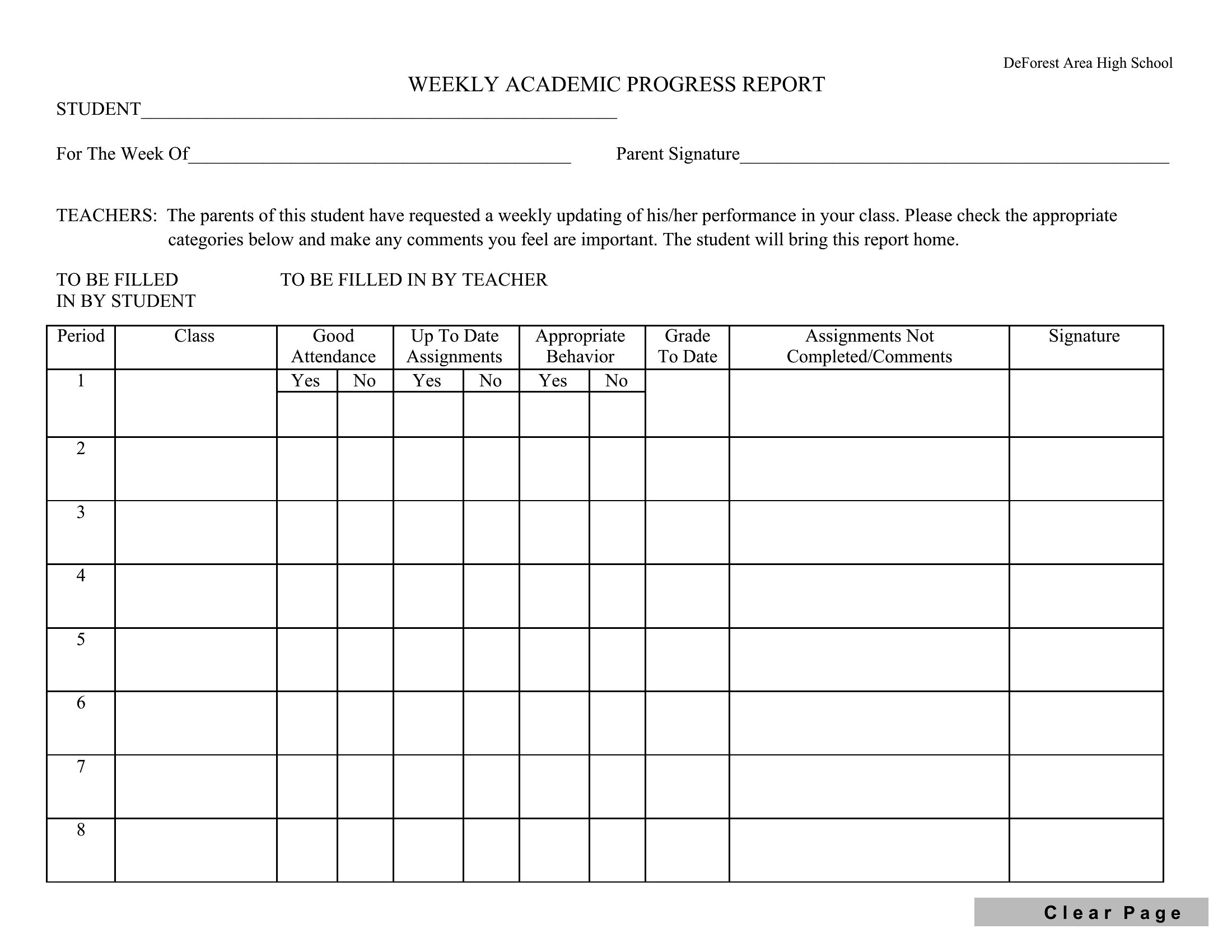
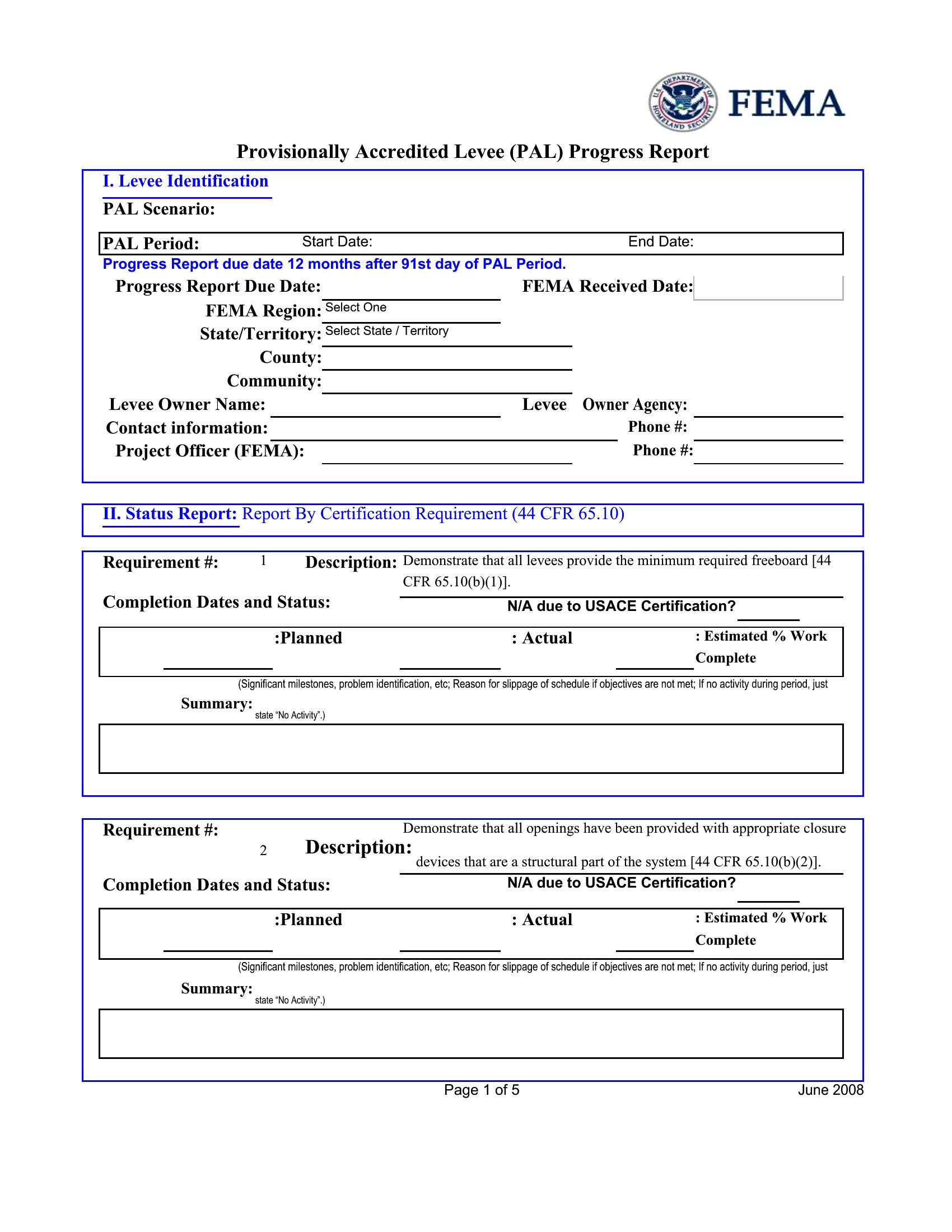
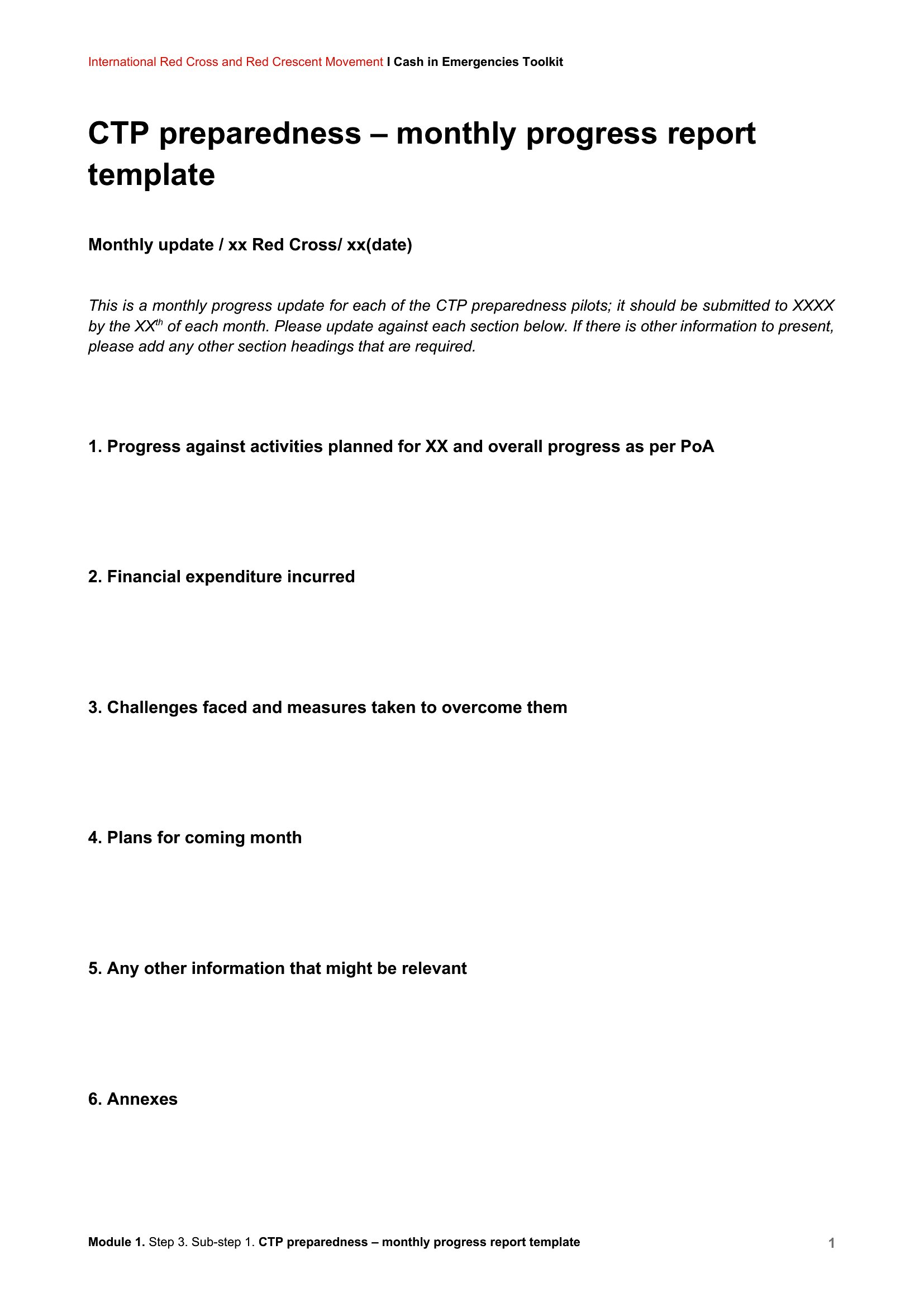
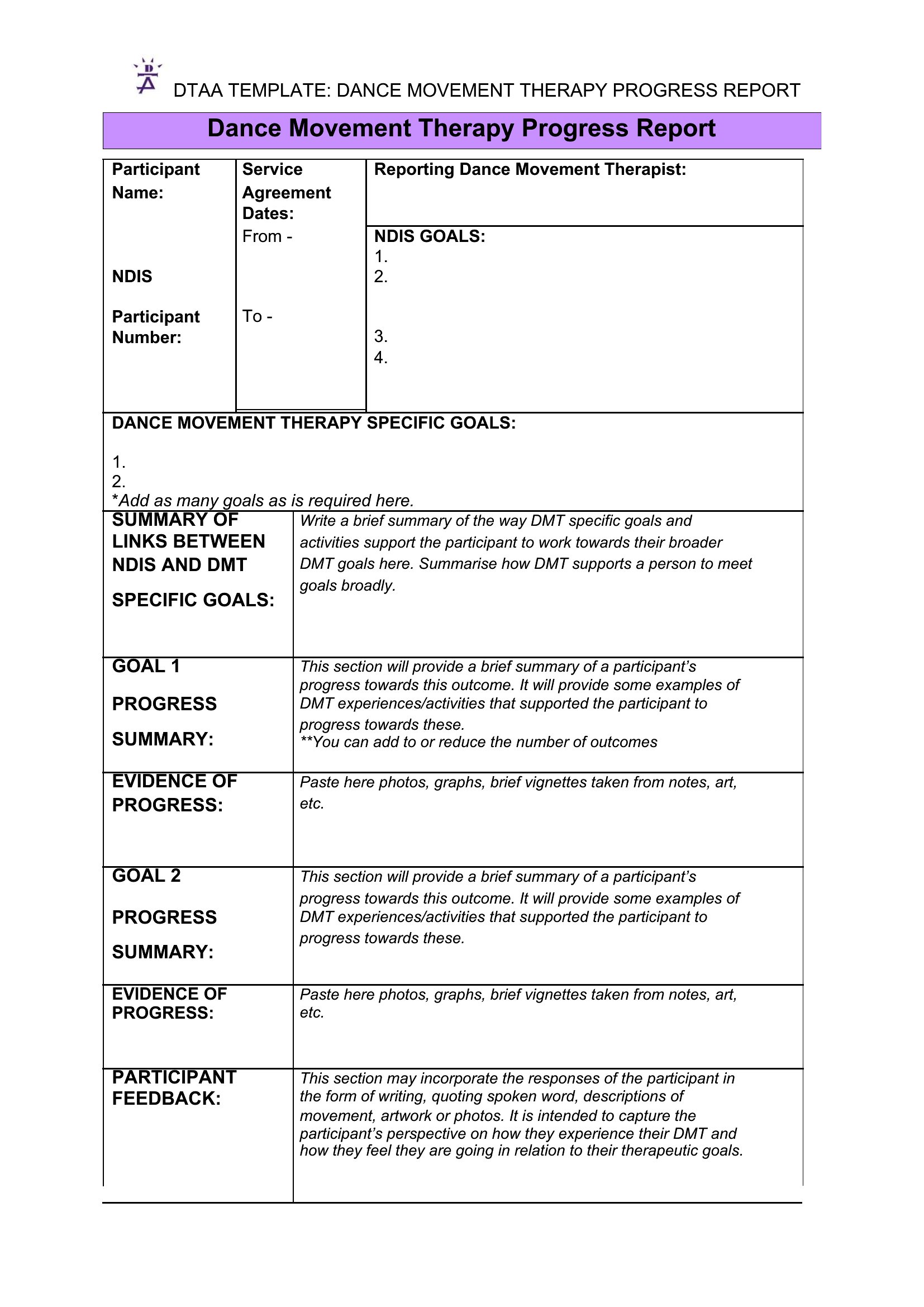
A good progress report answers the obvious questions before anyone has to ask them: what's done, what's left, and what's getting in the way. This set of 54 progress report templates helps teachers, project managers, and team leads write updates that are easy to skim. Layouts range from short student and classroom reports to detailed project summaries with sections for goals, status, and upcoming work.
Open them in Word to type your notes or print a clean PDF when you need a copy for a meeting or file. Swap in your own headings, add dates, and the structure keeps your update organized without much effort. Pick the report that fits your situation and fill in the blanks before your next check-in.
When to use this Progress Report template
- A project manager overseeing a tight deadline uses this template to quickly update stakeholders on sprint milestones, roadblocks, and next steps—keeping everyone aligned without scheduling a meeting.
- Teachers submit classroom progress reports to parents each quarter, detailing student achievement, areas needing focus, and how they’ll support growth with clear, structured updates.
- Nonprofit program coordinators share monthly reports with donors to highlight fiscal progress, volunteer engagement, and measurable impacts—reinforcing transparency and accountability.
- Construction site supervisors draft weekly progress reports for contractors, listing completed tasks, material deliveries, and weather-related delays to avoid costly misunderstandings.
Which format should I download?
Choose Word when you need to edit frequently or collaborate in real-time with team members, as it’s fully adjustable and supports track changes. Opt for PDF if you’re presenting a finalized update to stakeholders who only need to review—not revise—and want a polished, print-ready version. The PDF format also locks in formatting, ensuring consistency across shared reports.
Choose from 54 Progress Report Templates
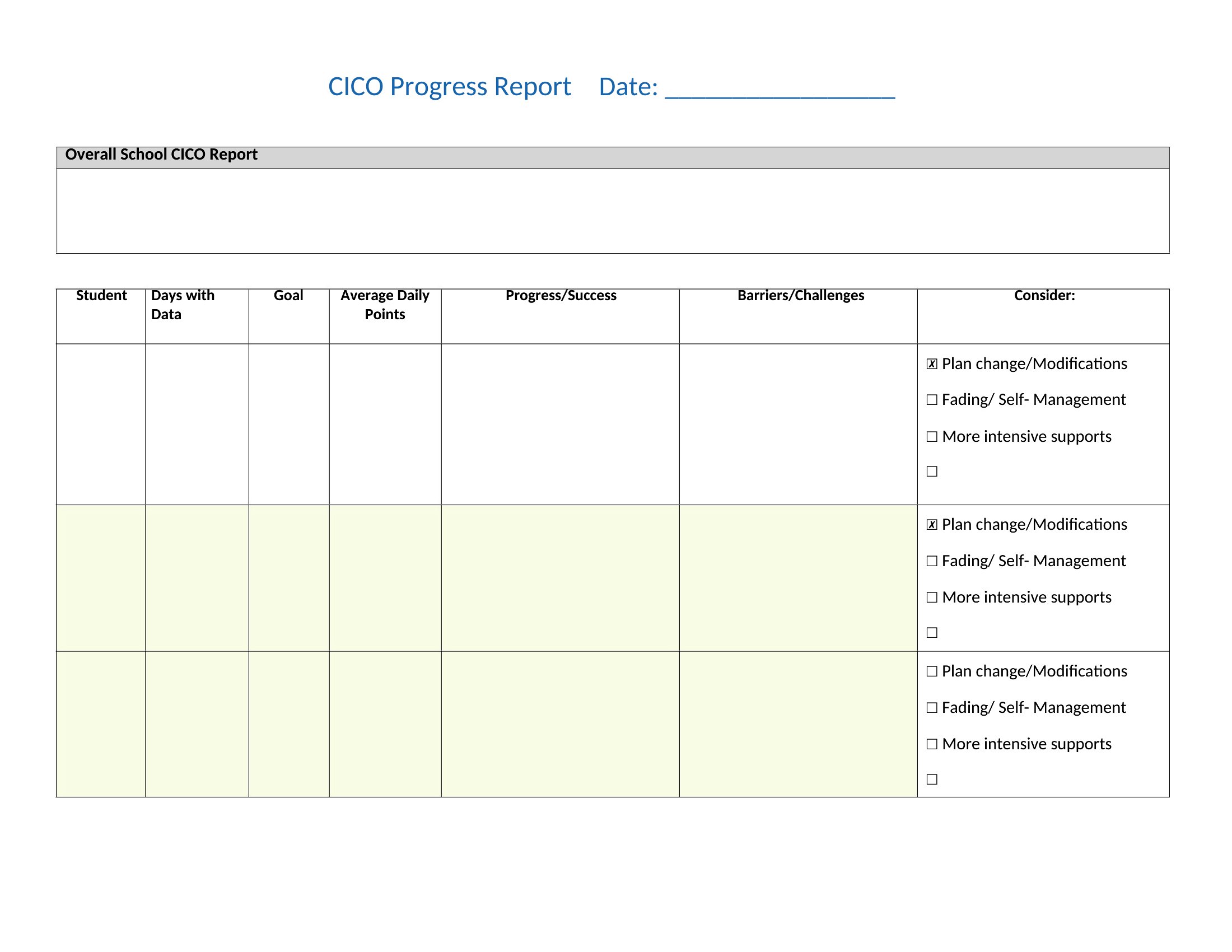
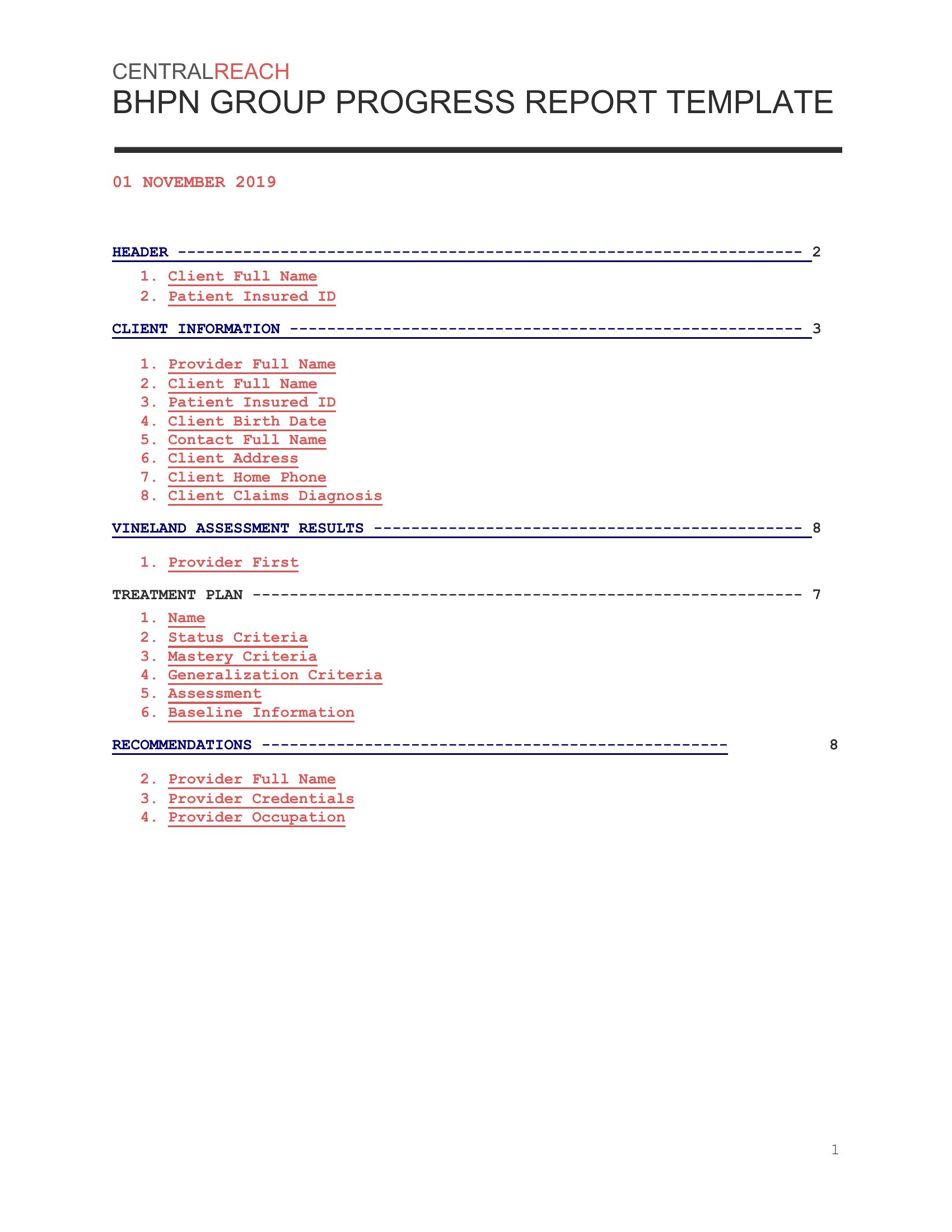
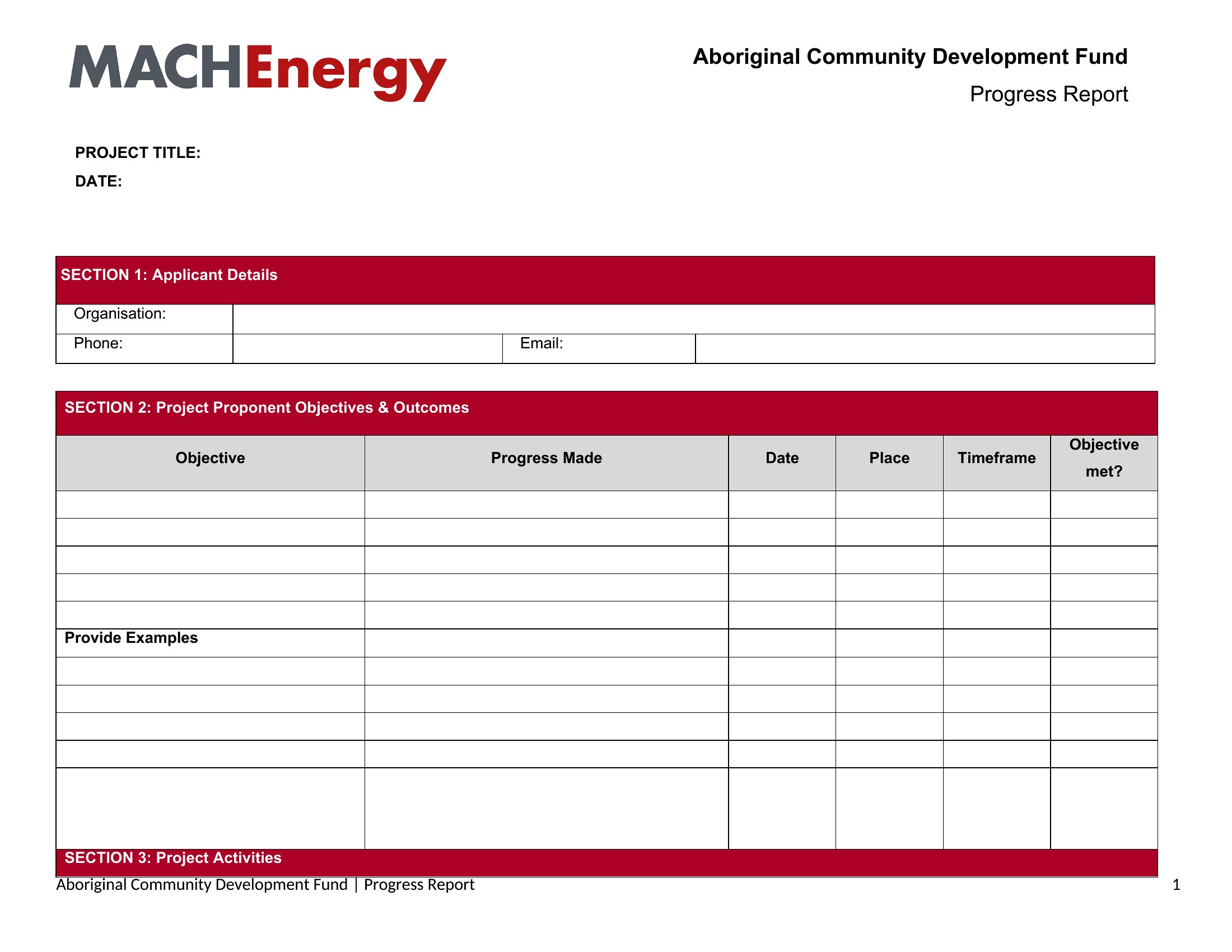
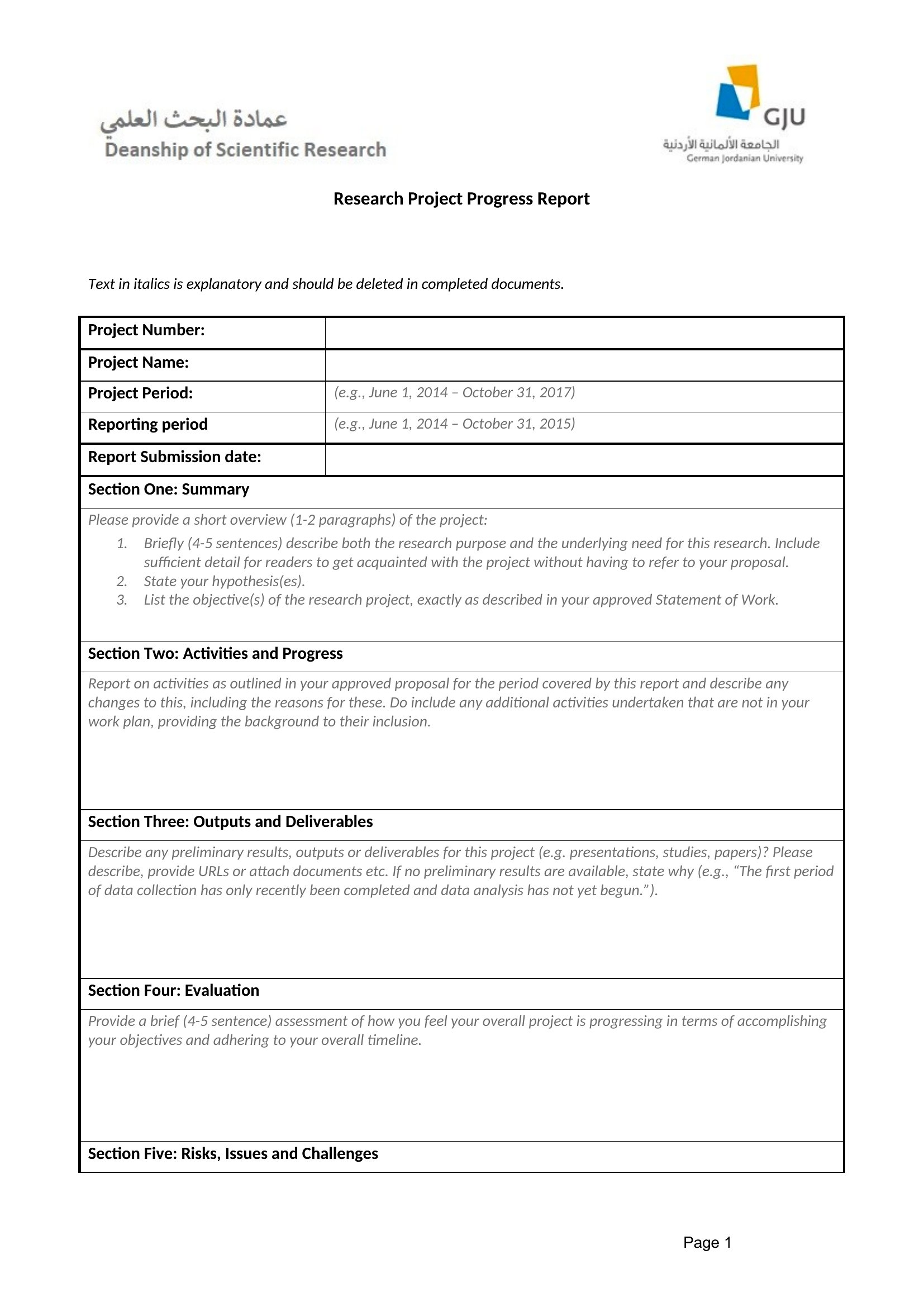
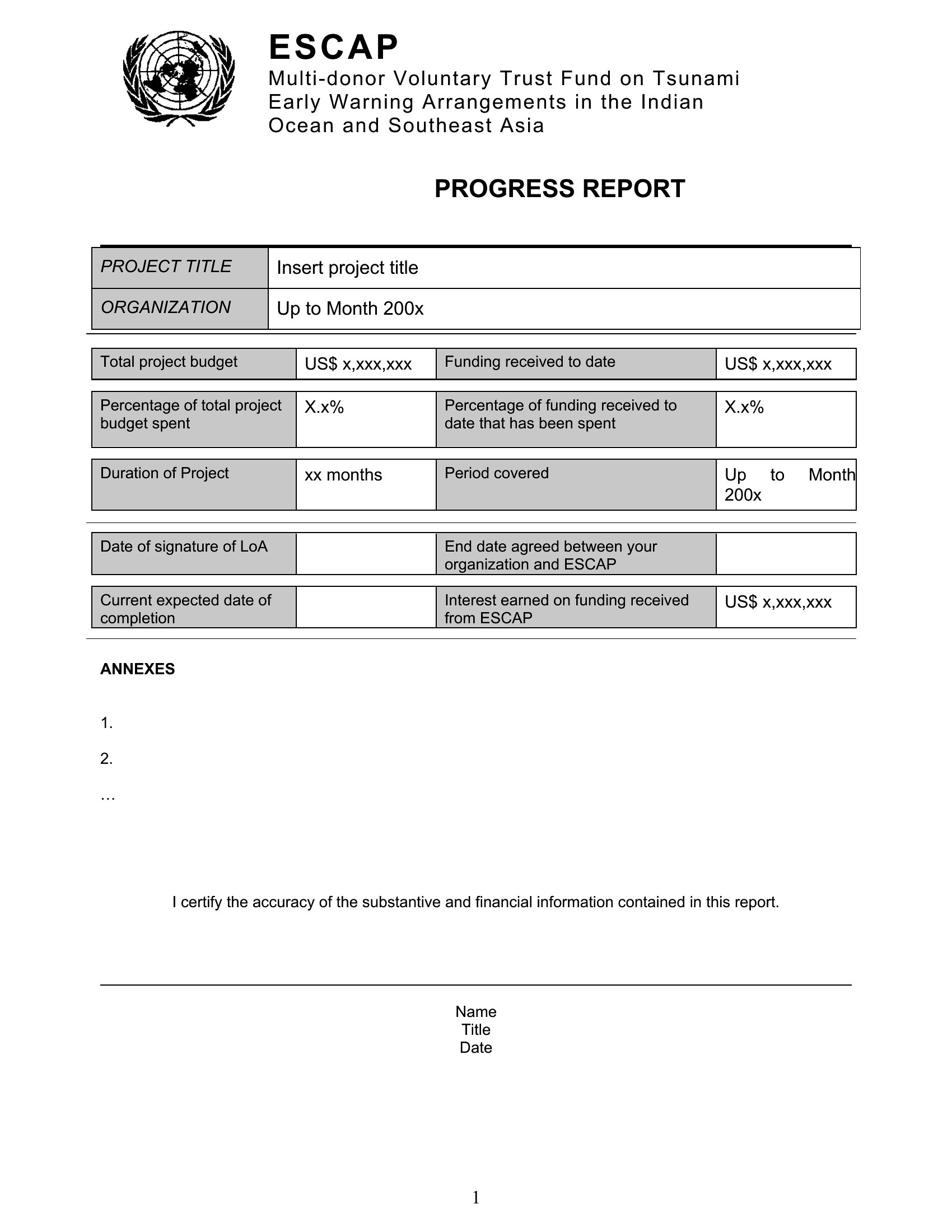
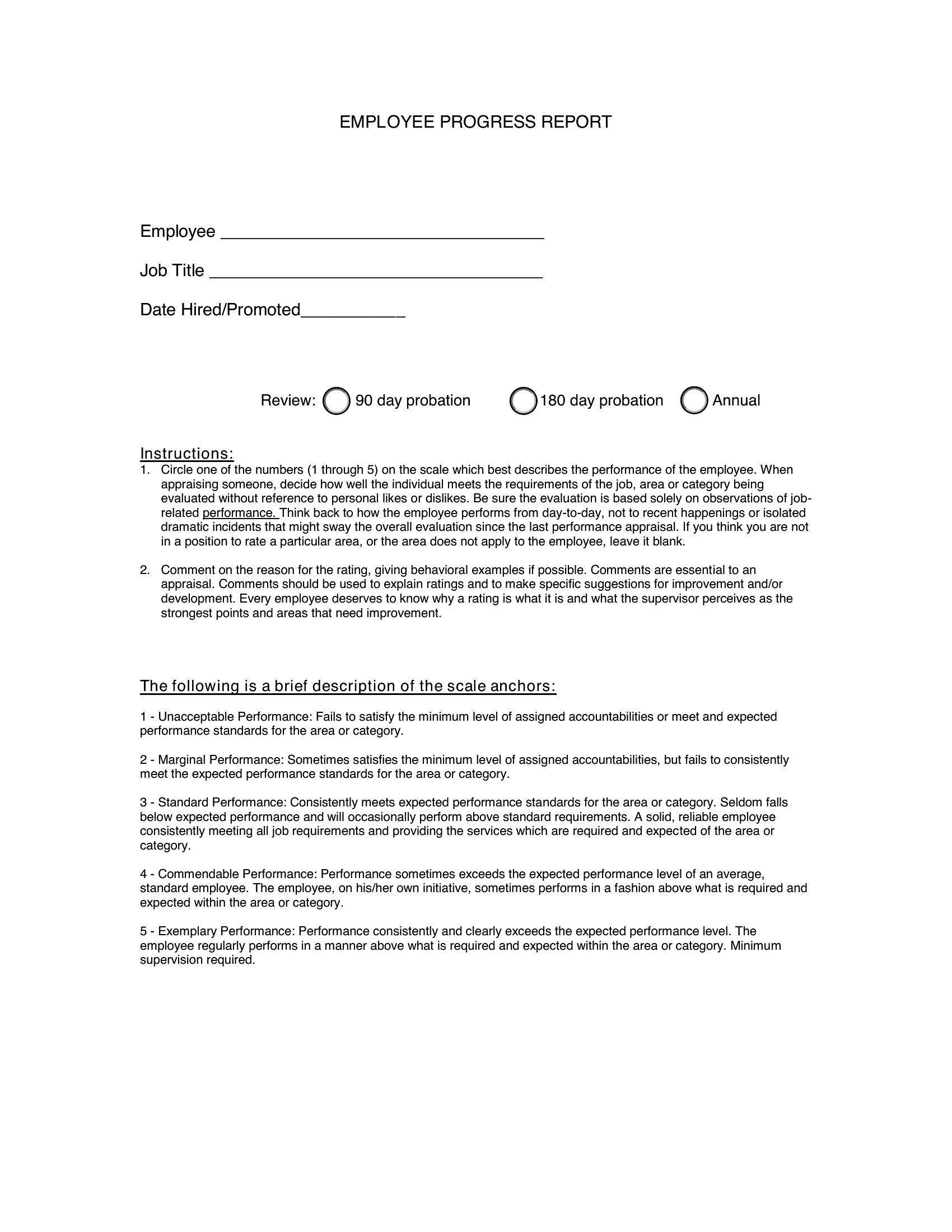
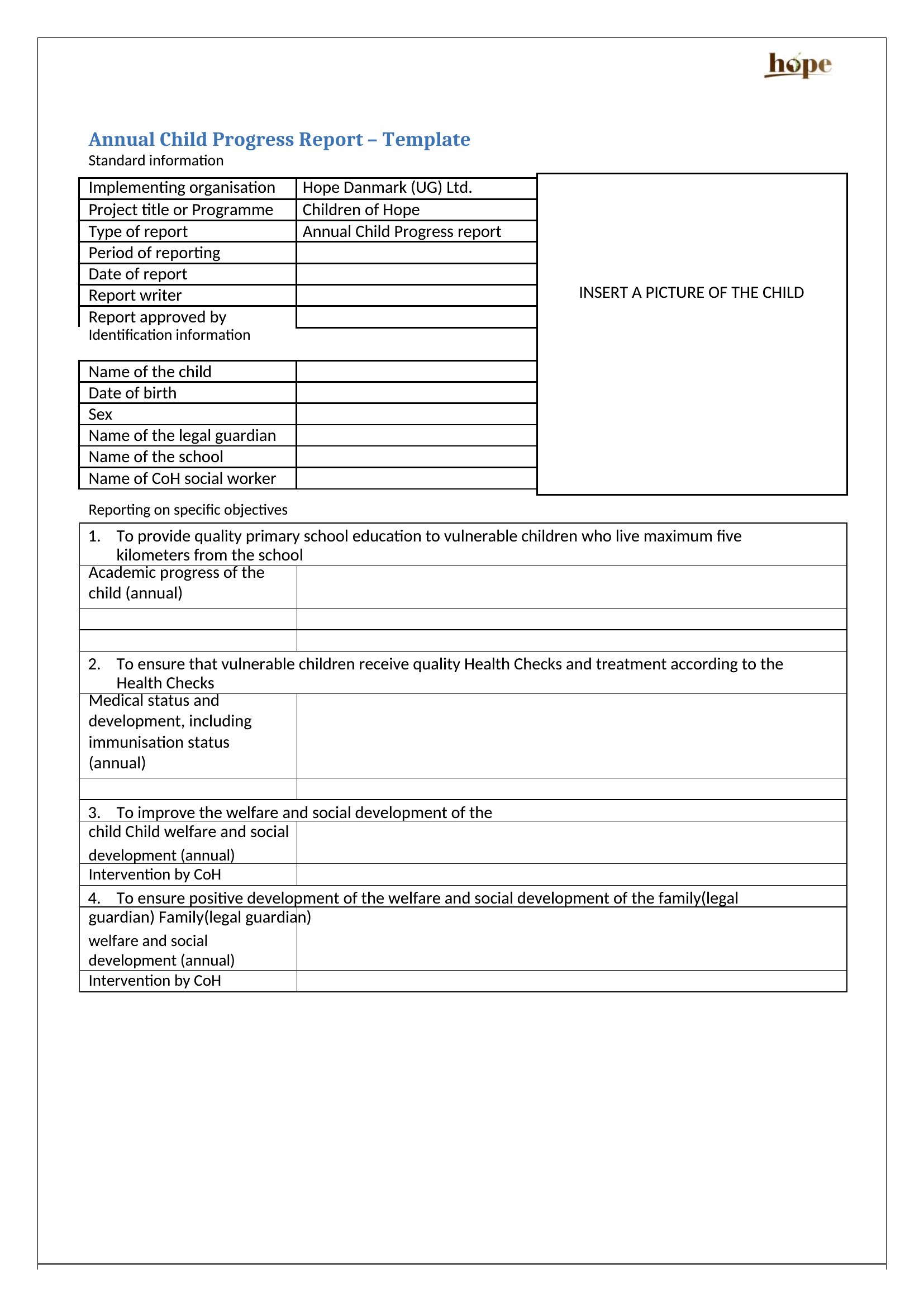
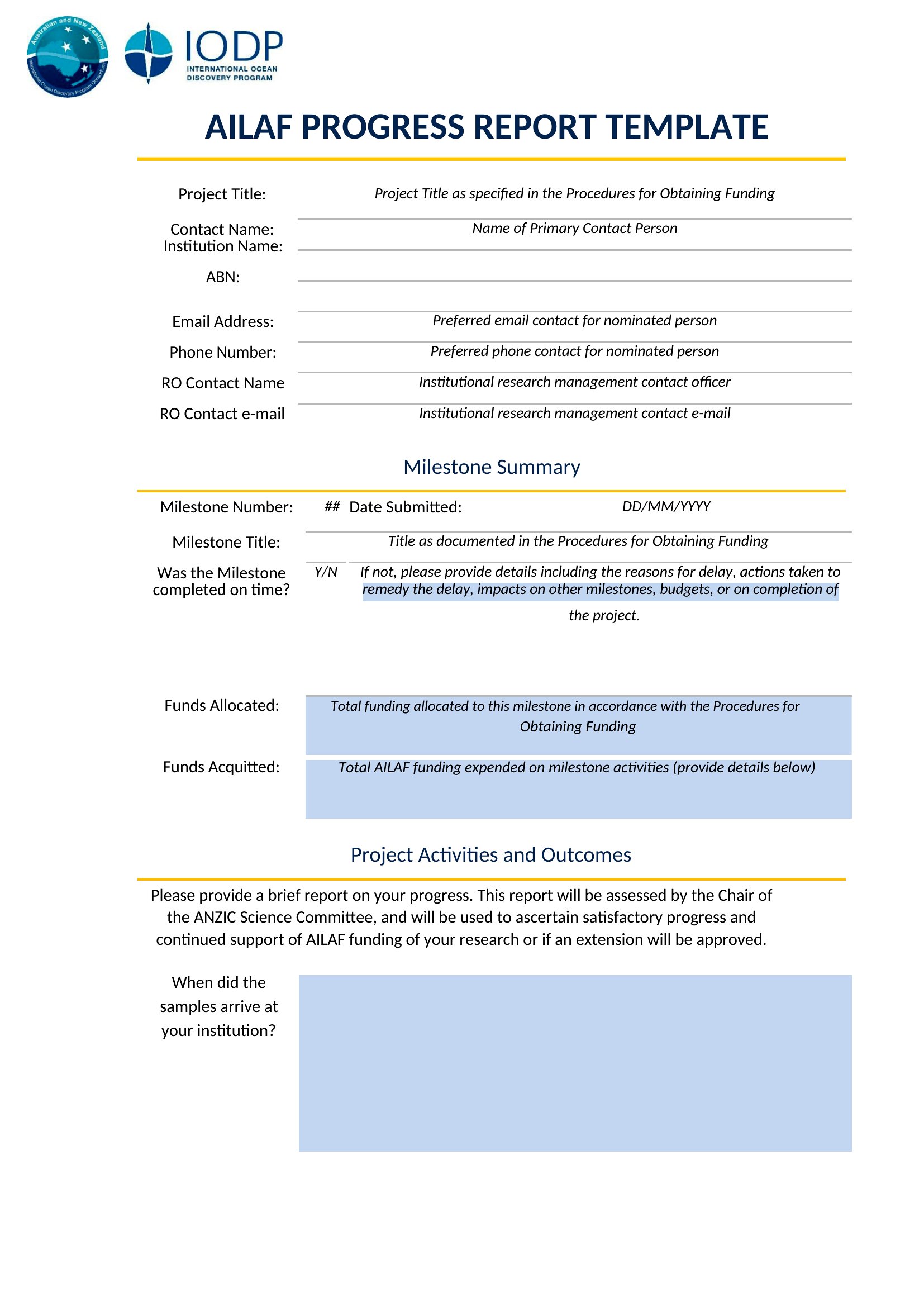
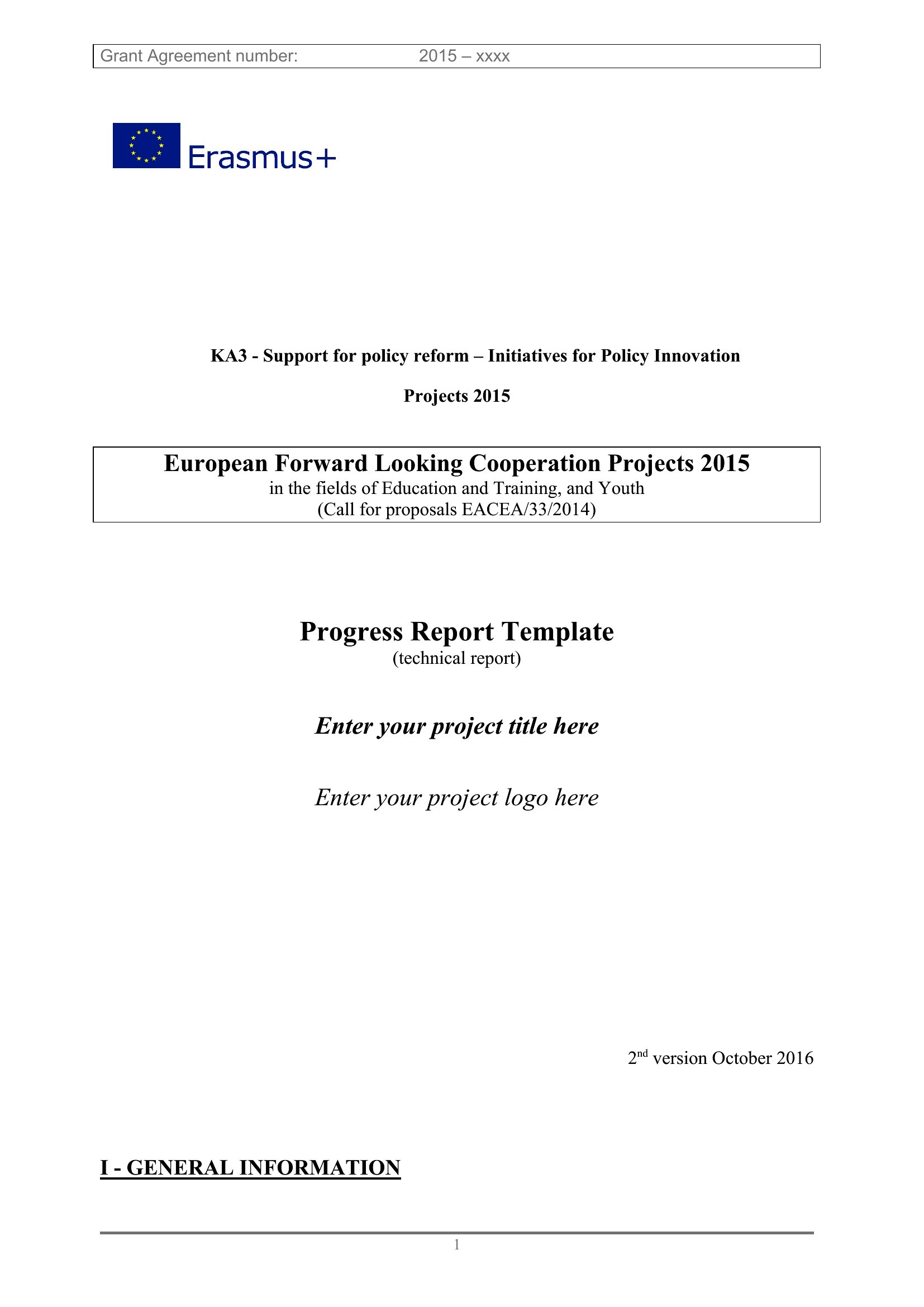
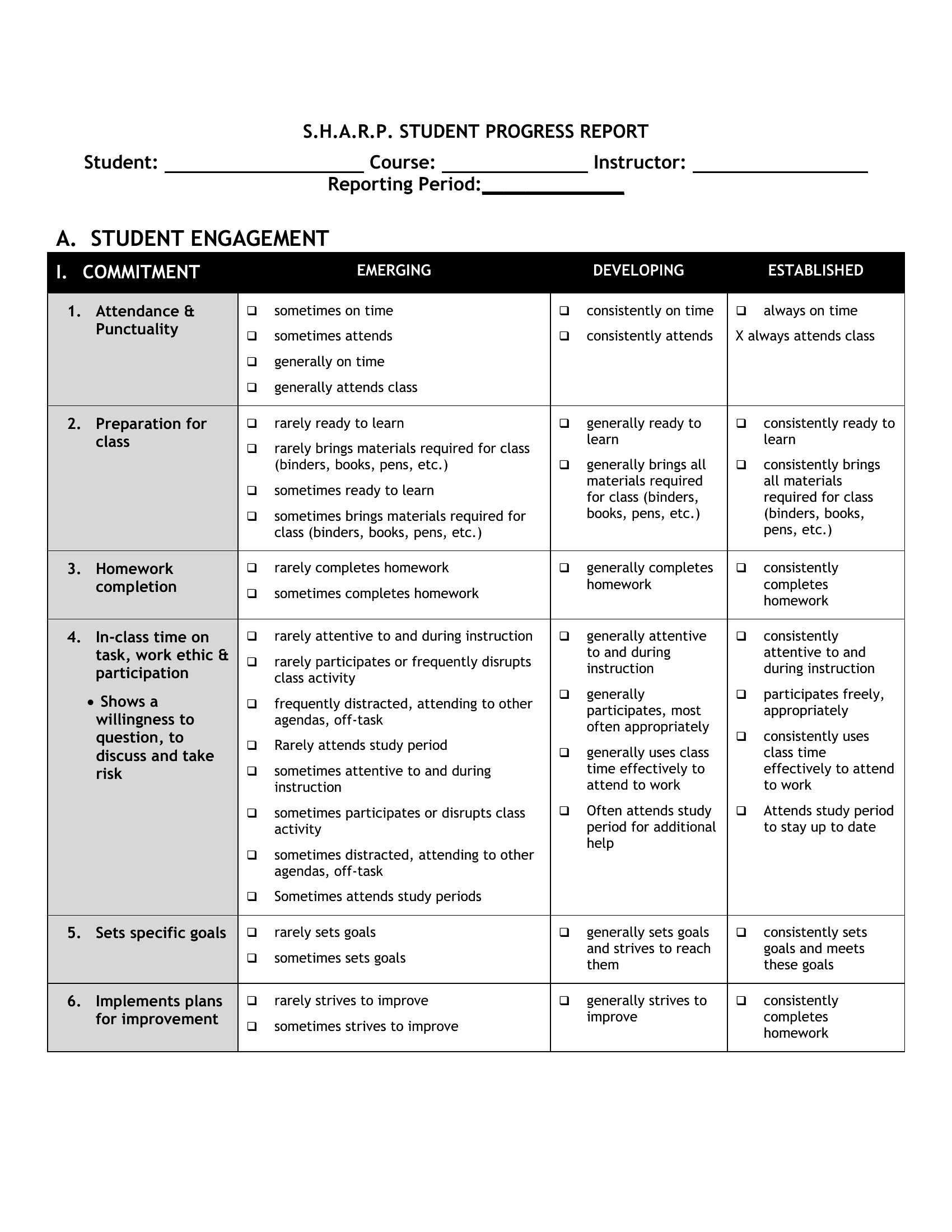
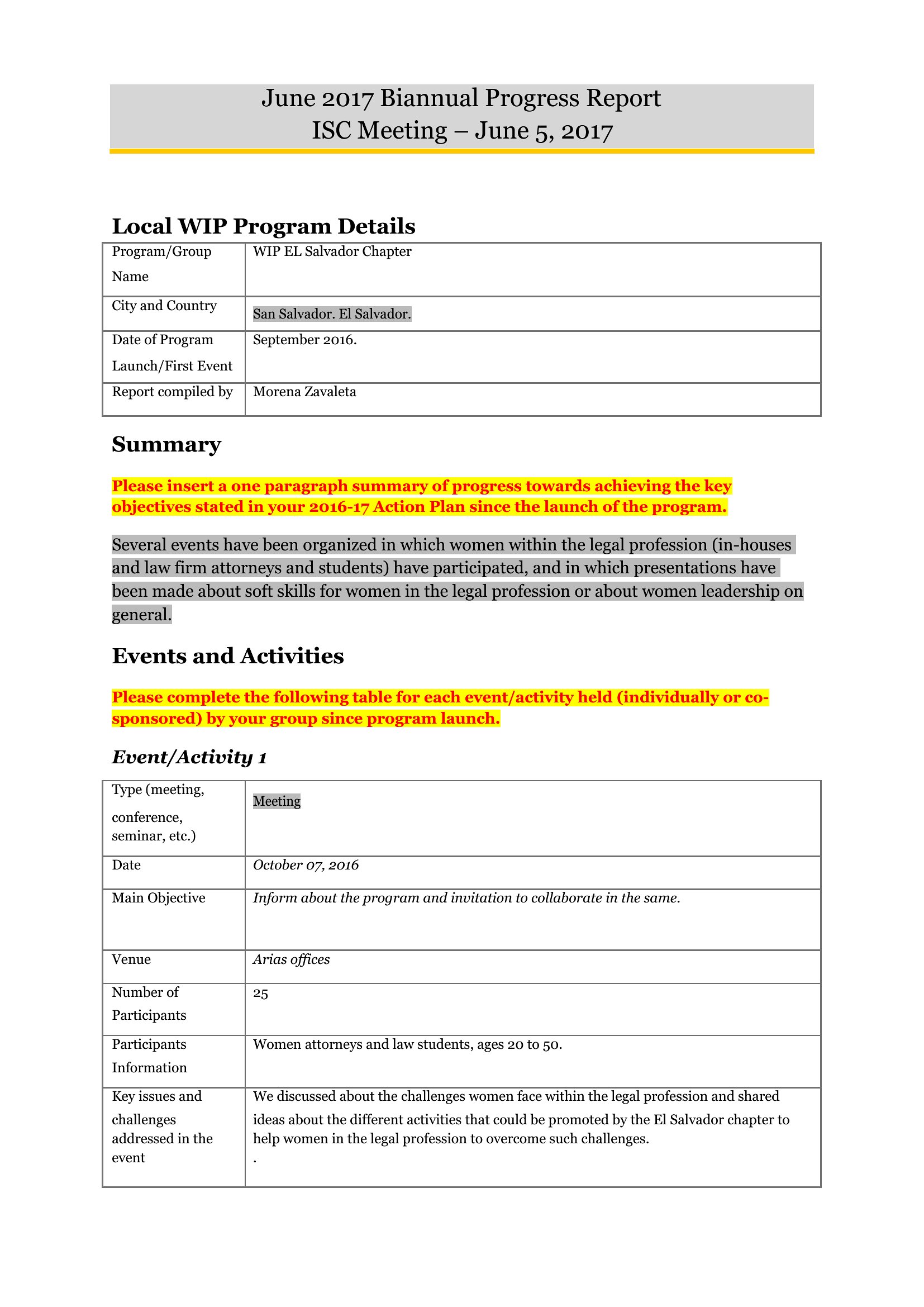
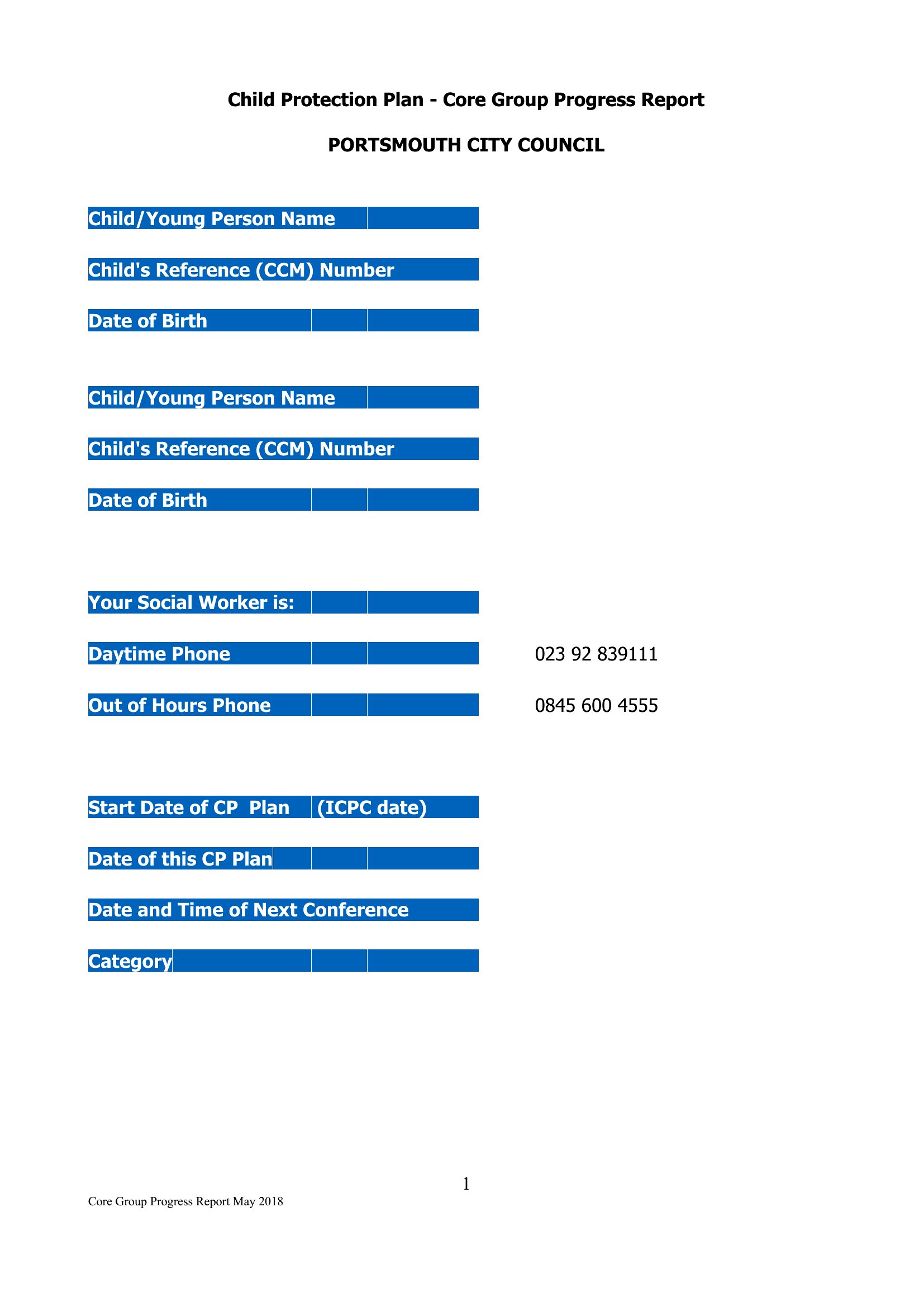
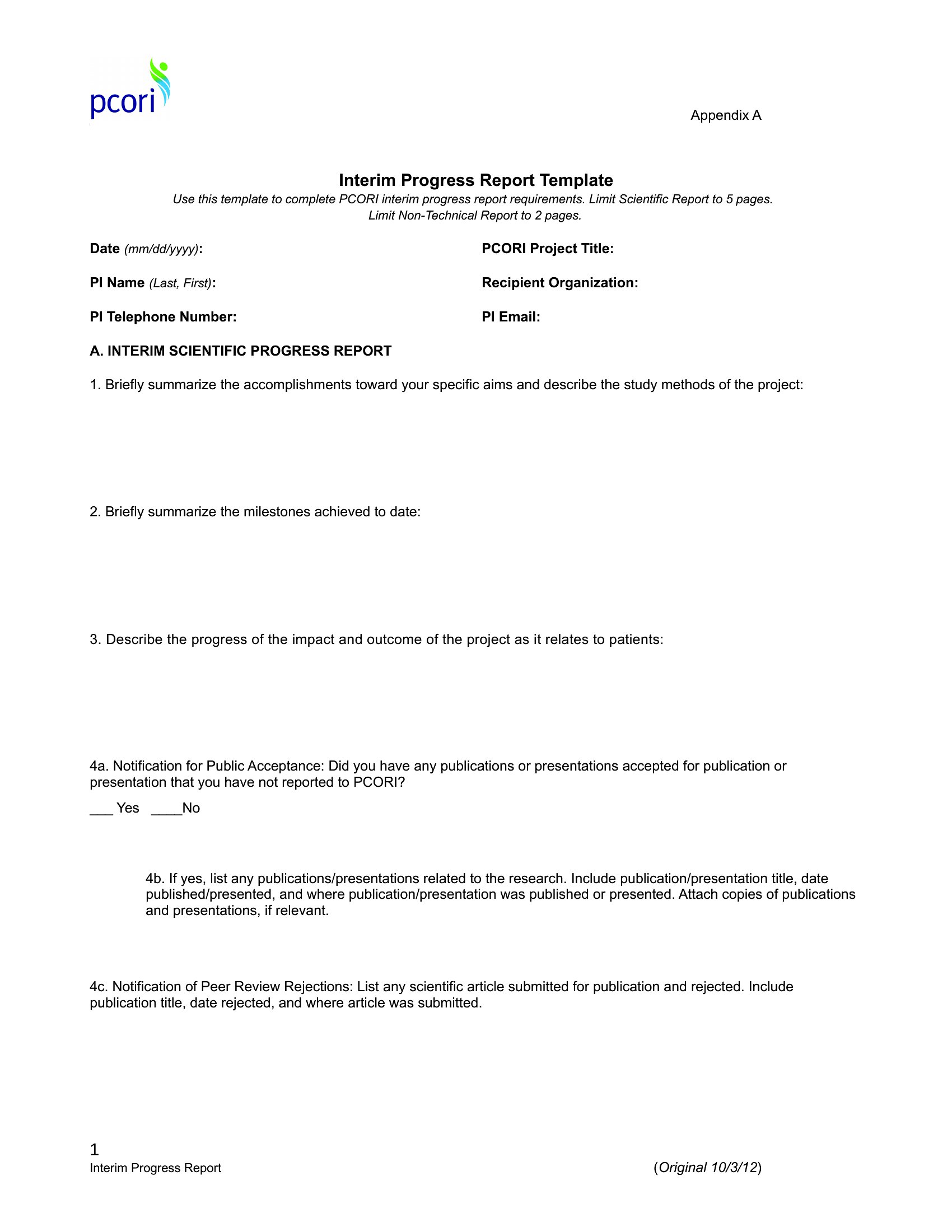
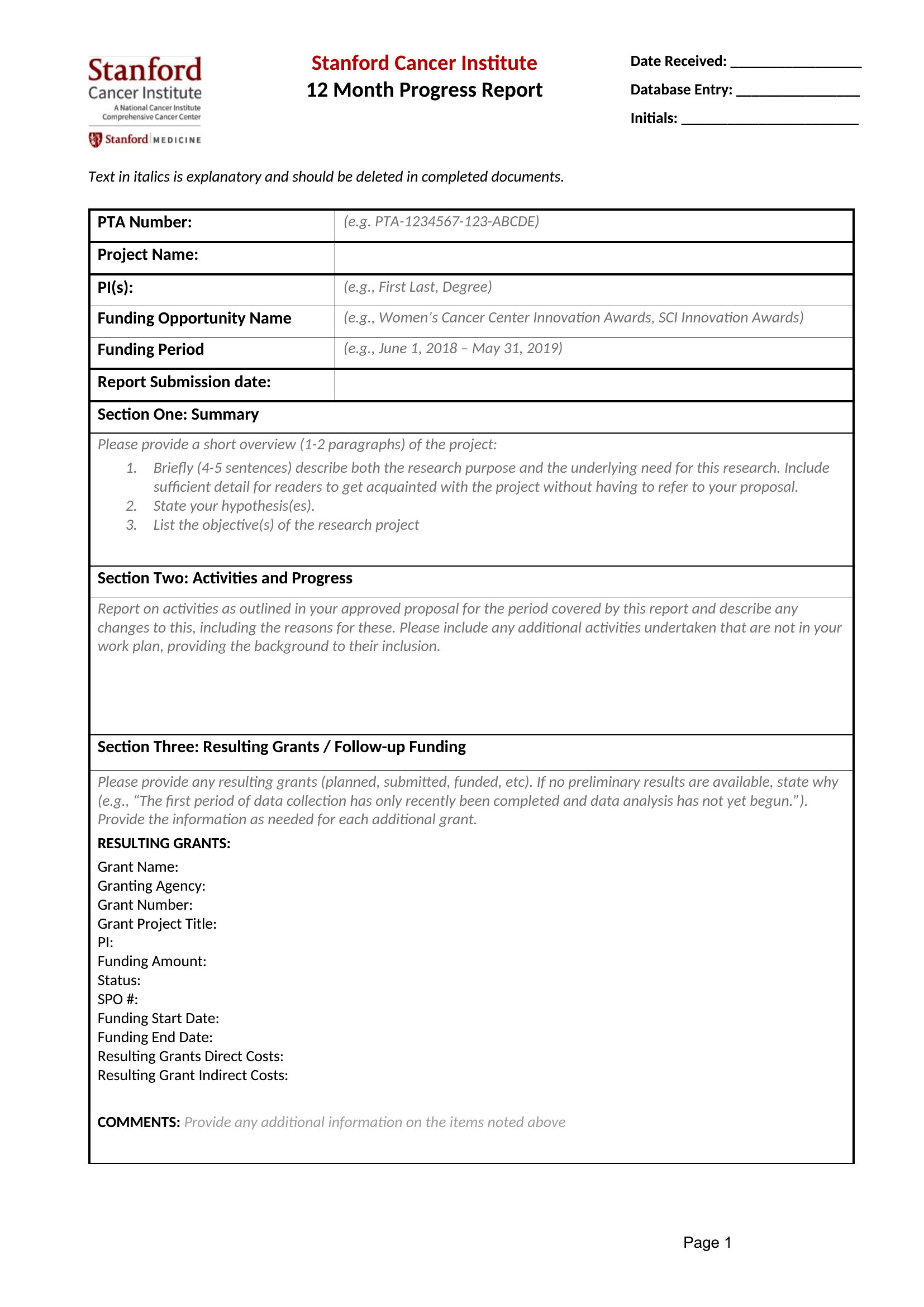
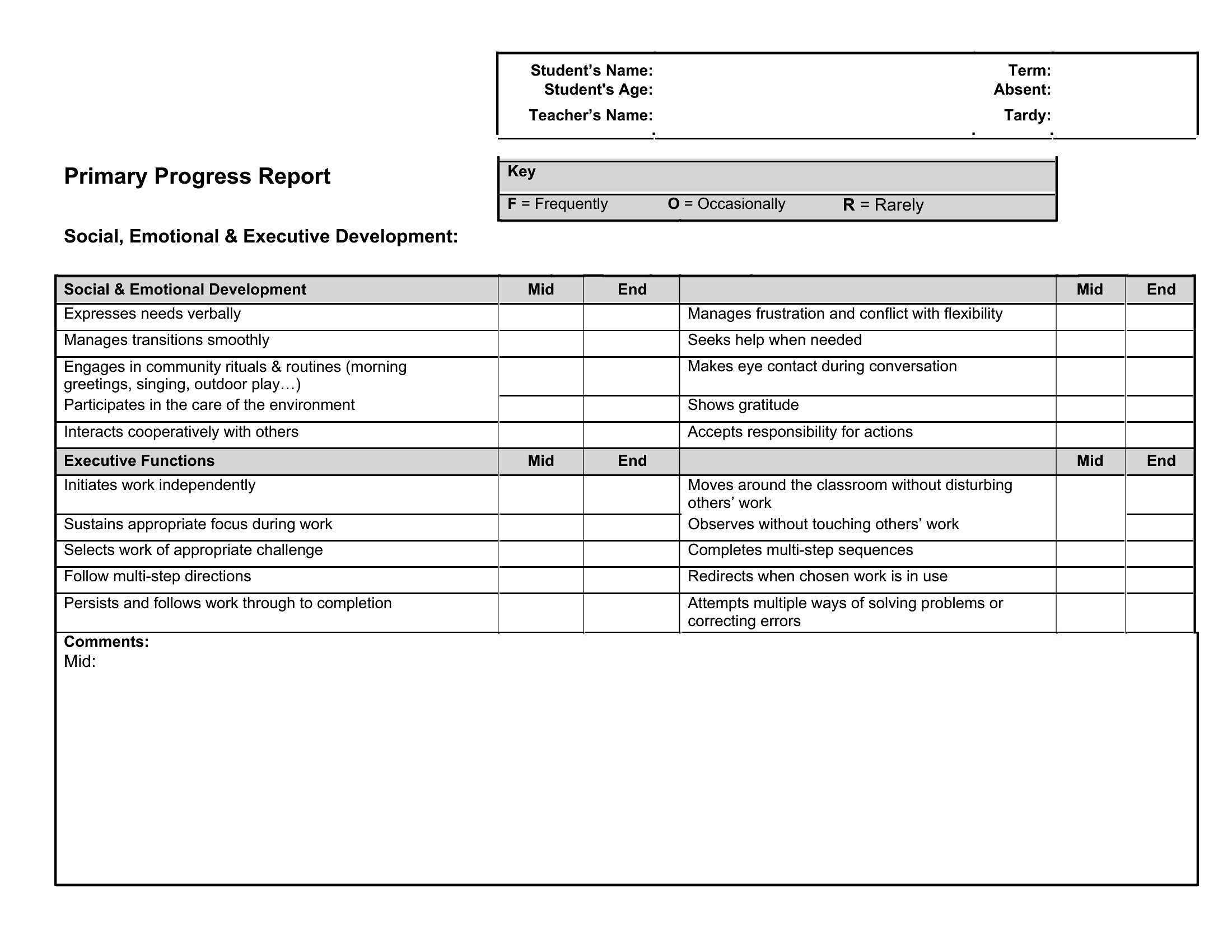
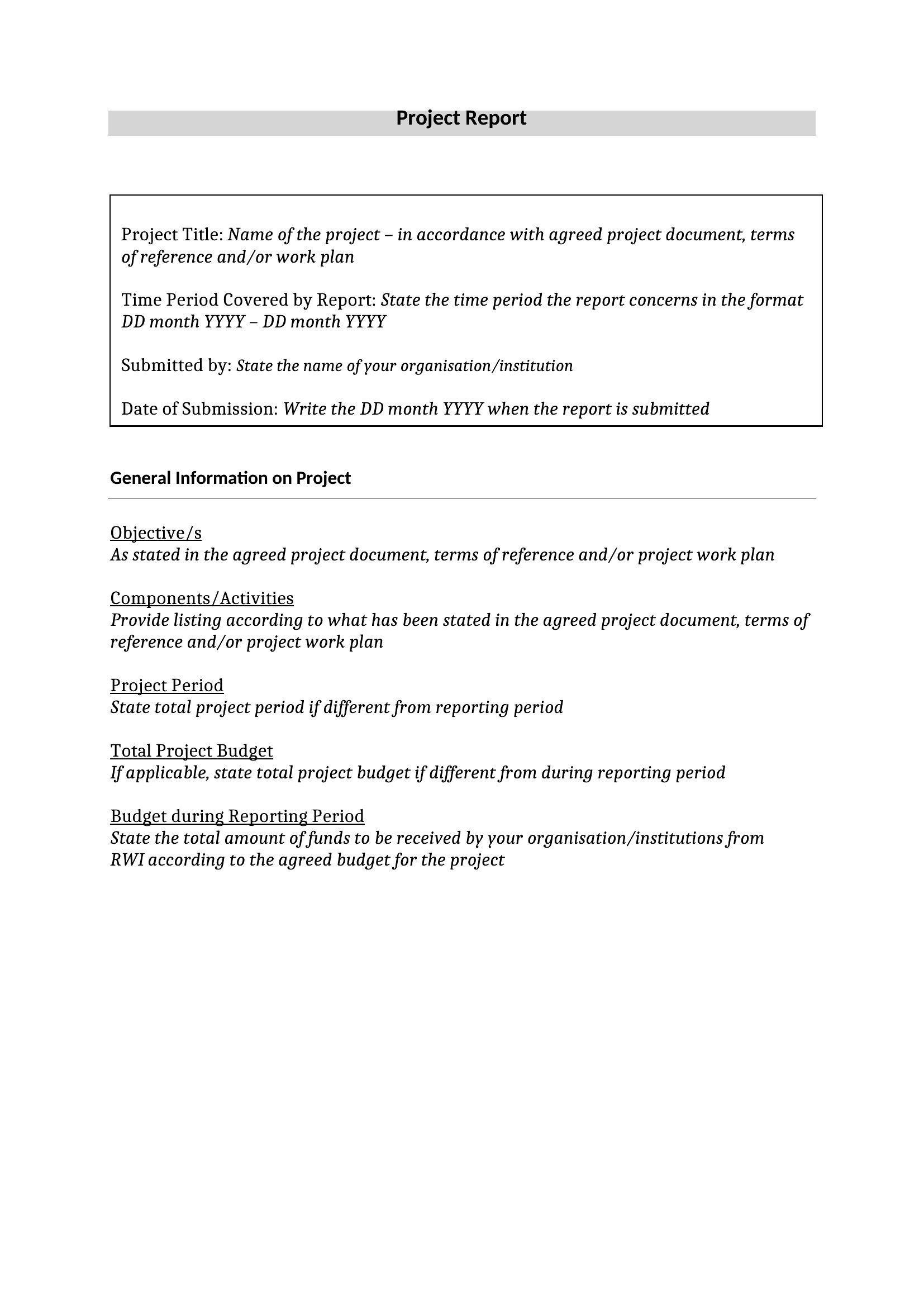
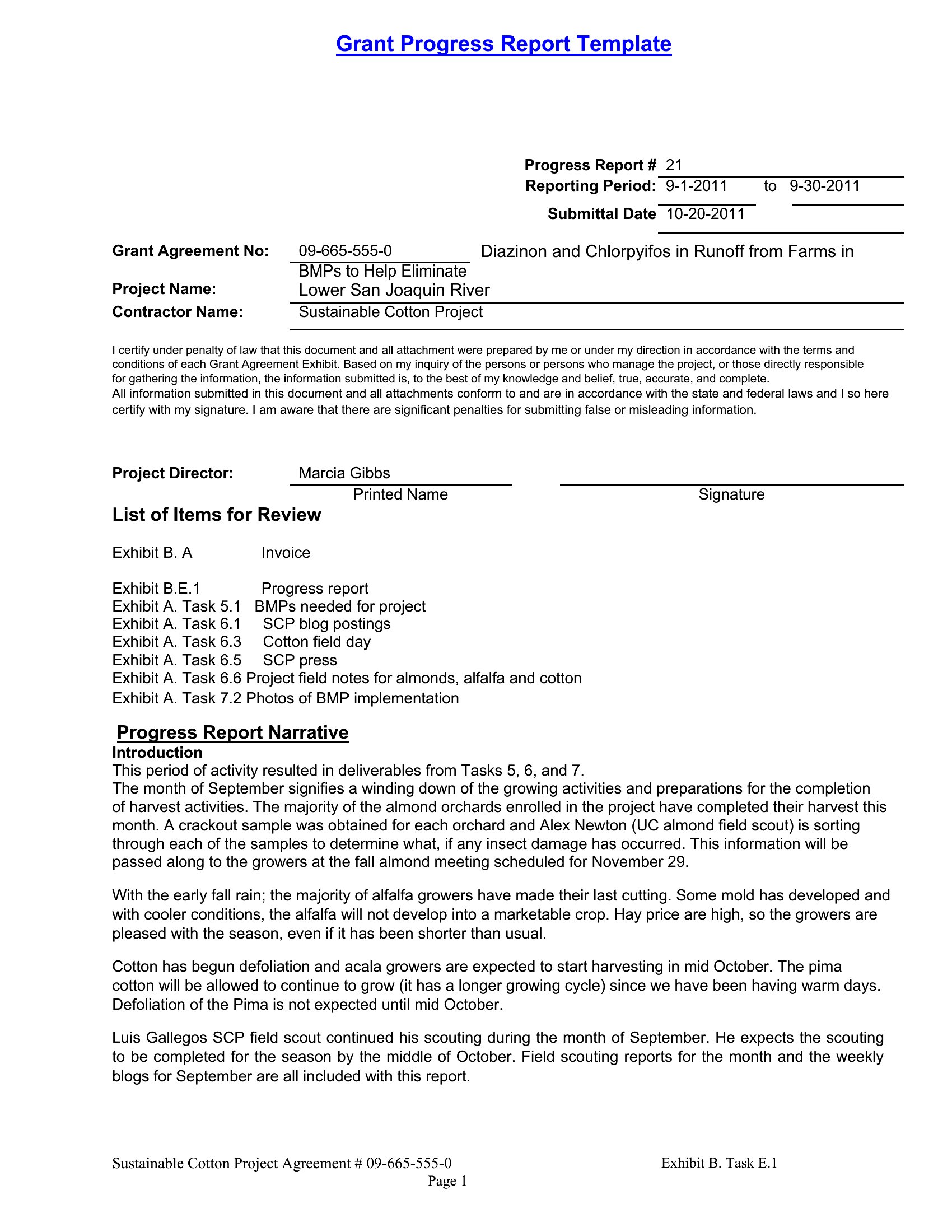
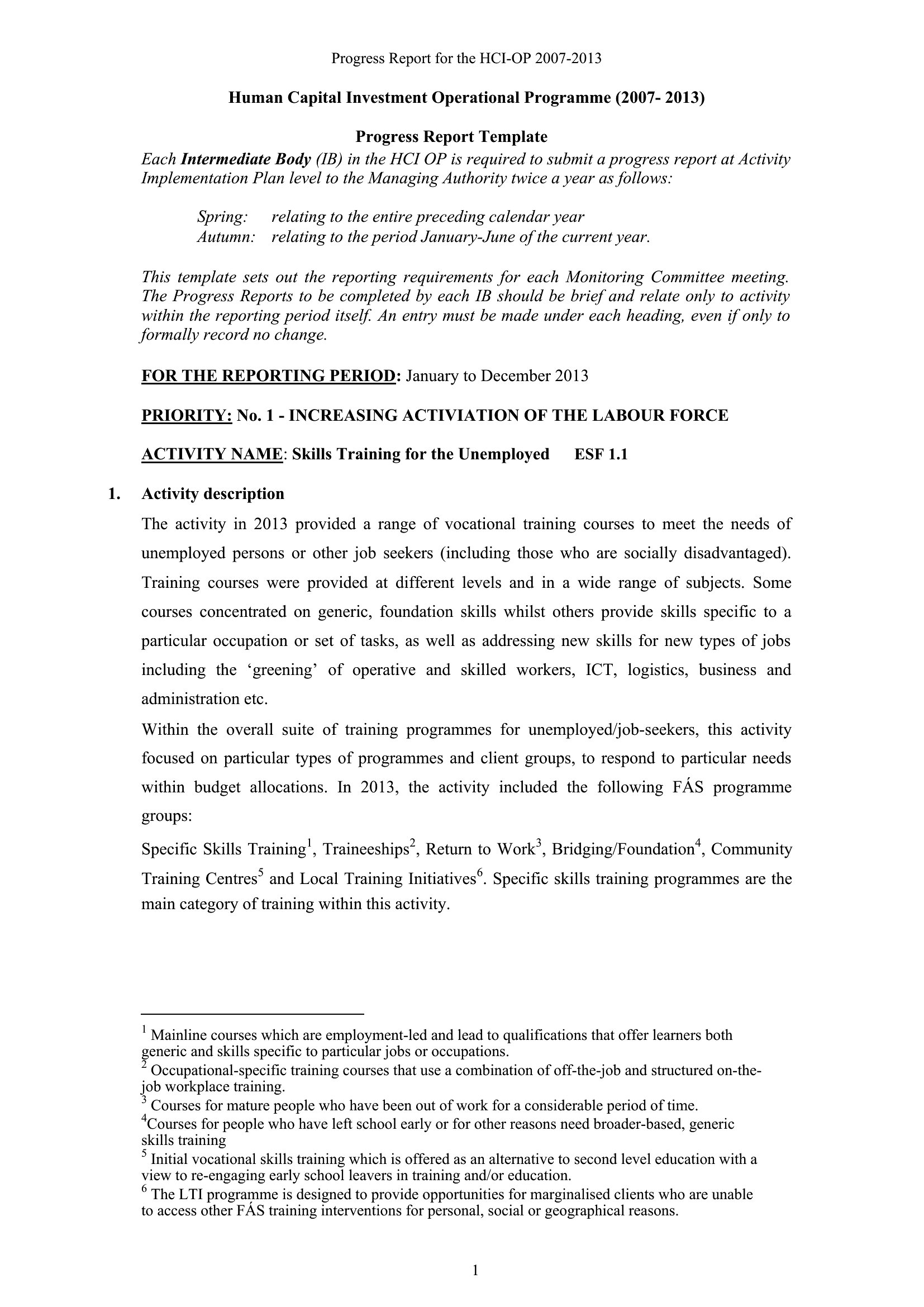
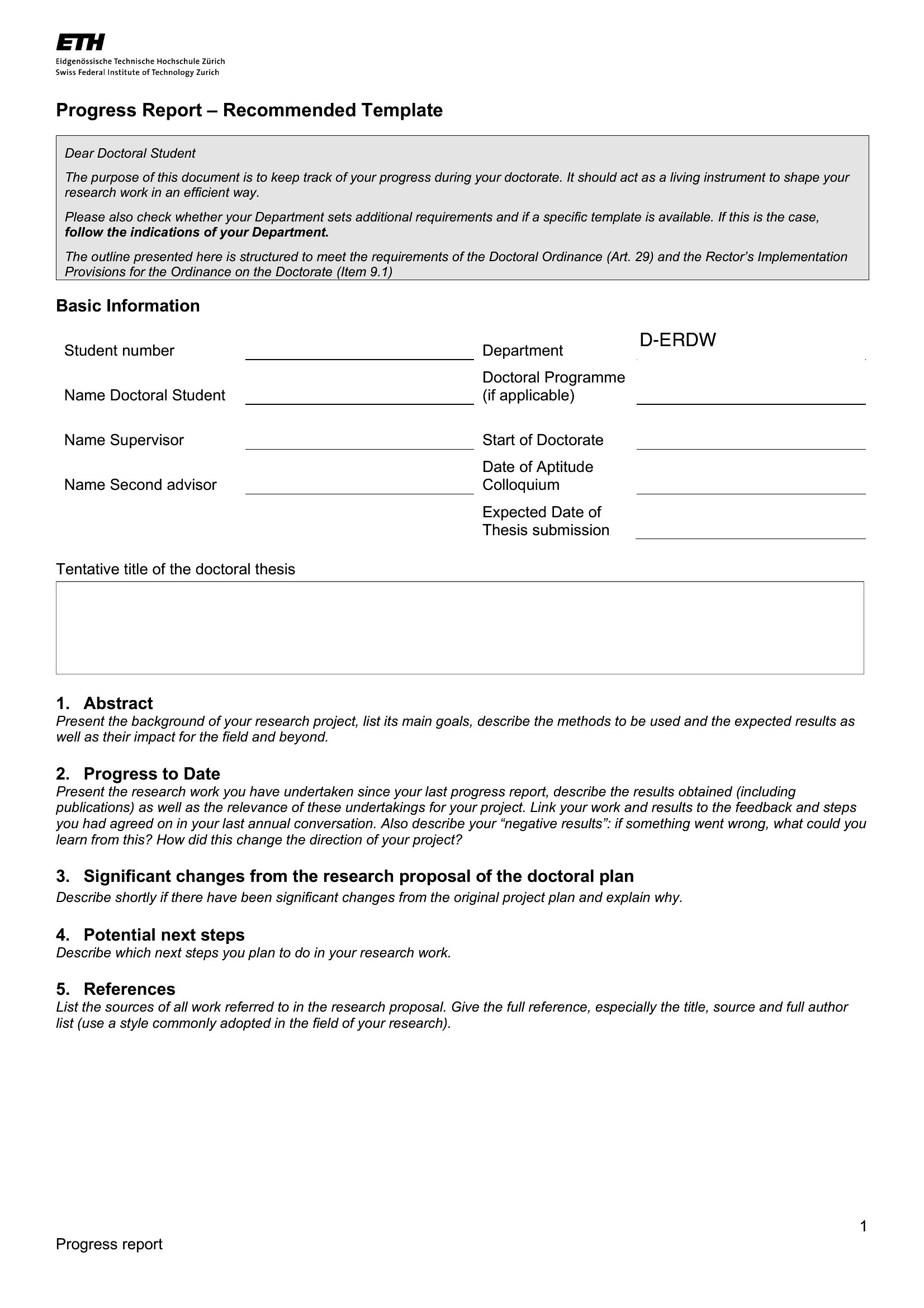
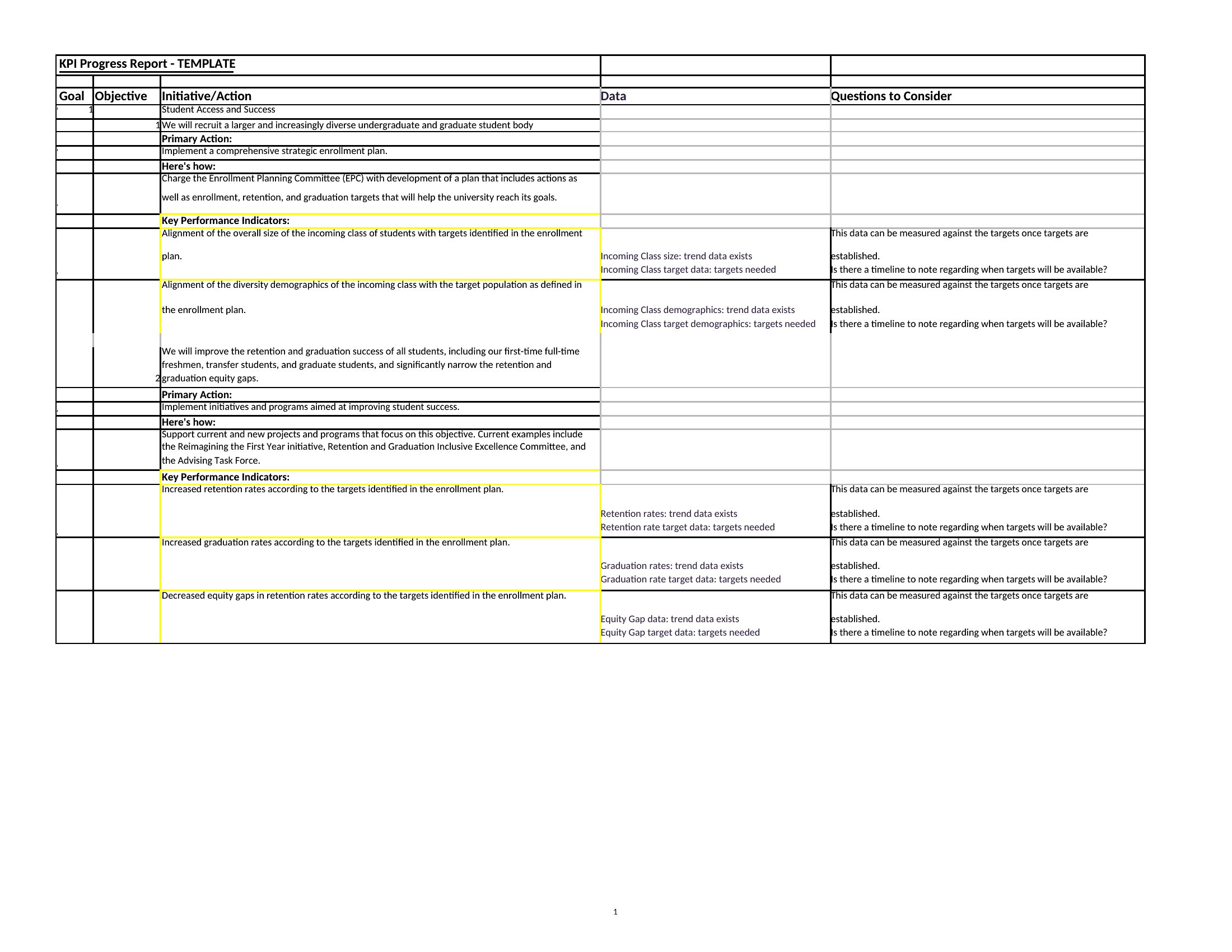
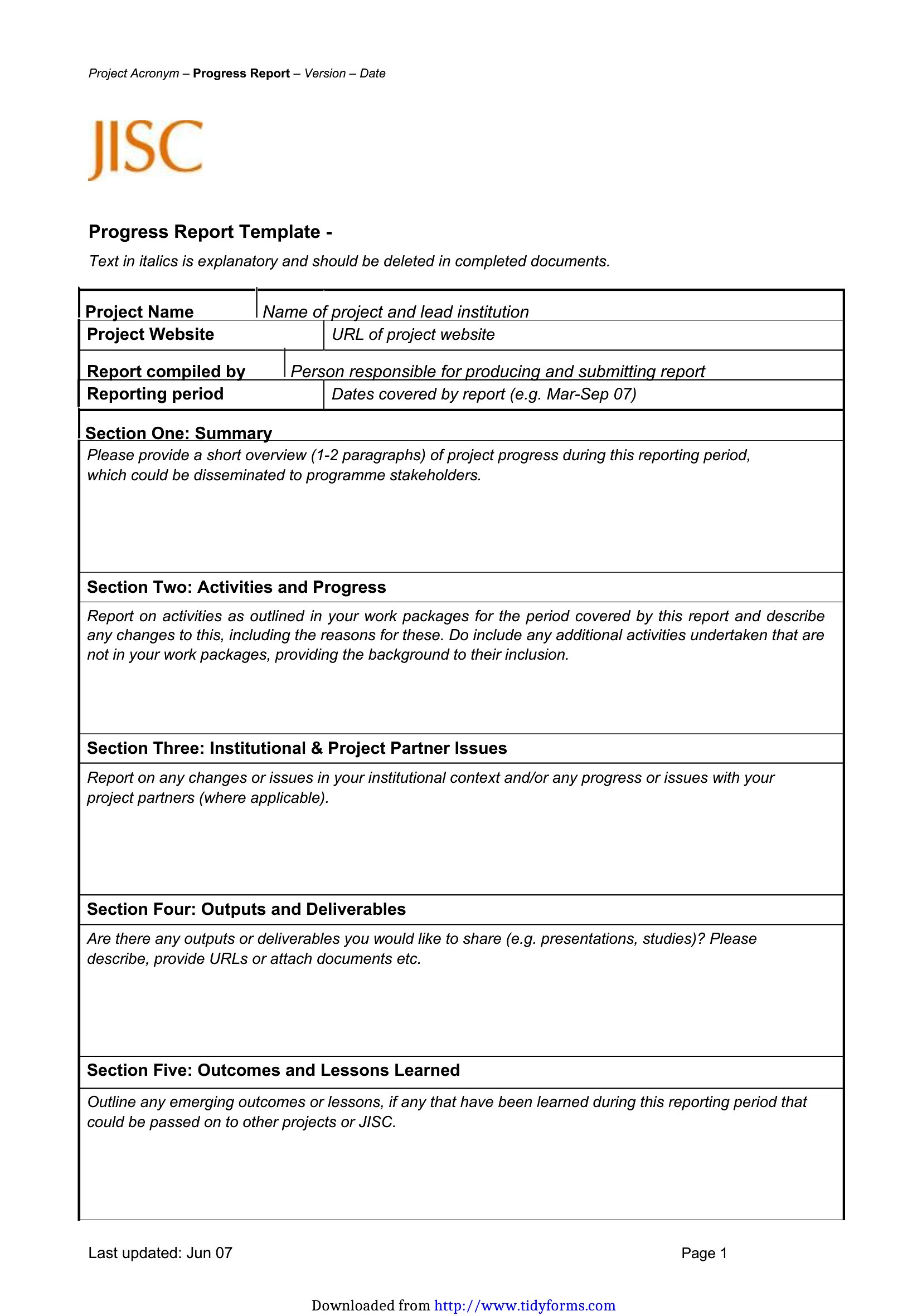
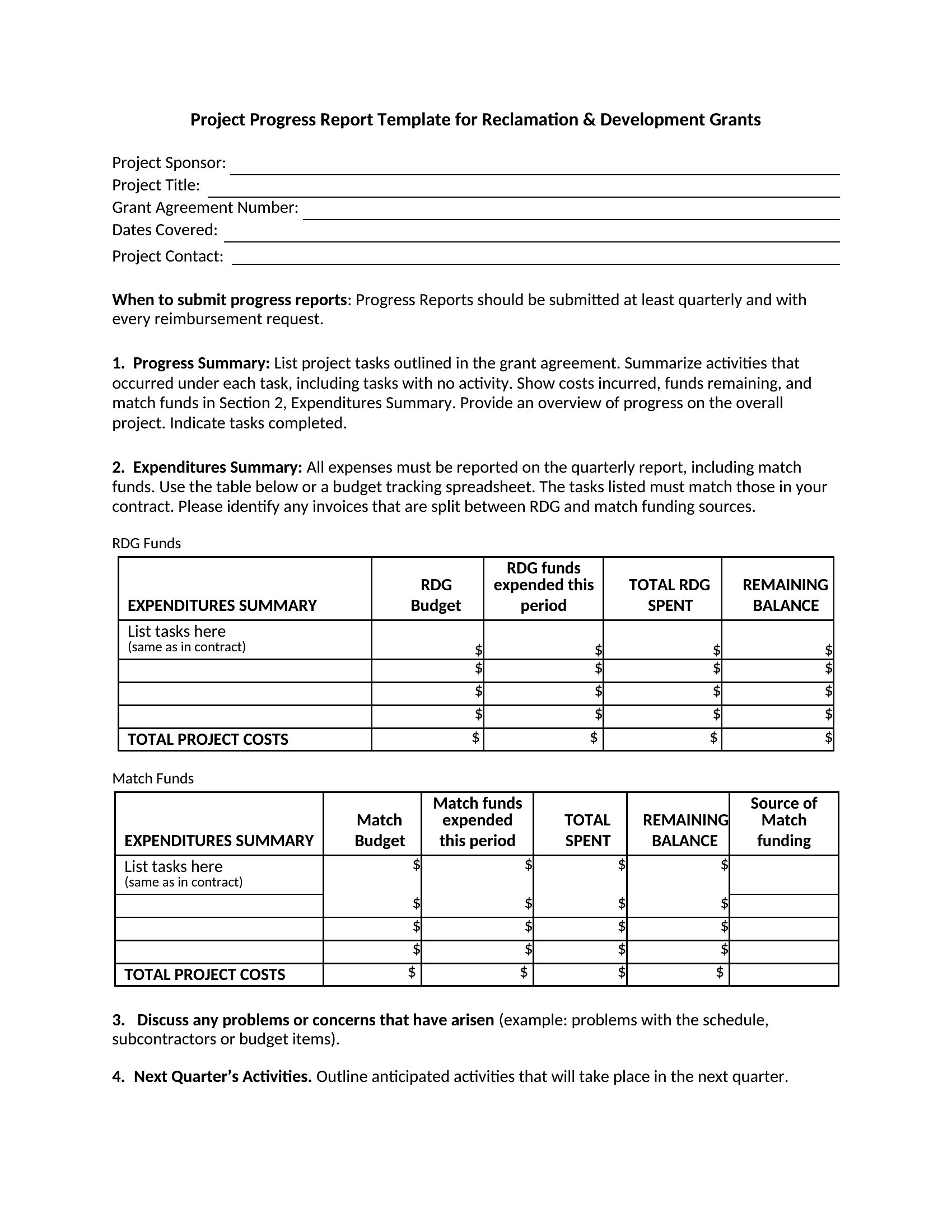
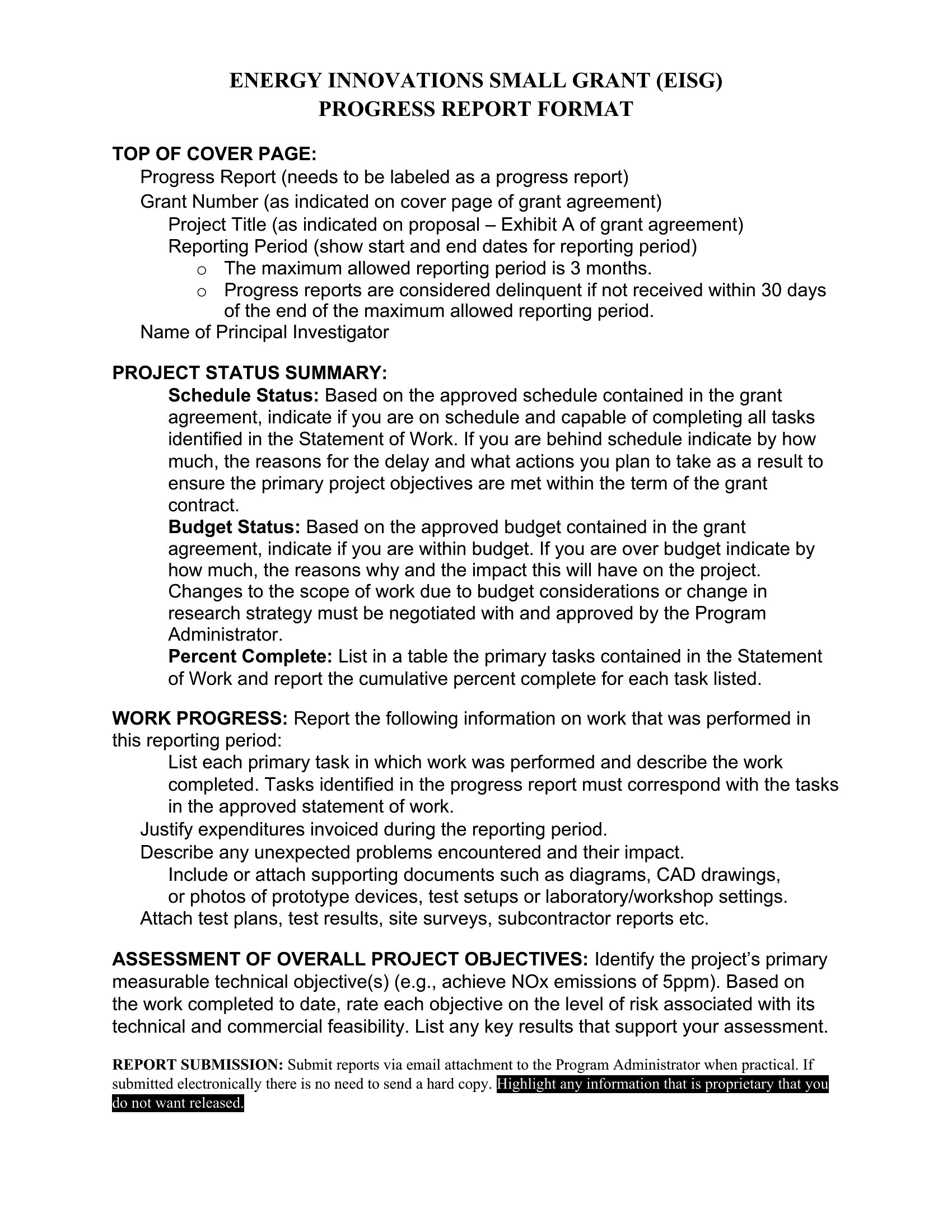
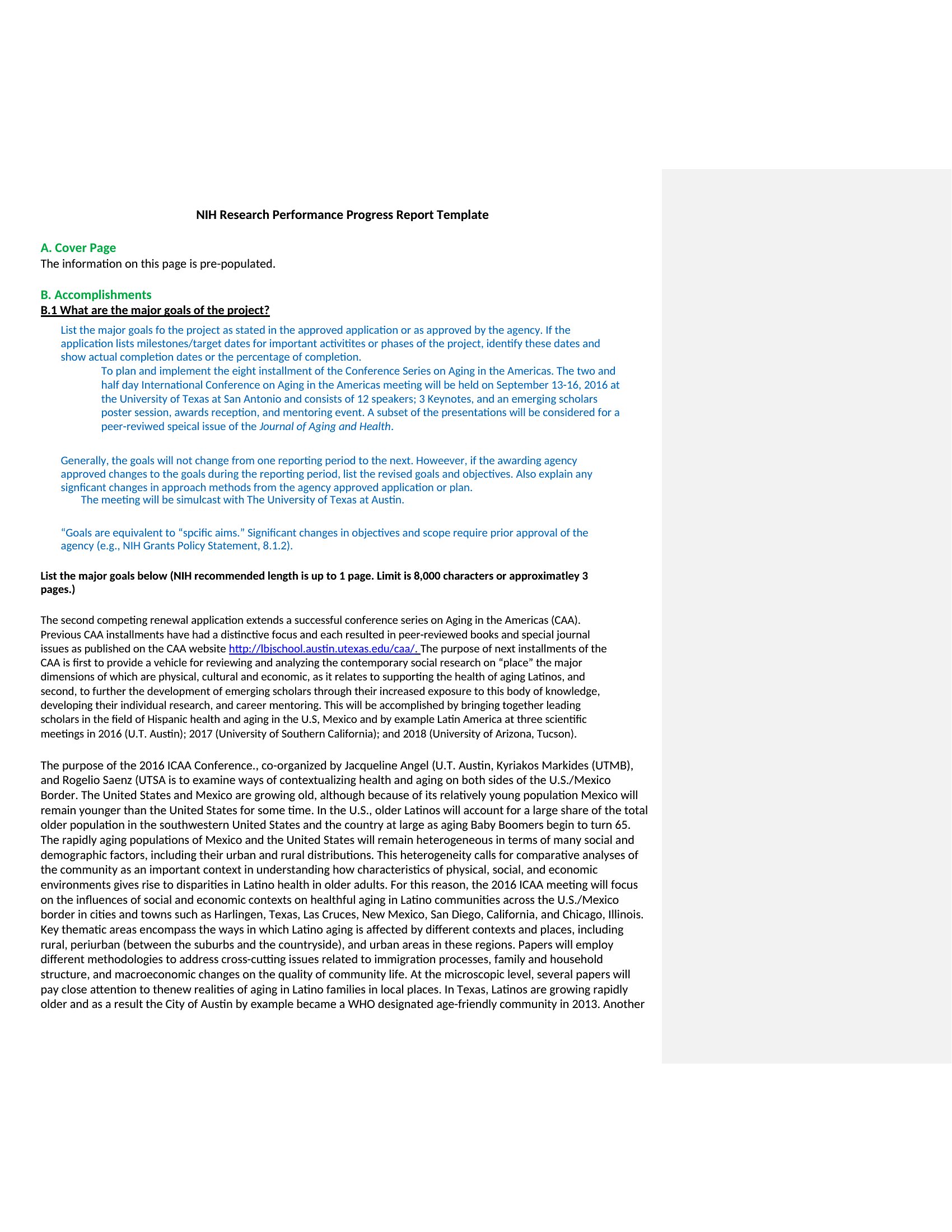
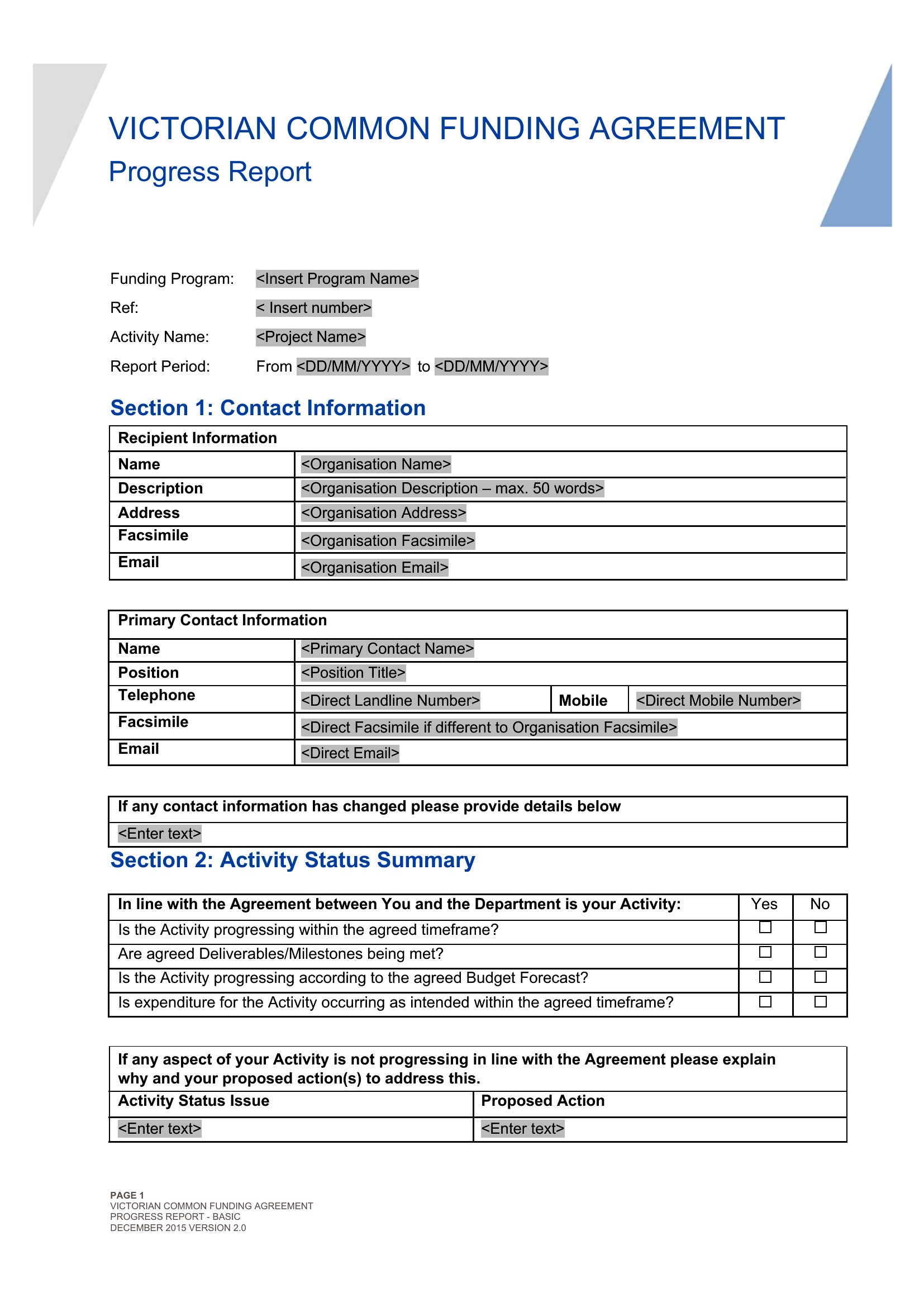
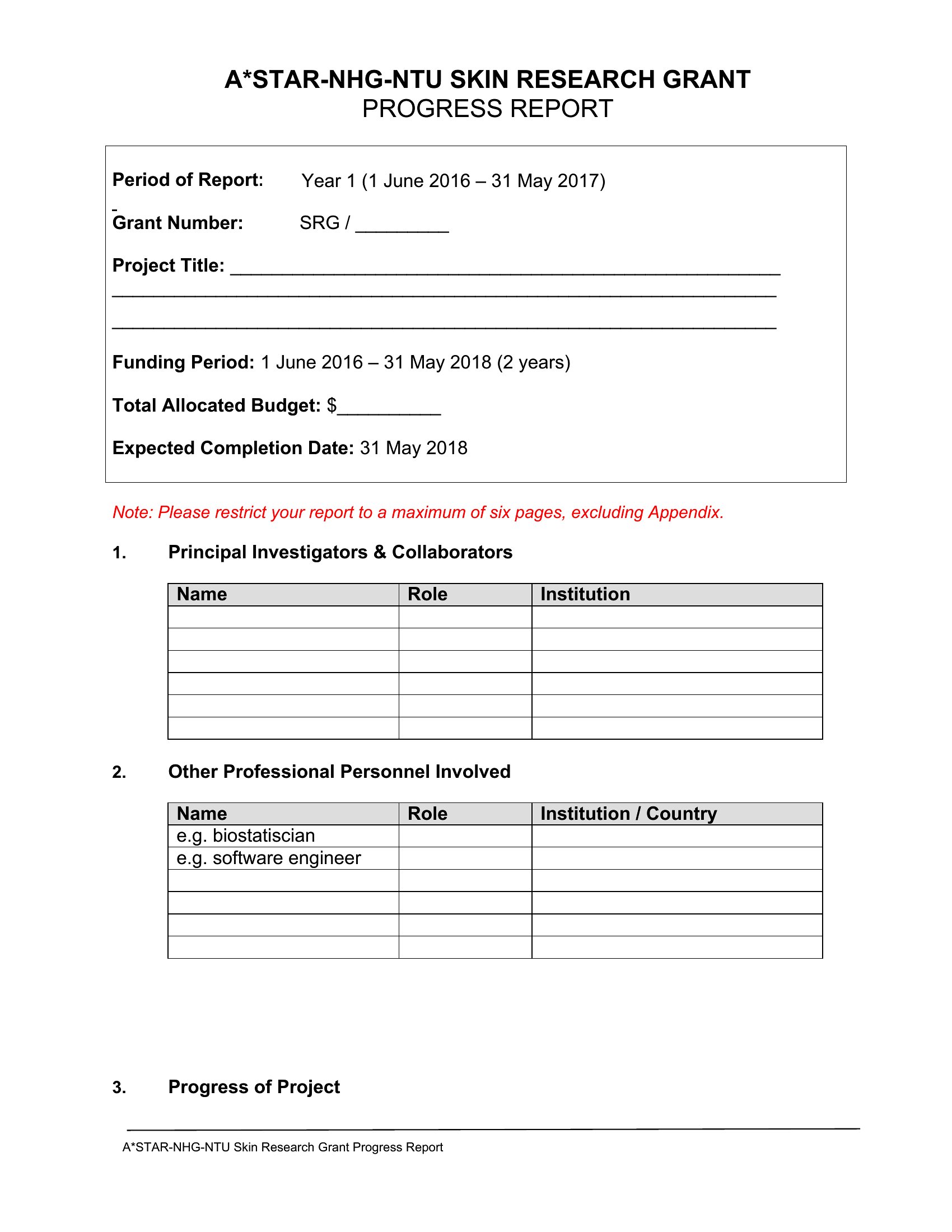
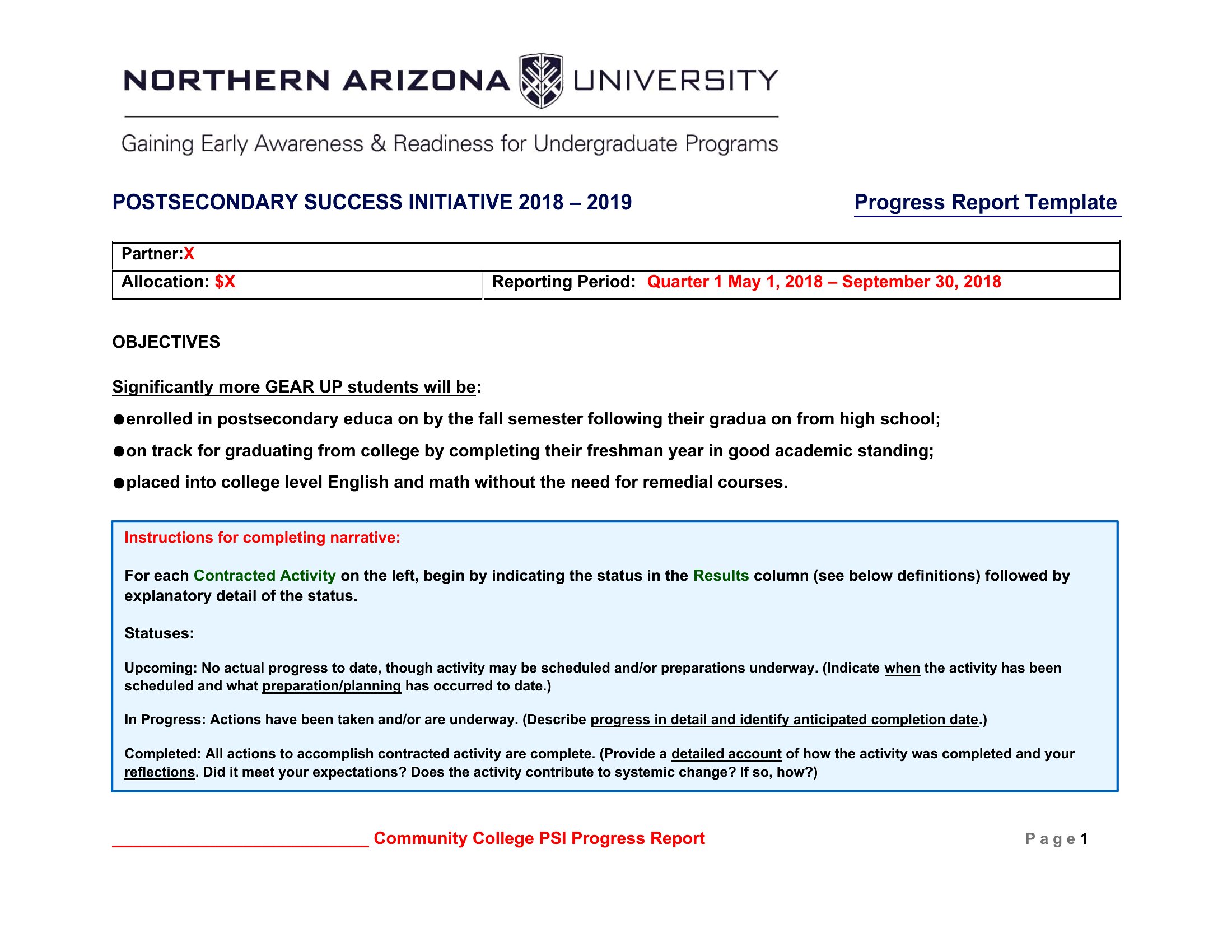
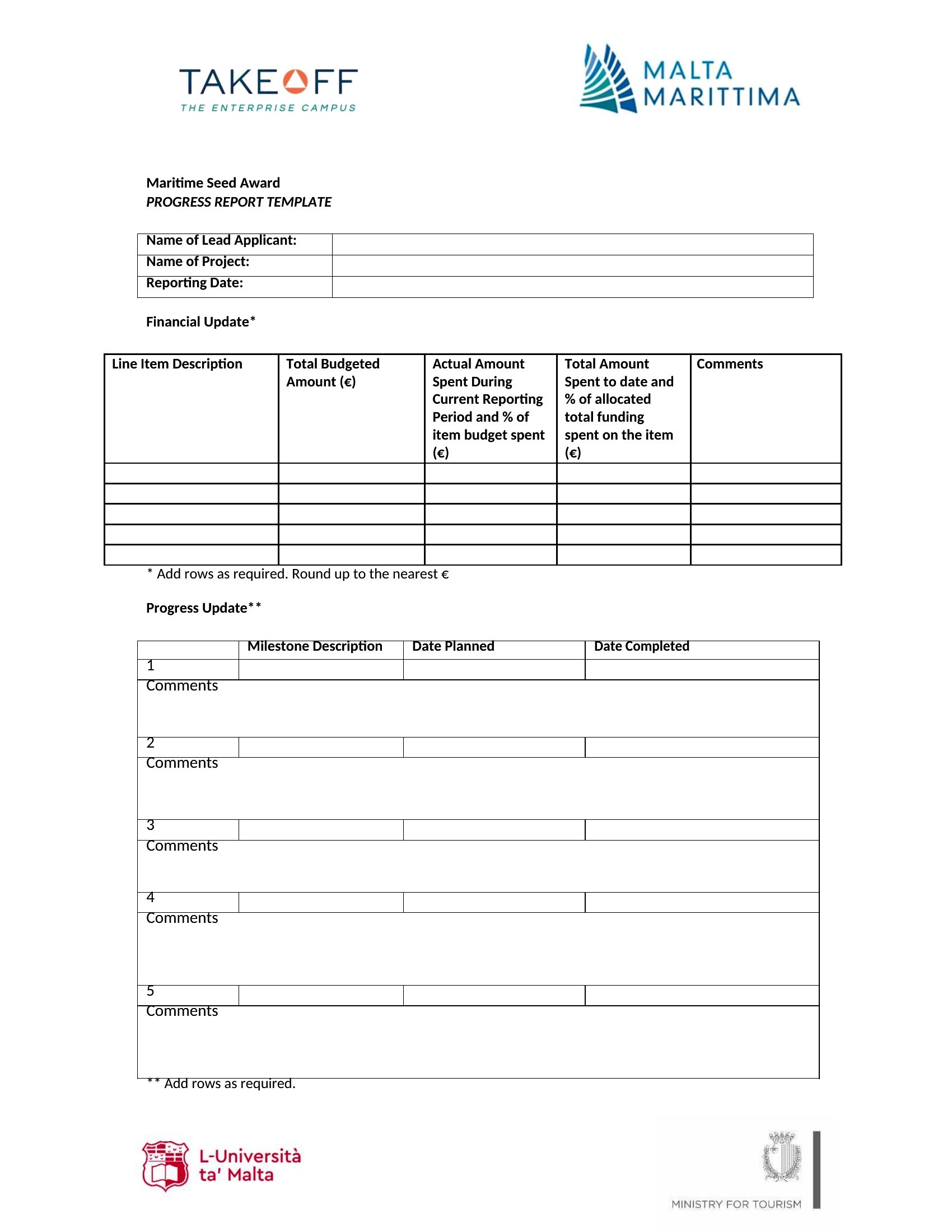
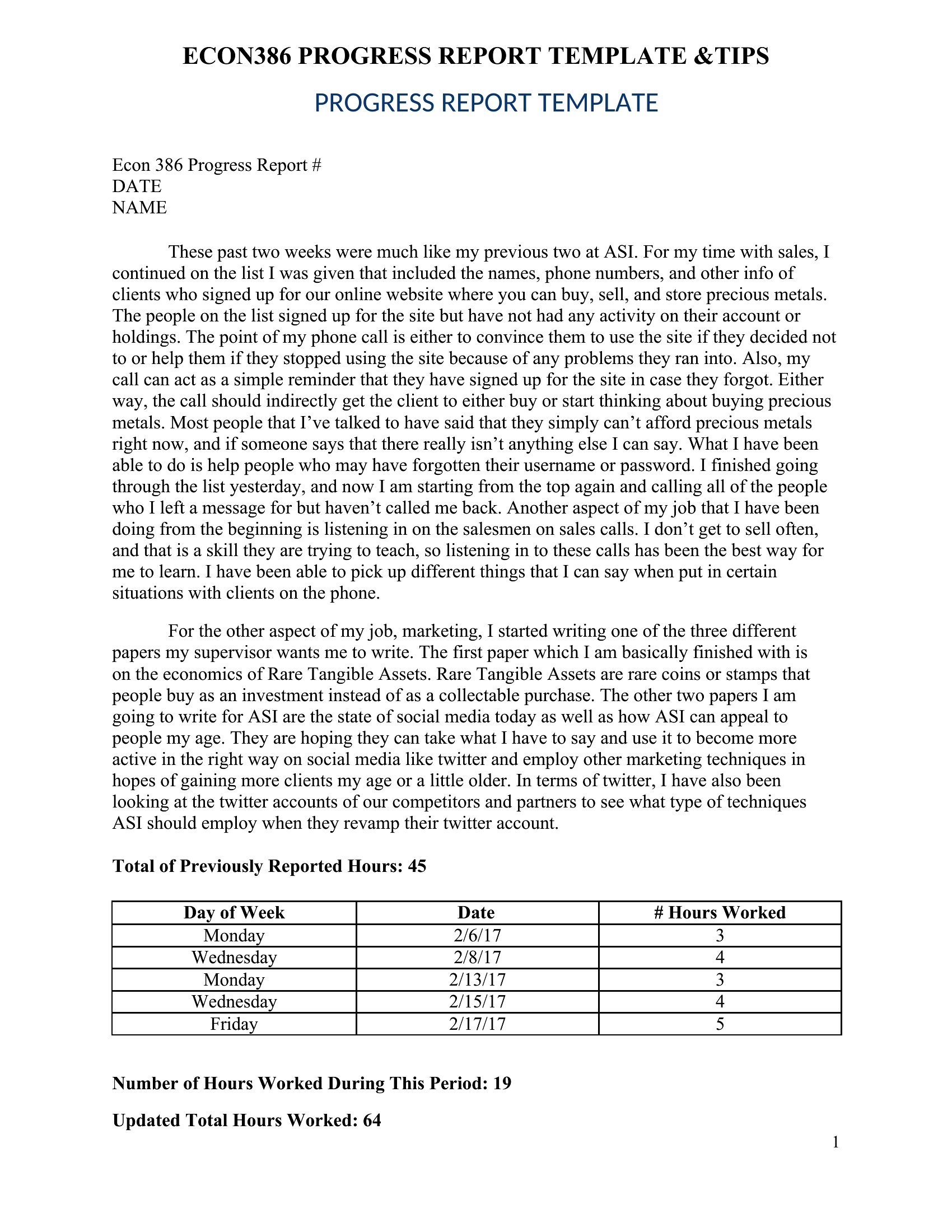
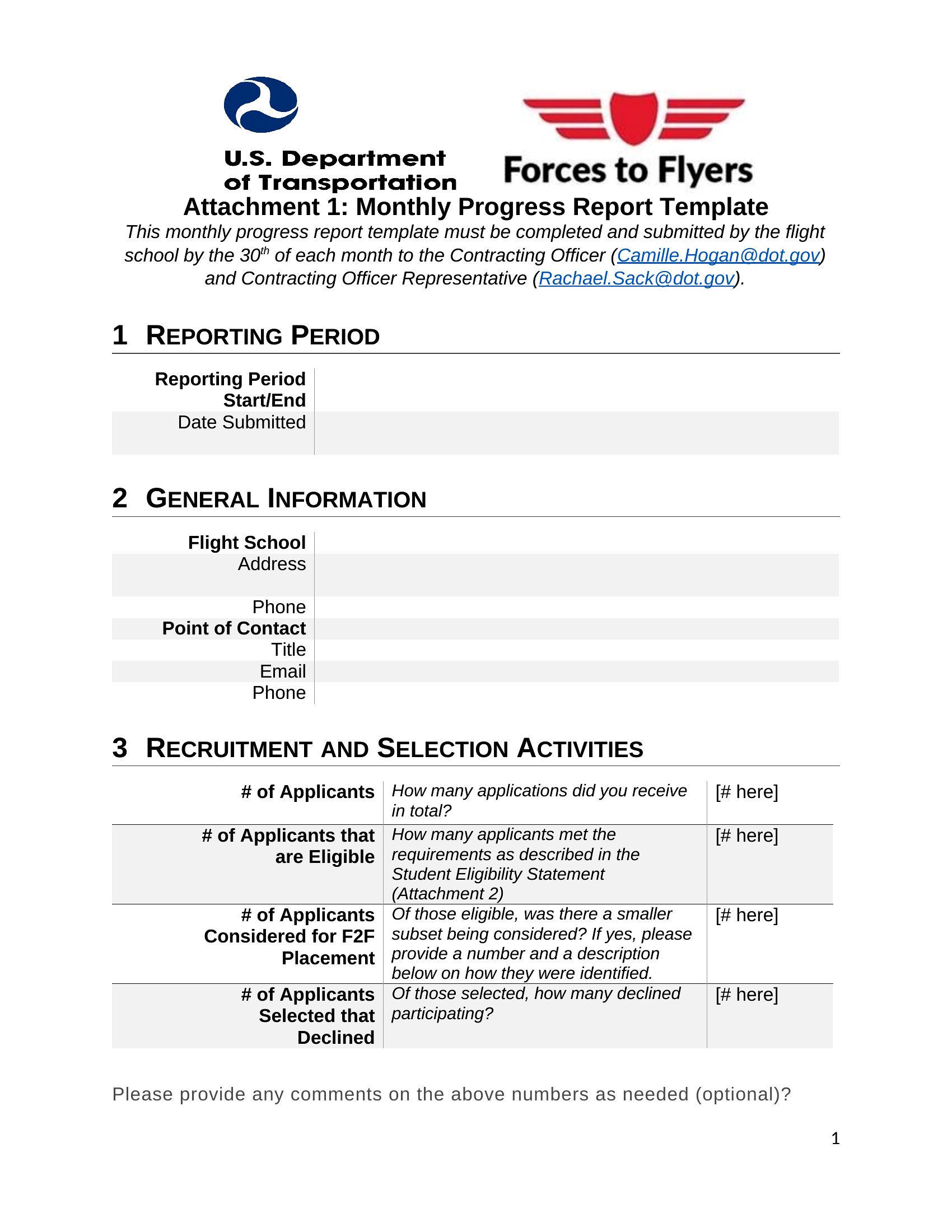
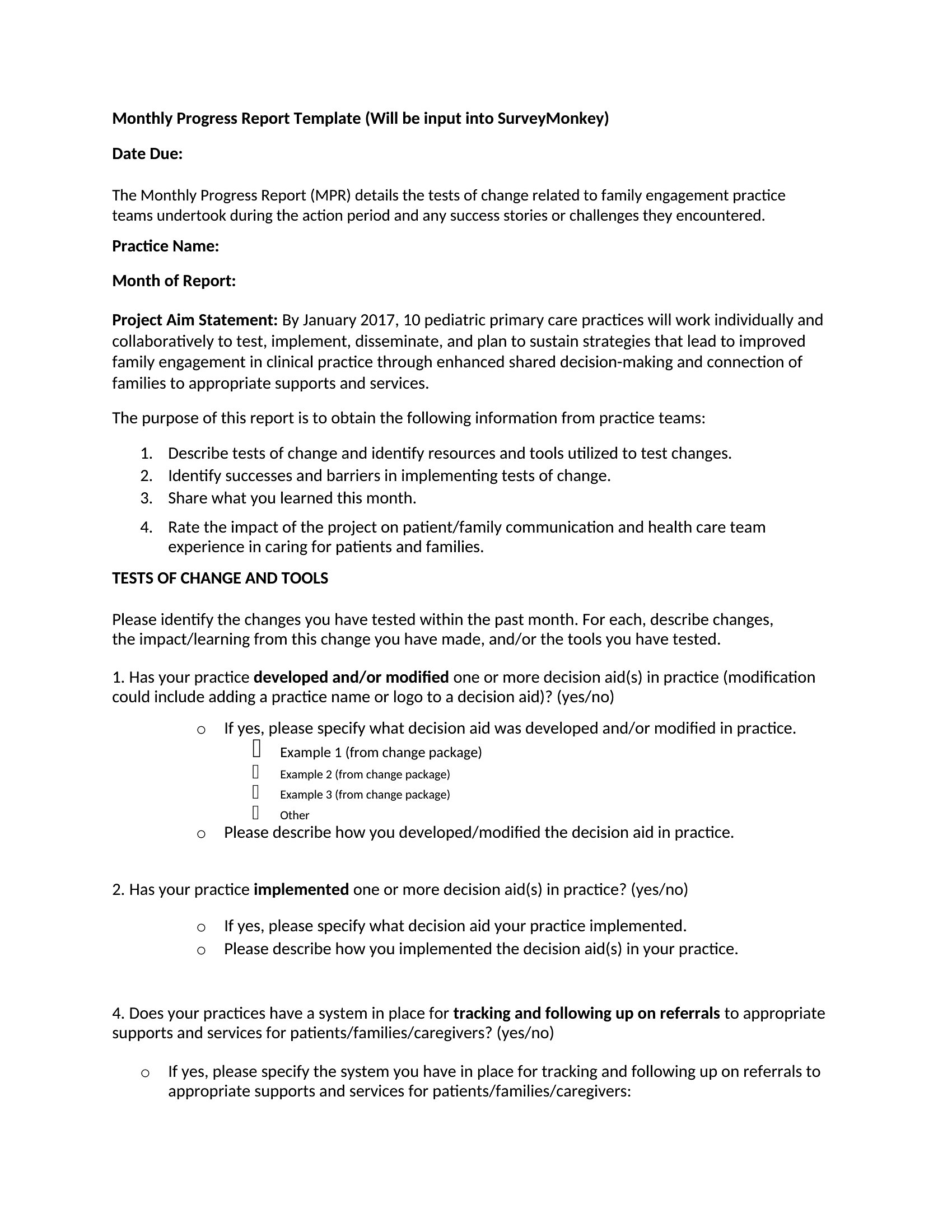
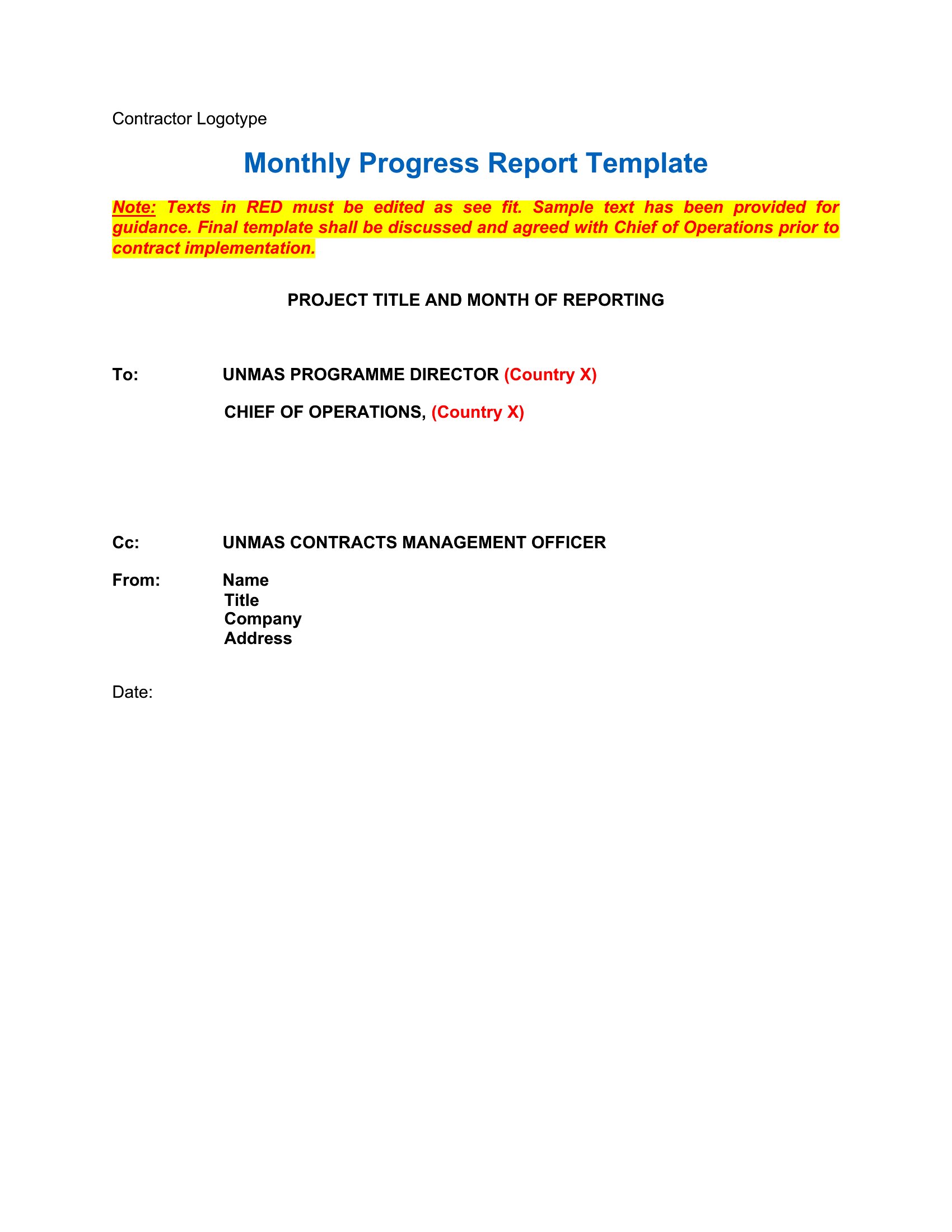
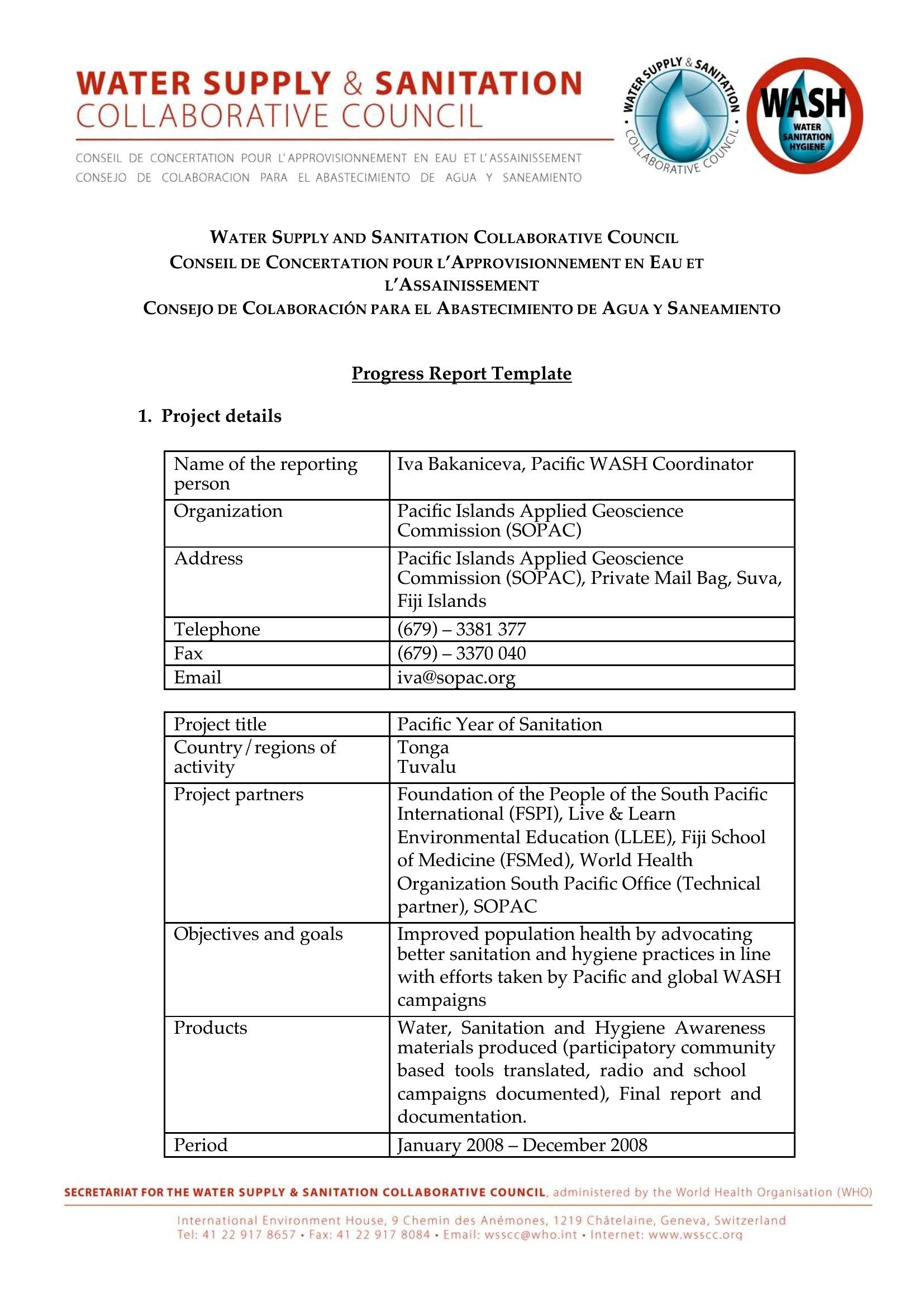
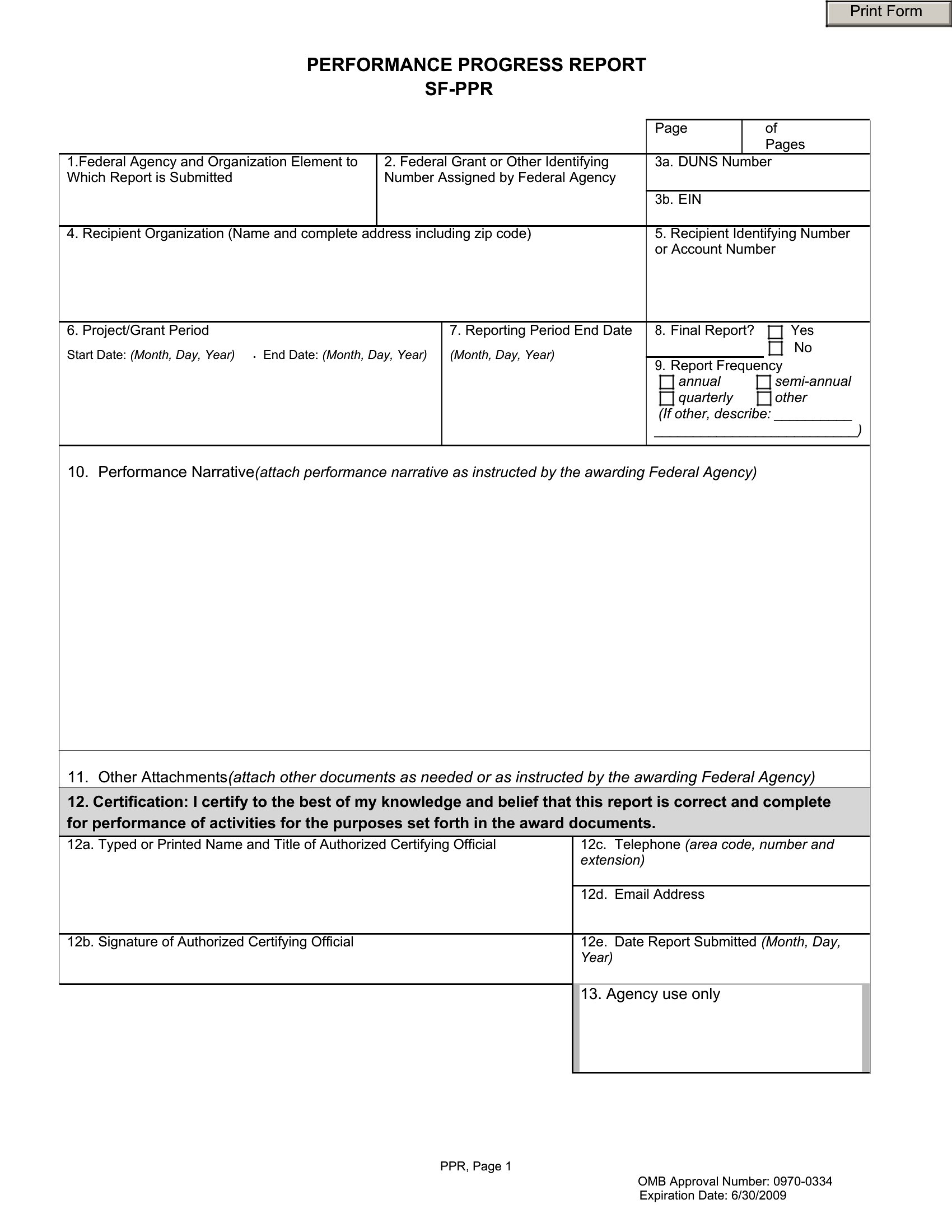
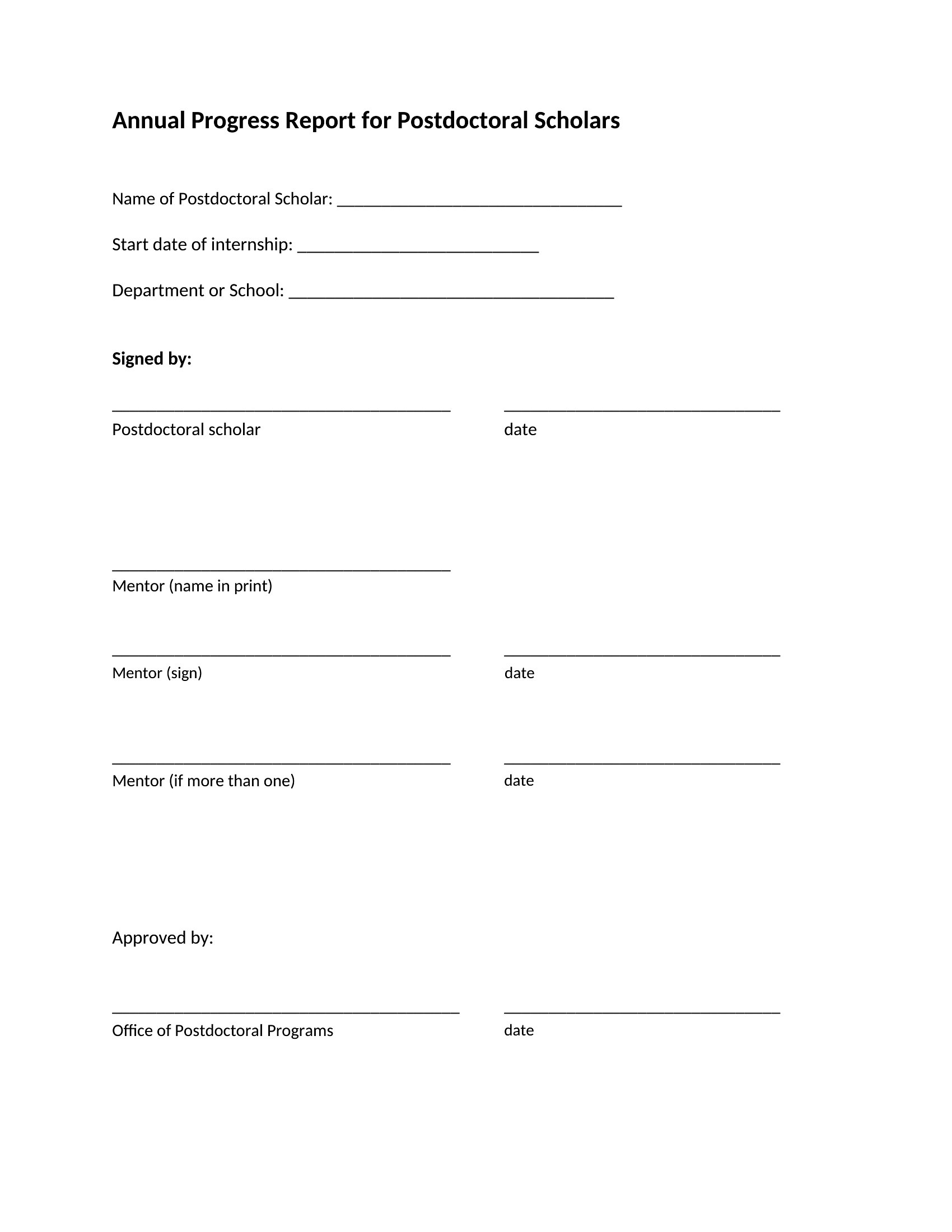
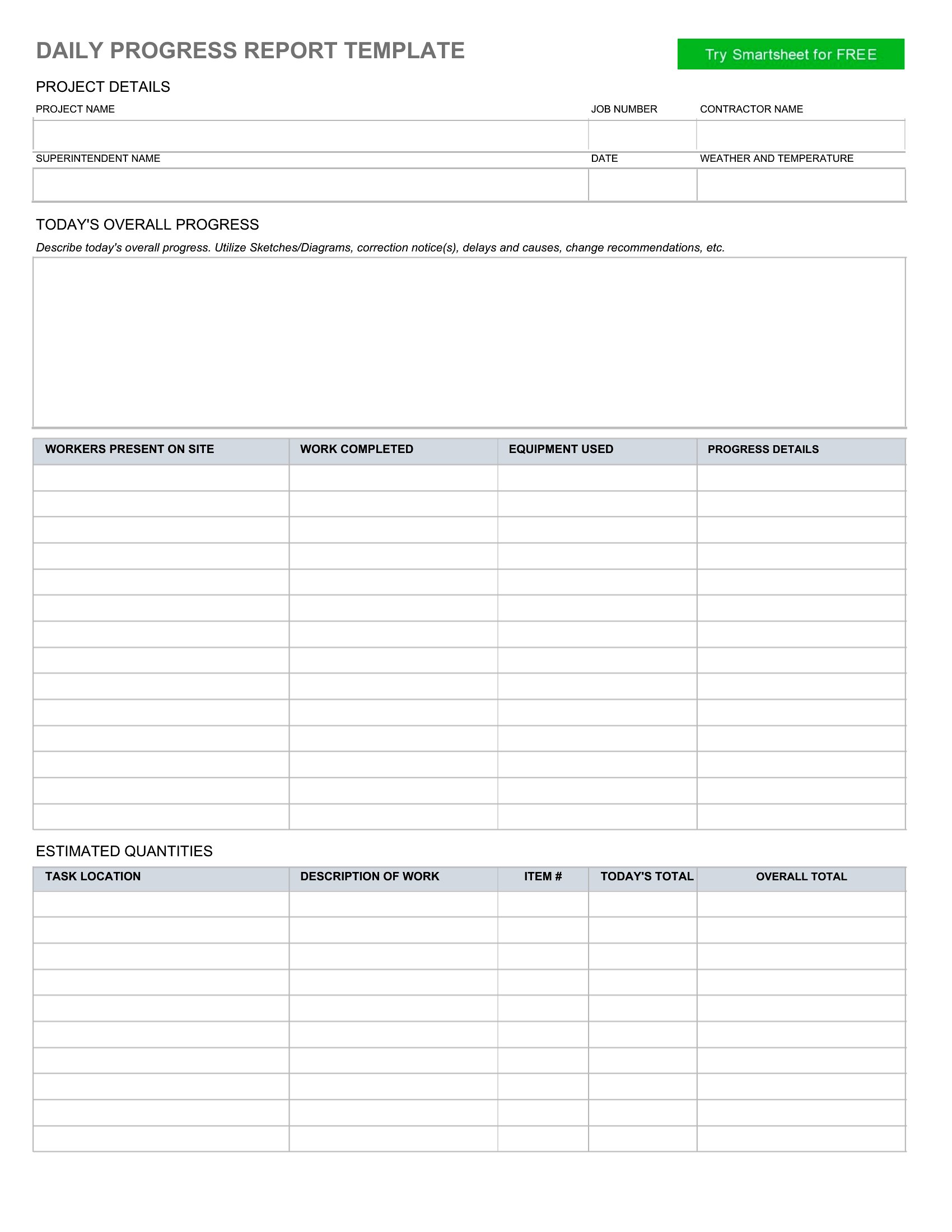
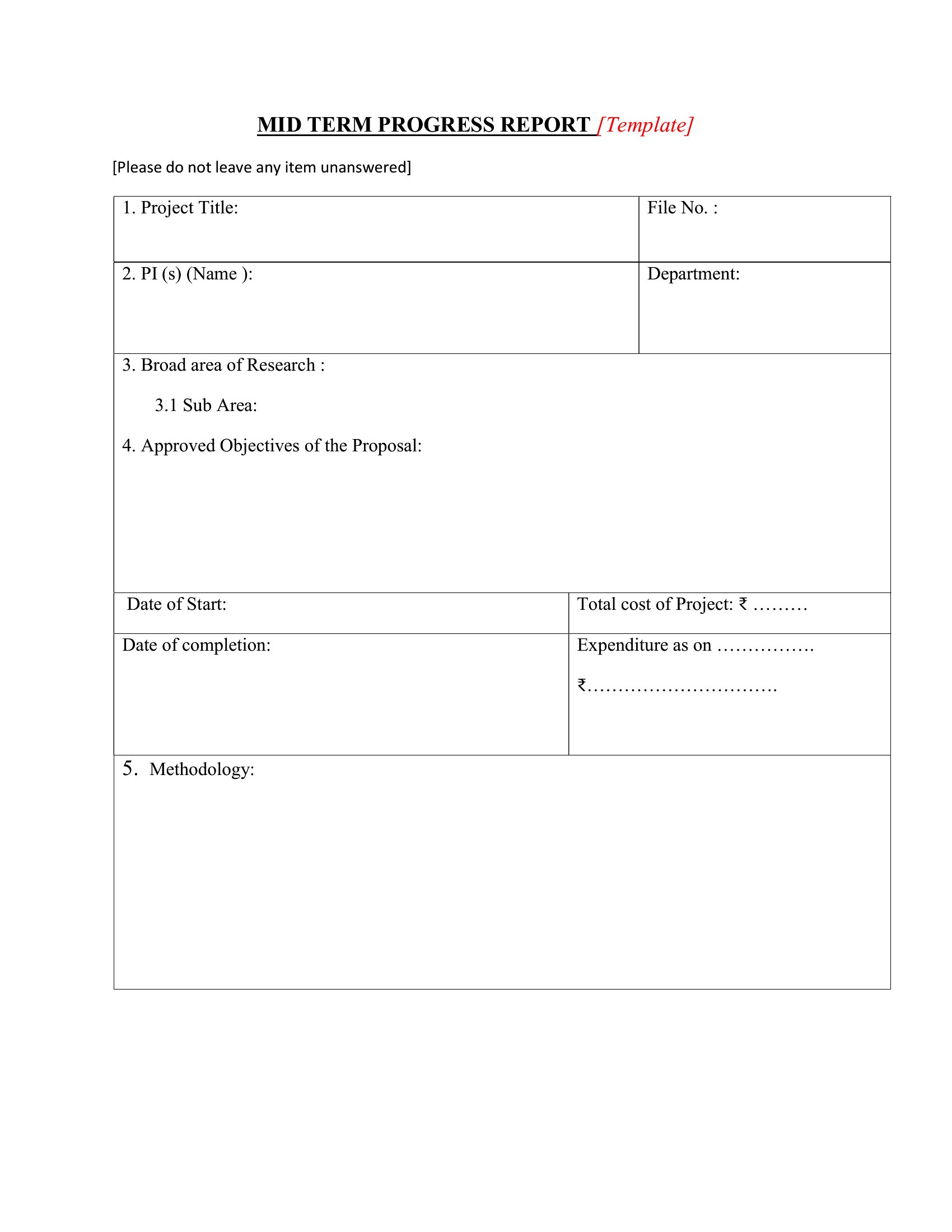
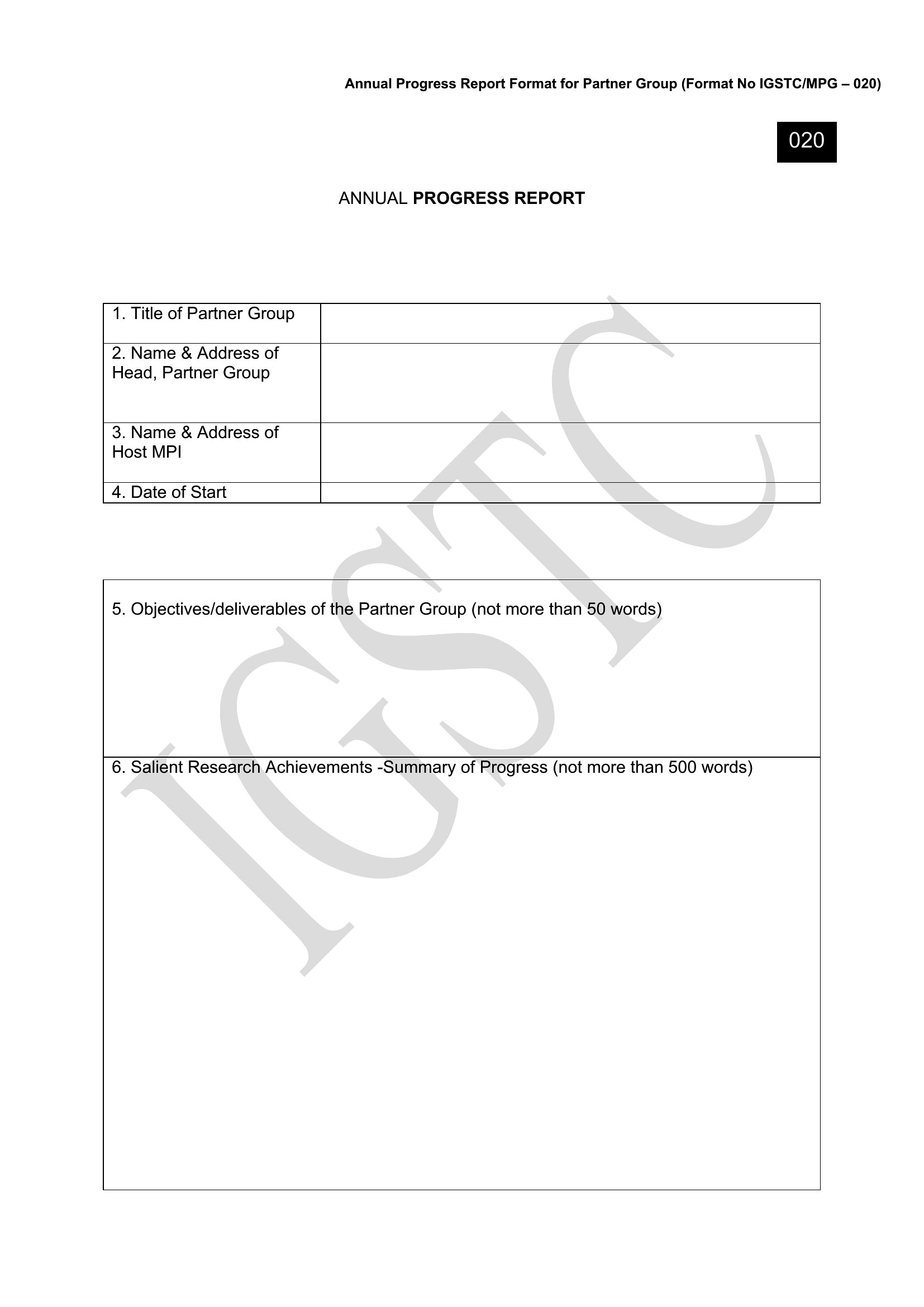
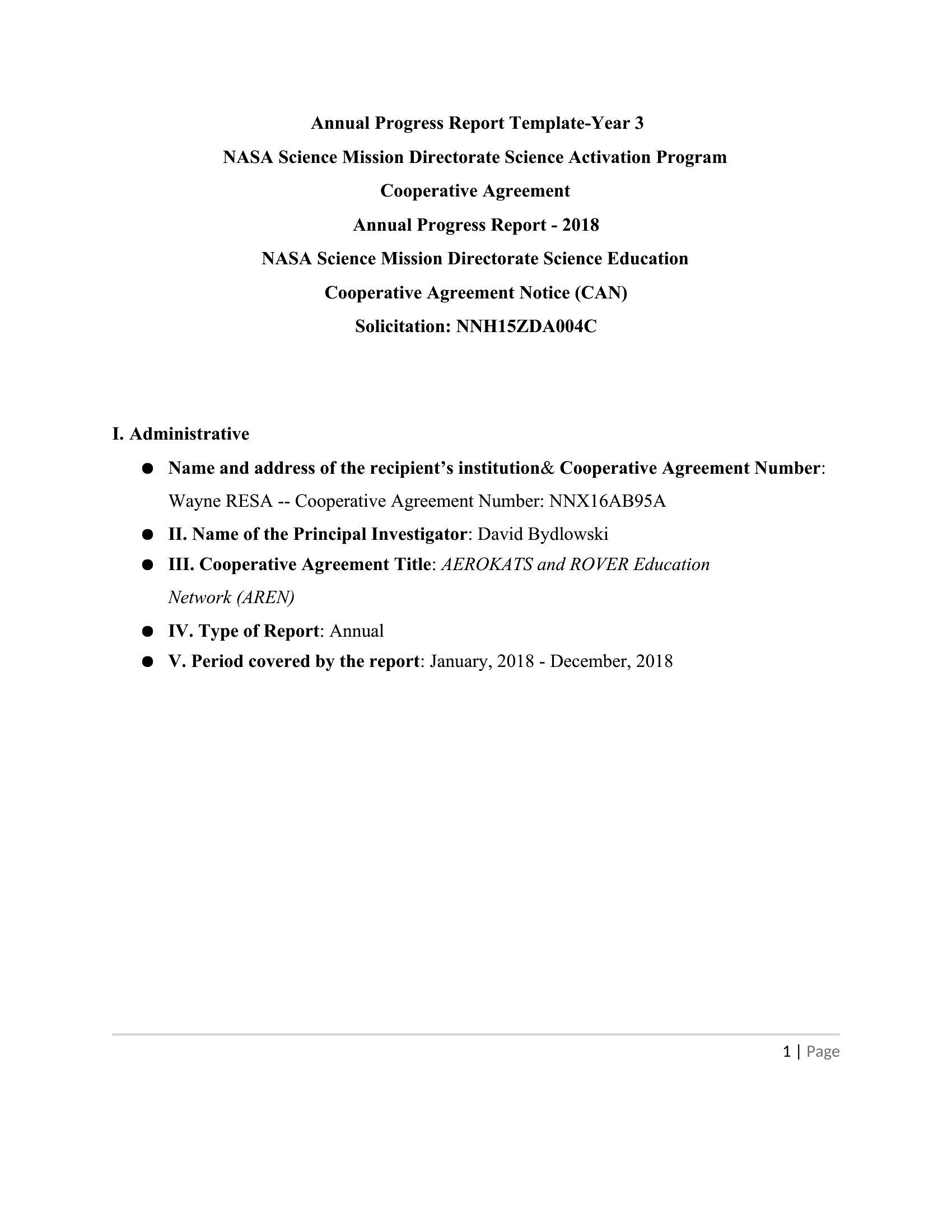
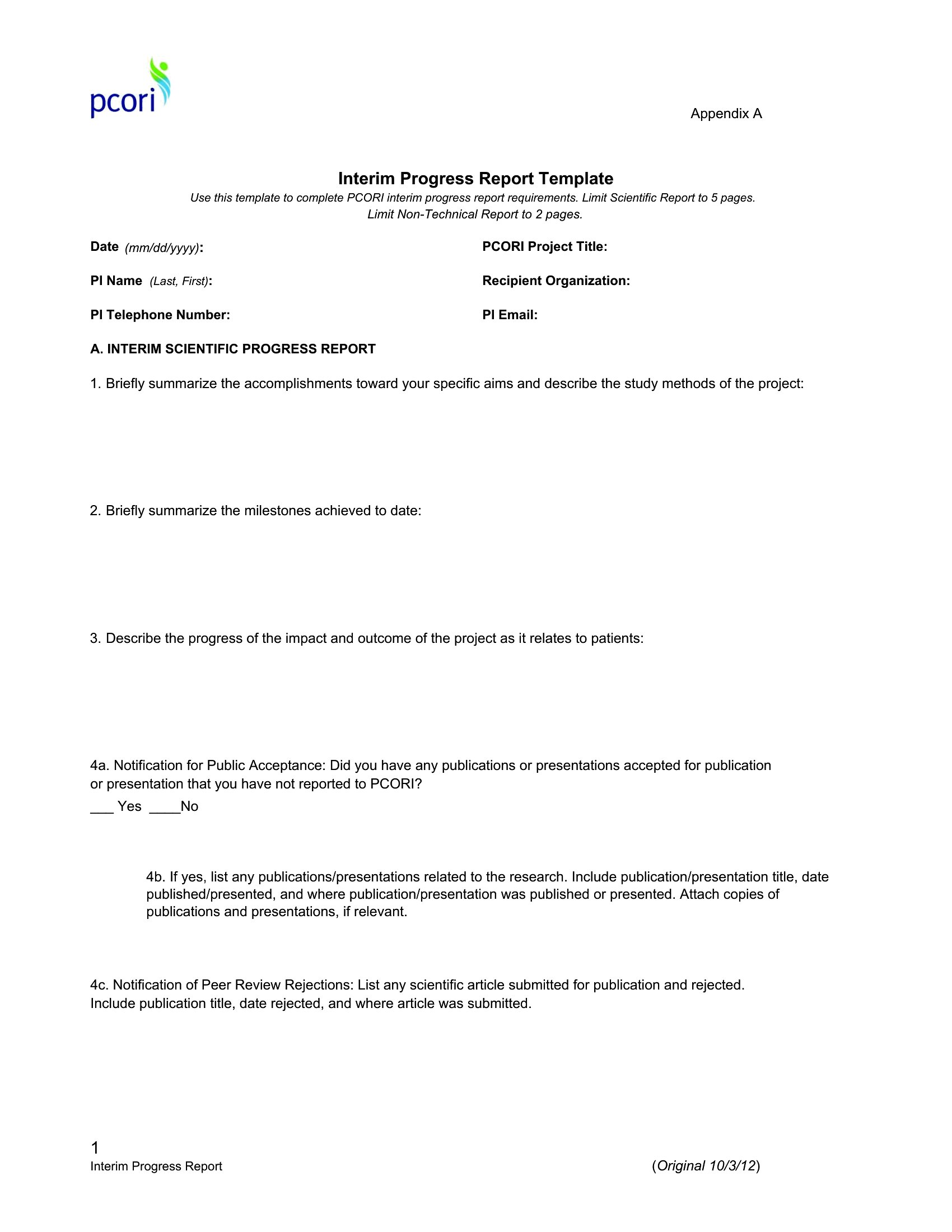
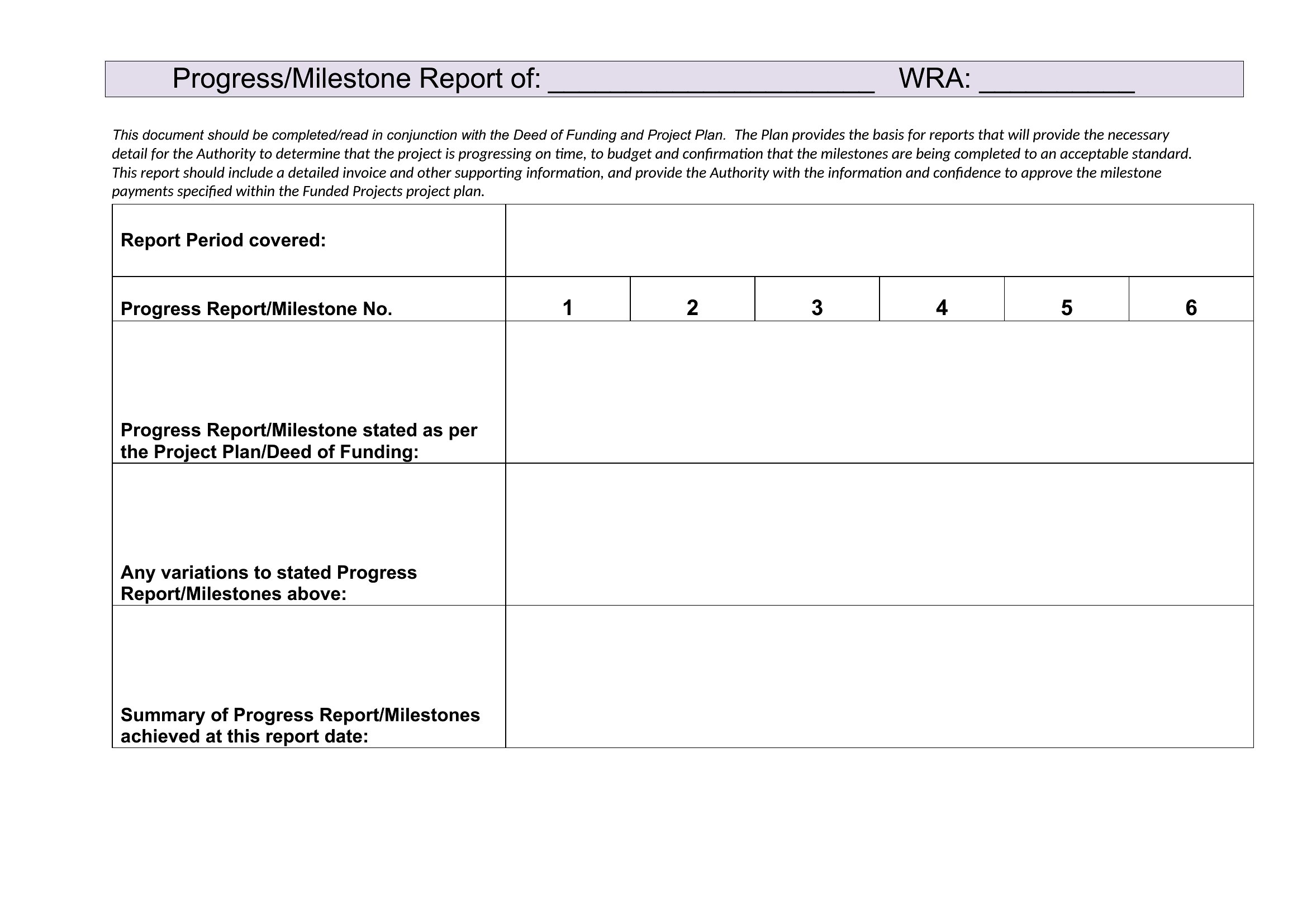
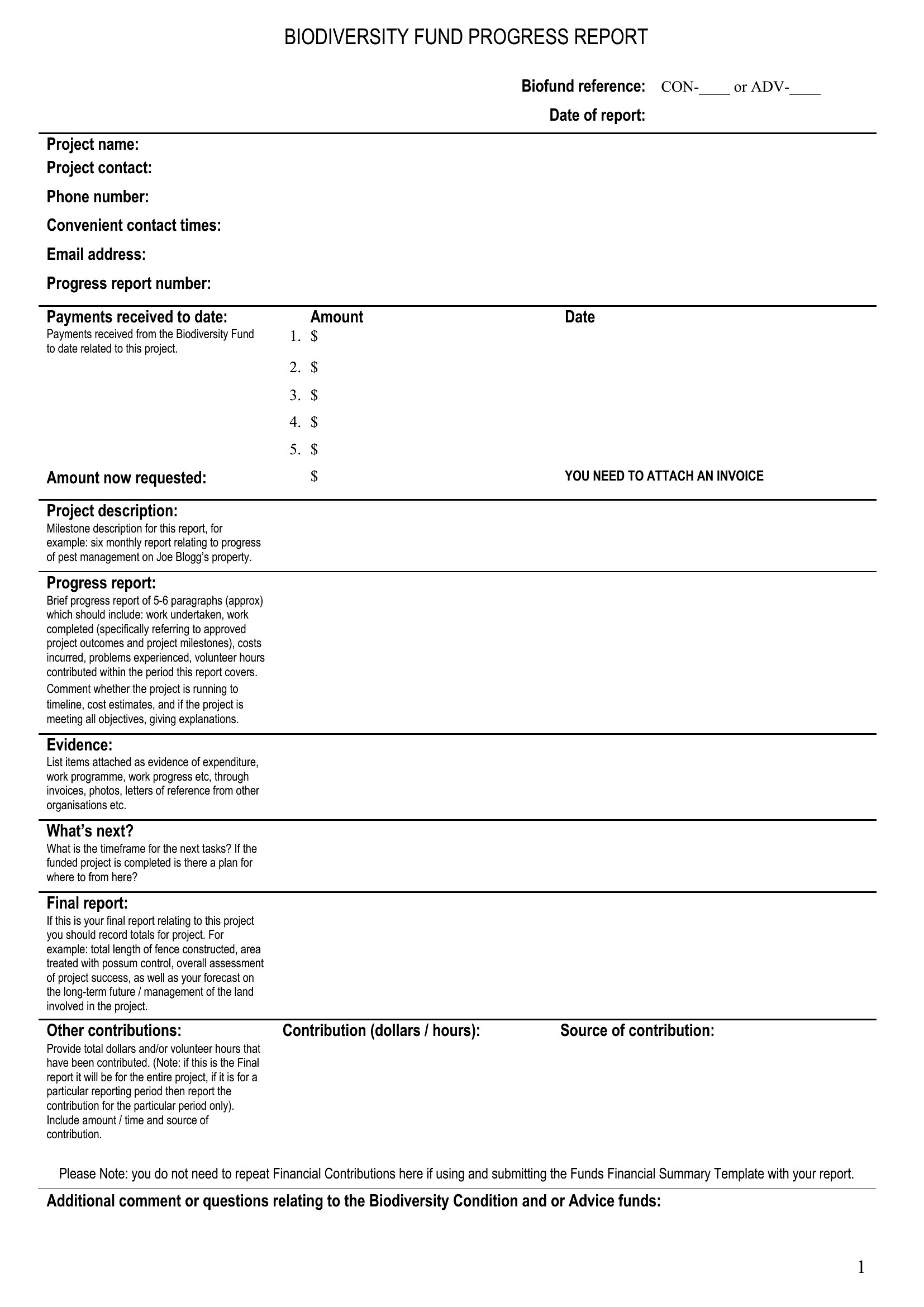
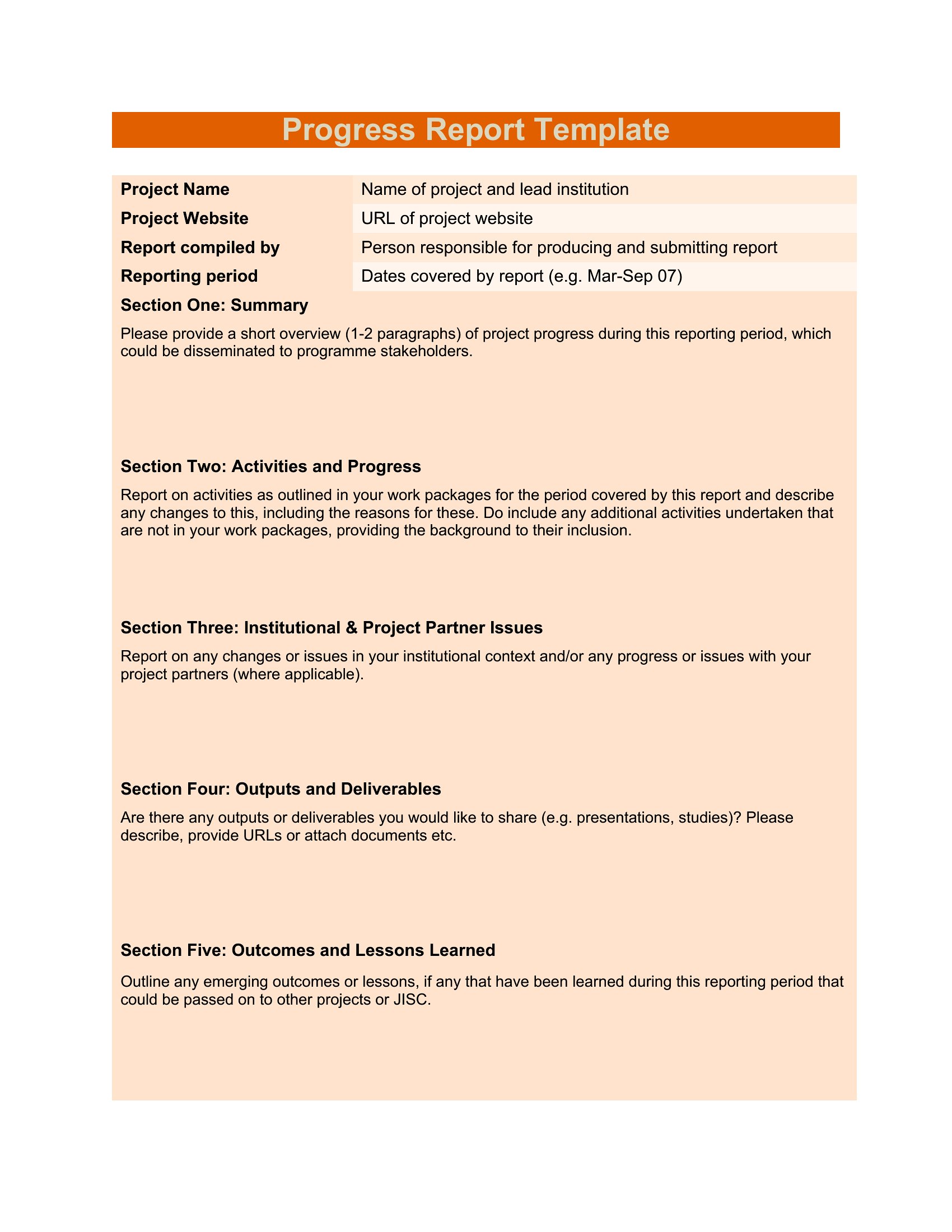
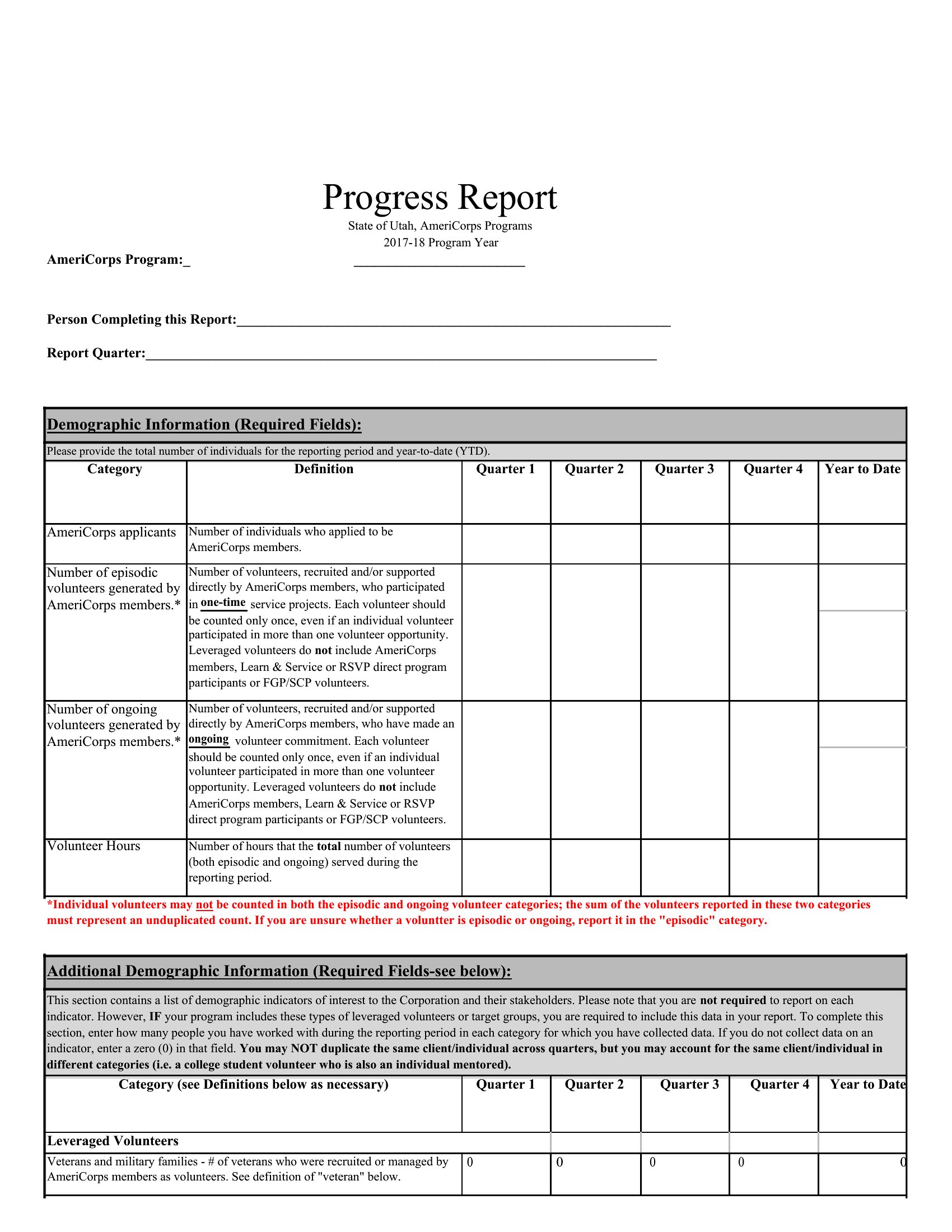
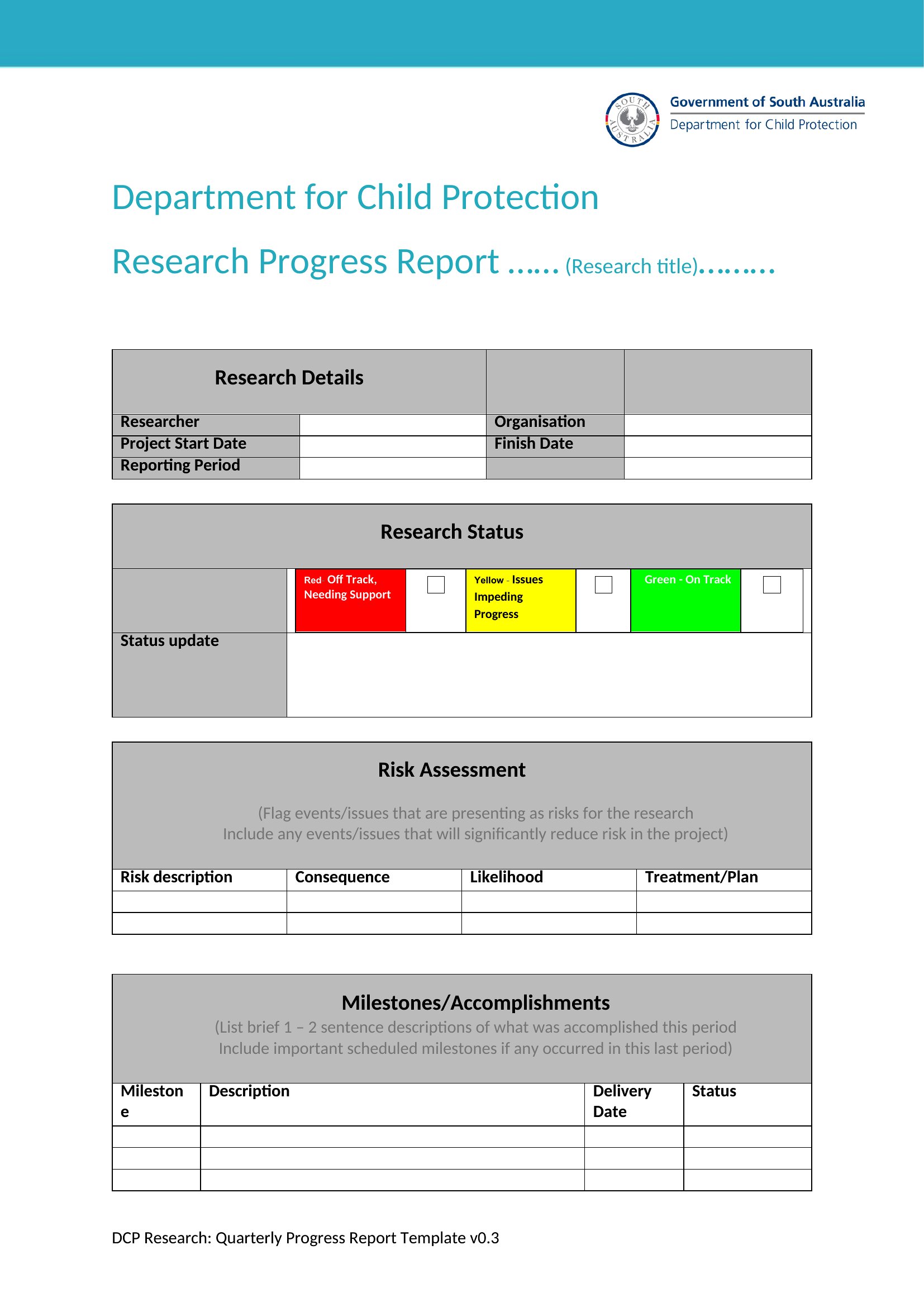
Free Progress Report
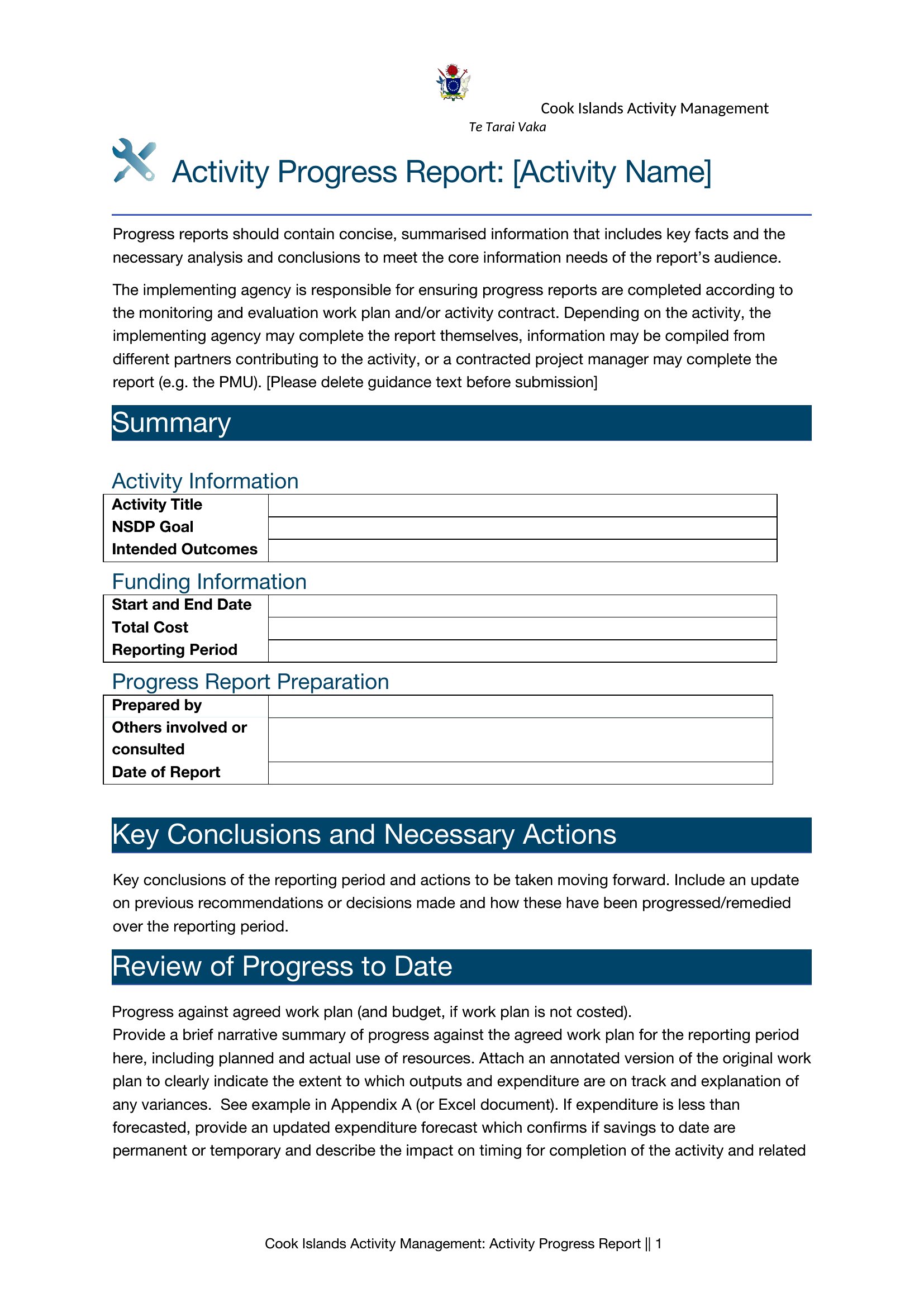
How to use this Progress Report template
What’s the best way to tailor this template for a highly technical project where team members use specialized jargon?
Start with the Word format to add a ‘Definitions’ section upfront or a ‘Glossary’ sidebar. Include a brief line under each milestone to flag technical terms for non-experts, ensuring clarity without overwhelming the main progress narrative.
How can I make this report more engaging for stakeholders who skim emails quickly?
Use the PDF format and add a visual roadmap at the top—like a progress bar or simple Gantt-style chart—highlighting completed vs. upcoming tasks. Bold key metrics (e.g., ‘Budget on track: 92%’) and use bullet points instead of paragraphs for dense sections.
I need to include sensitive information about delays. How can I protect confidentiality in a shared report?
In Word, use the ‘Comments’ feature to annotate confidential details internally before sharing the PDF version, which can be password-protected or restricted to ‘View Only.’ Never include raw data—summarize trends (e.g., ‘Vendor X delayed due to supply chain issues’) without exposing specifics.
Comments
Join the conversation
Sign in to share your thoughts and leave a comment on this resource.