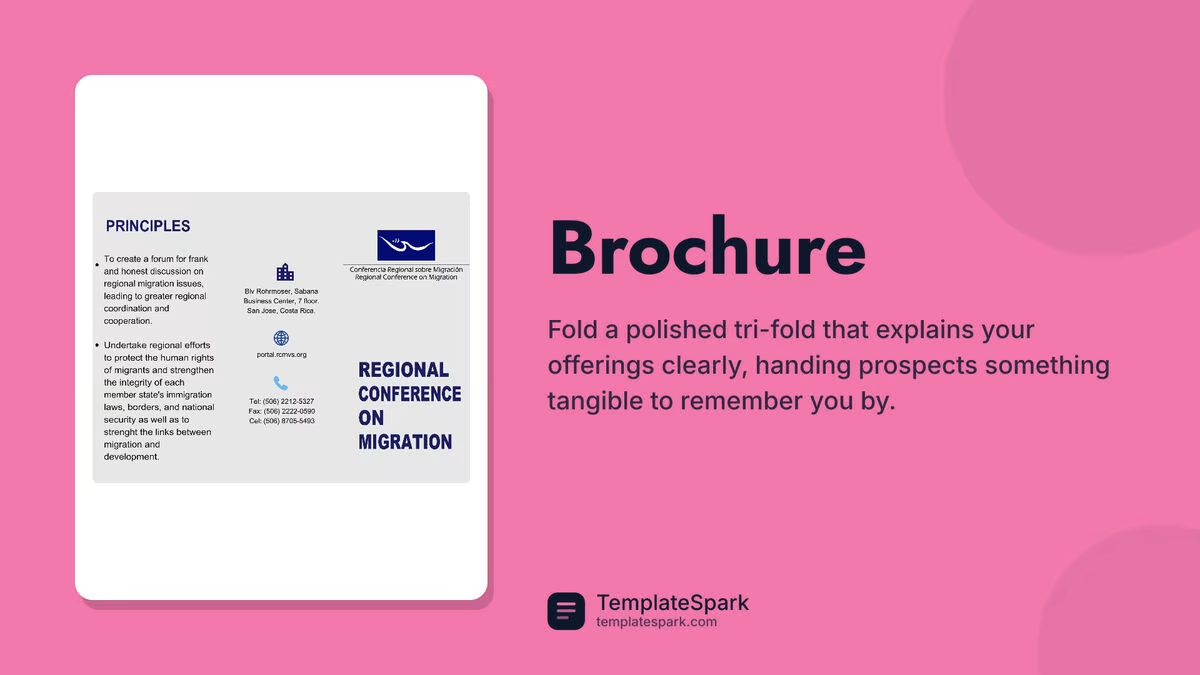
Free Brochure Templates (Word, PDF)
Life by carterpatel
A well-laid-out brochure puts your message in someone's hands in a format they can fold up and keep. This collection of 41 brochure templates gives small businesses, nonprofits, and event organizers ready-made bi-fold and tri-fold layouts, so you can drop in your text and photos instead of wrestling with margins and columns. They work for product flyers, travel guides, service menus, and program handouts alike.
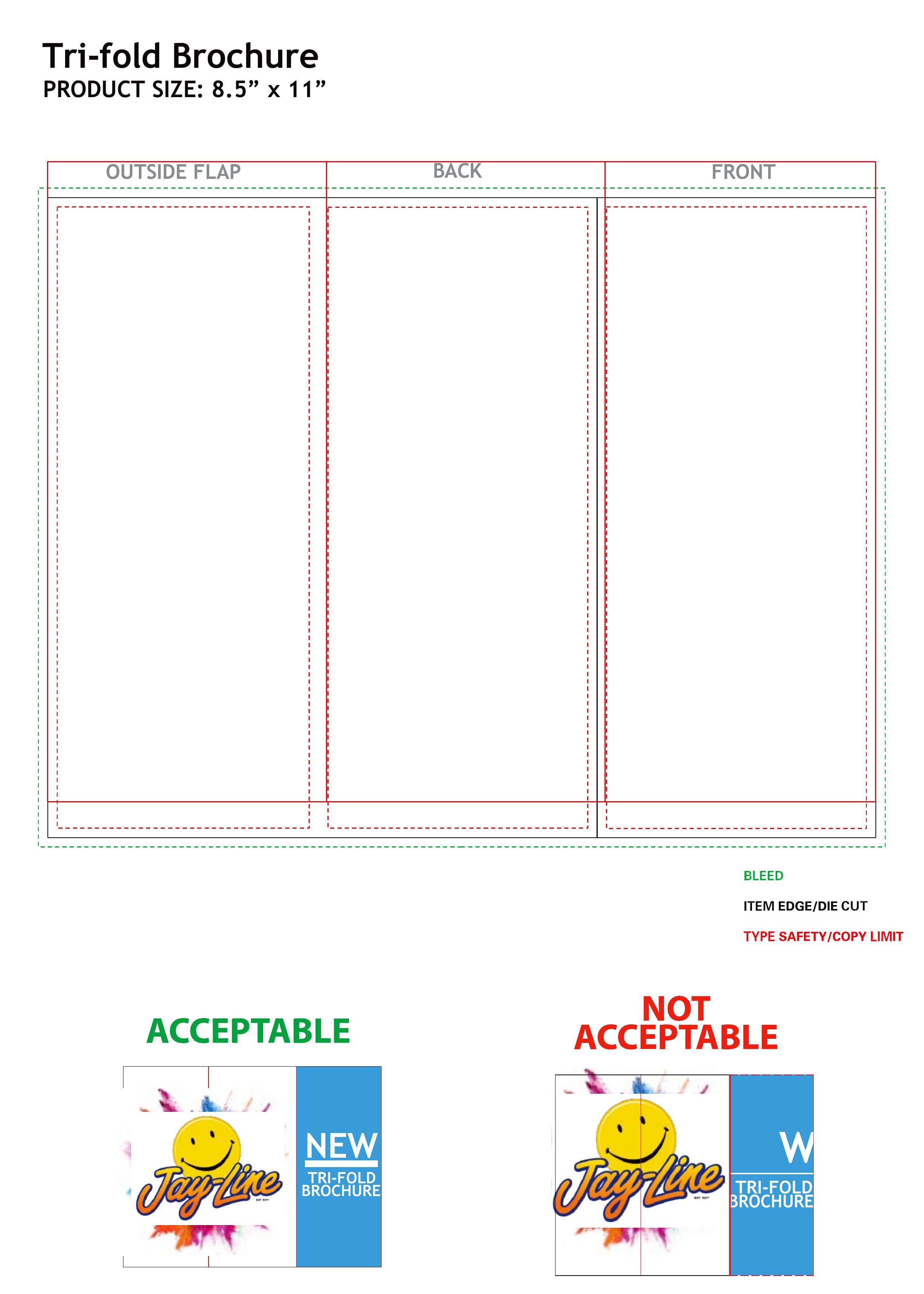
The files open in Word for easy editing and export as PDFs that print cleanly on a home or office printer. Replace the placeholder copy with your own headlines and images, adjust the colors to match your brand, and fold along the marked lines. No design background is needed. Pick a layout that suits your project and have professional-looking brochures ready before your next event.
Choose from 41 Brochure Templates
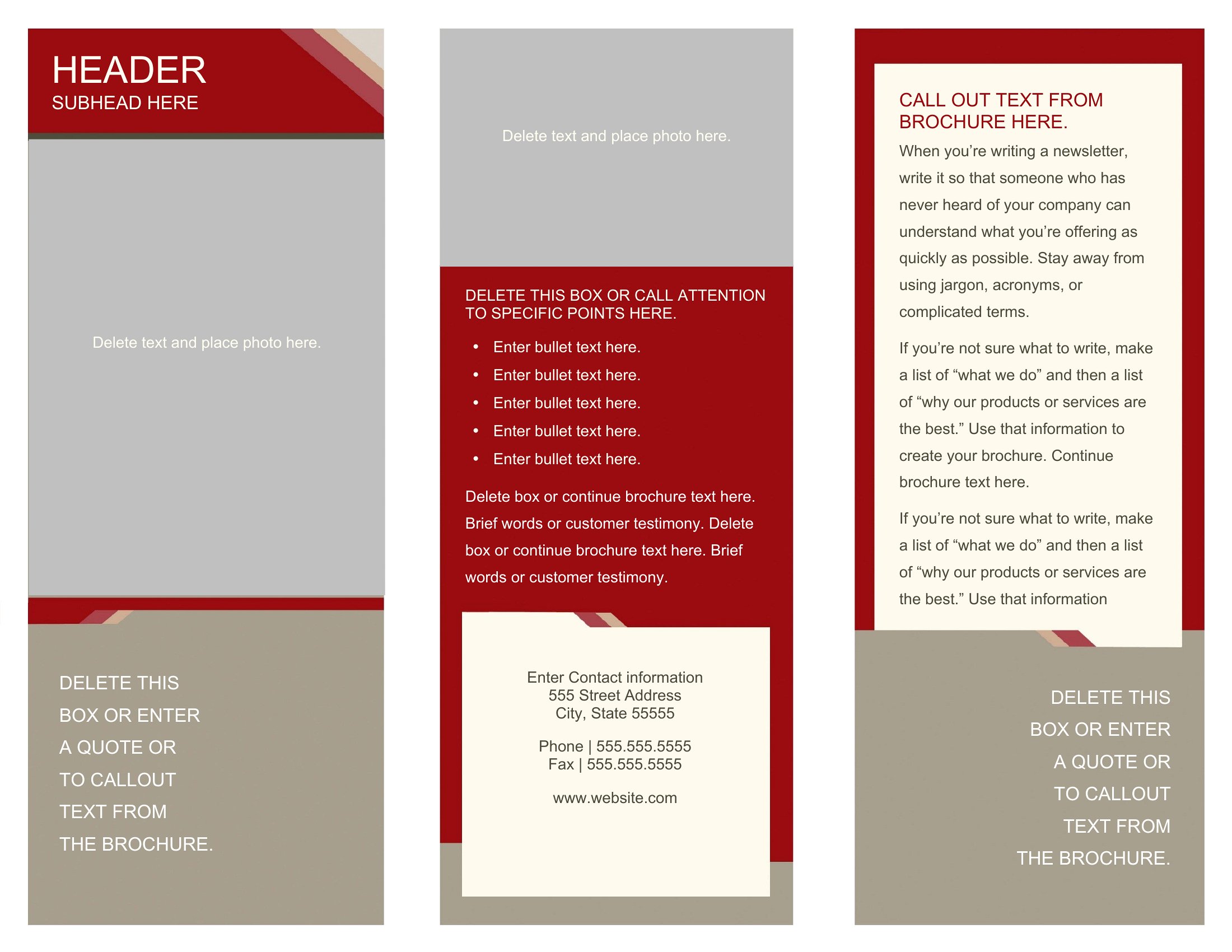
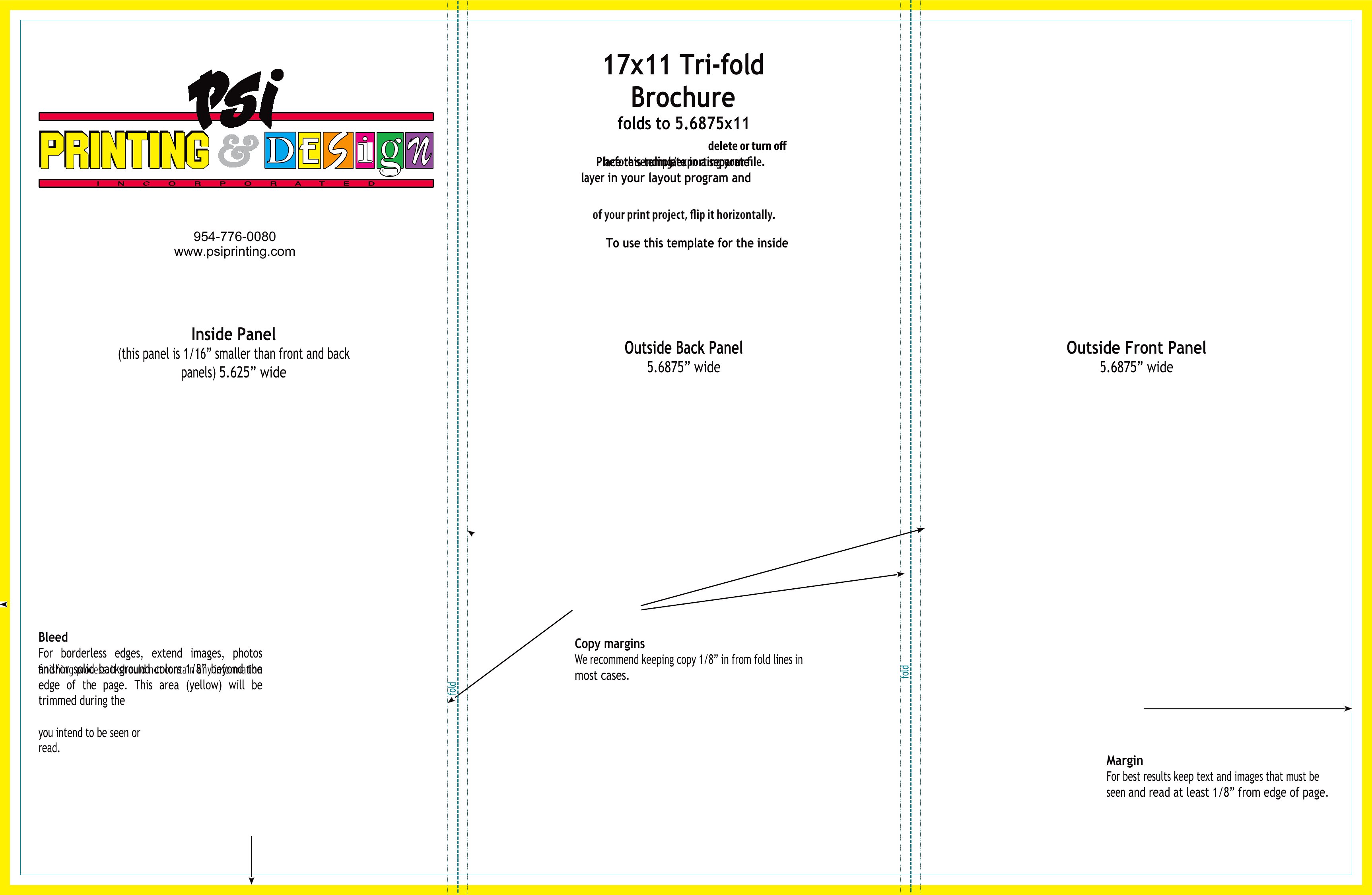
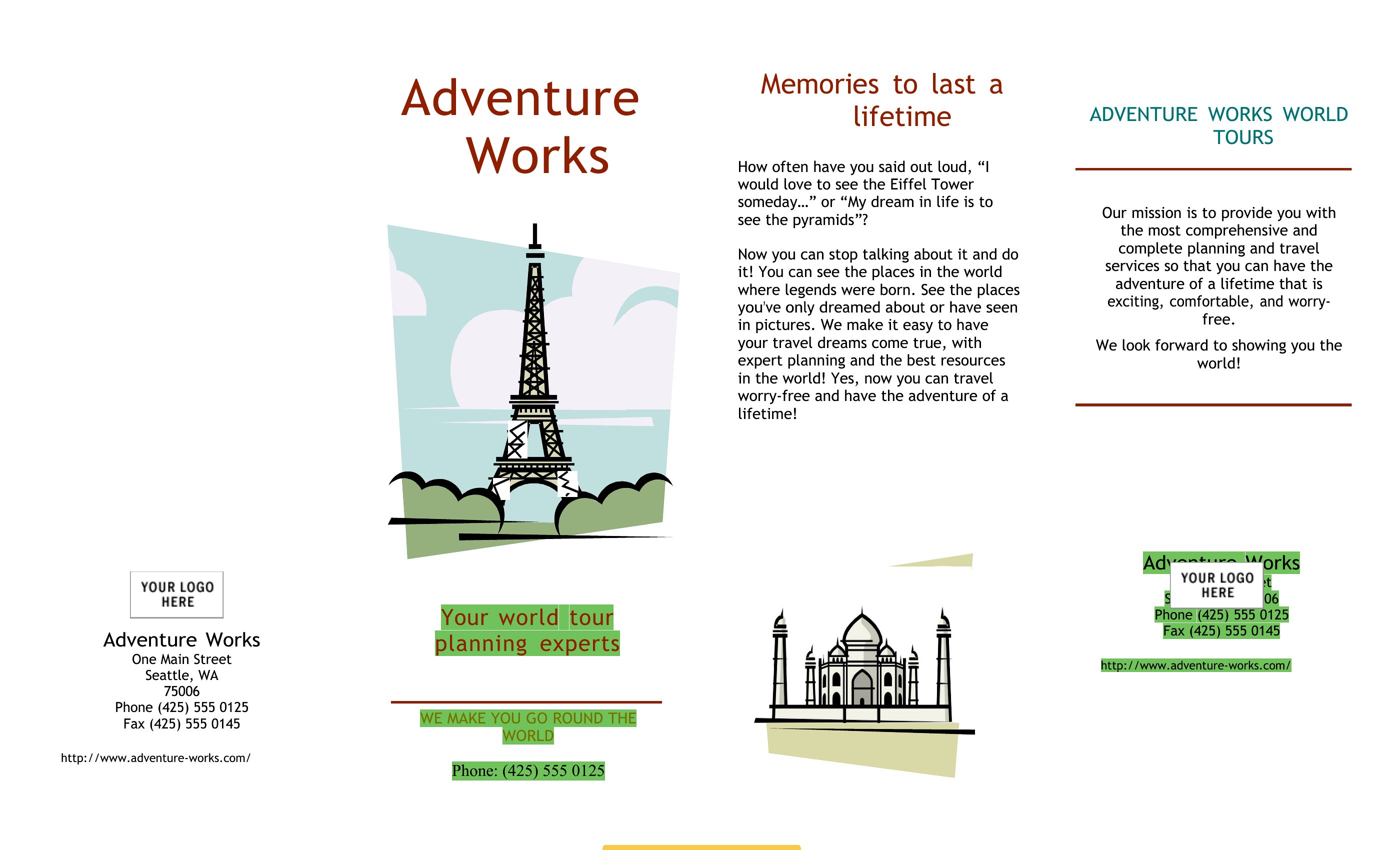
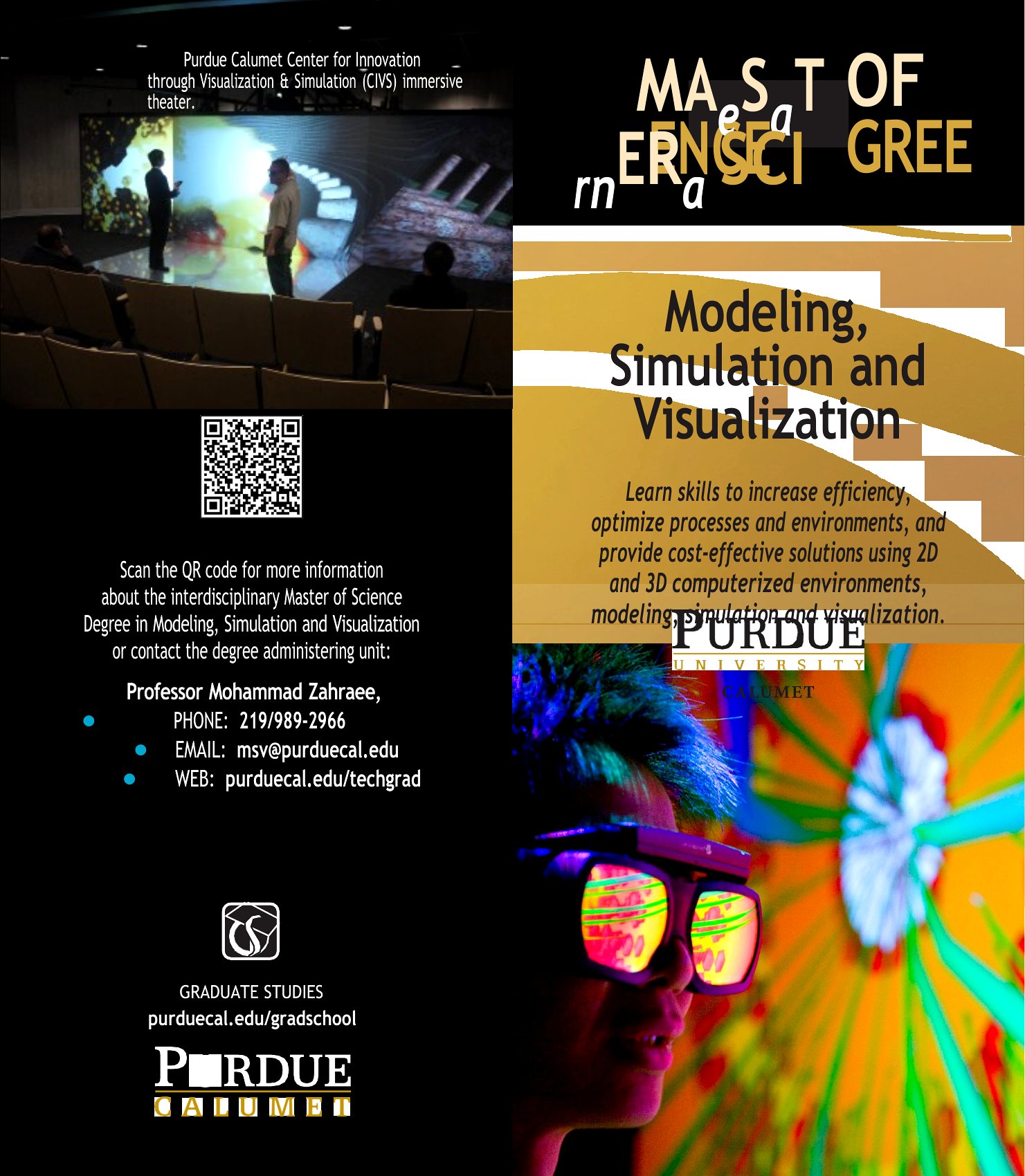
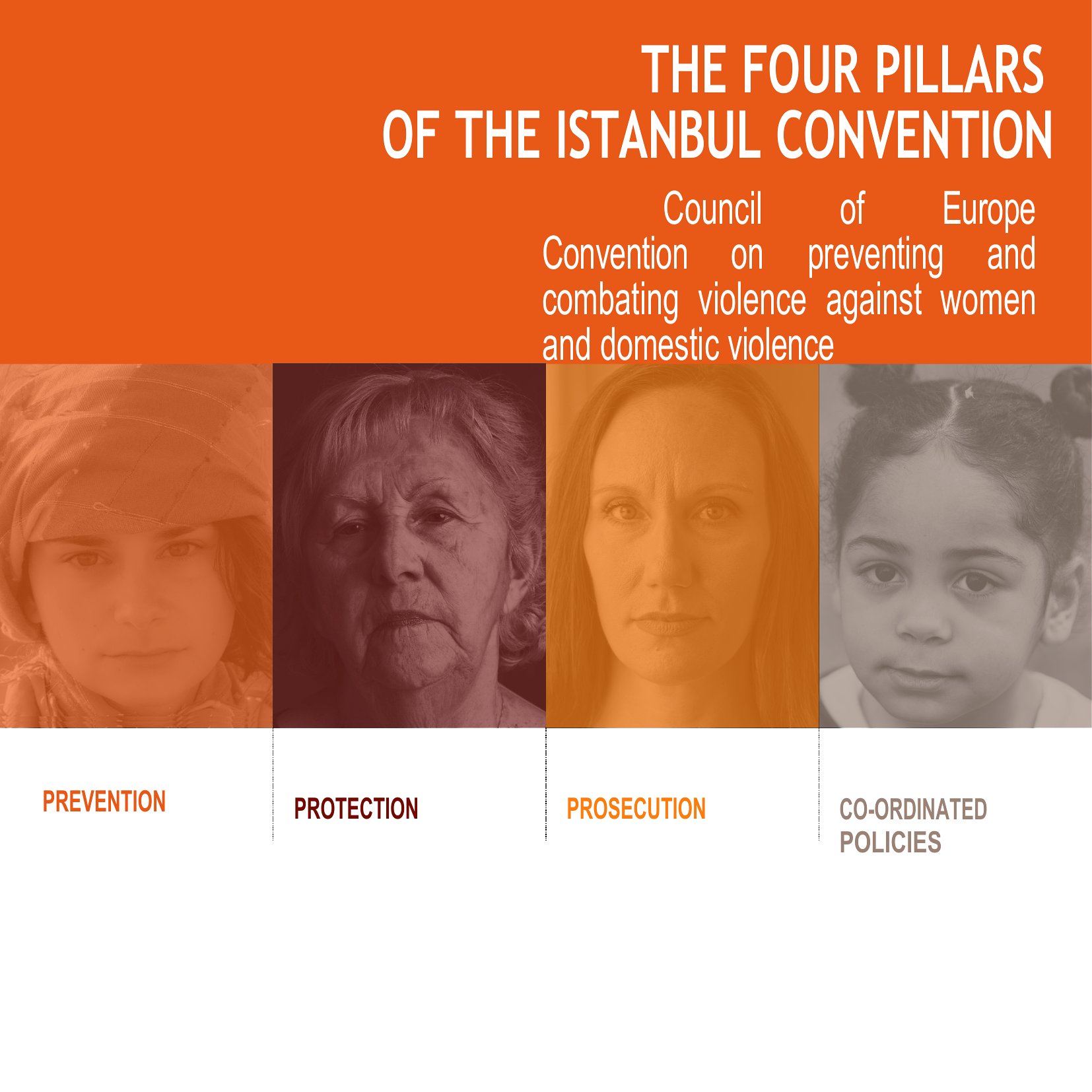
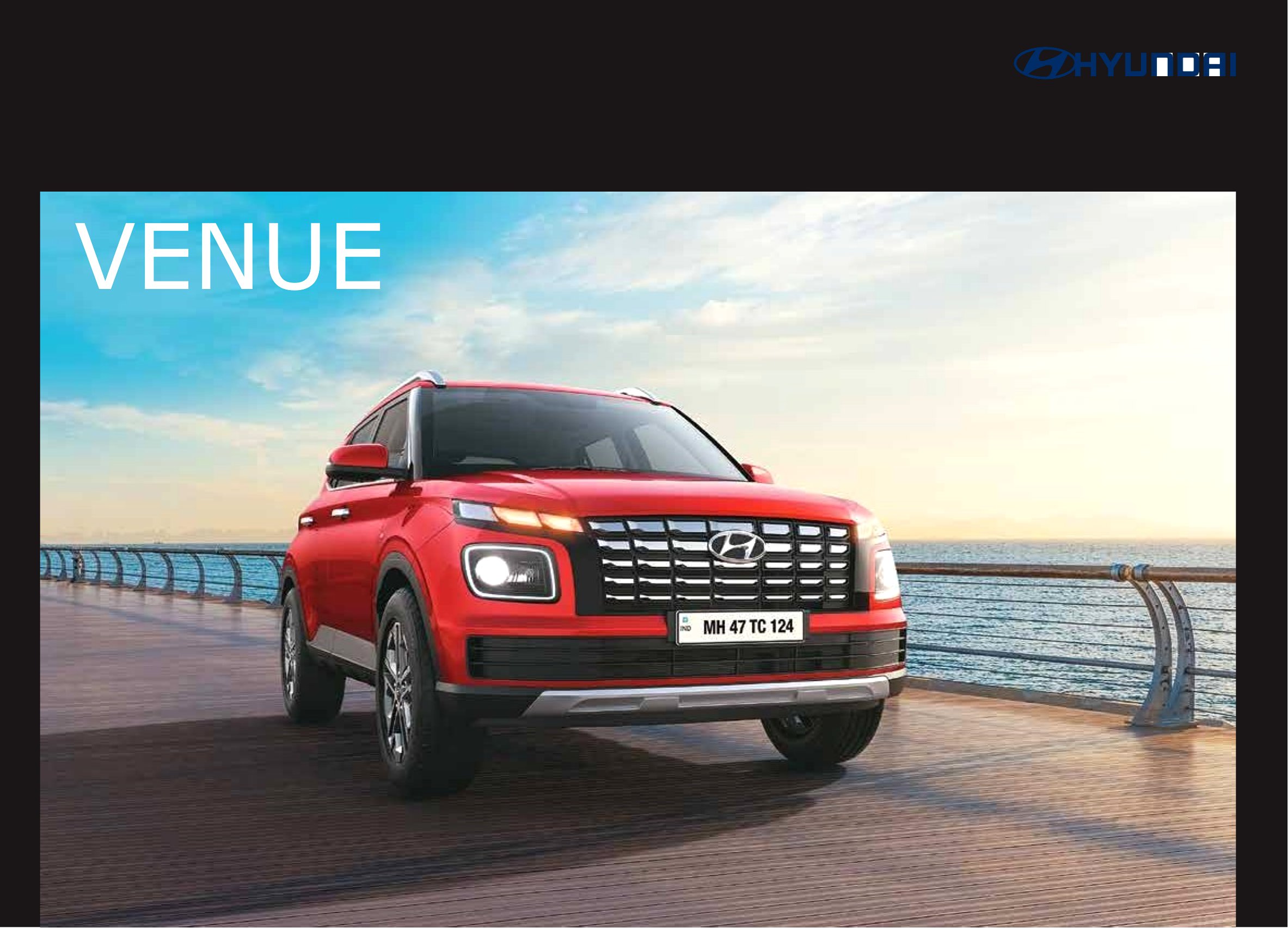
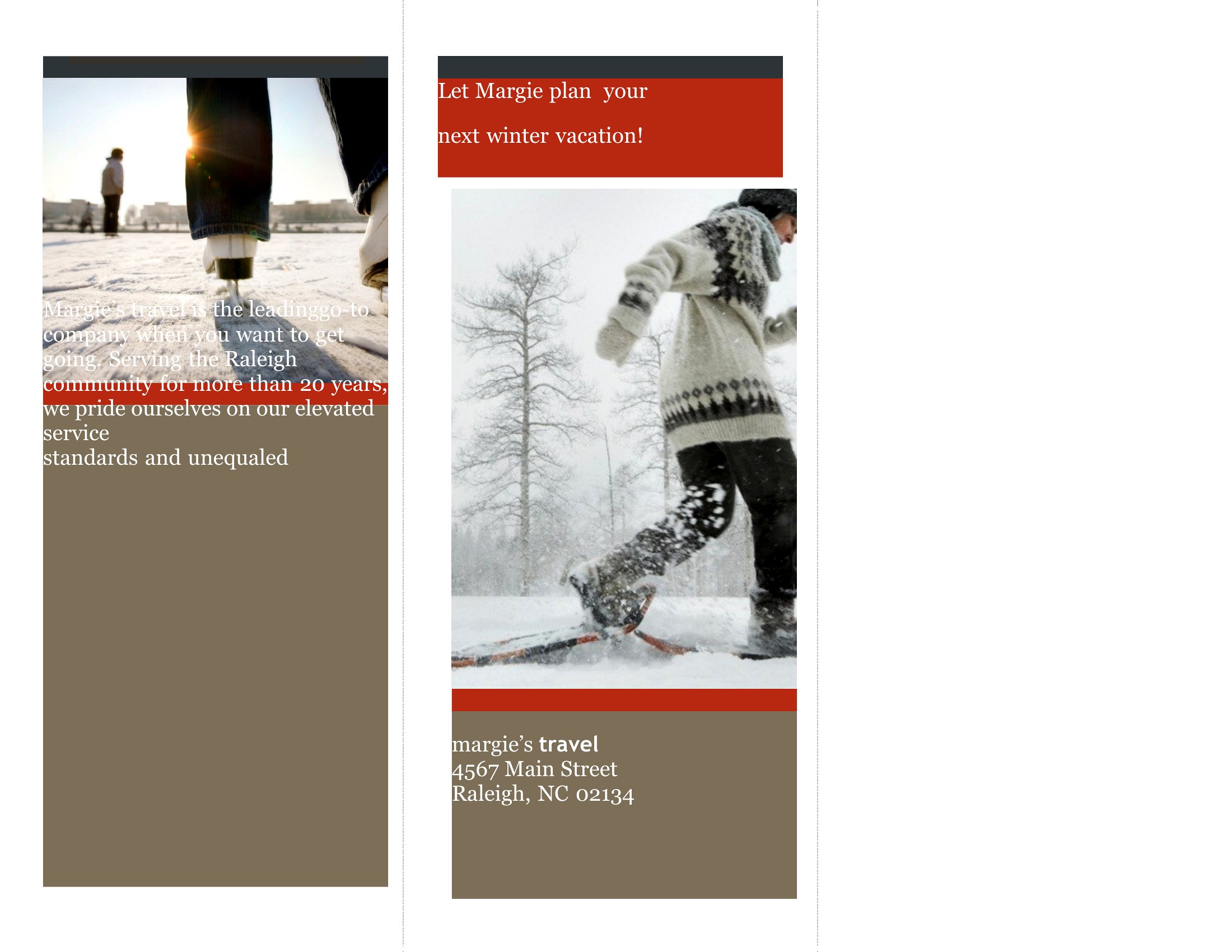
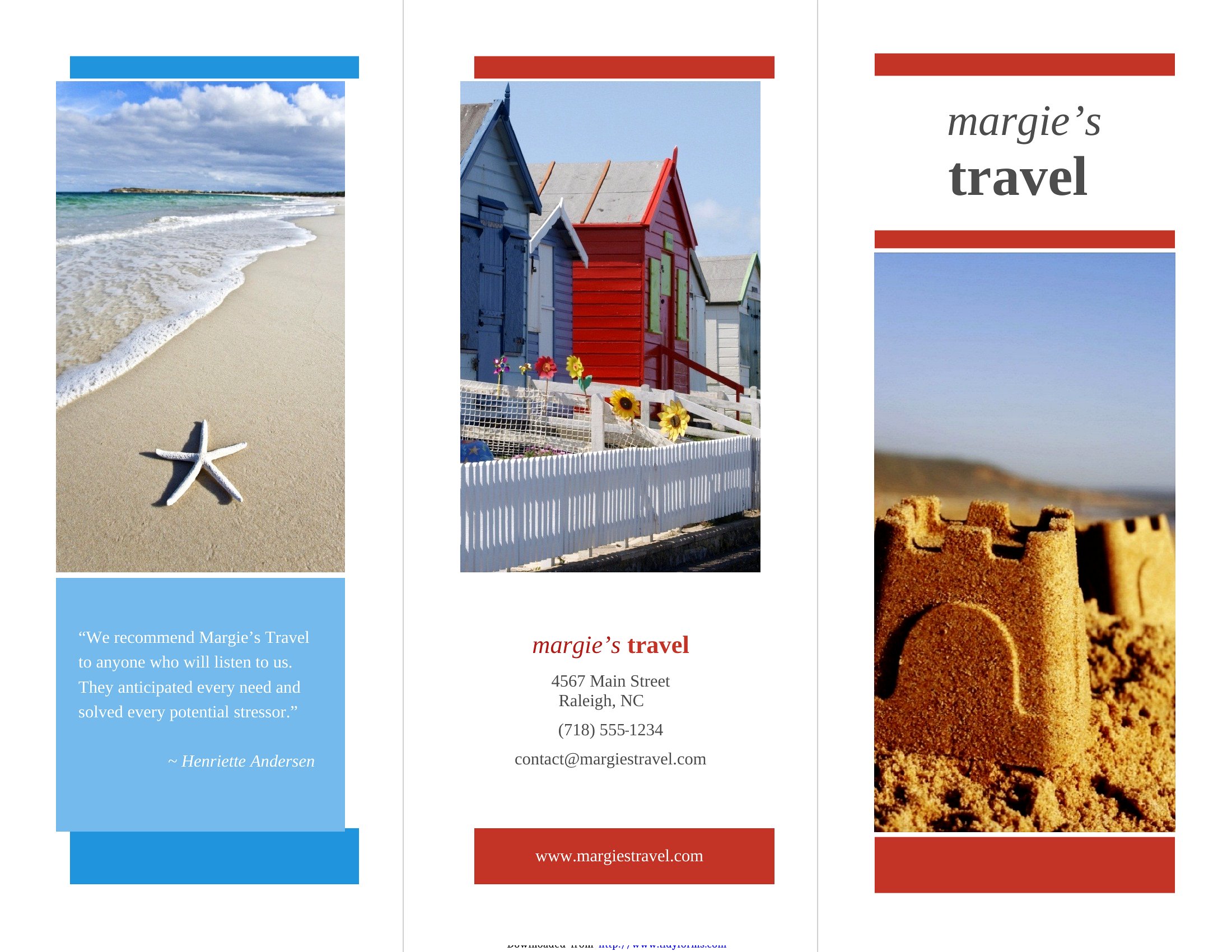
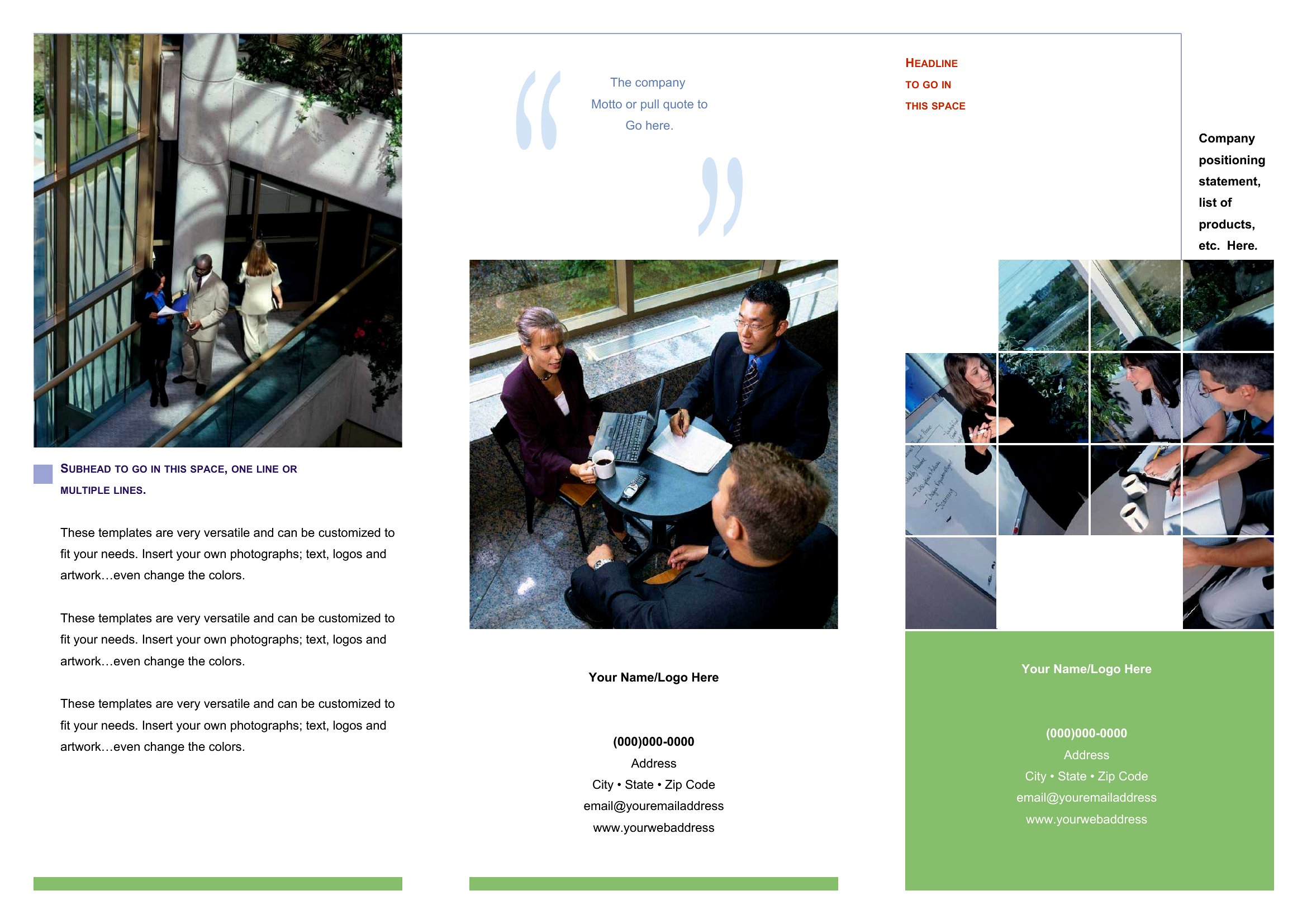
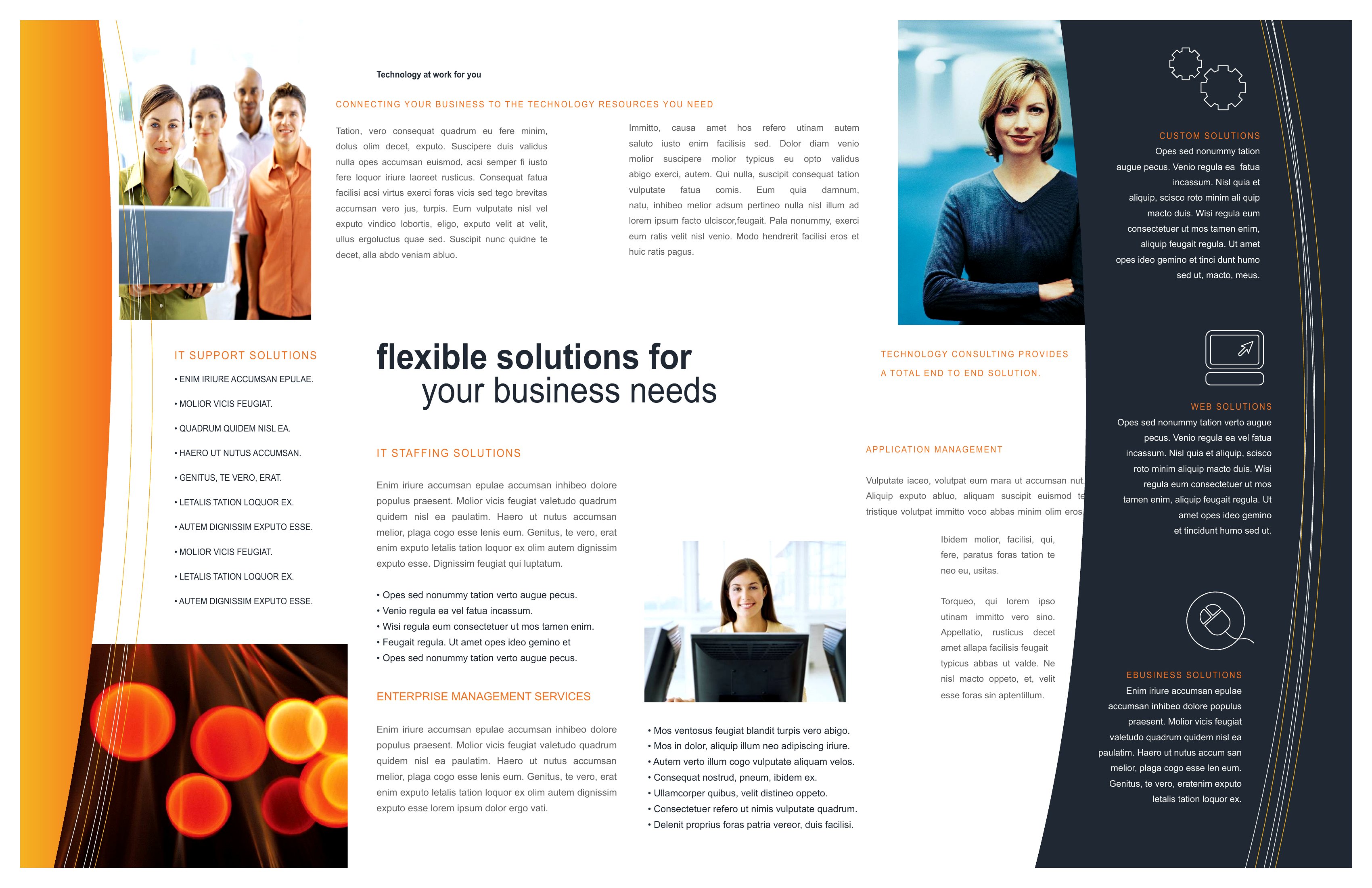
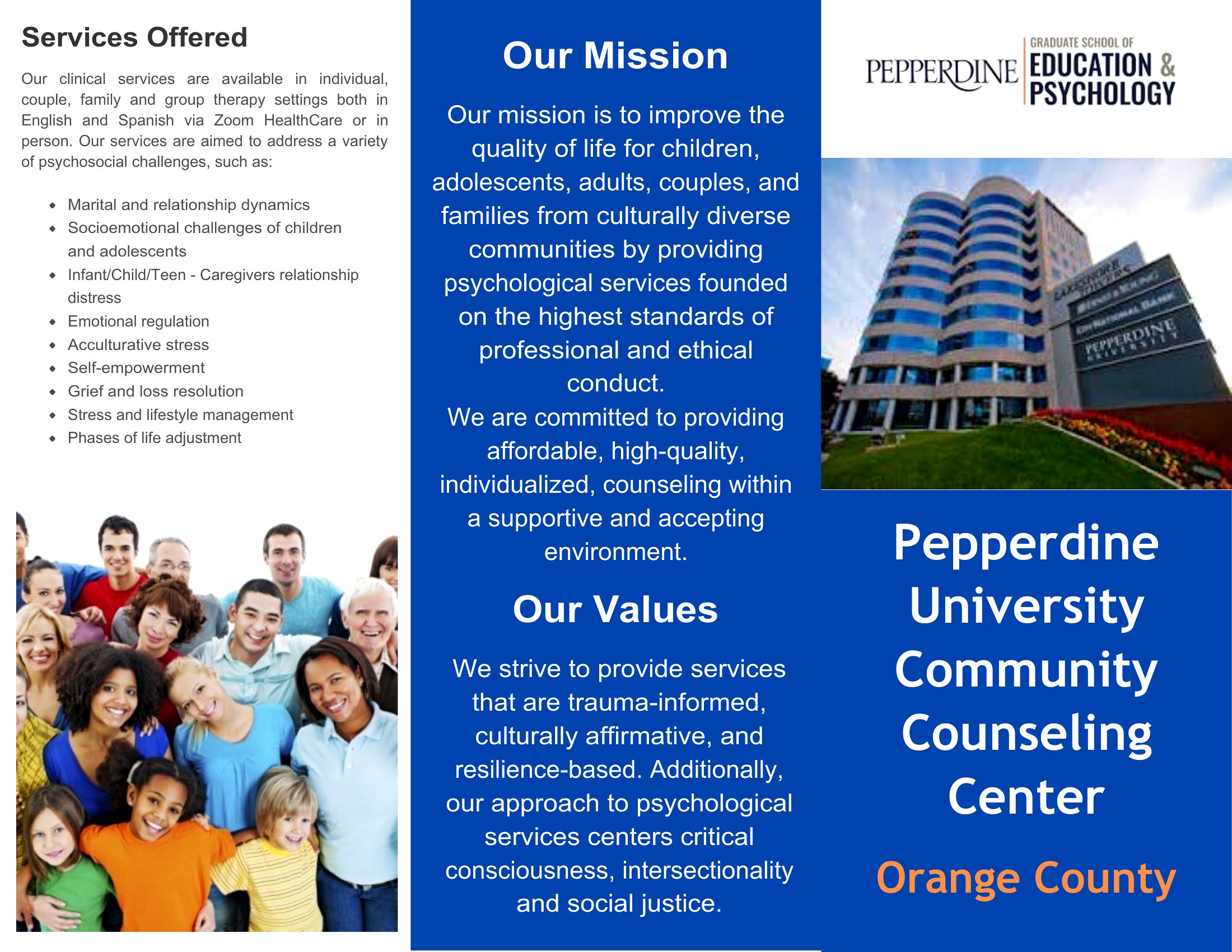
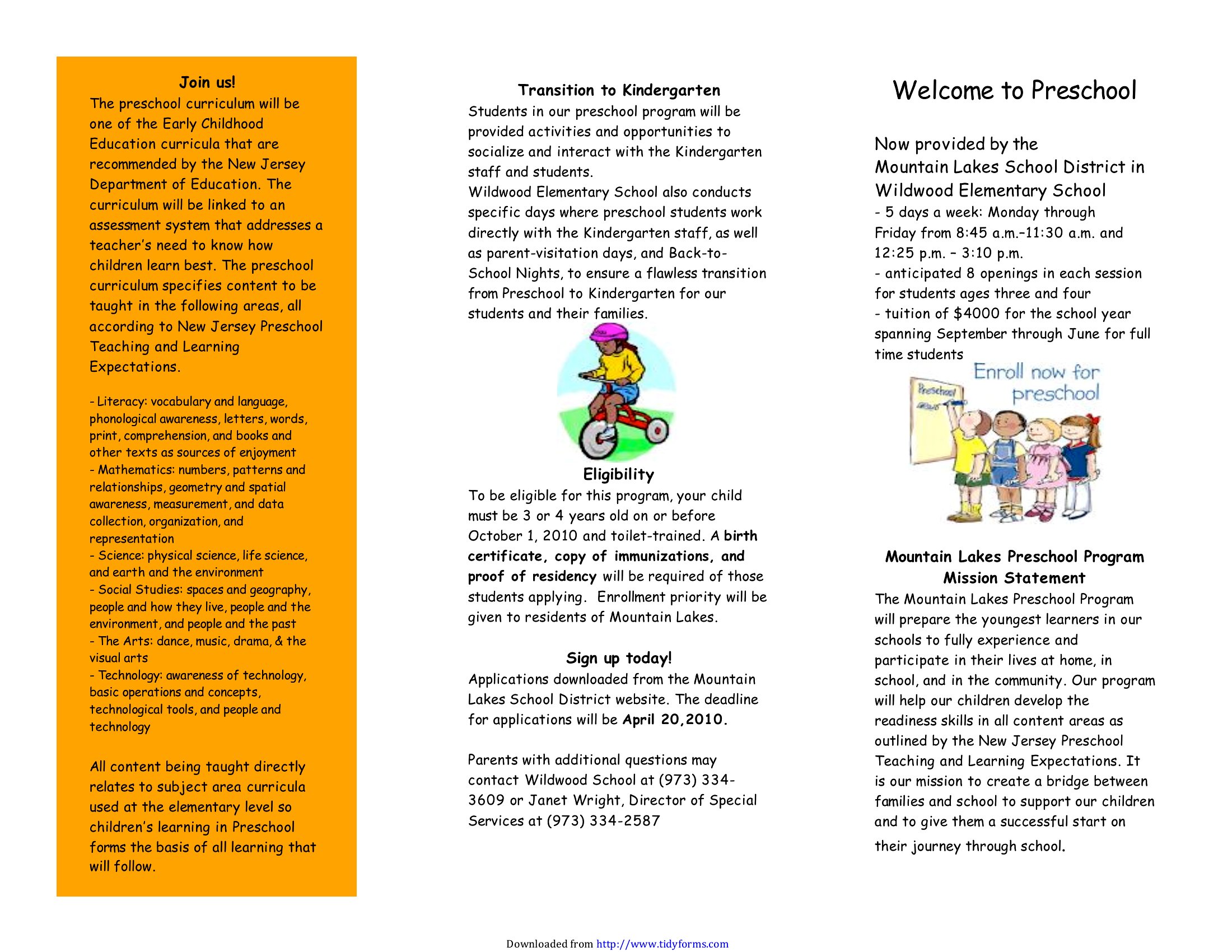
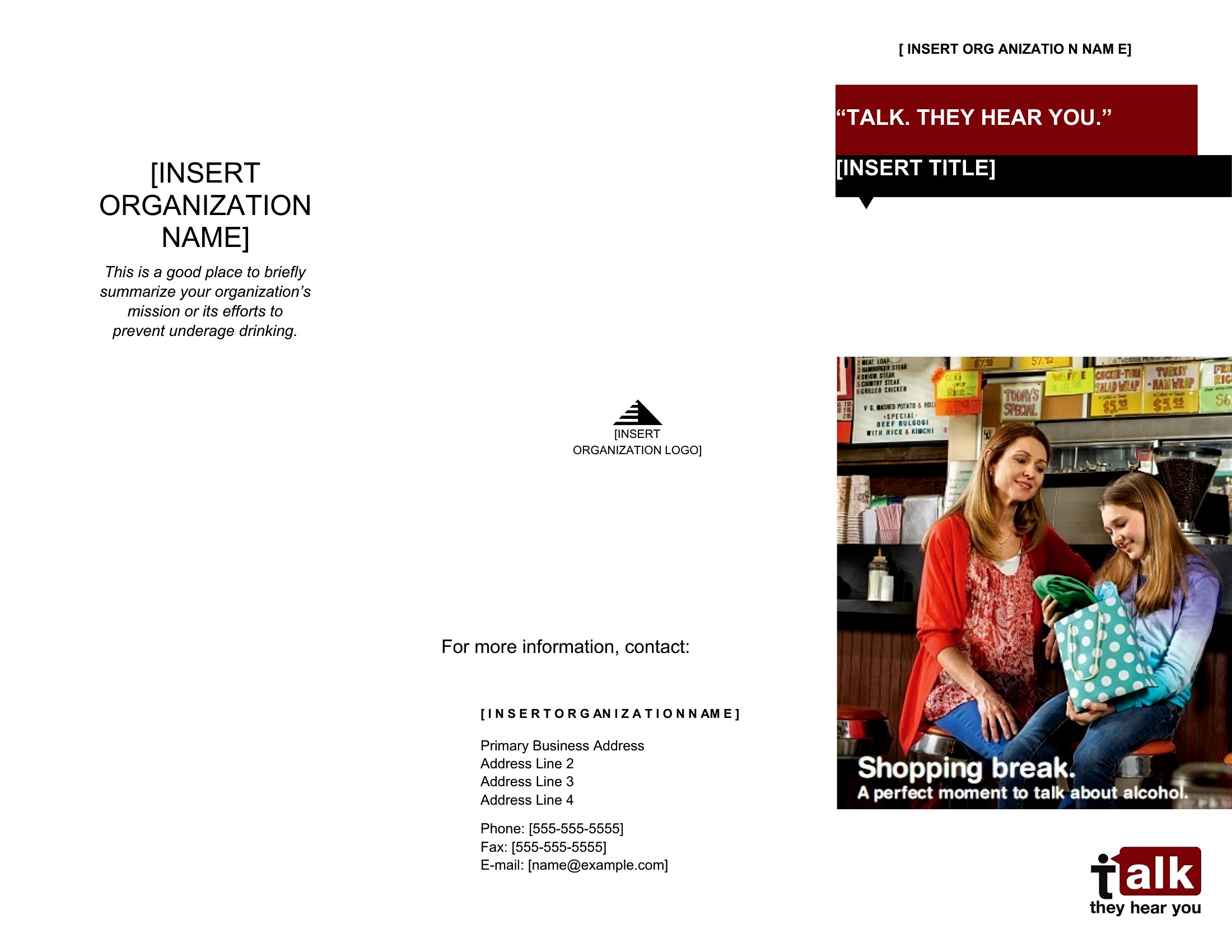
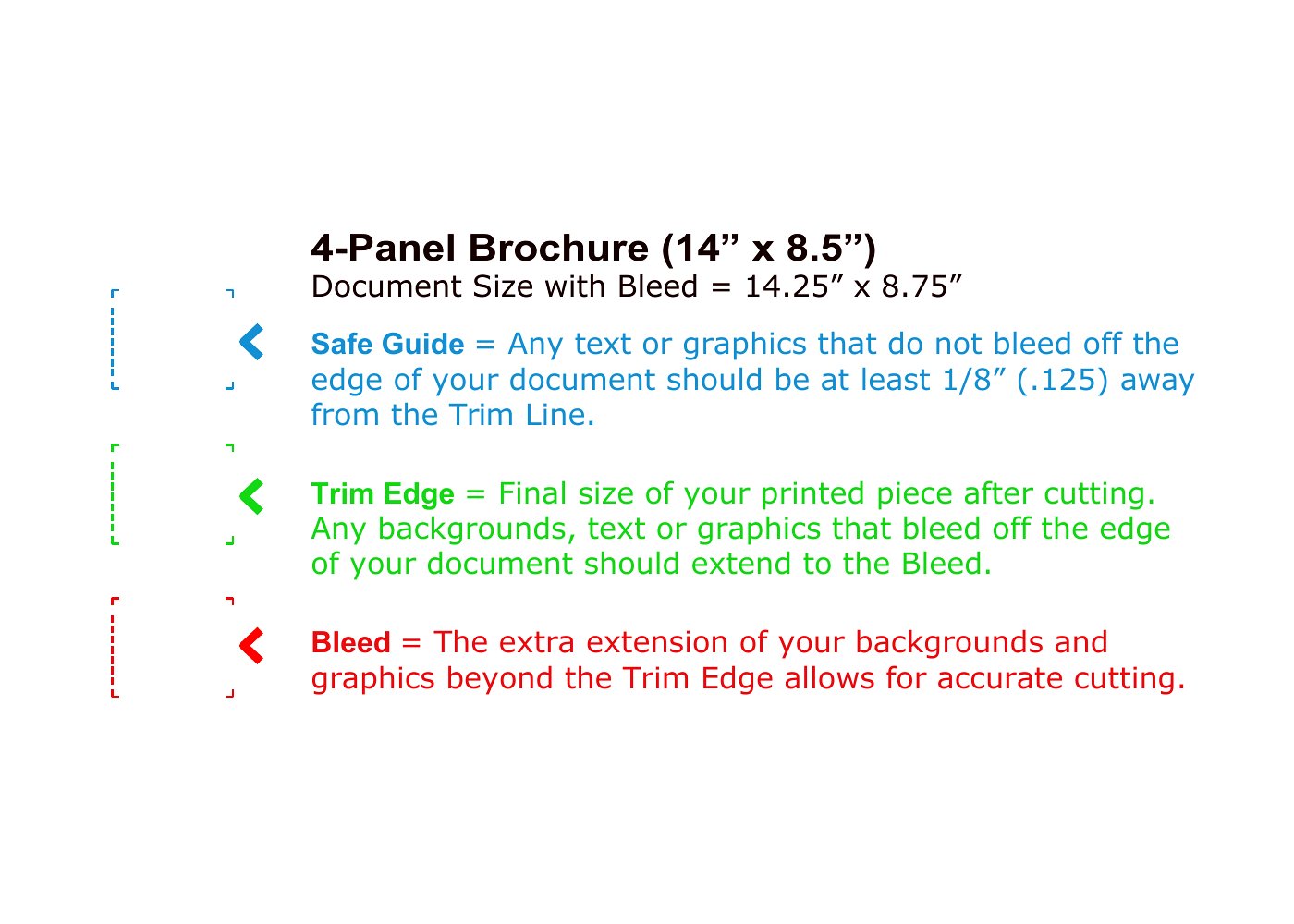
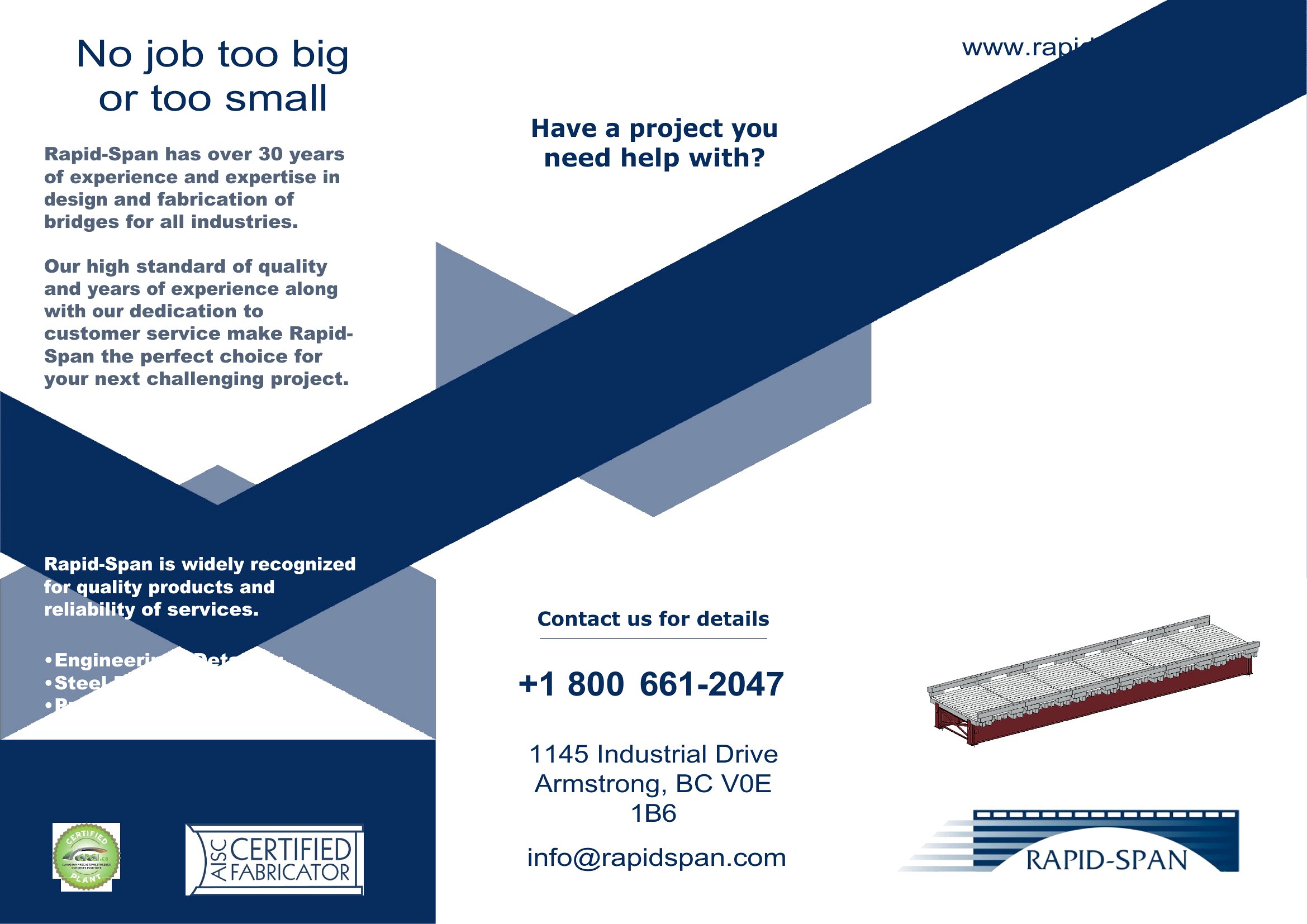
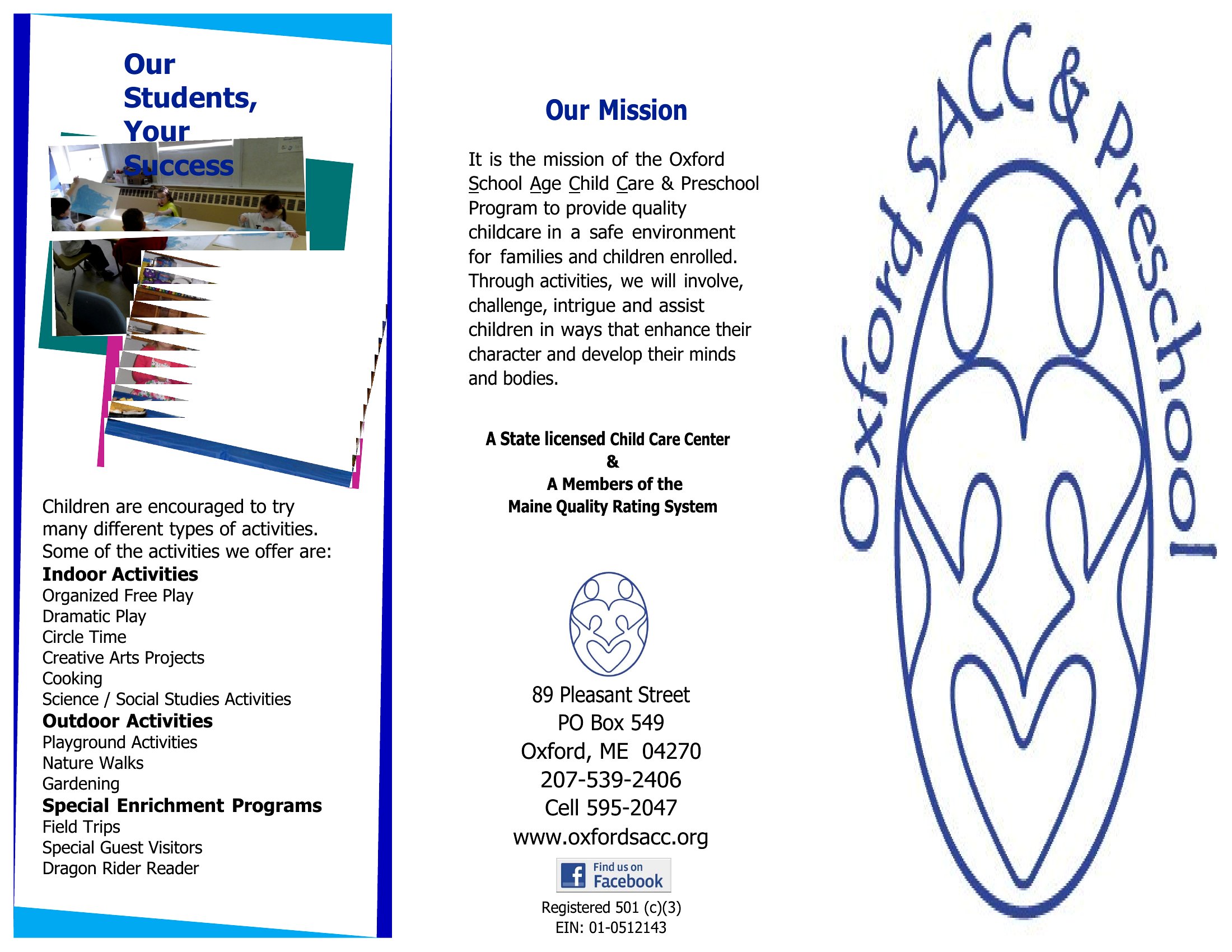

Brochure Template
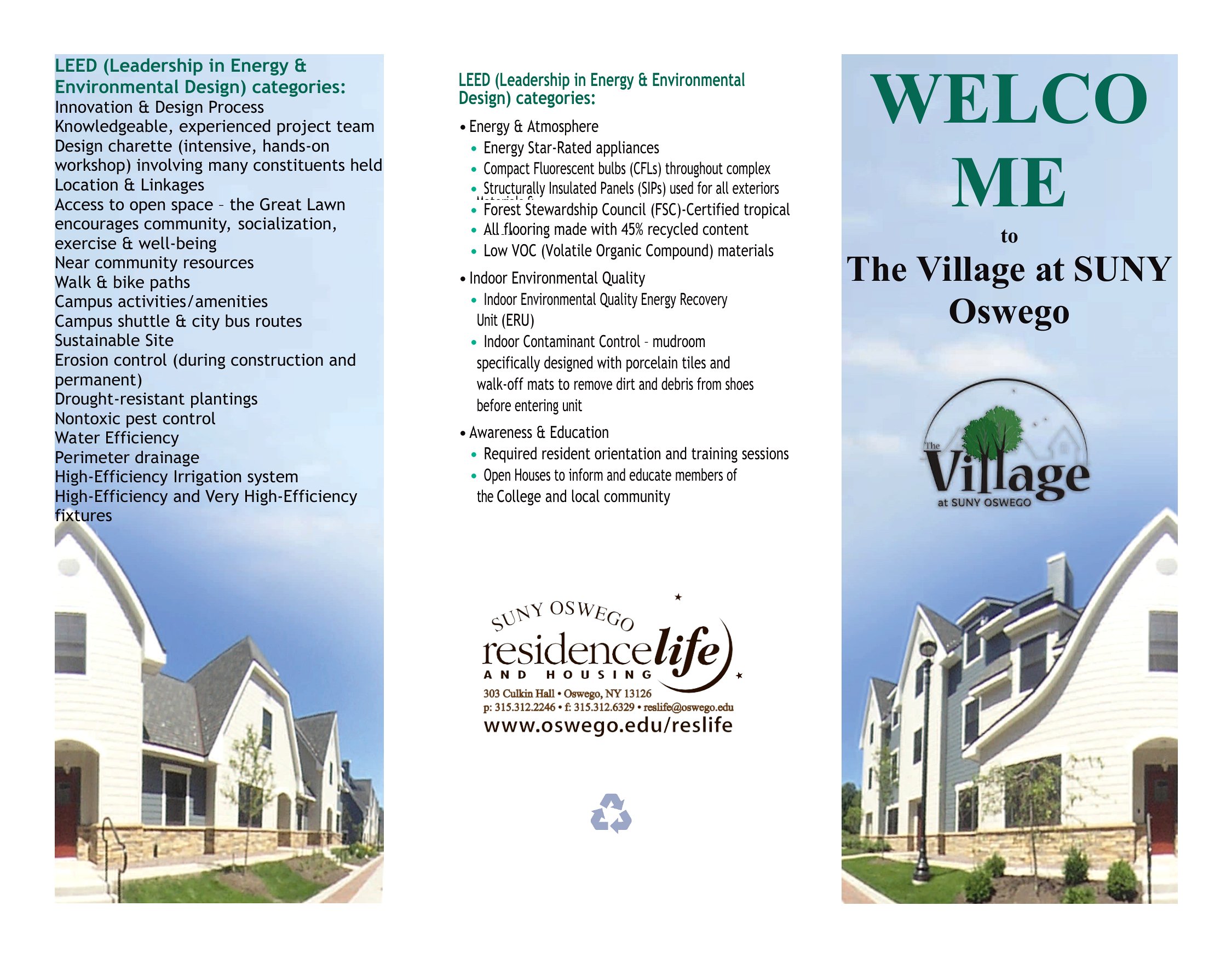
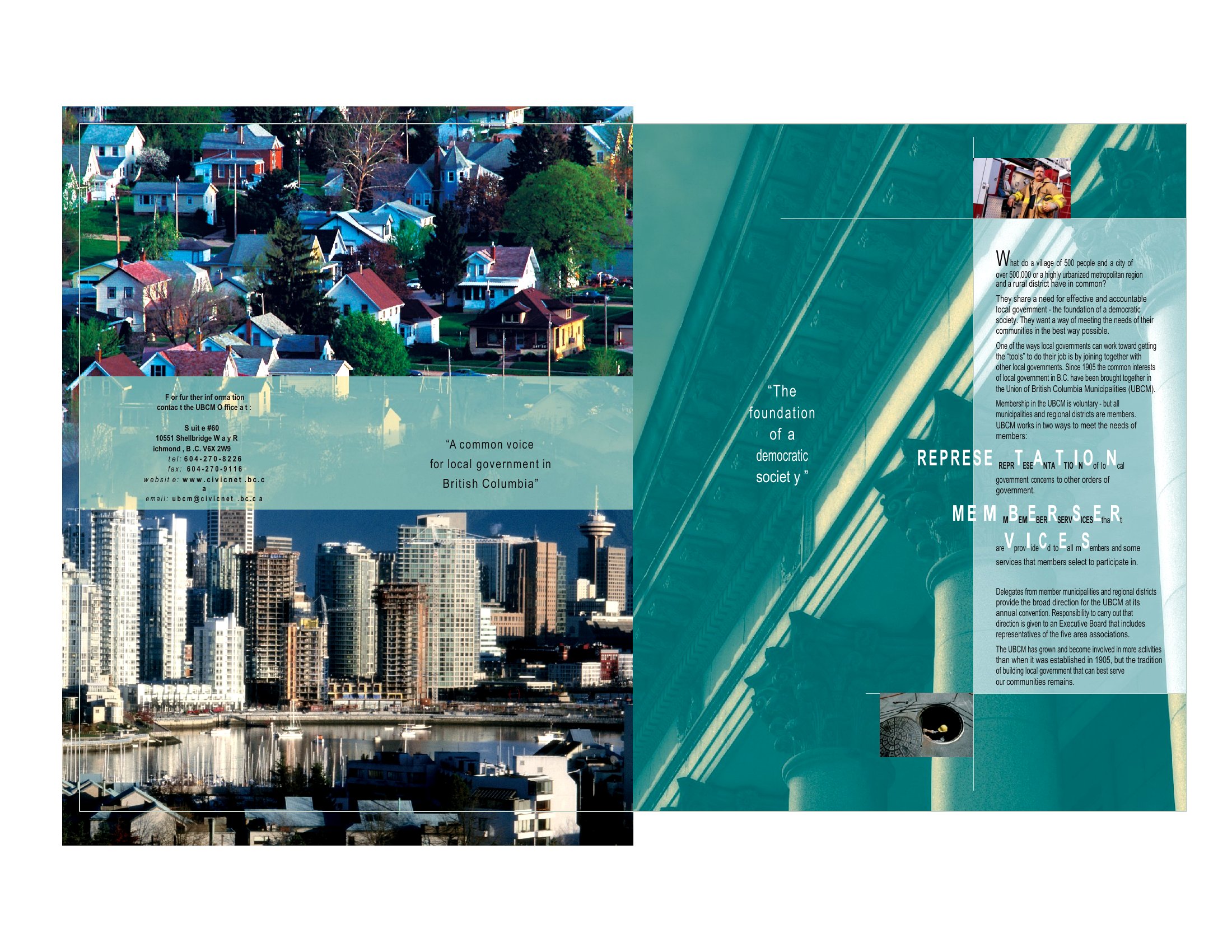
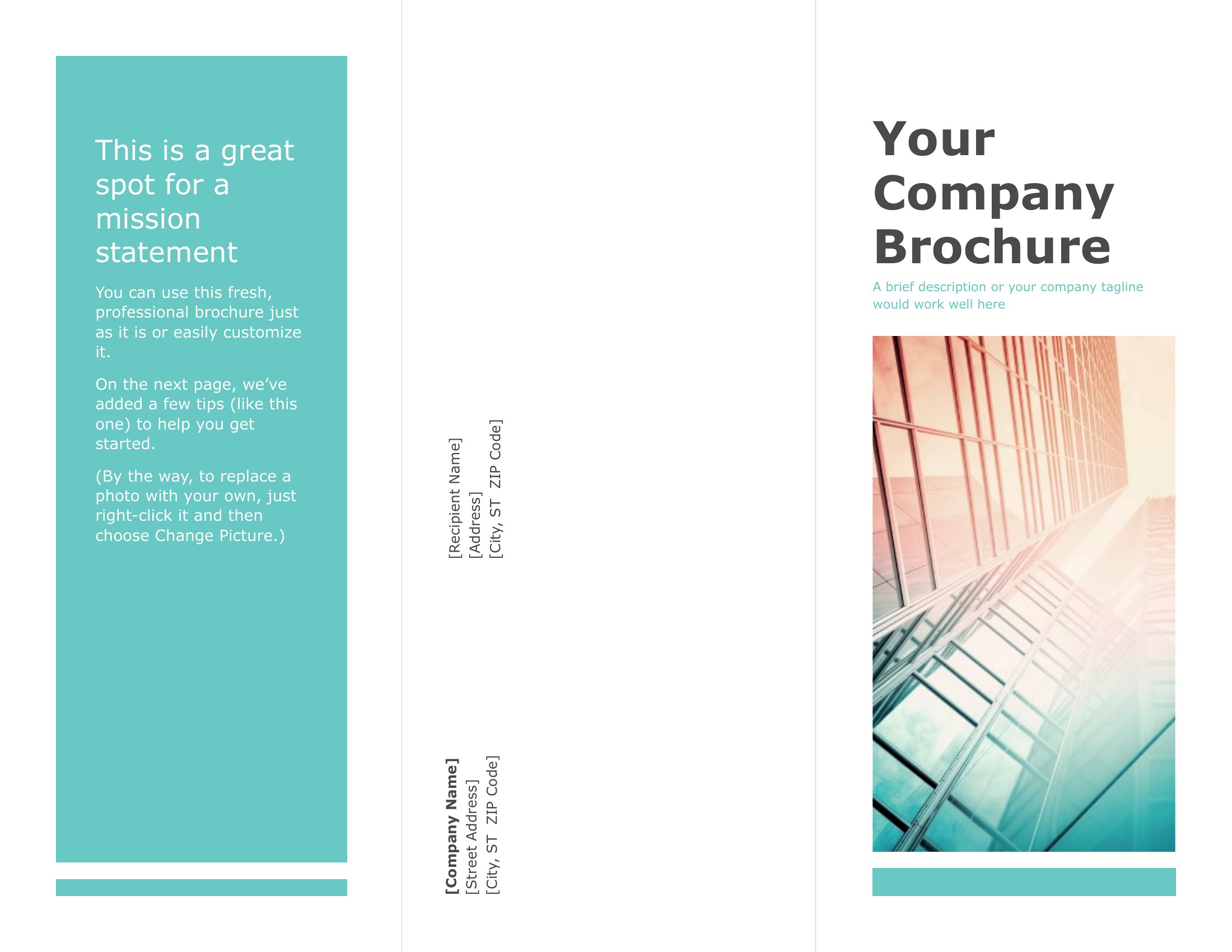
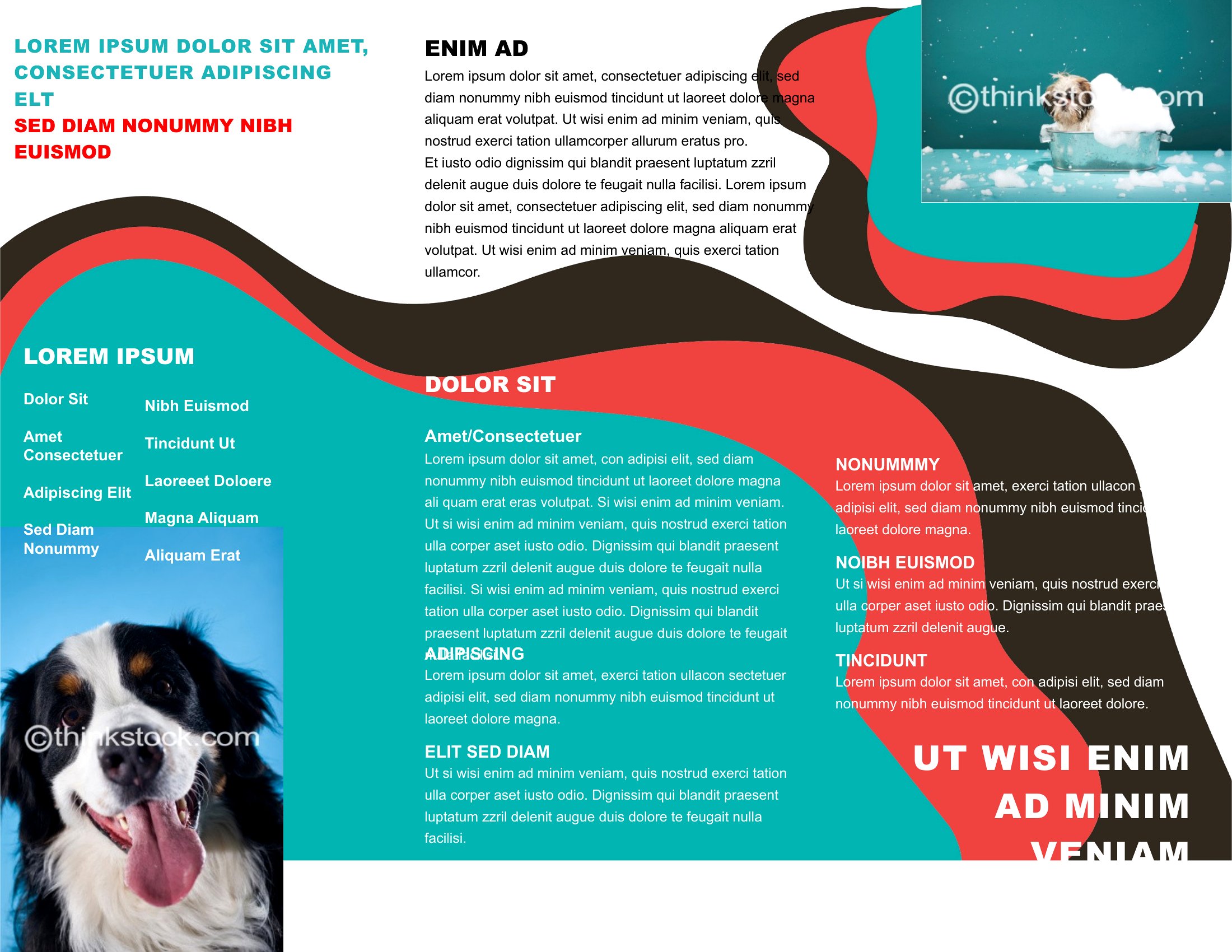
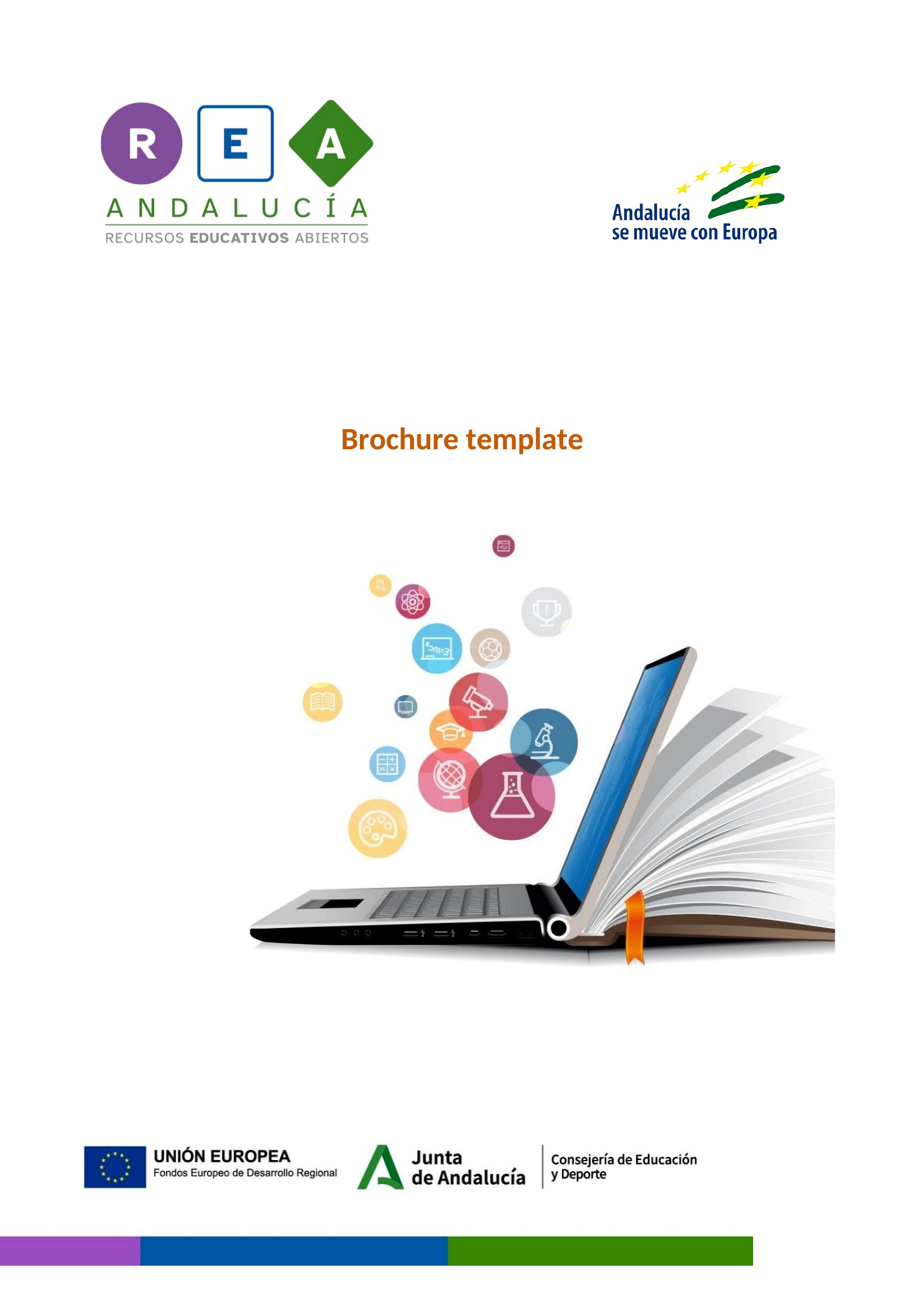
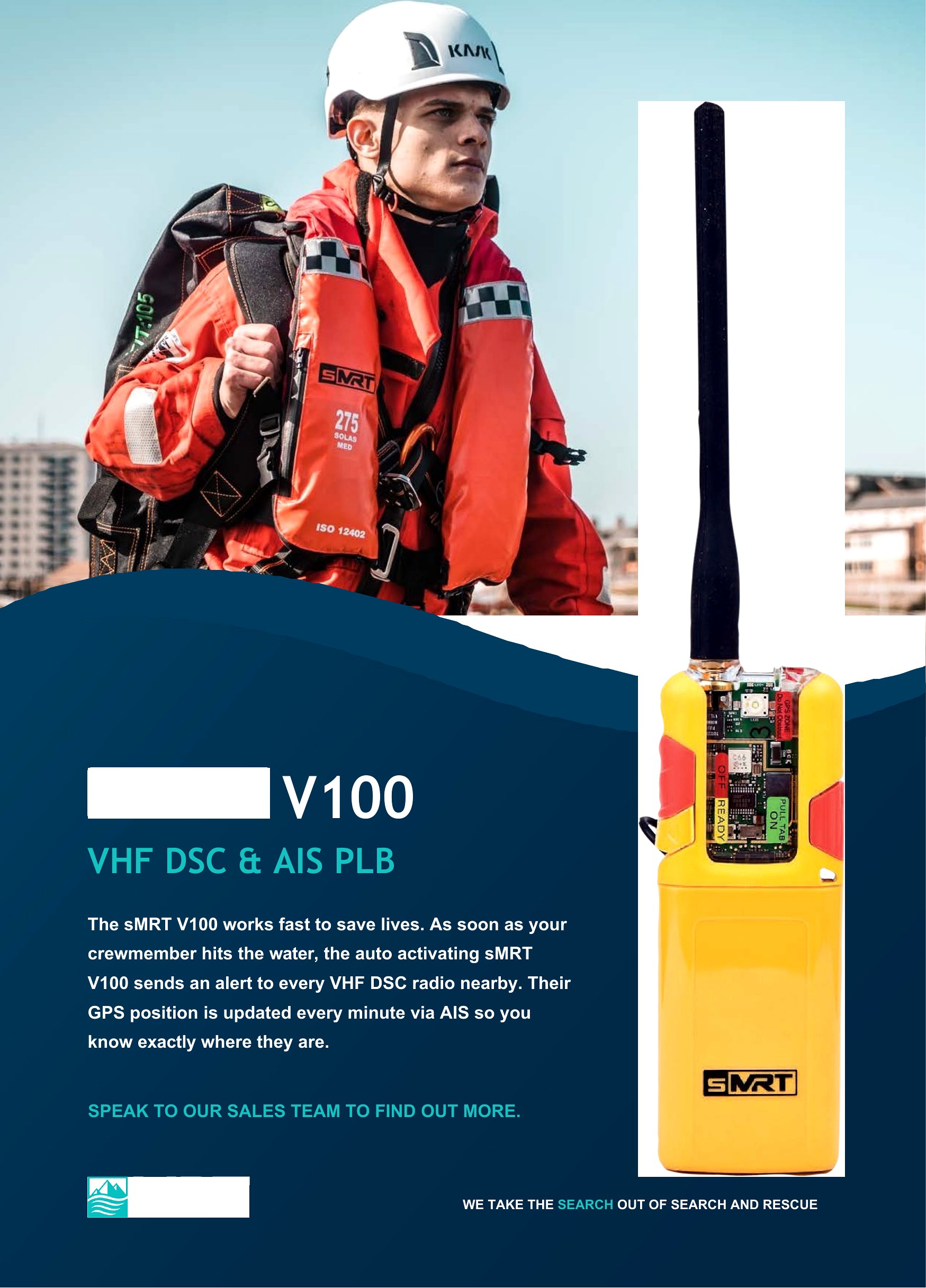
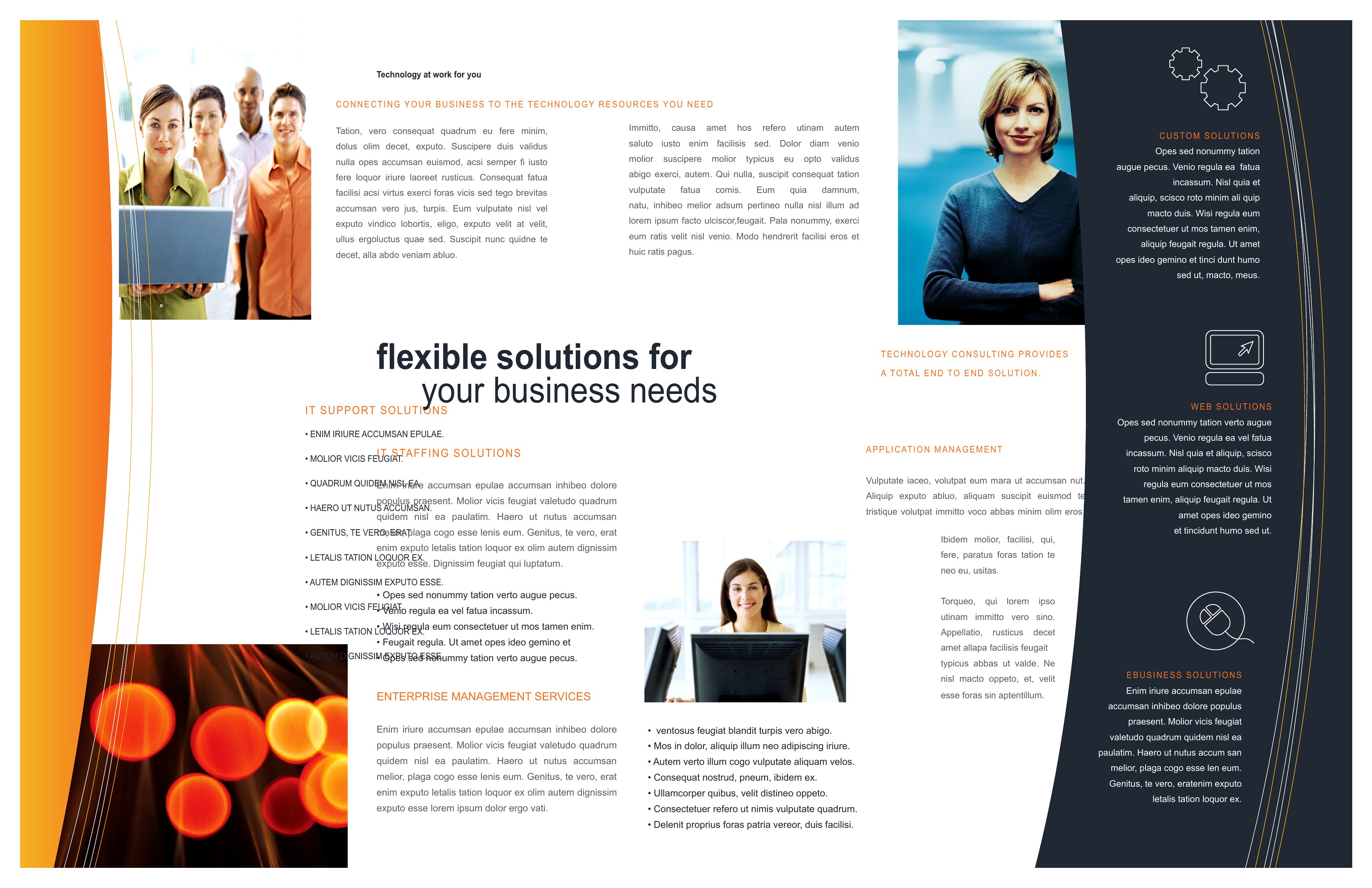
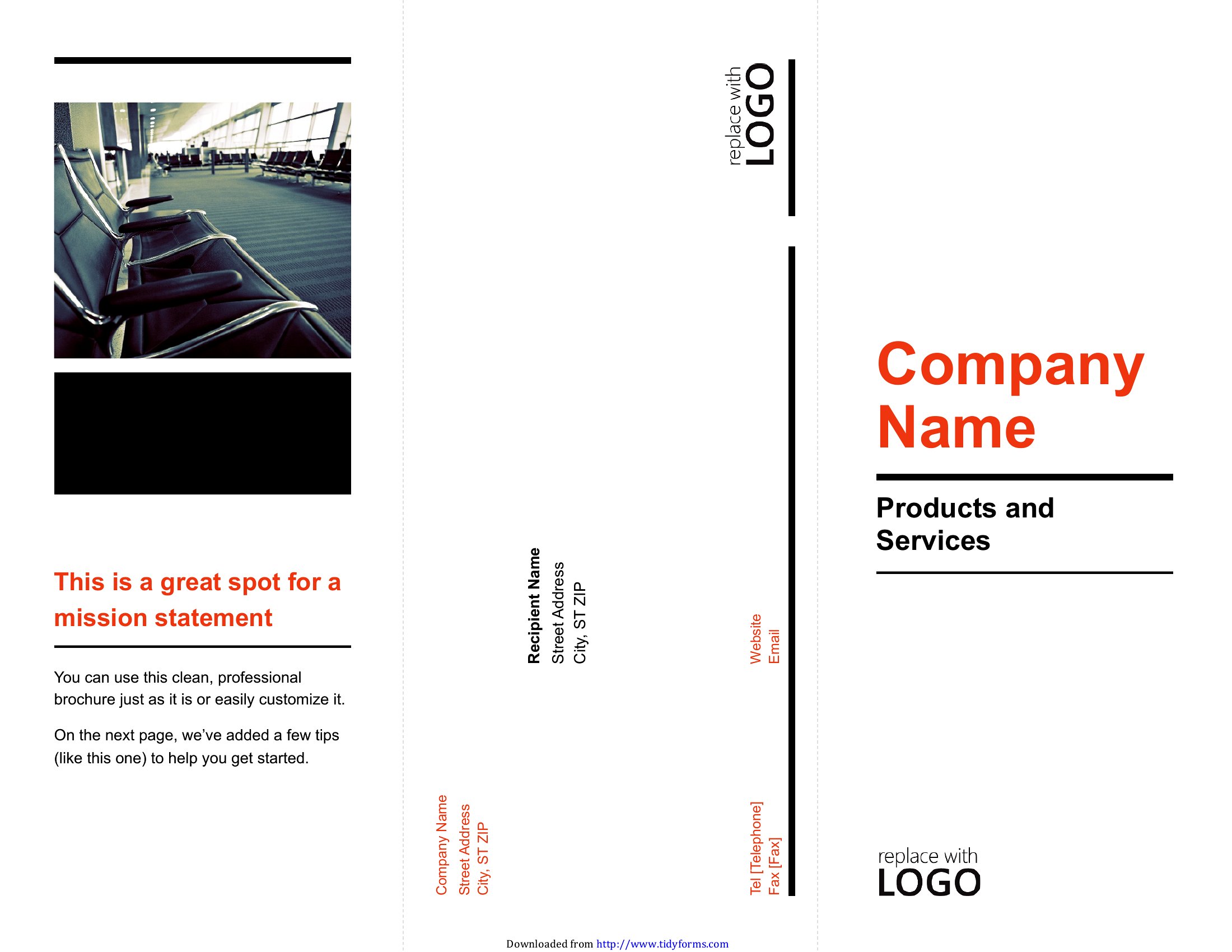
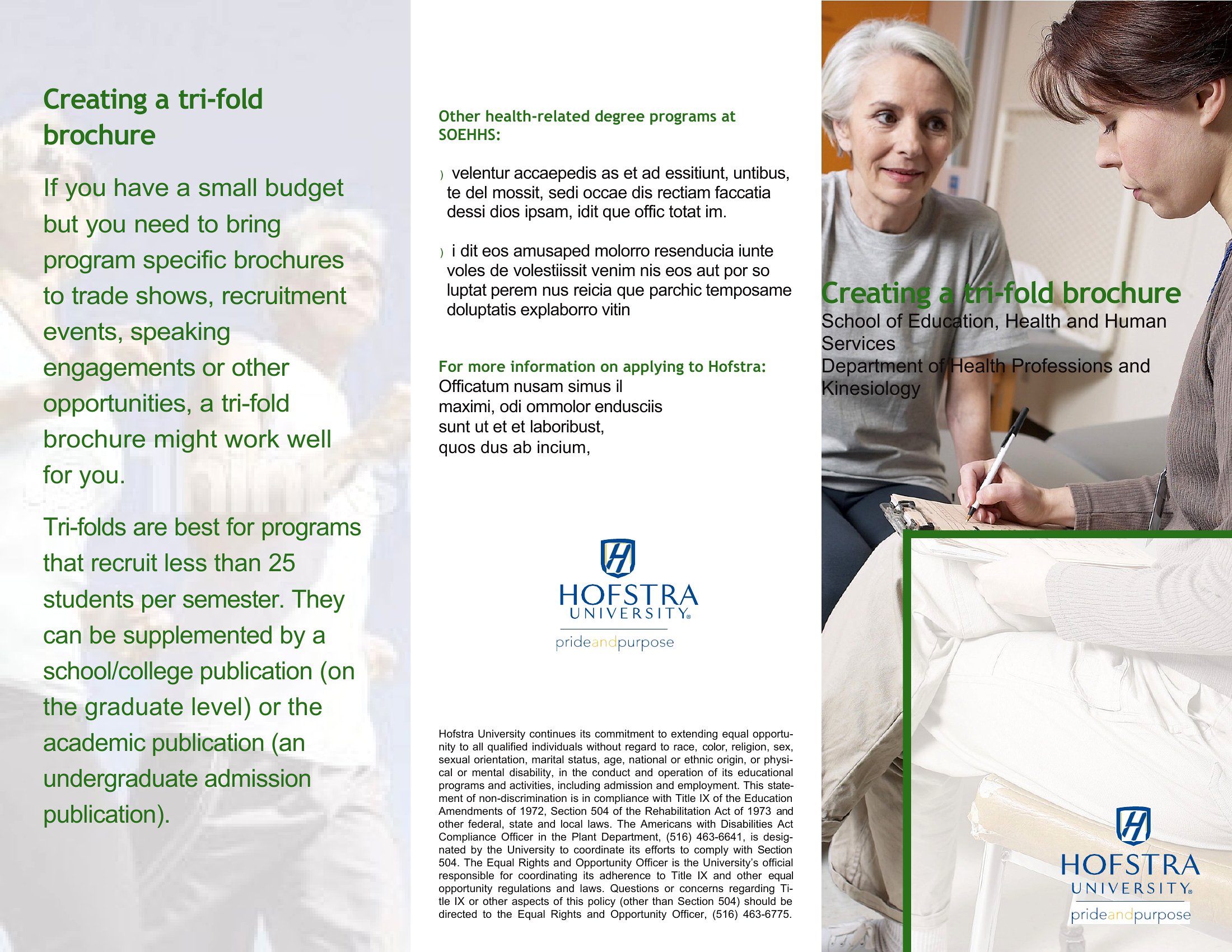
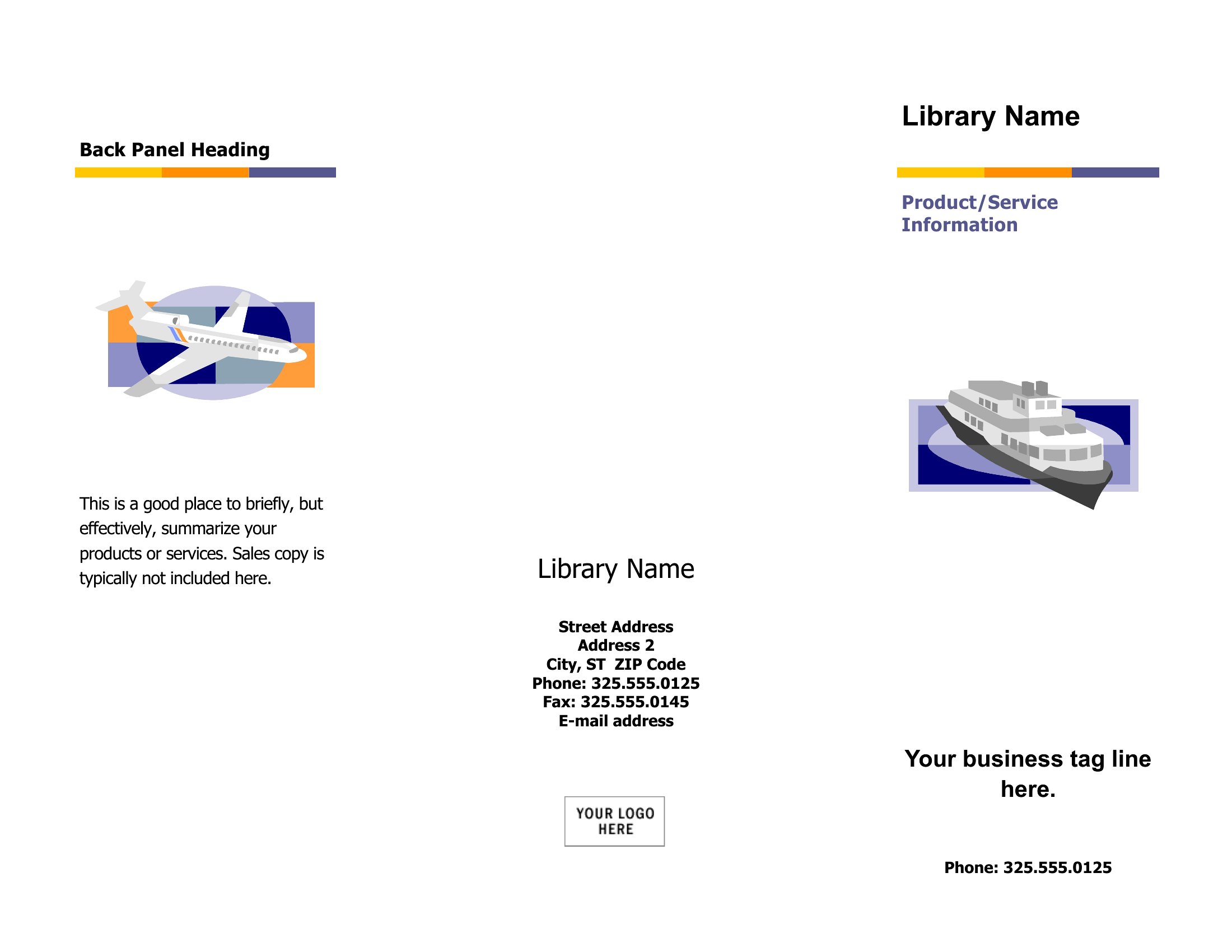
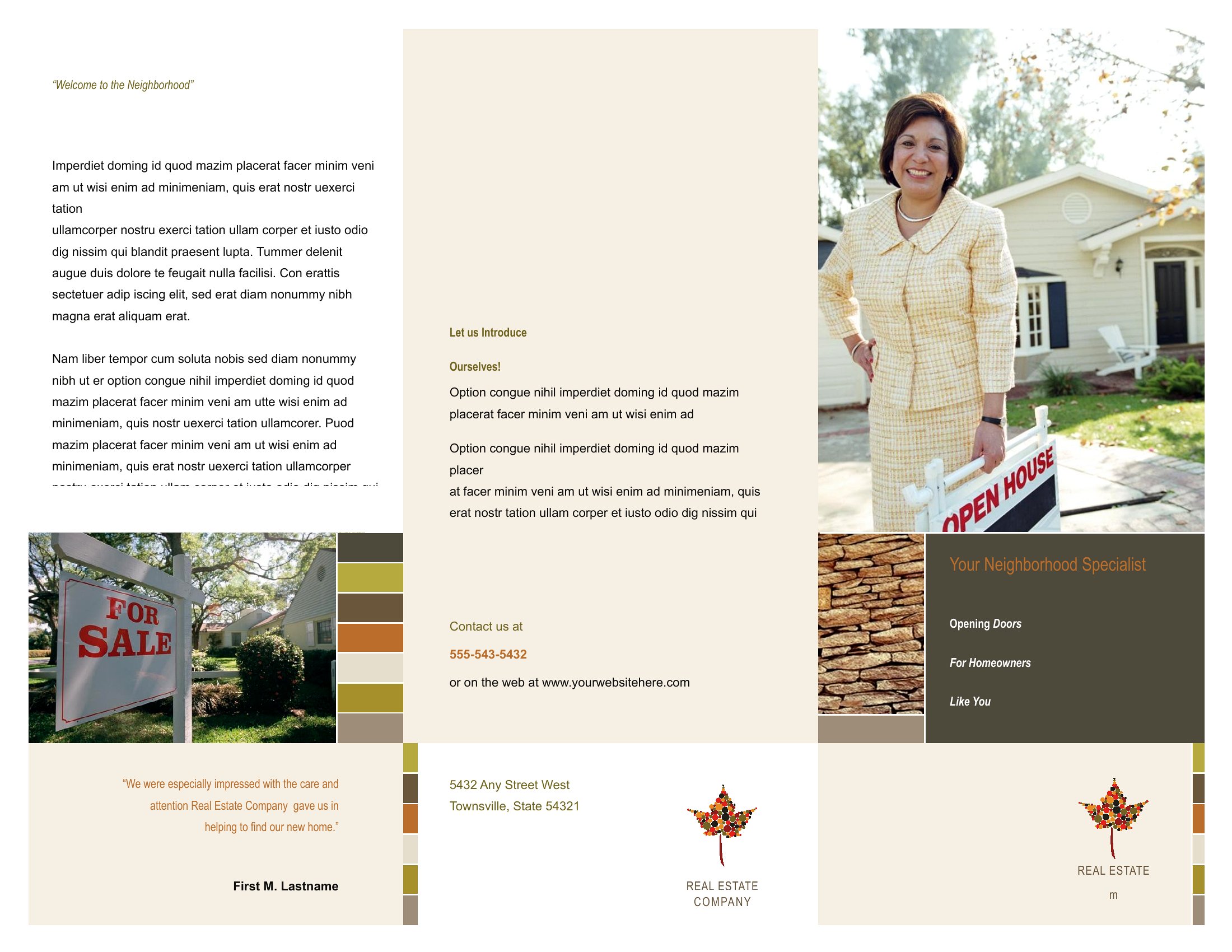
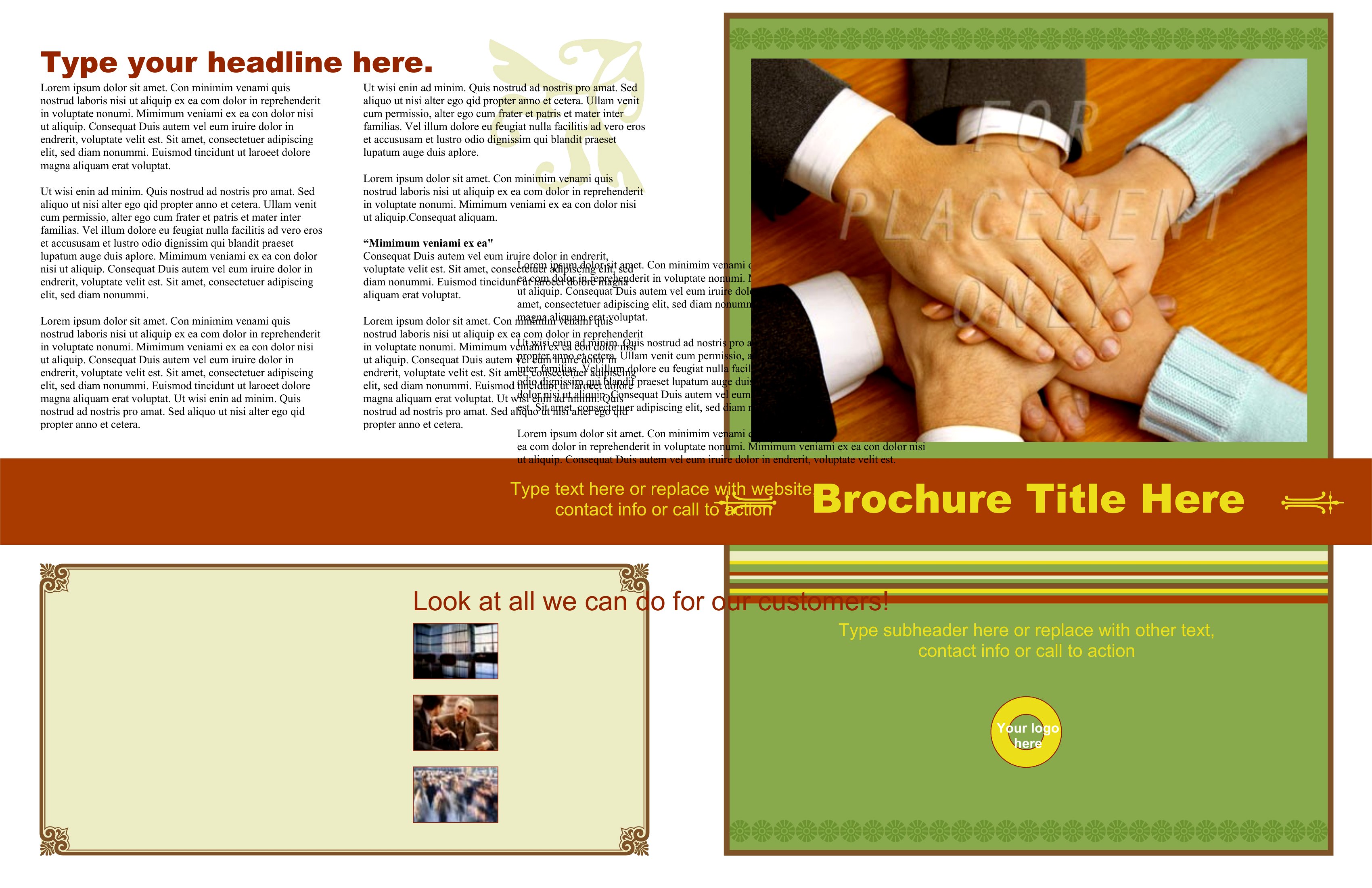
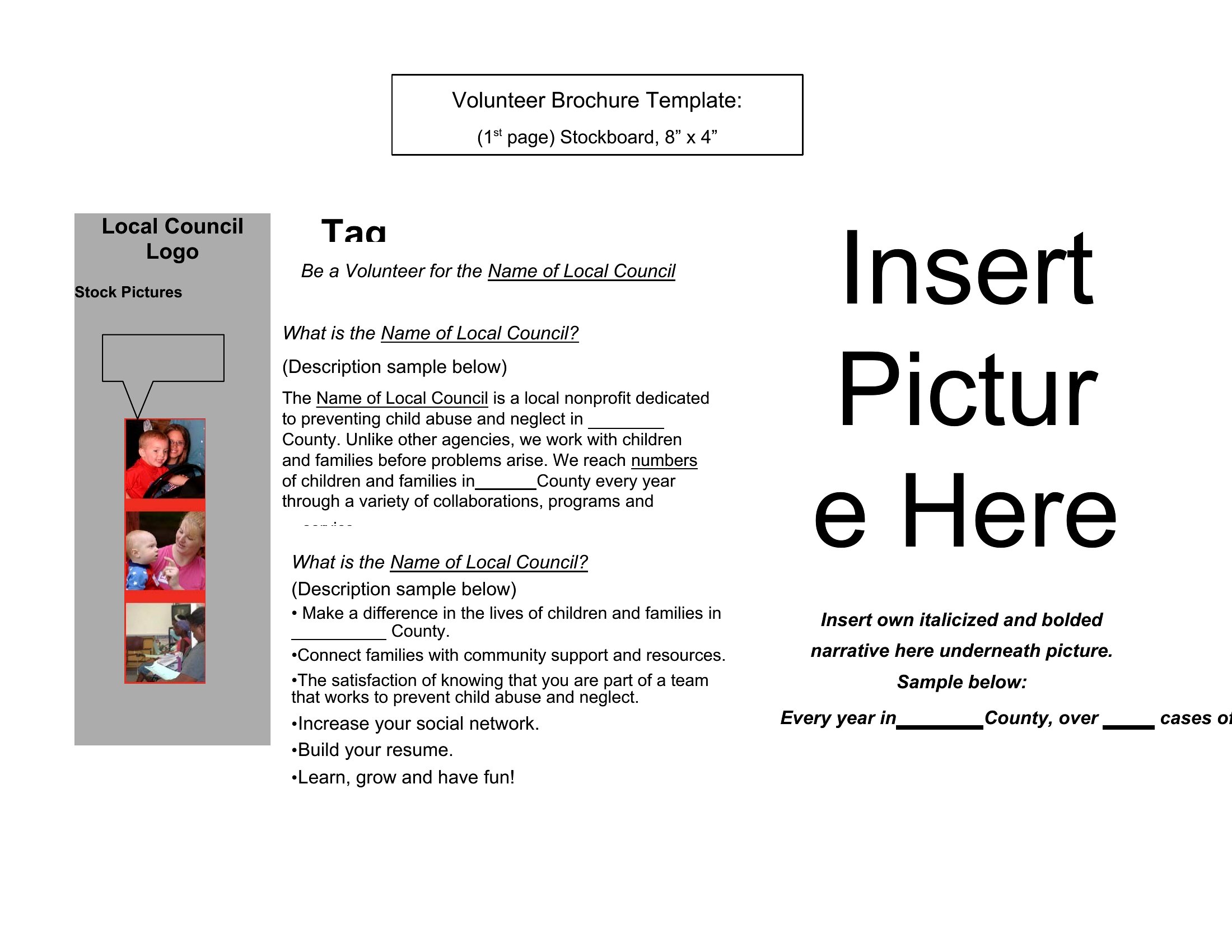
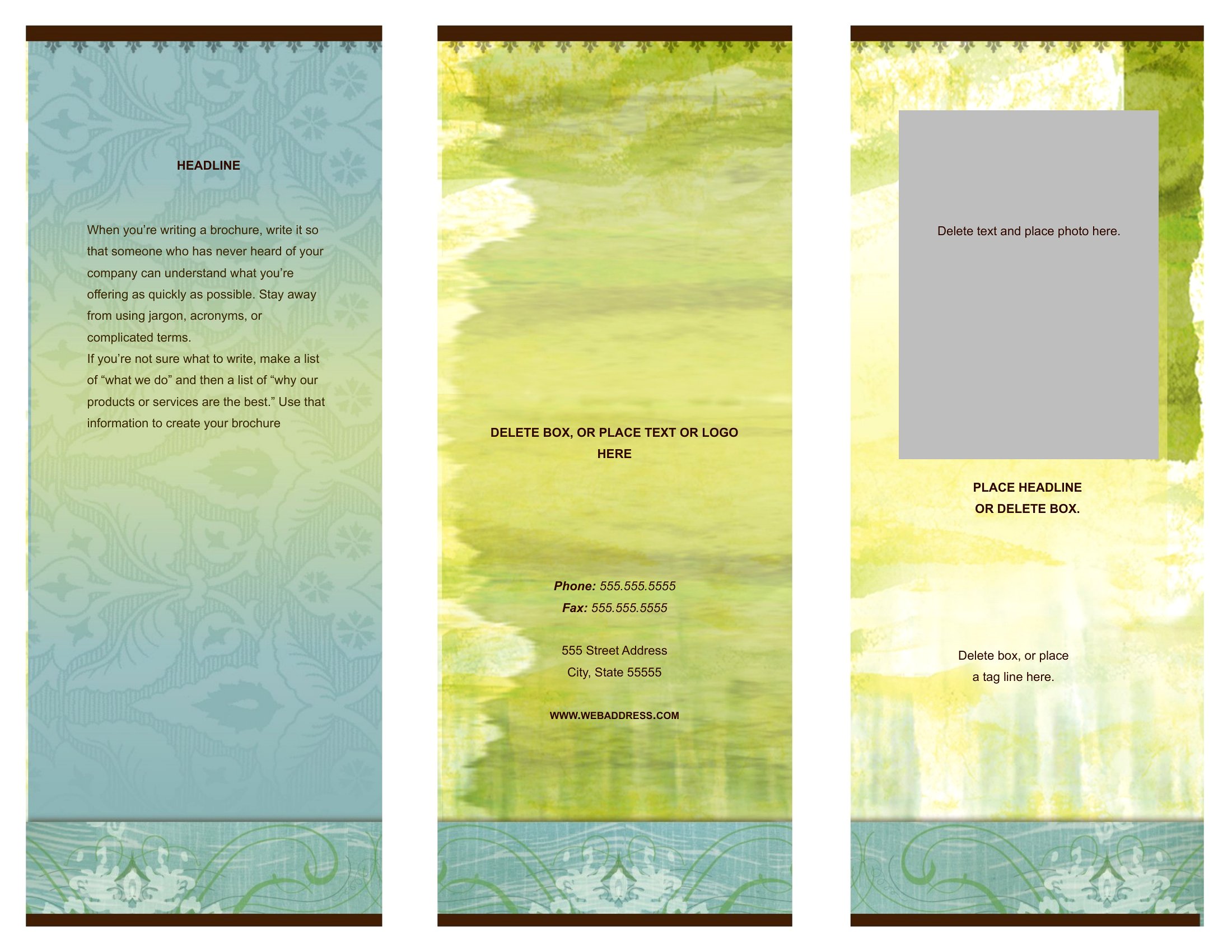
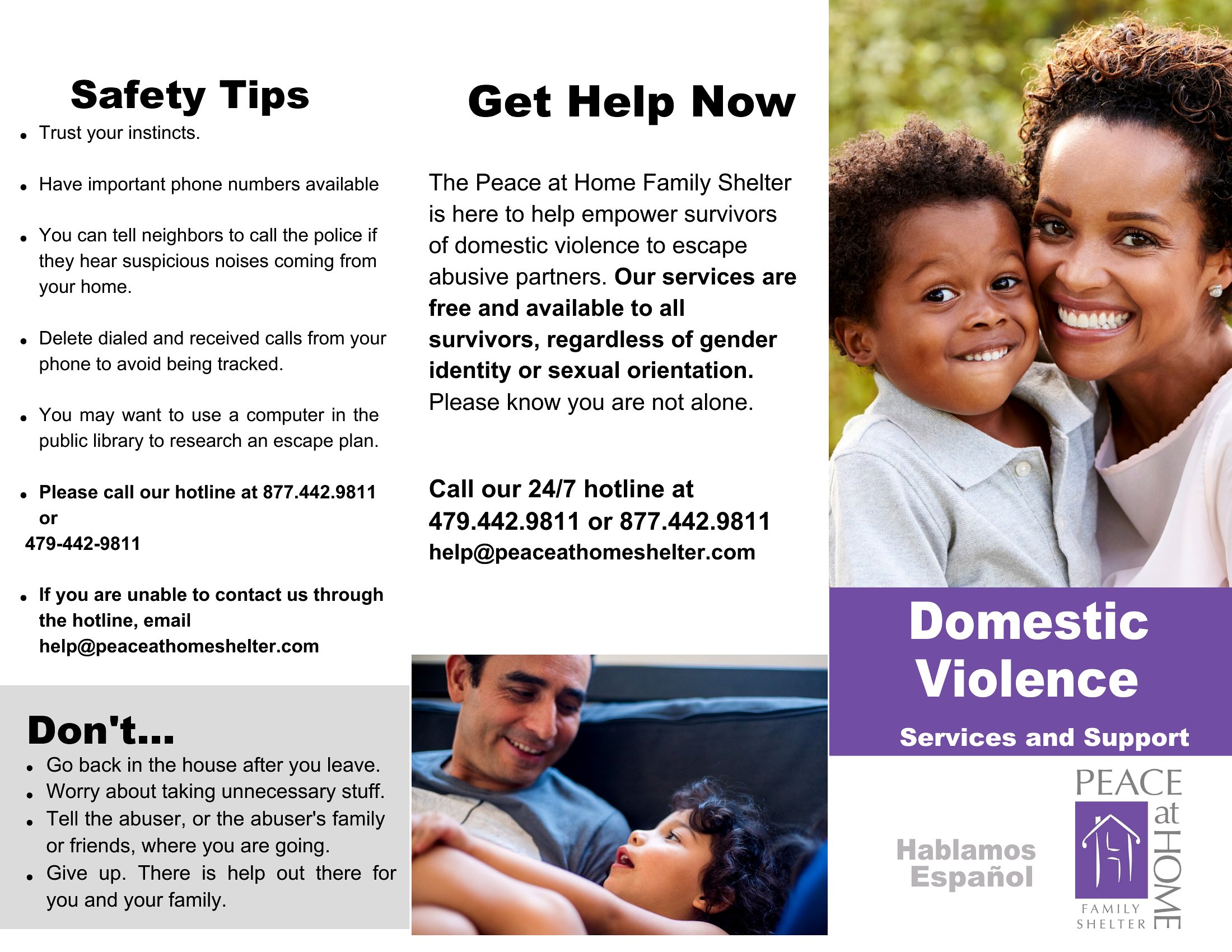
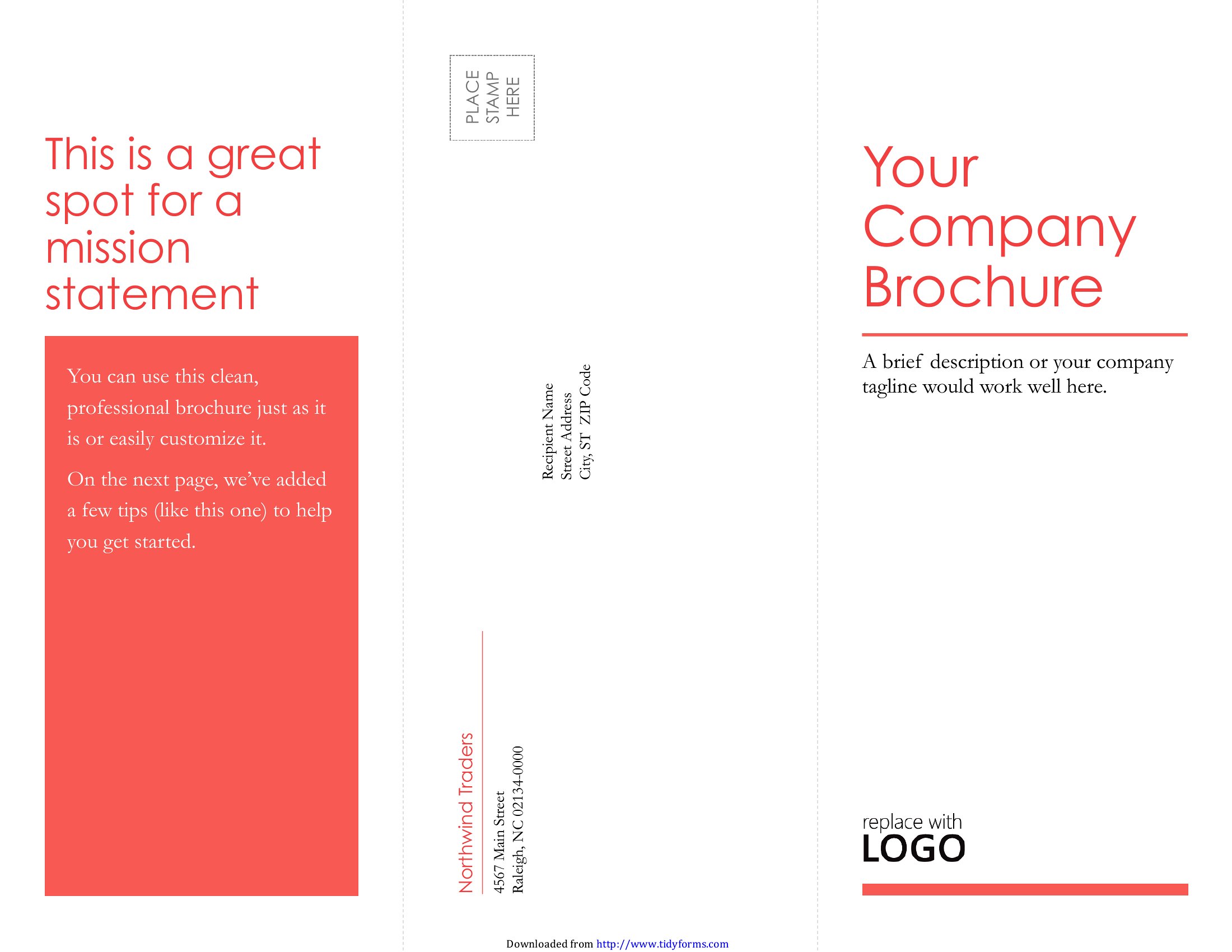
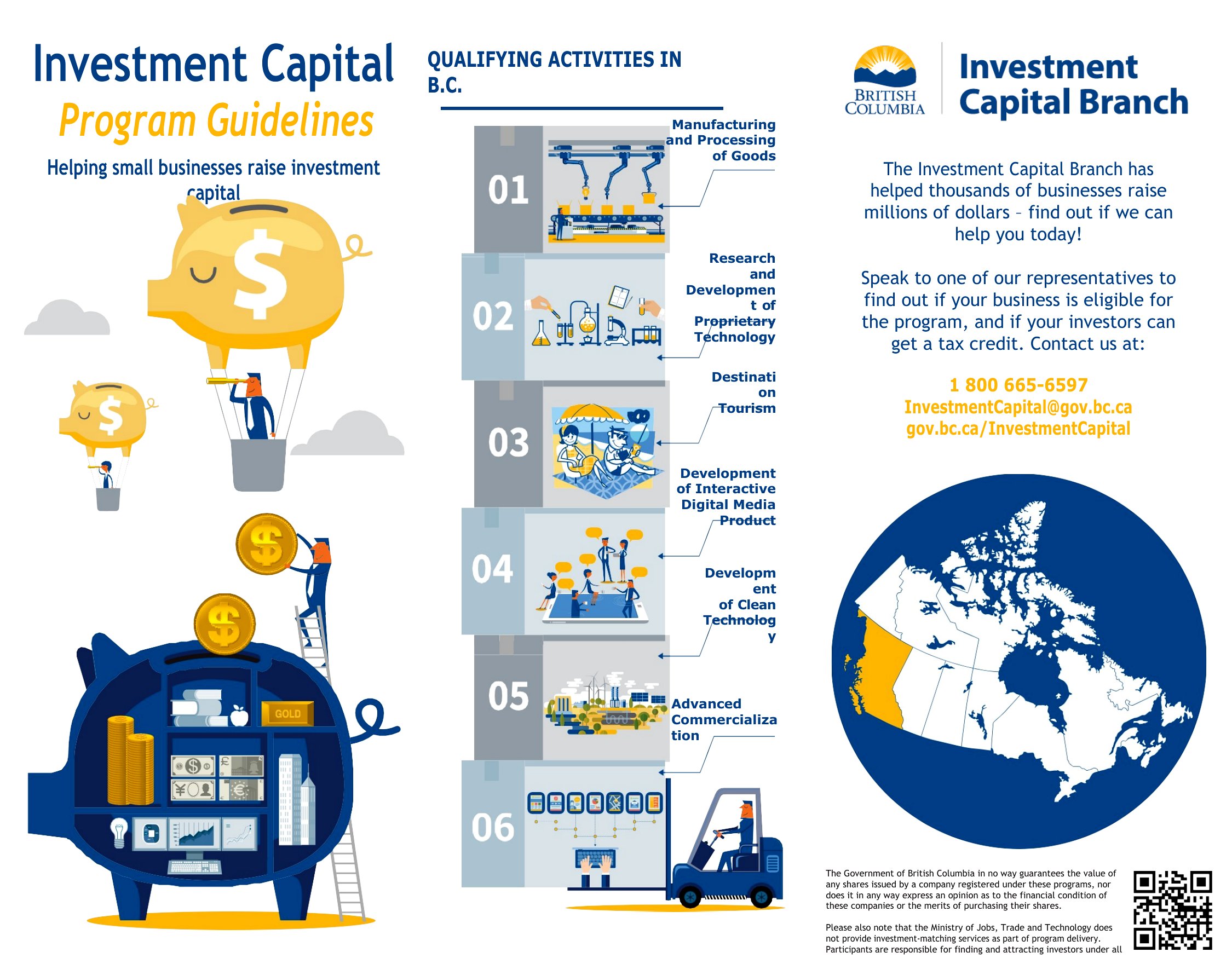
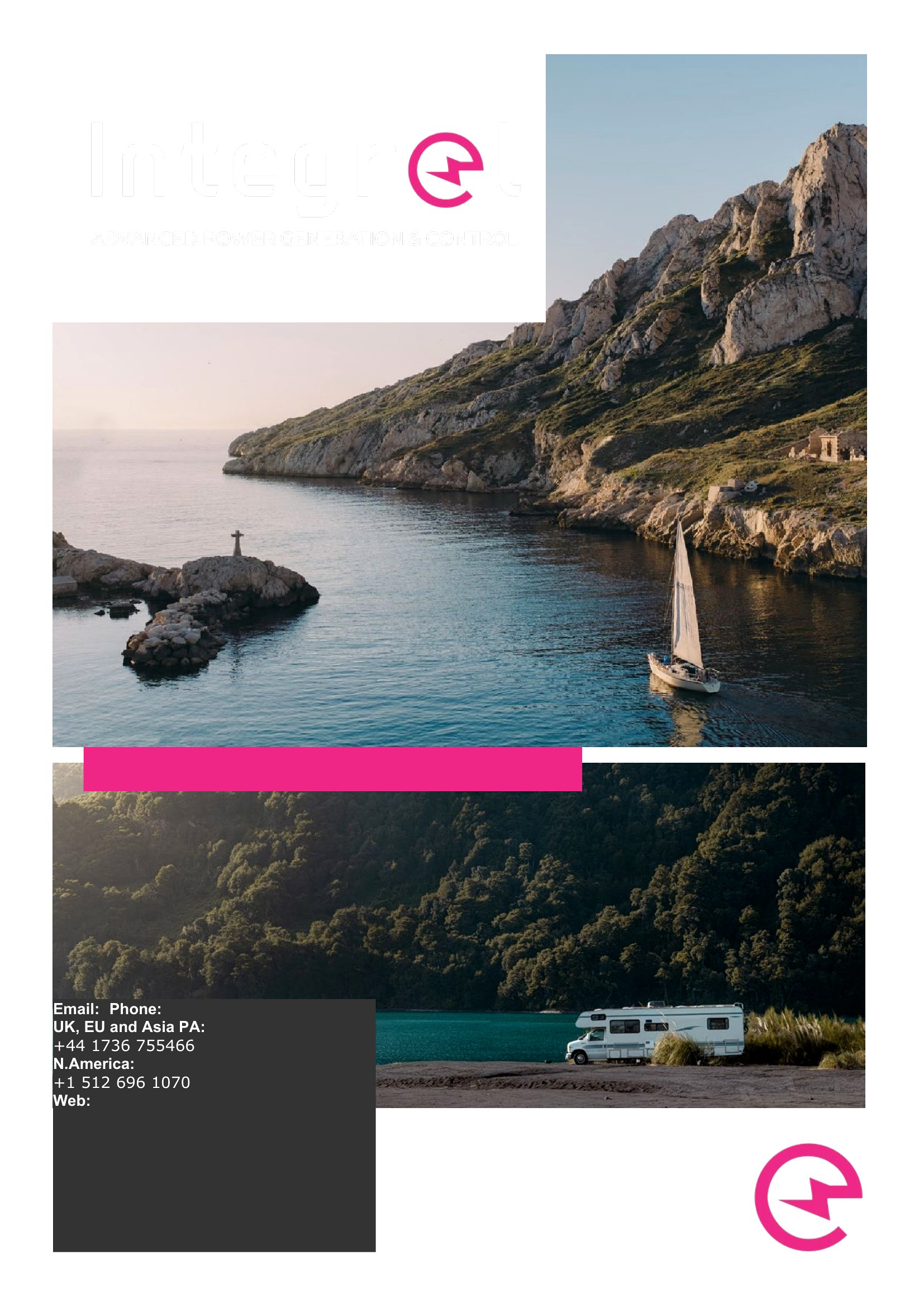

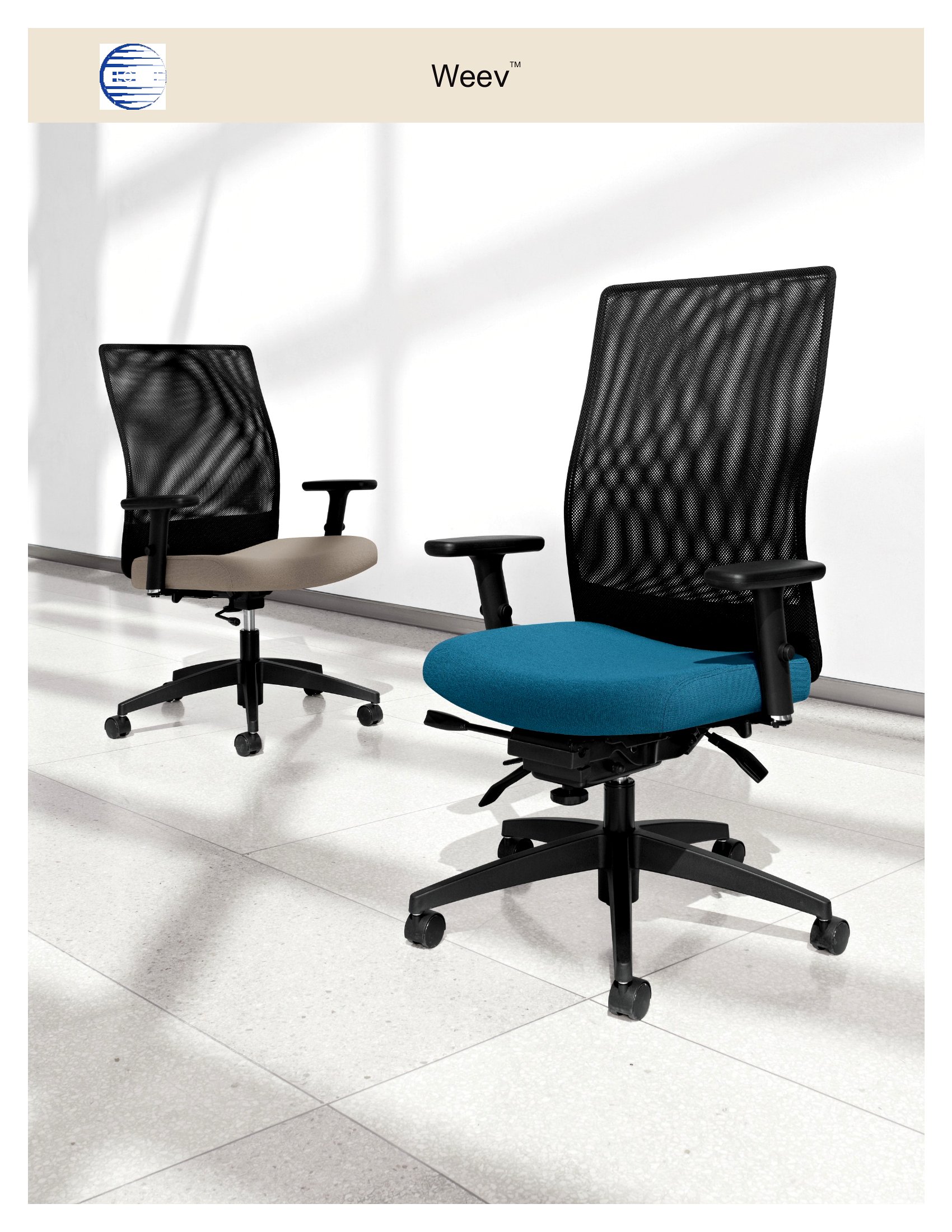
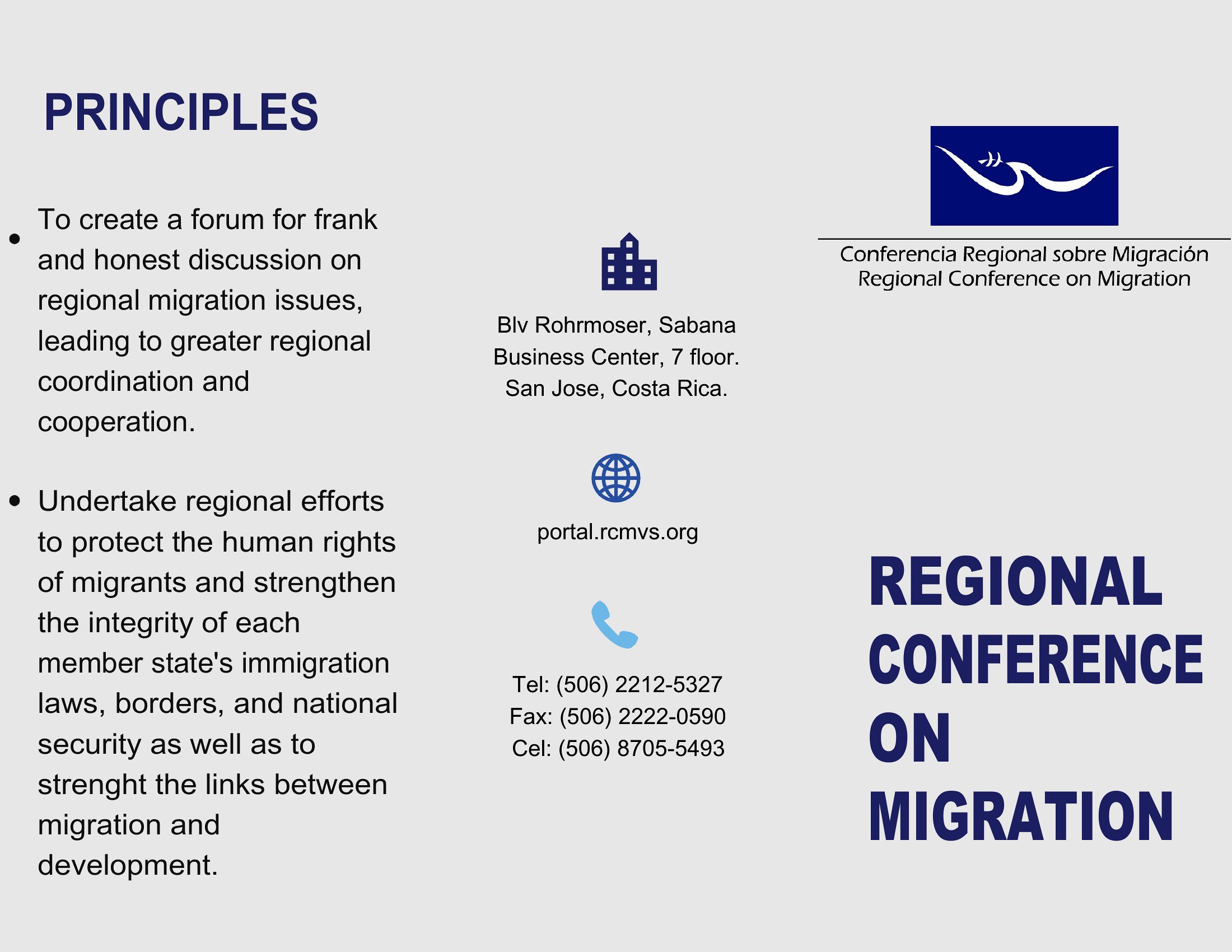
Brochure Examples
Frequently Asked Questions about Brochure Templates
Are these Brochure templates free to download?
Yes. Every Brochure template in this collection is free to download from TemplateSpark. Just open the template you need, download it, and start editing right away — no subscription required to get started.
What file formats are available for Brochure templates?
These Brochure templates are available in Word and PDF. Pick the format that matches your workflow — each download keeps the original layout so it looks right whether you open, print, or share it.
Can I edit these Brochure templates?
Yes. The editable files open in Microsoft Word (and compatible apps like Google Docs or LibreOffice), so you can change the text, colors, and layout to fit your needs, then save or export the finished Brochure document.
How many Brochure templates can I choose from?
This page collects 41 Brochure templates so you can compare styles and layouts in one place. Browse the options, open the one that fits your purpose best, and download it in your preferred format.
Can I use Brochure templates for commercial purposes?
In most cases, yes — these Brochure templates are intended for both personal and business use. Check the license note on the template before redistributing or reselling, and avoid sharing the source files as your own product.
What is the difference between a bi-fold and tri-fold brochure?
A bi-fold brochure folds once into two panels on each side, giving four faces and a roomy, magazine-like layout. A tri-fold folds twice into three panels, creating six smaller faces ideal for organizing information into sections. Choose based on how much content you have and how you want it grouped.
What sections should a brochure include?
A brochure usually opens with an eye-catching cover, then leads into who you are, what you offer, and why it matters. Inside panels can hold details, benefits, photos, and testimonials, while the back panel typically carries contact details, a map, or a clear call to action.
What are common mistakes to avoid when designing a brochure?
Common mistakes include cramming in too much text, using small or inconsistent fonts, and ignoring the fold lines so content gets cut awkwardly. Weak images, no clear call to action, and cluttered layouts also hurt. Plenty of white space and one main message per panel keep it readable.
Comments
Join the conversation
Sign in to share your thoughts and leave a comment on this resource.