Free Password List Templates (Word, Excel, PDF)
Life by pierregerard
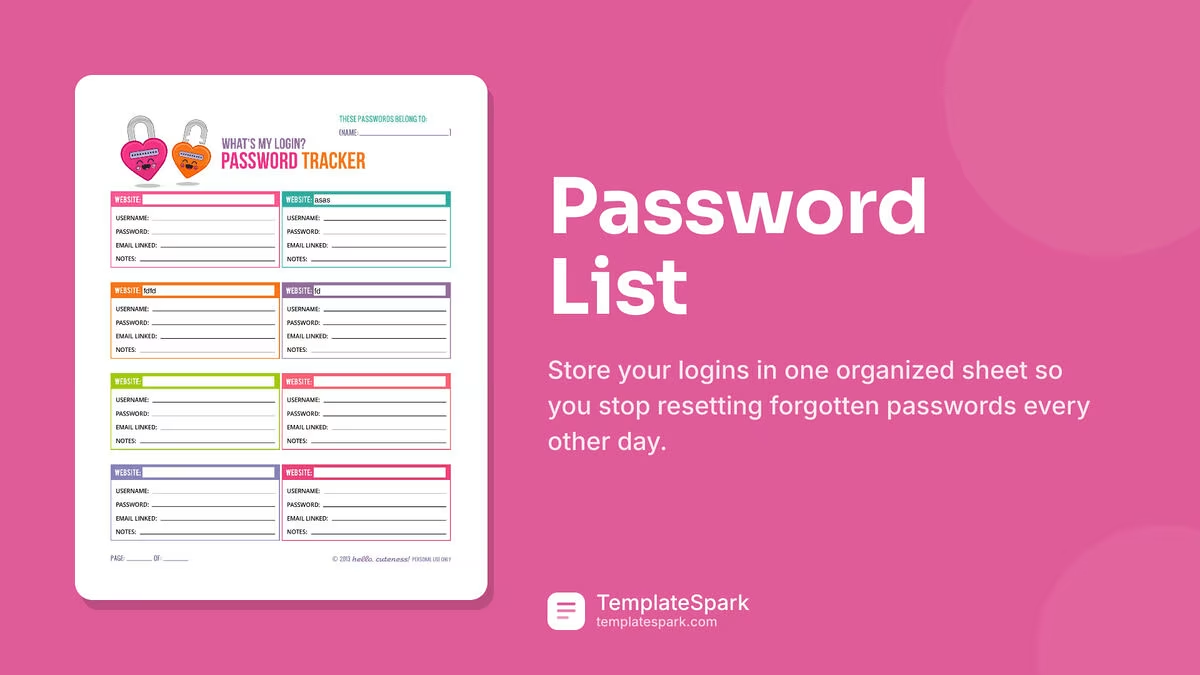
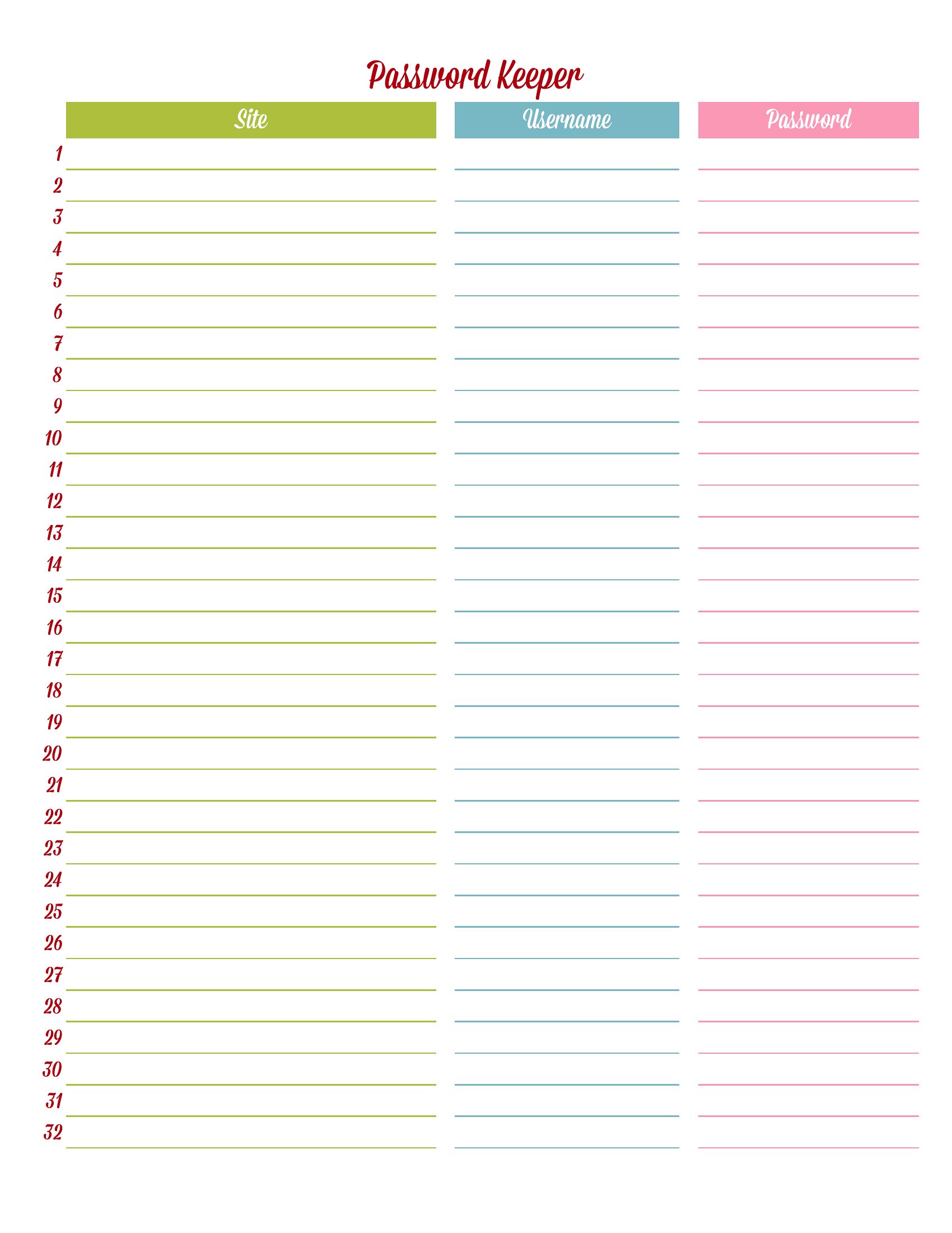
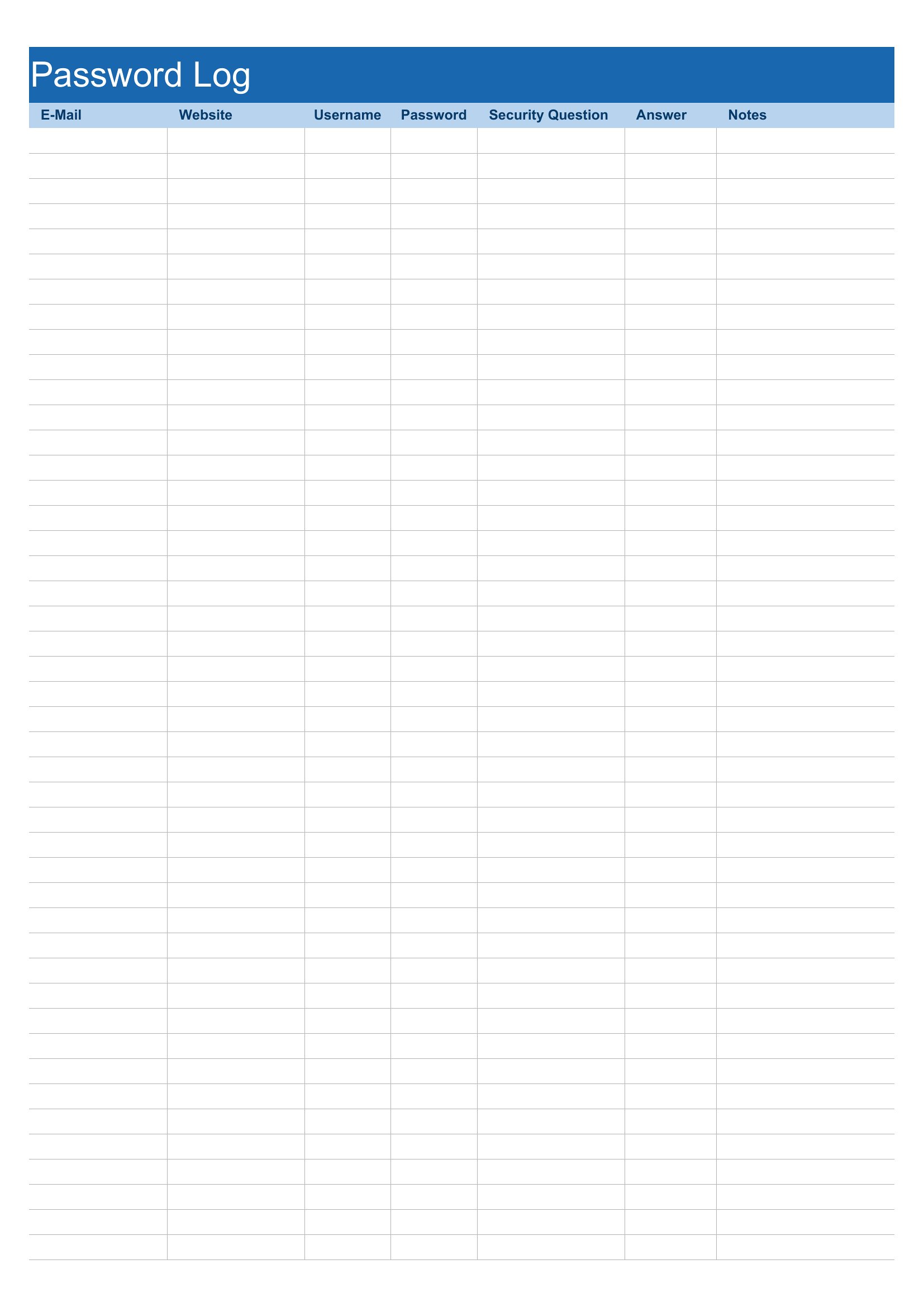
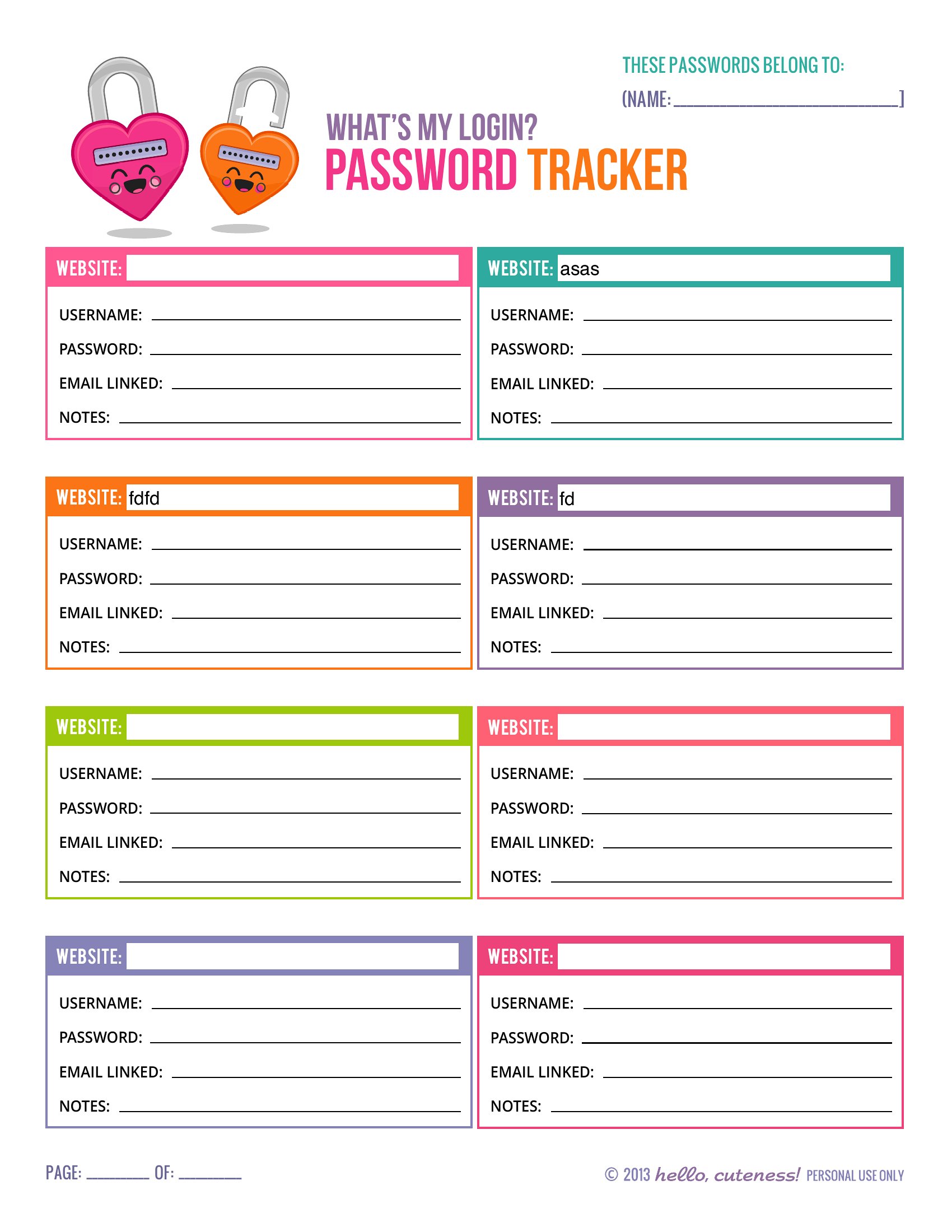
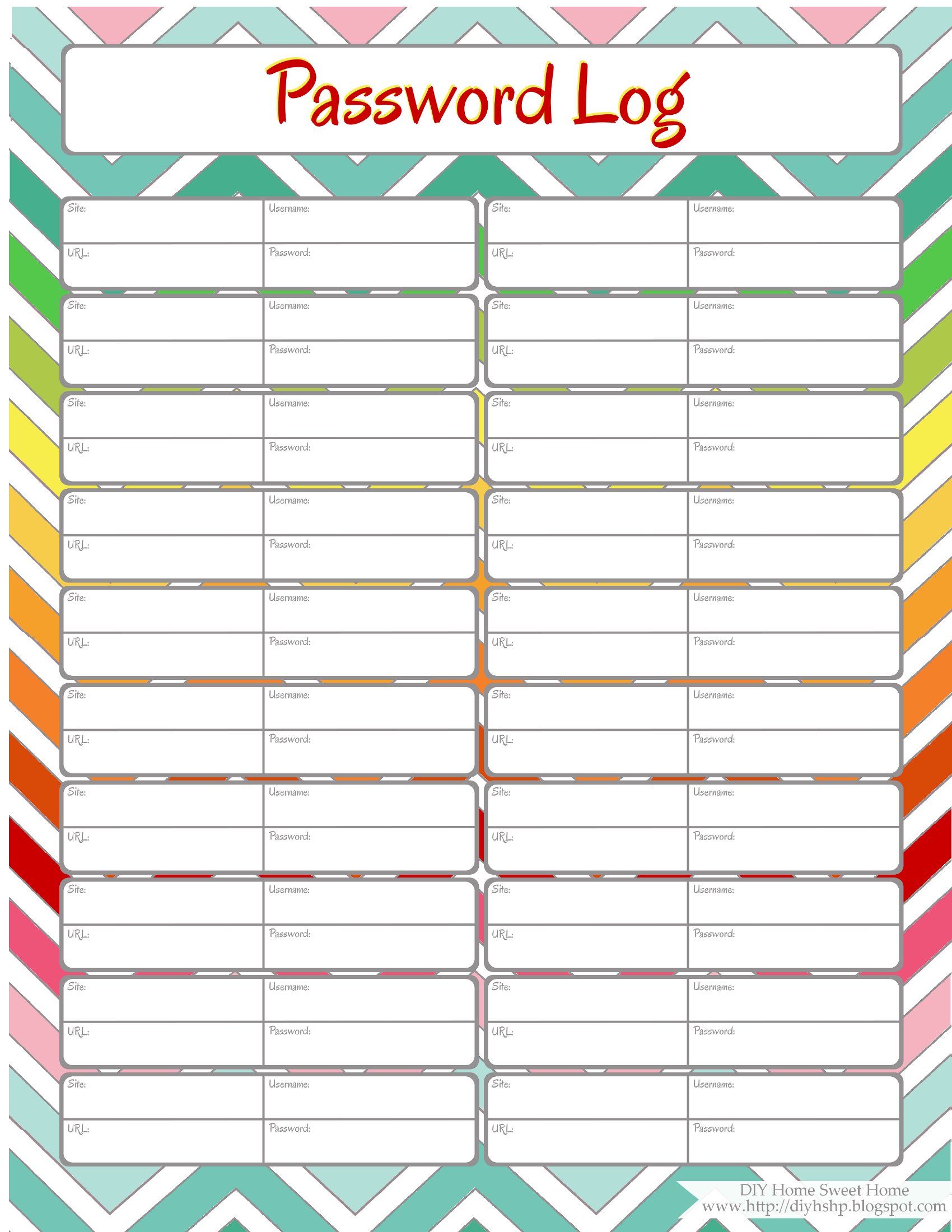
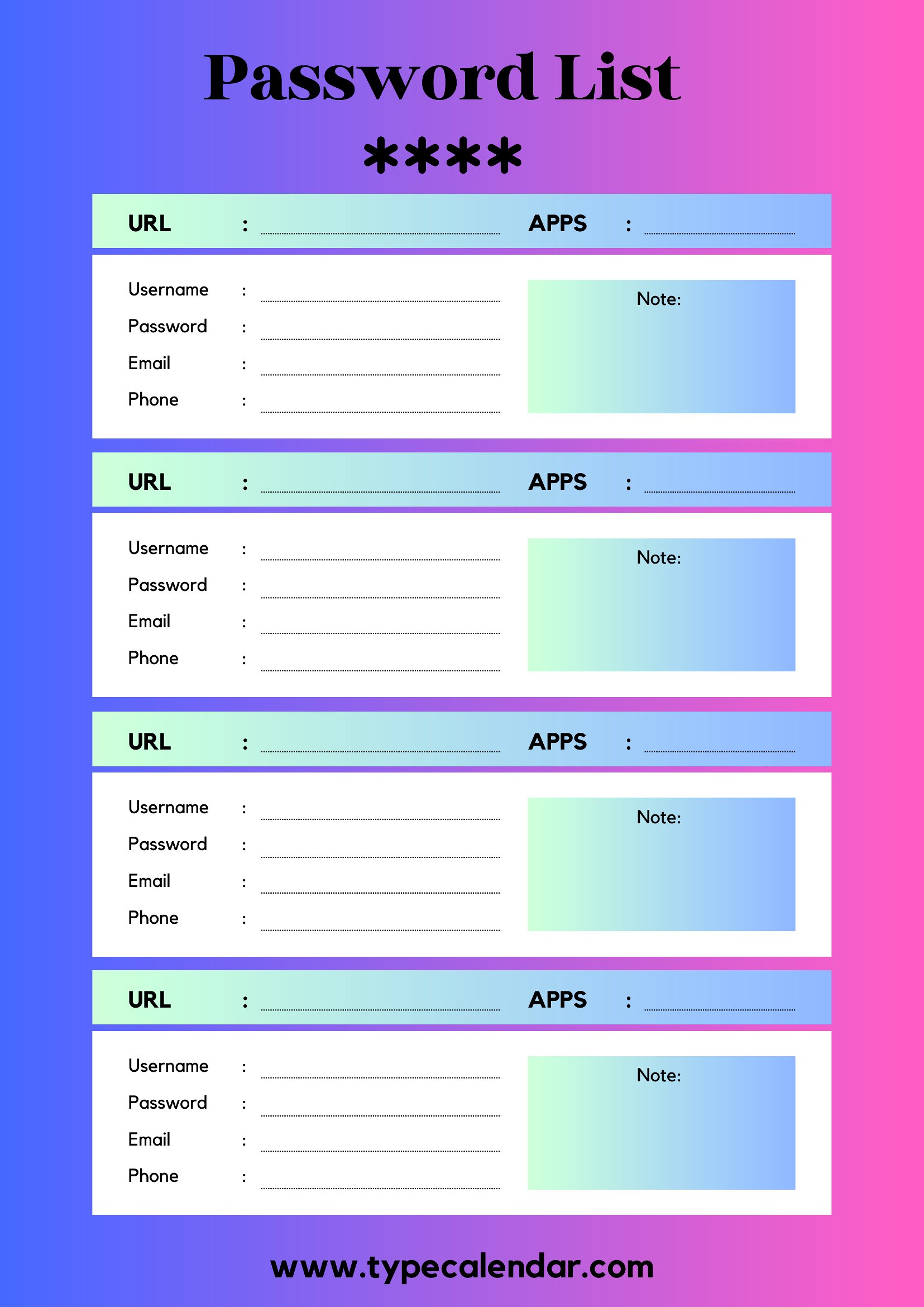
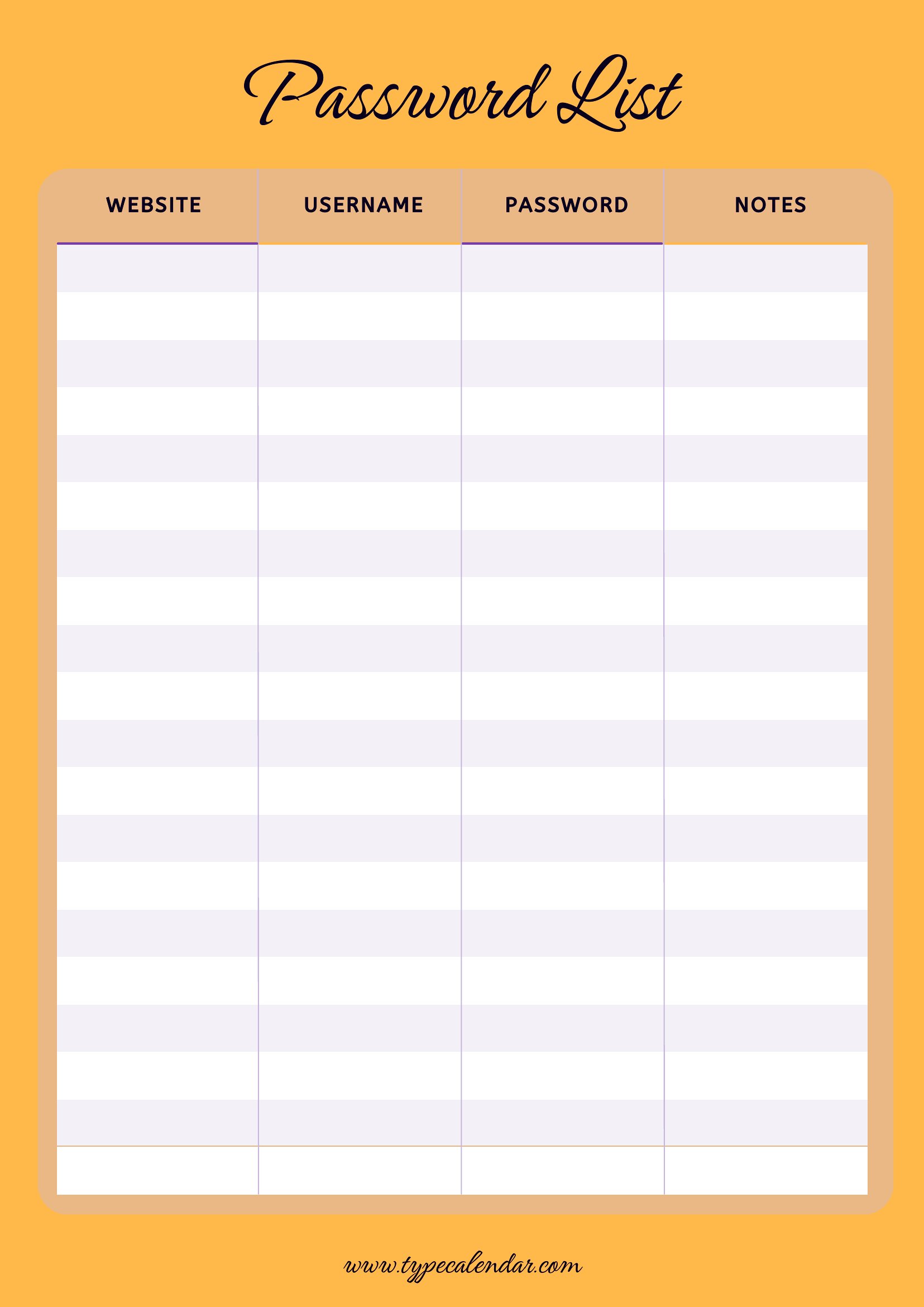
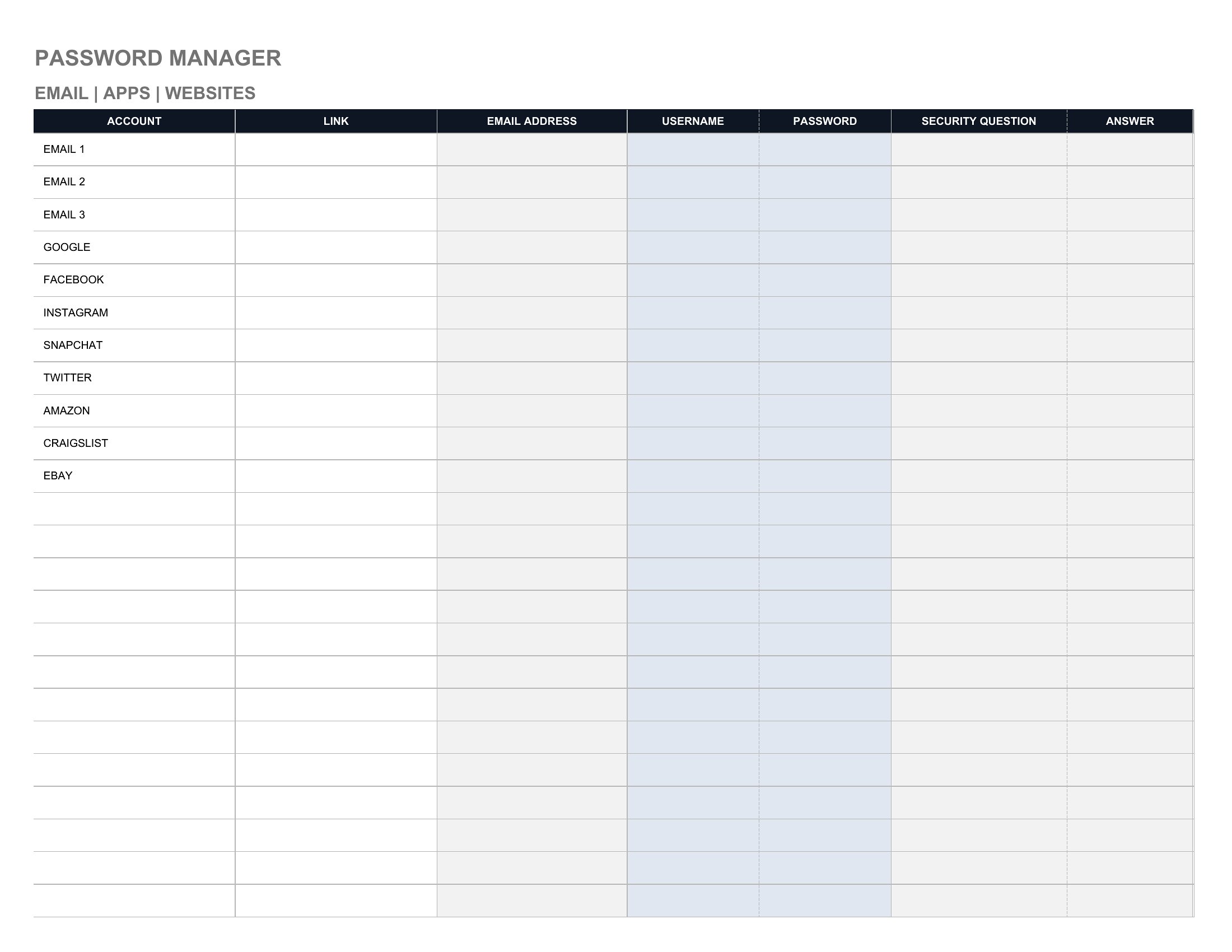
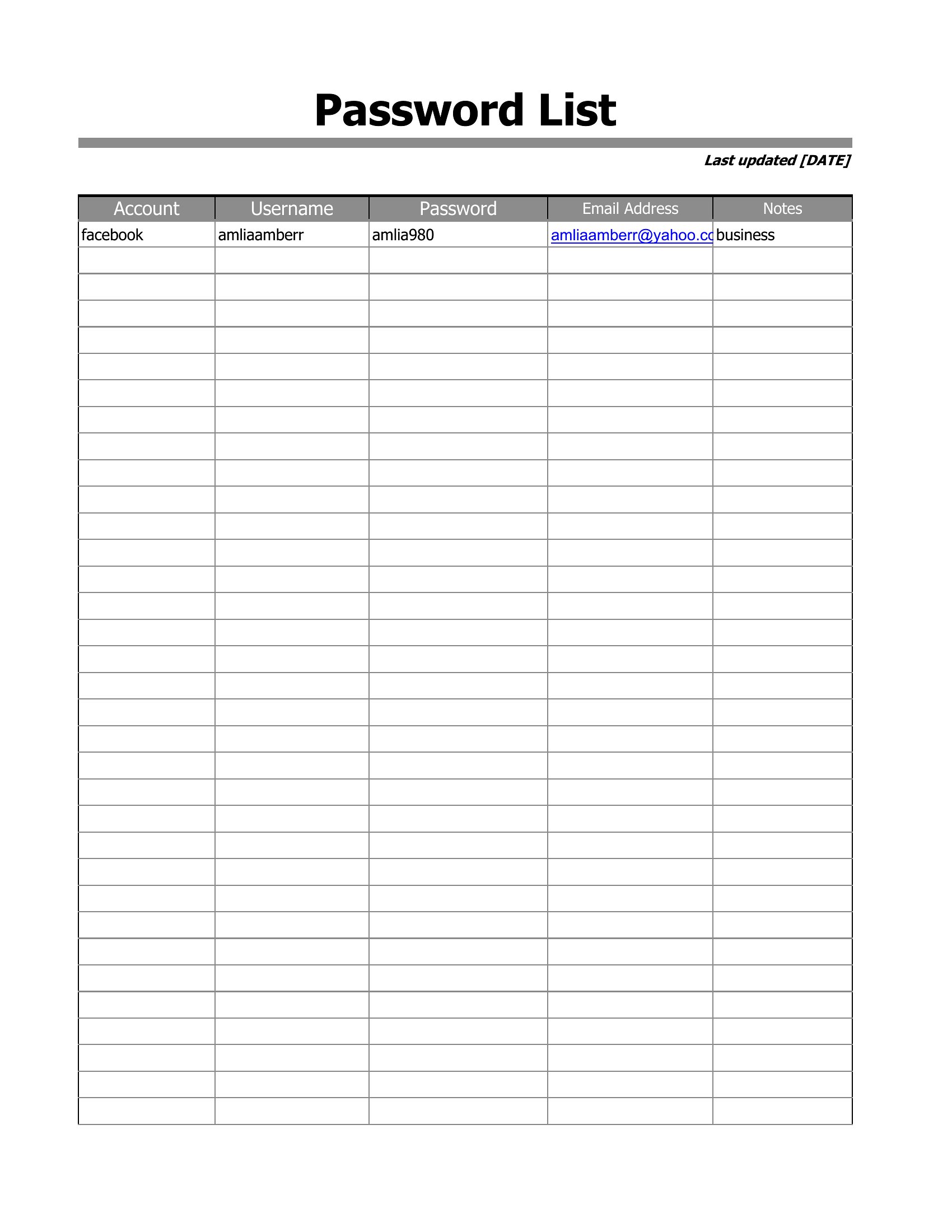
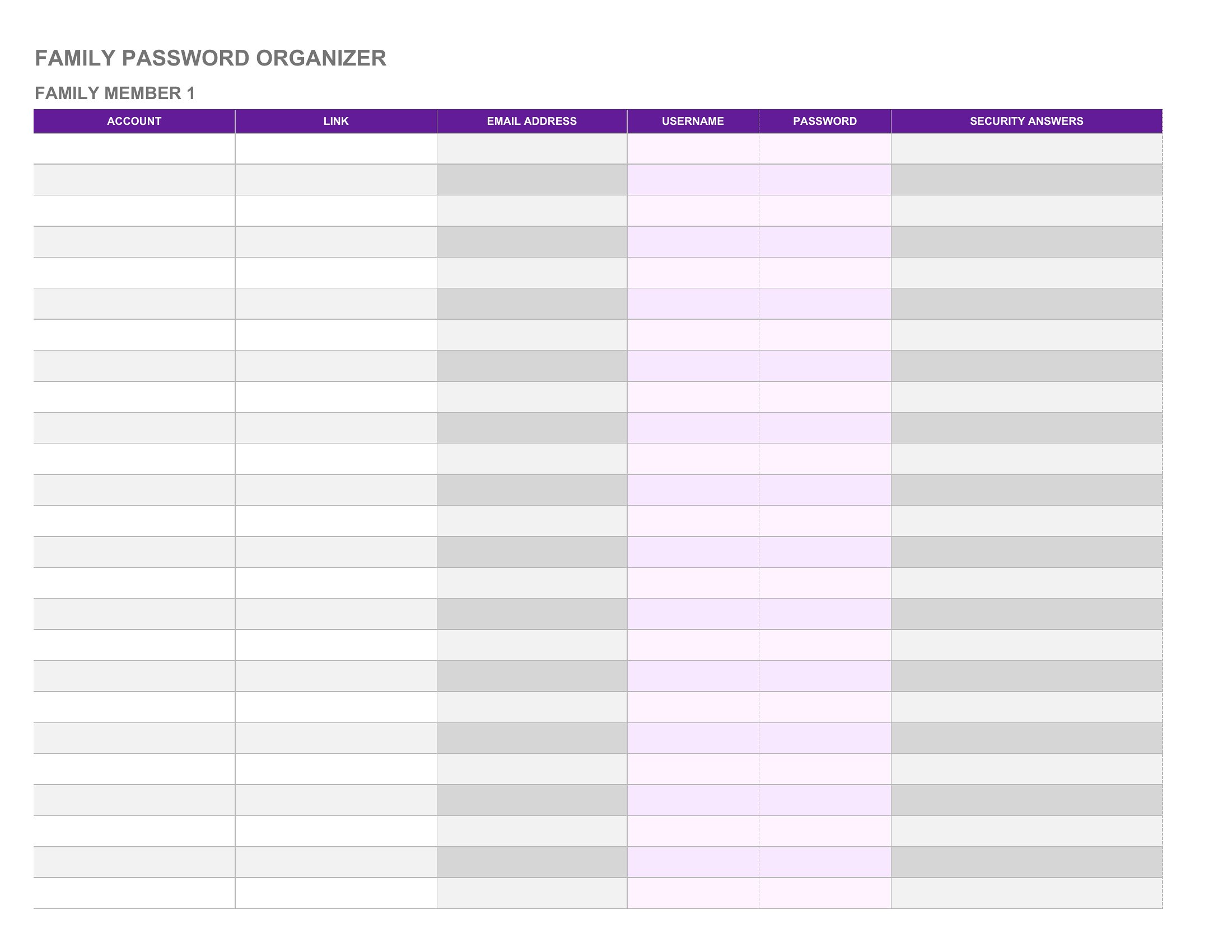
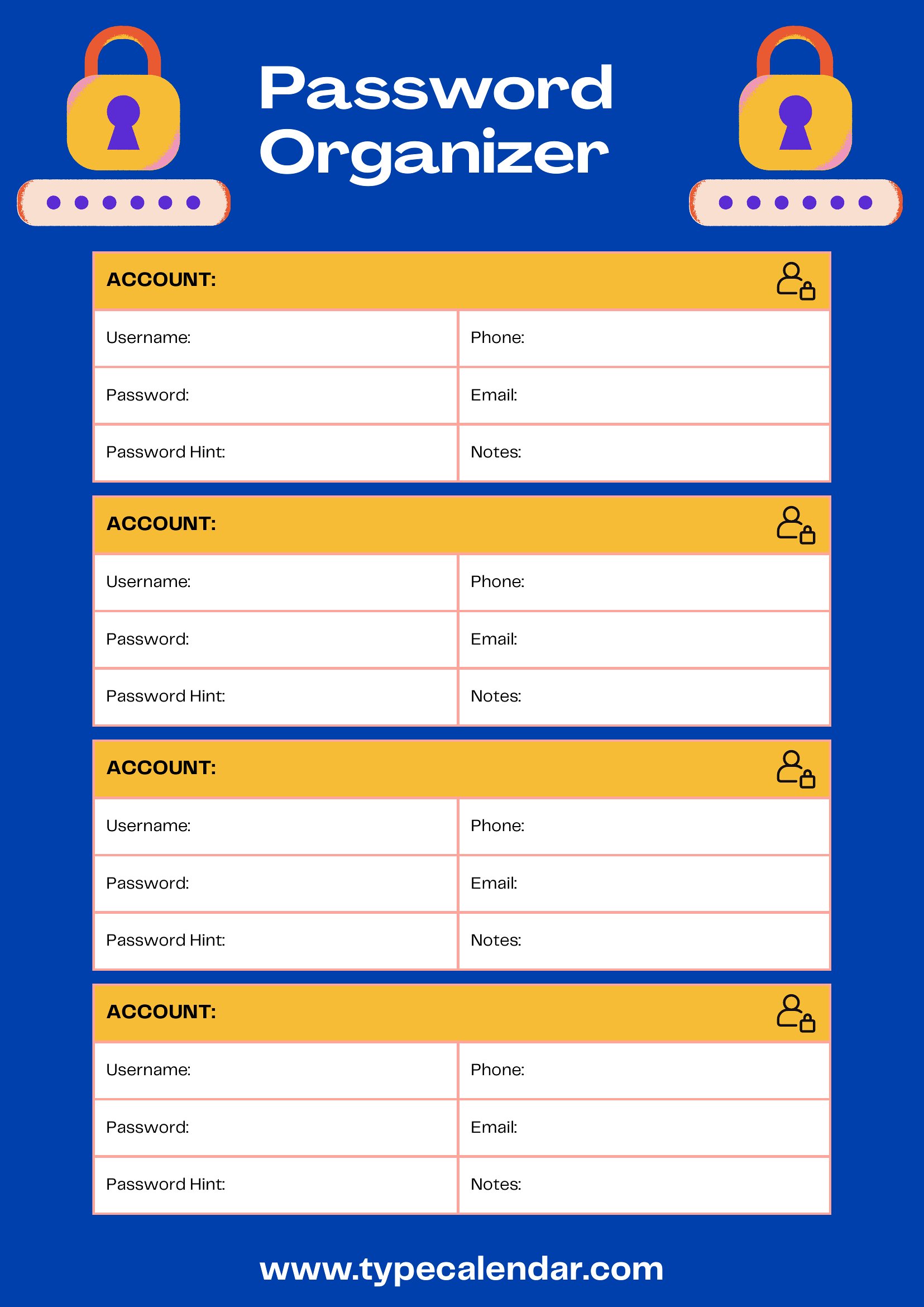
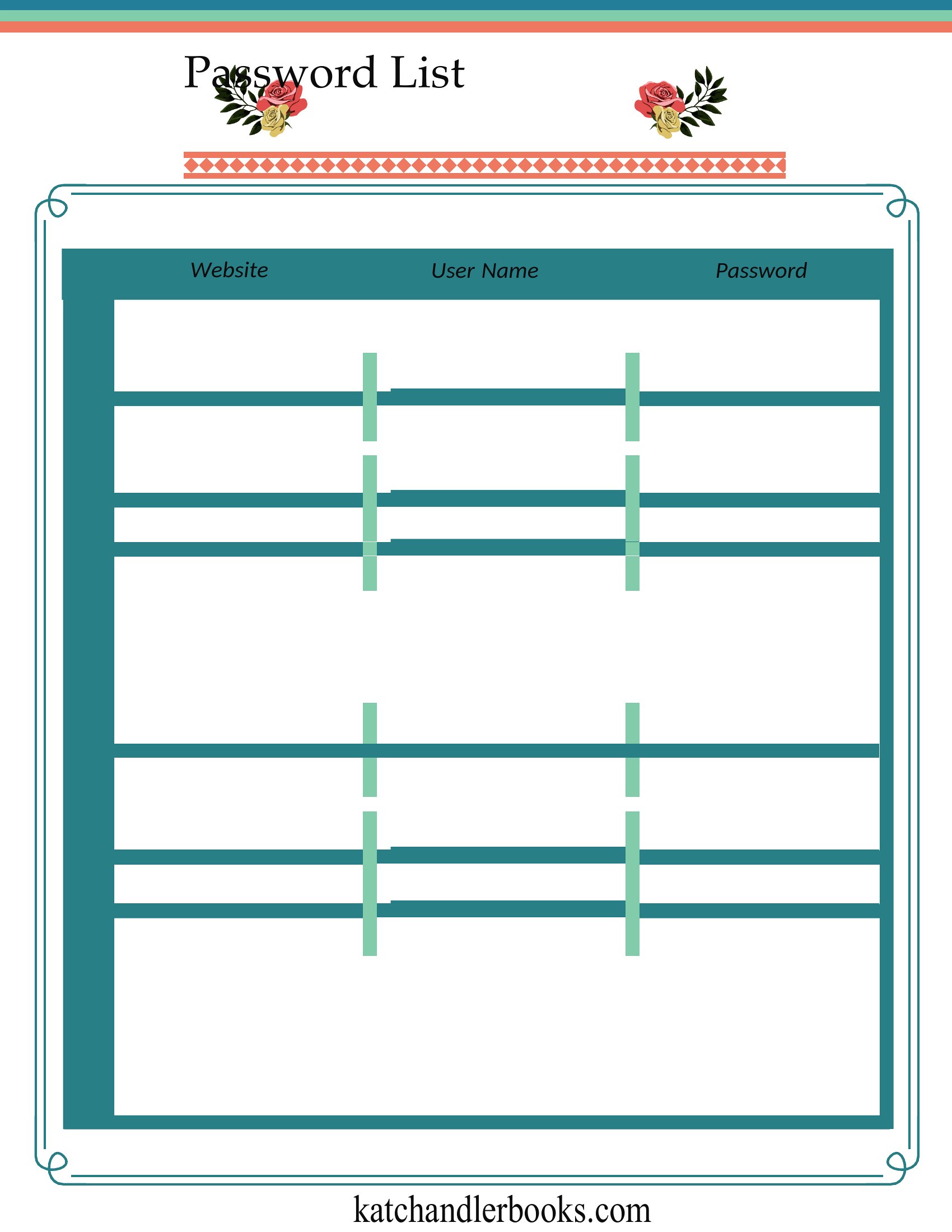
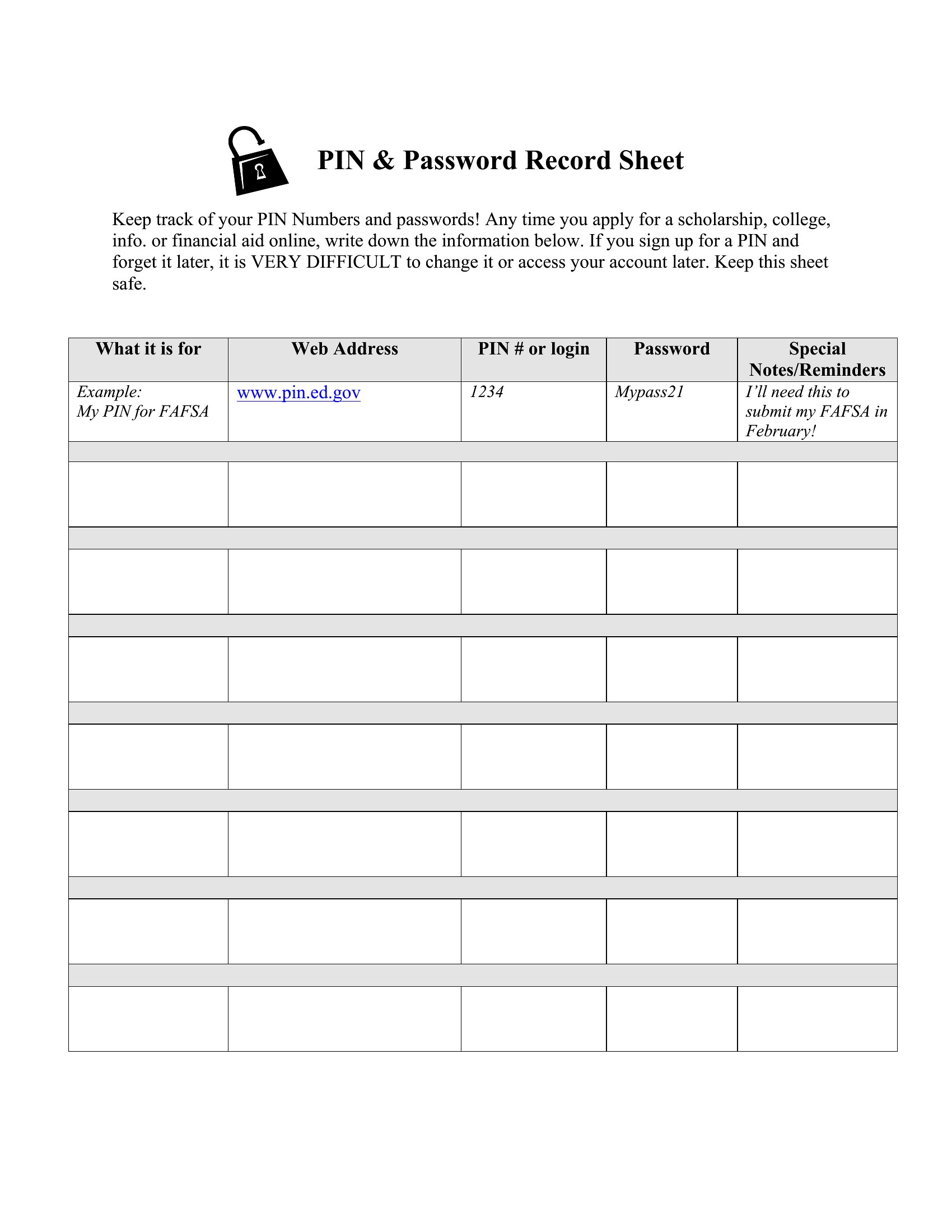
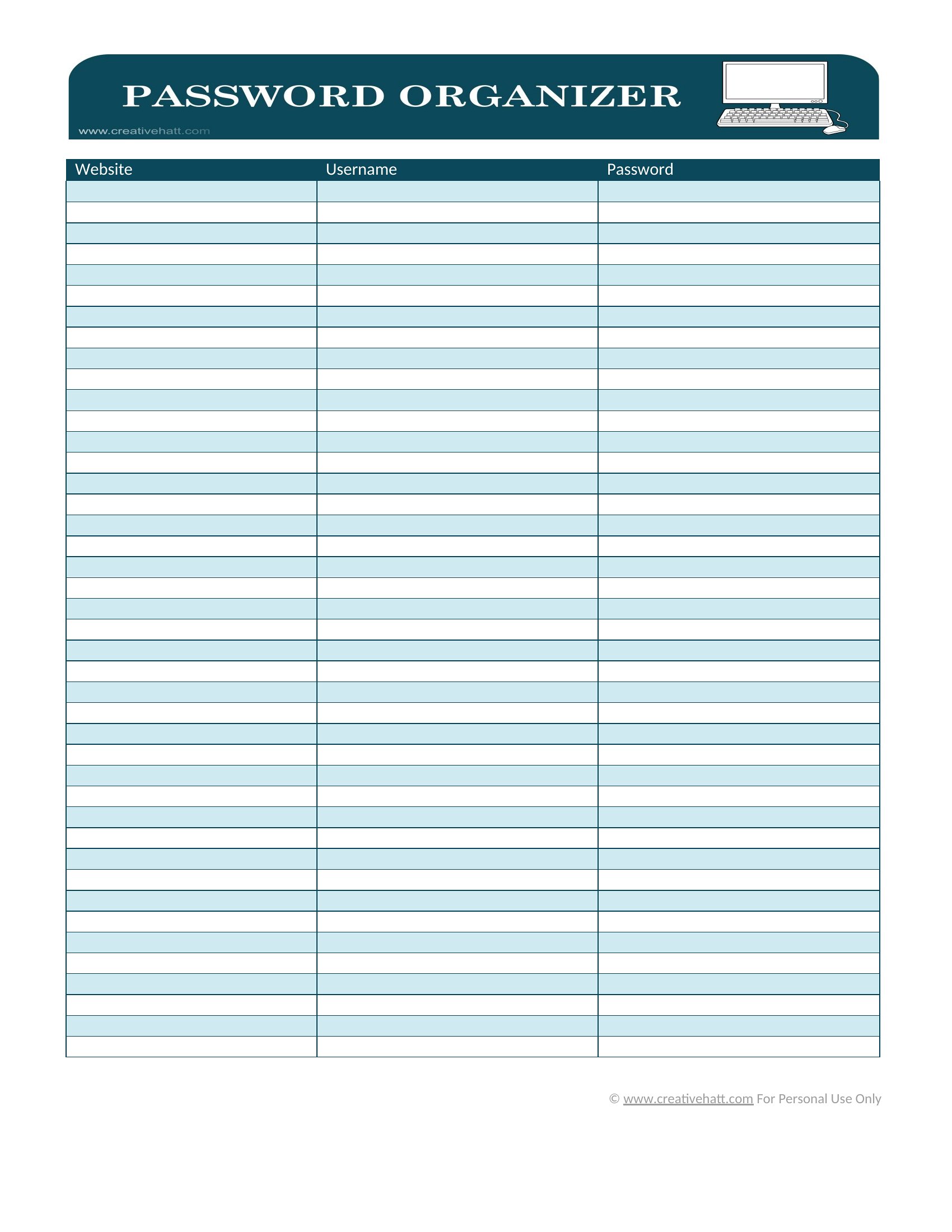
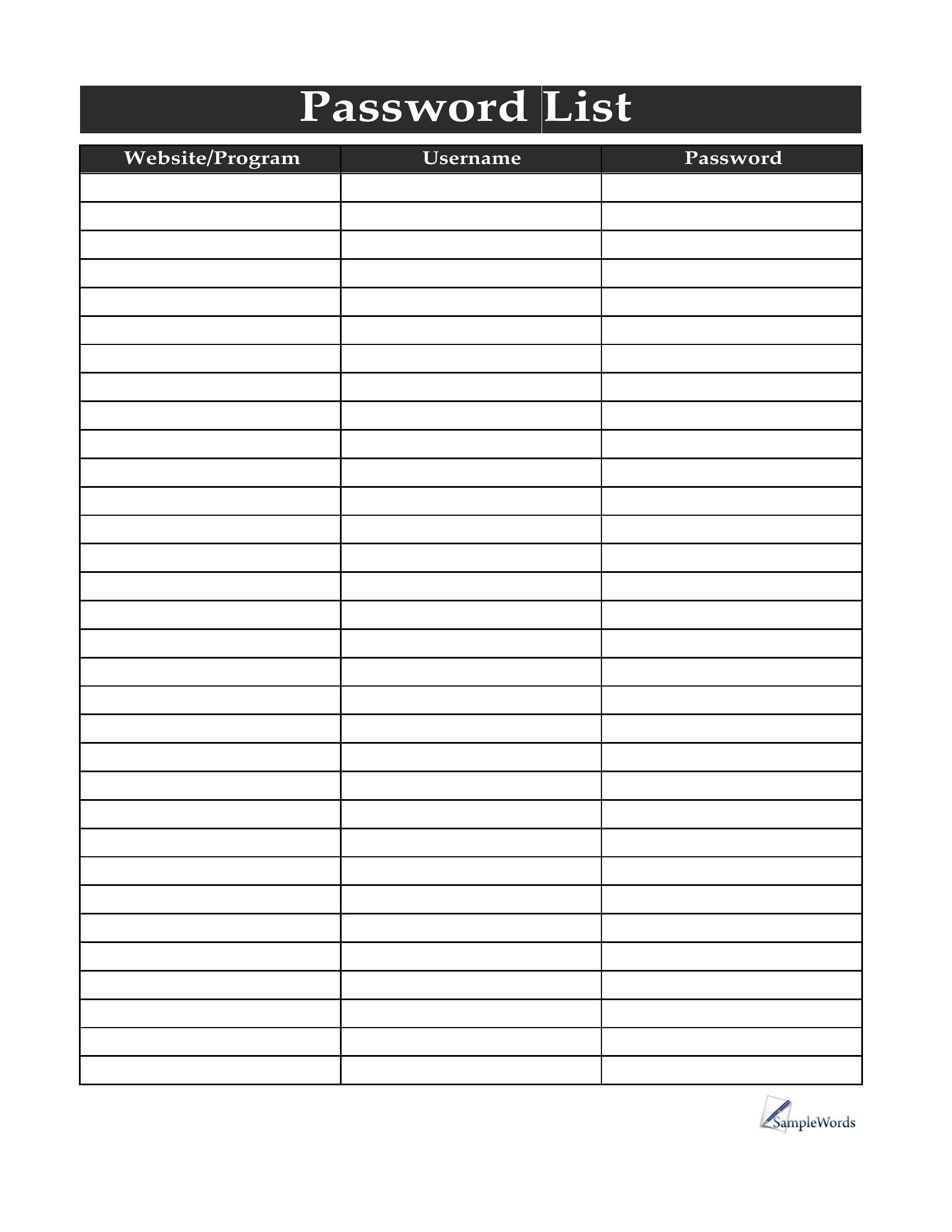
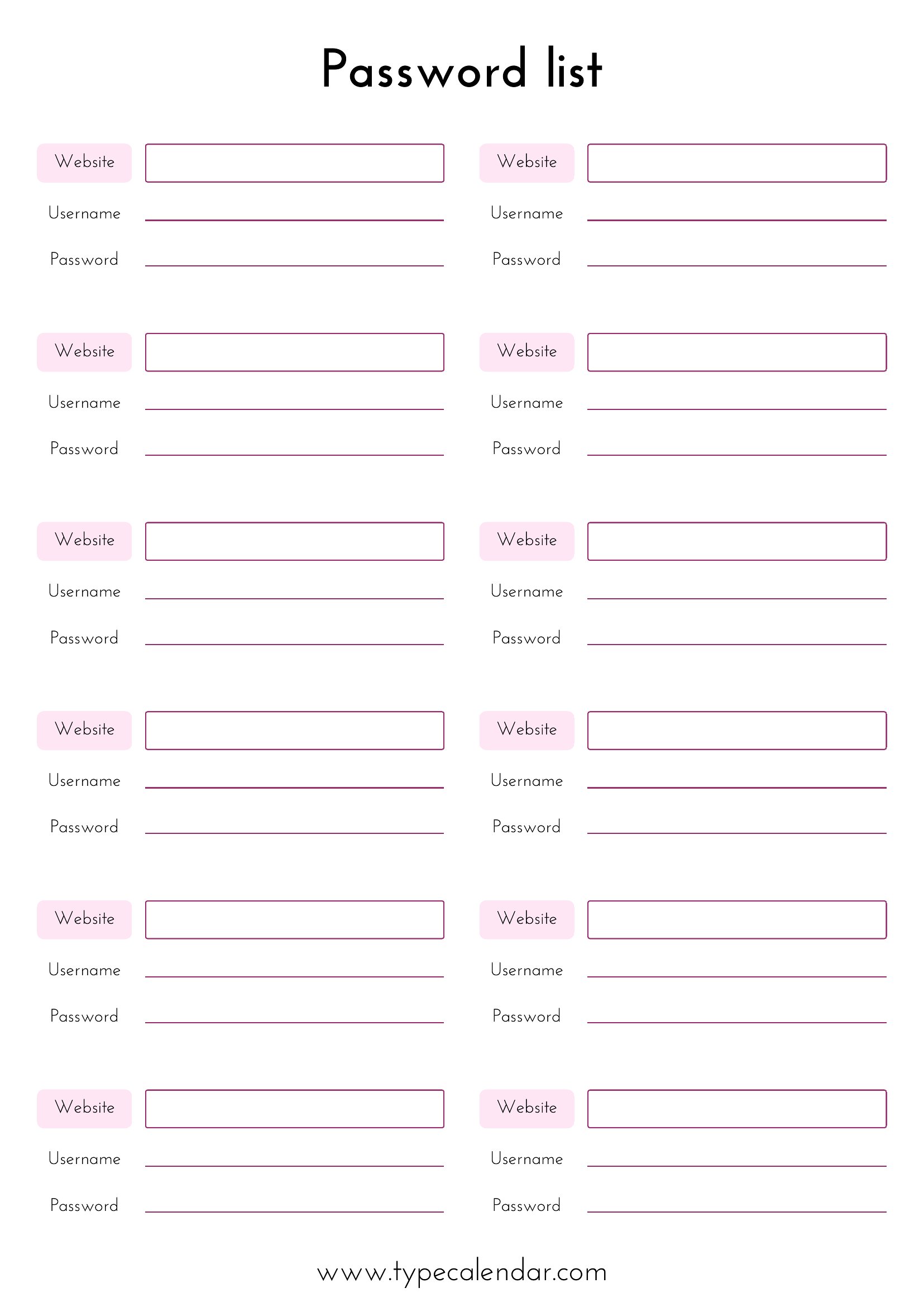
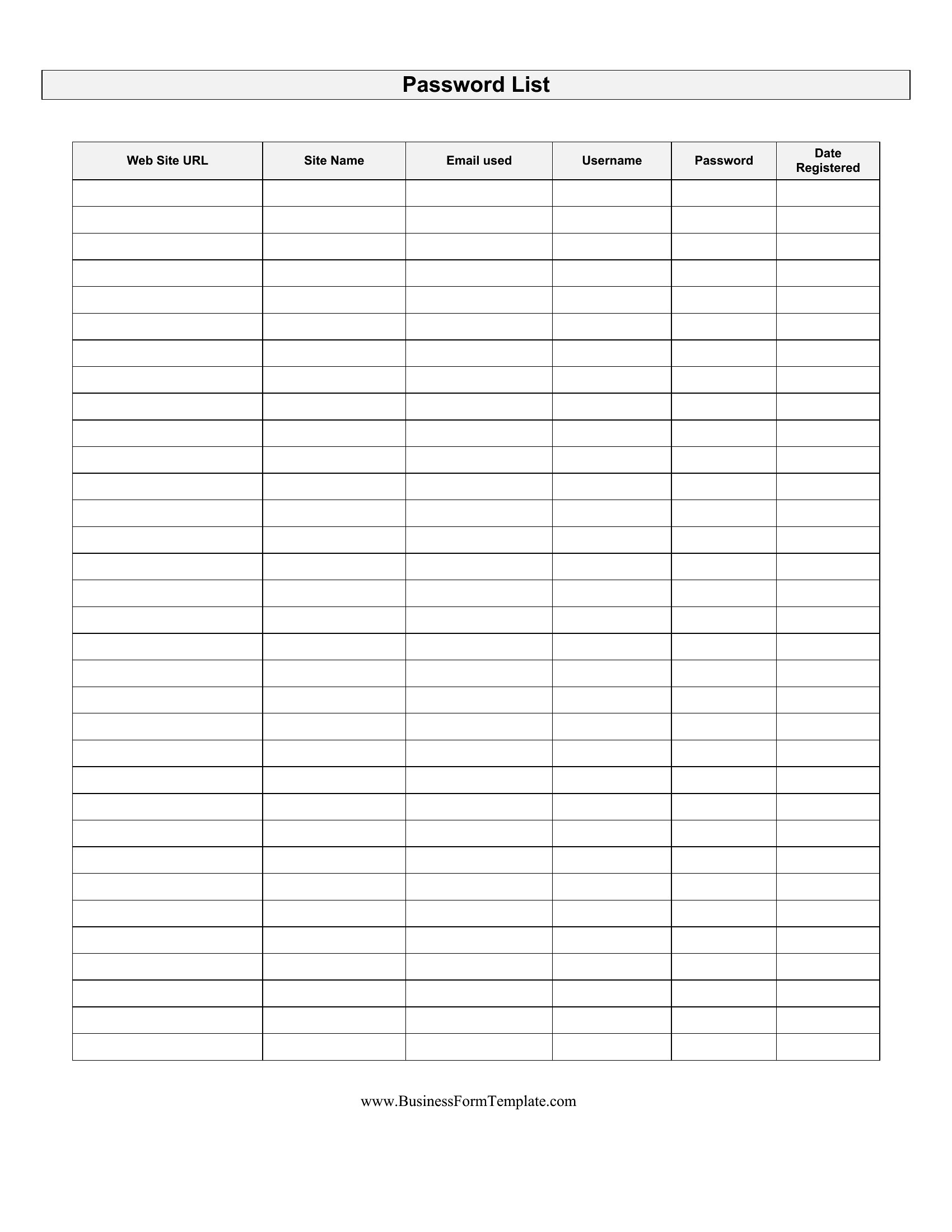
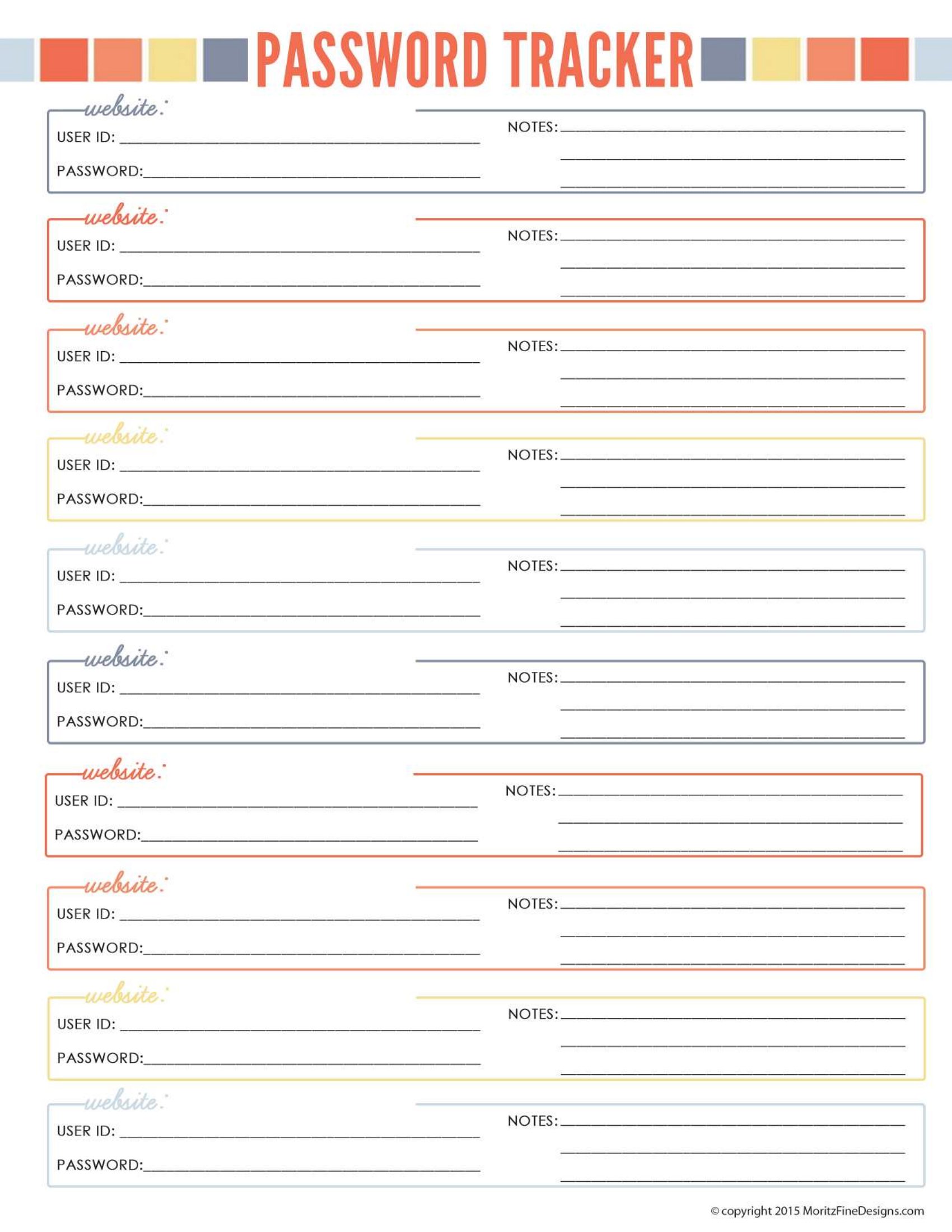
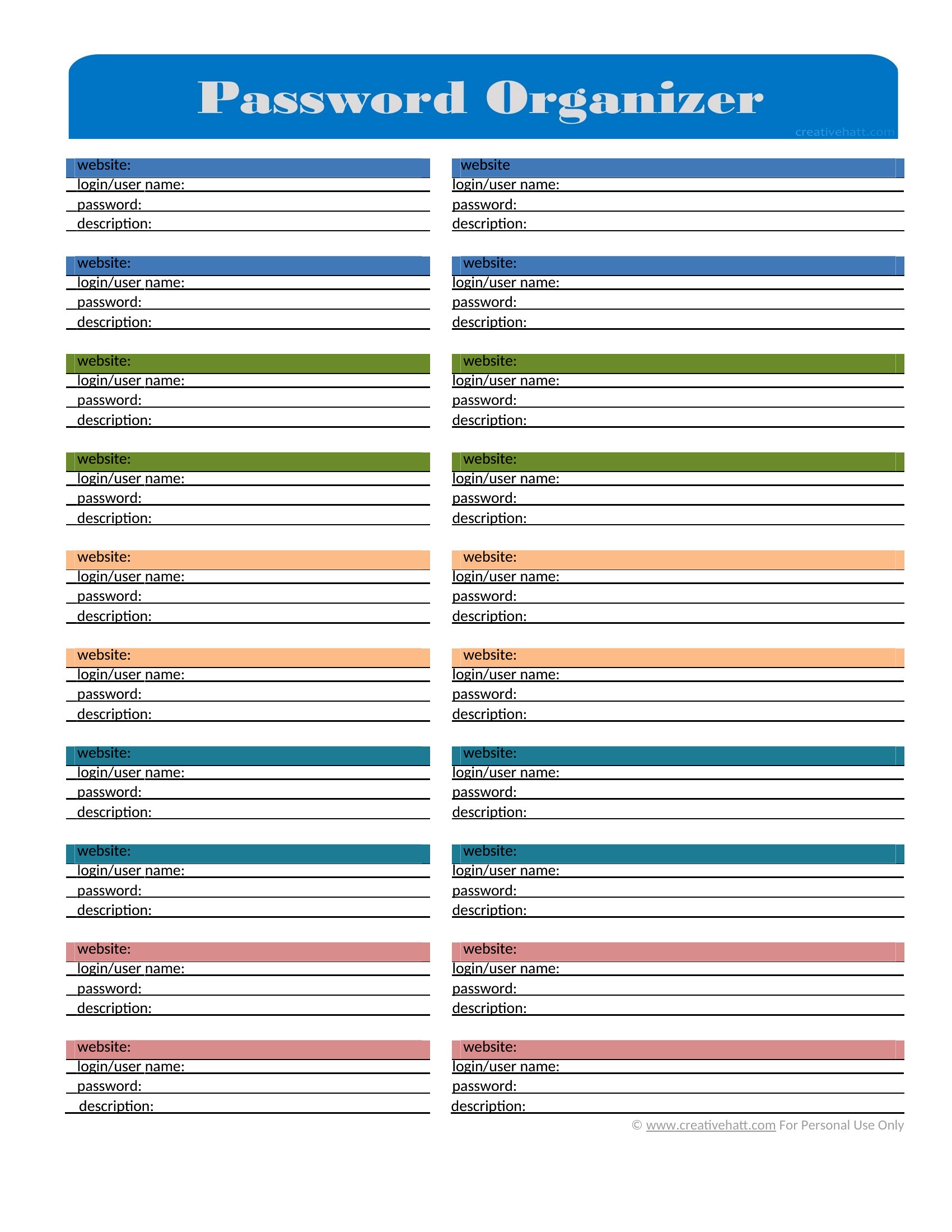
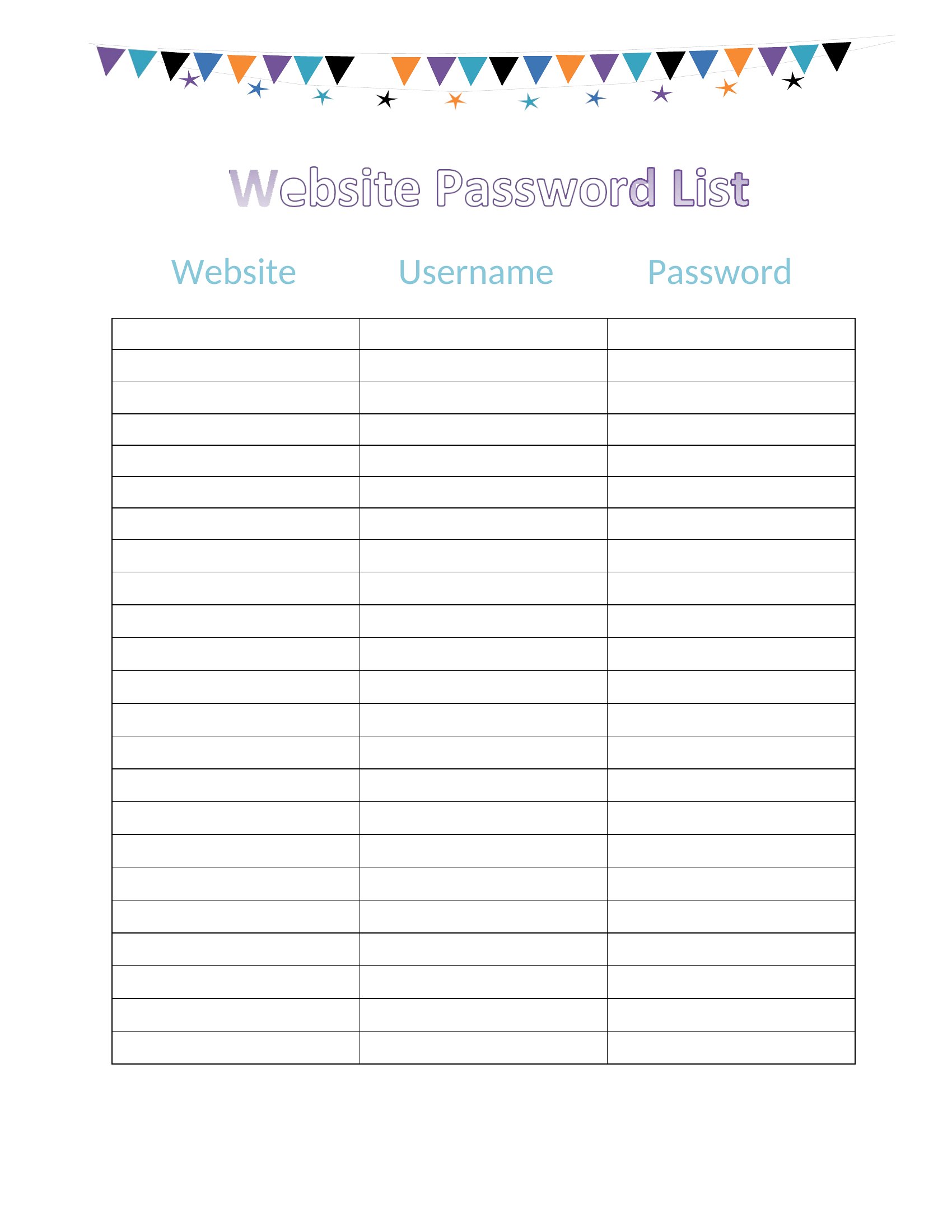
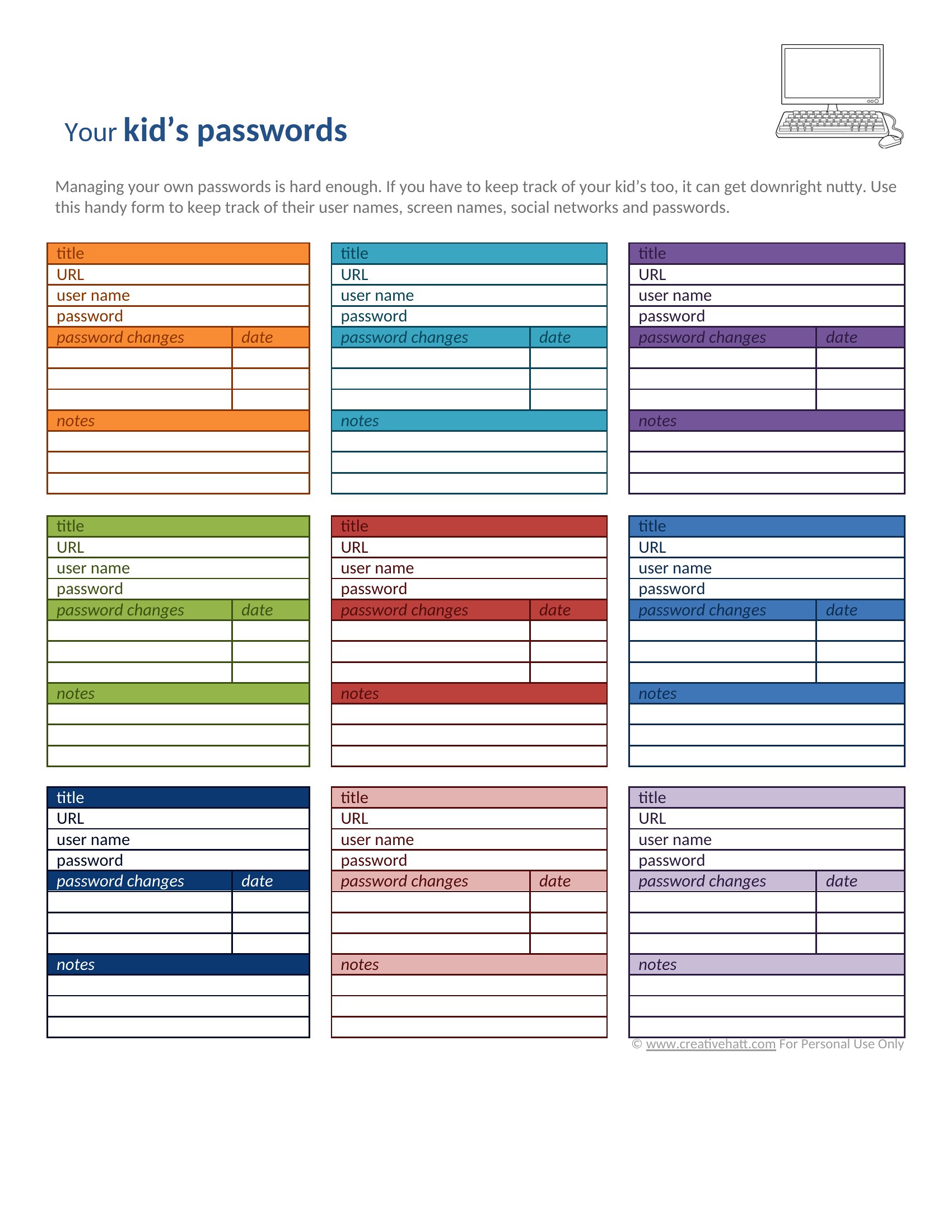
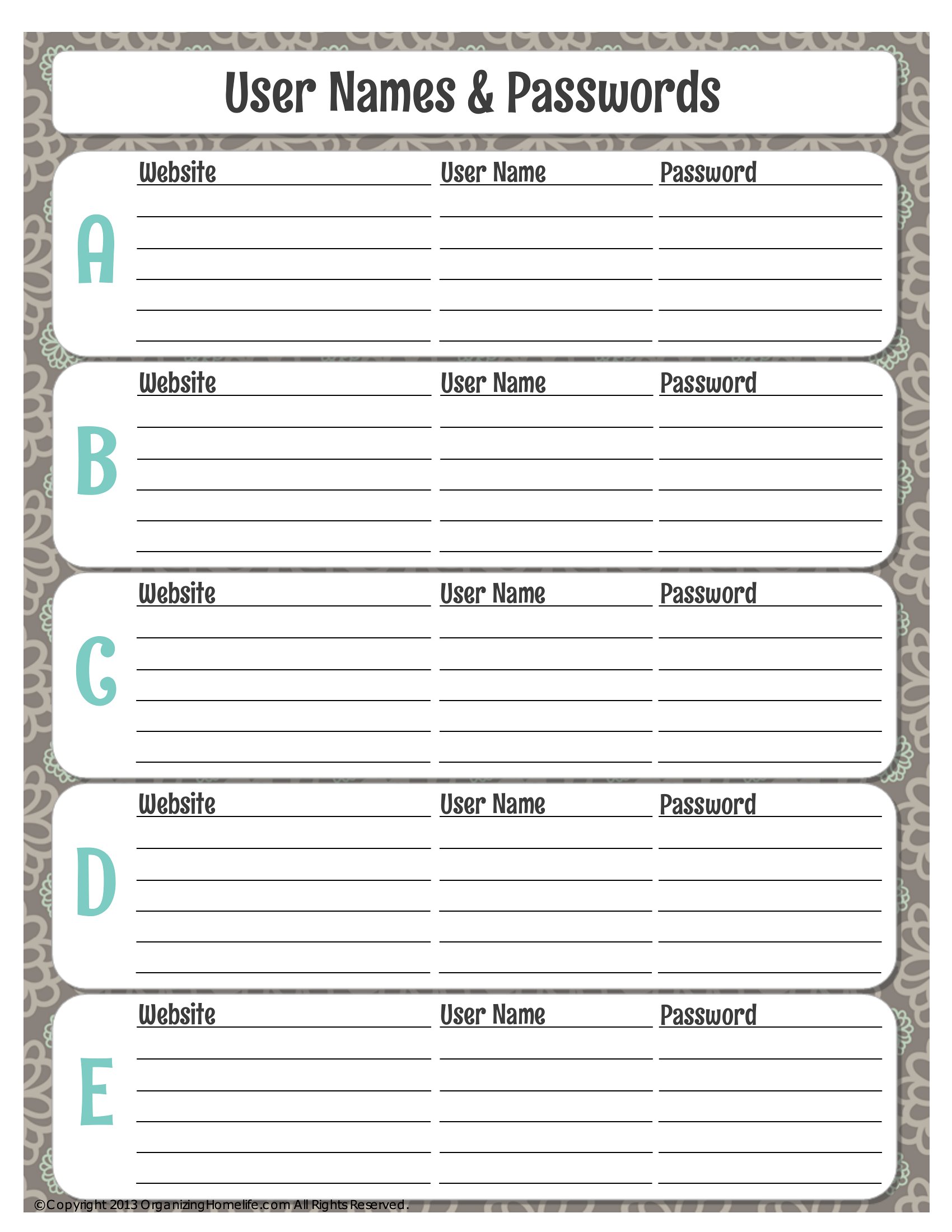
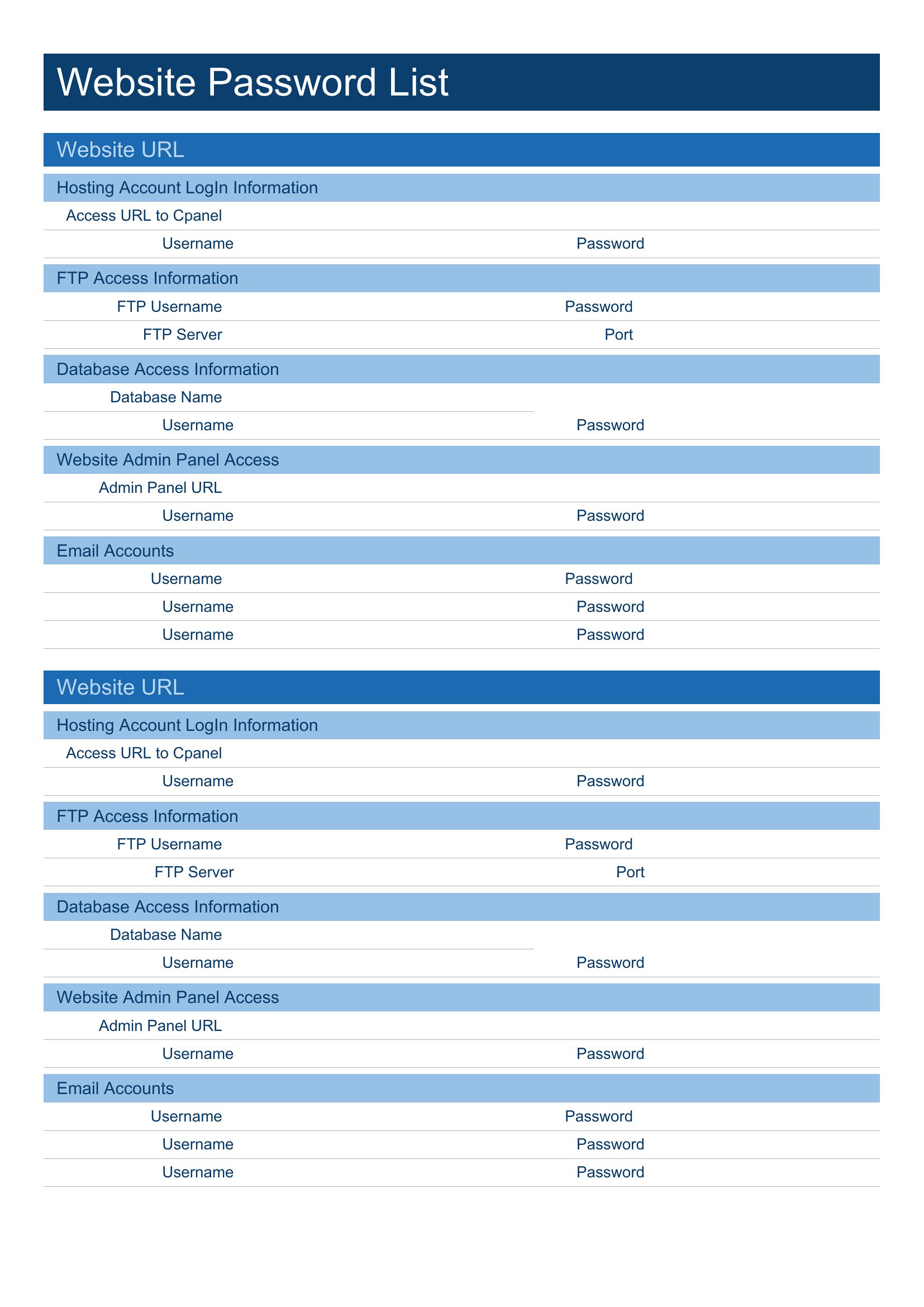
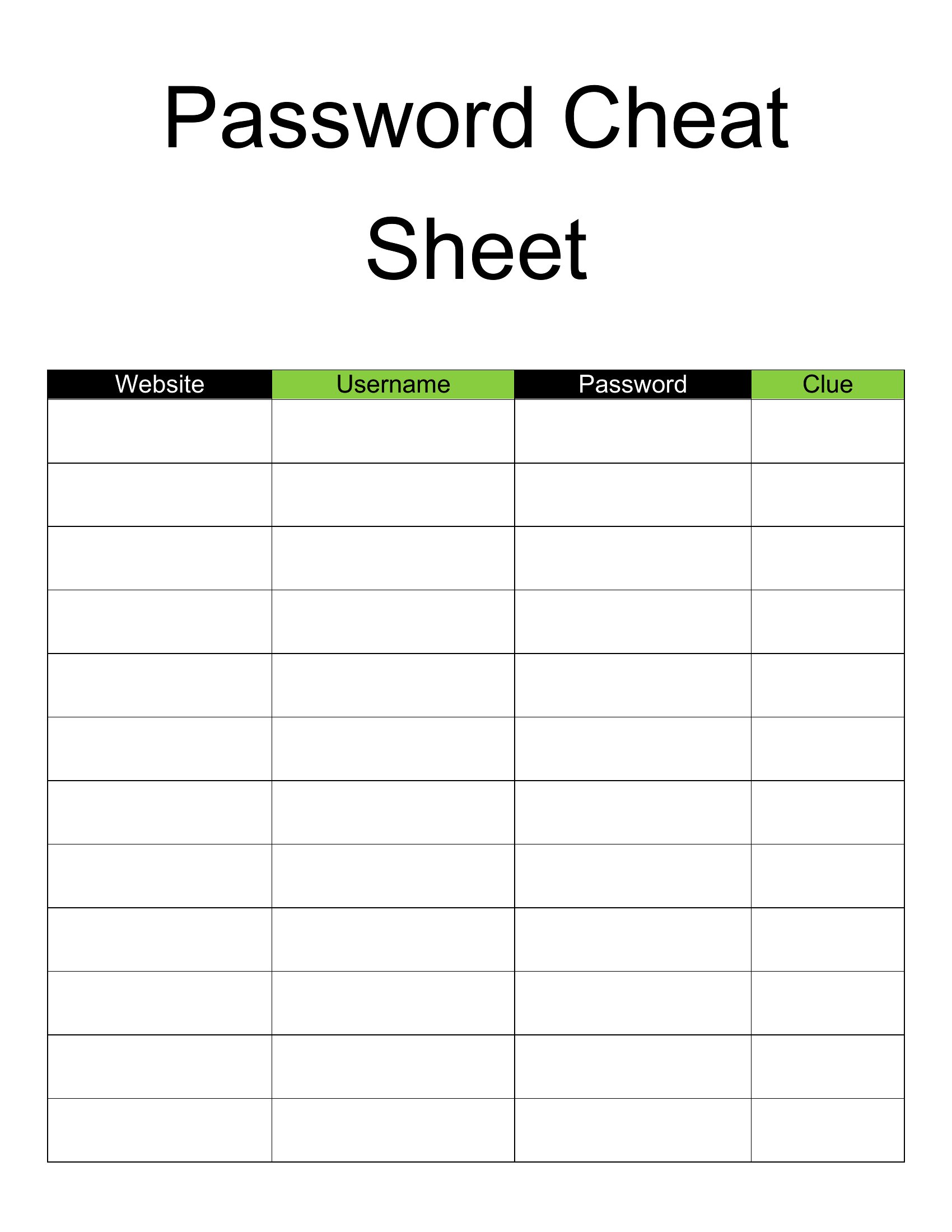
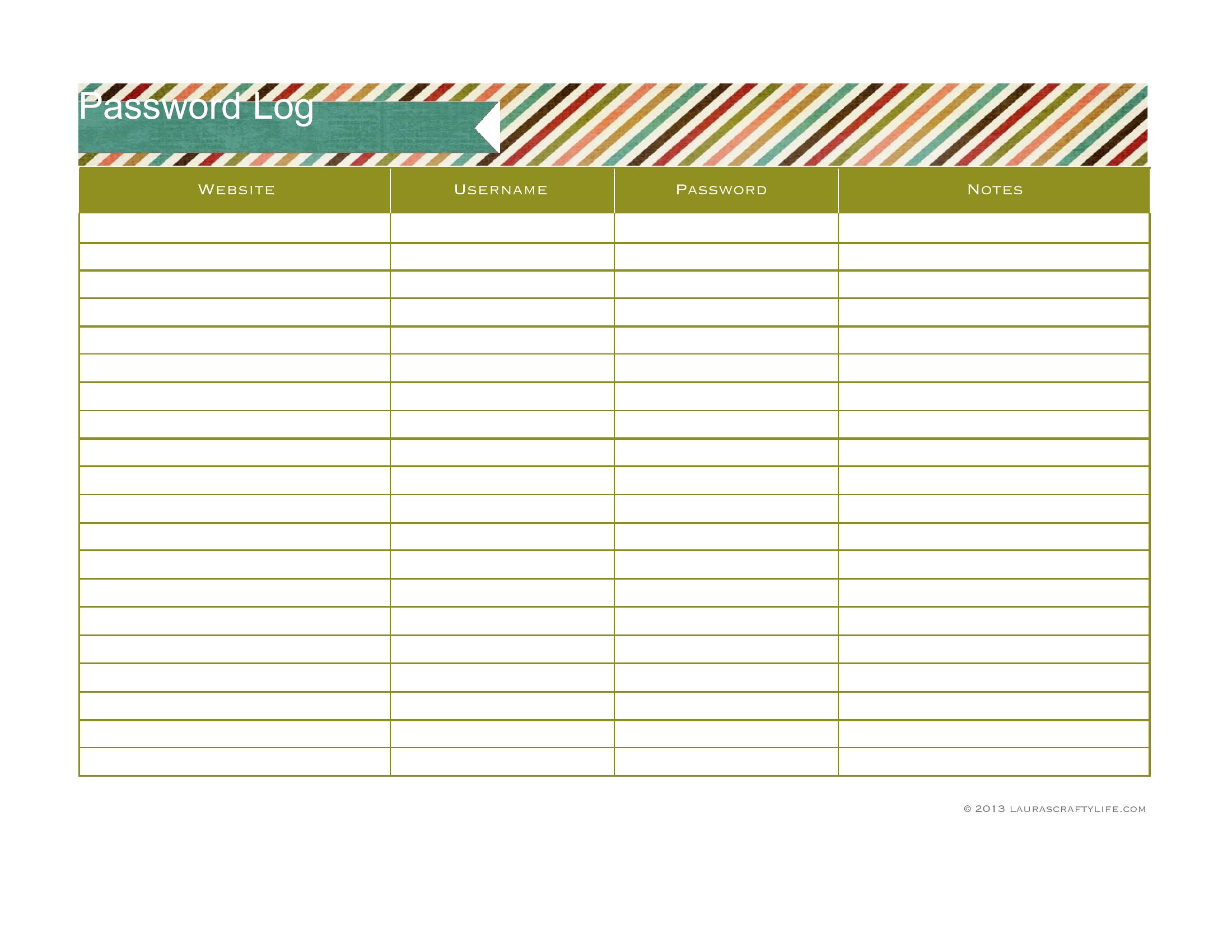
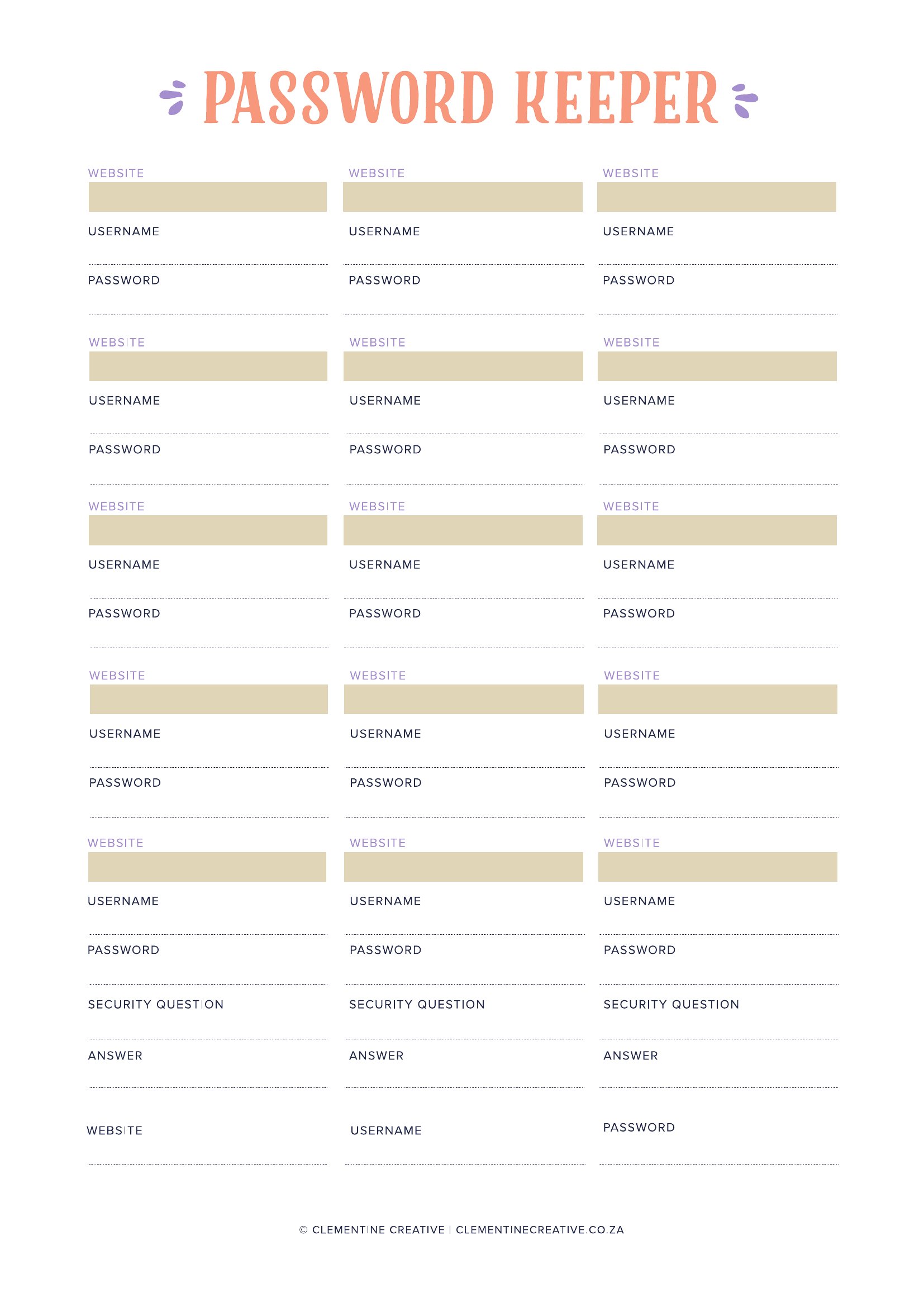
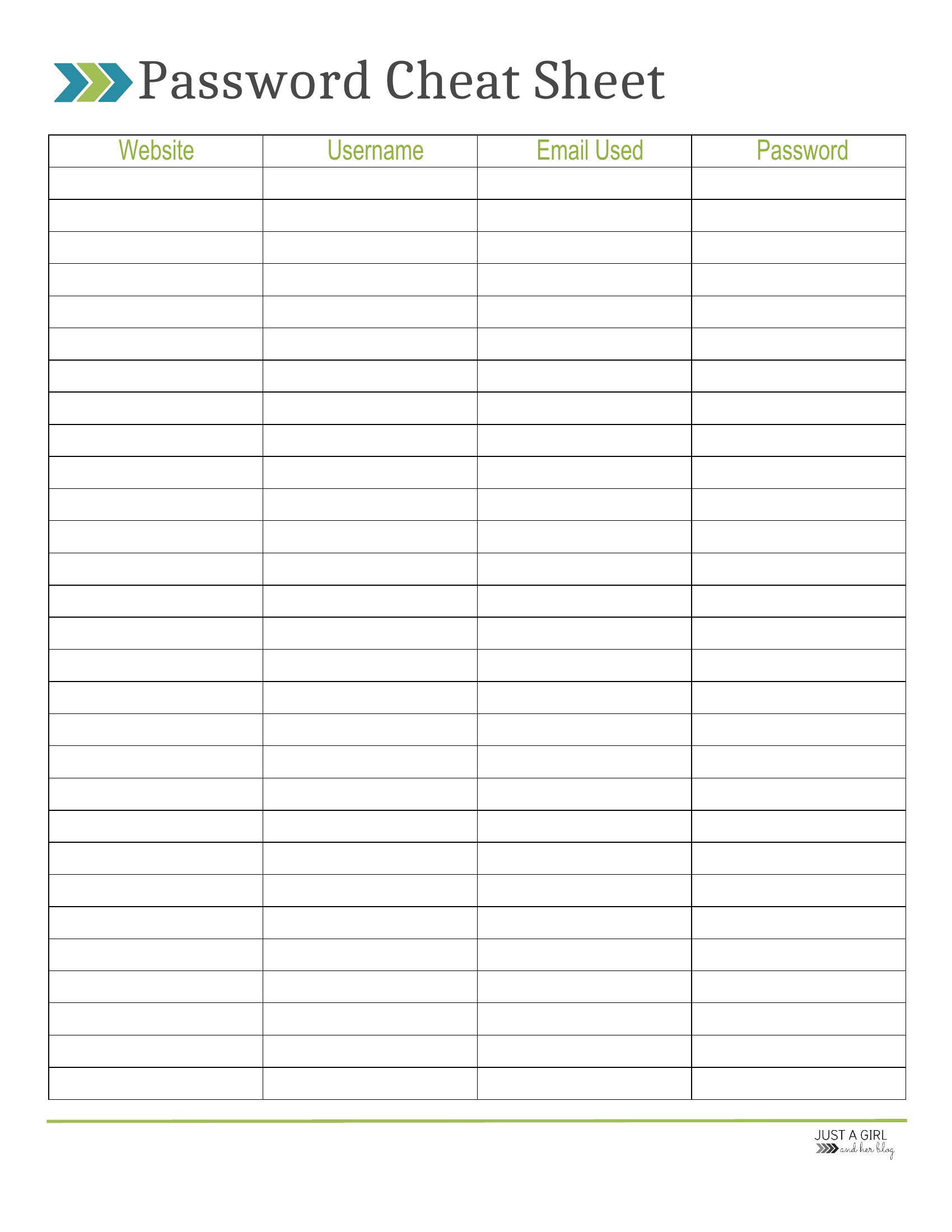
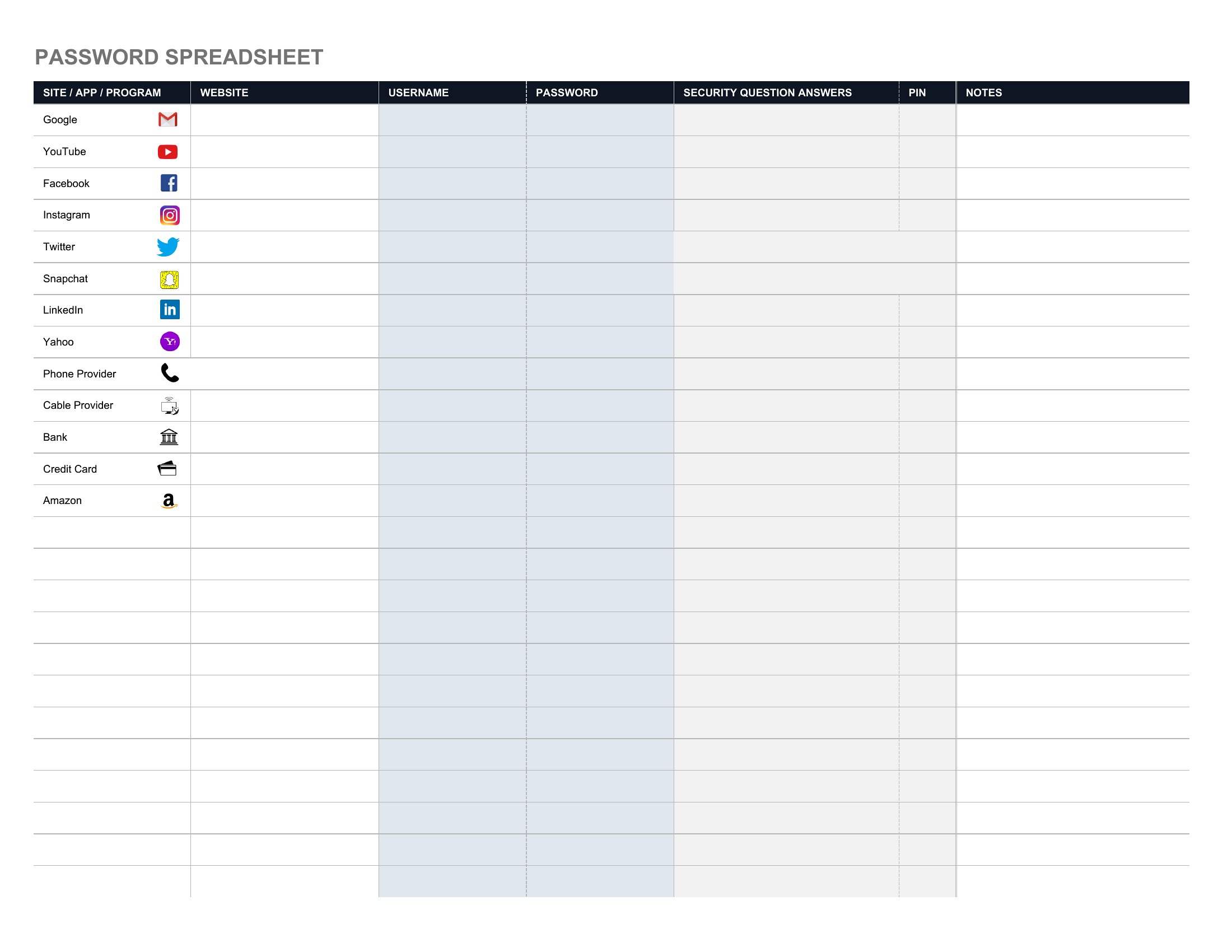
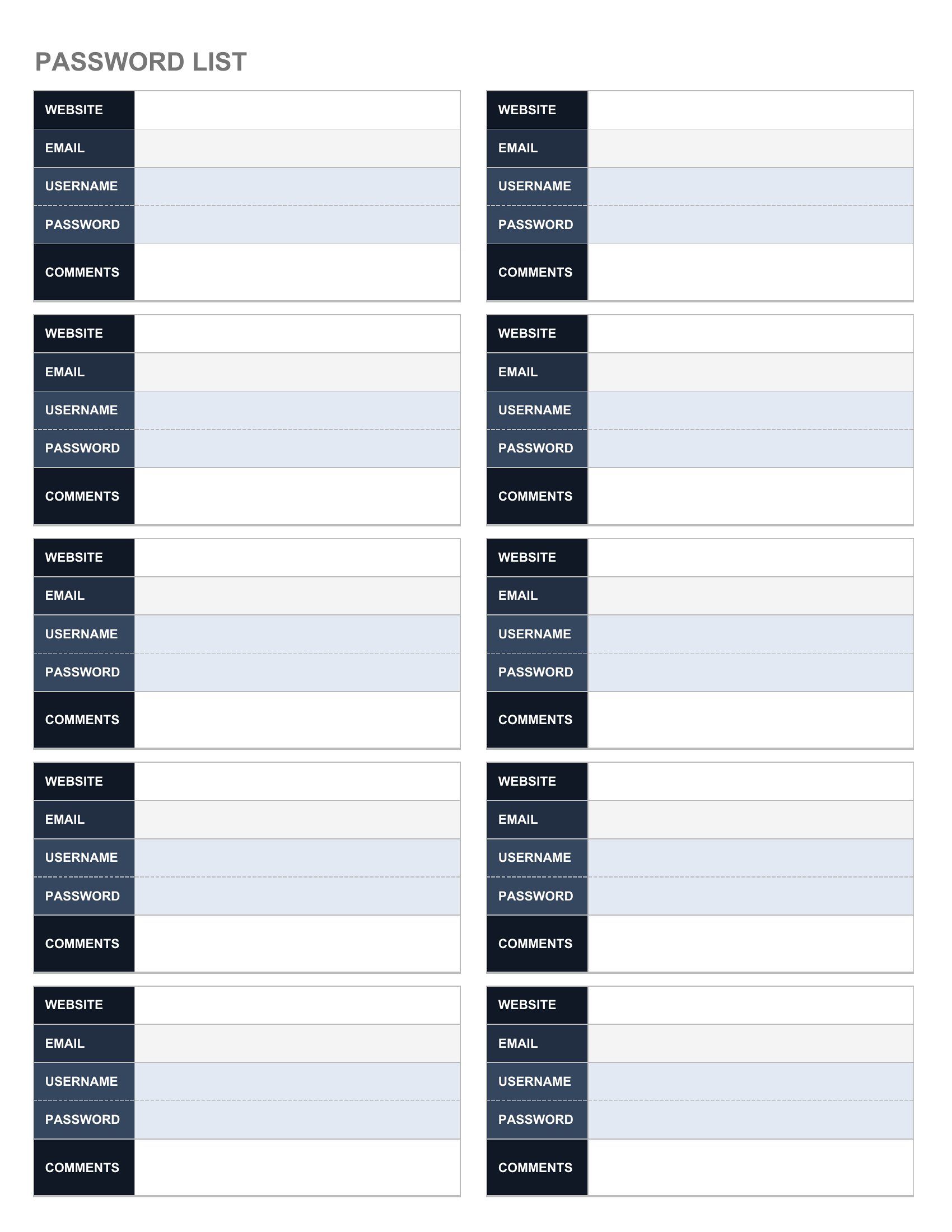
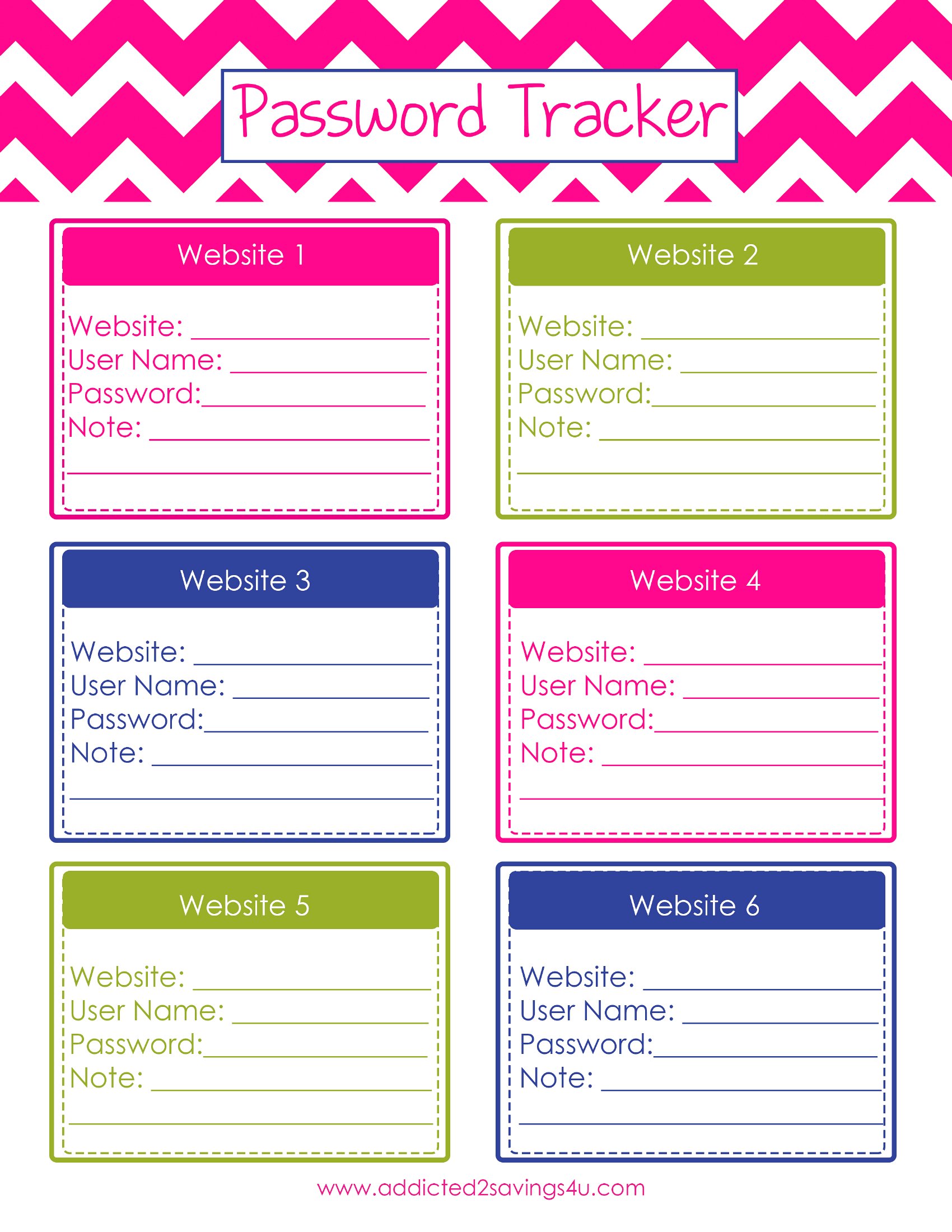
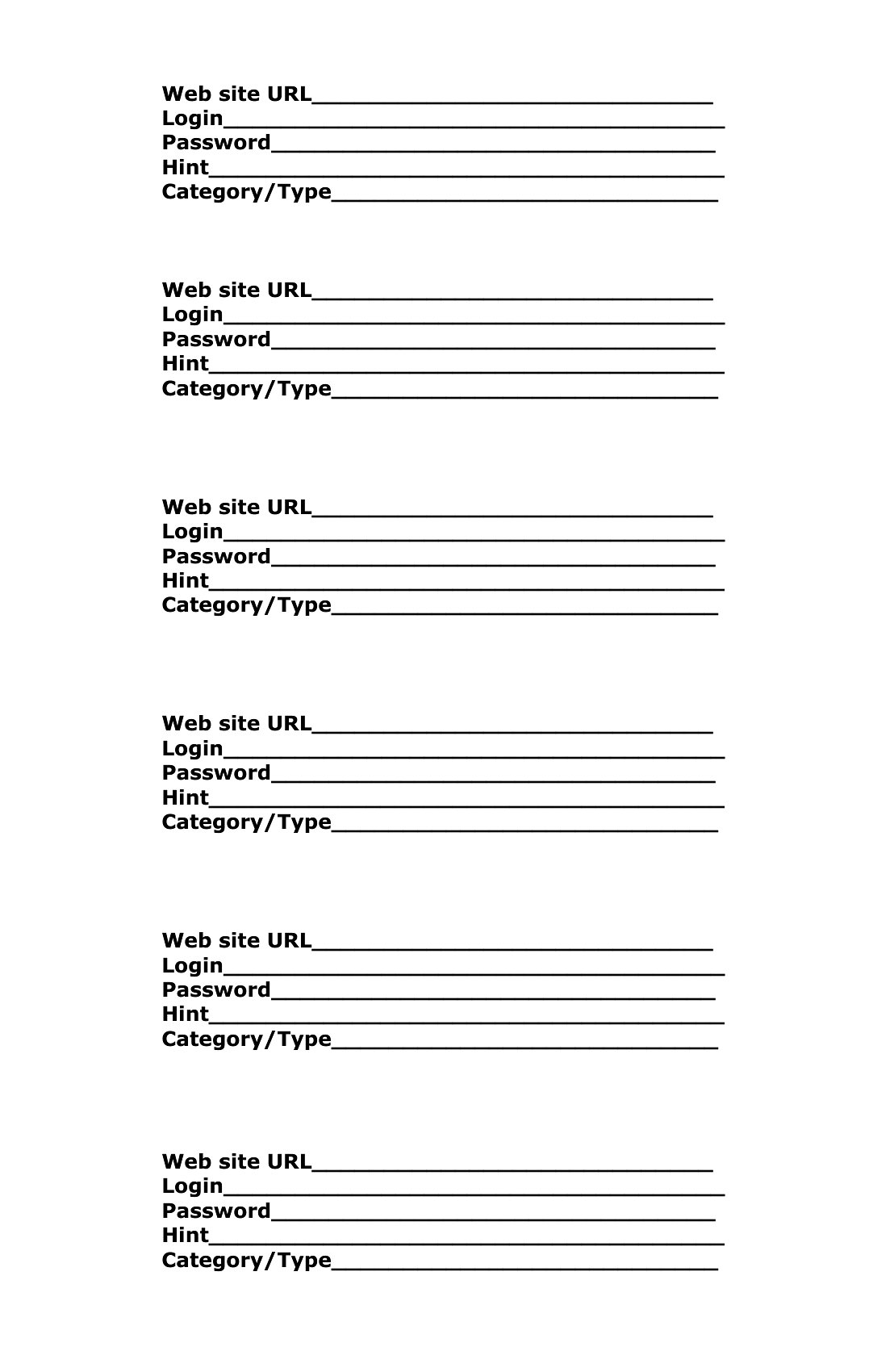
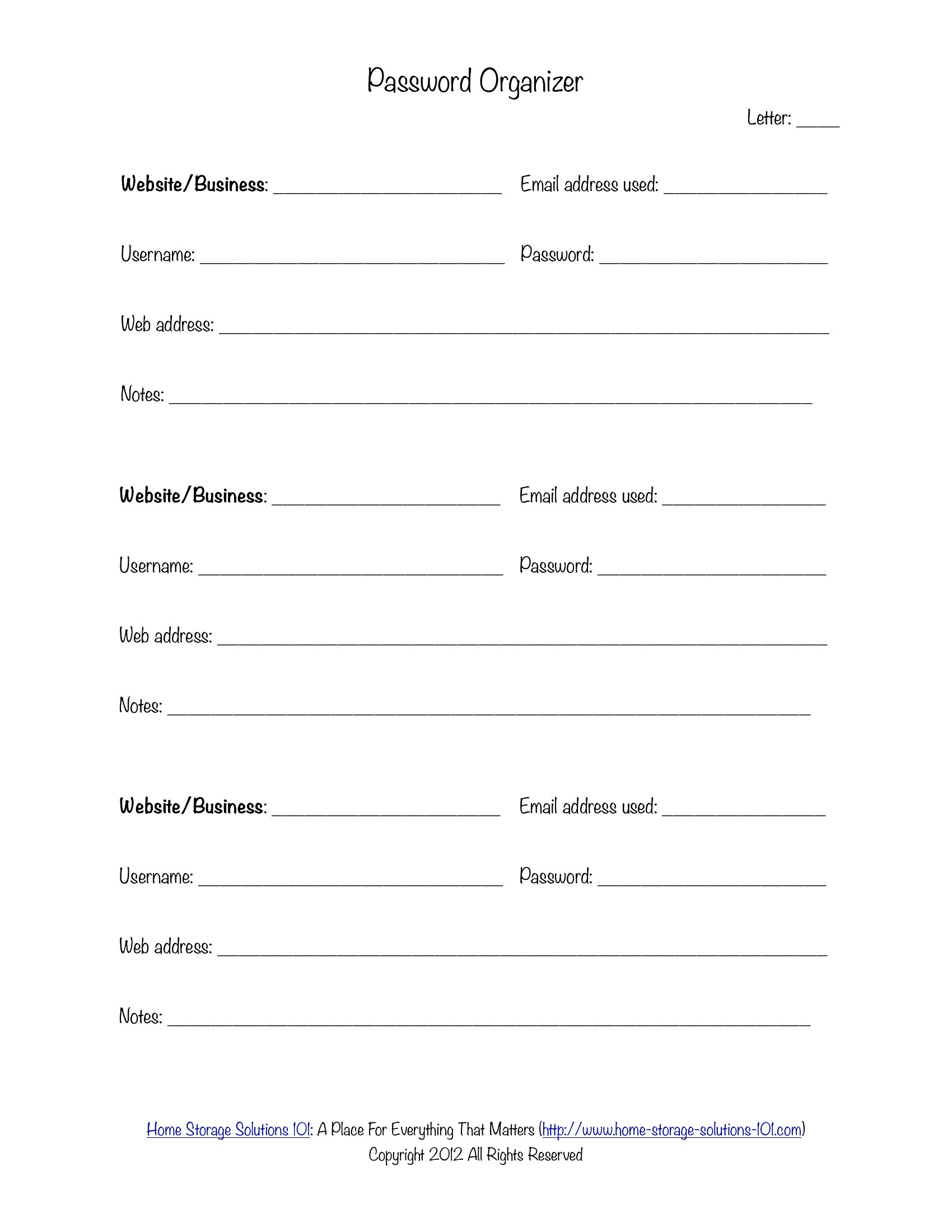
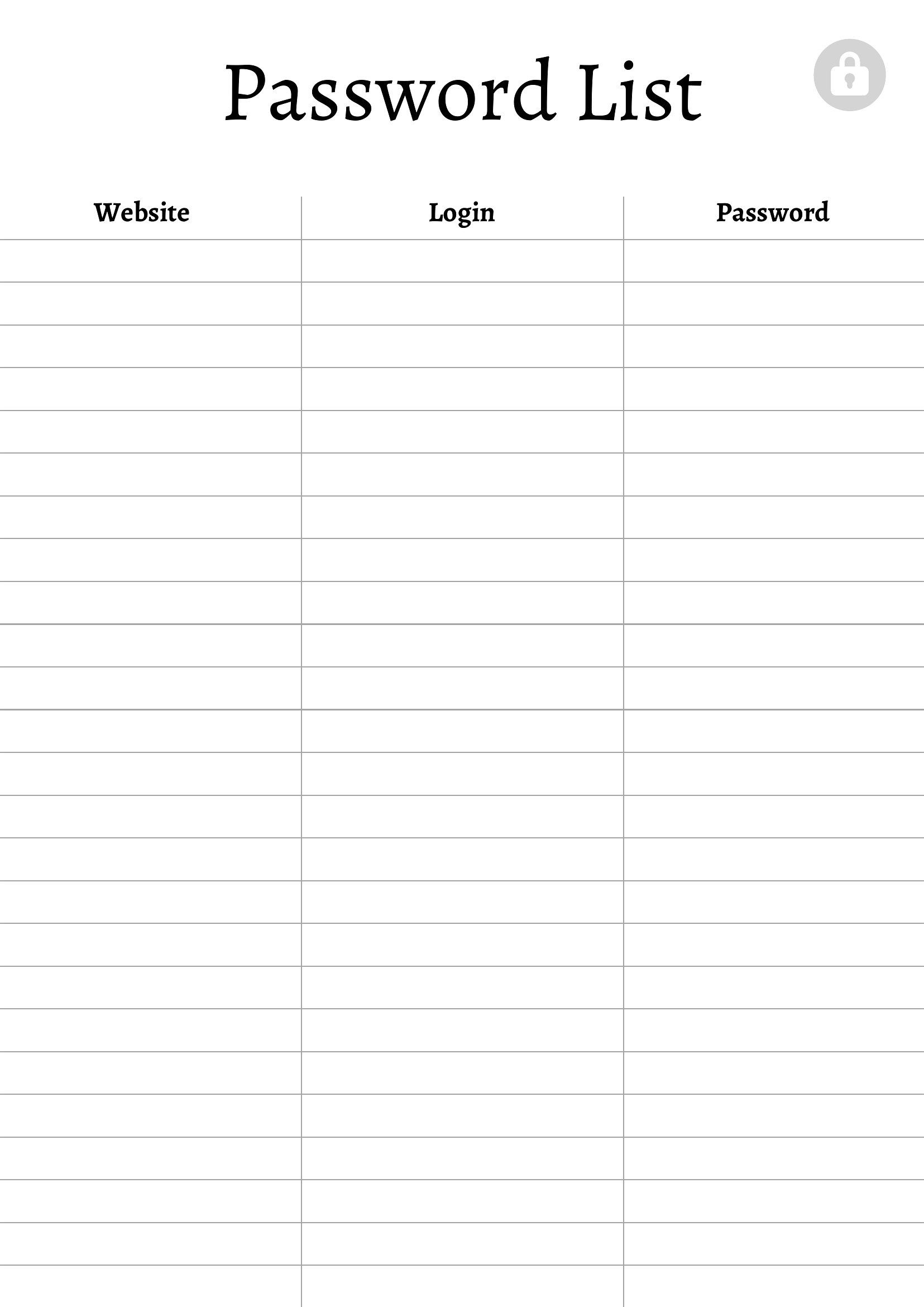
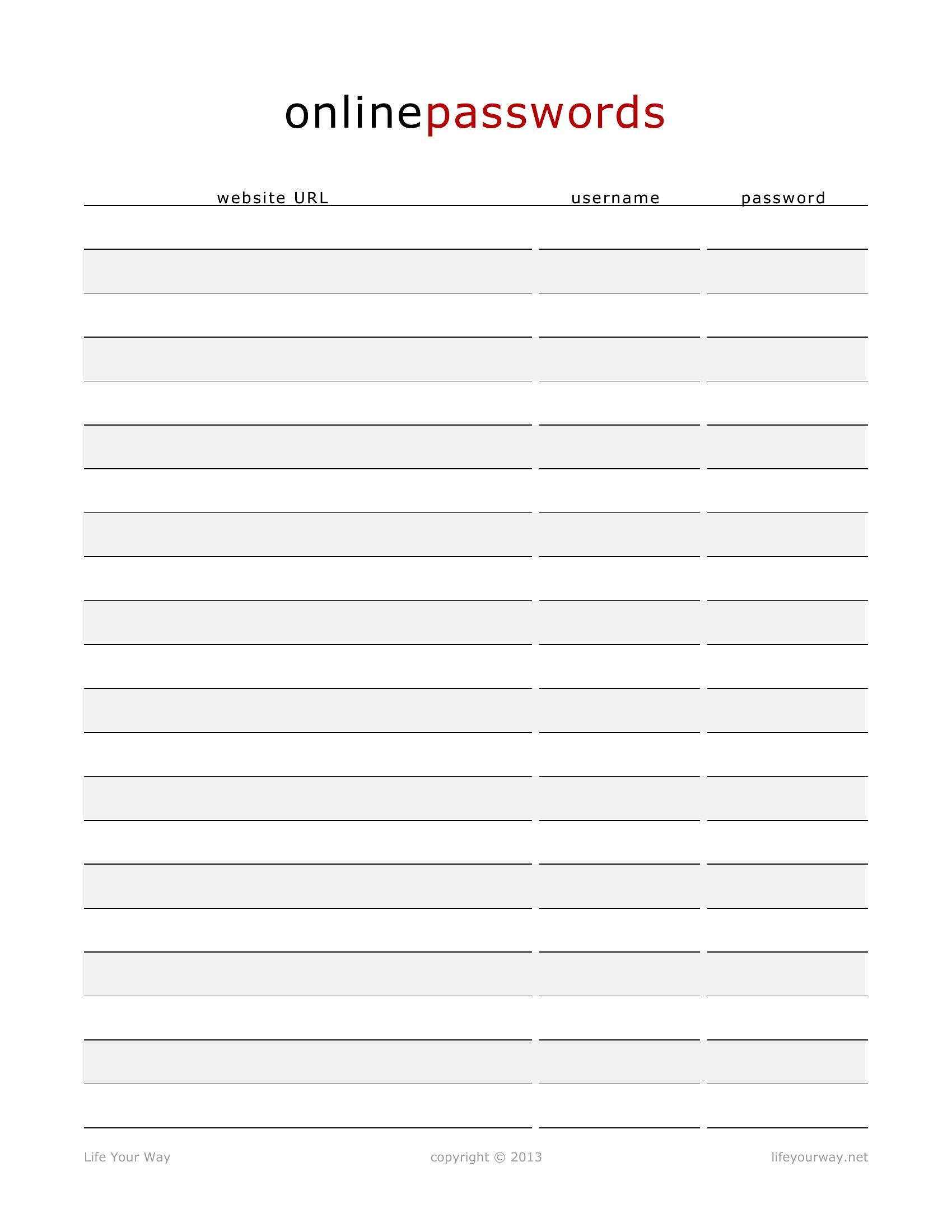
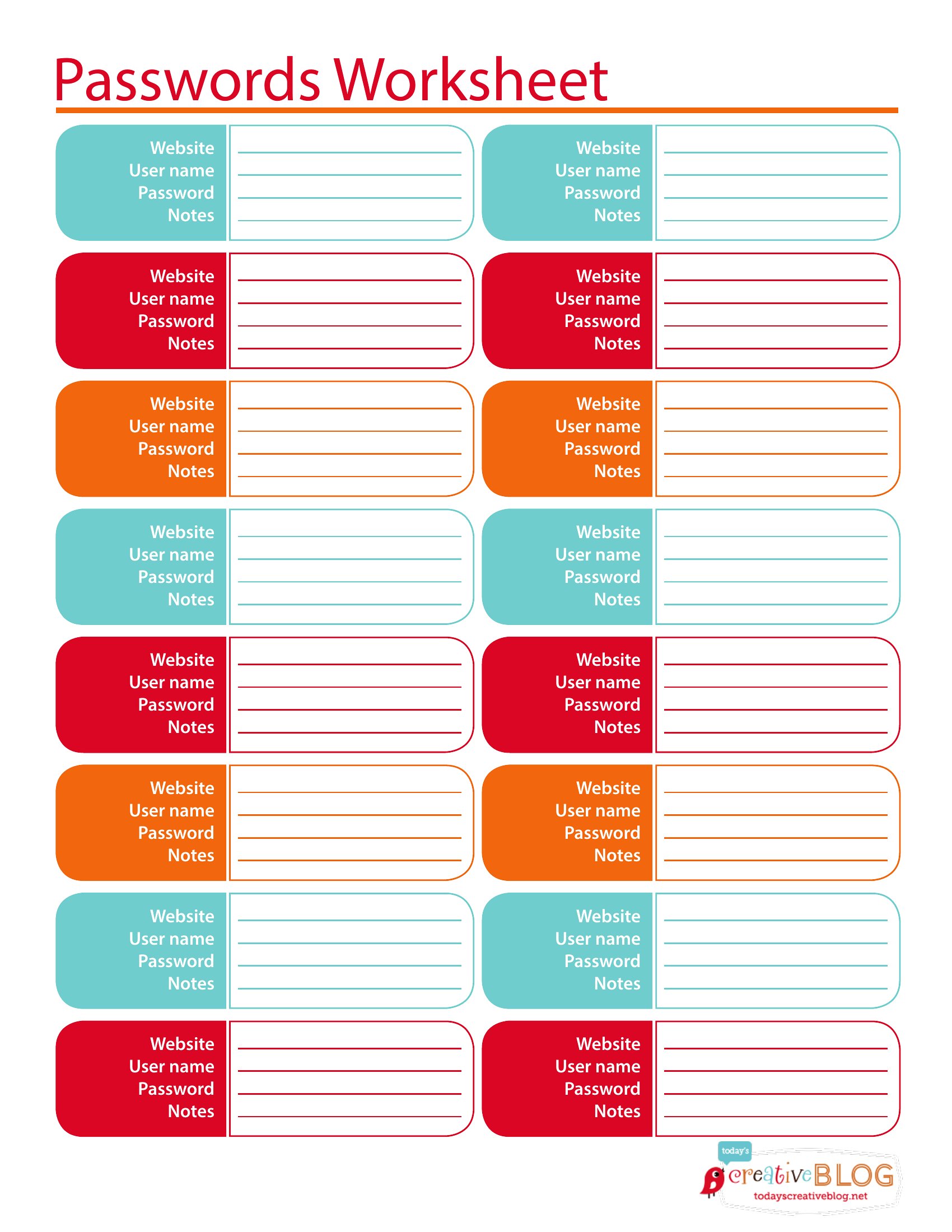
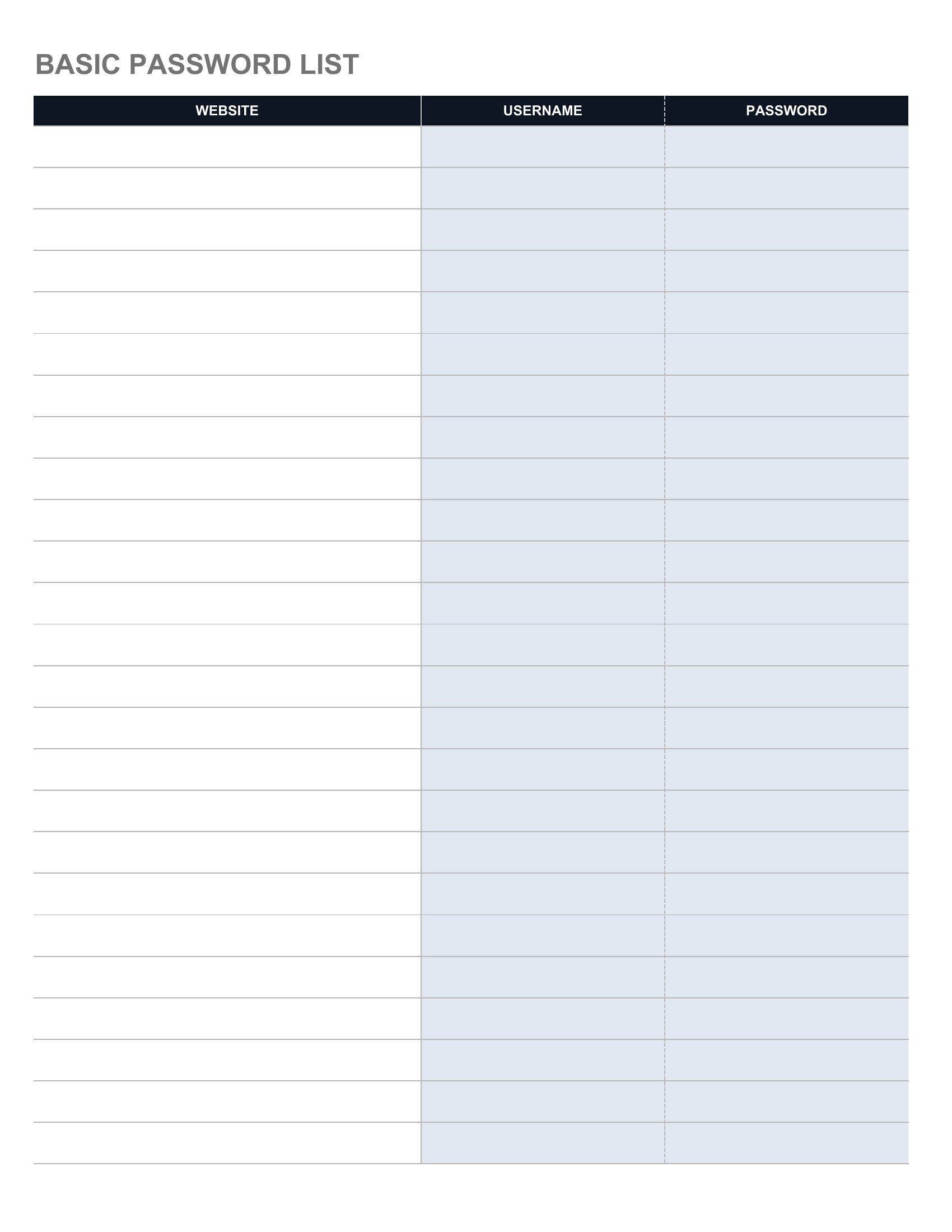
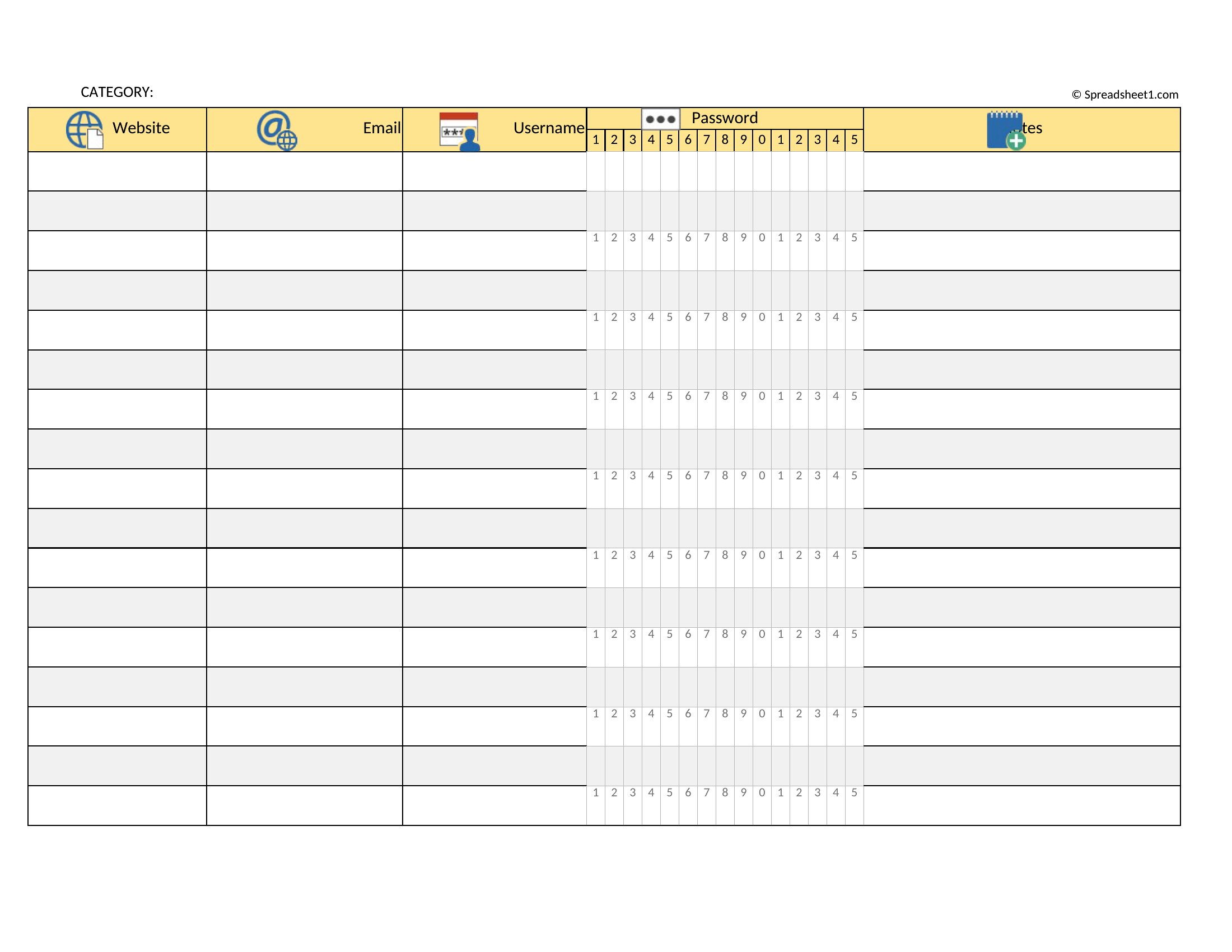
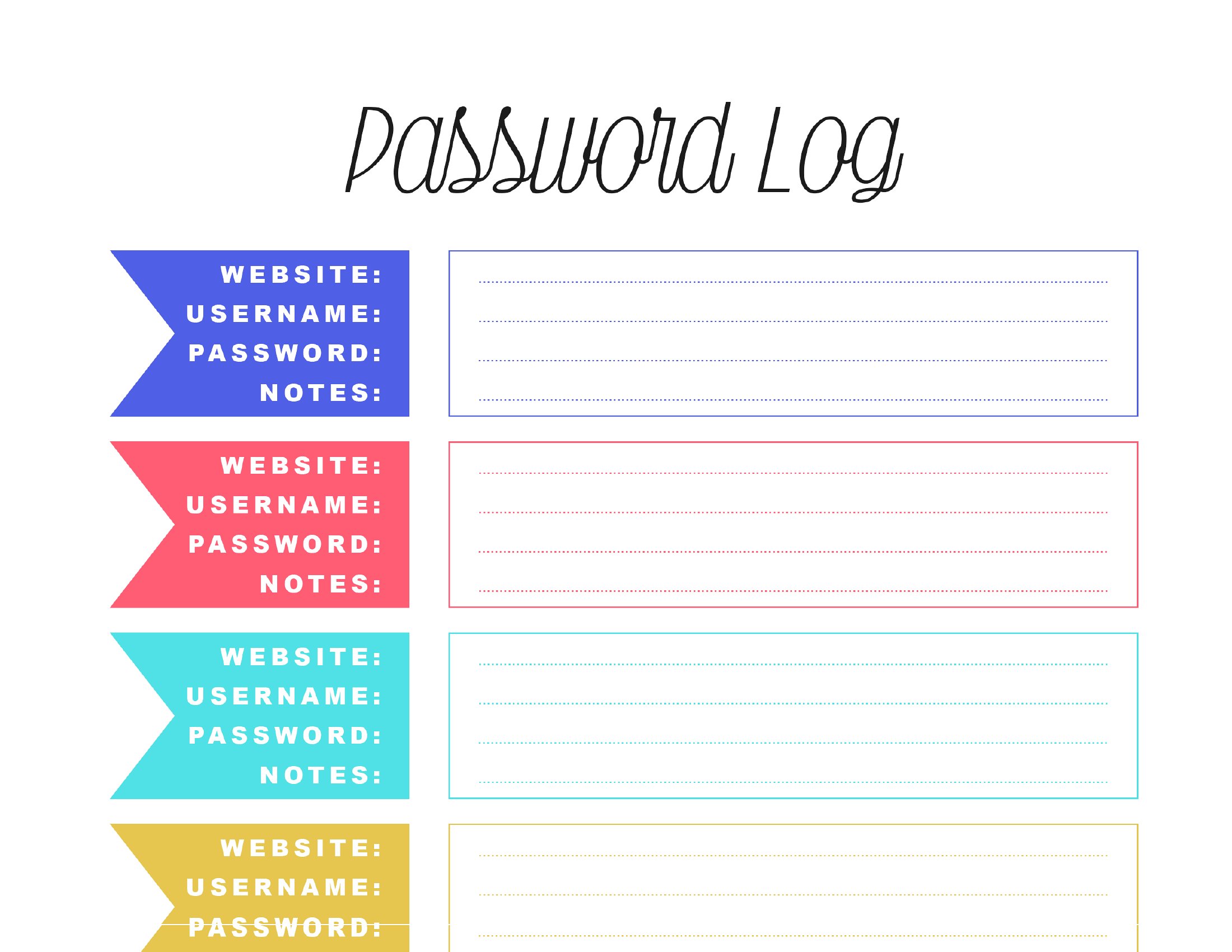
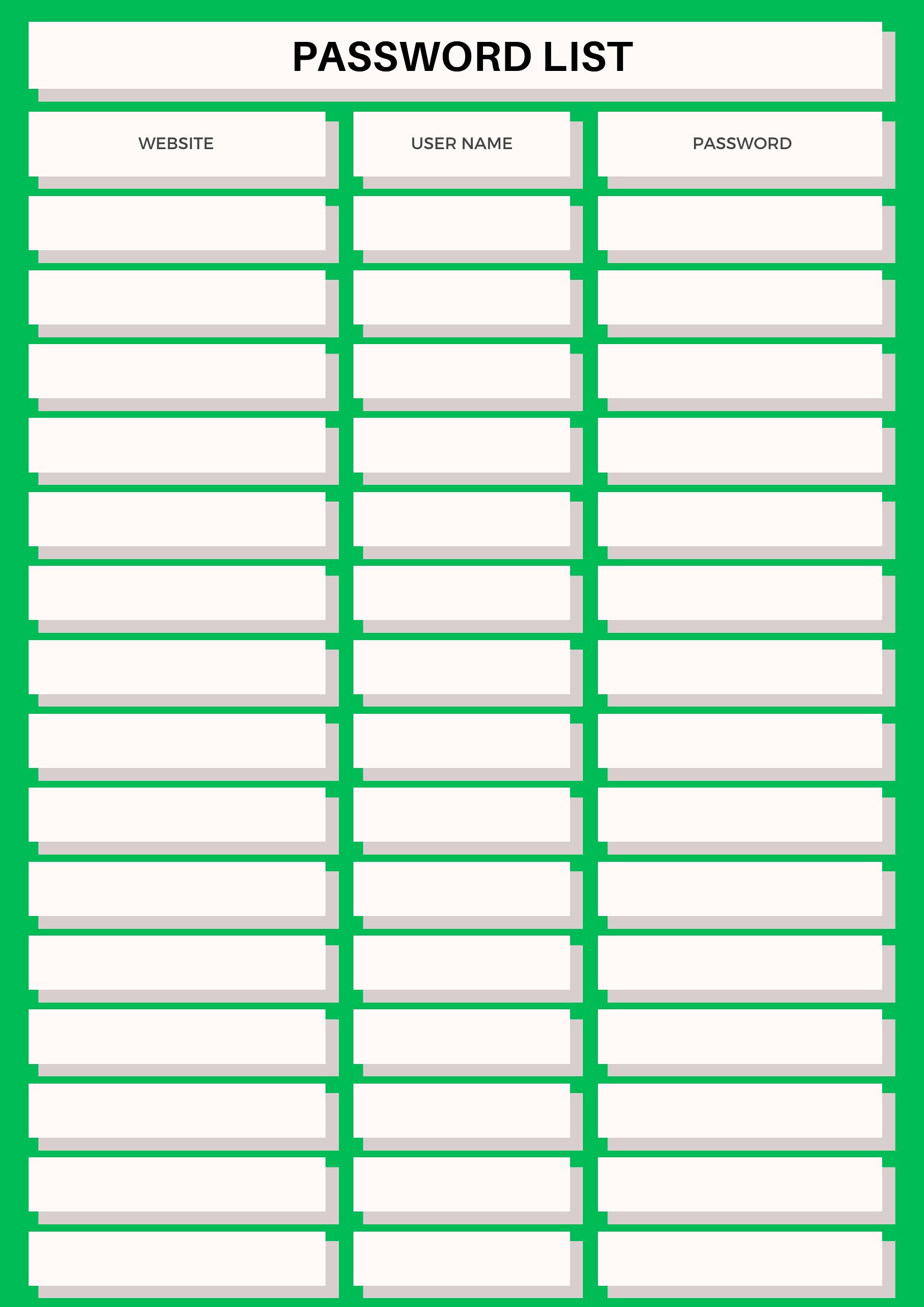
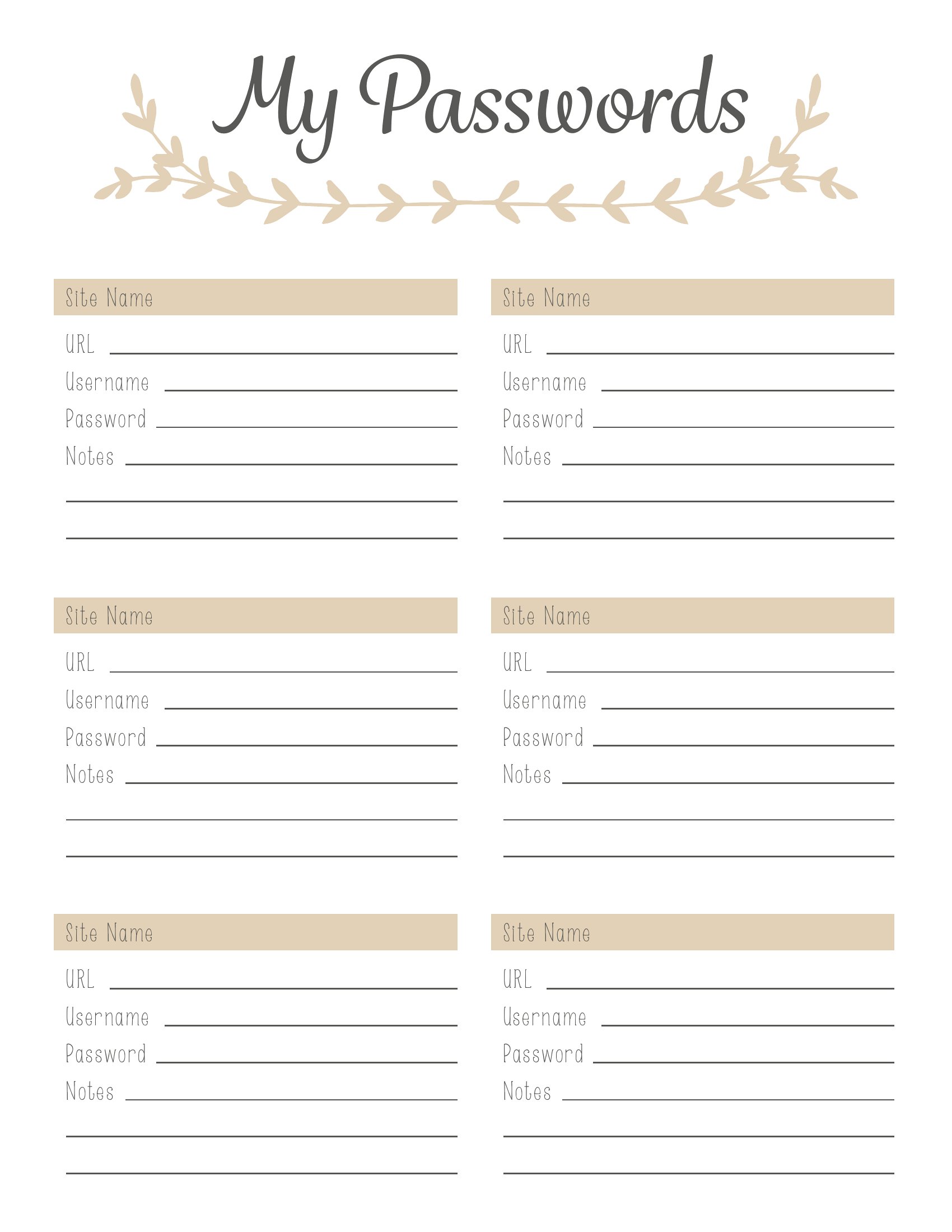
Remembering dozens of logins is impossible, and scribbling them on sticky notes is asking for trouble. These 42 password list templates give you a single organized place to record sites, usernames, and hints, whether for personal accounts or a small office. Layouts range from compact pocket logs to full sheets sorted alphabetically.
Choose an Excel sheet you can sort and search, a Word file to tweak the columns, or a printable PDF for a binder you keep somewhere safe. Because a password list is sensitive, store the finished copy securely and avoid leaving it in plain sight. Download the layout that suits you and get your logins out of your head and into one tidy reference.
Choose from 42 Password List Templates
Frequently Asked Questions about Password List Templates
Are these Password List templates free to download?
Yes. Every Password List template in this collection is free to download from TemplateSpark. Just open the template you need, download it, and start editing right away — no subscription required to get started.
What file formats are available for Password List templates?
These Password List templates are available in Word, Excel, and PDF. Pick the format that matches your workflow — each download keeps the original layout so it looks right whether you open, print, or share it.
Can I edit these Password List templates?
Yes. The editable files open in Microsoft Word (and compatible apps like Google Docs or LibreOffice), so you can change the text, colors, and layout to fit your needs, then save or export the finished Password List document.
How many Password List templates can I choose from?
This page collects 42 Password List templates so you can compare styles and layouts in one place. Browse the options, open the one that fits your purpose best, and download it in your preferred format.
Can I use Password List templates for commercial purposes?
In most cases, yes — these Password List templates are intended for both personal and business use. Check the license note on the template before redistributing or reselling, and avoid sharing the source files as your own product.
What should you record on a password list?
A password list typically records the website or service name, the username or email, and a password or secure hint. Some include the account type, security questions, or the date last changed. Keeping entries organized makes it easier to find a login without relying on memory.
How can you keep a written password list secure?
Store the list in a locked drawer or safe rather than on a visible note, and avoid carrying it openly. Consider using hints instead of full passwords, and never label it obviously. Keeping it in one protected place reduces the risk that someone finds and misuses your logins.
Why is keeping passwords on sticky notes risky?
Sticky notes left on a monitor or desk are easy for anyone passing by to see and copy, and they are easily lost. Consolidating logins into one organized, secured list kept out of sight is far safer than scattered notes exposed in plain view.
Comments
Join the conversation
Sign in to share your thoughts and leave a comment on this resource.