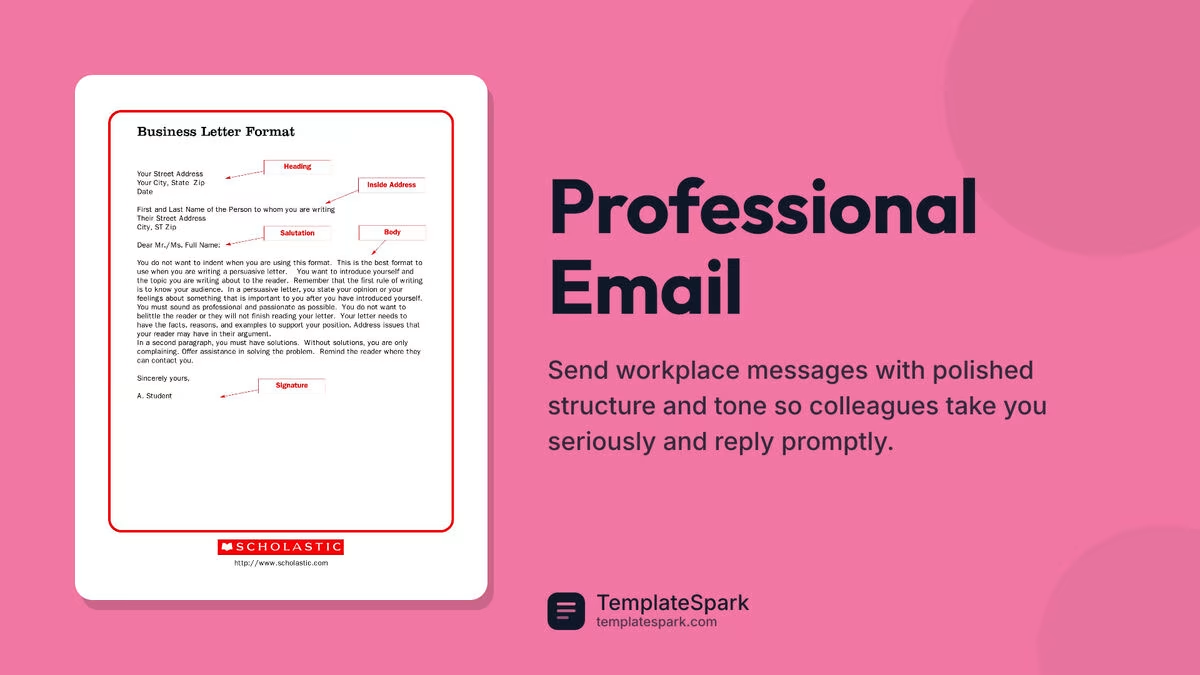
Free Professional Email Templates (Word, PDF)
Business by vodograystadnyuk
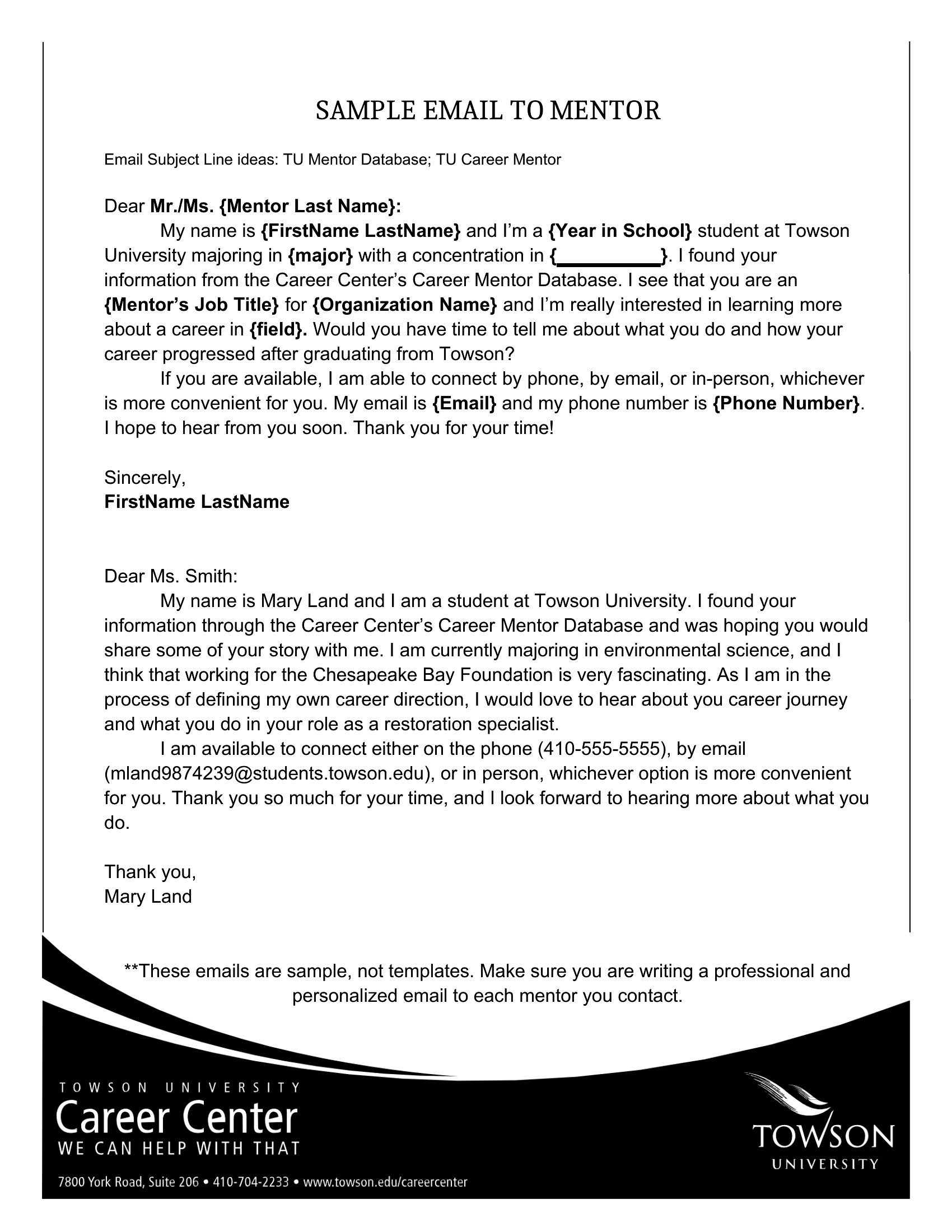
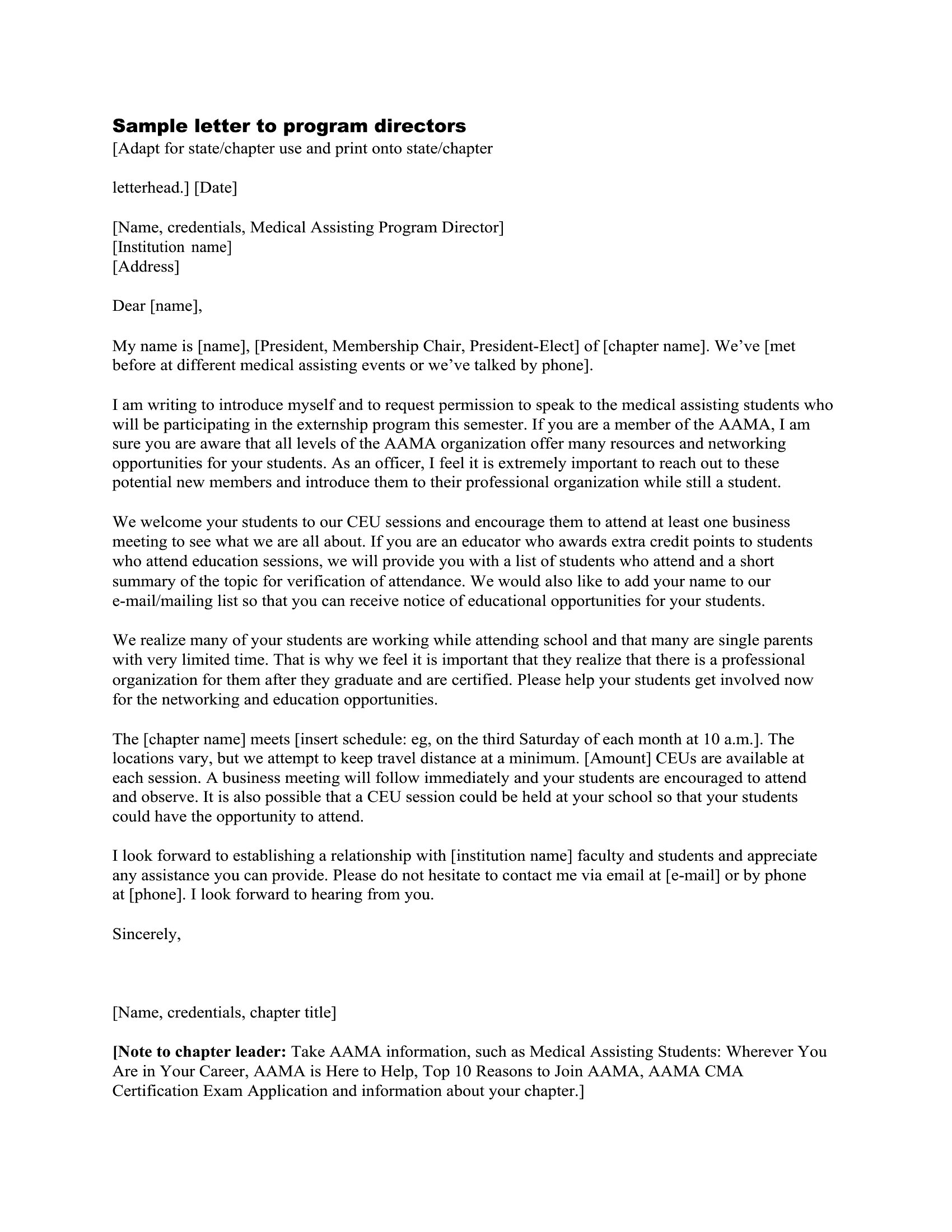
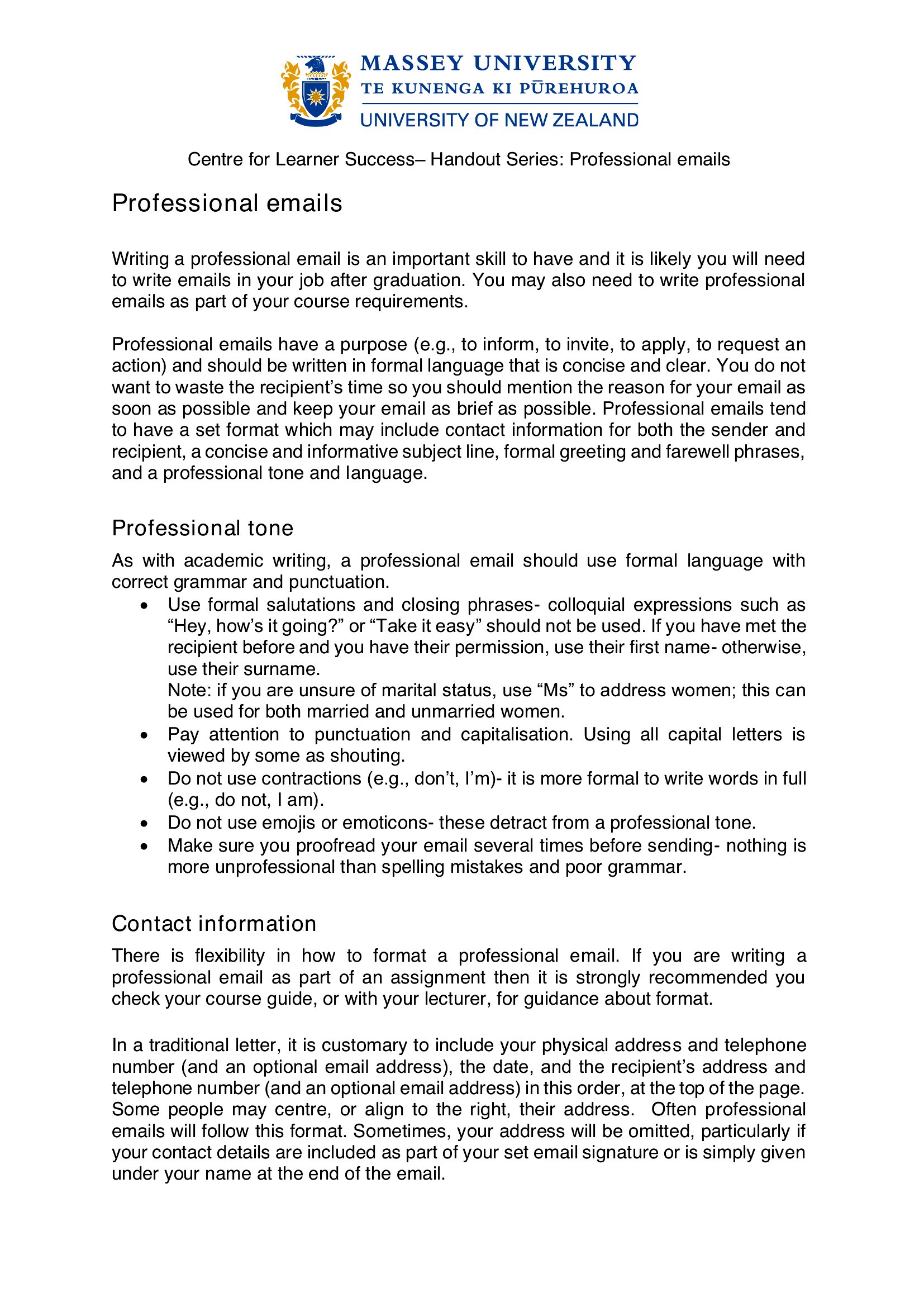
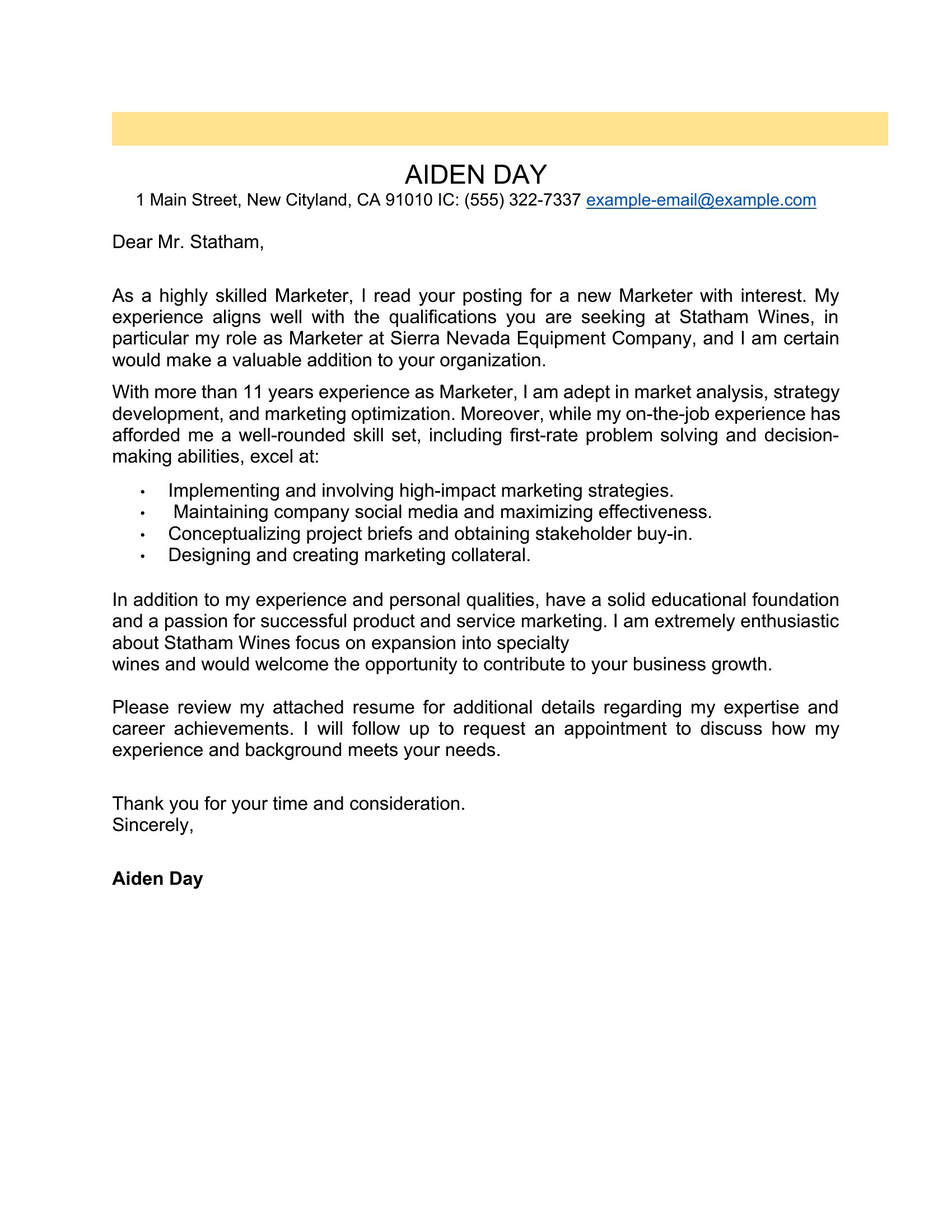
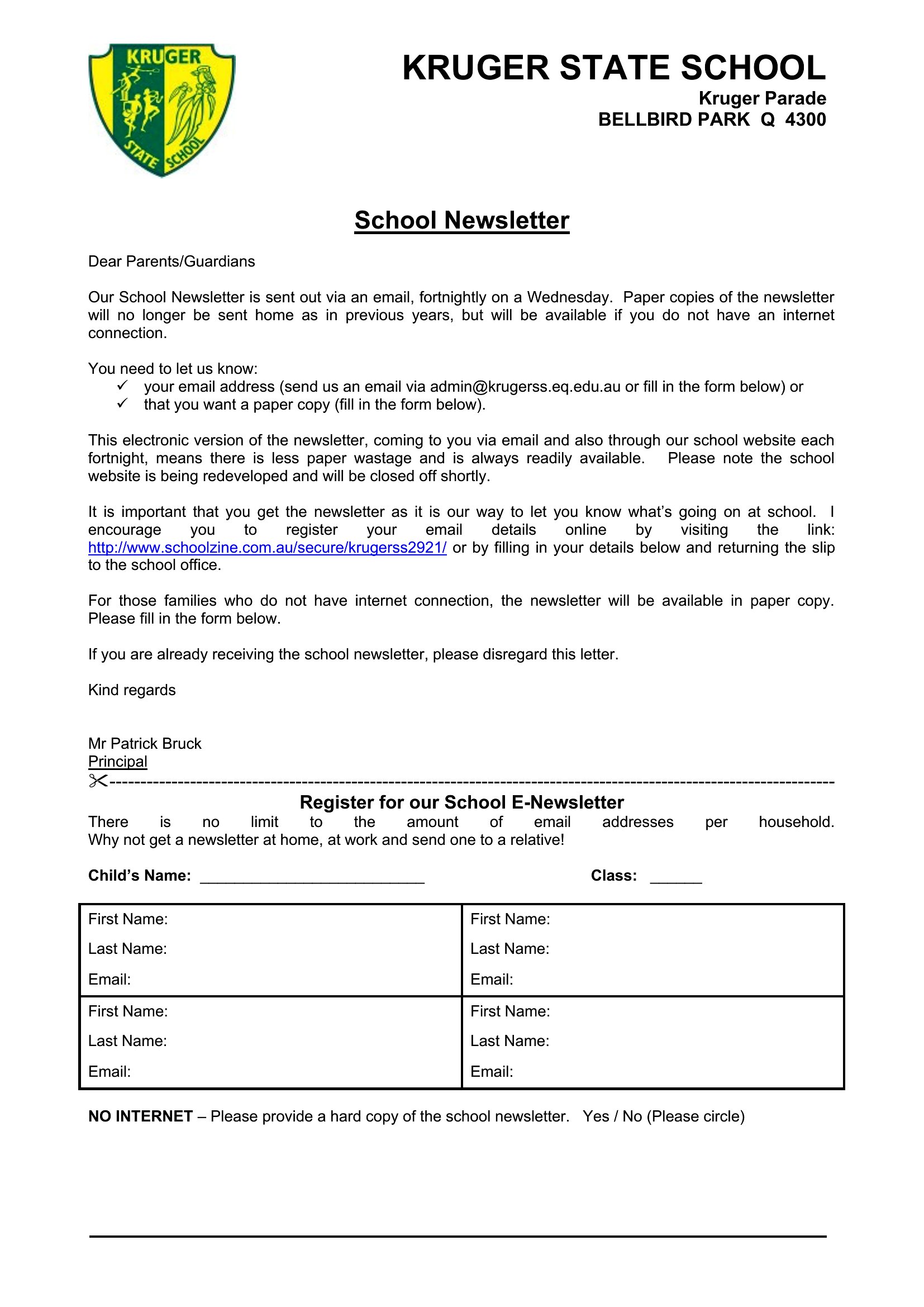
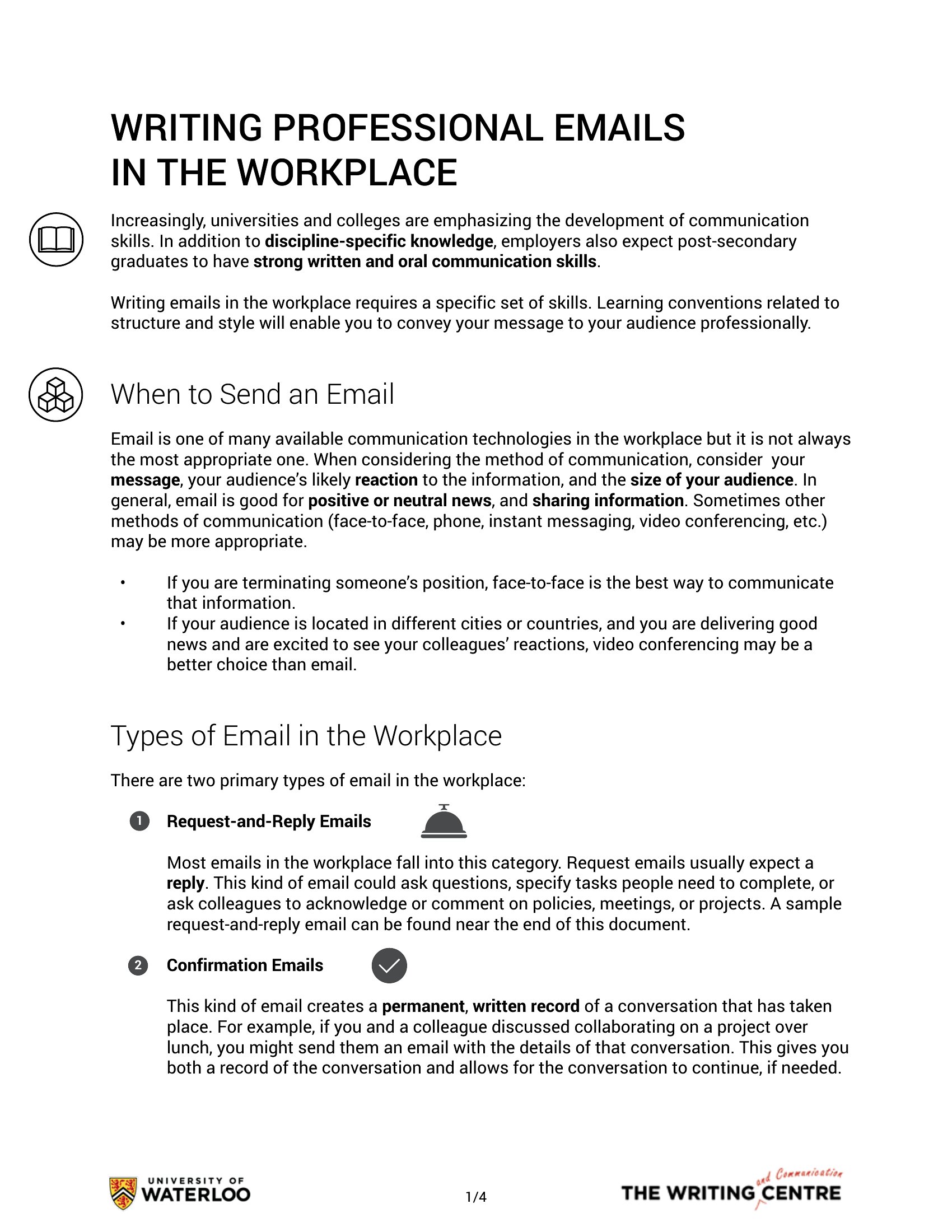
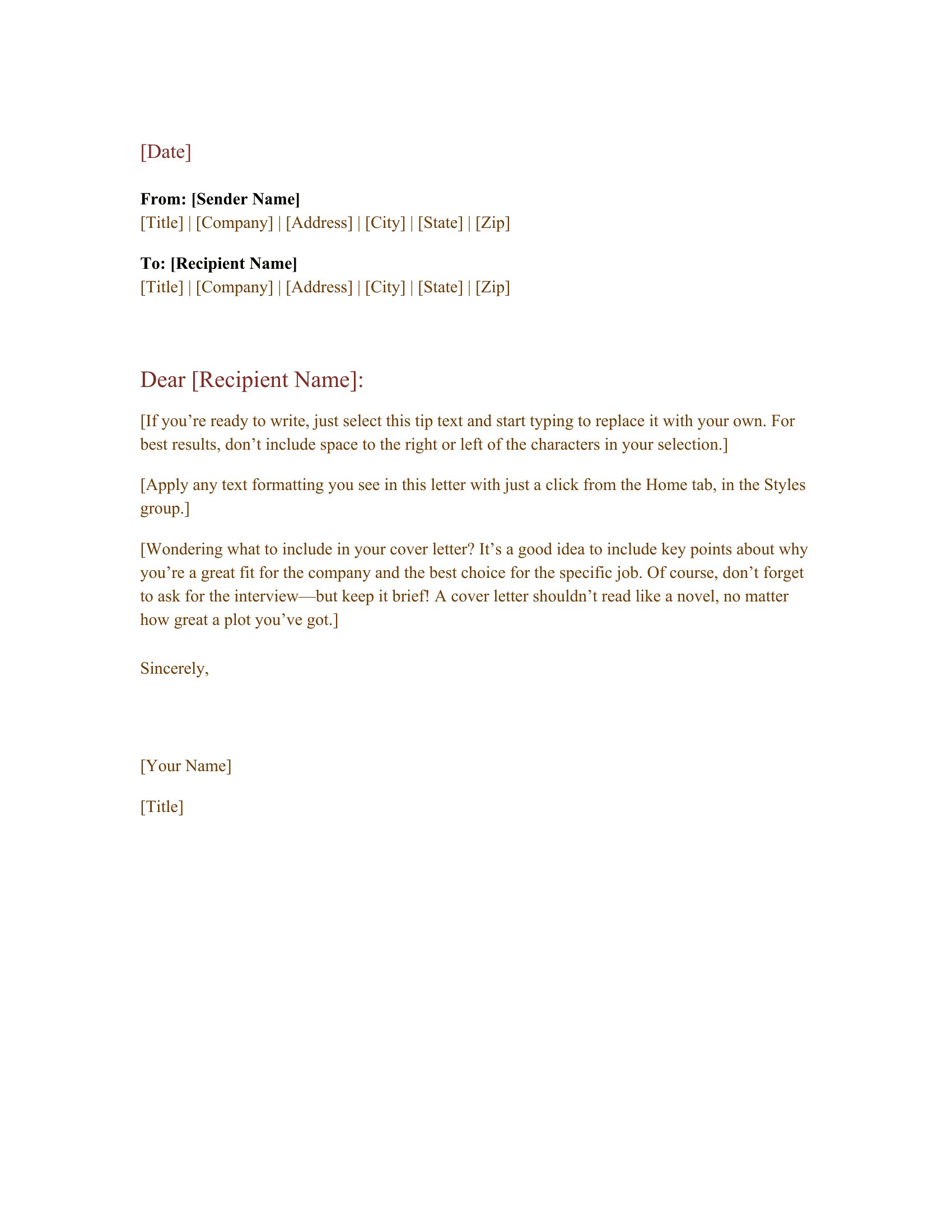
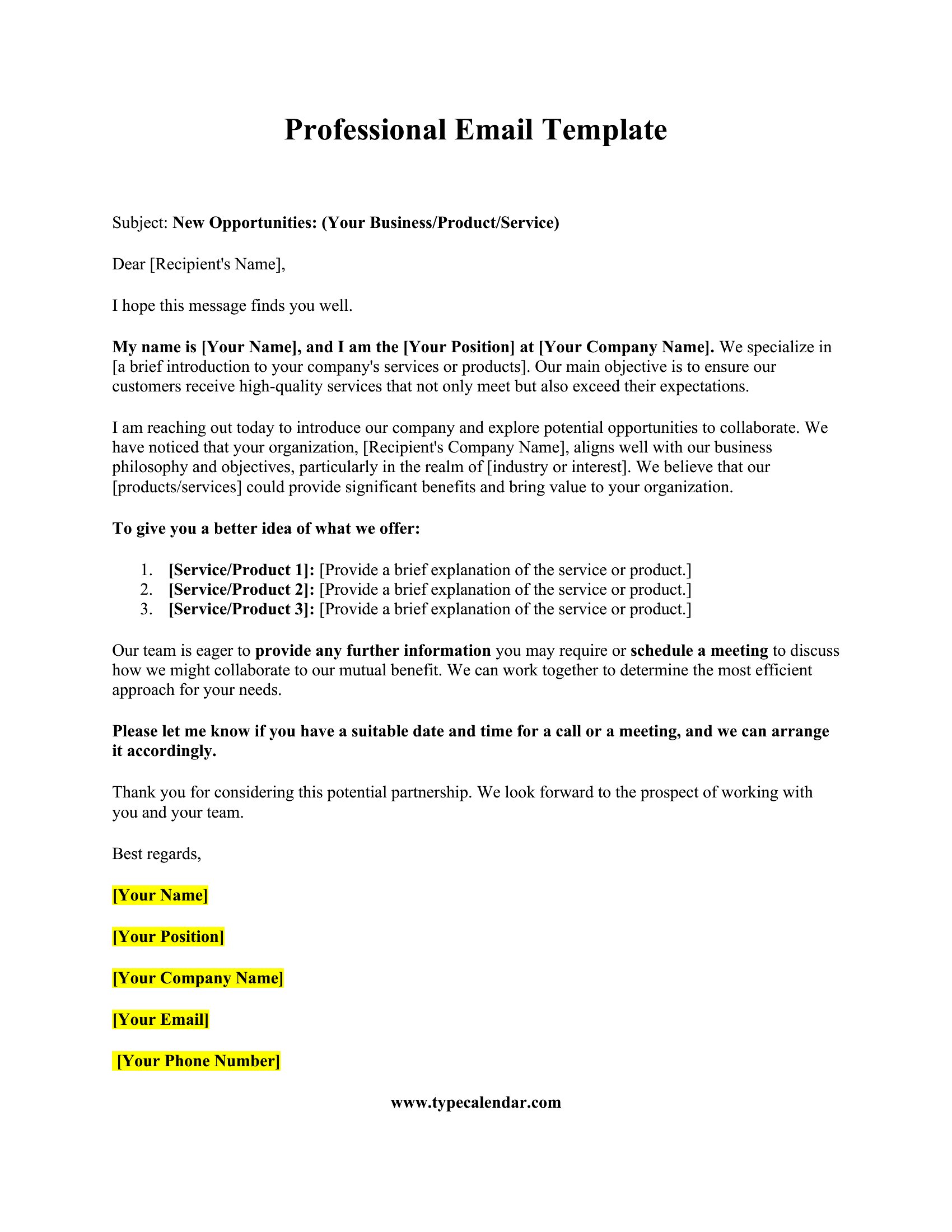
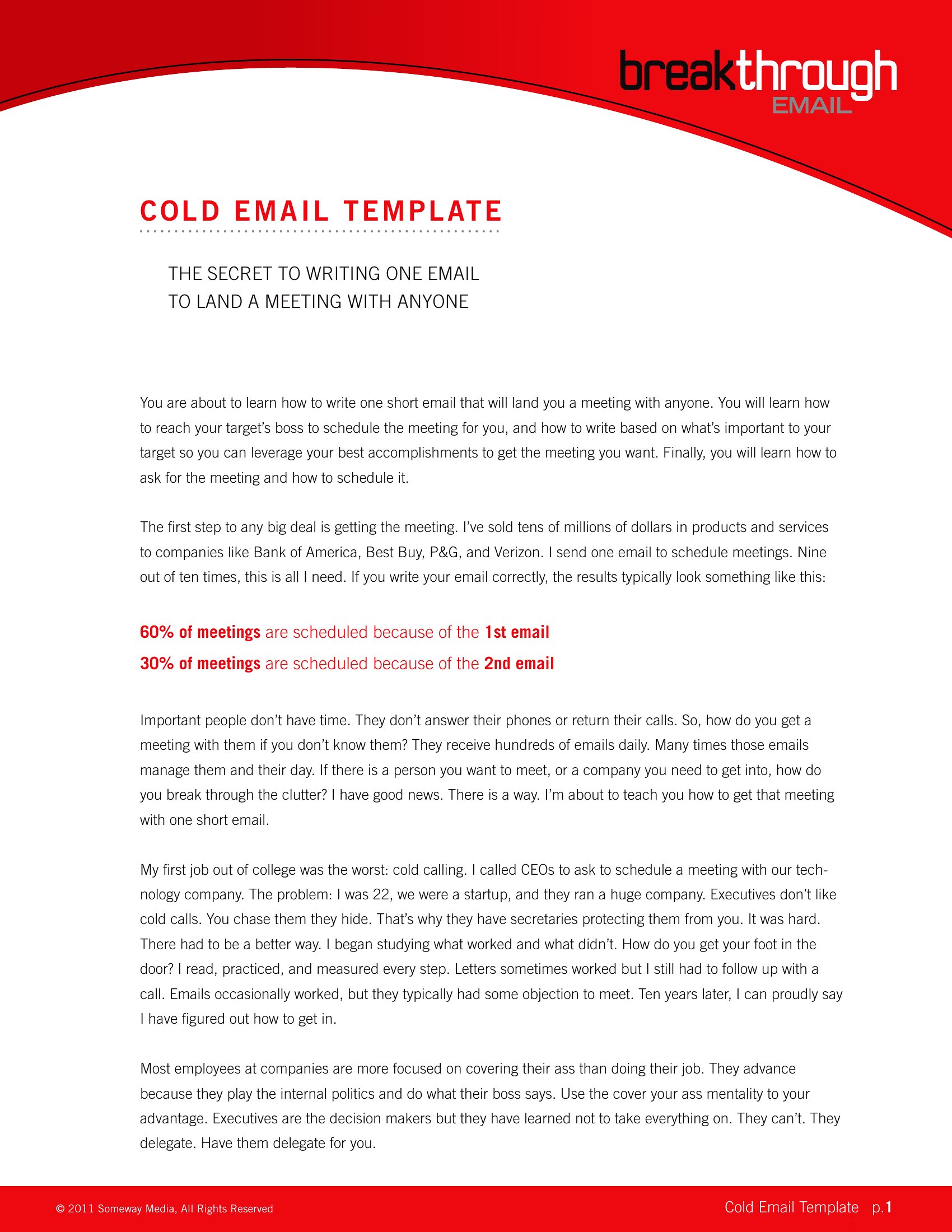
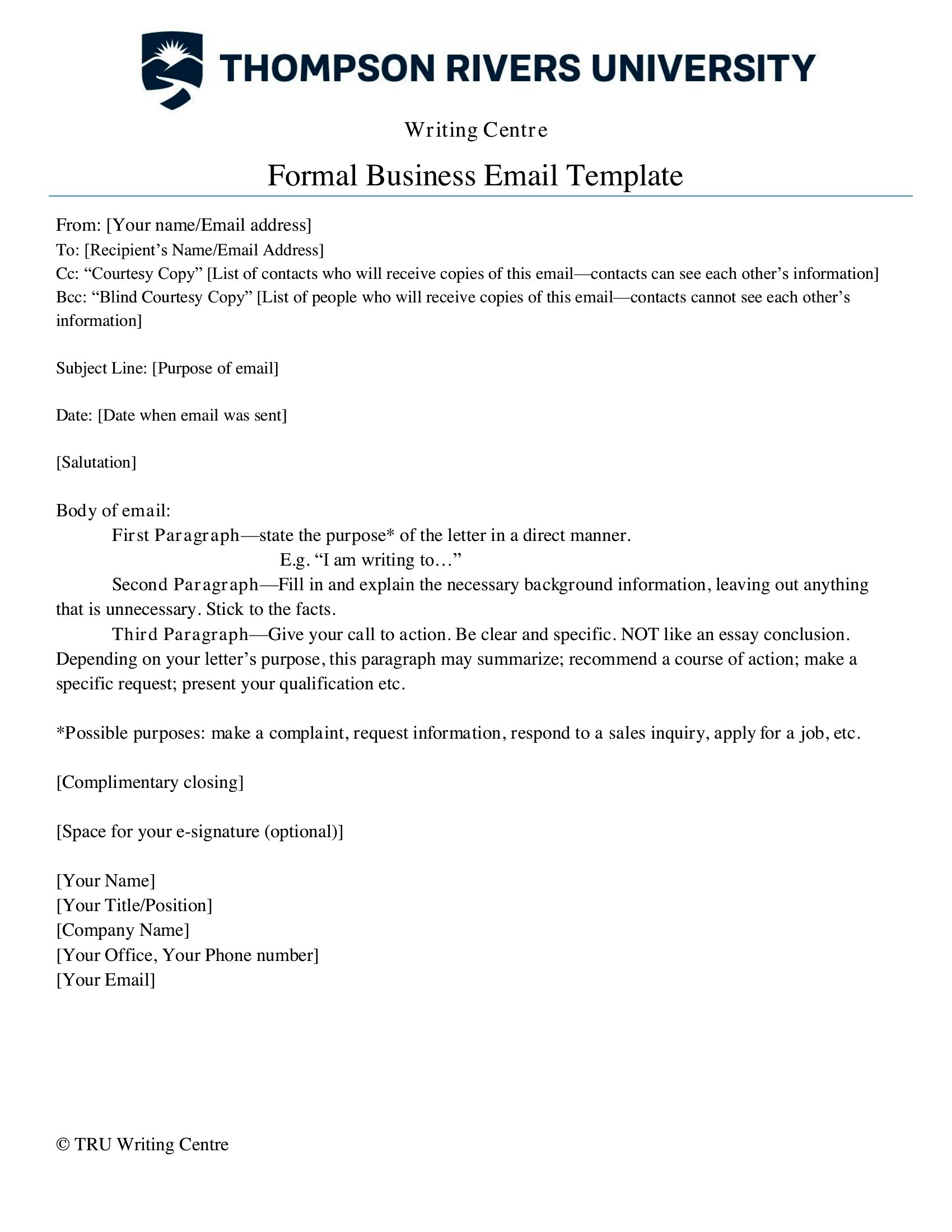
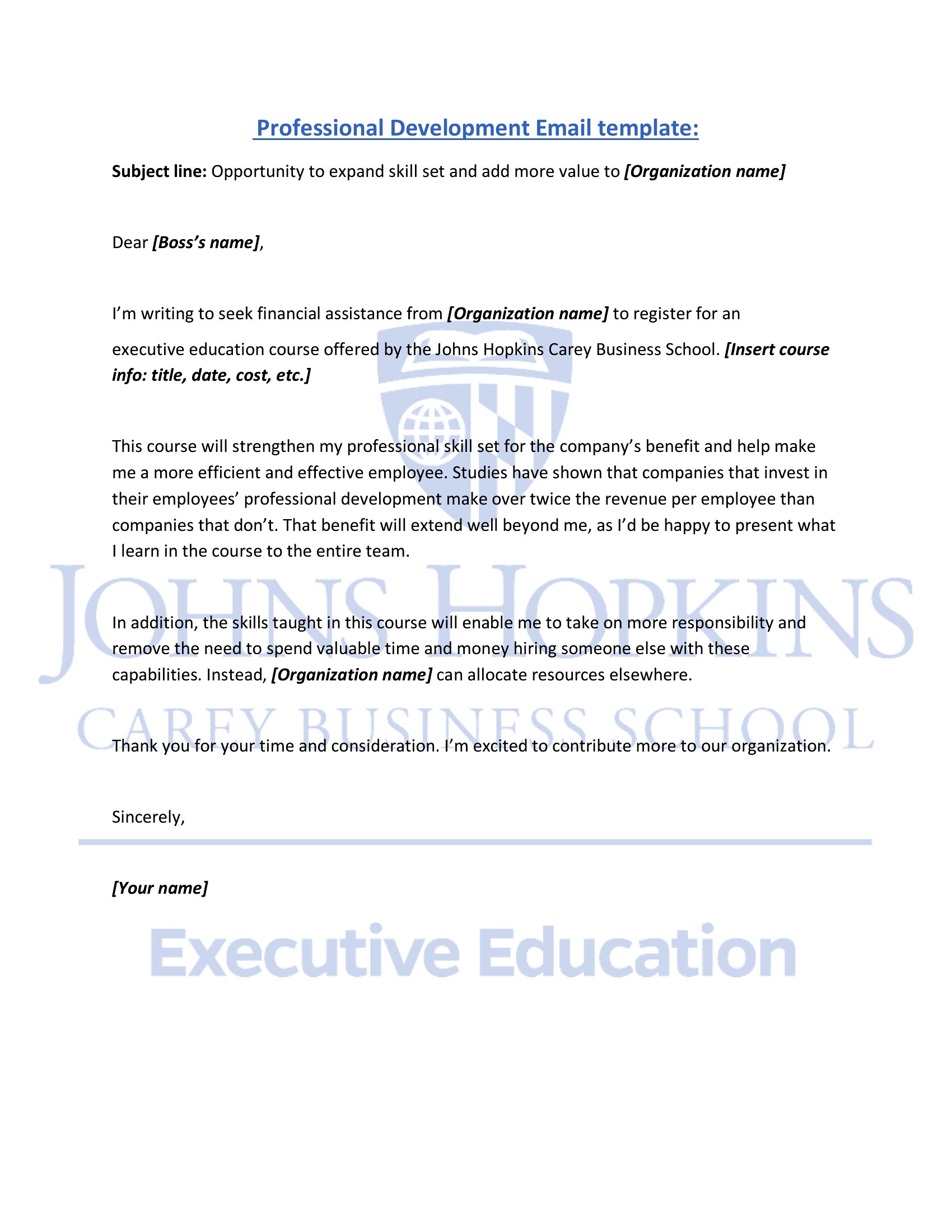
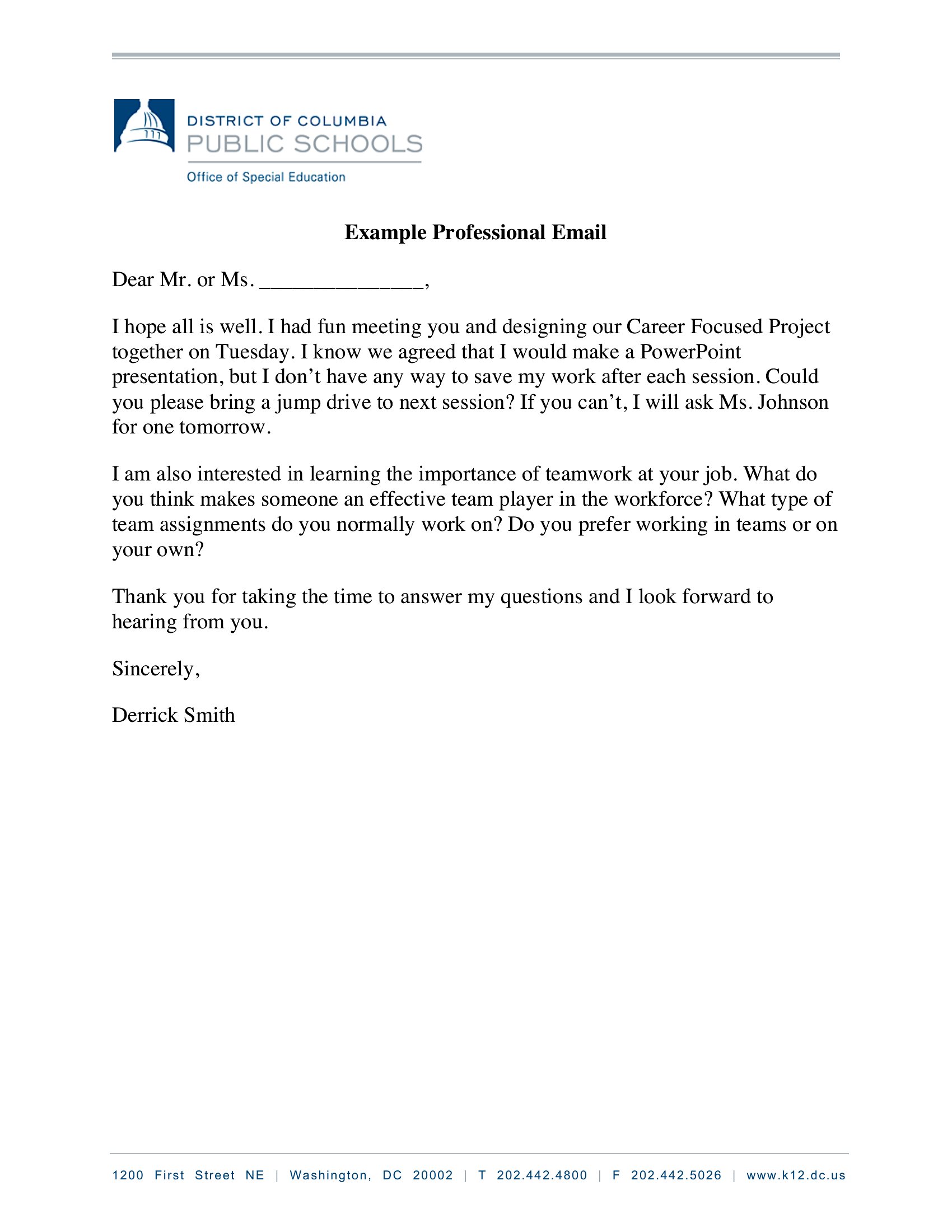
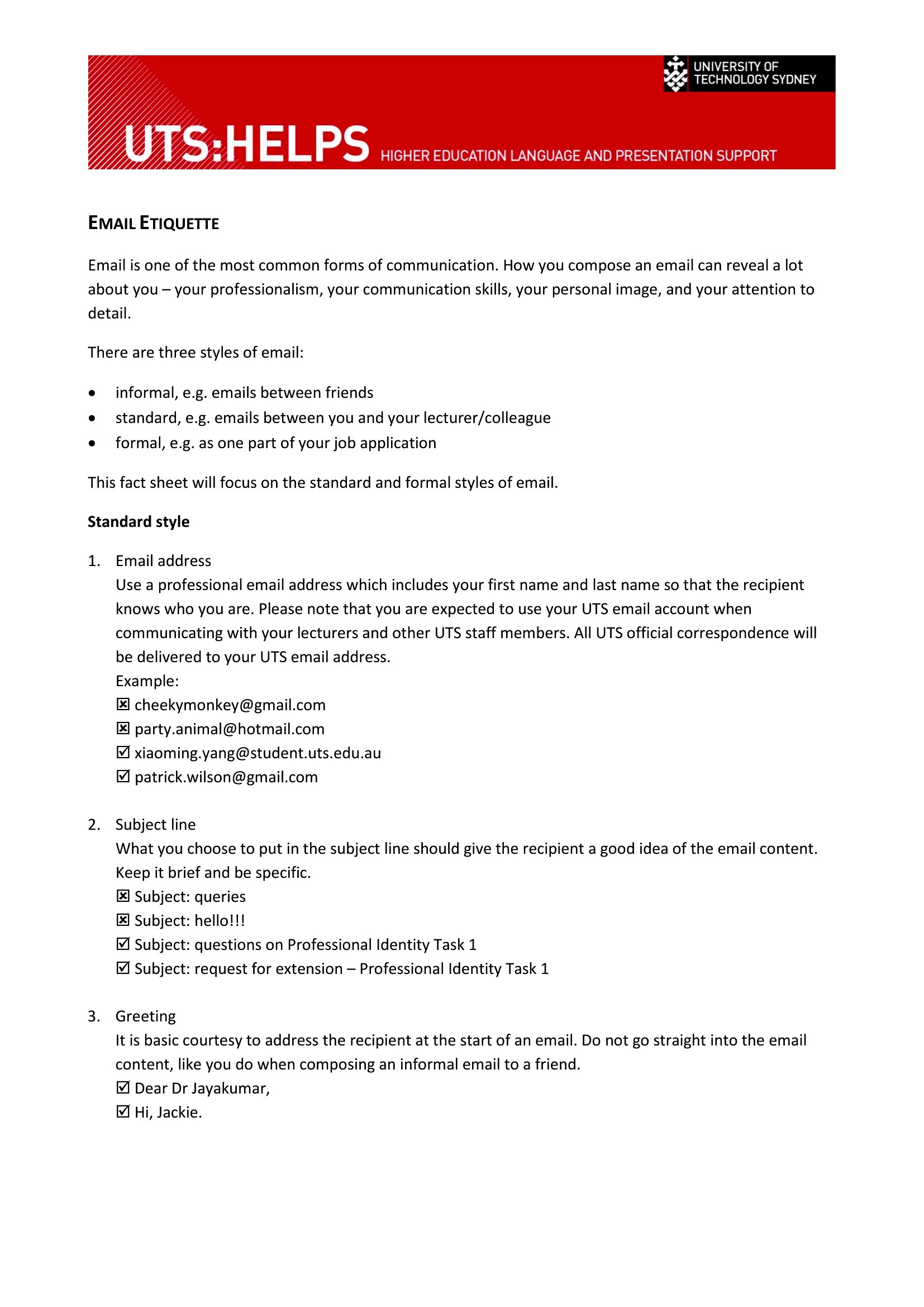
Knowing how to word a professional email saves time and protects your reputation, especially when the message is awkward or high-stakes. This set of 53 templates gives job seekers, employees, and business owners ready phrasing for introductions, follow-ups, requests, and replies, so you can hit the right tone without staring at a blank screen.
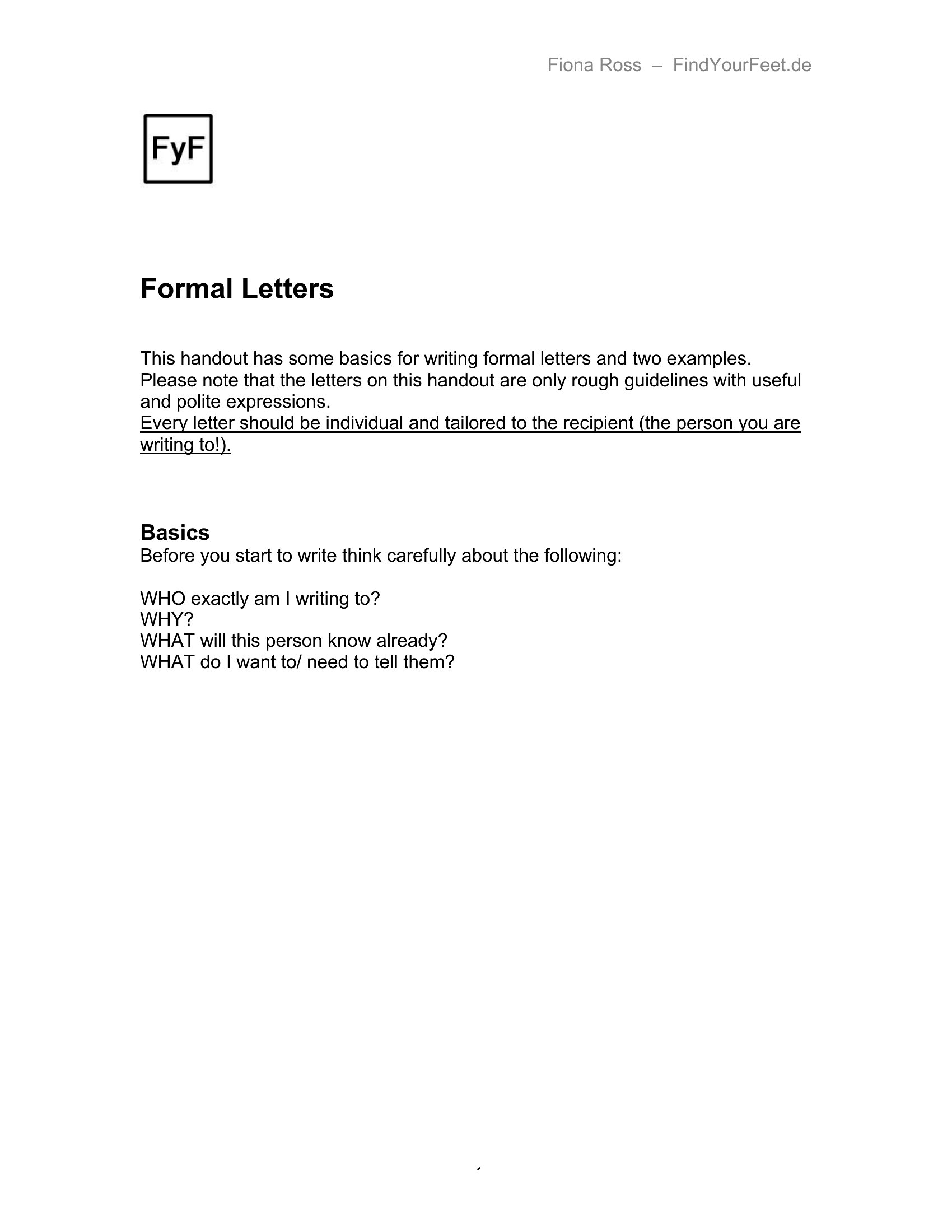
Copy the structure from the Word versions or keep the PDF copies handy as a reference, then swap in names and details for each situation. Adjust the formality to match your reader and trim anything that doesn't fit. Download the examples that match your needs and send messages that read clearly and land well.
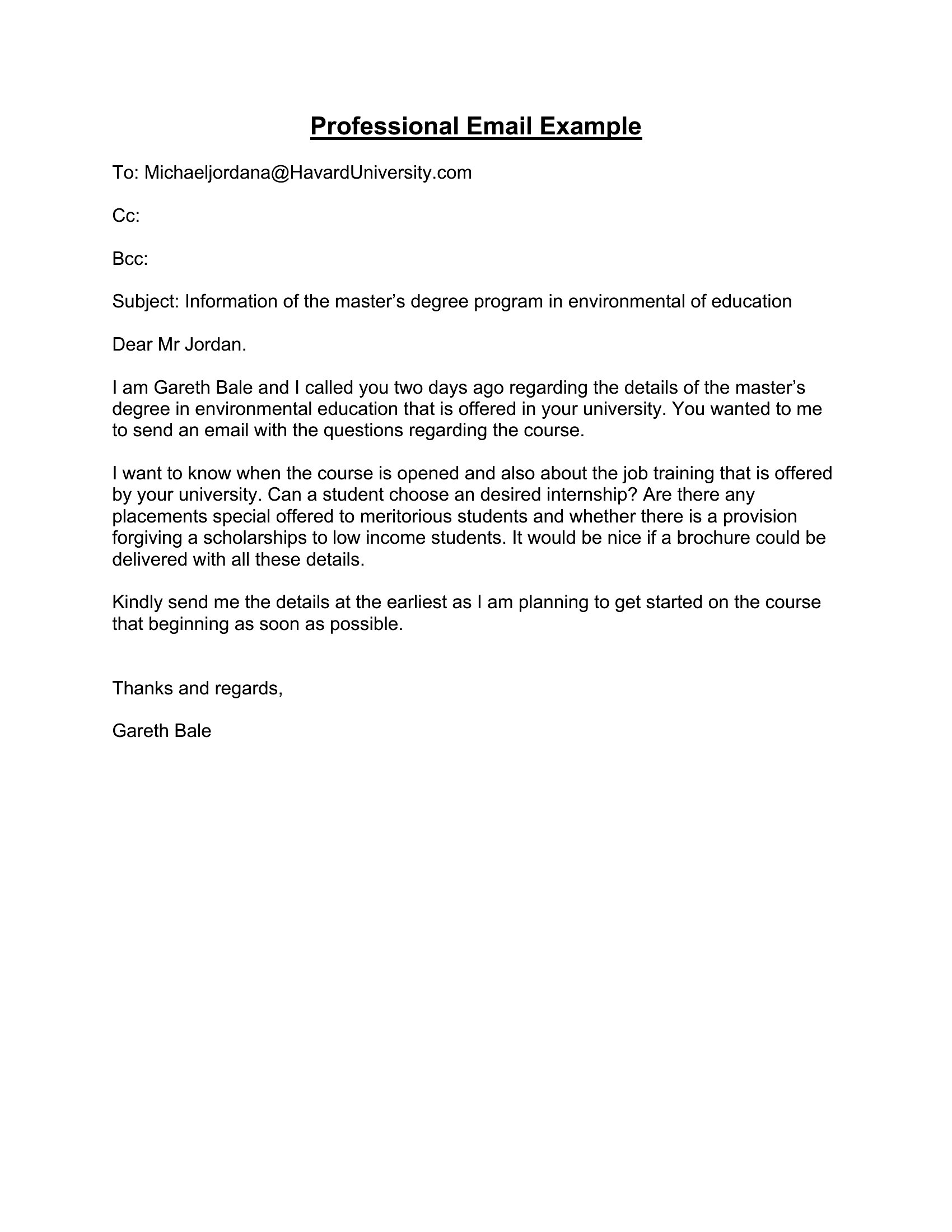
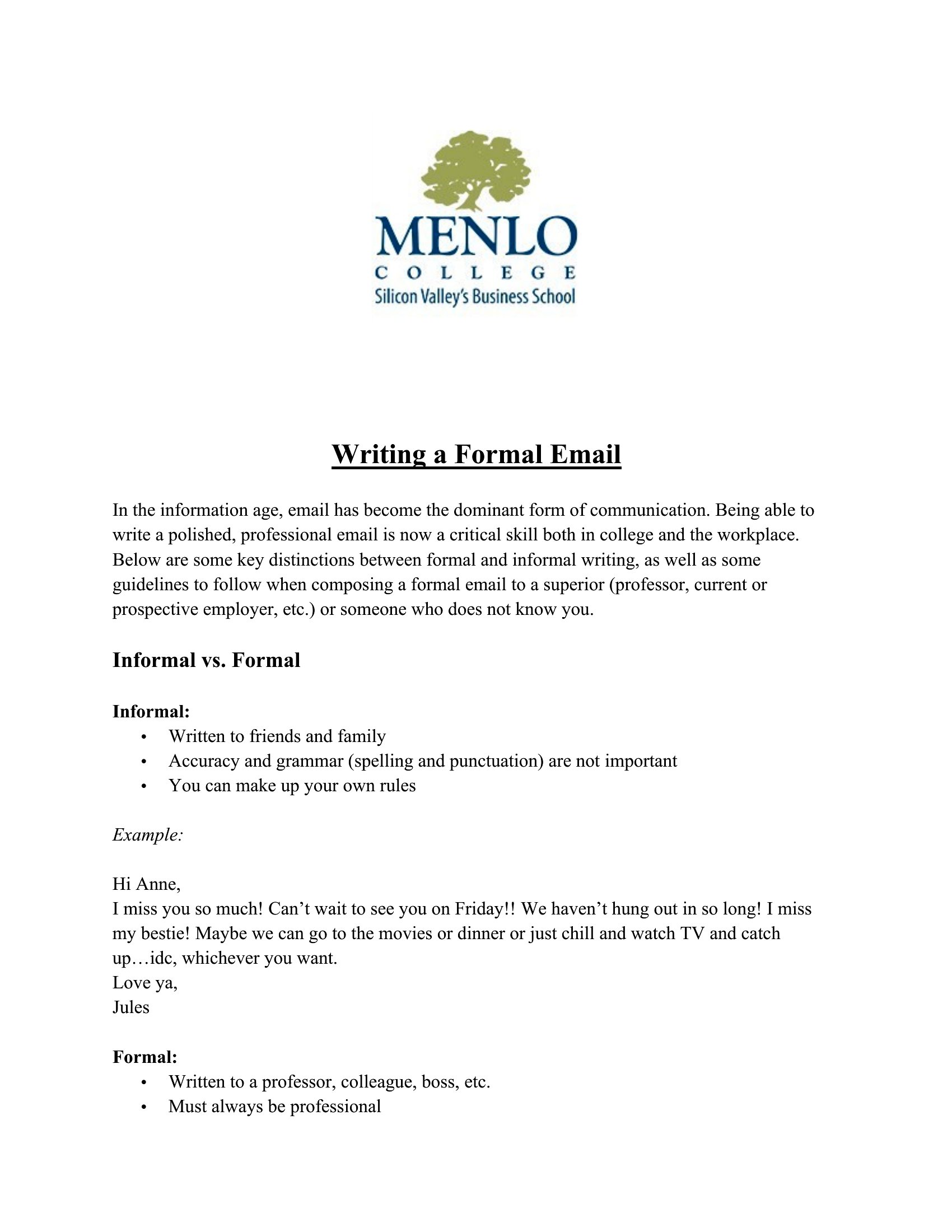
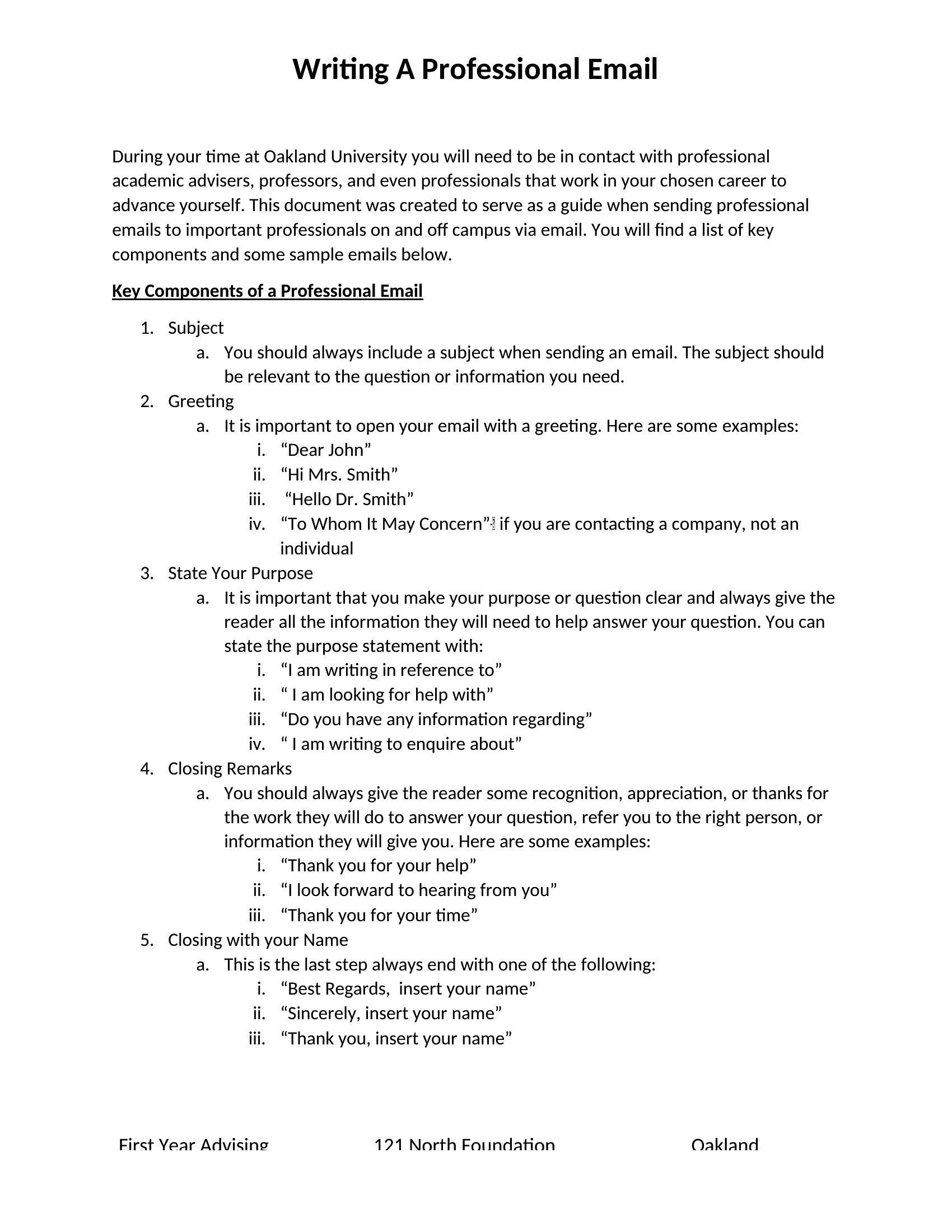
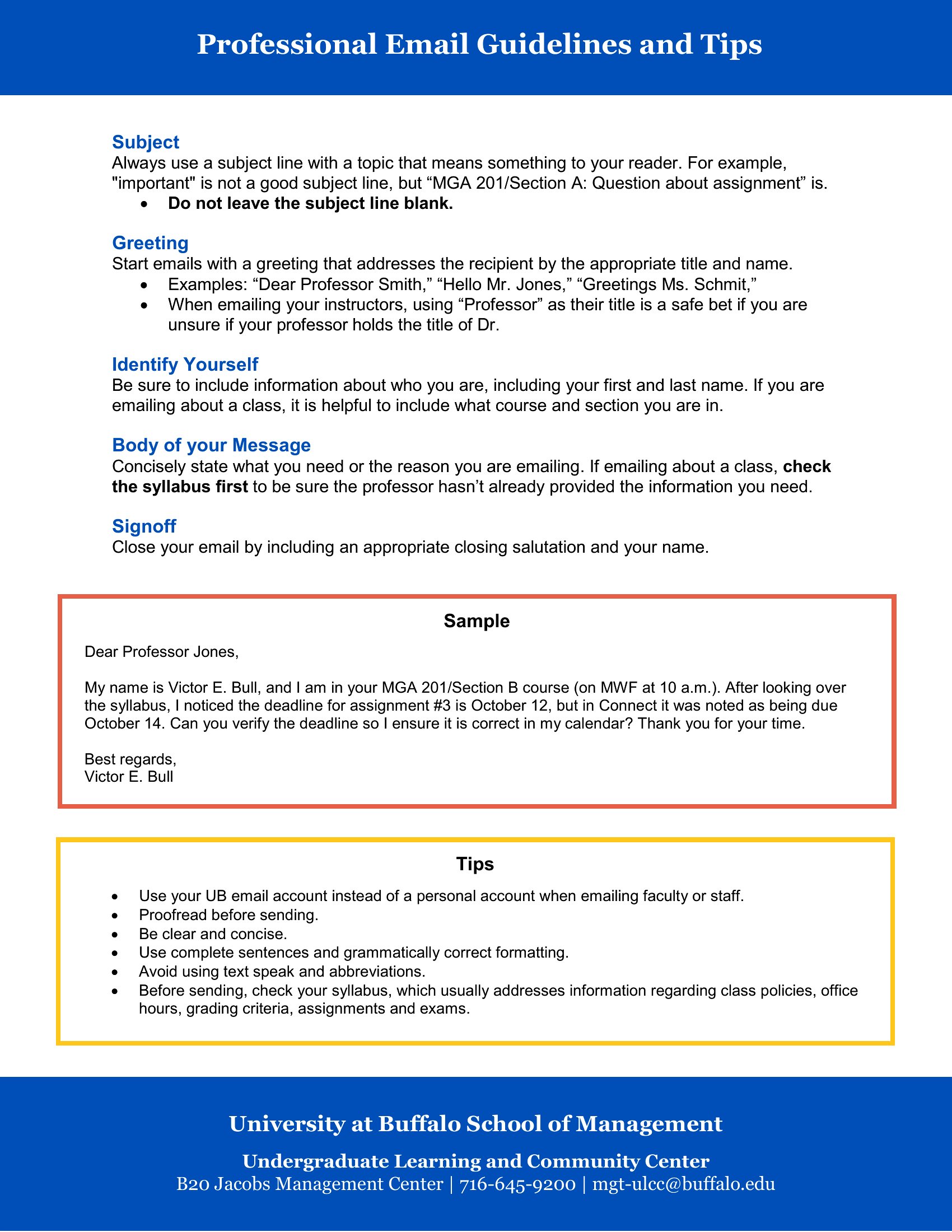
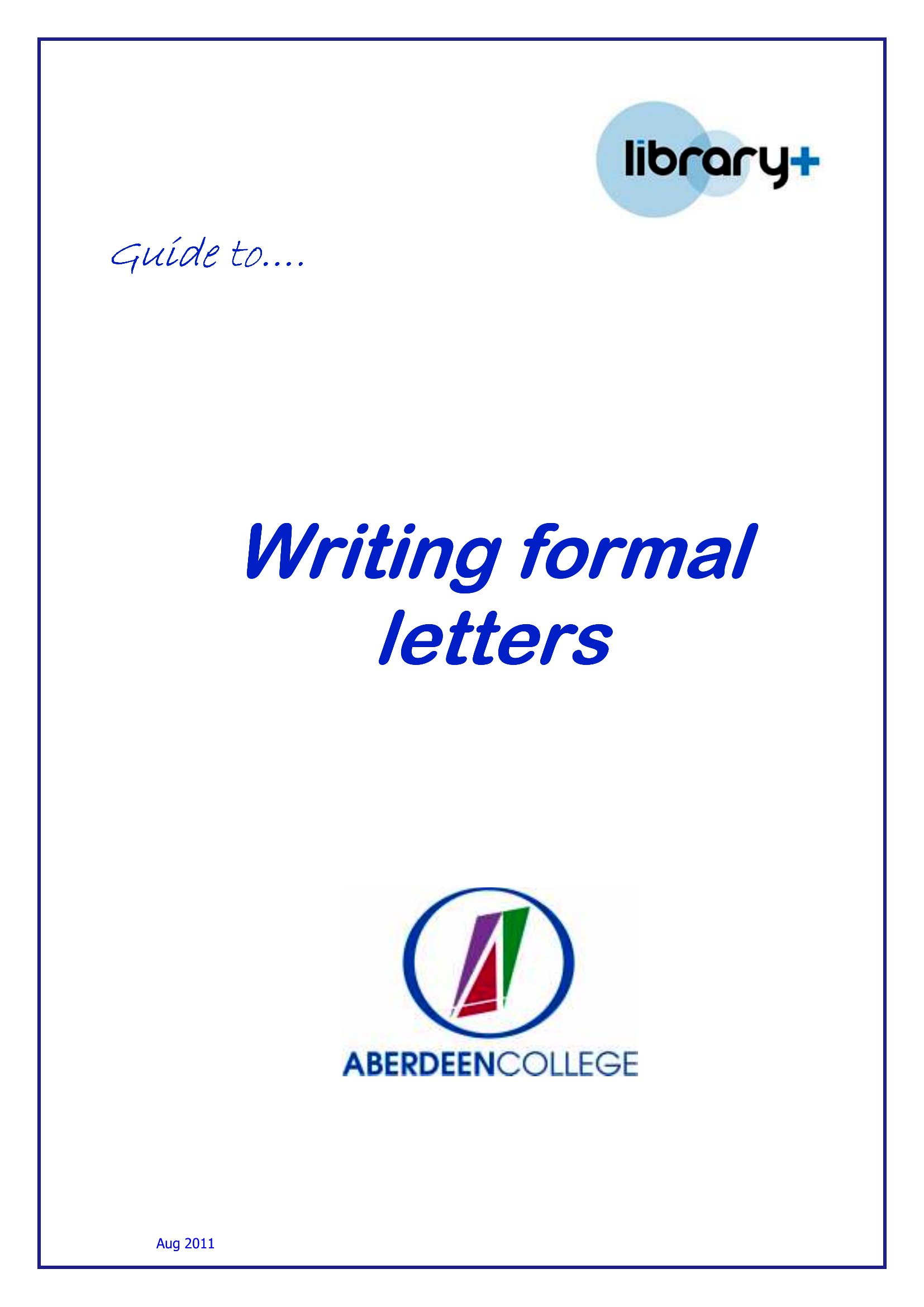
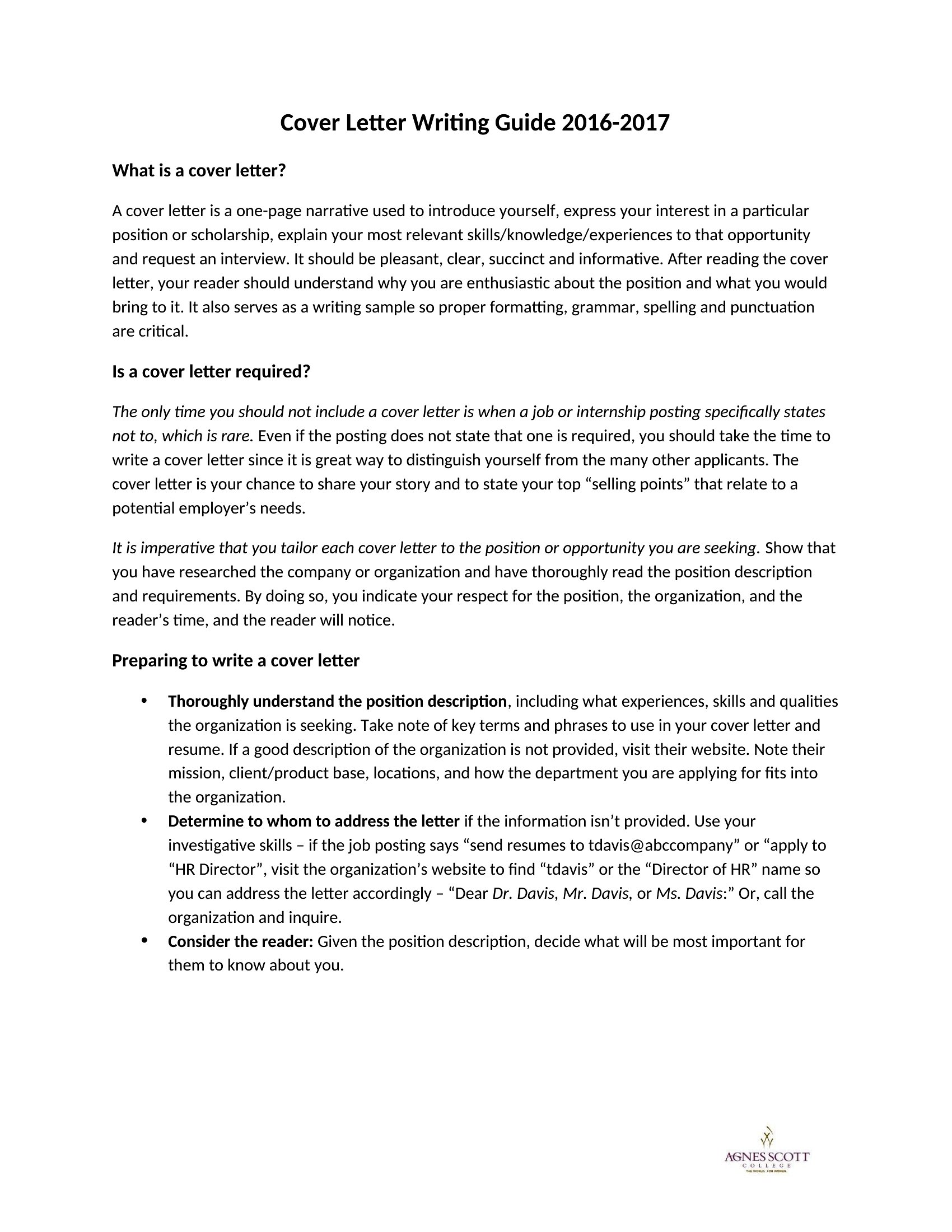
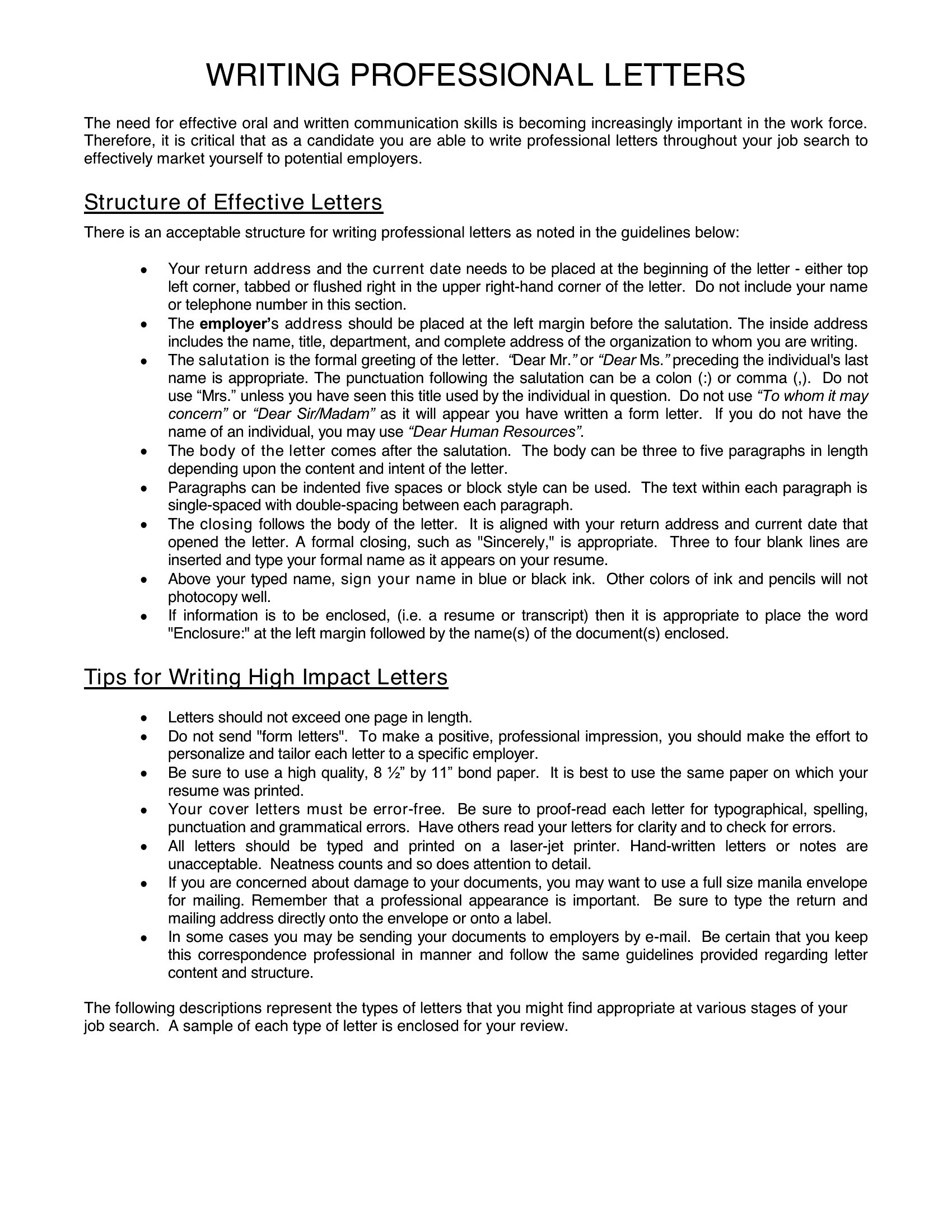
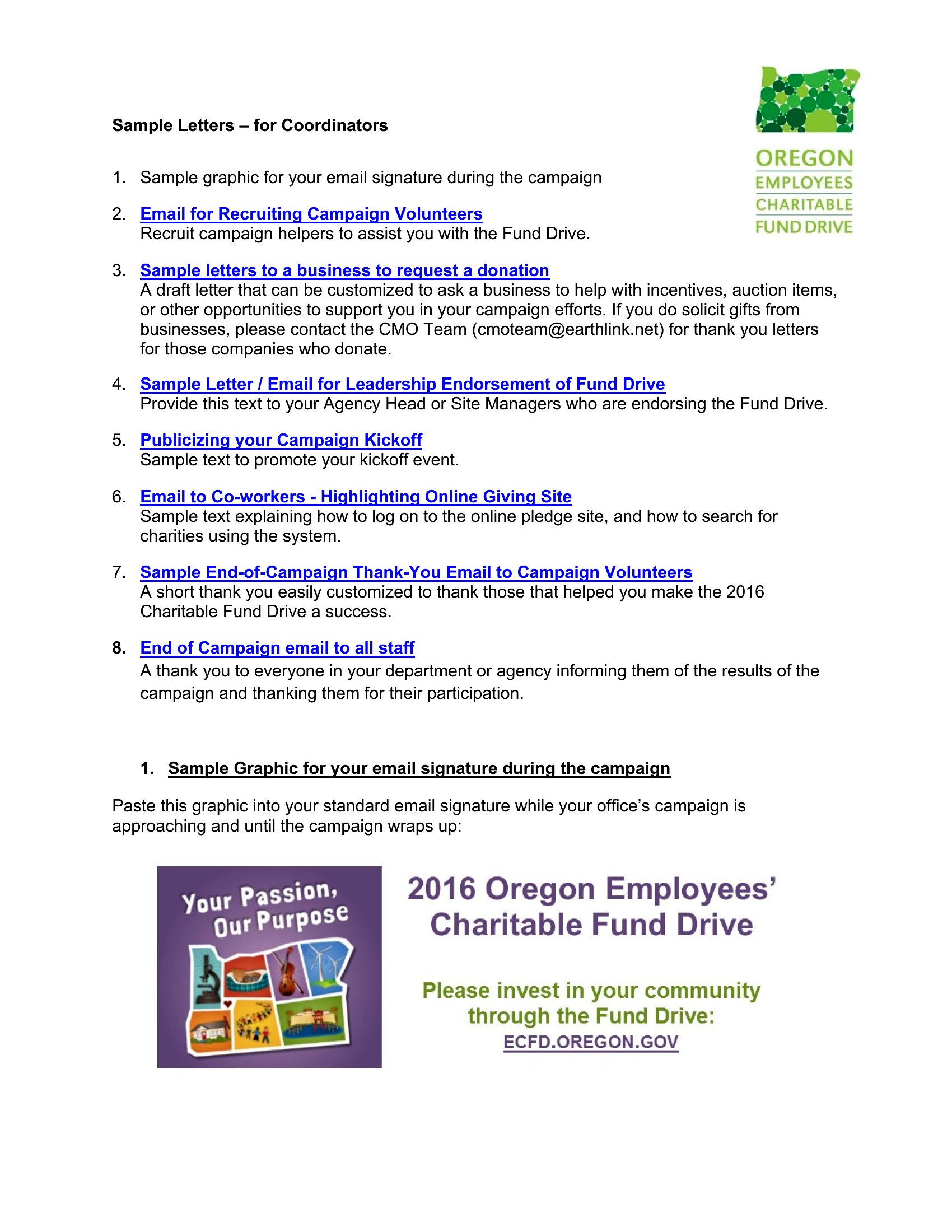
Choose from 53 Professional Email Templates
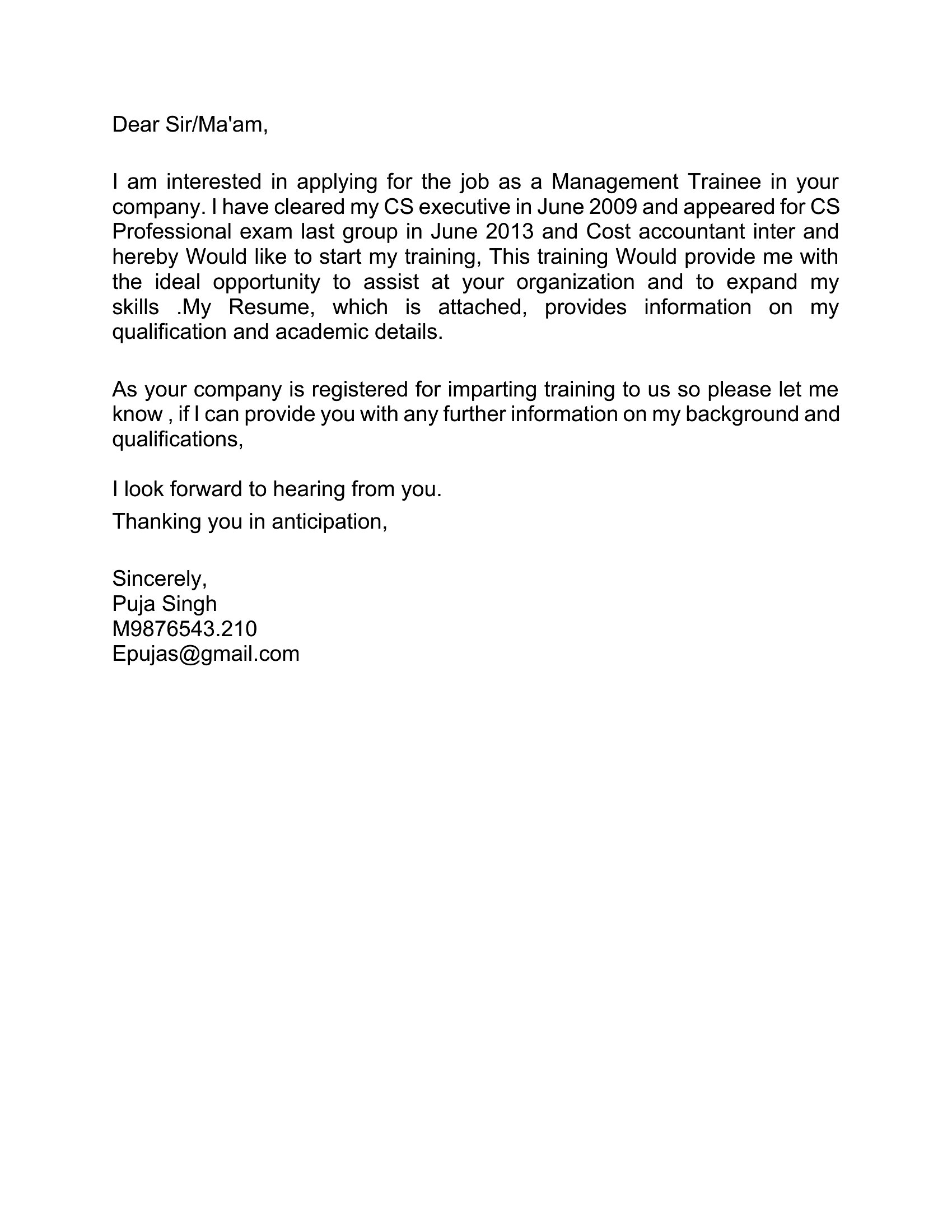
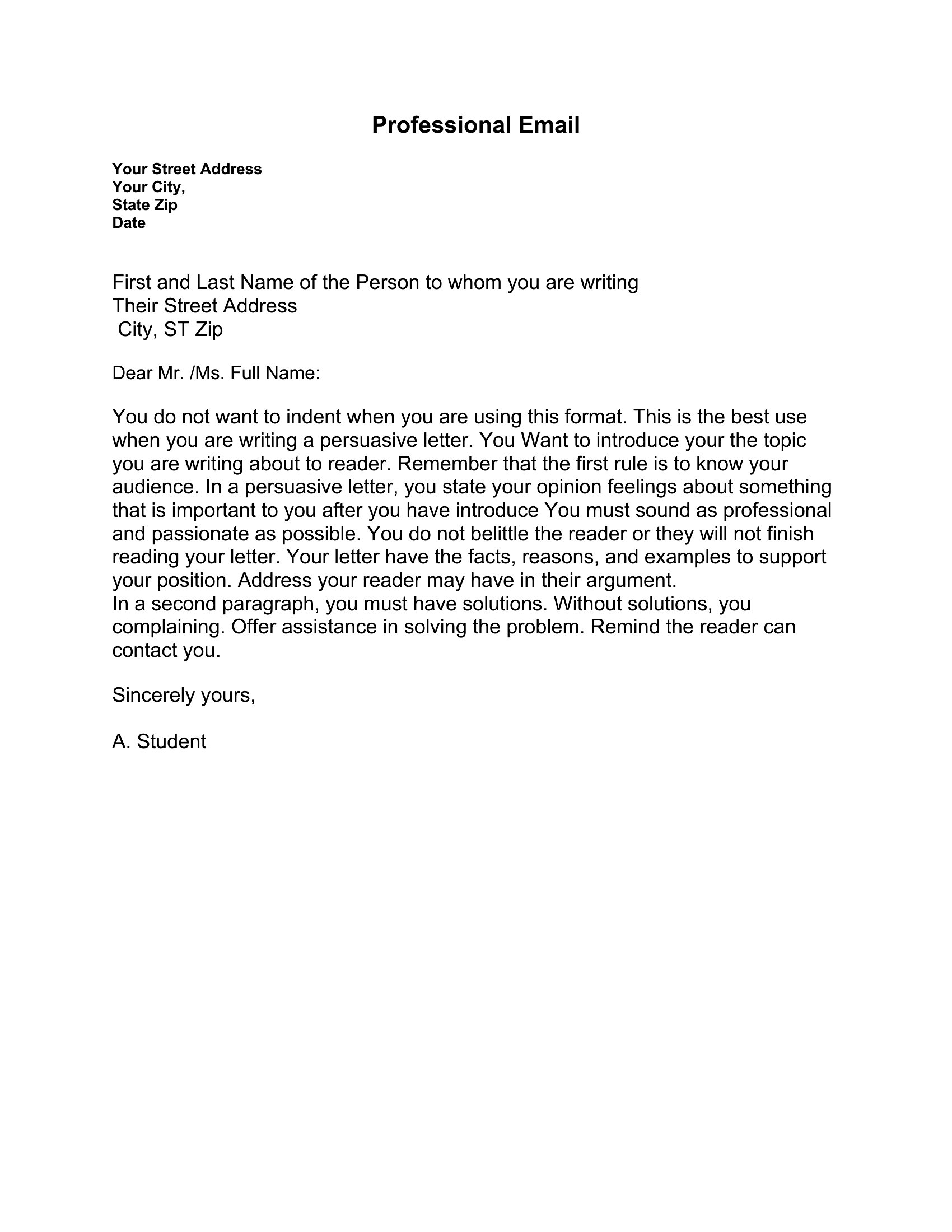
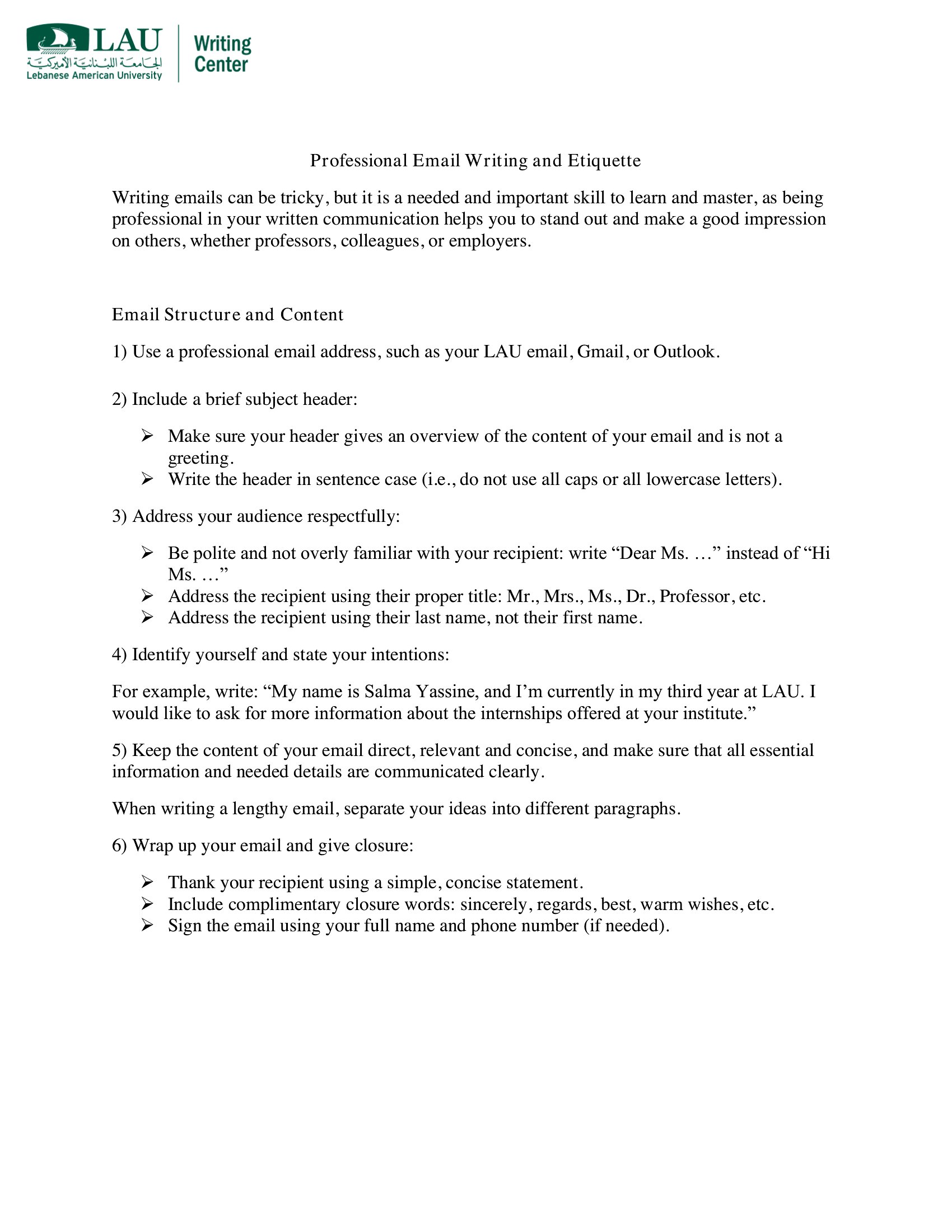
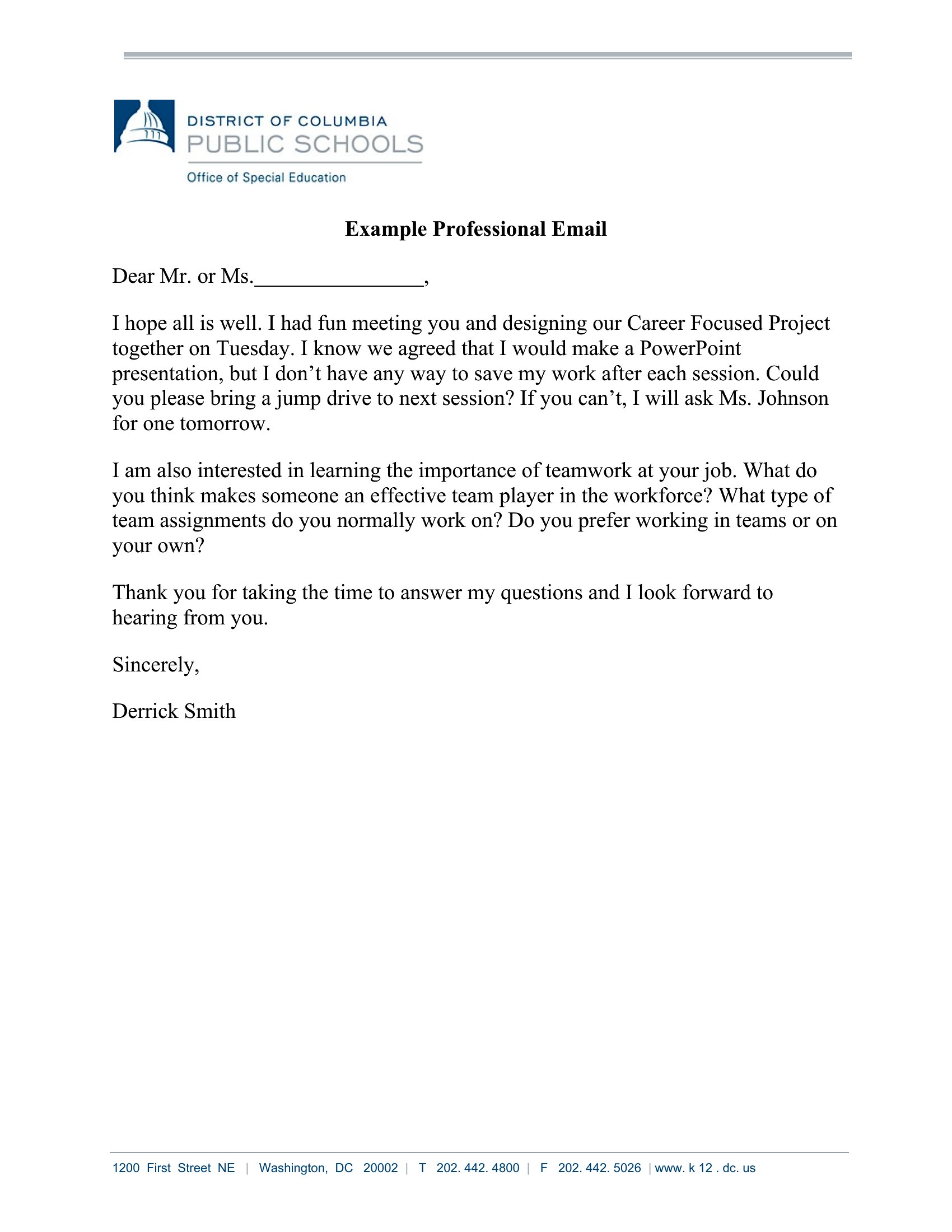
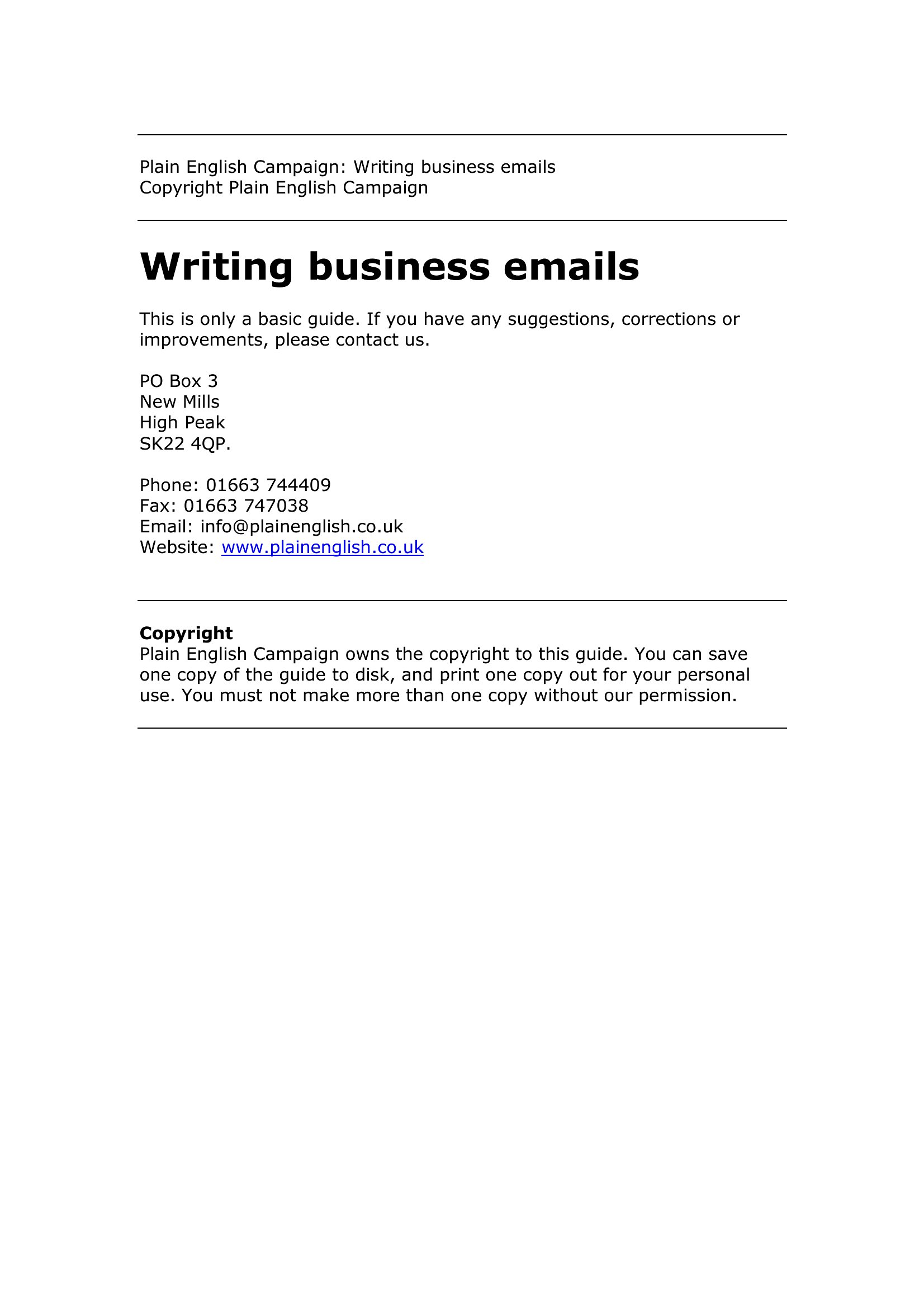
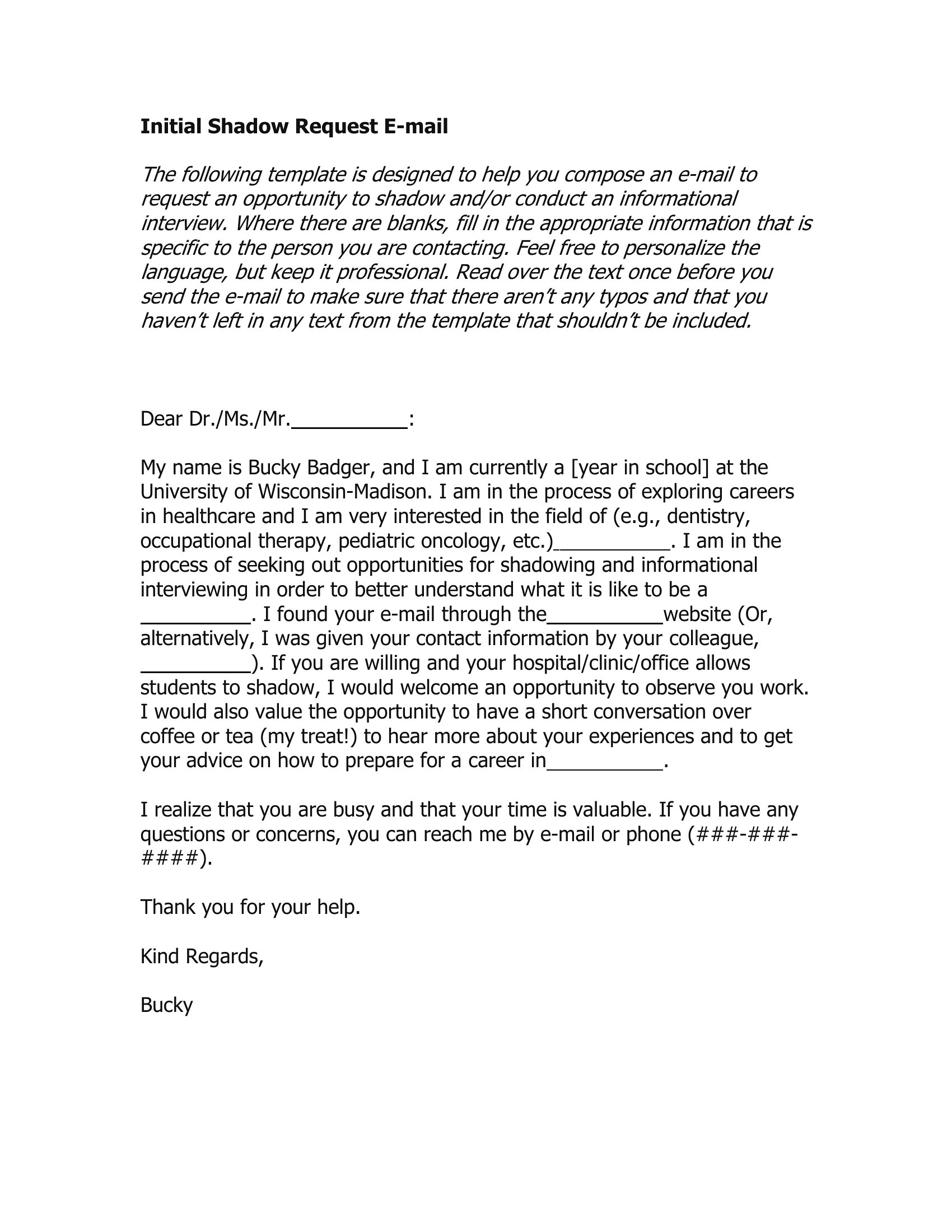
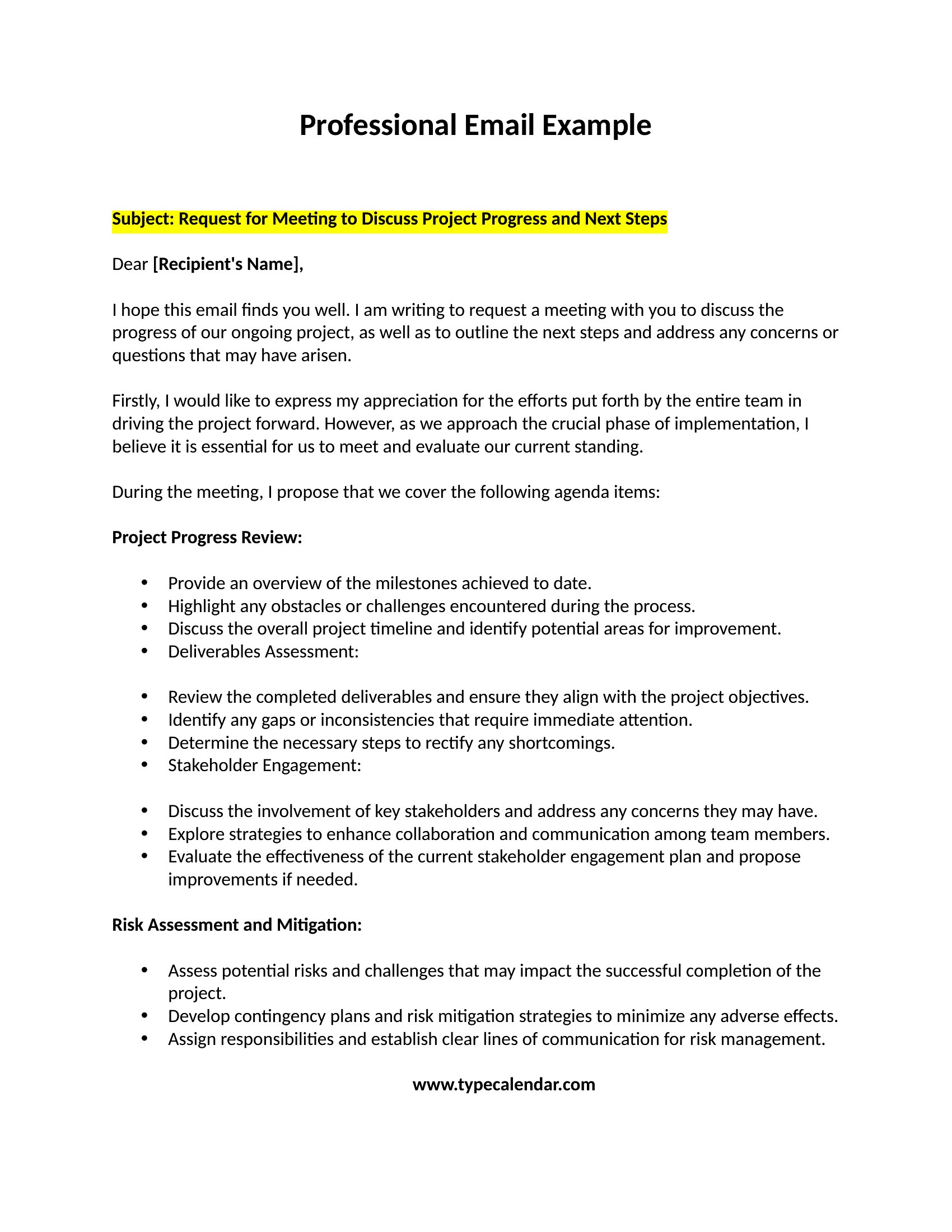
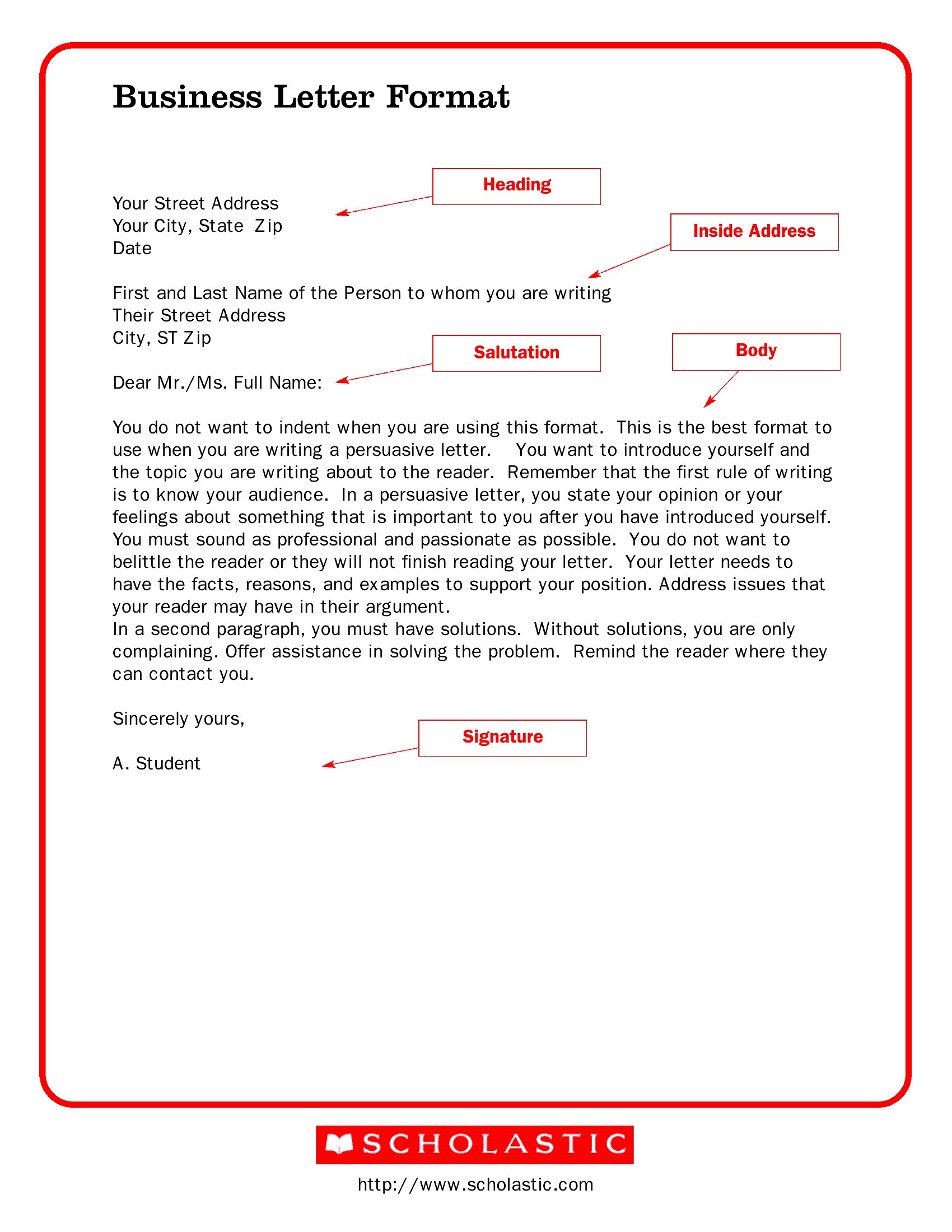
Frequently Asked Questions about Professional Email Templates
Are these Professional Email templates free to download?
Yes. Every Professional Email template in this collection is free to download from TemplateSpark. Just open the template you need, download it, and start editing right away — no subscription required to get started.
What file formats are available for Professional Email templates?
These Professional Email templates are available in Word and PDF. Pick the format that matches your workflow — each download keeps the original layout so it looks right whether you open, print, or share it.
Can I edit these Professional Email templates?
Yes. The editable files open in Microsoft Word (and compatible apps like Google Docs or LibreOffice), so you can change the text, colors, and layout to fit your needs, then save or export the finished Professional Email document.
How many Professional Email templates can I choose from?
This page collects 53 Professional Email templates so you can compare styles and layouts in one place. Browse the options, open the one that fits your purpose best, and download it in your preferred format.
Can I use Professional Email templates for commercial purposes?
In most cases, yes — these Professional Email templates are intended for both personal and business use. Check the license note on the template before redistributing or reselling, and avoid sharing the source files as your own product.
What makes a professional email effective?
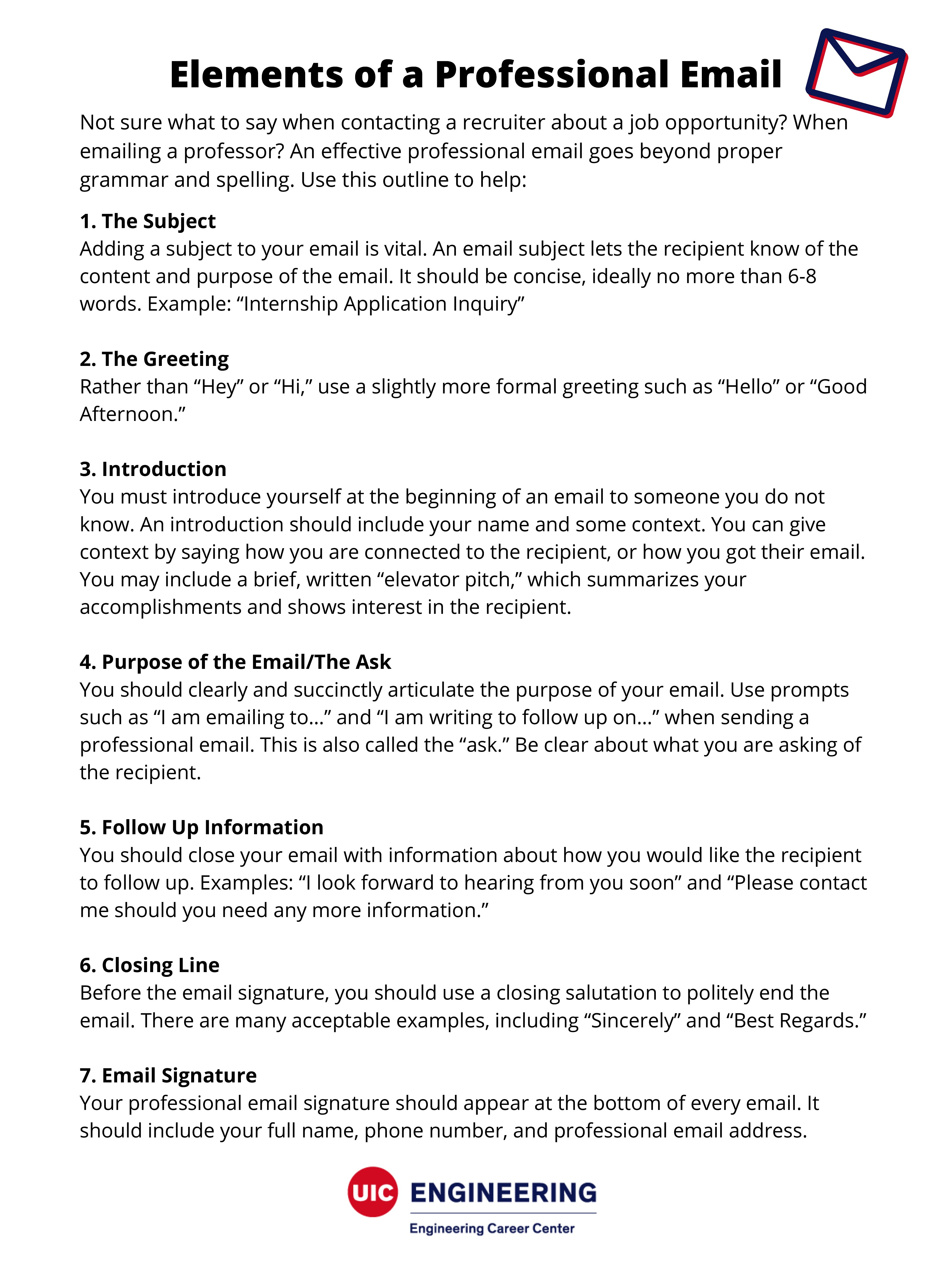
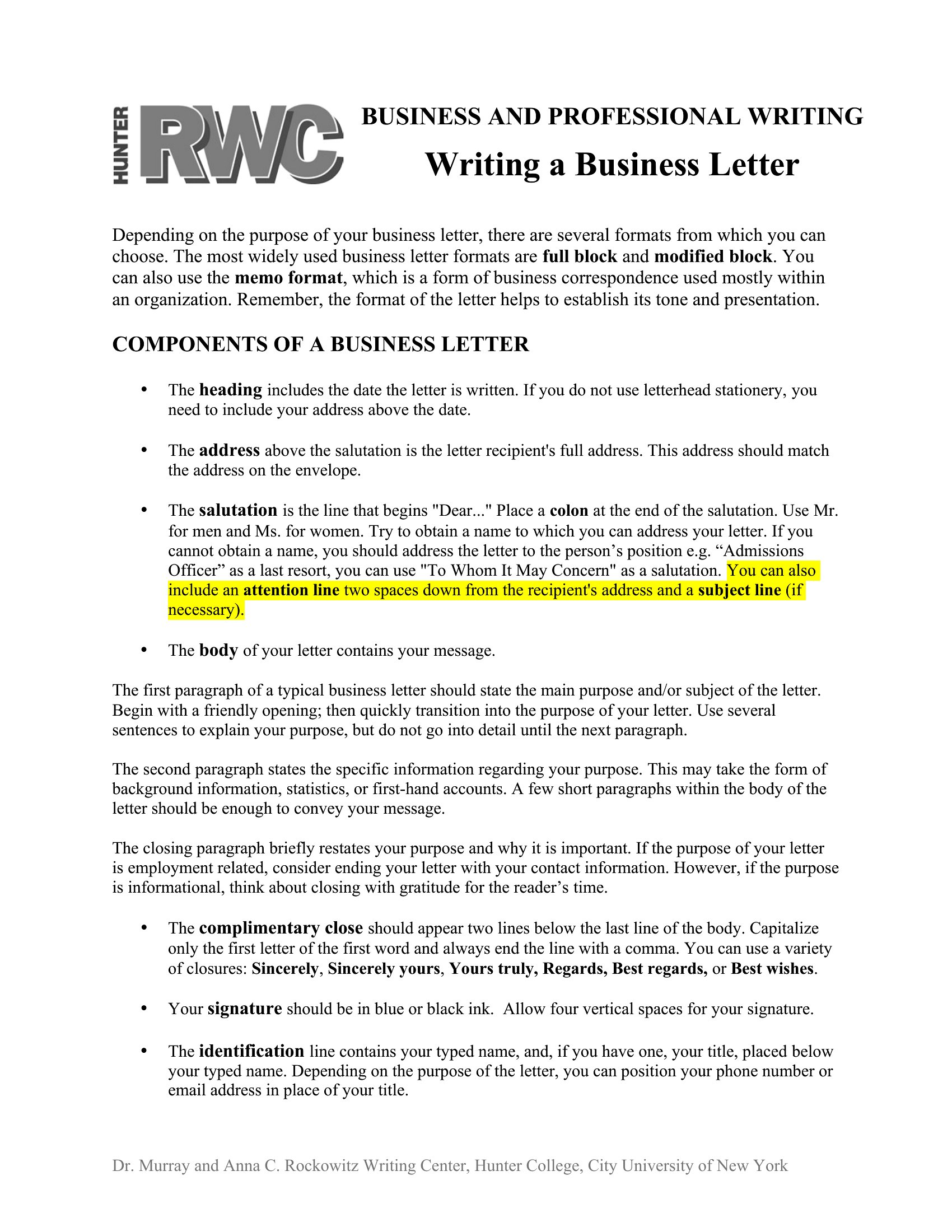
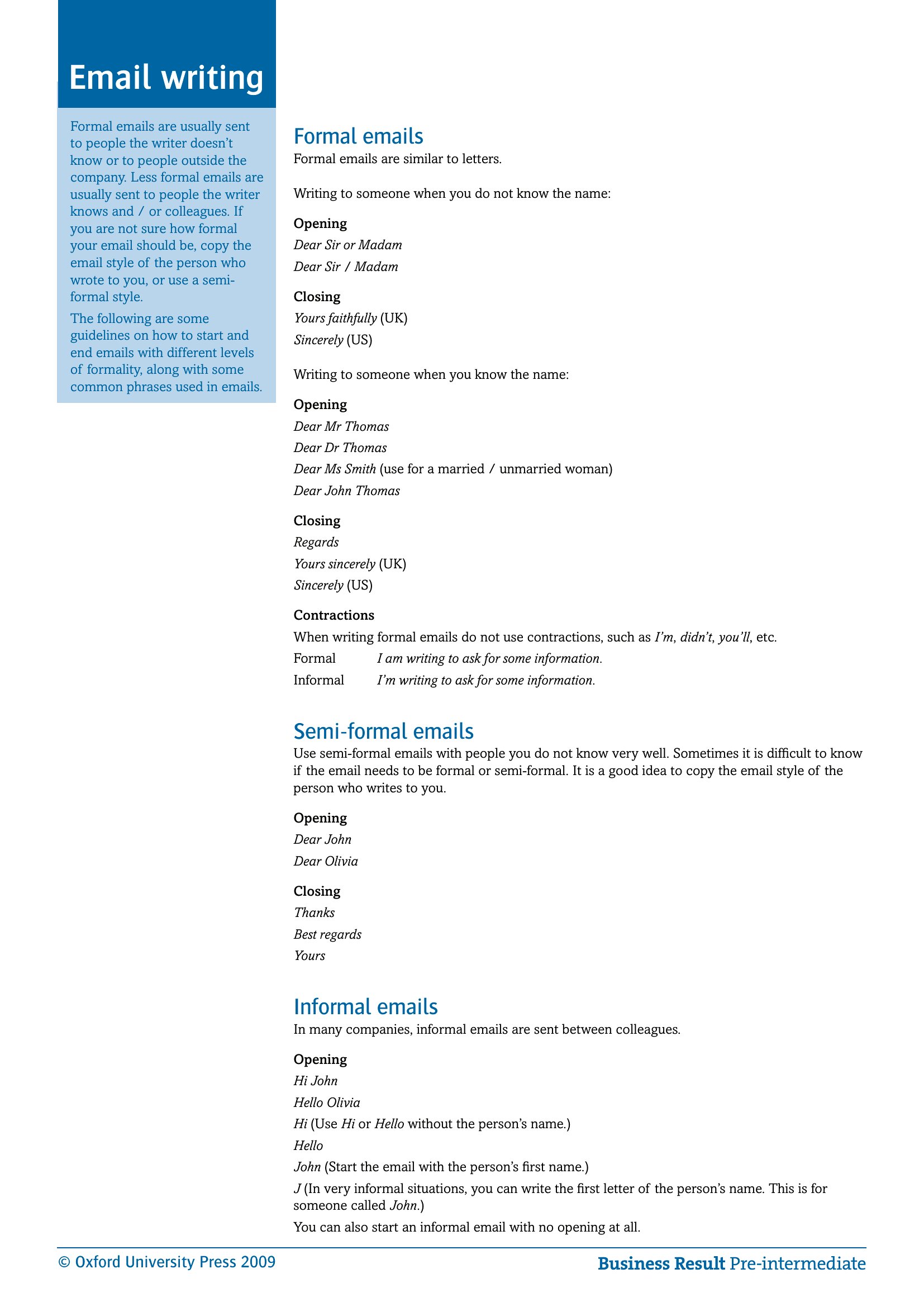
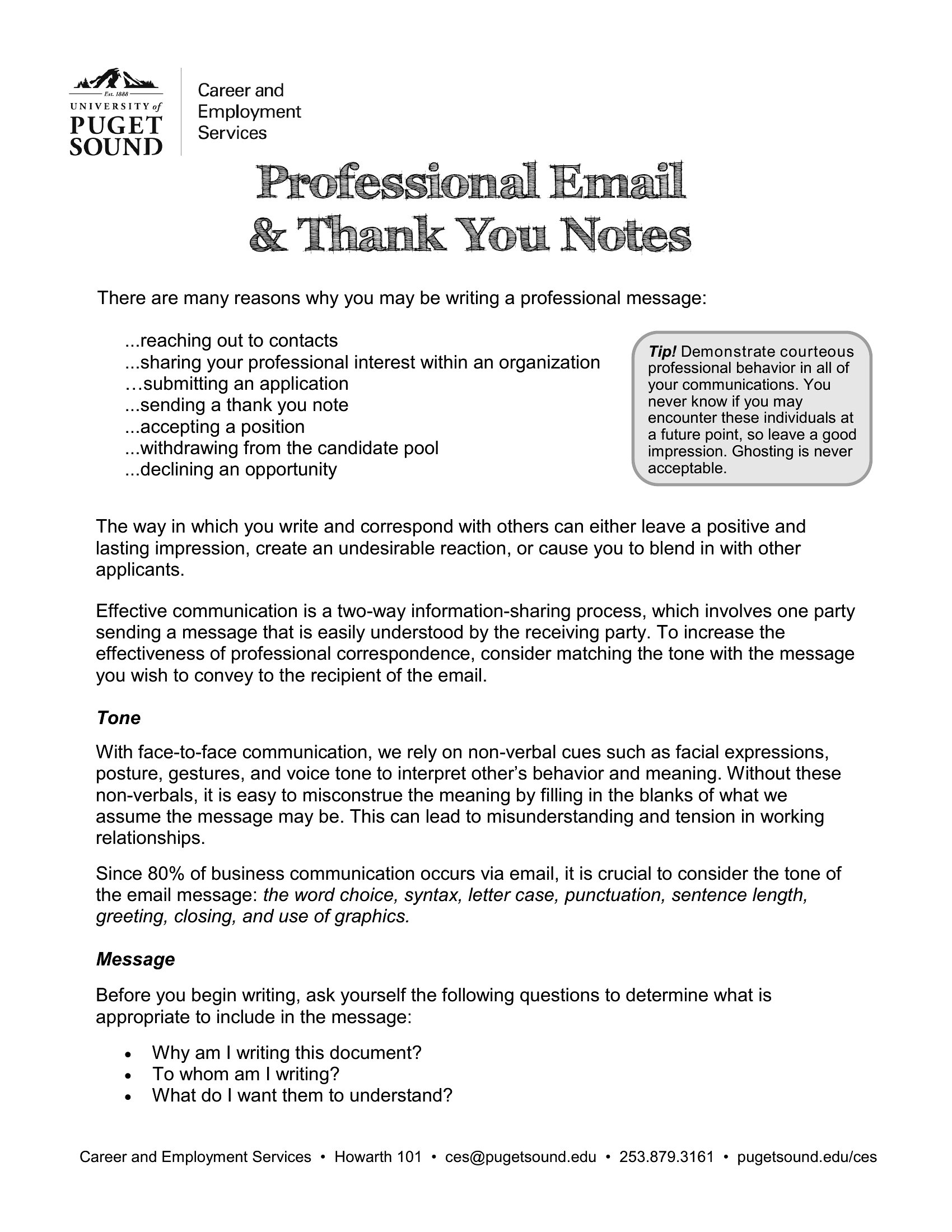
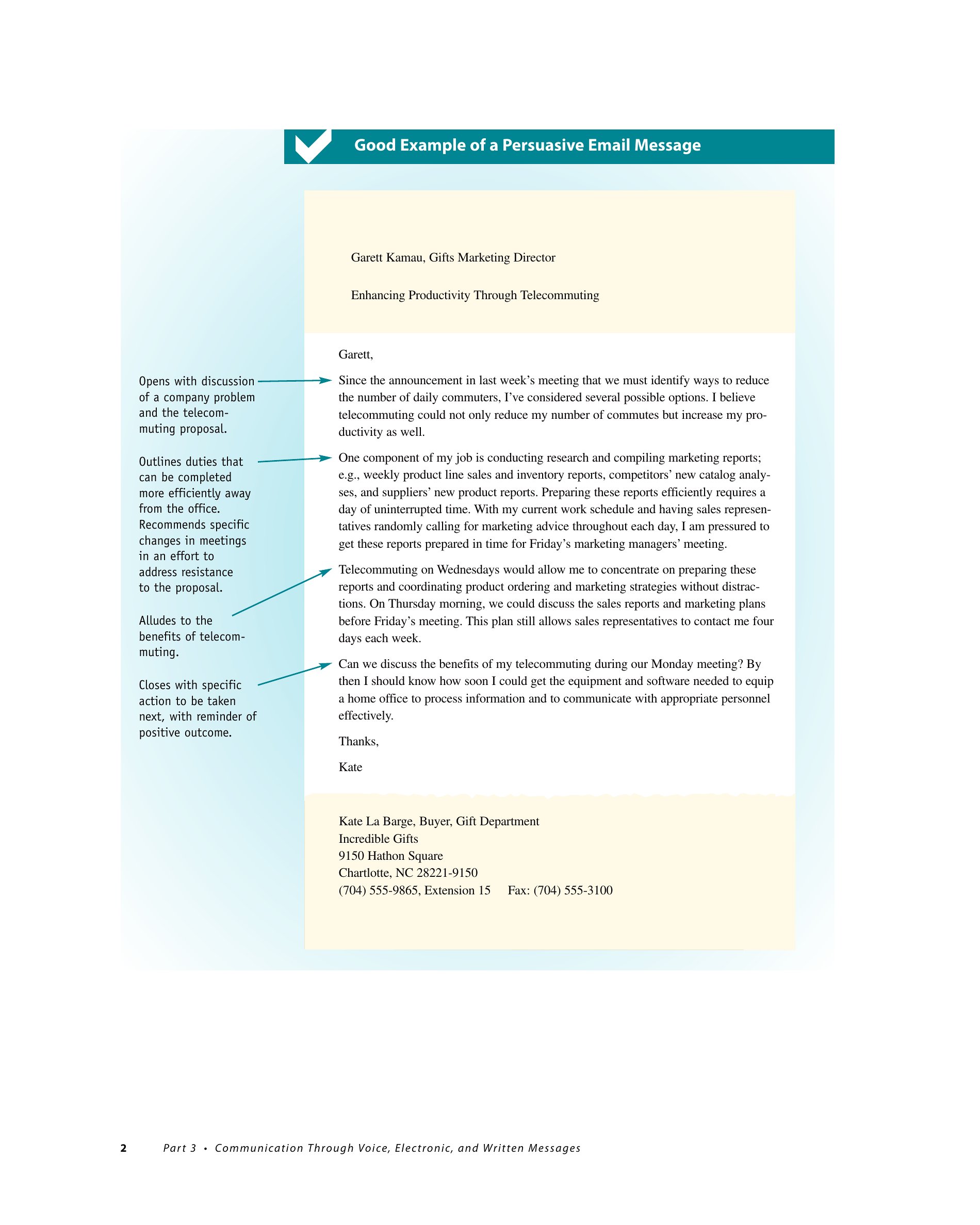
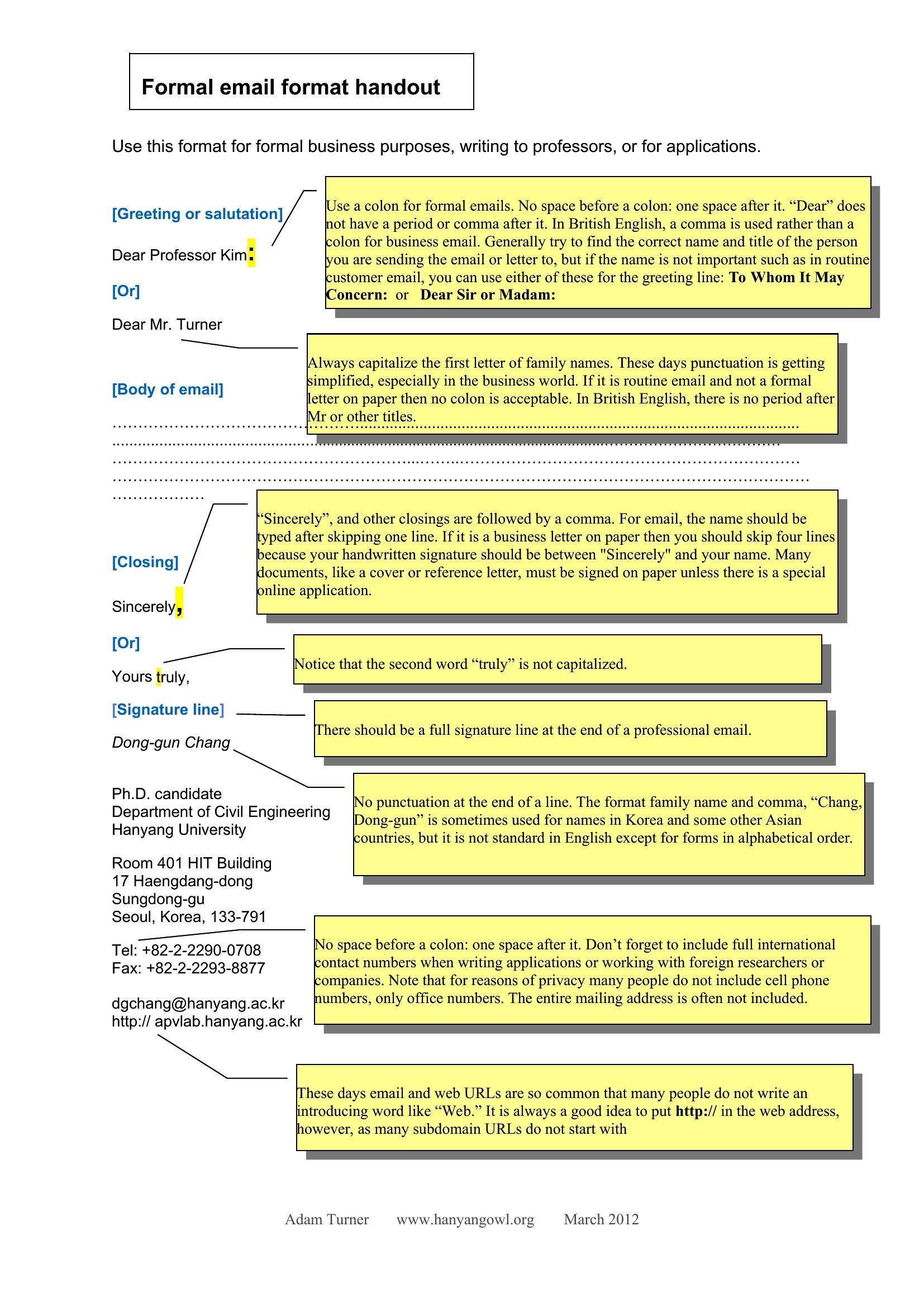
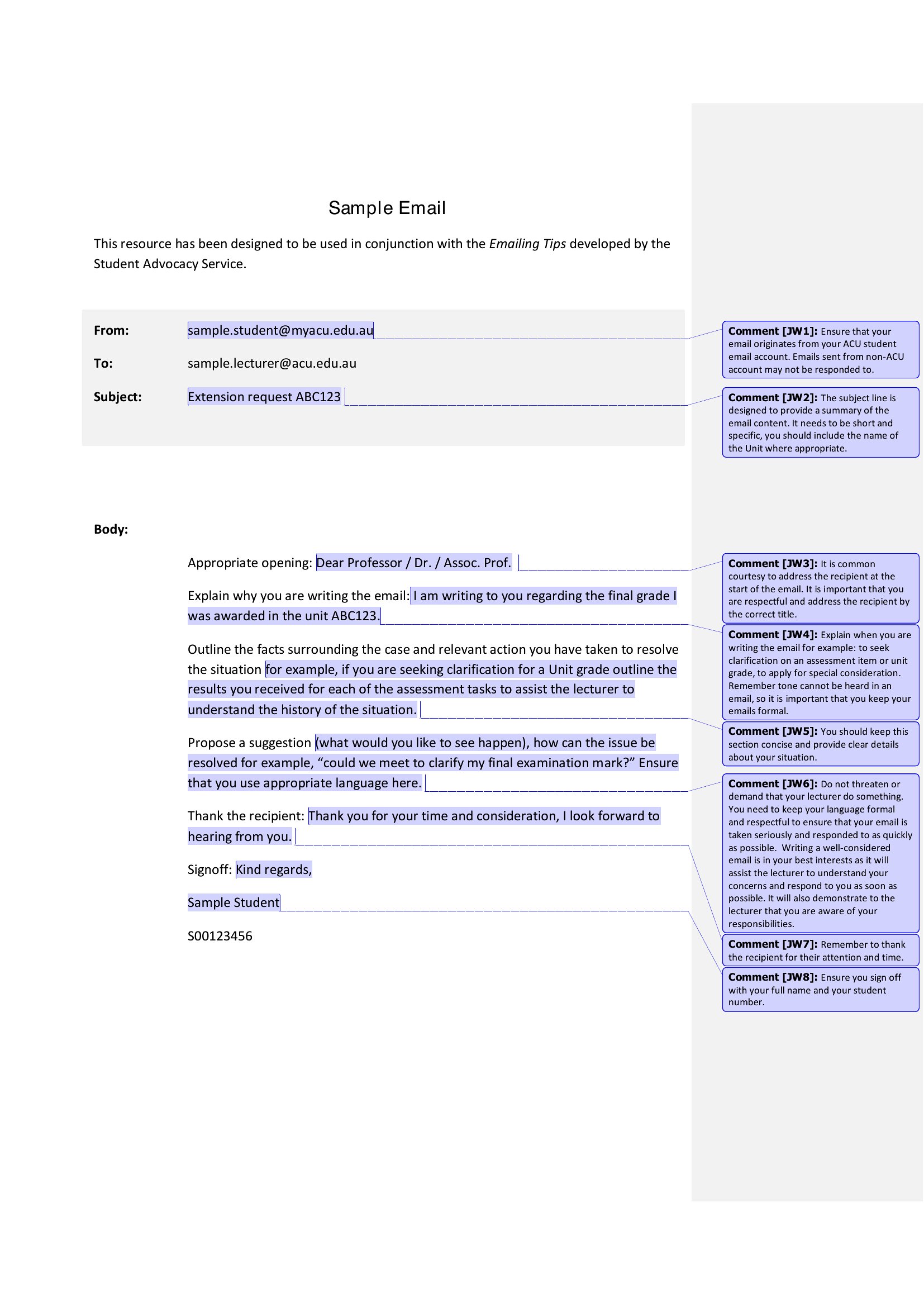
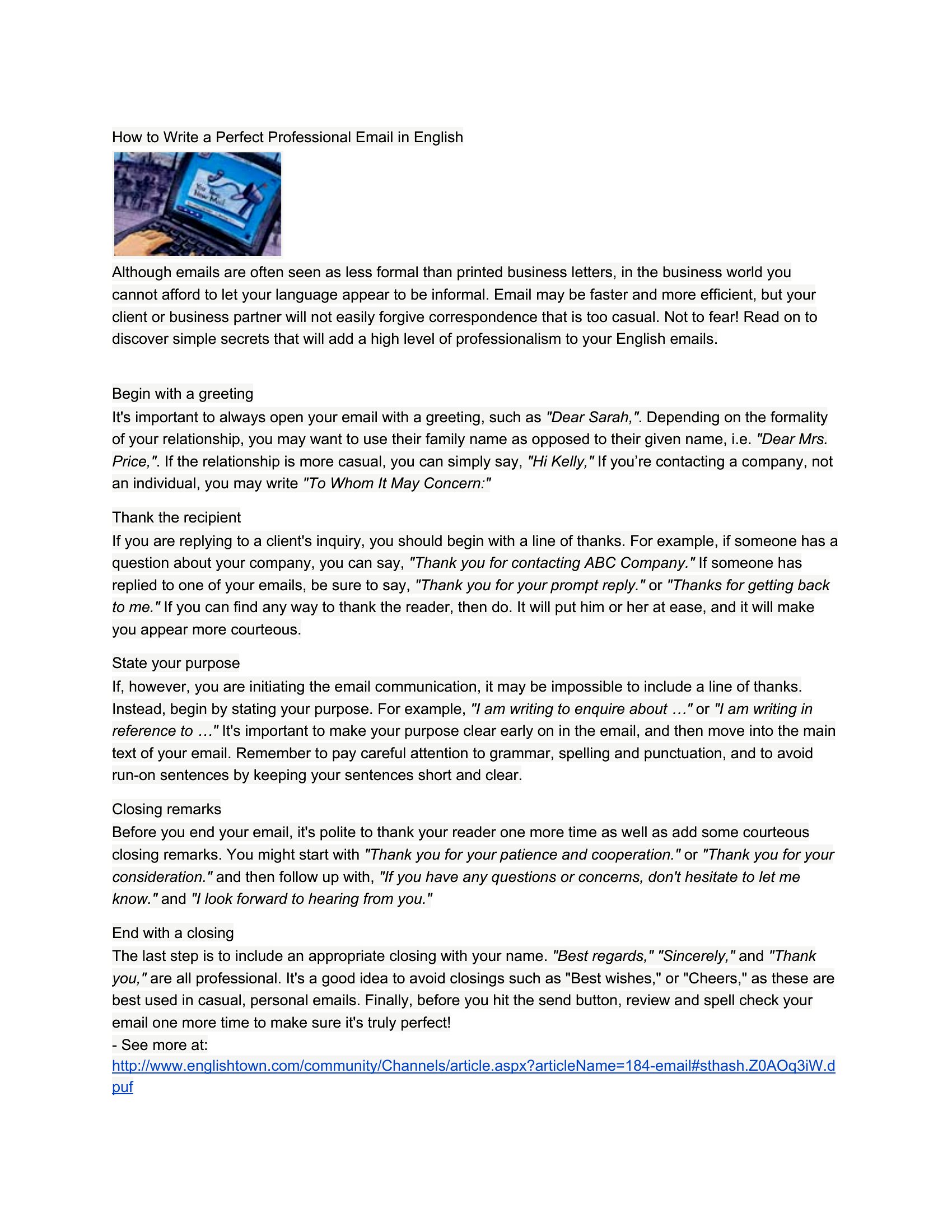
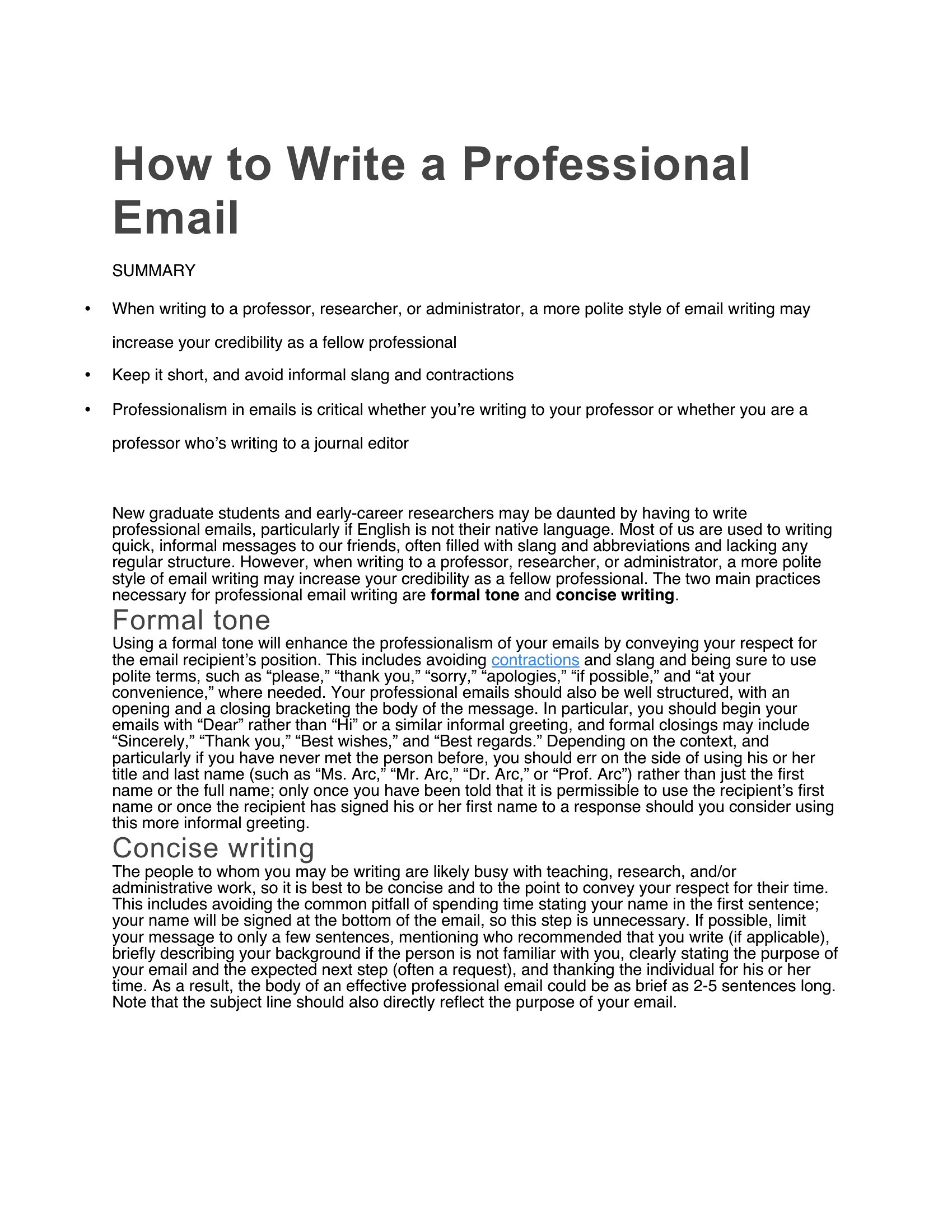
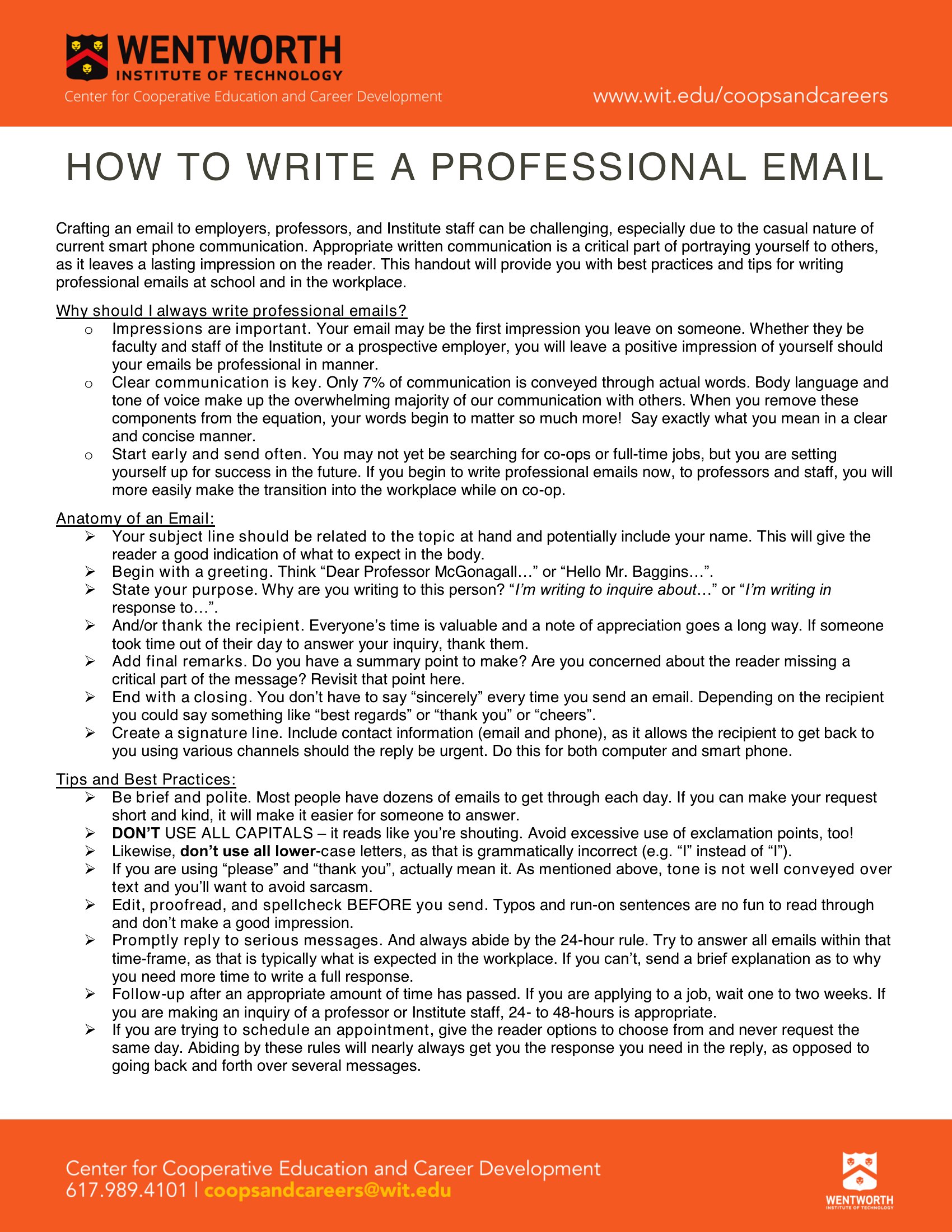
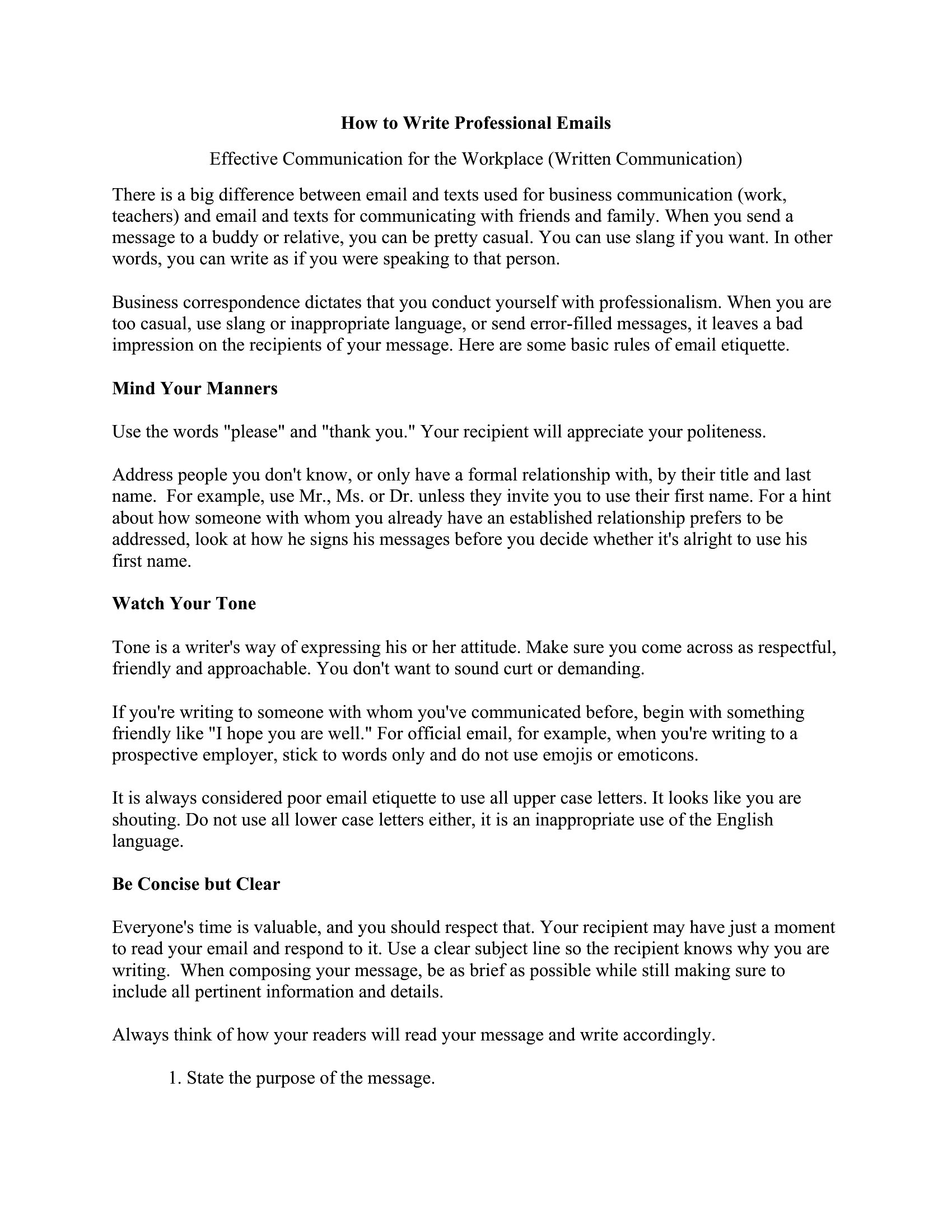
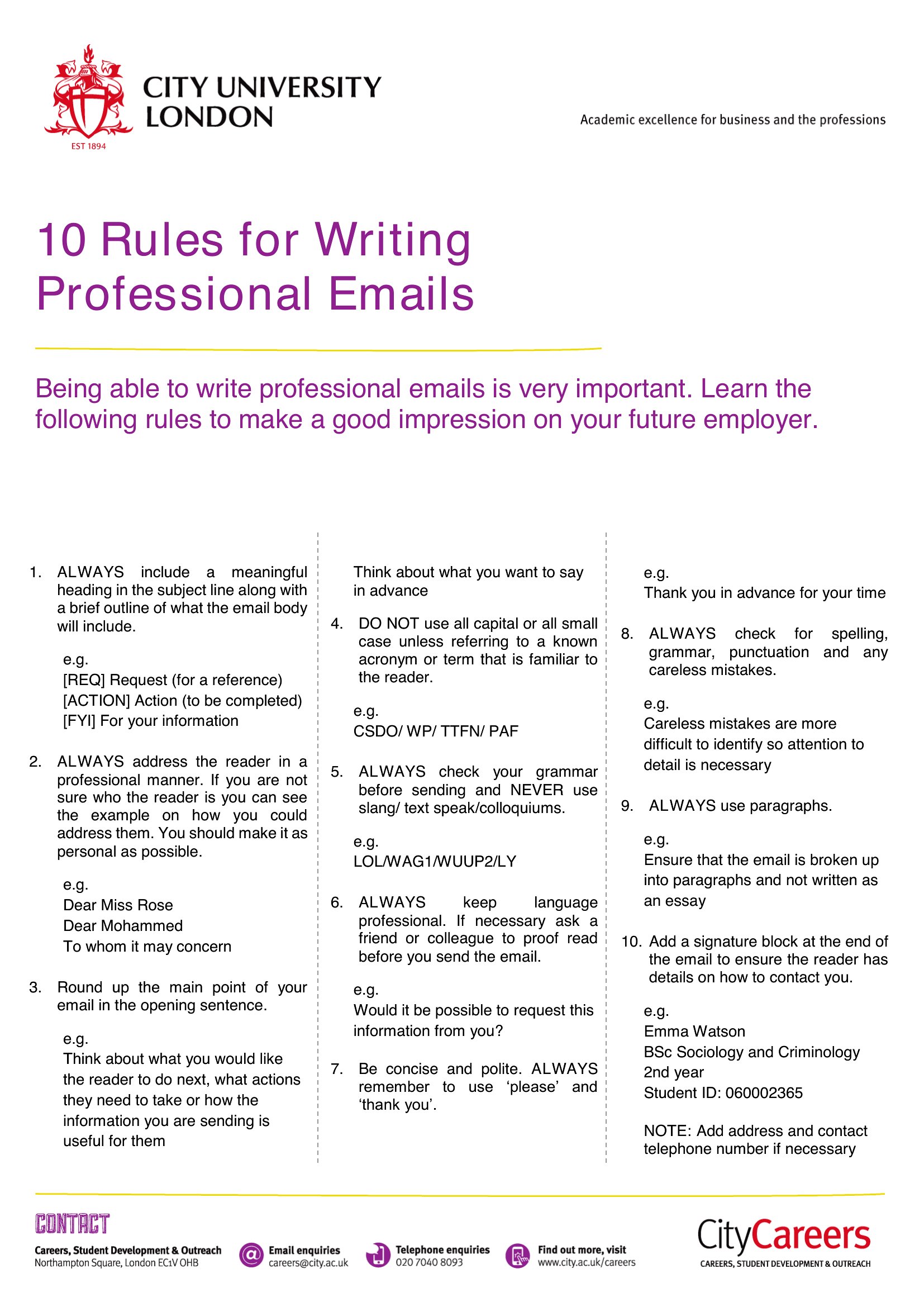
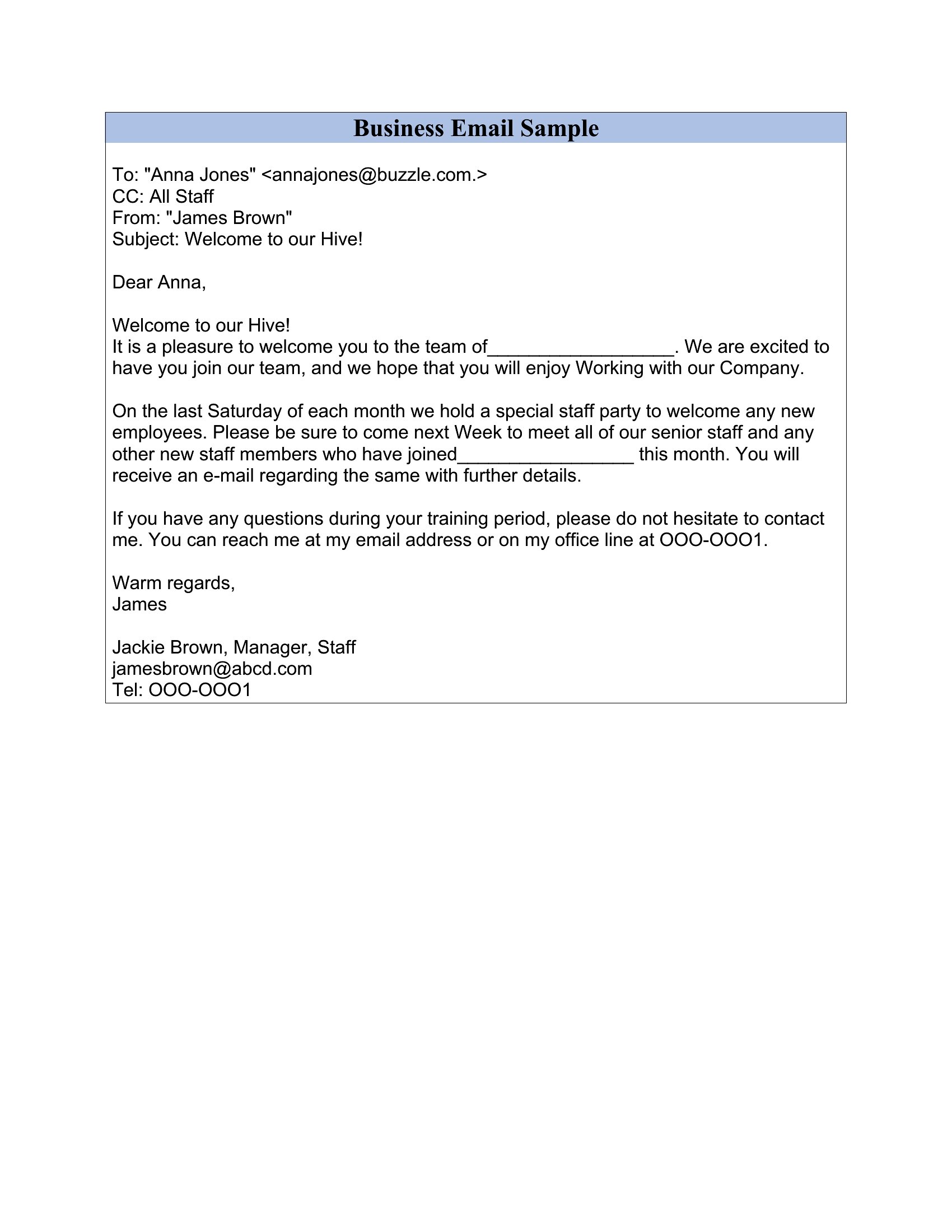
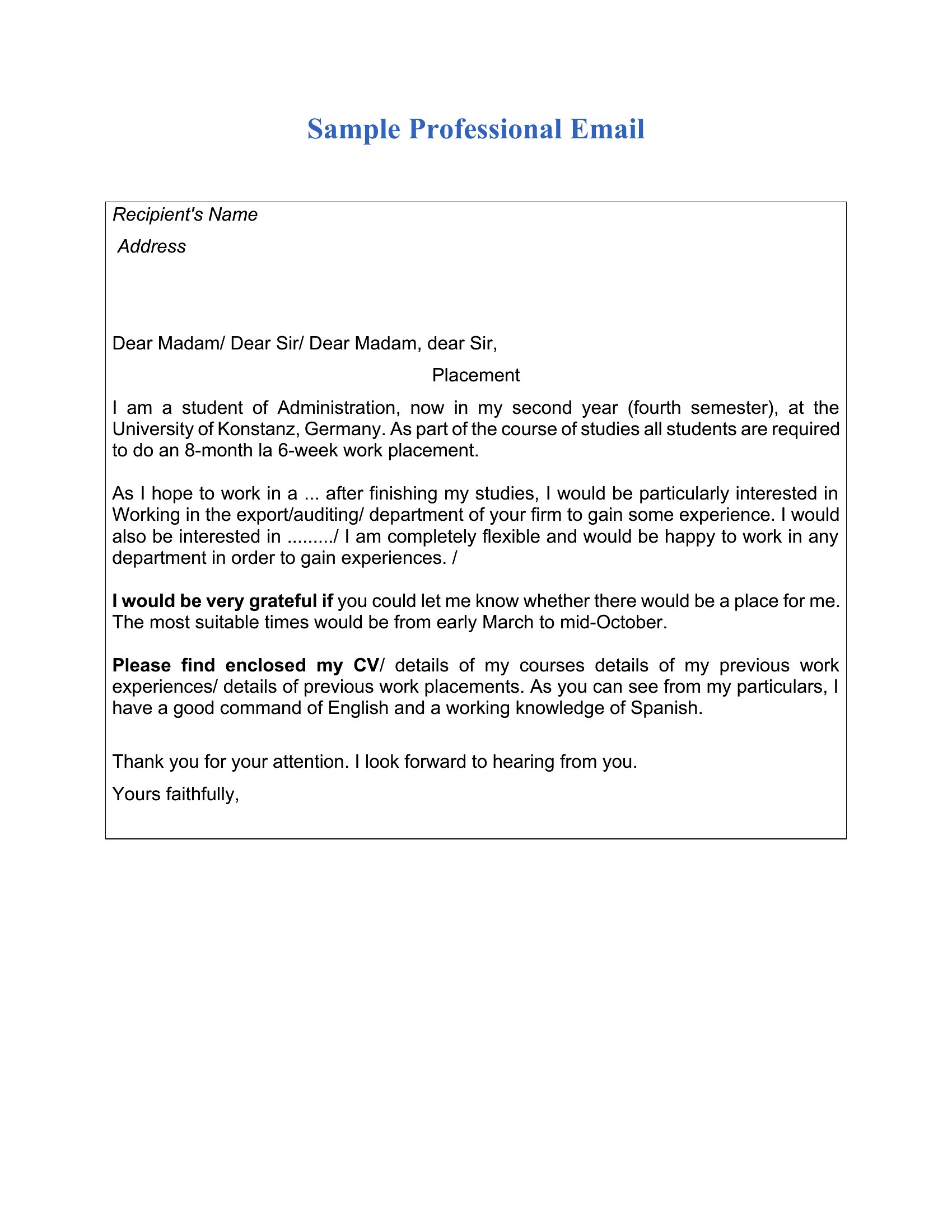
A professional email has a clear subject line, a polite greeting, a concise message focused on one purpose, and a specific call to action. Using correct names, proofreading, and a courteous closing with a signature helps the message land well and prompts a timely, accurate response.
How do you structure a professional email?
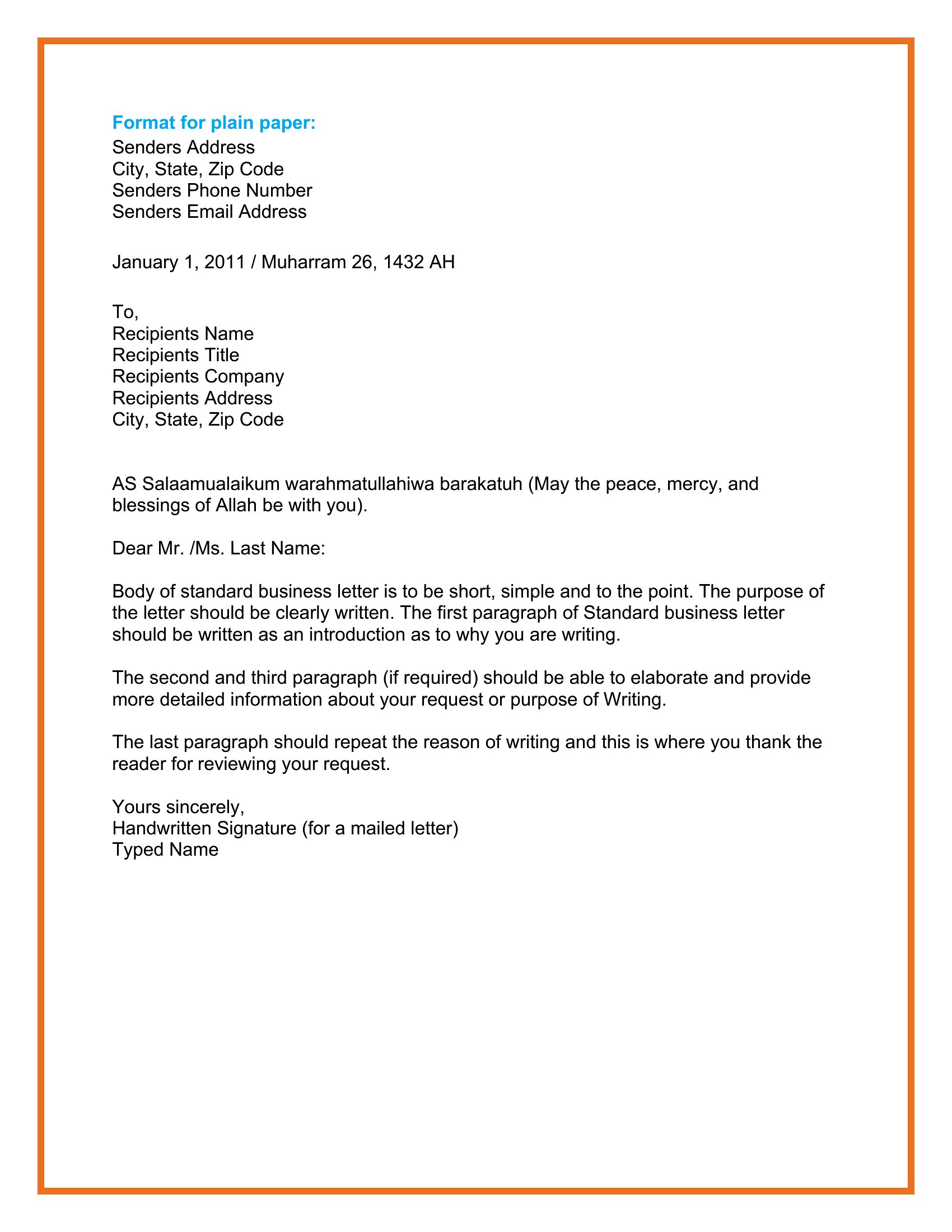
Start with a descriptive subject line, then a greeting and a brief opening stating your purpose. Follow with the details in short paragraphs, add any request or next step, and close politely with your name and contact information. This order keeps the reader oriented throughout.
How do you write a professional follow-up email?
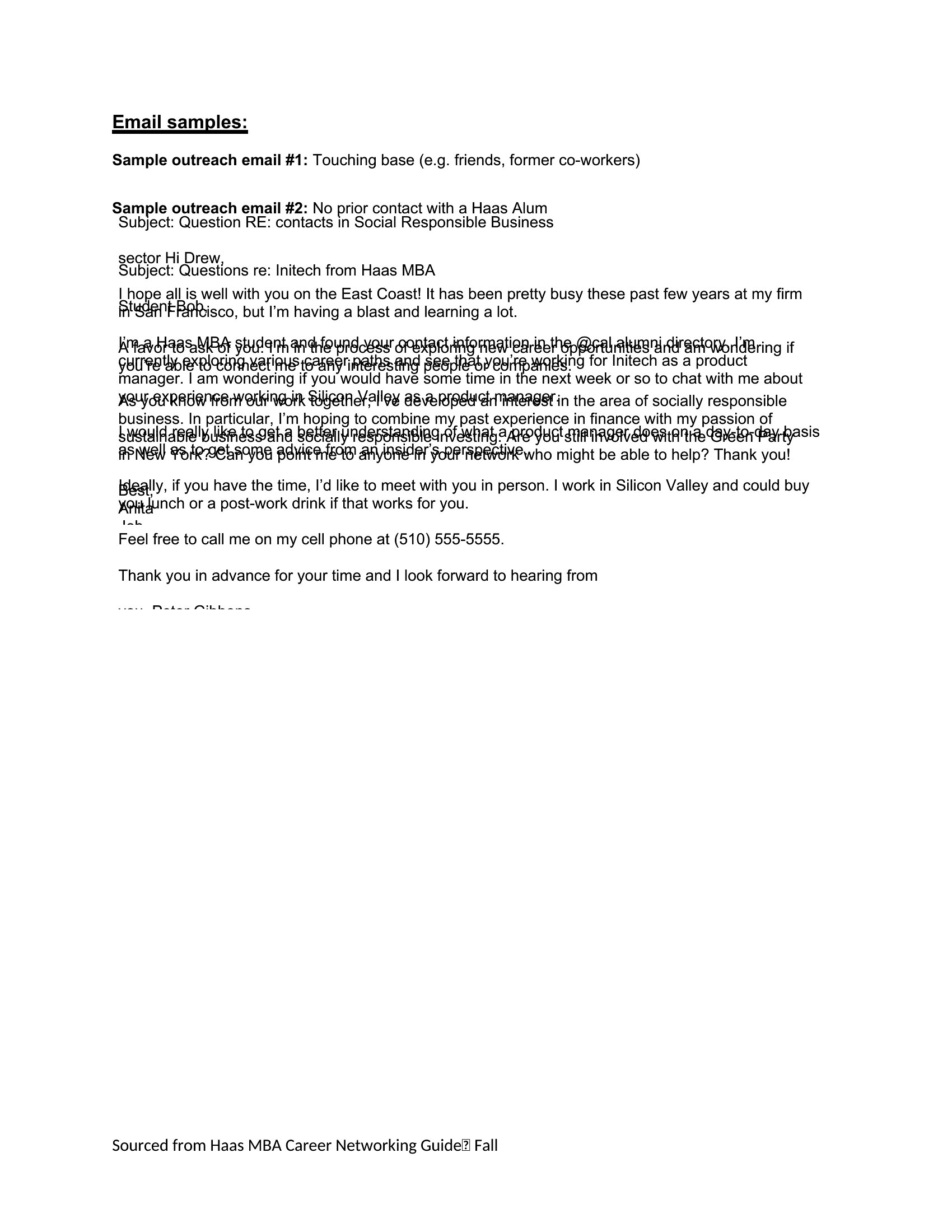
Reference the previous message or conversation, restate your request briefly, and remain courteous rather than pushy. Mention any relevant deadline and make the desired next step easy to act on. Keeping it short and giving the reader a simple way to reply increases the chance of a response.
Comments
Join the conversation
Sign in to share your thoughts and leave a comment on this resource.