
Free Pay Stub Templates (Word, Excel, PDF)
Statements by bibiananunes
A pay stub spells out gross wages, taxes, deductions, and take-home pay for a single period, giving employees a clear record and small businesses an easy way to document payroll. This collection of 40 templates suits employers, contractors, and self-employed workers who need a professional stub without buying full payroll software.
Choose a Word file for simple branding, a print-ready PDF for quick fill-and-go stubs, or an Excel sheet that totals earnings and deductions automatically as you type. Enter the pay details accurately, since a stub is often used as proof of income and false figures can cause real legal trouble. Tax rules vary by state, so confirm the numbers locally, then download the format that fits and print clean stubs in minutes.
When to use this Pay Stub template
- Small business owners with 1-10 employees who need to manually track hourly wages, tips, or piece-rate pay without payroll software for tax documentation.
- Freelancers or independent contractors who want a polished pay stub to provide clients as proof of income for loan applications or contractor licensing.
- HR managers at startups running semi-monthly payroll who require a customizable stub to align with company branding and internal reporting standards.
- Nonprofit organizations handling volunteer stipends or part-time staff pay who need a simple, donation-compliant record of compensation for donor transparency.
Which format should I download?
Use Word if you need to tweak text, add your company logo, or adjust fields frequently before printing or saving as PDF—ideal for recurring edits. Opt for Excel only if you’re managing complex calculations (like variable commissions or multiple deductions) and prefer spreadsheet-based payroll tracking. Choose PDF for a final, print-ready version to email to employees or save in records—best when no further edits are needed. PDFs are also easiest to lock for security.
Choose from 40 Pay Stub Templates
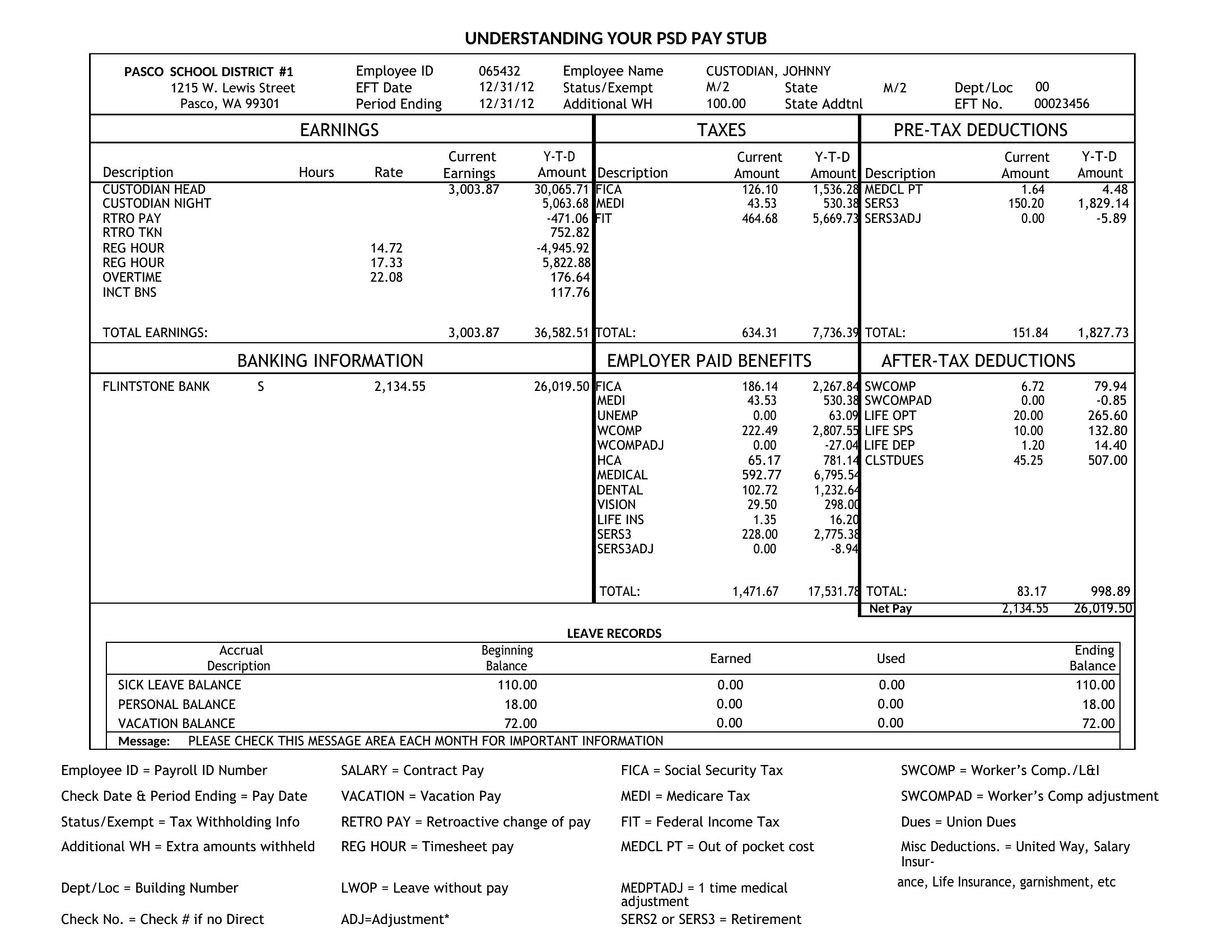
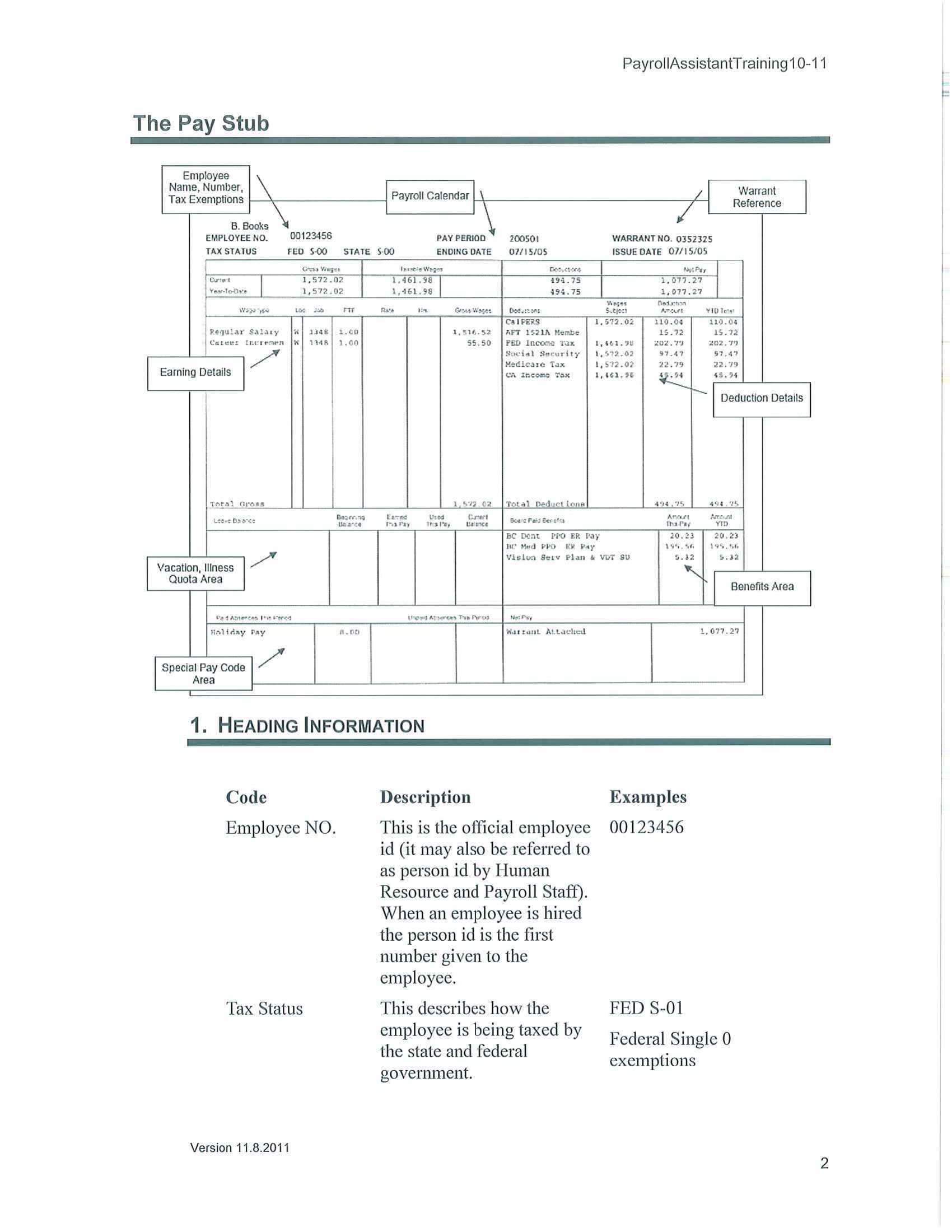
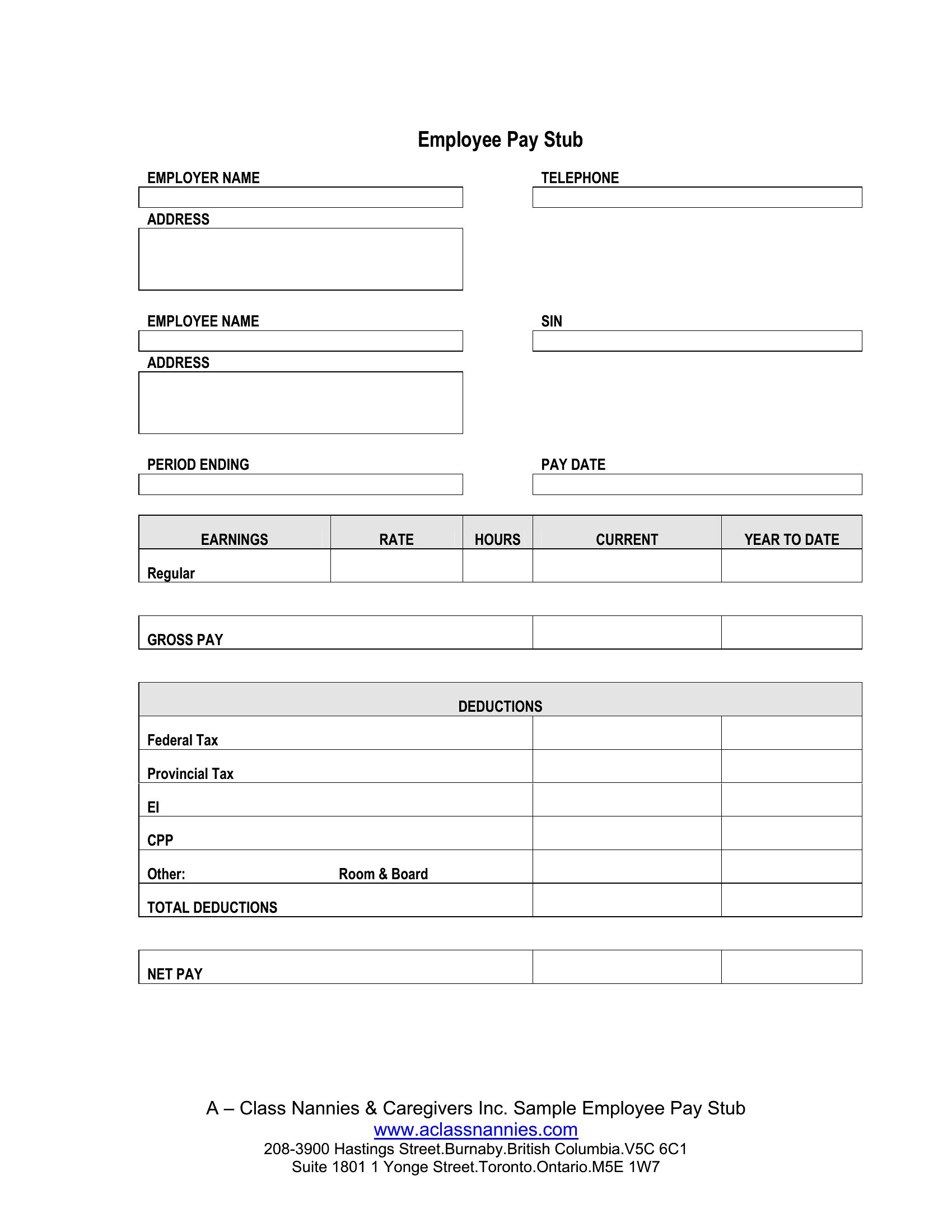
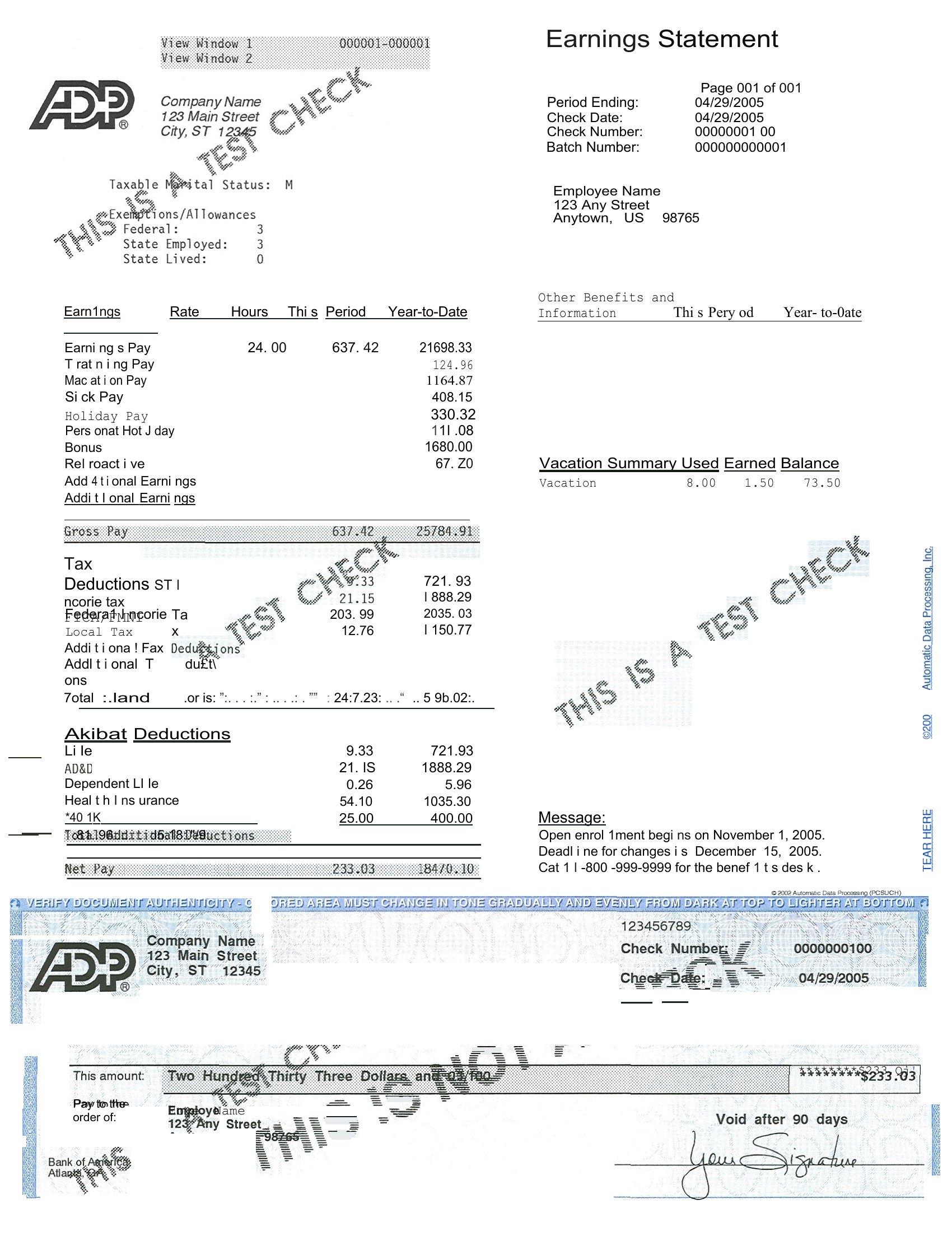
Pay Stub Pdf
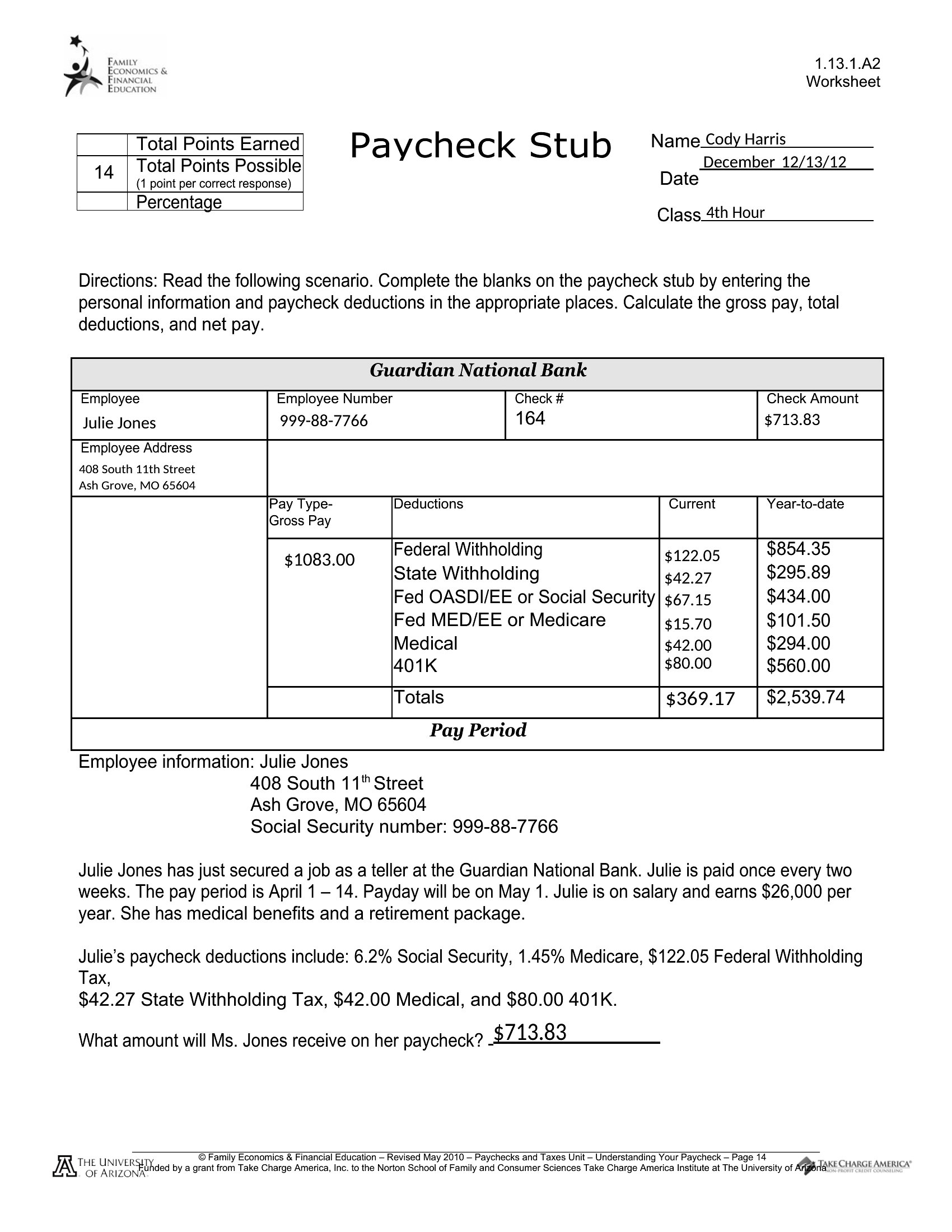
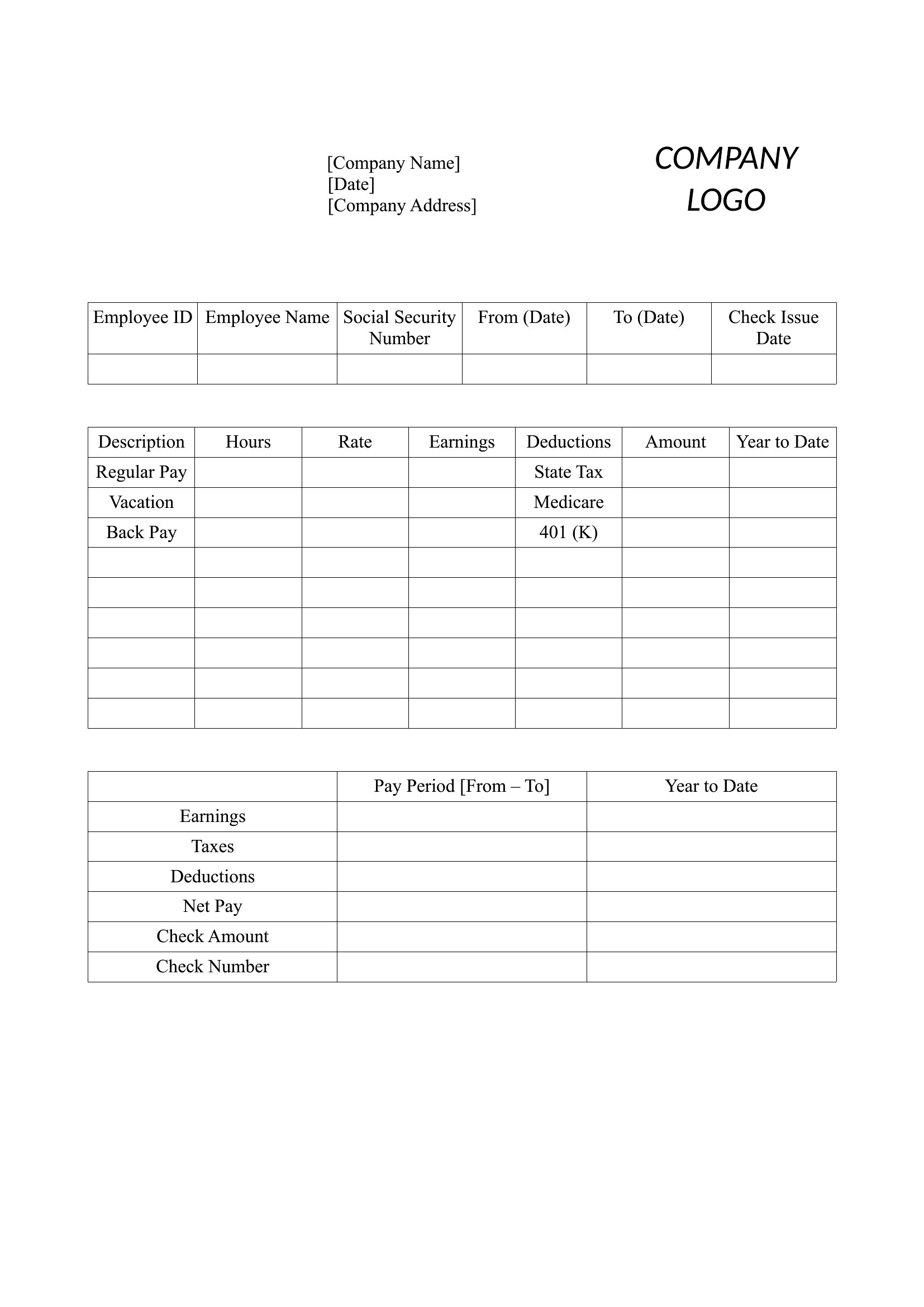
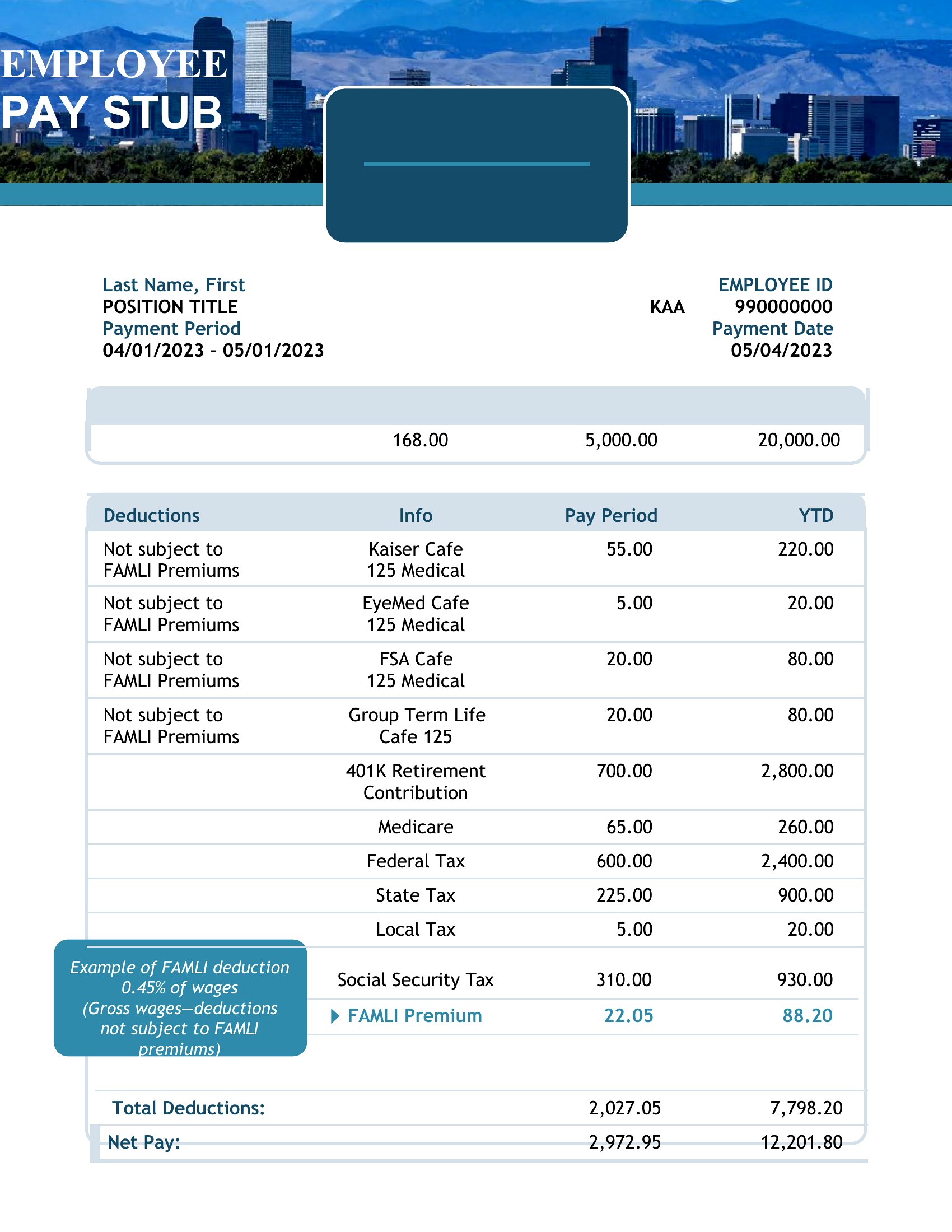
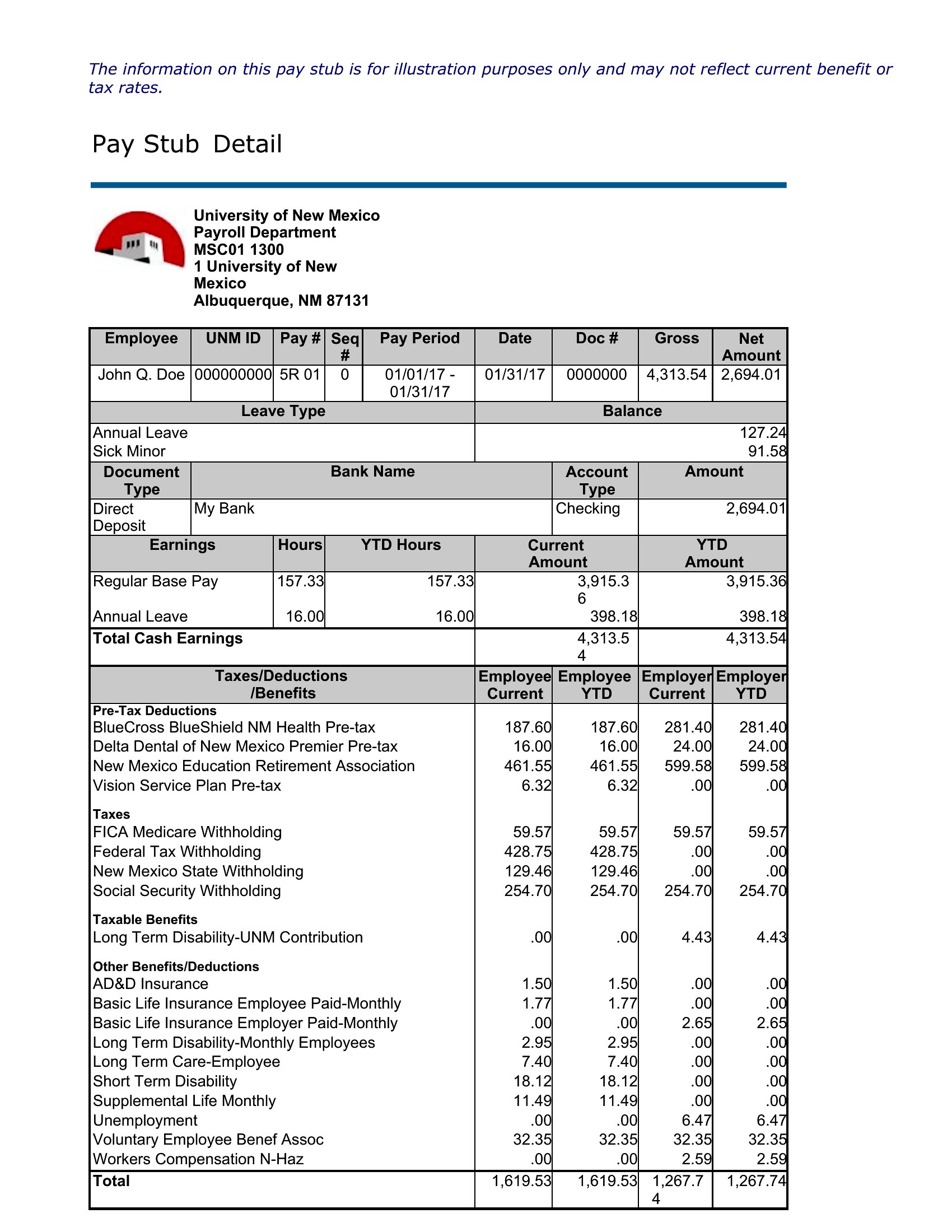
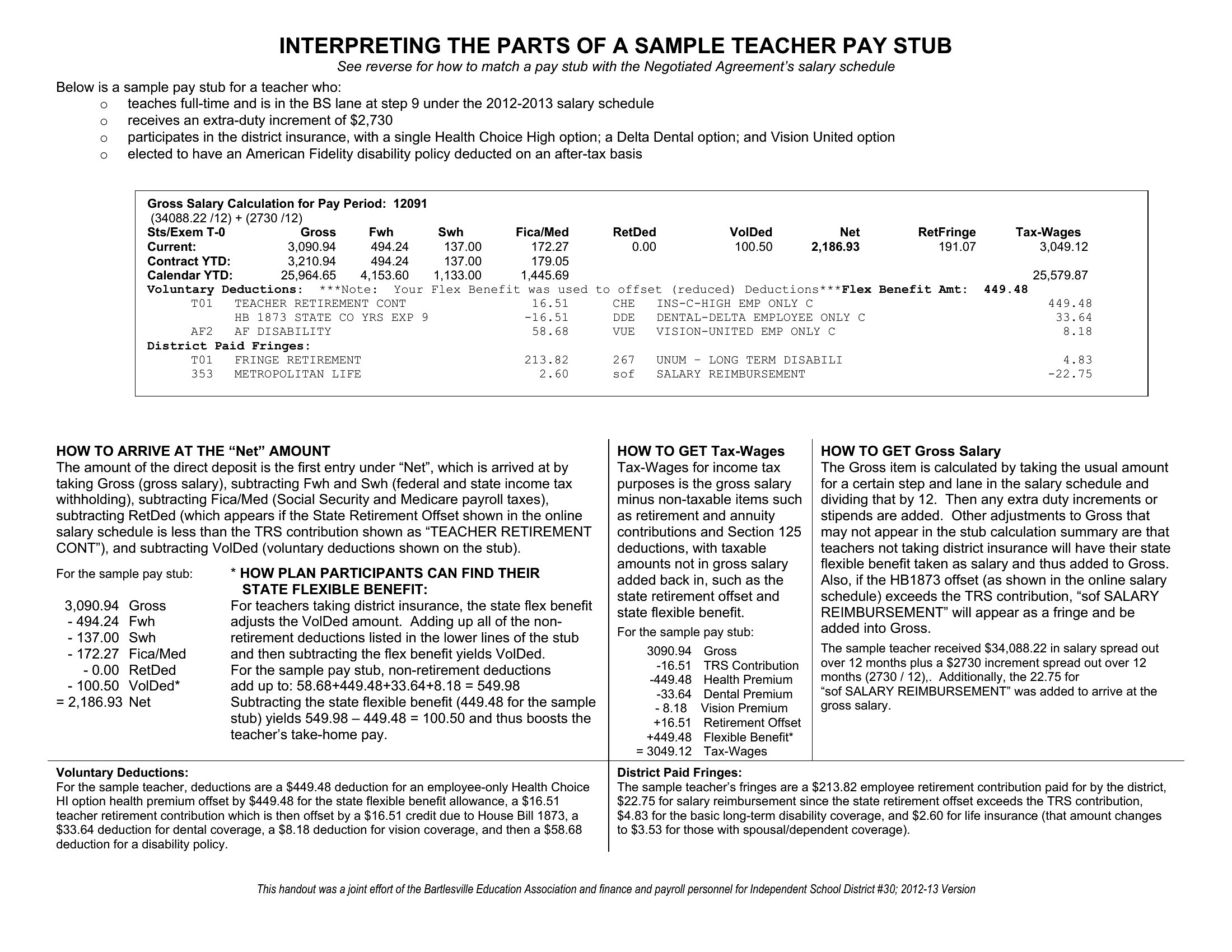
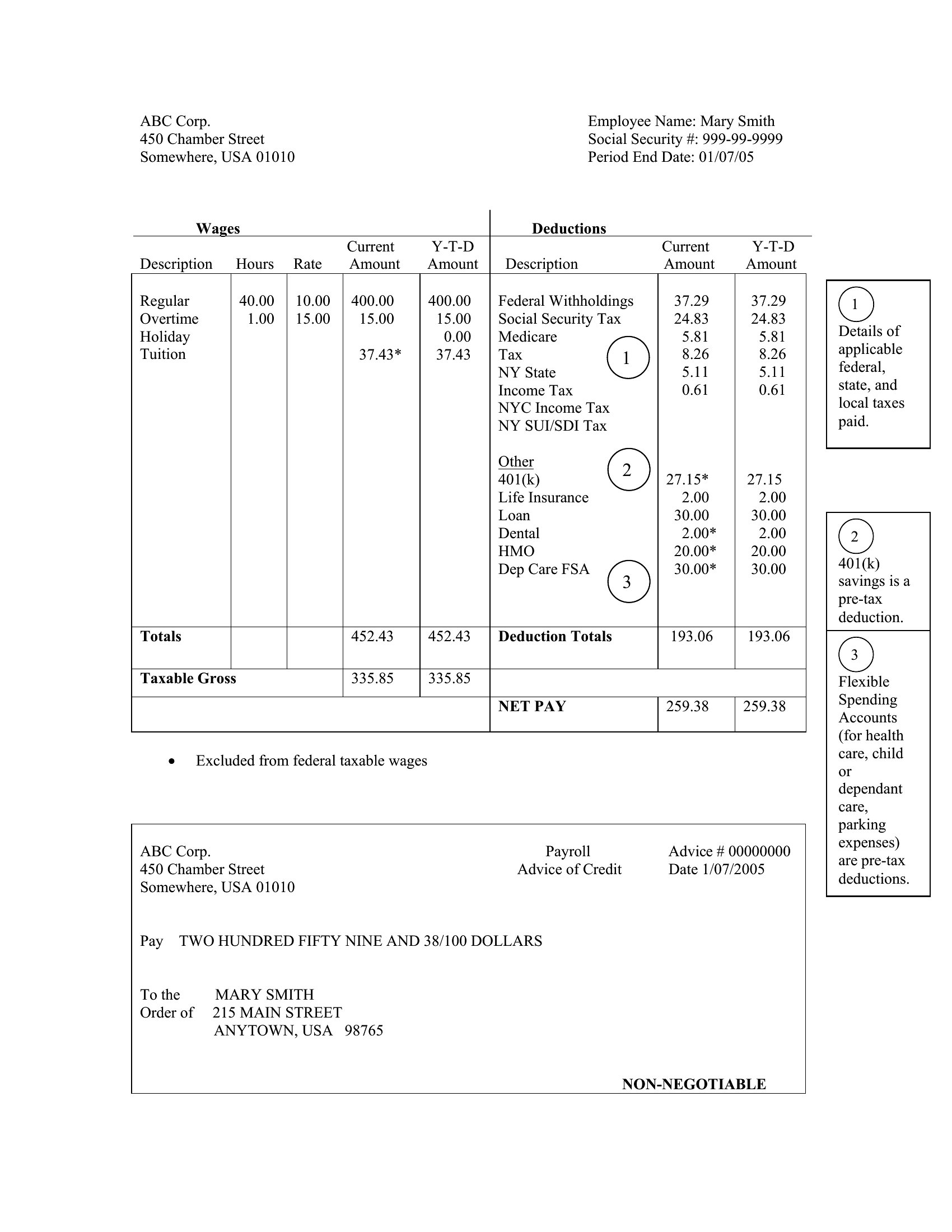
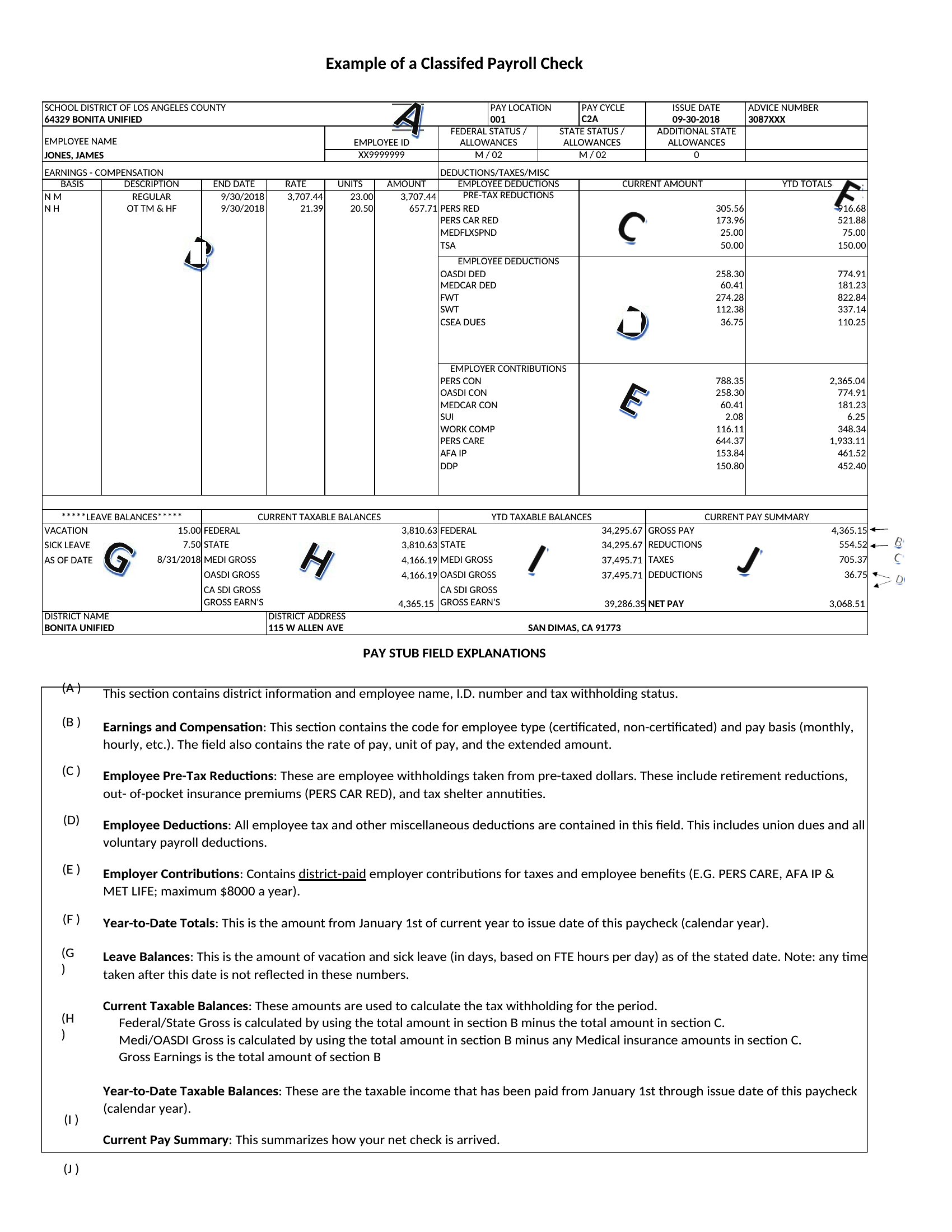
Blank Pay Stub Pdf
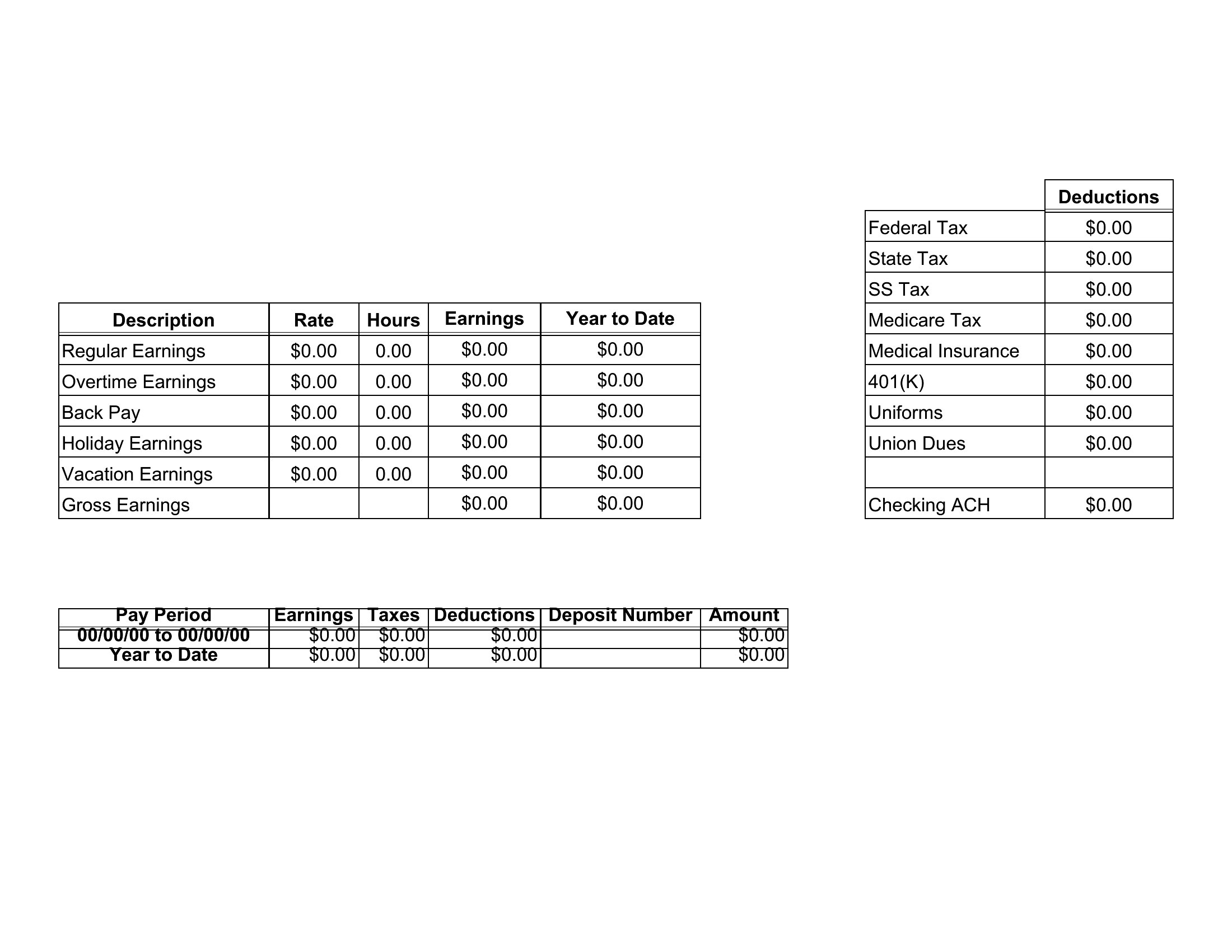
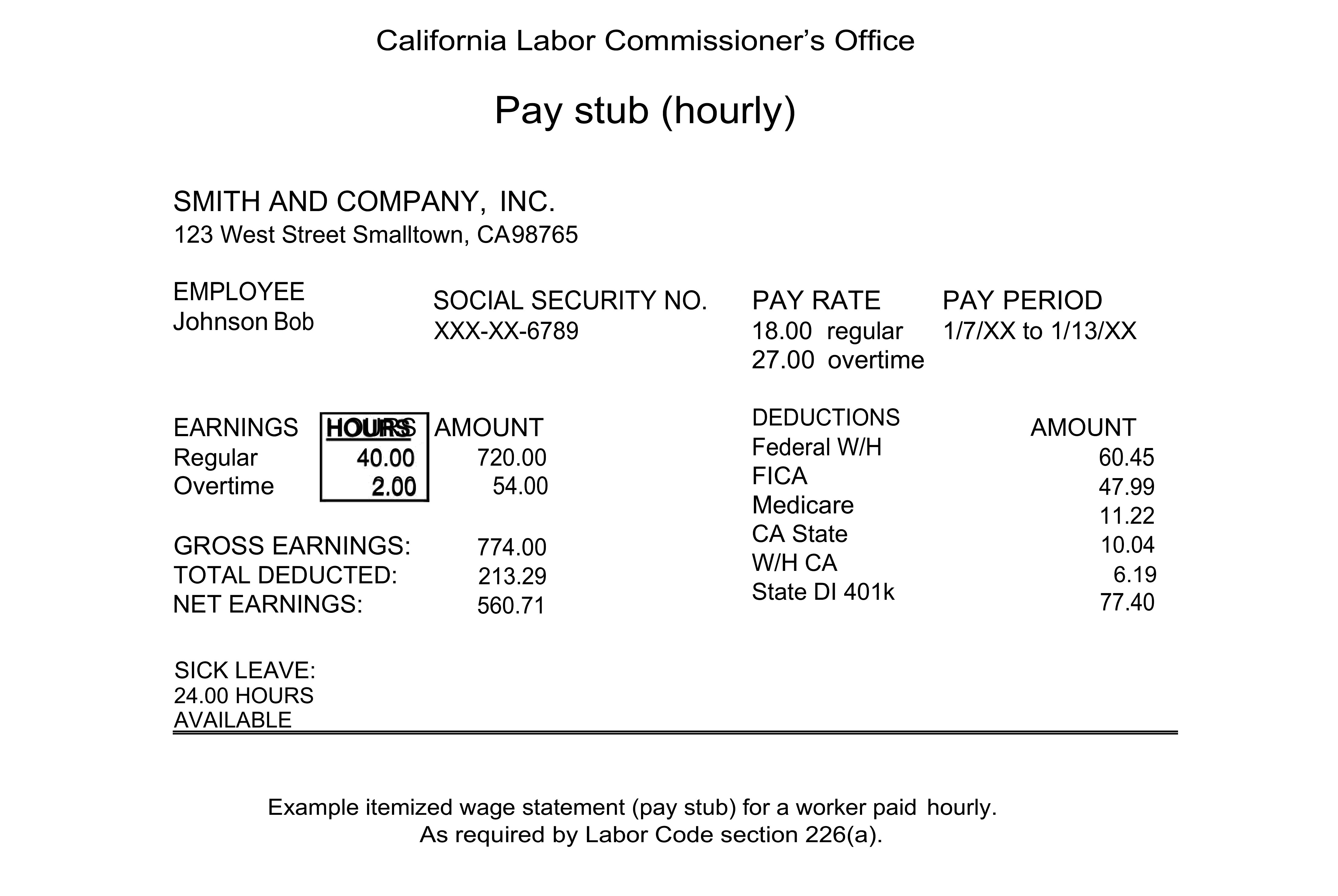
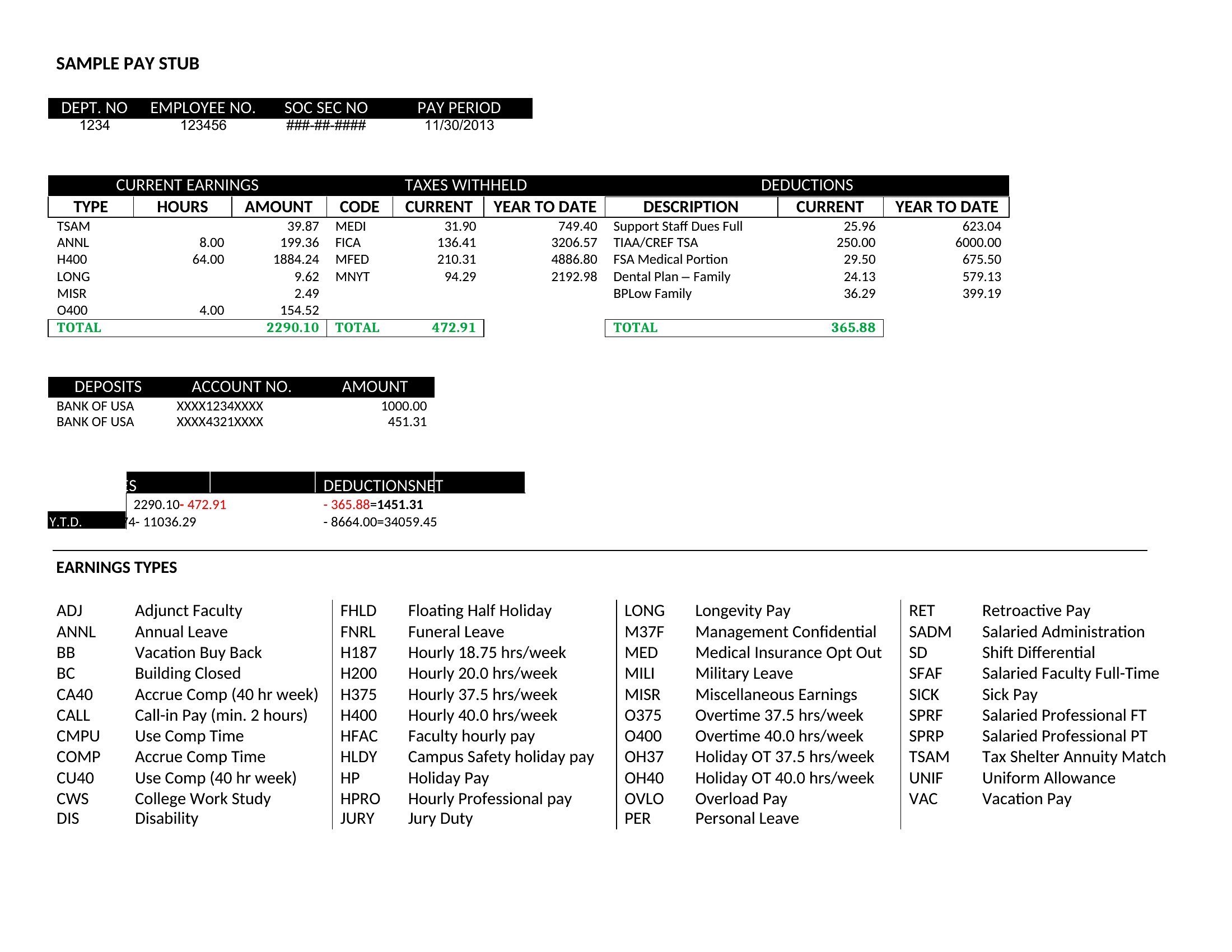
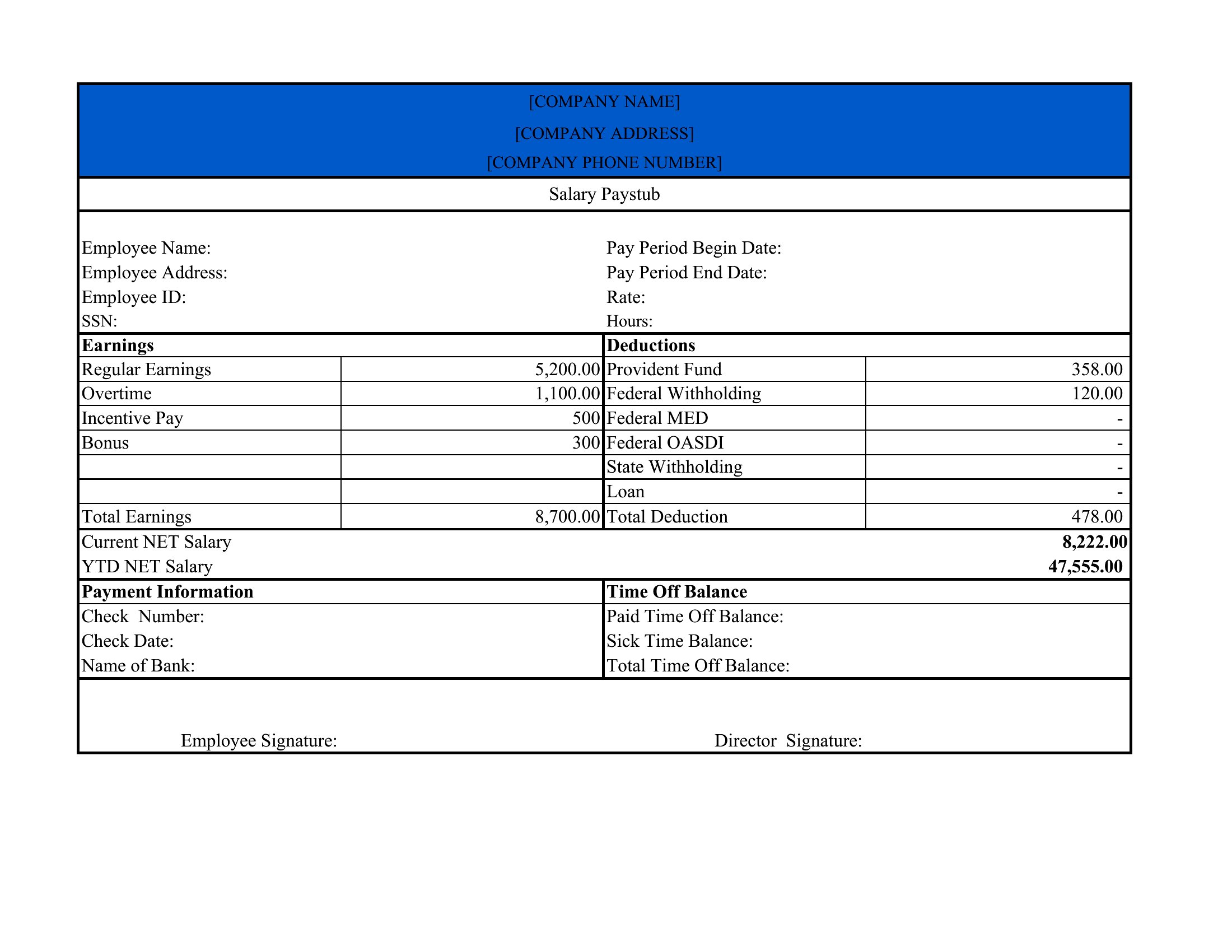
Pay Stub Example
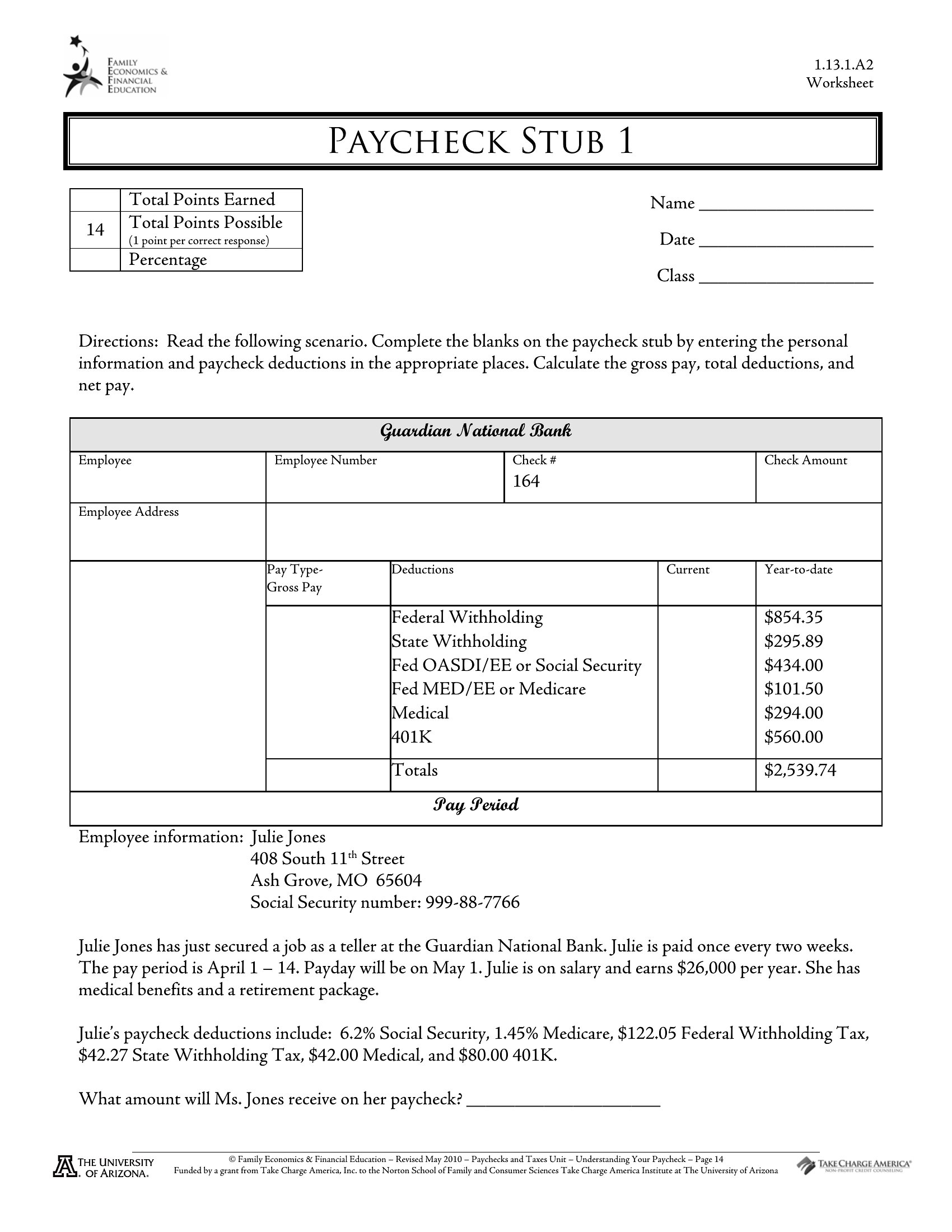
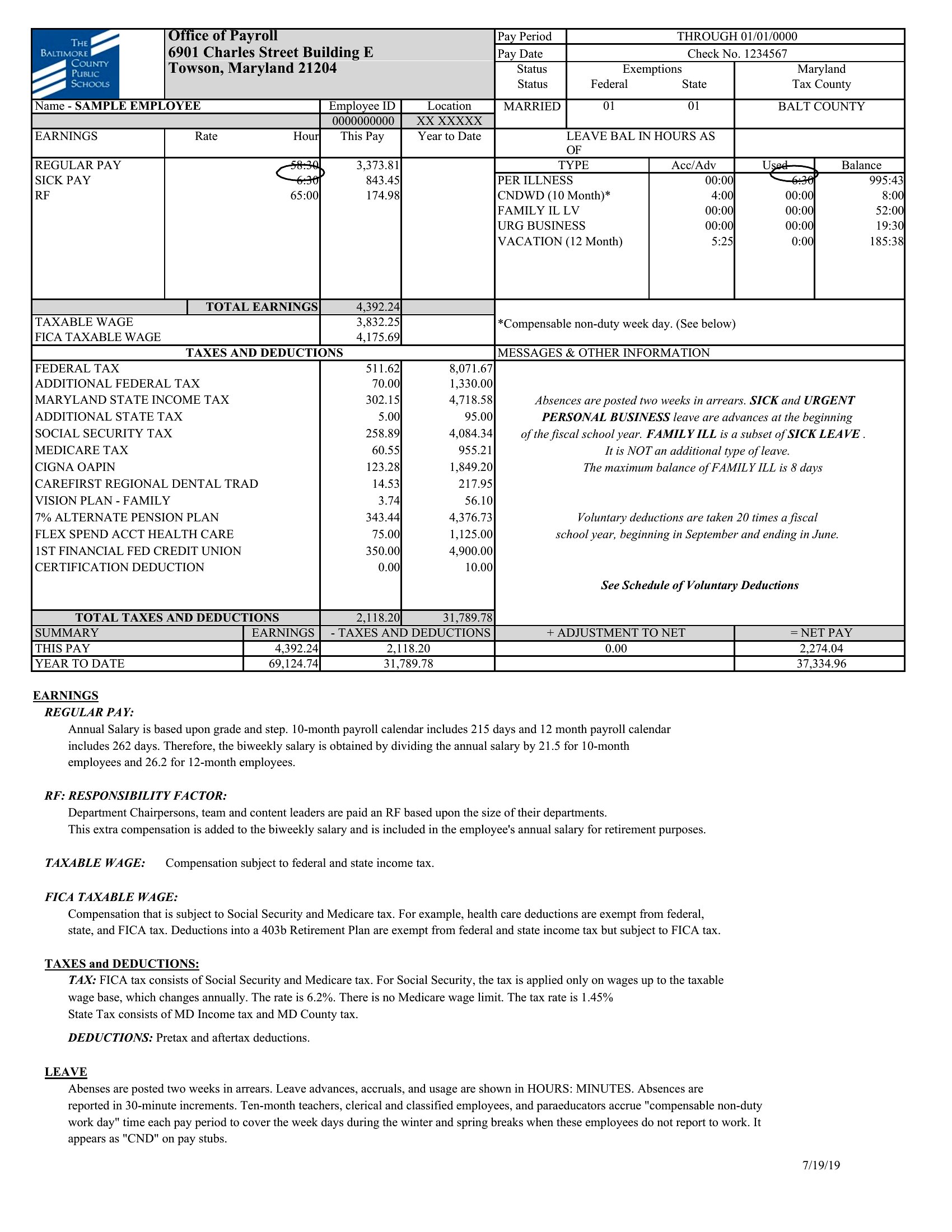
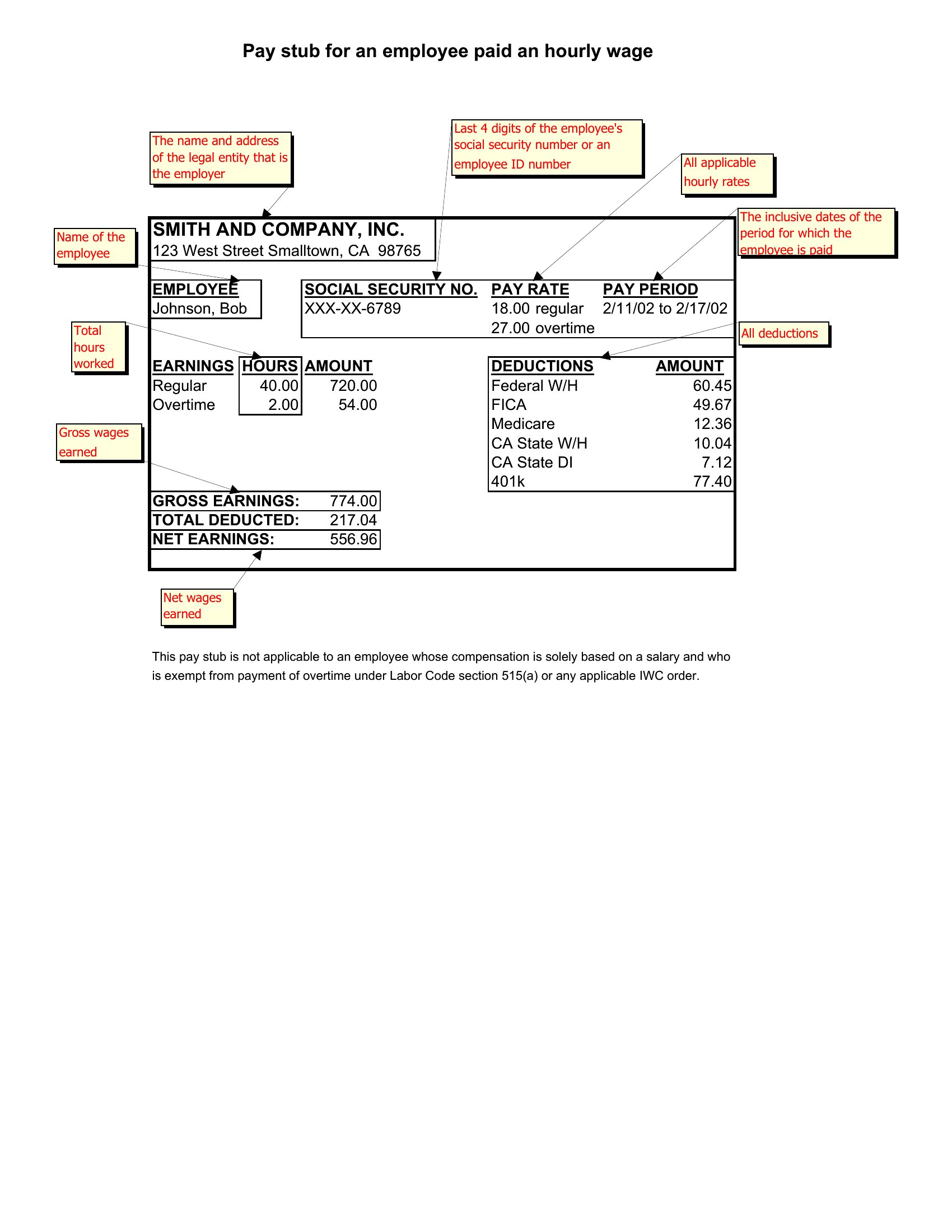
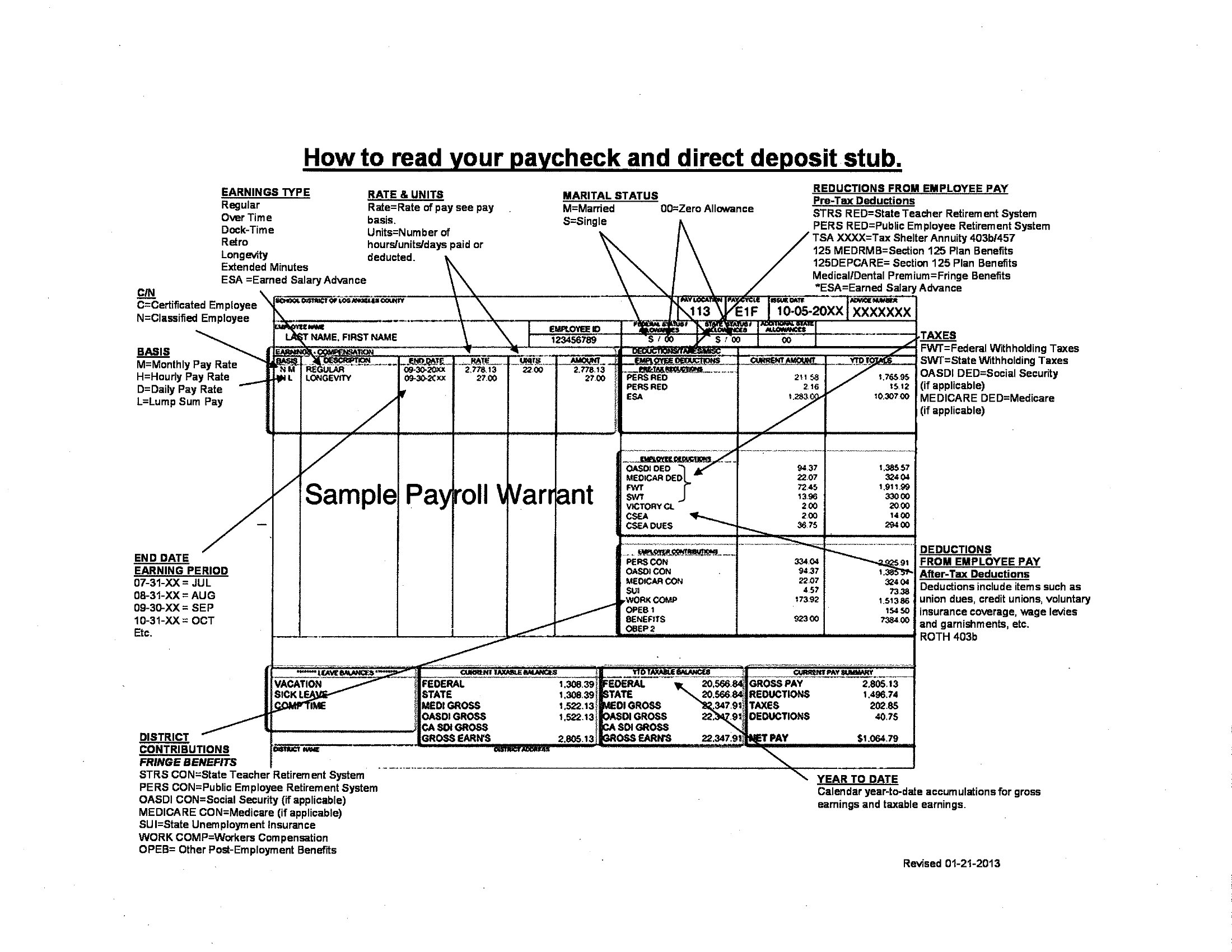
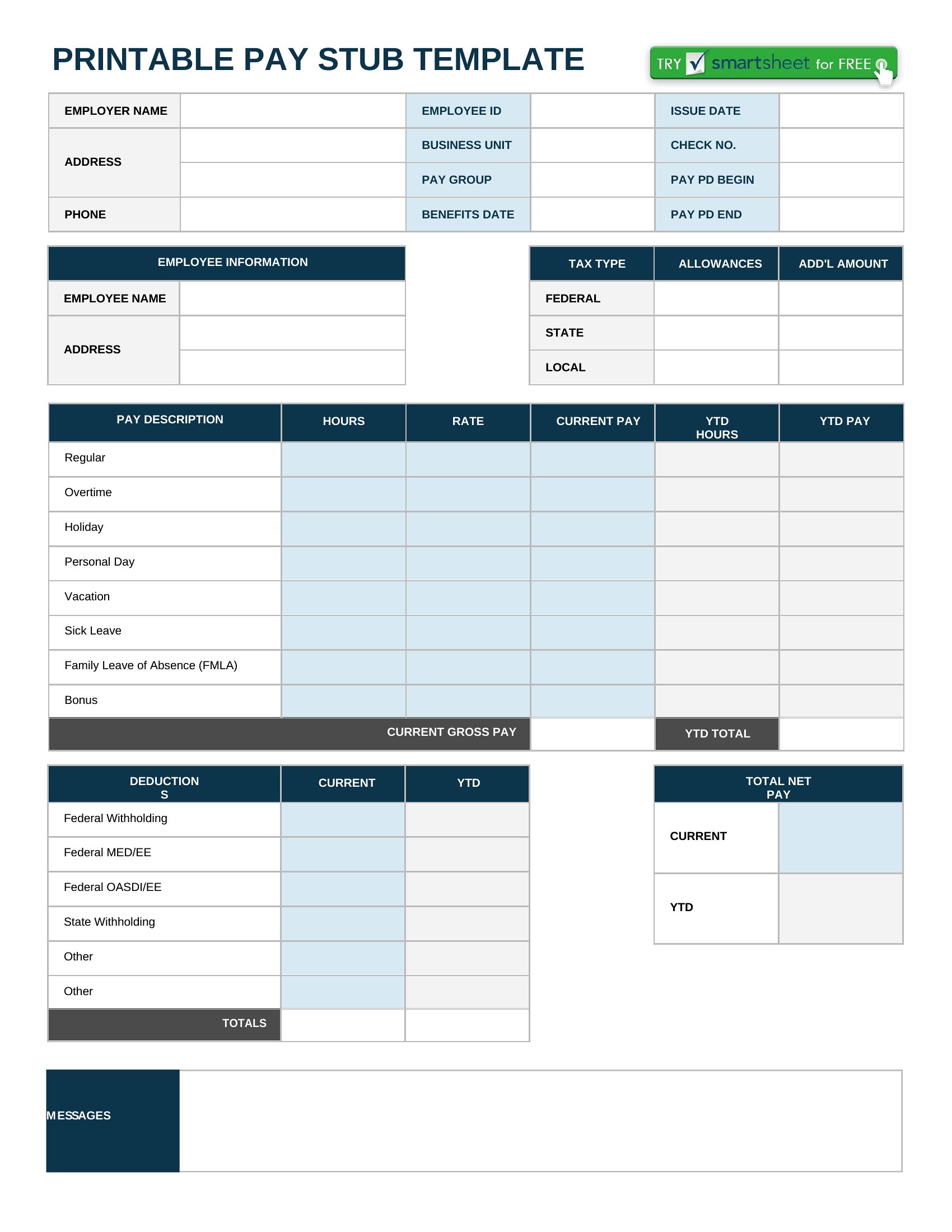
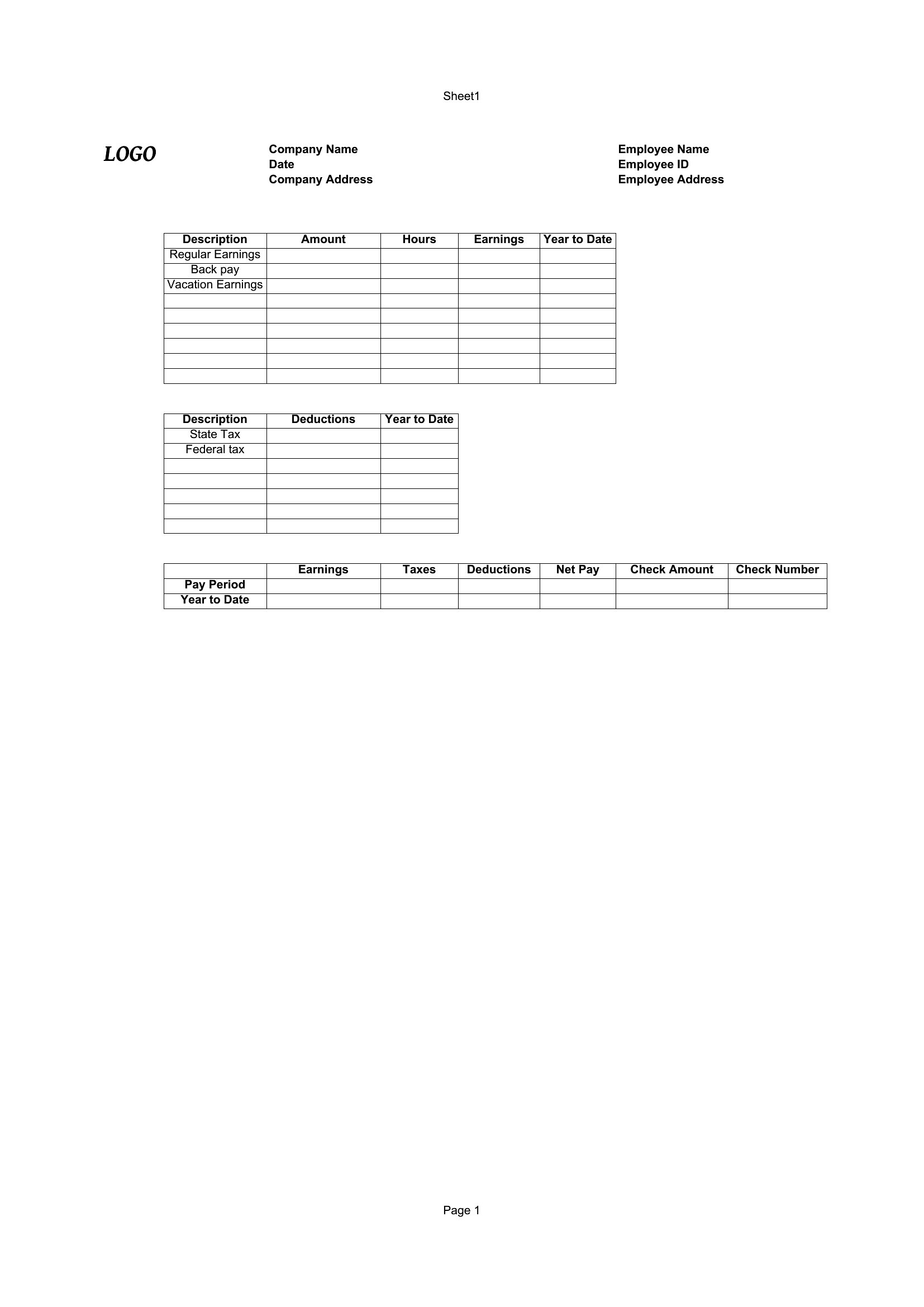
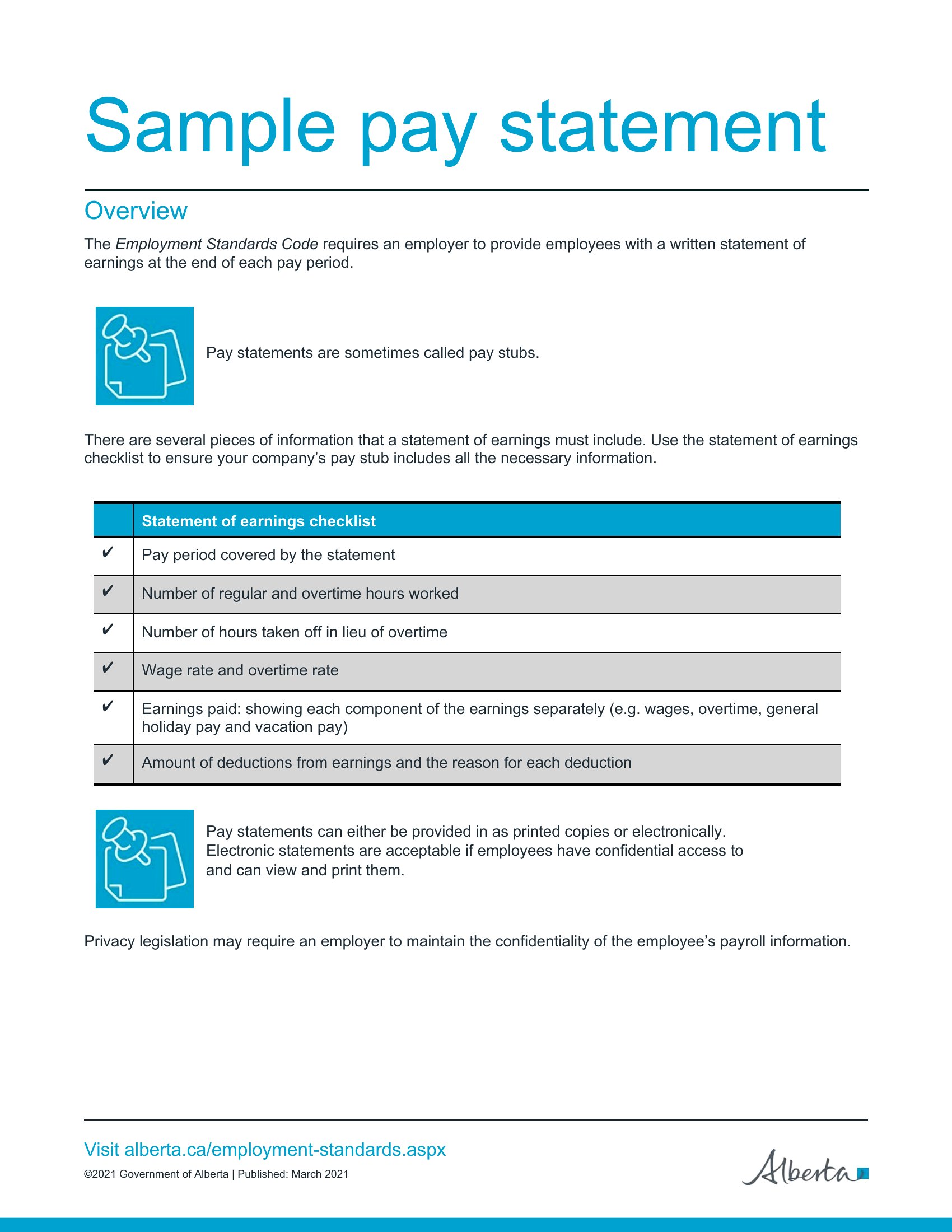
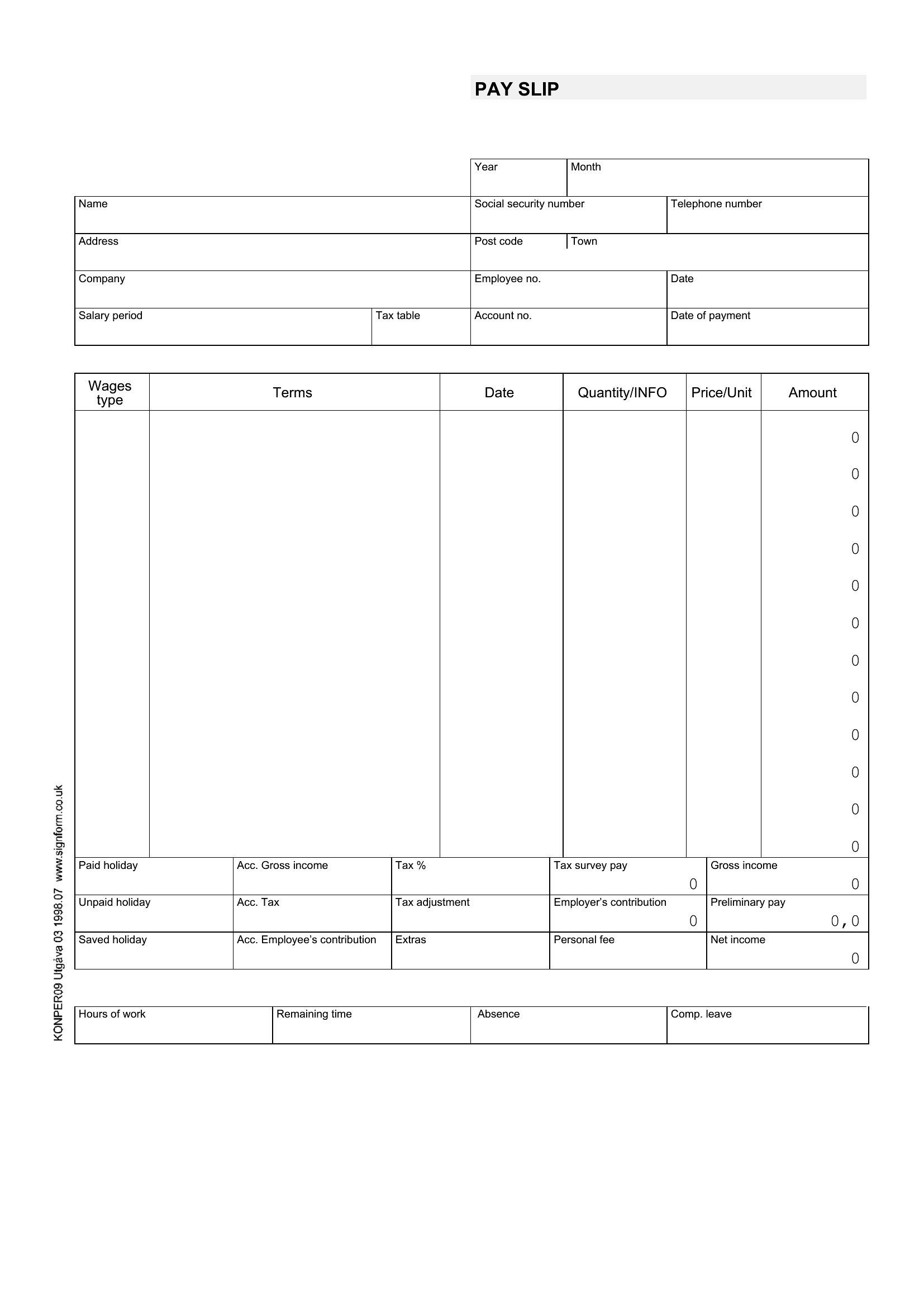
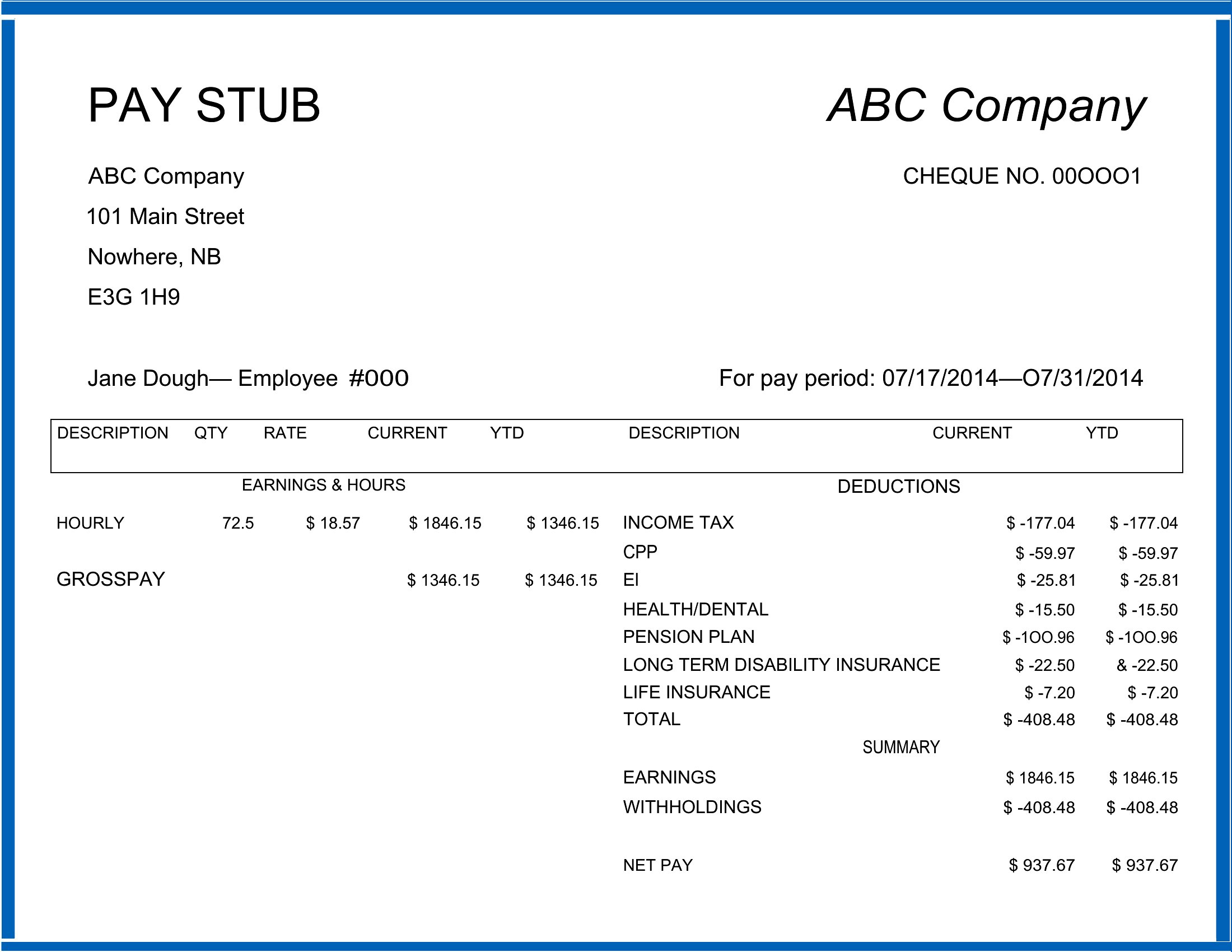
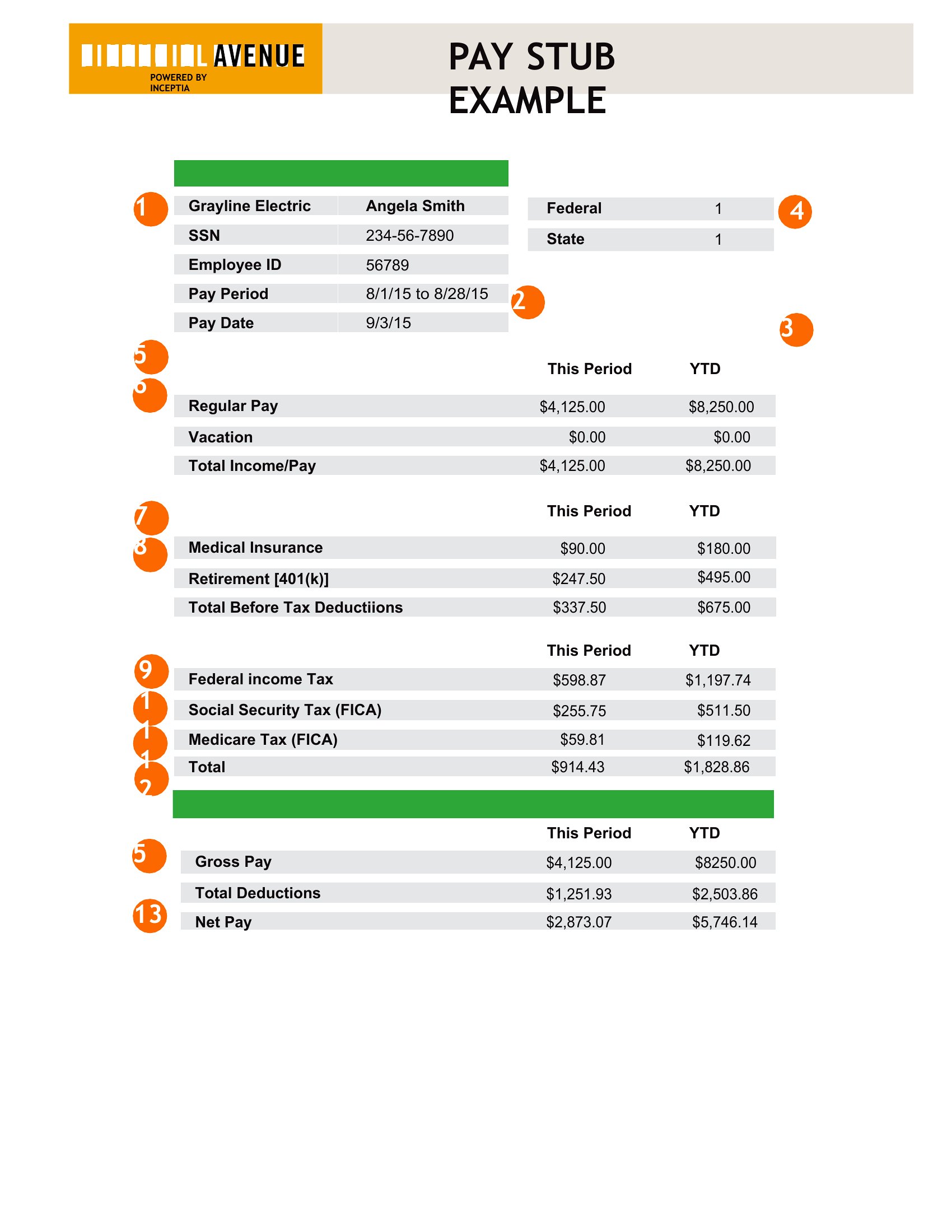
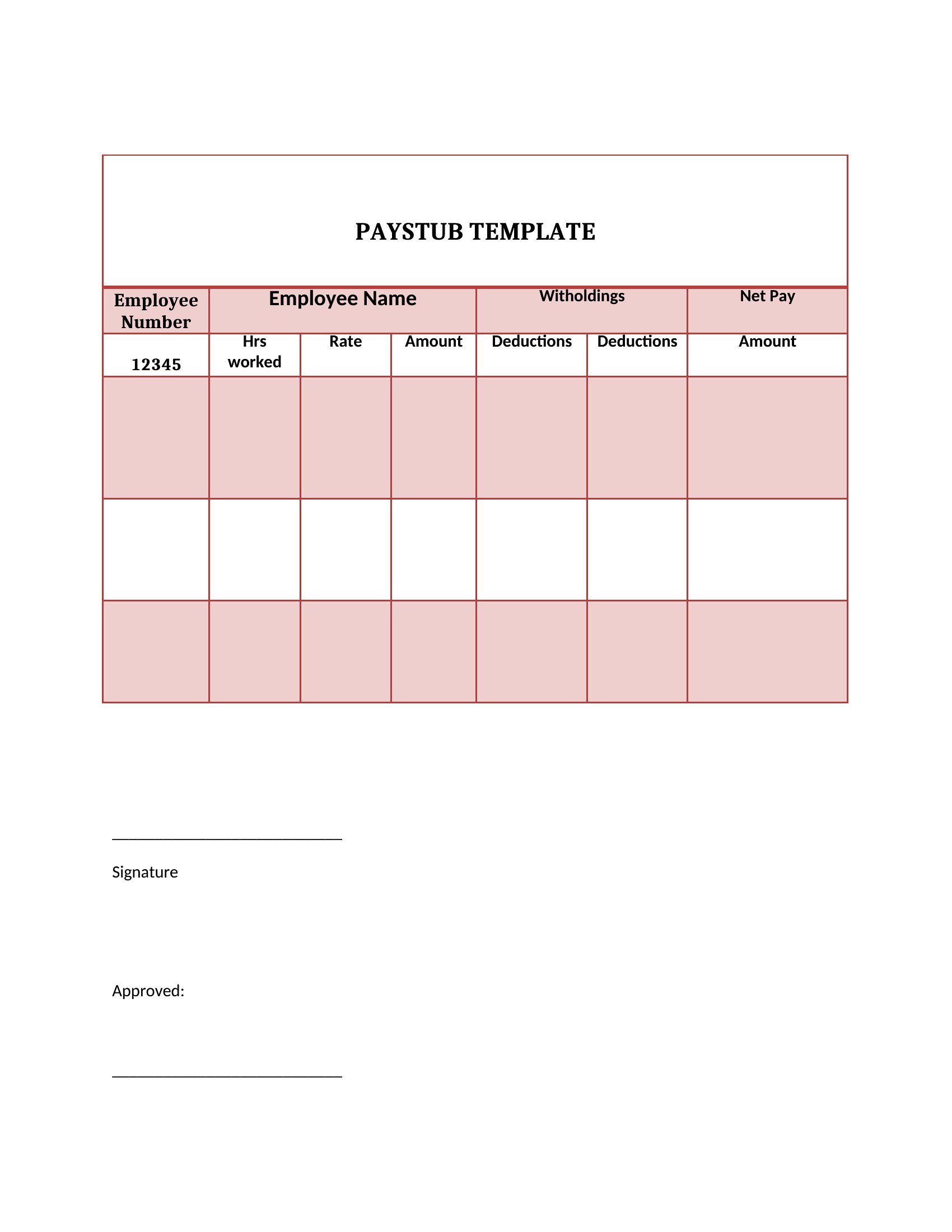
Blank Pay Stub
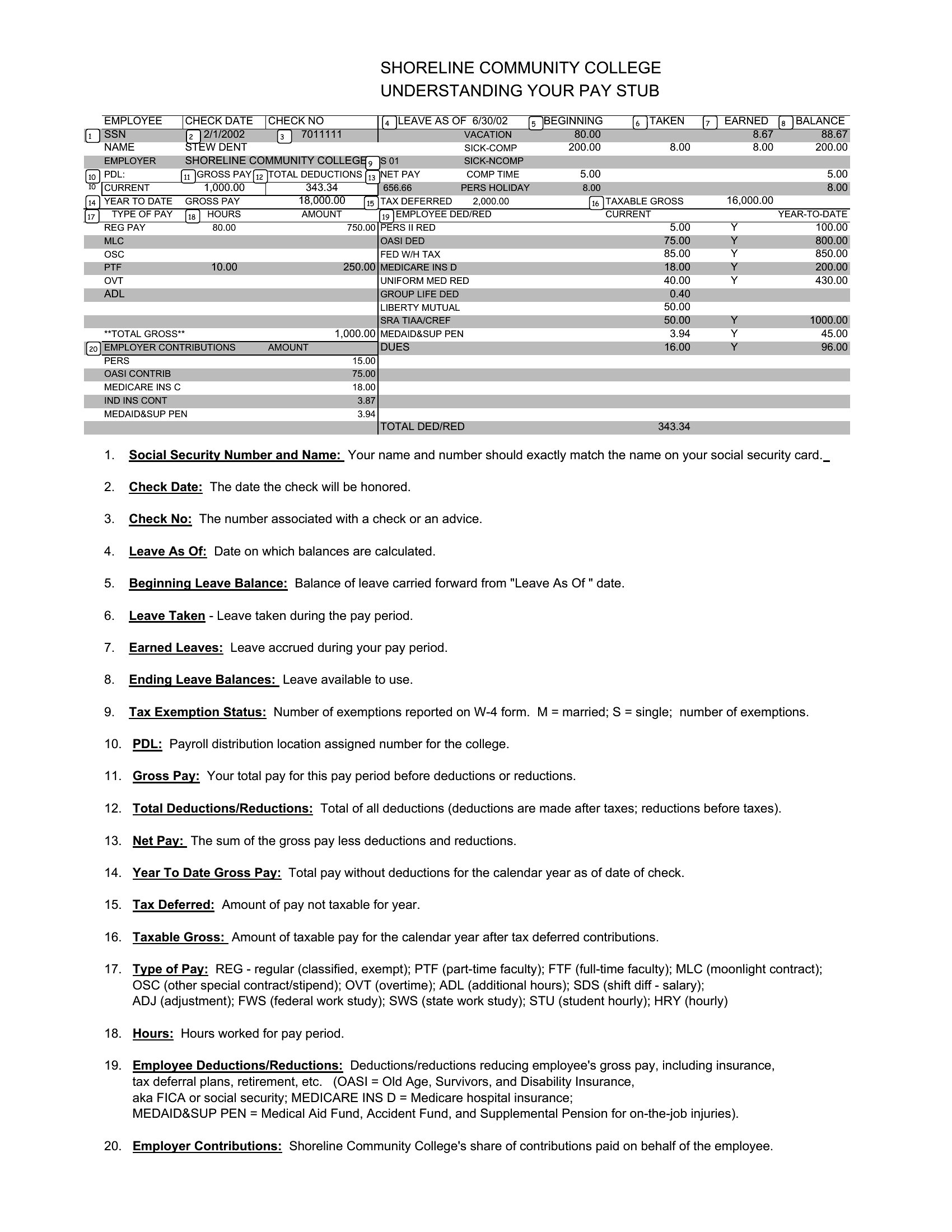
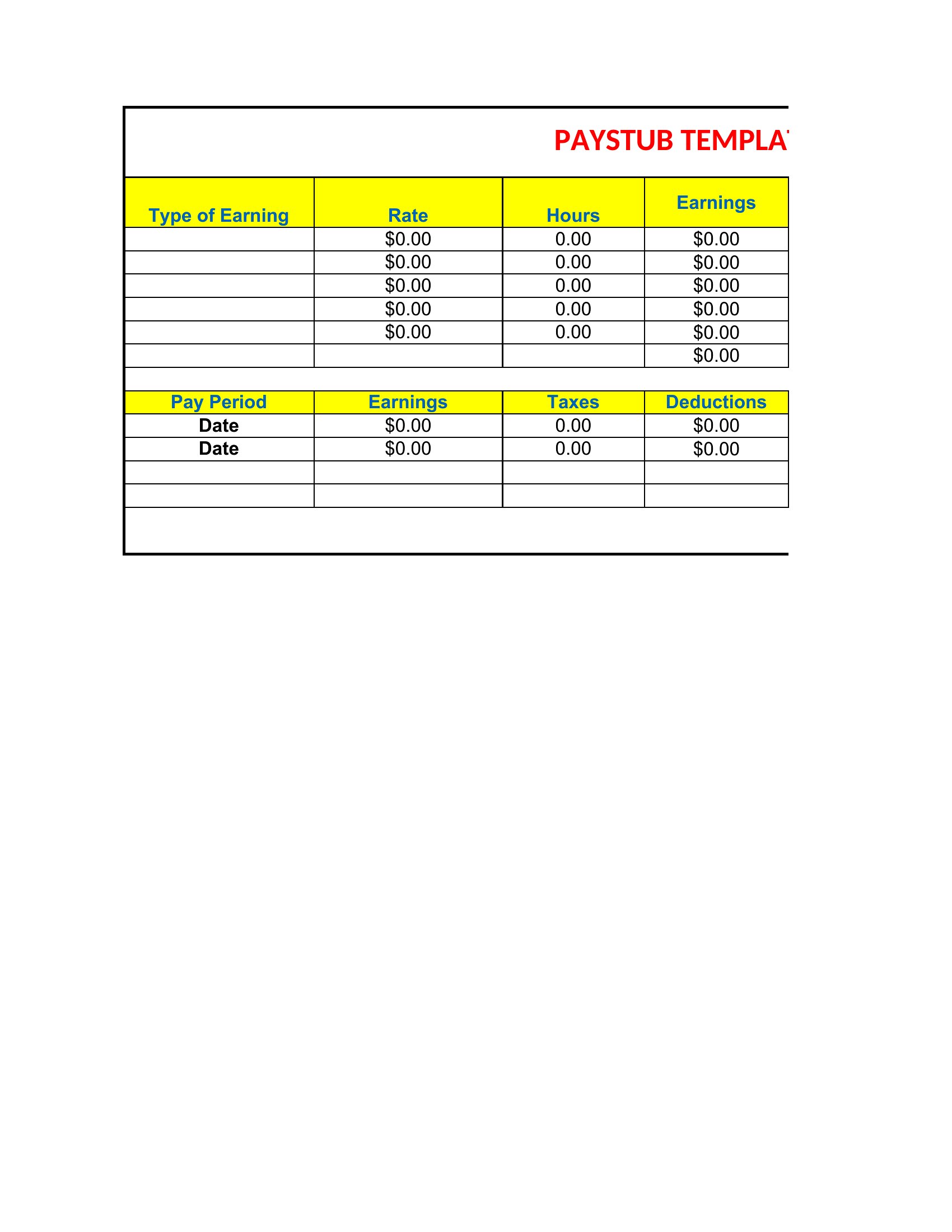
Editable Pay Stub
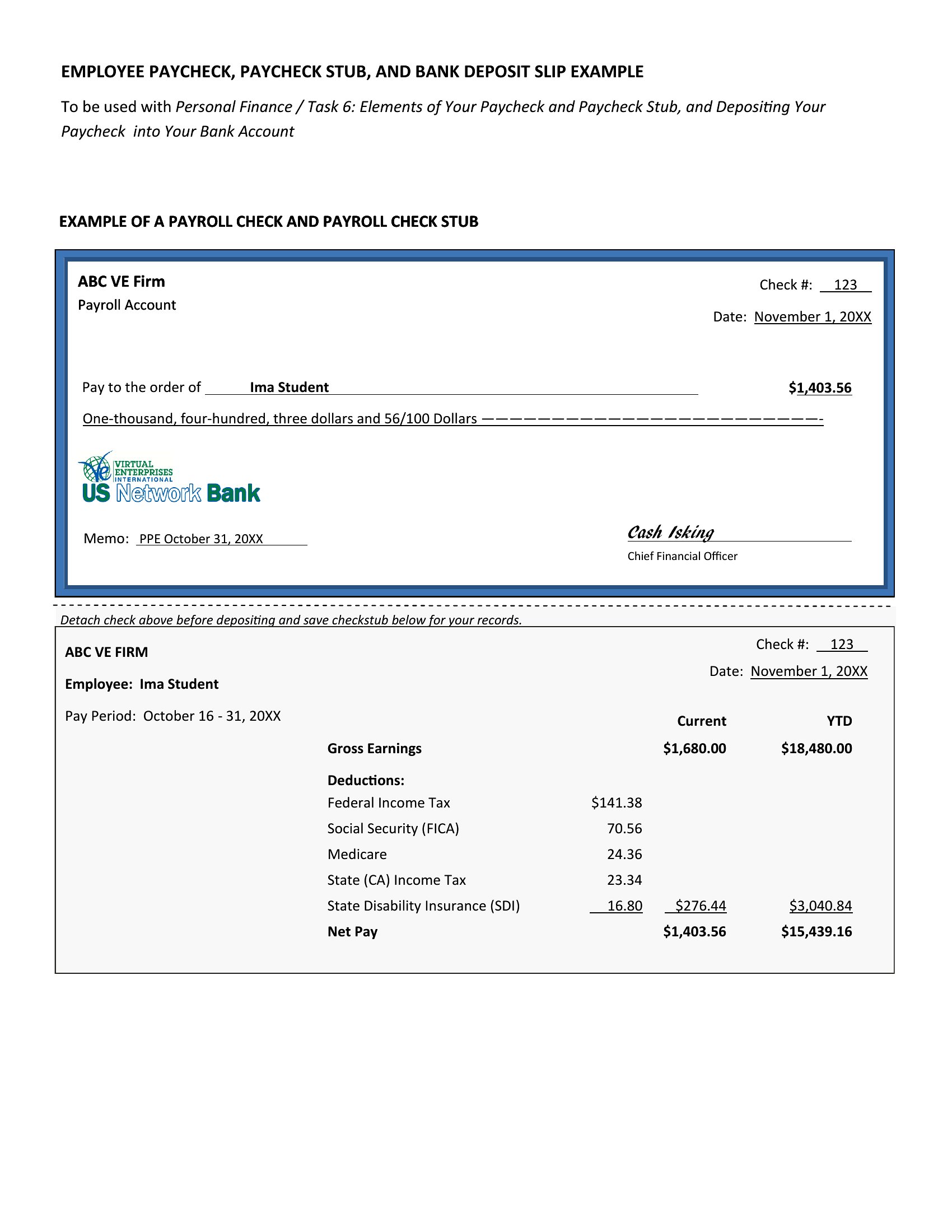
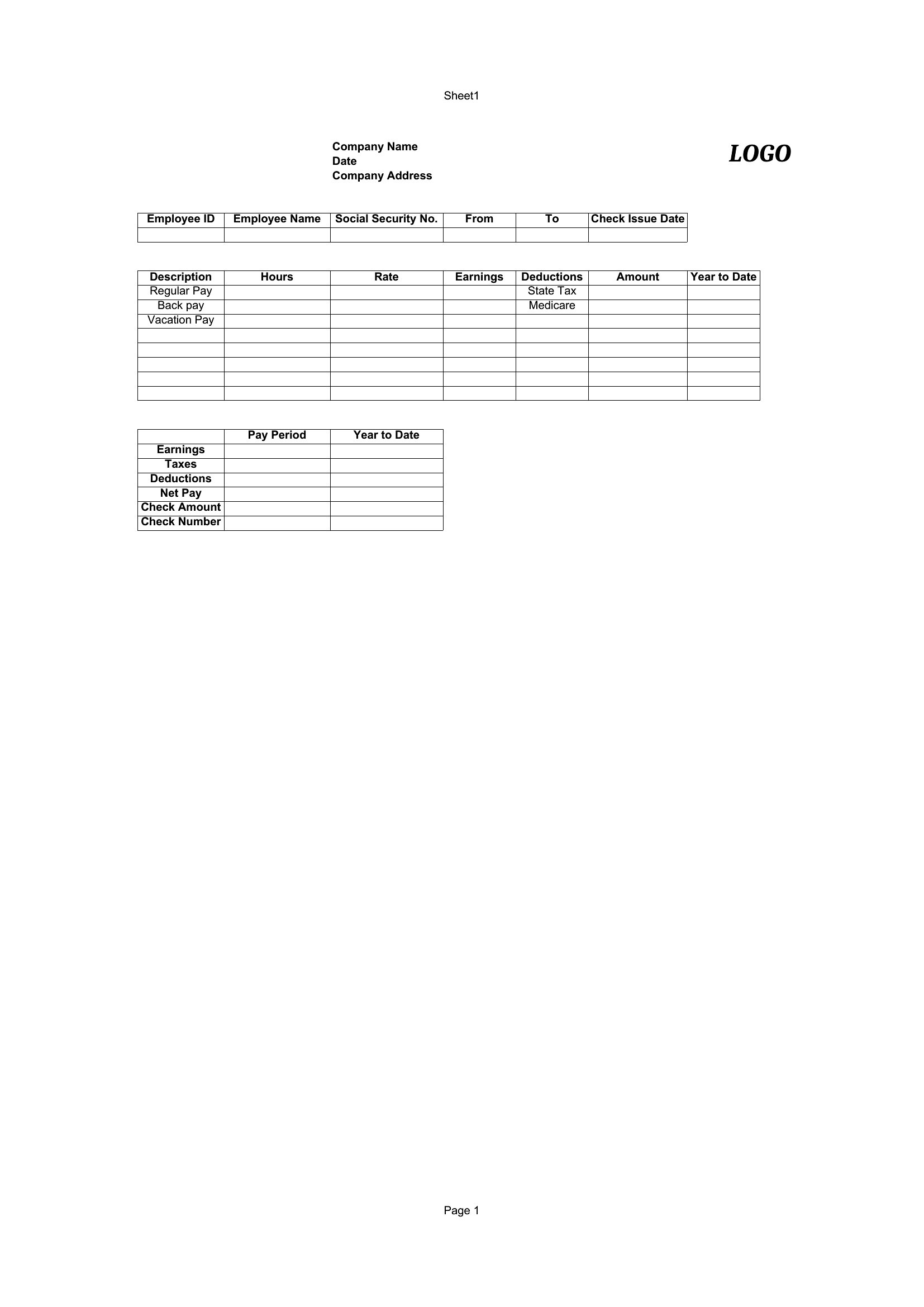
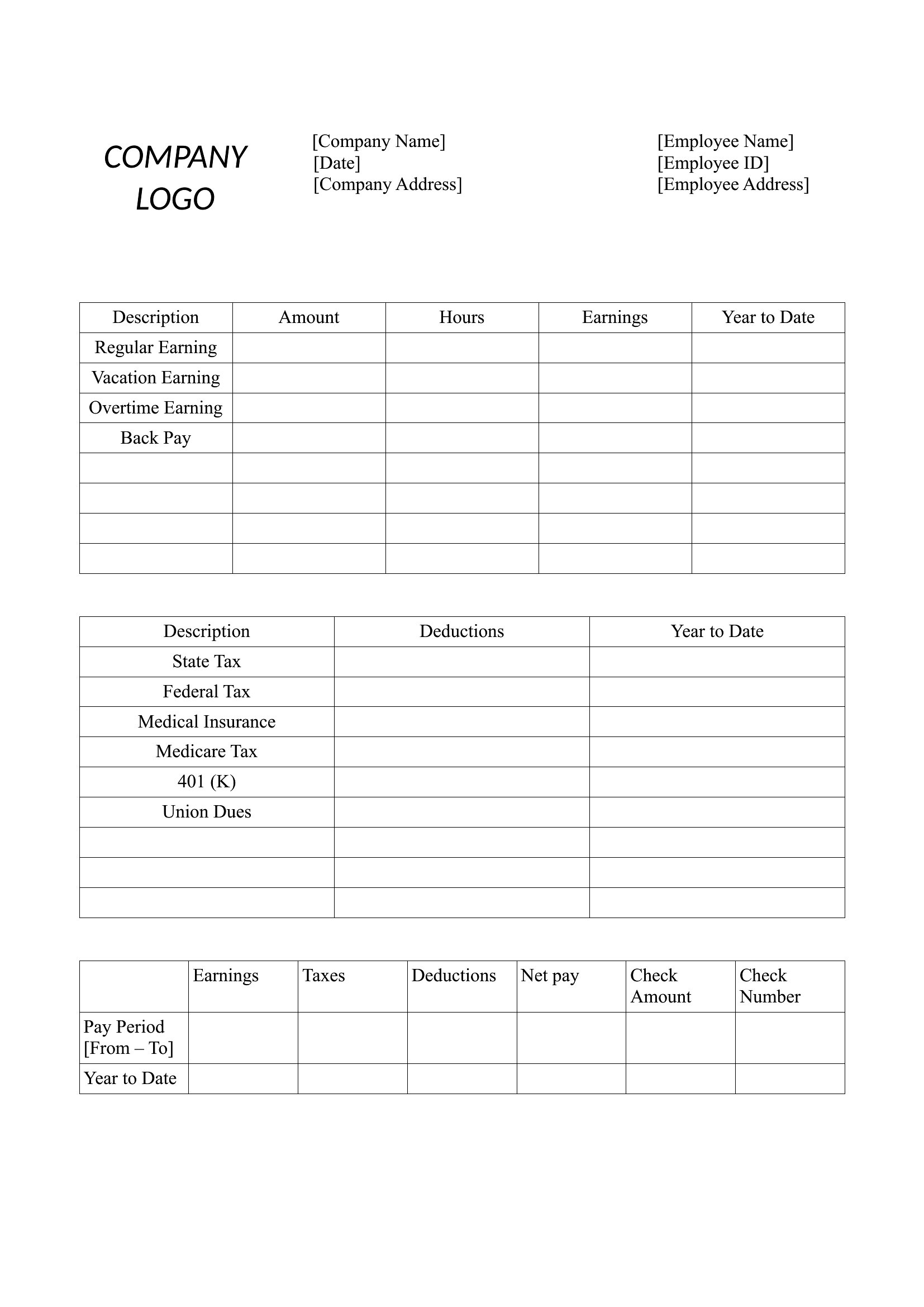
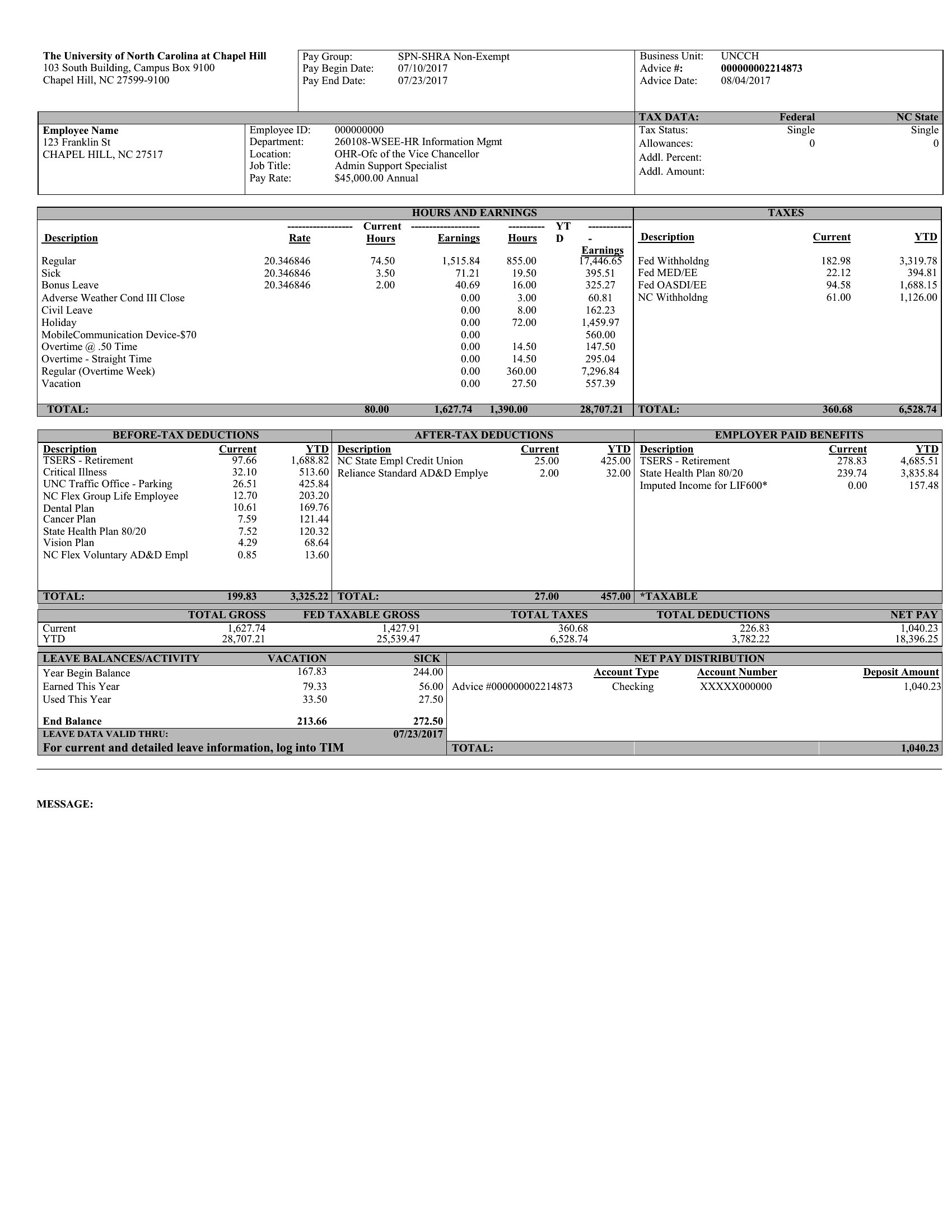
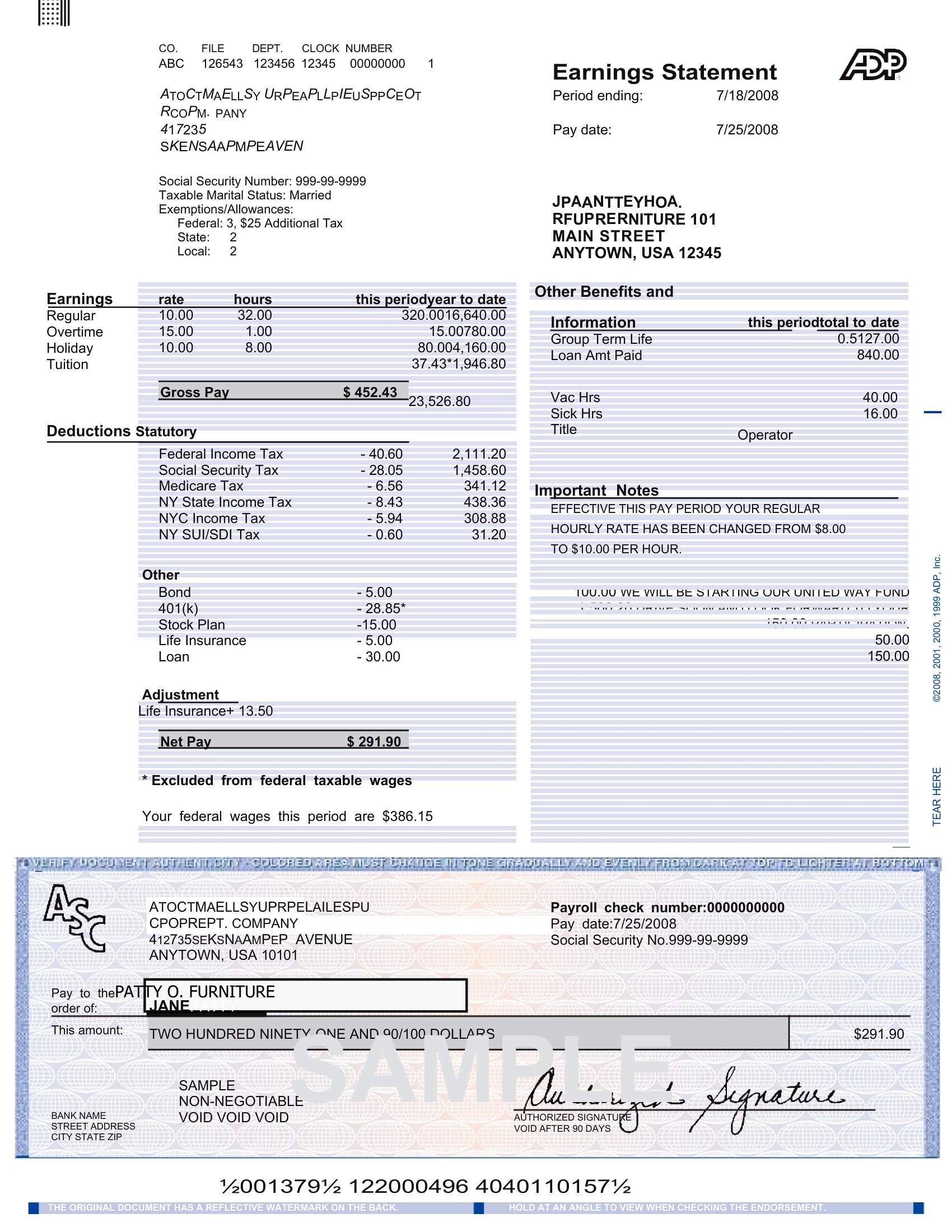
Pay Stub Template
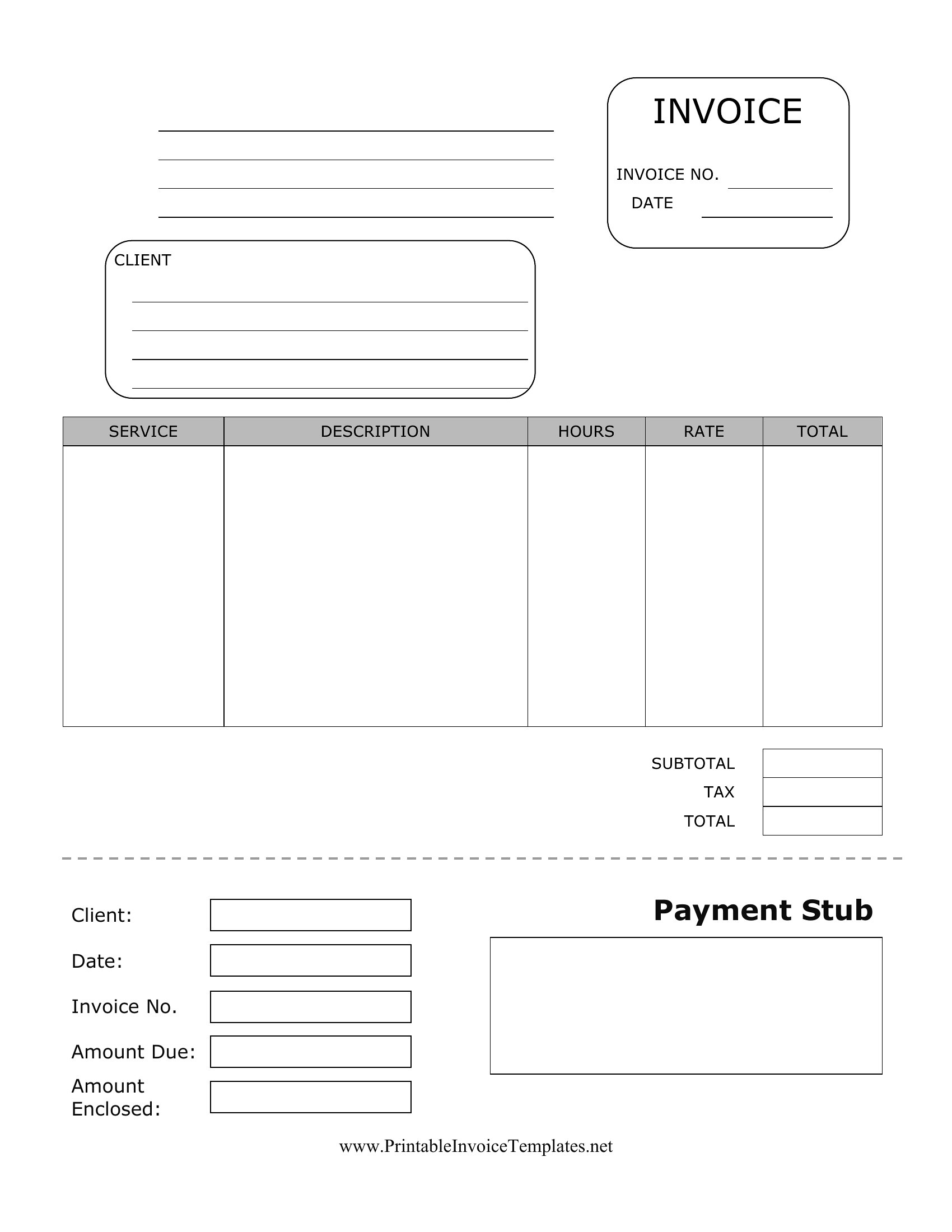
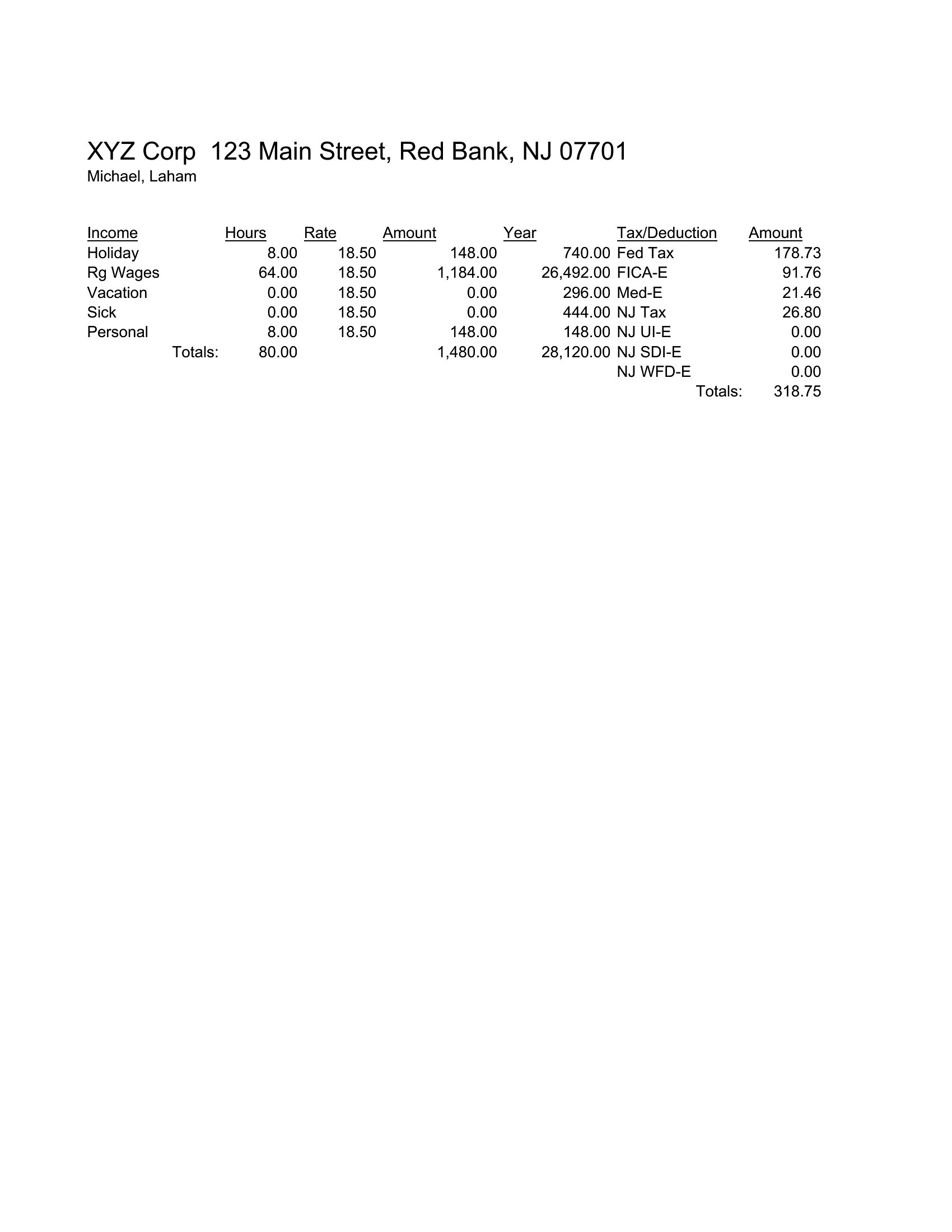
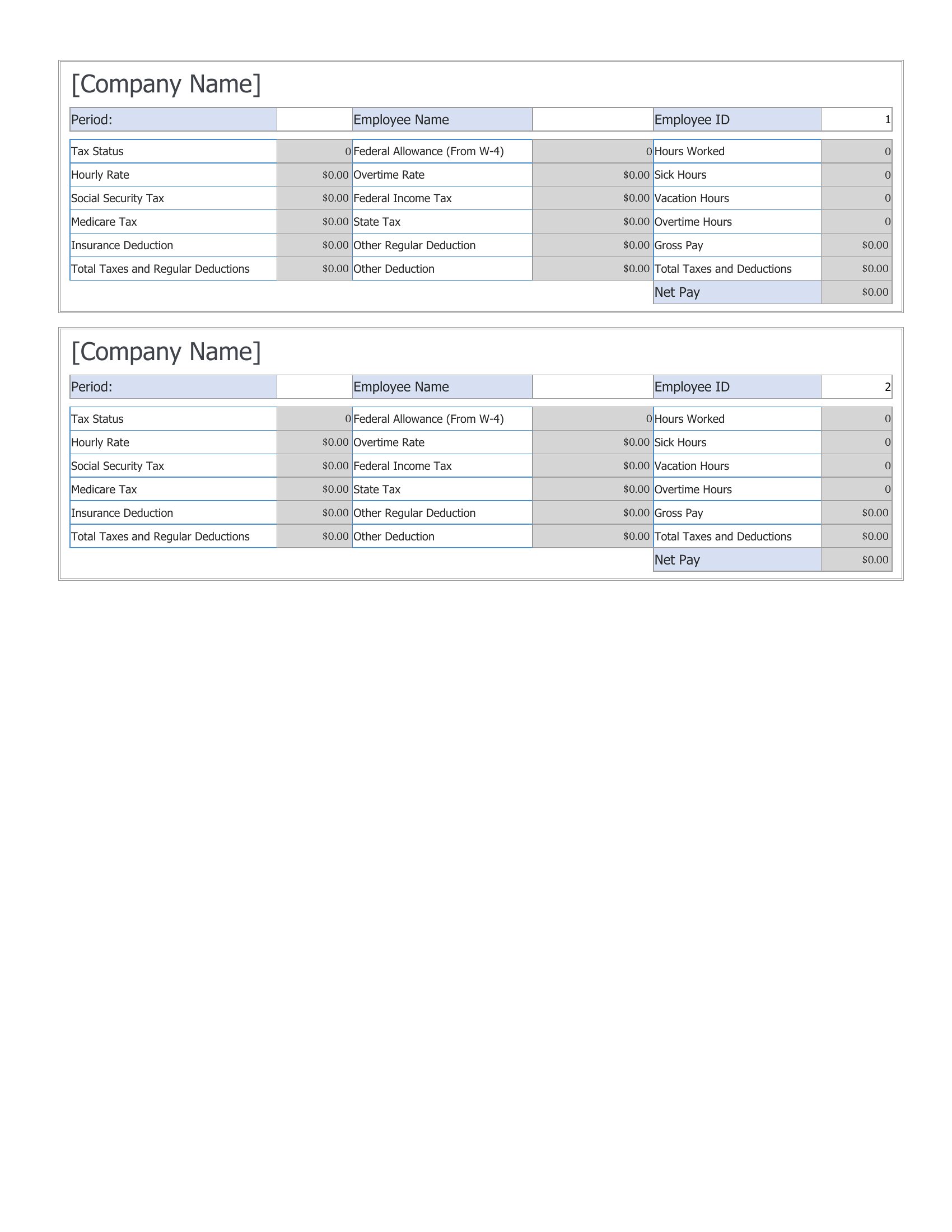
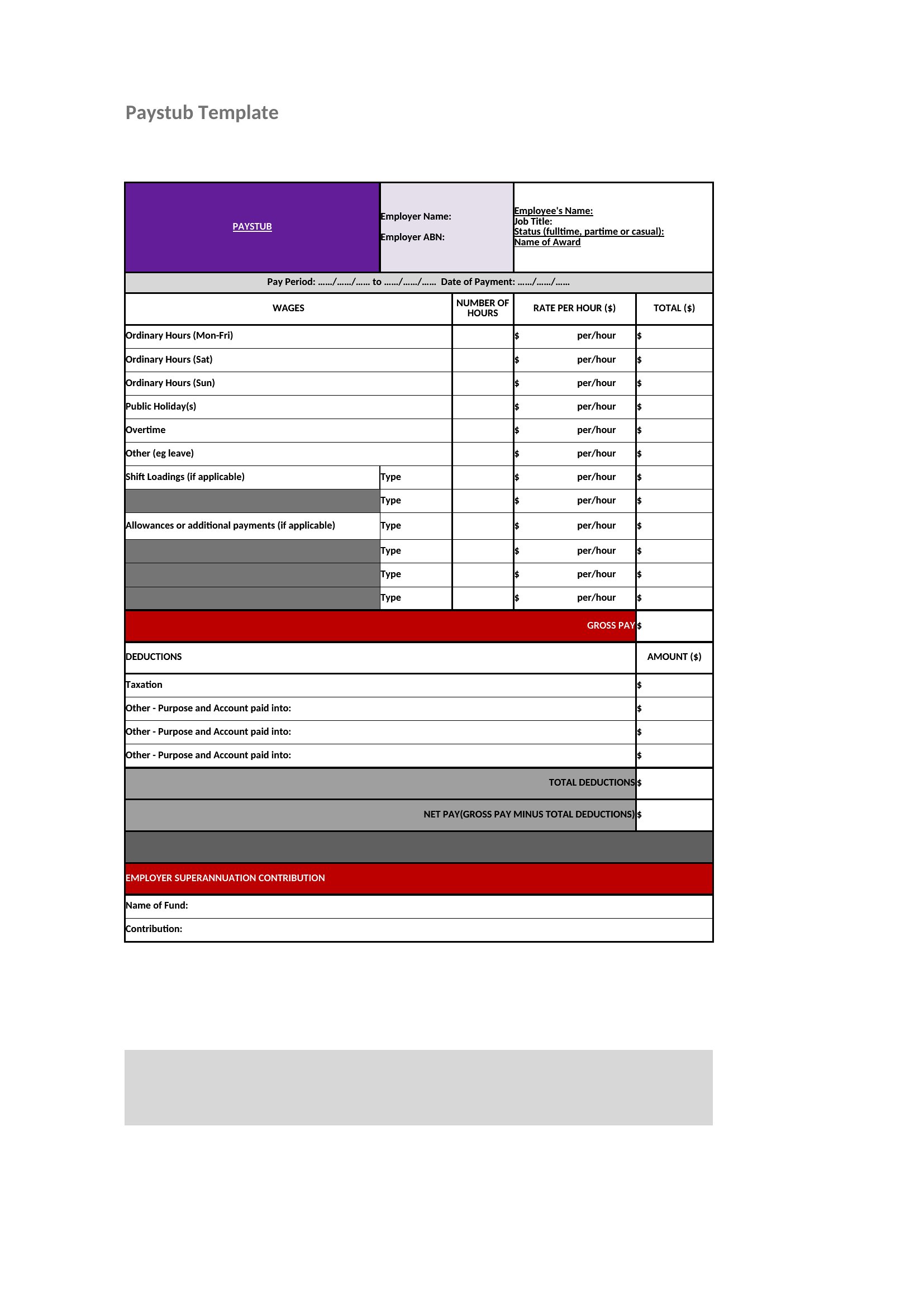
Pay Stub Sample
How to use this Pay Stub template
Can these templates handle state-specific payroll requirements like California’s itemized deduction rules?
These templates provide standard fields for federal/state withholding, Social Security, and Medicare, but they aren’t legally binding documents. For state-specific compliance, consult a payroll service or tax professional to ensure accuracy, especially for deductions like local taxes or bonded worker fees. Use the template as a starting point, then verify against your state’s labor board guidelines.
What’s the best way to ensure the pay stub matches our company’s branding without distorting the layout?
For Word templates, replace placeholder logos/text with your brand assets, then adjust font sizes manually to preserve alignment. In PDFs, use a design tool like Canva to overlay your logo (as a transparent PNG) while keeping the existing text structure intact. Avoid scaling the entire document—focus on replacing only the branded elements in the header/footer areas.
How do I account for irregular pay periods, like biweekly with fluctuating hours?
Start with a blank Excel template to input variable hours/days worked per pay period, then copy the formula structure into a Word or PDF template. Label the stub clearly (e.g., “Pay Period: [Dates]”) and note “Variable Hours” under earnings. For PDFs, pre-fill the template using a tool like Adobe Acrobat’s form-fill feature to automate recurring fields while keeping the irregular details manual.
Comments
Join the conversation
Sign in to share your thoughts and leave a comment on this resource.