Free Comparison Chart Templates (Word, Excel)
Data by samueltremblay
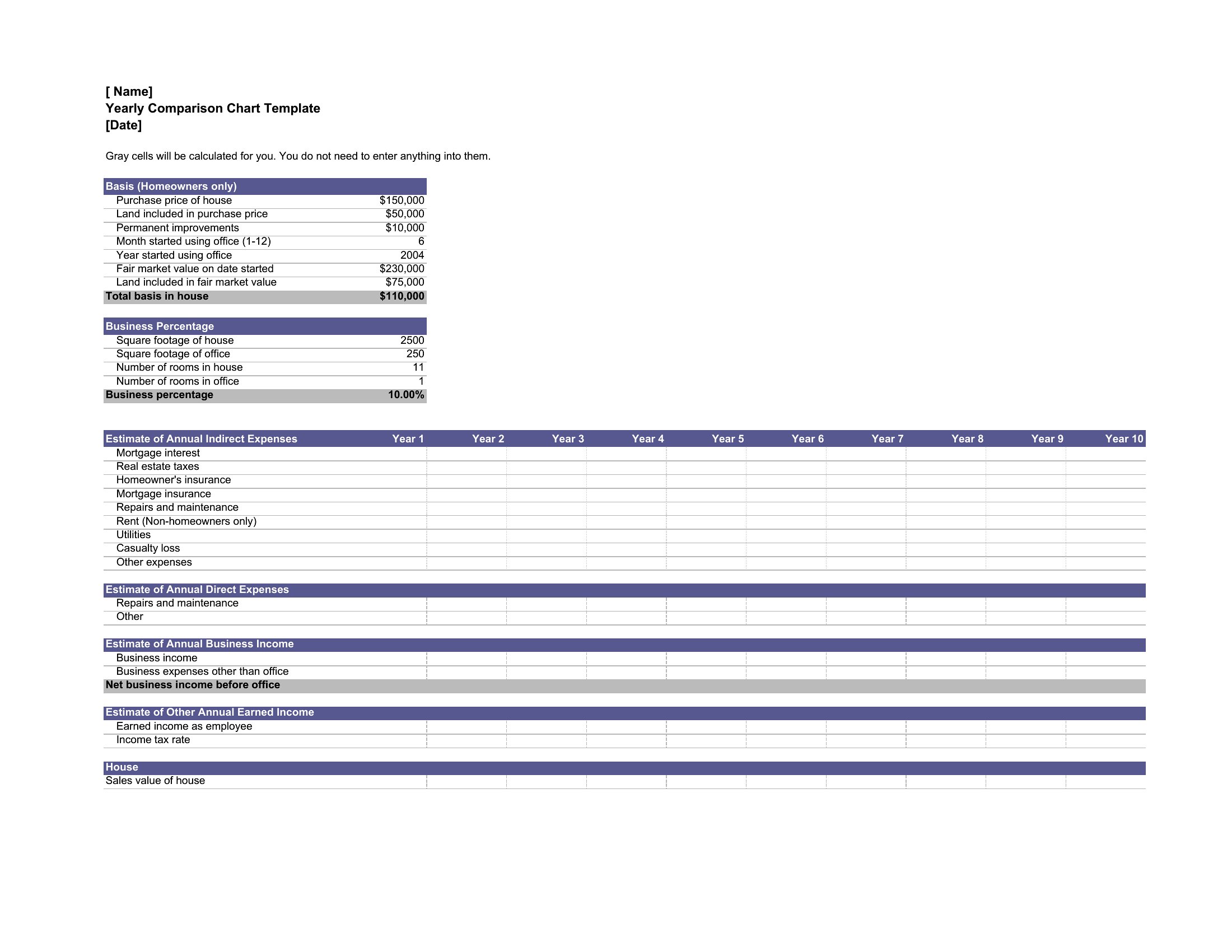
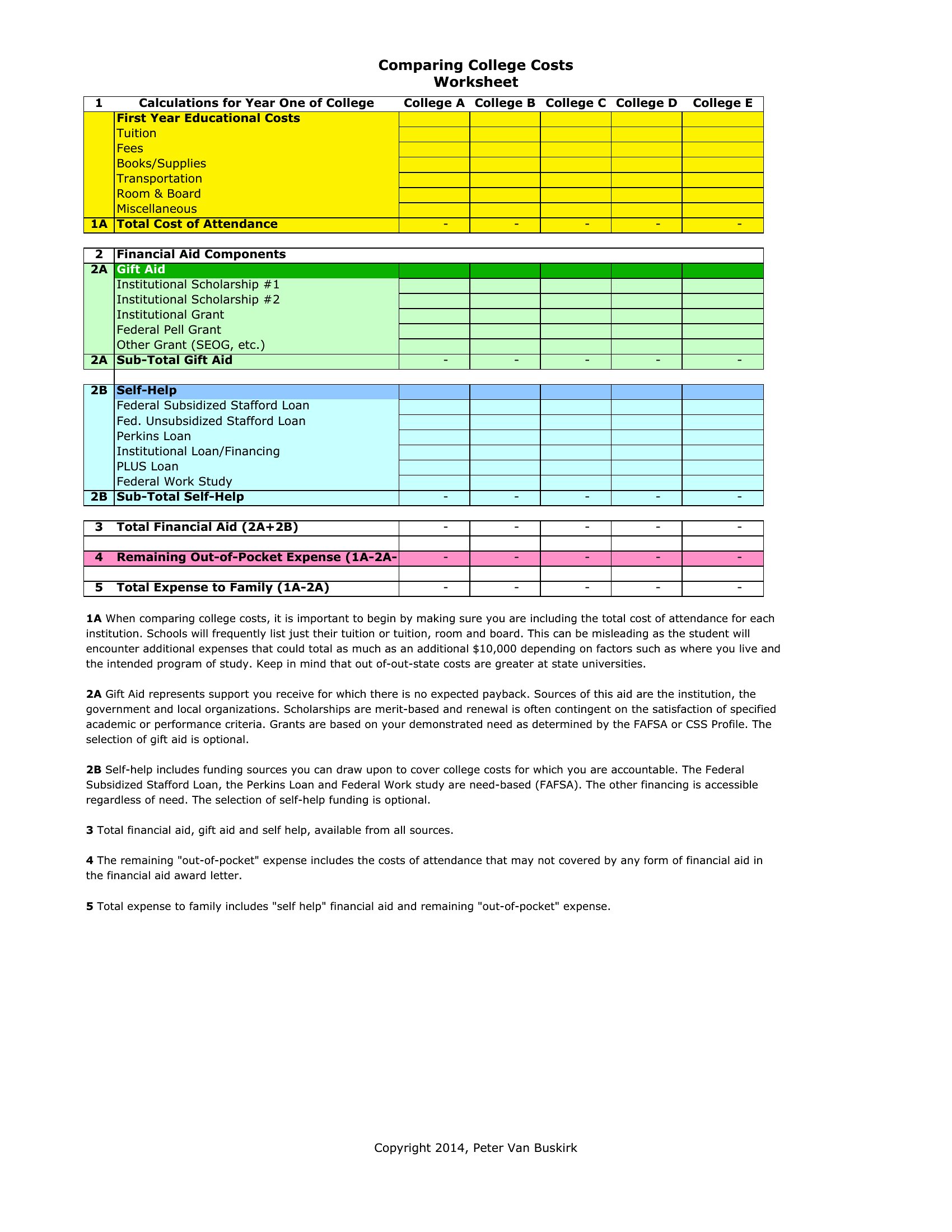
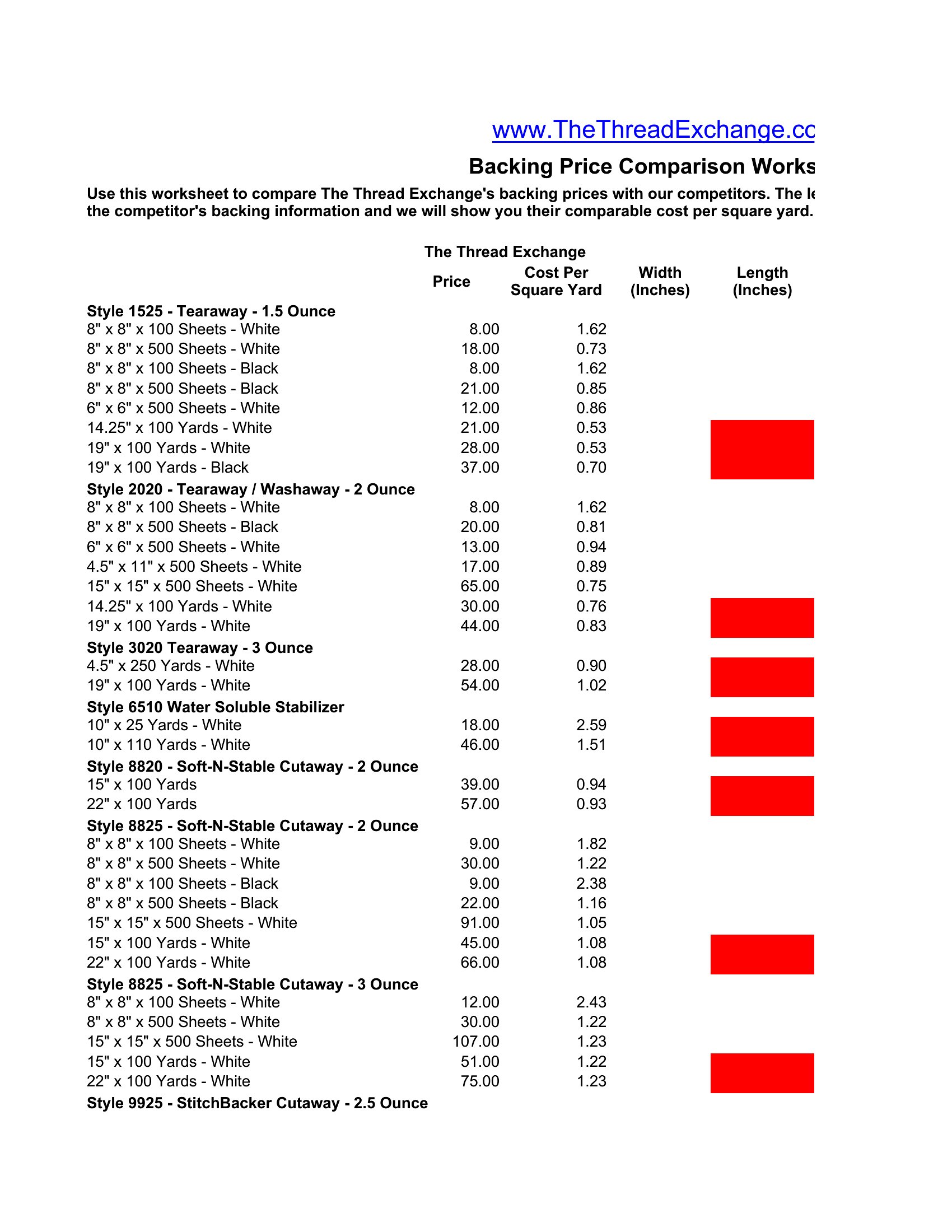
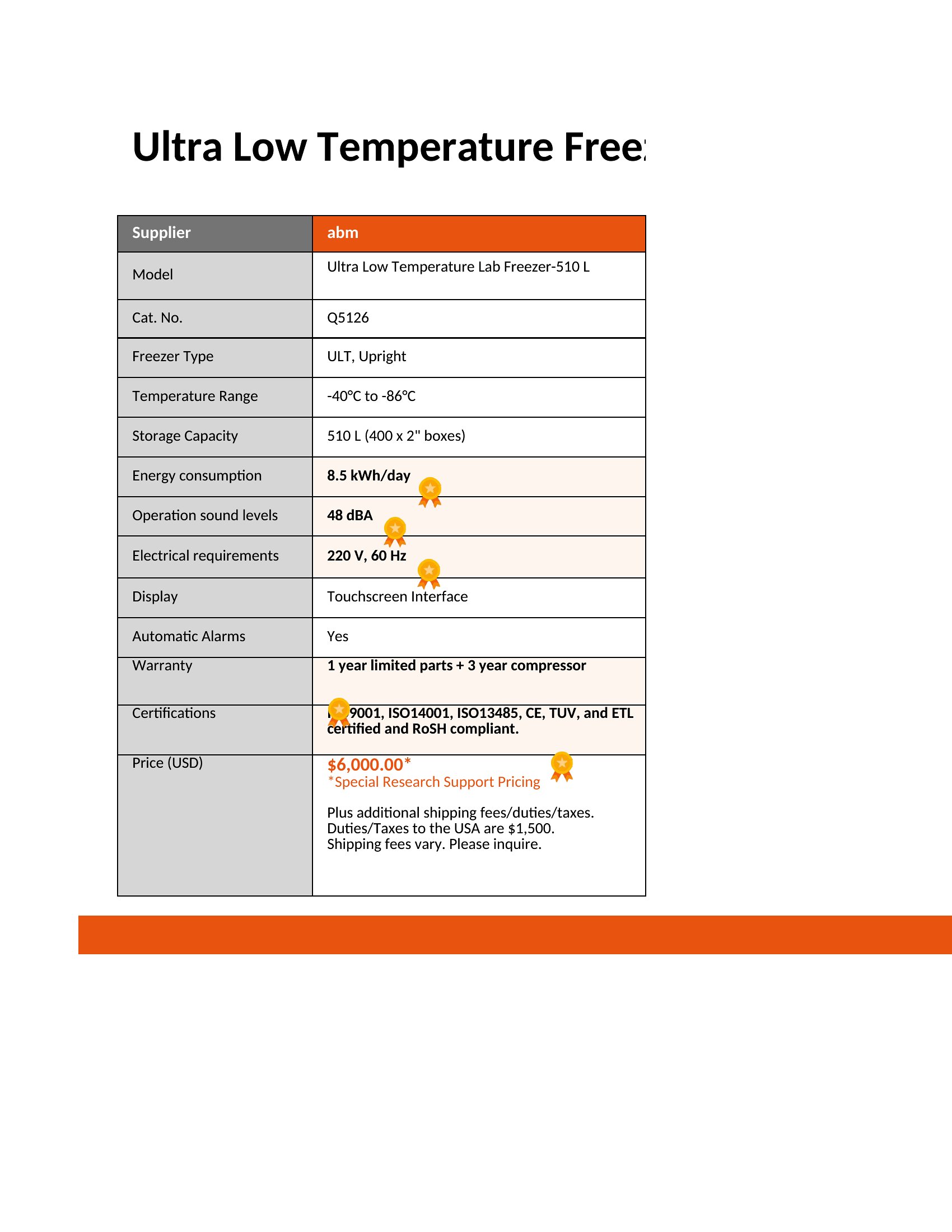
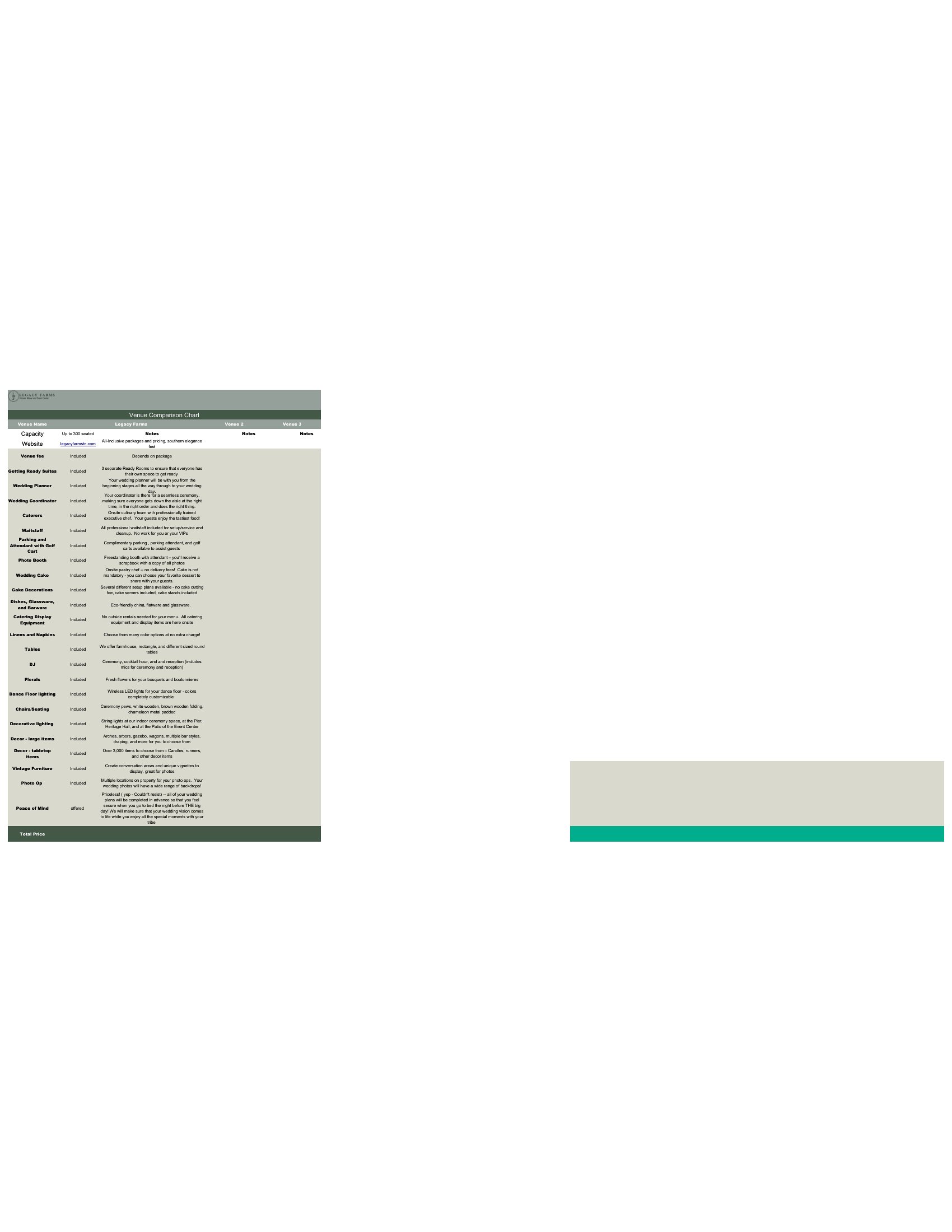
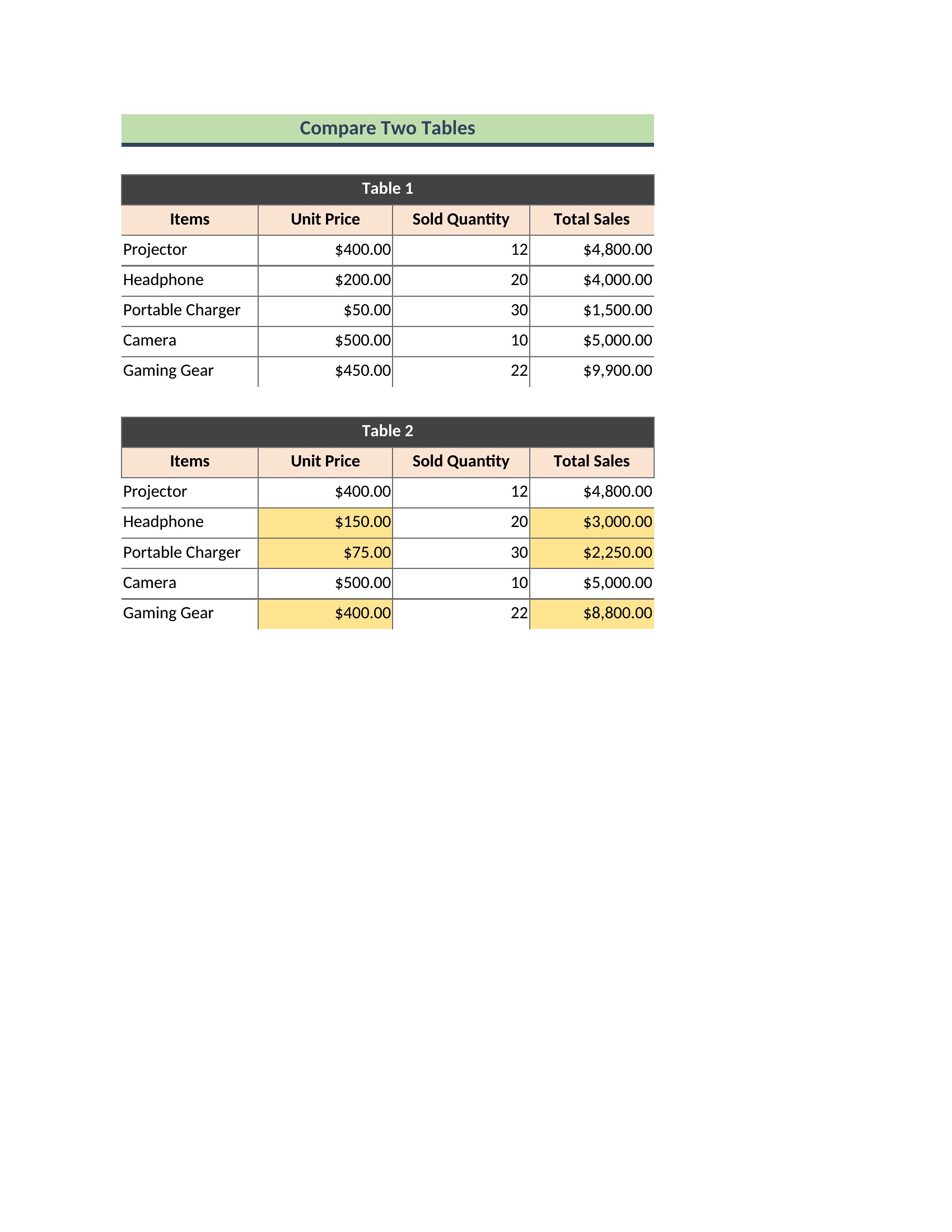
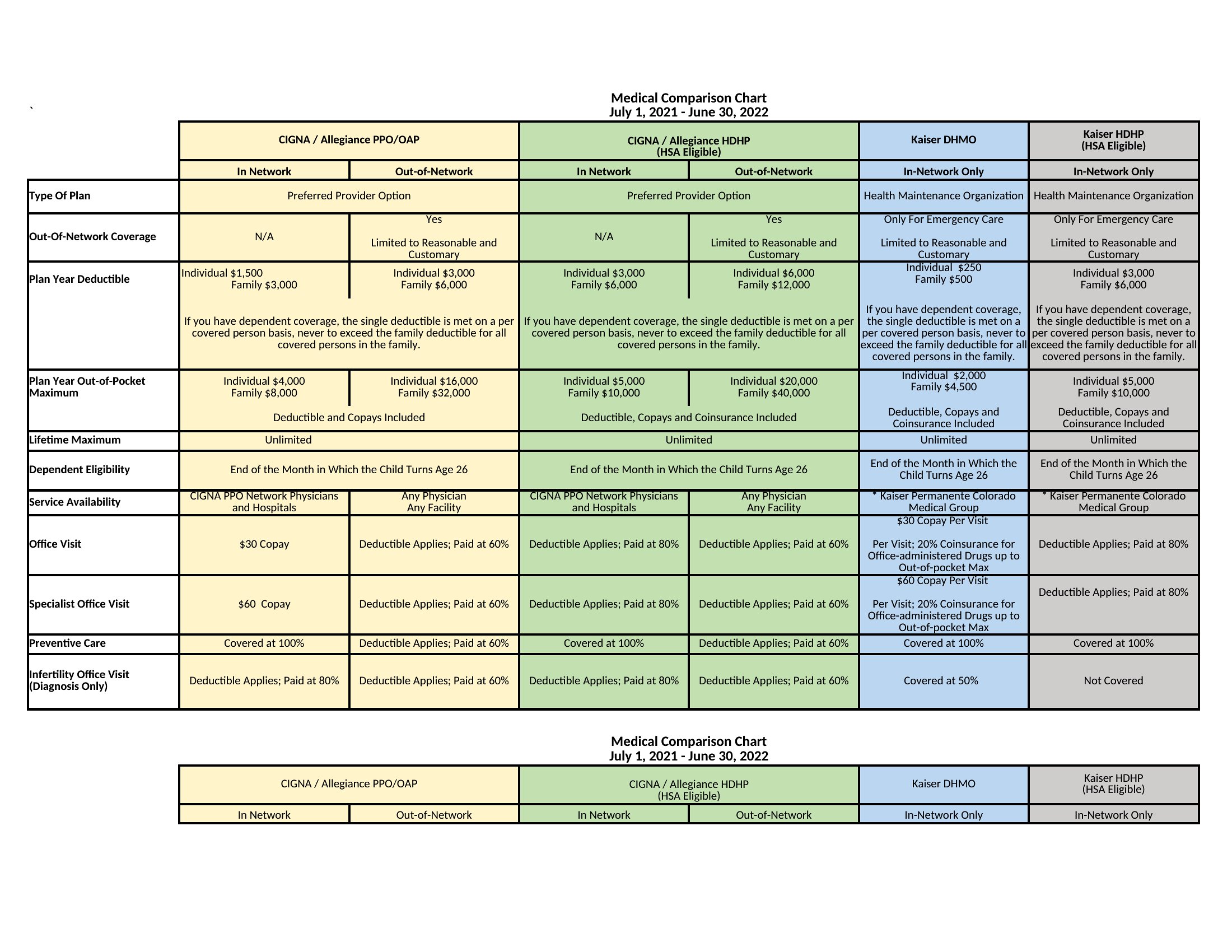
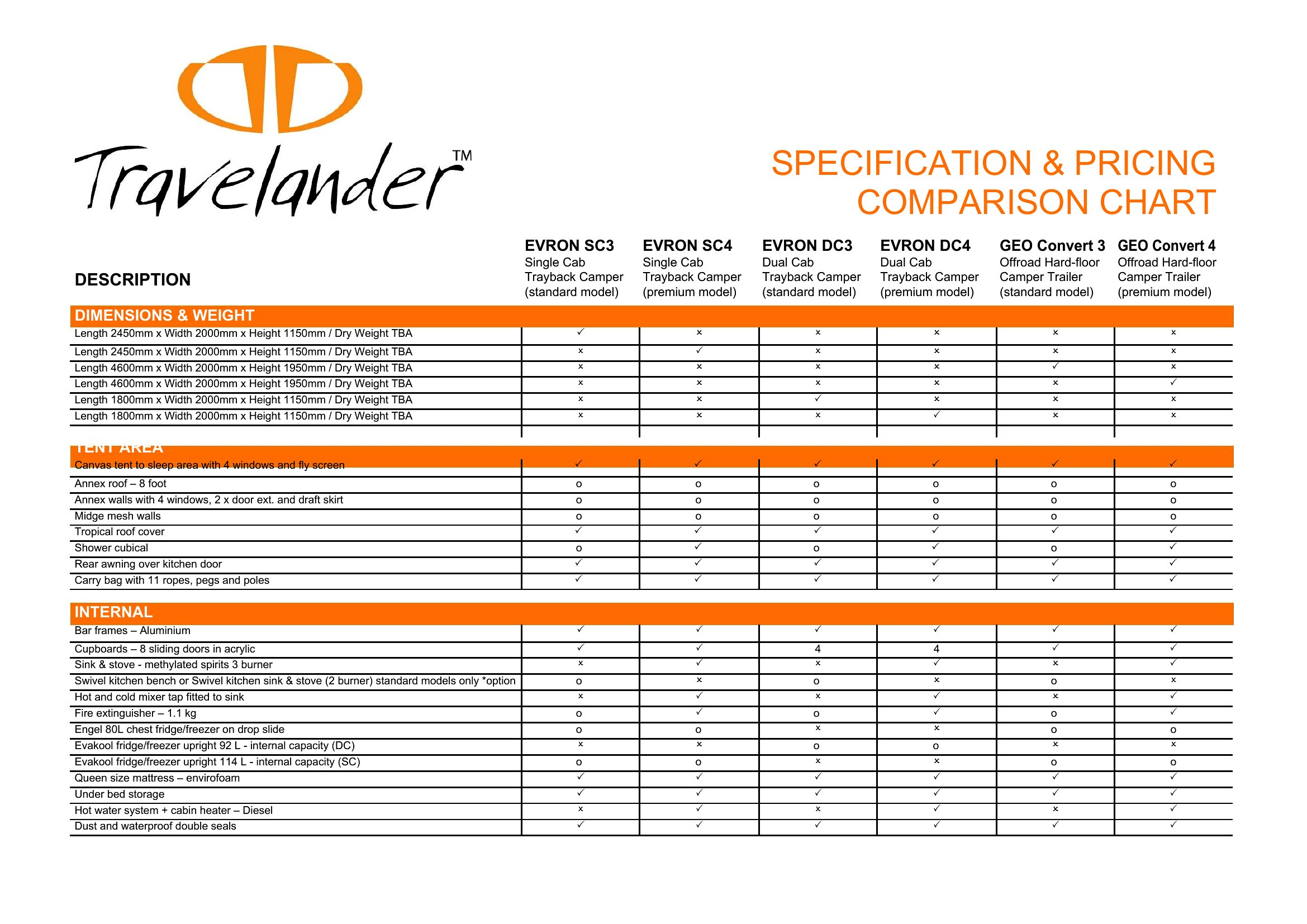
Laying out options side by side makes a decision obvious in a way that paragraphs never will. These 39 comparison chart templates help you stack products, plans, or vendors against each other across the features that matter. Shoppers, business buyers, and presenters can weigh choices clearly without building a chart from scratch.
You'll find Word versions for documents and Excel sheets that let you add rows and sort columns easily. Enter your options, fill in the details, and the comparison comes together fast. Drop it into a report, a slide, or a buying guide. Download the format that fits your needs and start comparing.
Choose from 39 Comparison Chart Templates
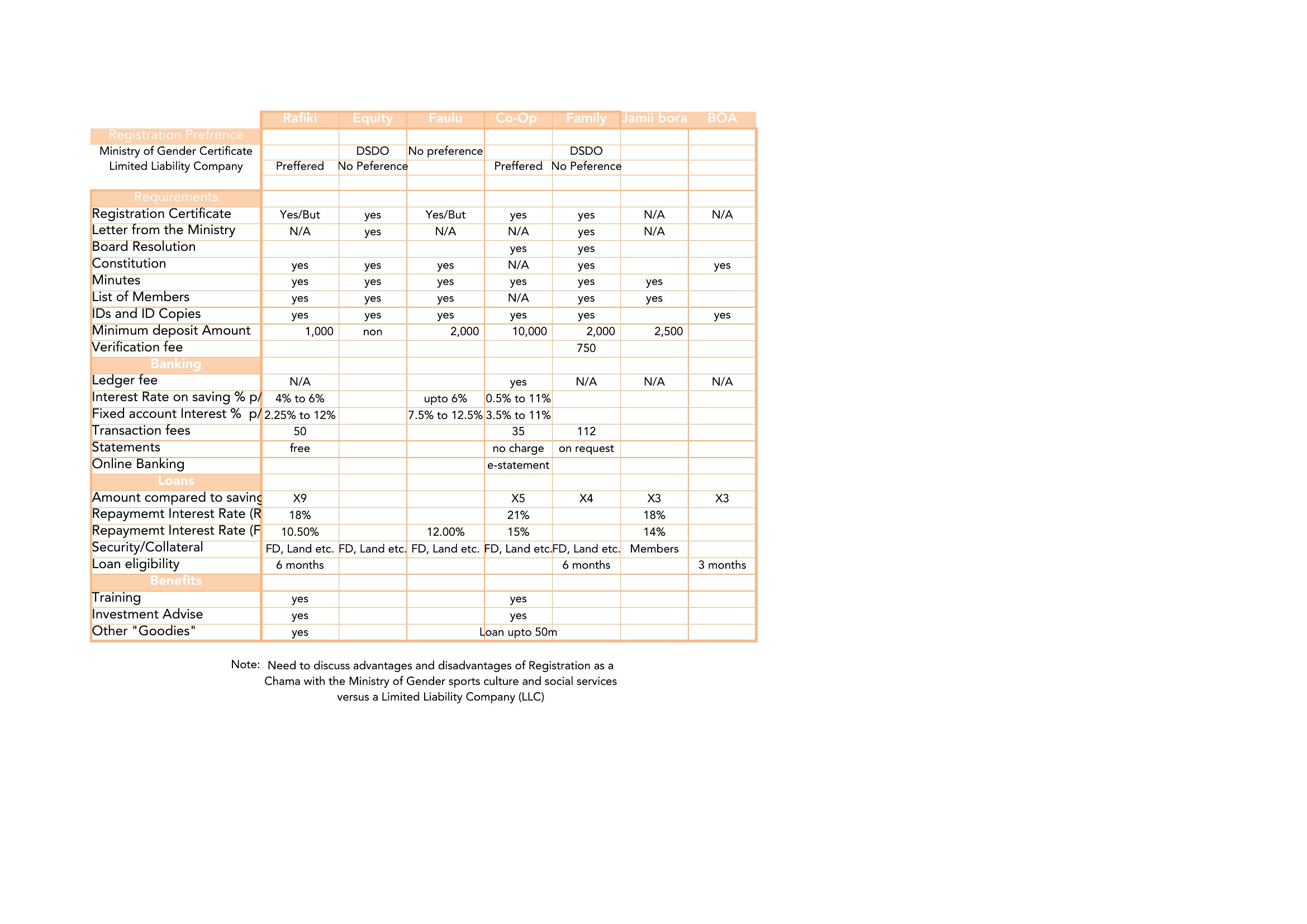
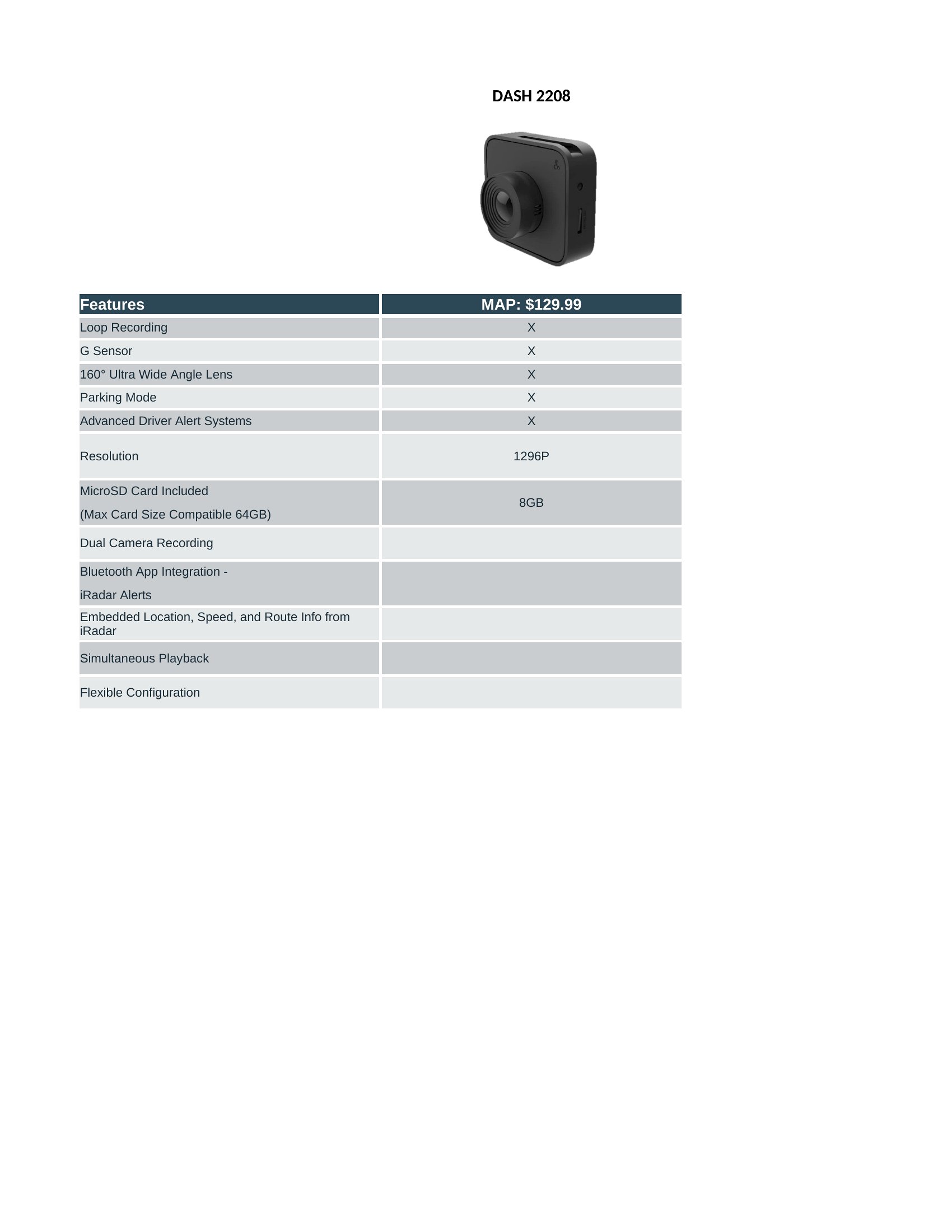
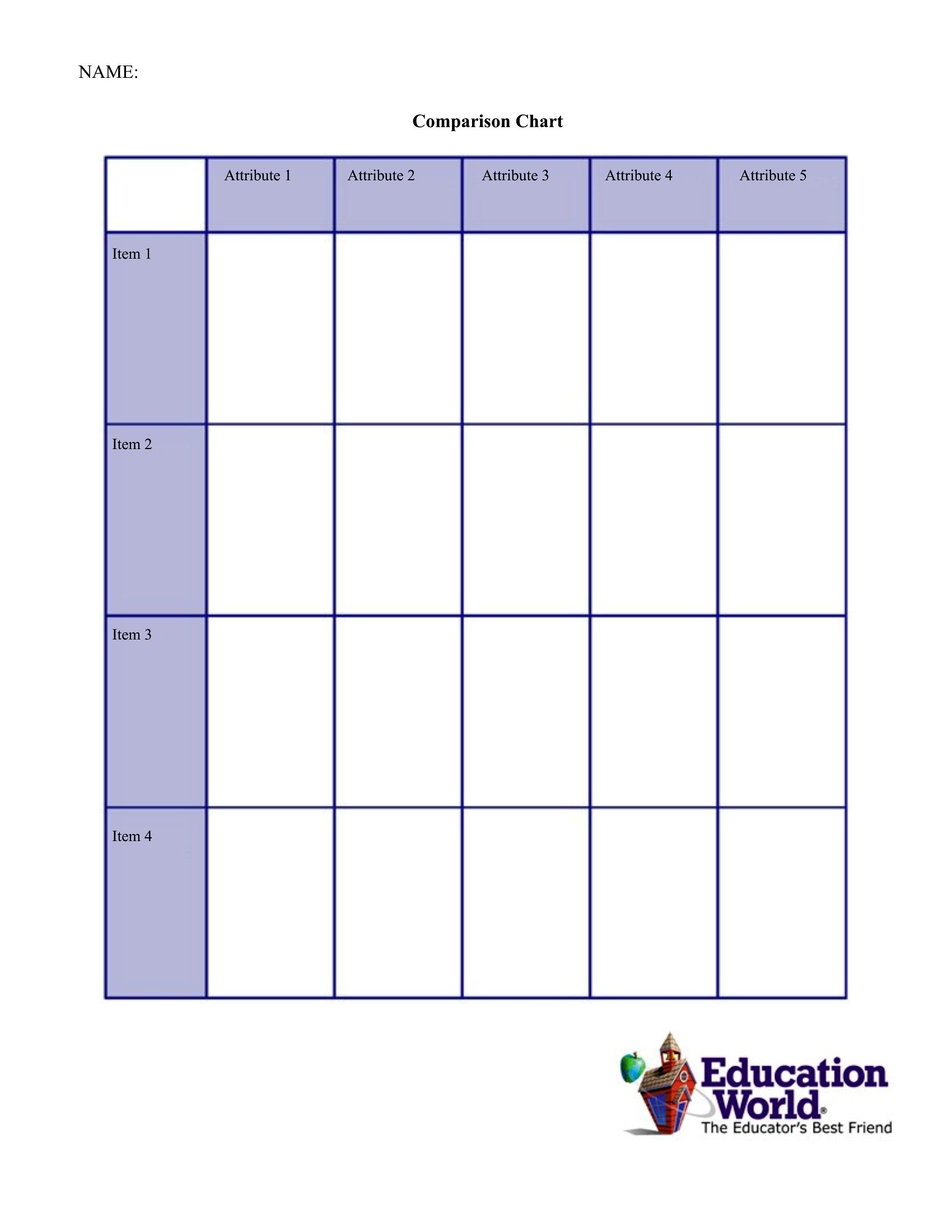
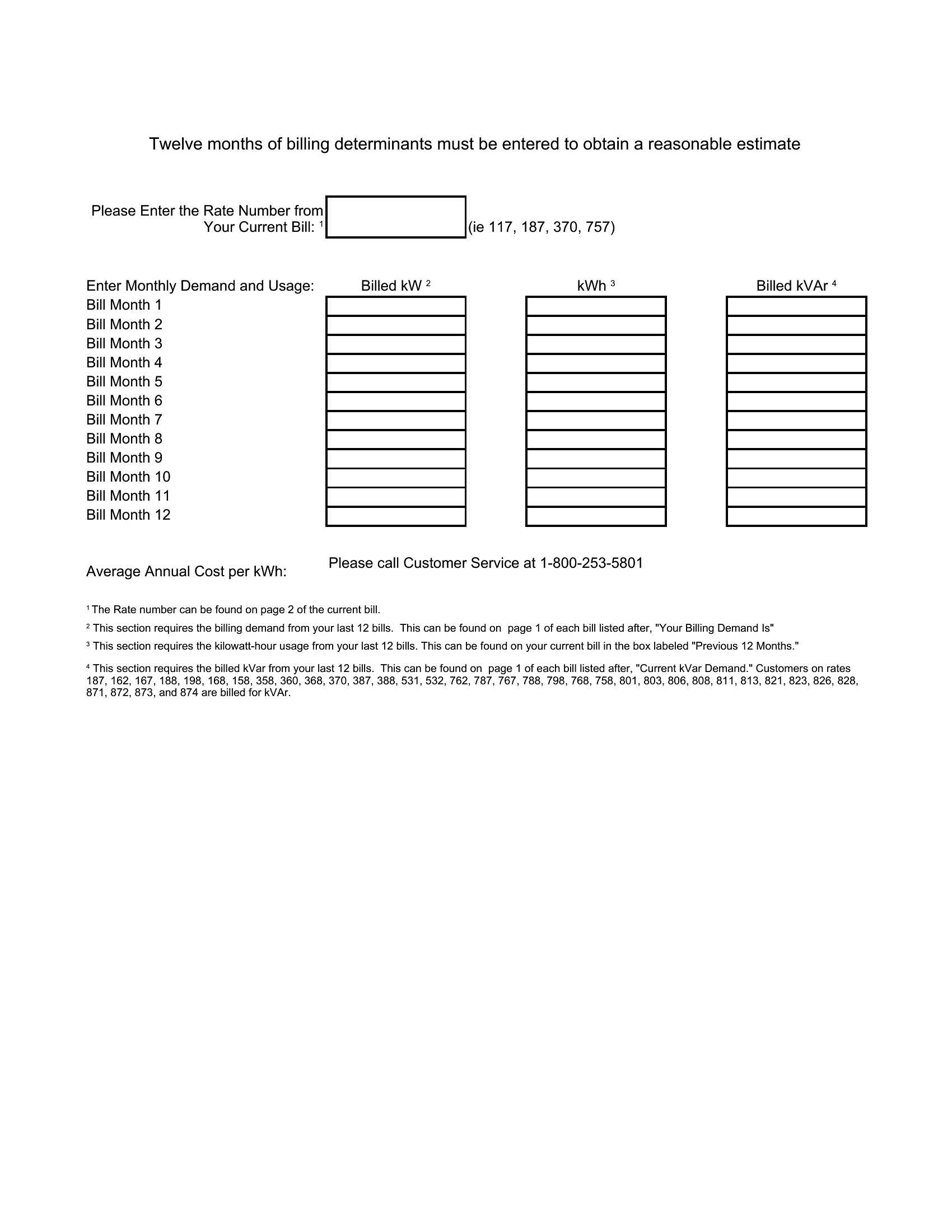
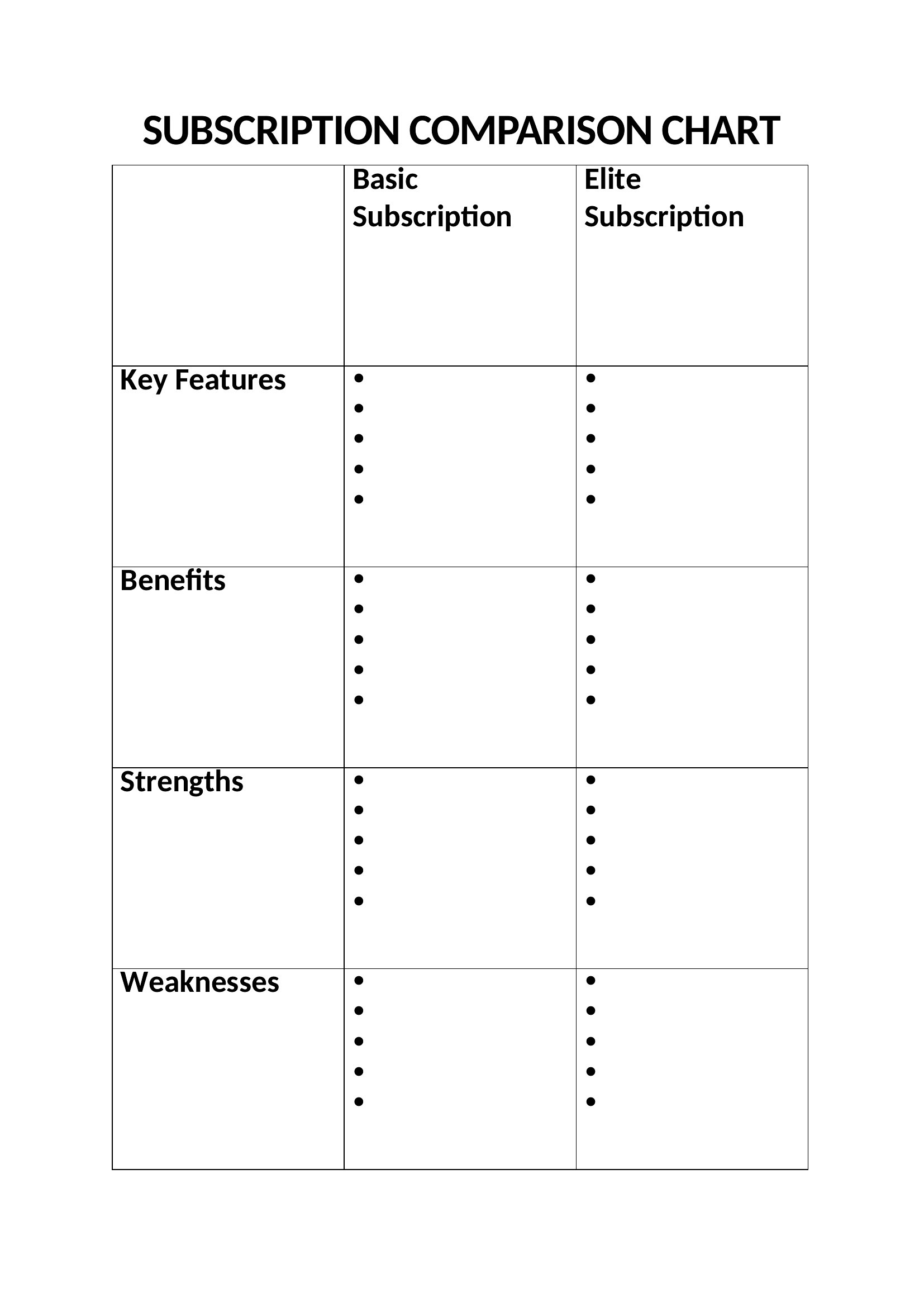
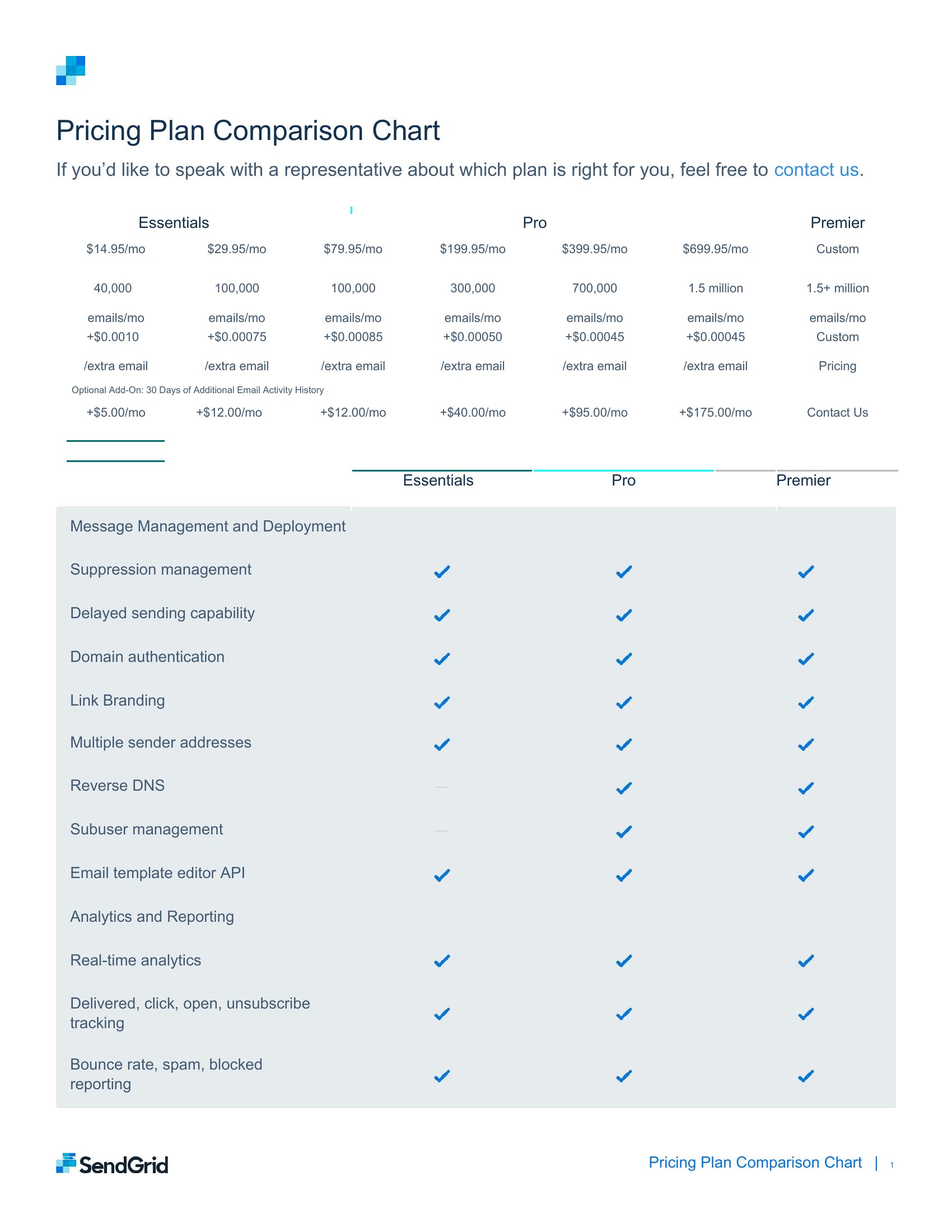
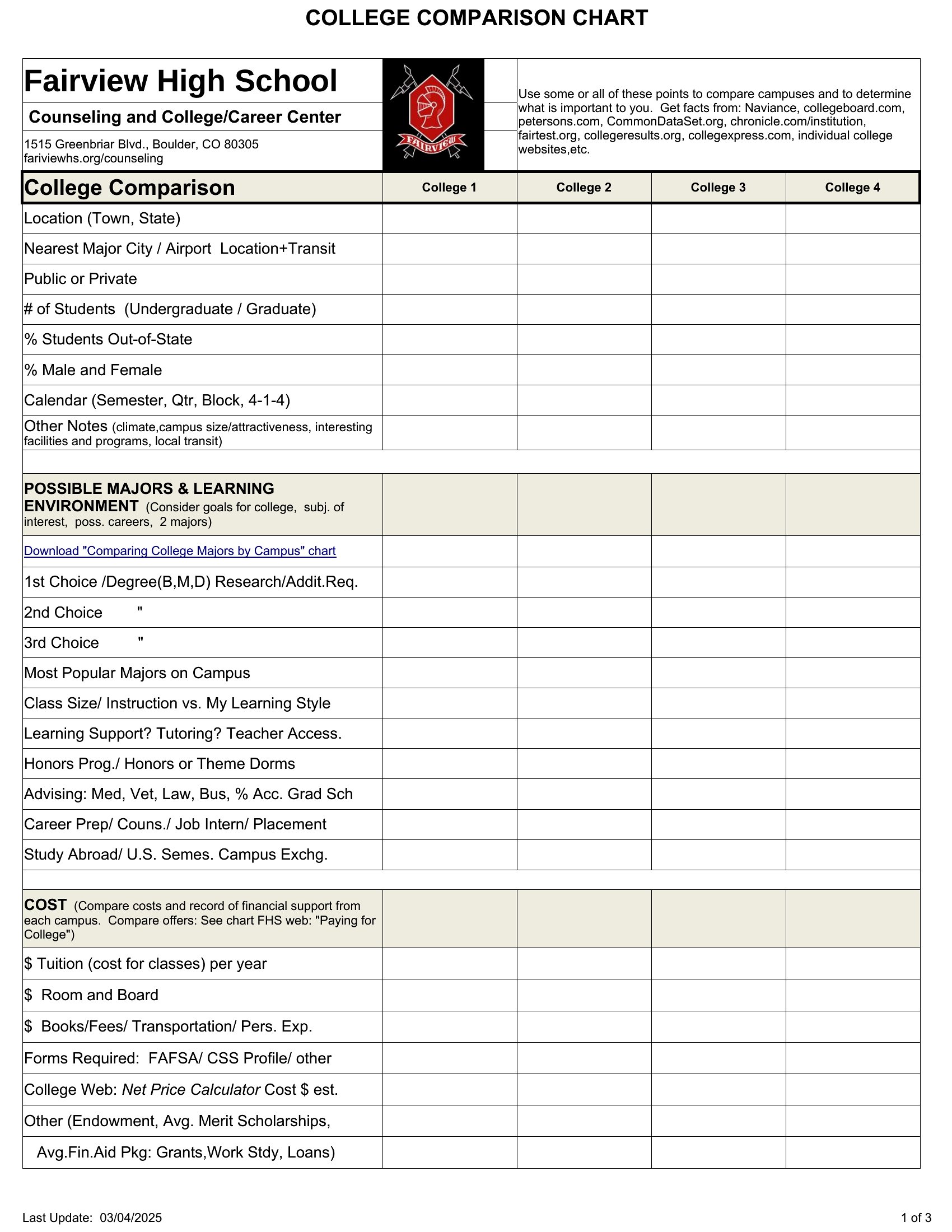
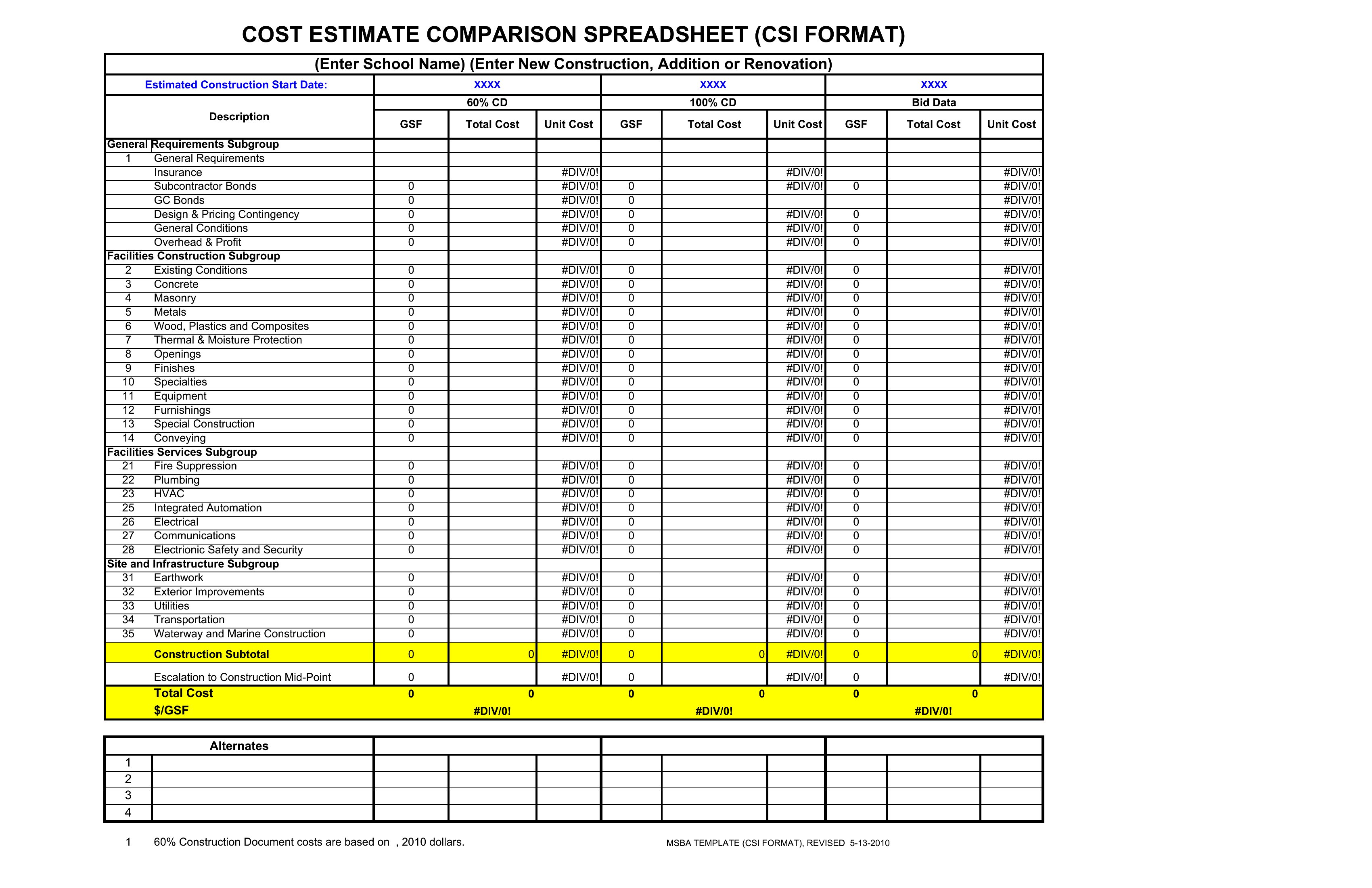
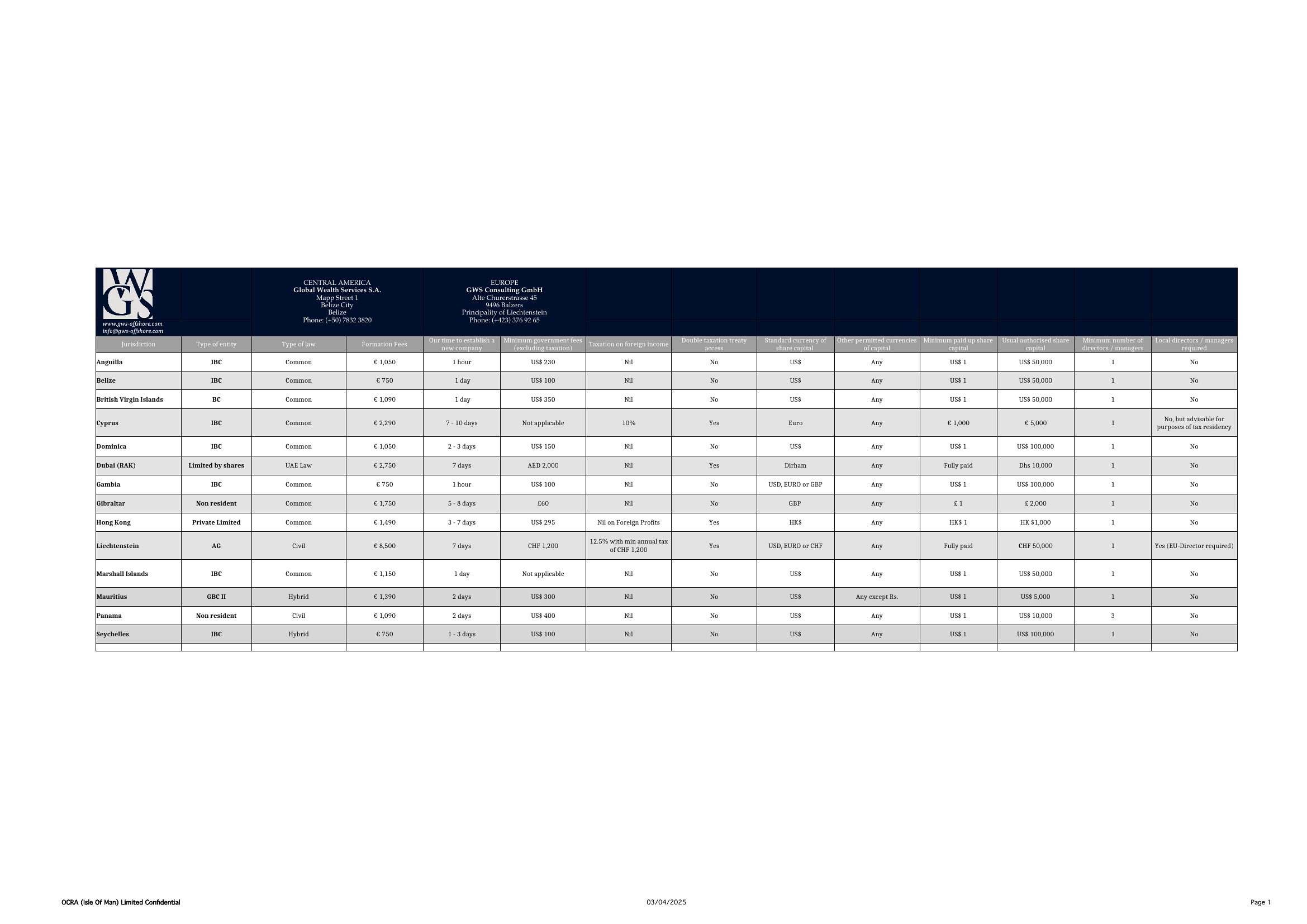
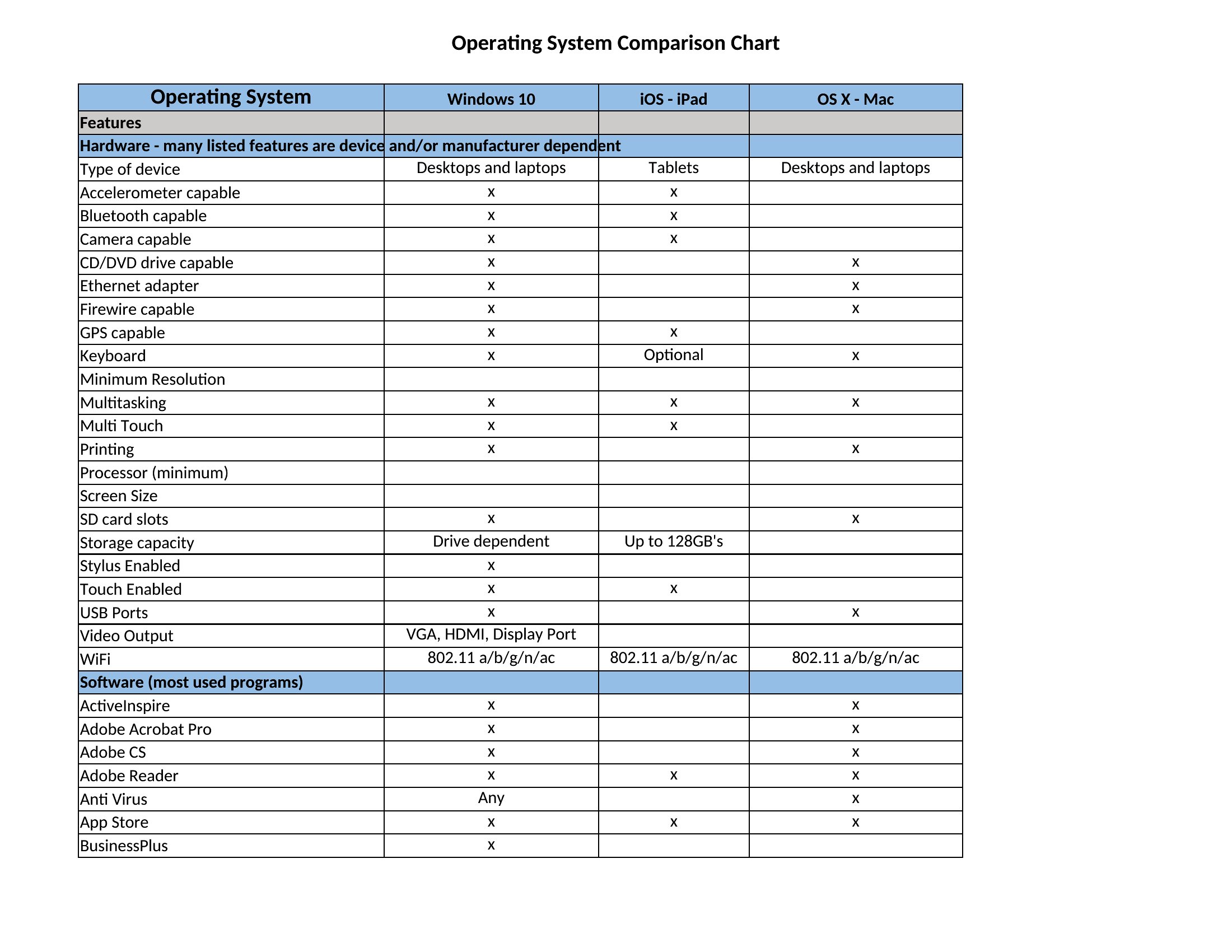
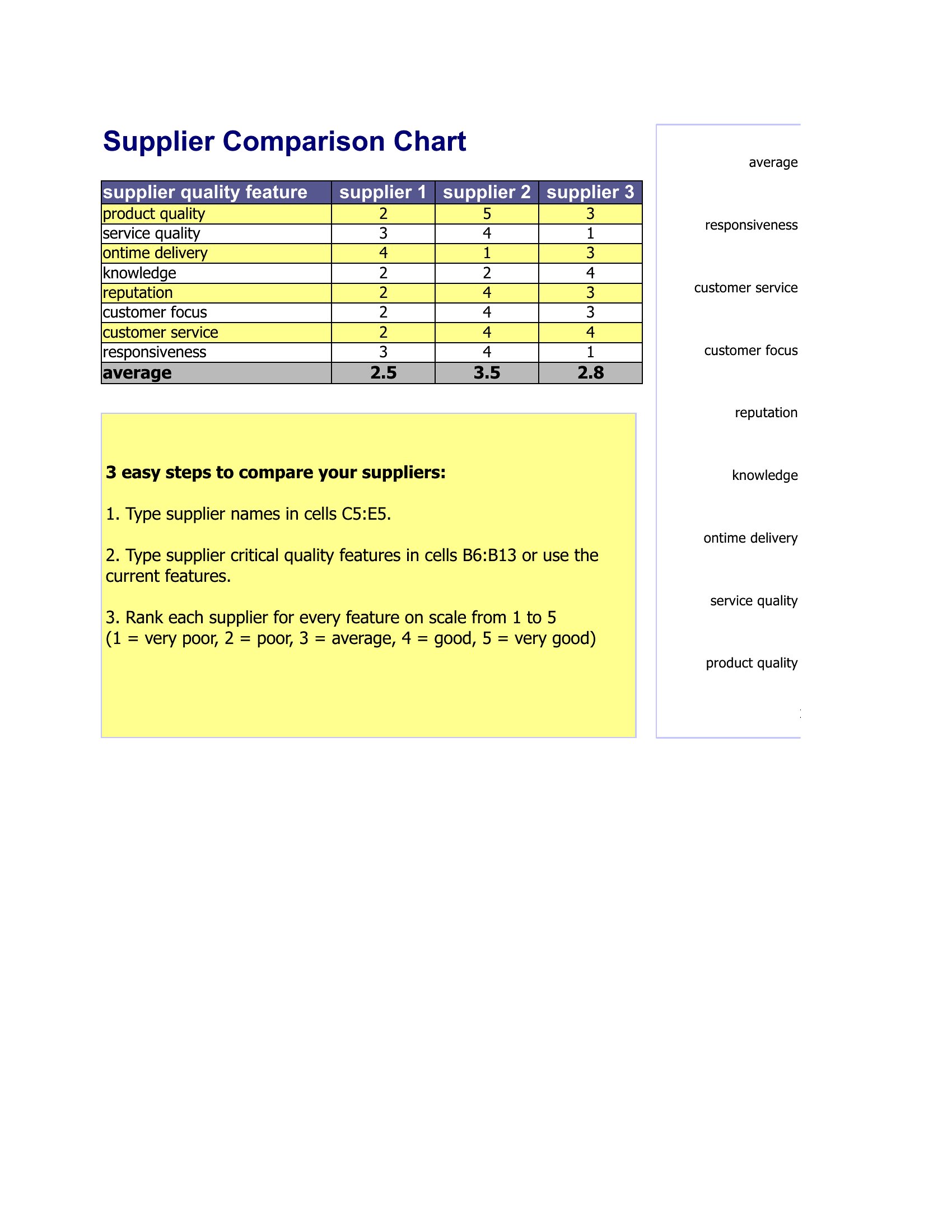
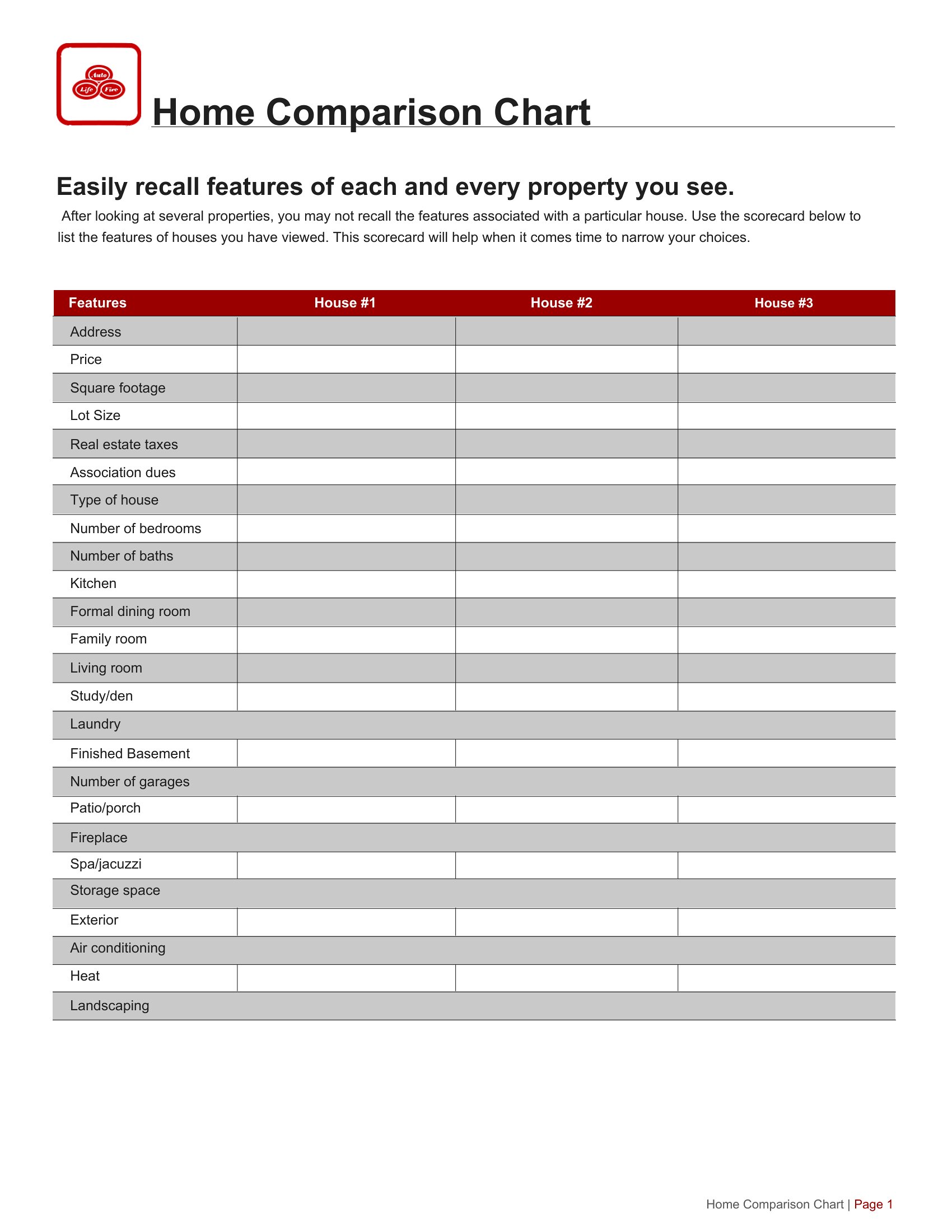
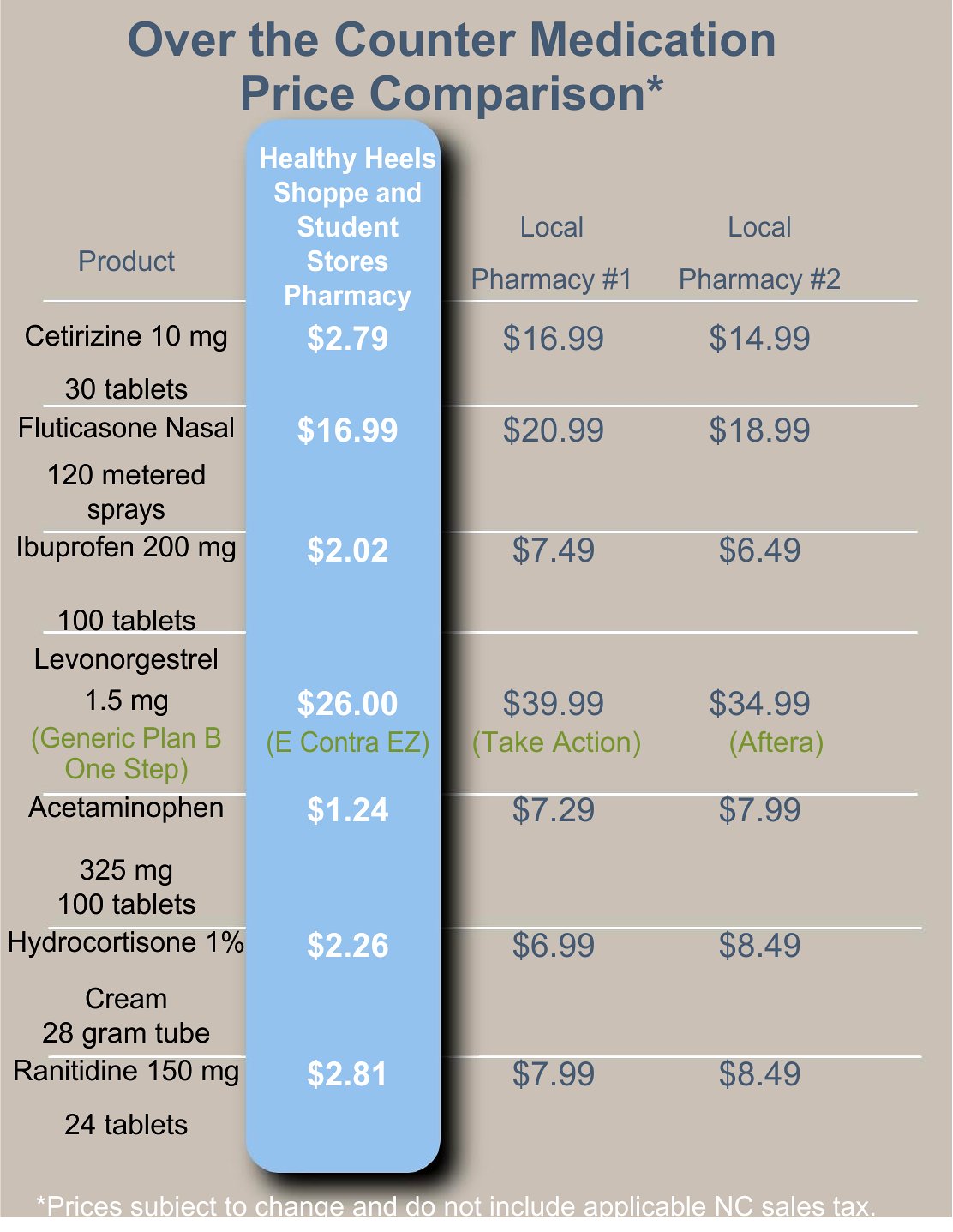
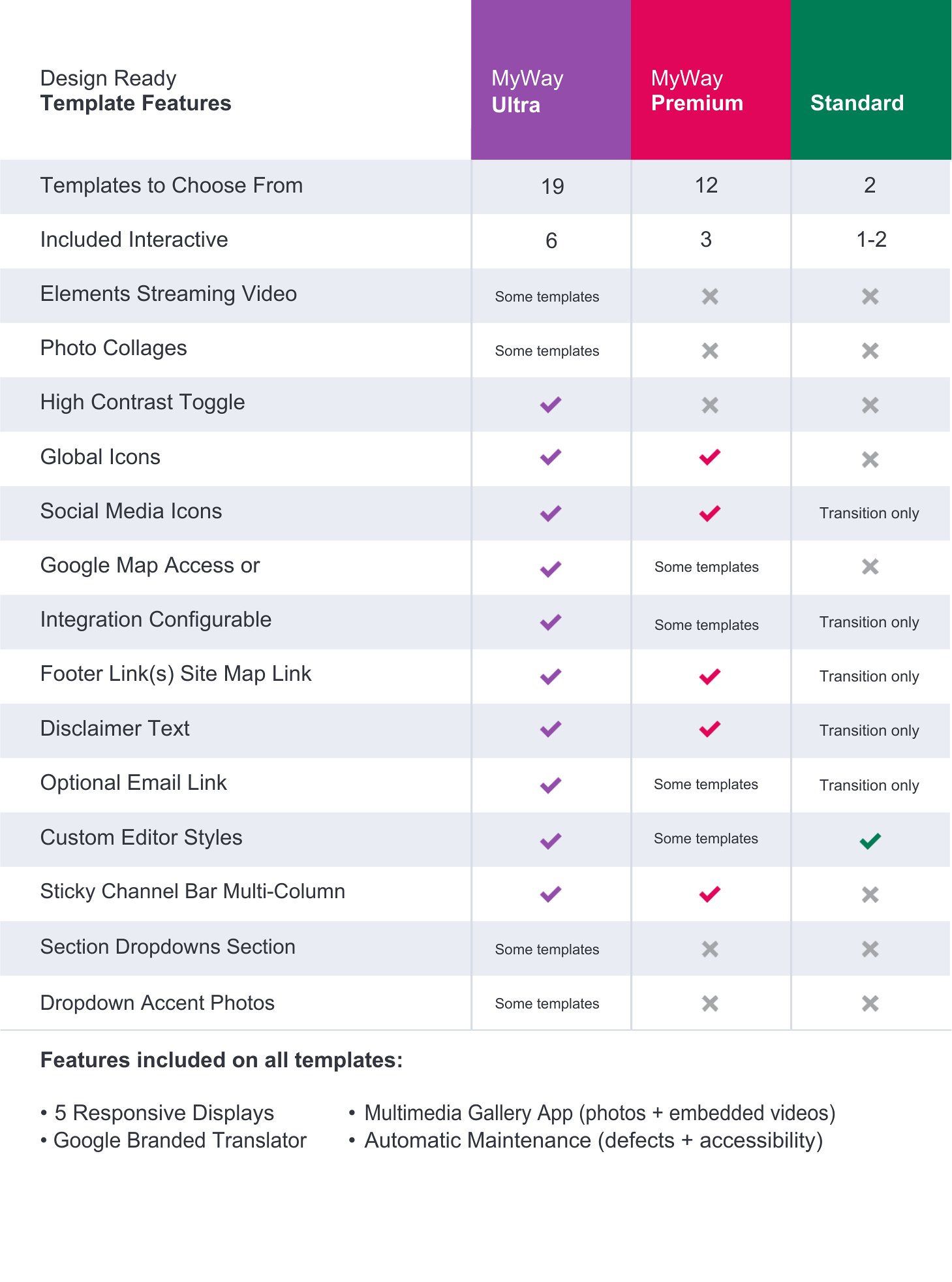
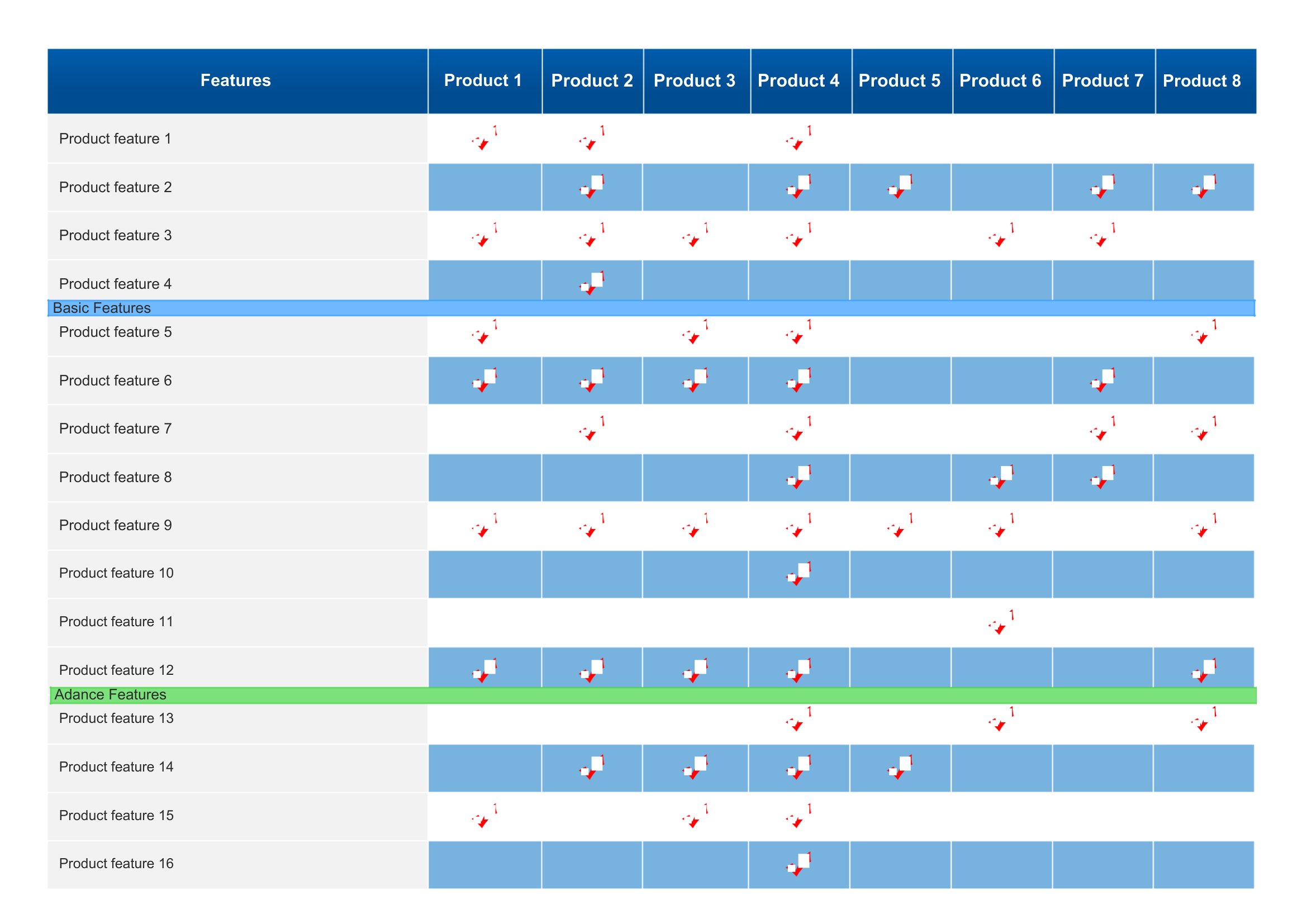
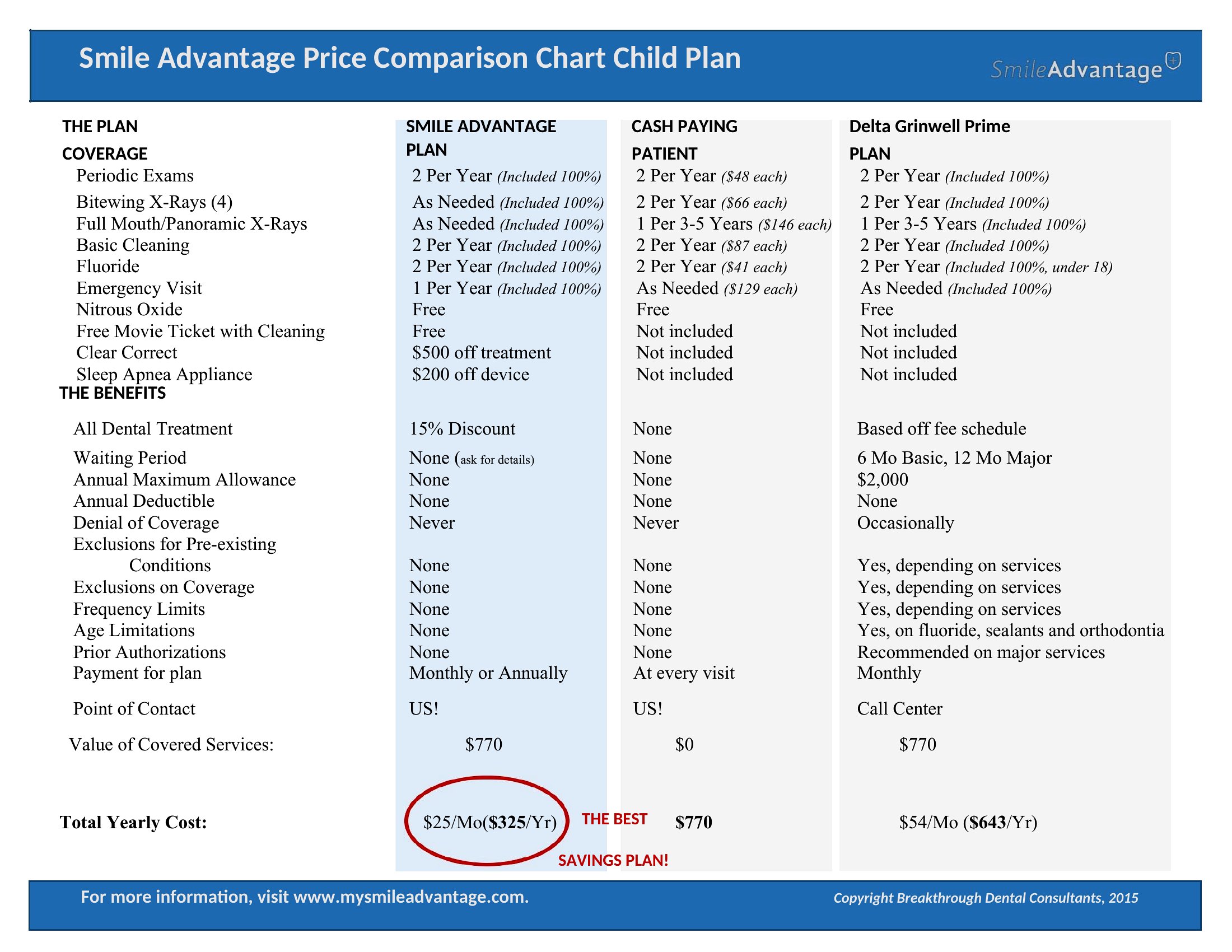
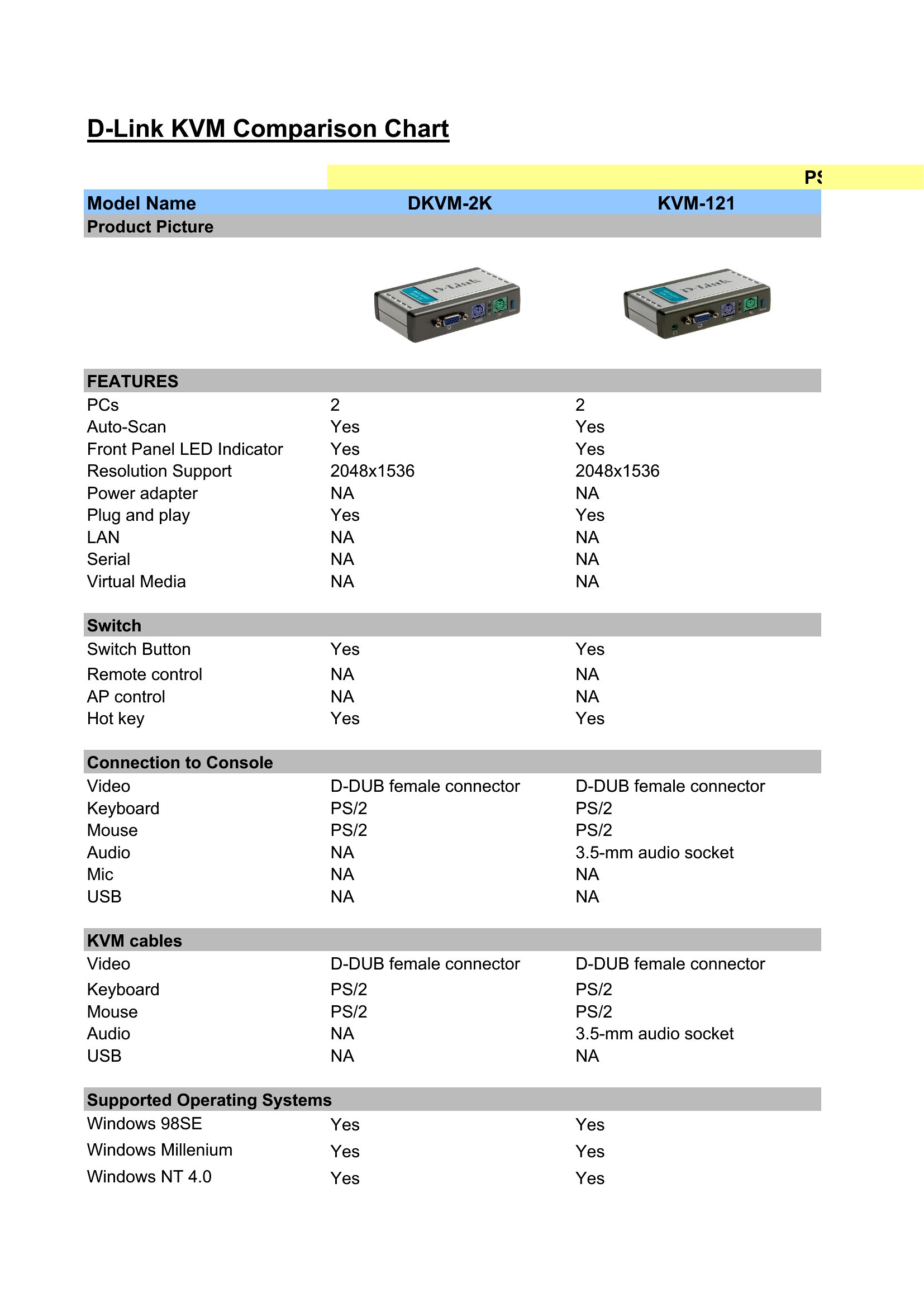
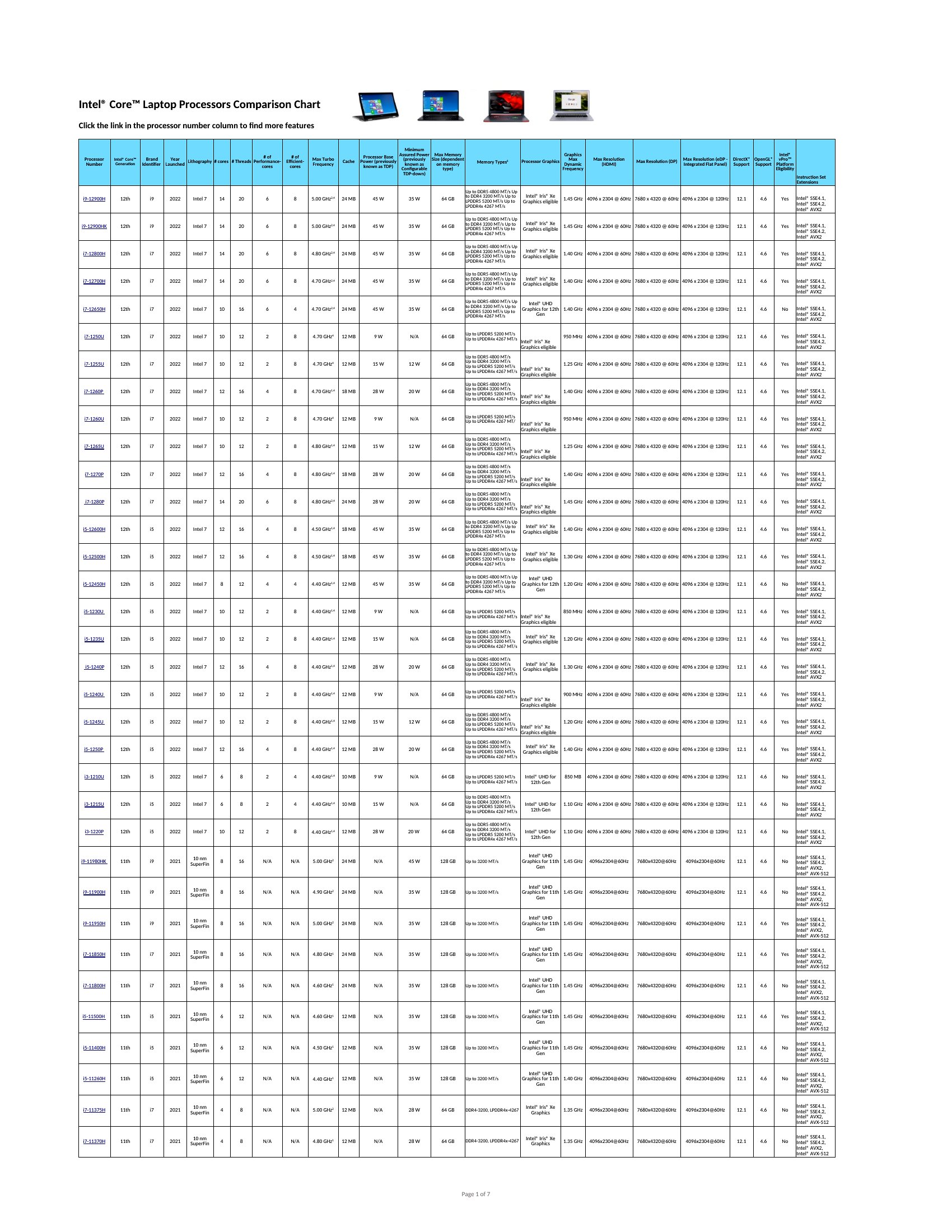
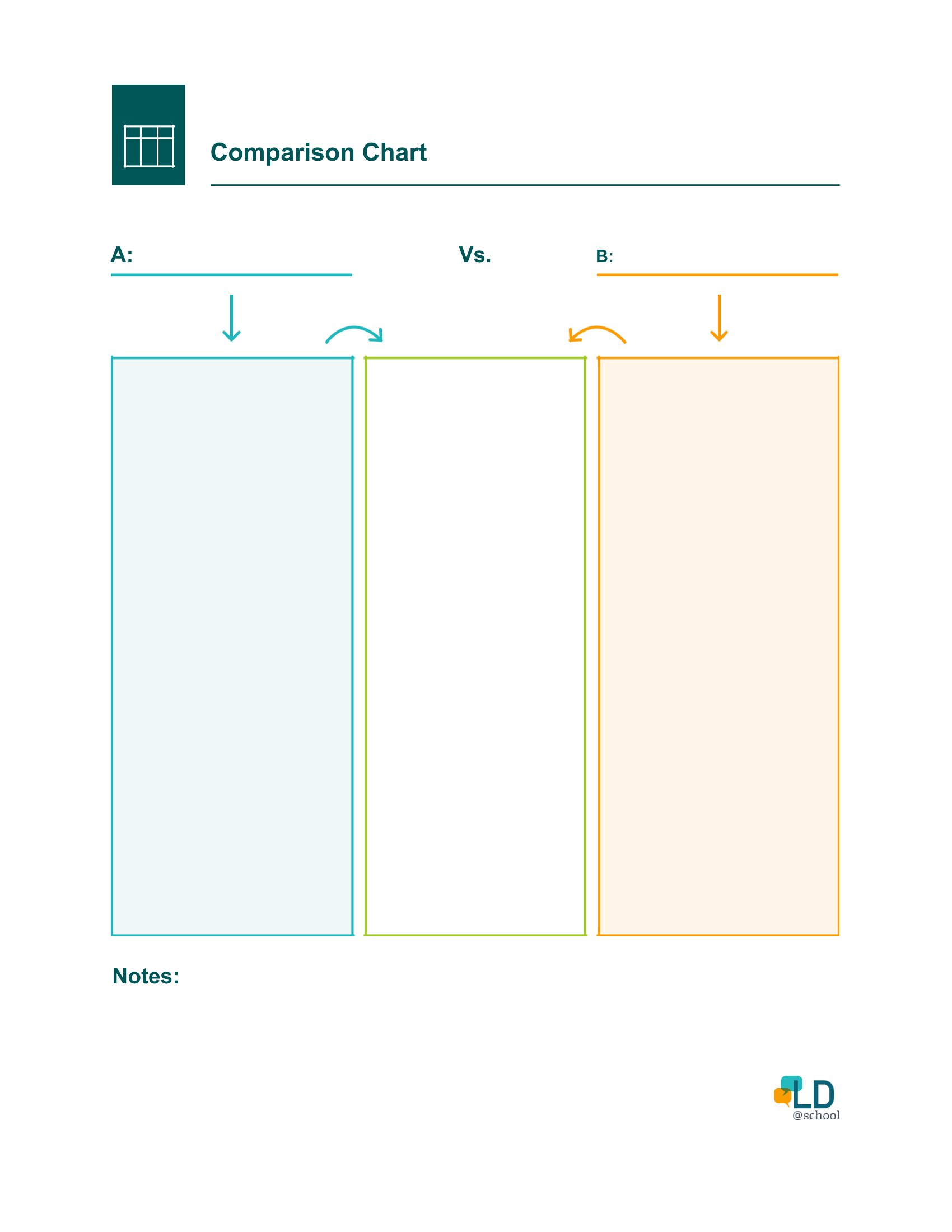
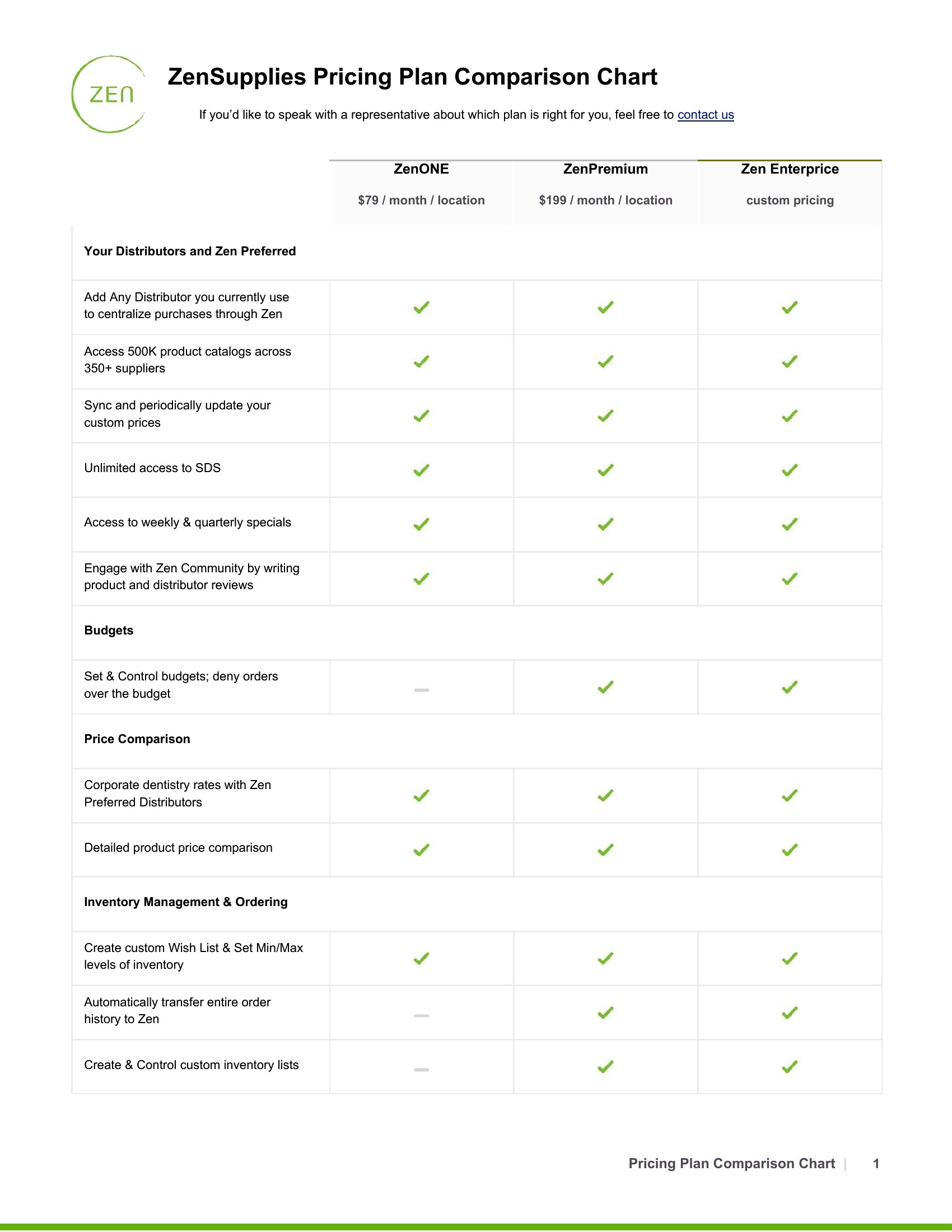
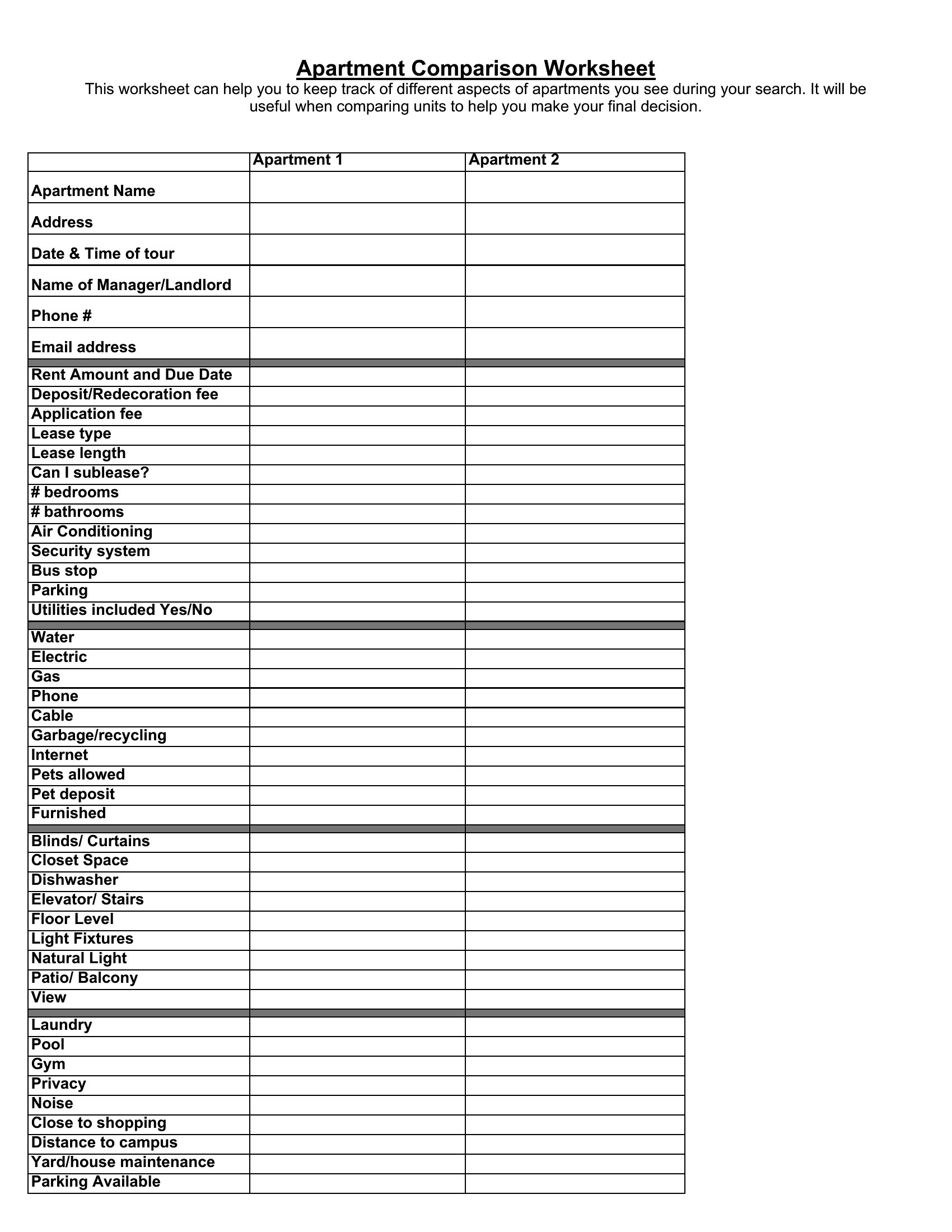
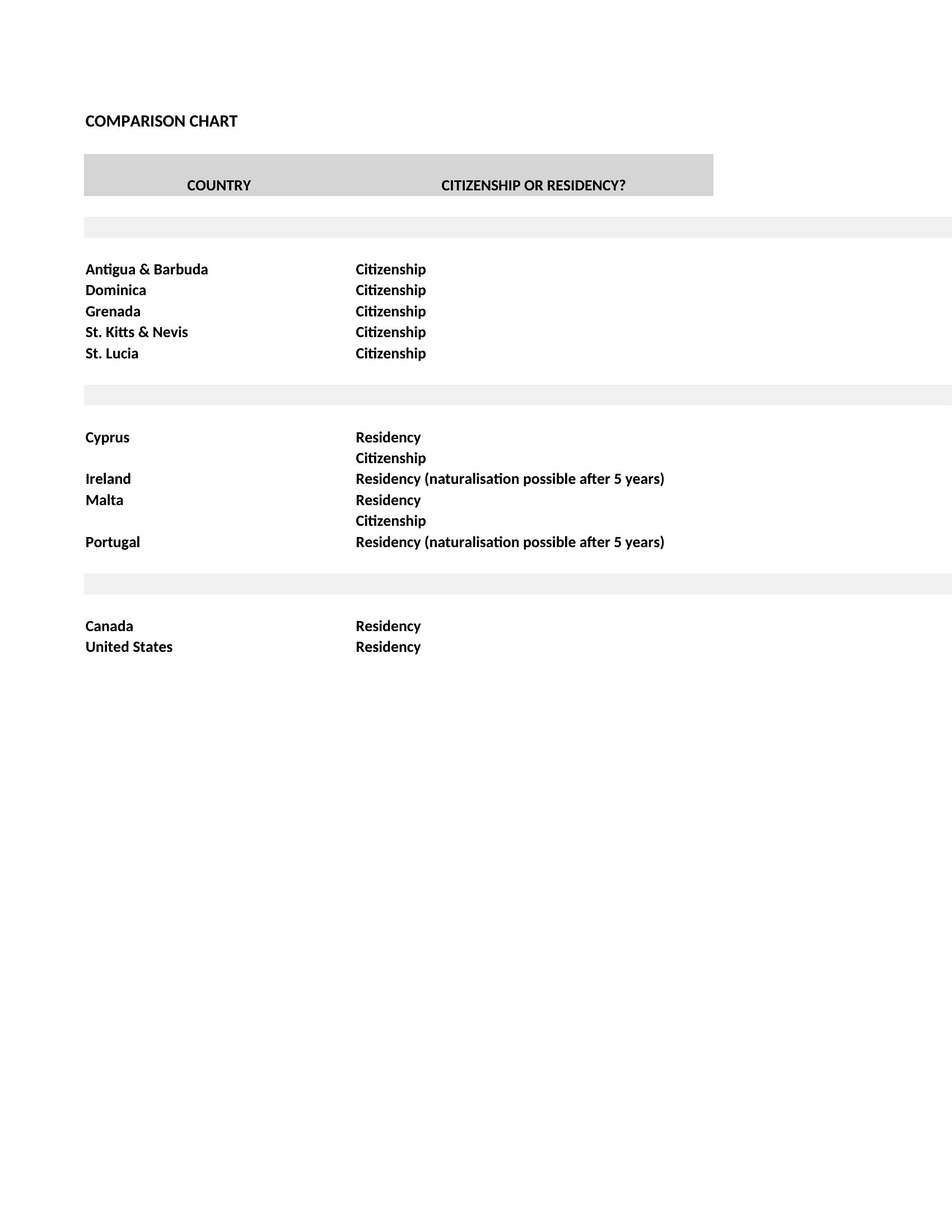
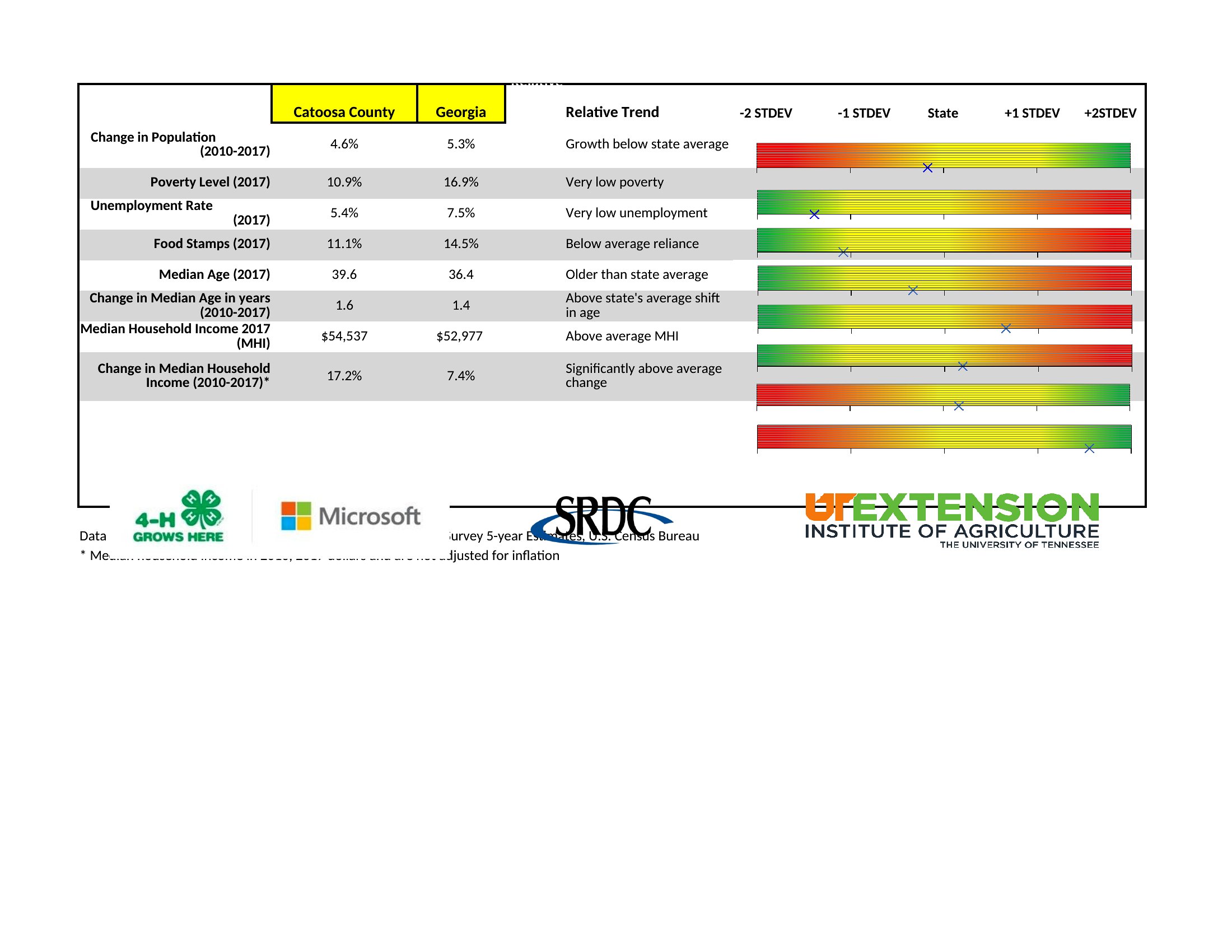
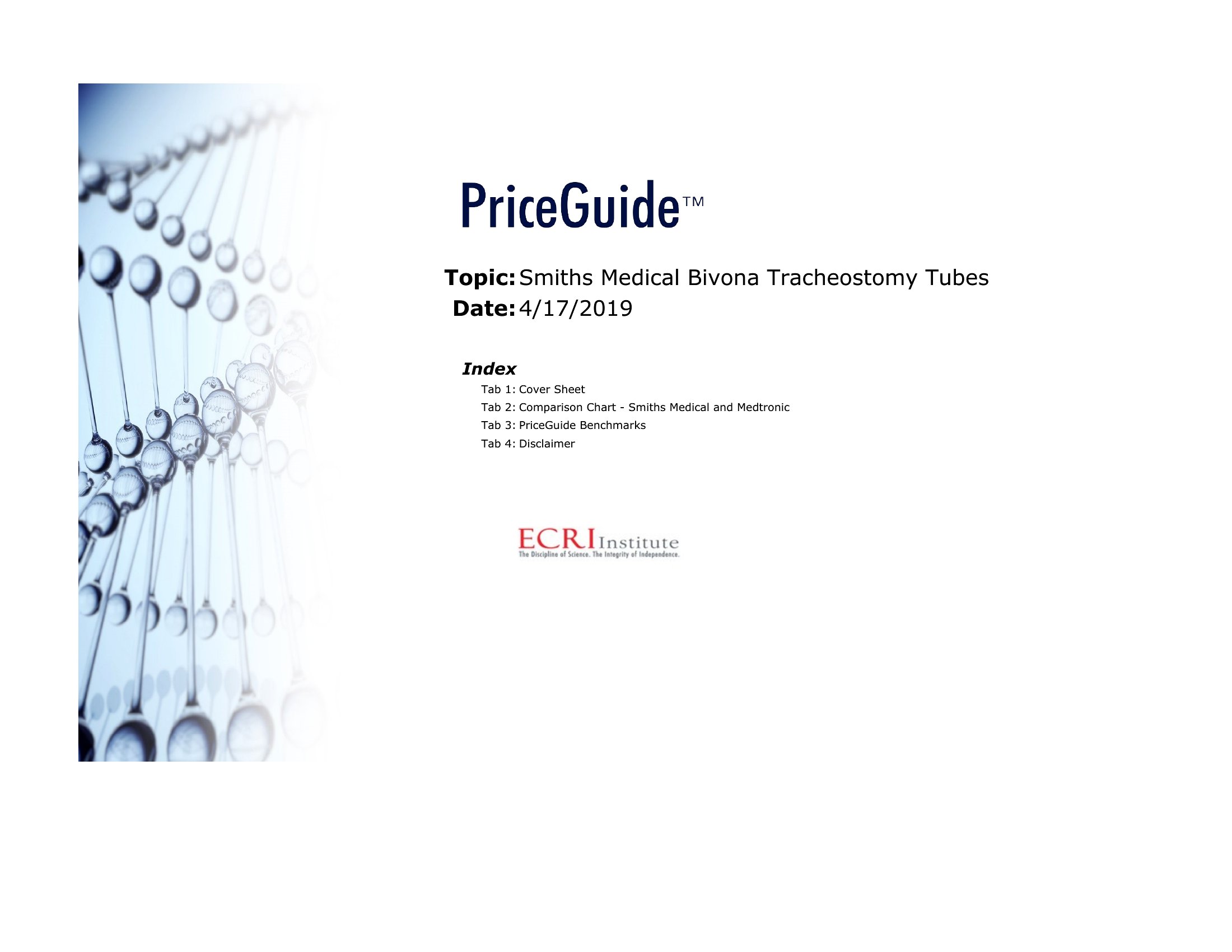
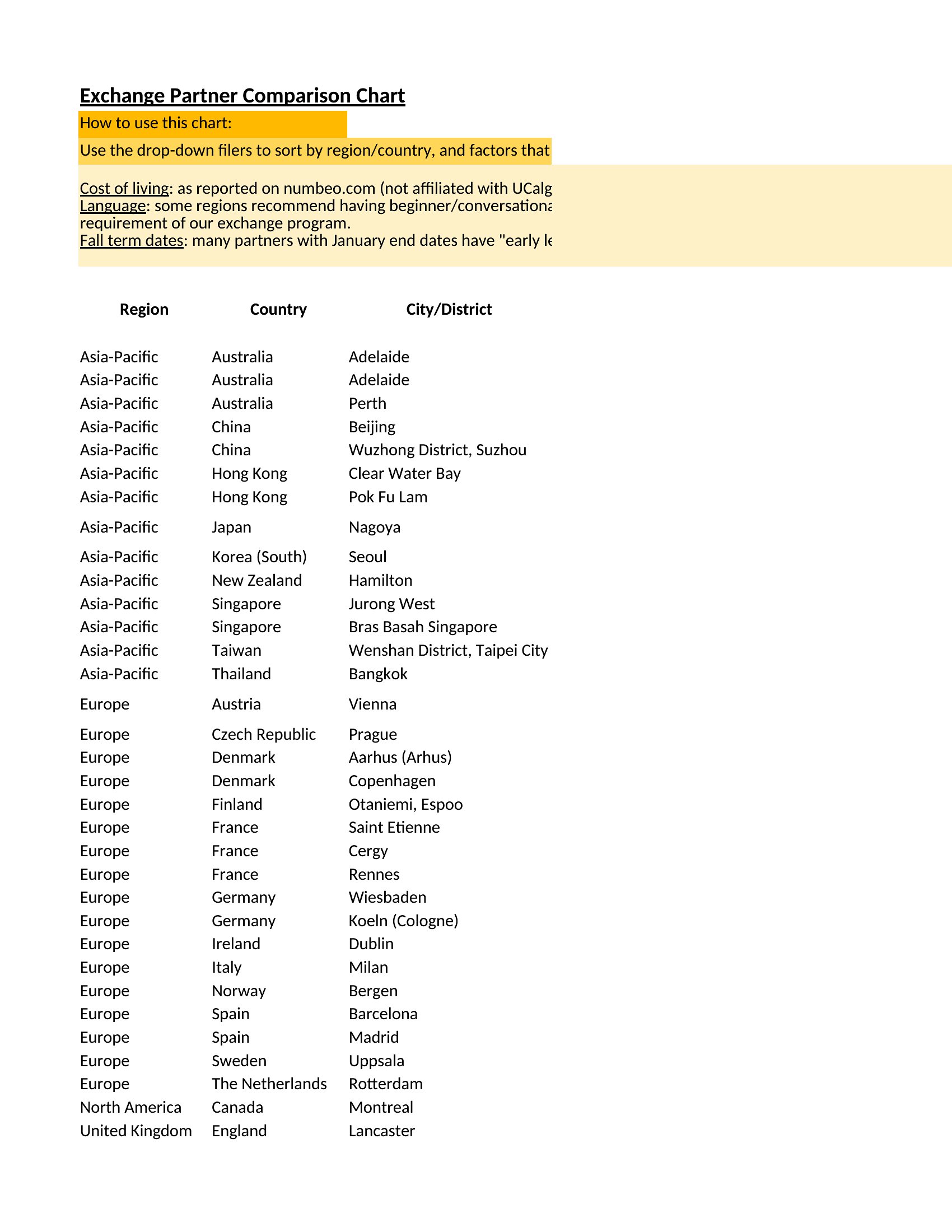
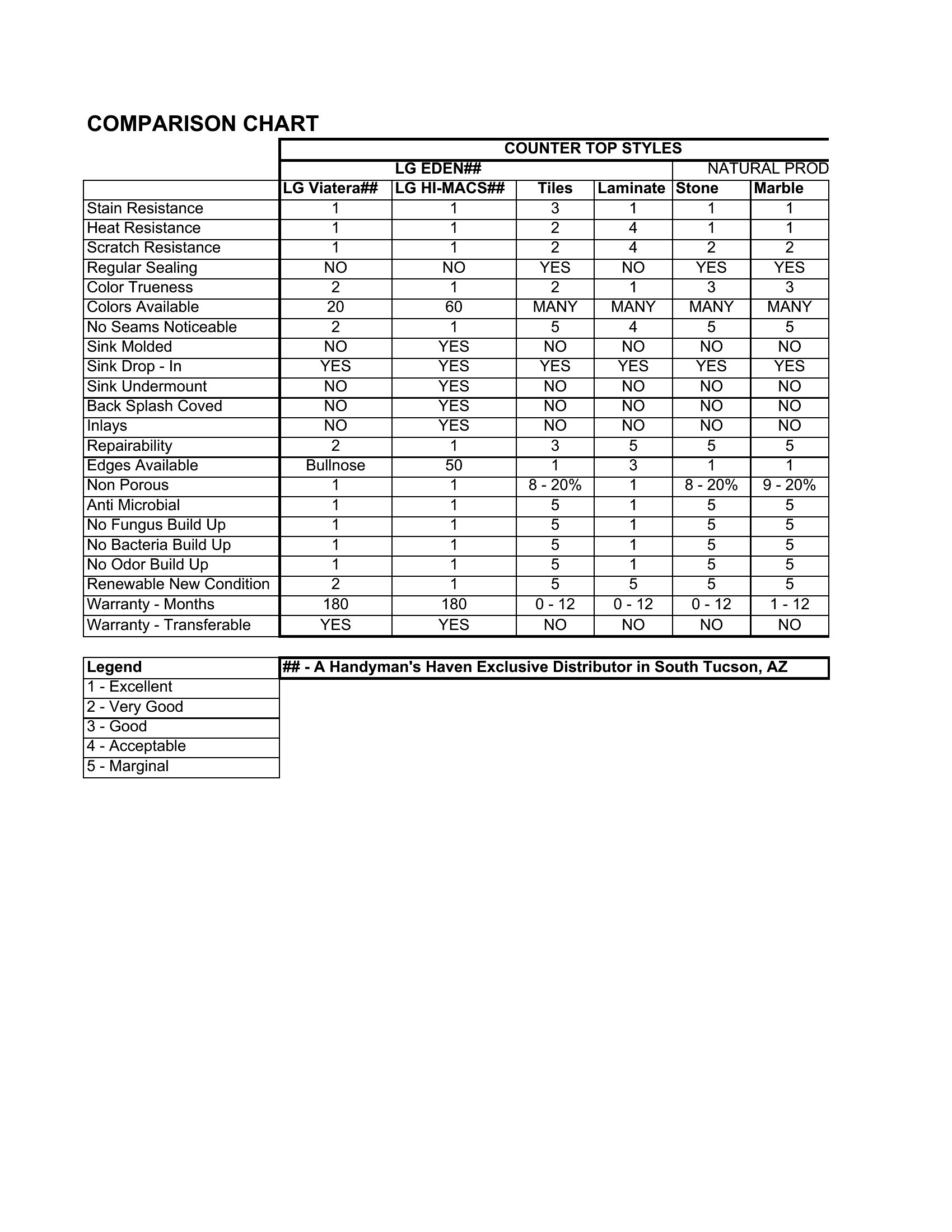
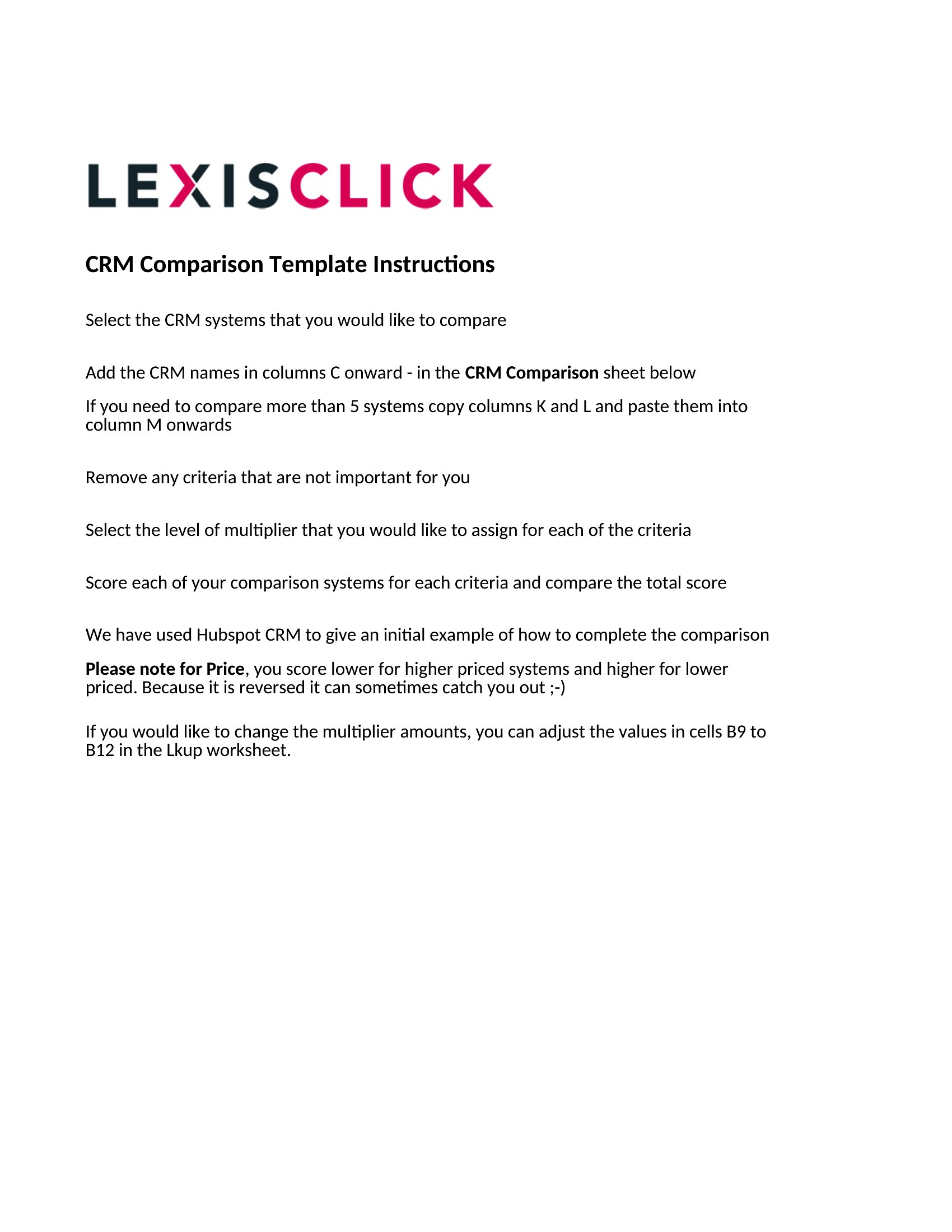
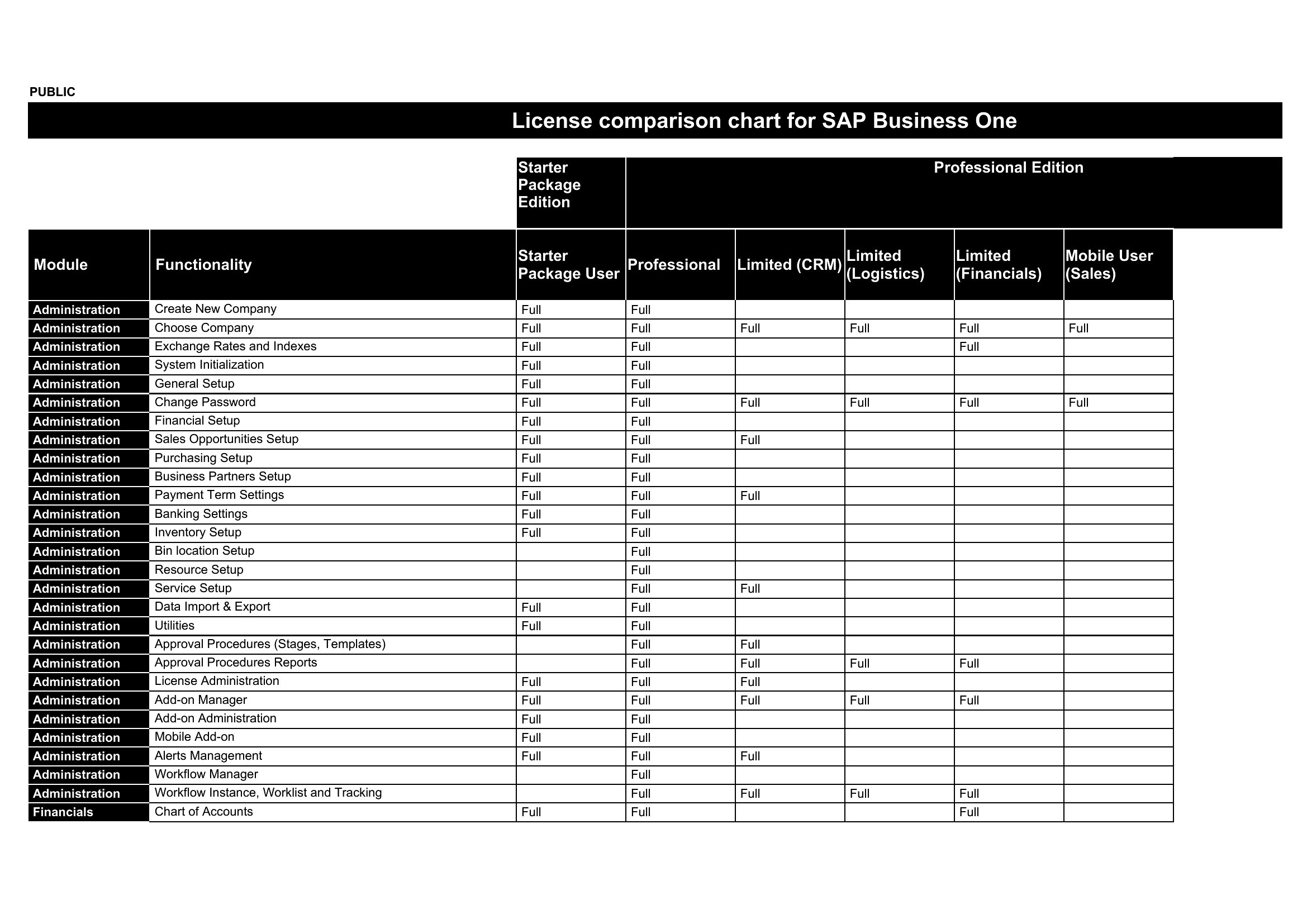
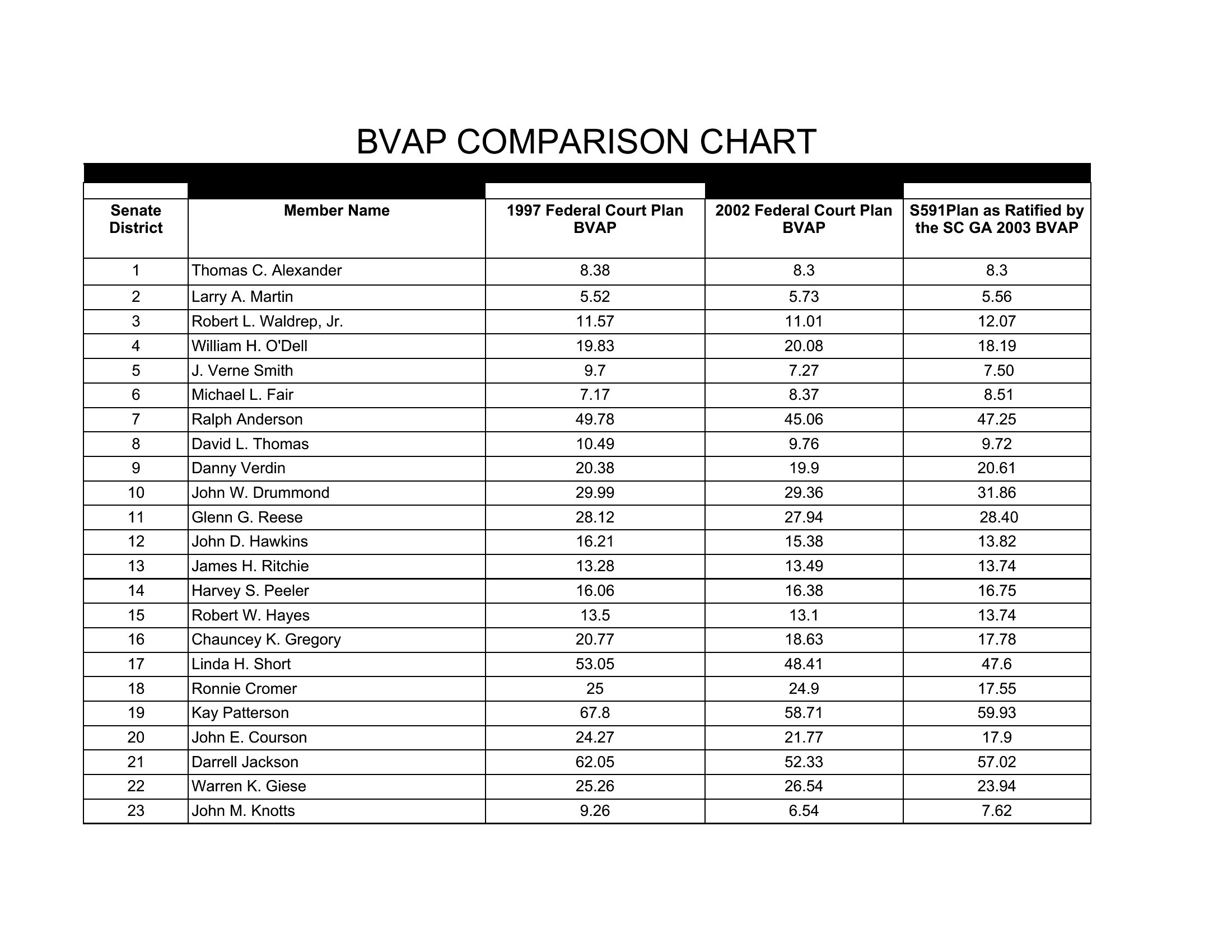
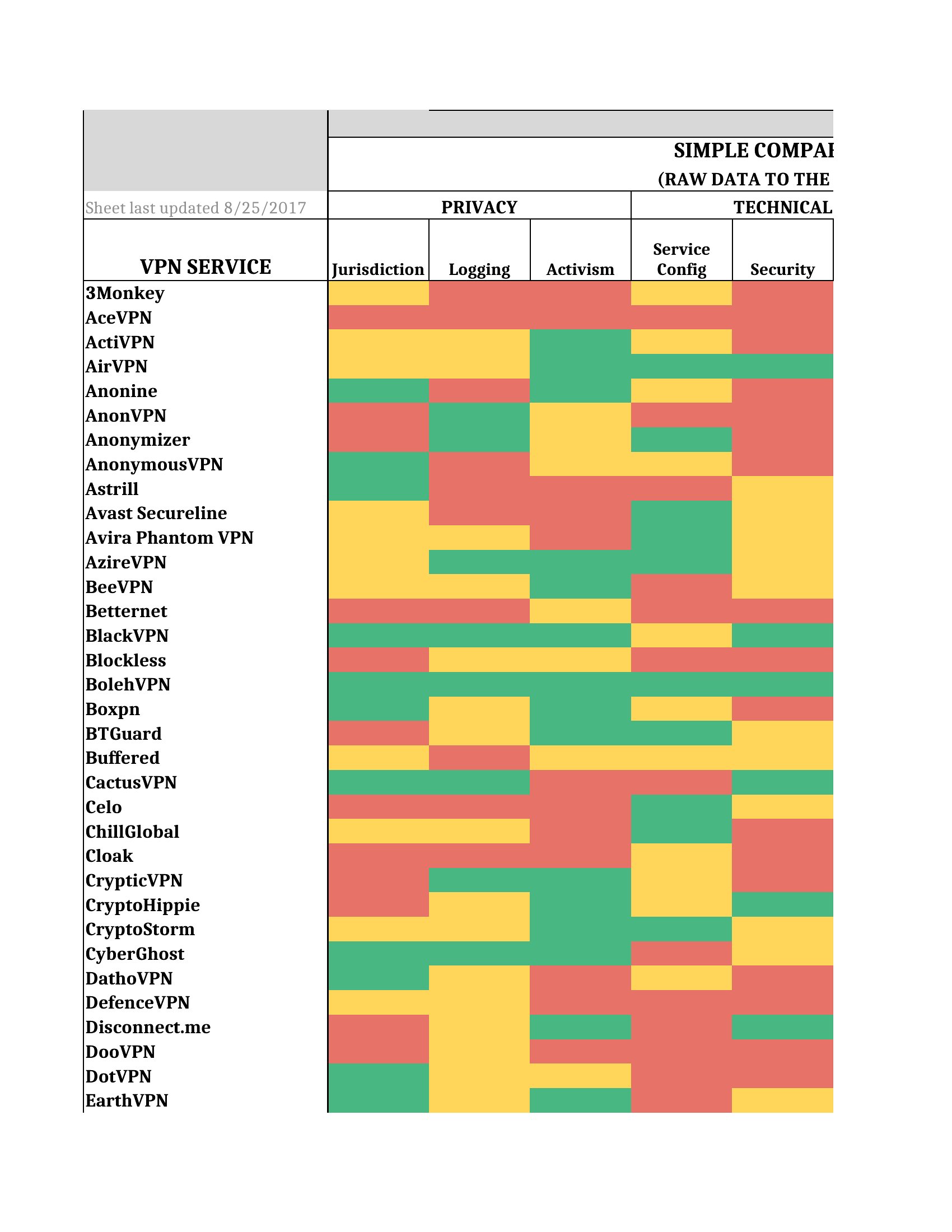
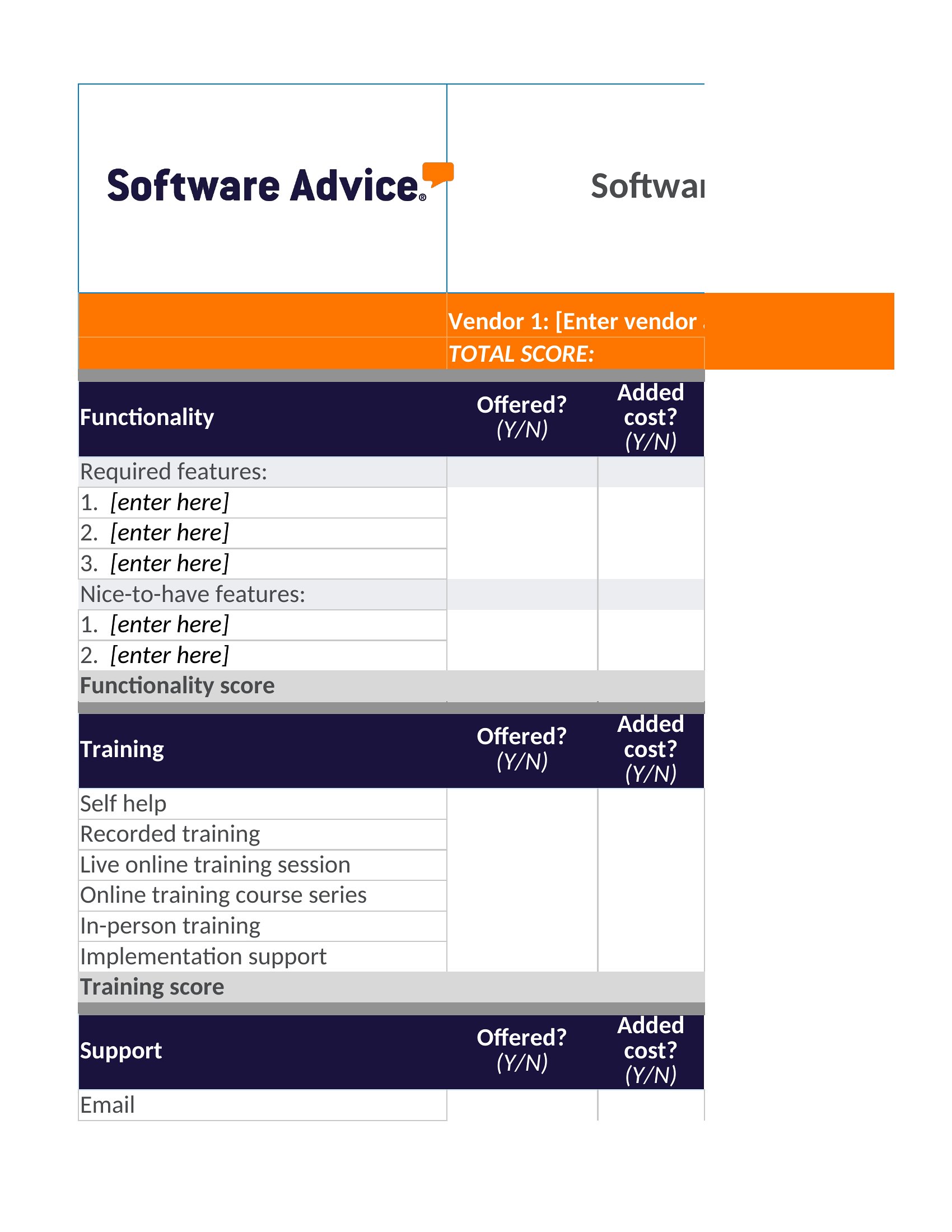
Pdf Comparison Chart
Frequently Asked Questions about Comparison Chart Templates
Are these Comparison Chart templates free to download?
Yes. Every Comparison Chart template in this collection is free to download from TemplateSpark. Just open the template you need, download it, and start editing right away — no subscription required to get started.
What file formats are available for Comparison Chart templates?
These Comparison Chart templates are available in Word and Excel. Pick the format that matches your workflow — each download keeps the original layout so it looks right whether you open, print, or share it.
Can I edit these Comparison Chart templates?
Yes. The editable files open in Microsoft Word (and compatible apps like Google Docs or LibreOffice), so you can change the text, colors, and layout to fit your needs, then save or export the finished Comparison Chart document.
How many Comparison Chart templates can I choose from?
This page collects 39 Comparison Chart templates so you can compare styles and layouts in one place. Browse the options, open the one that fits your purpose best, and download it in your preferred format.
Can I use Comparison Chart templates for commercial purposes?
In most cases, yes — these Comparison Chart templates are intended for both personal and business use. Check the license note on the template before redistributing or reselling, and avoid sharing the source files as your own product.
What is a comparison chart and what is it used for?
A comparison chart places options side by side so differences become obvious at a glance. It lists items across the top and shared attributes down the side, letting readers weigh products, plans, or vendors against the features that matter most when making a decision.
What columns and rows should a comparison chart include?
List the options being compared as columns and the evaluation criteria as rows, such as price, features, capacity, support, and warranty. Keep criteria consistent for every option and use clear marks like check symbols, ratings, or short values so each cell stays easy to scan.
What are common mistakes when making a comparison chart?
Common errors include comparing too many options at once, mixing unrelated criteria, using vague labels, and hiding the most important factors at the bottom. Inconsistent units or biased wording also mislead readers. Focus on a handful of meaningful, measurable attributes so the comparison stays fair and useful.
Comments
Join the conversation
Sign in to share your thoughts and leave a comment on this resource.