
Free Conference Agenda Templates (Word, Excel, PDF)
Life by jaxonhughes
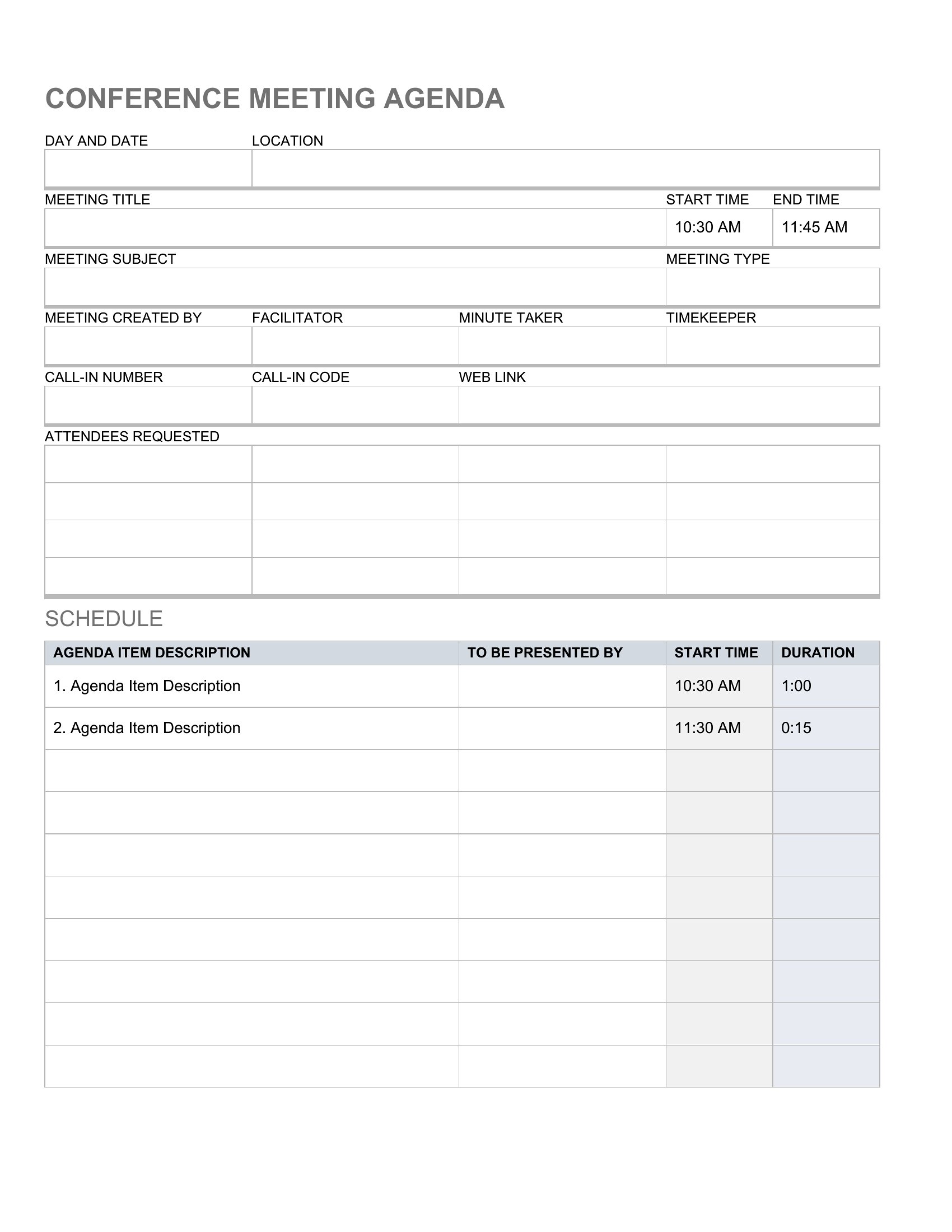
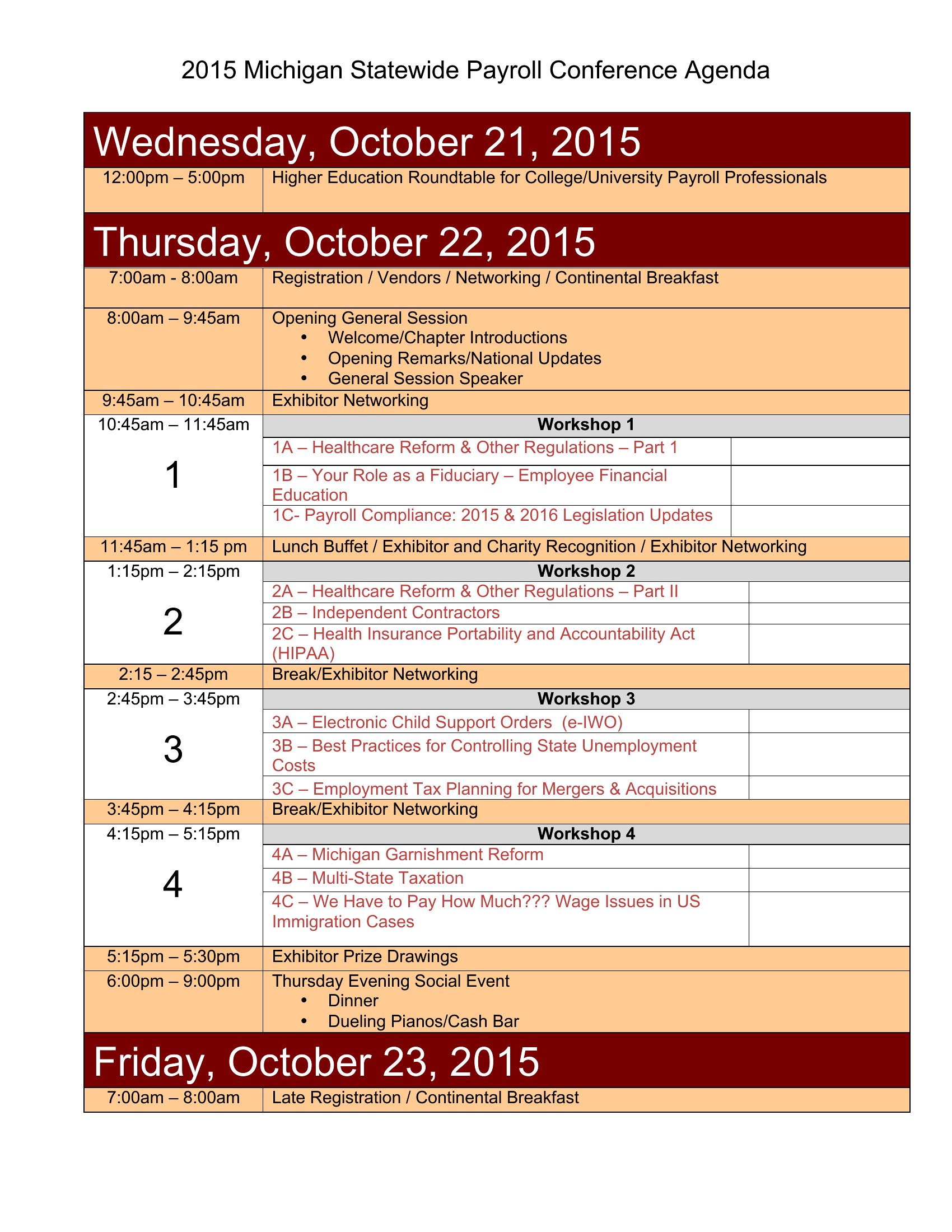
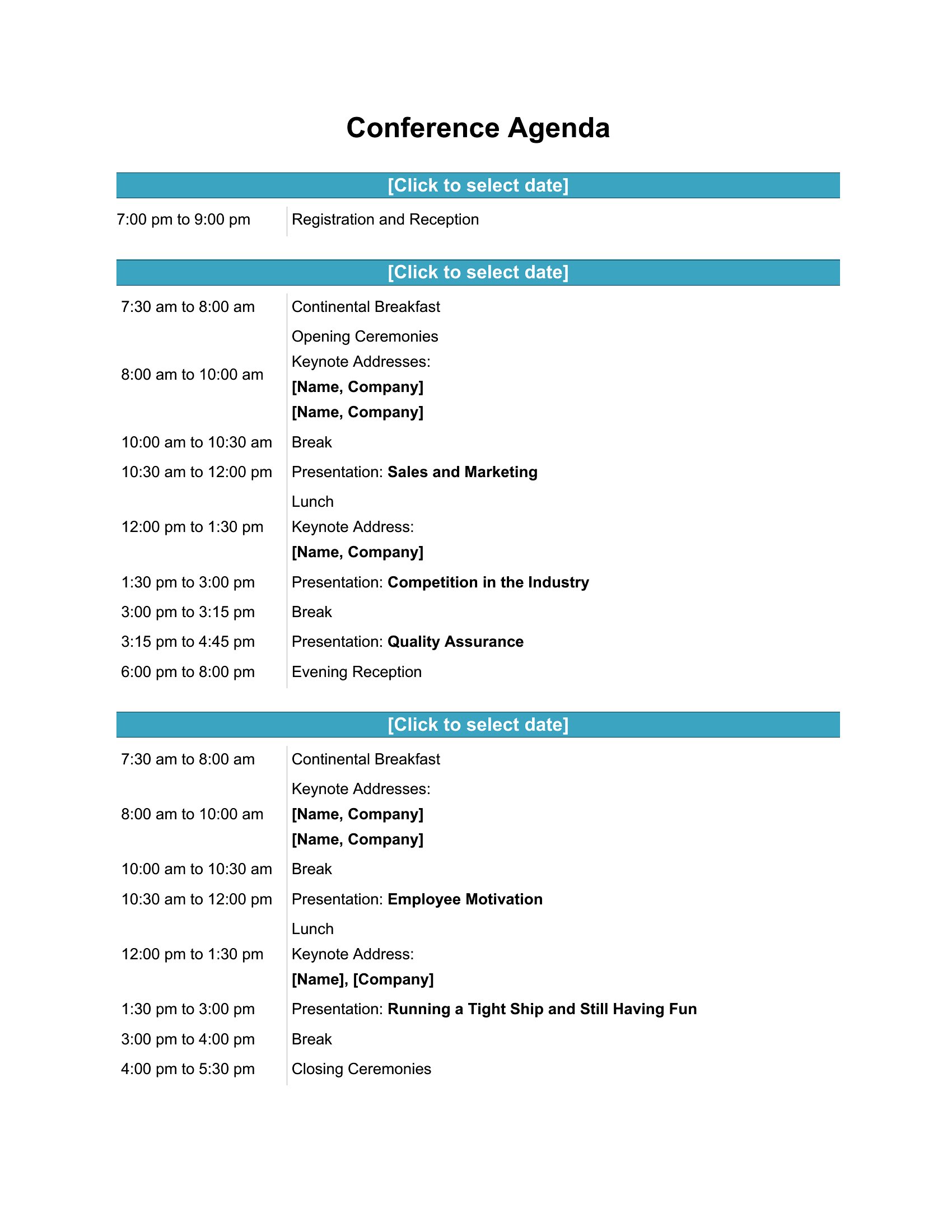
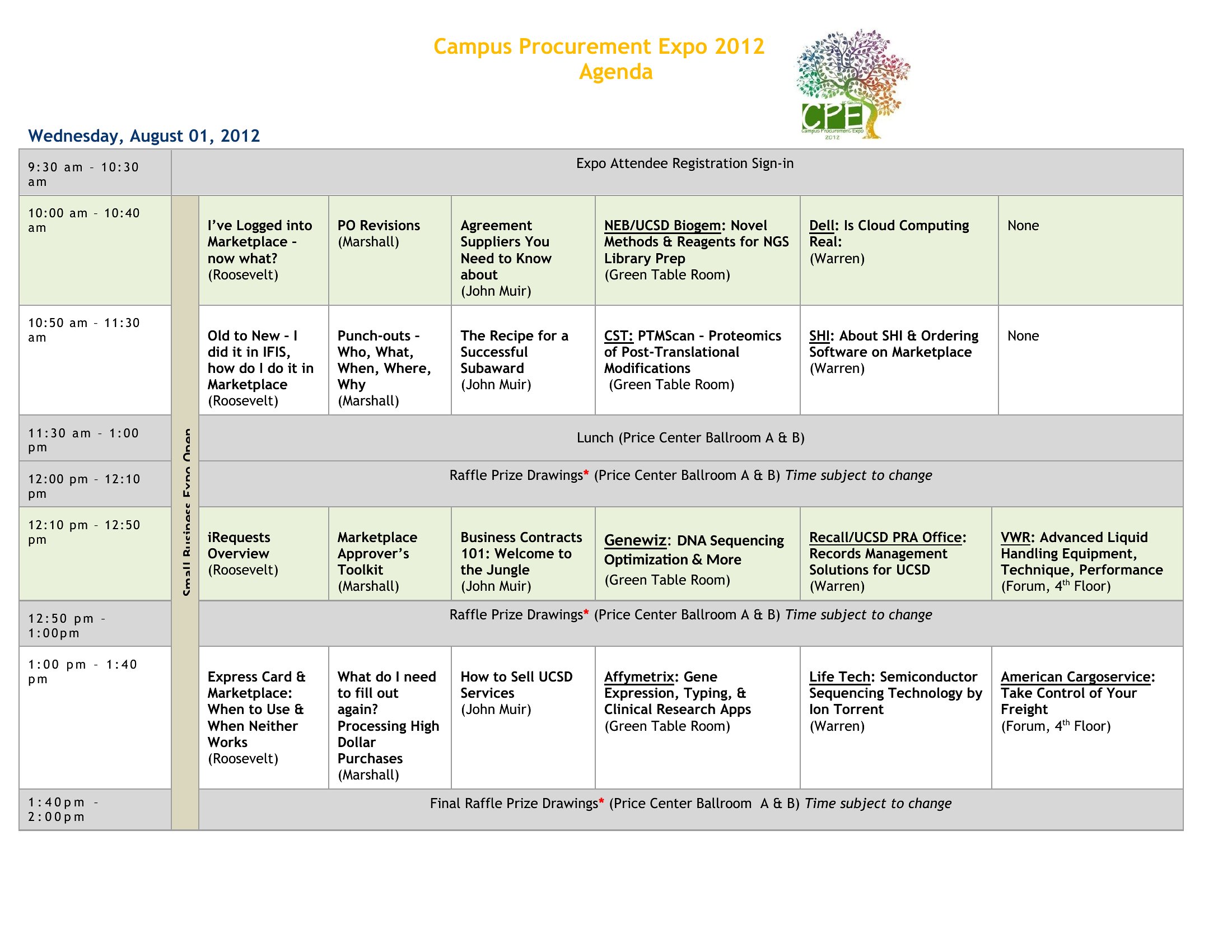
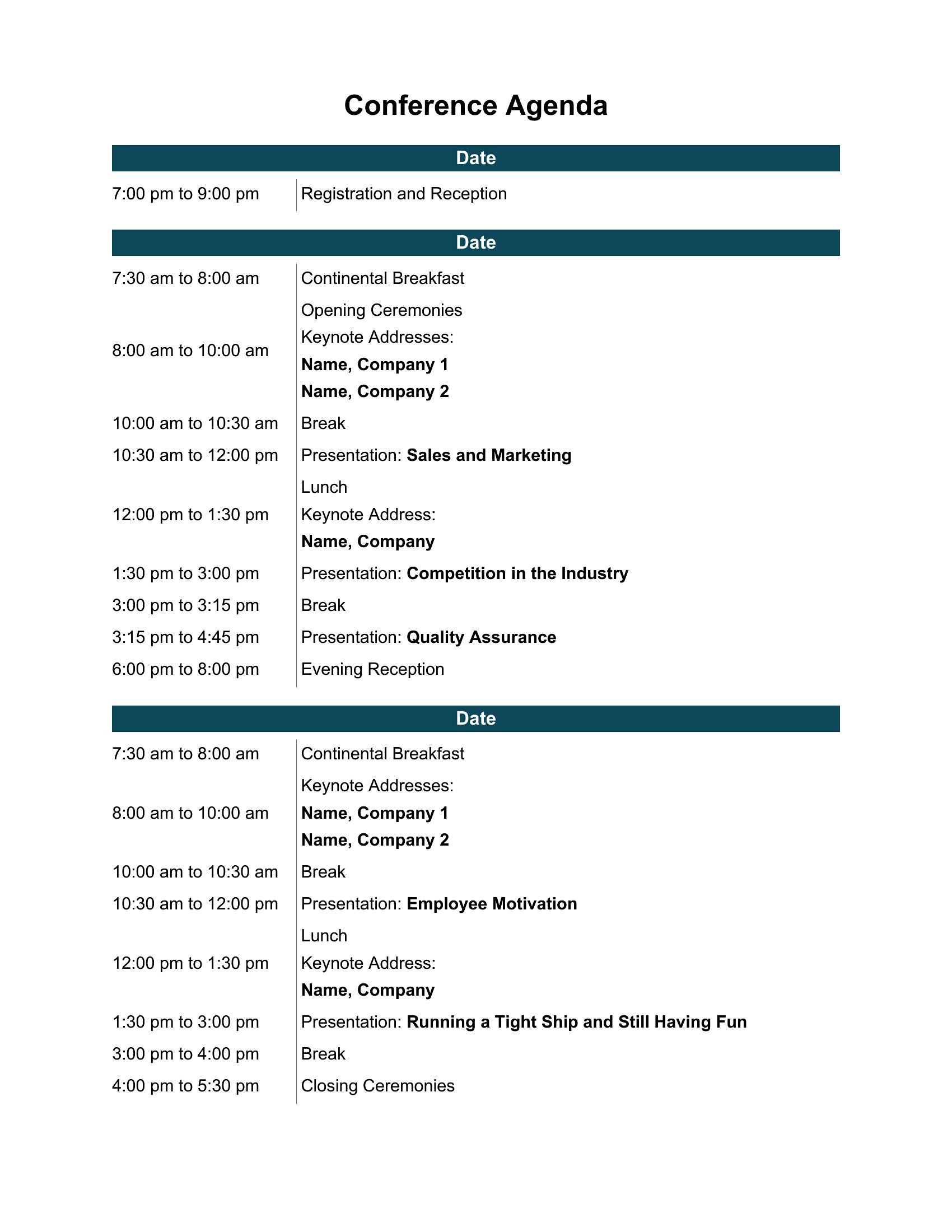
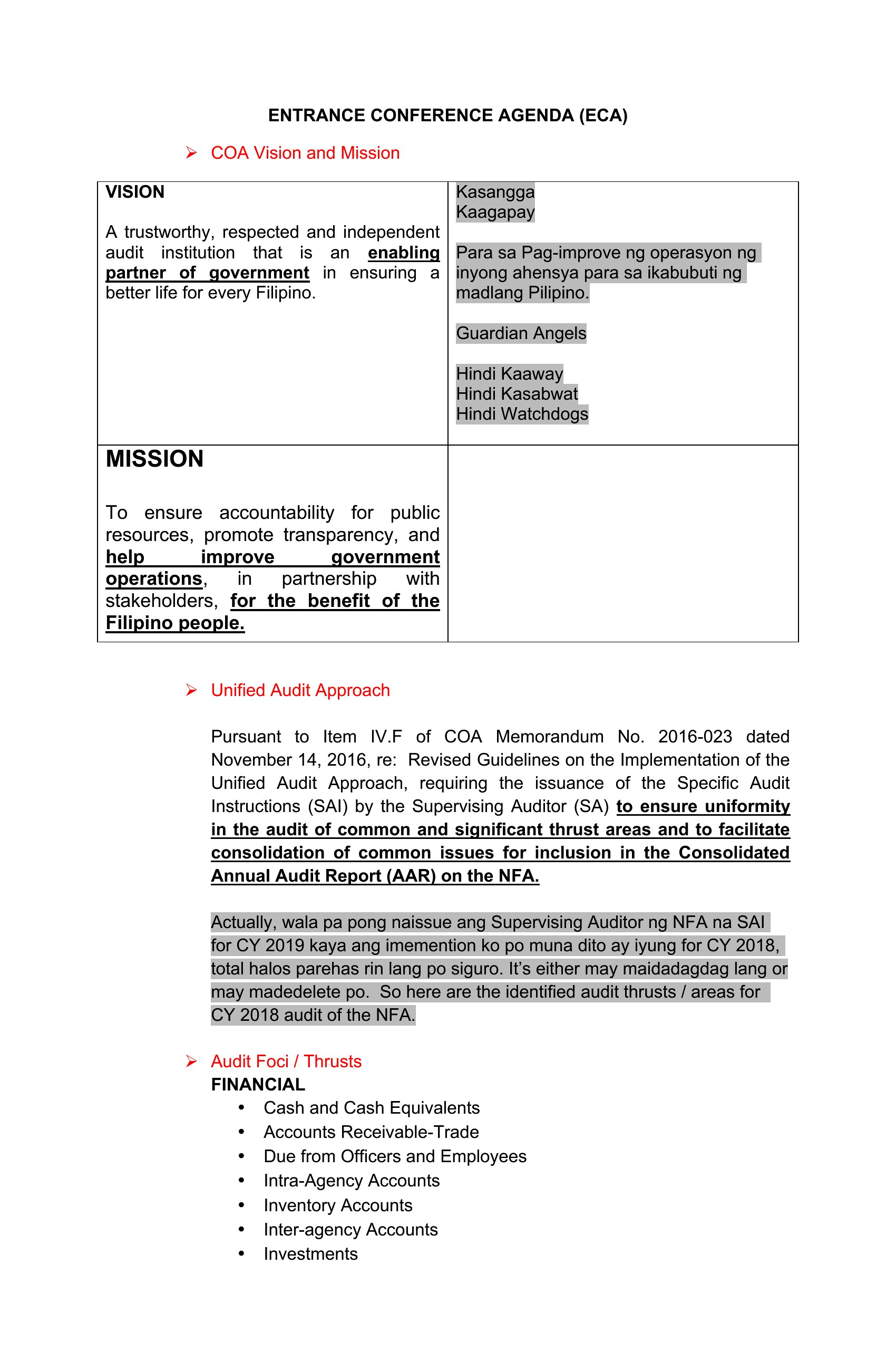
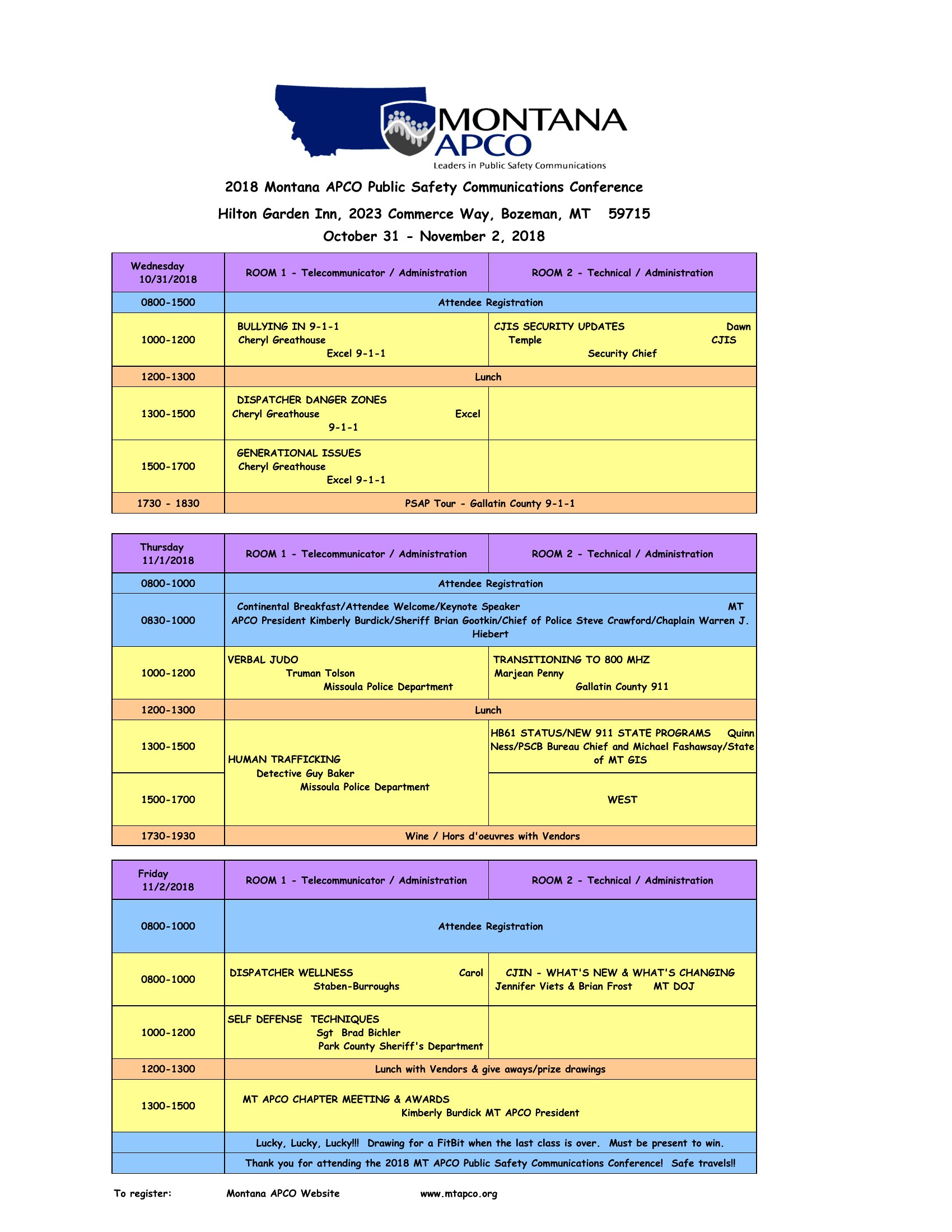
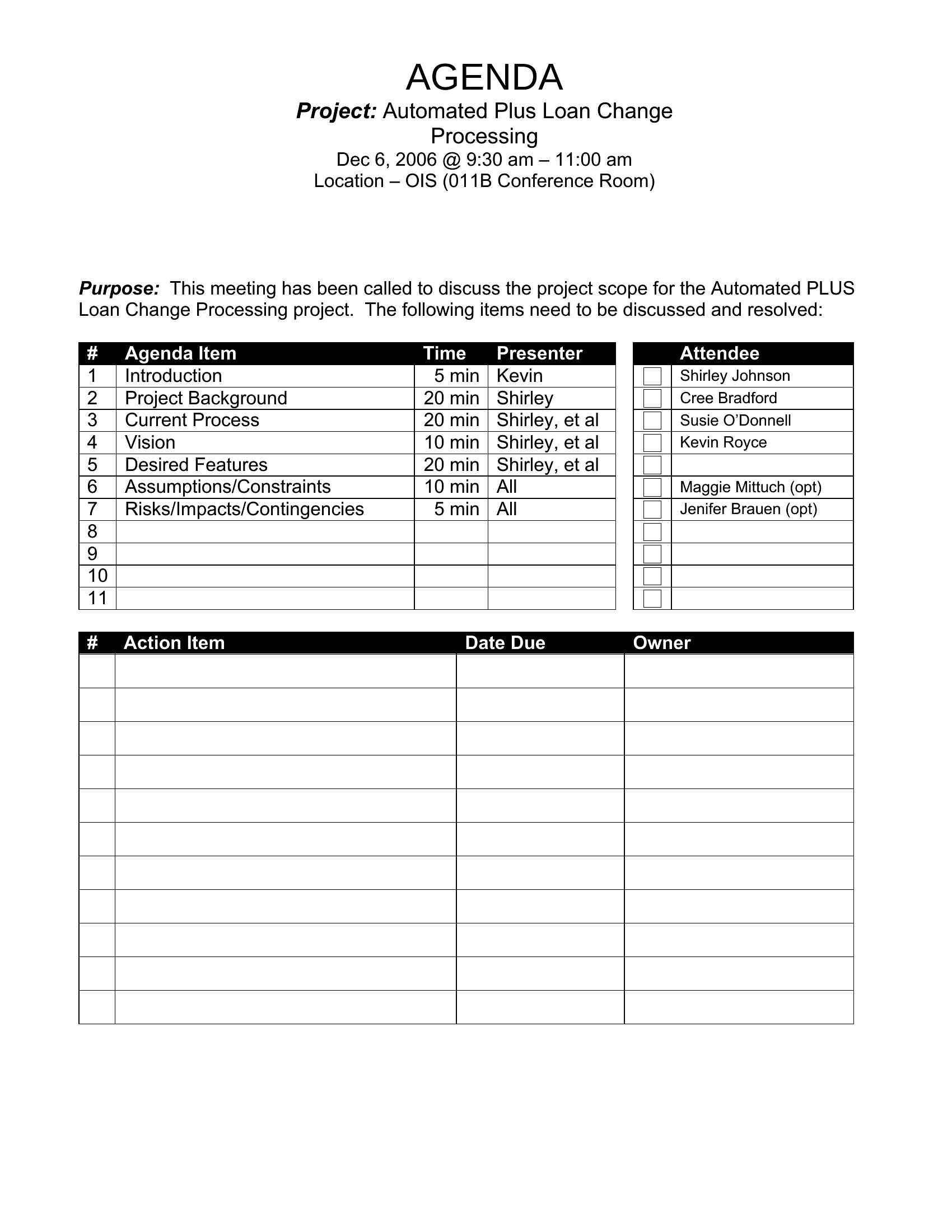
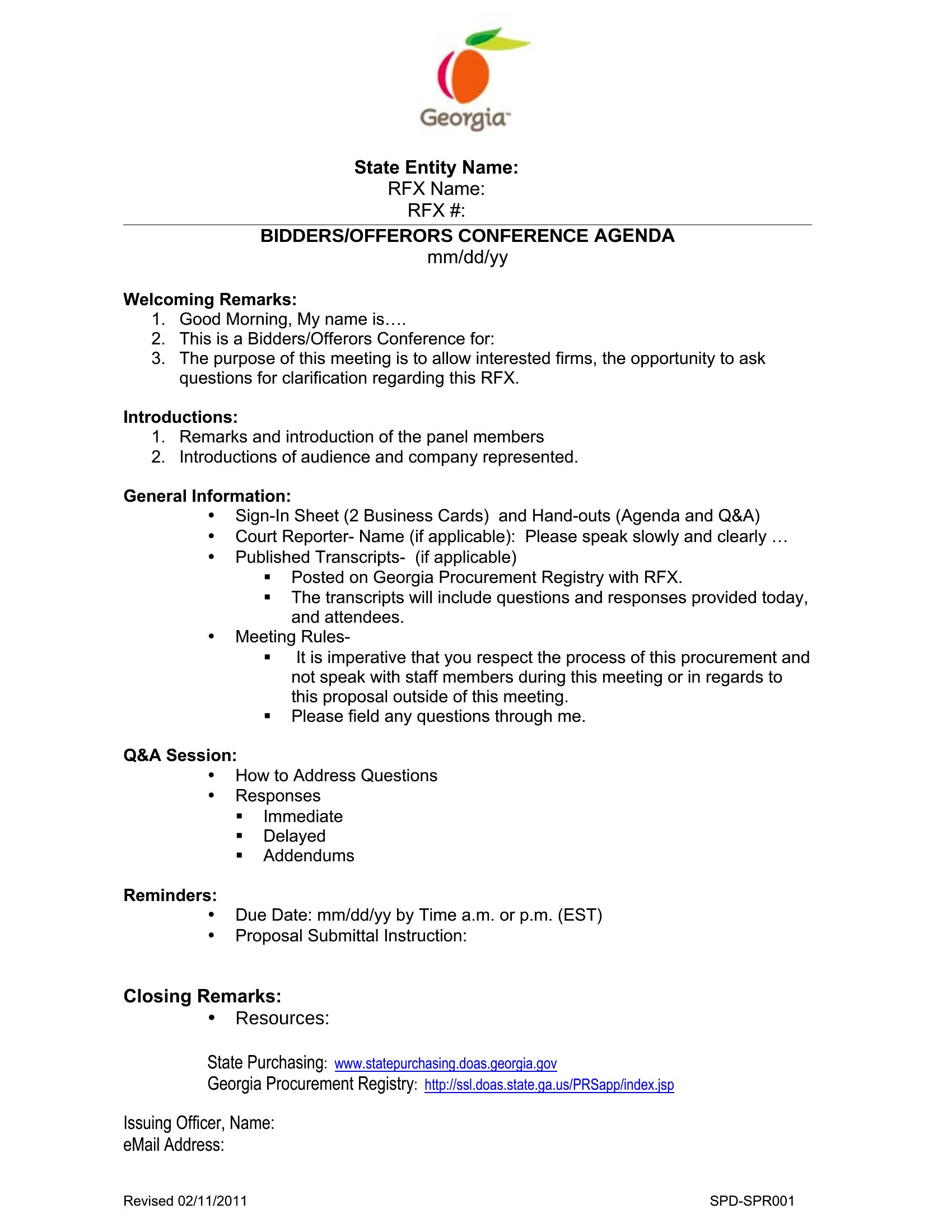
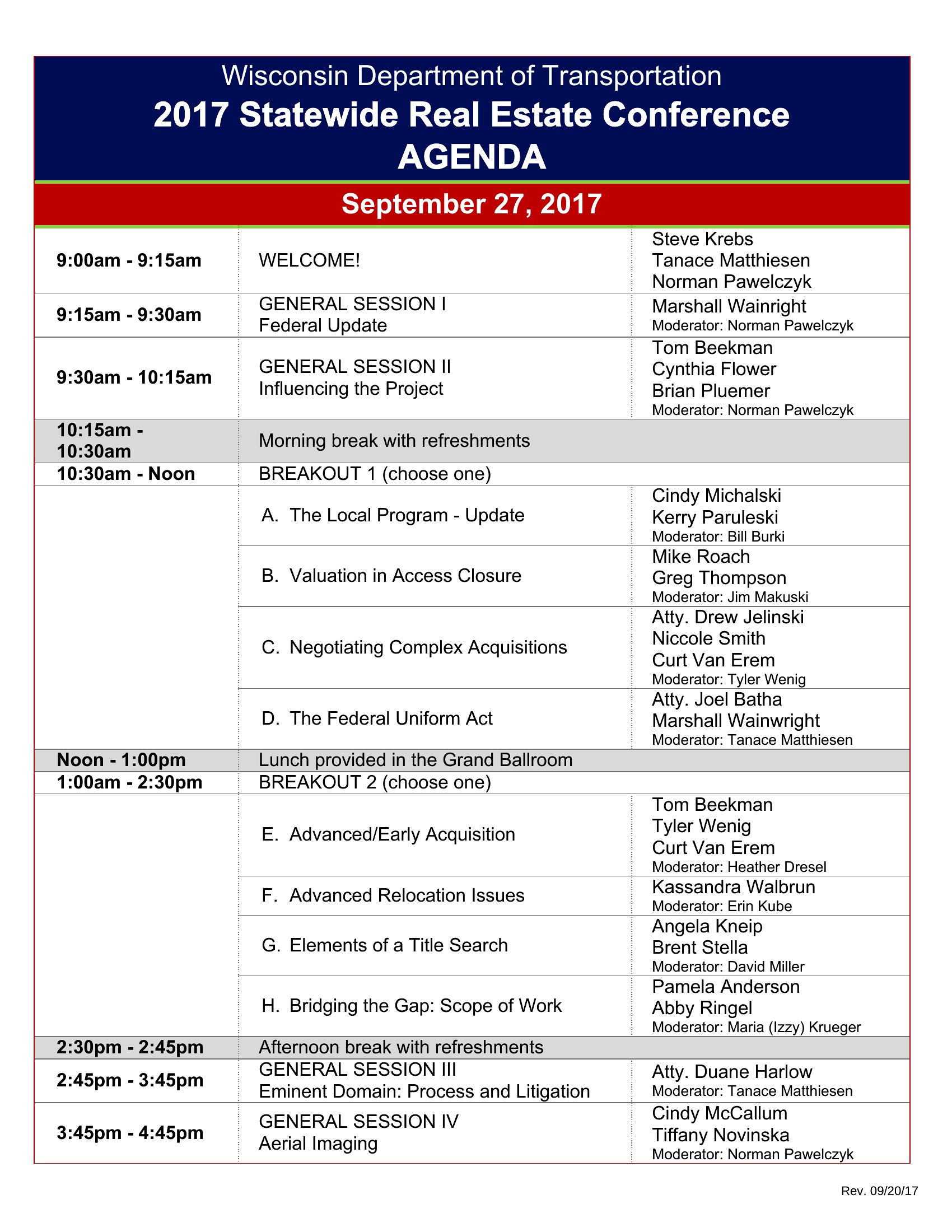
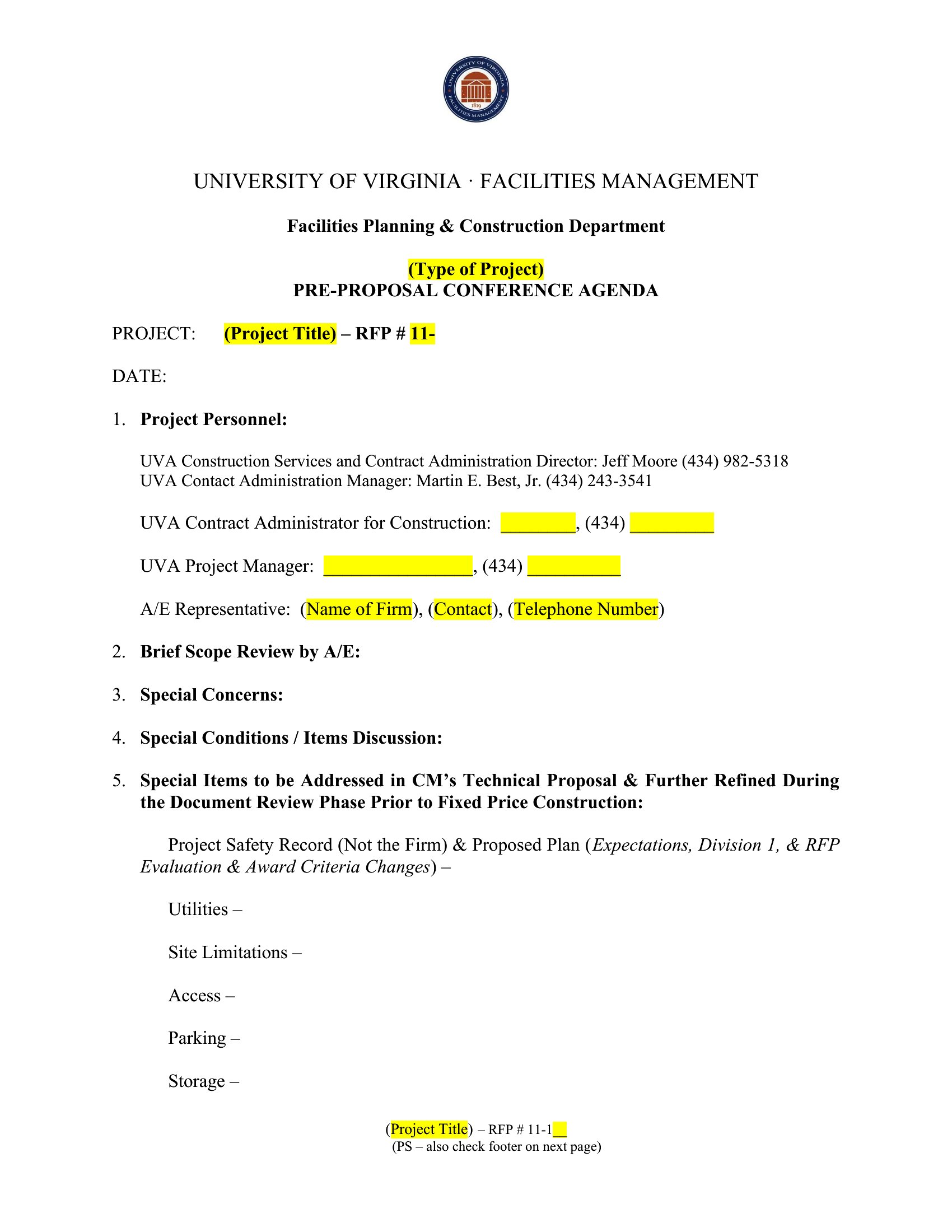
A well-planned conference runs on a clear agenda, and a good template keeps sessions, speakers, and breaks organized for everyone attending. These 40 templates help event planners and organizers map out a single day or a multi-day program down to the time slot.
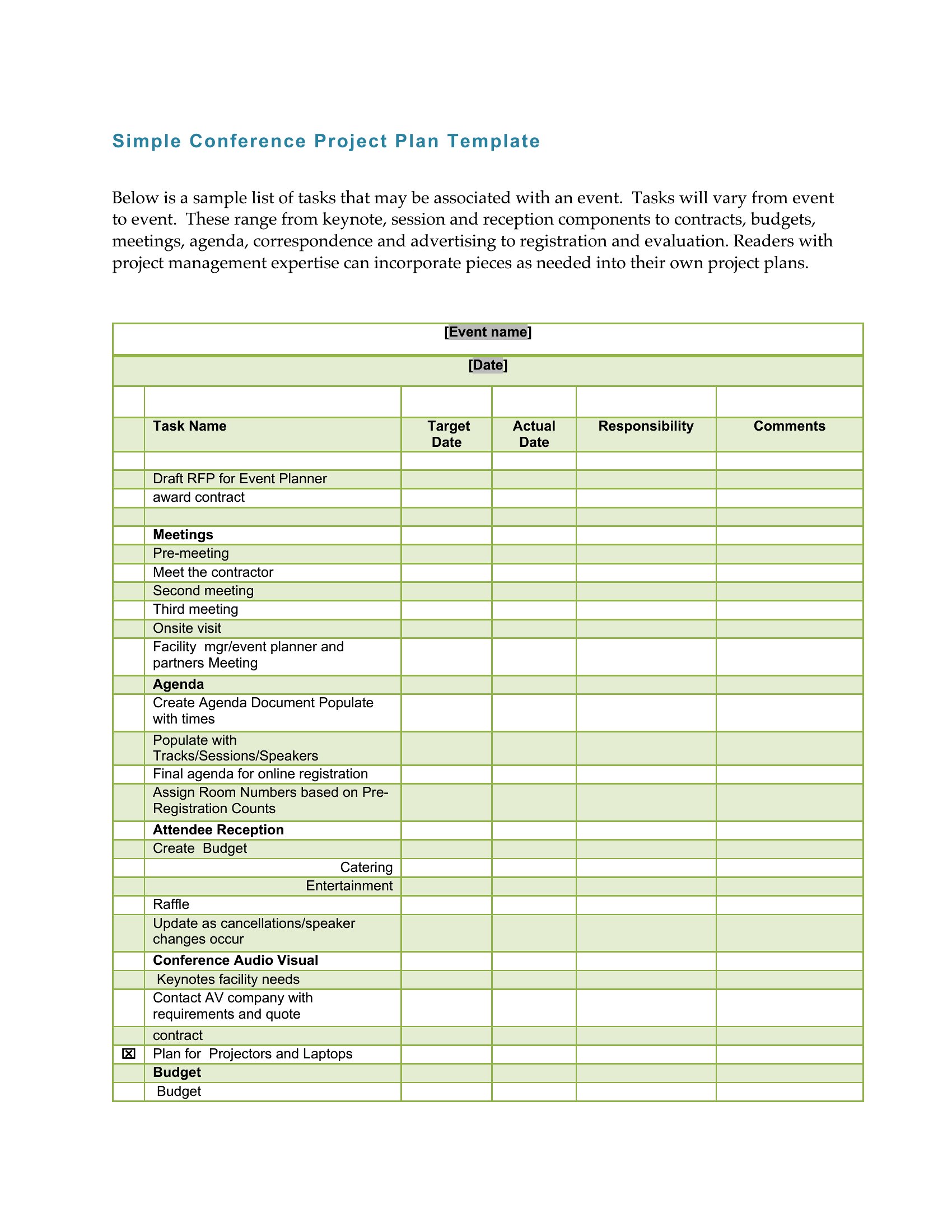
You'll find Word and PDF versions for sharing a polished schedule and Excel layouts for planning the logistics behind it. Drop in your sessions, times, and rooms, then print copies or send the file to attendees. Everything is free and easy to adapt. Choose the agenda that fits your event and keep the day on schedule.
When to use this Conference Agenda template
- Corporate event planners scheduling a 3-day leadership summit with multiple workshops and keynote speakers, needing to assign time slots and room transitions clearly for attendees.
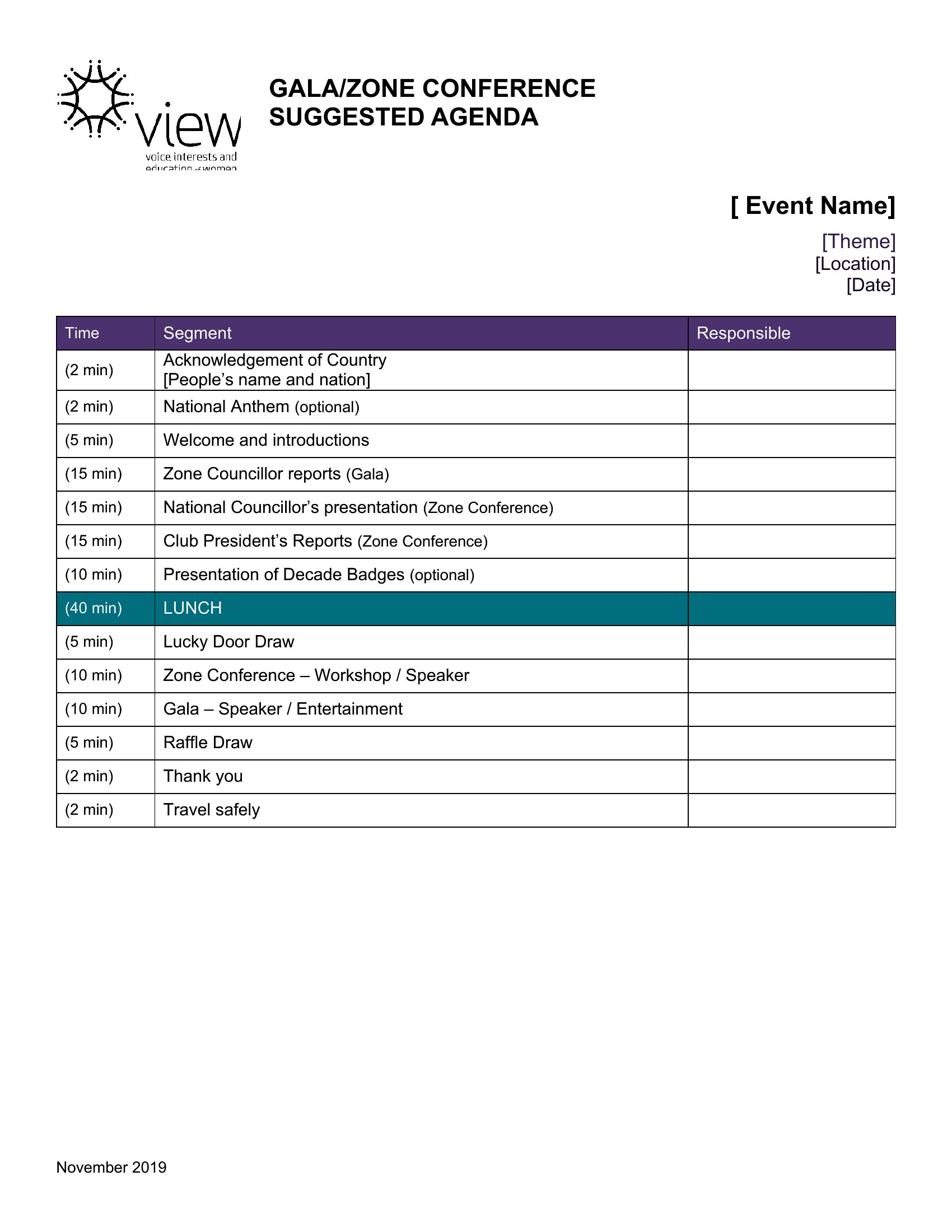
- Nonprofit coordinators organizing a one-day fundraising gala, requiring a printable agenda to include sponsor thanks, silent auction timelines, and volunteer call-to-action moments.
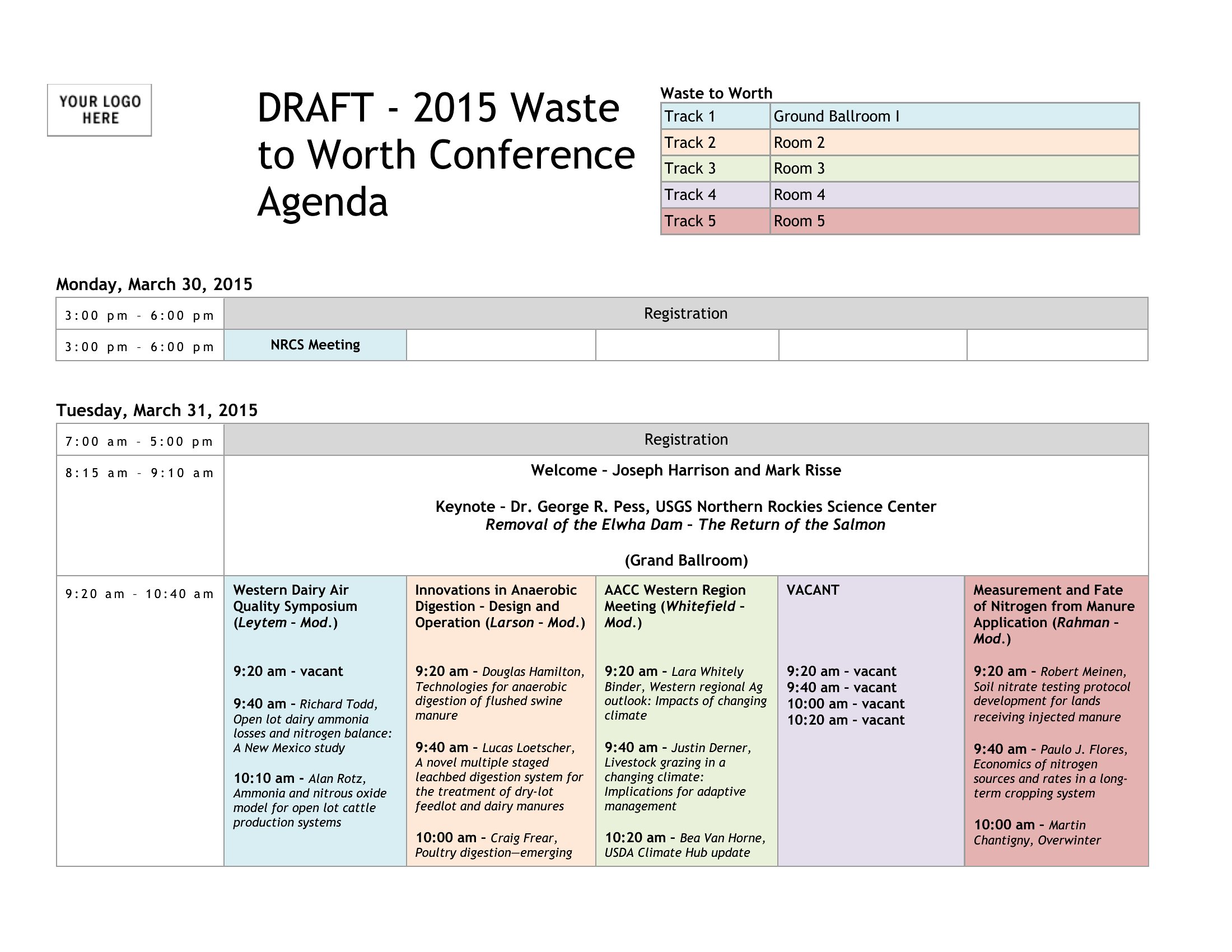
- Academic conference chairs designing a multi-track symposium for professors and researchers, where they must align panel discussions, Q&A slots, and networking breaks across three parallel sessions.
- Small business owners hosting a half-day product launch event, wanting to integrate live demos, customer testimonials, and a Q&A session into a visually clean PDF for attendees.
Which format should I download?
Use Word if you’re building a flexible agenda that needs frequent revisions, like a conference with last-minute speaker swaps or session adjustments—its editing tools let you tweak timelines easily. Choose Excel when you’re handling the behind-the-scenes logistics, such as tracking room assignments, AV equipment needs, or speaker contracts in a grid. Pick PDF for a polished, shareable final version that attendees can print or save, especially if your agenda includes branding elements or detailed layouts that shouldn’t be editable by the audience. Avoid mixing formats for the same agenda; consistency keeps the event professional and avoids confusion.
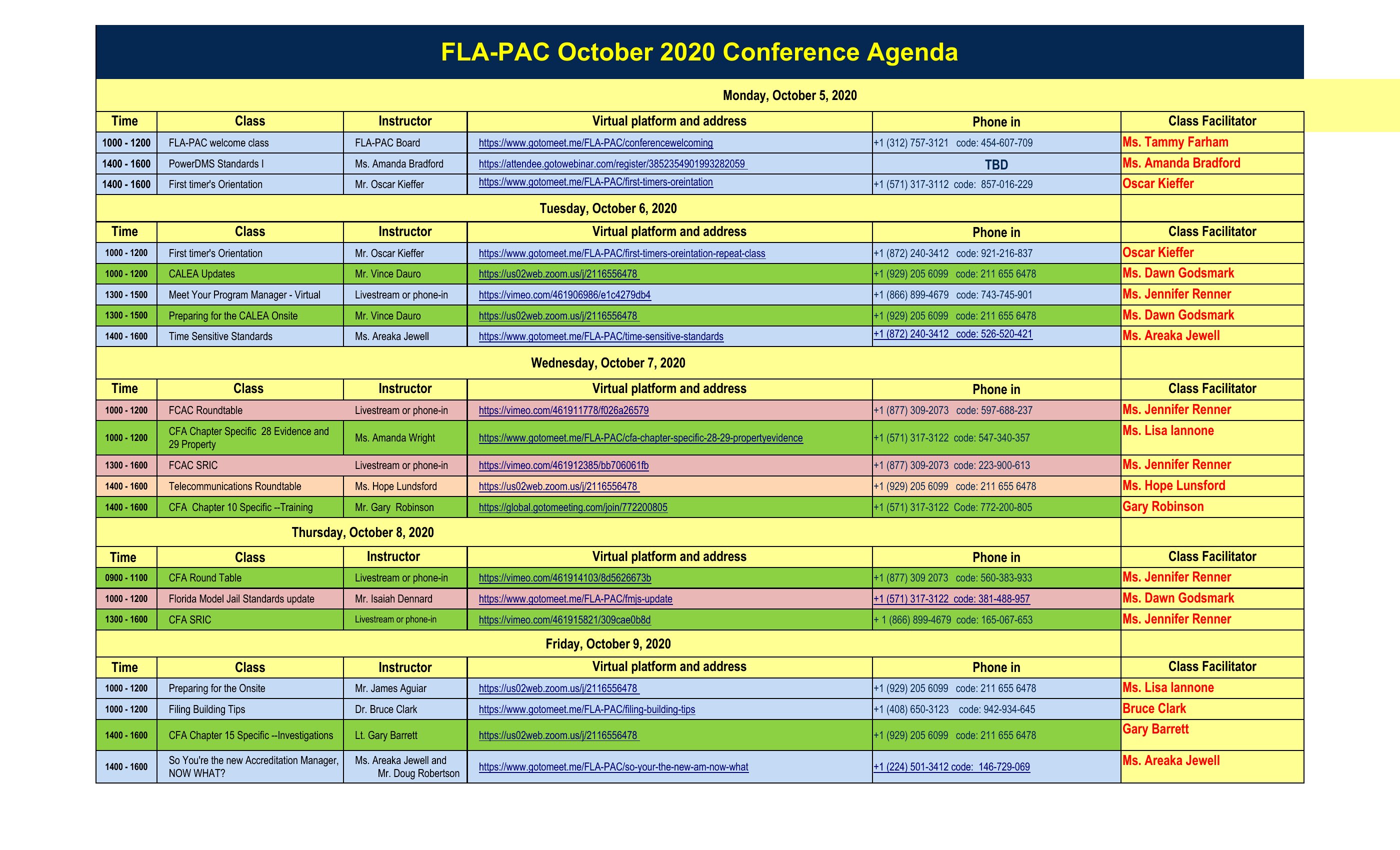
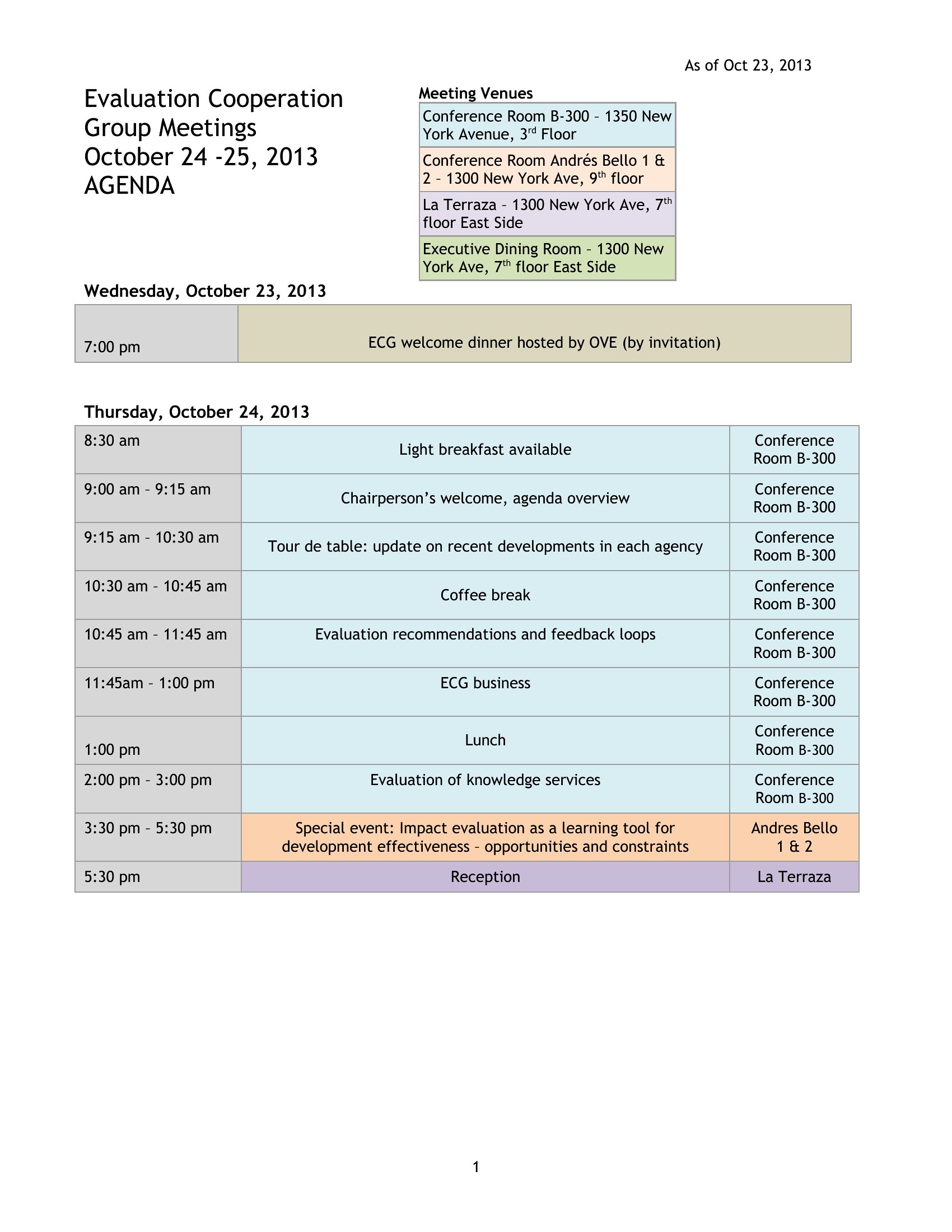
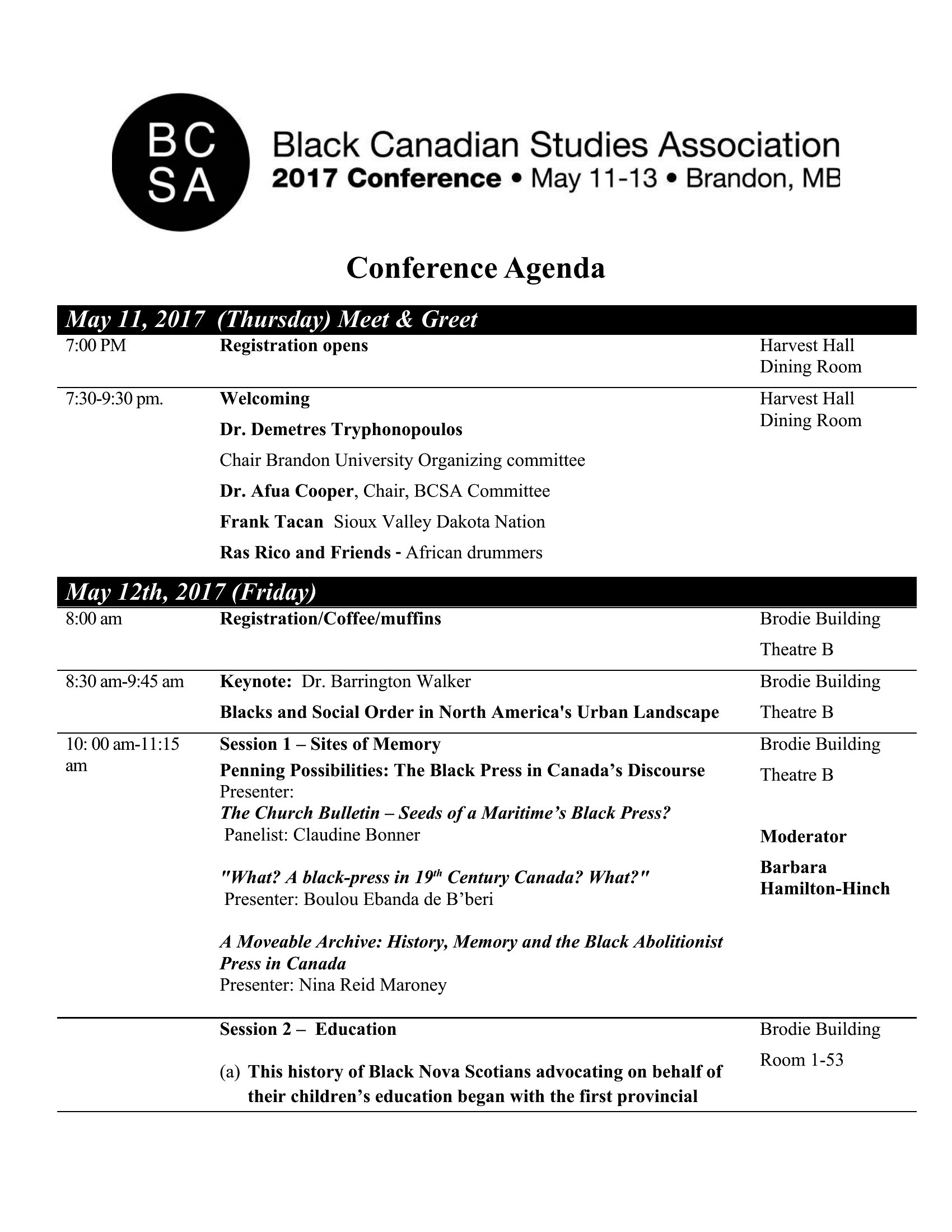
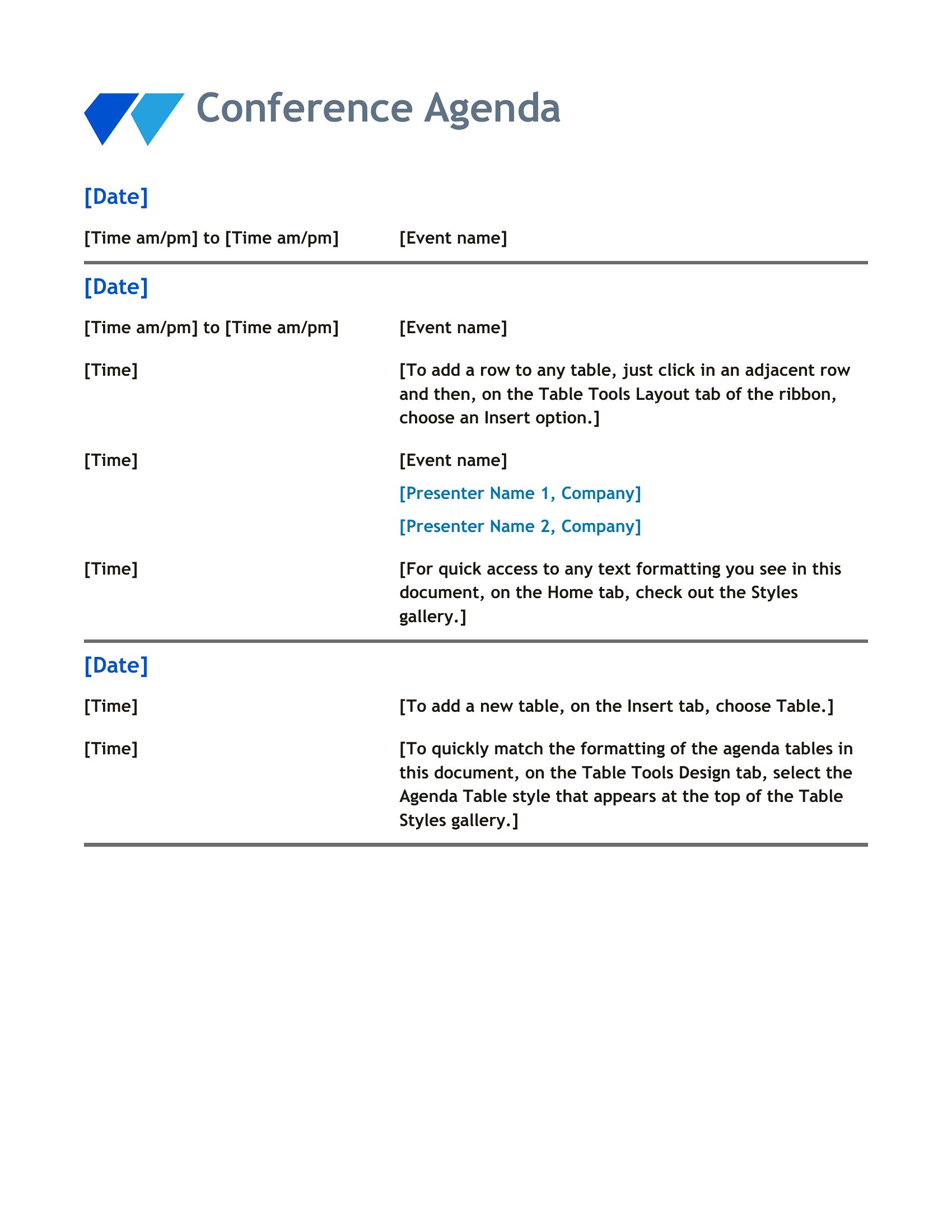
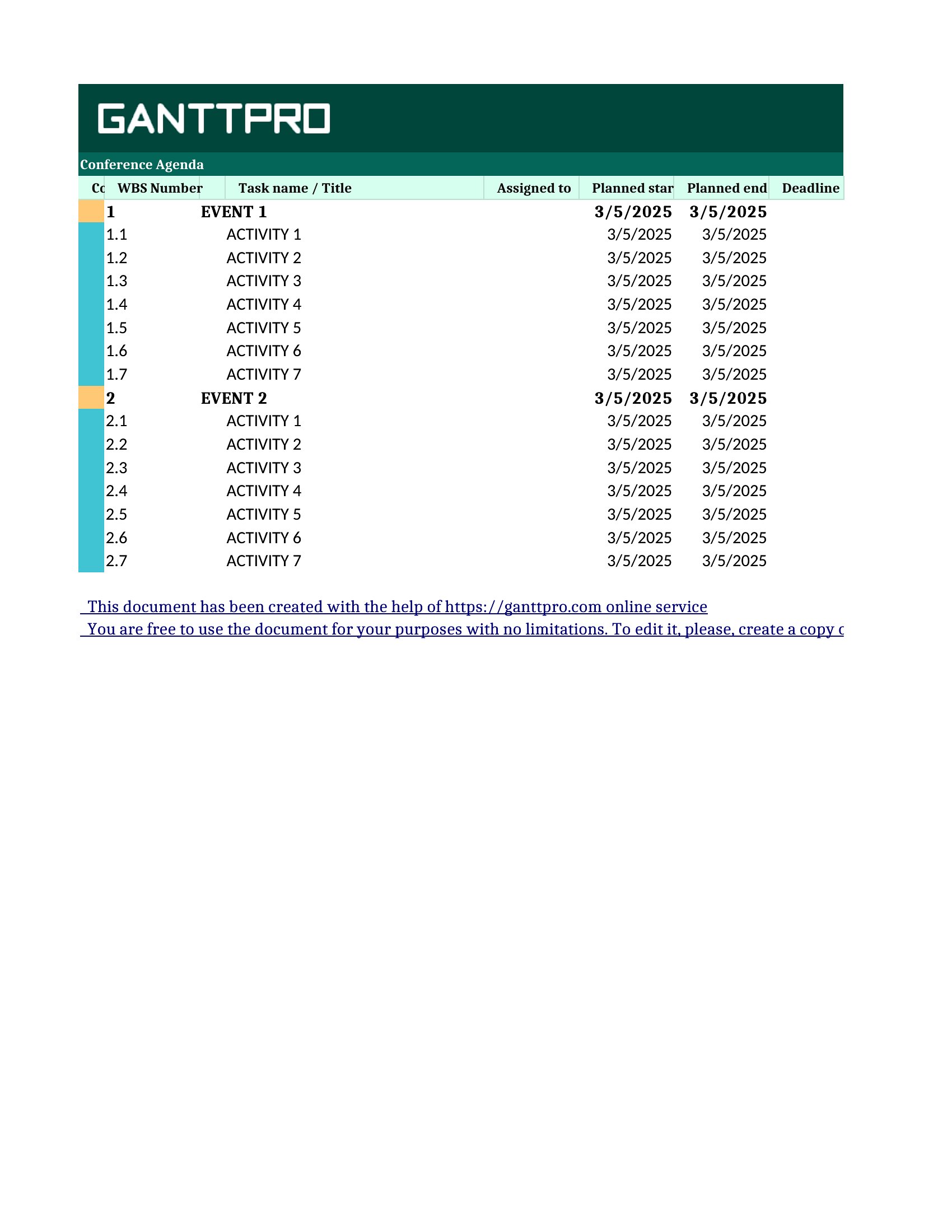
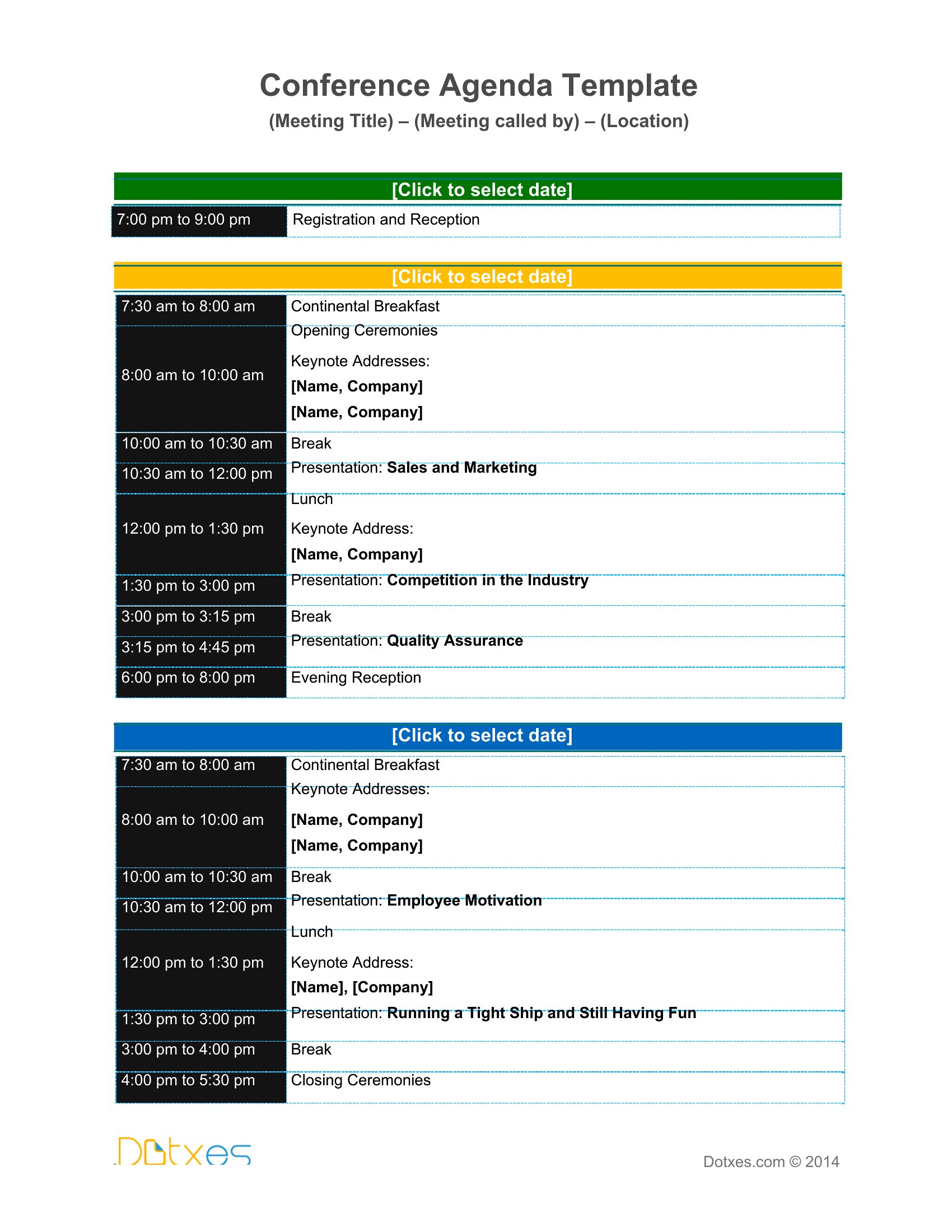
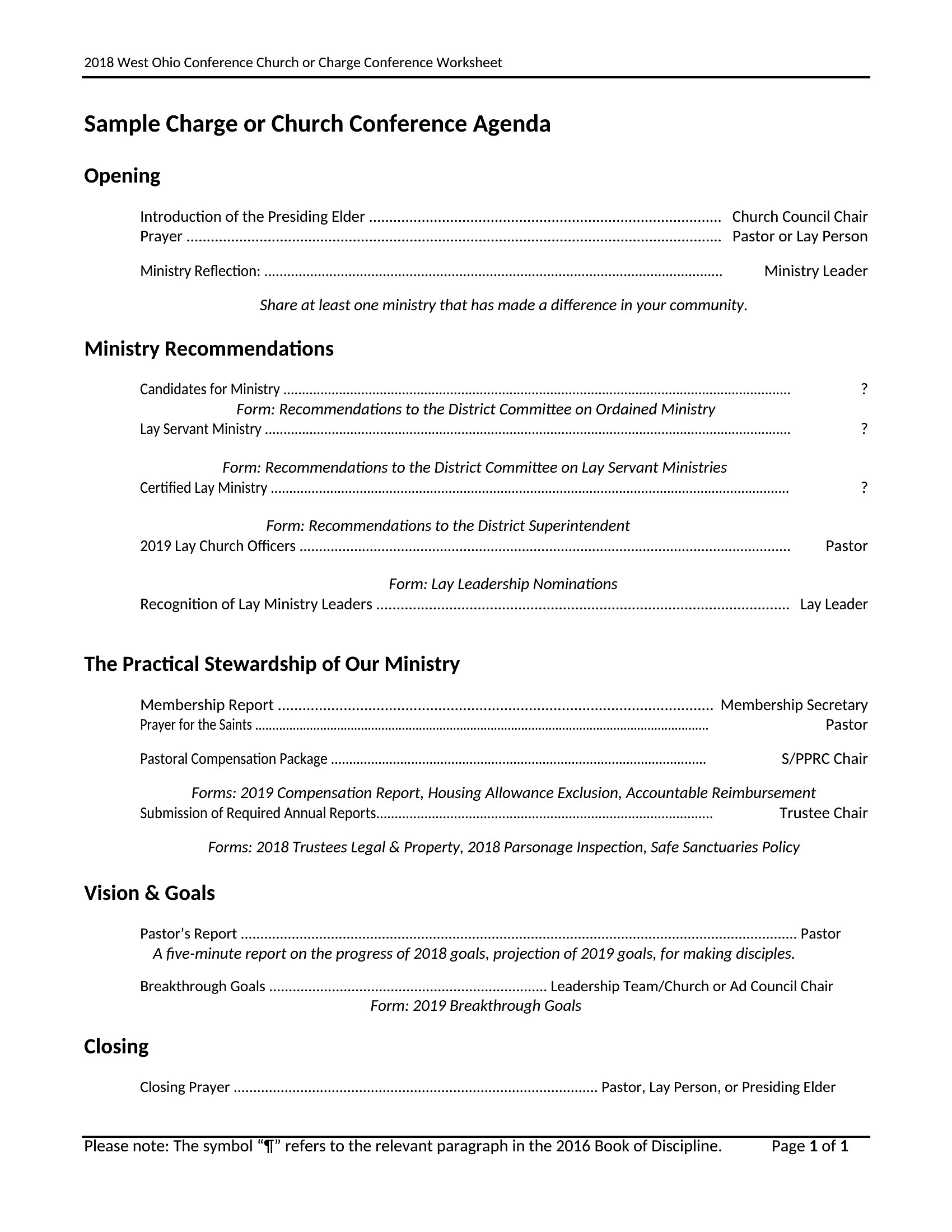
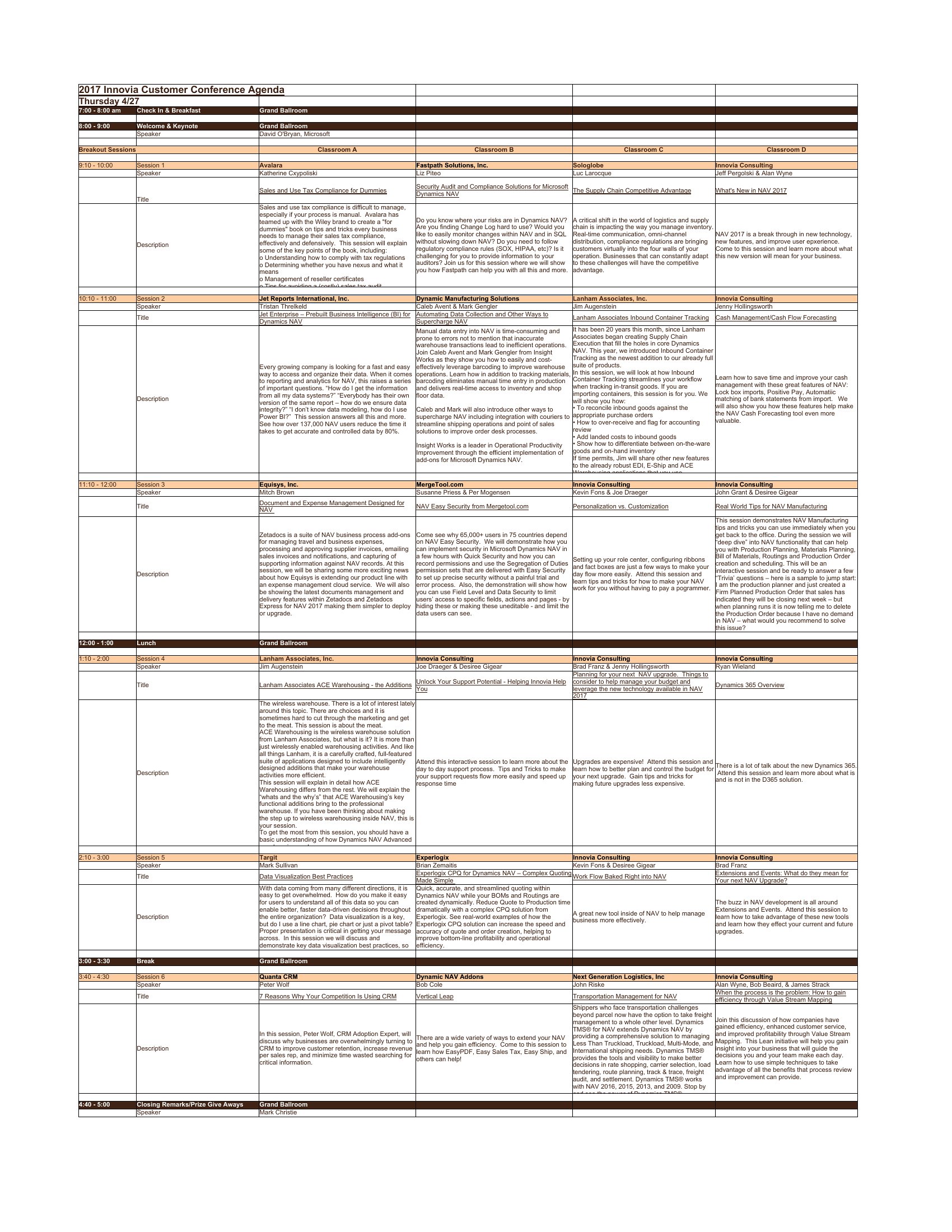
Choose from 40 Conference Agenda Templates
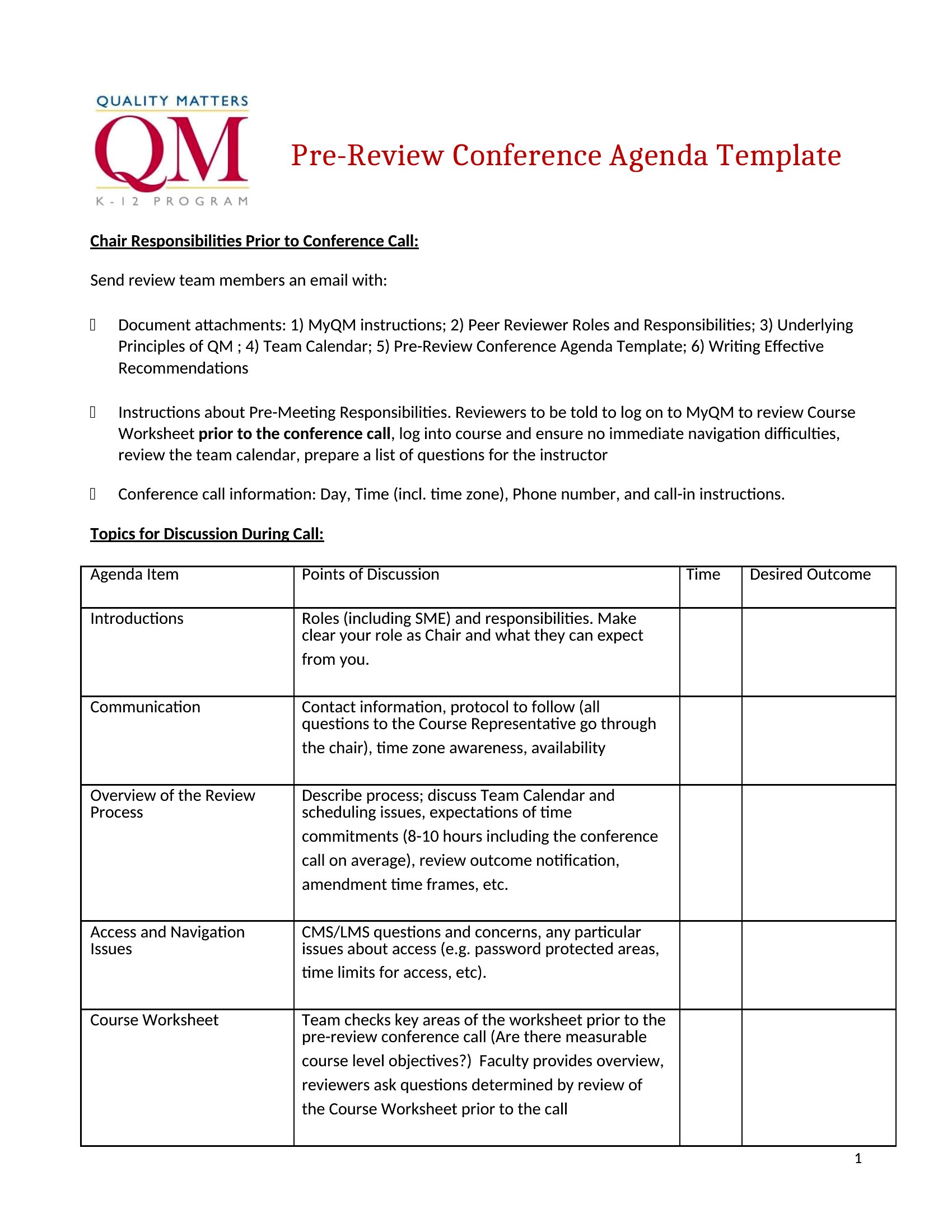
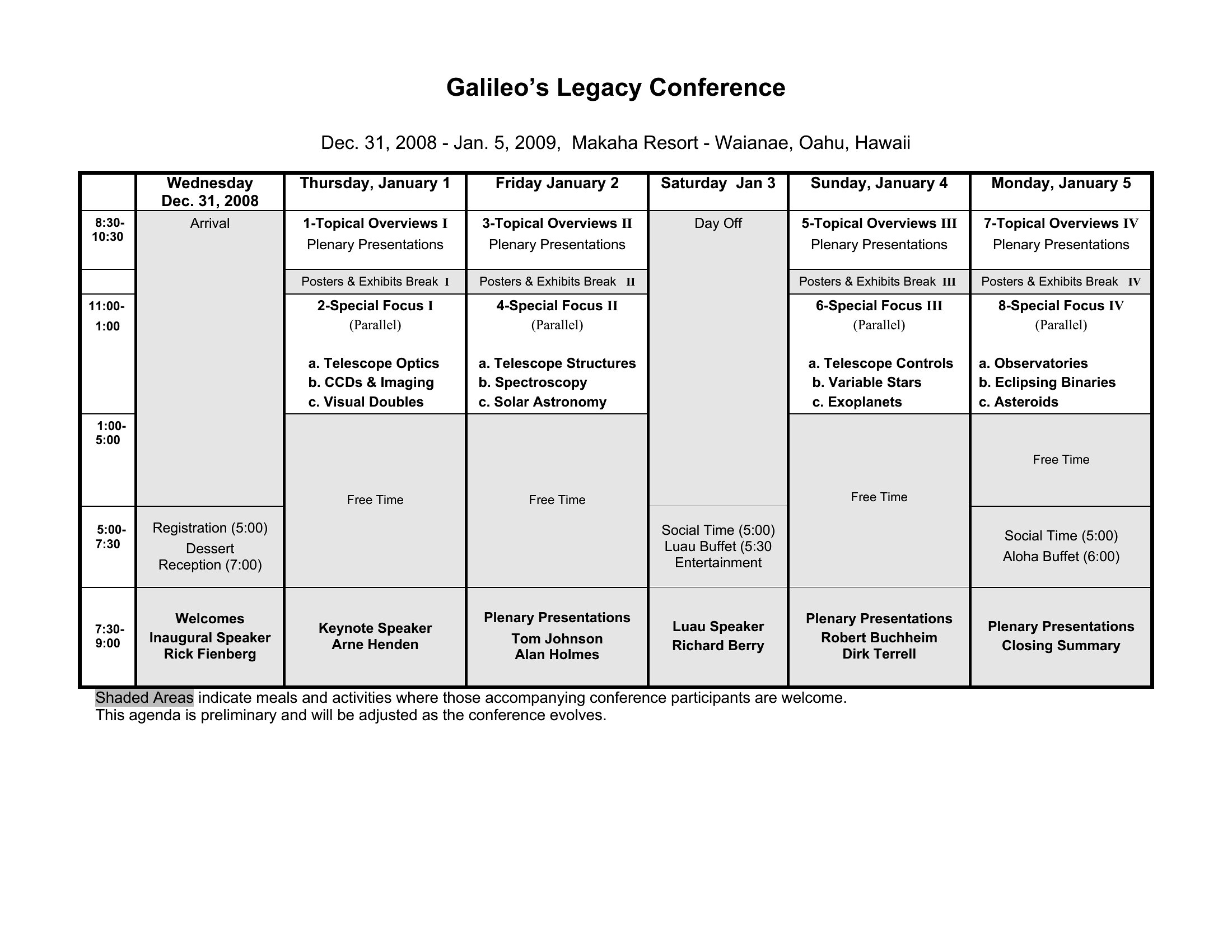
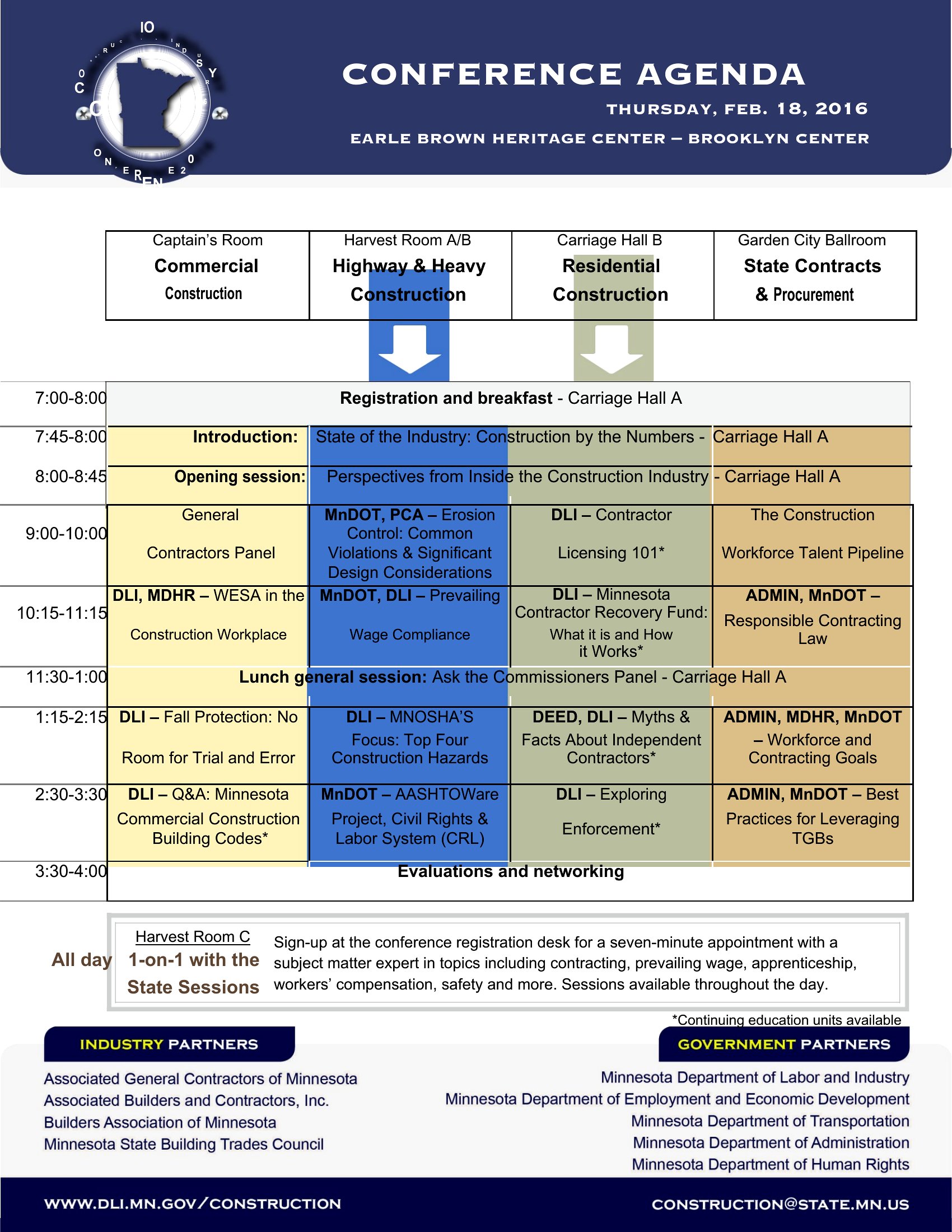
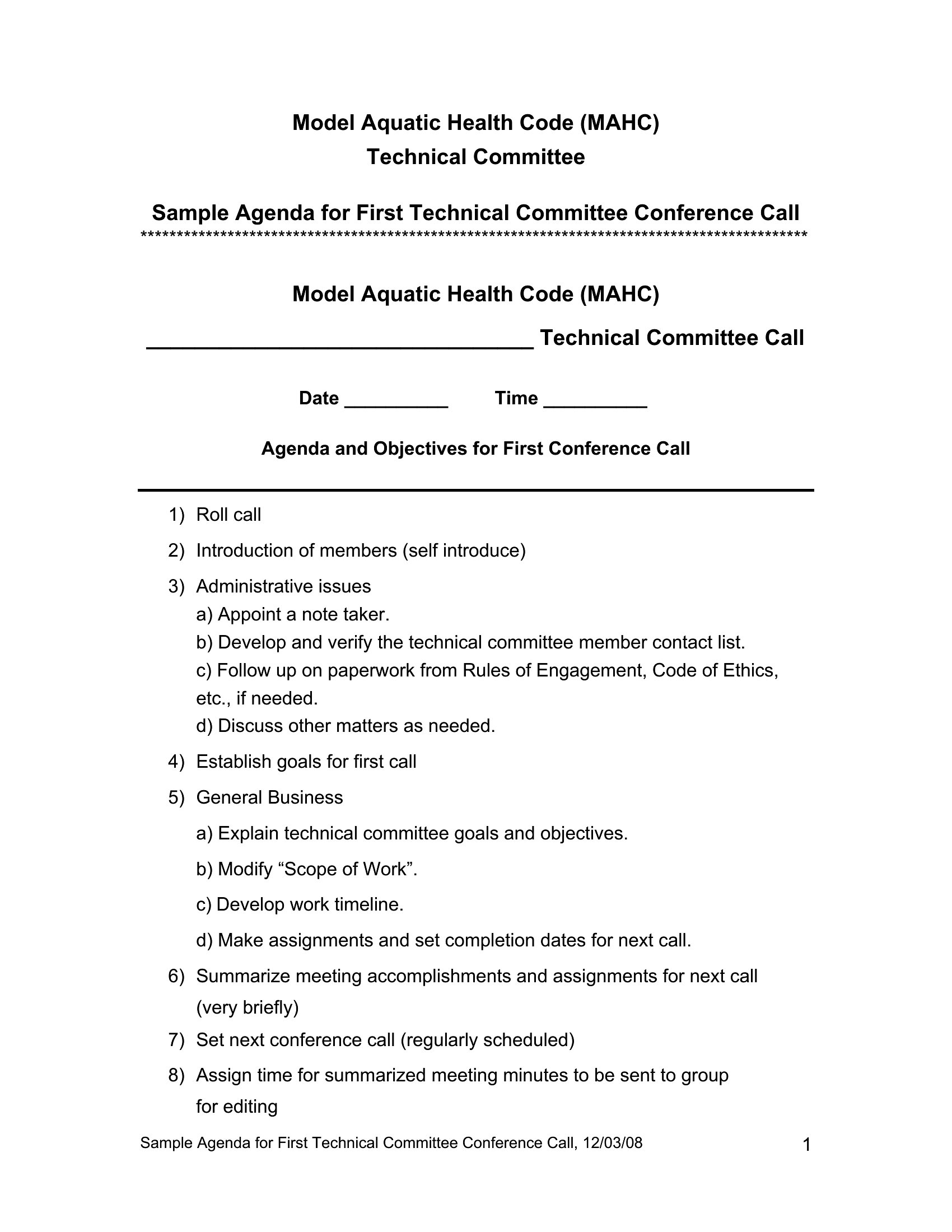
How to use this Conference Agenda template
How can I make sure my agenda accommodates time for unplanned Q&A sessions or discussions?
Build flexibility into your agenda by including a 10–15 minute buffer between sessions or at the end of each time block labeled as ‘Open Discussion.’ For multi-day events, use the Excel format to track how much time is actually used during the day and adjust future agendas accordingly. Never underestimate these moments—even if they cut into the next item, attendees will appreciate the opportunity to engage.
Should I include speaker bios or headshots in the agenda, and where?
Yes, but only if they add value to the event. Place speaker bios in a dedicated section before the agenda begins, or include headshots in the session descriptions if the event is highly visual (like a TED-style talk). For conferences with 20+ speakers, consider a separate PDF or Word document to avoid clutter. Avoid including bios in the Excel planning version—save that space for logistical details like contact info or equipment needs.
What’s the best way to handle breaks or networking time in a multi-day conference agenda?
Designate breaks as fixed time blocks (e.g., ‘Networking Break: 3:00–3:30 PM’) and place them after sessions where attendees might need a pause, like after a heavy lunch or a long panel. For networking-heavy events, use the Excel format to map out which rooms or spaces are available during breaks, and note any scheduled activities (like coffee stations or poster sessions) that encourage interaction. Avoid vague labels like ‘Free Time’—specificity reduces attendee anxiety.
Comments
Join the conversation
Sign in to share your thoughts and leave a comment on this resource.