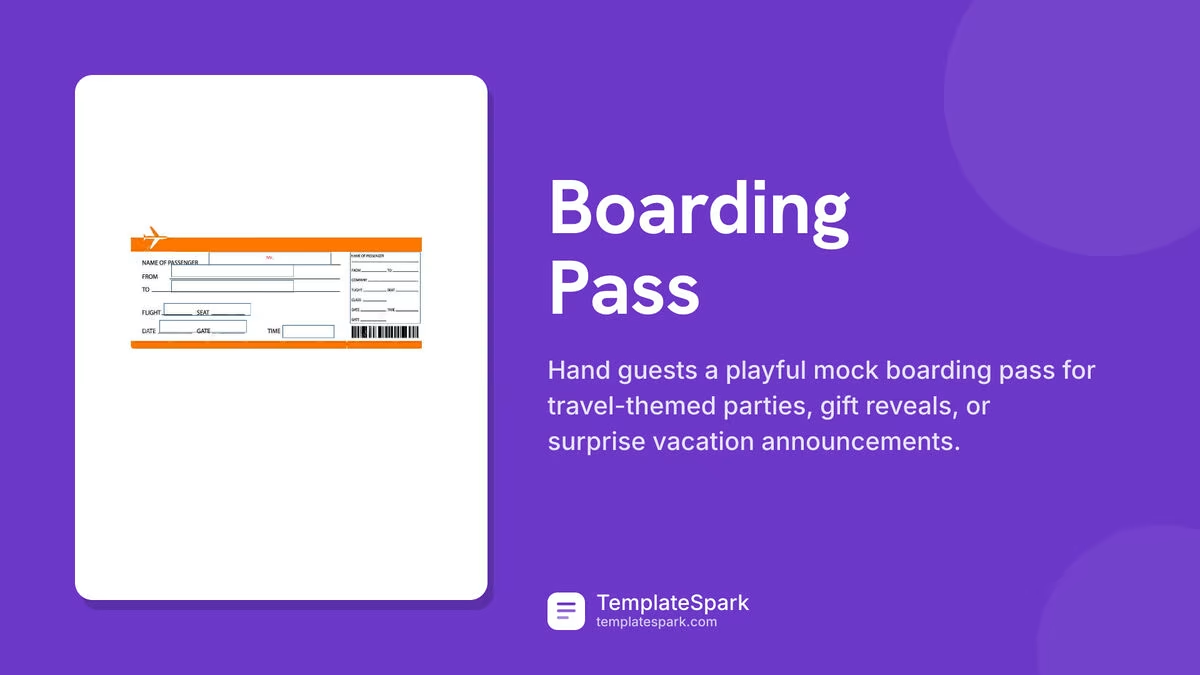
Free Boarding Pass Templates (Word)
Life by soledadlebron
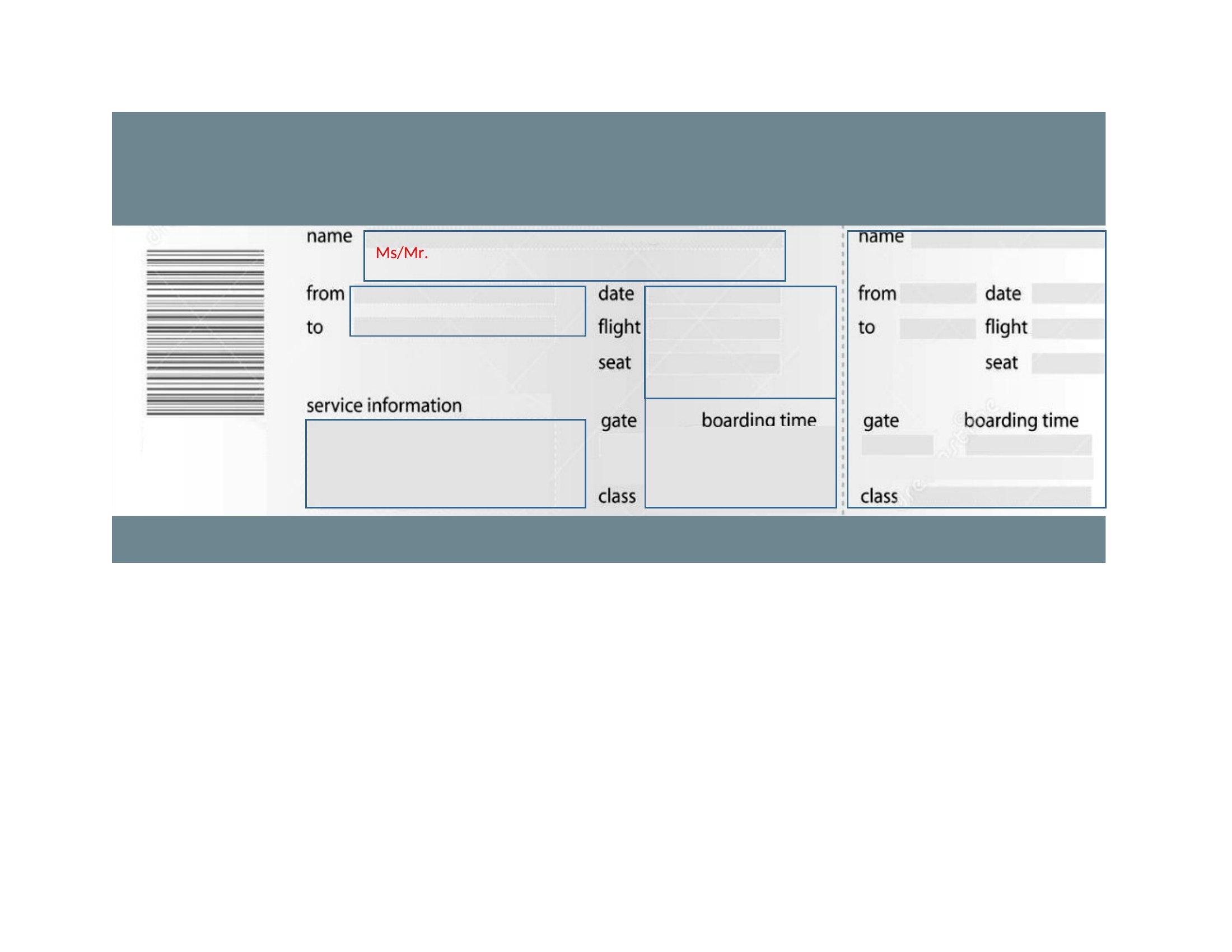
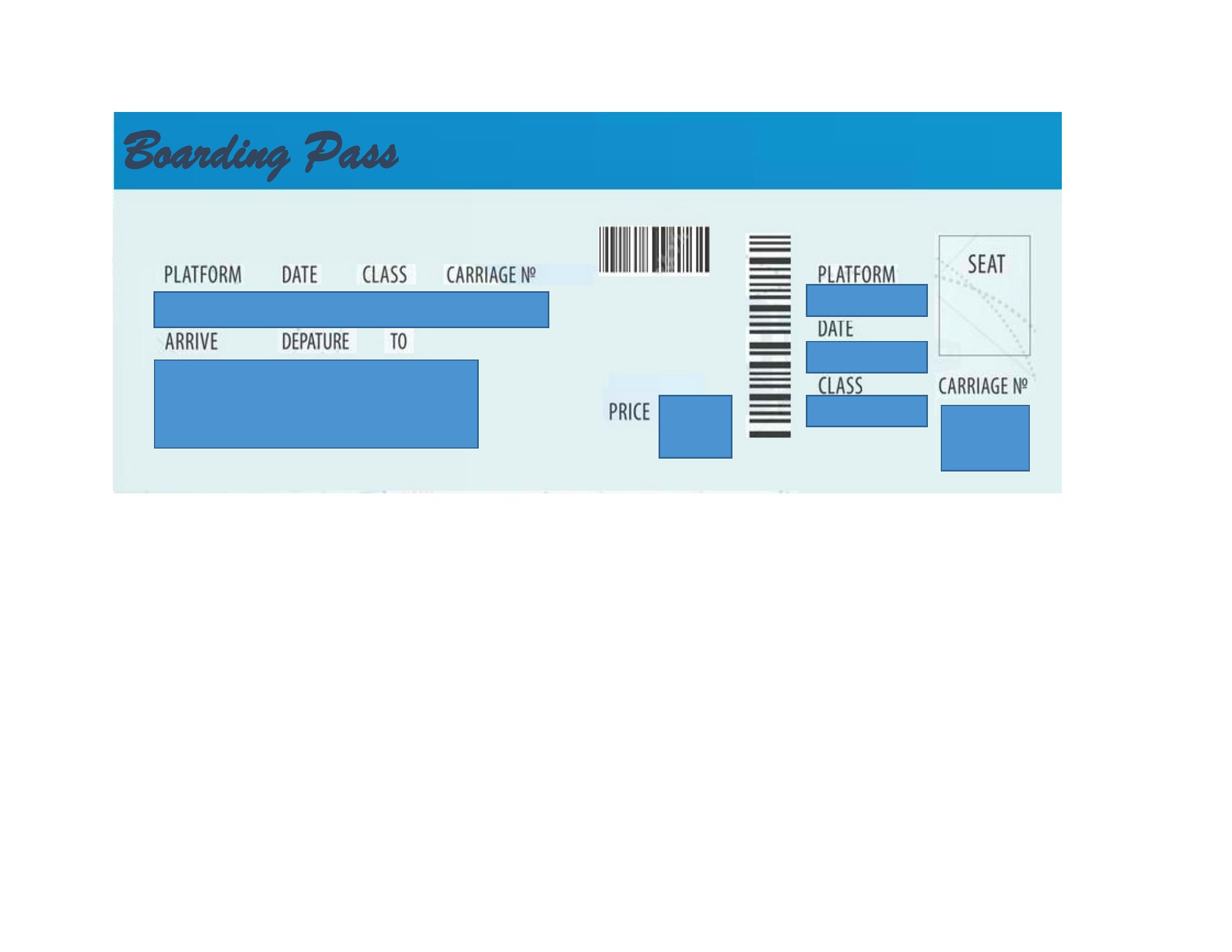
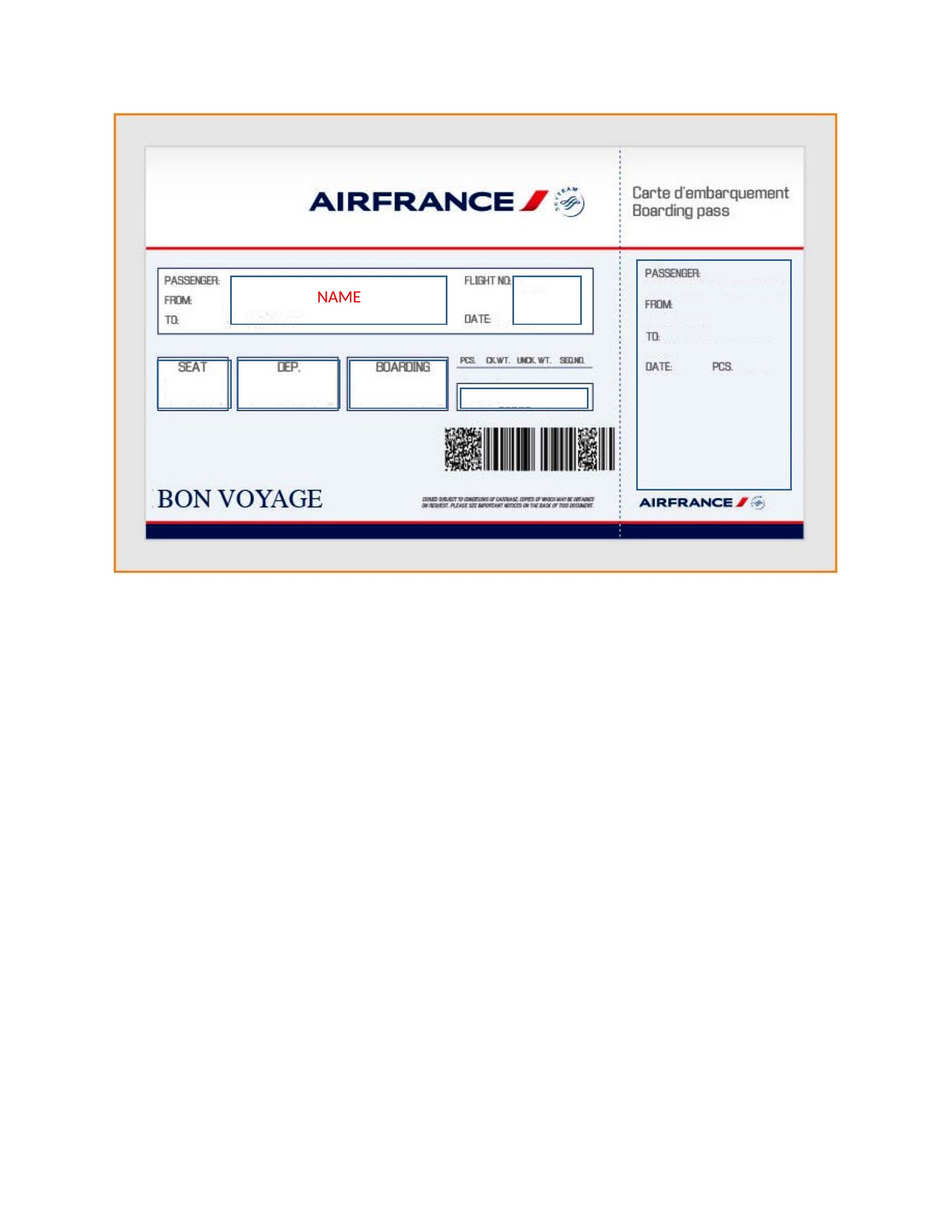
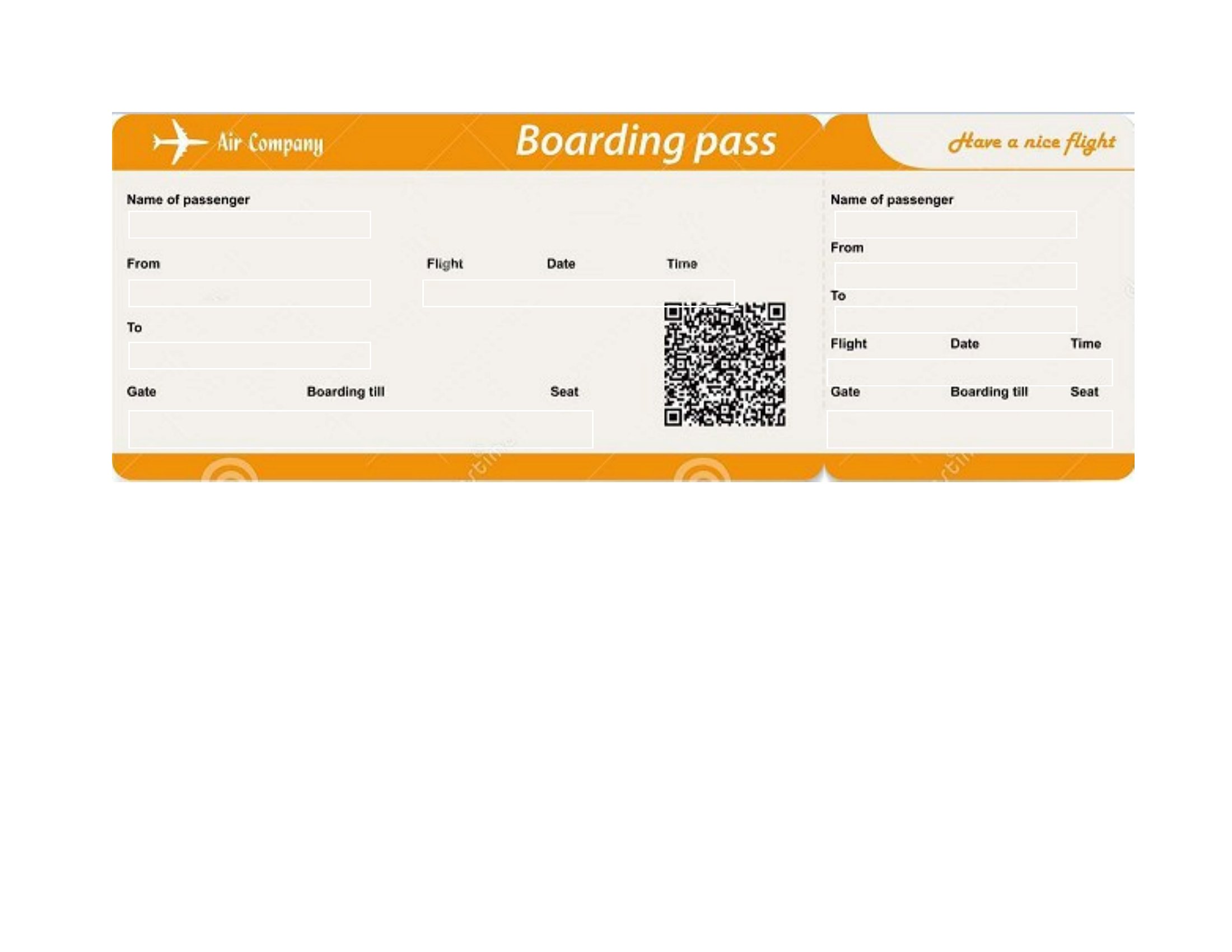
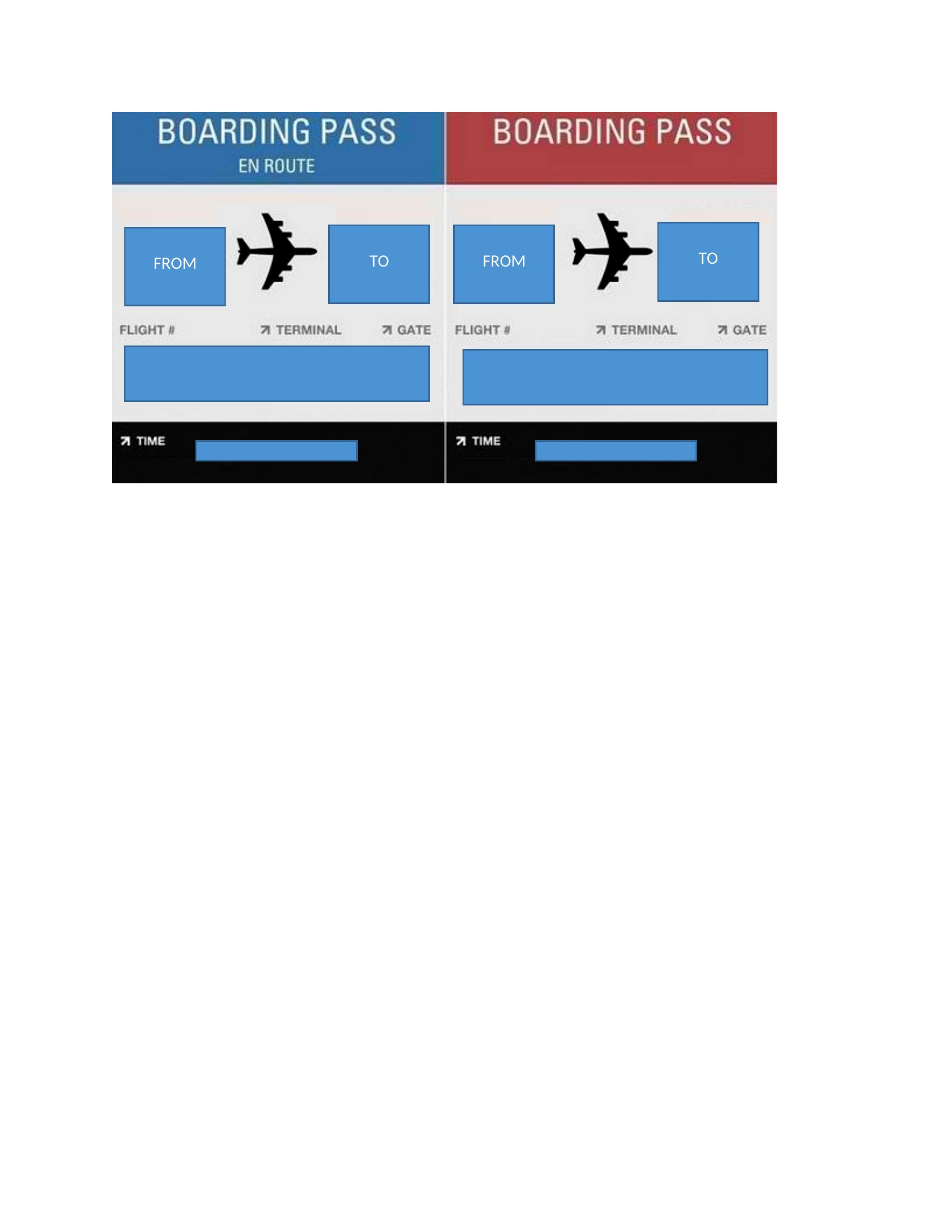
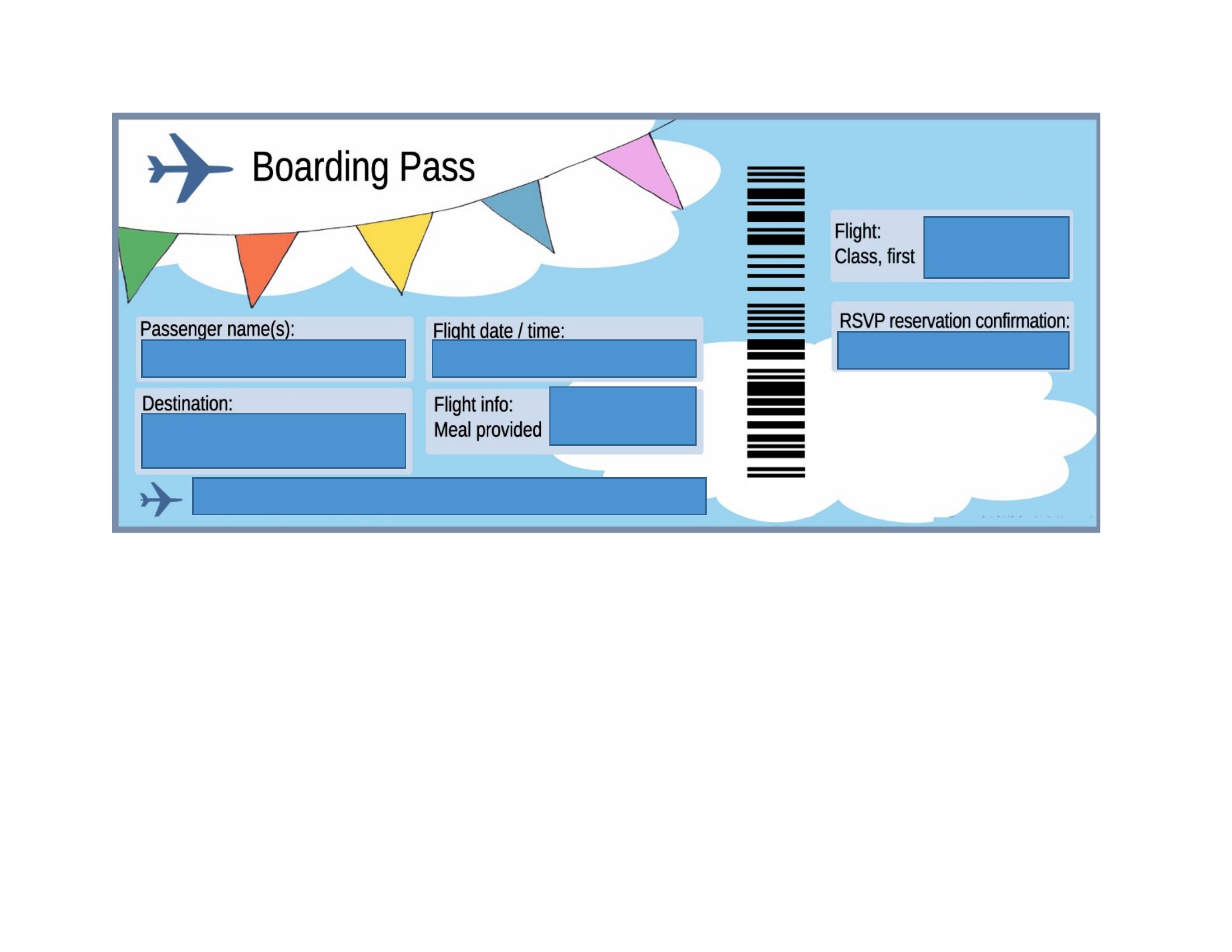
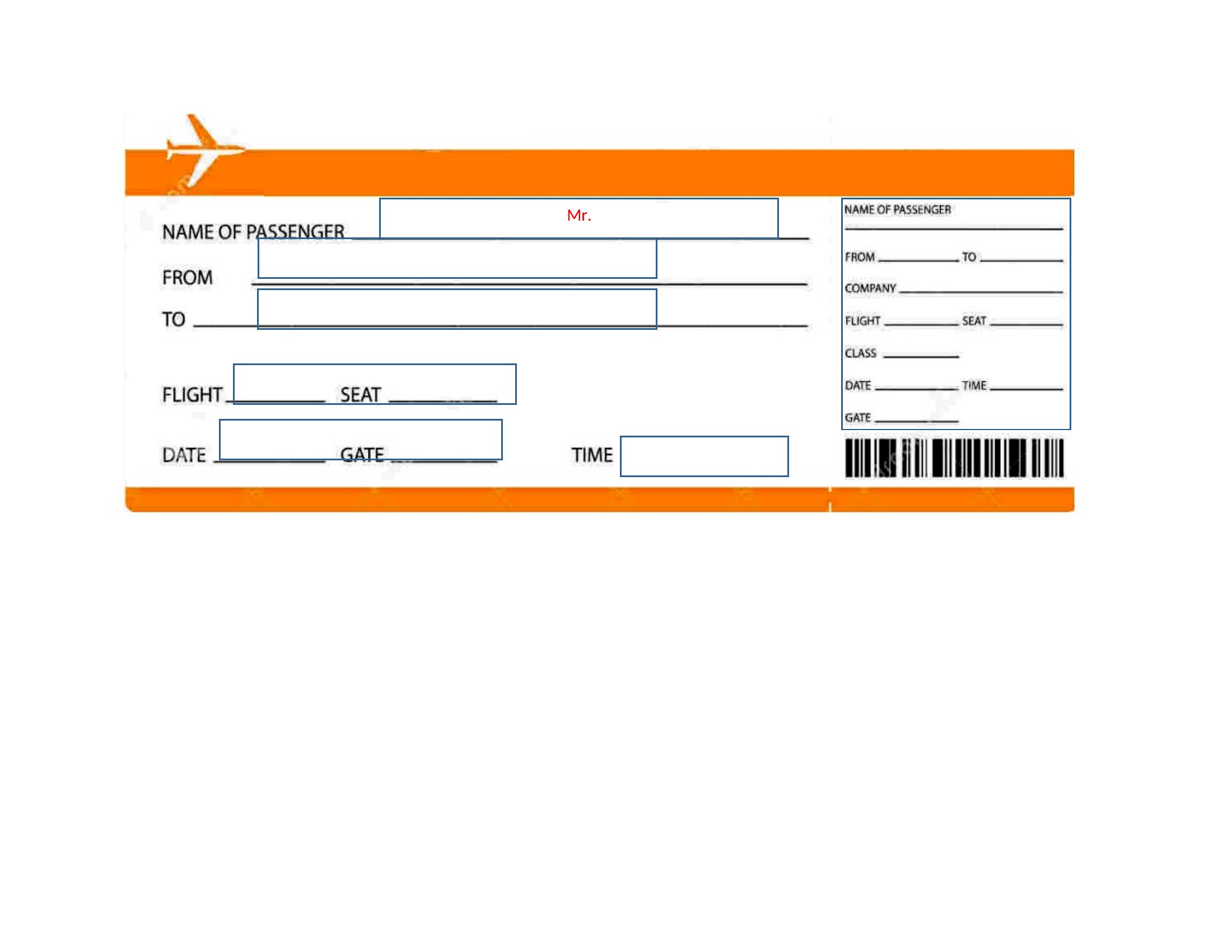
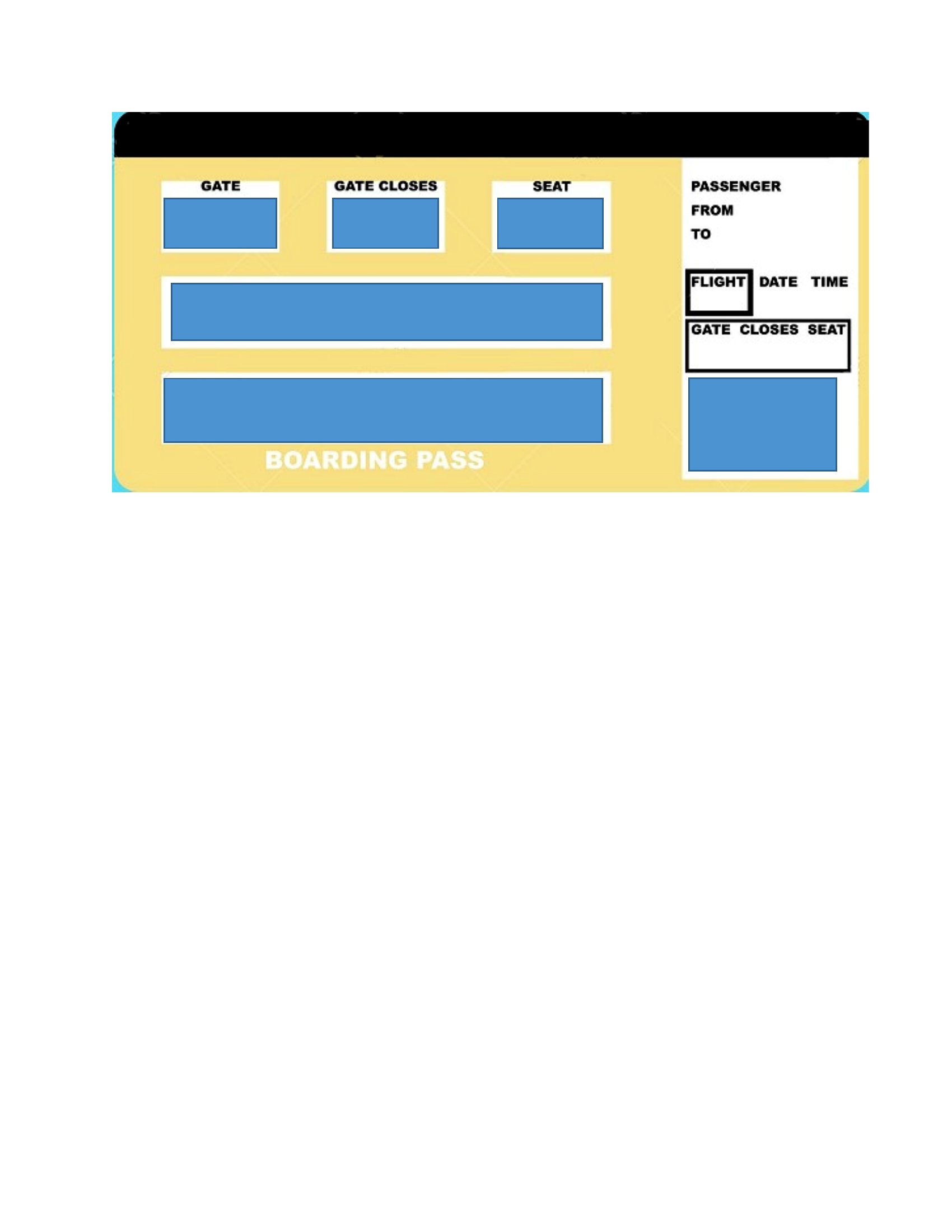
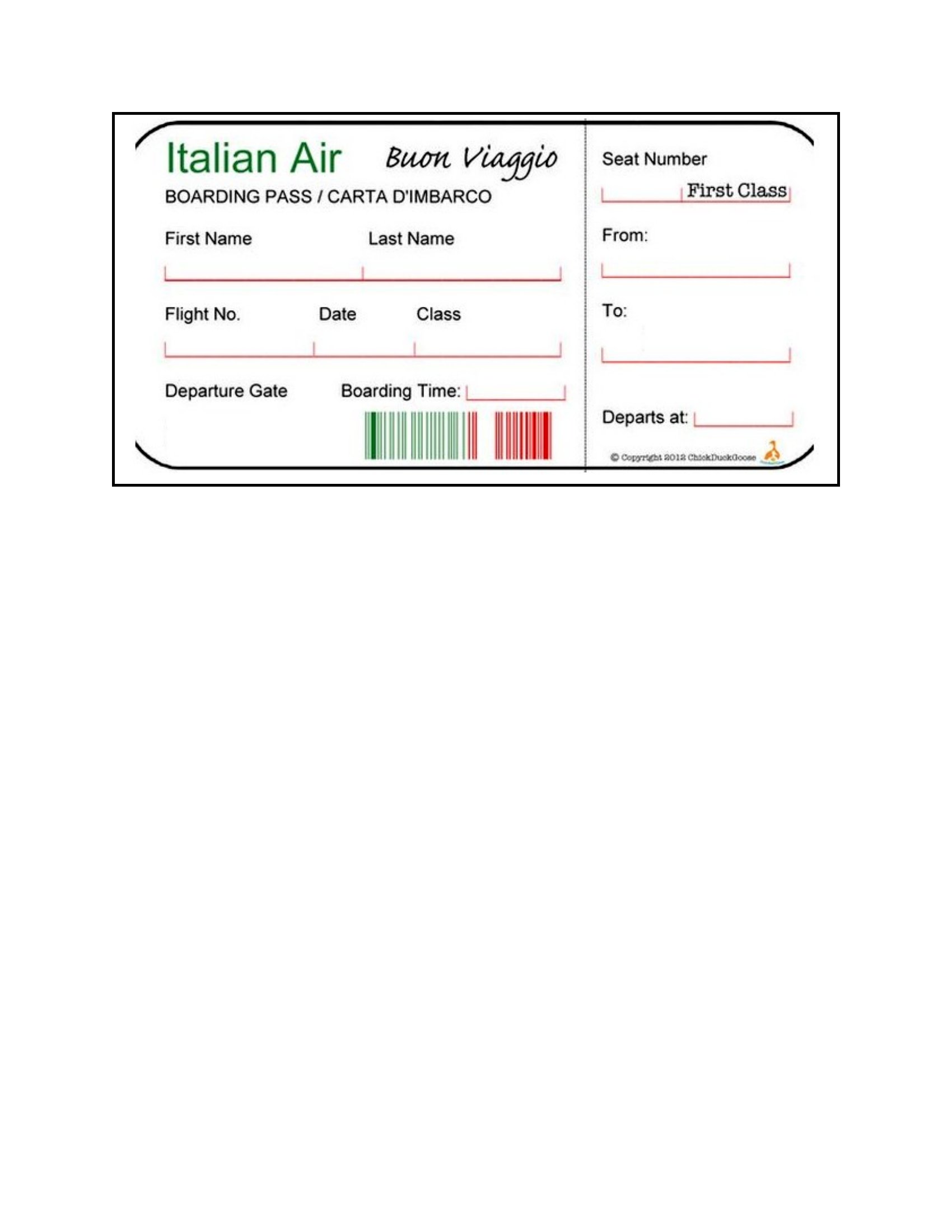
A custom boarding pass makes a great prop for a surprise trip reveal, a travel-themed party, or a classroom activity, and these 16 templates give you a realistic layout to work with. Parents, teachers, and event planners can fill in the destination, gate, and seat for a convincing keepsake or invitation. Use one to announce a vacation or set the scene for an around-the-world celebration.
Each template is editable in Word, so you can swap in names, dates, and details, then print at home. These are for fun and decoration, not actual air travel. Pick the design that fits your idea and download it to get the trip started in style.
Choose from 16 Boarding Pass Templates
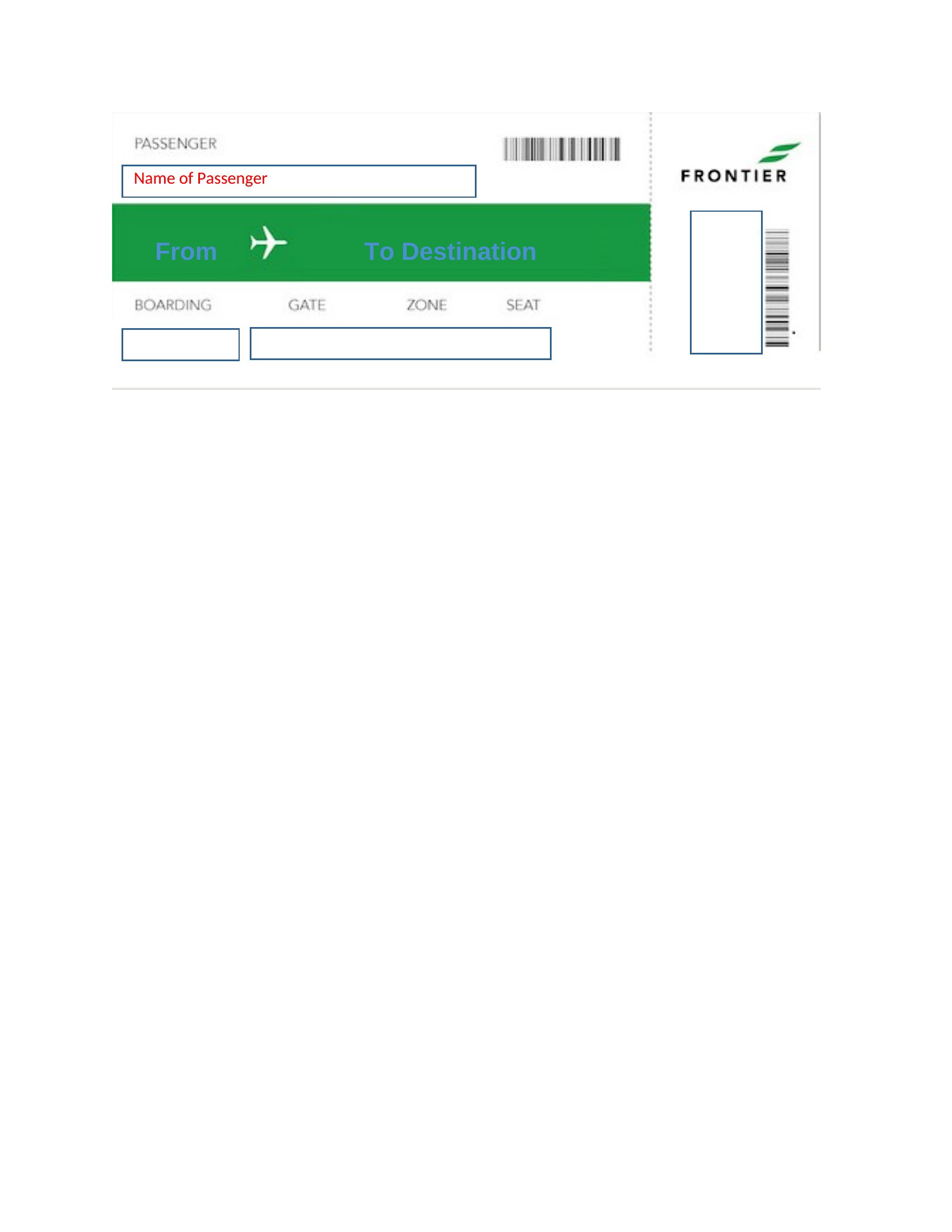
United Boarding Pass
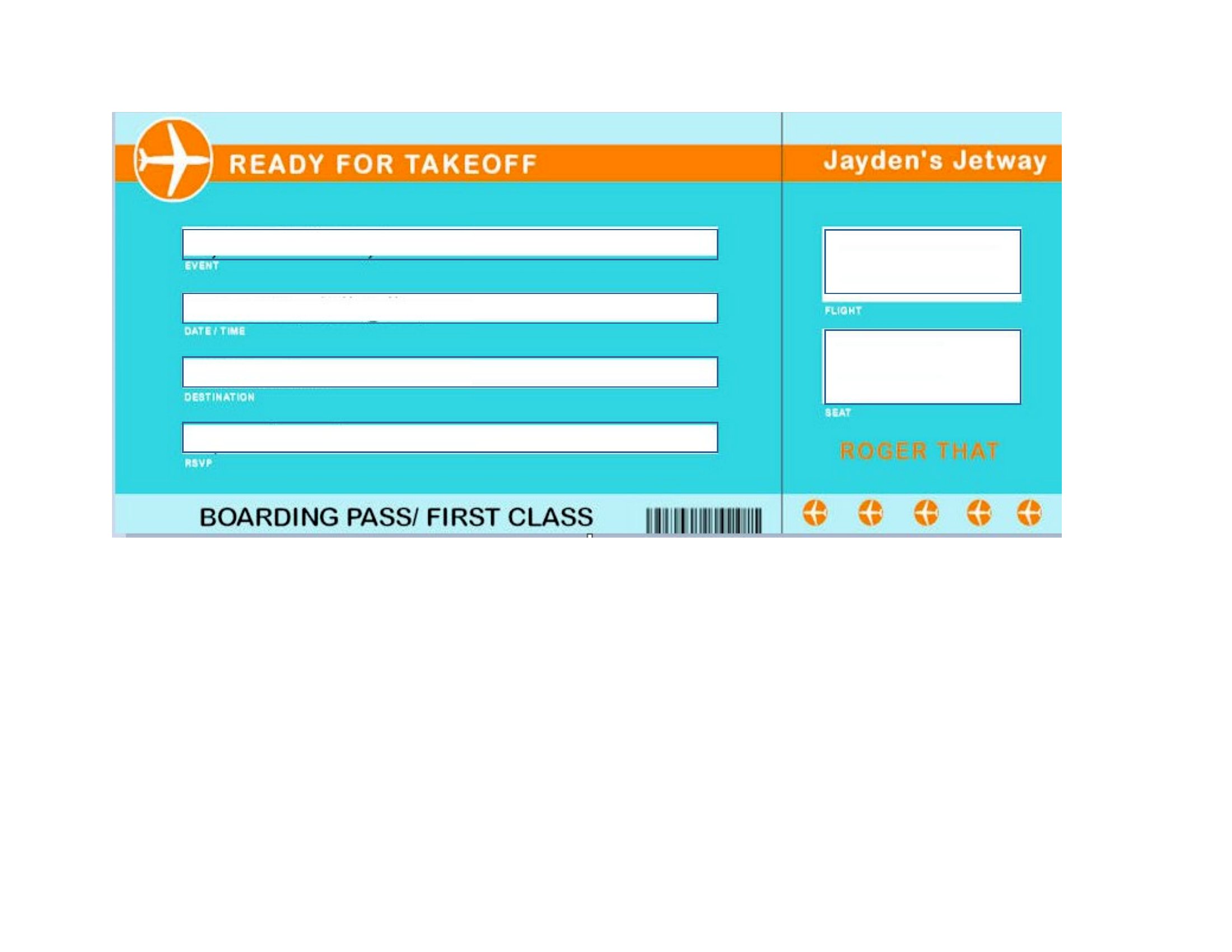
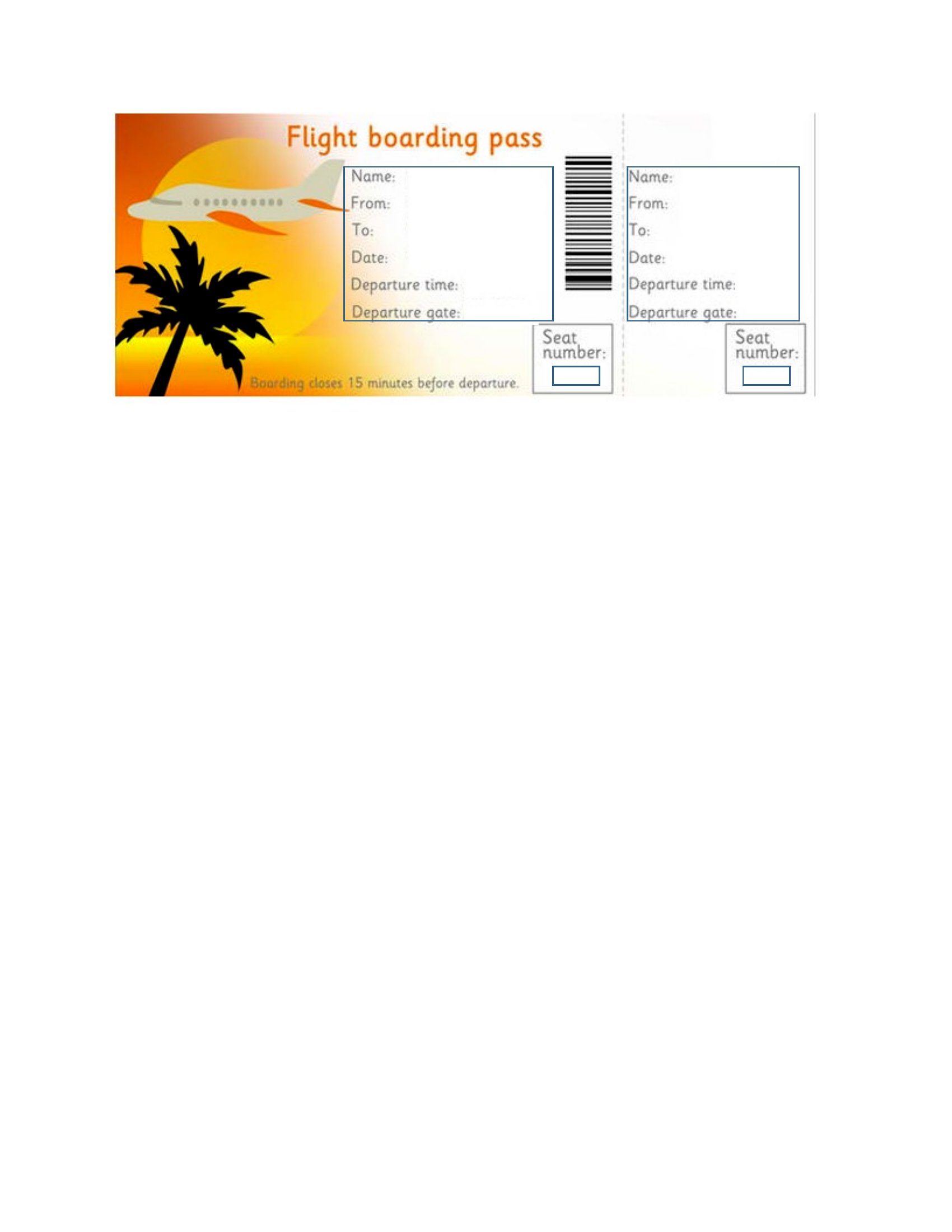
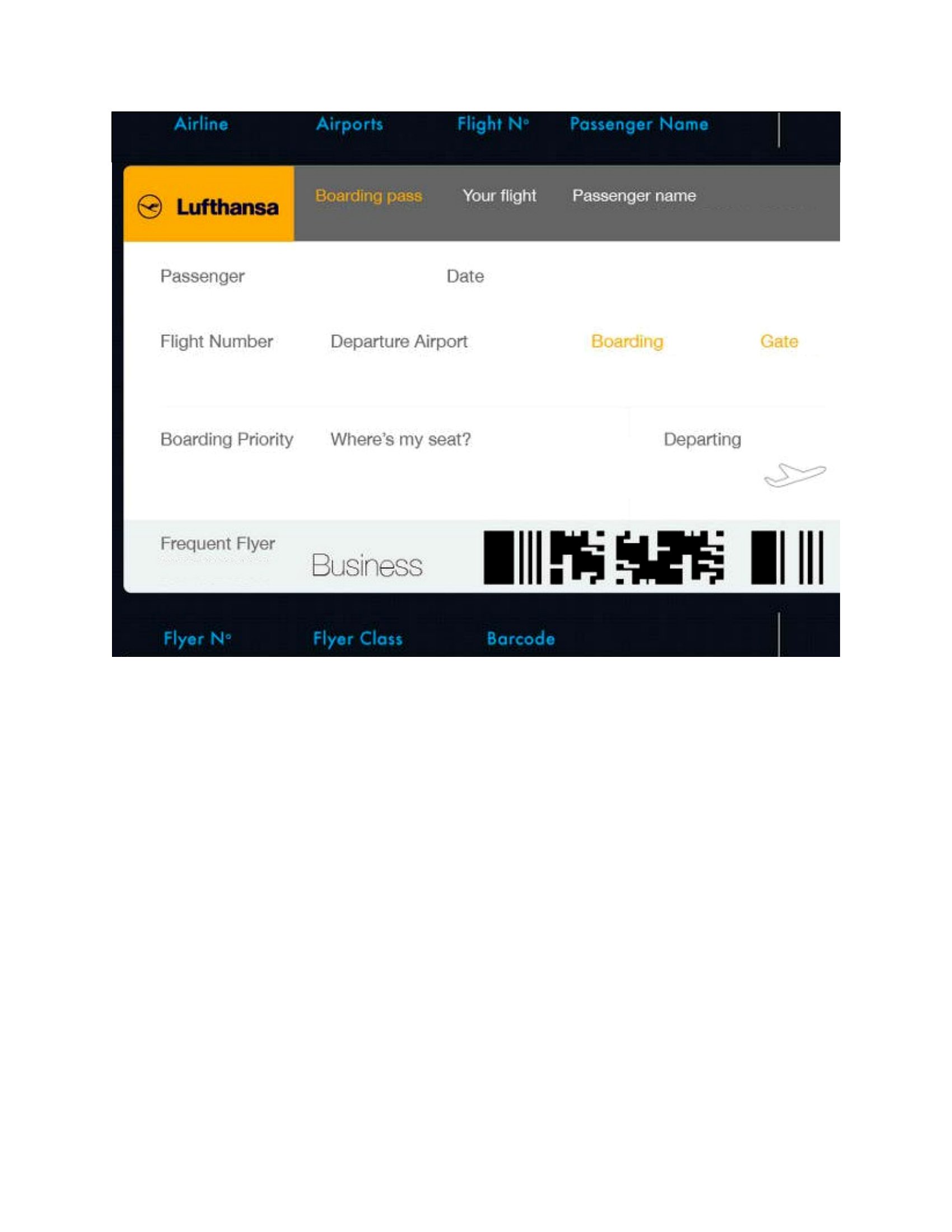
Boarding Passes
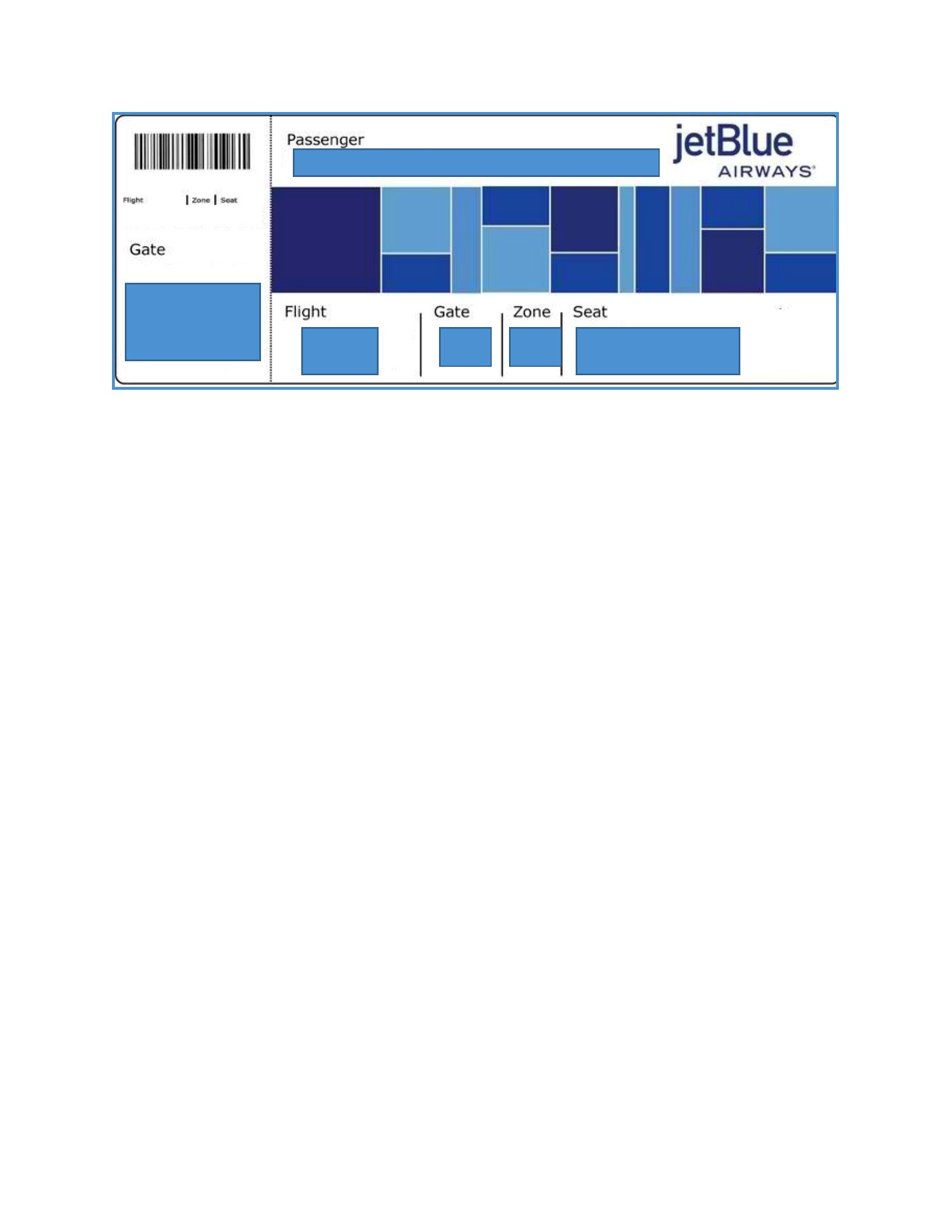
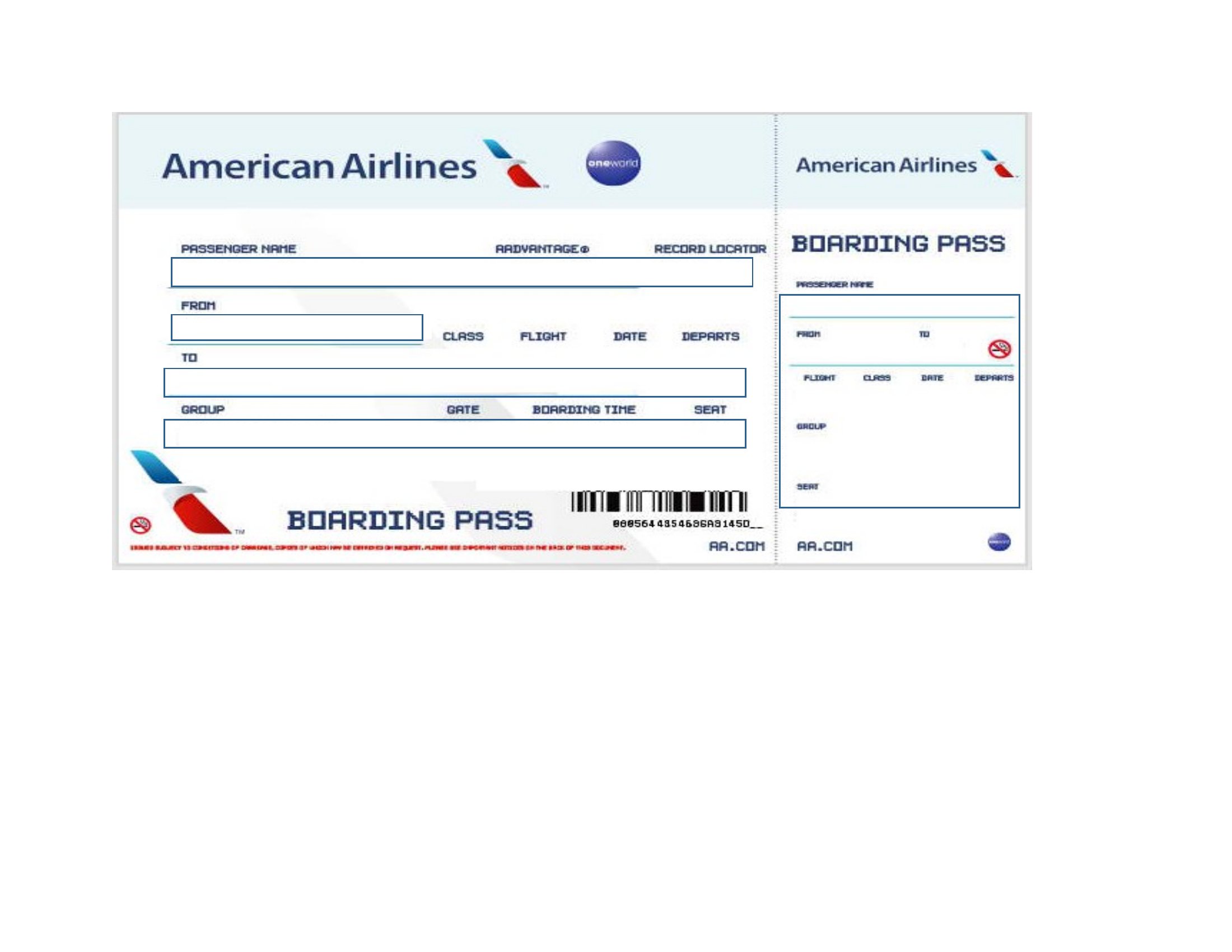
Ssss Boarding Pass
Boarding Pass
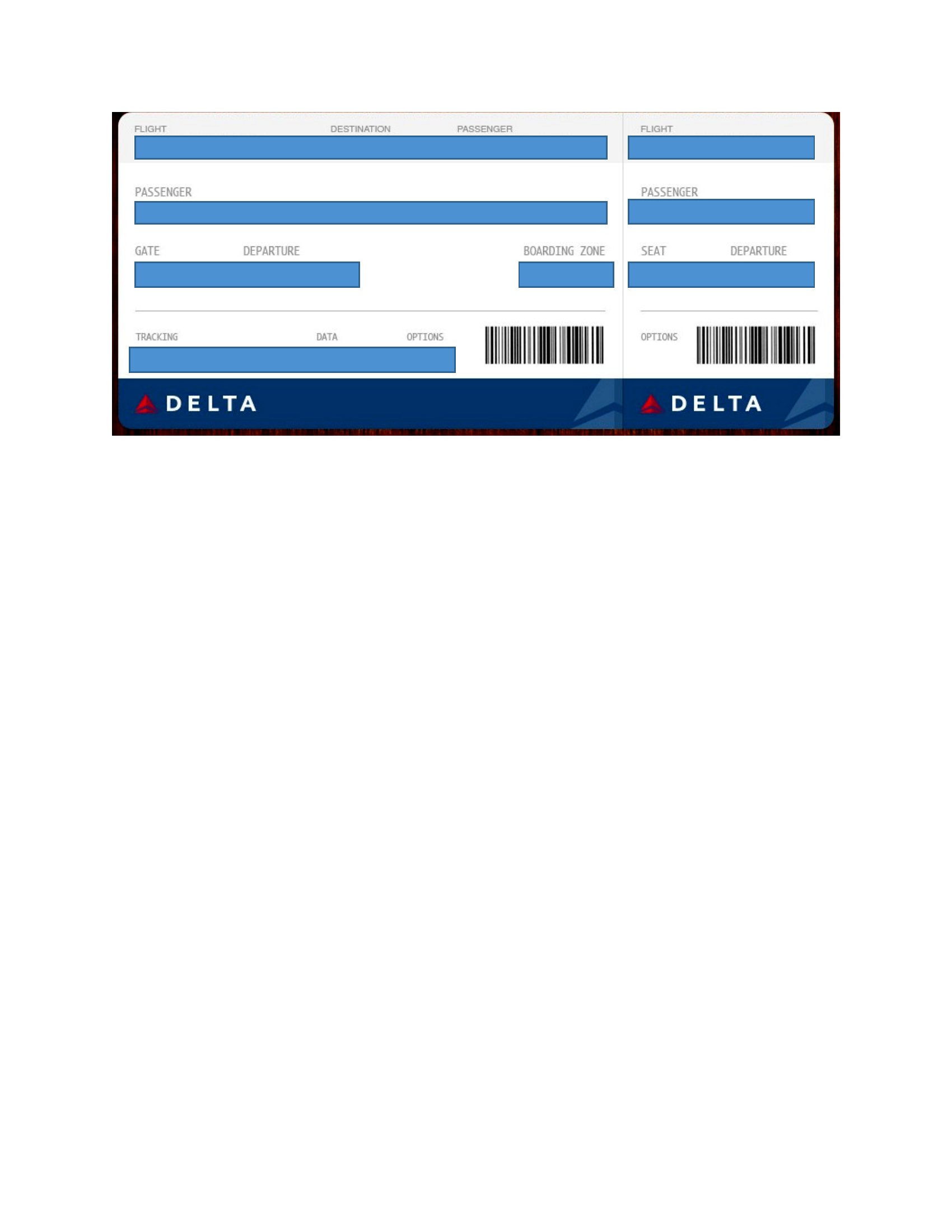
Delta Boarding Pass
Frequently Asked Questions about Boarding Pass Templates
Are these Boarding Pass templates free to download?
Yes. Every Boarding Pass template in this collection is free to download from TemplateSpark. Just open the template you need, download it, and start editing right away — no subscription required to get started.
What file formats are available for Boarding Pass templates?
These Boarding Pass templates are available in Word. Pick the format that matches your workflow — each download keeps the original layout so it looks right whether you open, print, or share it.
Can I edit these Boarding Pass templates?
Yes. The editable files open in Microsoft Word (and compatible apps like Google Docs or LibreOffice), so you can change the text, colors, and layout to fit your needs, then save or export the finished Boarding Pass document.
How many Boarding Pass templates can I choose from?
This page collects 16 Boarding Pass templates so you can compare styles and layouts in one place. Browse the options, open the one that fits your purpose best, and download it in your preferred format.
Can I use Boarding Pass templates for commercial purposes?
In most cases, yes — these Boarding Pass templates are intended for both personal and business use. Check the license note on the template before redistributing or reselling, and avoid sharing the source files as your own product.
What information appears on a boarding pass?
A boarding pass shows the passenger name, the flight number, the departure and arrival cities, the date, the boarding time, the gate, the seat assignment, and often a scannable barcode. A custom version mimics this familiar layout so you can fill in the destination, the gate, and the seat details.
What can you use a custom boarding pass for?
A custom boarding pass works well as a fun prop for a surprise trip reveal, a travel-themed party invitation, a classroom activity, or simply a keepsake. Filling in a real destination and matching flight details makes the moment feel convincingly realistic and especially exciting for the person receiving it.
How do you make a boarding pass look realistic?
Use a familiar airline-style layout with clear sections for the name, the flight number, the gate, and the seat, and add a barcode strip along the edge. Keeping the fonts clean and aligning the fields the way real passes do is what makes the finished prop genuinely convincing.
Comments
Join the conversation
Sign in to share your thoughts and leave a comment on this resource.