
Free Self-Employed Invoice Templates (Word, PDF)
Invoices by tammygray
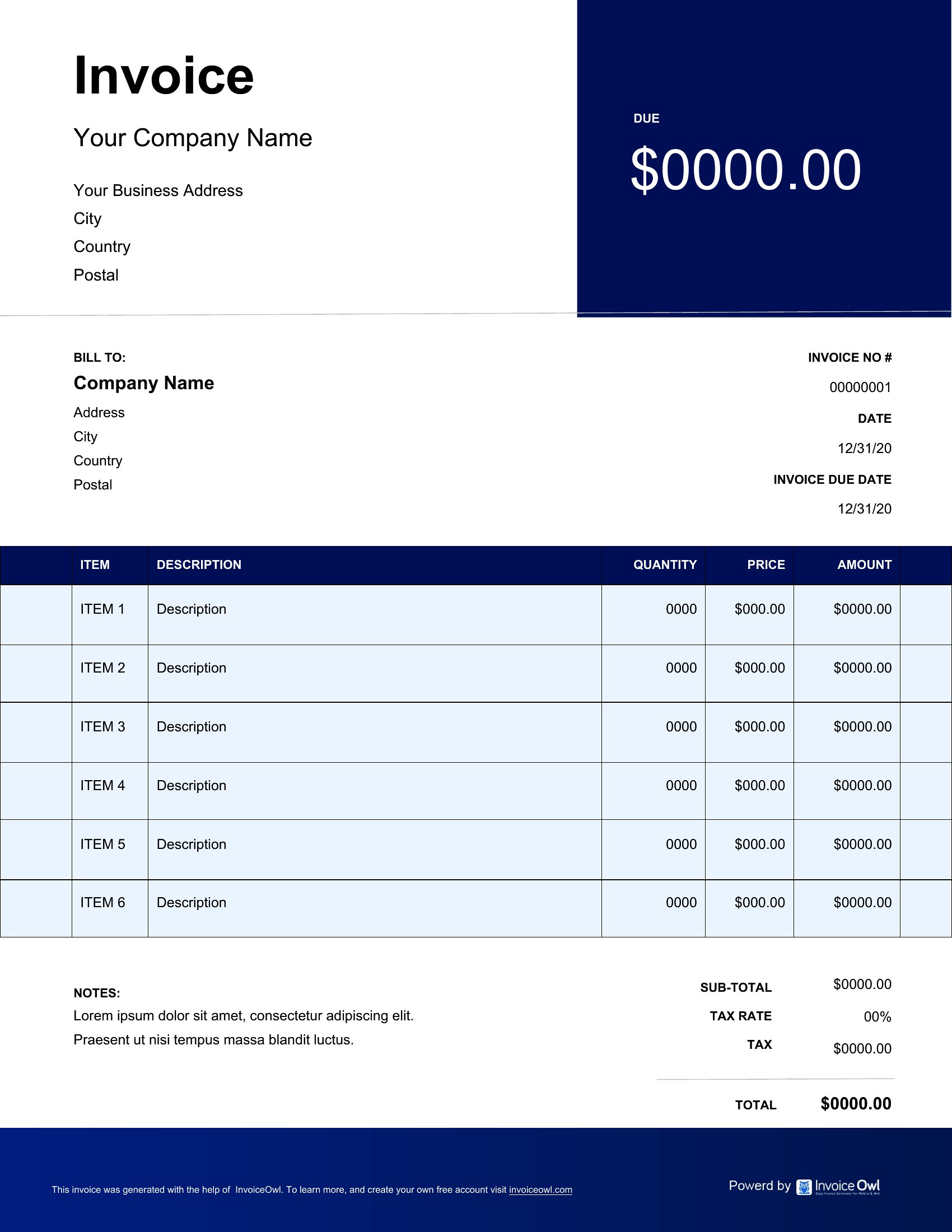
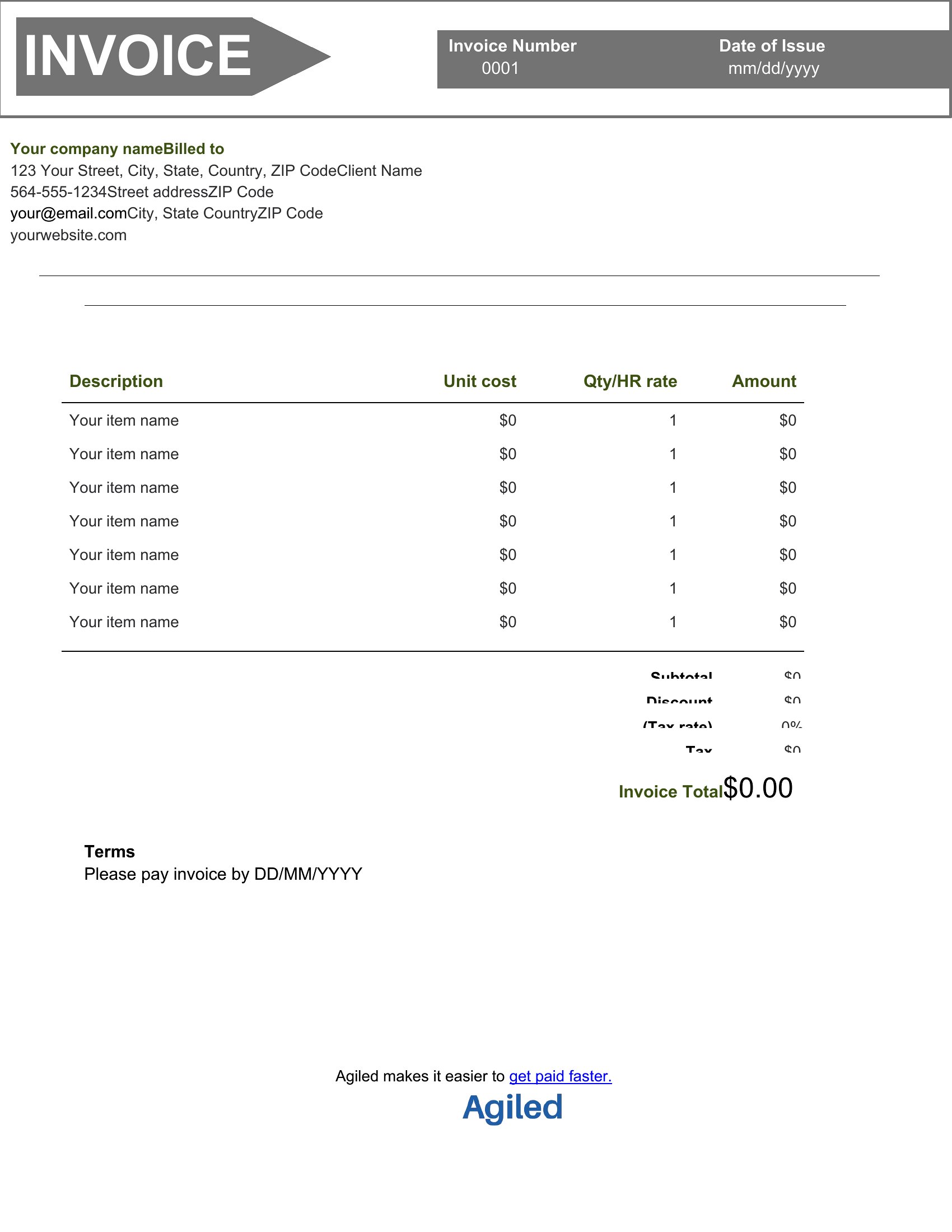
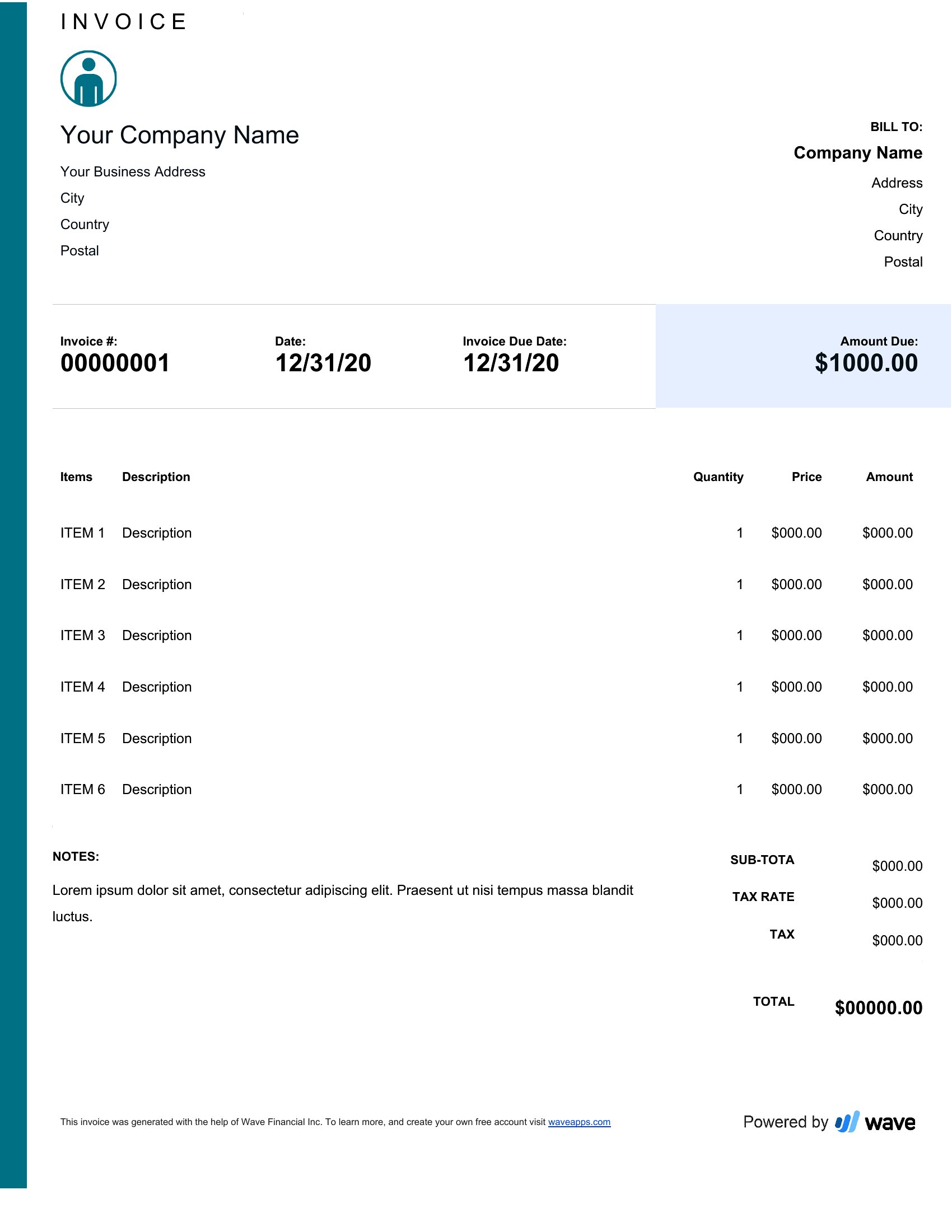
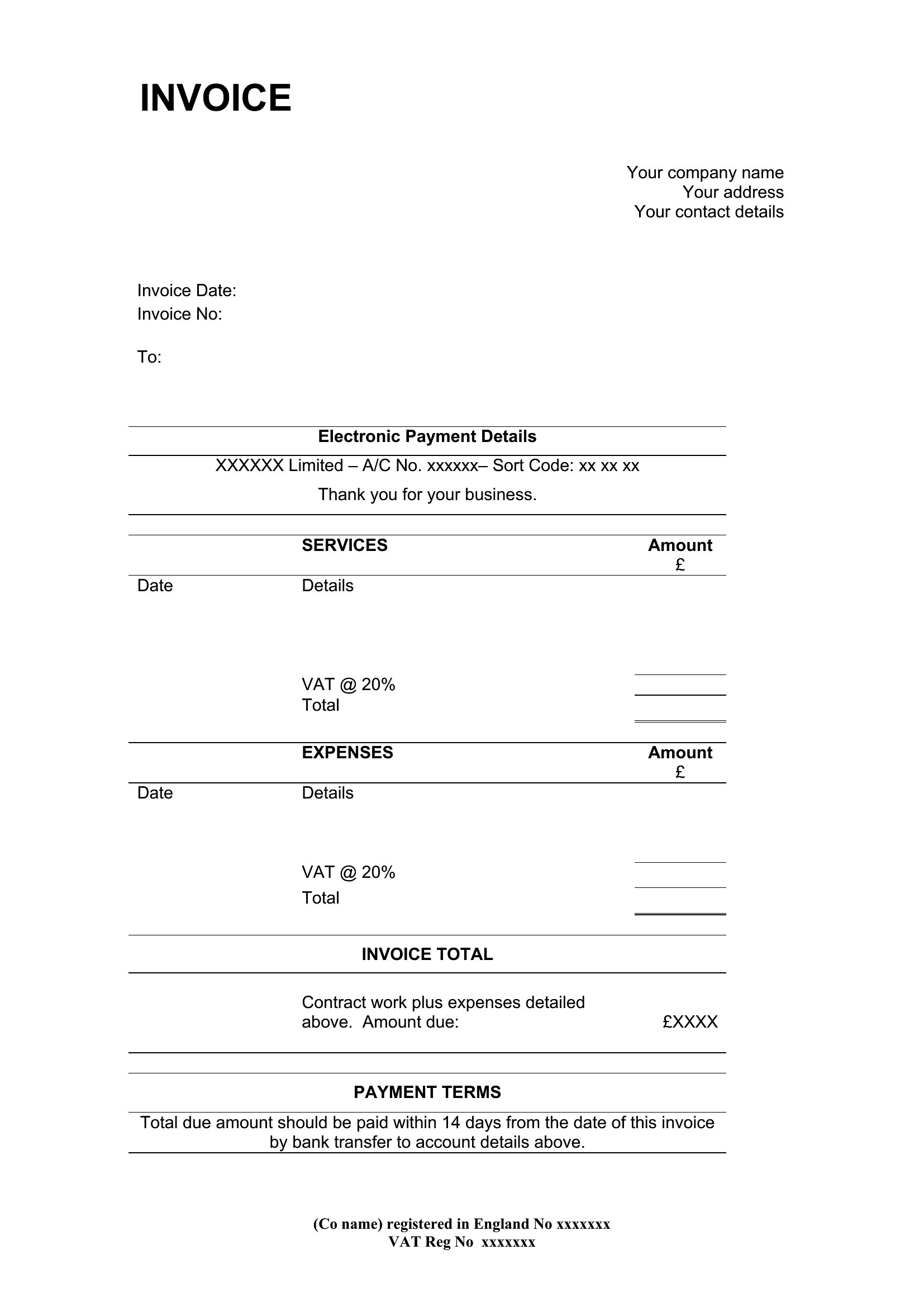
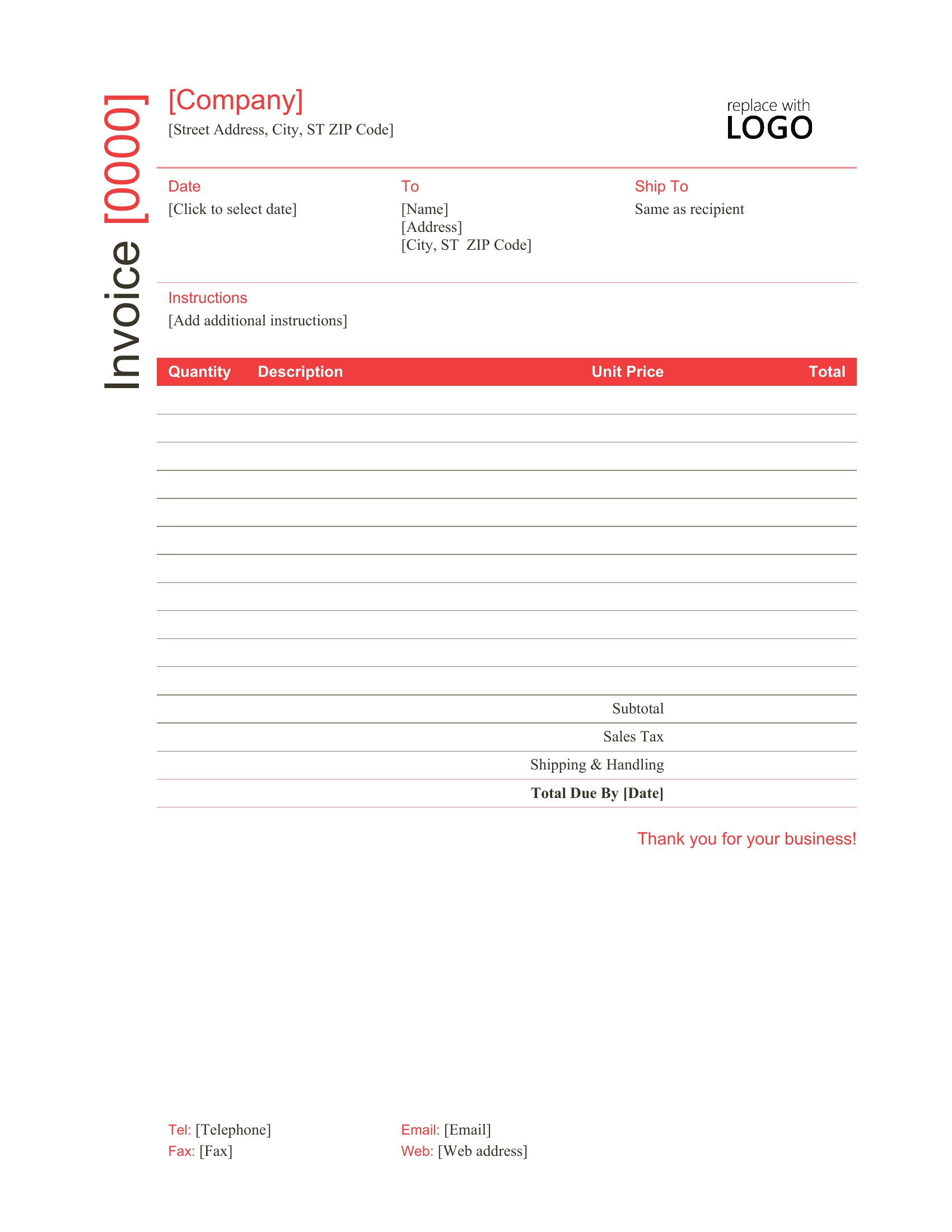
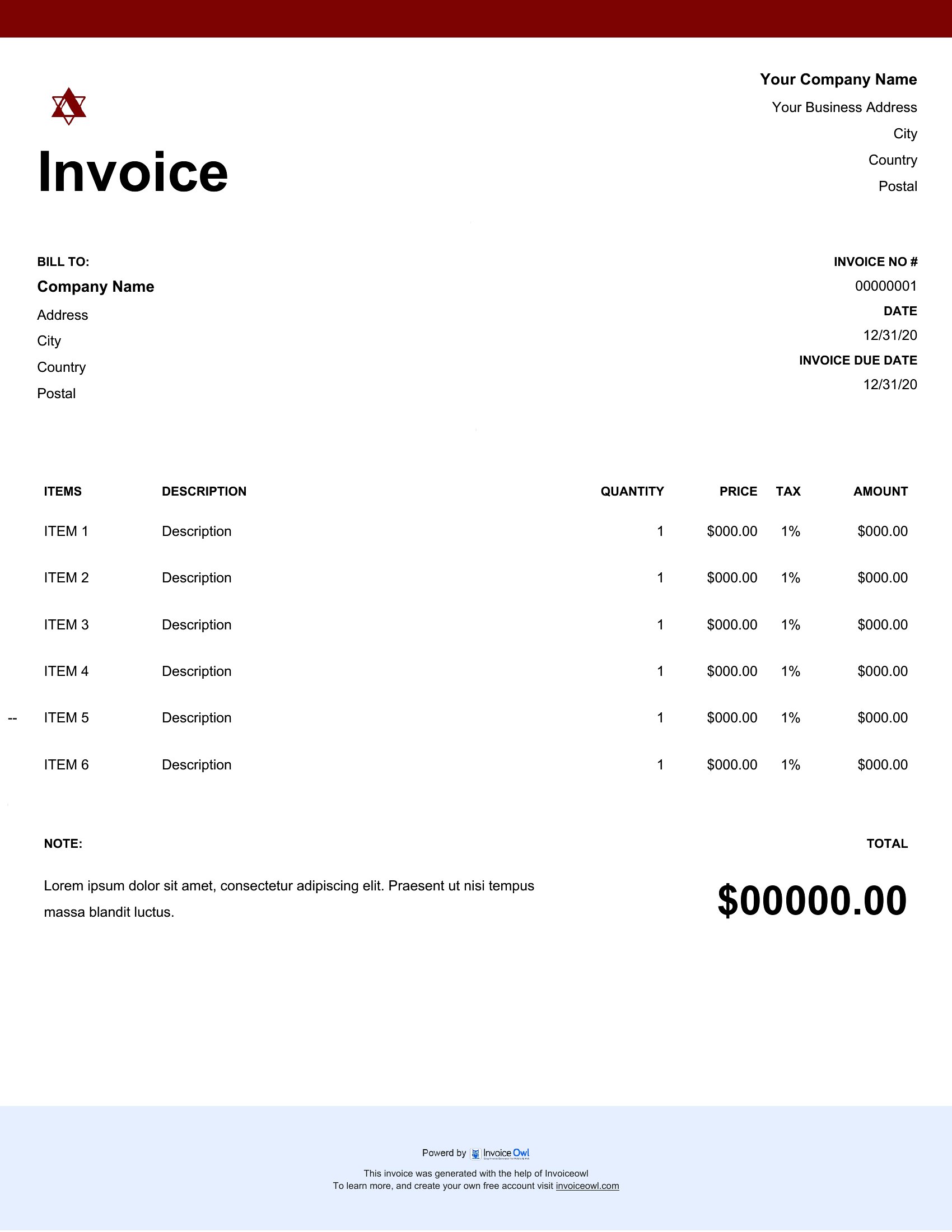
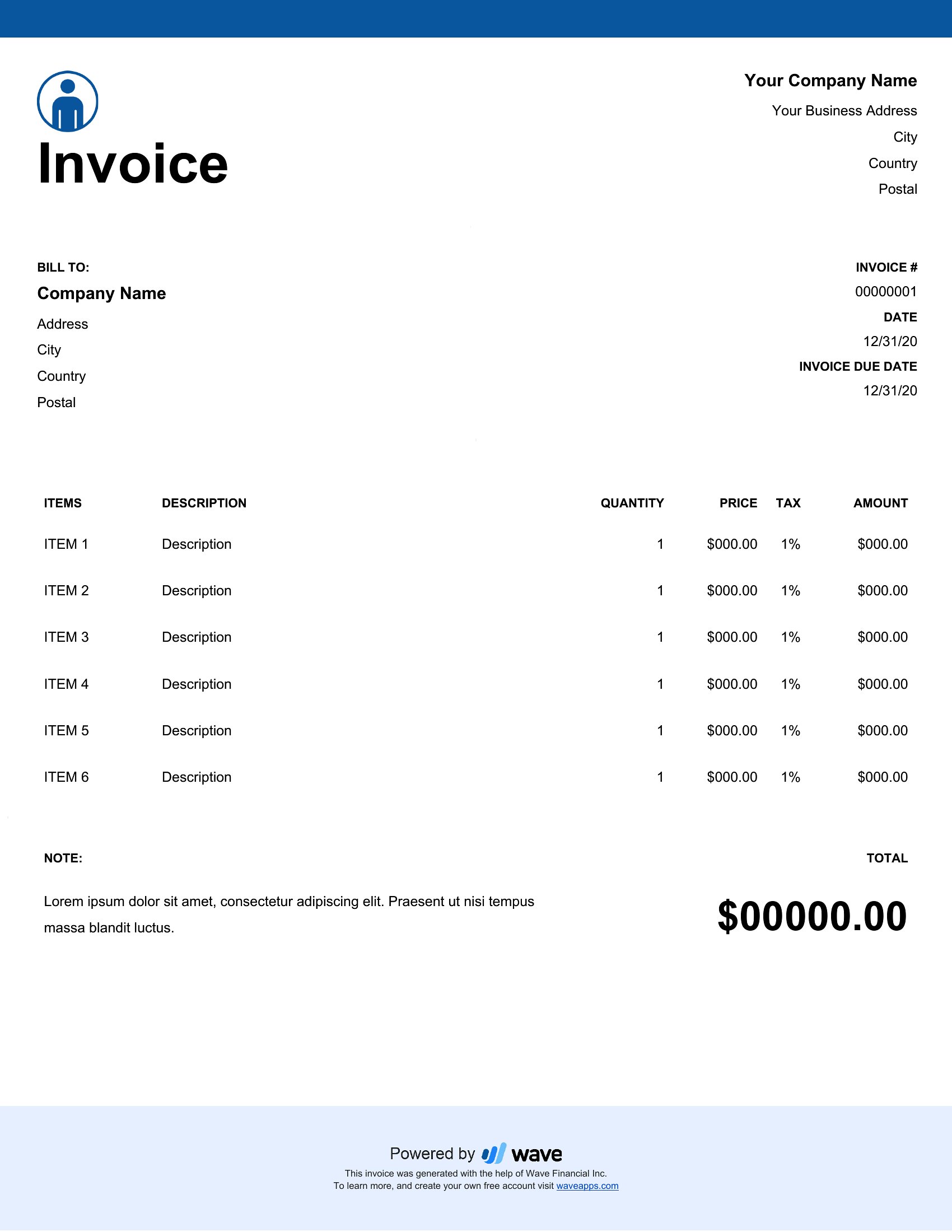
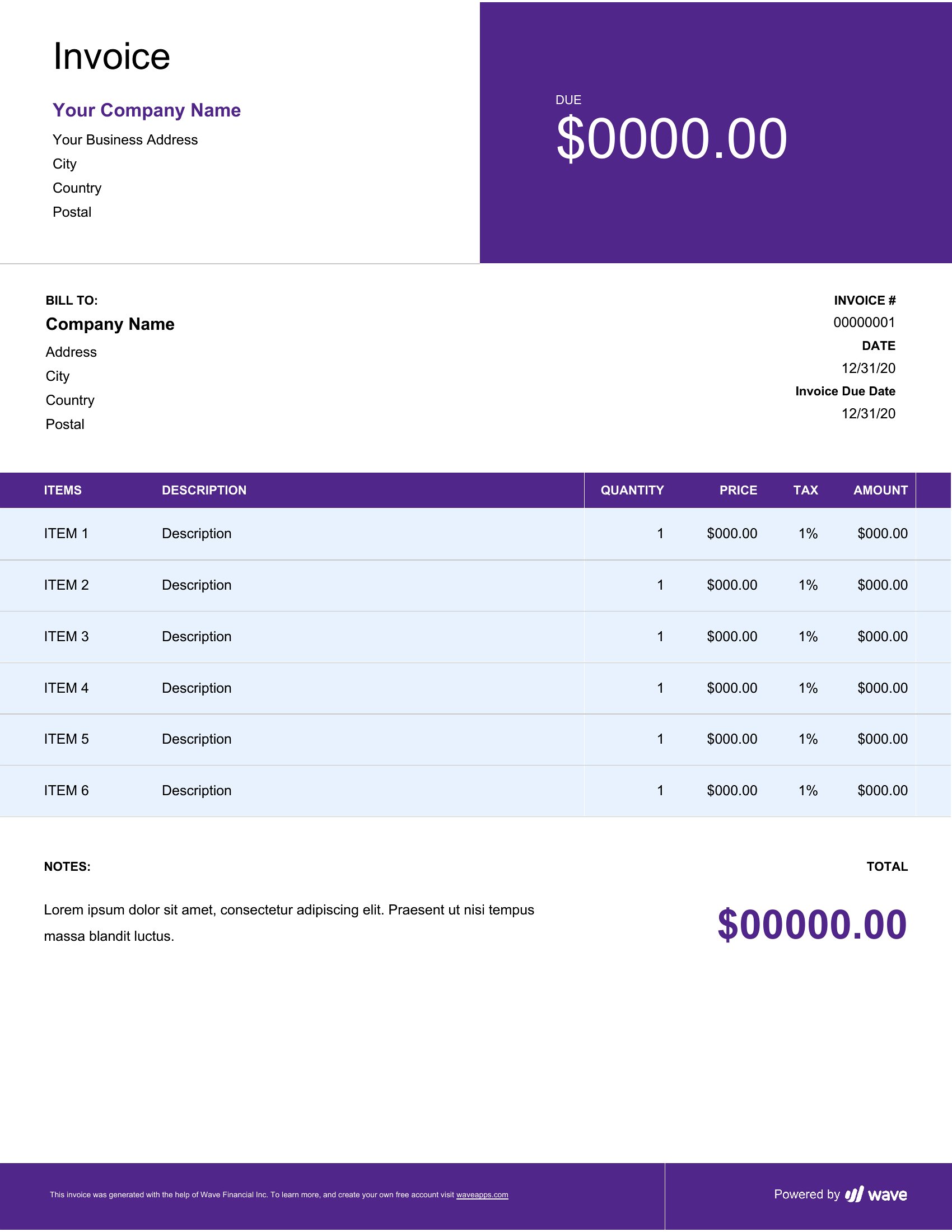
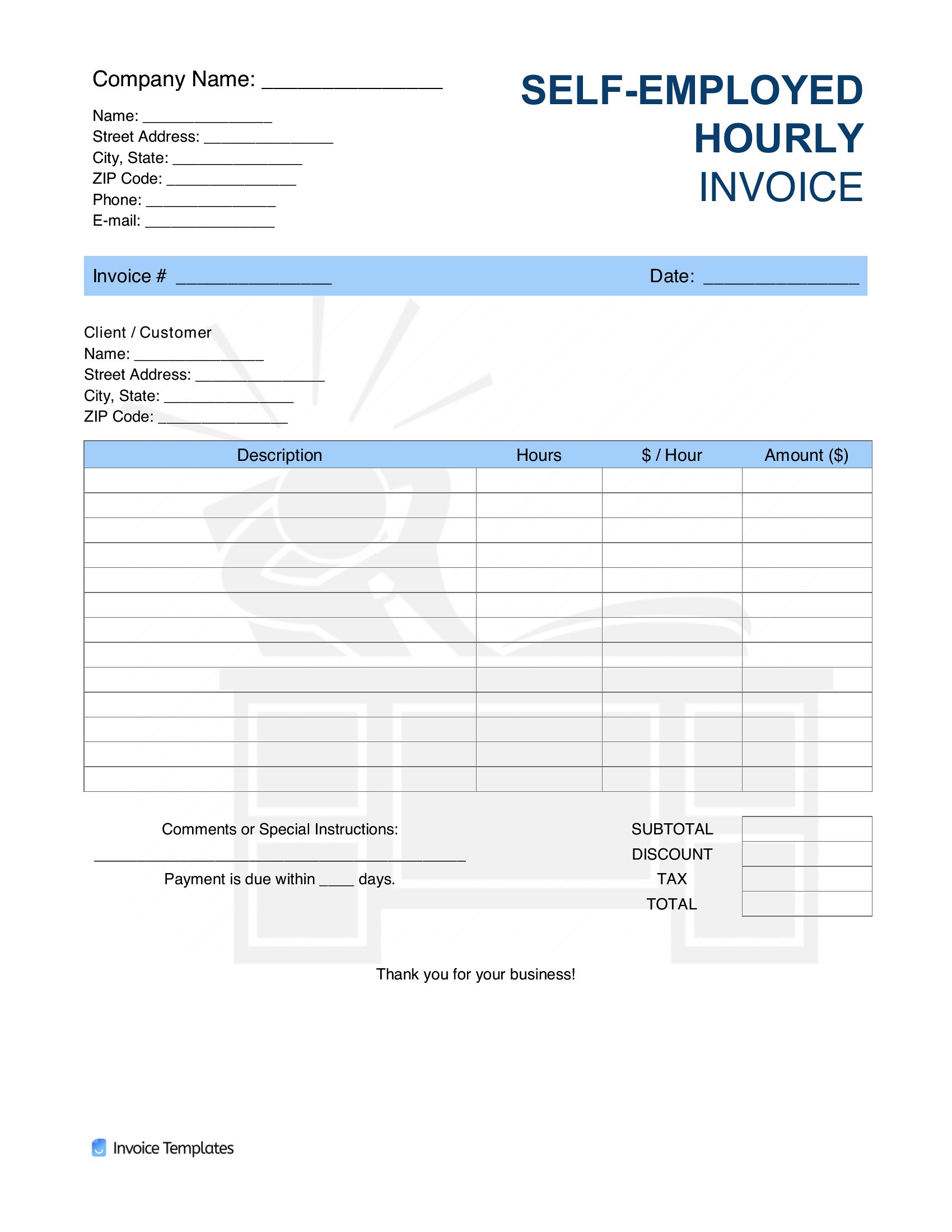
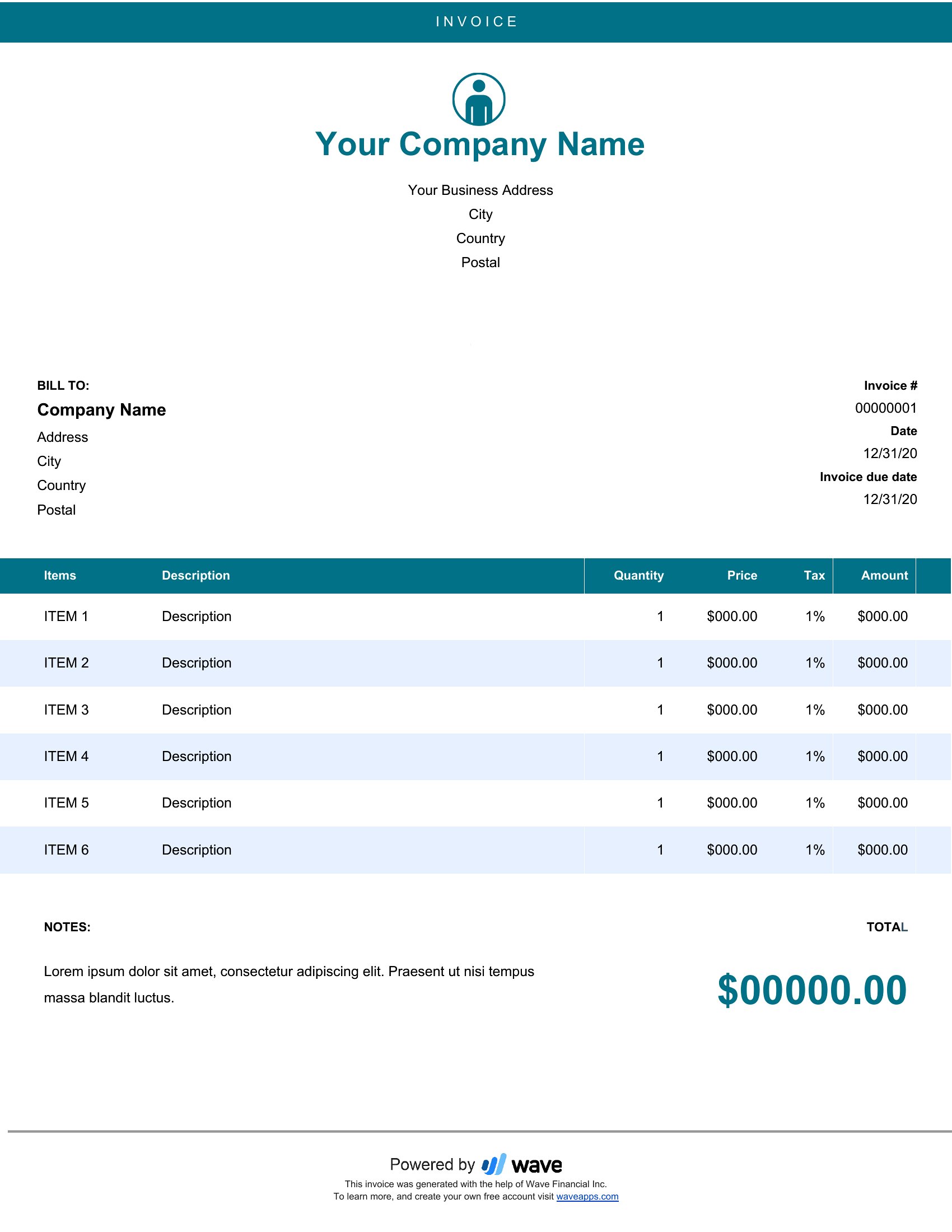
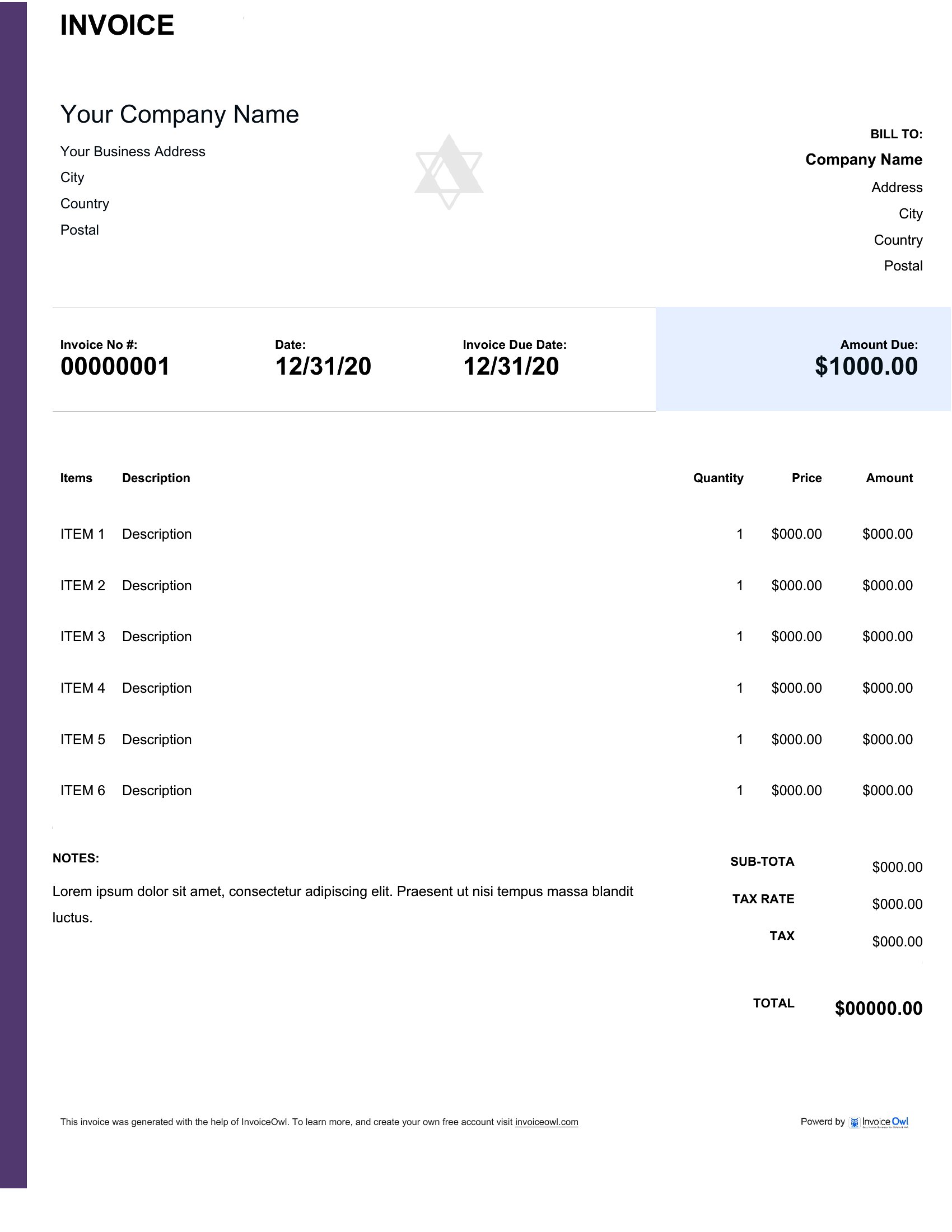
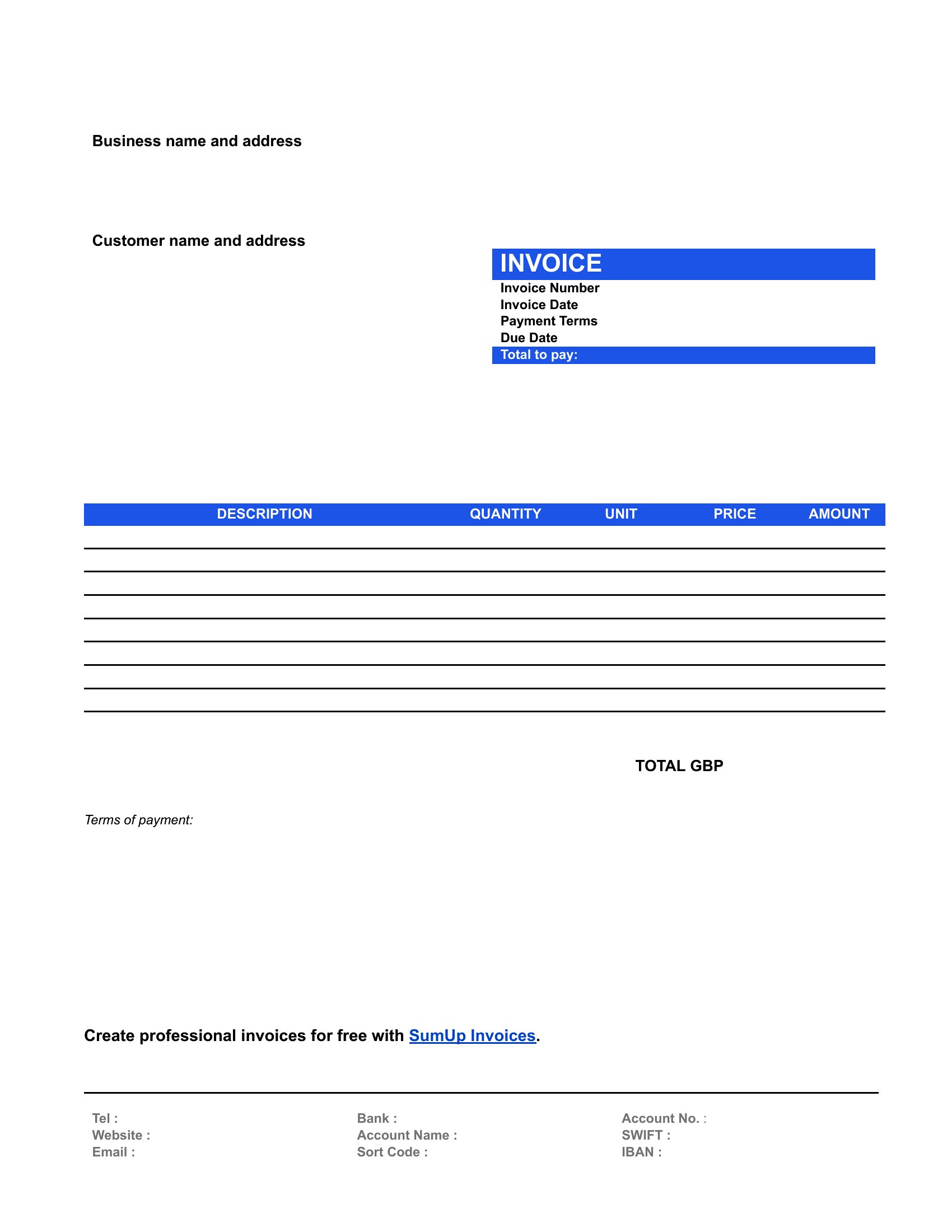
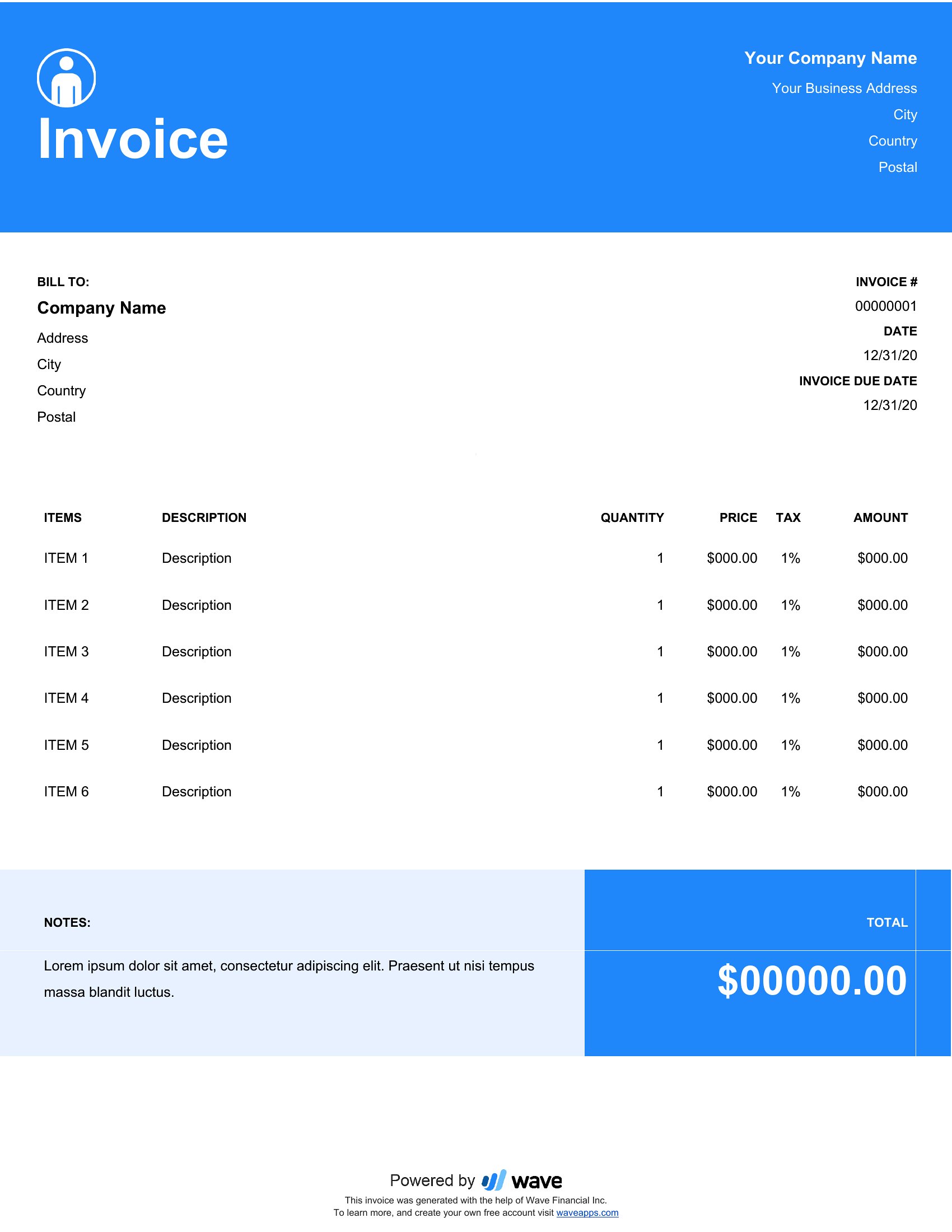
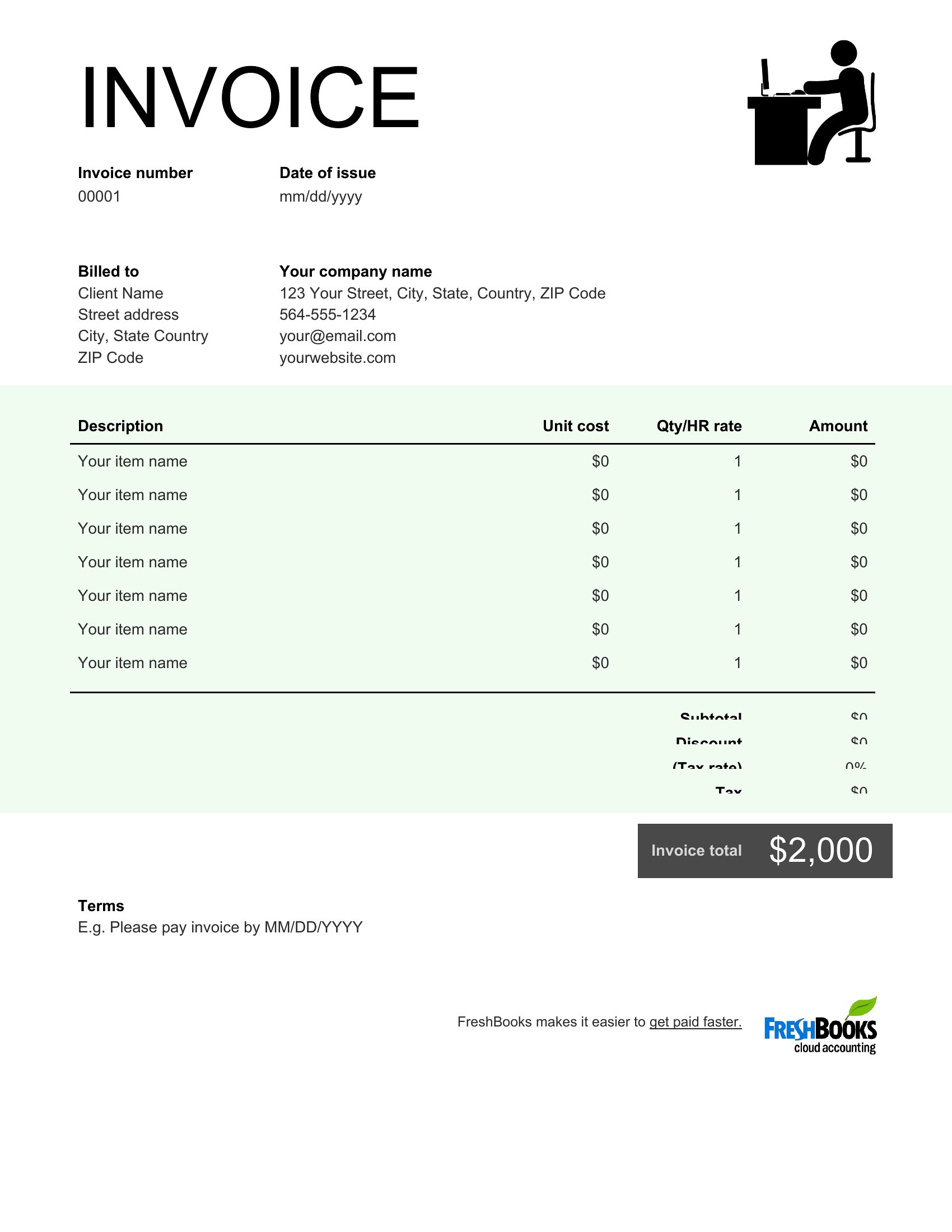
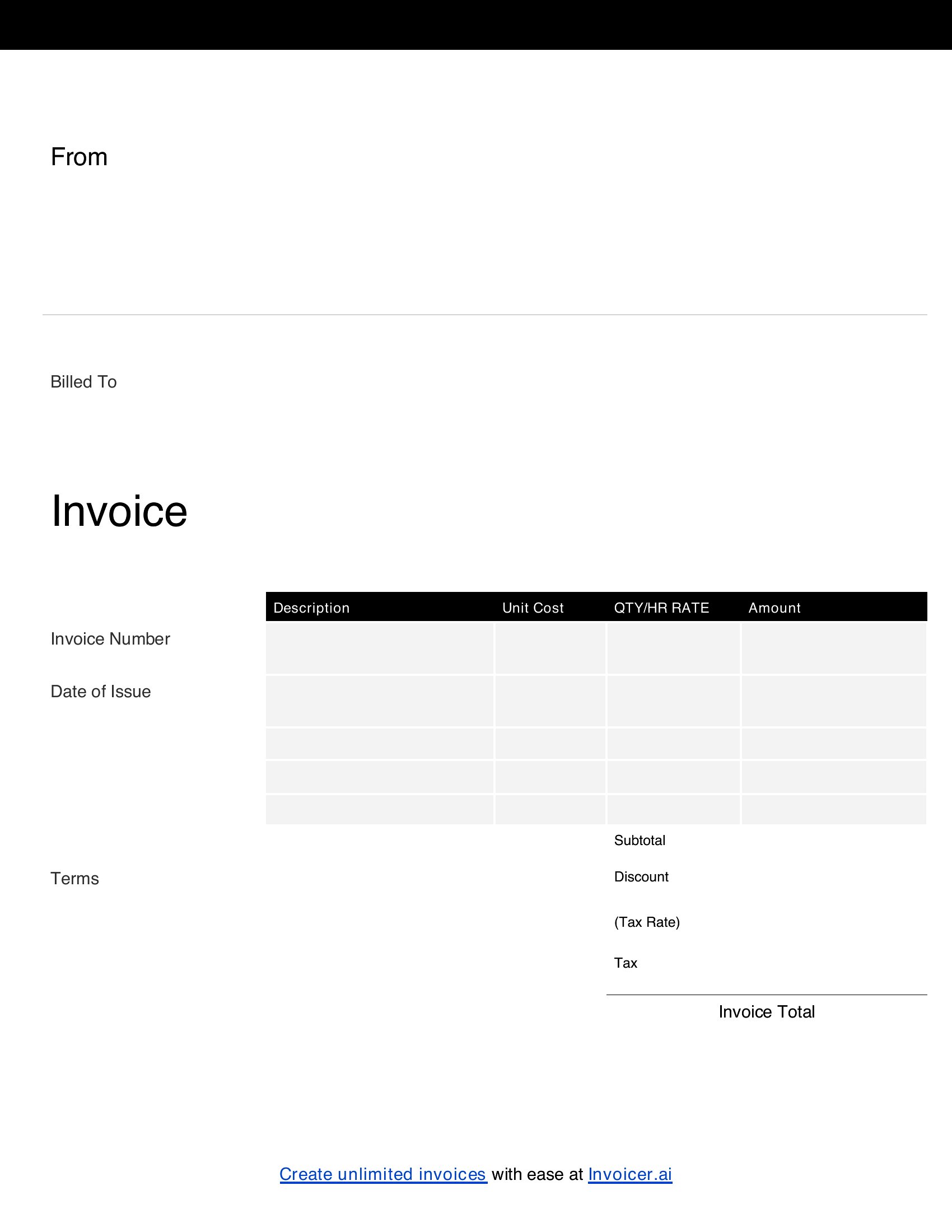
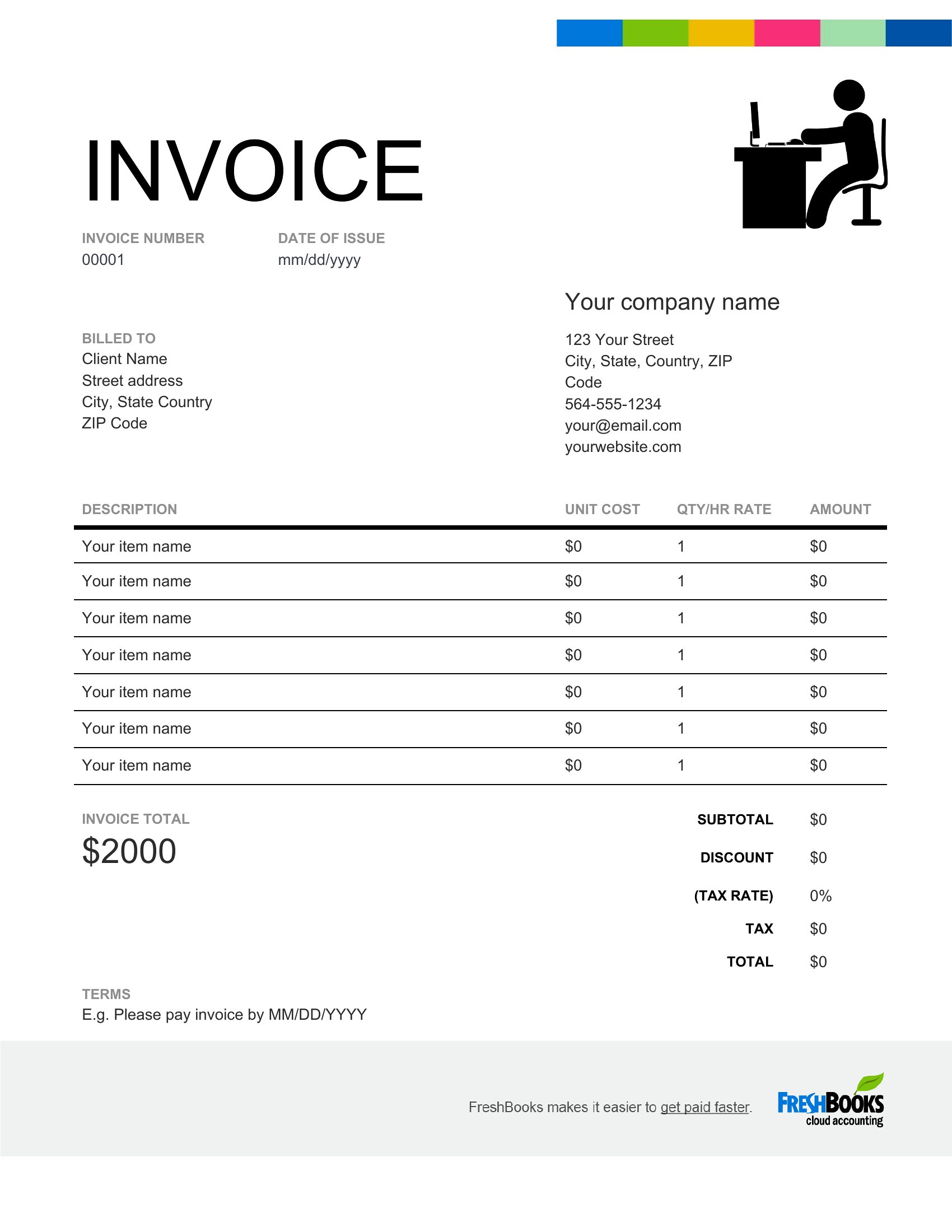
Running your own show means you're the one chasing payment, and a clear invoice makes that part a lot smoother. This collection of 18 self-employed invoice templates helps freelancers, contractors, and sole proprietors bill clients with all the right details: services, rates, dates, and how to pay.
Open the Word versions to customize line items, add your business name and logo, and set your terms, or print the PDFs when you want something ready to go. Type in your numbers and the format keeps the math and layout looking sharp. It's free, quick, and needs no design skills. Pick the style that suits your work, save it as your go-to, and send polished invoices every time.
When to use this Self-Employed Invoice template
- Freelance graphic designers billing clients for a logo redesign project need a polished invoice to include hourly rates, project milestones, and payment terms—keeping it professional yet simple for quick approvals.
- Contractors completing home repairs or renovations should use a detailed invoice template to list materials, labor costs, and tax deductions, ensuring clients understand the breakdown before payment.
- Writers and editors pitching custom content services to media outlets require an invoice that clearly states word counts, deadlines, and revision policies to avoid disputes over deliverables.
- Consultants working with small businesses to streamline operations need an invoice that separates hourly consulting fees from fixed project costs, making it easy for clients to track expenses.
Which format should I download?
Choose Word if you need to tweak line items, add your logo, or adjust payment terms before sending the invoice—it’s editable and ideal for repeat use. Opt for PDF if you want a clean, unchangeable version to send clients immediately, ensuring they see a consistent layout without formatting surprises. Both formats include all necessary fields, but Word is best for customization, while PDF is best for final submissions.
Choose from 18 Self-Employed Invoice Templates
How to use this Self-Employed Invoice template
How do I ensure my invoice complies with local tax laws if I’m self-employed?
While these templates include standard fields like service descriptions and payment terms, always double-check your country or state’s requirements for tax IDs, itemized deductions, and due dates. Consider consulting a tax professional to confirm compliance, as laws vary widely by location. The templates are starting points, not legal guarantees.
Can I use these invoices if I’m paid in cryptocurrency instead of traditional currency?
Yes, but you’ll need to manually add a section for cryptocurrency payment details, including wallet addresses and conversion rates if applicable. The templates don’t include crypto-specific fields by default, so Word format lets you add this information easily before sharing.
What’s the best way to track which clients have paid versus which are overdue?
Use the Word versions to add a simple ‘Paid/Unpaid’ checkbox or color-code rows for services rendered. For larger client lists, pair the invoice with a spreadsheet to log due dates and follow-ups. PDFs are less flexible for tracking but work well for sending reminders once terms are set.
Comments
Join the conversation
Sign in to share your thoughts and leave a comment on this resource.