
Free Summer Camp Flyer Templates (Word)
Life by isabellachristensen
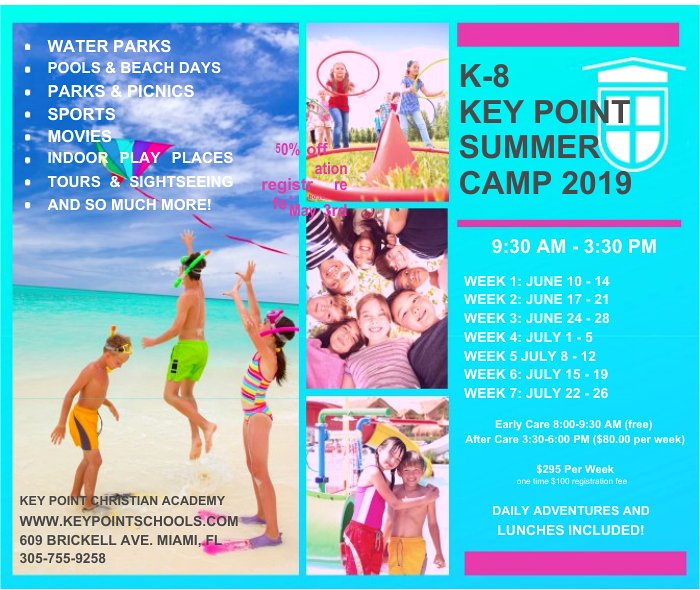
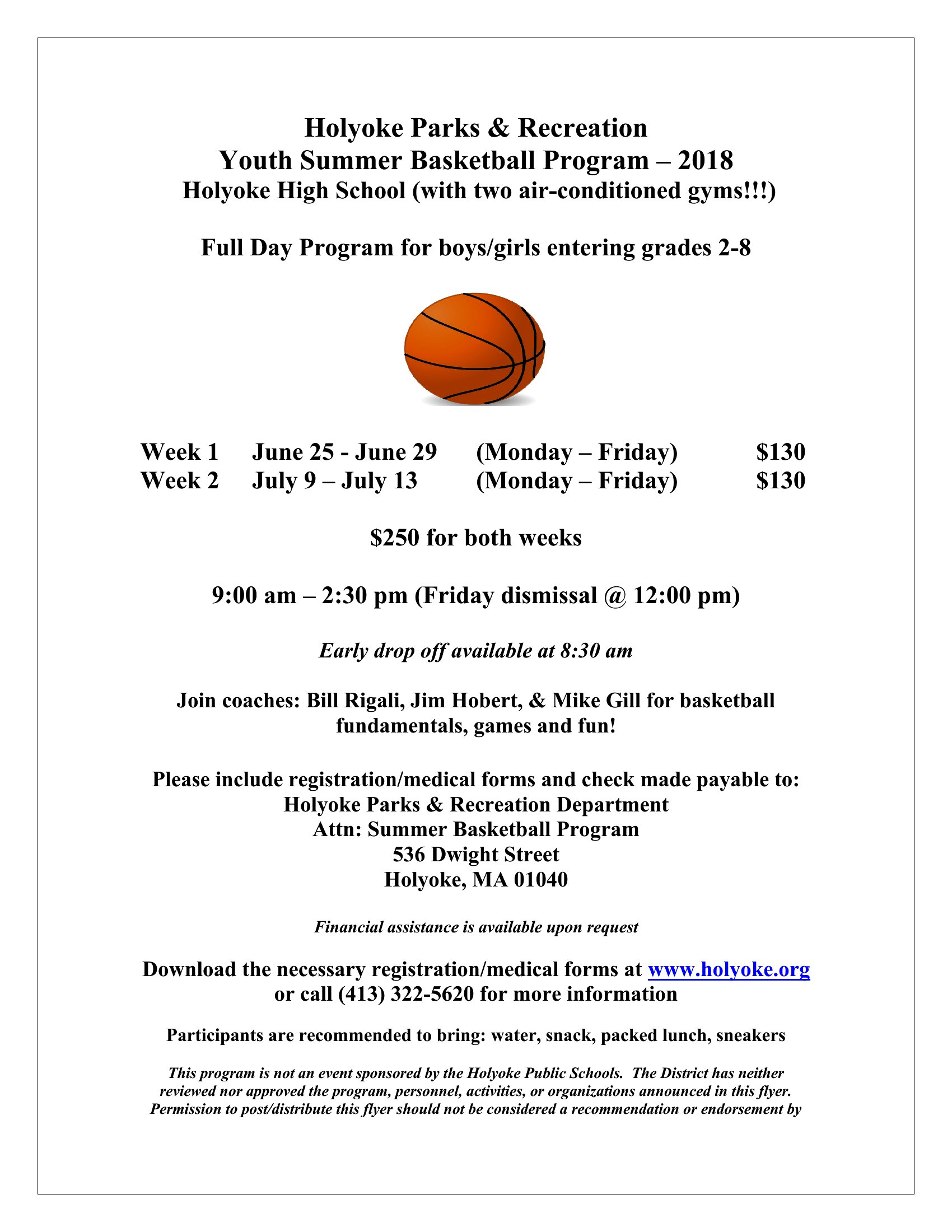
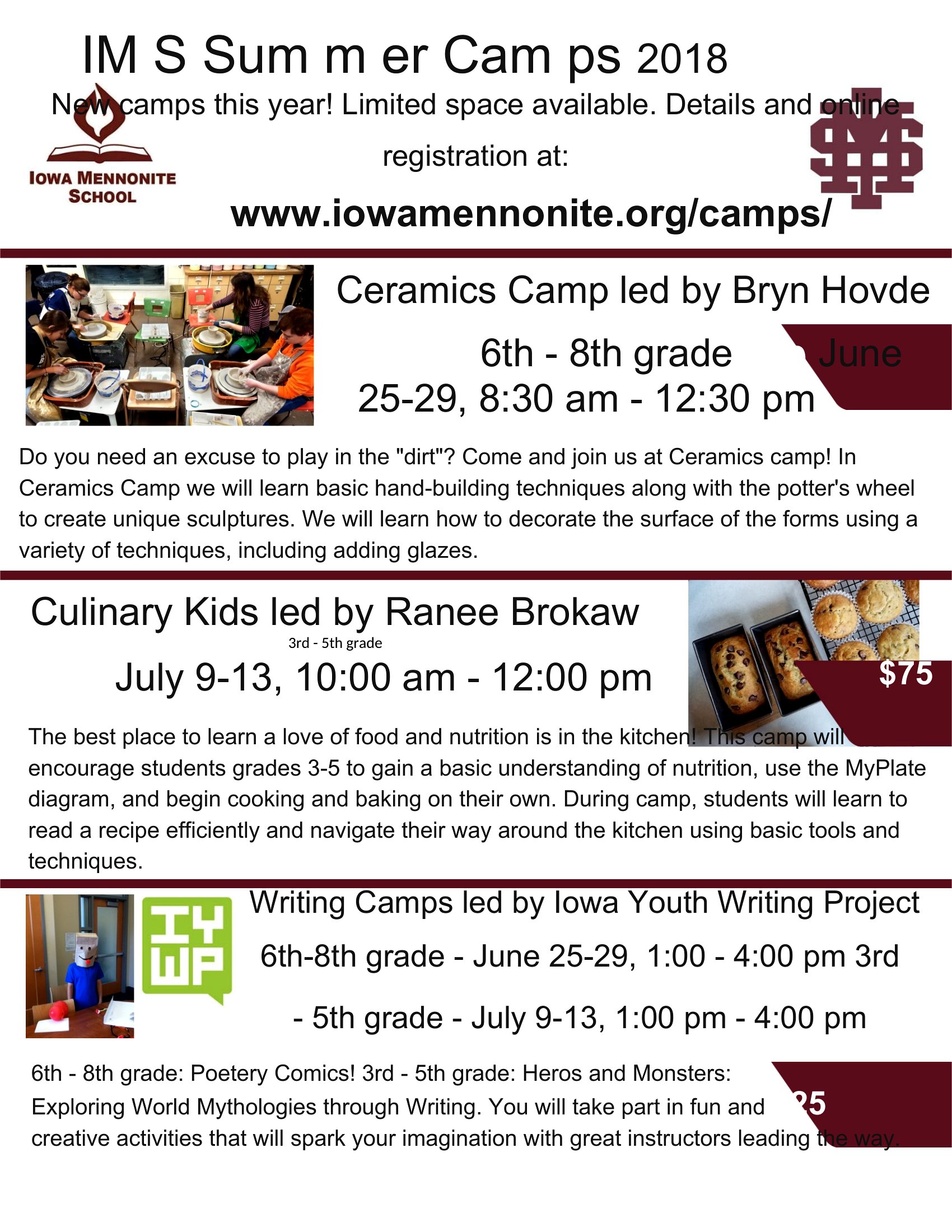
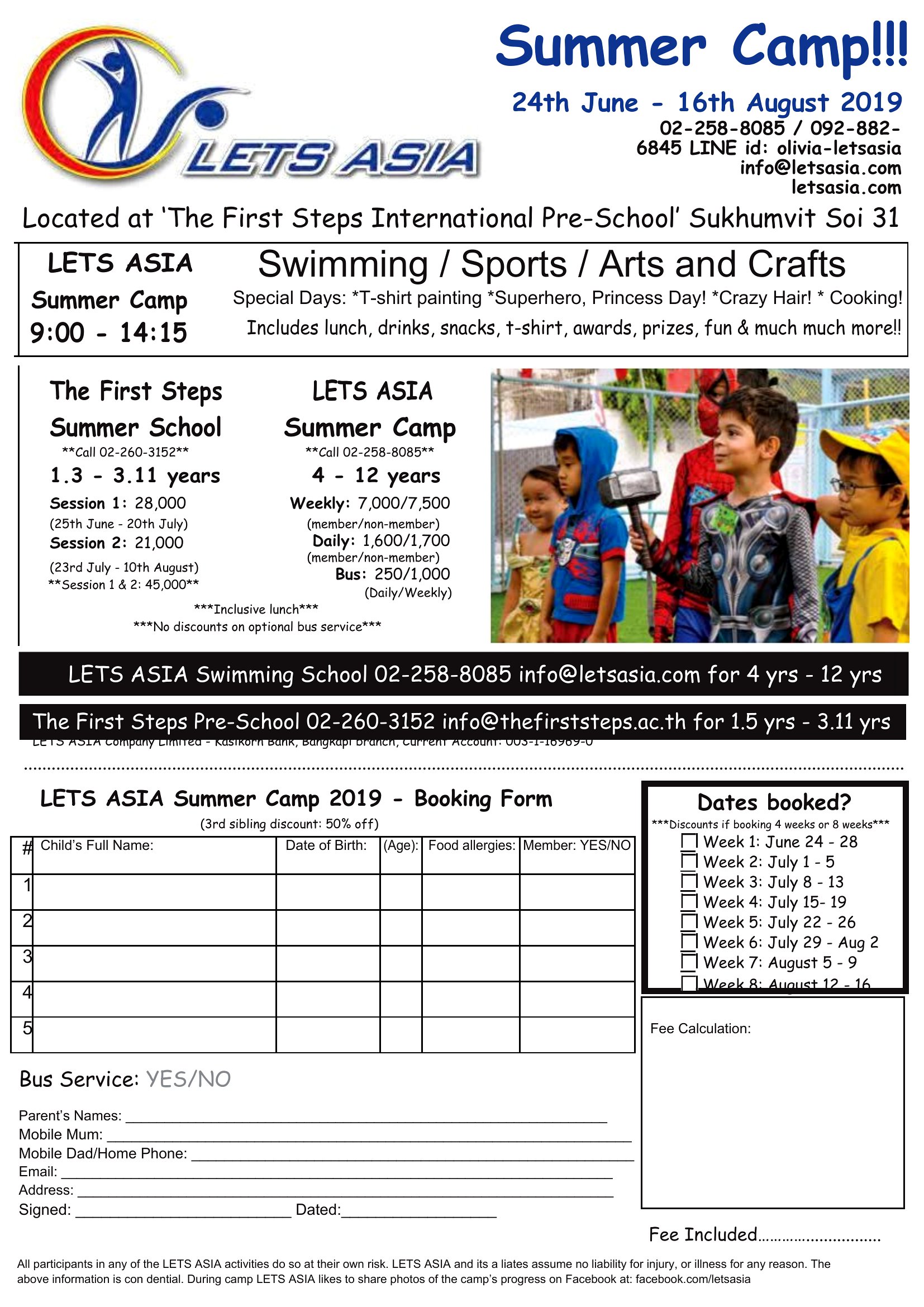
Getting the word out about a summer camp before spots fill up? This set of 50 summer camp flyer templates helps camps, daycares, and community programs advertise dates, activities, ages, and sign-up details in an eye-catching one-pager. Each one gives you a colorful, organized layout that parents will actually stop to read.
The flyers are editable in Microsoft Word, so you can add your camp name, schedule, photos, and registration info. Customize the colors and text to match your program, then print copies for bulletin boards or share them online. Pick the design that fits your camp and start filling those spots.
When to use this Summer Camp Flyer template
- A local daycare director needs a bright, attention-grabbing flyer to promote their summer enrichment program for parents of 4–8-year-olds, highlighting themes like science experiments and outdoor adventures.
- A community center organizer is advertising a free week-long film-making camp for teens (ages 13–17) and wants a clean, professional flyer that fits their budget while including registration deadlines and equipment details.
- The director of a small-town sports camp wants a flyer that emphasizes teamwork and skill-building for kids aged 6–12, with space to include coach bios and before/after registration discounts.
- A nonprofit running a summer literacy program for at-risk kids needs a flyer that clearly explains transportation options, daily schedules, and how to apply for scholarships without overwhelming parents with text.
Which format should I download?
All 50 templates are available exclusively in Microsoft Word, so this is the format you’ll use for editing. Word is ideal here because it maintains readability while letting you easily swap fonts, adjust colors, and insert camp logos—without requiring design skills. Use this format if you need quick edits, shareability across devices, or plan to print your flyers in bulk.
Choose from 50 Summer Camp Flyer Templates
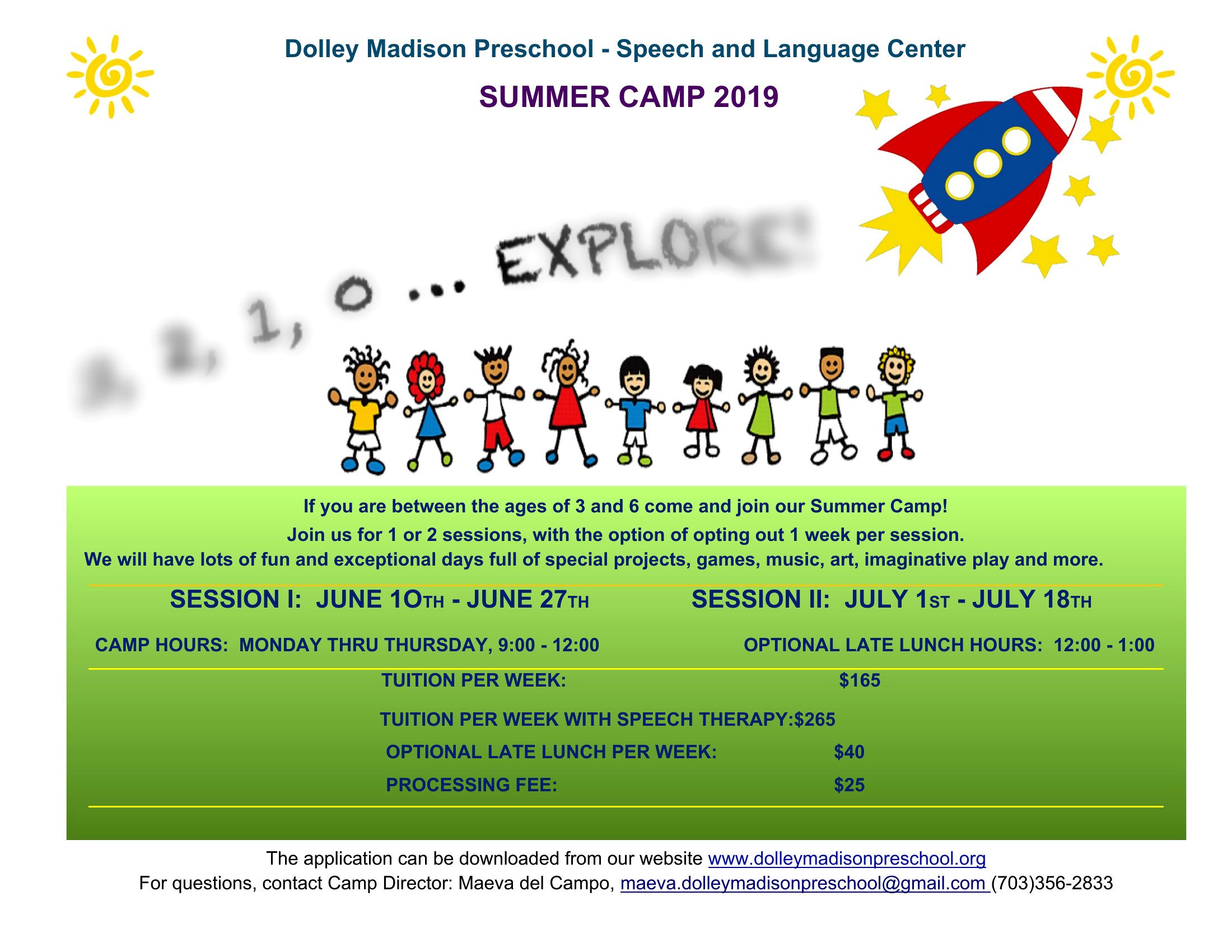
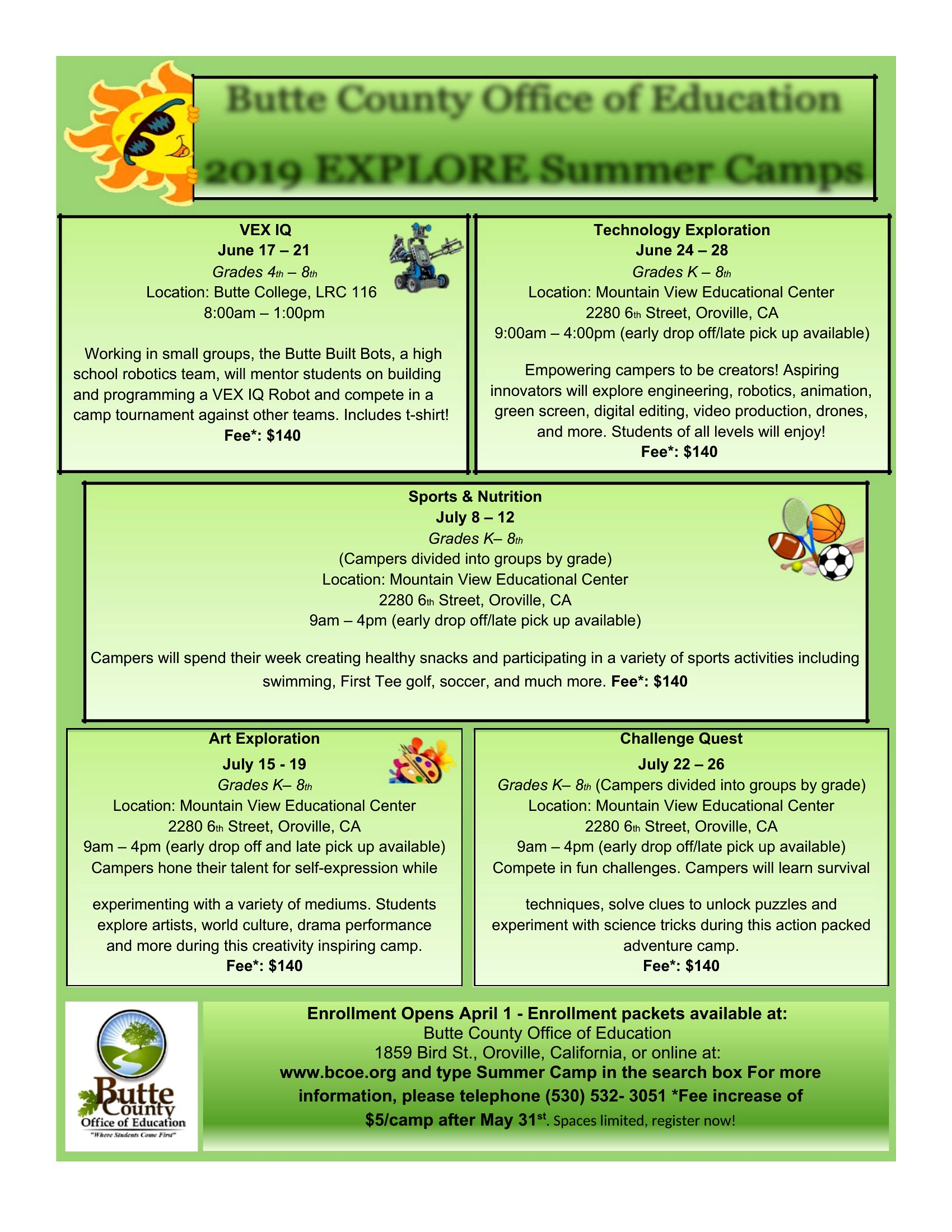
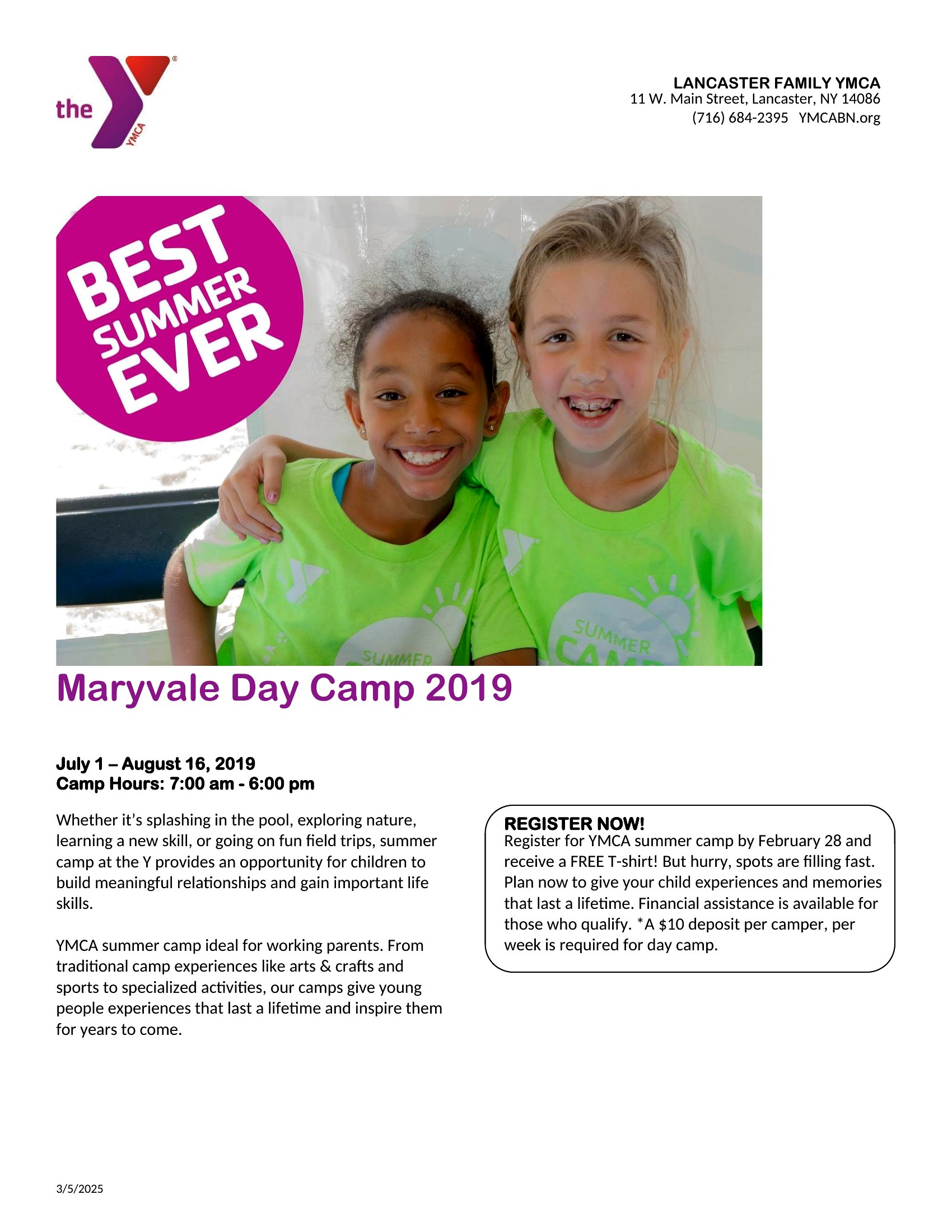
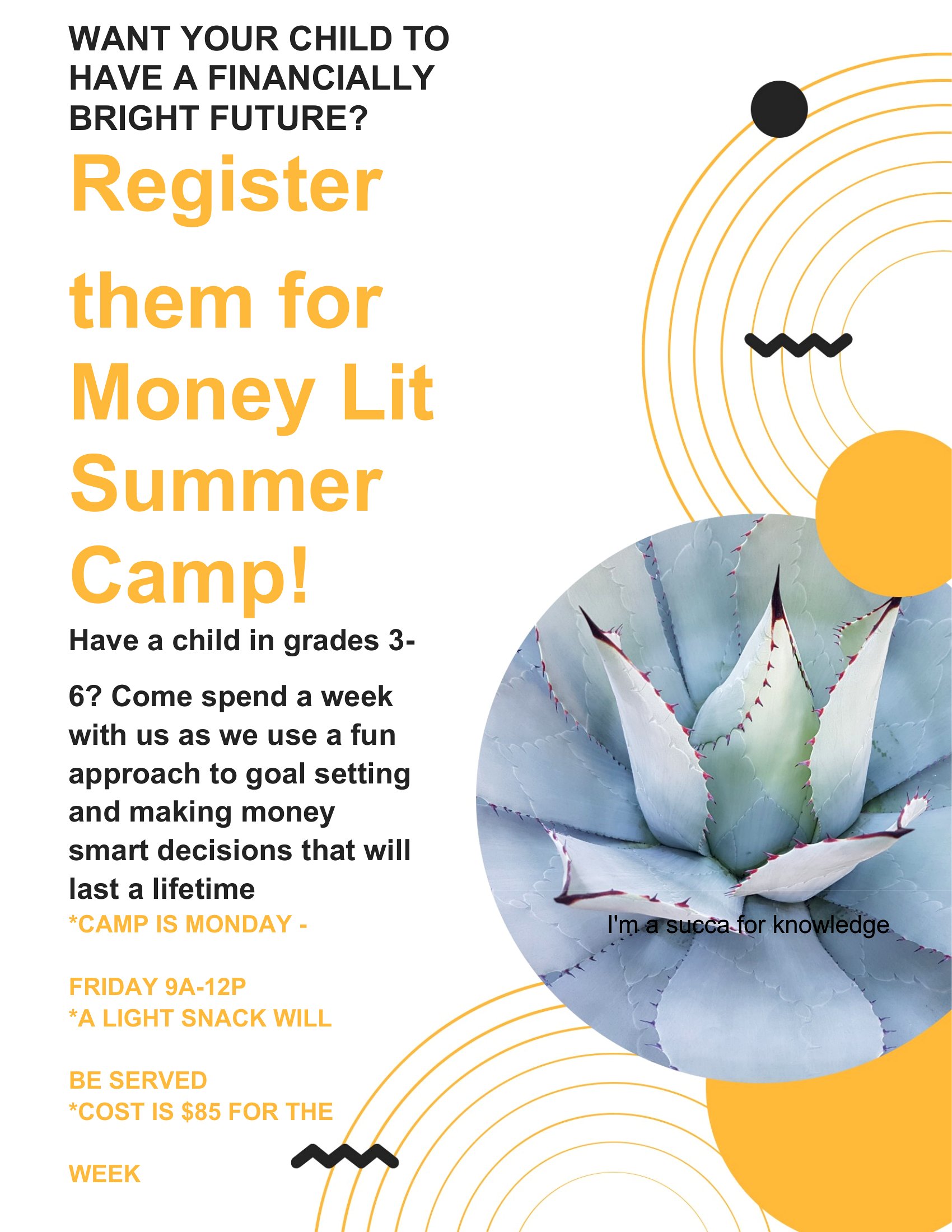
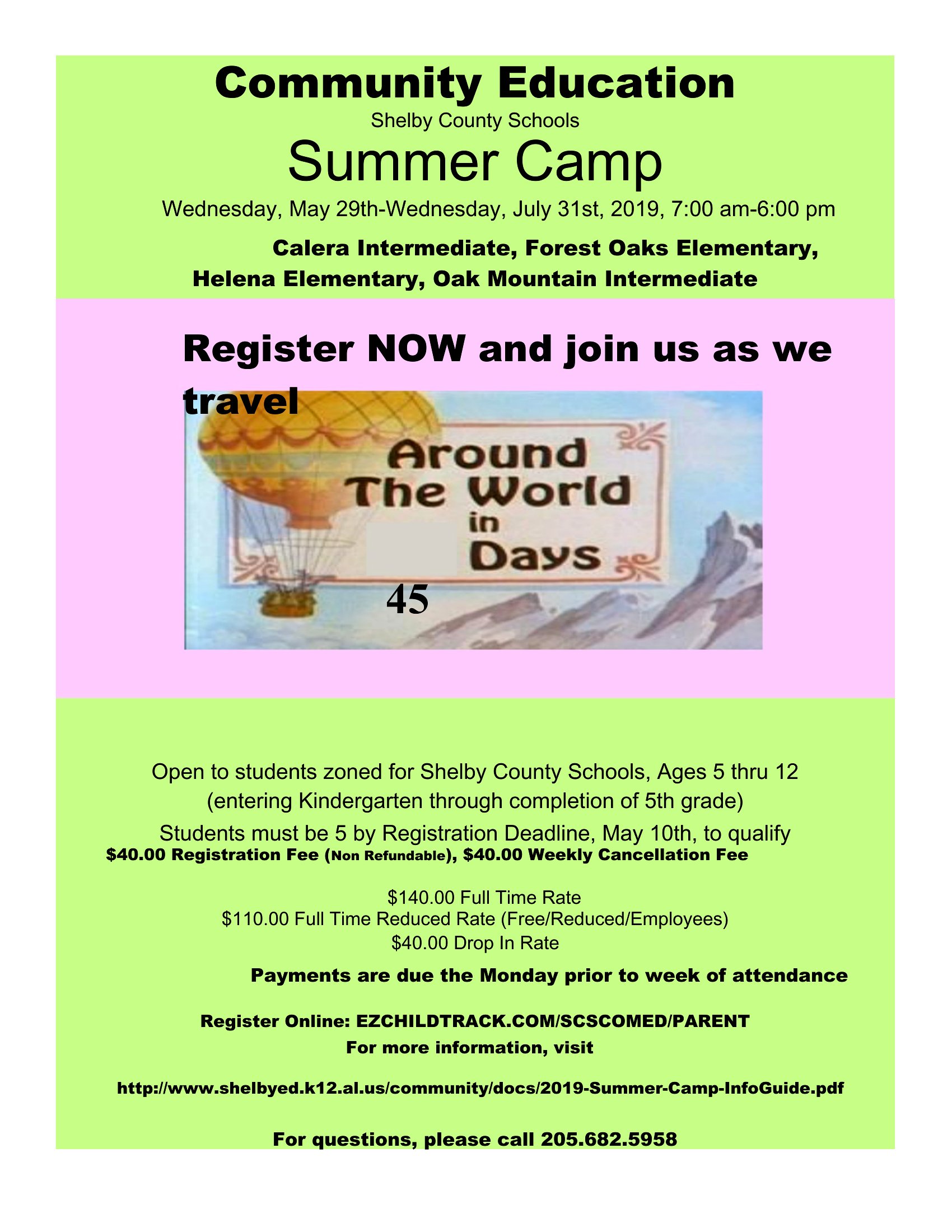

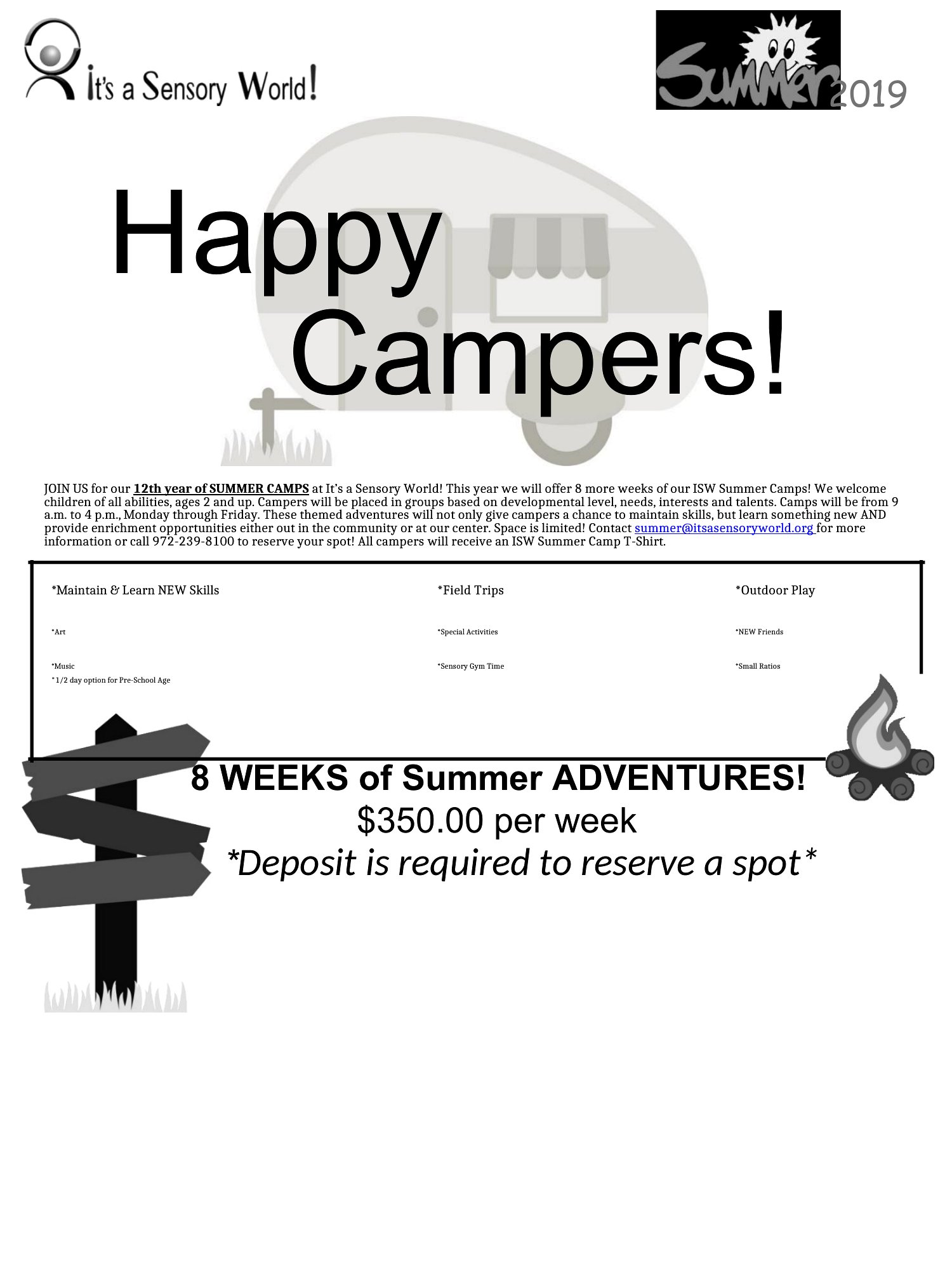
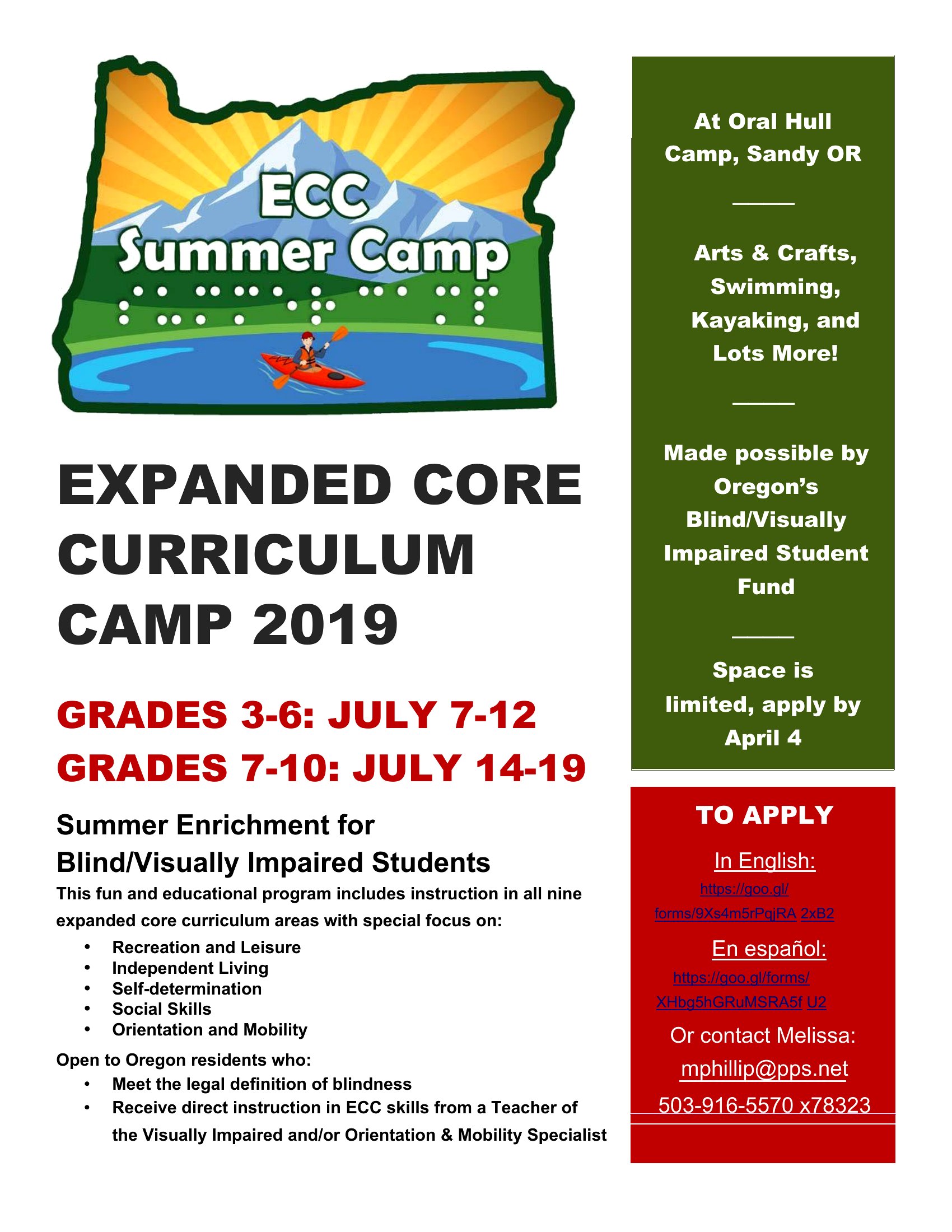
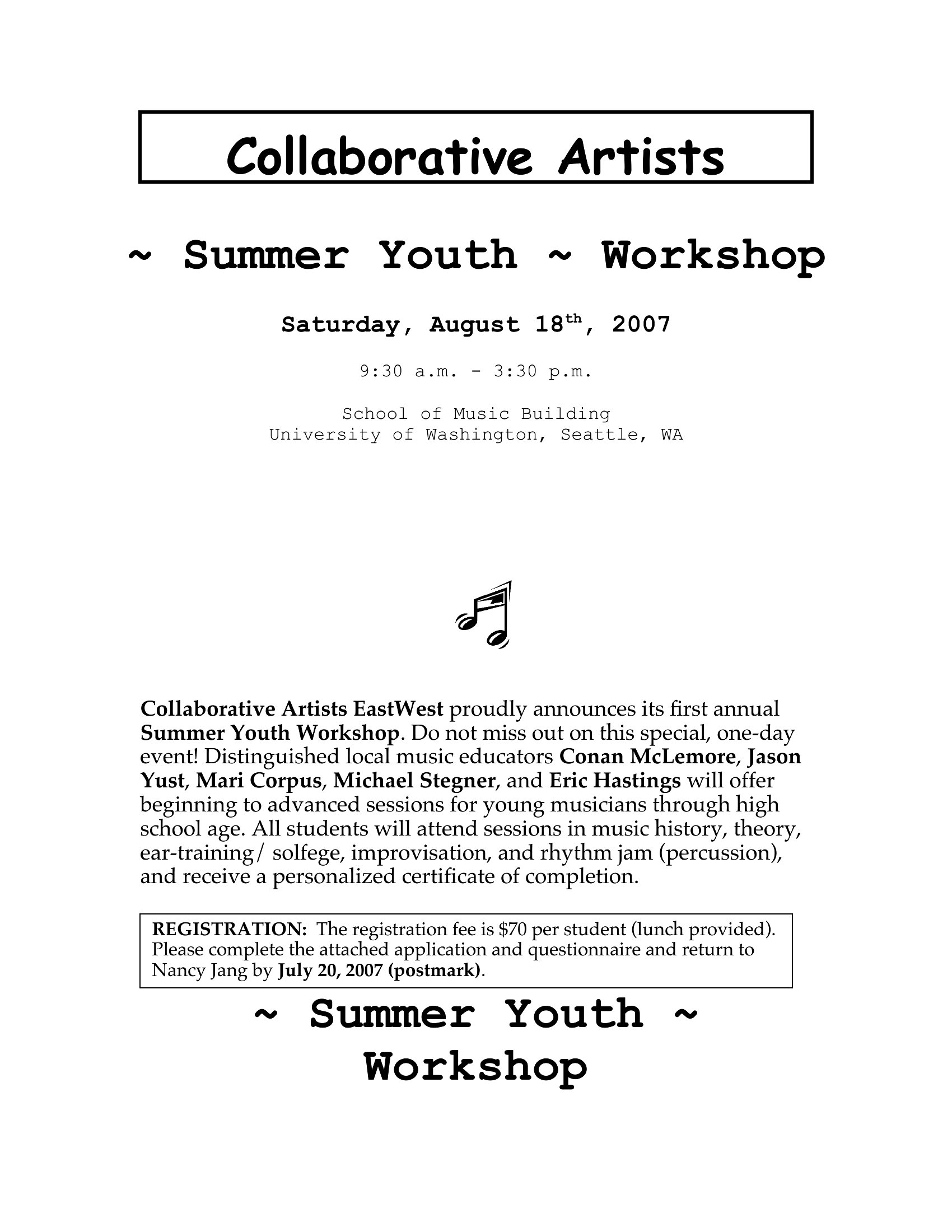
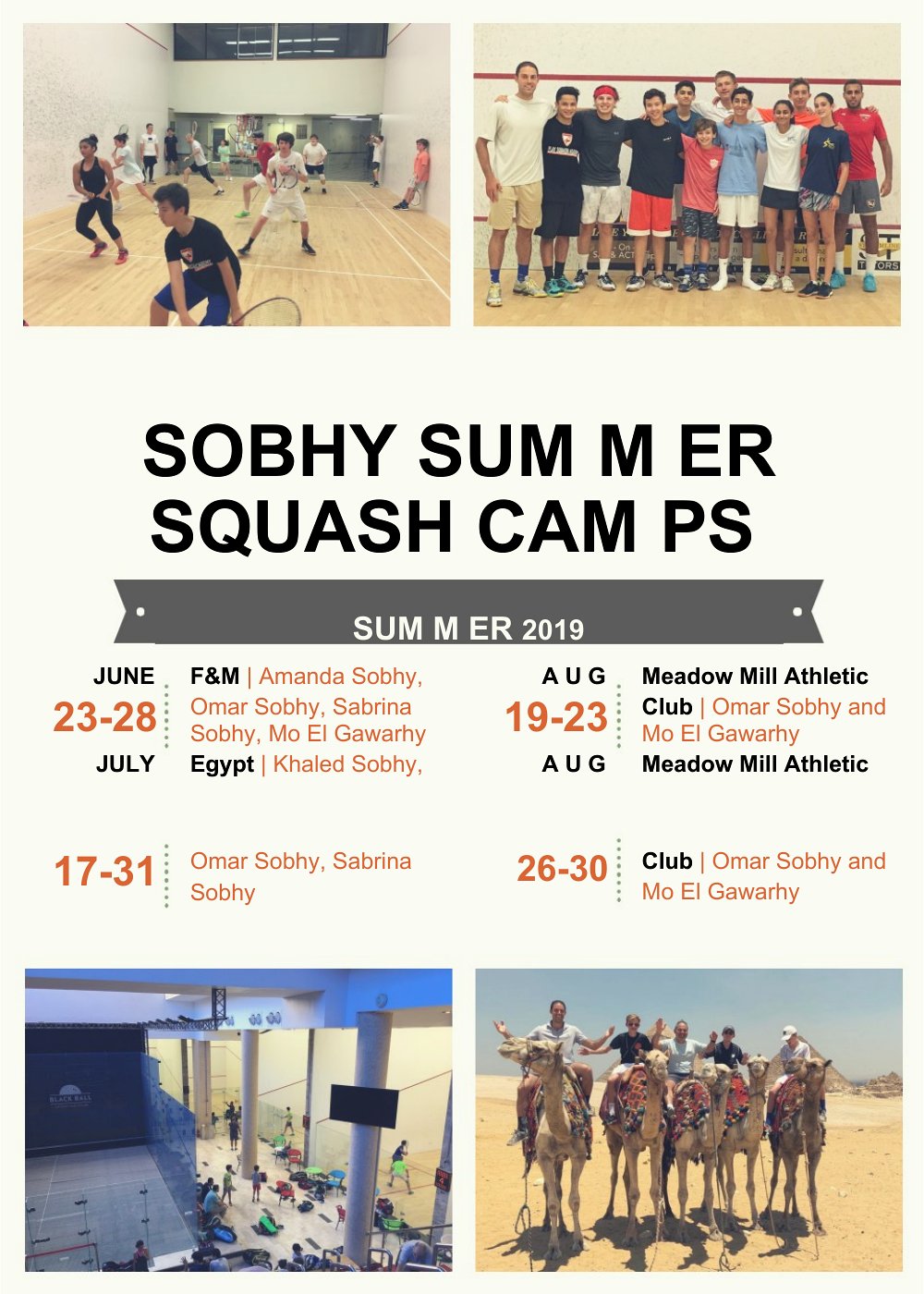
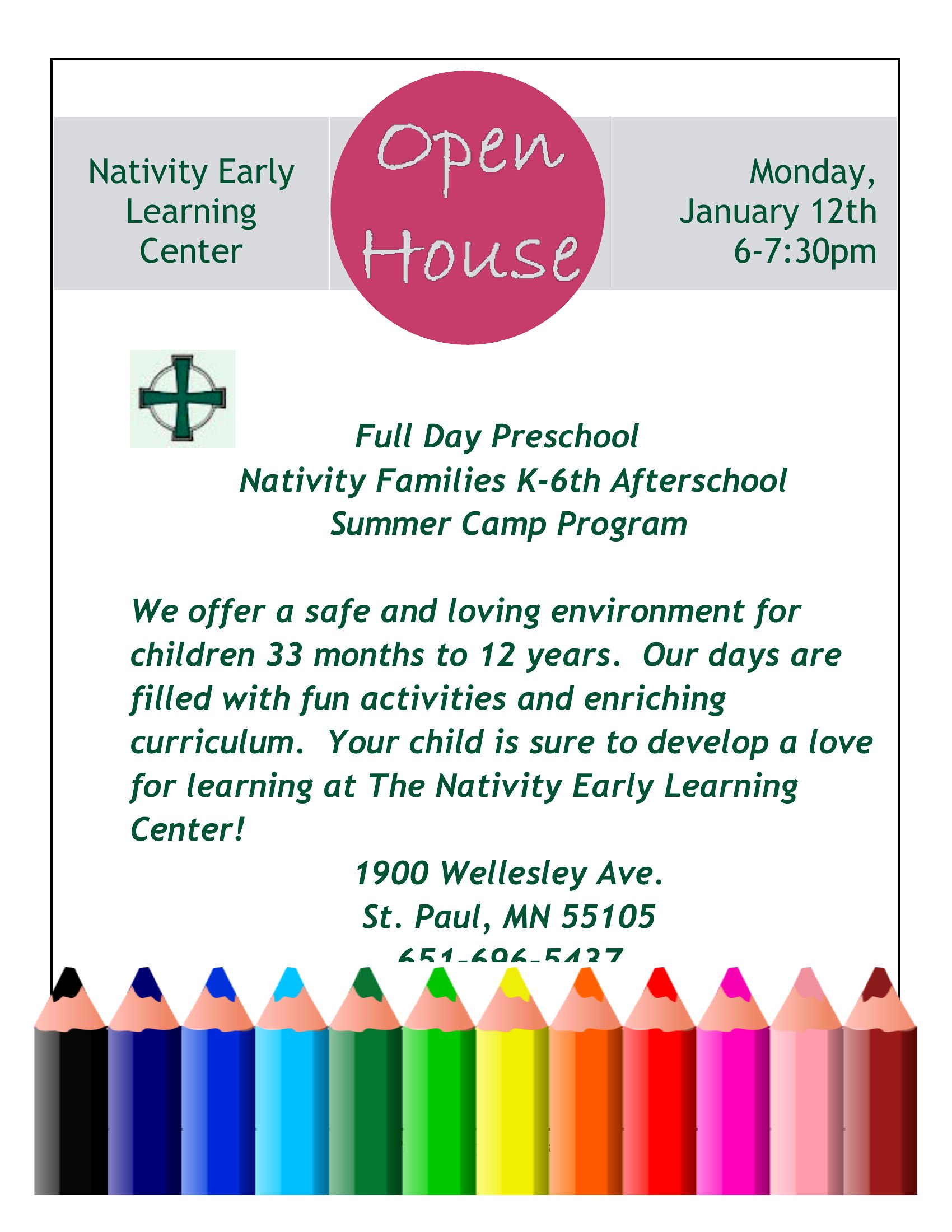
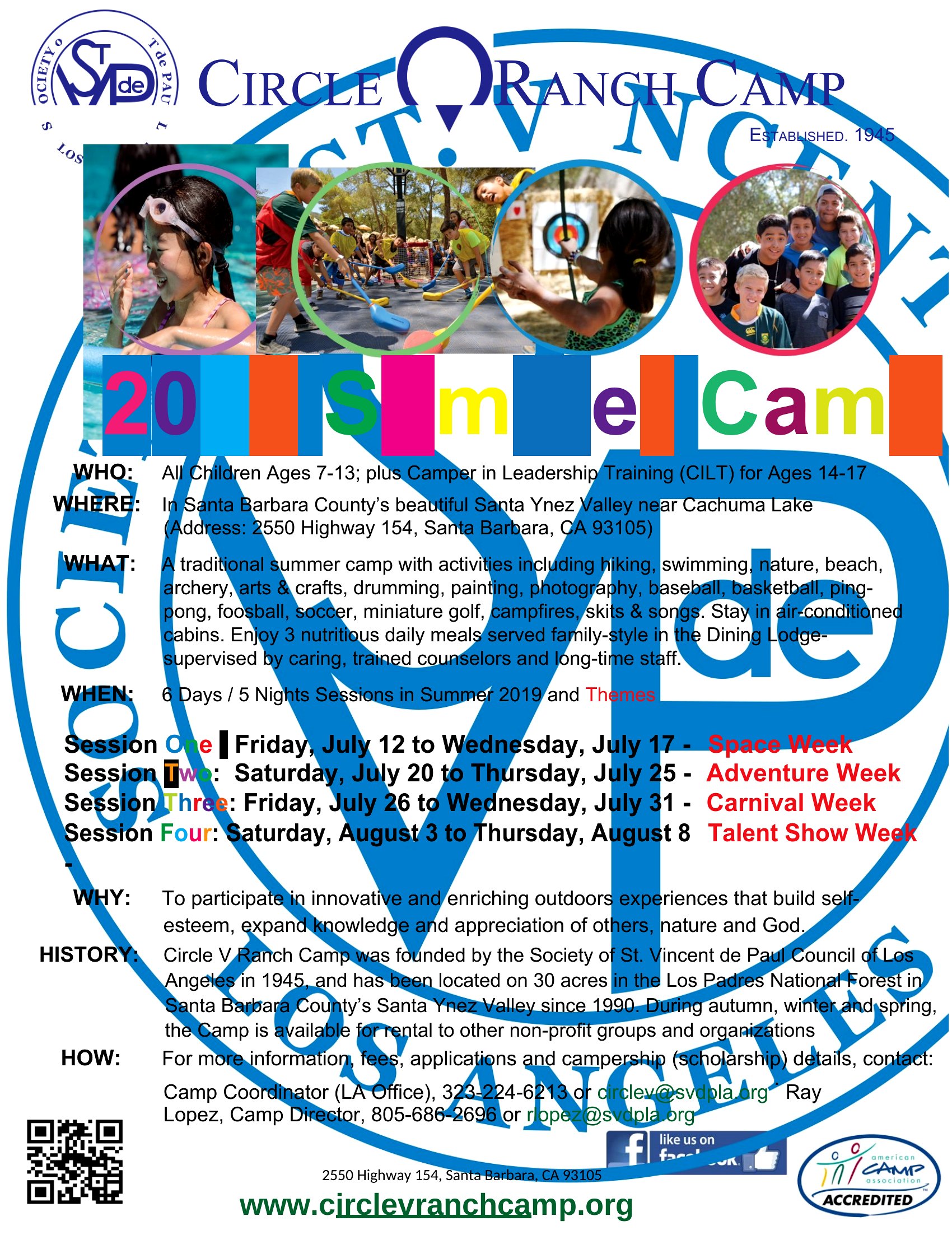
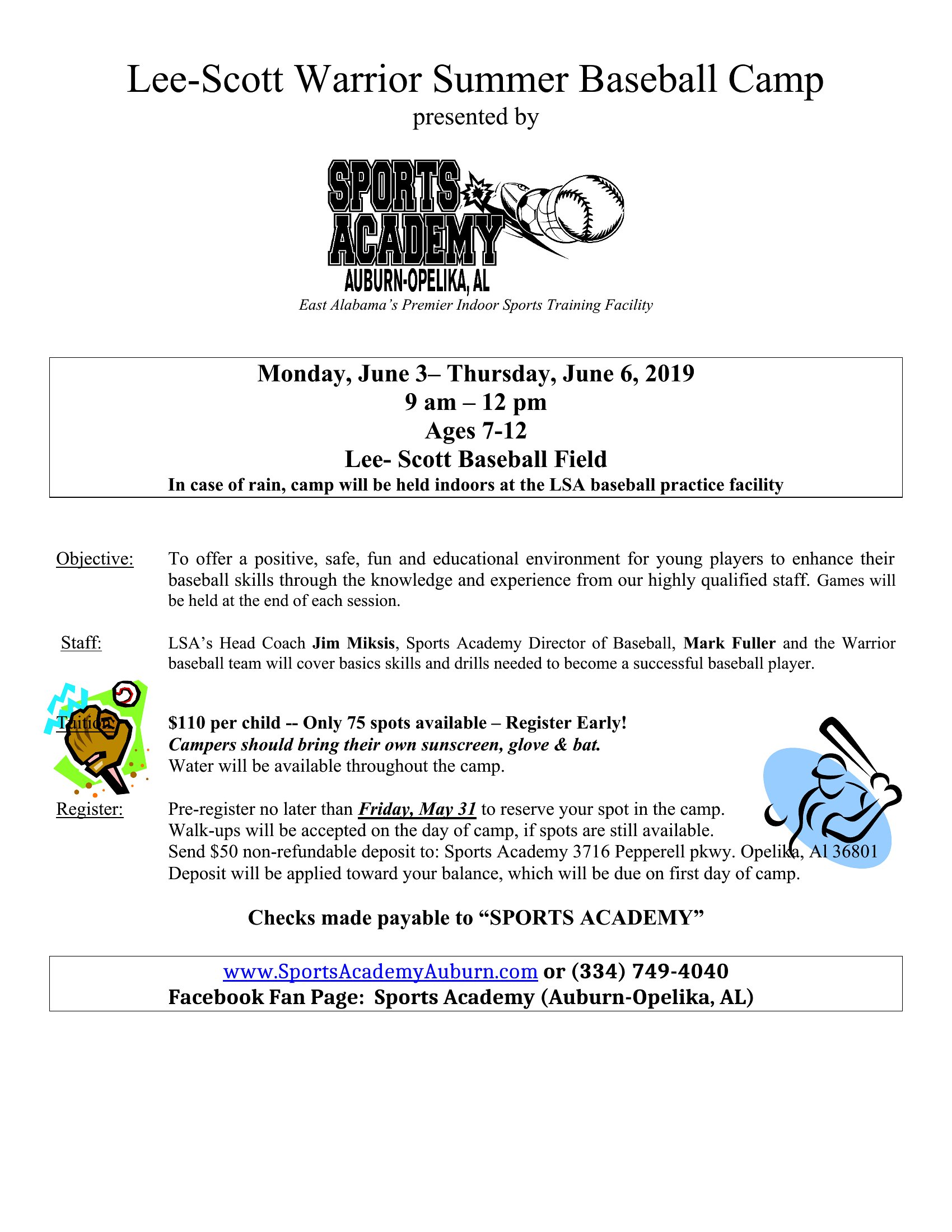
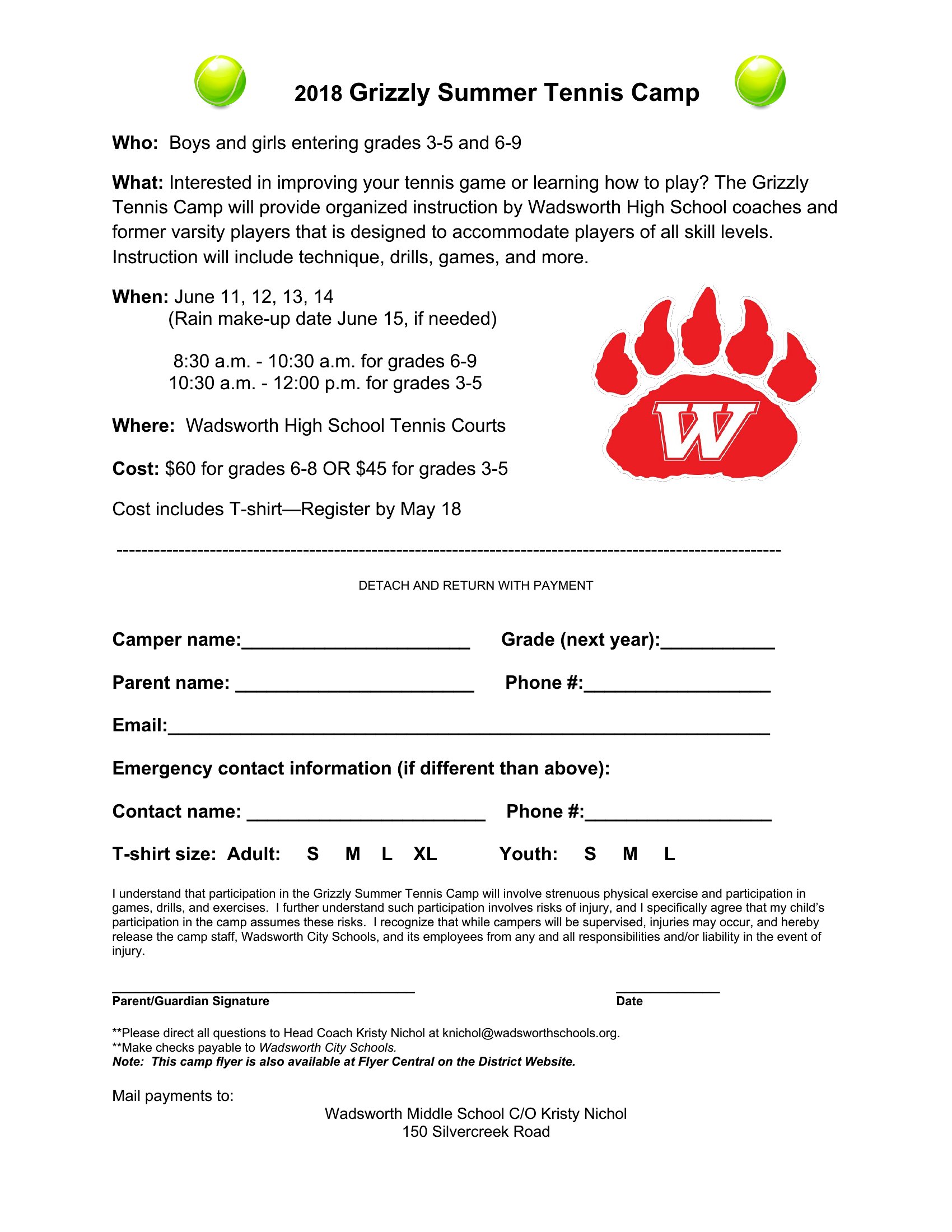
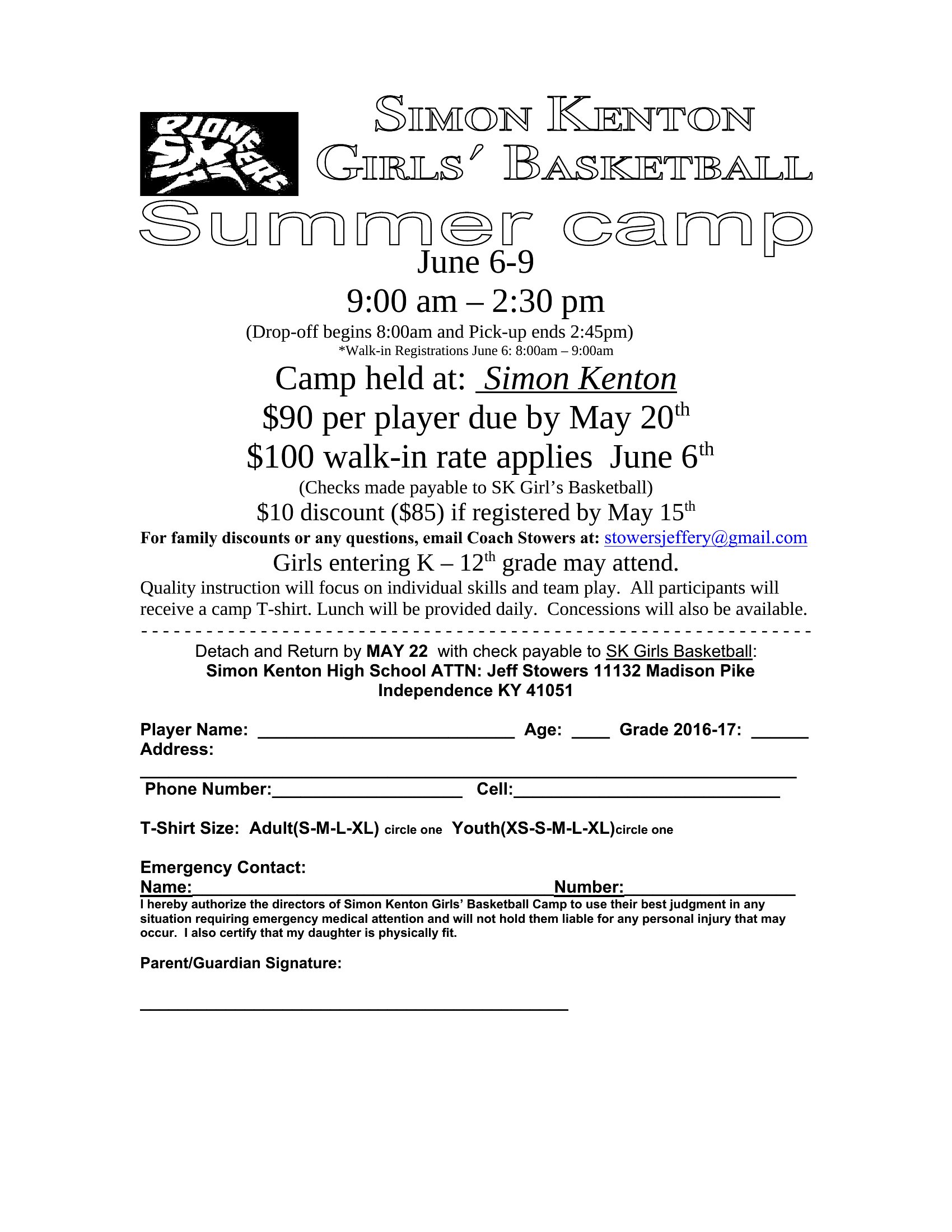
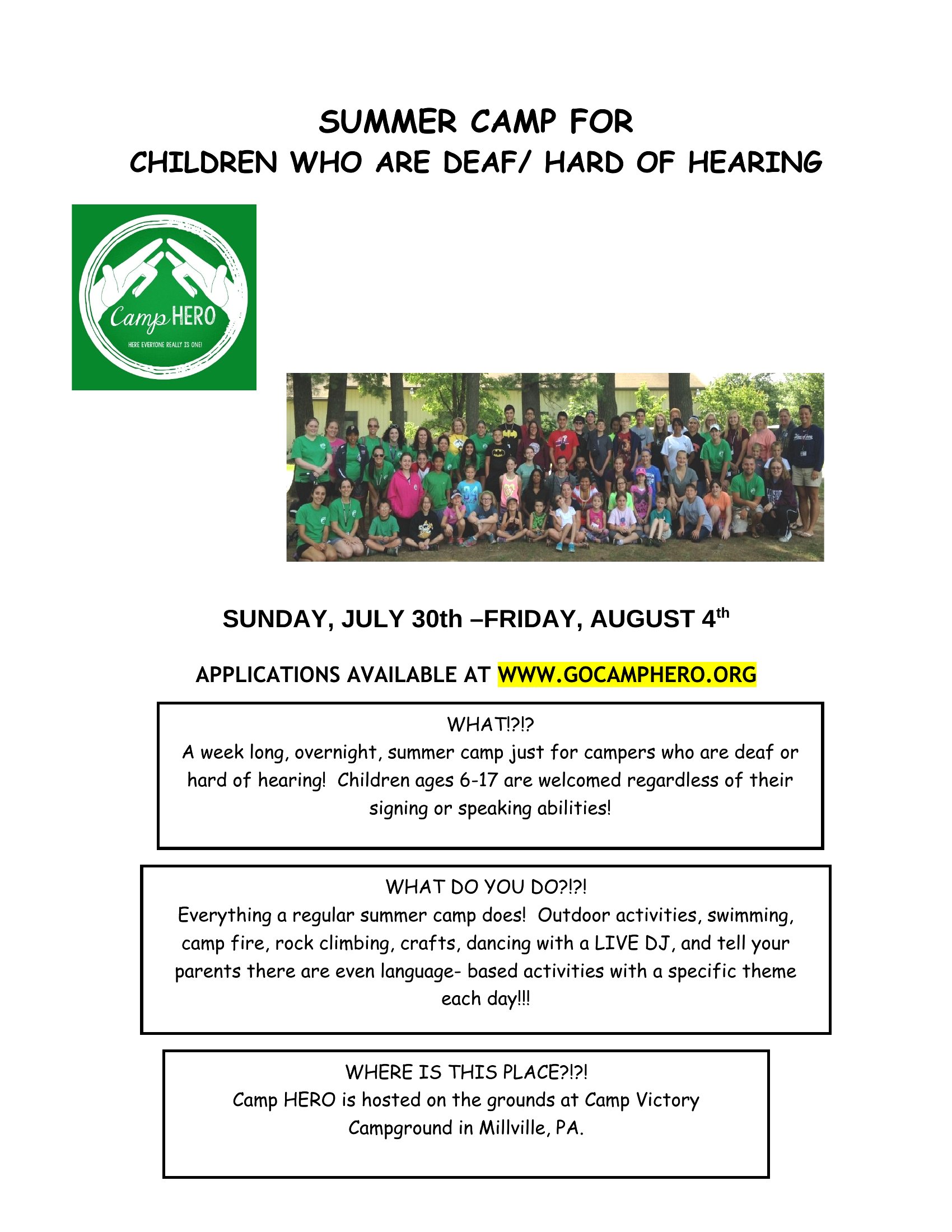
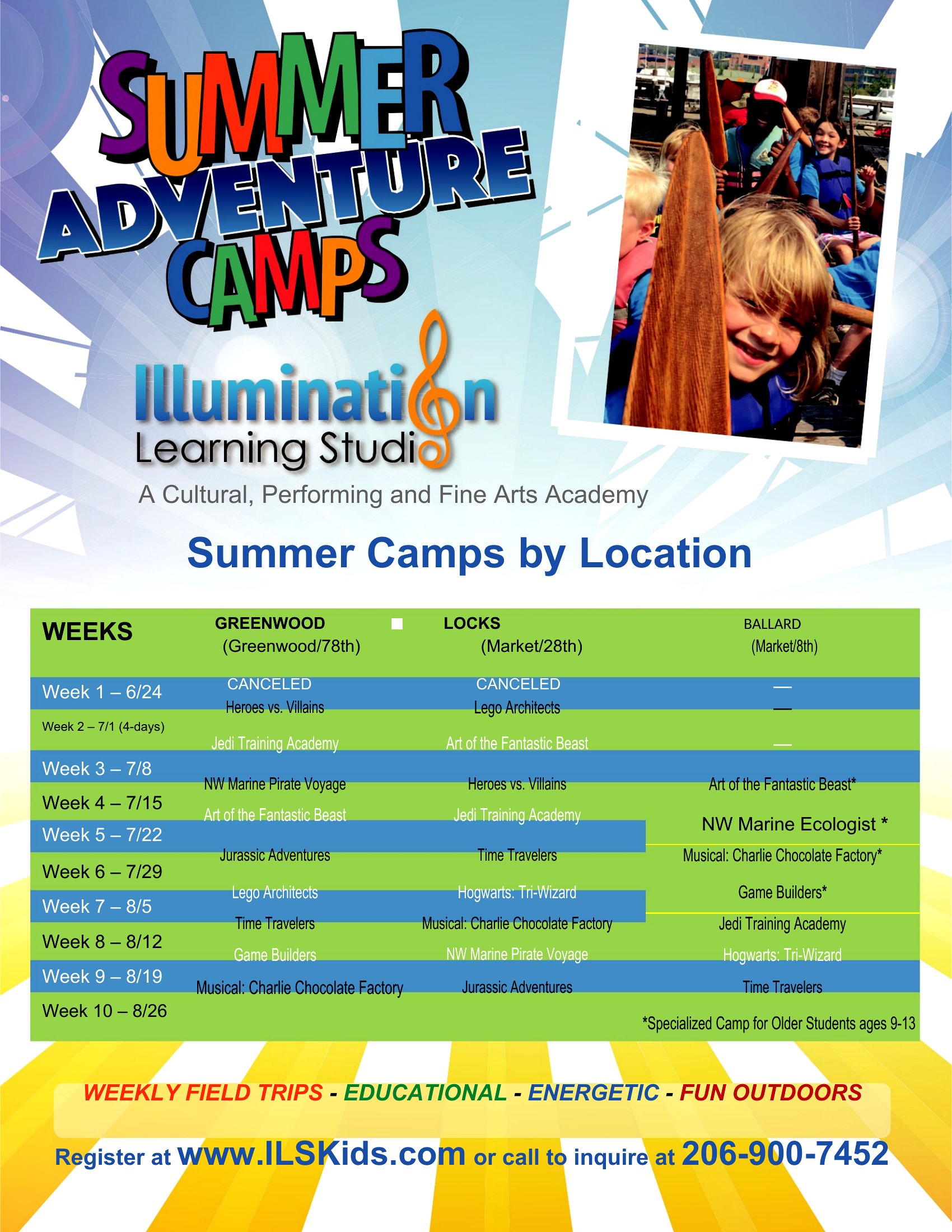
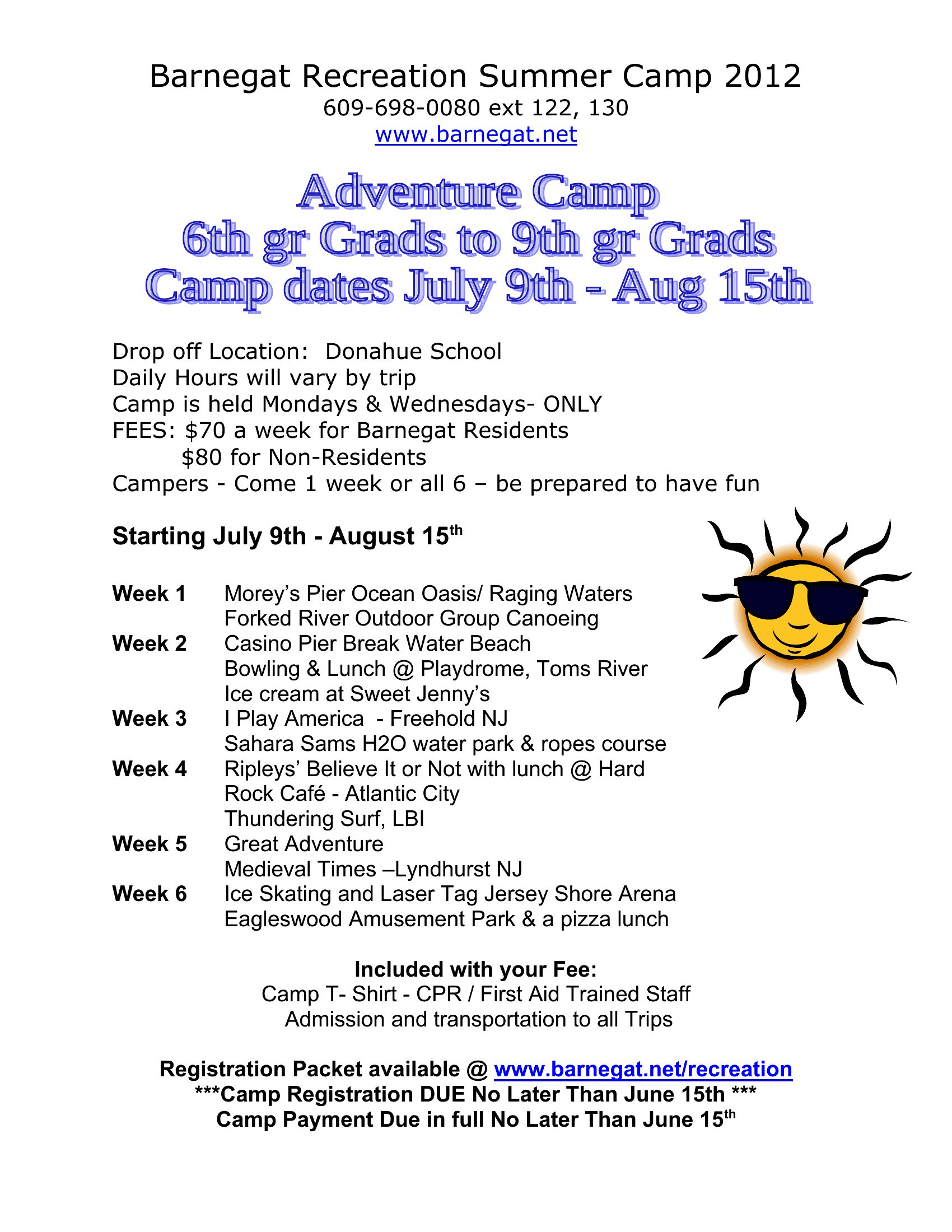
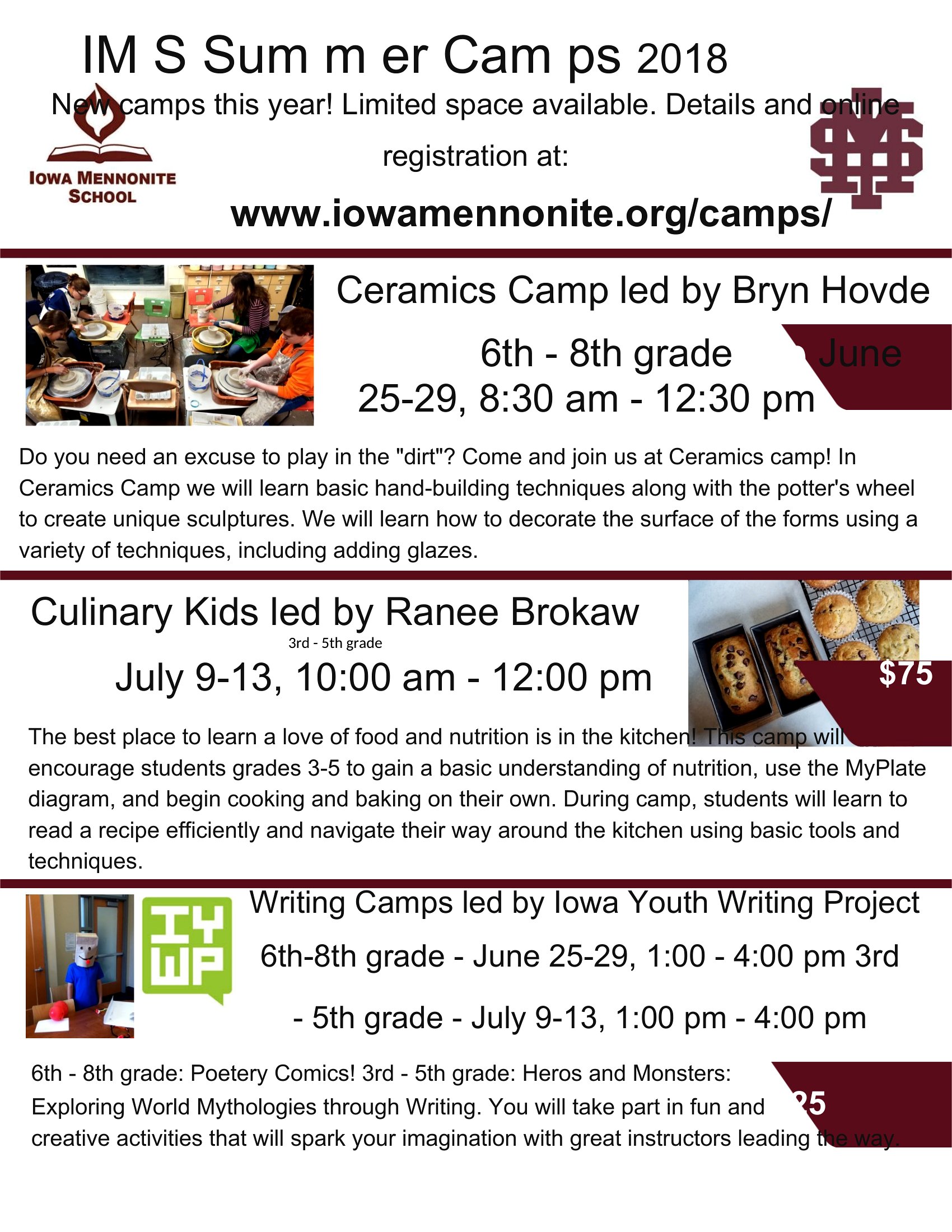
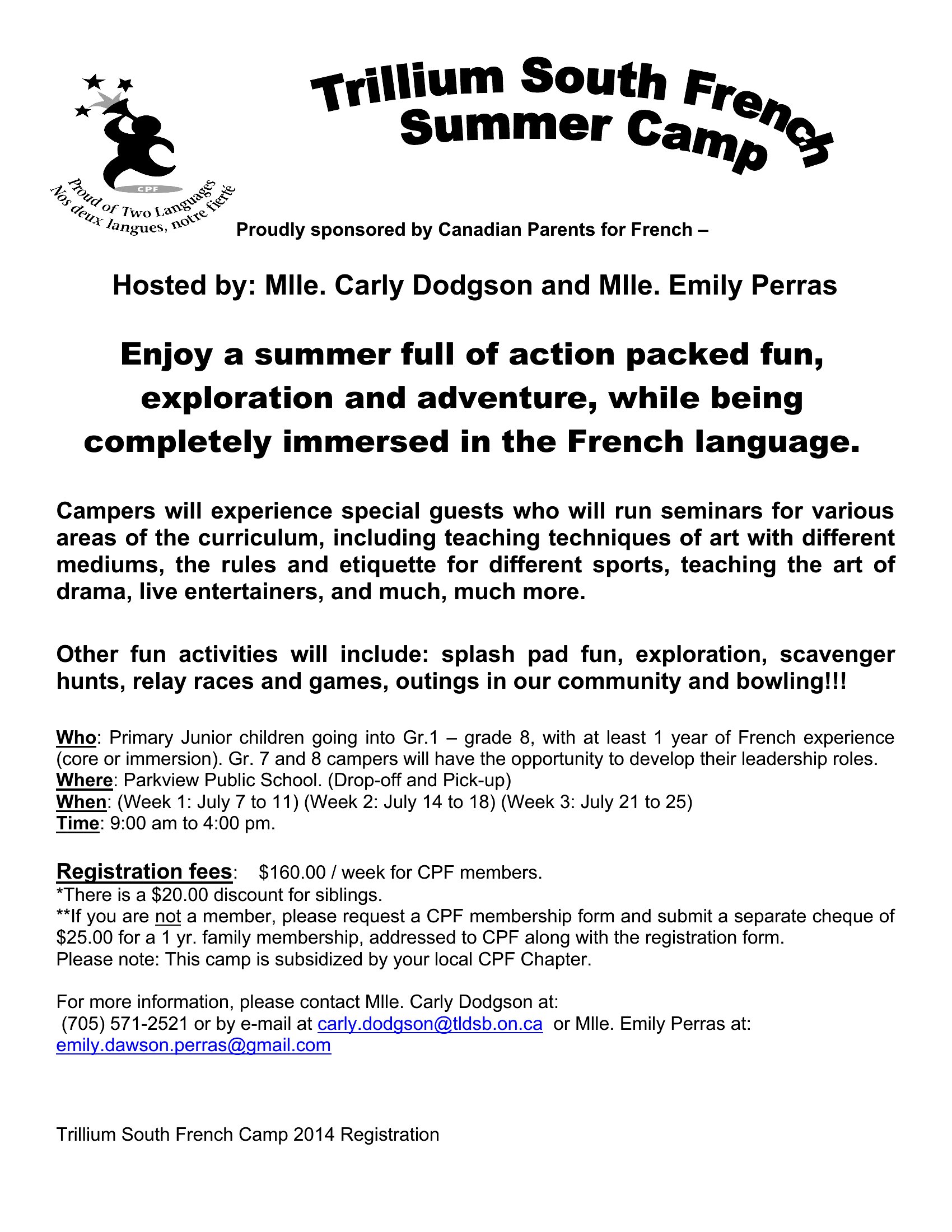
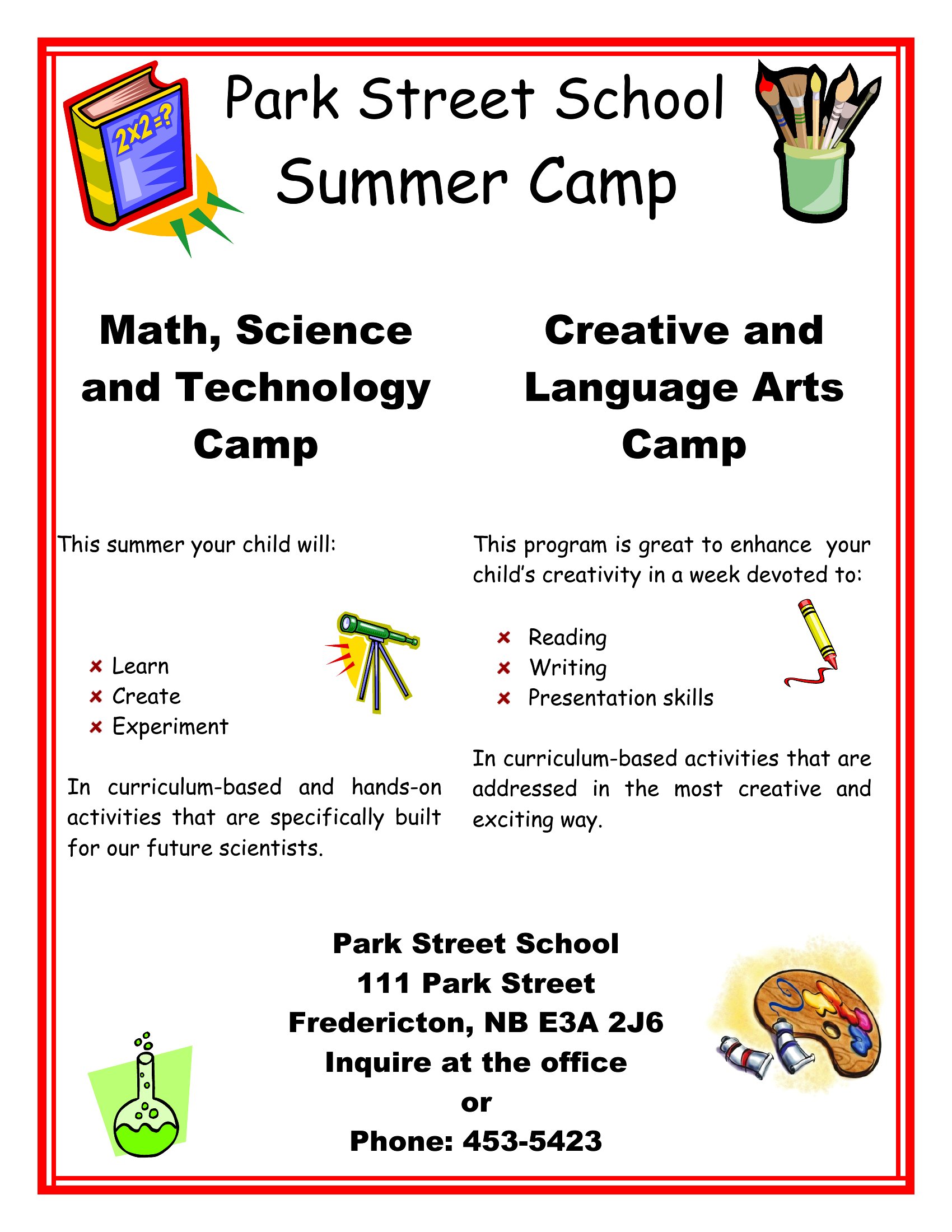
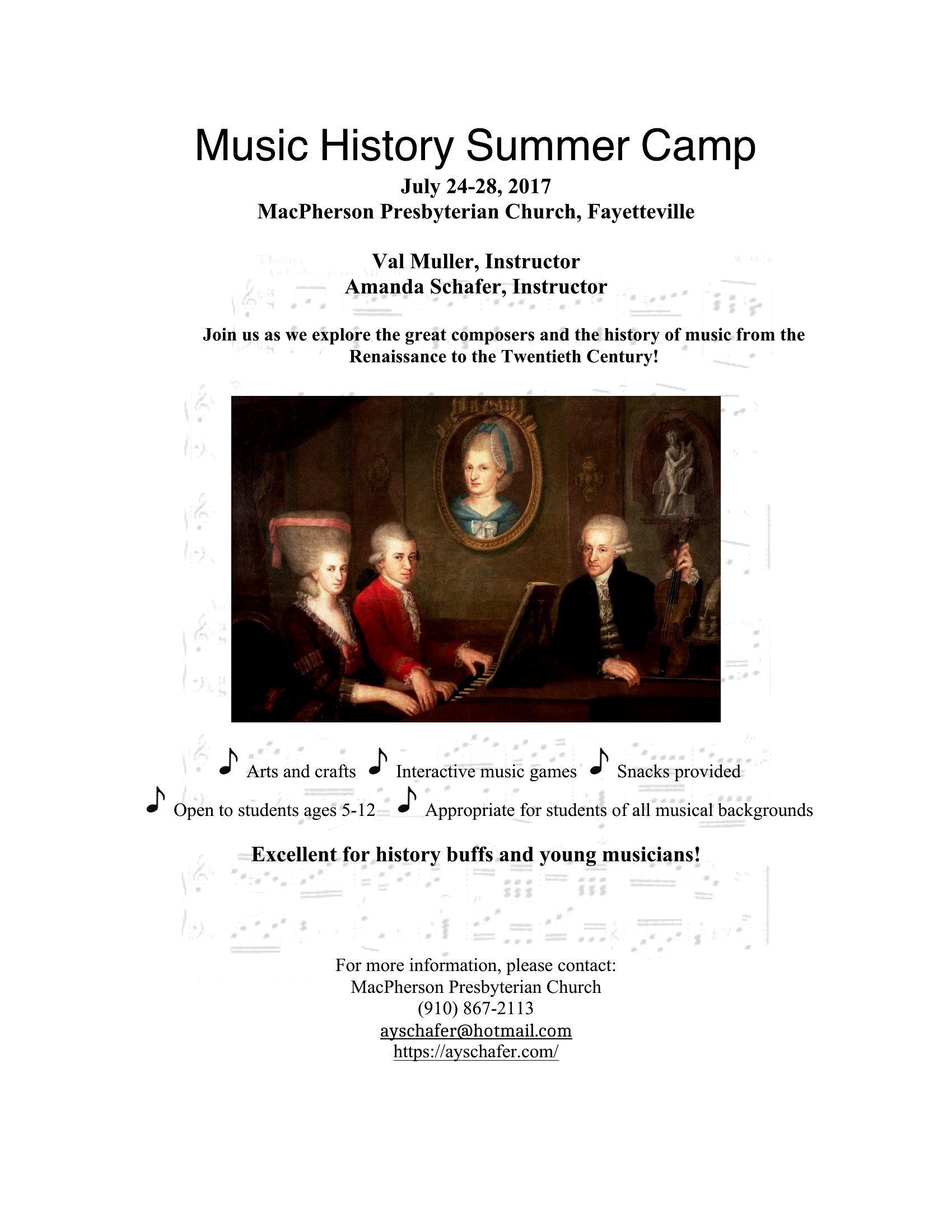
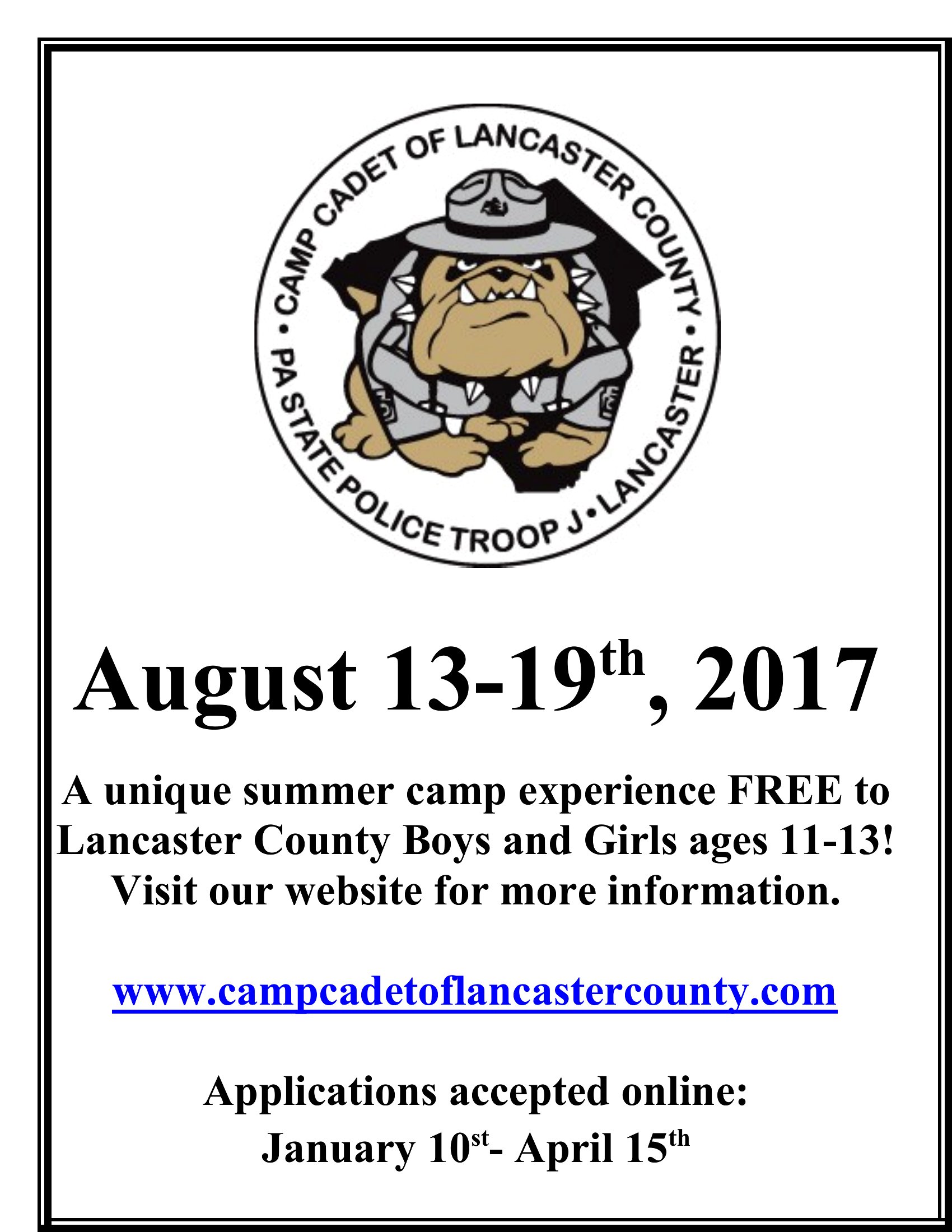
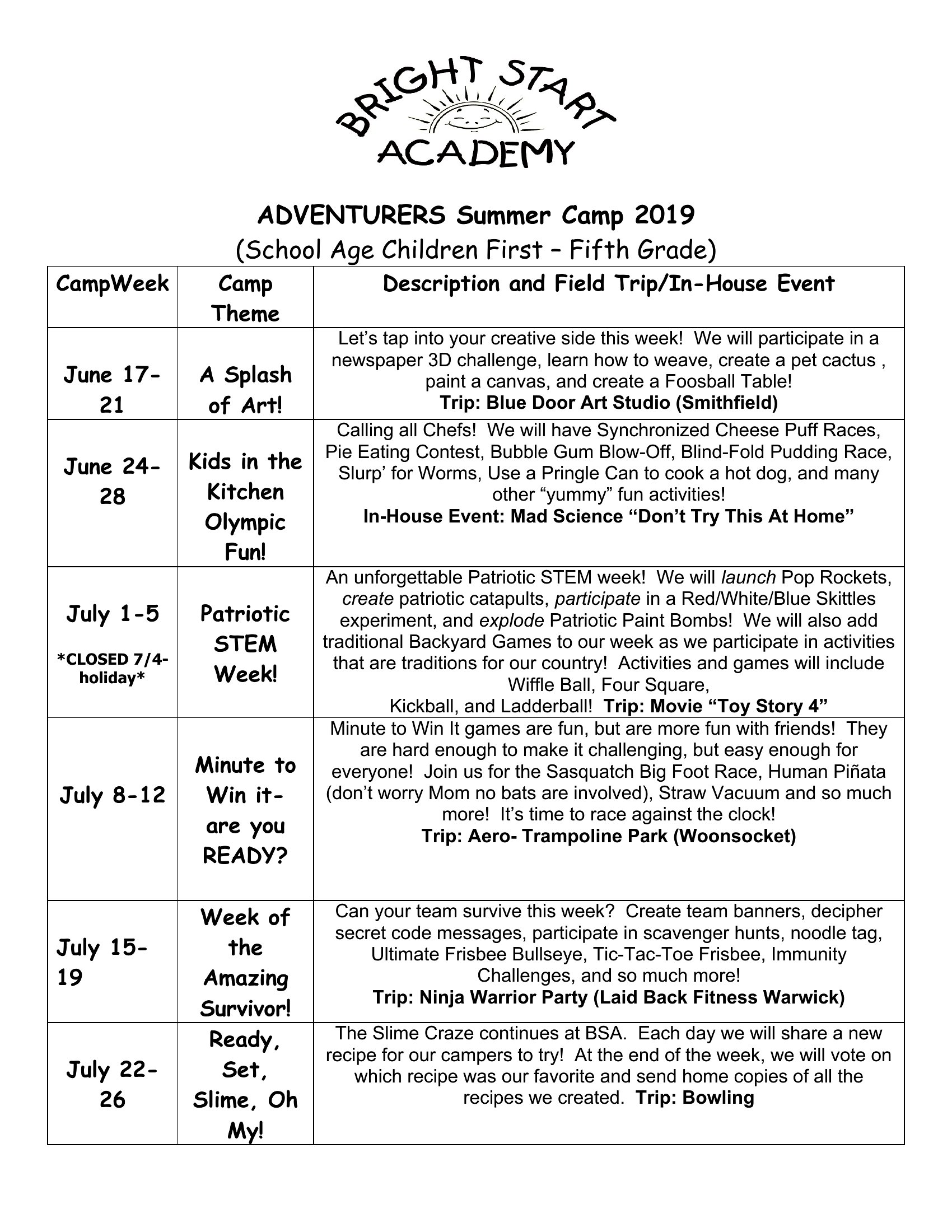
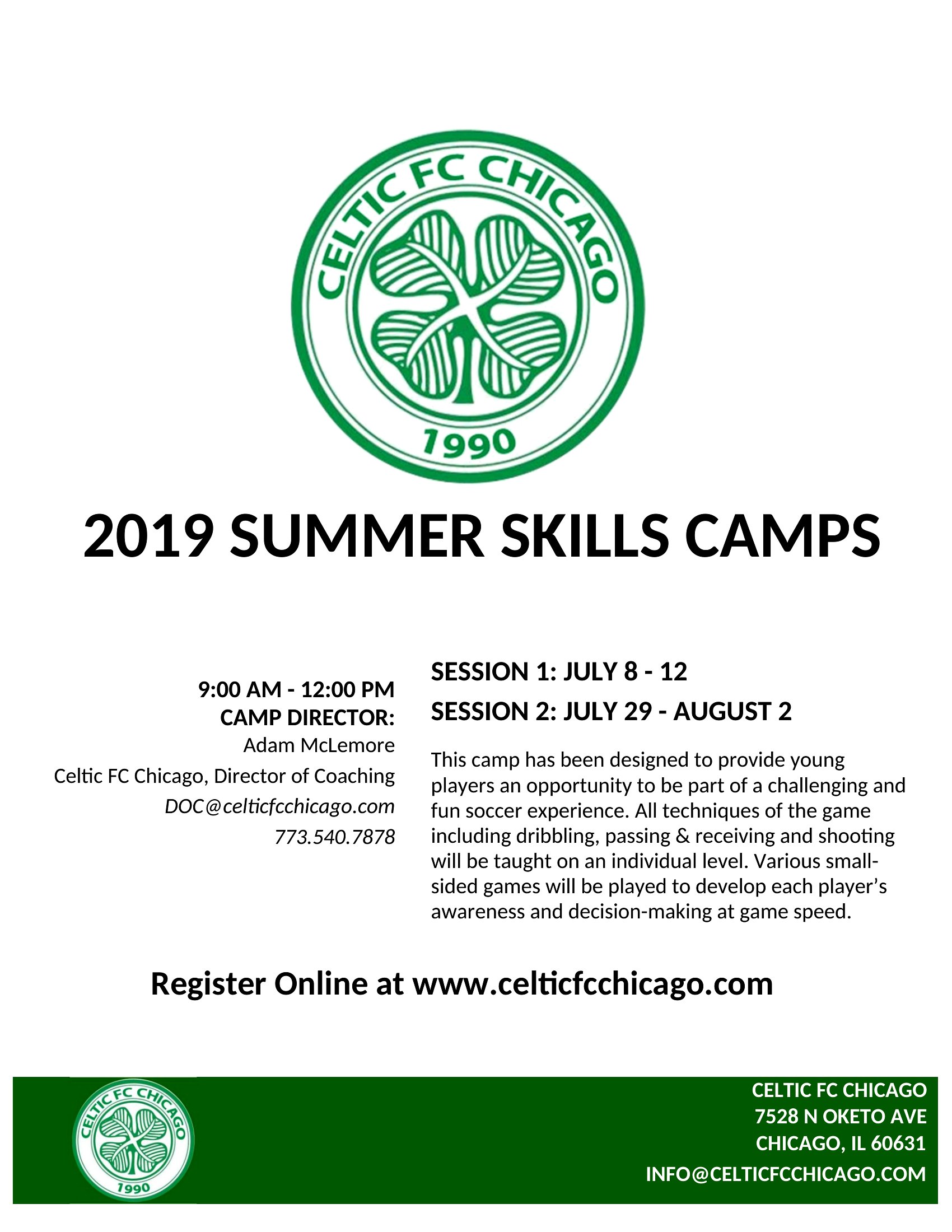
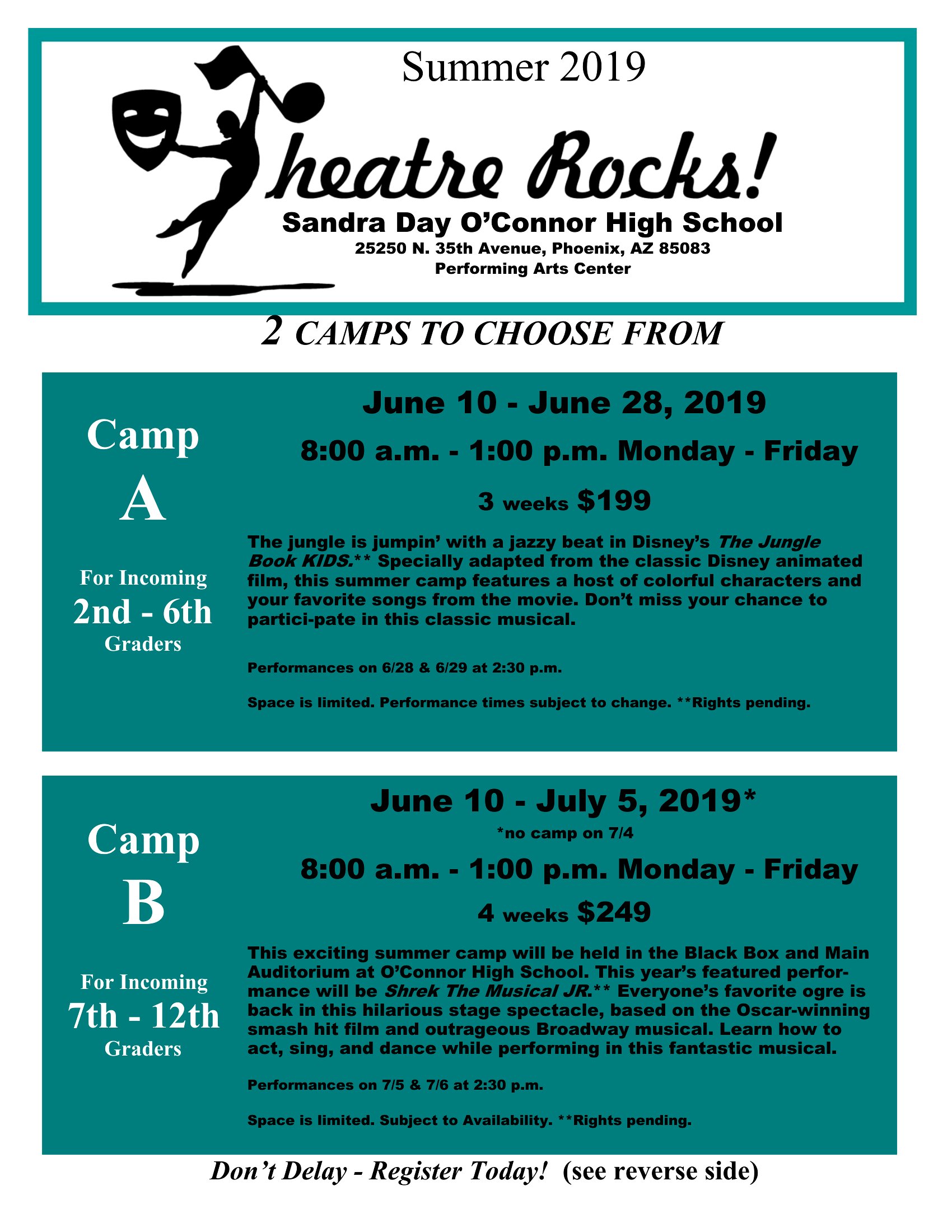
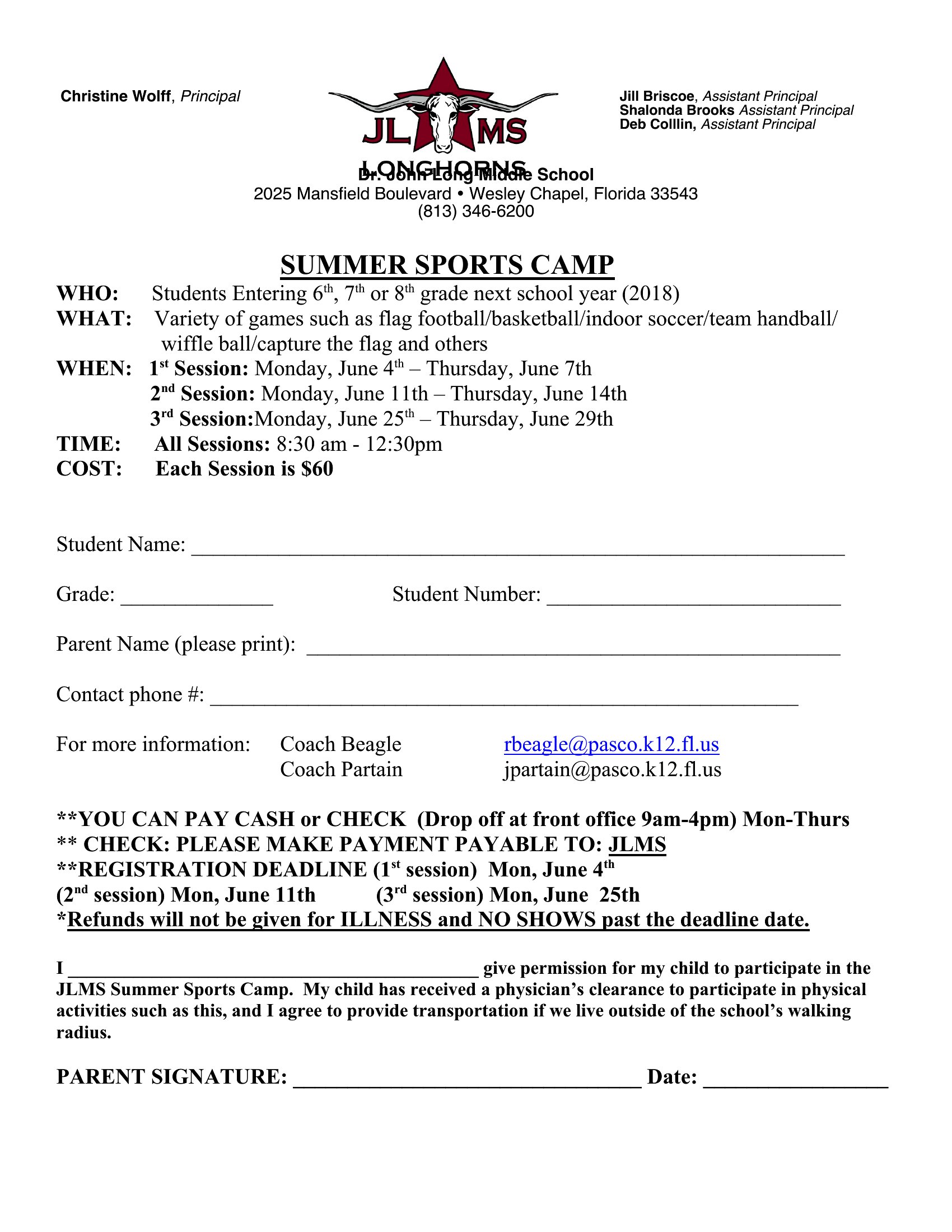
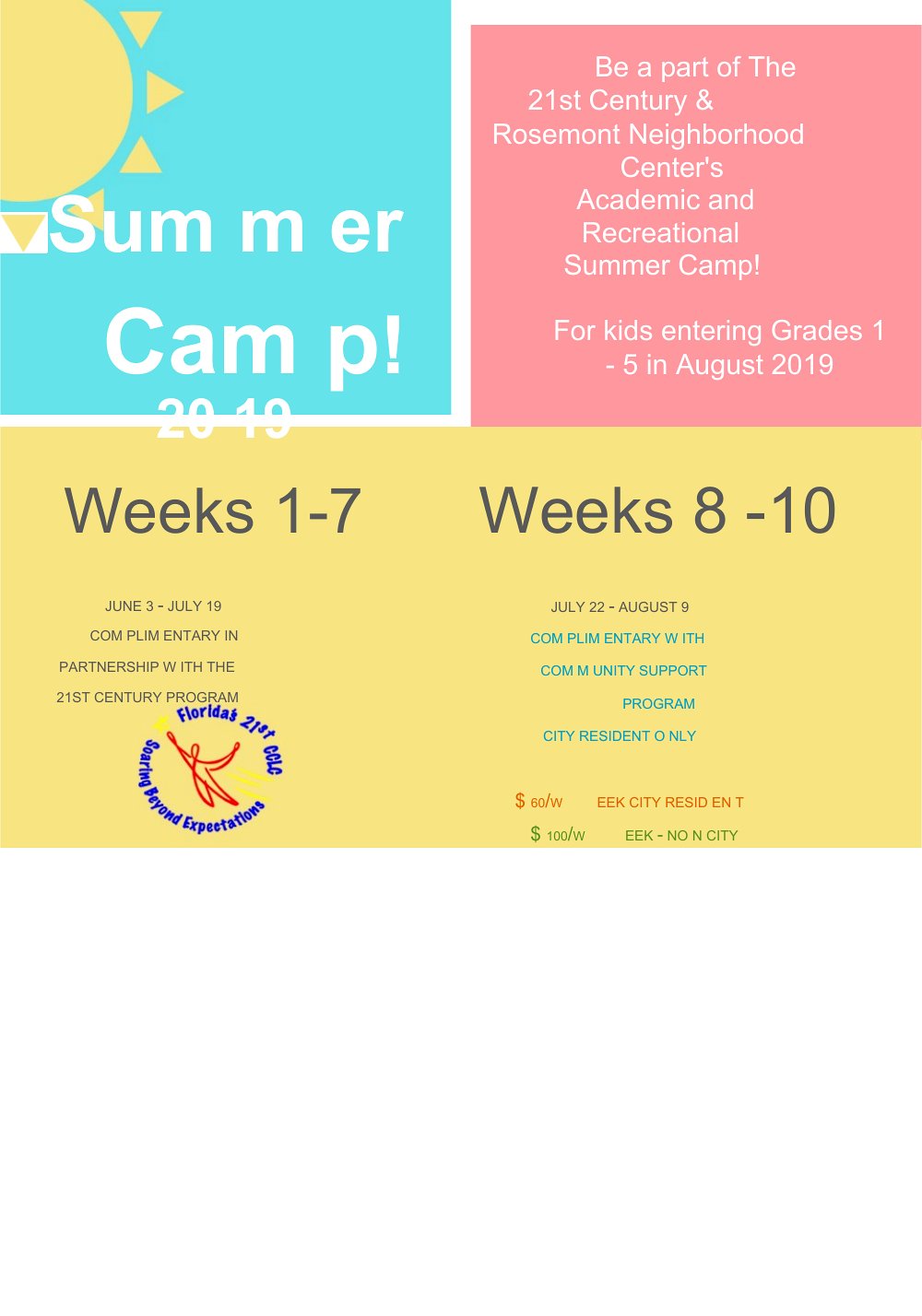
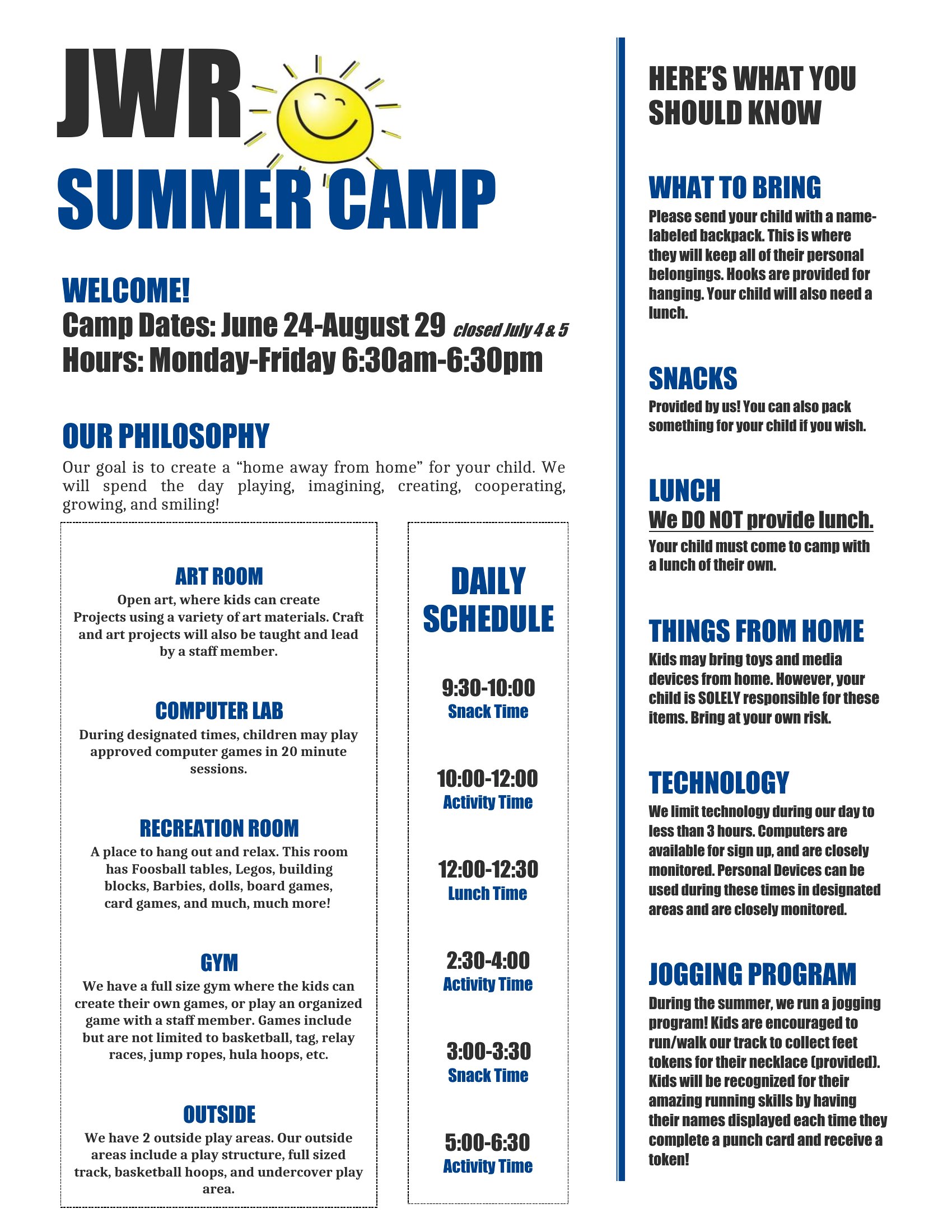
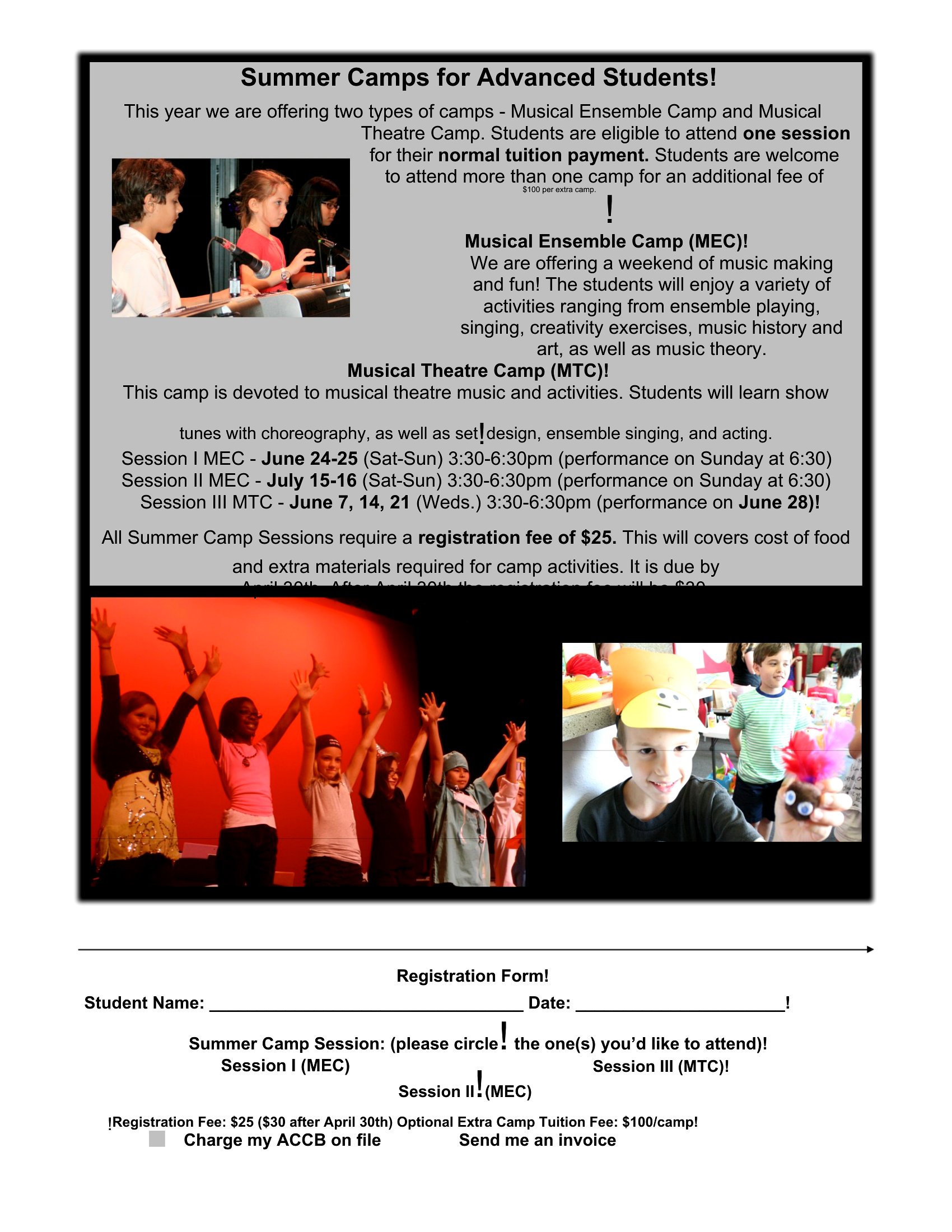
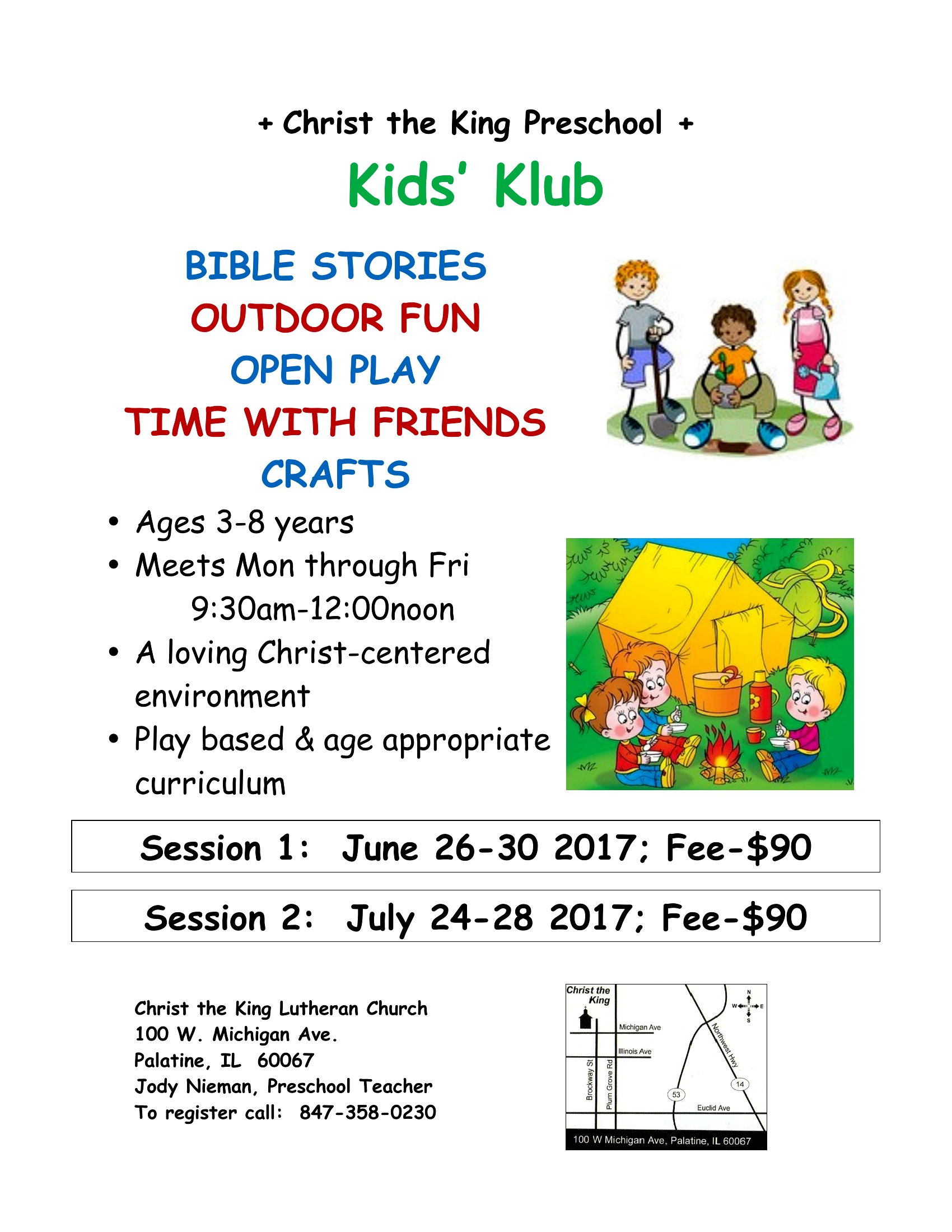
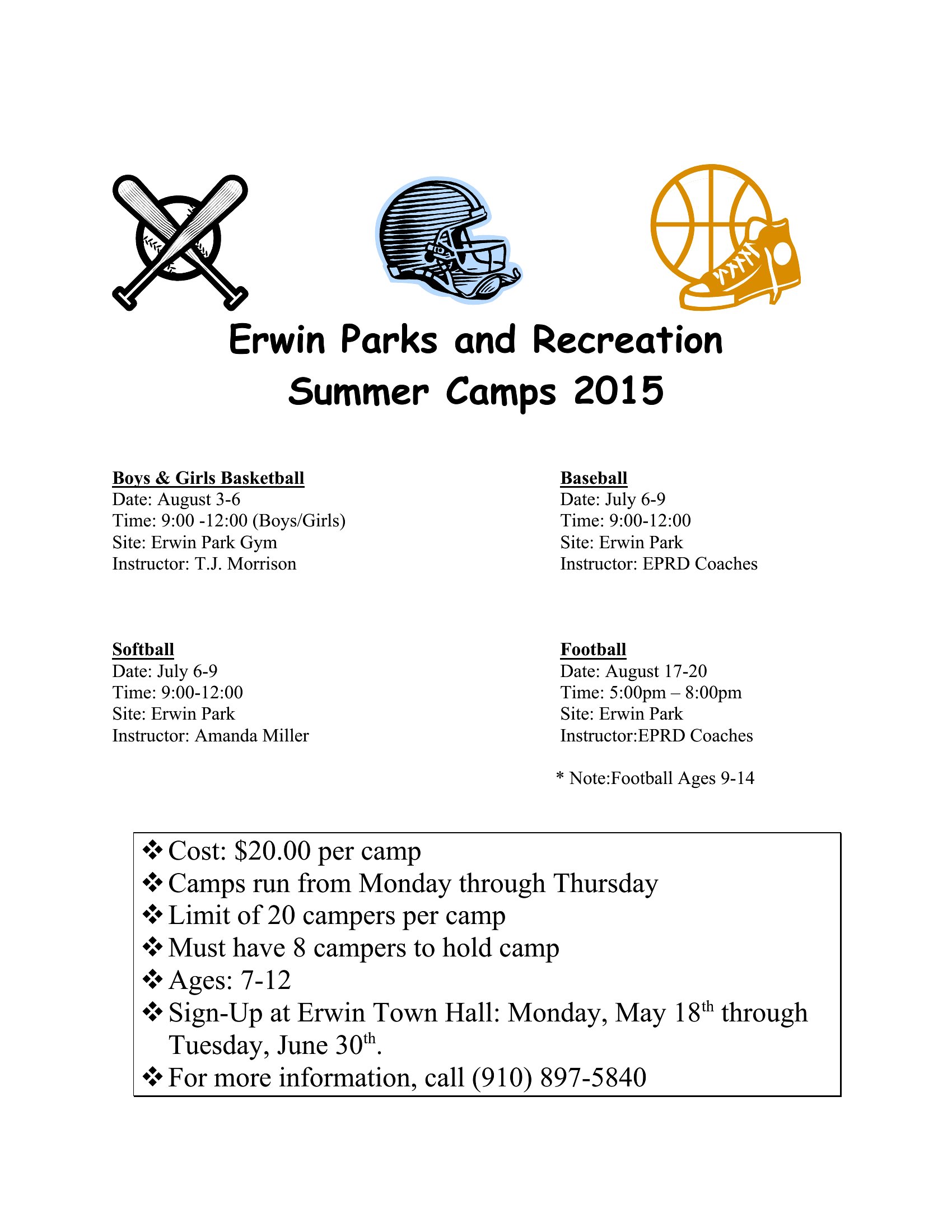

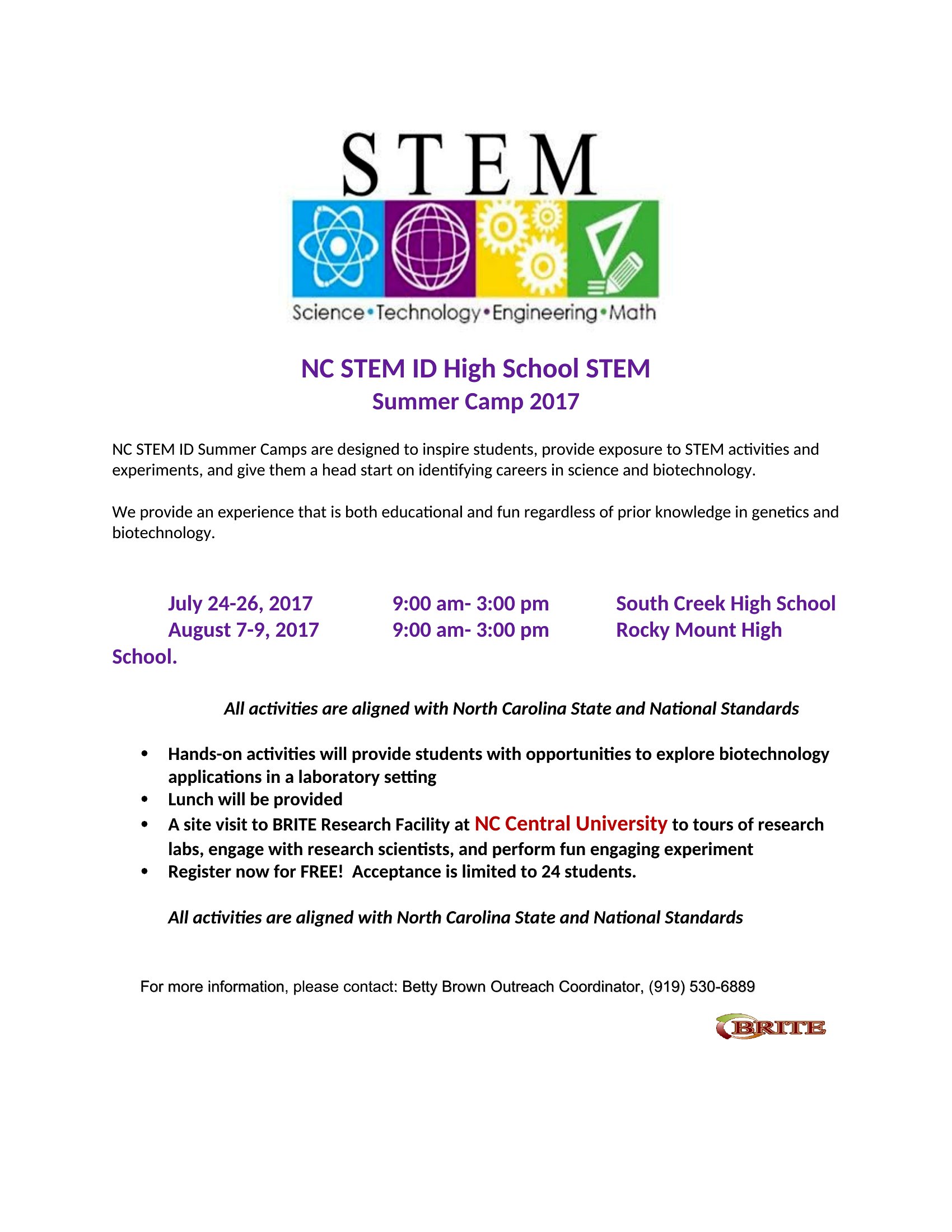
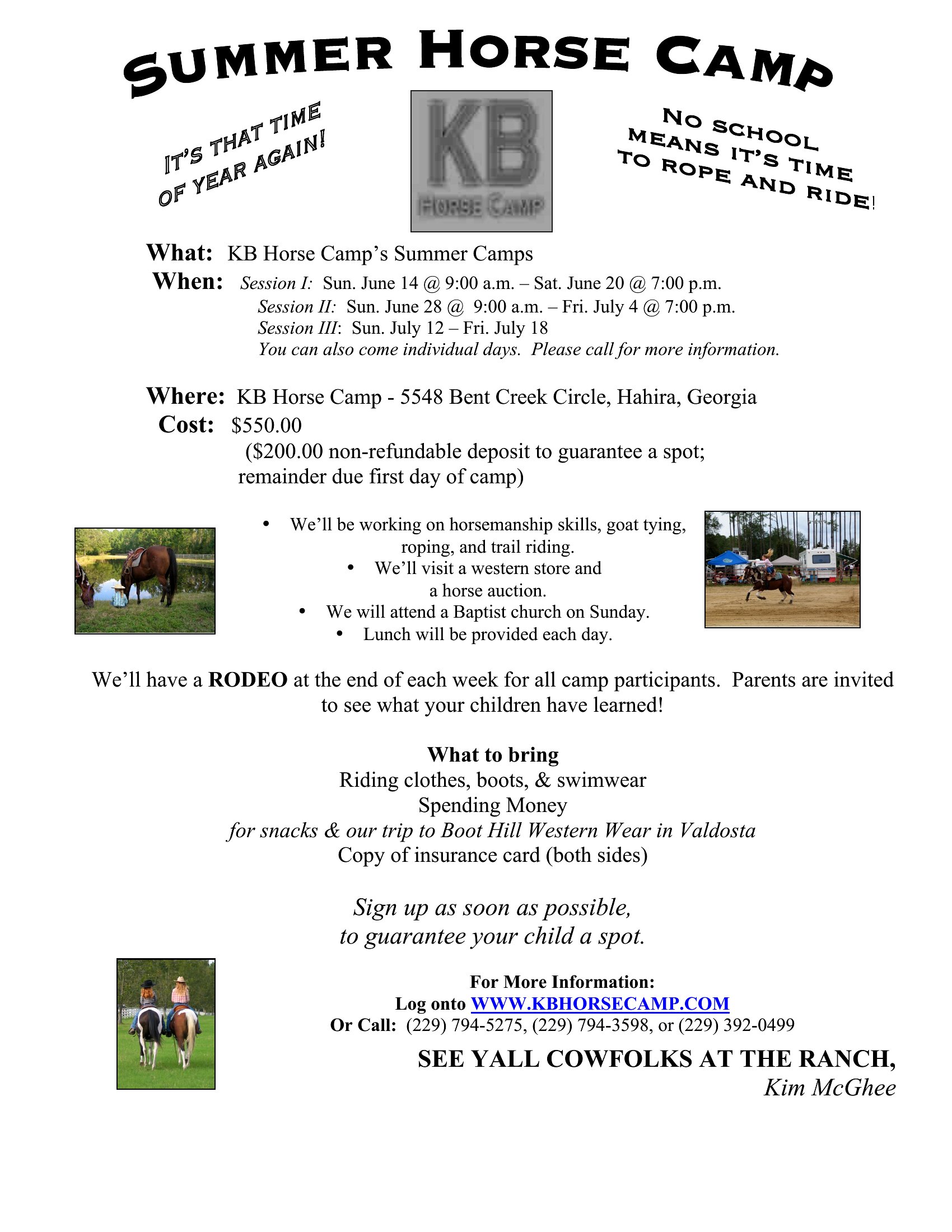
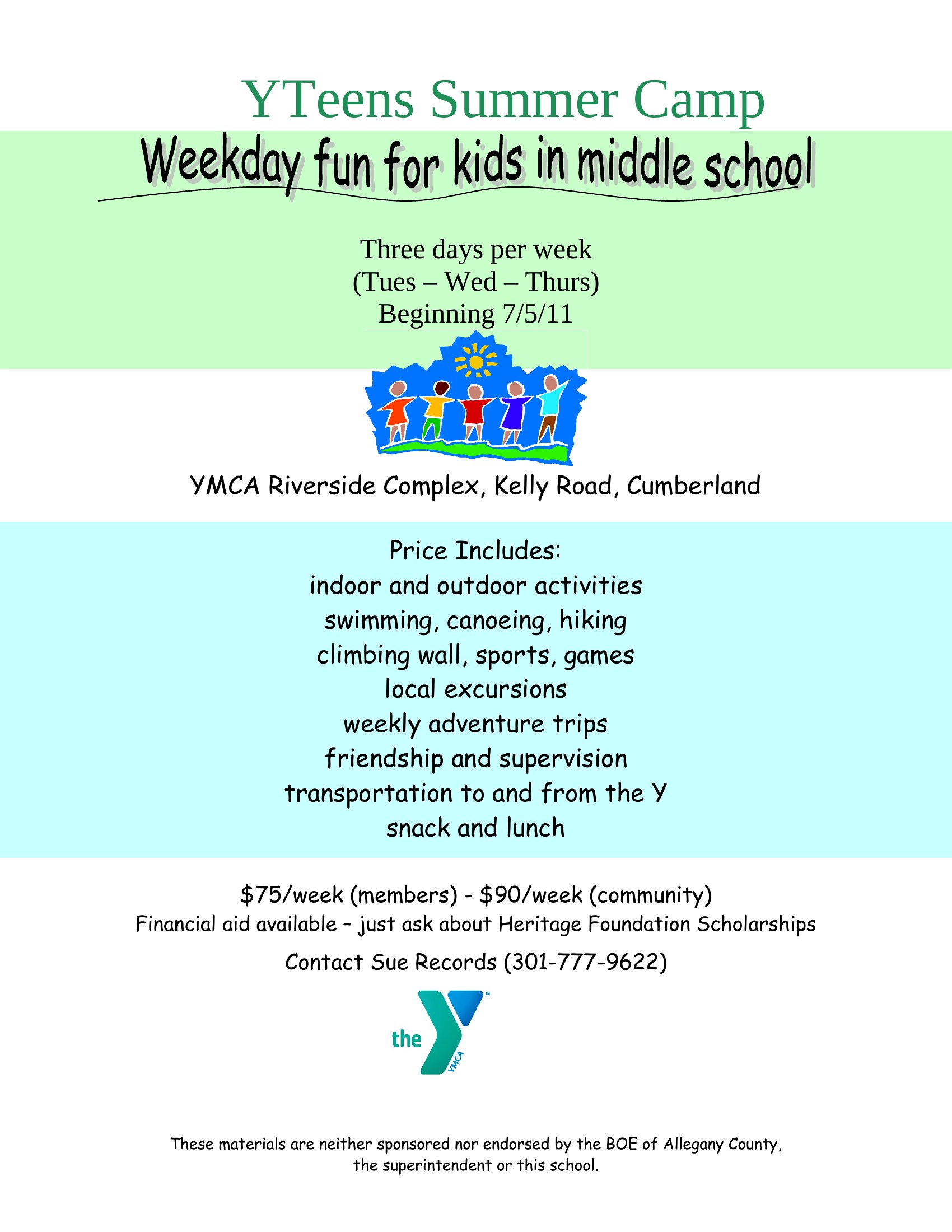
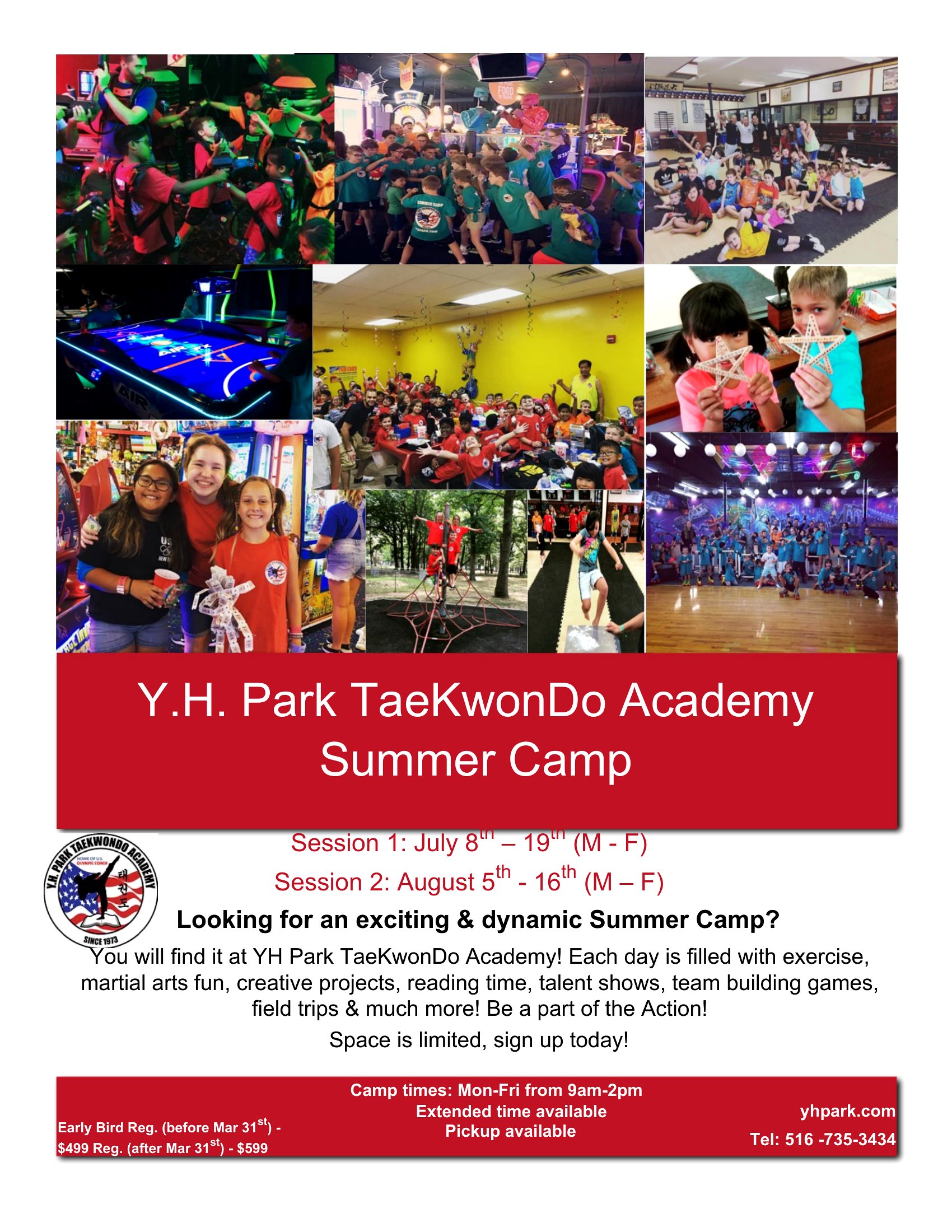
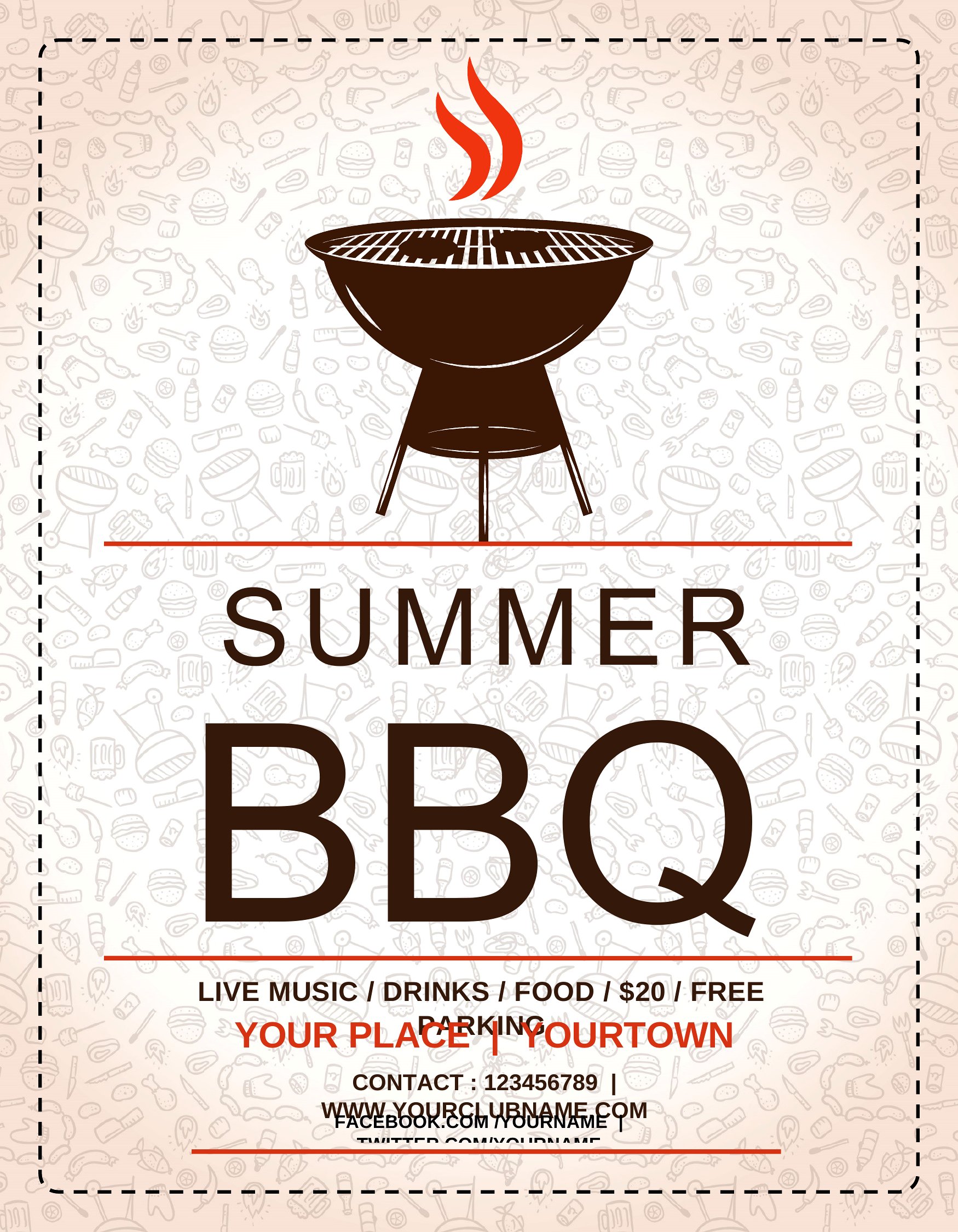
Summer Camp Flyers
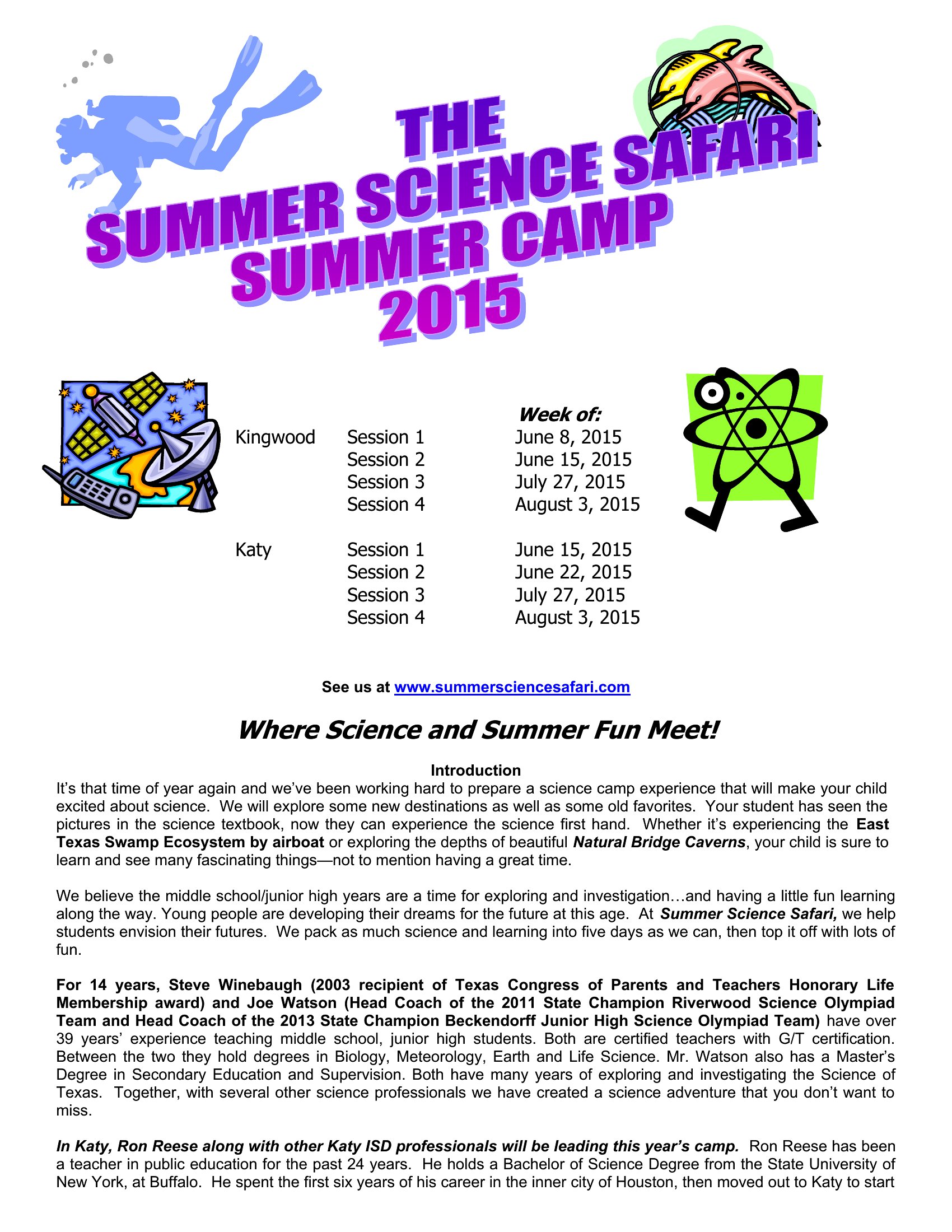
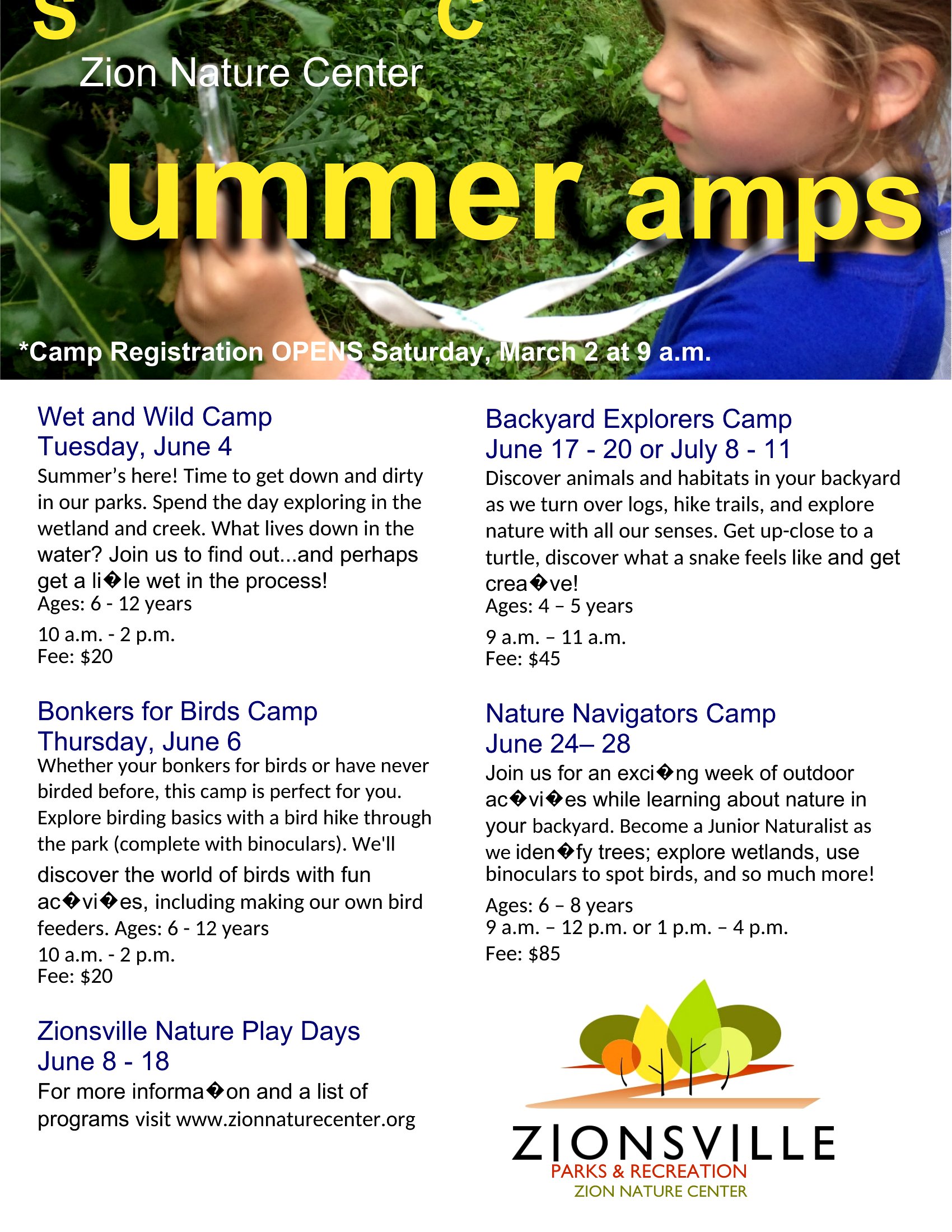
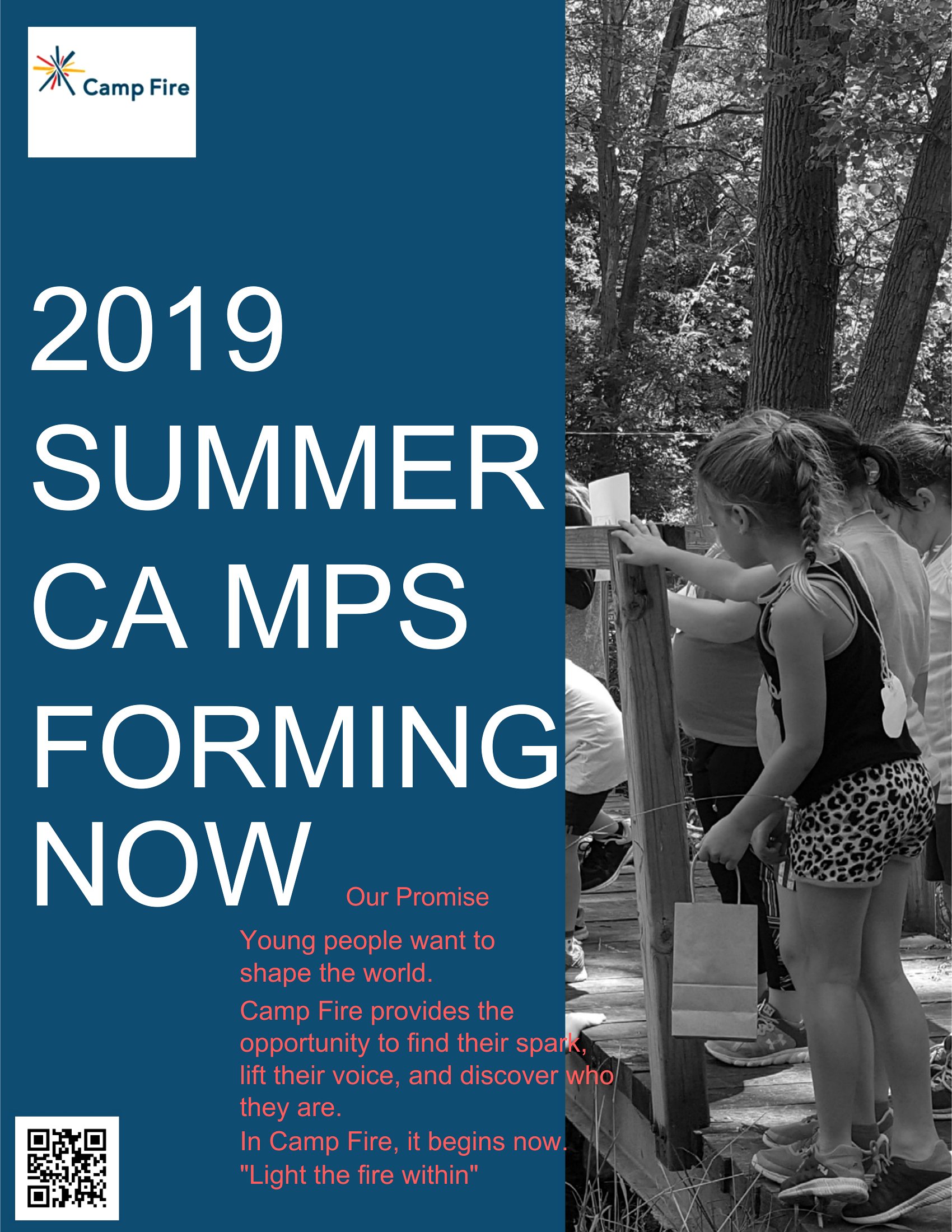
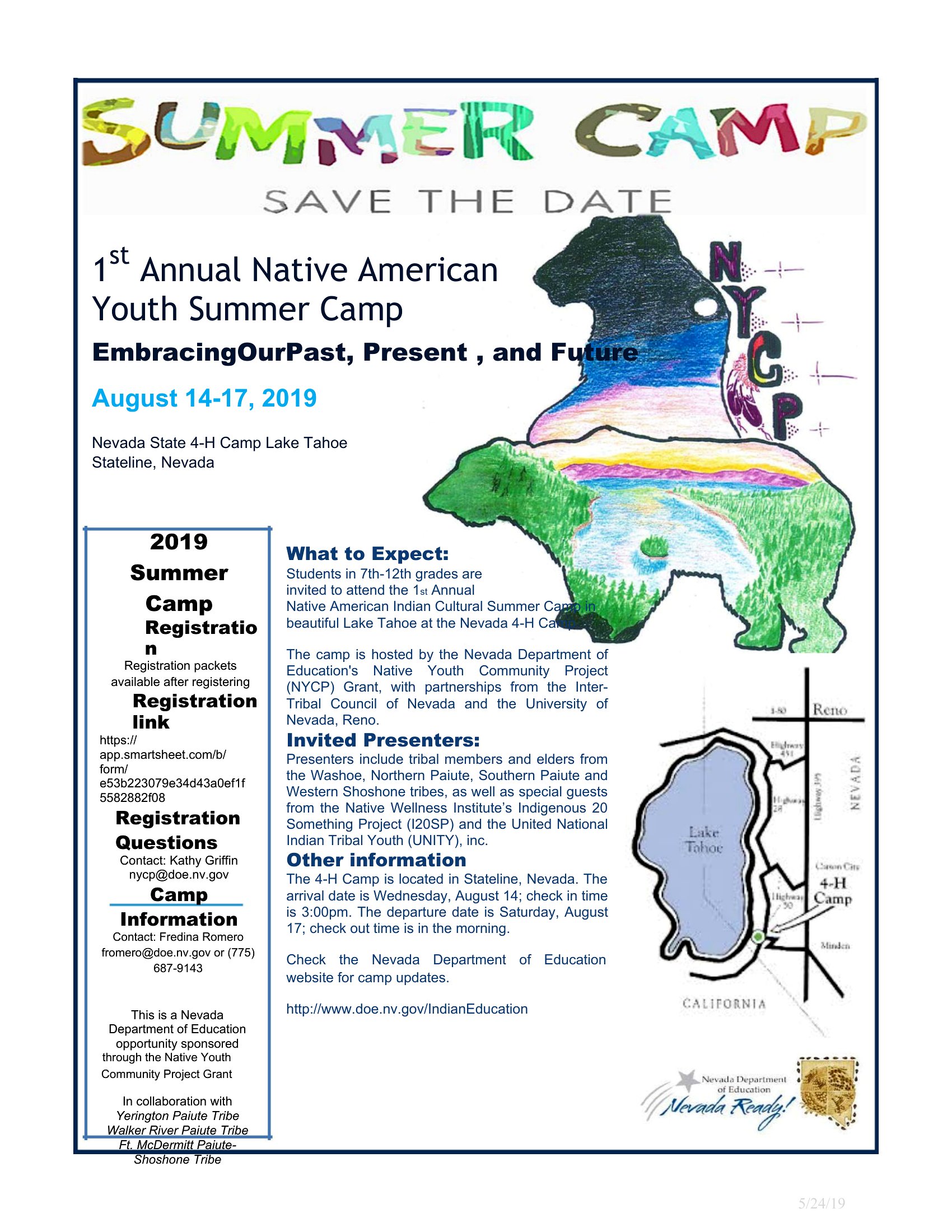
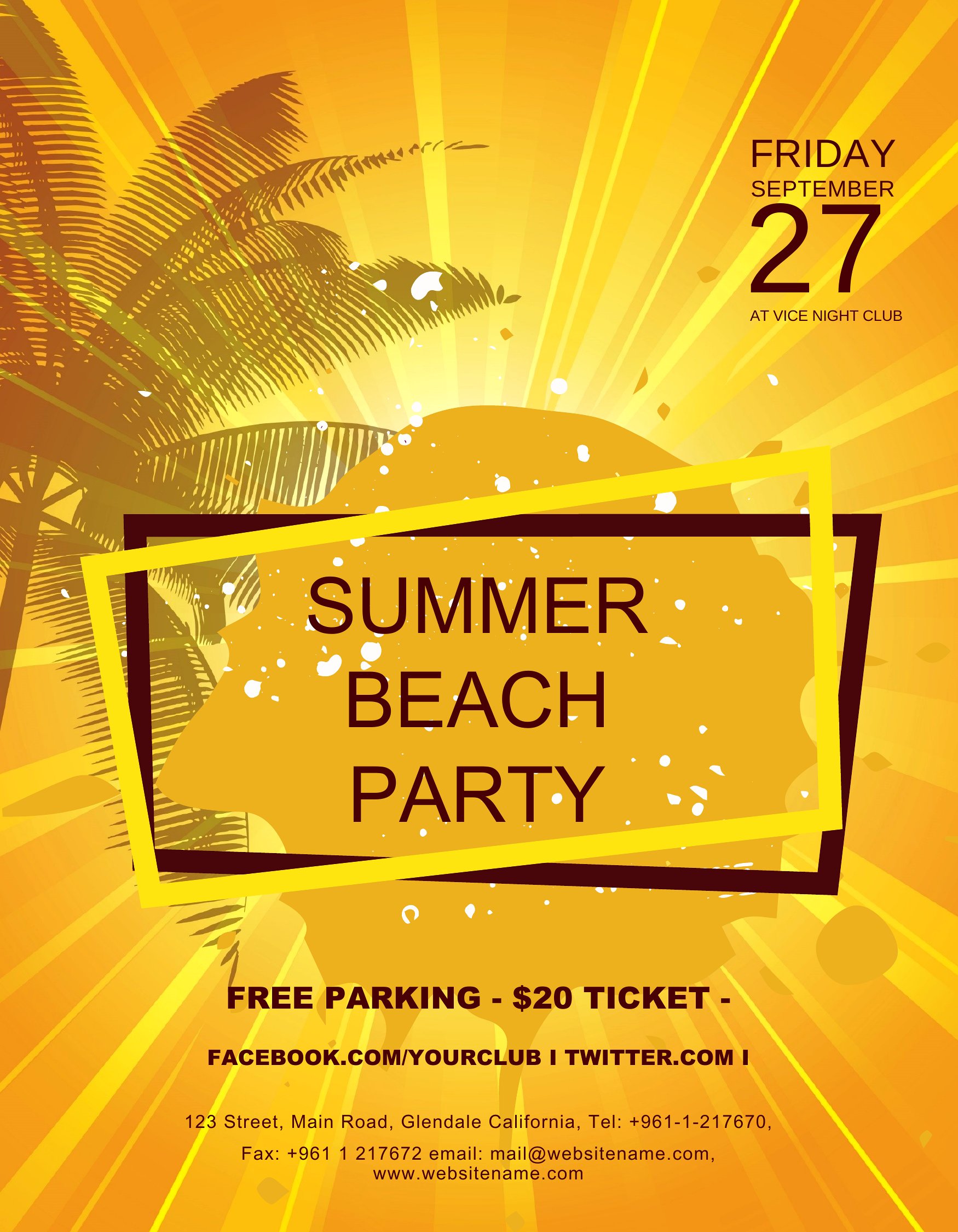
Summer Camp Flyer
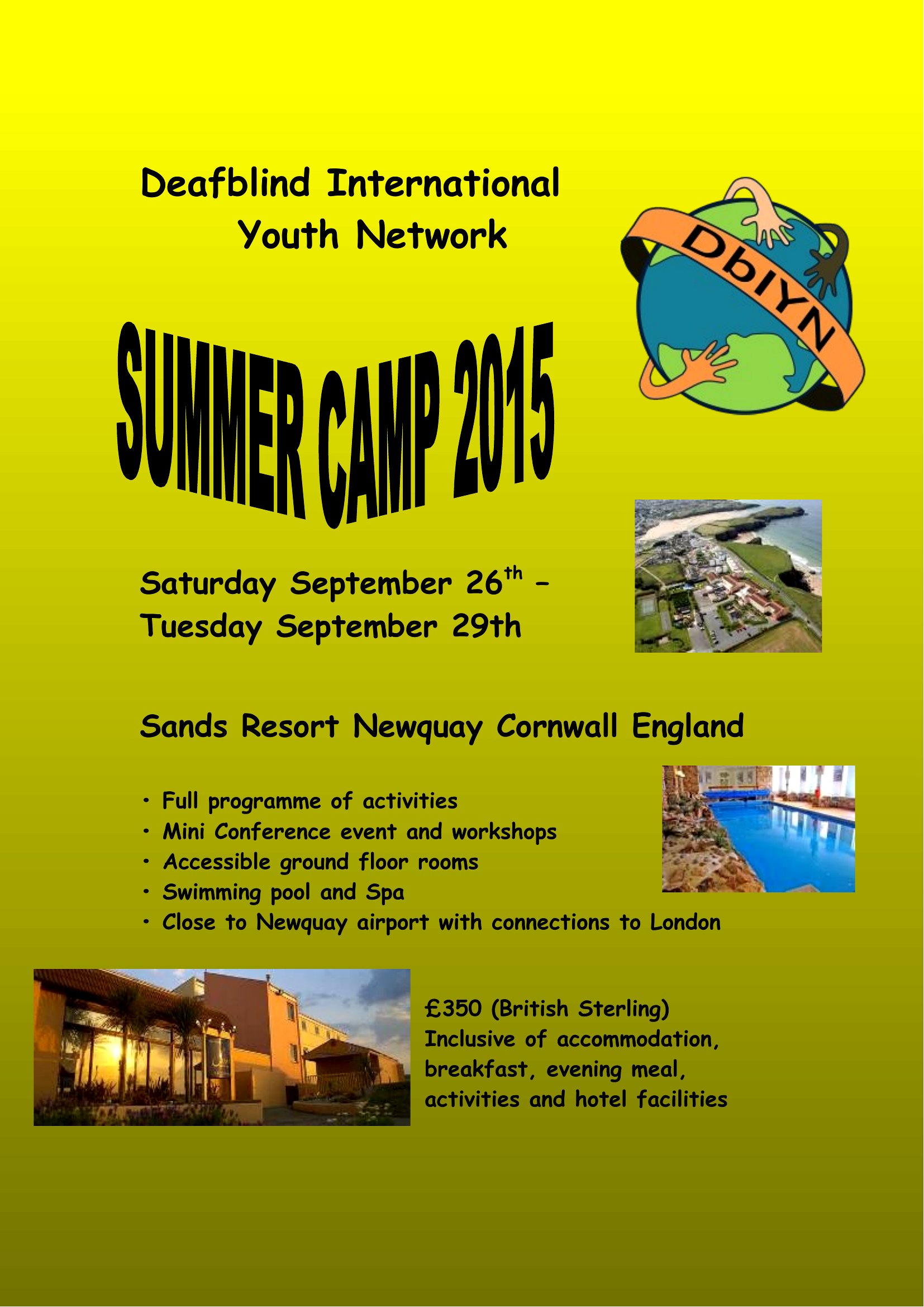
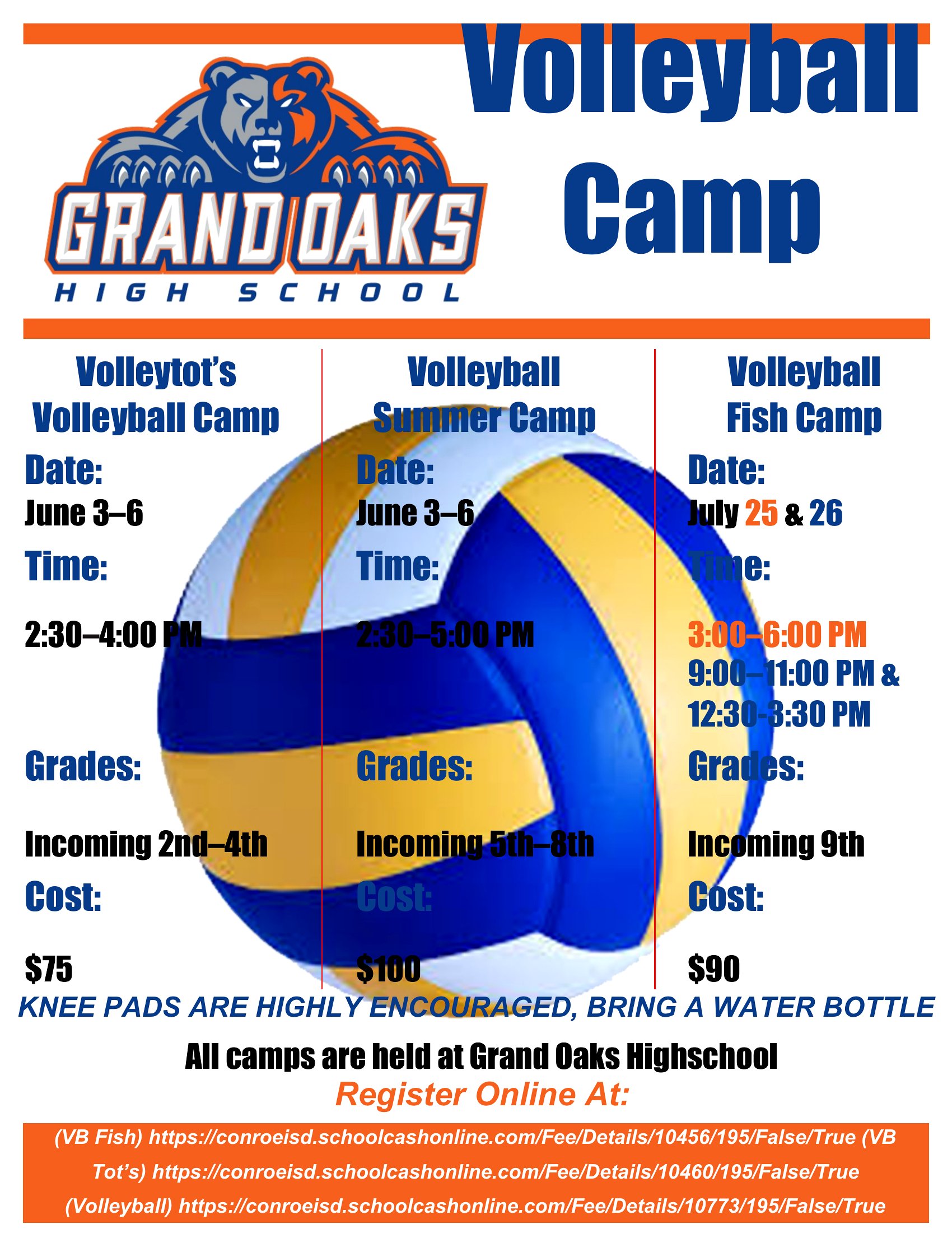
How to use this Summer Camp Flyer template
How can I ensure the flyer’s colors match my camp’s branding?
When editing in Word, locate the color palette section (usually under ‘Design’ or ‘Page Color’) and replace the default shades with your camp’s hex codes. For a quick fix, use the ‘Theme Colors’ feature to apply consistent hues across headings and accents. Save the template afterward to preserve your changes for future use.
What’s the best way to organize the flyer’s text so parents see key details first?
Prioritize visibility by placing your camp’s name, age group, and most exciting activity in large, bold text at the top. Use bullet points for dates, times, and fees, and reserve smaller fonts for additional details like policies or contact info. The templates already separate sections—just rearrange content to guide the eye naturally.
Can I add a photo of my camp facility or staff to the flyer in Word?
Yes, insert photos by clicking ‘Insert’ > ‘Pictures’ and uploading an image from your device. Resize it to fit the designated photo placeholder (usually near the top or bottom) and adjust brightness/contrast under ‘Picture Format’ to ensure clarity. Avoid overcrowding—one high-quality image of happy kids or a clean facility works best.
Comments
Join the conversation
Sign in to share your thoughts and leave a comment on this resource.