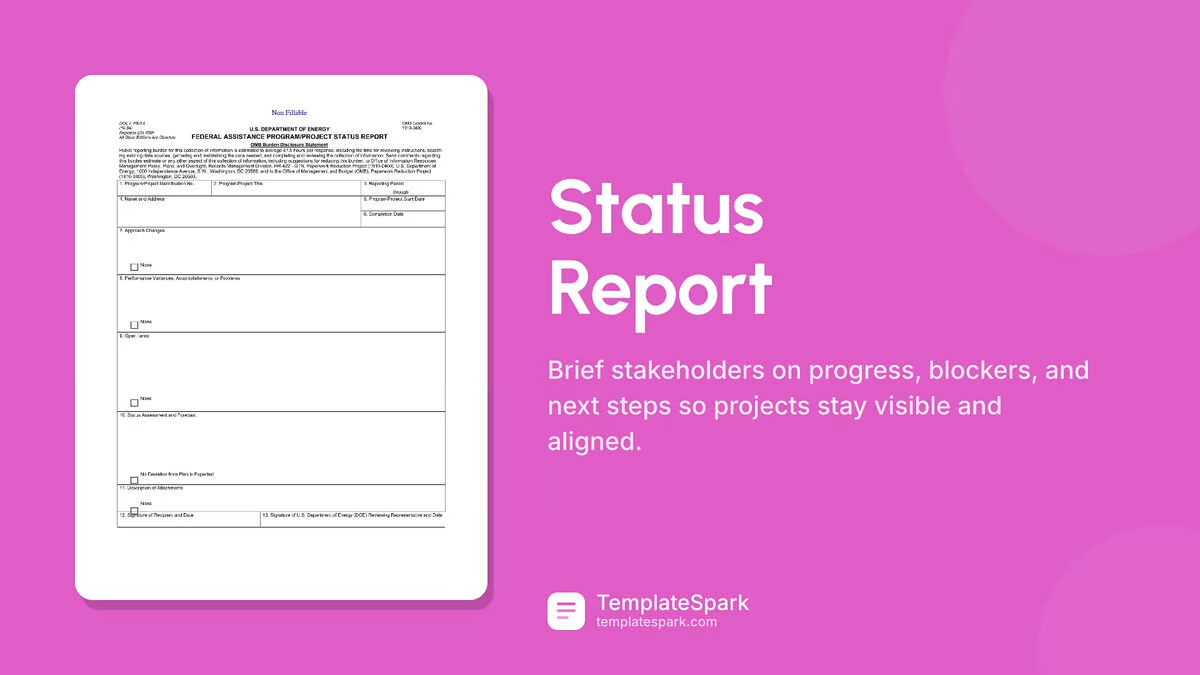
Free Status Report Templates (Word, Excel, PDF)
Status by melinatadic
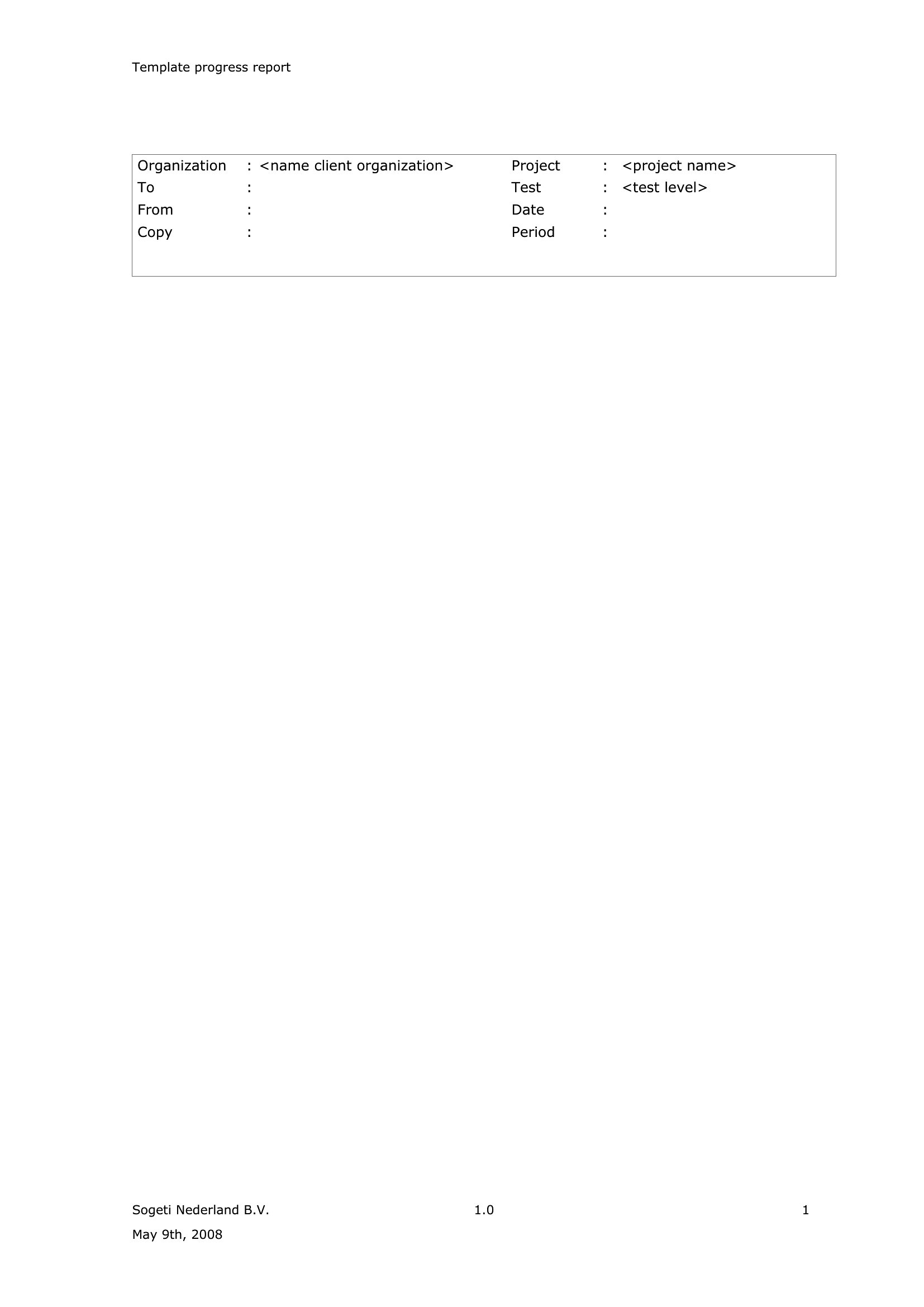
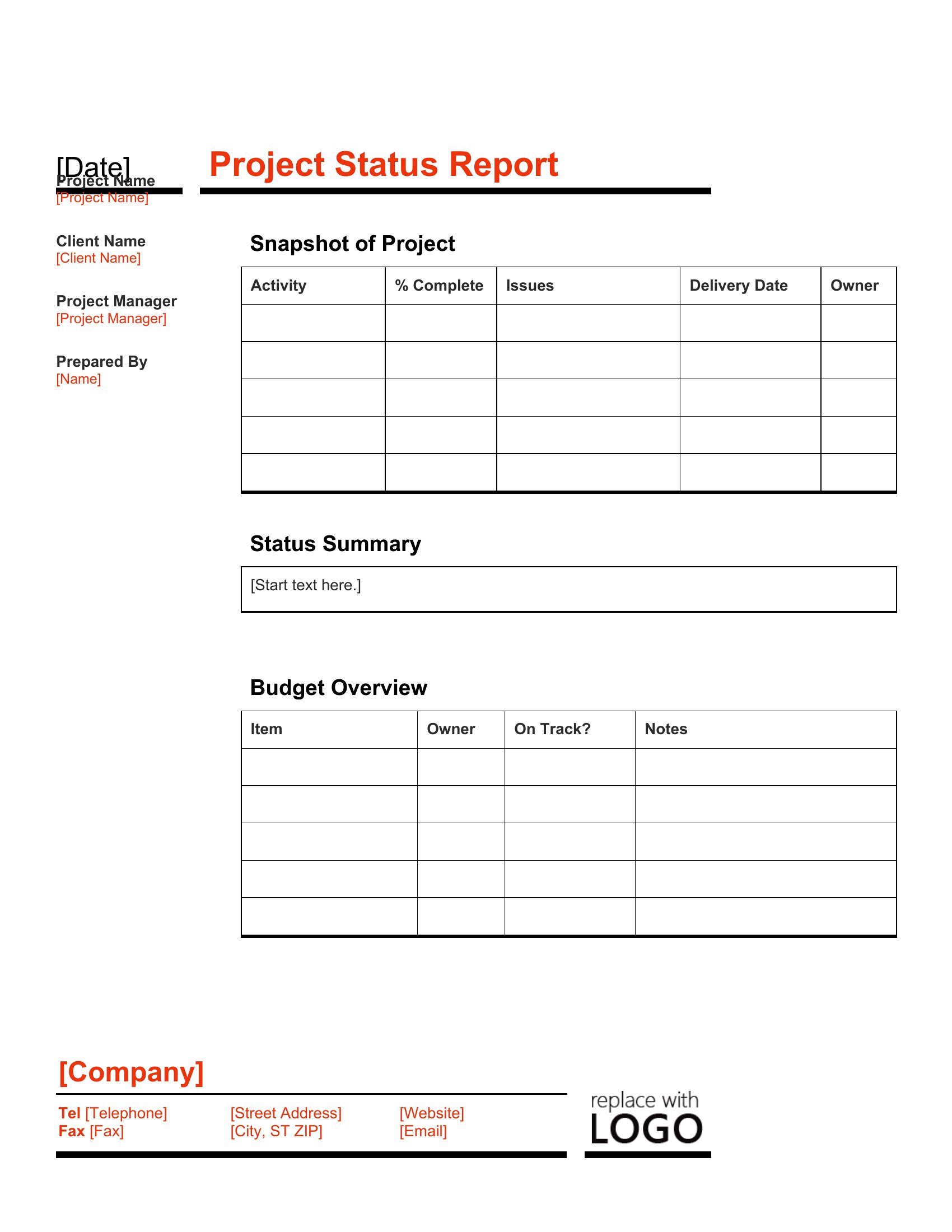
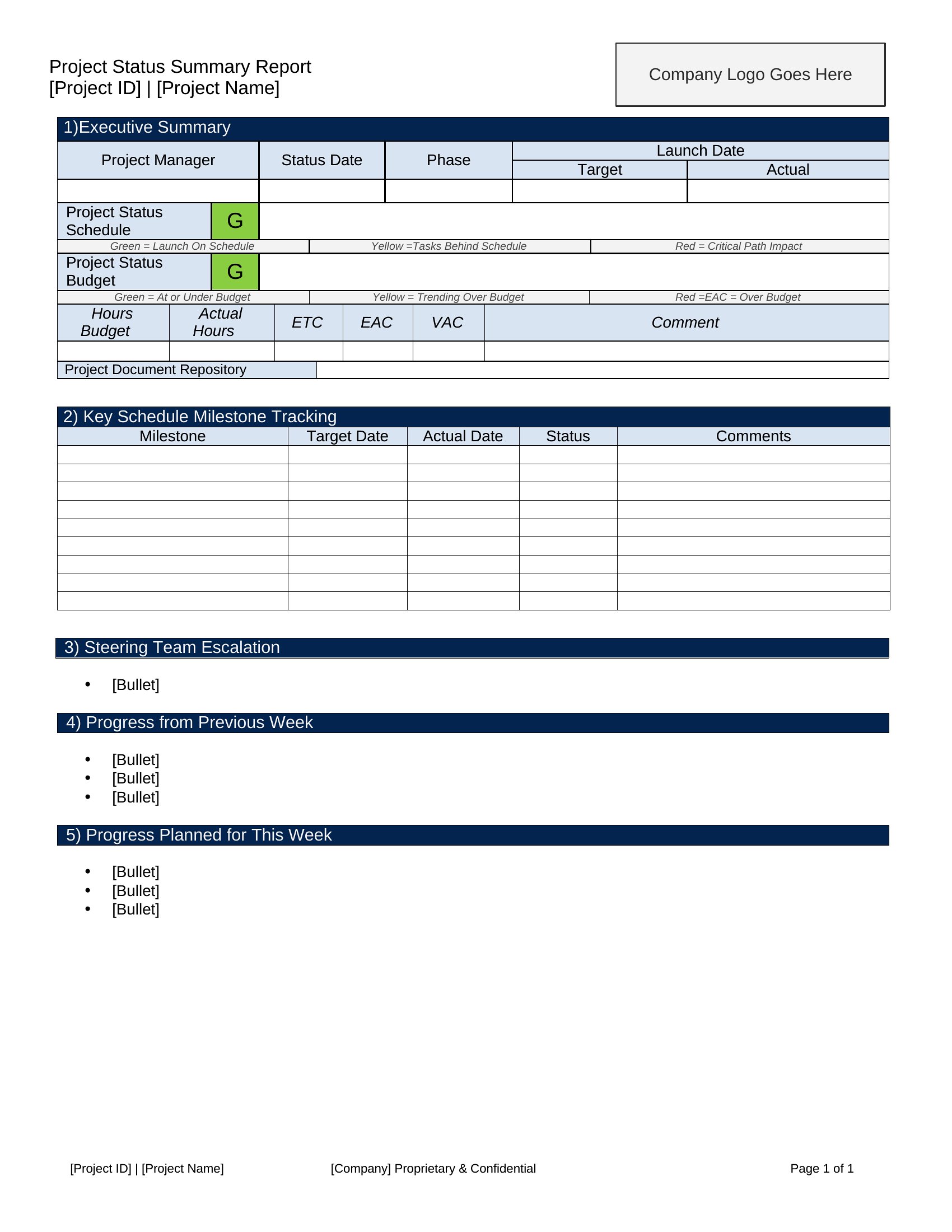
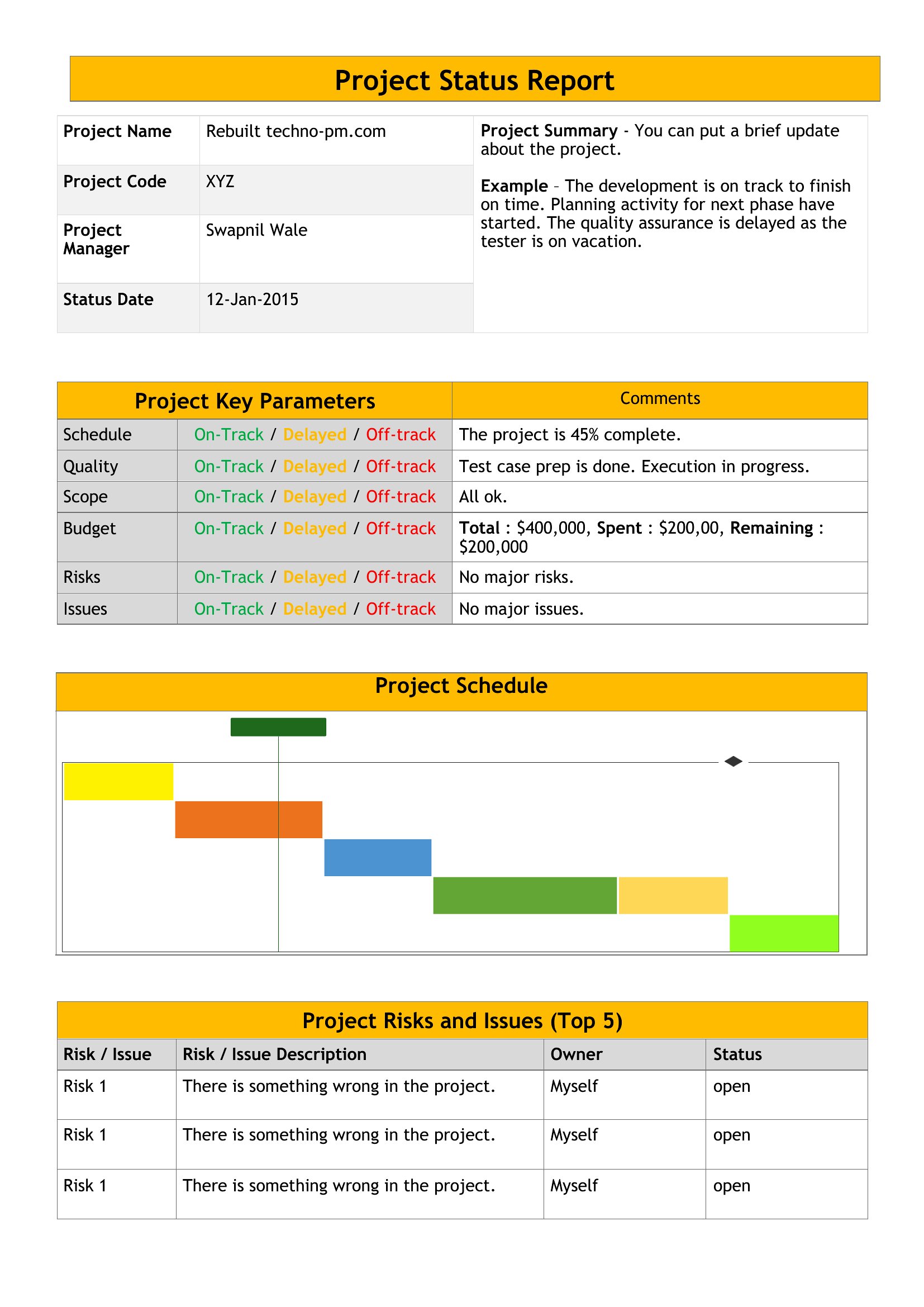
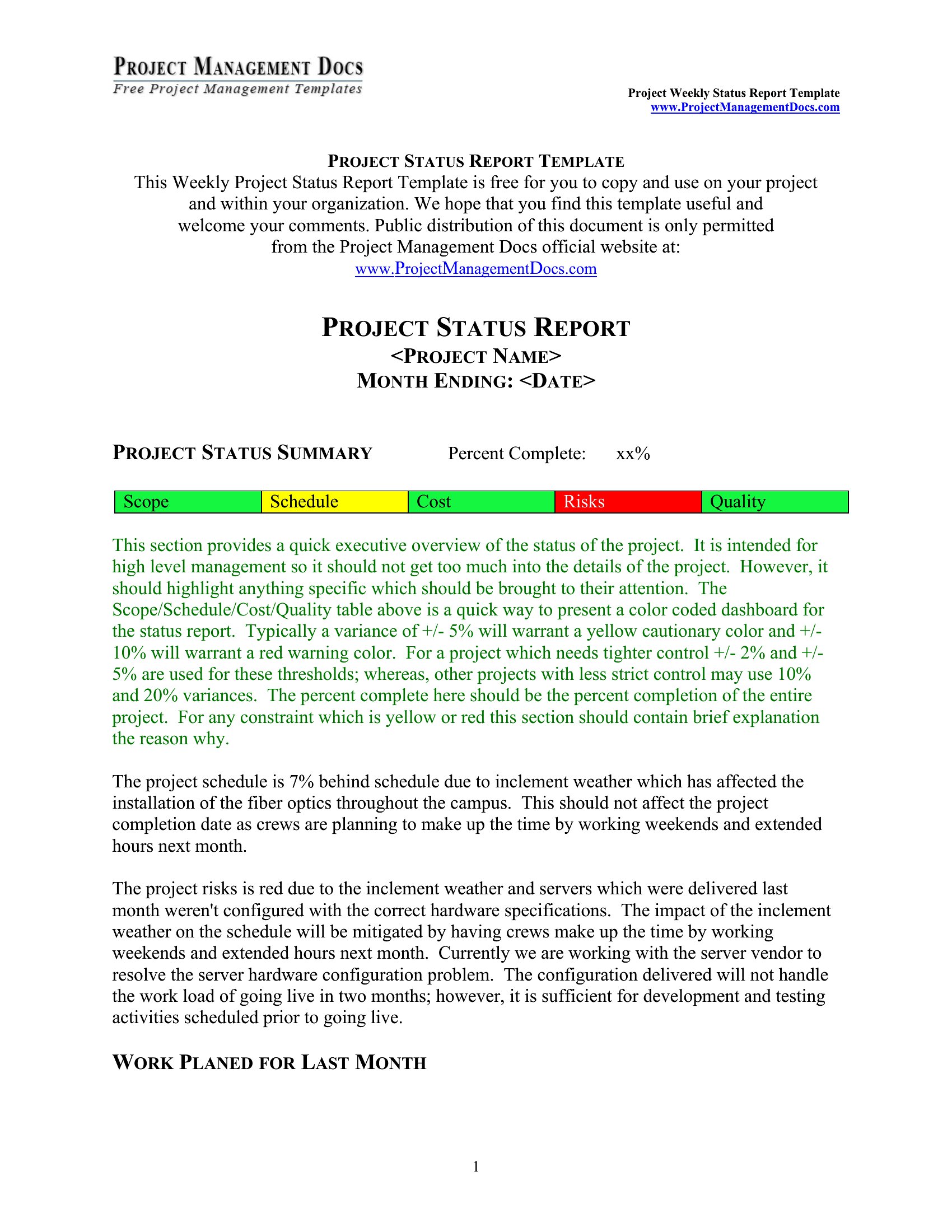
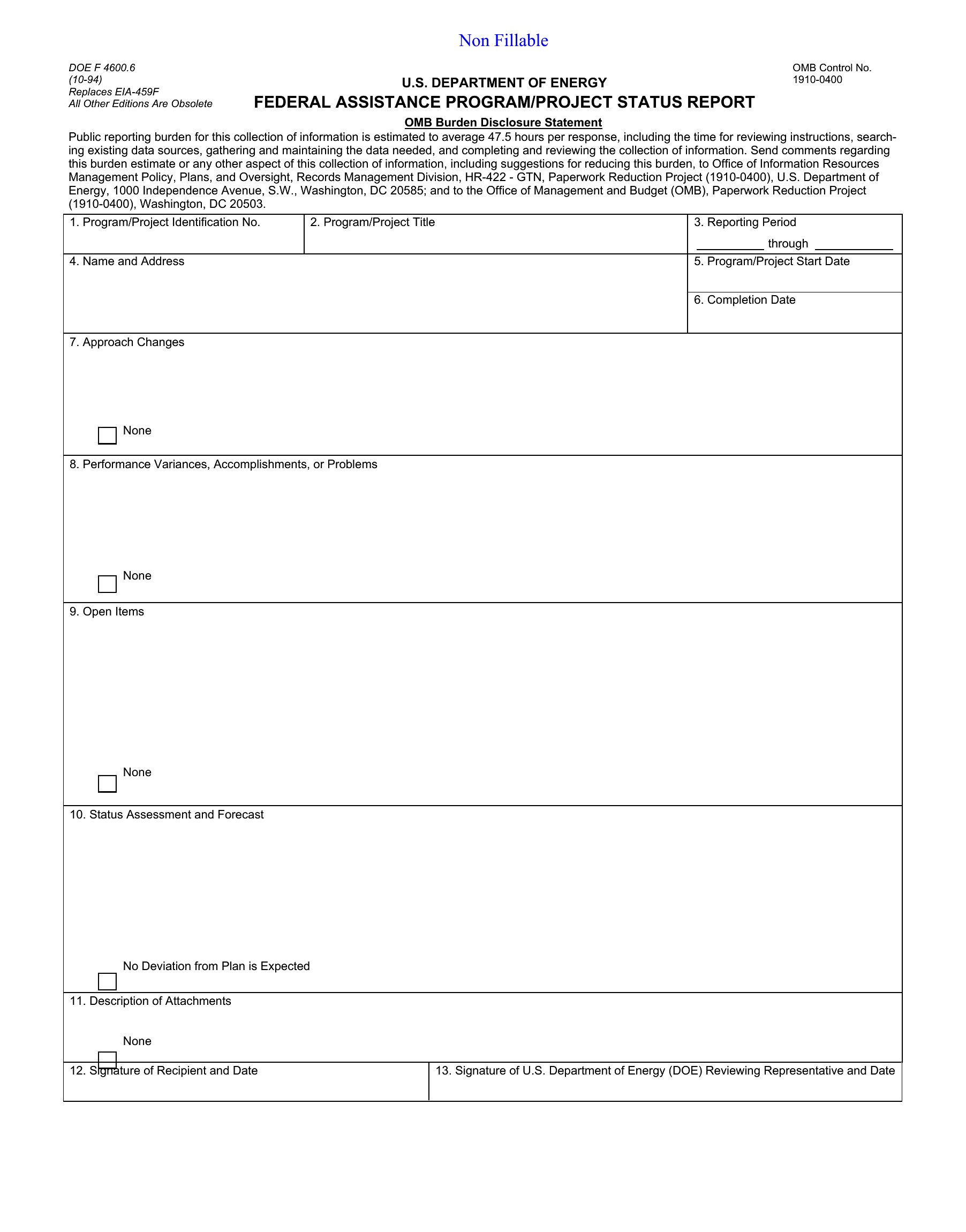
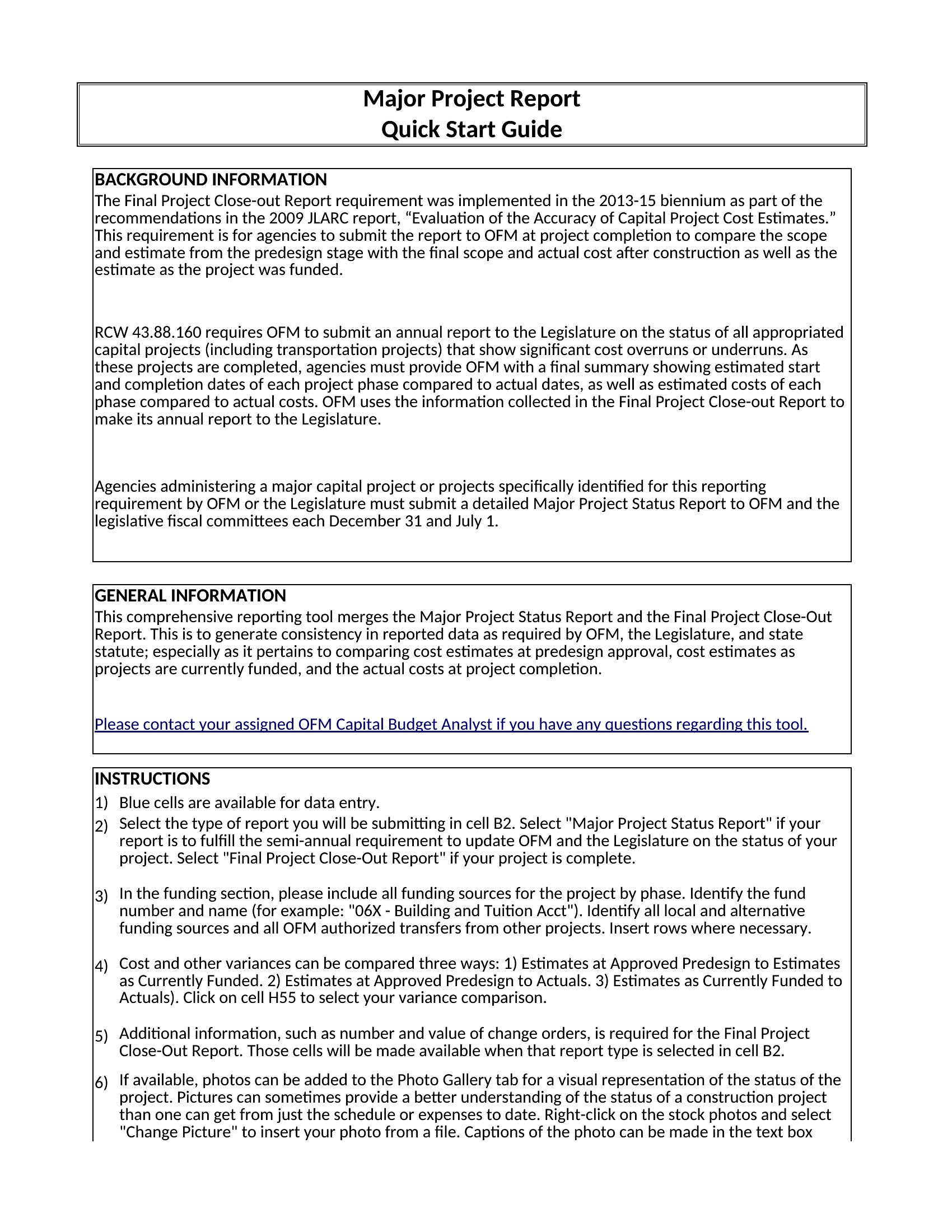
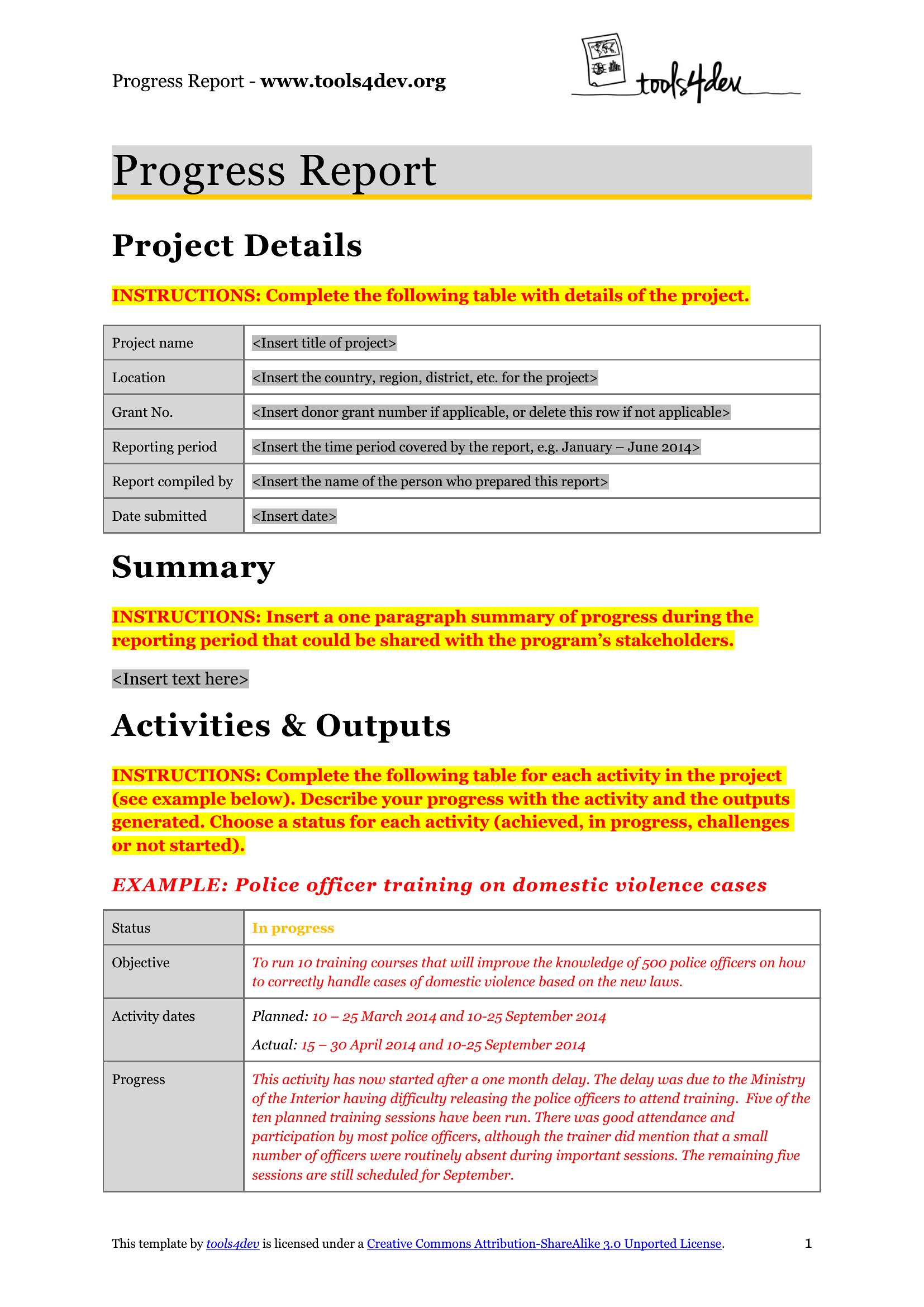
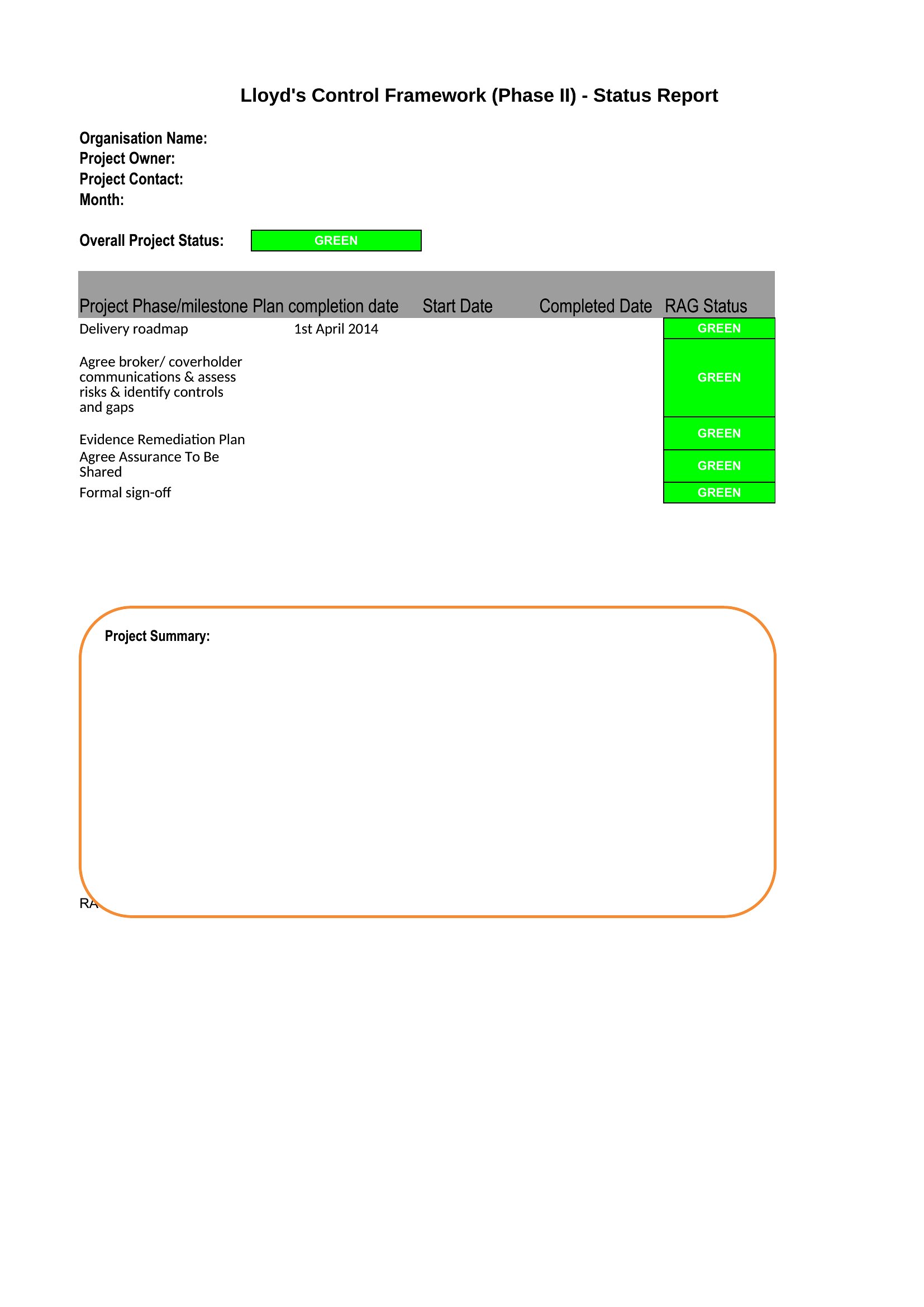
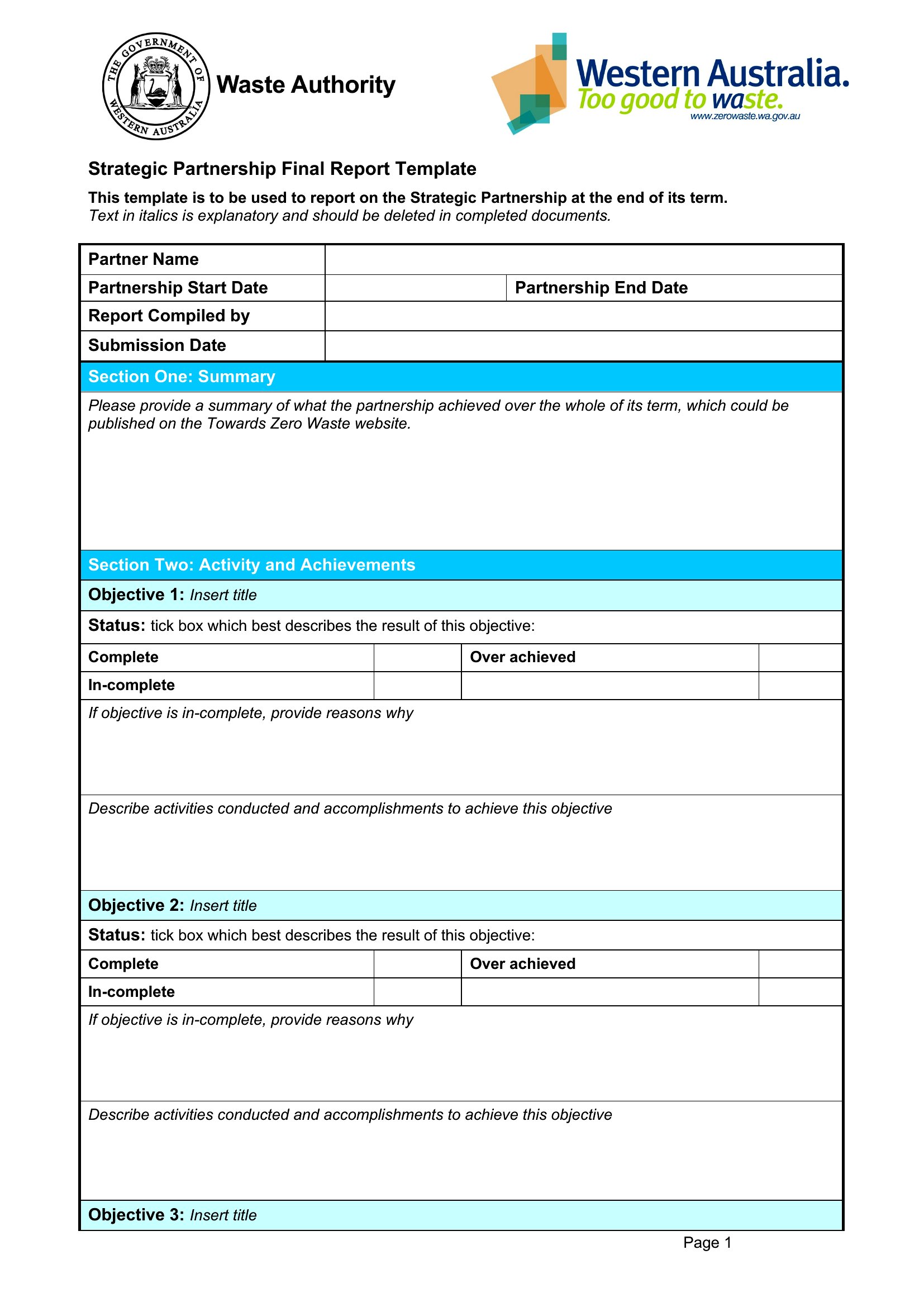
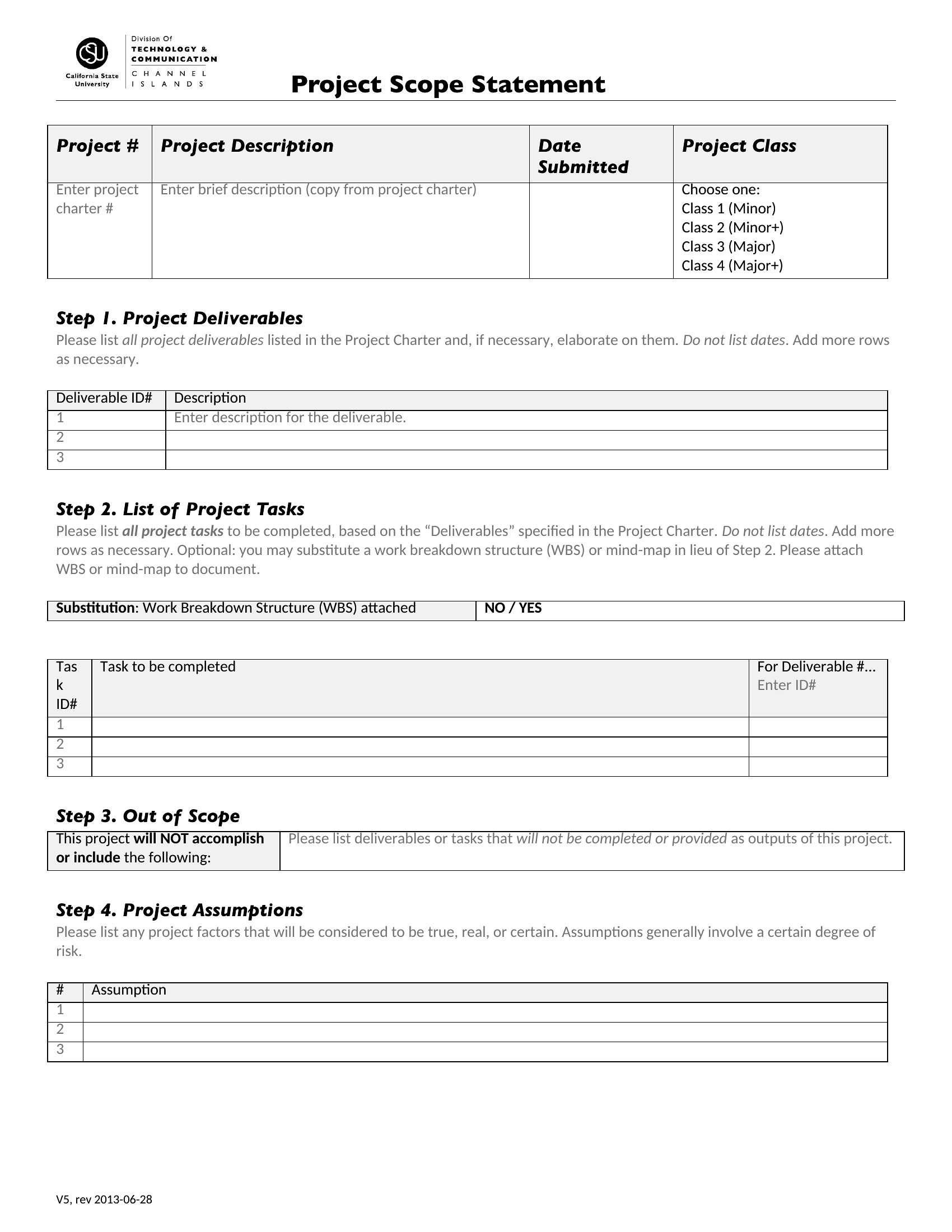
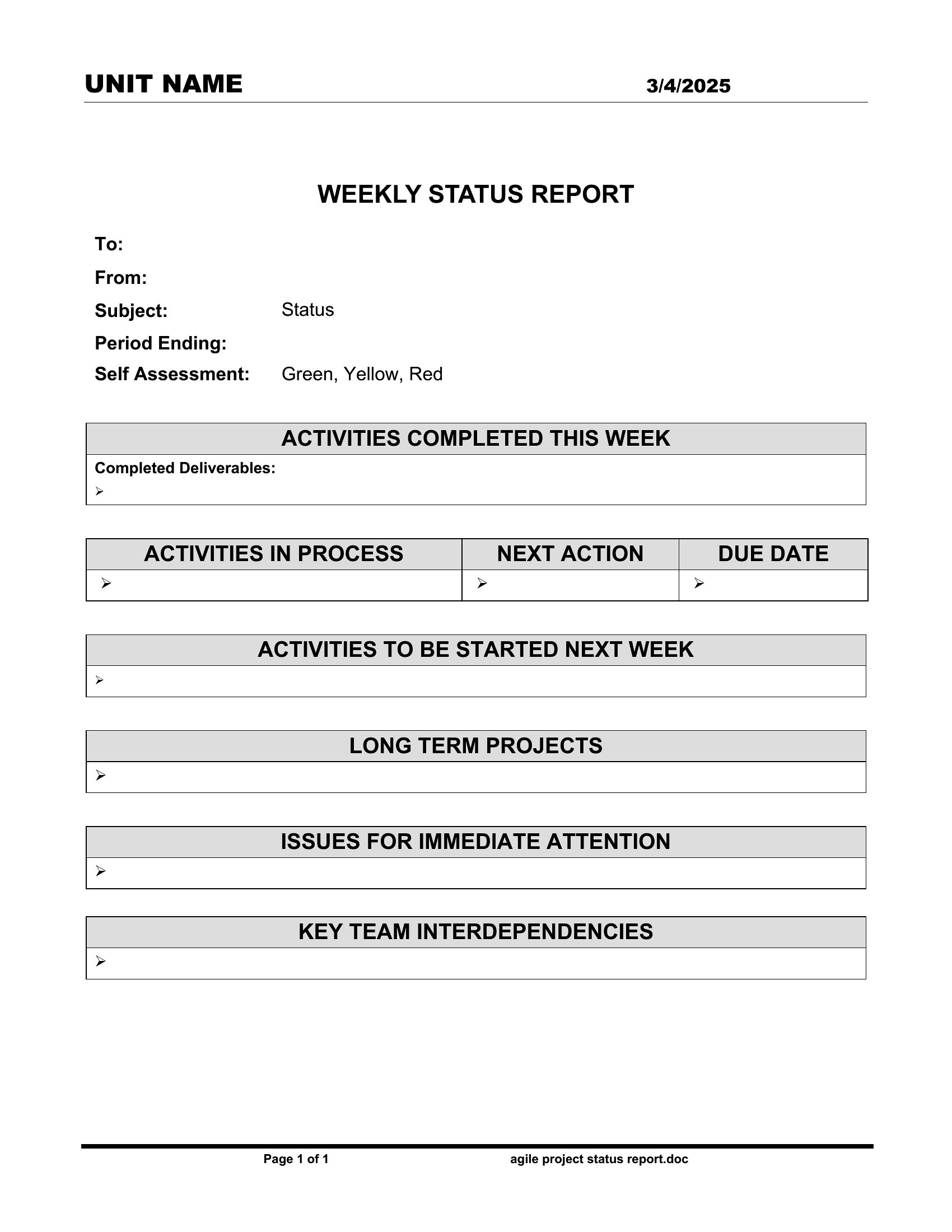
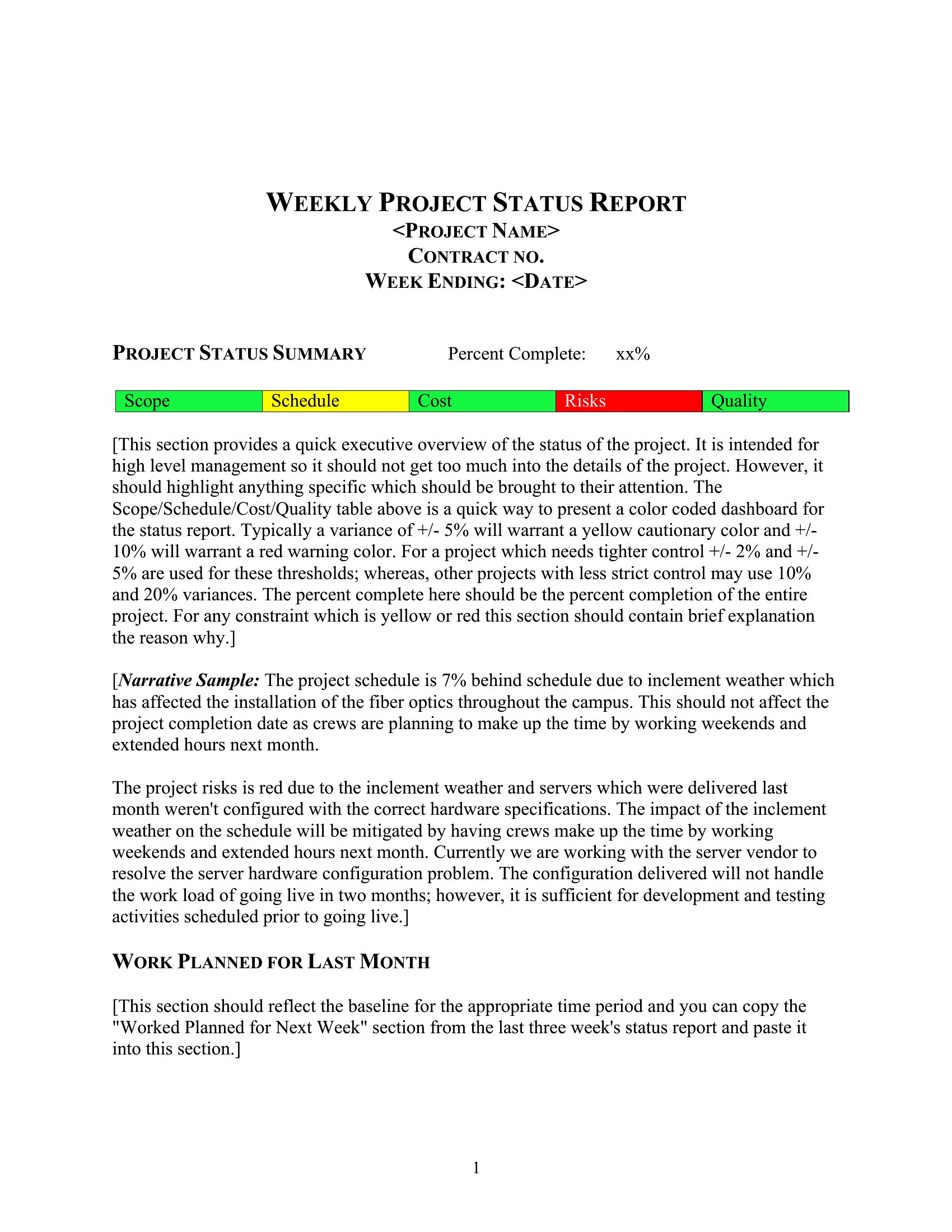
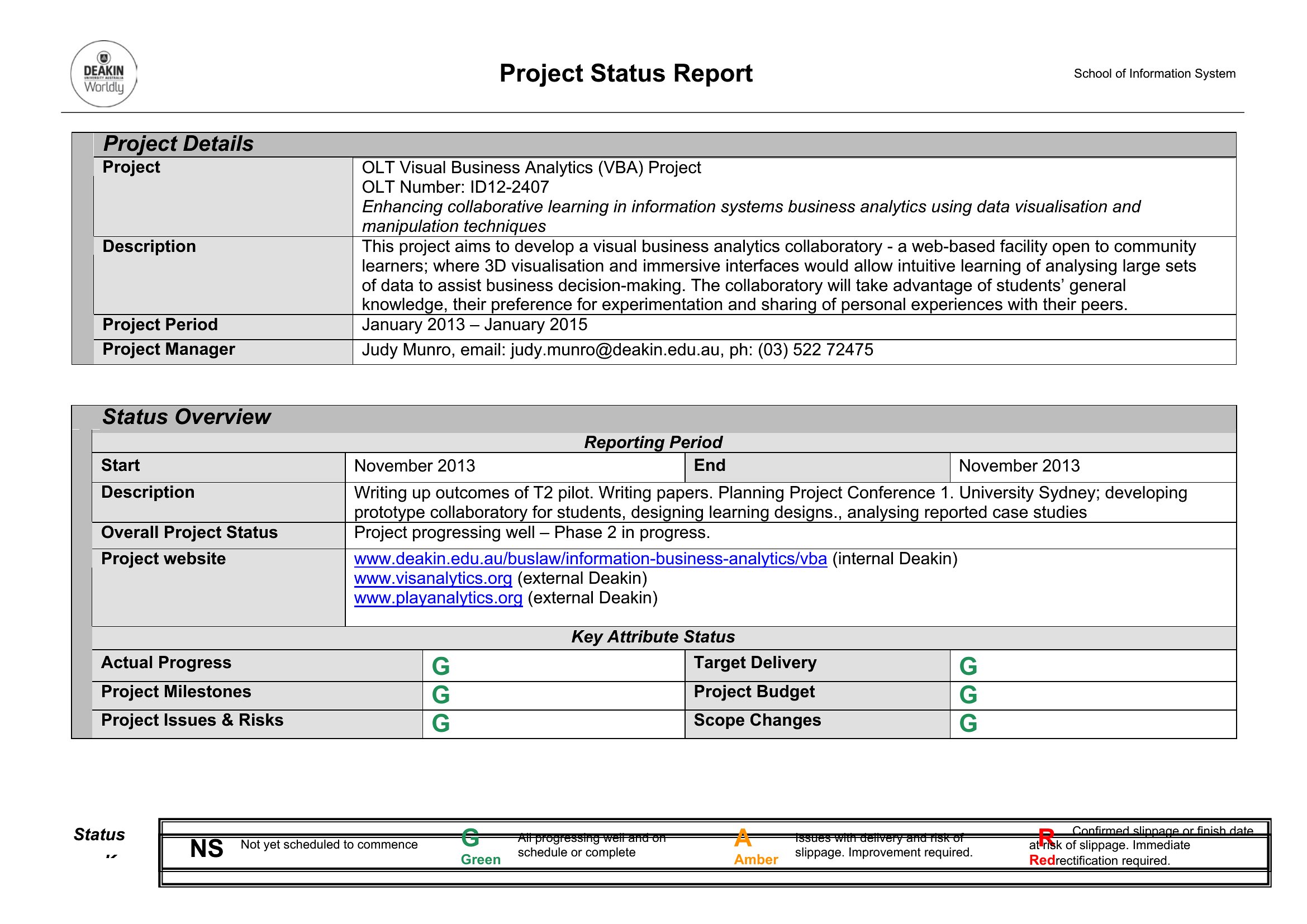
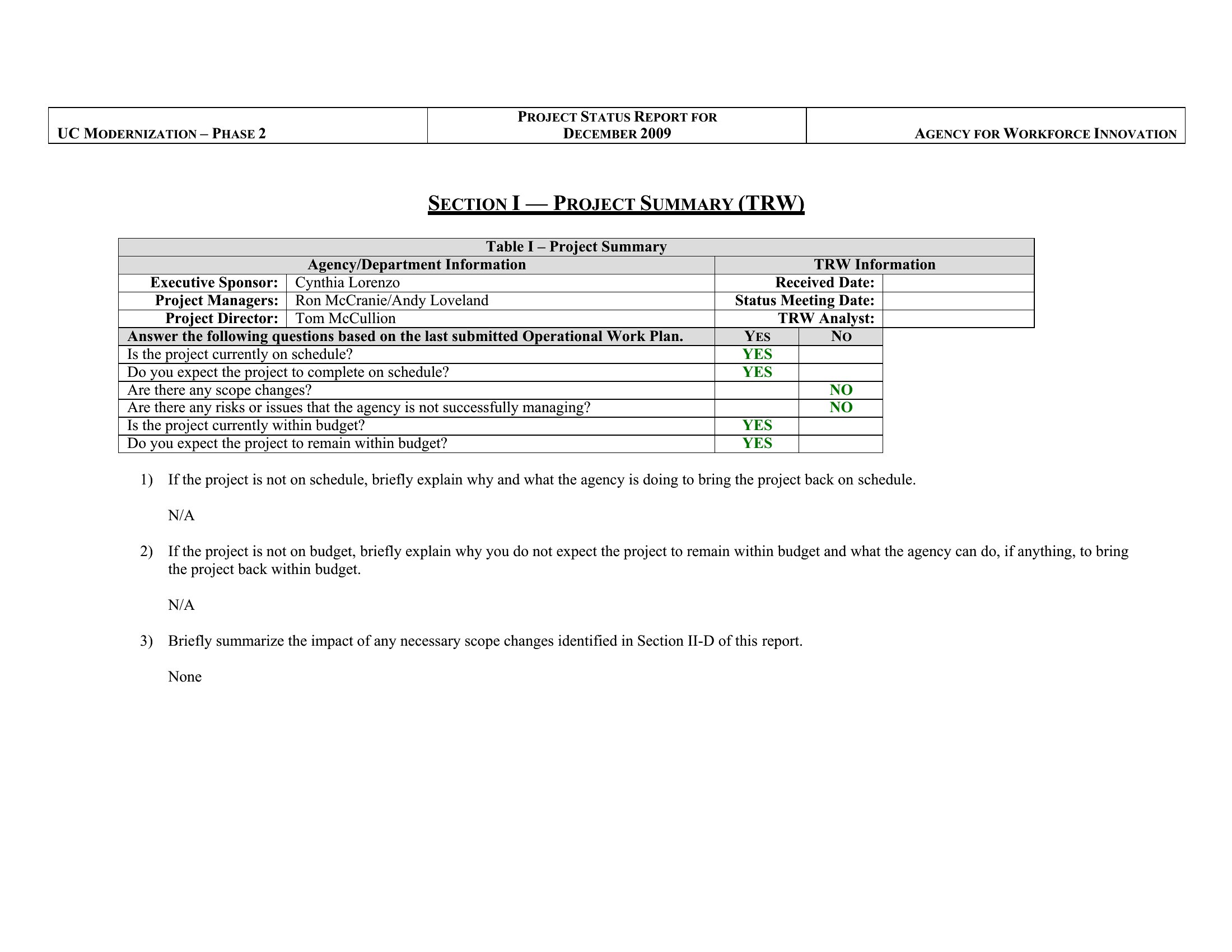
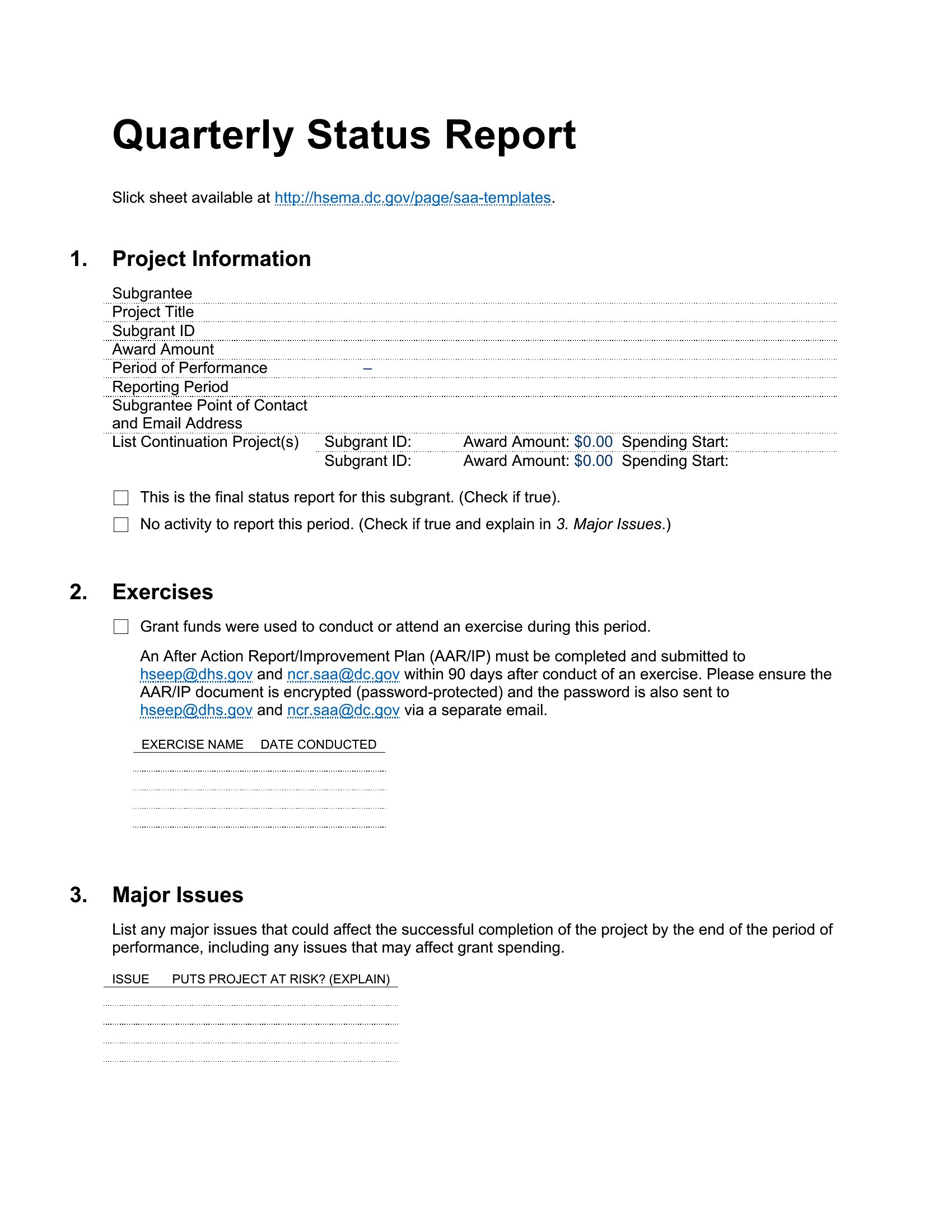
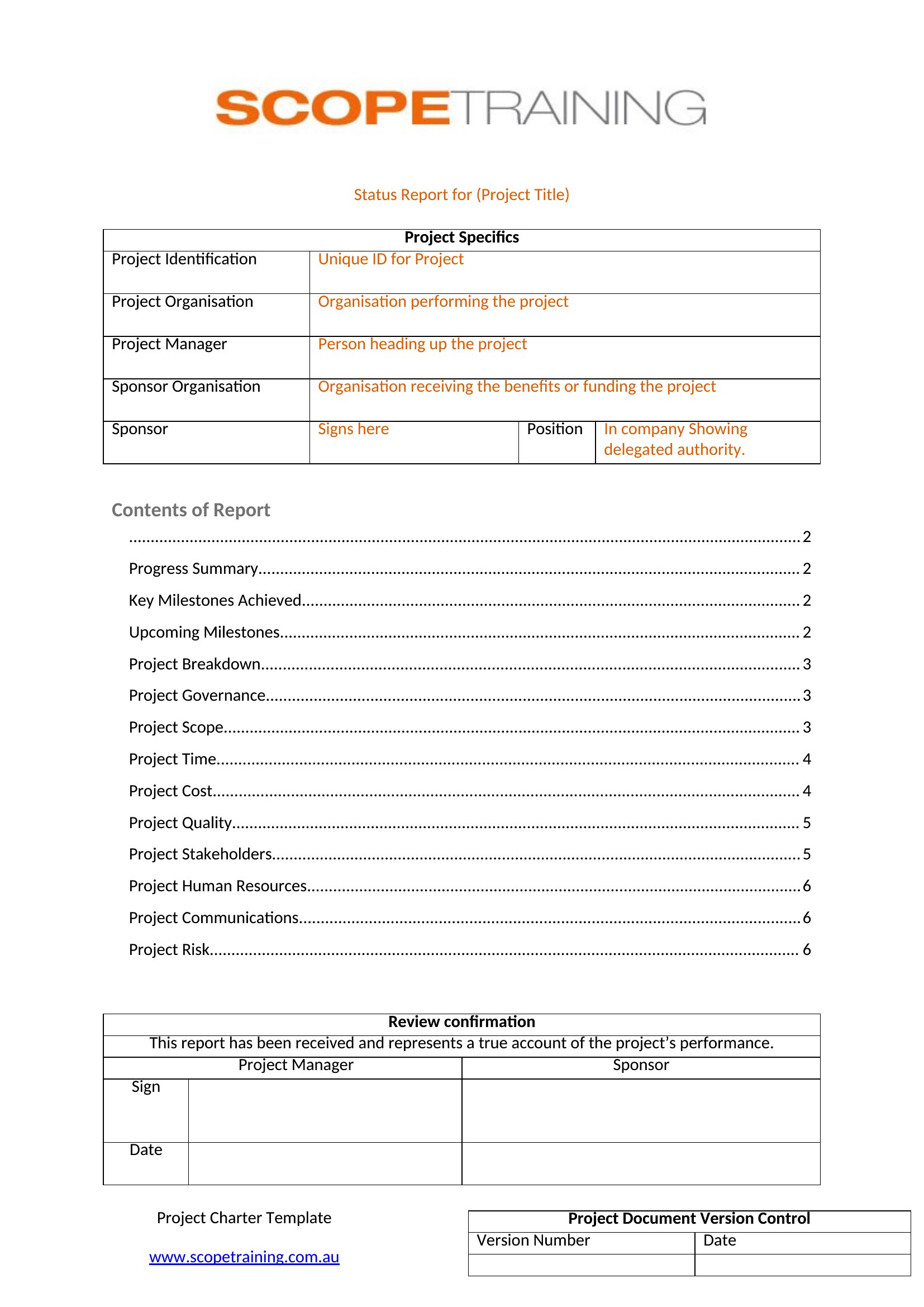
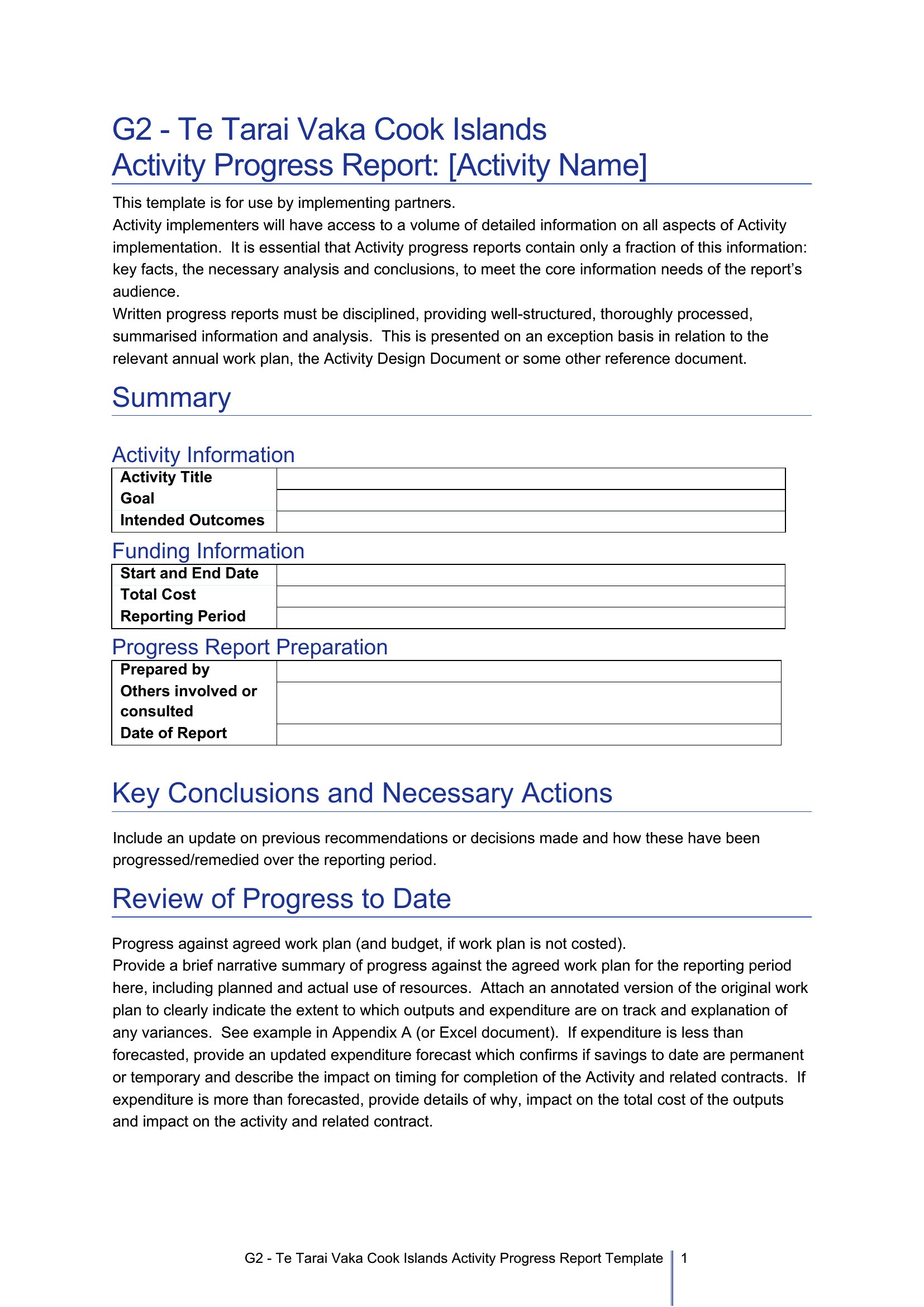
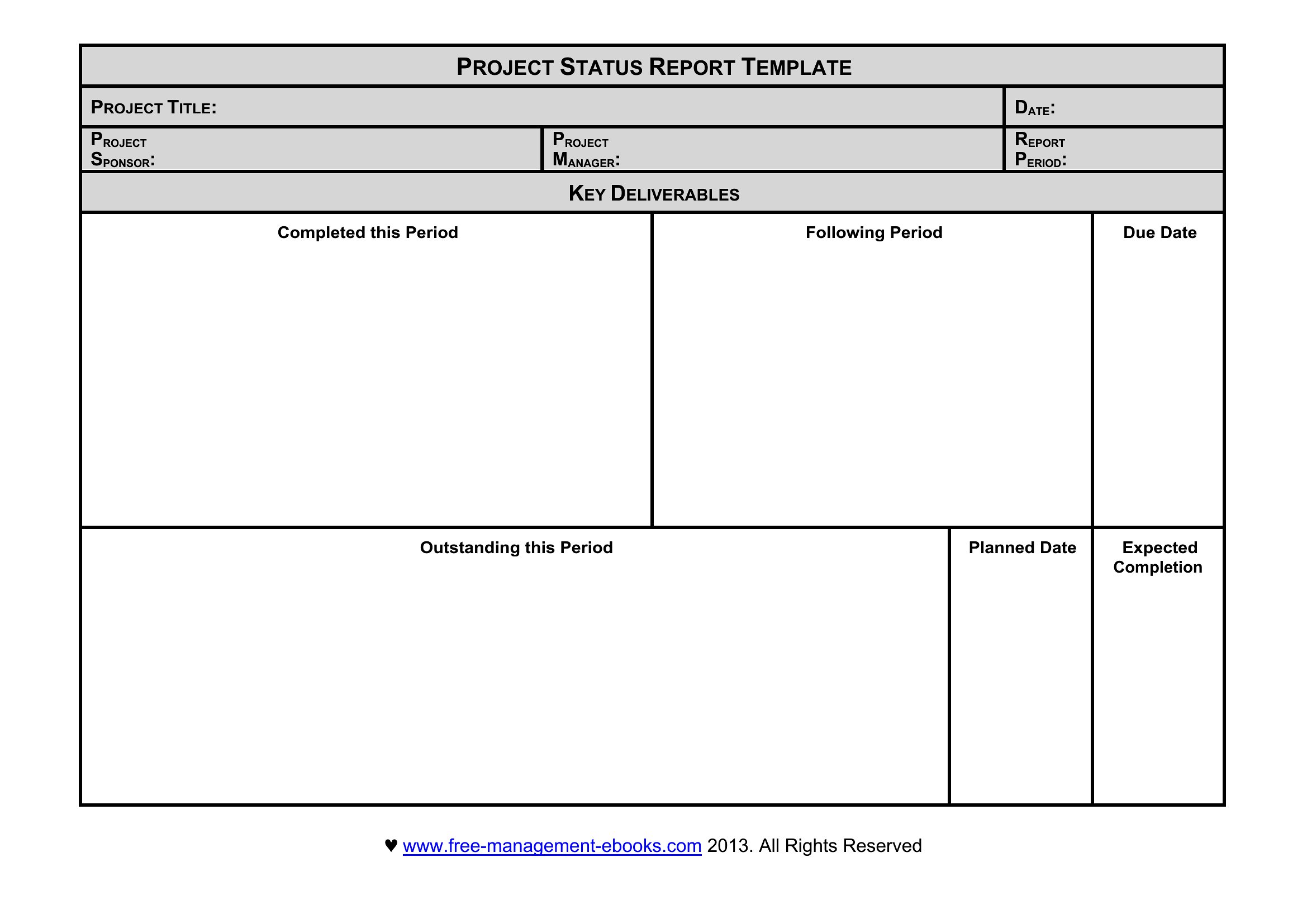
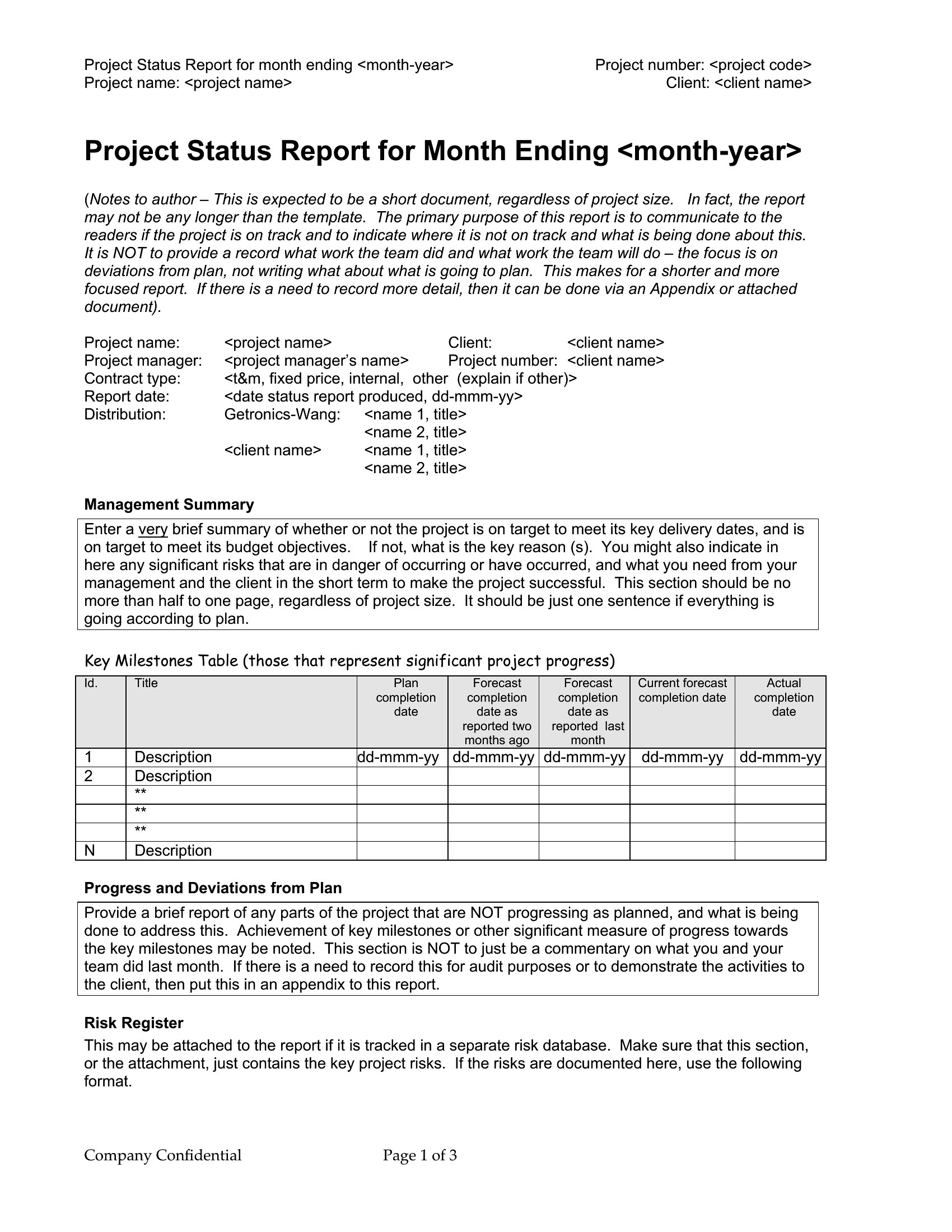
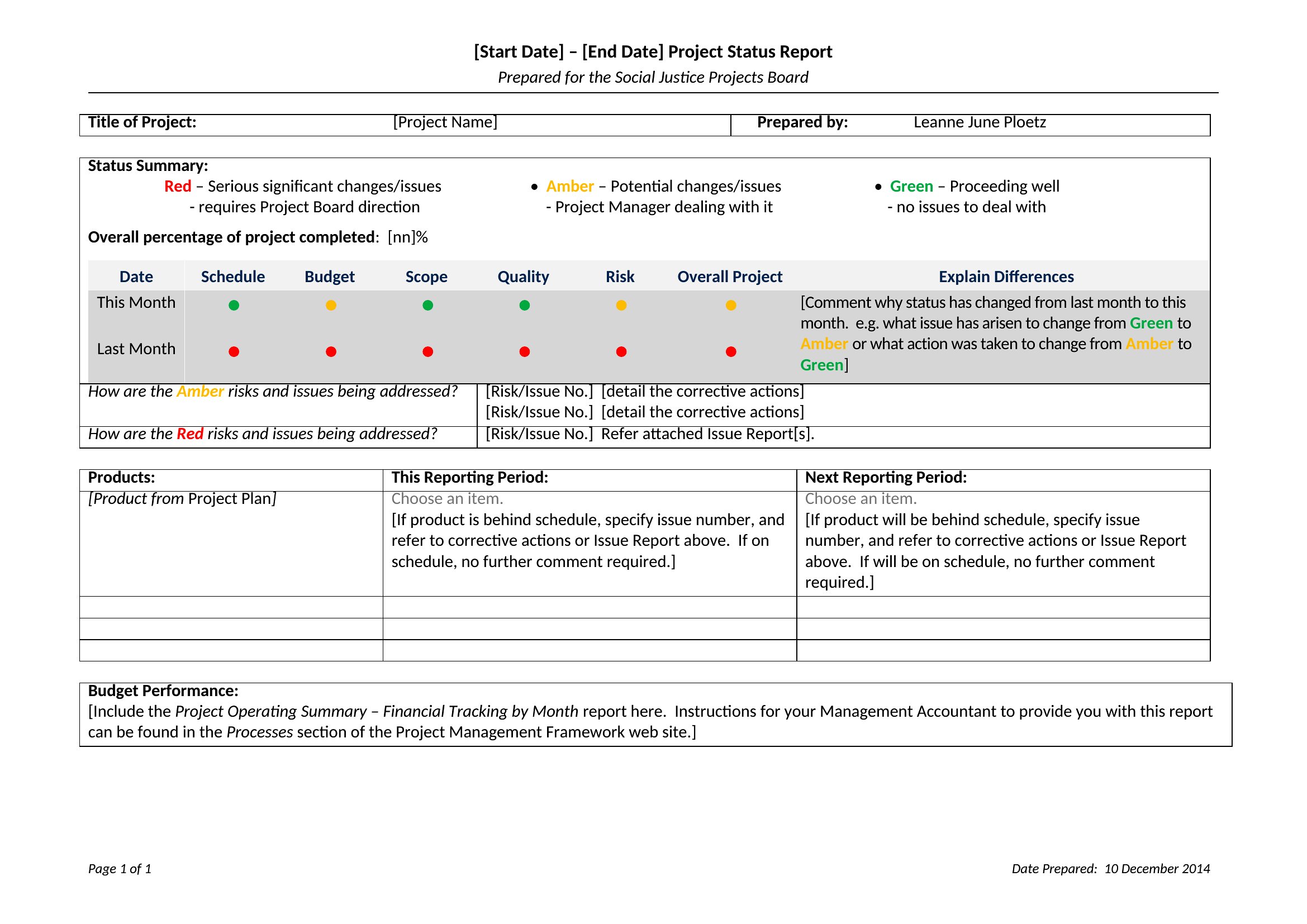
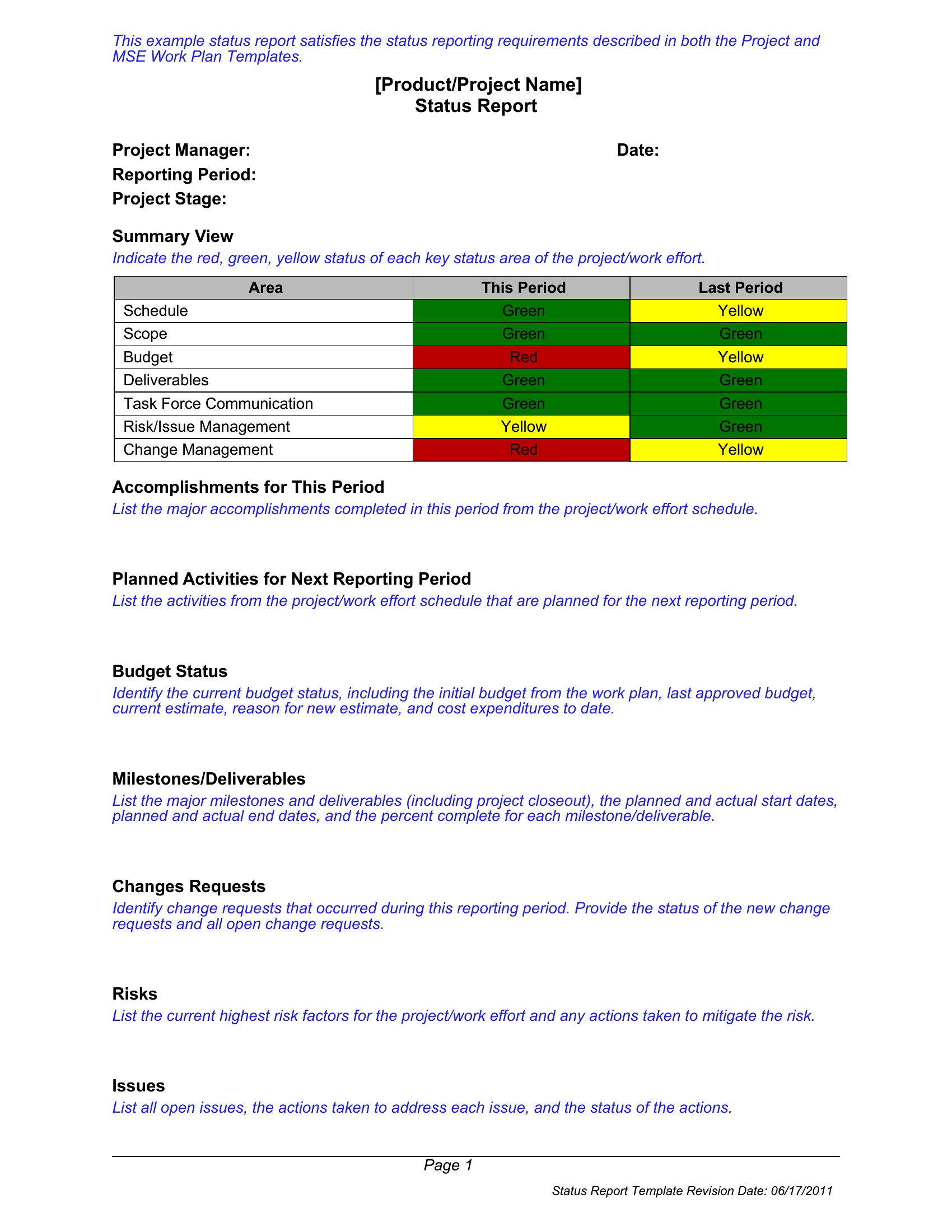
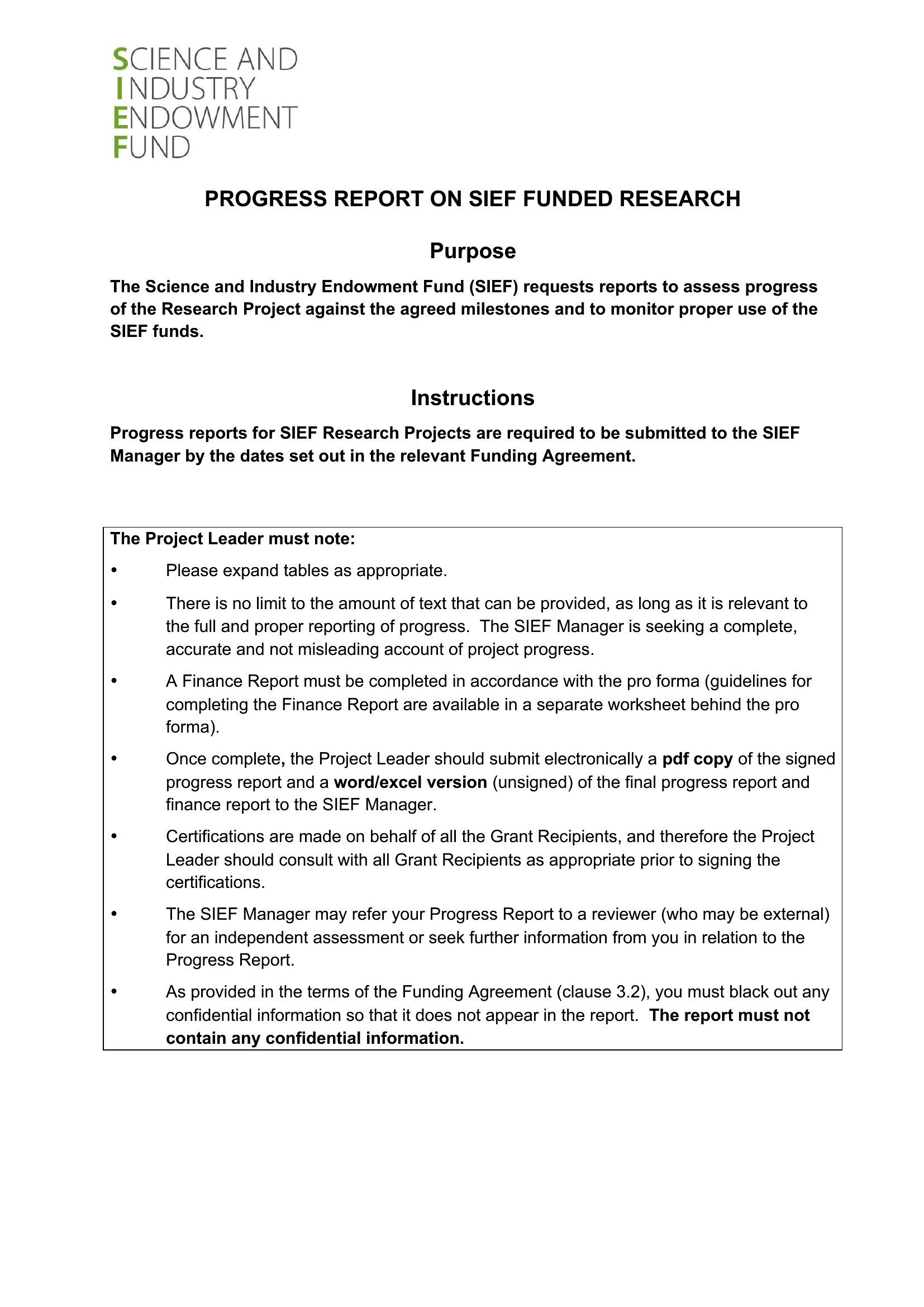
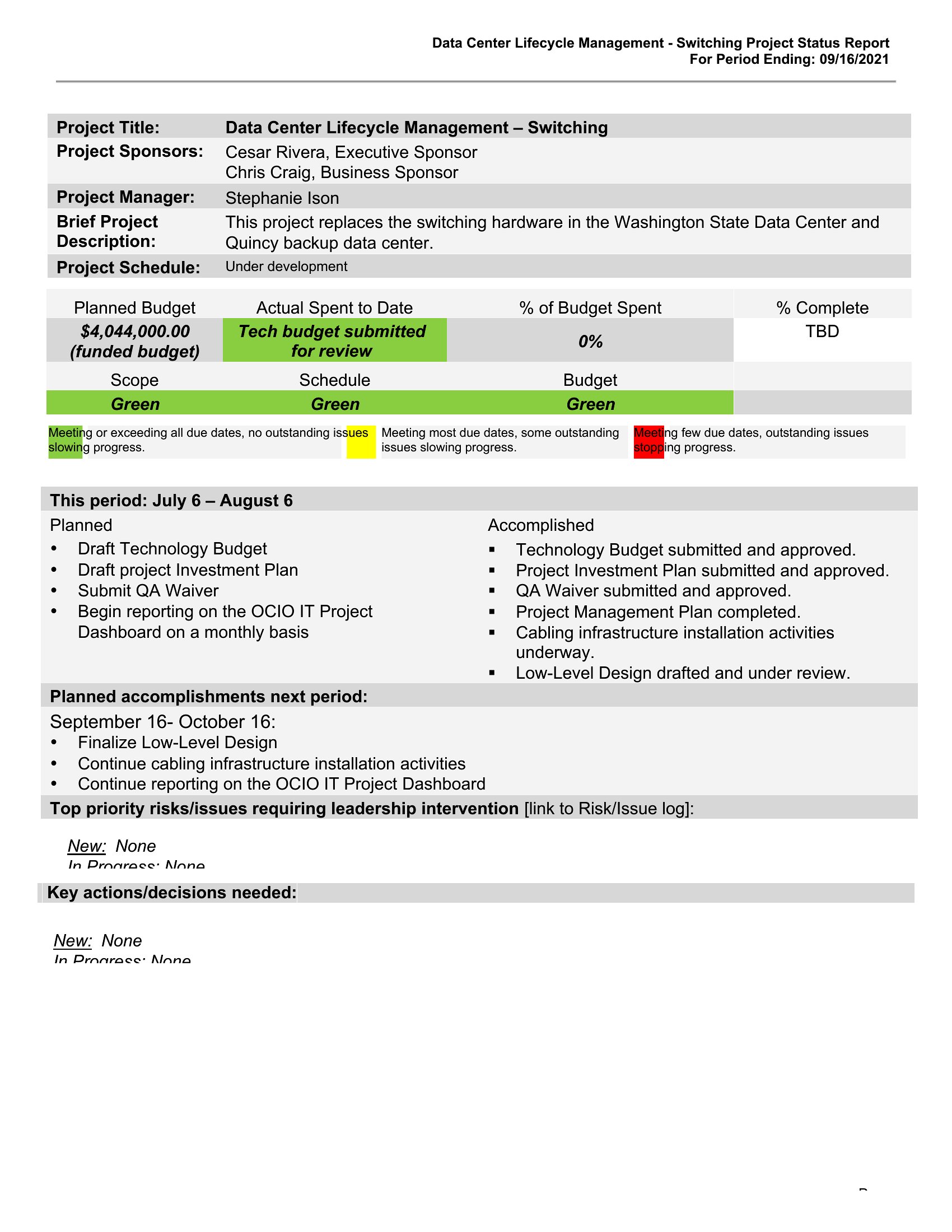
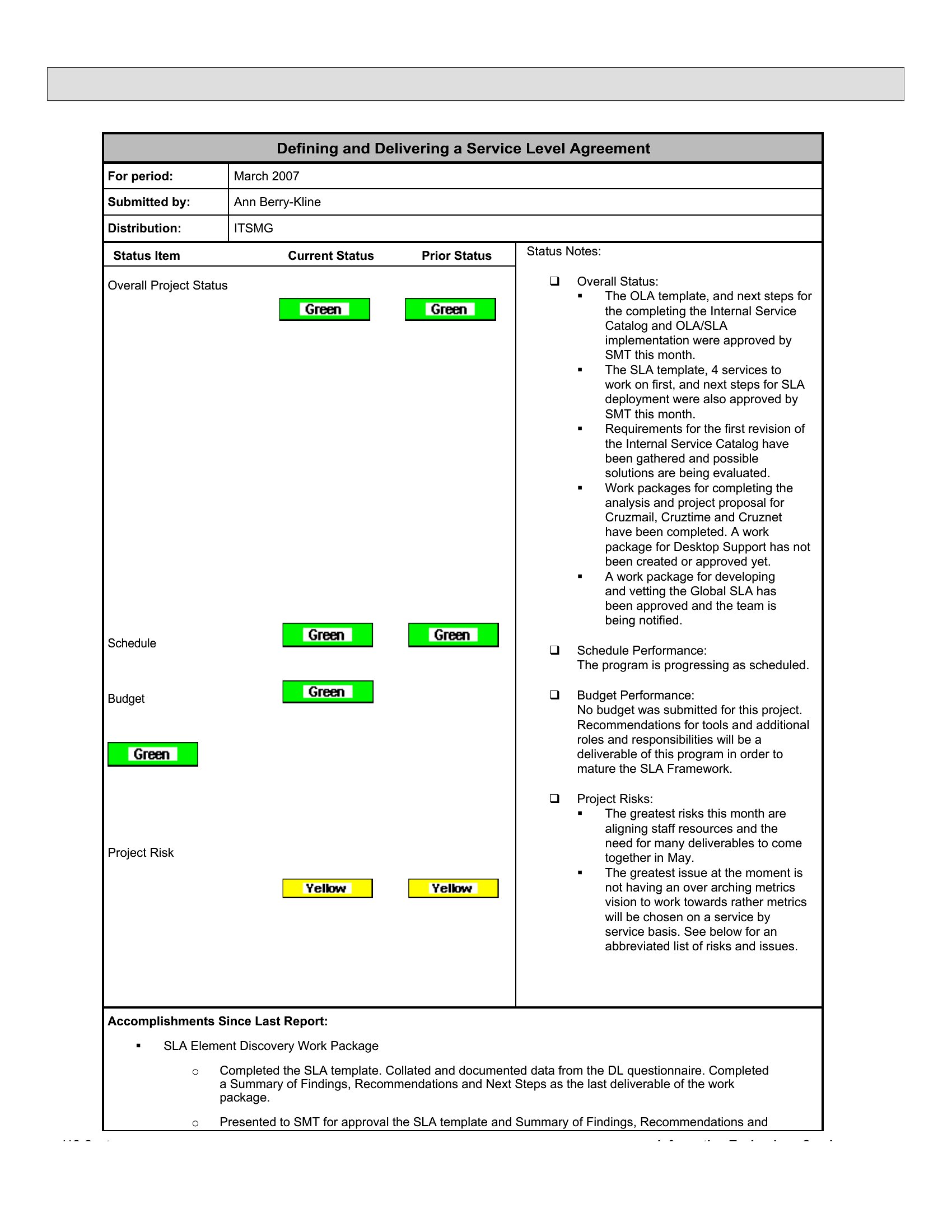
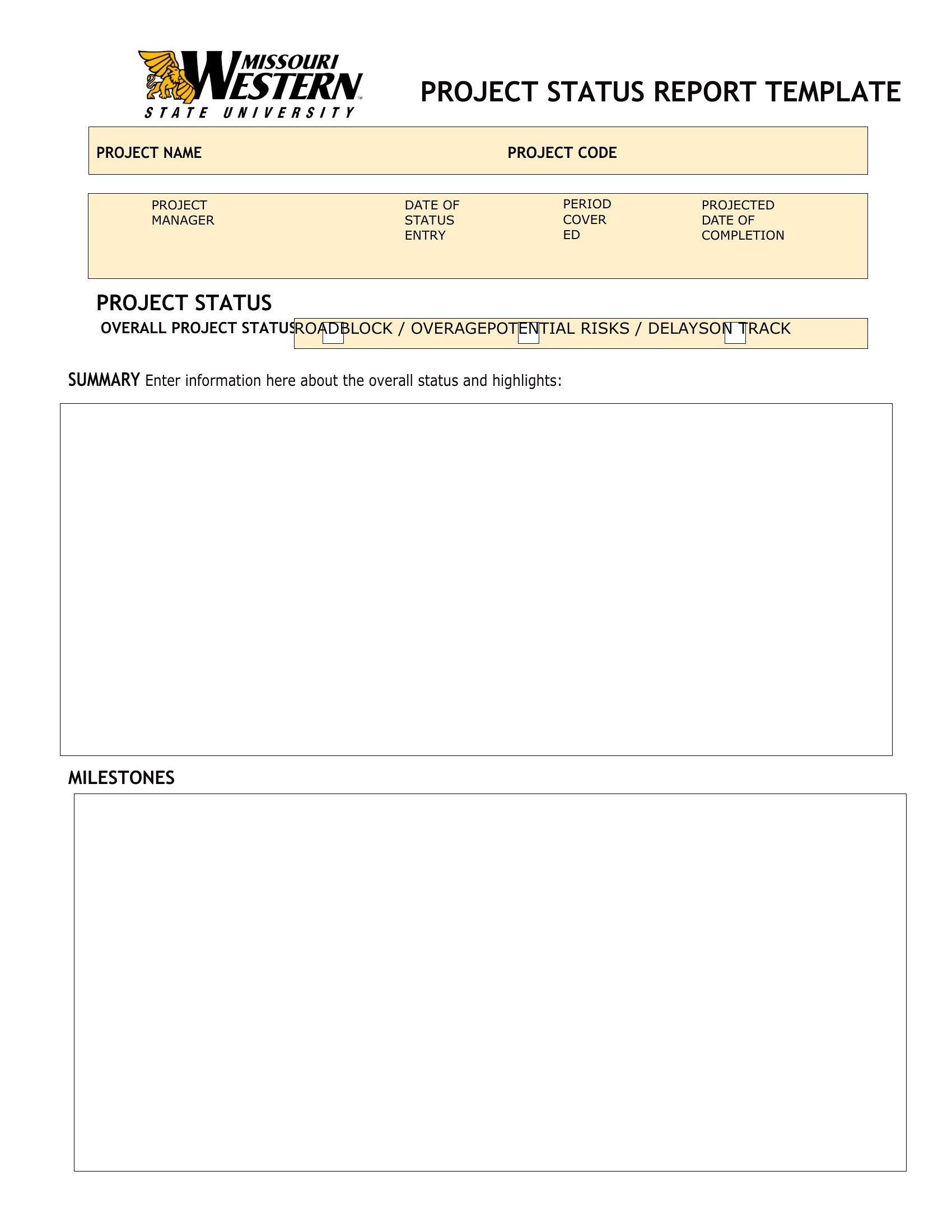
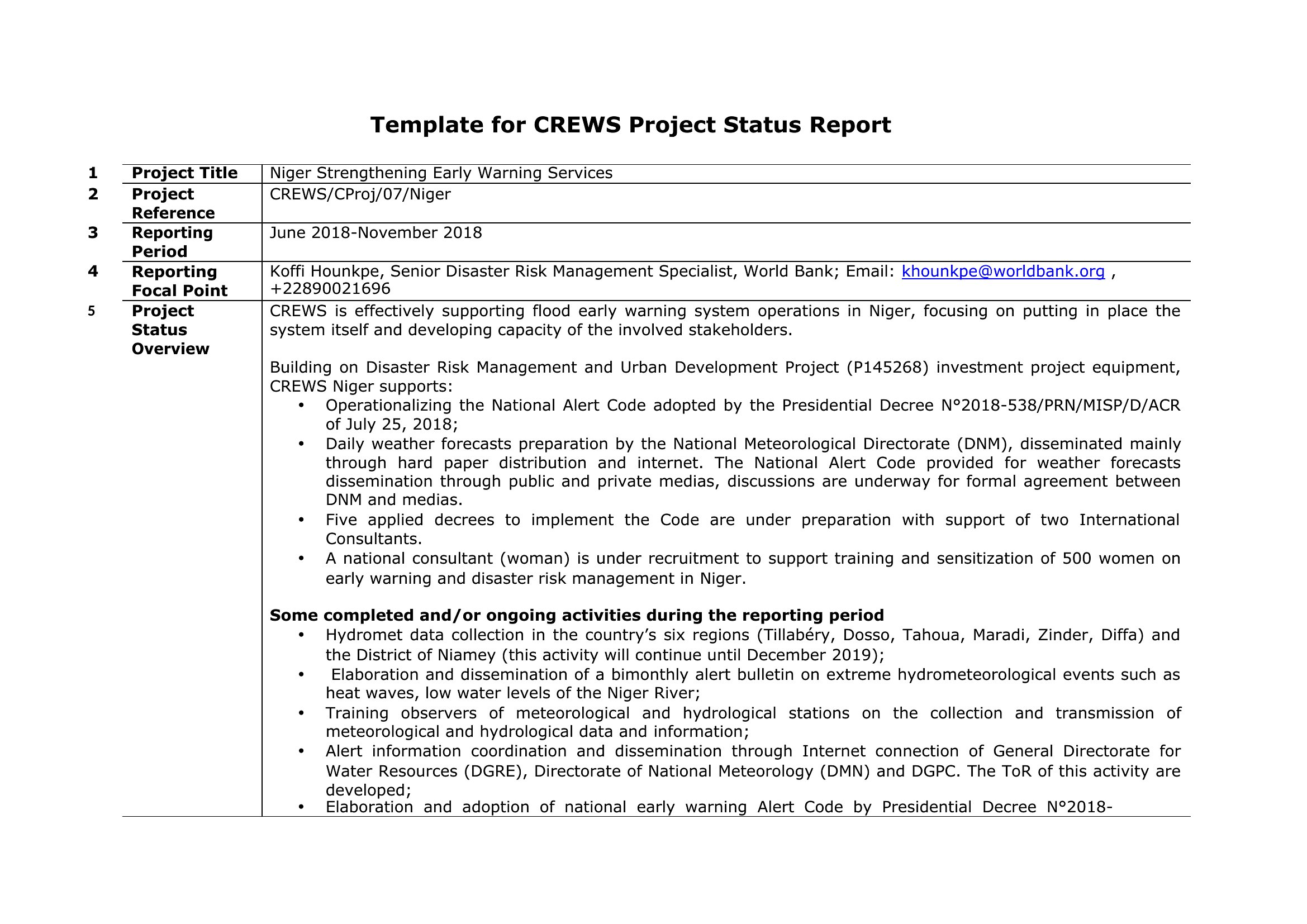
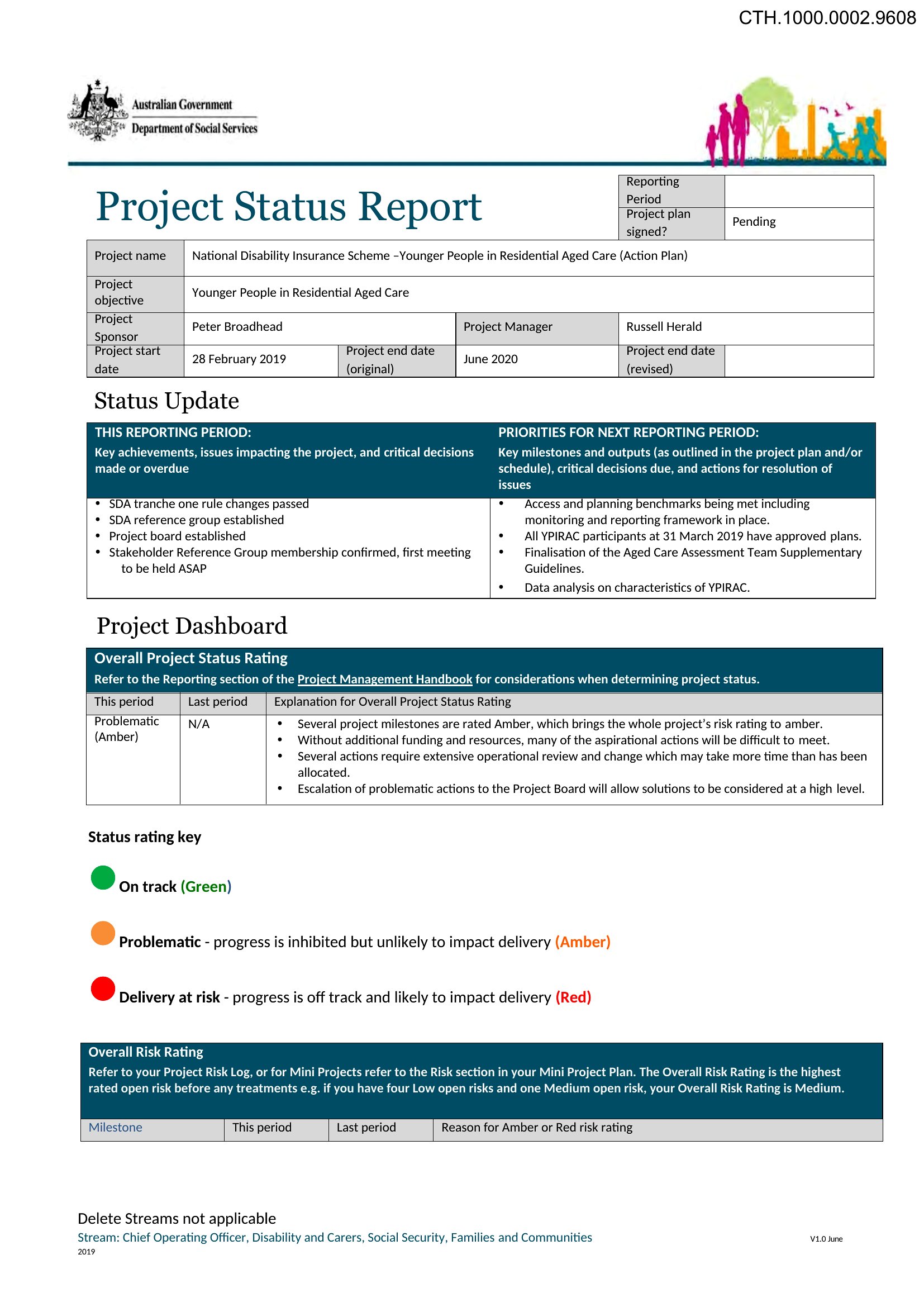
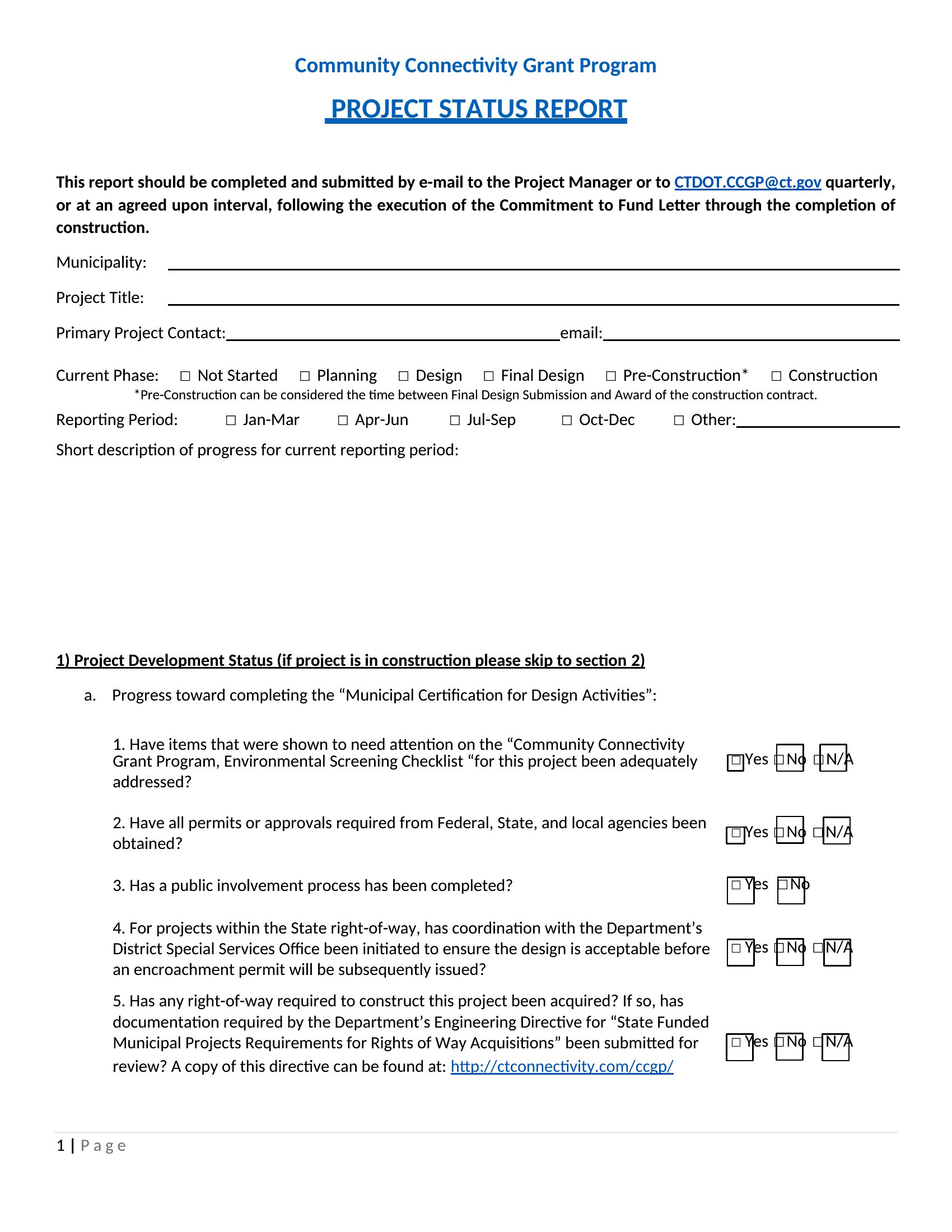
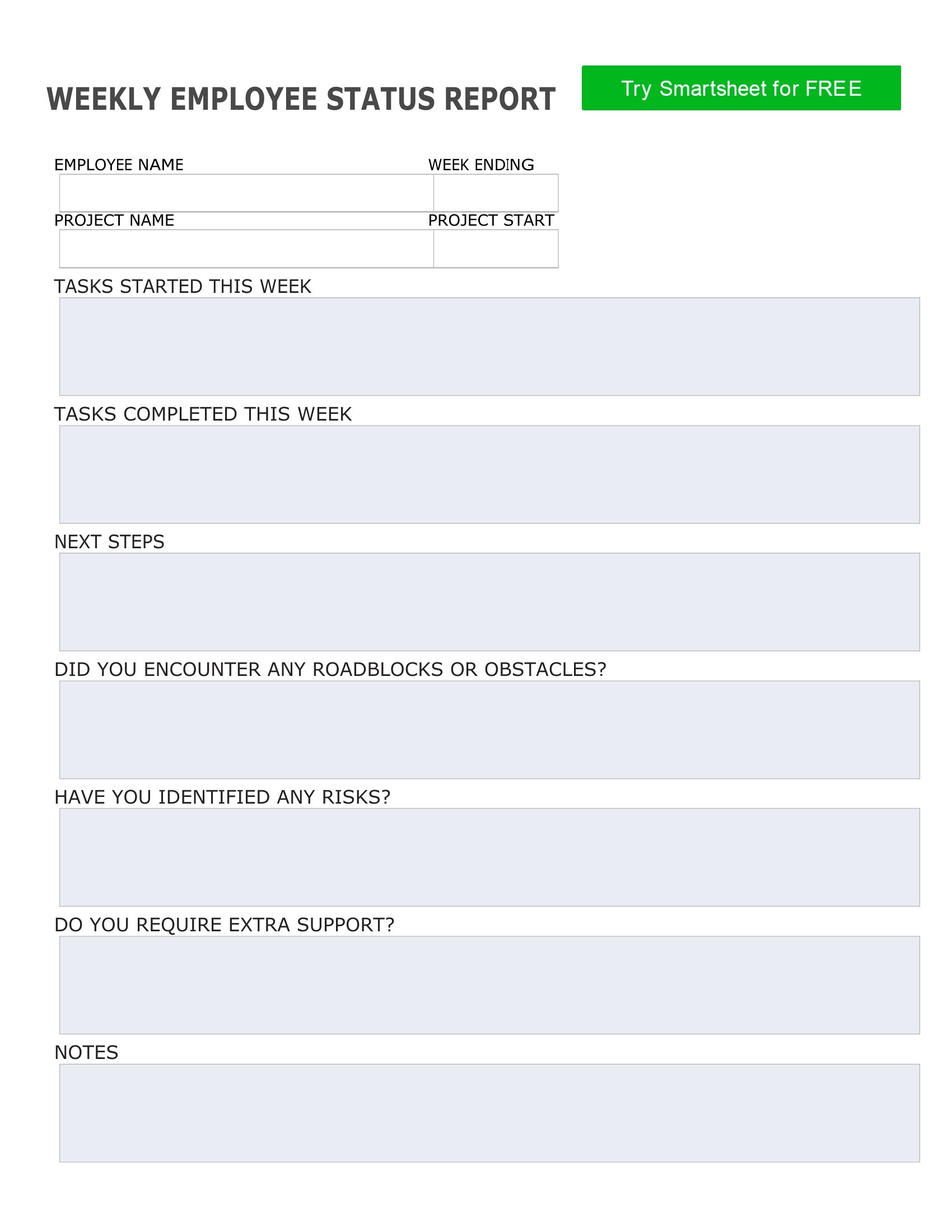
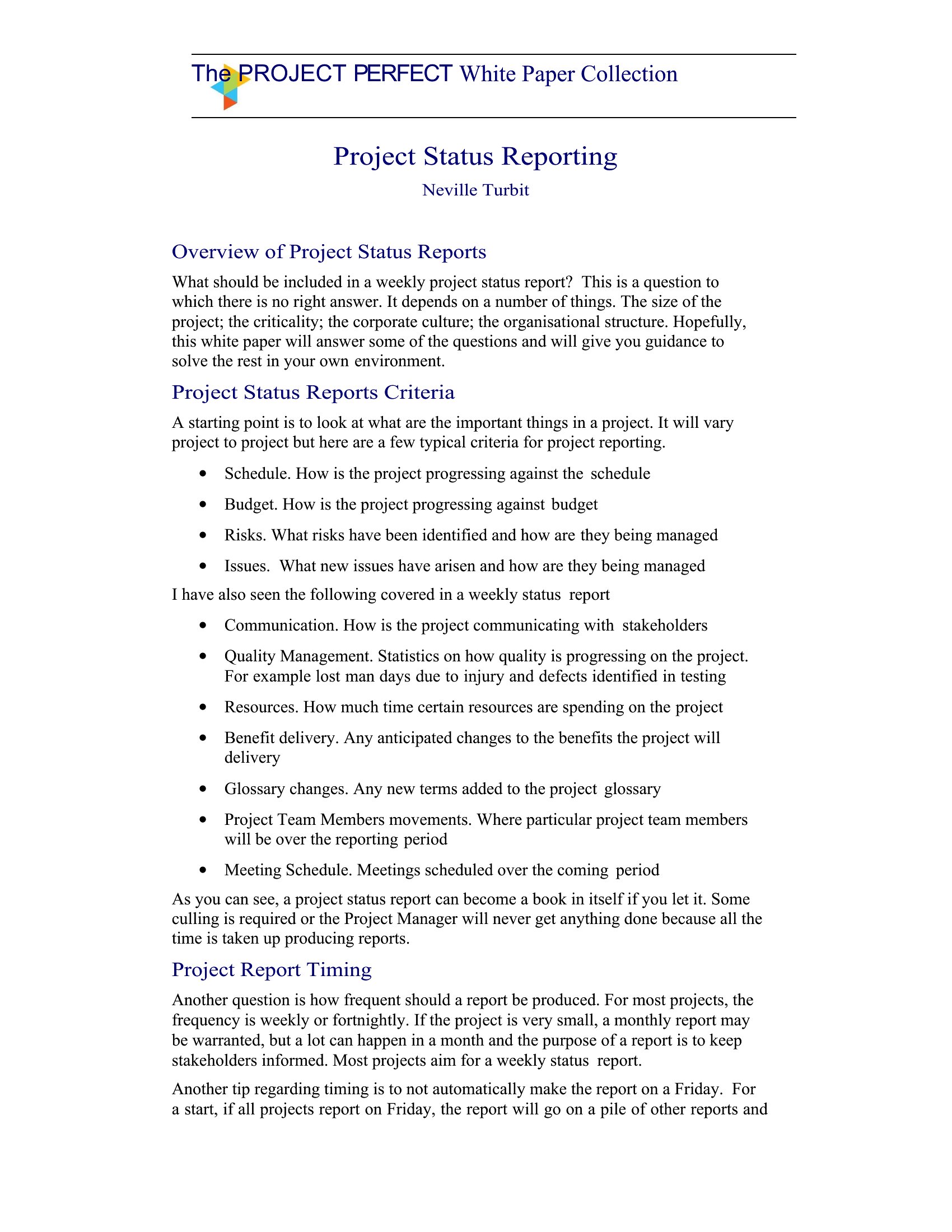
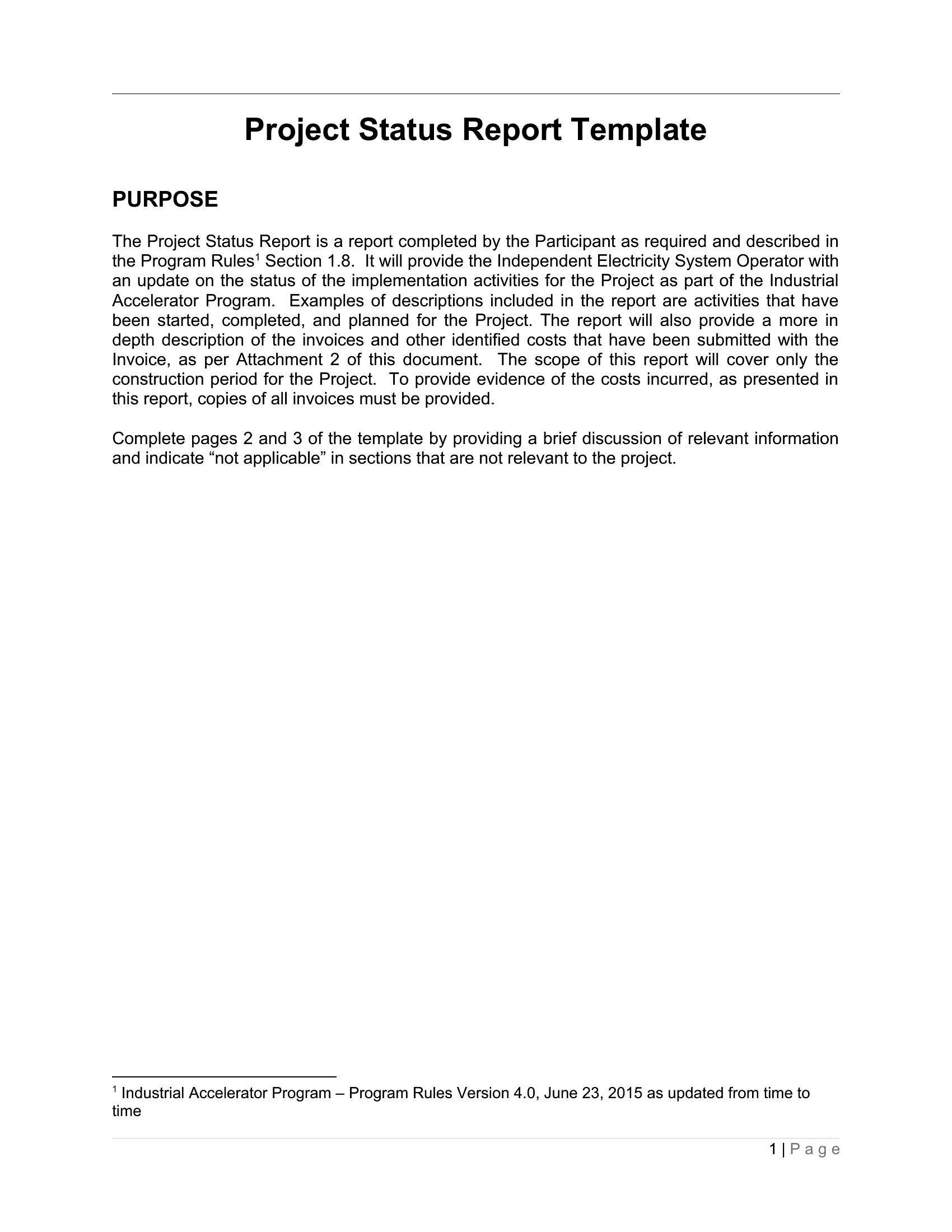
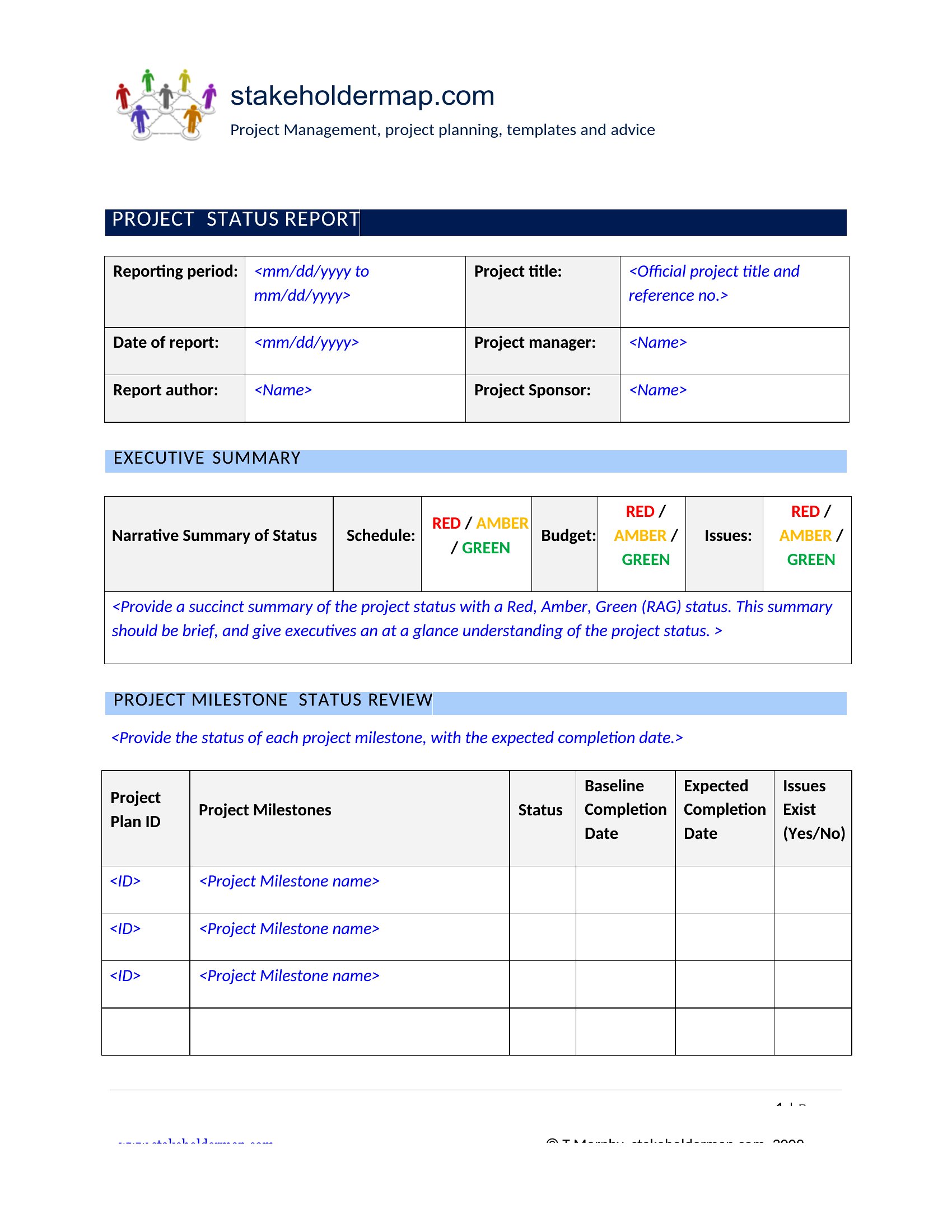
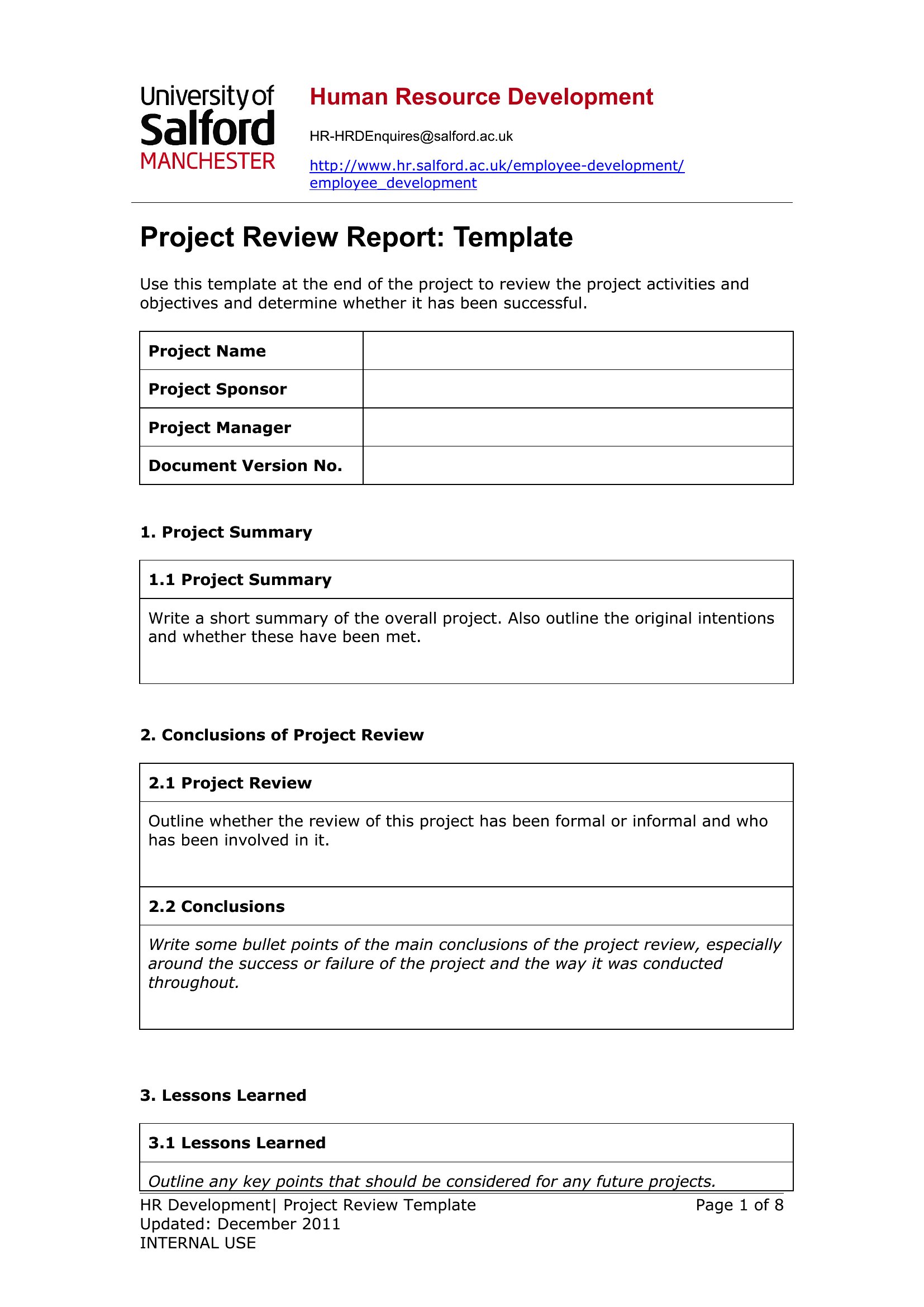
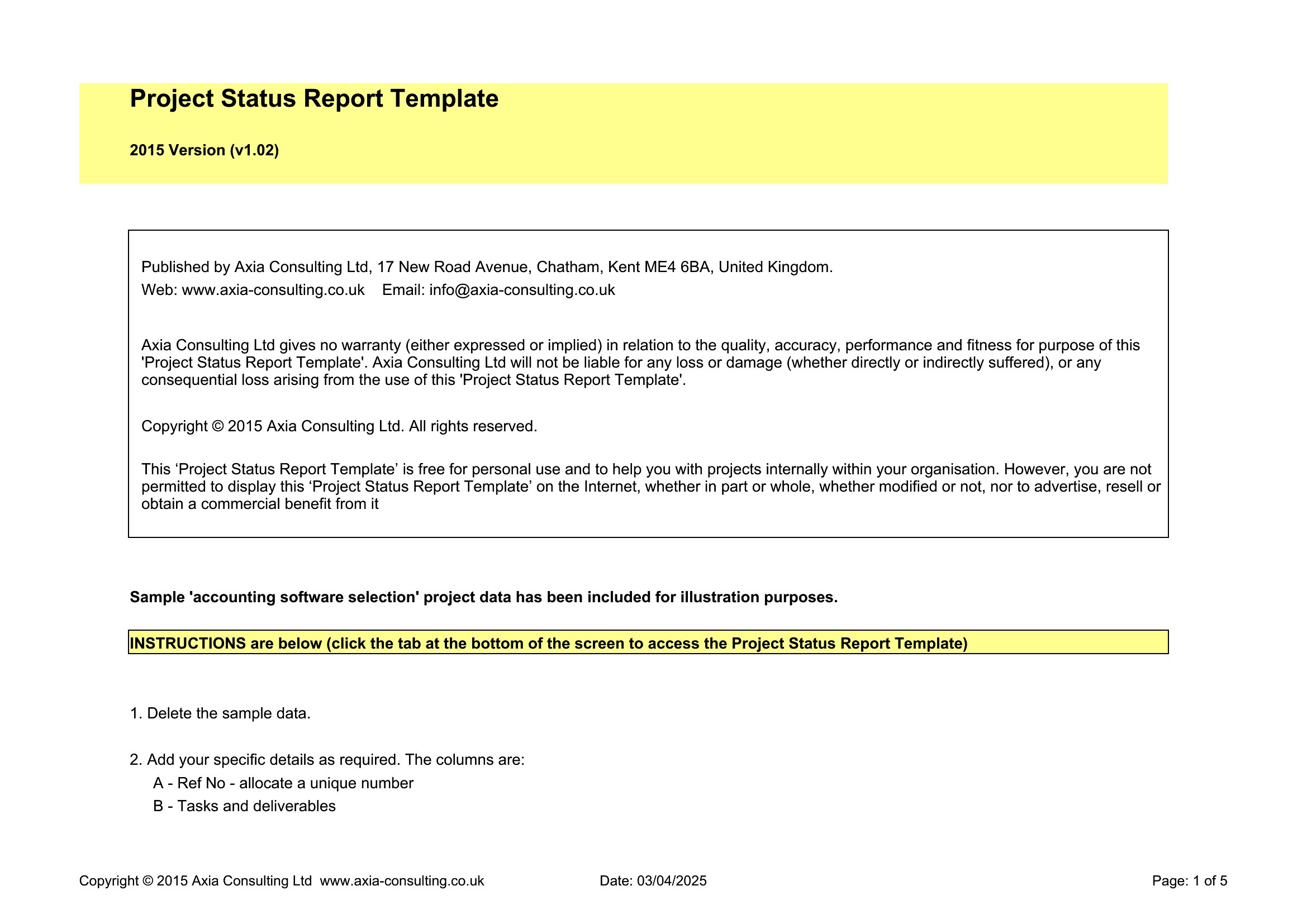
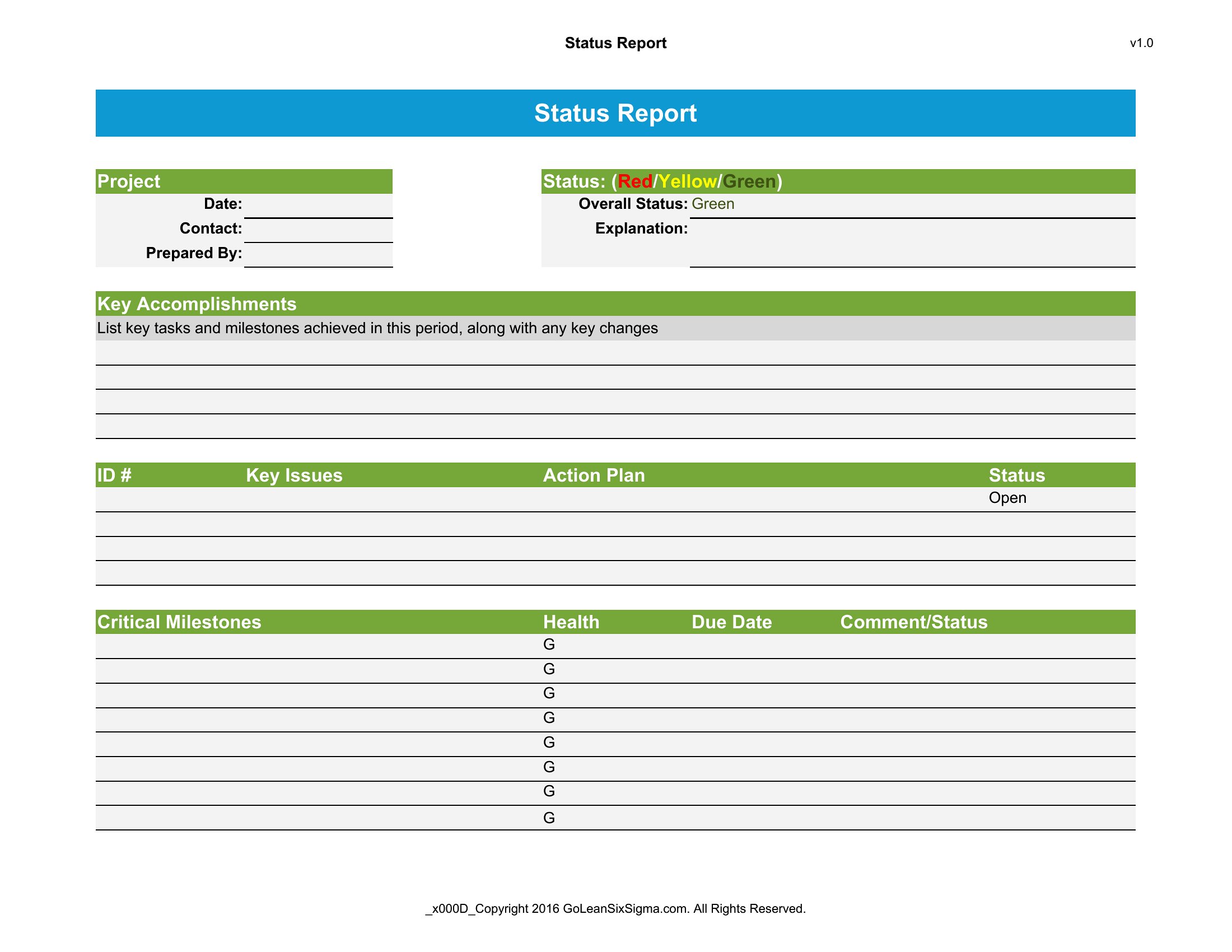
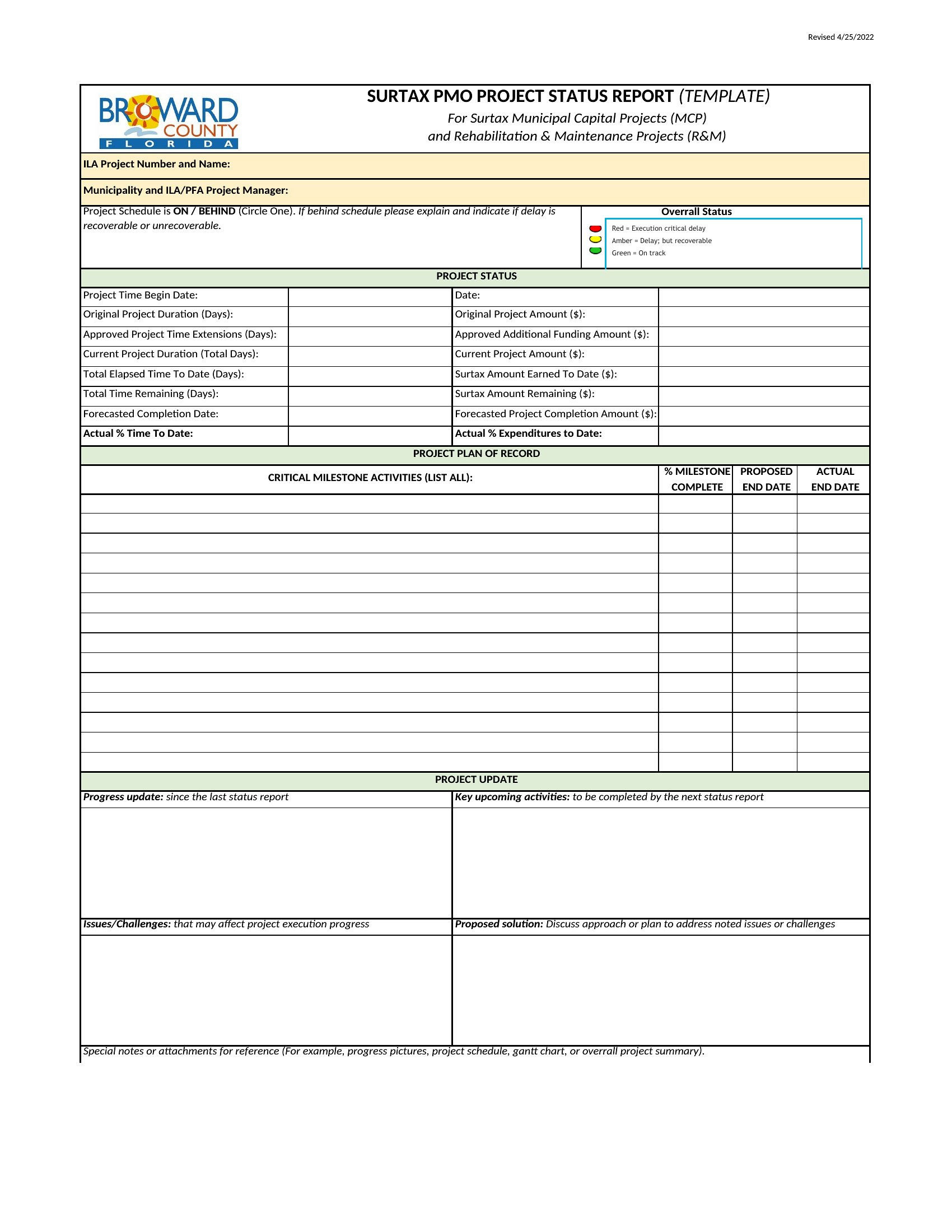
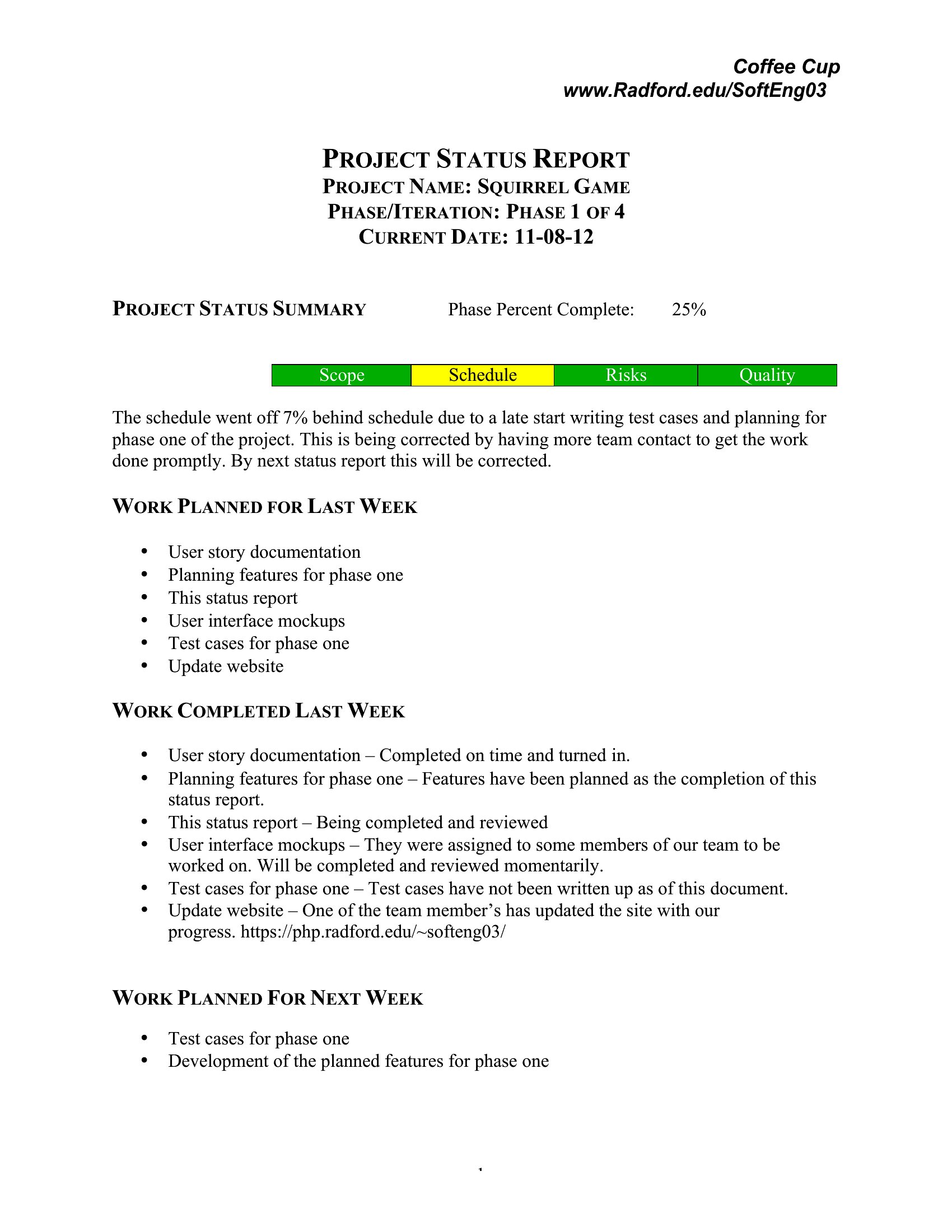
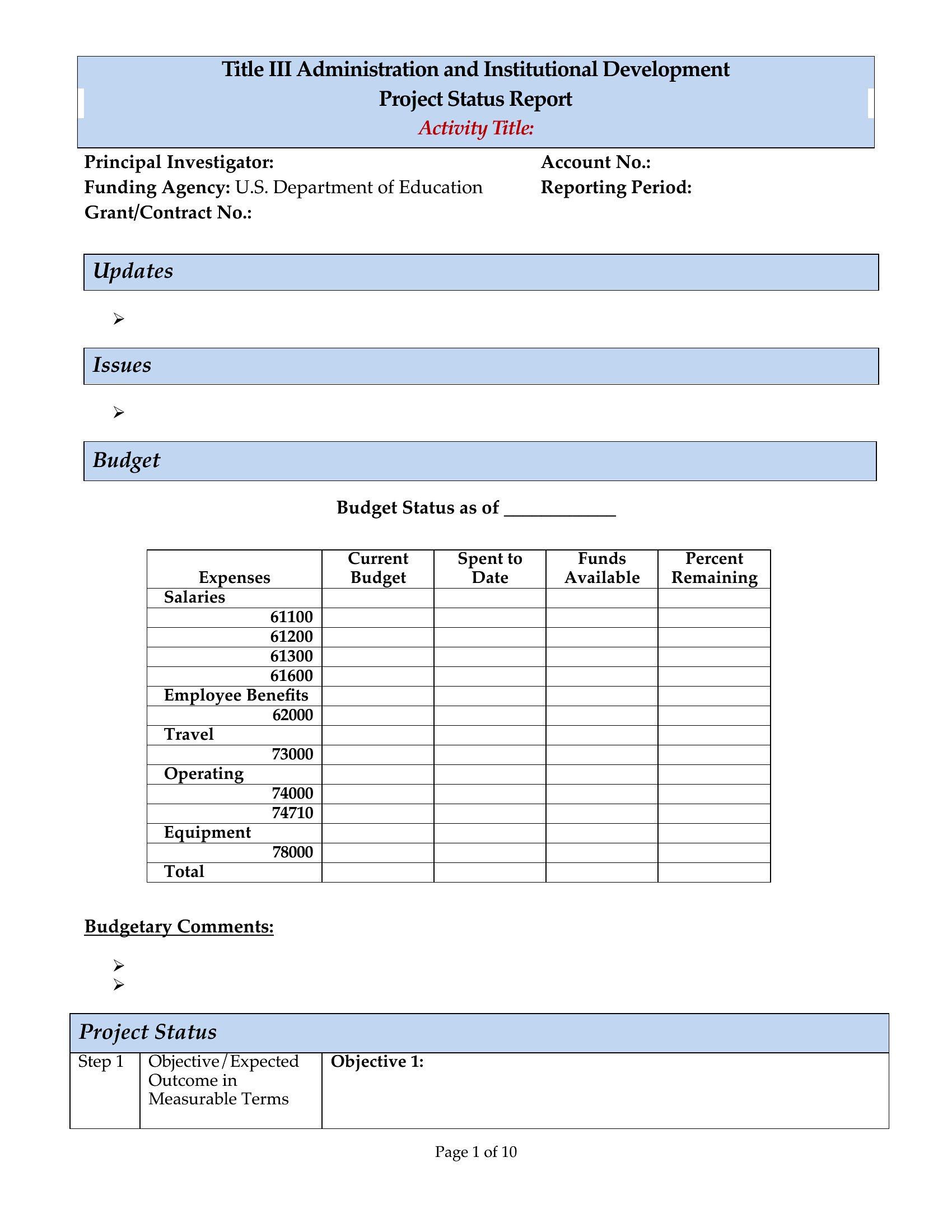
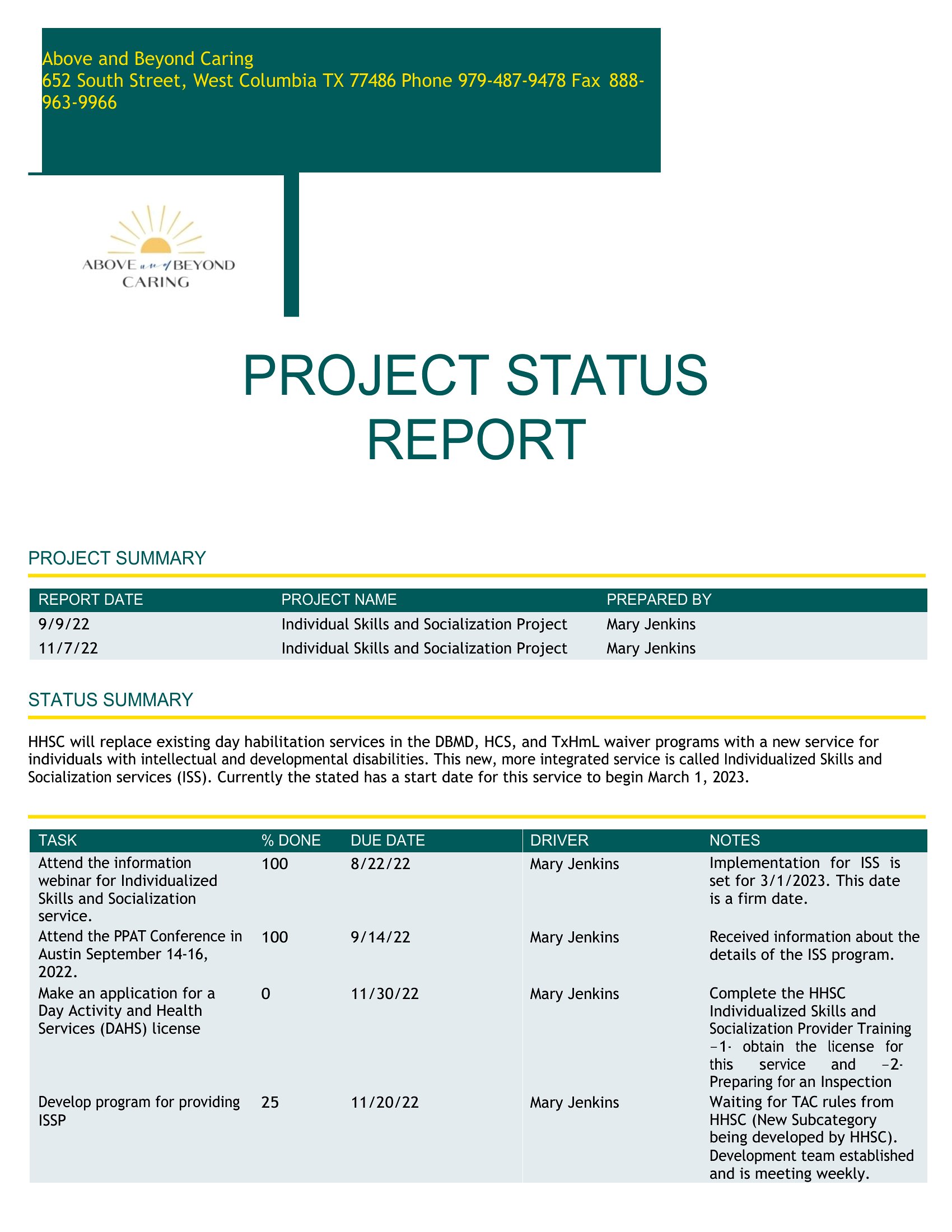
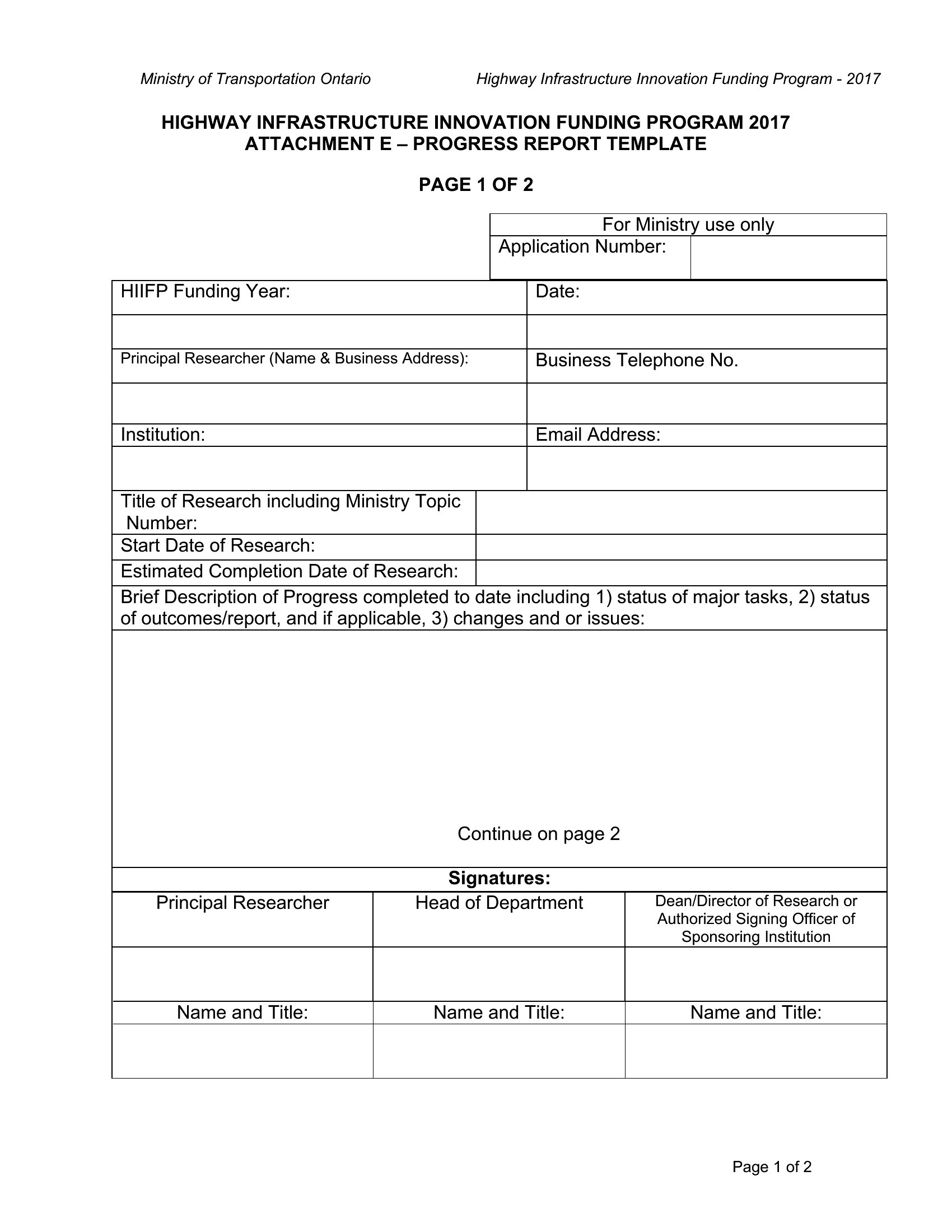
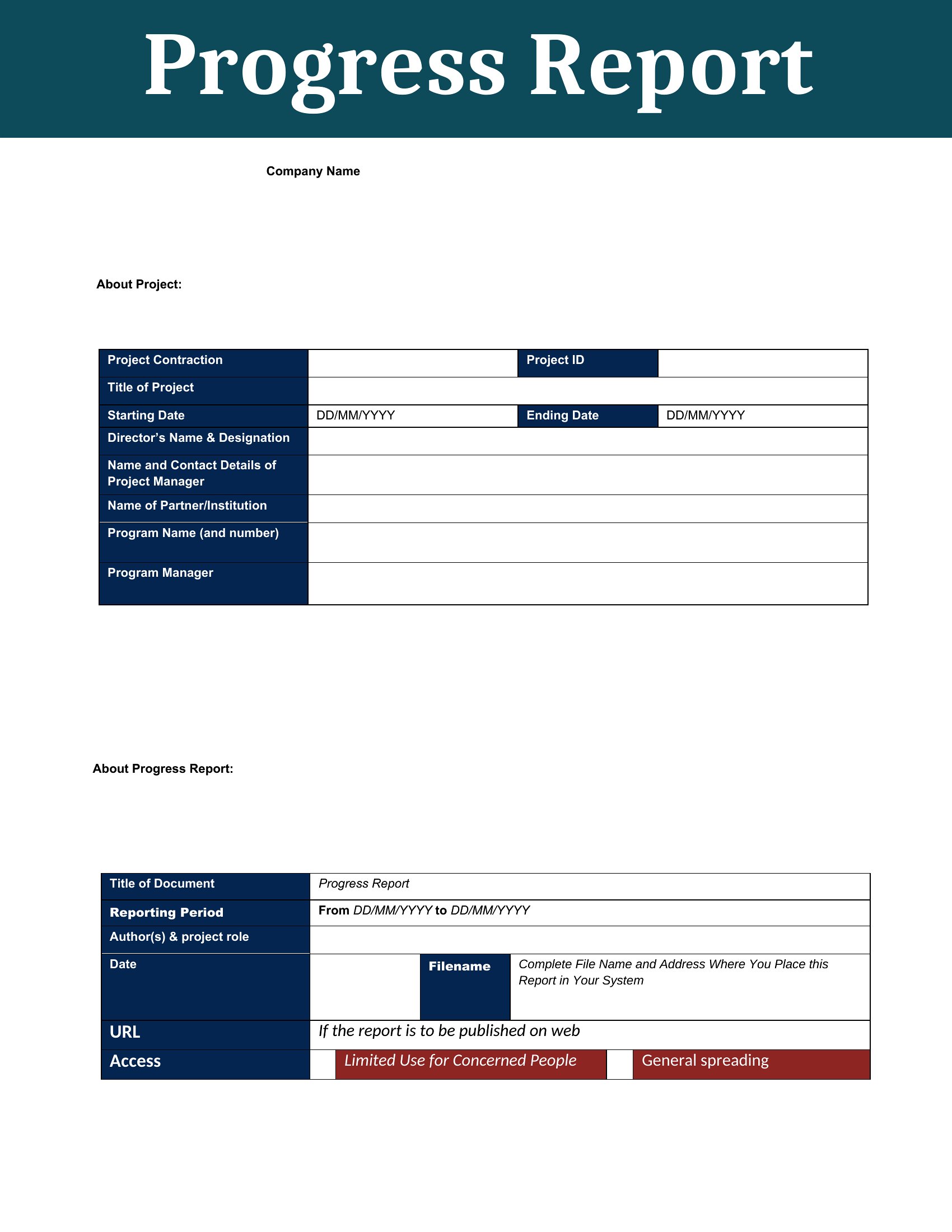
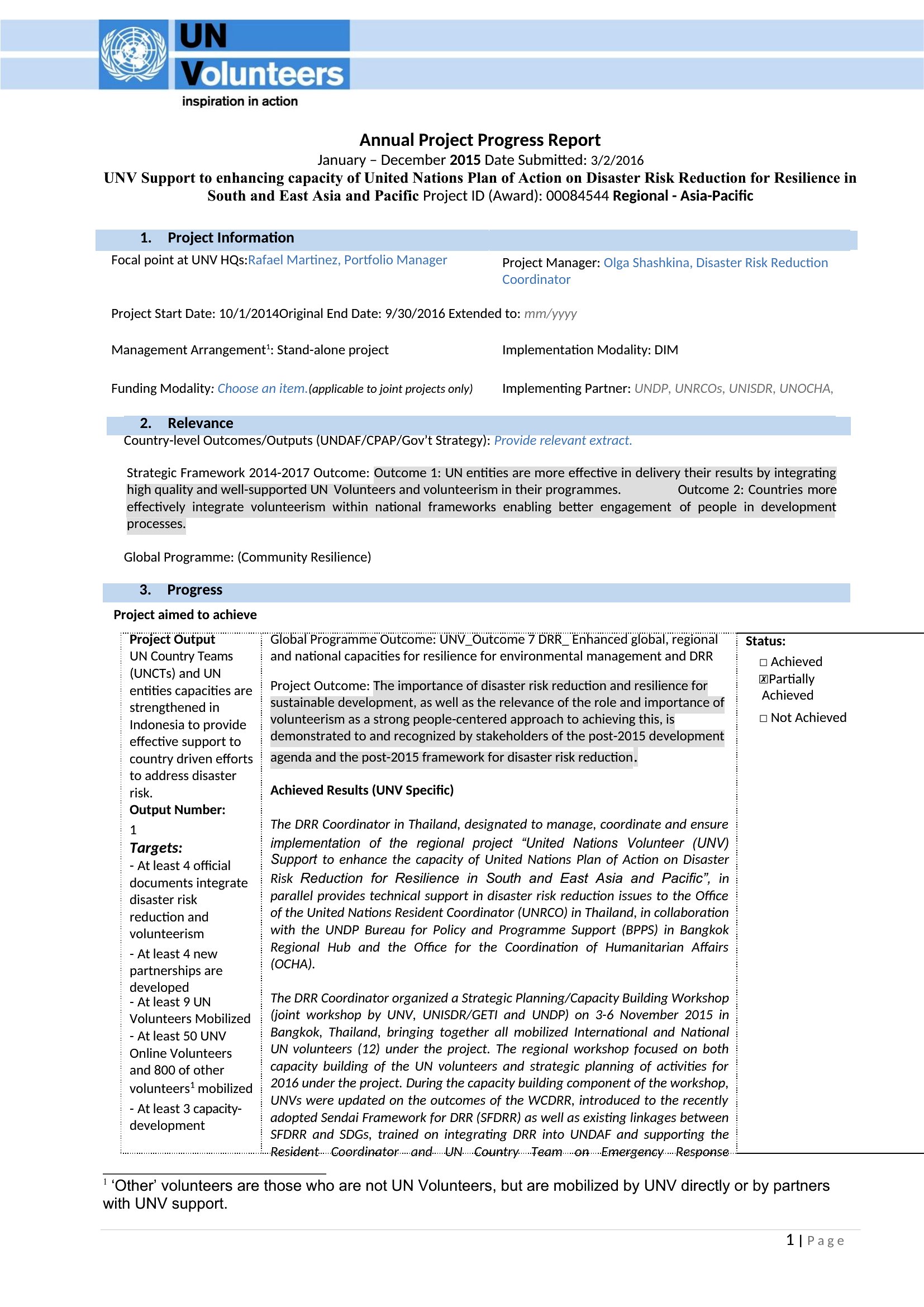
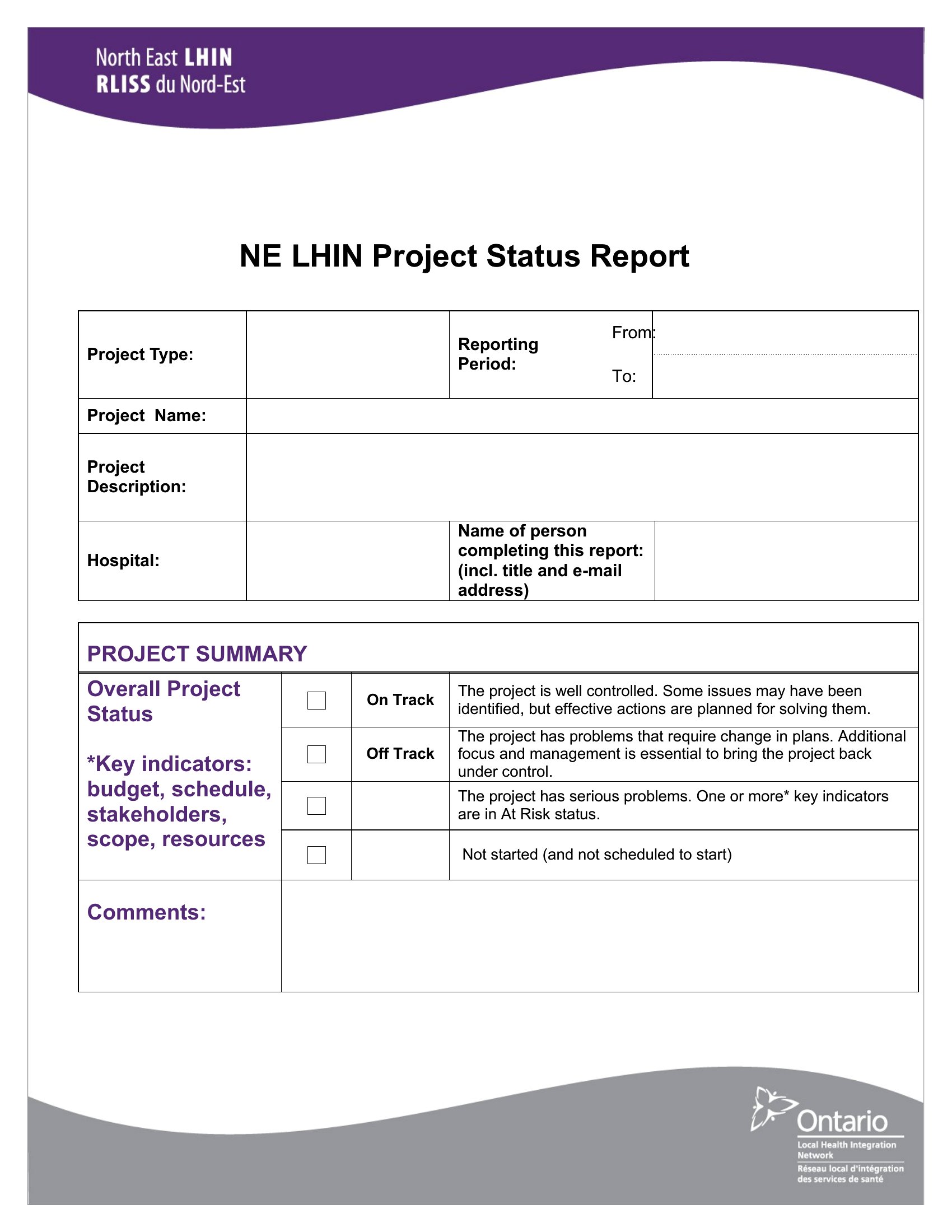
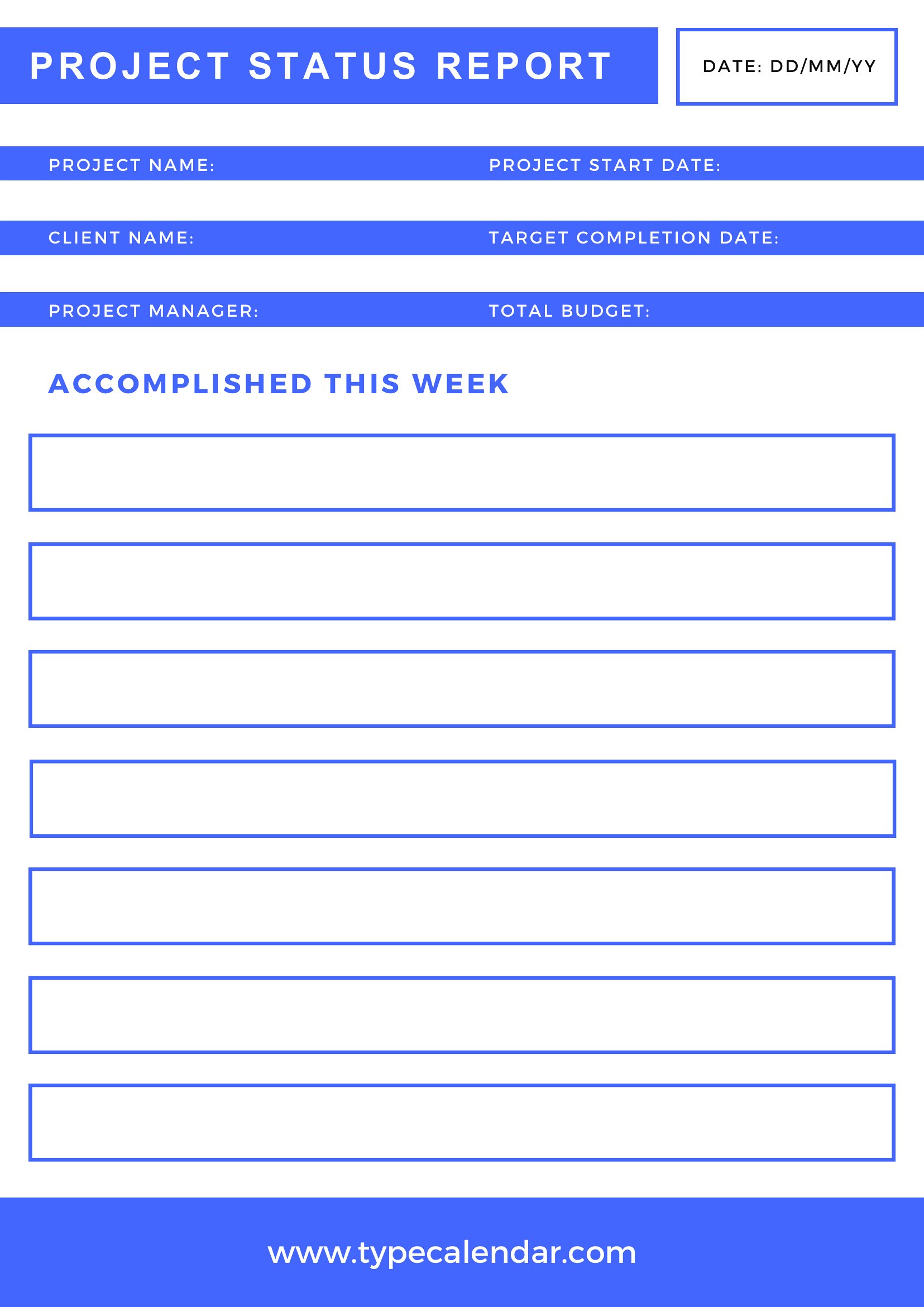
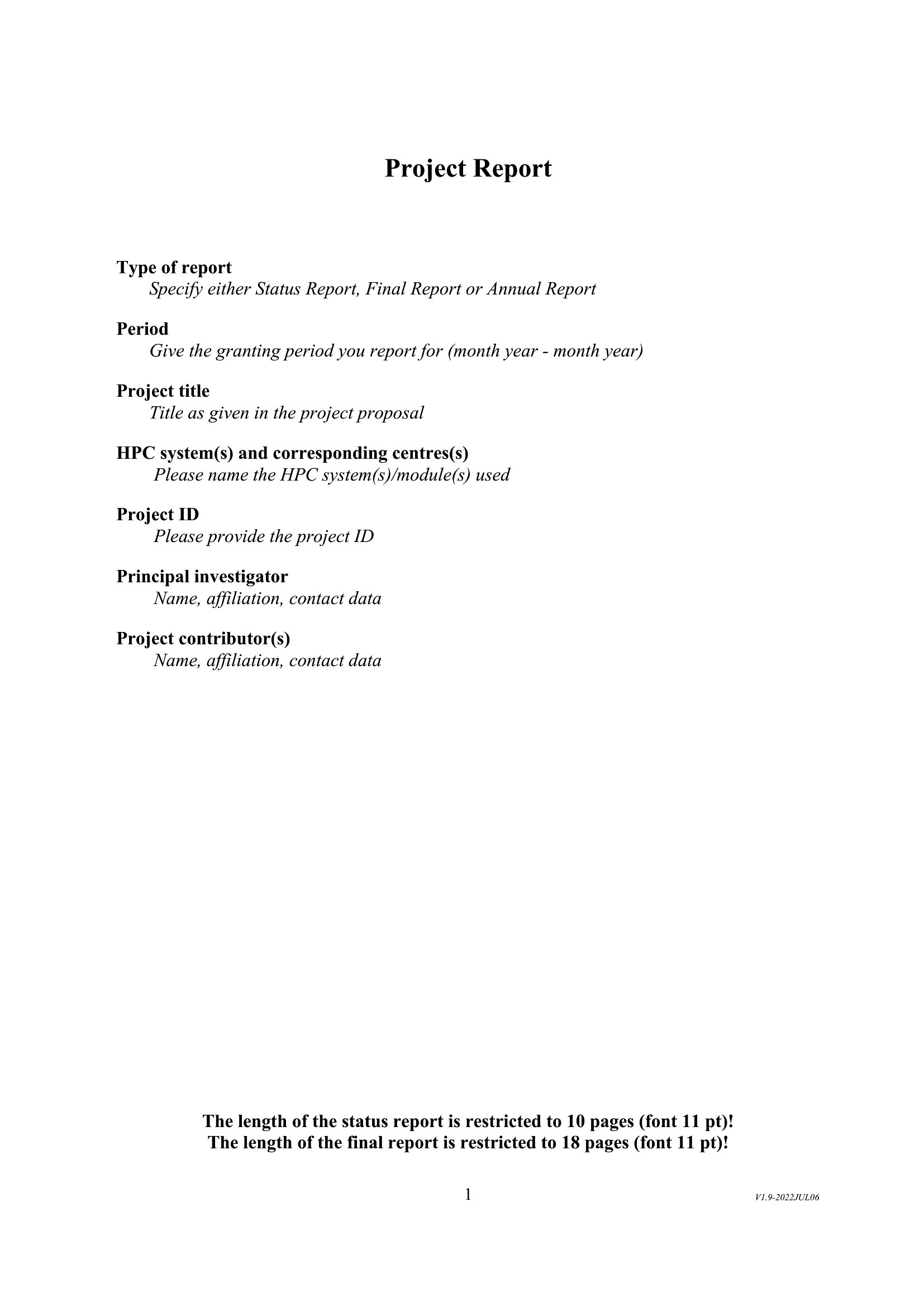
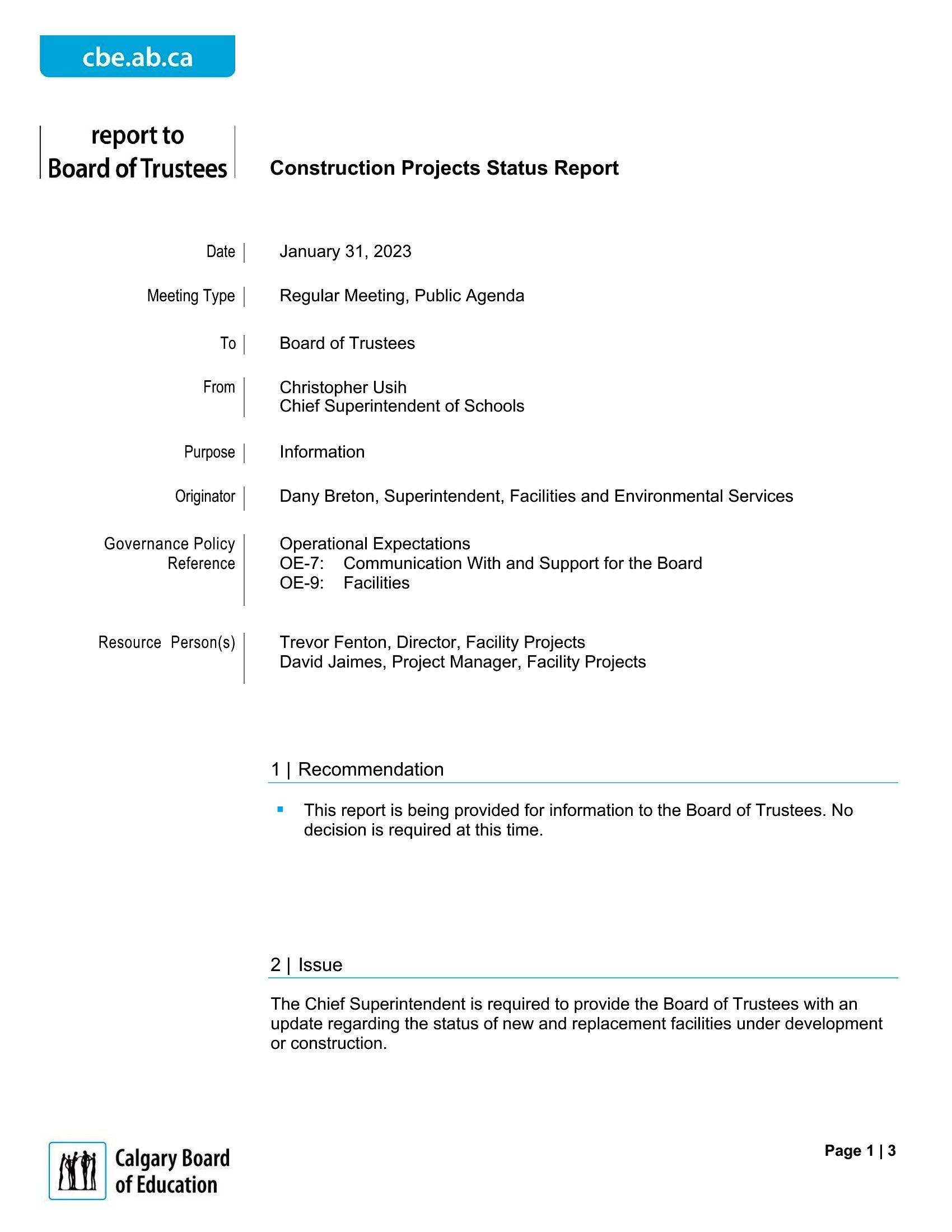
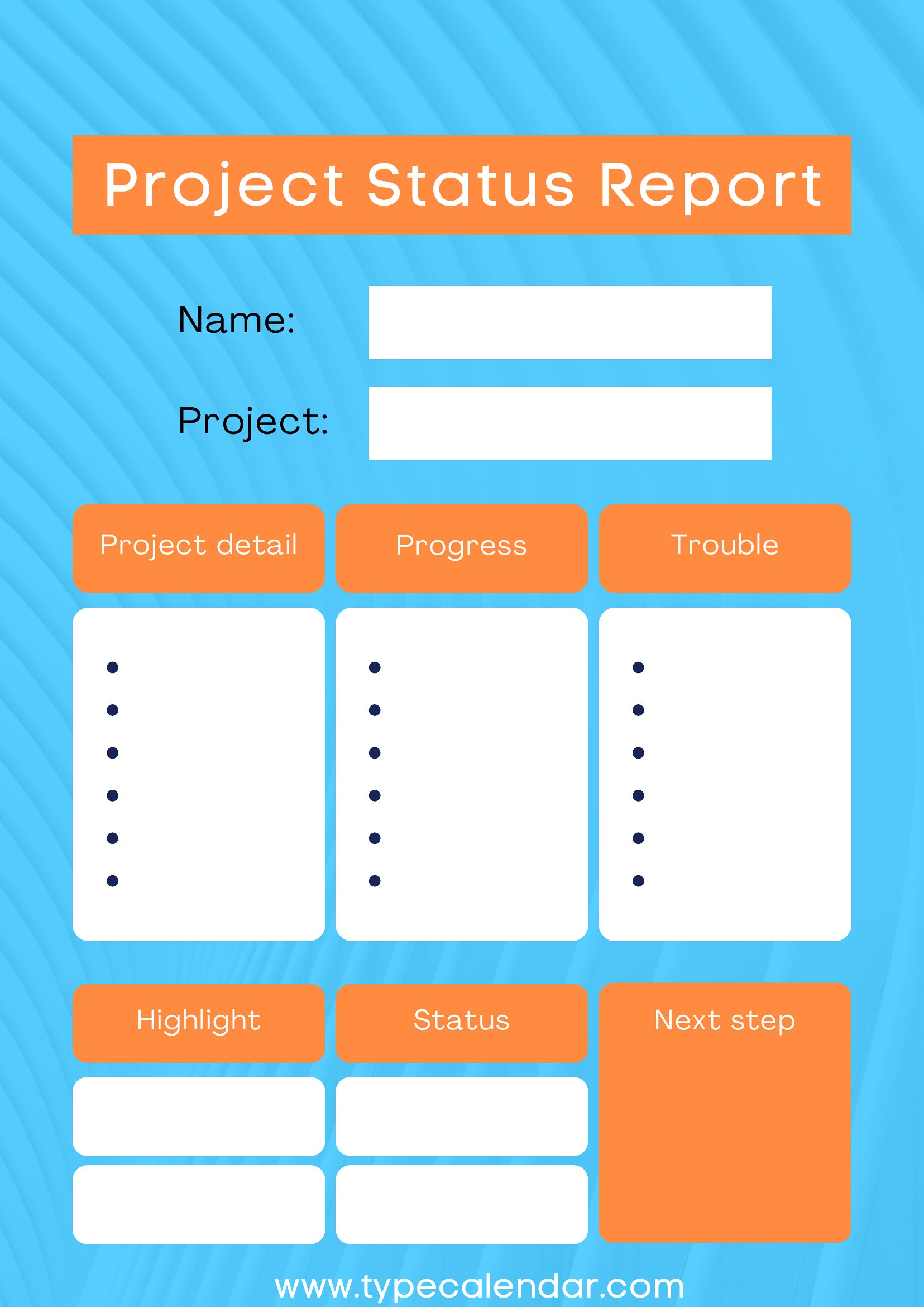
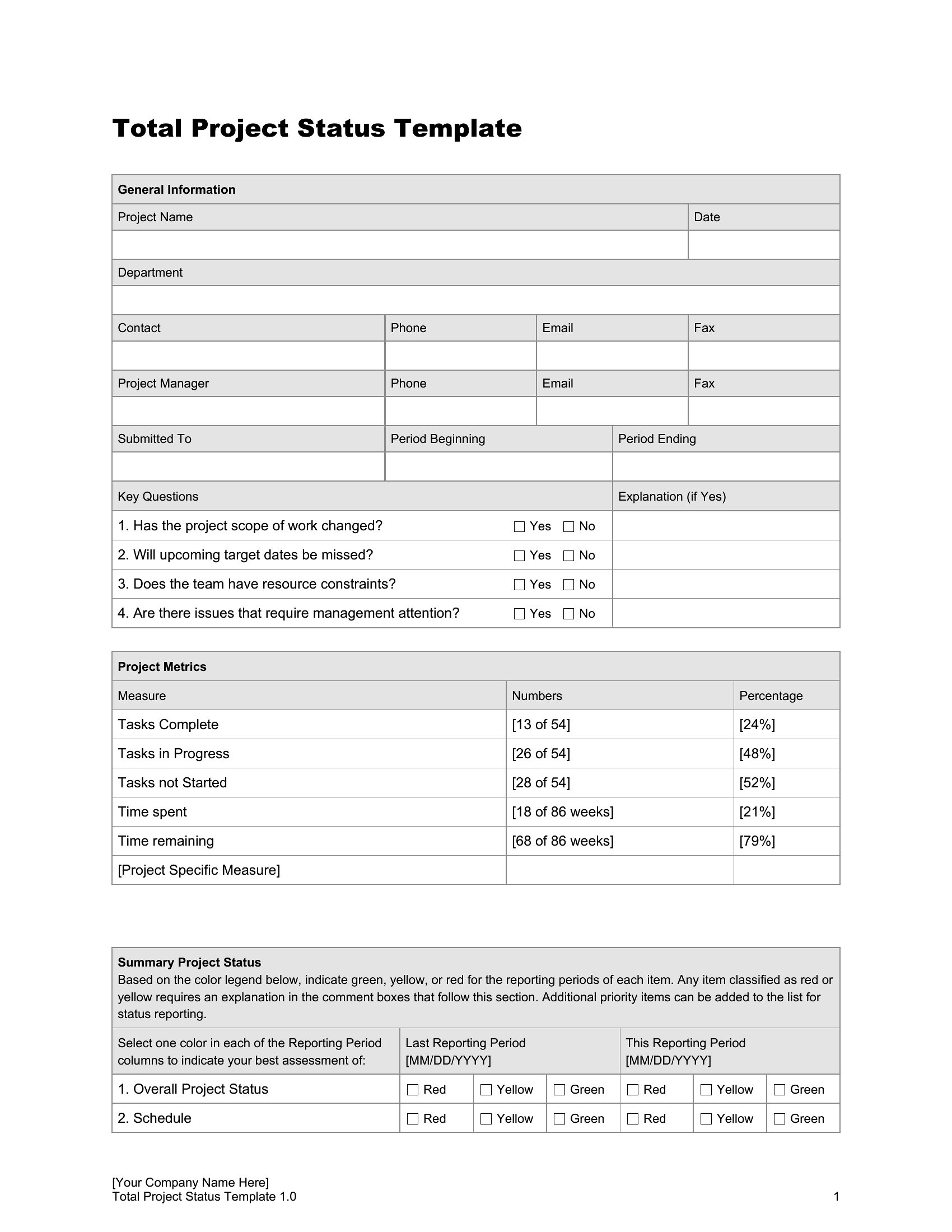
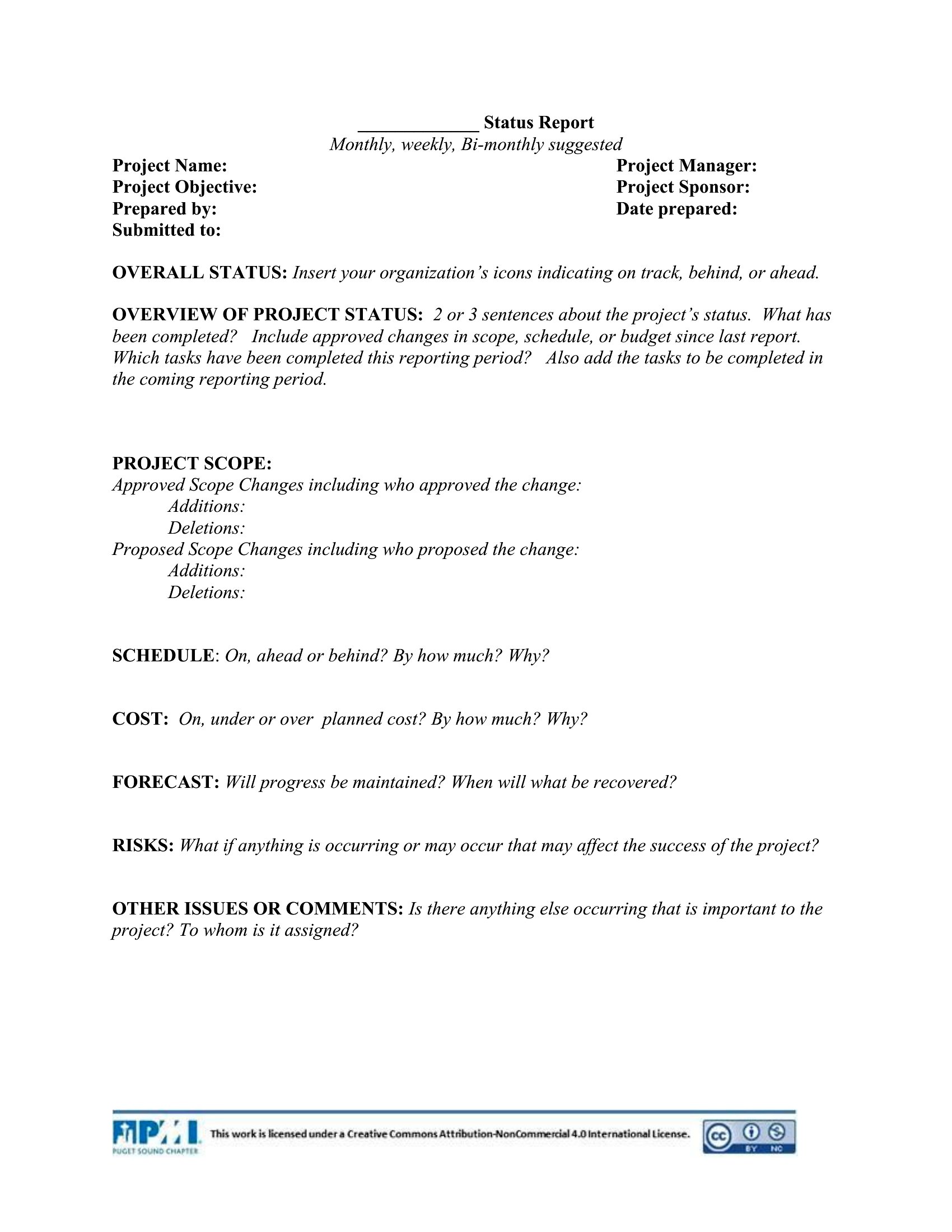
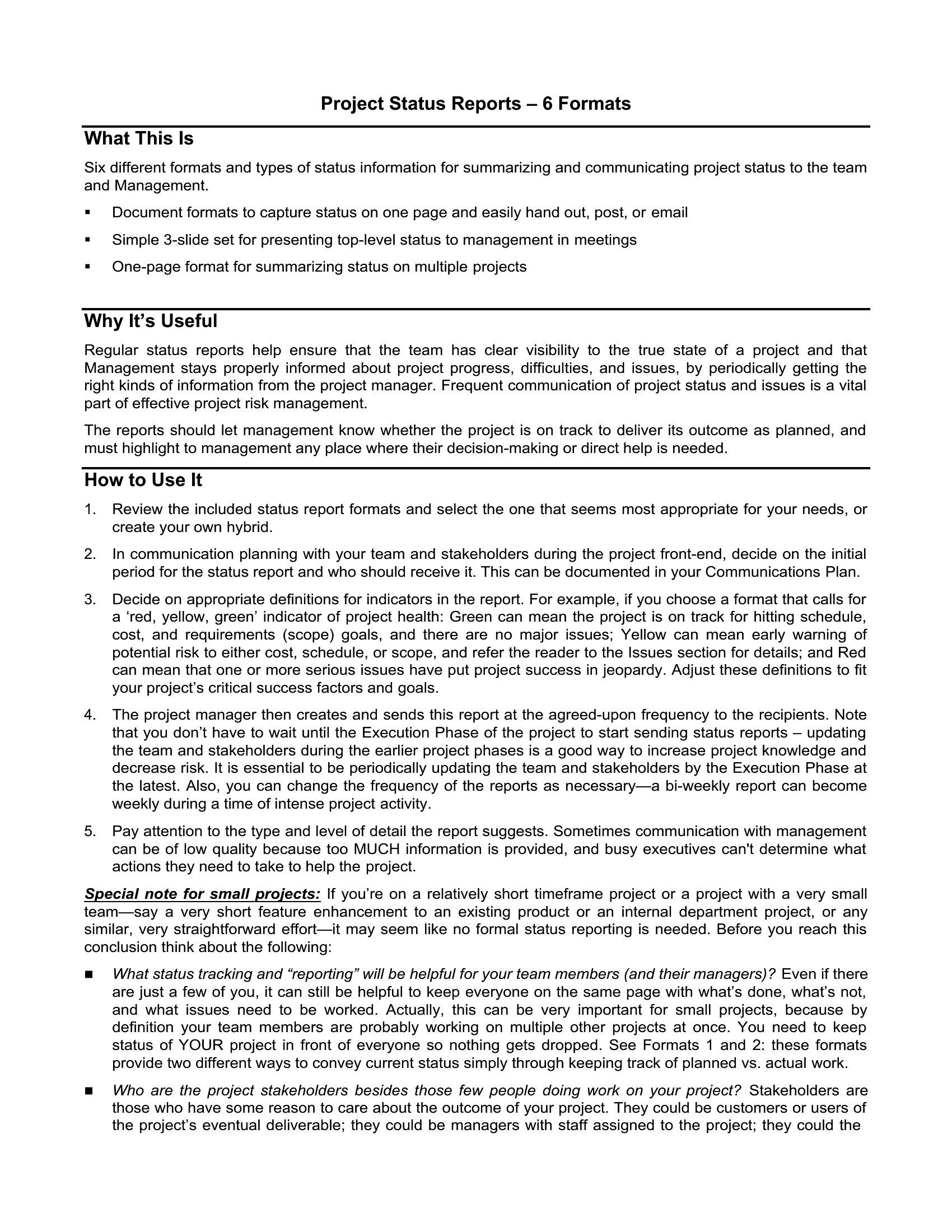
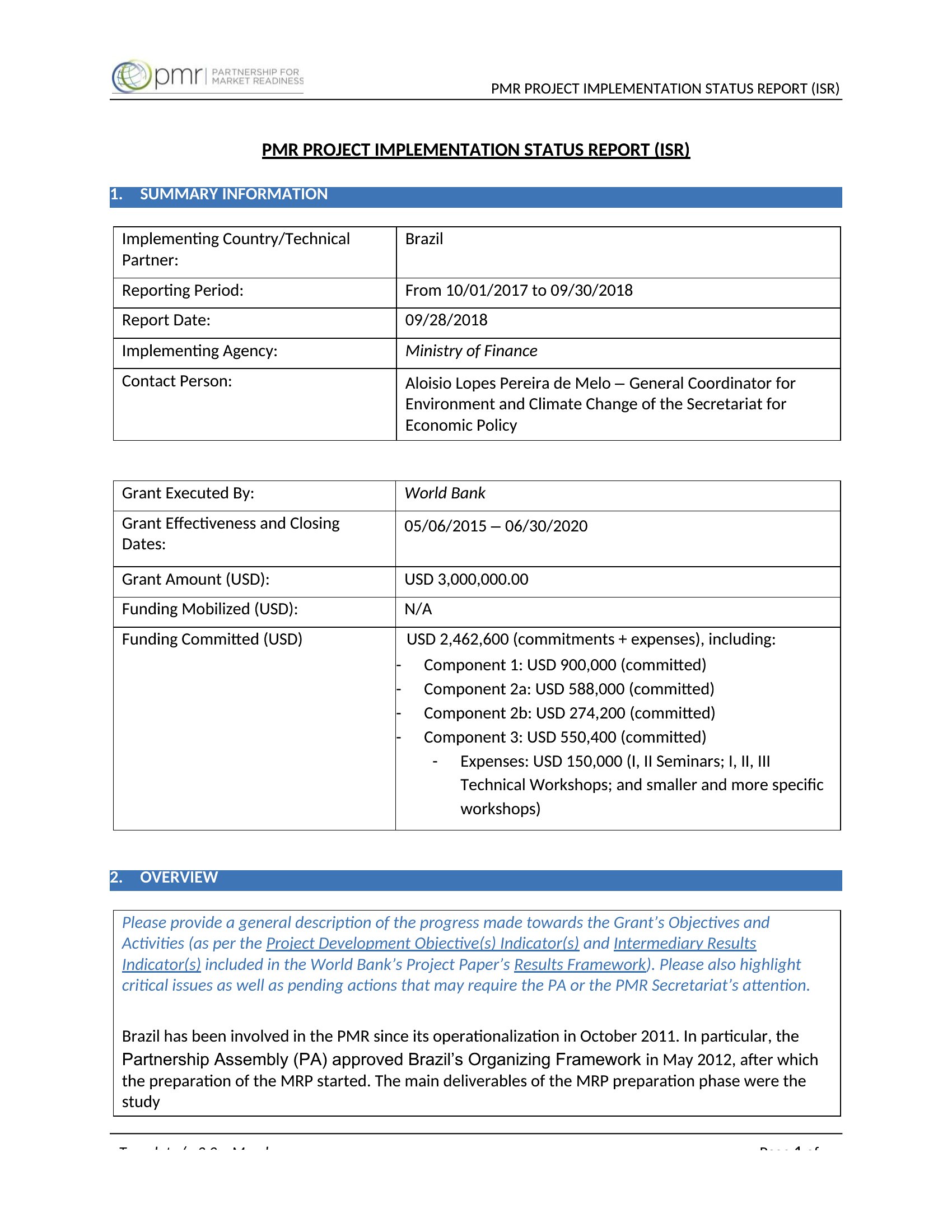
A status report keeps everyone on the same page about what's done, what's next, and what's stuck, without a long meeting. This set of 60 status report templates helps project managers and teams summarize progress, milestones, risks, and blockers in a format stakeholders can scan quickly. Each one keeps the update clear and consistent week to week.
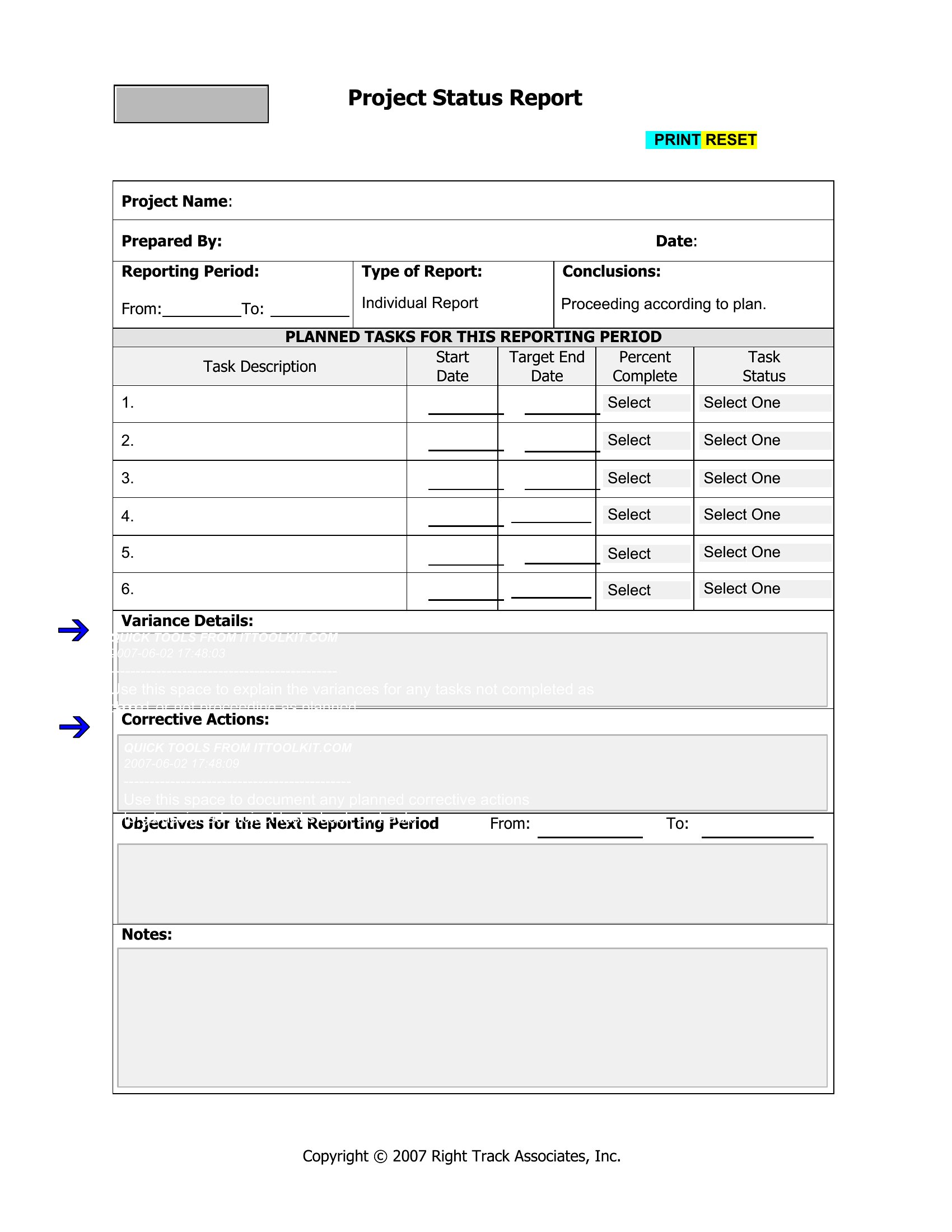
You'll find editable Word documents, print-ready PDFs, and Excel versions for tracking tasks and percentages. Fill in the accomplishments, the upcoming work, and any issues, then send it to the people who need it. Choose the layout that fits your project's rhythm, whether daily, weekly, or monthly, and keep reporting simple.
Choose from 60 Status Report Templates
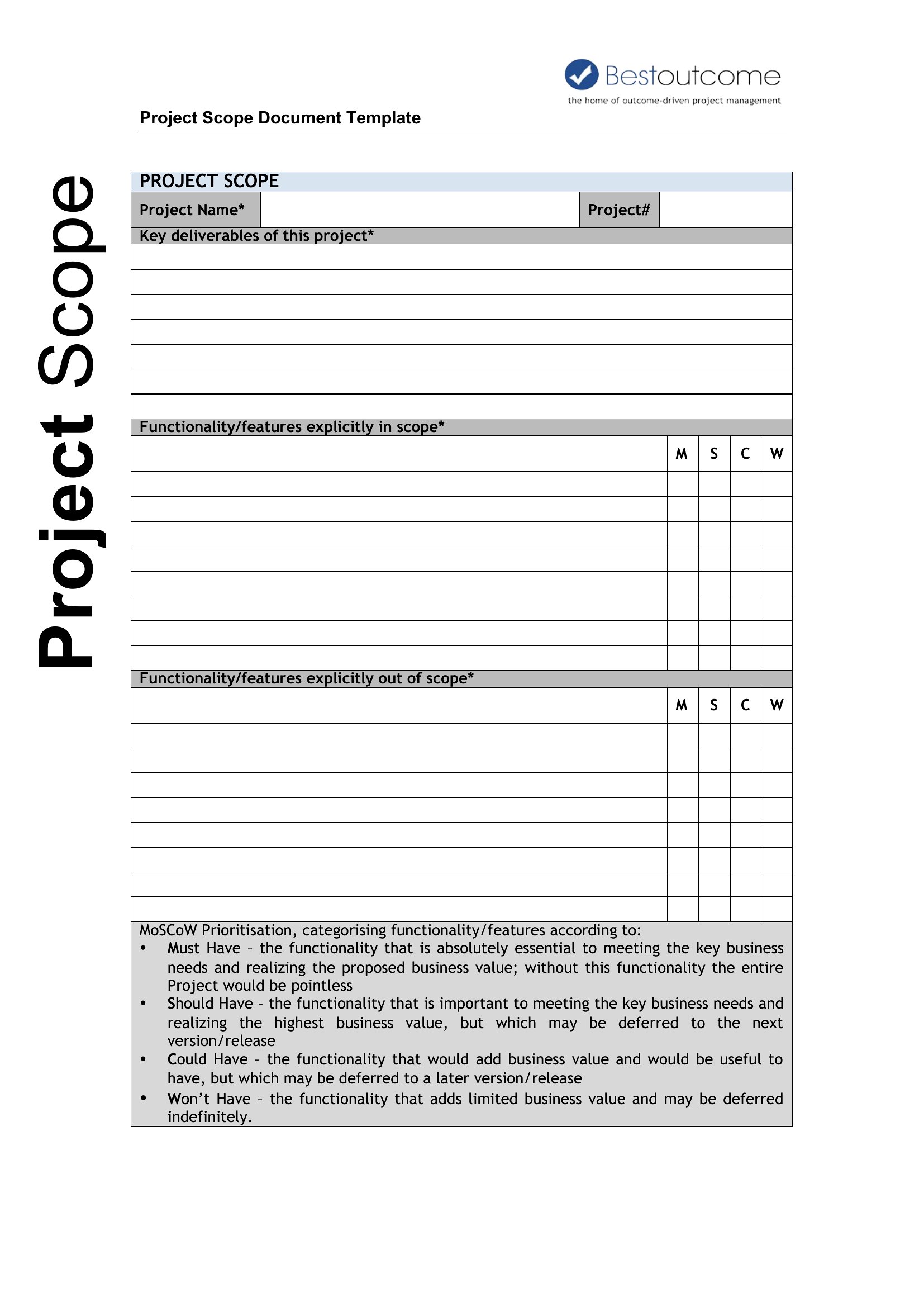
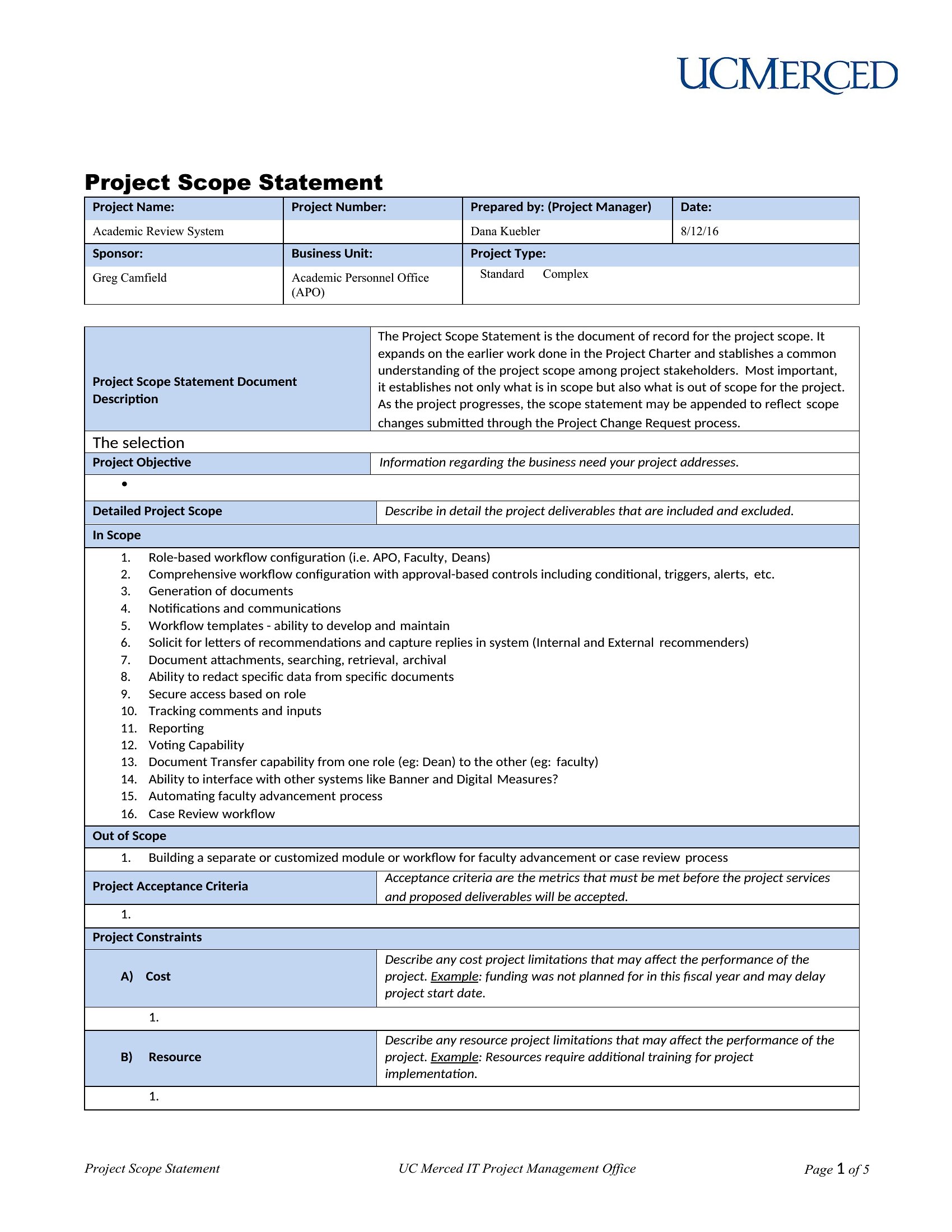
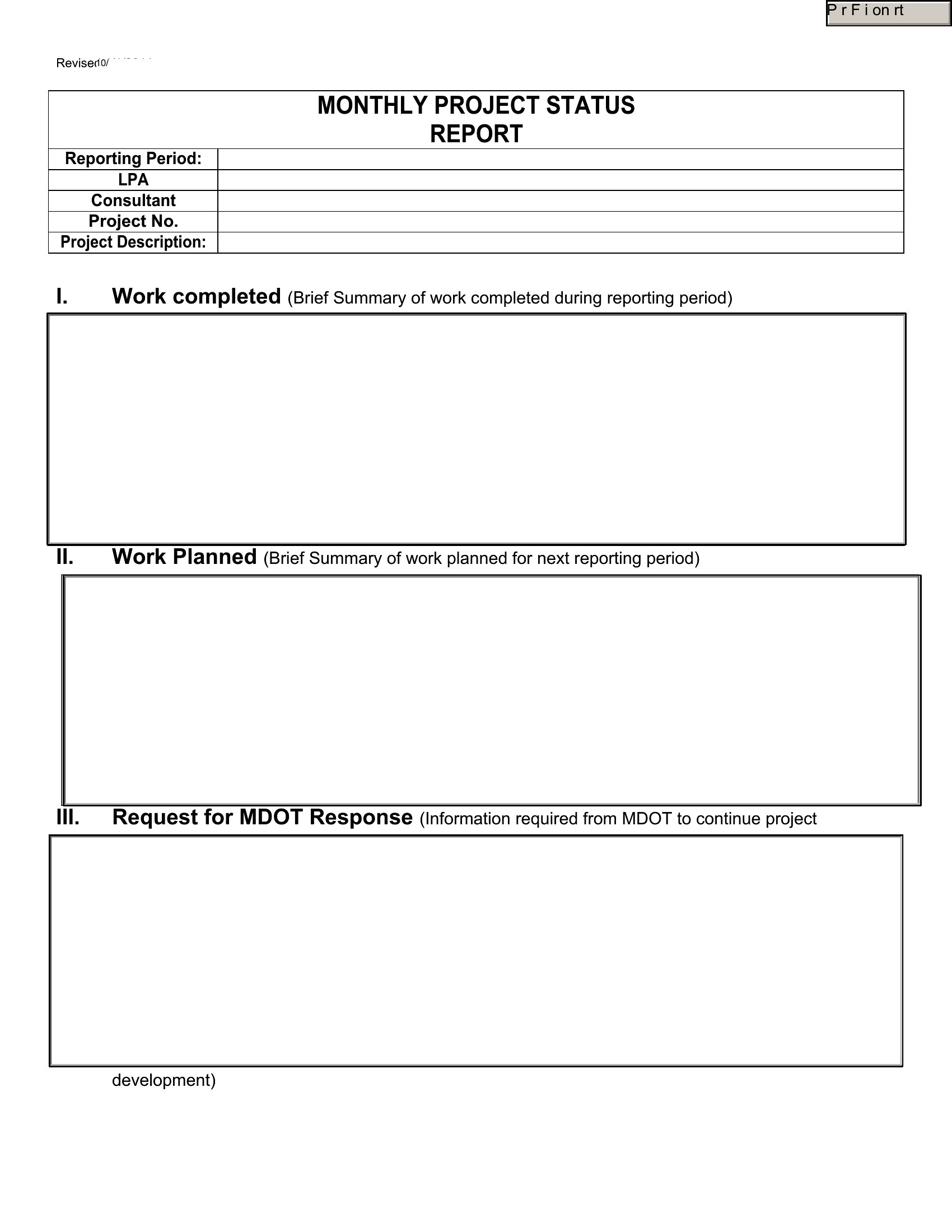
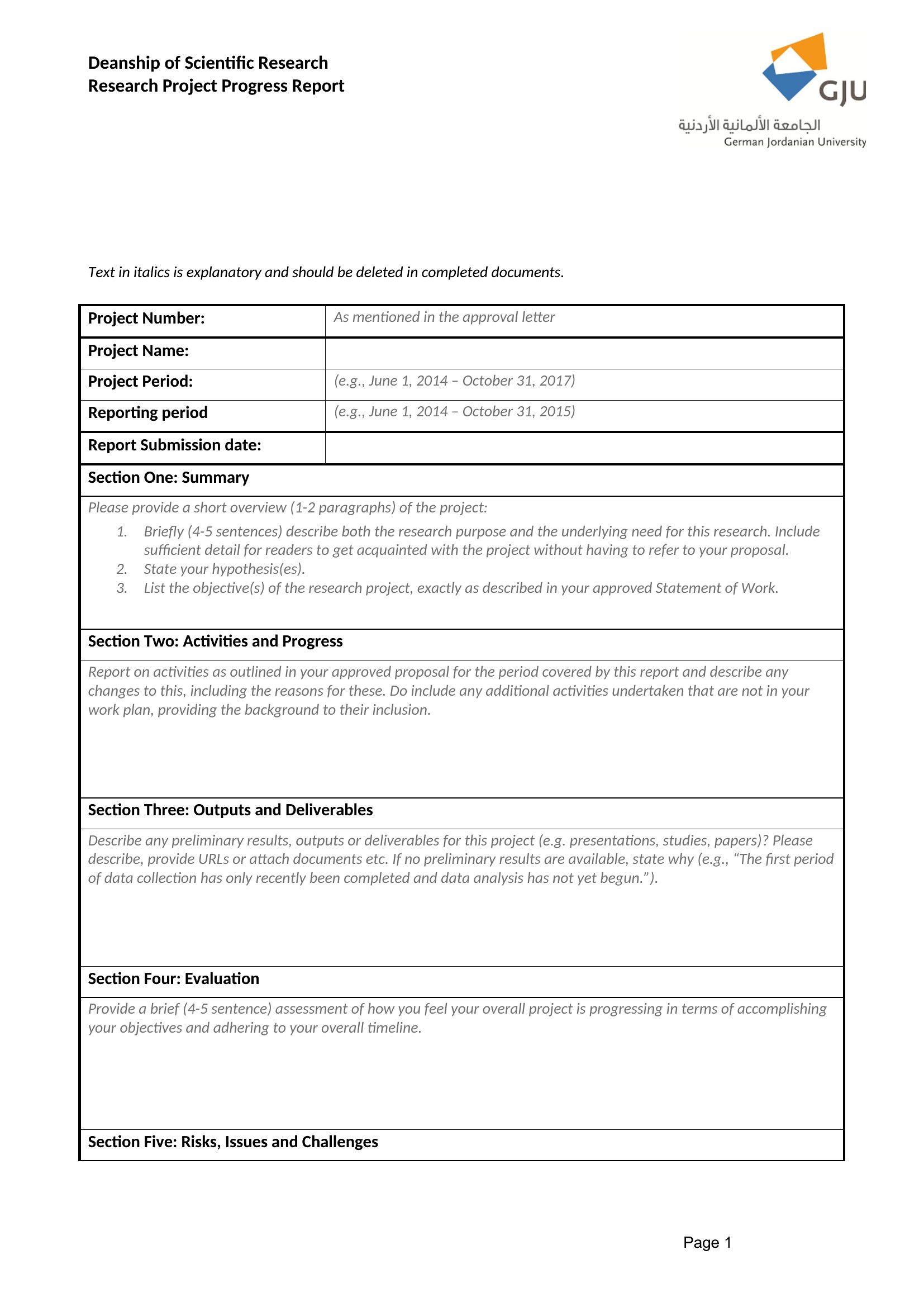
Frequently Asked Questions about Status Report Templates
Are these Status Report templates free to download?
Yes. Every Status Report template in this collection is free to download from TemplateSpark. Just open the template you need, download it, and start editing right away — no subscription required to get started.
What file formats are available for Status Report templates?
These Status Report templates are available in Word, Excel, and PDF. Pick the format that matches your workflow — each download keeps the original layout so it looks right whether you open, print, or share it.
Can I edit these Status Report templates?
Yes. The editable files open in Microsoft Word (and compatible apps like Google Docs or LibreOffice), so you can change the text, colors, and layout to fit your needs, then save or export the finished Status Report document.
How many Status Report templates can I choose from?
This page collects 60 Status Report templates so you can compare styles and layouts in one place. Browse the options, open the one that fits your purpose best, and download it in your preferred format.
Can I use Status Report templates for commercial purposes?
In most cases, yes — these Status Report templates are intended for both personal and business use. Check the license note on the template before redistributing or reselling, and avoid sharing the source files as your own product.
What is a status report and why is it useful?
A status report summarizes a project or team progress over a set period, covering completed work, upcoming tasks, milestones, and any risks or blockers. It is useful because it keeps stakeholders aligned without lengthy meetings, giving everyone a quick, scannable view of where things stand and what needs attention.
What should be included in a project status report?
Include a brief summary, accomplishments since the last update, planned next steps, milestone progress, and a clear list of risks, issues, or blockers. Many add a simple health indicator such as on track, at risk, or delayed, so readers grasp the overall situation instantly.
How often should status reports be sent?
Frequency depends on the project pace and stakeholder needs. Weekly reports suit active projects, while biweekly or monthly works for slower or long-term efforts. Choose a consistent cadence so recipients know when to expect updates, and keep the timing aligned with key decision points and milestones.
Comments
Join the conversation
Sign in to share your thoughts and leave a comment on this resource.