
Free Service Level Agreements (Word, PDF)
Legal by ahmedkindermann
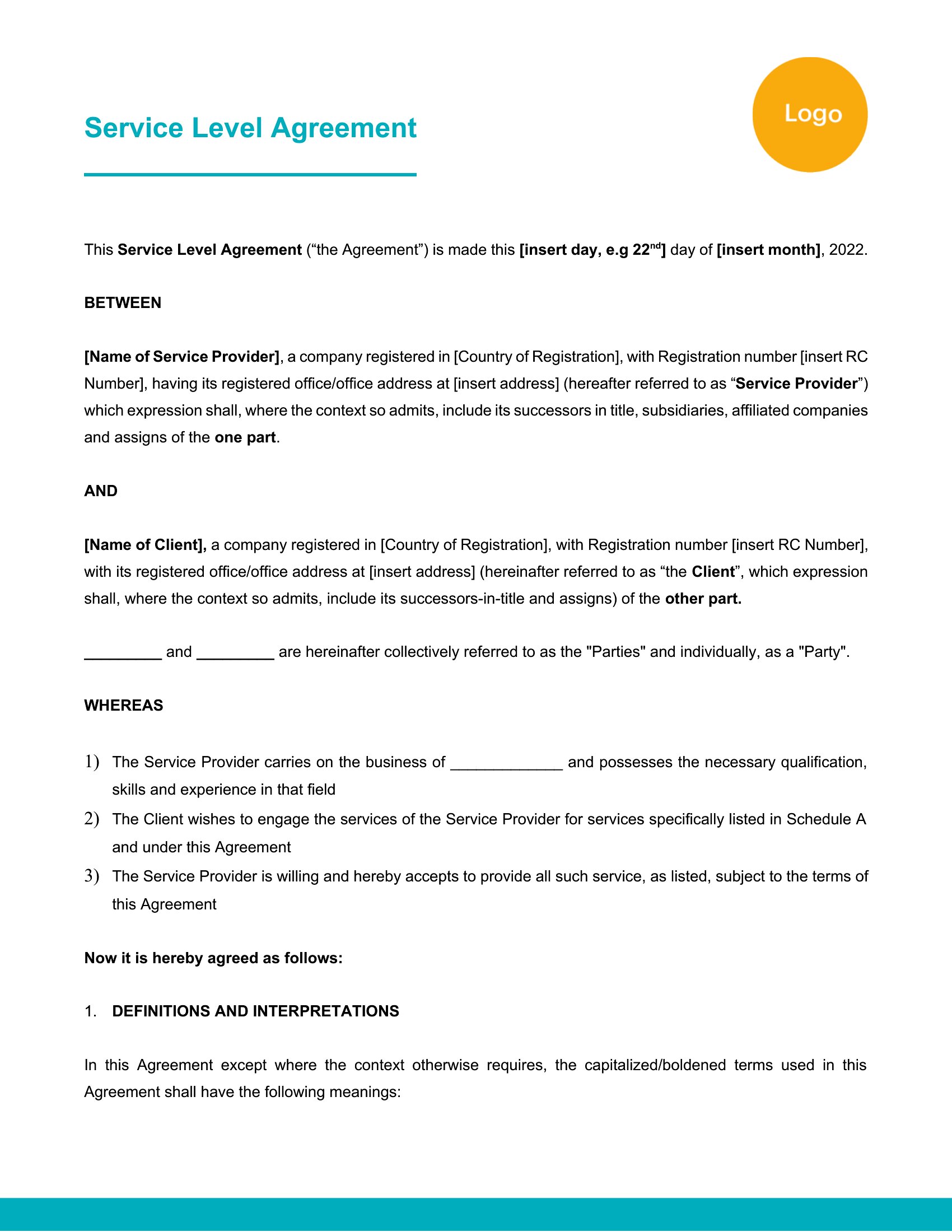
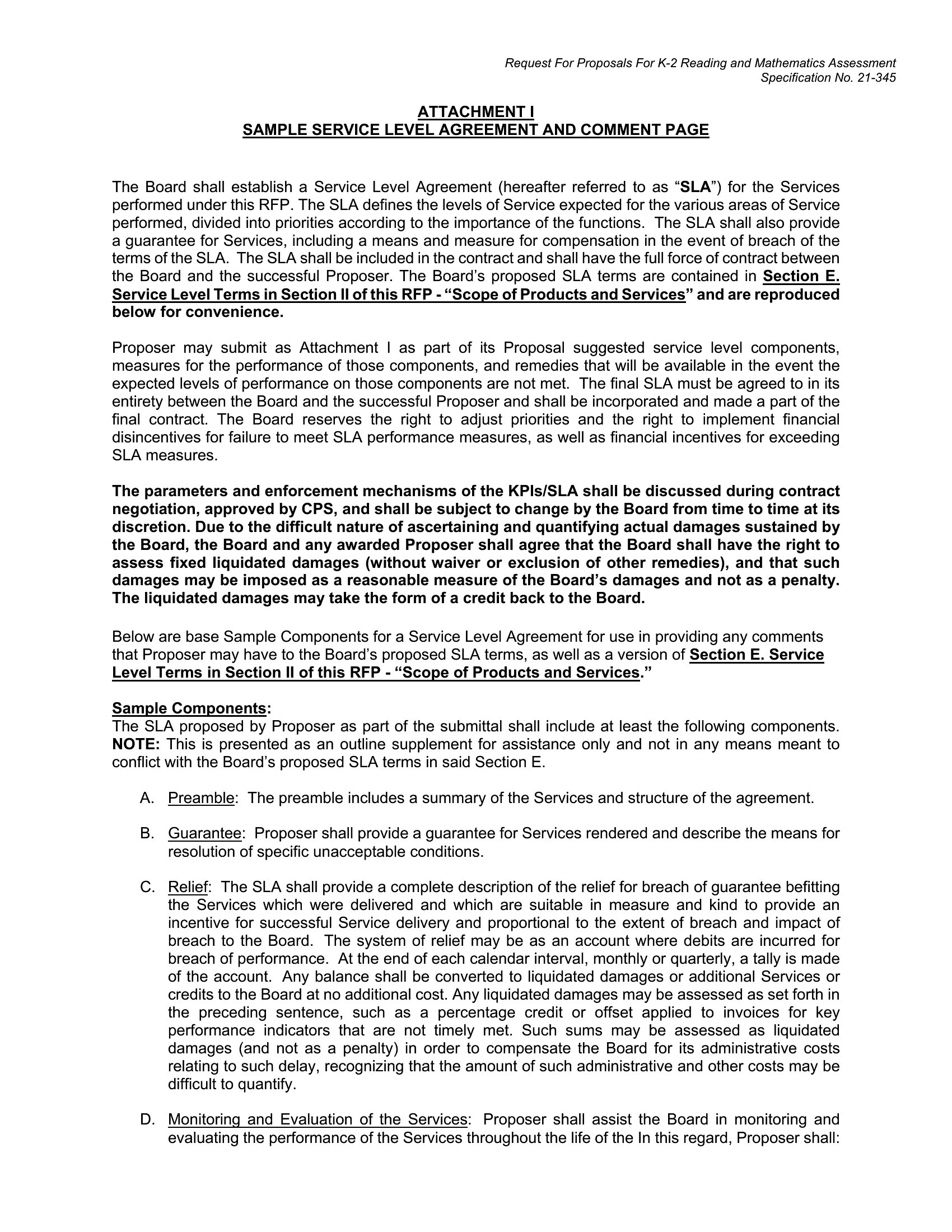
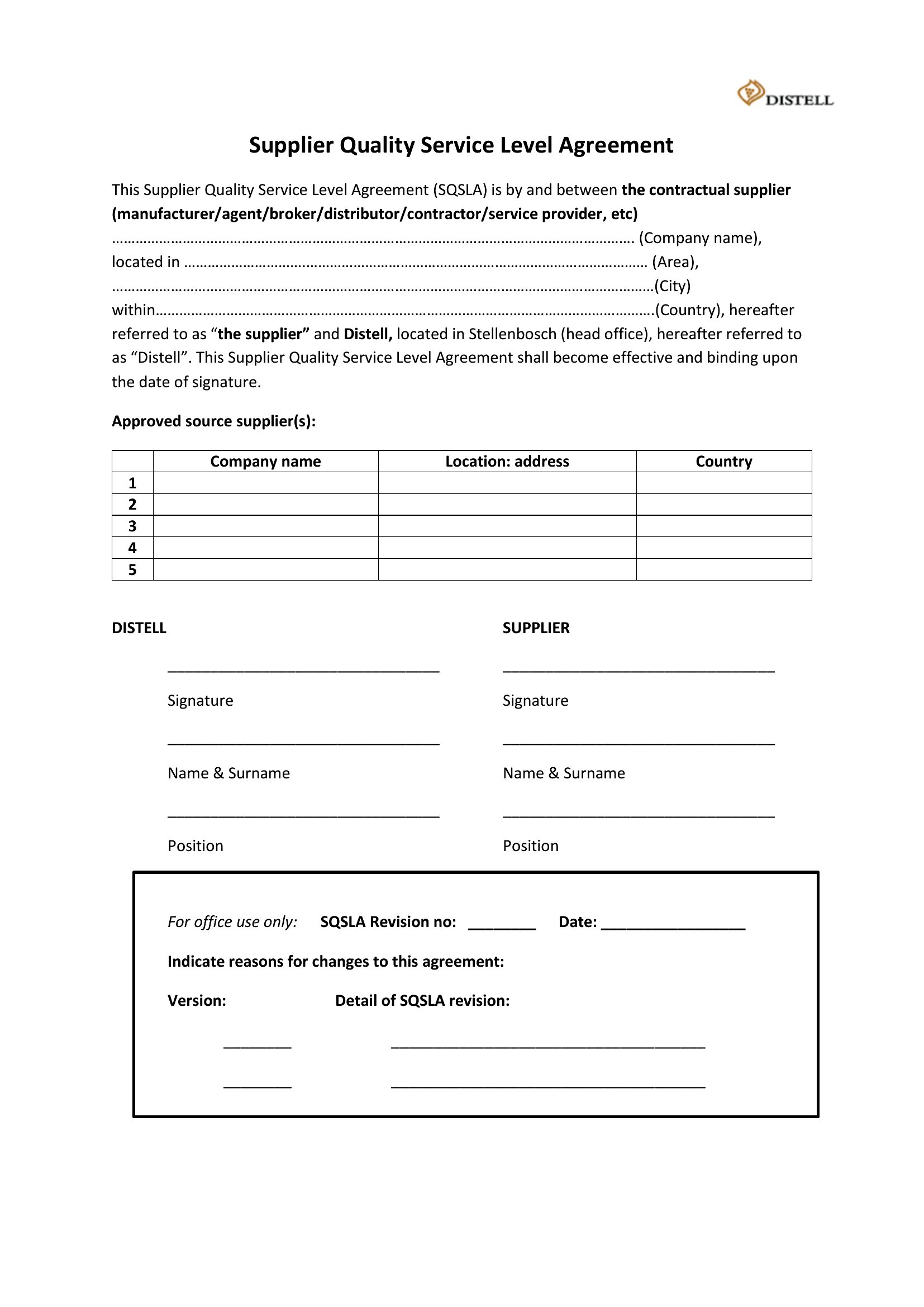
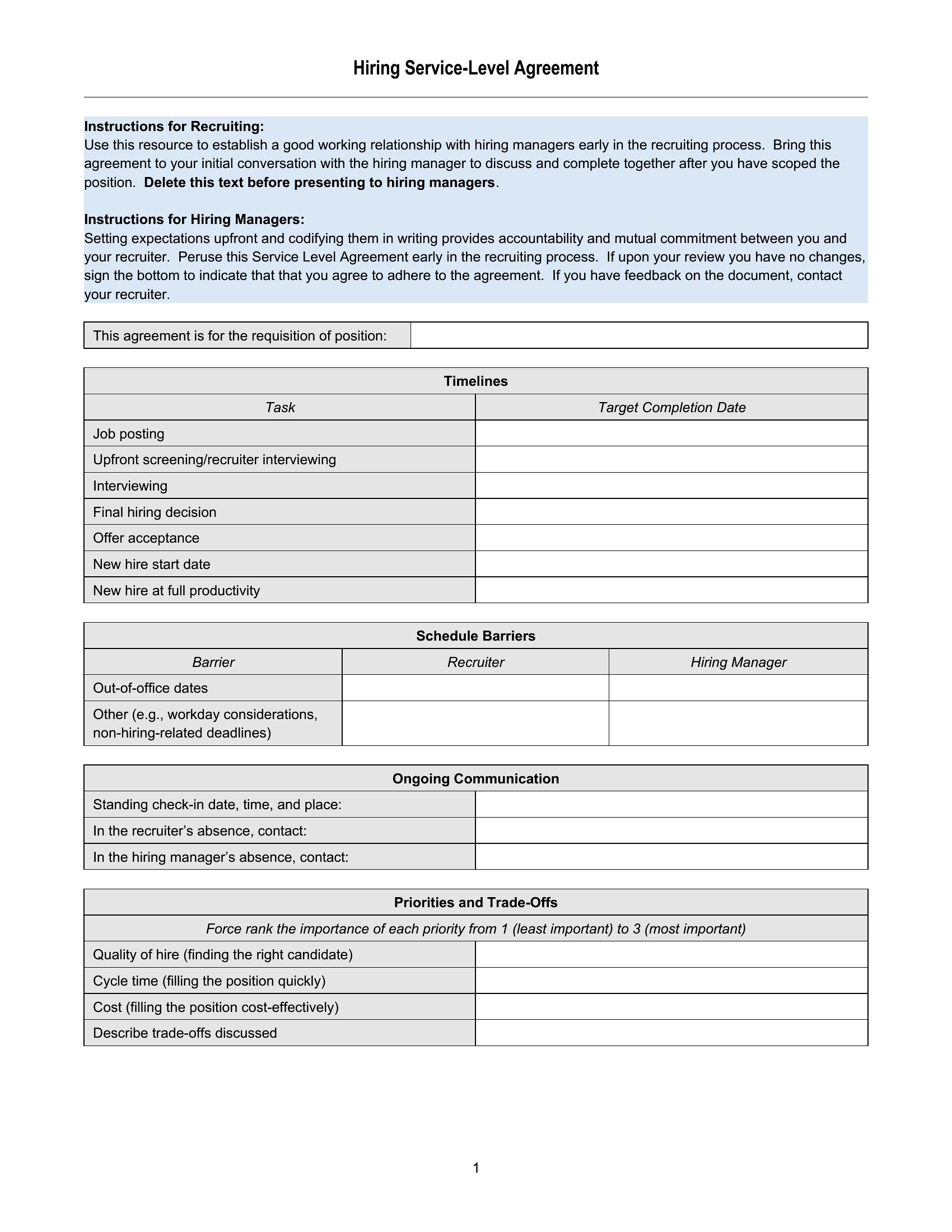
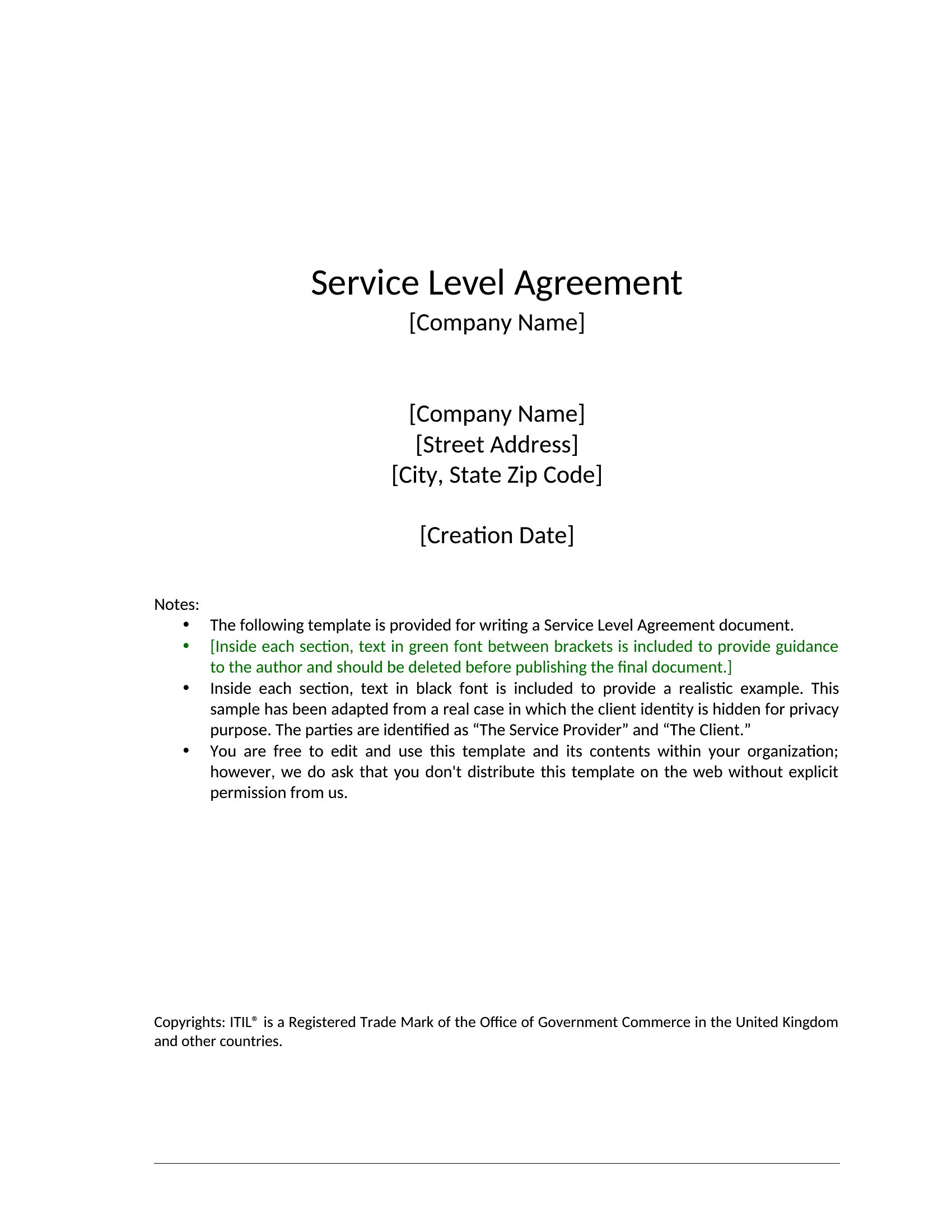
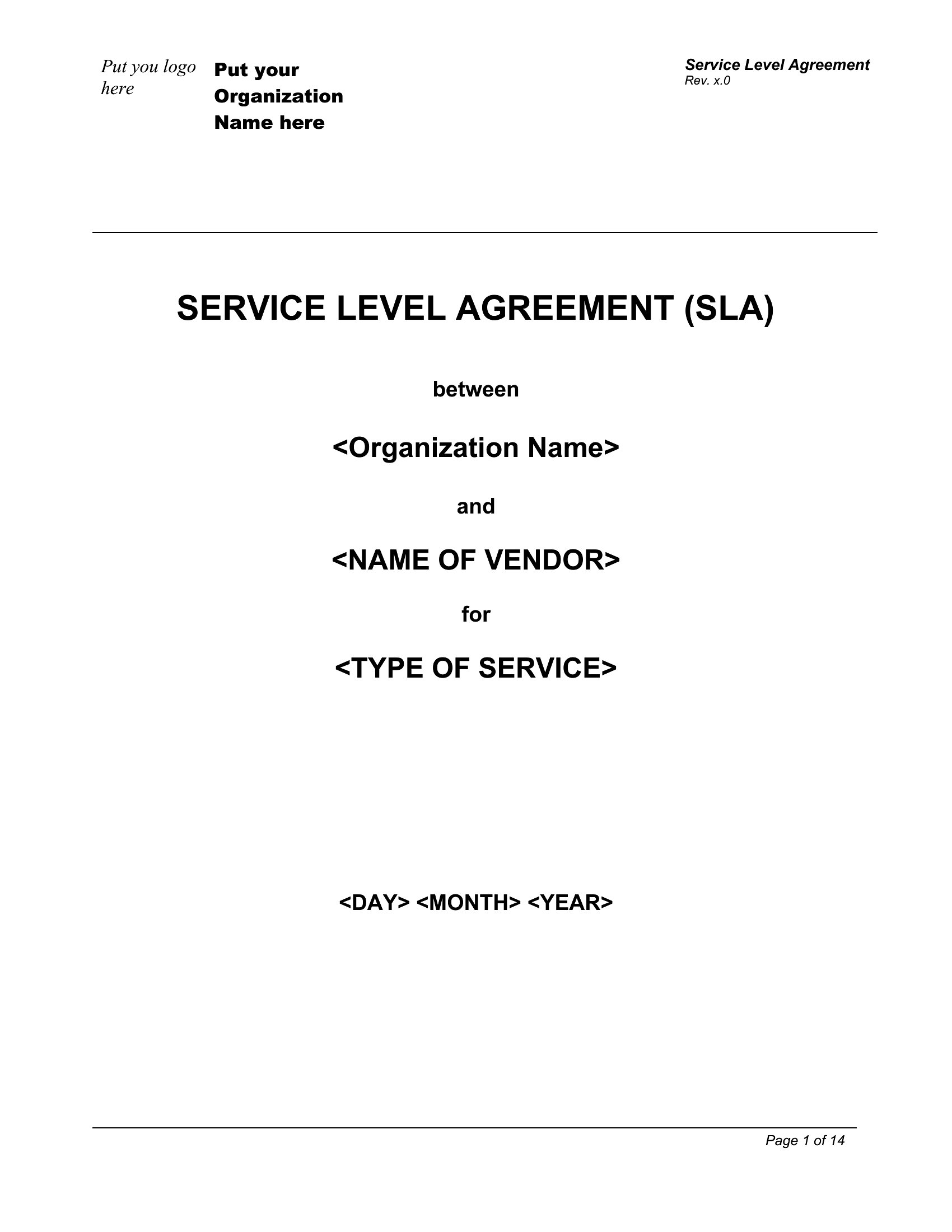
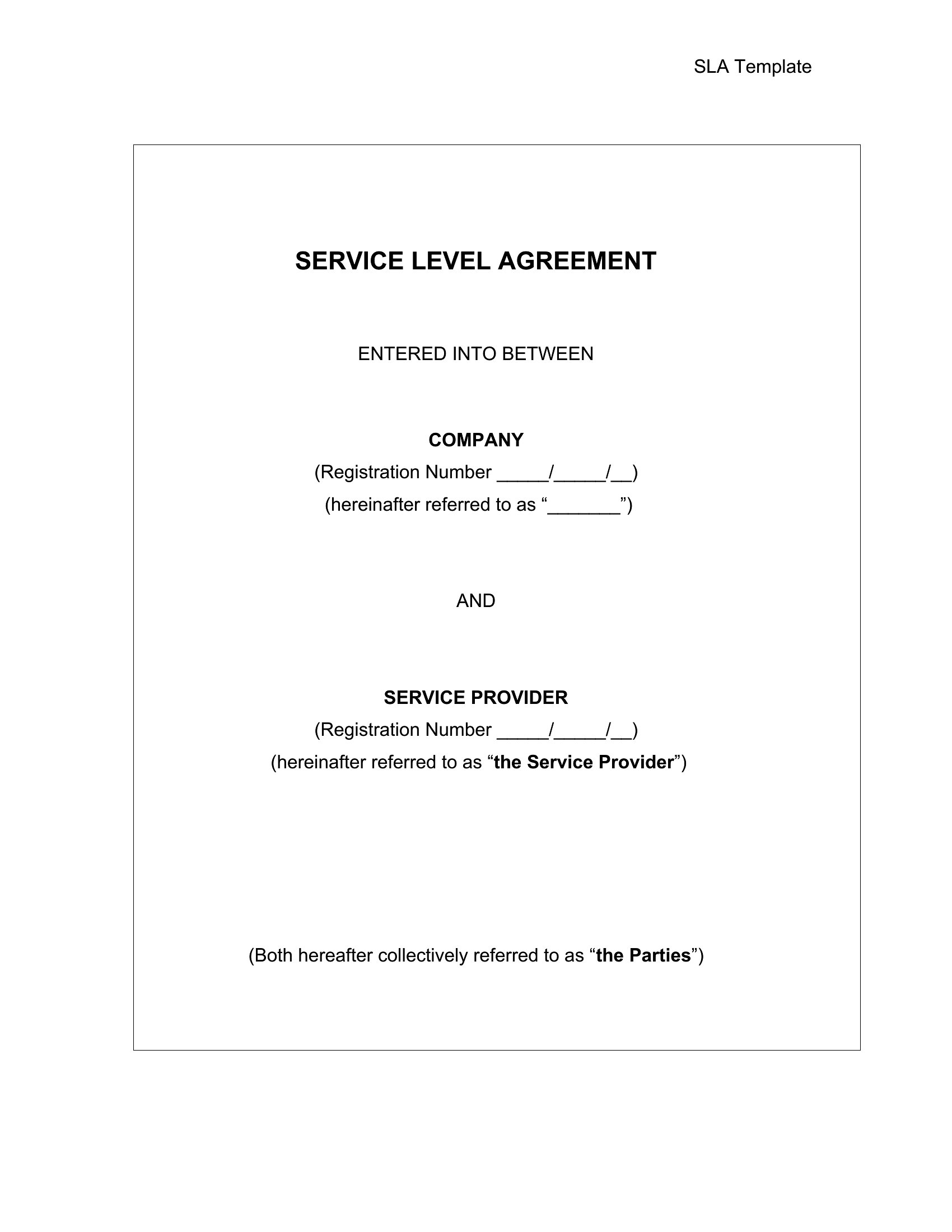
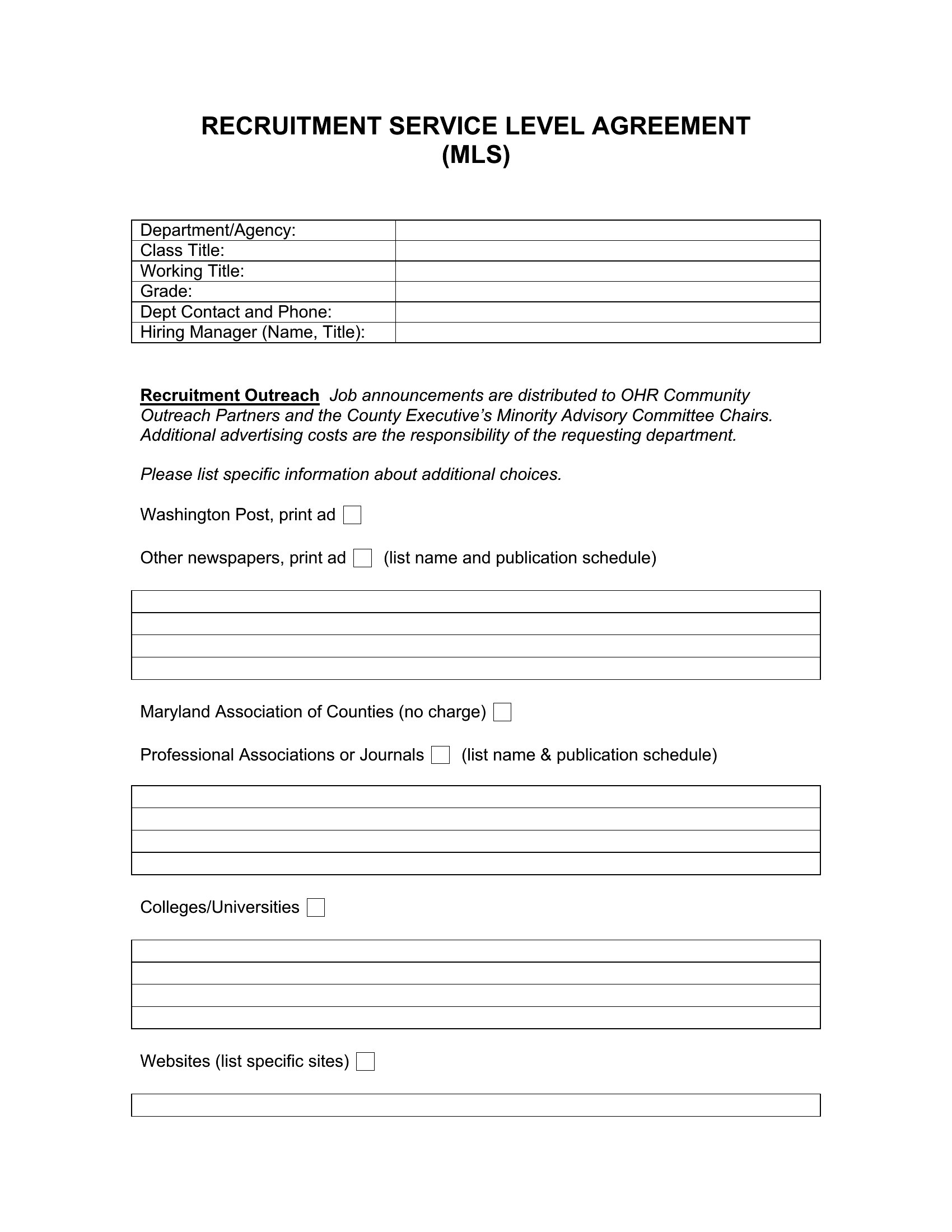
An SLA sets the standard both sides will be held to, from uptime to response times. This collection of 52 service level agreement templates helps IT providers, vendors, and managers define metrics, responsibilities, and what happens when targets are missed.
The templates are editable in Word and ready as PDFs for review and signatures. Spell out the services covered, performance benchmarks, support hours, and any credits for shortfalls. Because an SLA is a binding commitment, have your terms checked before you sign. Choose the version that matches your service and set expectations everyone can measure against.
When to use this Service Level Agreement template
- A SaaS company launching a new API needs to define 99.9% uptime guarantees and penalty clauses for outages with their enterprise clients, ensuring alignment on penalties before contracts are signed.
- A freelance developer working with a mid-sized agency must outline response times for bug fixes (e.g., 4-hour turnaround for critical issues) and specify when project delays trigger refunds or extensions.
- A cloud hosting provider must document service credits (e.g., 20% credit for downtime exceeding 2 hours monthly) and escalation procedures for their SMB customers who lack in-house IT support.
- A co-working space manager needs to formalize Wi-Fi reliability guarantees (e.g., 99.5% availability) and specify maintenance windows so tenants can plan disruptions without losing productivity.
Which format should I download?
Use the Word format if you need to collaborate with clients or legal teams in real time—it’s fully editable and supports track changes for revisions. Choose PDF when you’re ready to finalize terms, as it’s the standard for signatures, secure sharing, and printing. PDFs also preserve formatting for compliance-heavy documents, like those requiring notarization or client approvals.
How to use this Service Level Agreement template
How do I decide which performance metrics to include for a custom service?
Start by identifying what your client values most—like response times, uptime percentages, or data accuracy—and tie them to their business goals. For IT services, include measurable benchmarks like ‘average resolution time’; for consulting, consider ‘project delivery timelines.’ Always align metrics with industry standards or regulatory requirements.
Can I use these templates to define penalties for missed SLAs, and what should they look like?
Yes, these templates include penalty clauses as placeholders, but you’ll need to tailor them to your service’s criticality. For example, a 10% service credit for each hour of downtime might work for a cloud provider, while a consulting firm could offer a 50% refund for delays exceeding 30 days. Consult a lawyer to ensure penalties comply with local contract laws.
What’s the best way to handle revisions if a client requests changes after the SLA is shared as a PDF?
If changes are needed, reopen the document in Word, implement edits, and then resave as a PDF for the client’s review. Always version-control the document (e.g., ‘SLA_v2.pdf’) to track revisions. For complex changes, use a tool like DocuSign to collect electronic signatures on the updated version to maintain an audit trail.
Comments
Join the conversation
Sign in to share your thoughts and leave a comment on this resource.