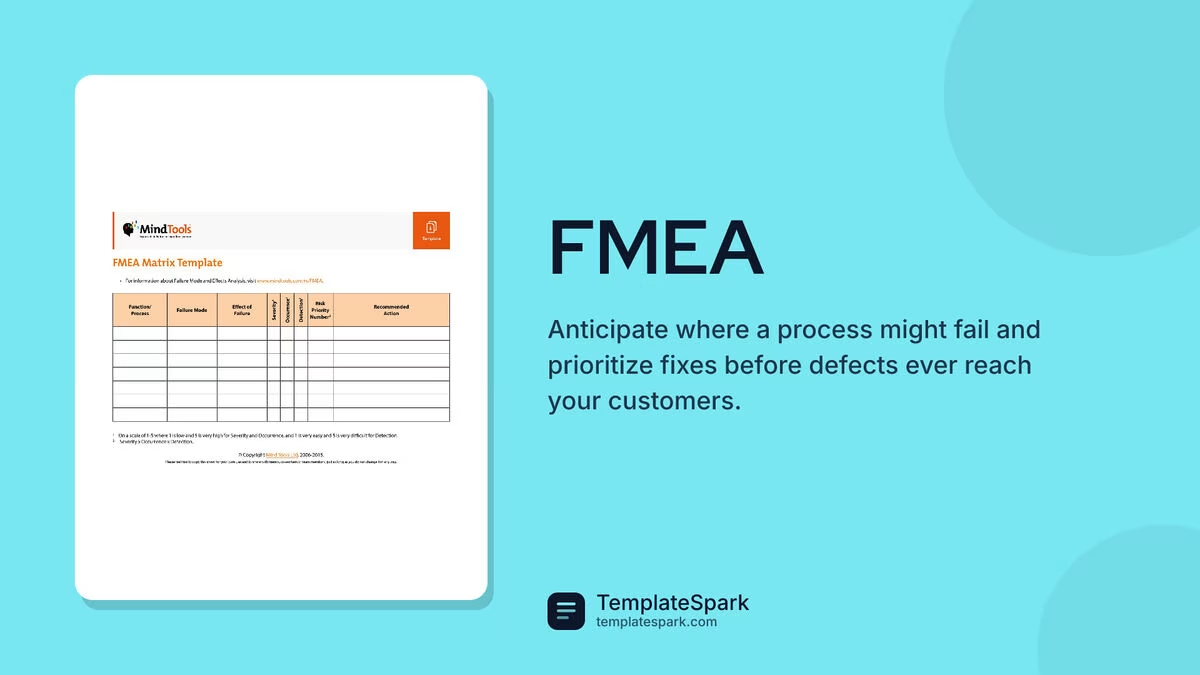
Free FMEA Templates (Excel)
Analysis by aishwaryakeshri
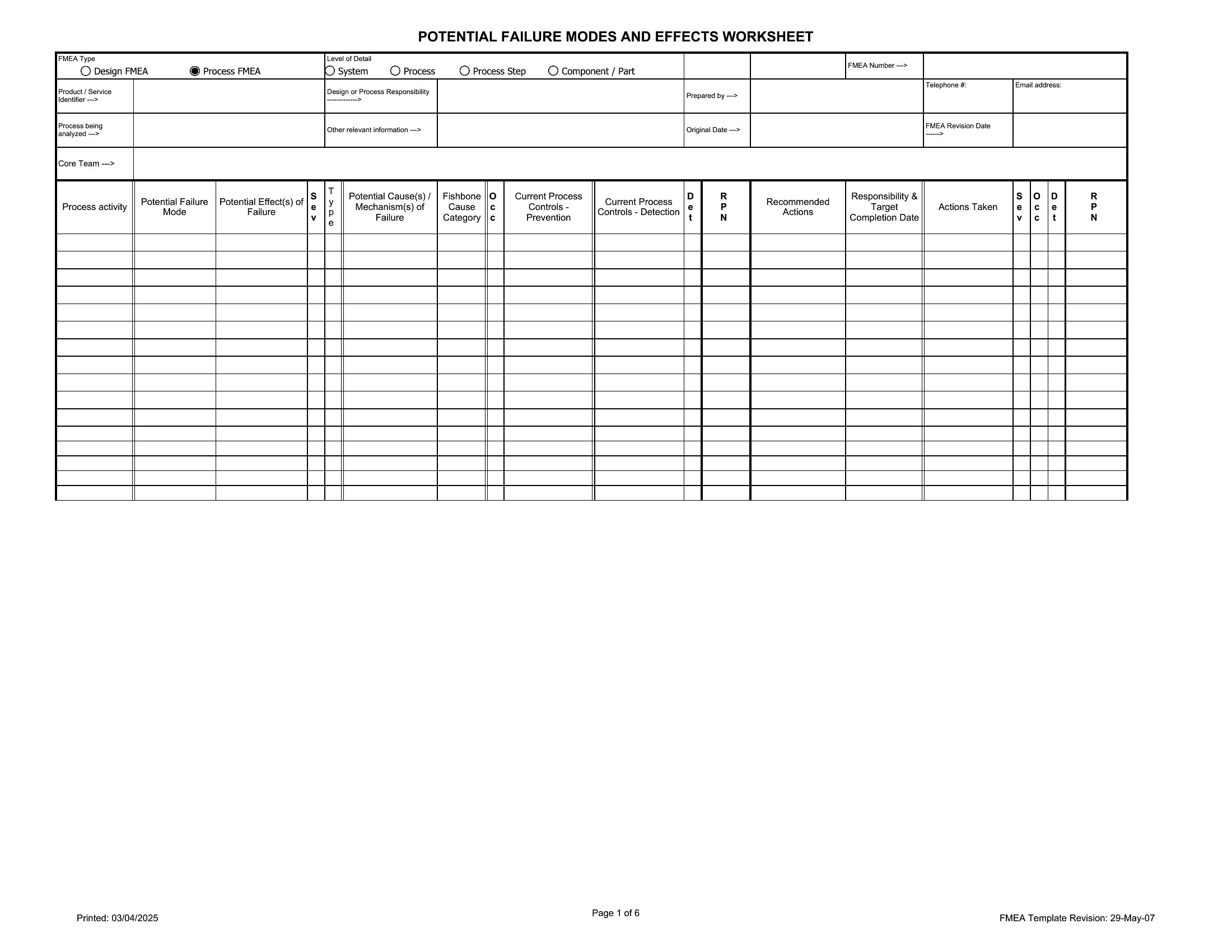
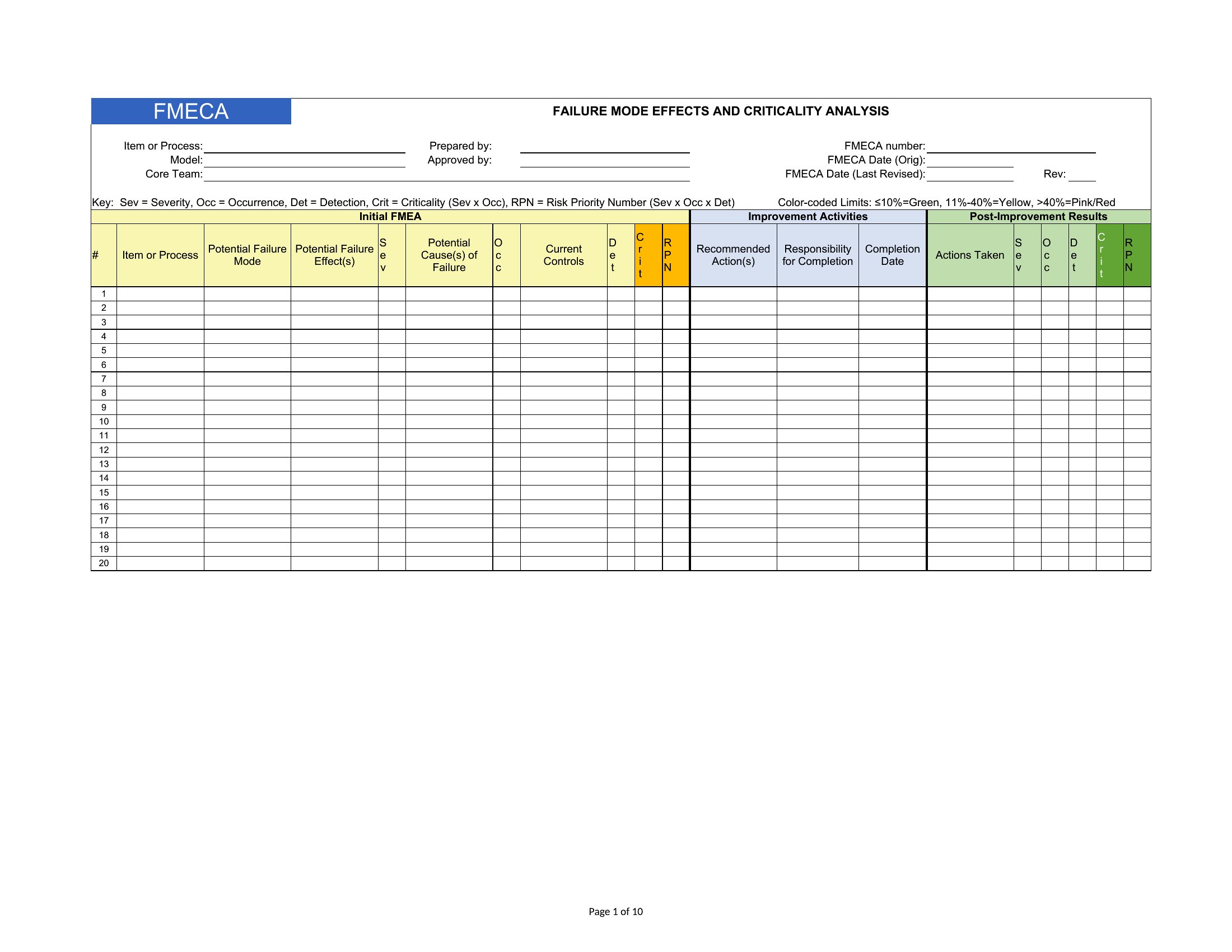
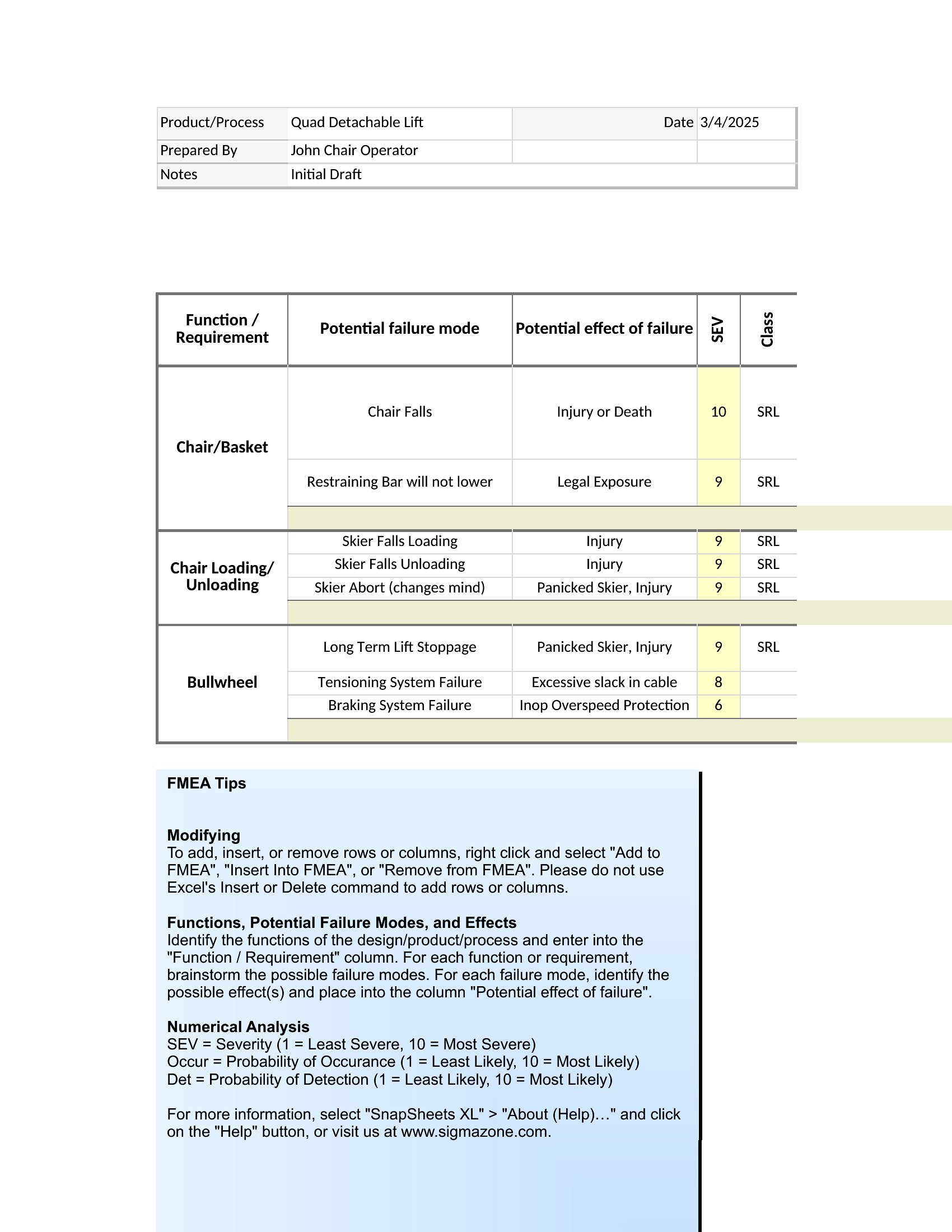
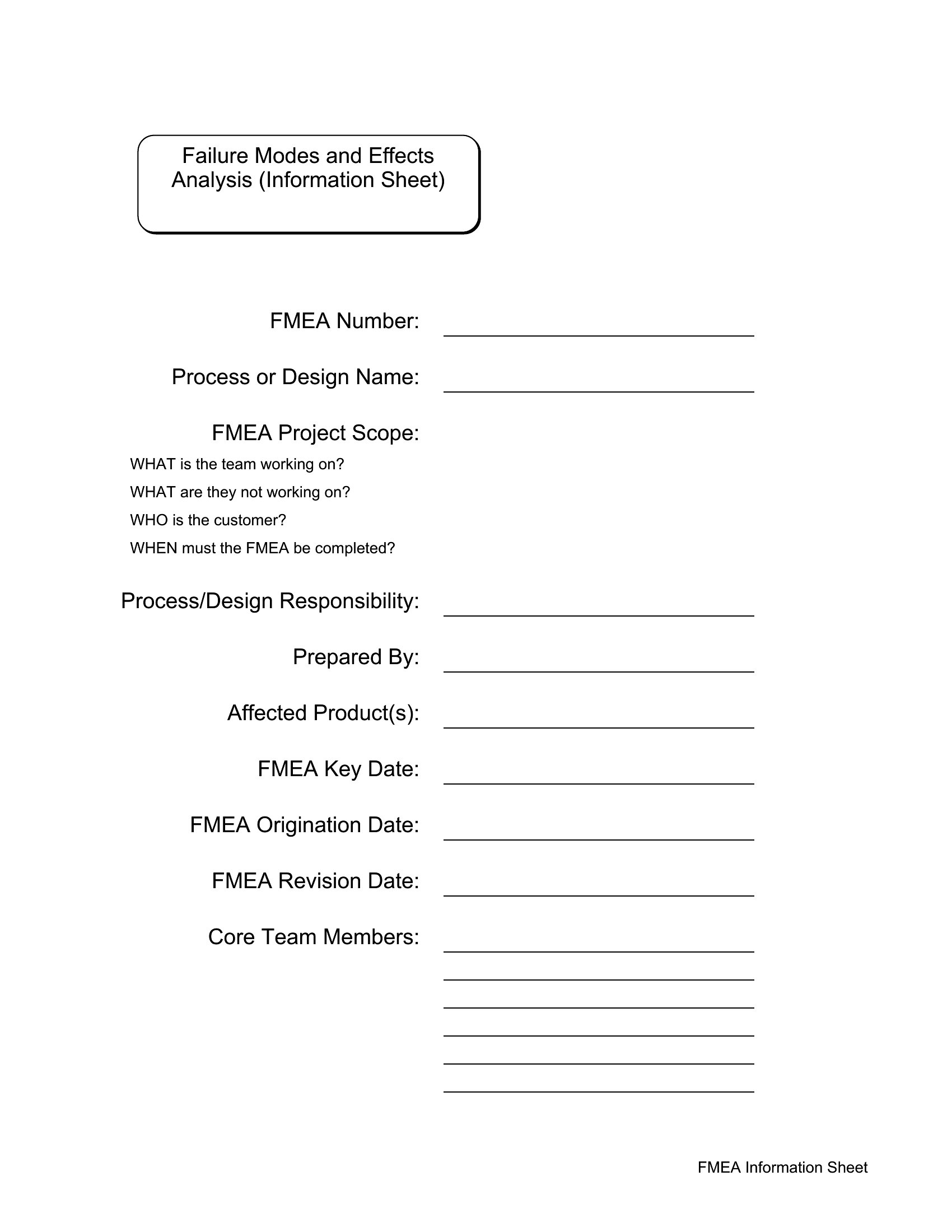
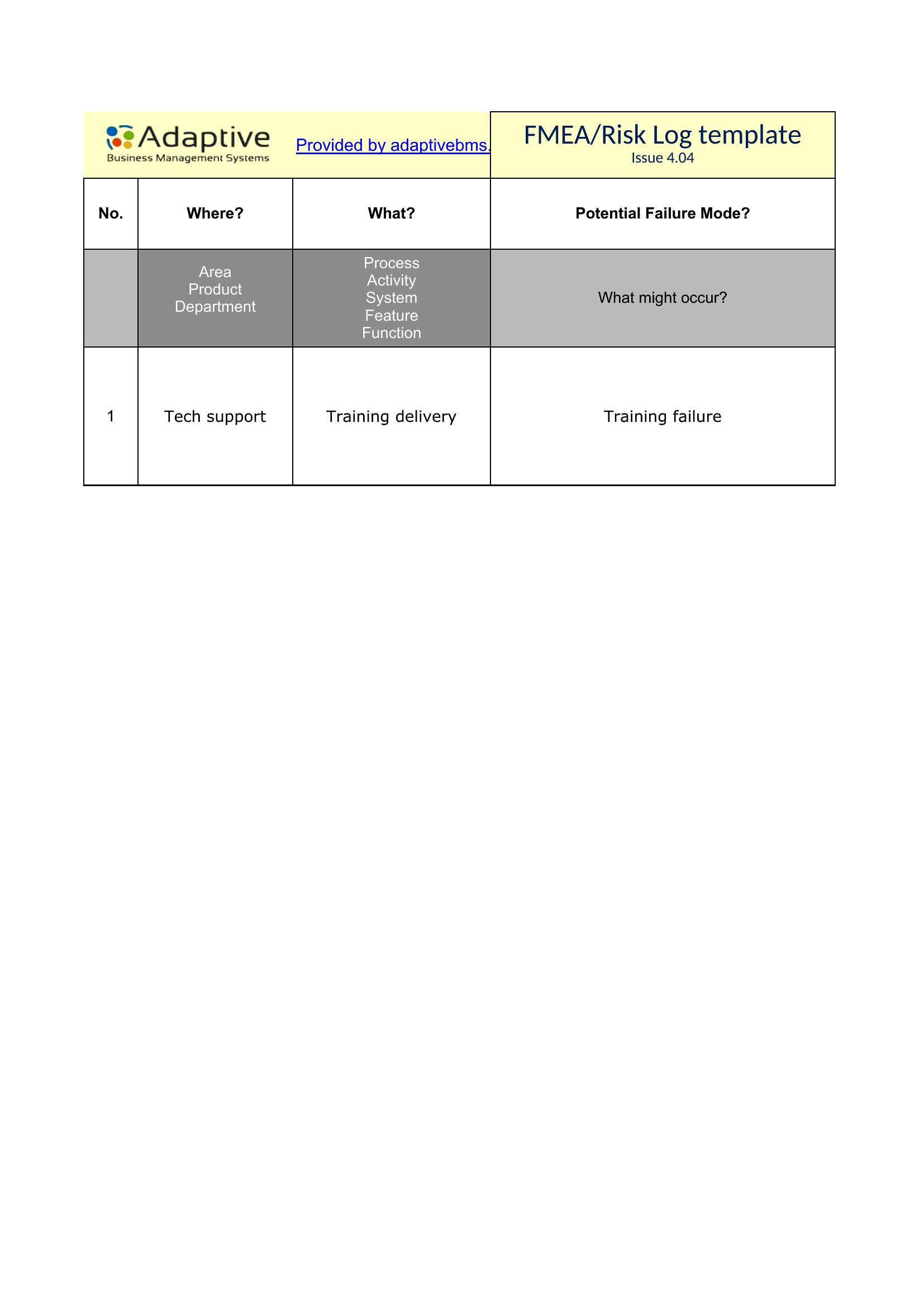
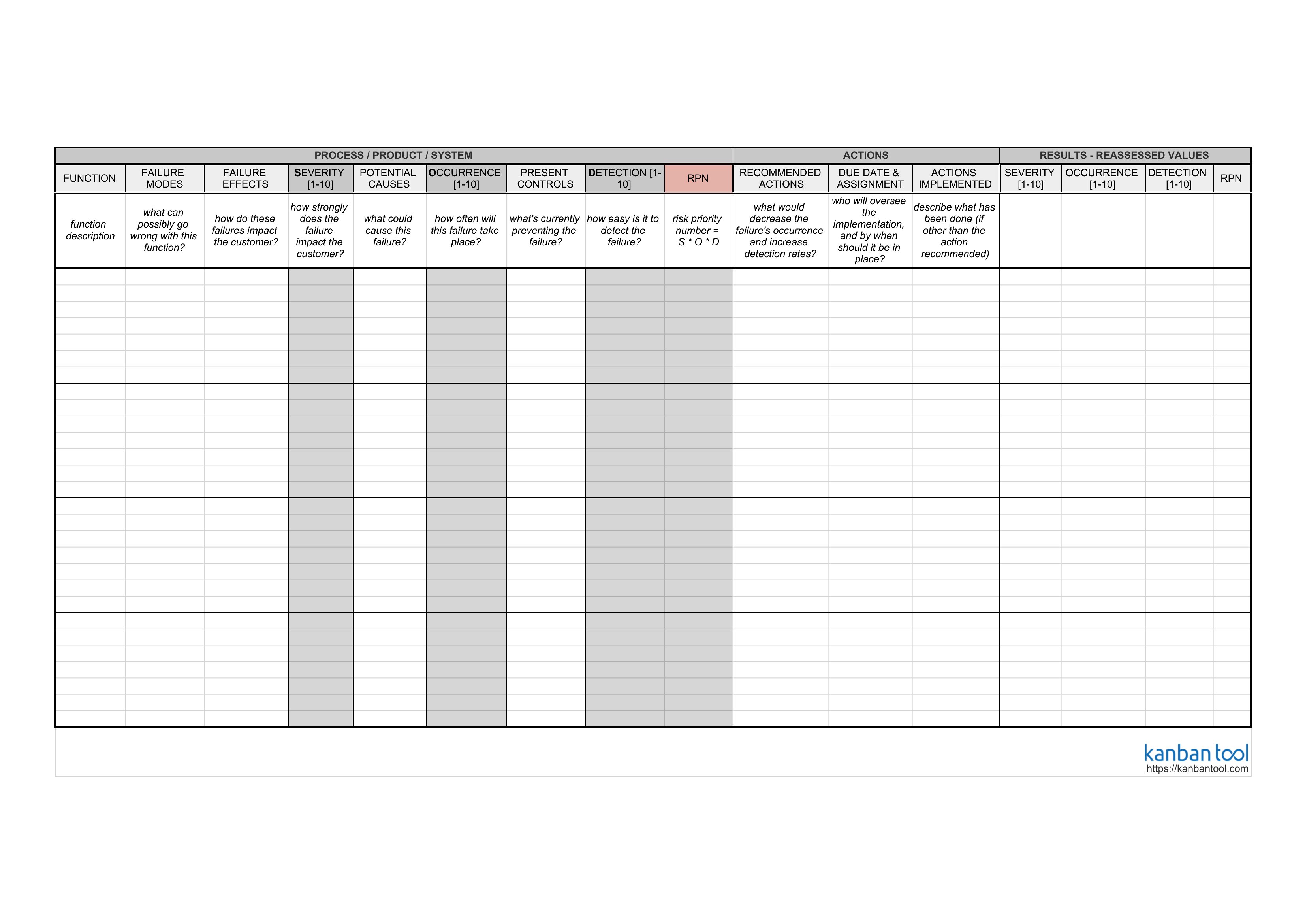
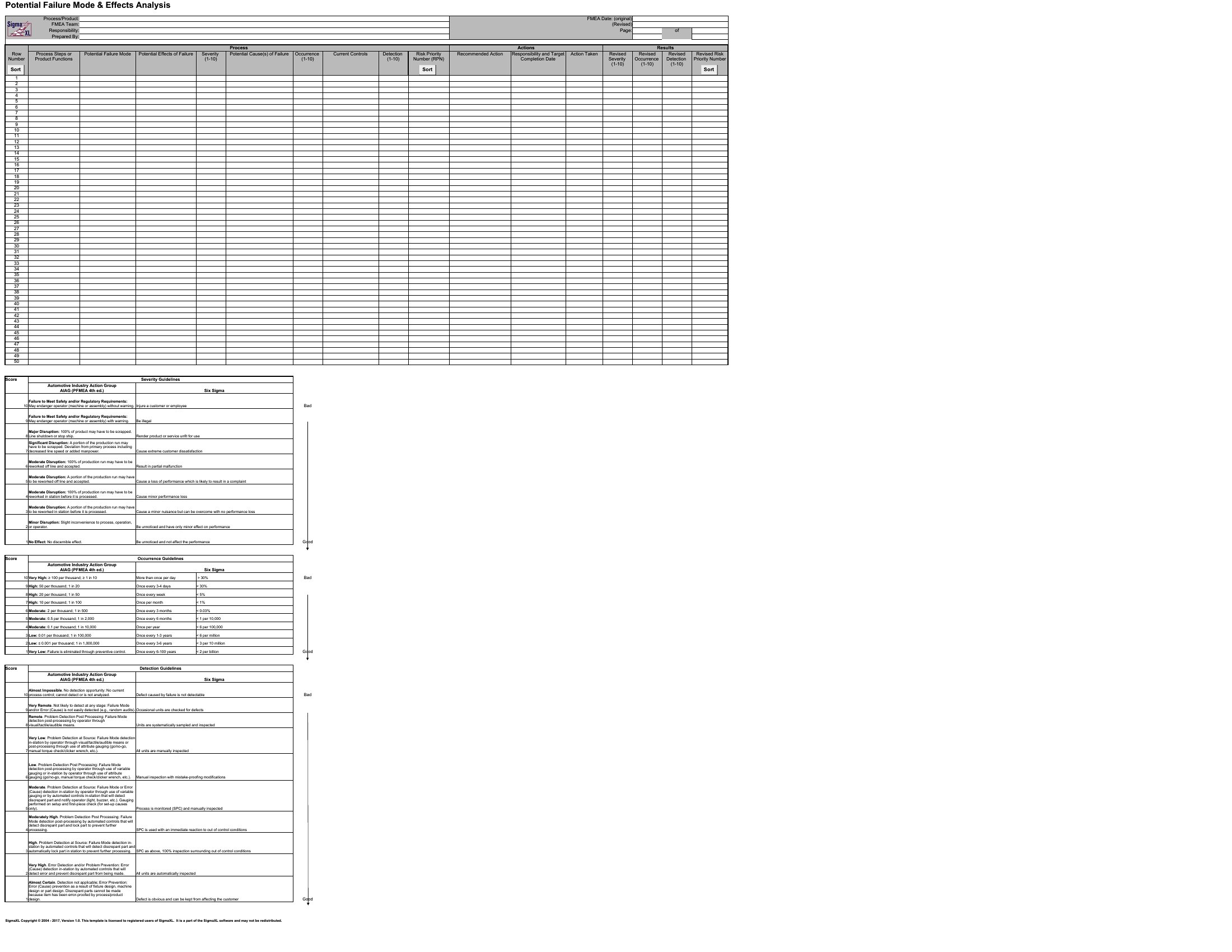
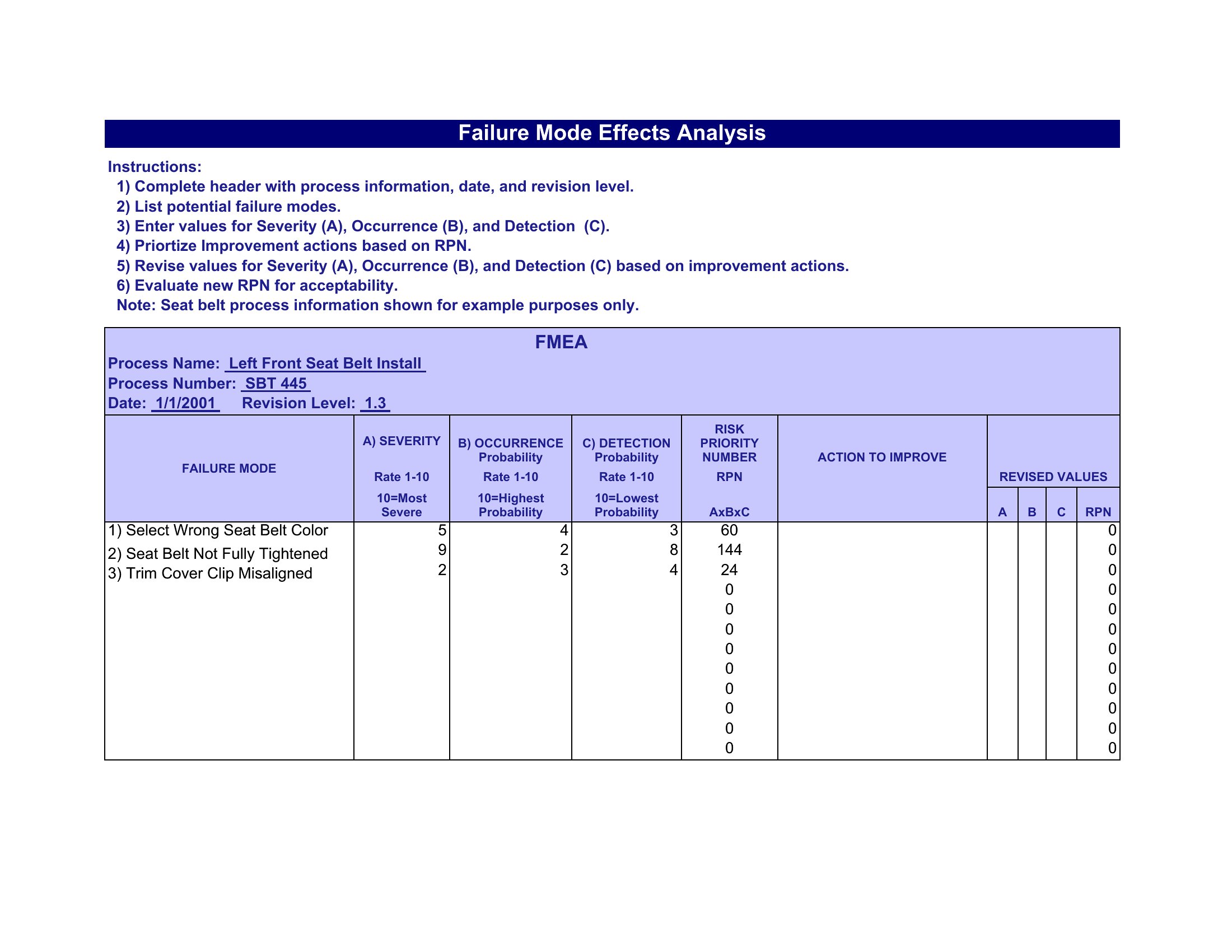
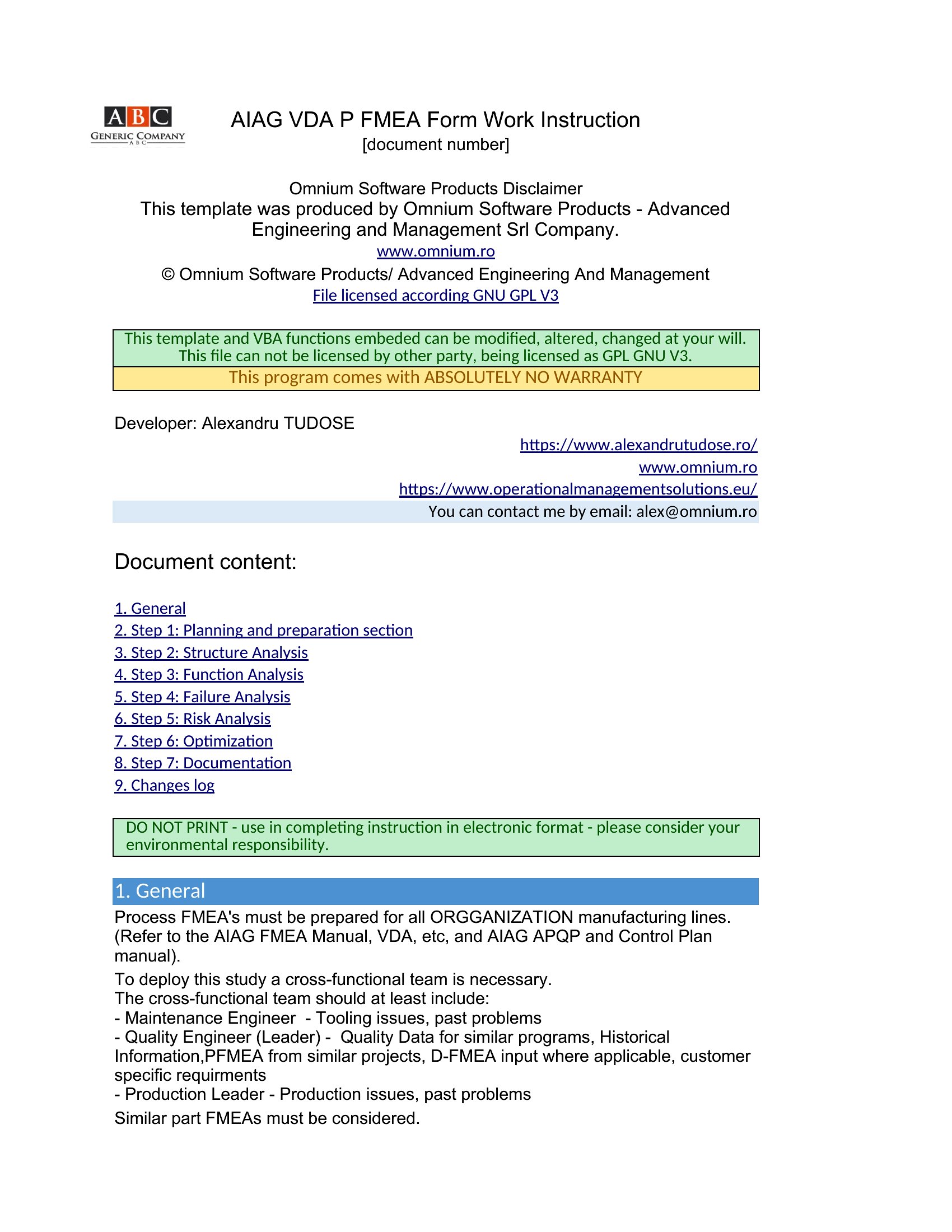
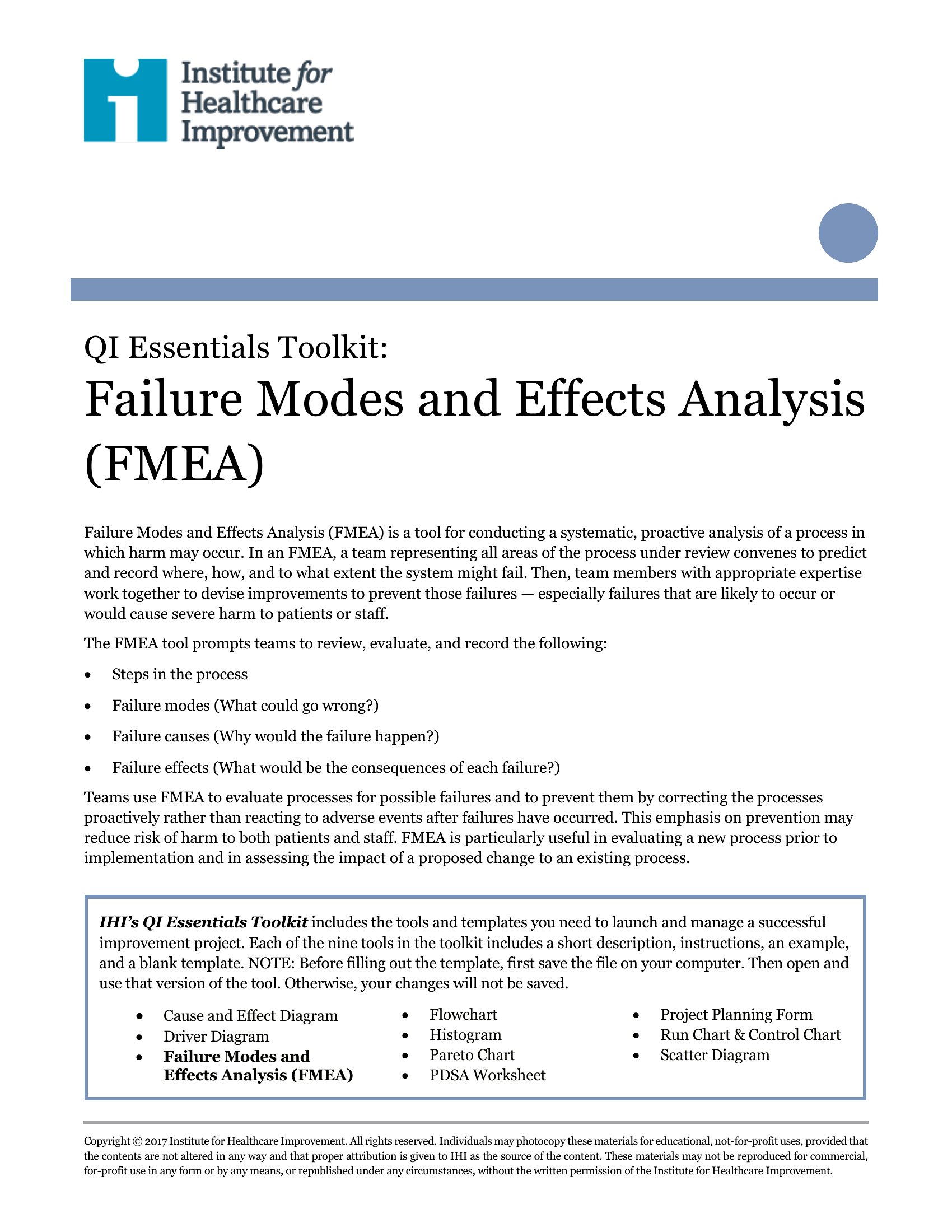
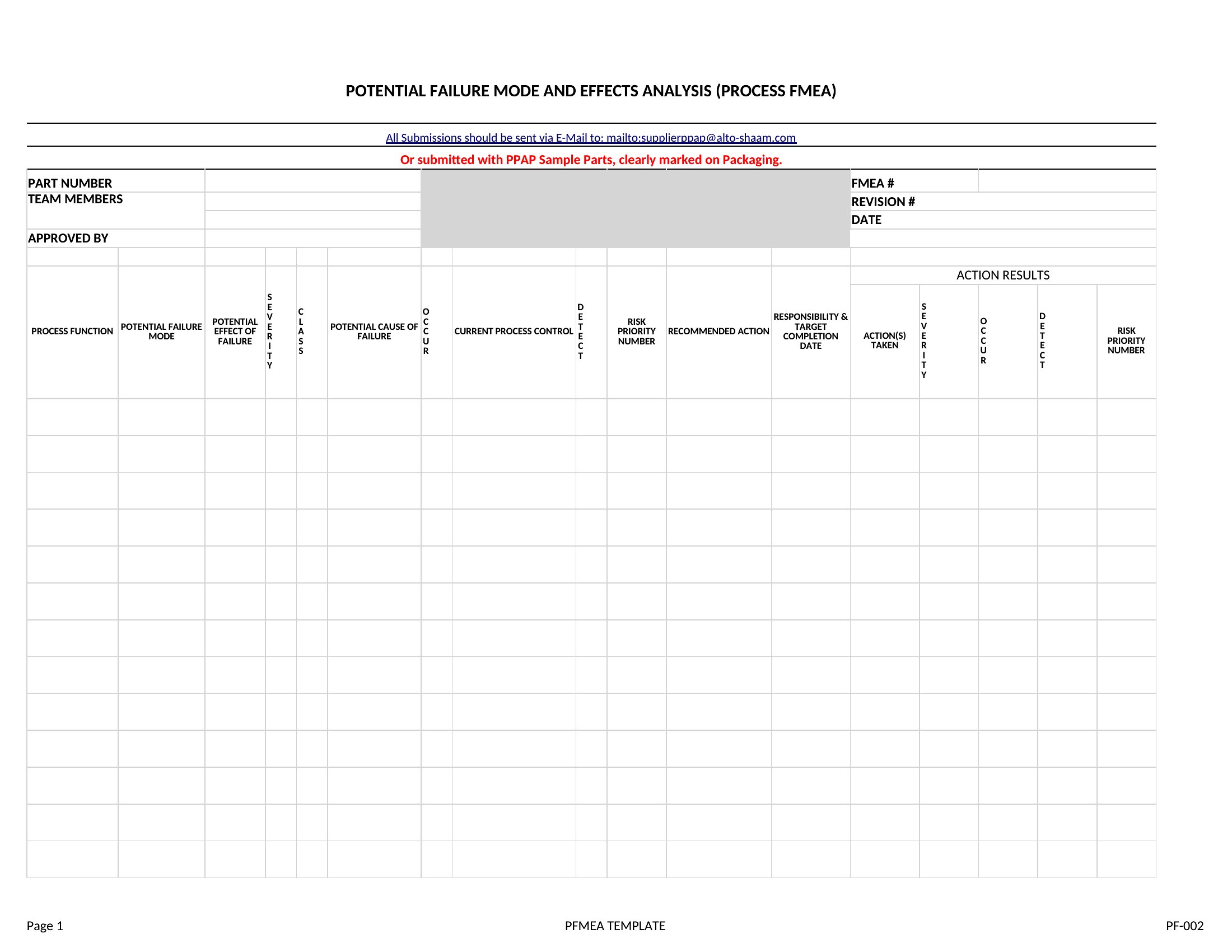
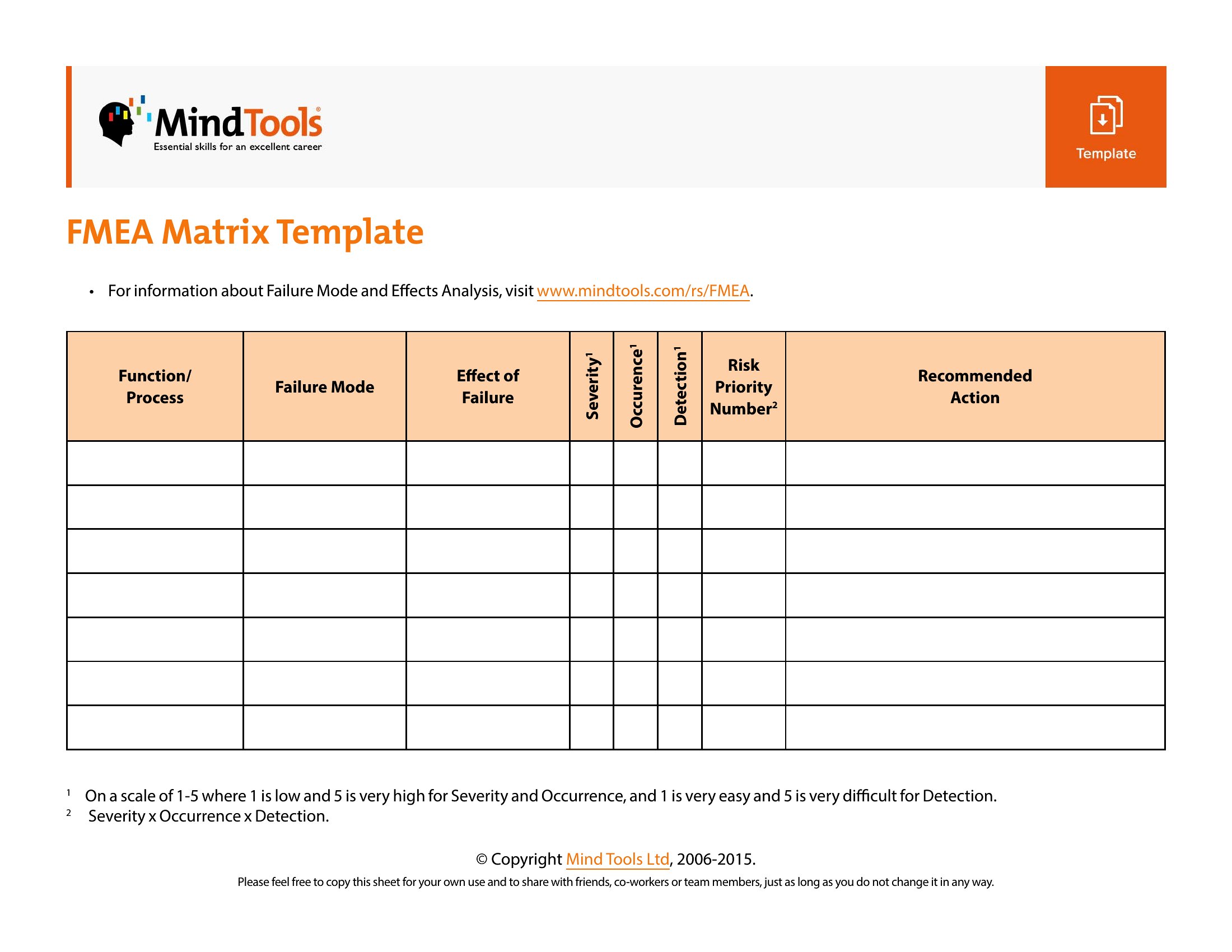
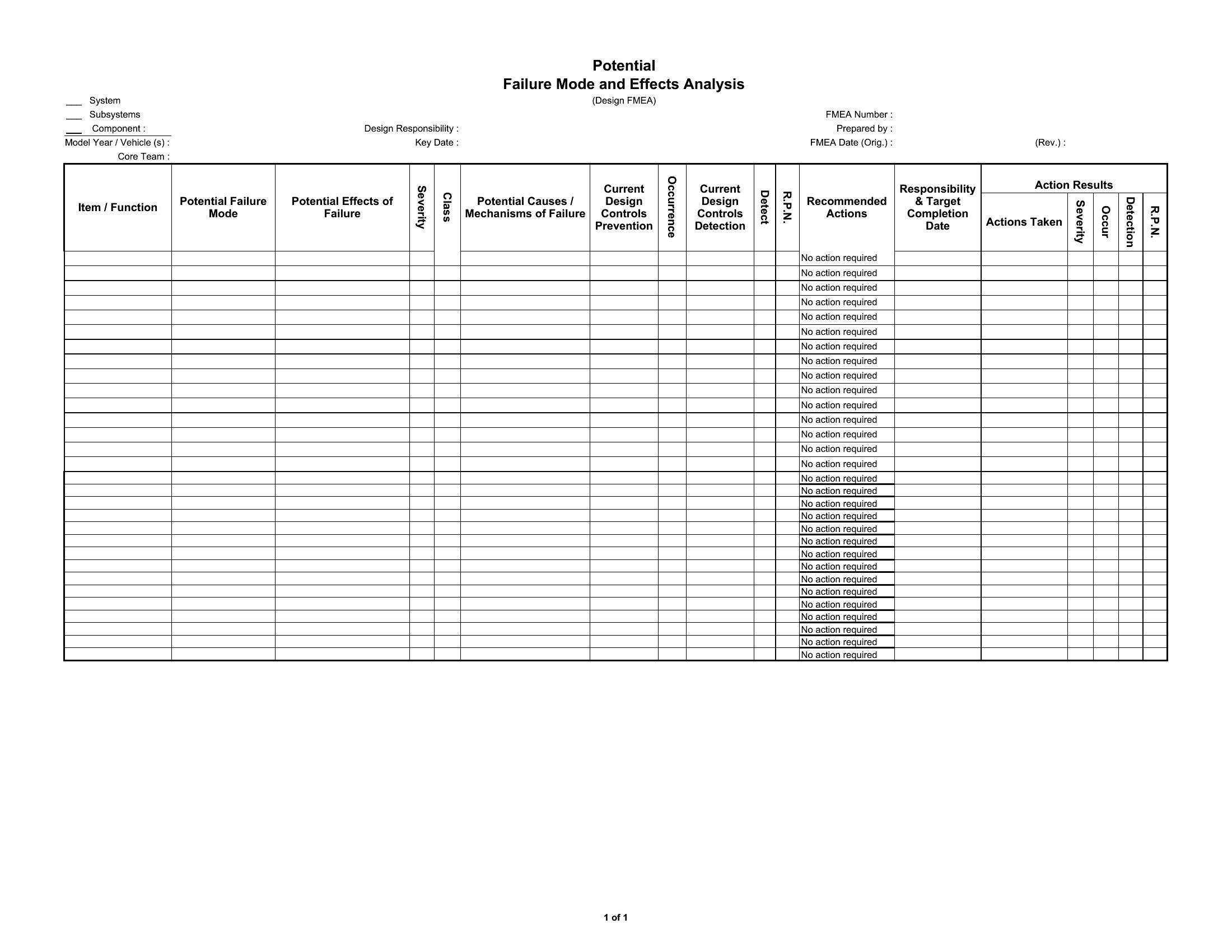
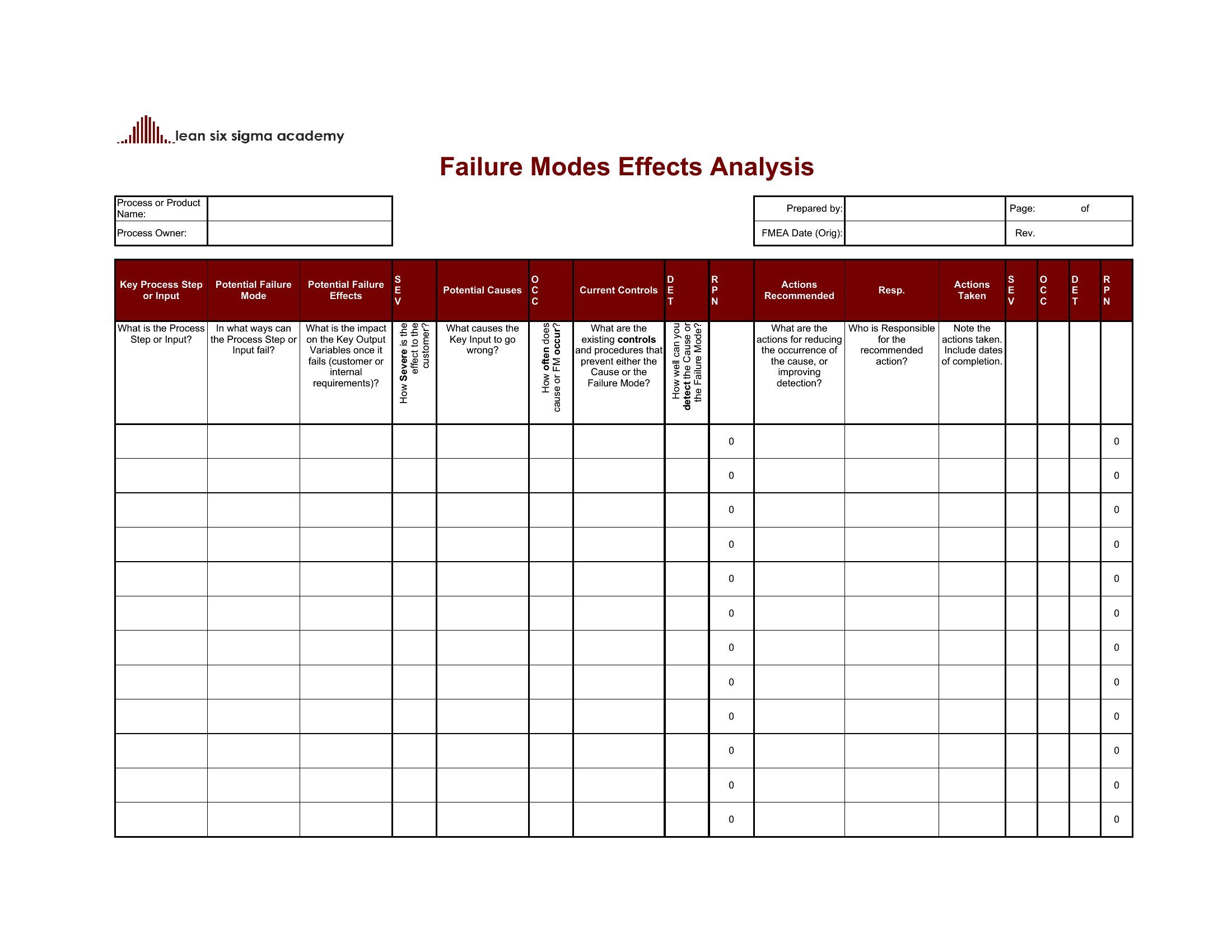
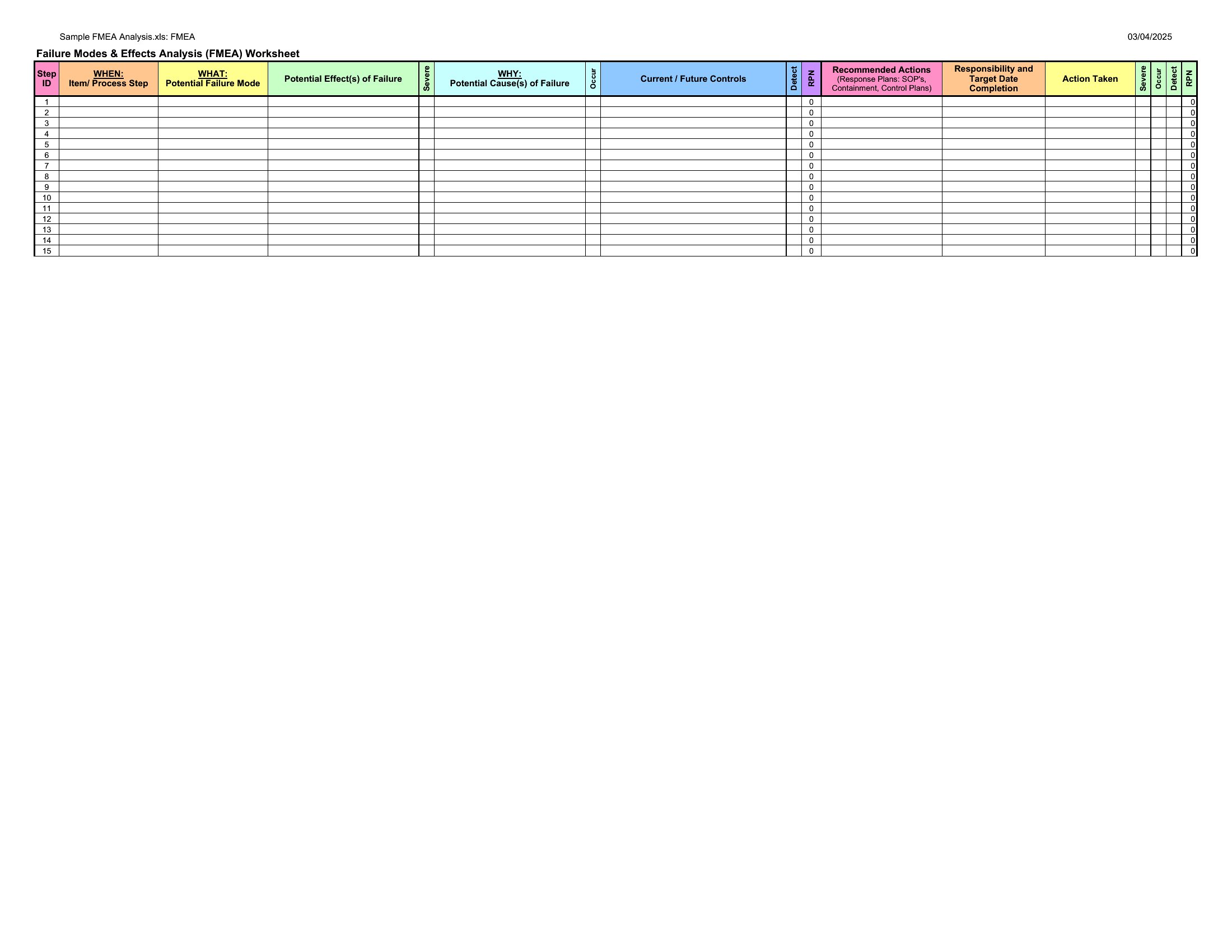
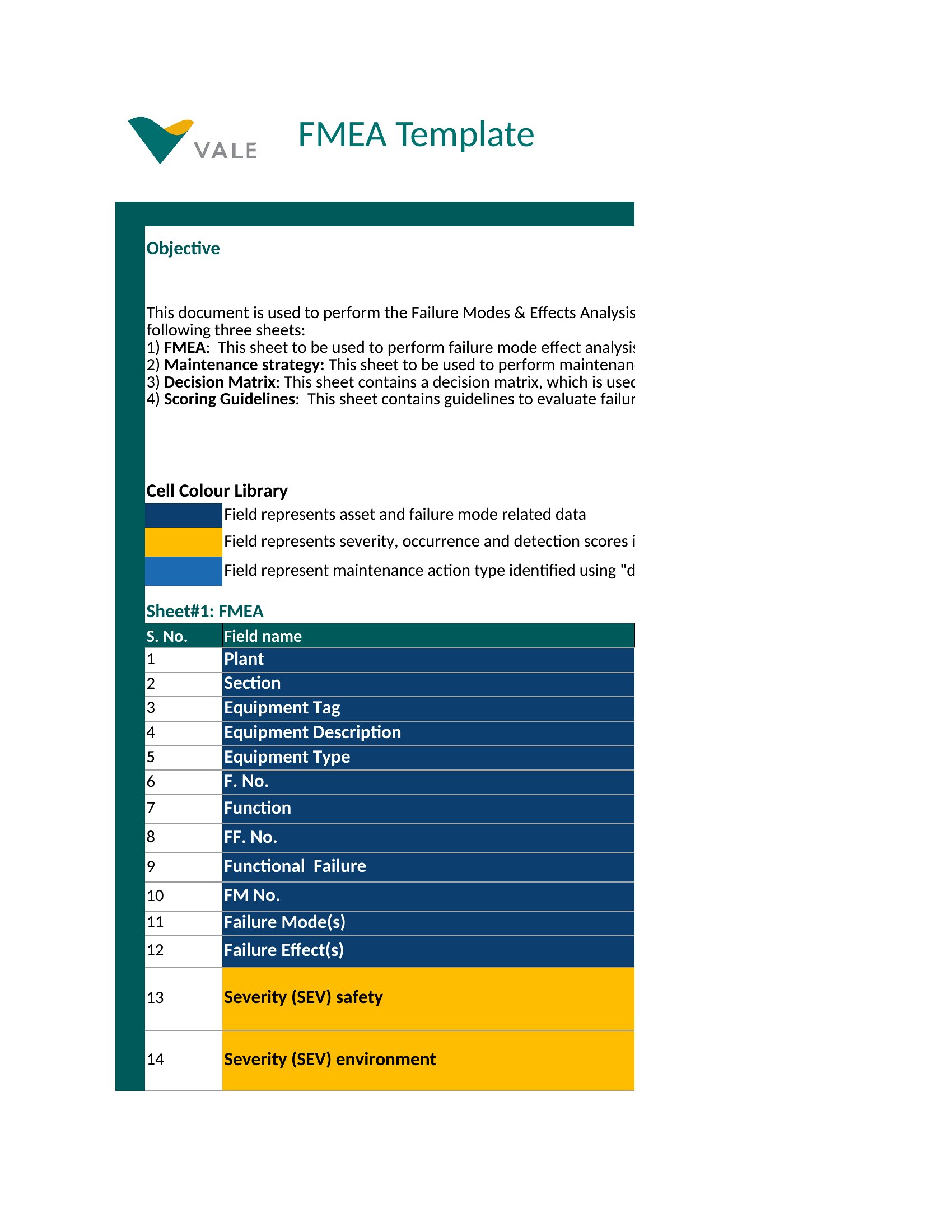
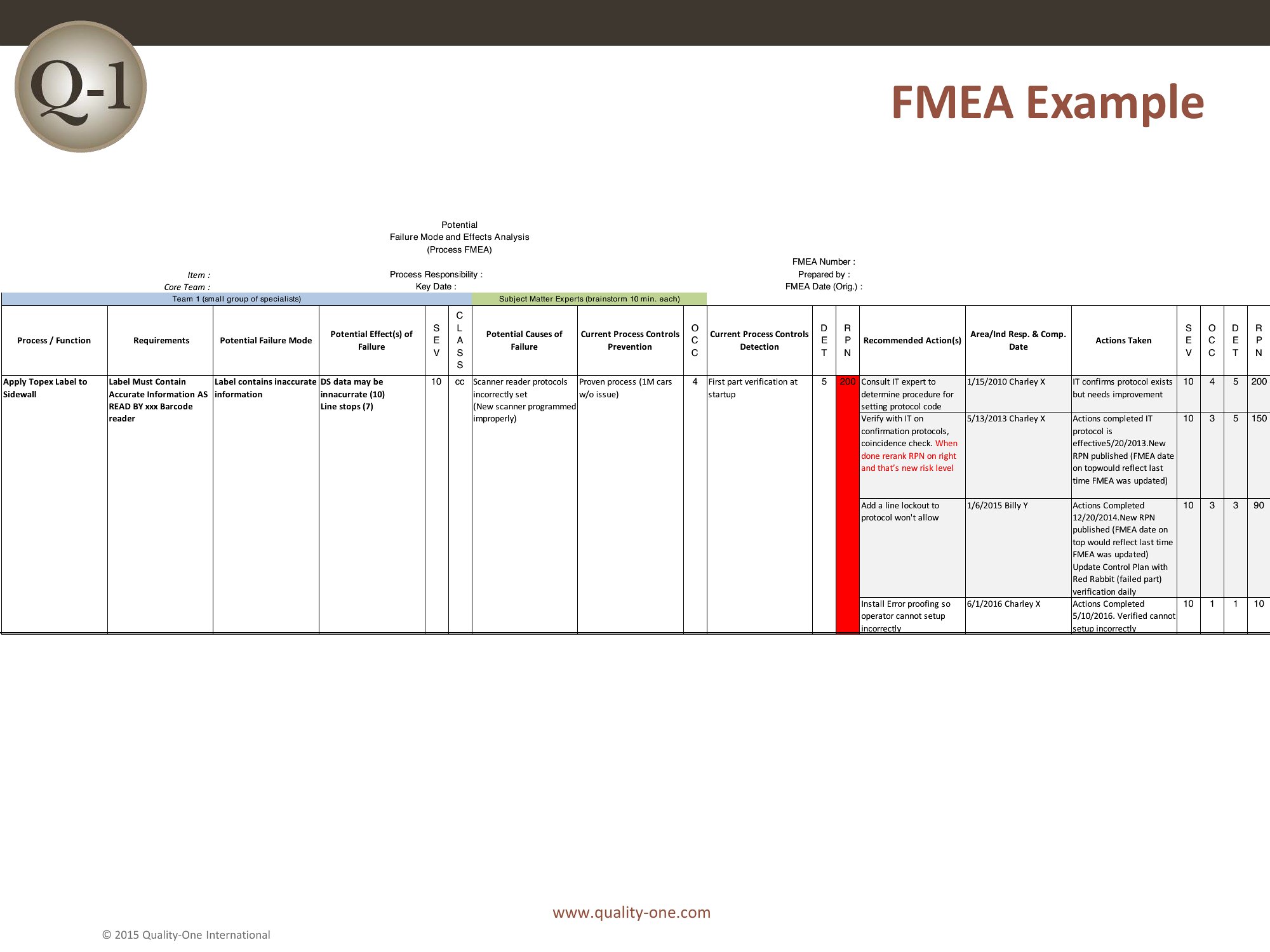
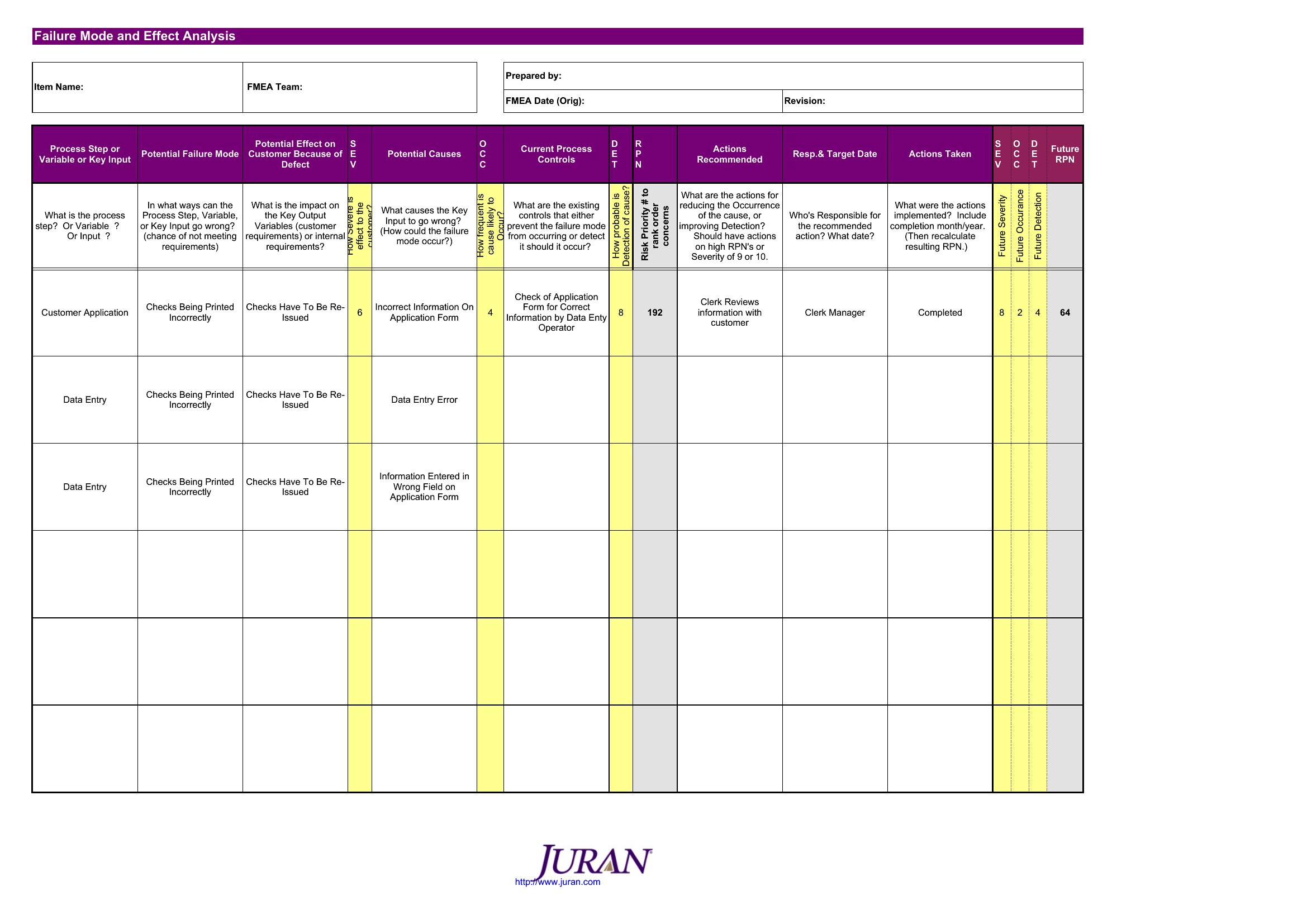
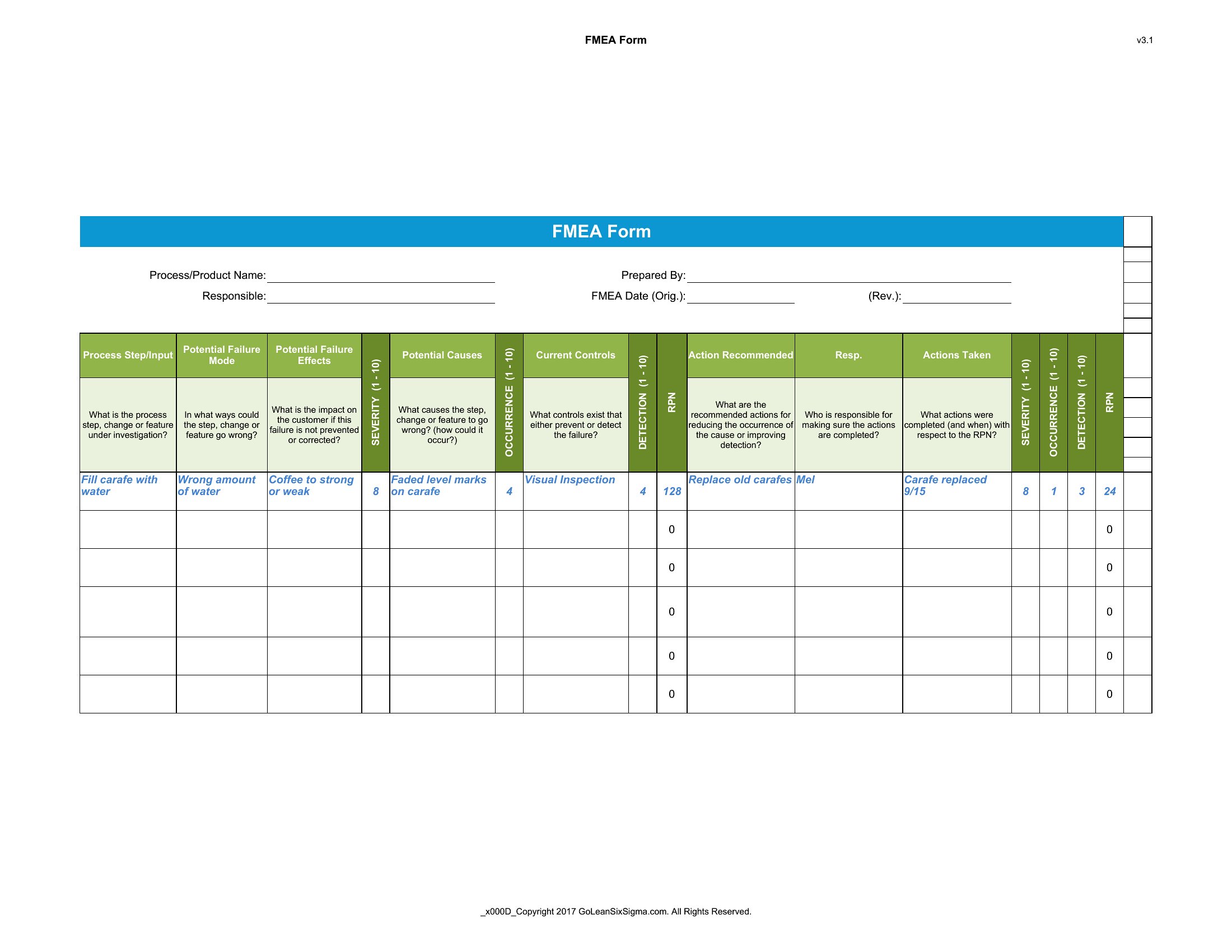
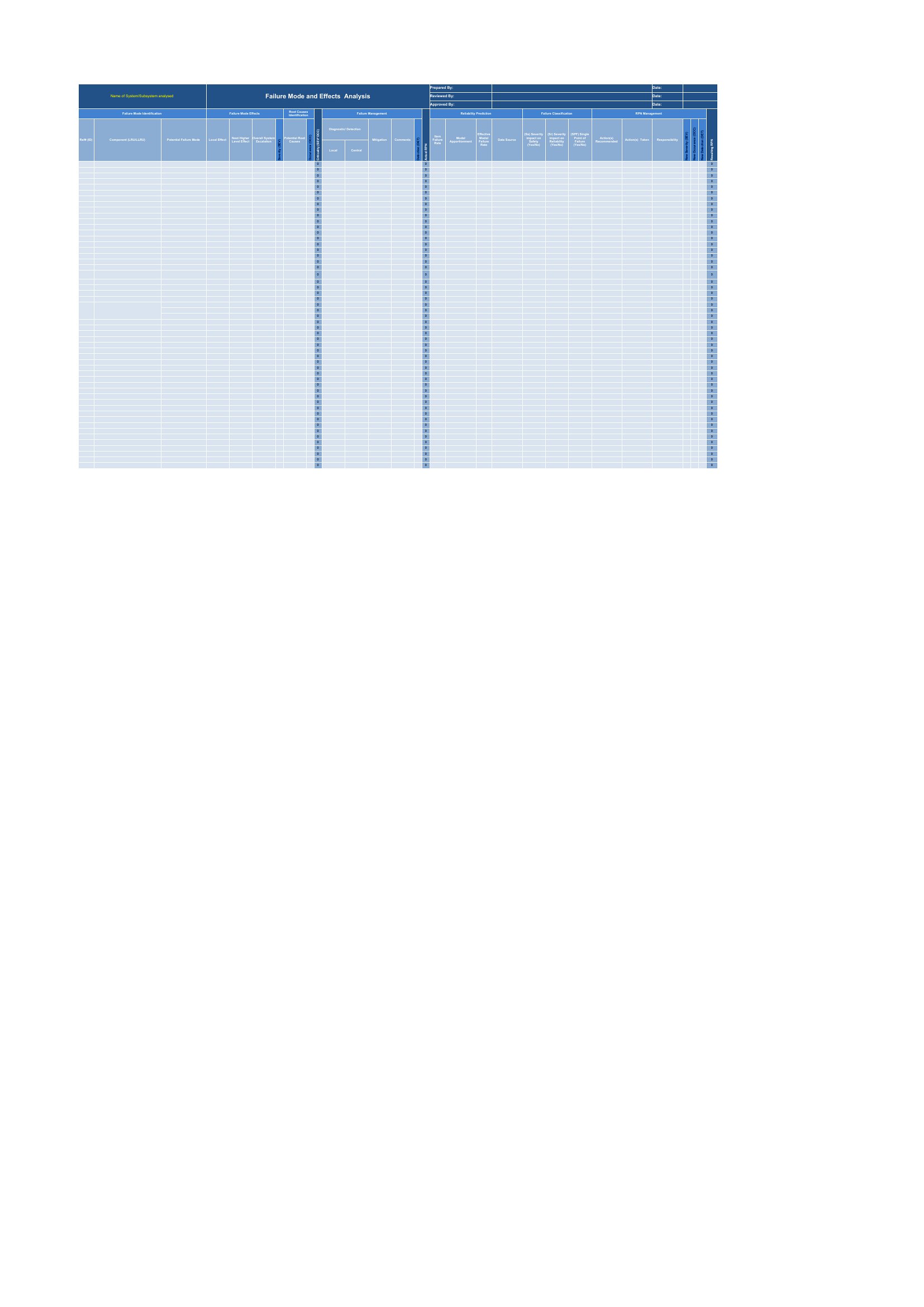
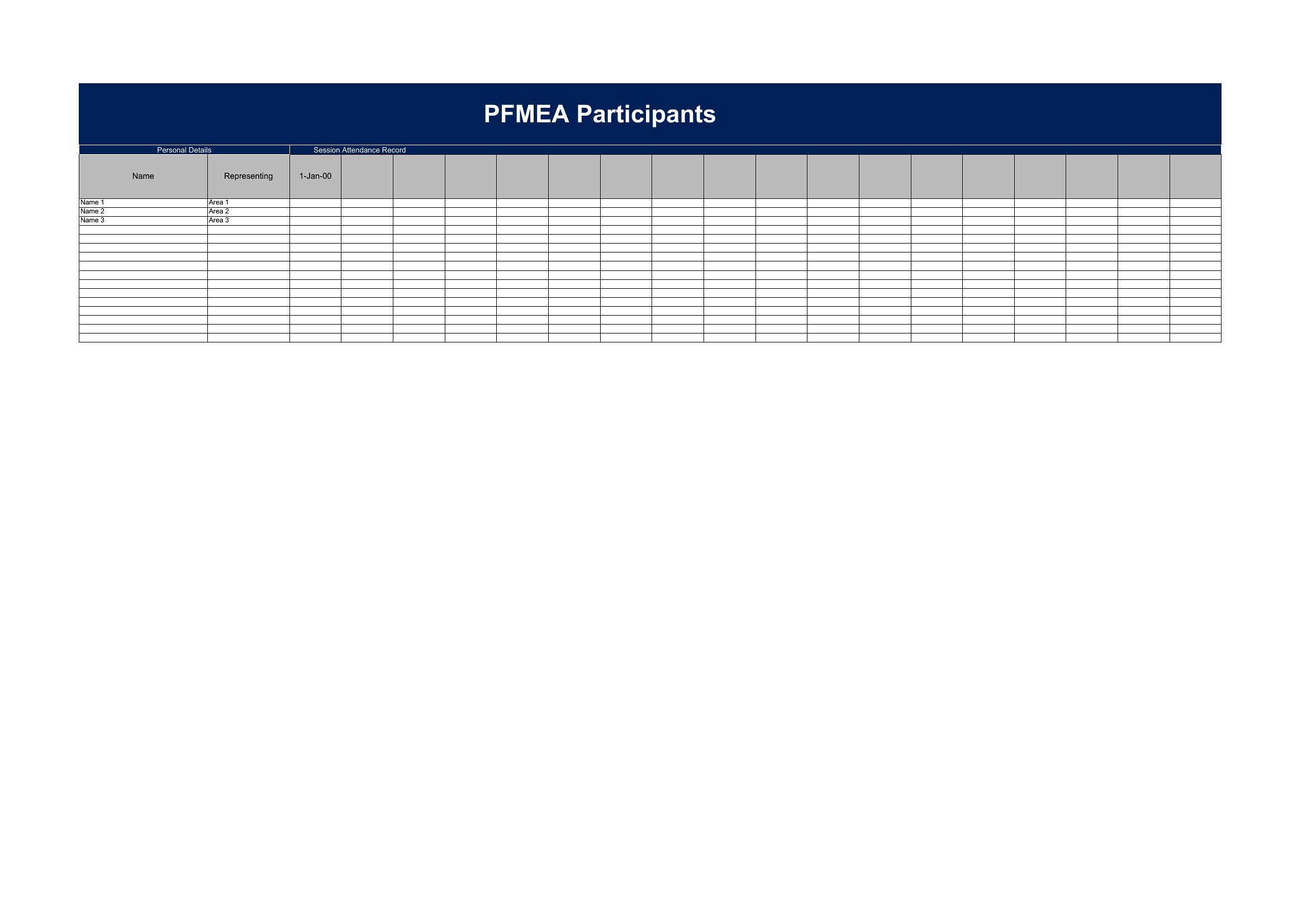
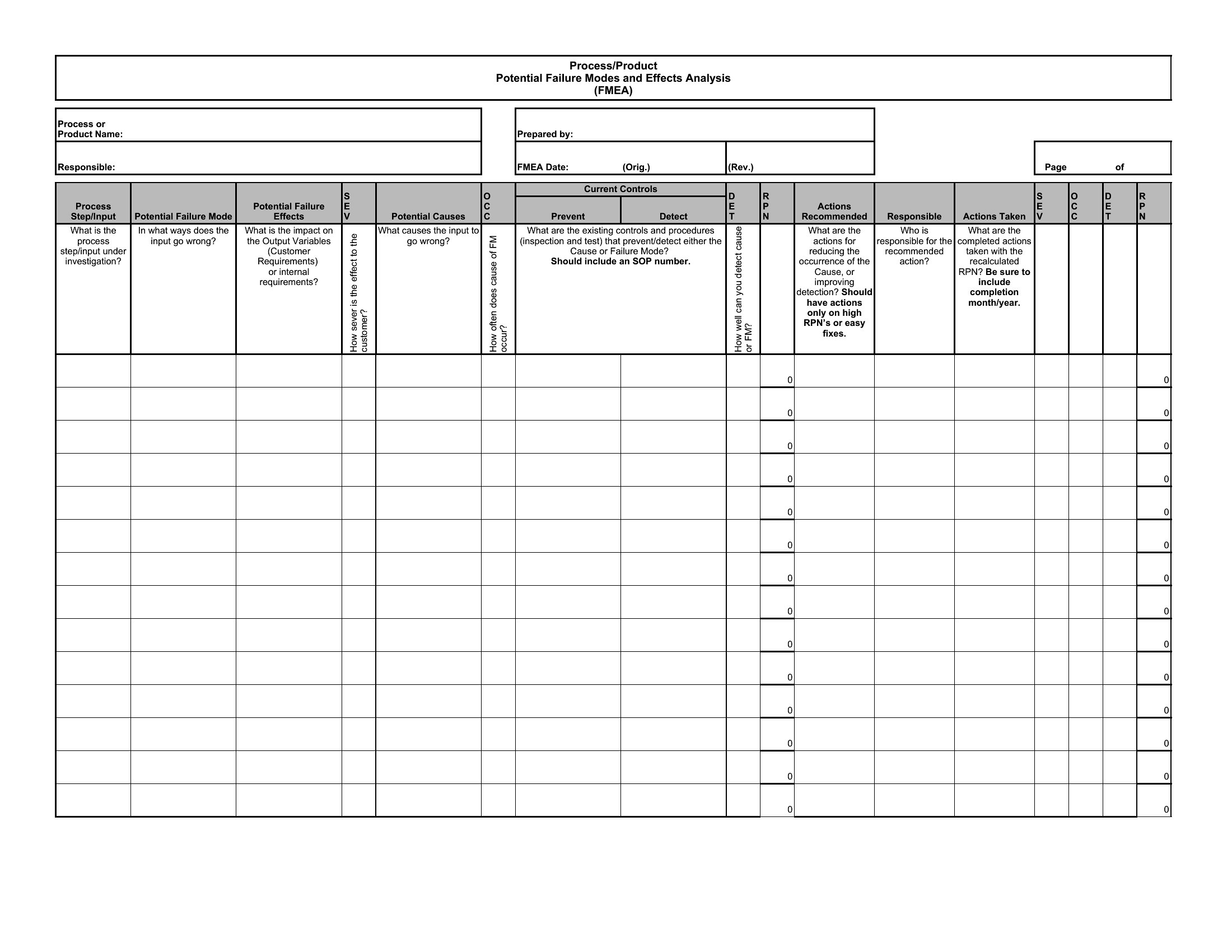
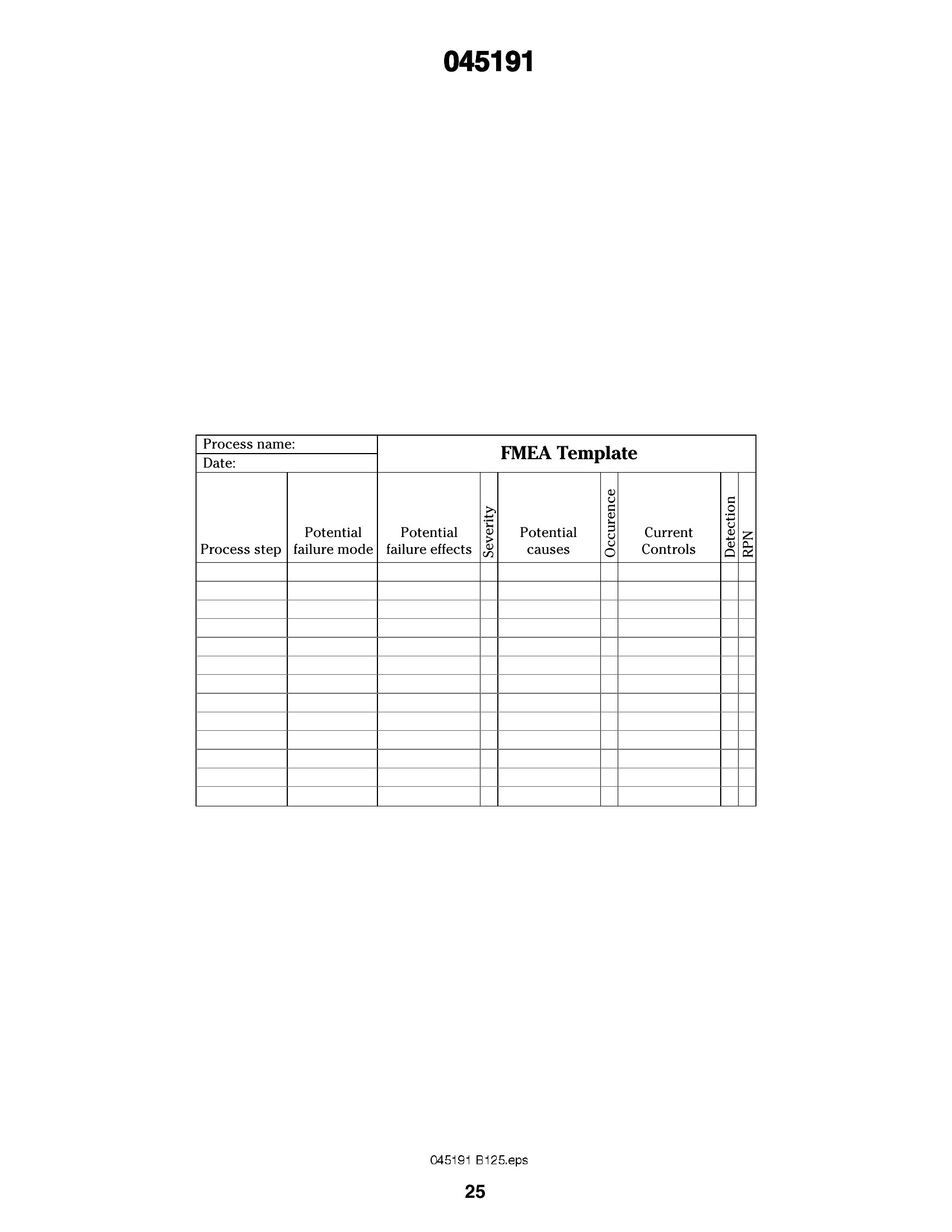
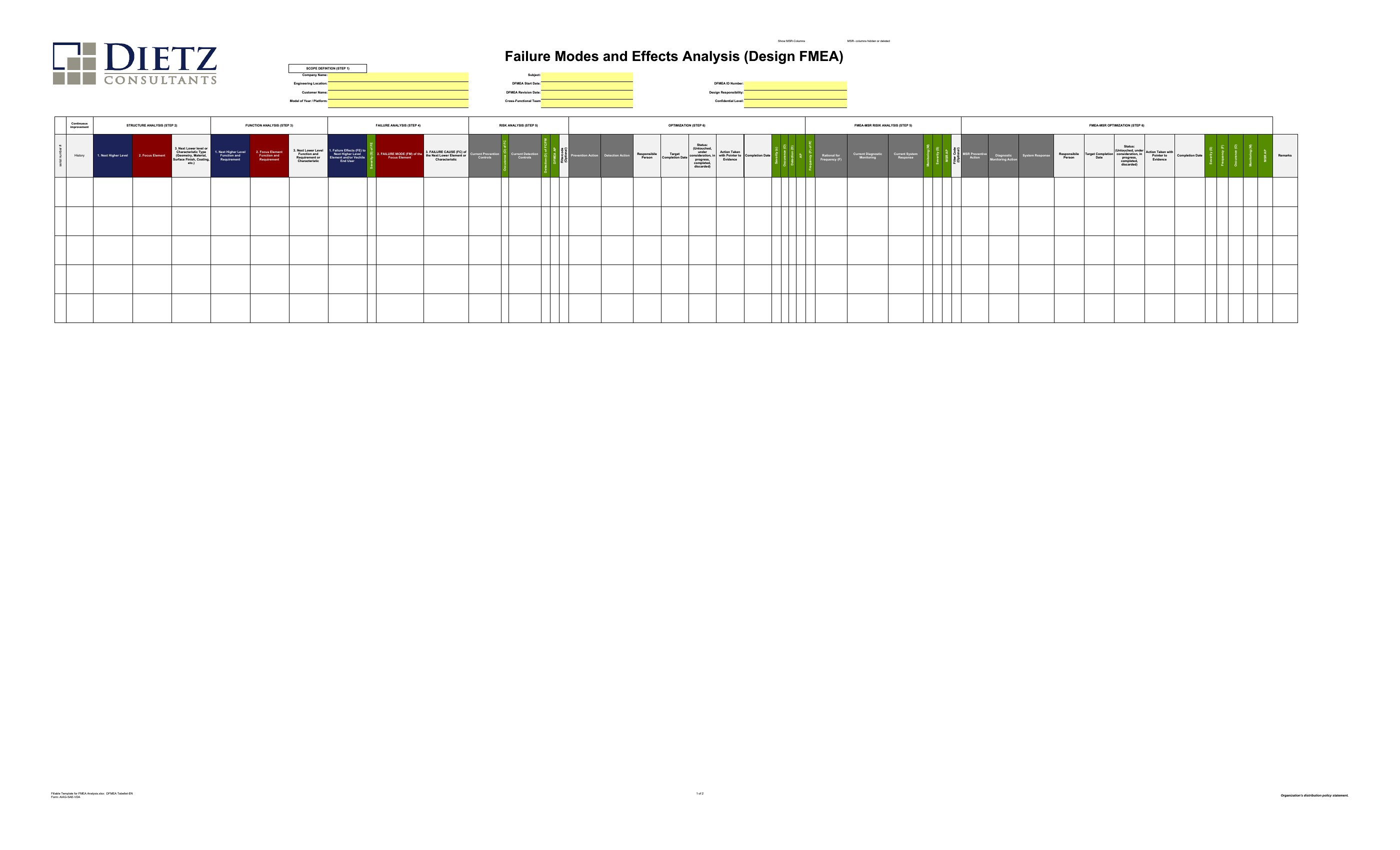
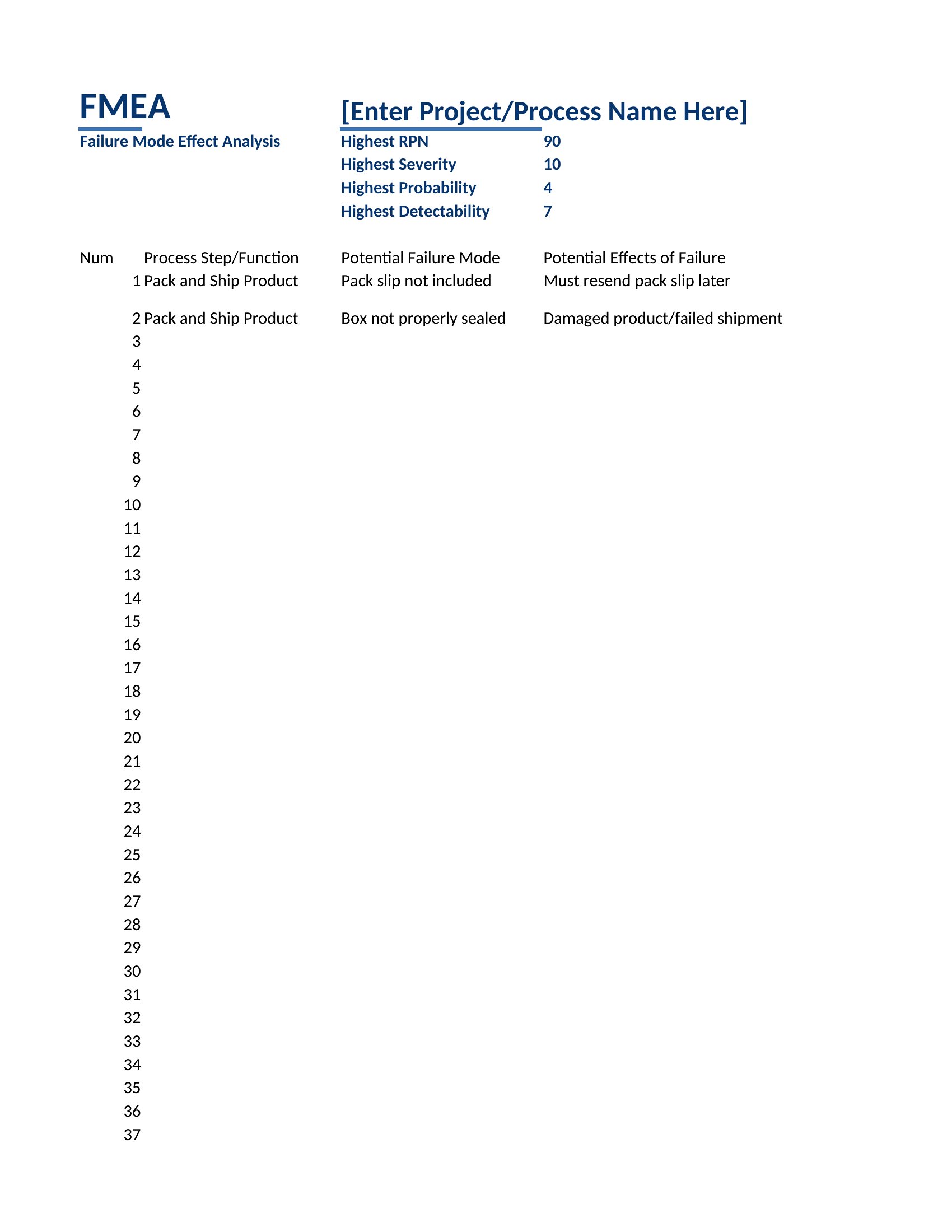
FMEA, short for failure modes and effects analysis, helps a team spot what could go wrong in a product or process before it actually does. This set of 43 FMEA templates gives engineers and quality managers a structured grid for listing failure modes, scoring severity, occurrence, and detection, and calculating a risk priority number. The layouts suit design, process, and system reviews.
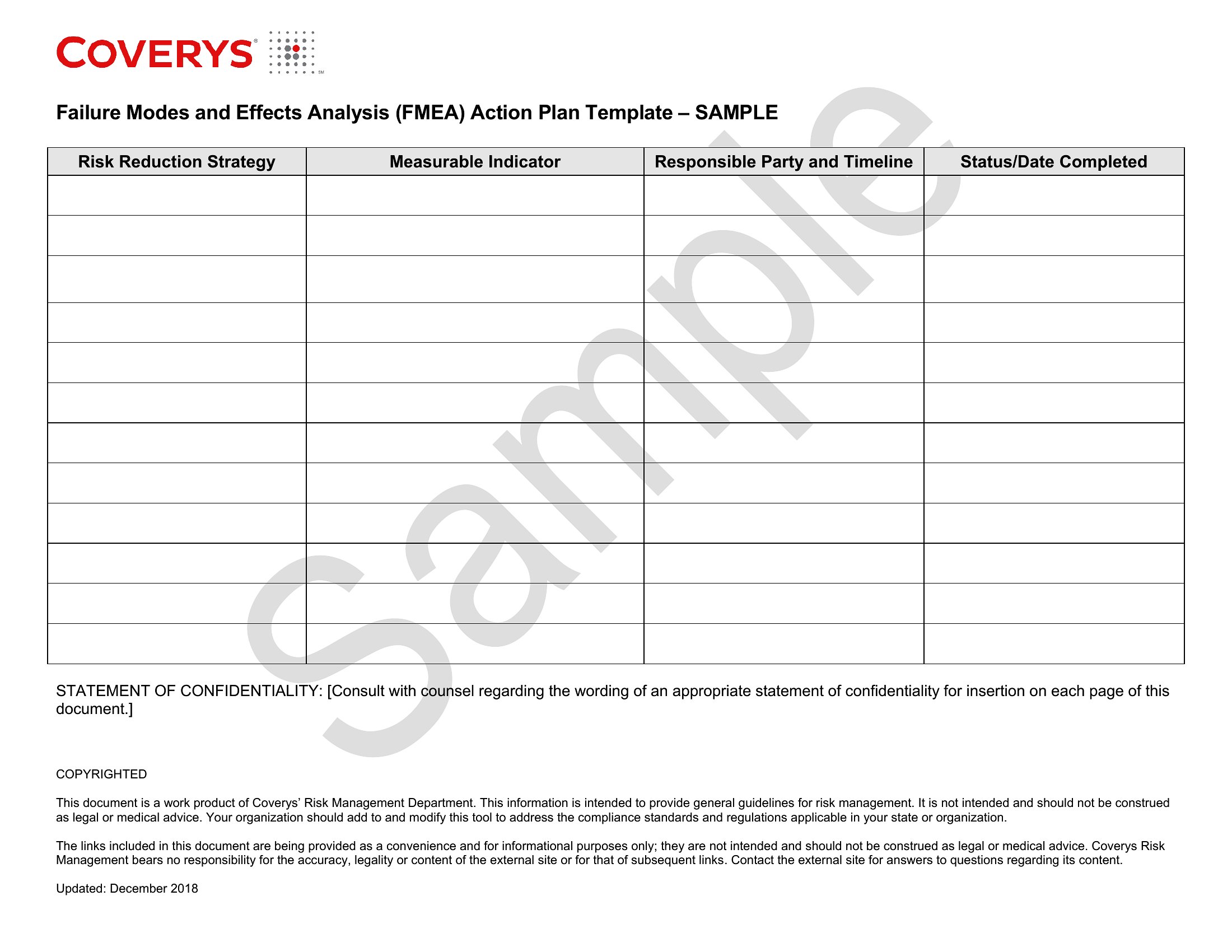
The Excel versions calculate the RPN automatically as you score each row, while the PDFs print for a review meeting or audit file. Enter the potential failures, rate the risks, and log the actions that bring them down. Scoring methods differ by industry standard, so match the template to the framework you follow. Download the one that fits your process and start your analysis.
Choose from 43 FMEA Templates
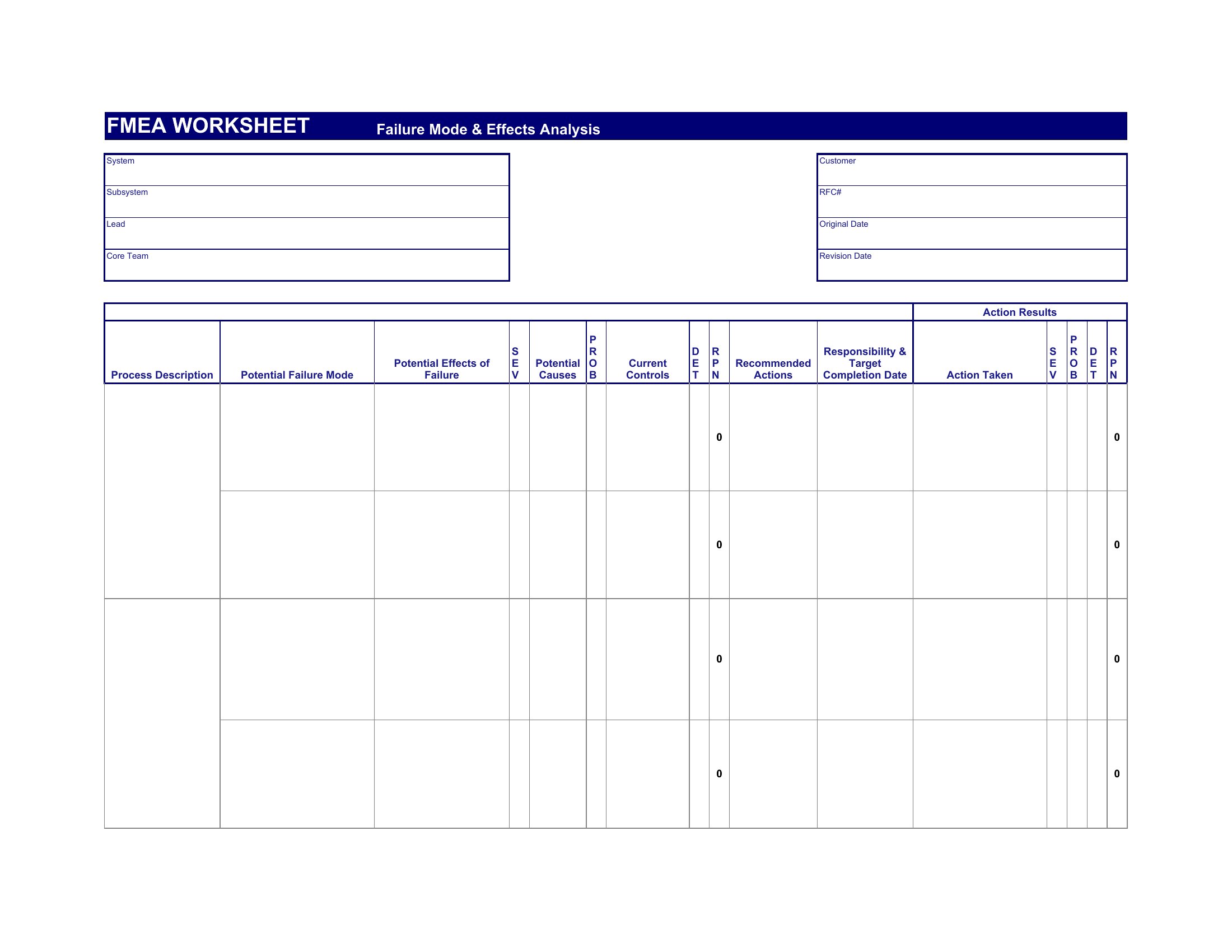
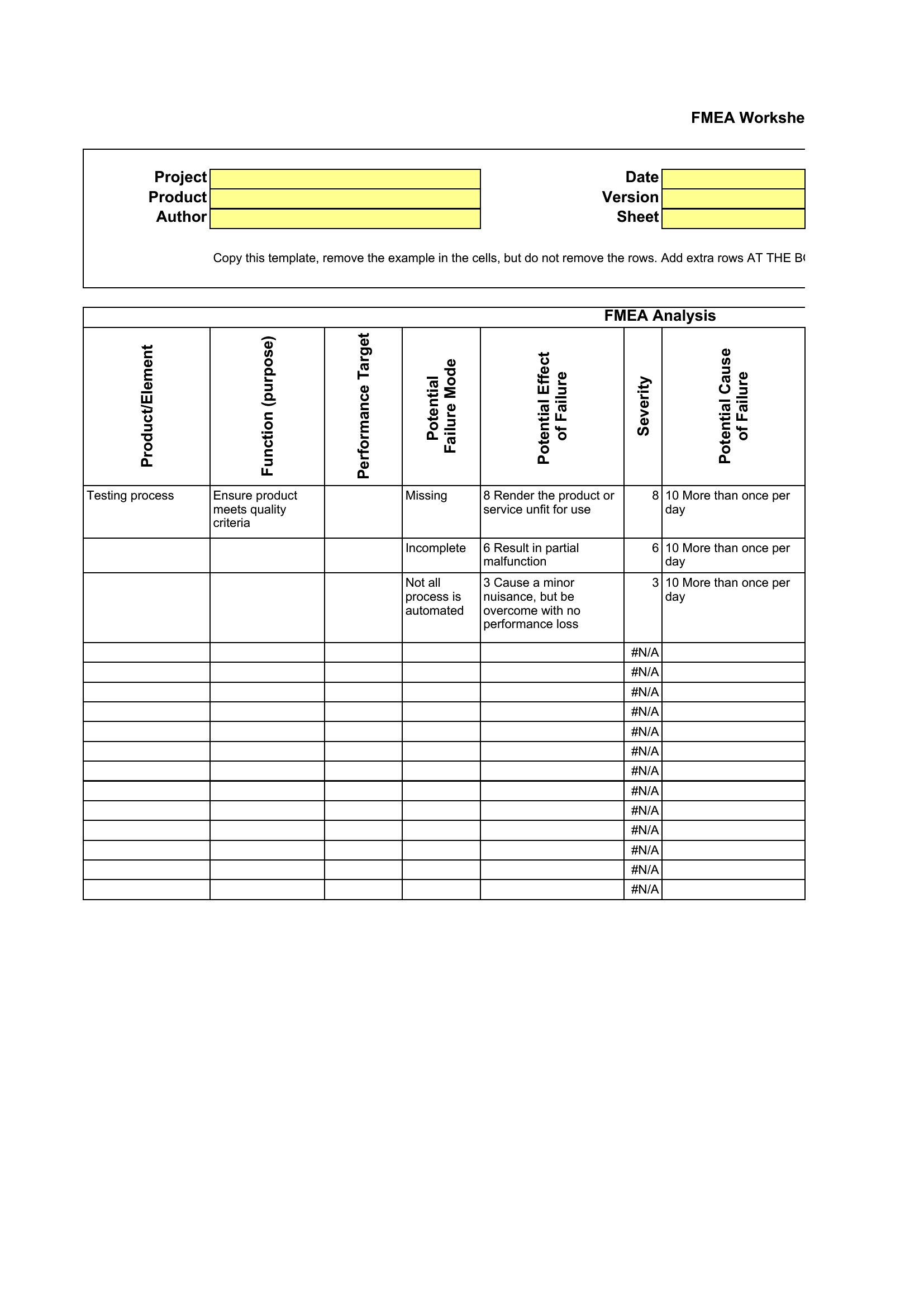
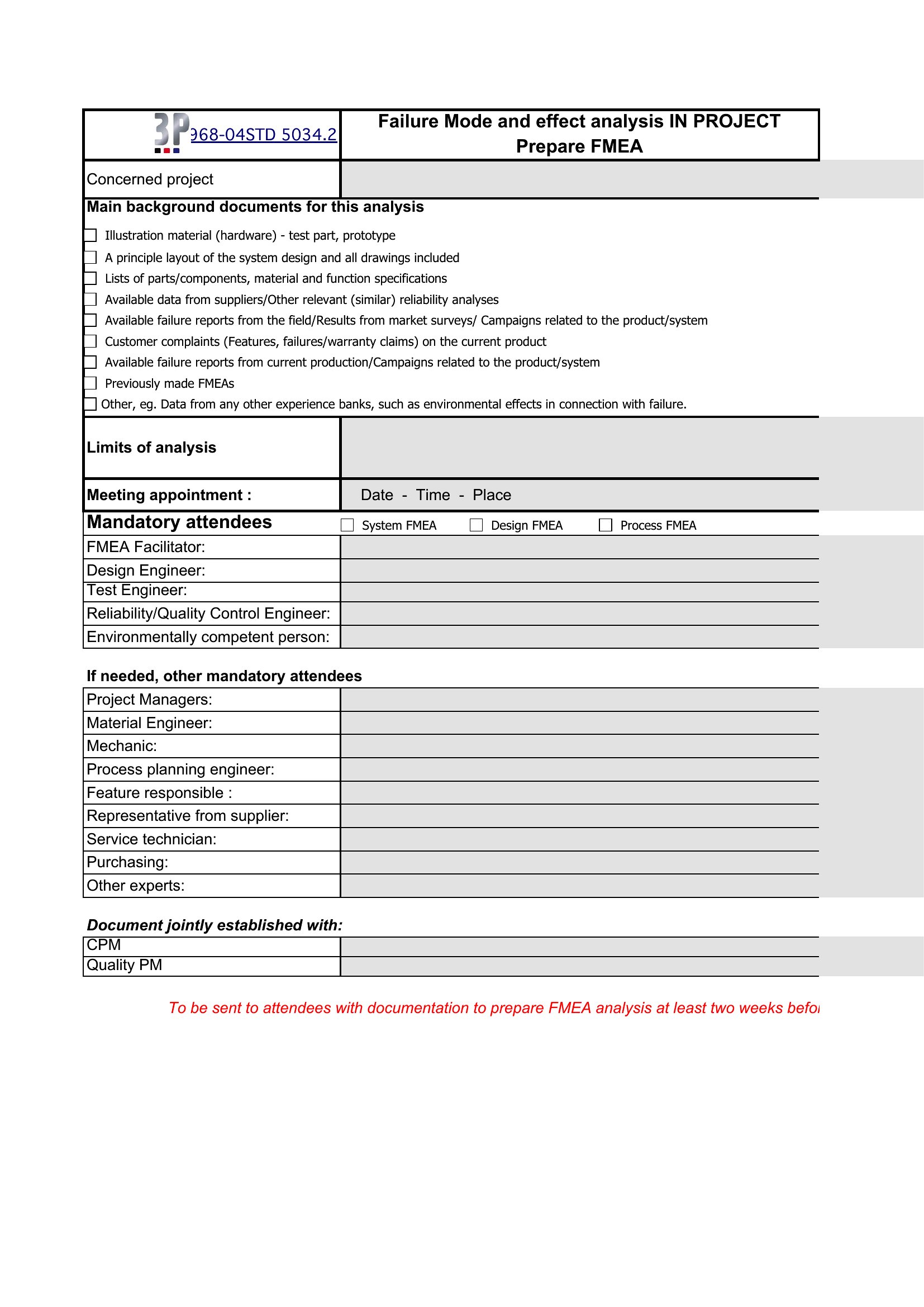
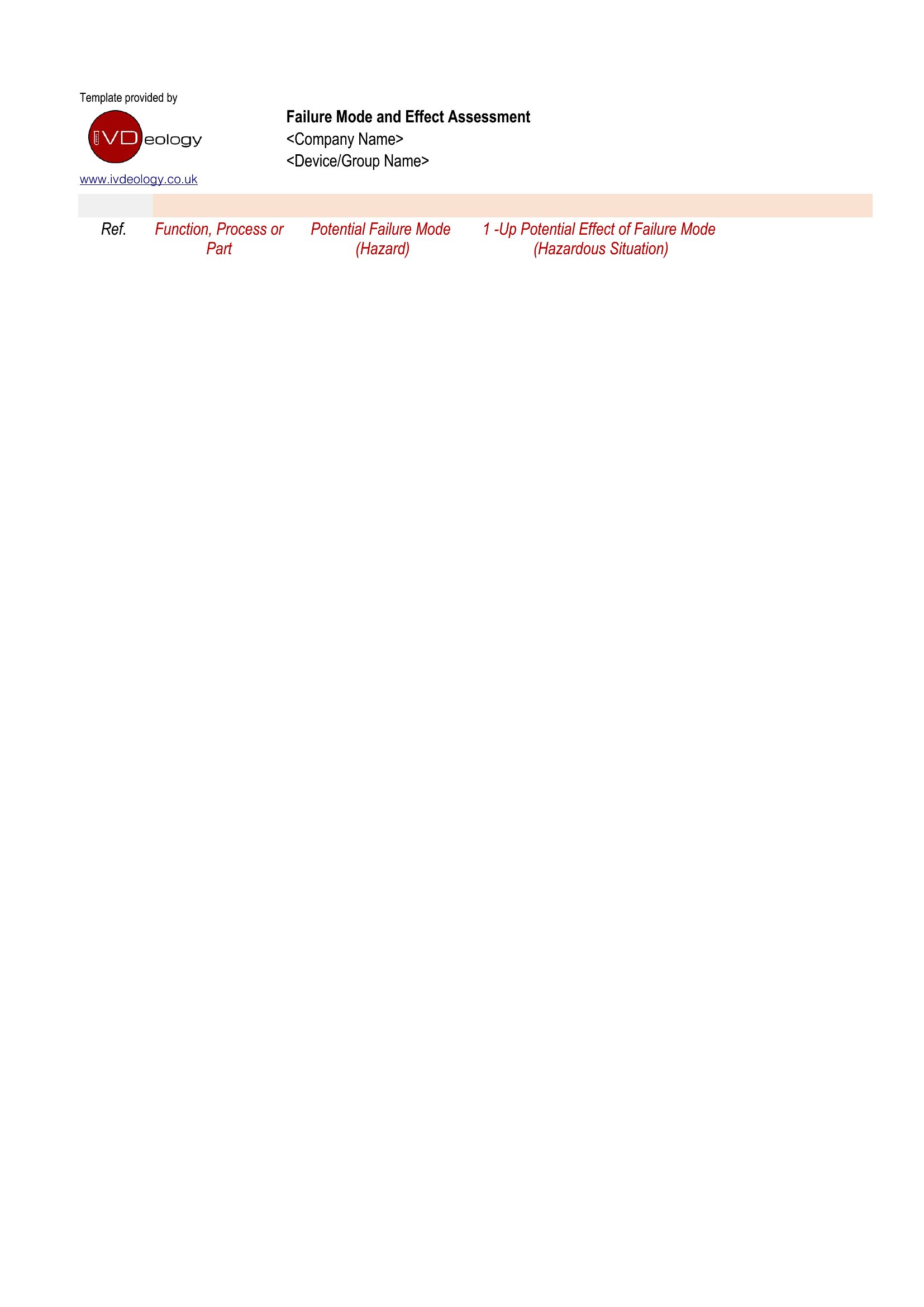
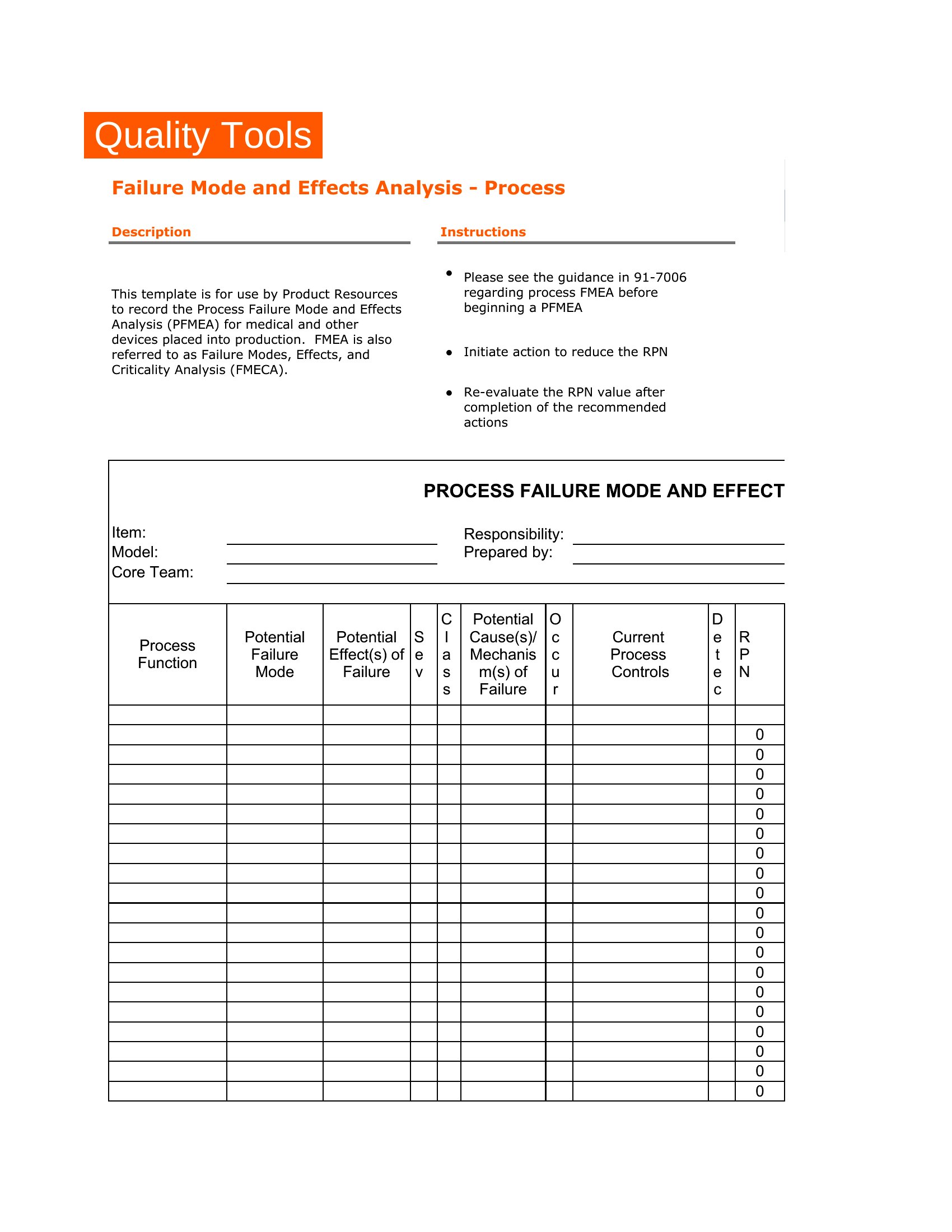
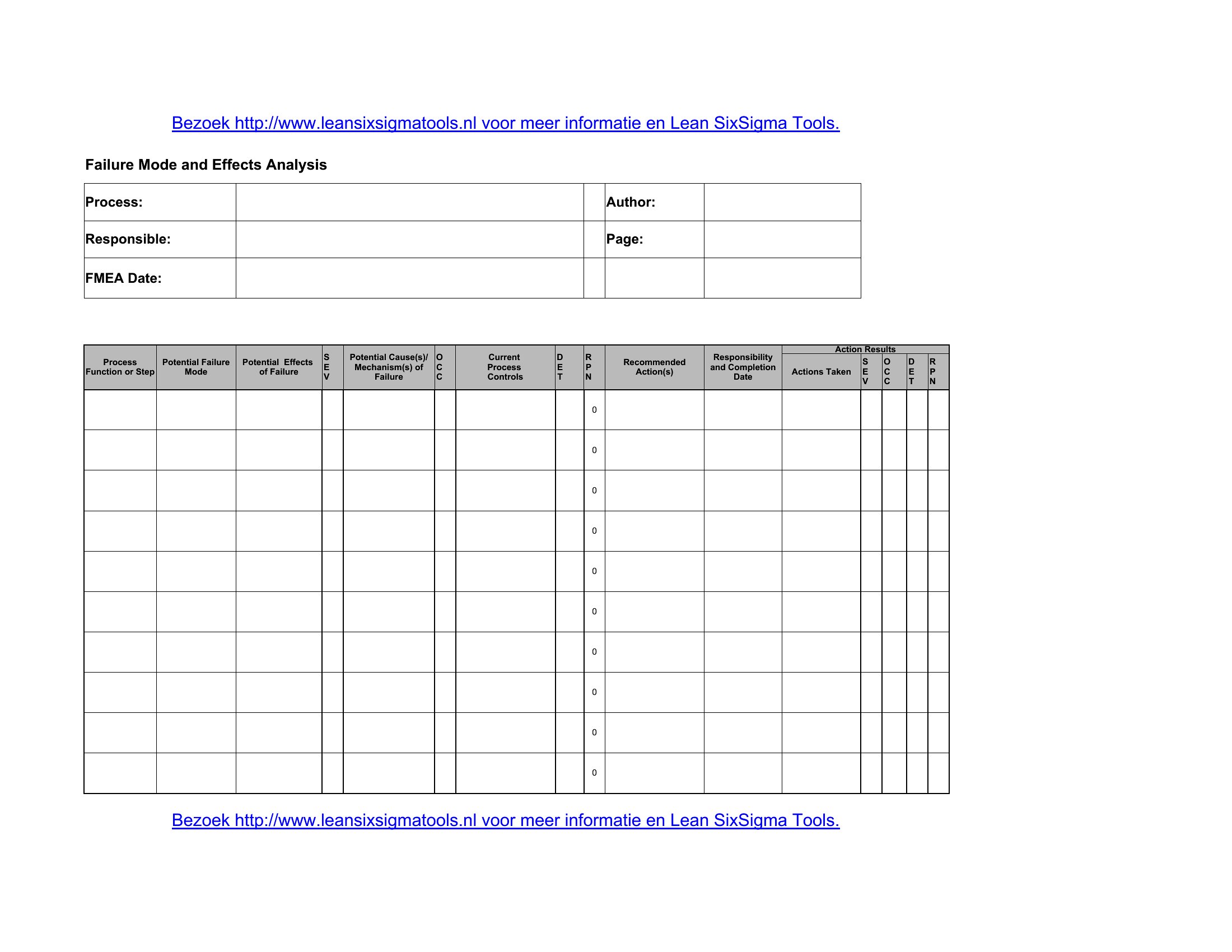
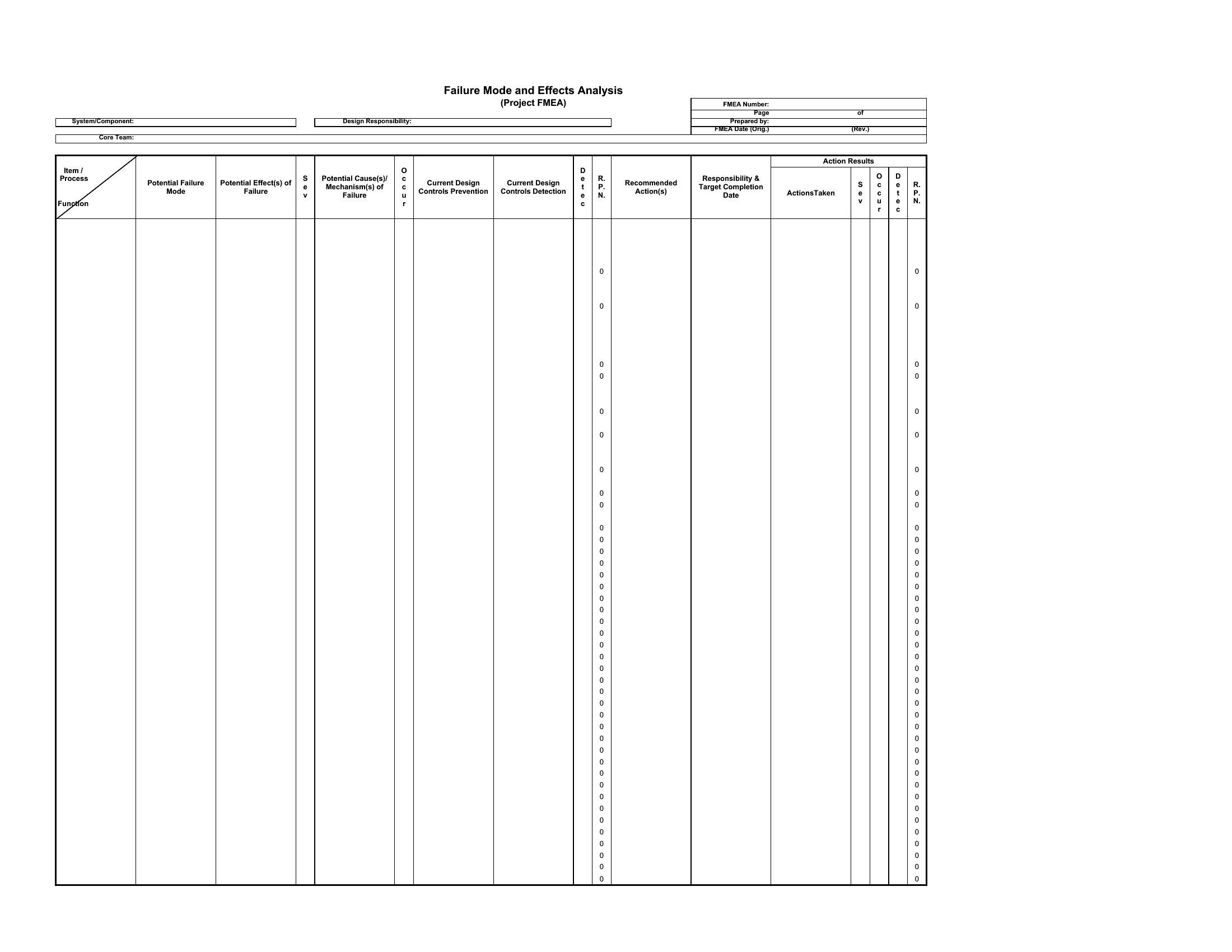

Excel Fmea Analysis
Frequently Asked Questions about FMEA Templates
Are these FMEA templates free to download?
Yes. Every FMEA template in this collection is free to download from TemplateSpark. Just open the template you need, download it, and start editing right away — no subscription required to get started.
What file formats are available for FMEA templates?
These FMEA templates are available in Excel and PDF. Pick the format that matches your workflow — each download keeps the original layout so it looks right whether you open, print, or share it.
Can I edit these FMEA templates?
Yes. The editable files open in Microsoft Excel (and compatible apps like Google Docs or LibreOffice), so you can change the text, colors, and layout to fit your needs, then save or export the finished FMEA document.
How many FMEA templates can I choose from?
This page collects 43 FMEA templates so you can compare styles and layouts in one place. Browse the options, open the one that fits your purpose best, and download it in your preferred format.
Can I use FMEA templates for commercial purposes?
In most cases, yes — these FMEA templates are intended for both personal and business use. Check the license note on the template before redistributing or reselling, and avoid sharing the source files as your own product.
What is FMEA and what is it used for?
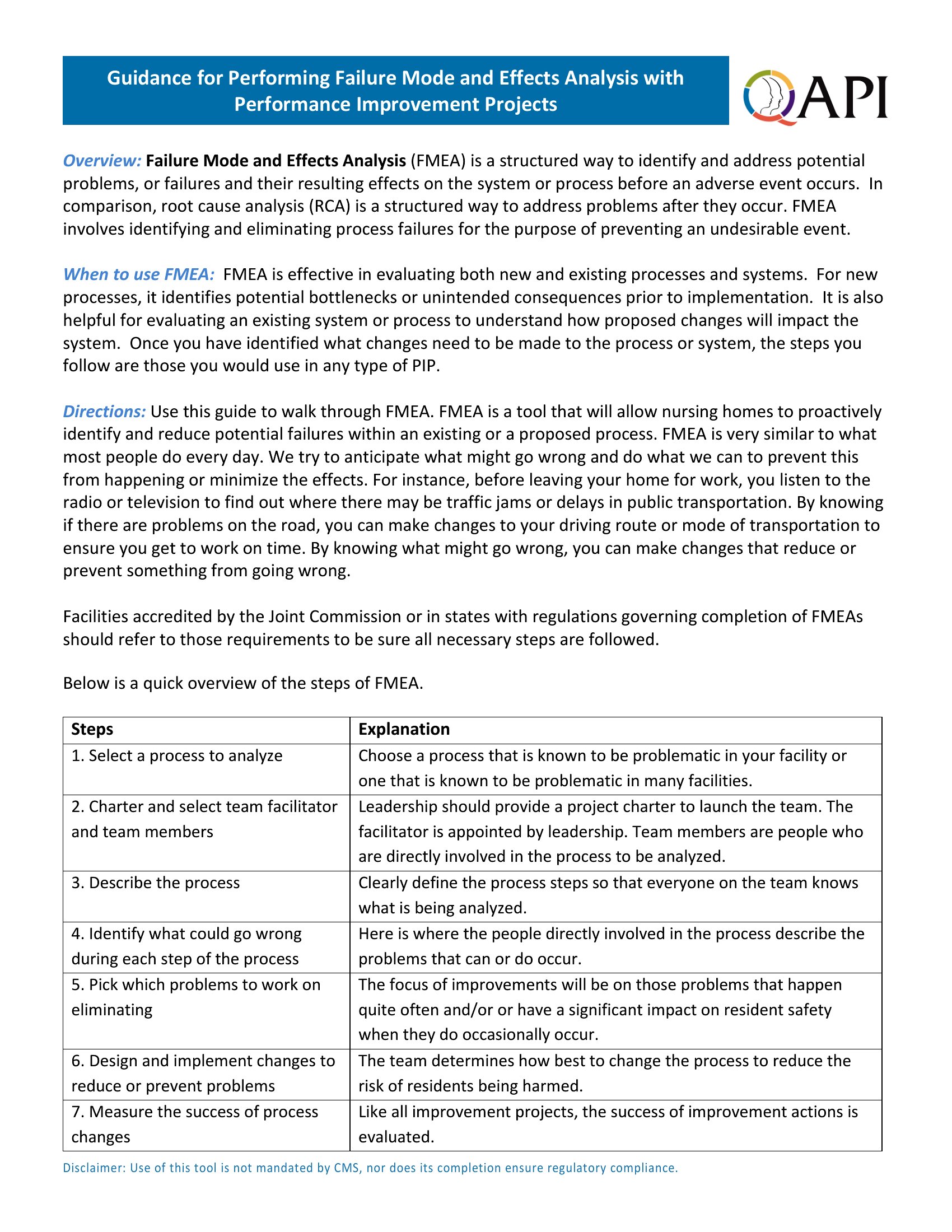
FMEA, or failure modes and effects analysis, is a structured method for identifying how a product or process could fail and what the consequences would be. Engineers and quality teams use it to anticipate problems early, prioritize risks, and put preventive actions in place before failures actually occur.
How is the risk priority number calculated in FMEA?
The risk priority number, or RPN, is found by multiplying three scores: severity, occurrence, and detection. Each is rated on a defined scale, usually one to ten. A higher RPN signals a more critical failure mode that should be addressed first, helping teams focus their improvement efforts.
What is the difference between design FMEA and process FMEA?
Design FMEA examines how a product's design could fail to meet its intended function, focusing on the product itself. Process FMEA looks at how manufacturing or assembly steps could fail. Both use the same scoring approach but target different stages, one the design and the other the production process.
Comments
Join the conversation
Sign in to share your thoughts and leave a comment on this resource.