Free Cornell Notes Templates (Word, PDF)
Worksheets by shabarishetty
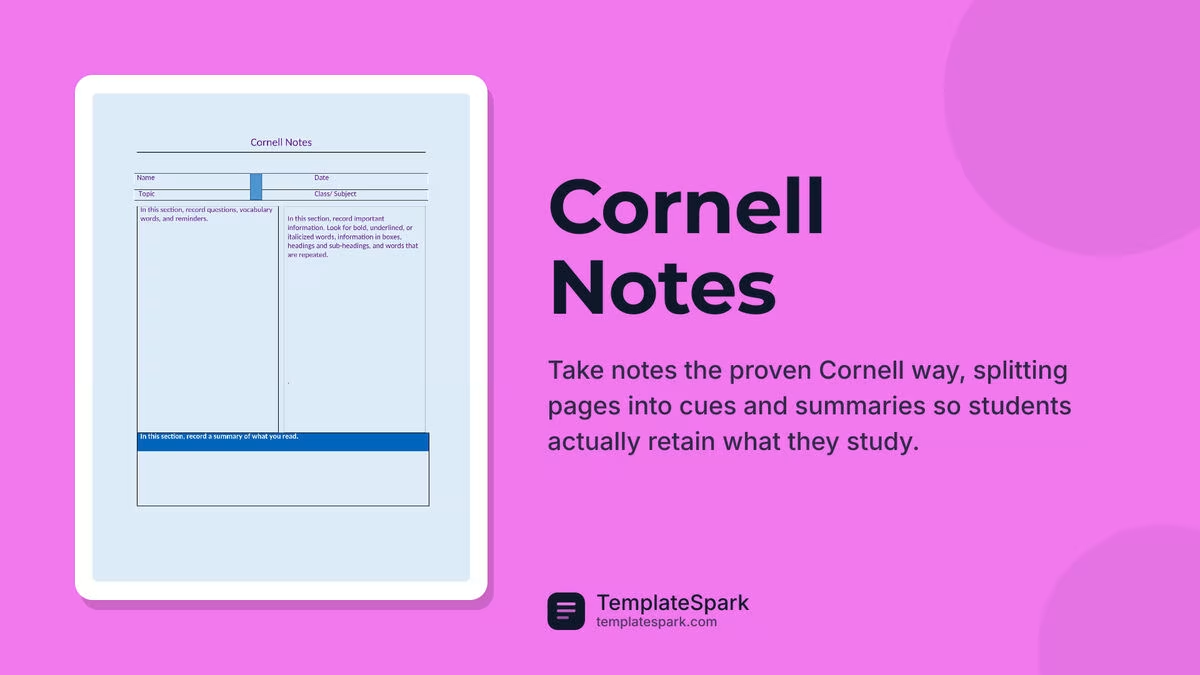
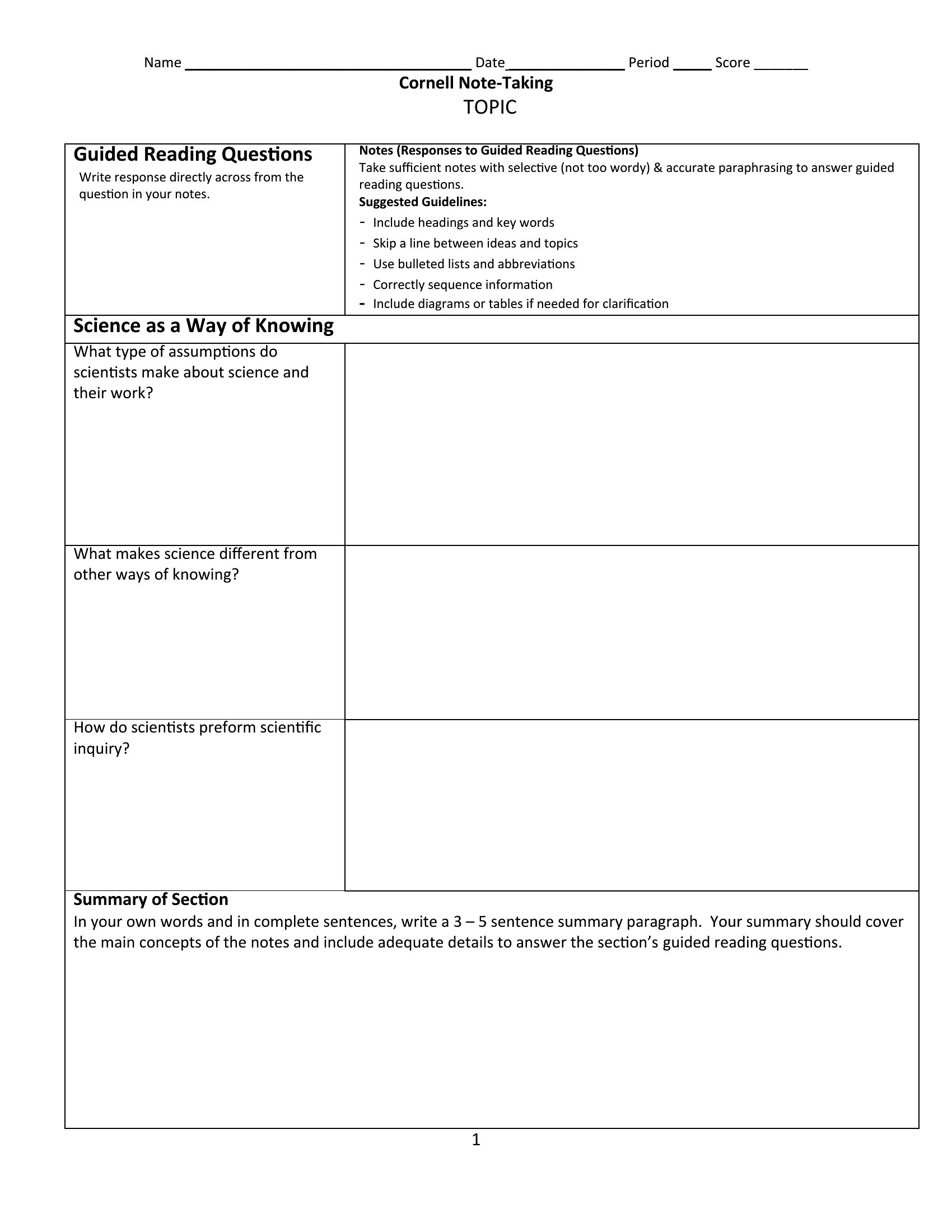
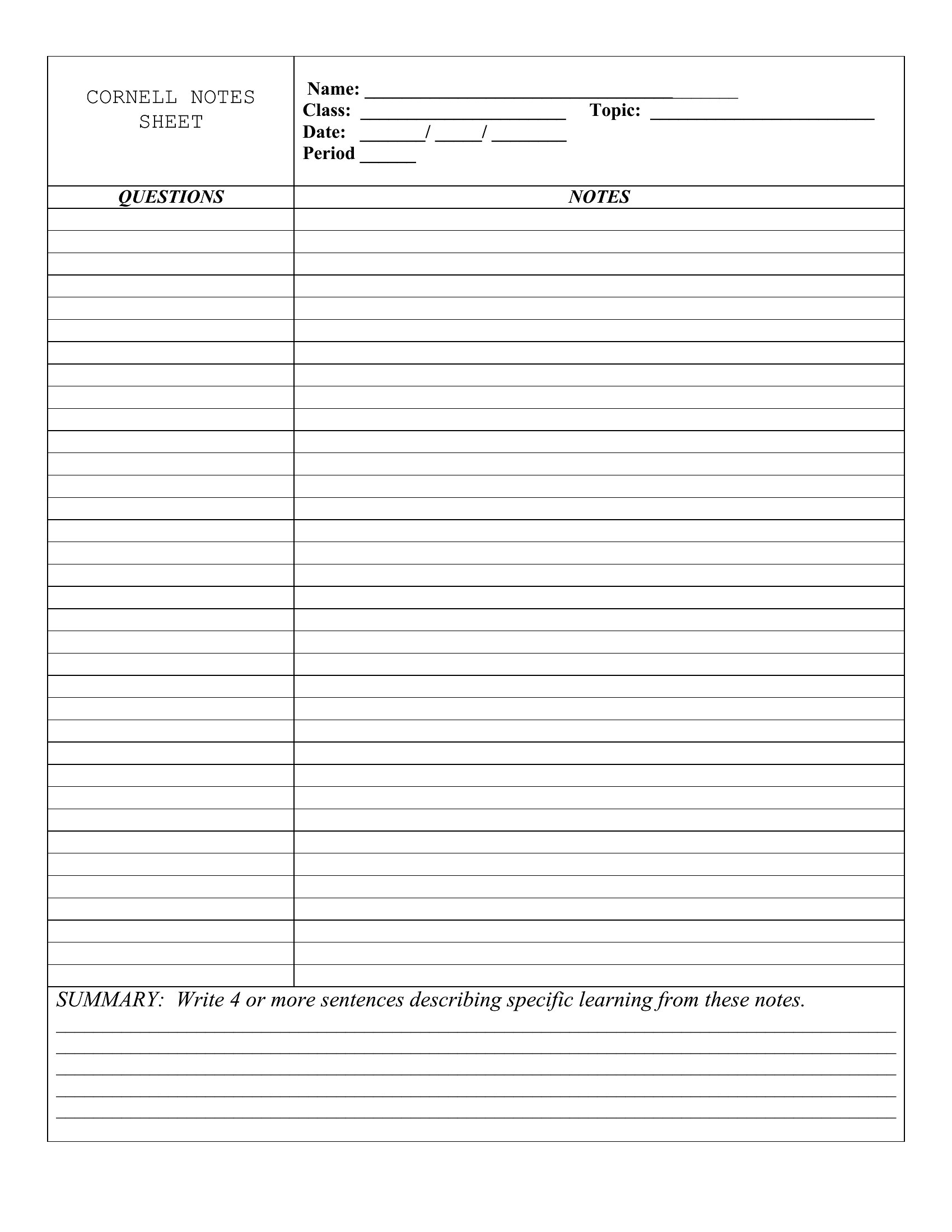
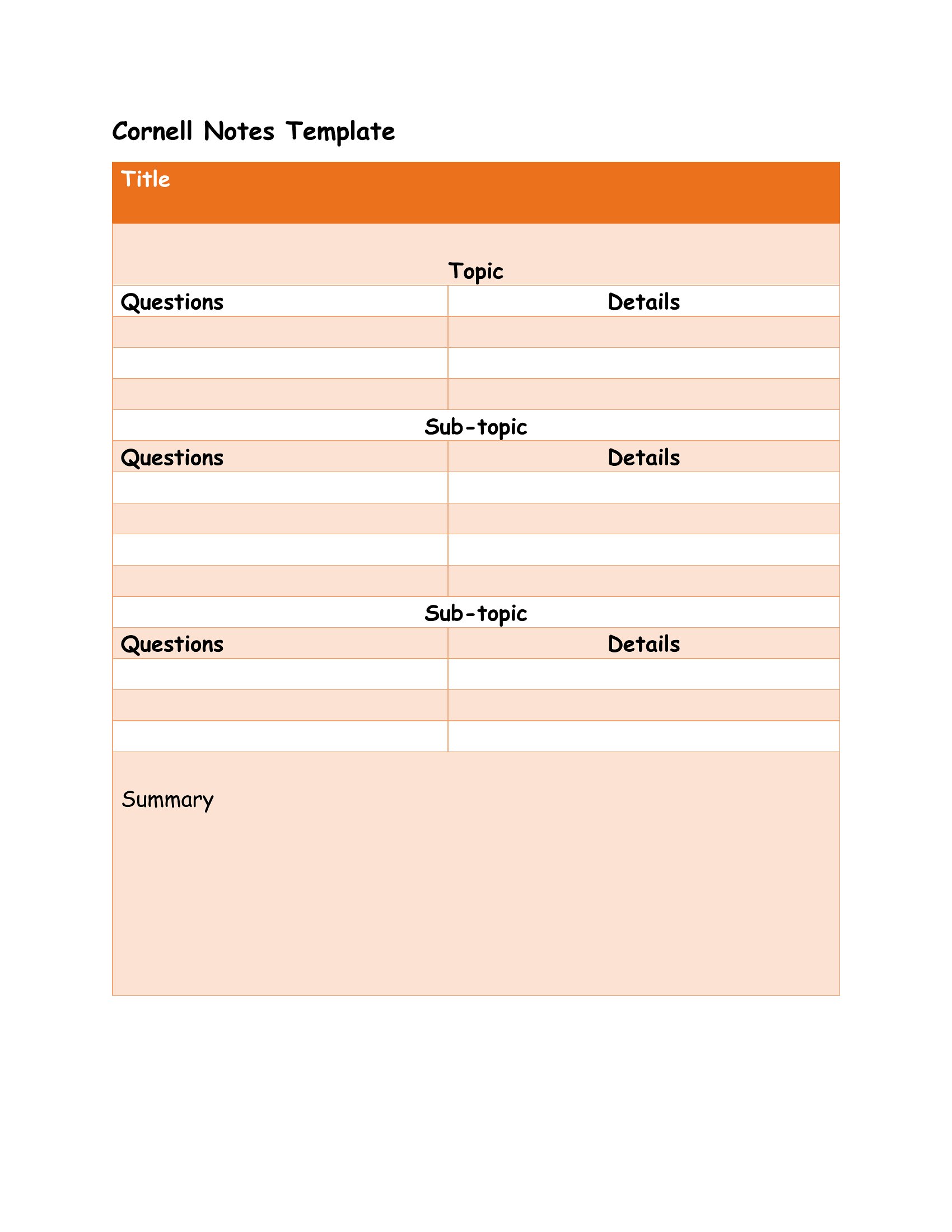
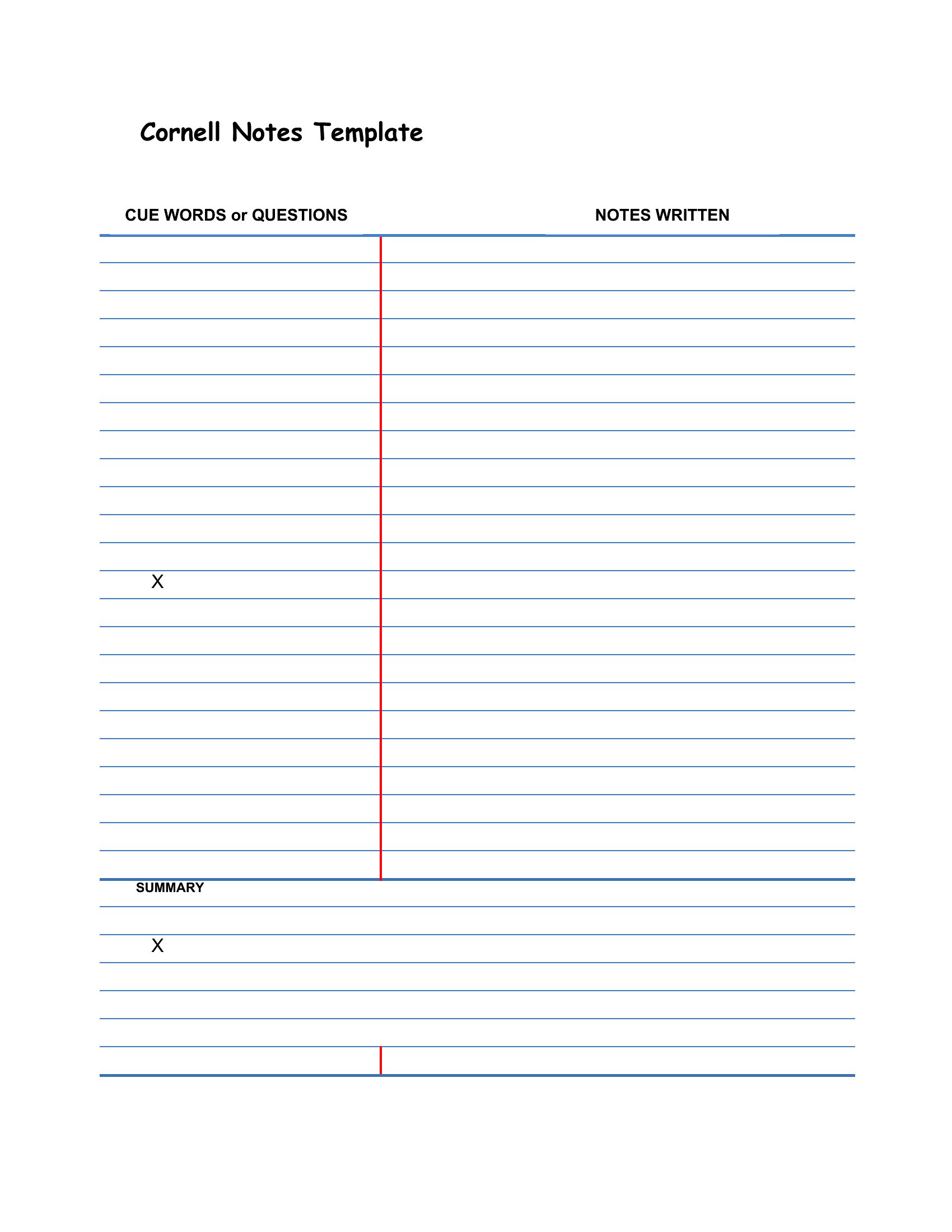
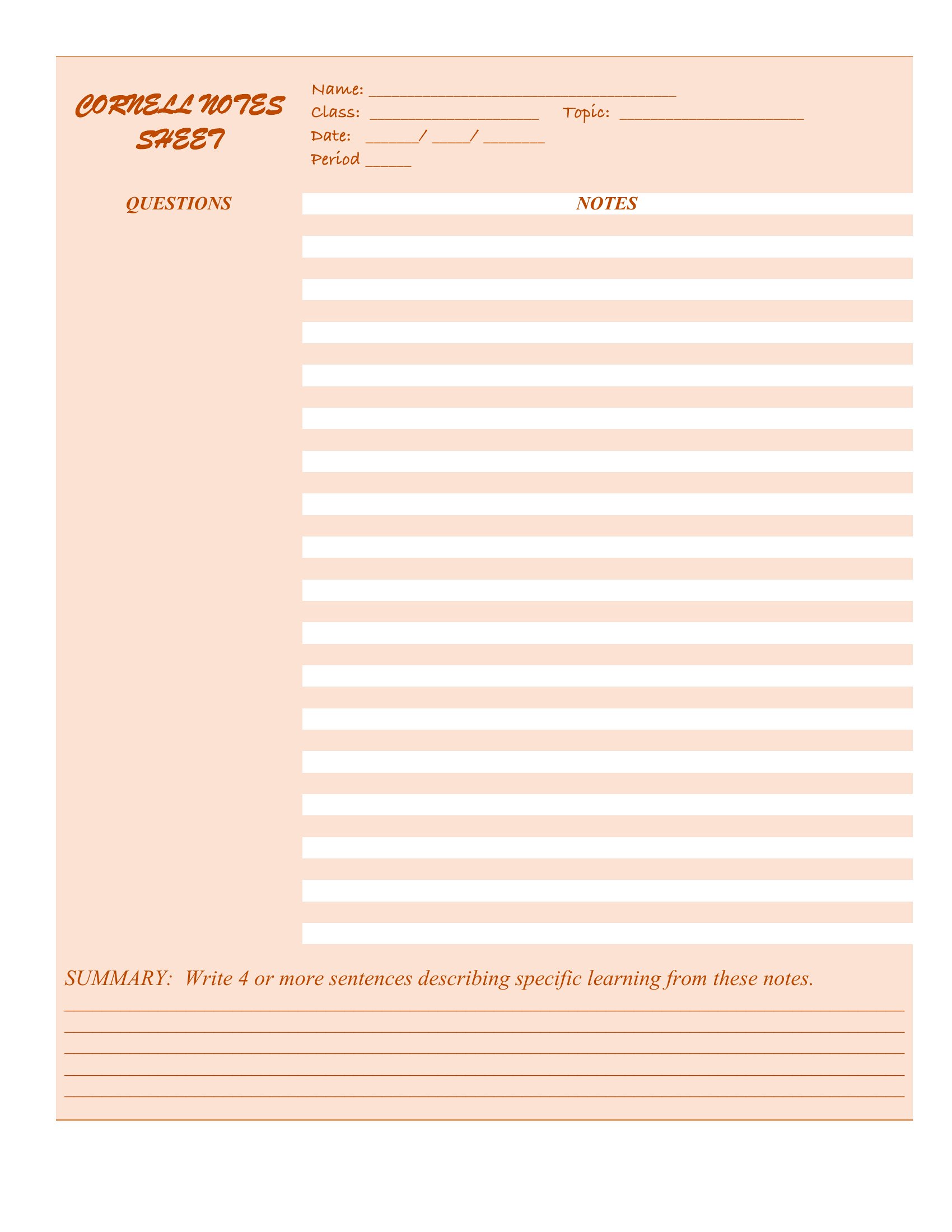
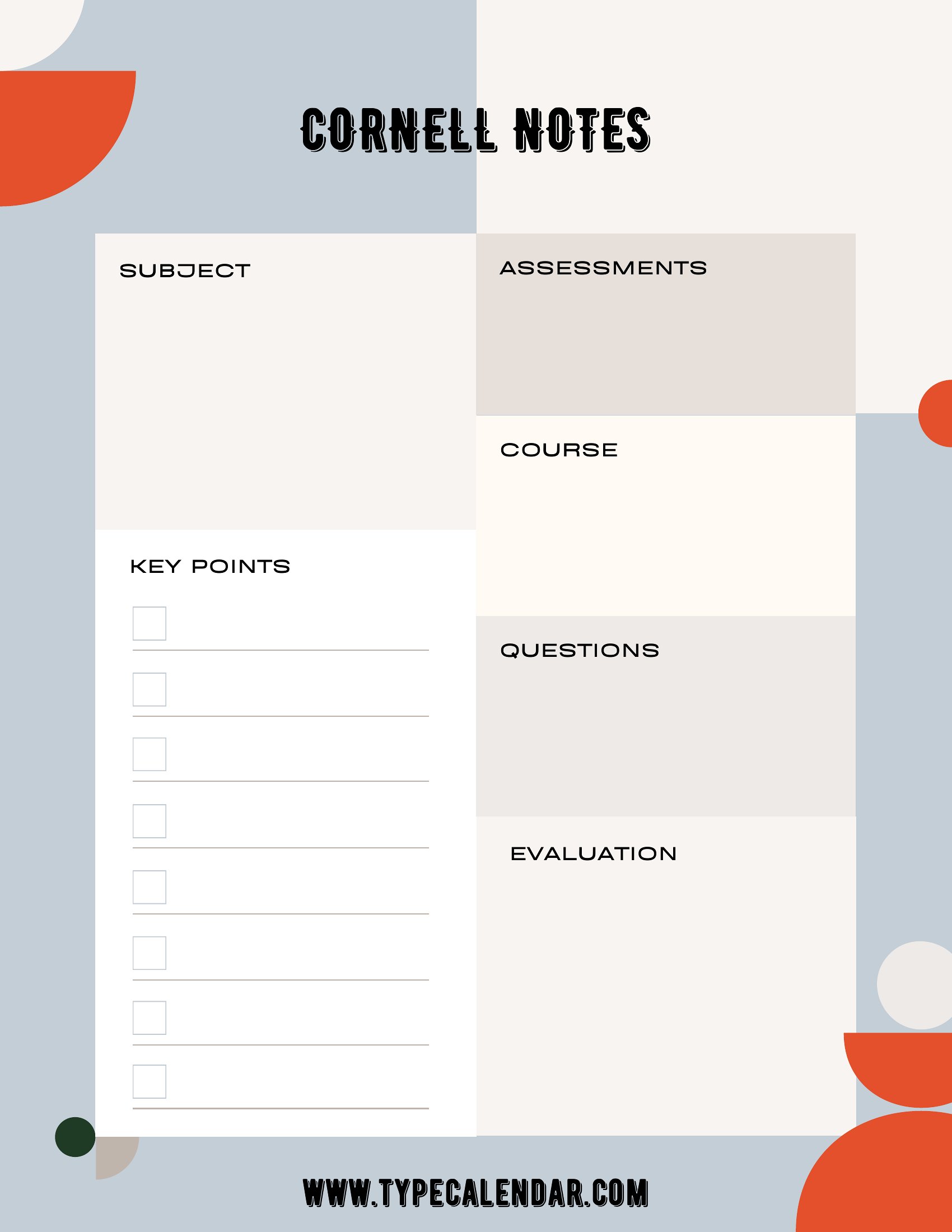
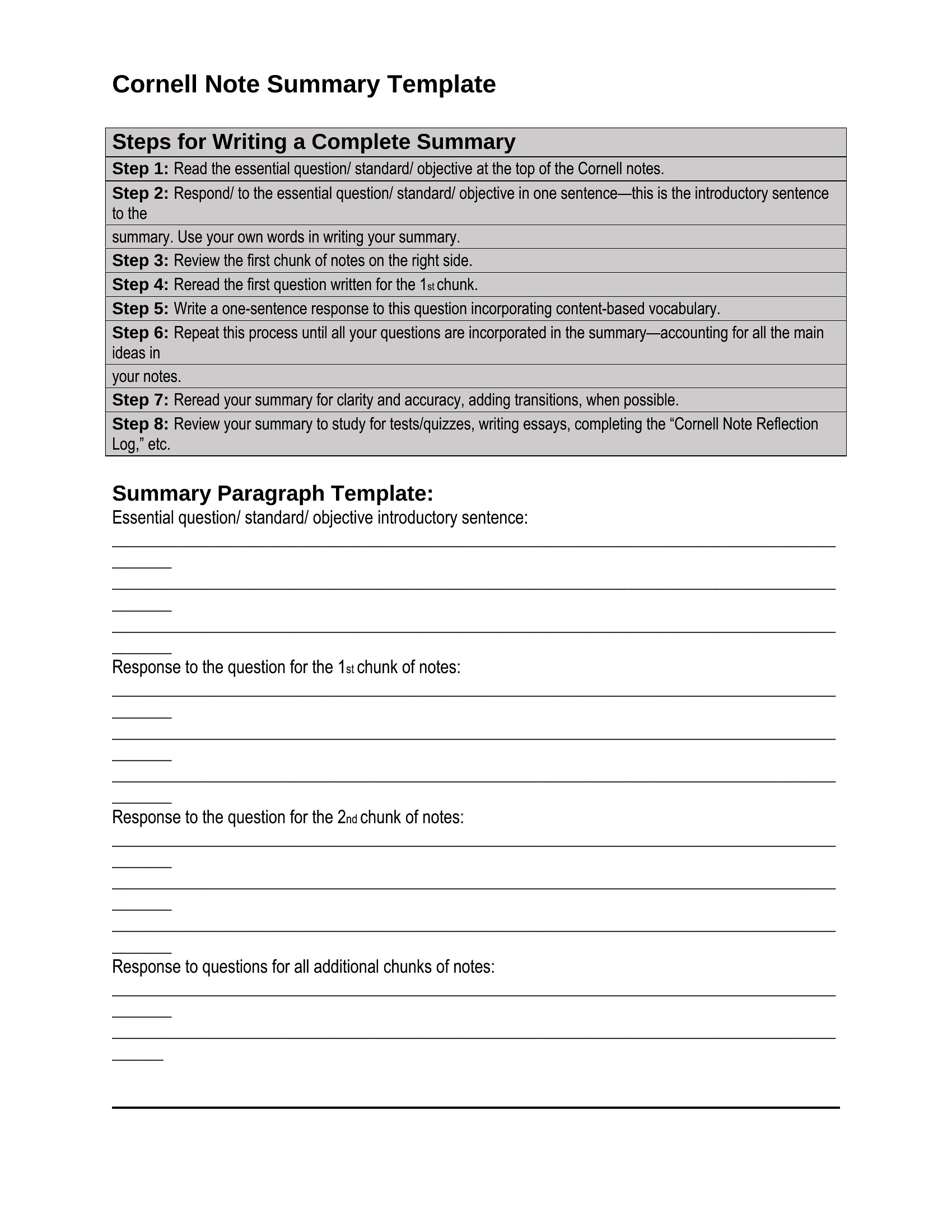
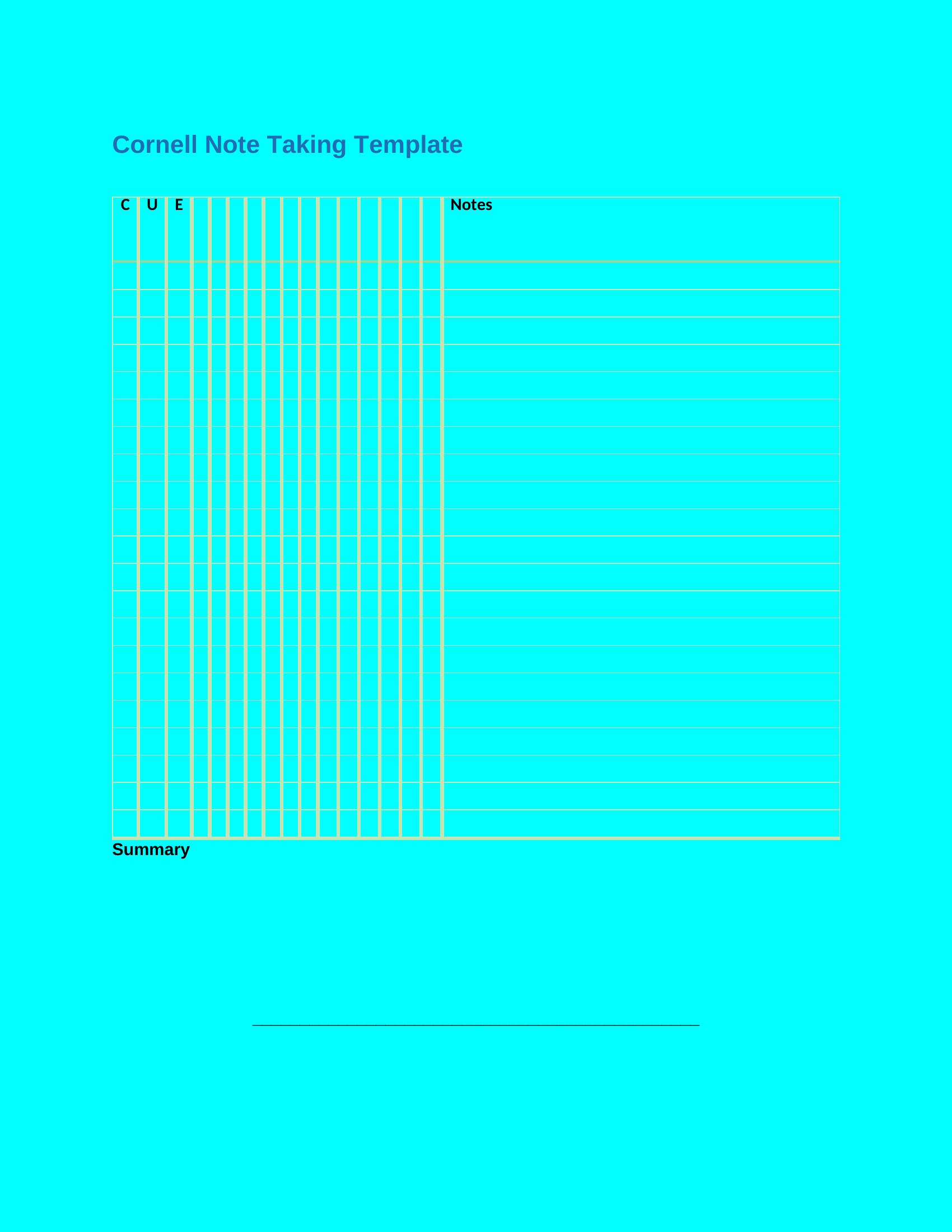
The Cornell method splits a page into cues, notes, and a summary so what you write in class actually sticks when you review later. This set of 36 Cornell Notes templates gives students, teachers, and lifelong learners that proven layout without drawing the lines themselves, ready for lectures, reading sessions, or meeting notes. The structure nudges you to pull out key questions and recap each page in your own words.
You can print the PDF versions for handwritten notes or type directly into the Word files on a laptop. Each one keeps the recall column, the main note area, and the summary bar in the right proportions, so your pages stay consistent across a whole semester. Download the layout you like and bring it to your next class.
Choose from 36 Cornell Notes Templates
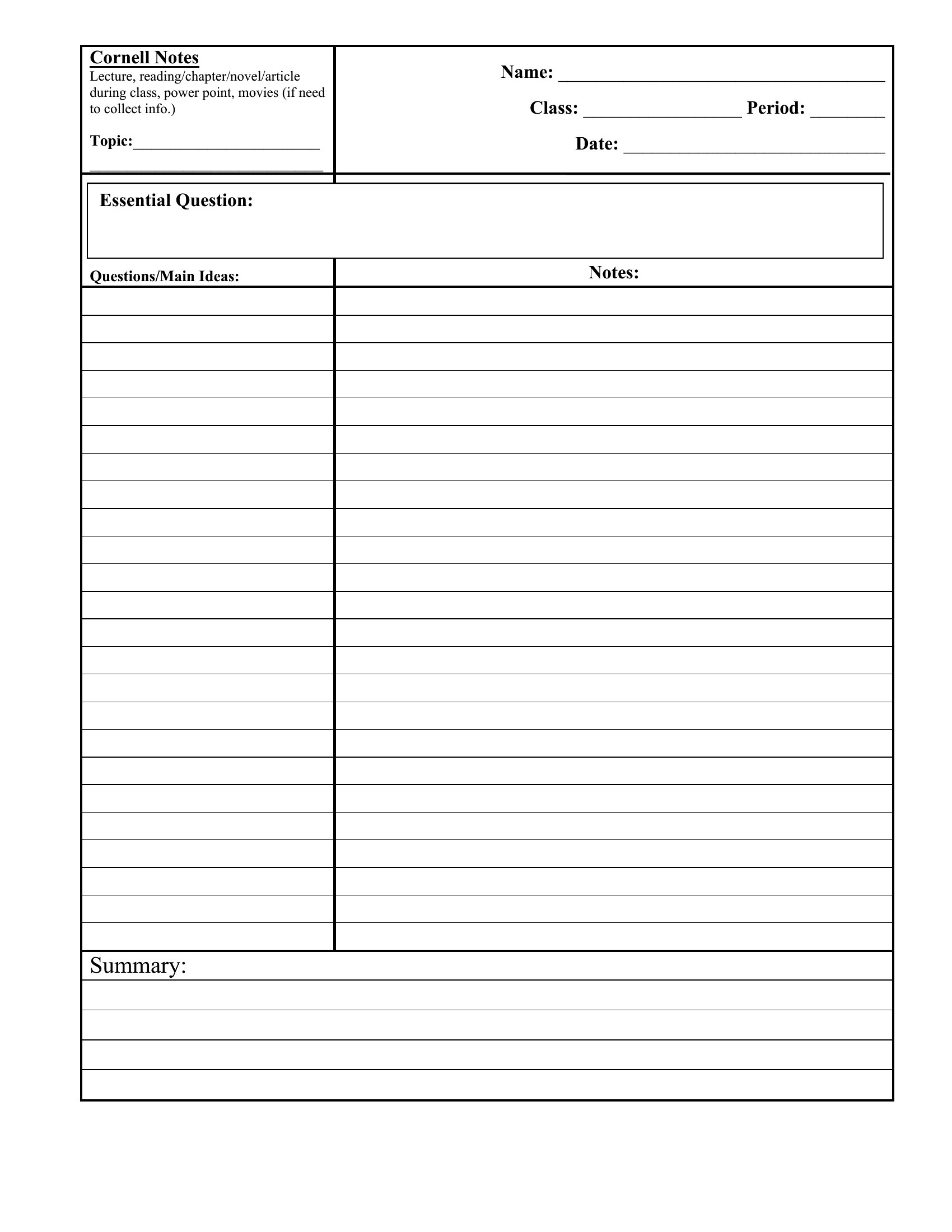
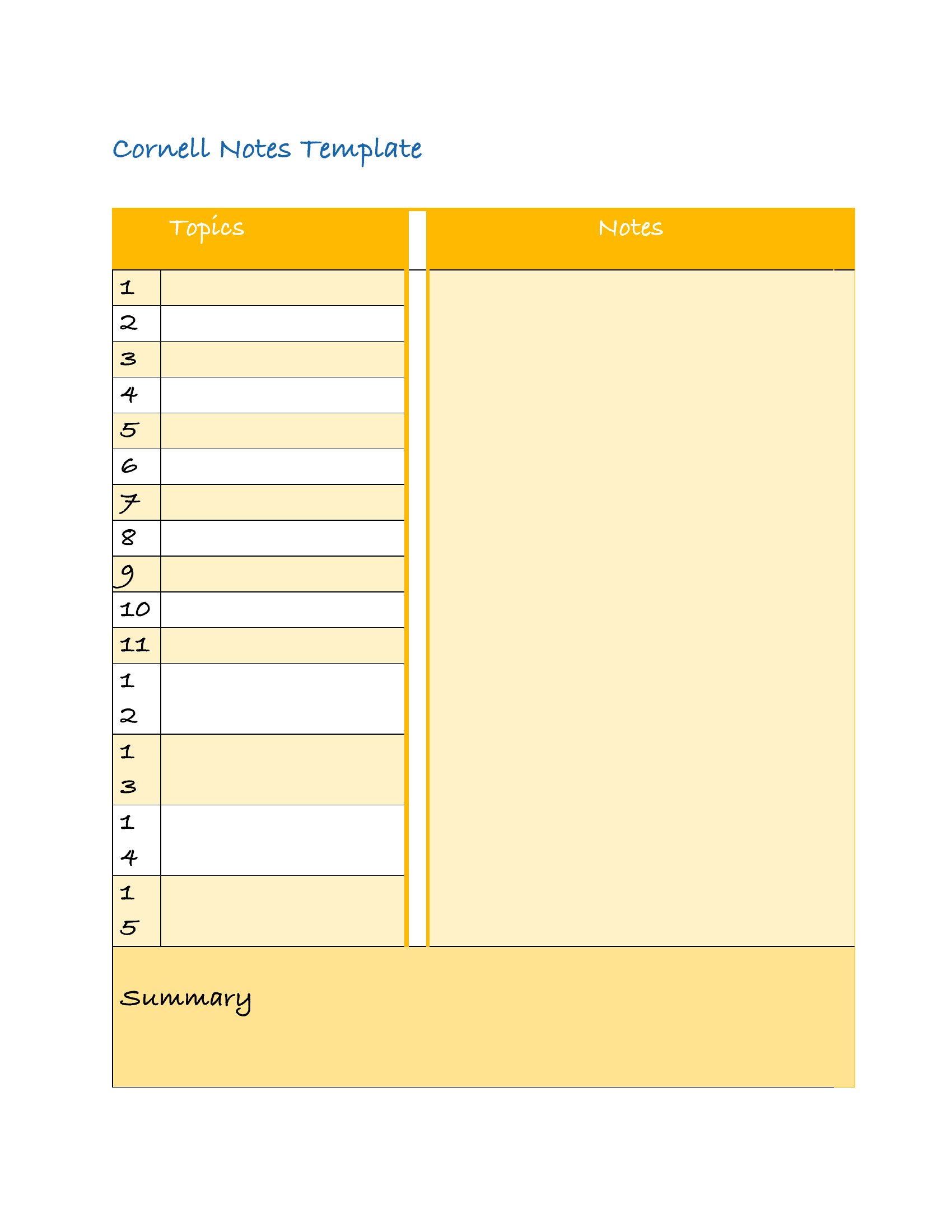
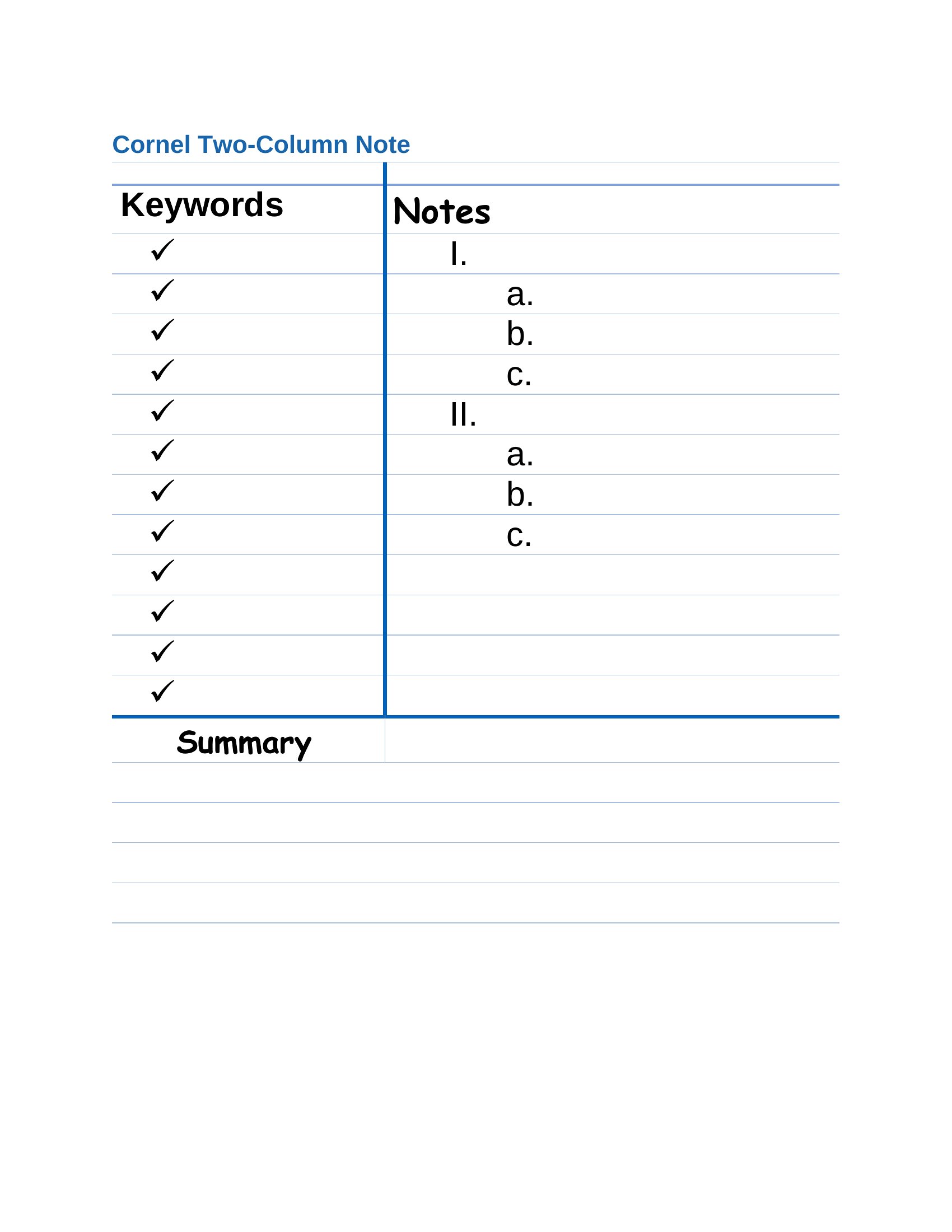
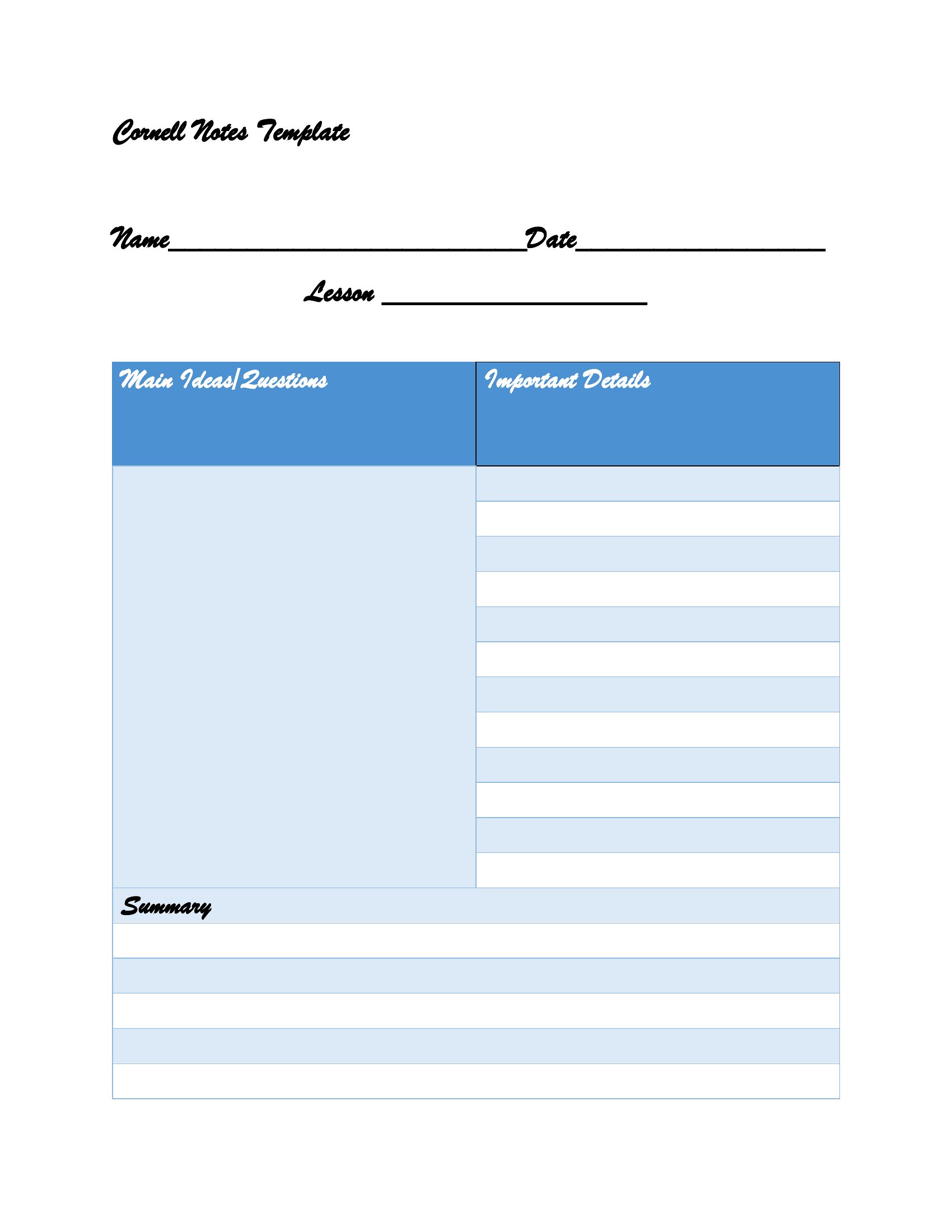
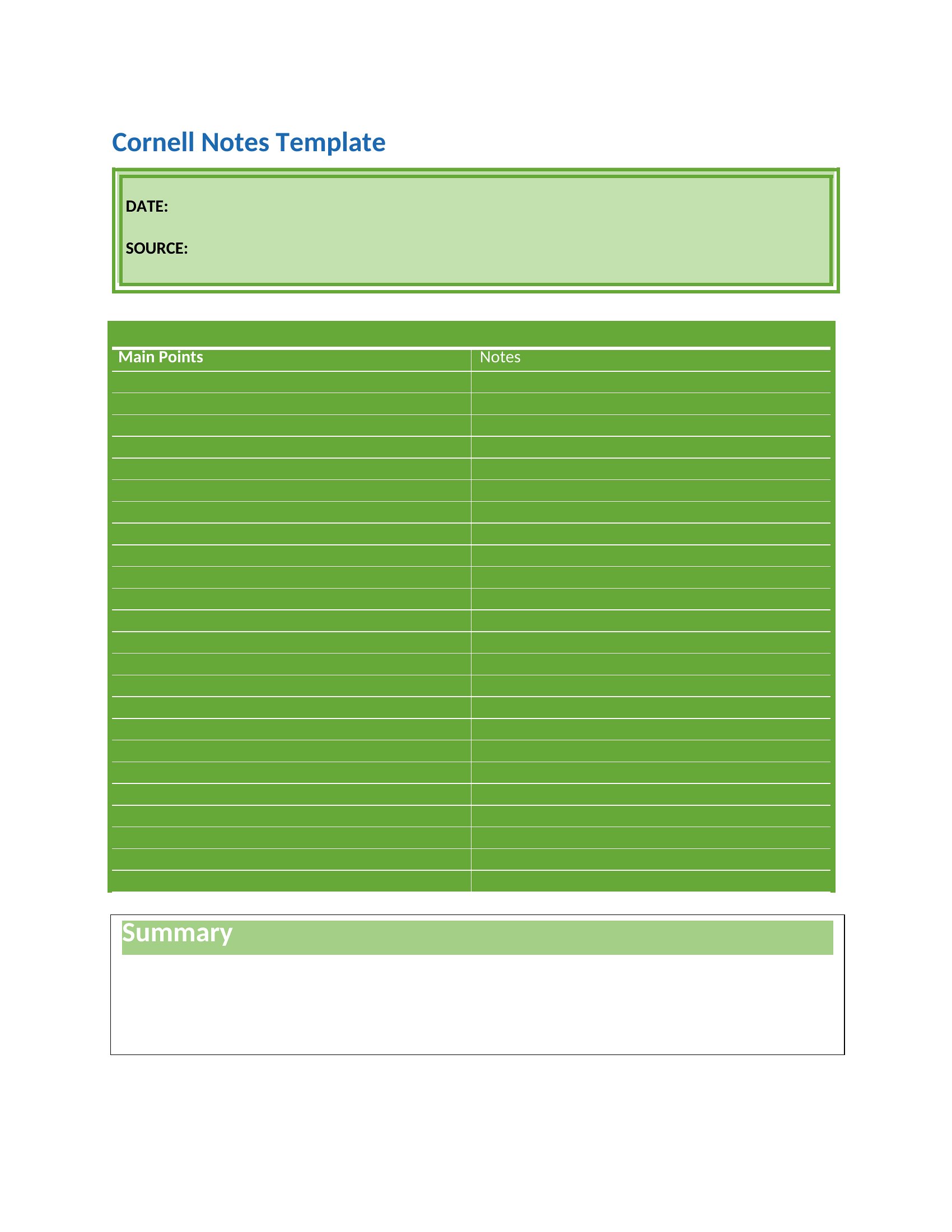
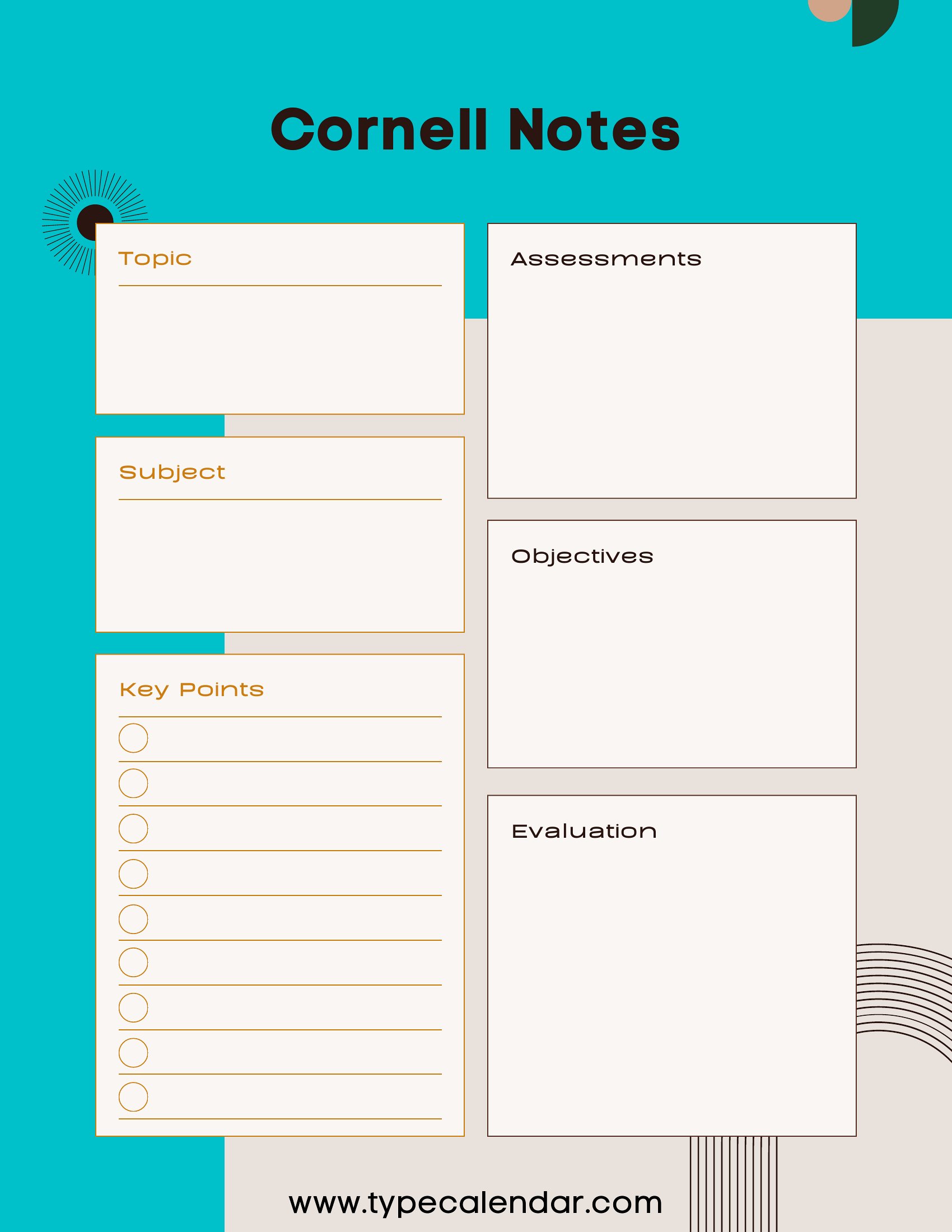
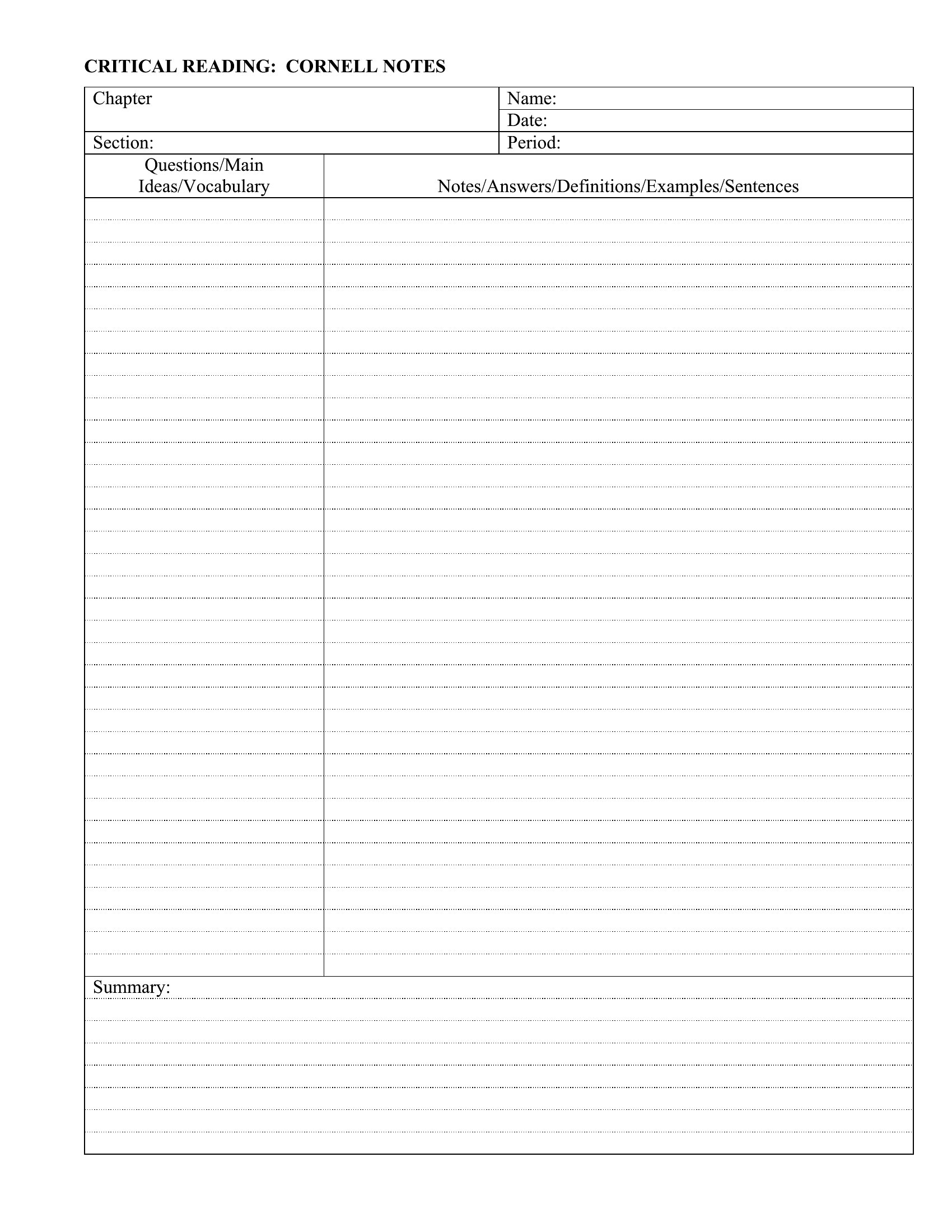
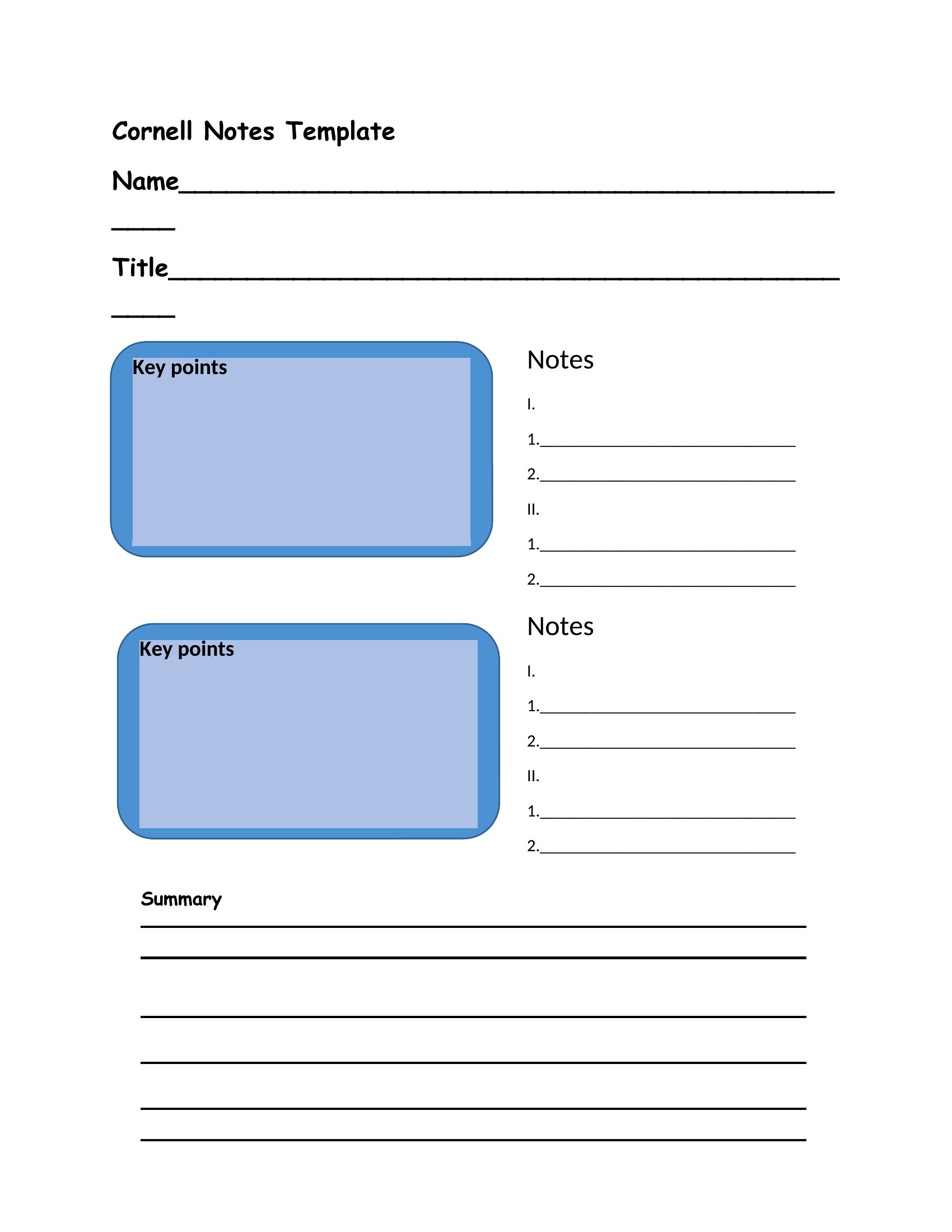
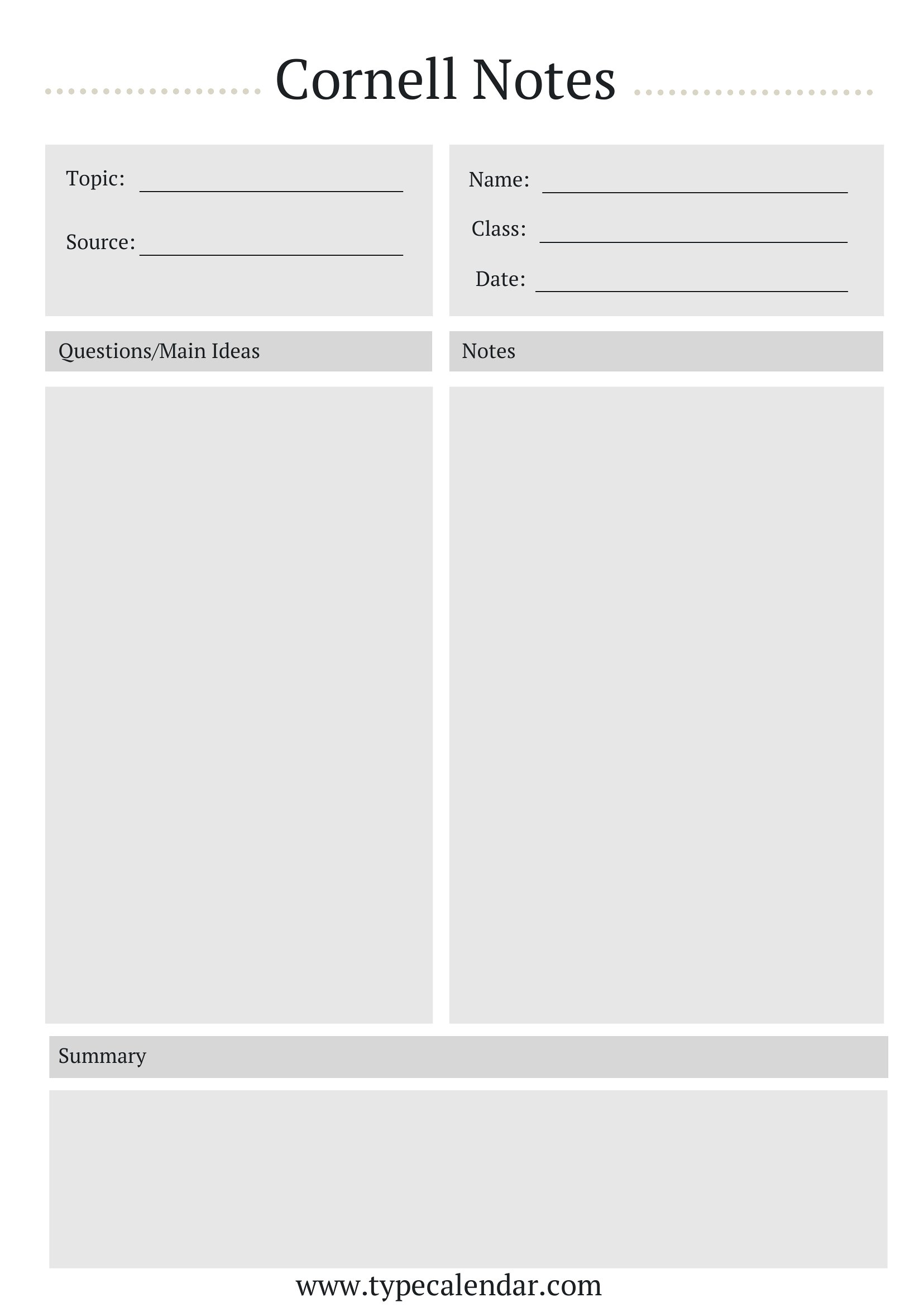
Cornell Notes
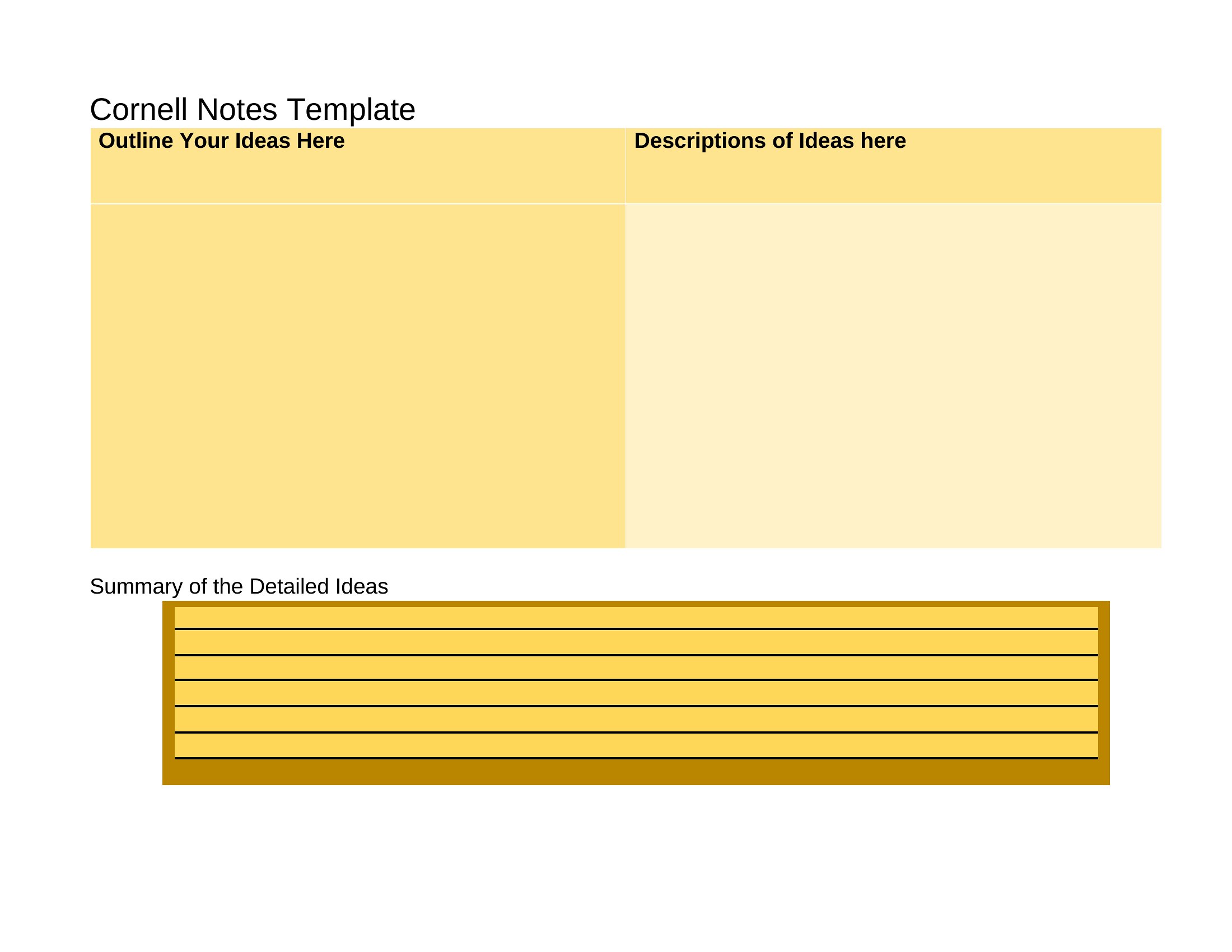
Cornell Notes Style
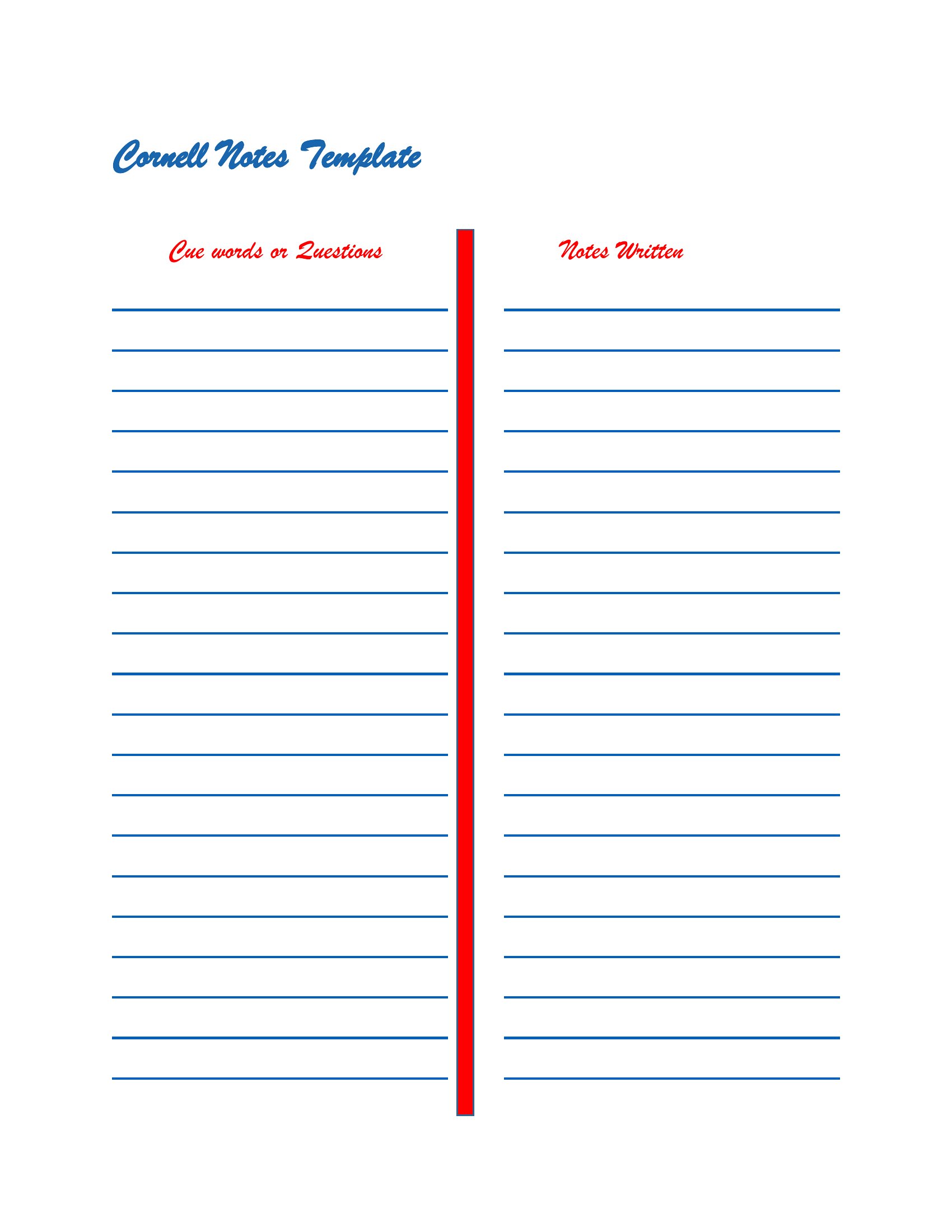
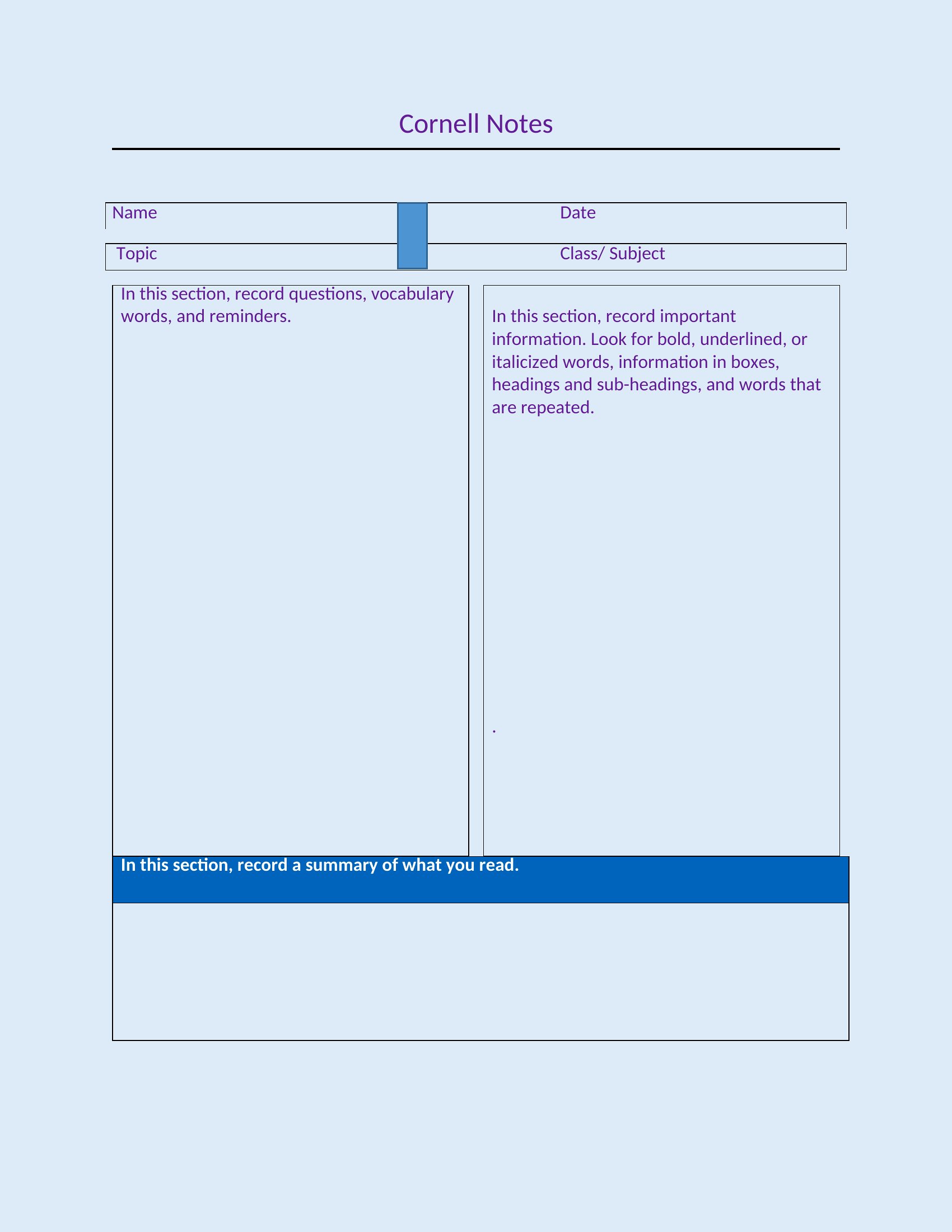
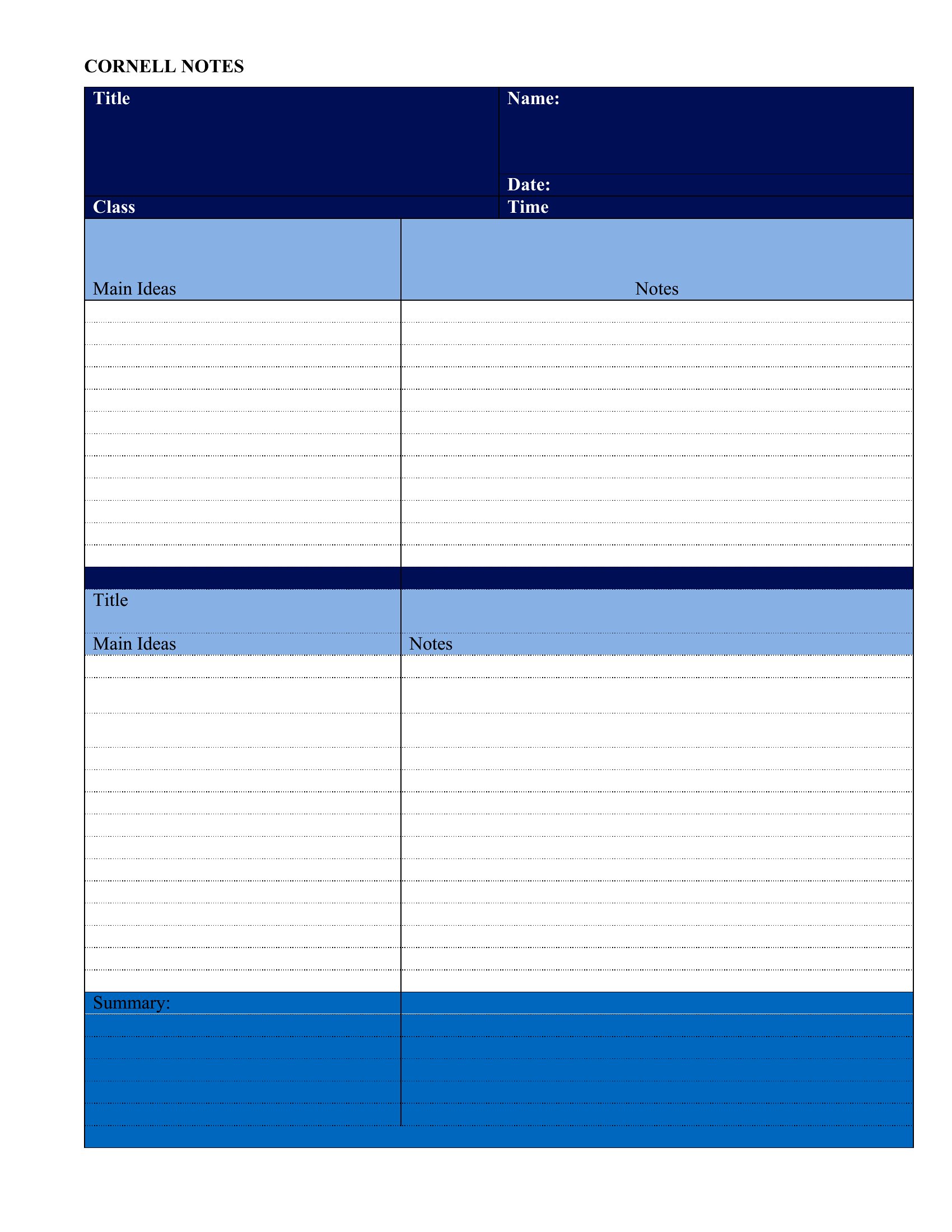
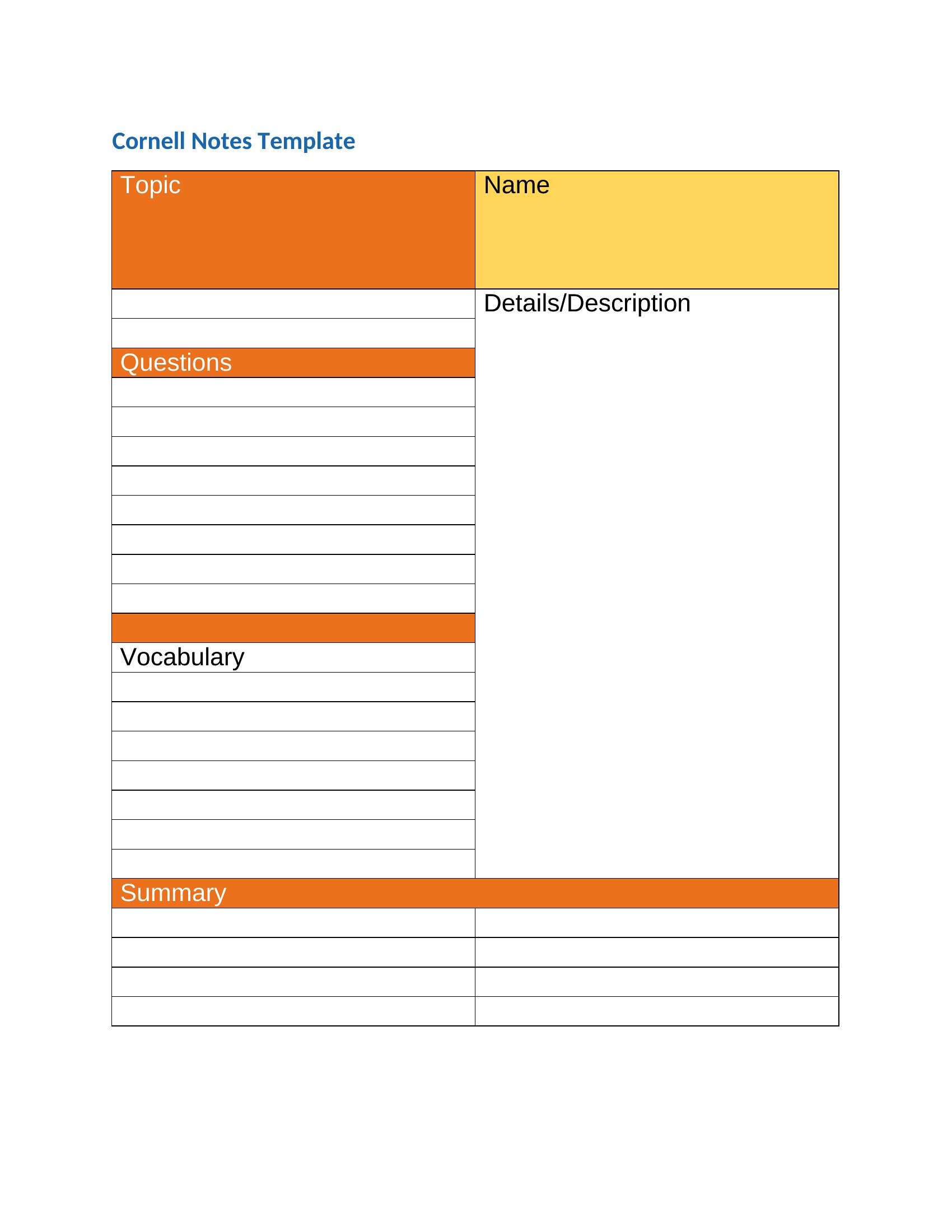
Cornel Notes
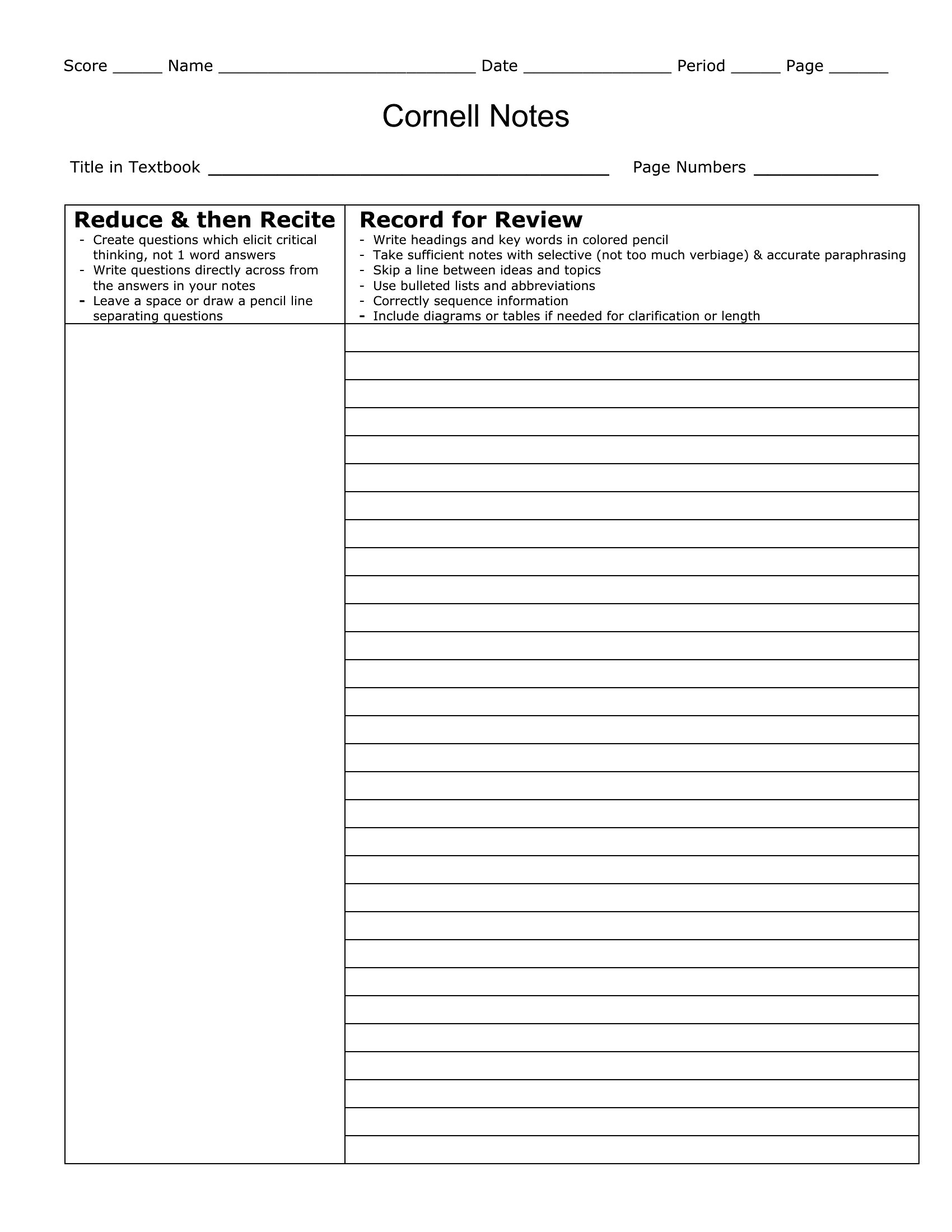
Cornell Style Note
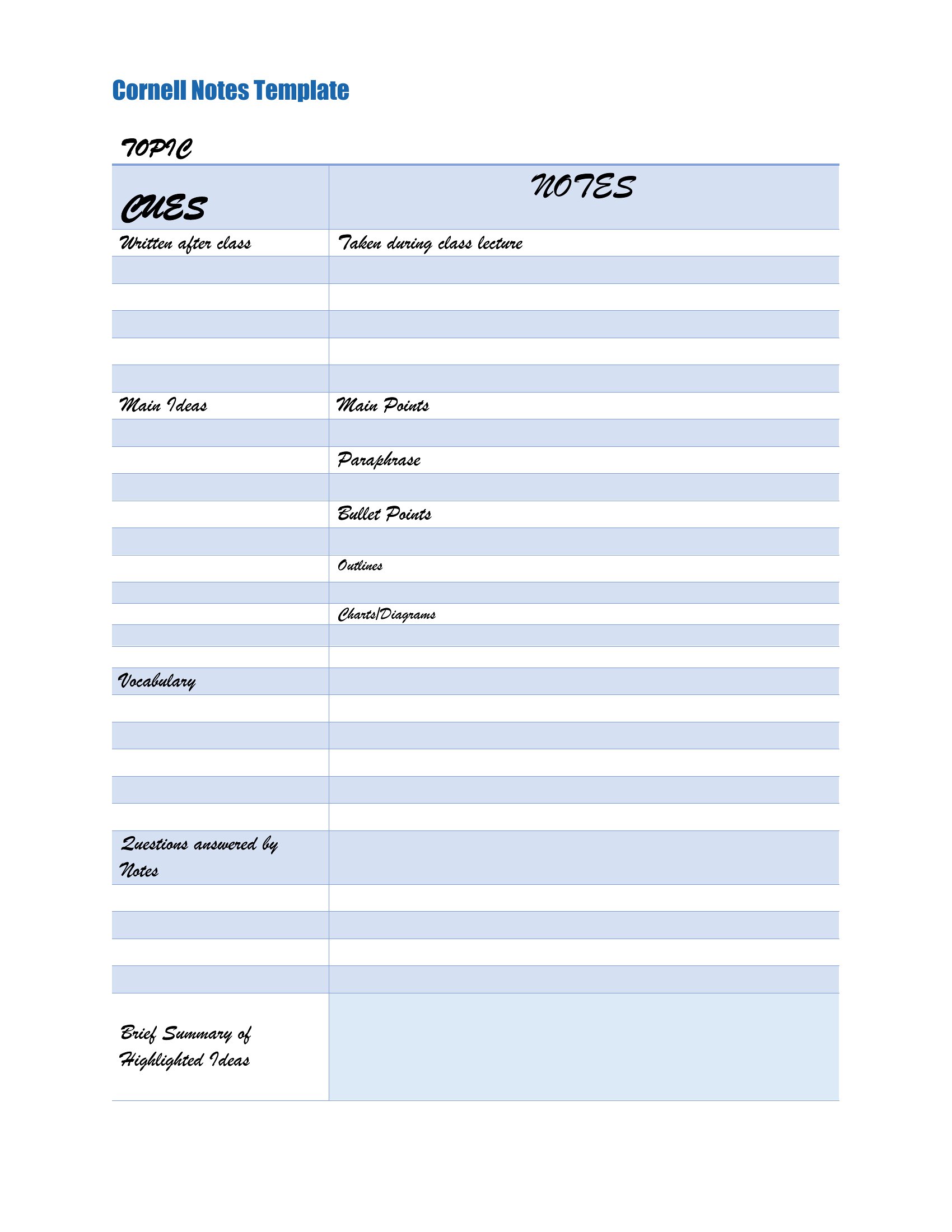
Avid Cornell Notes
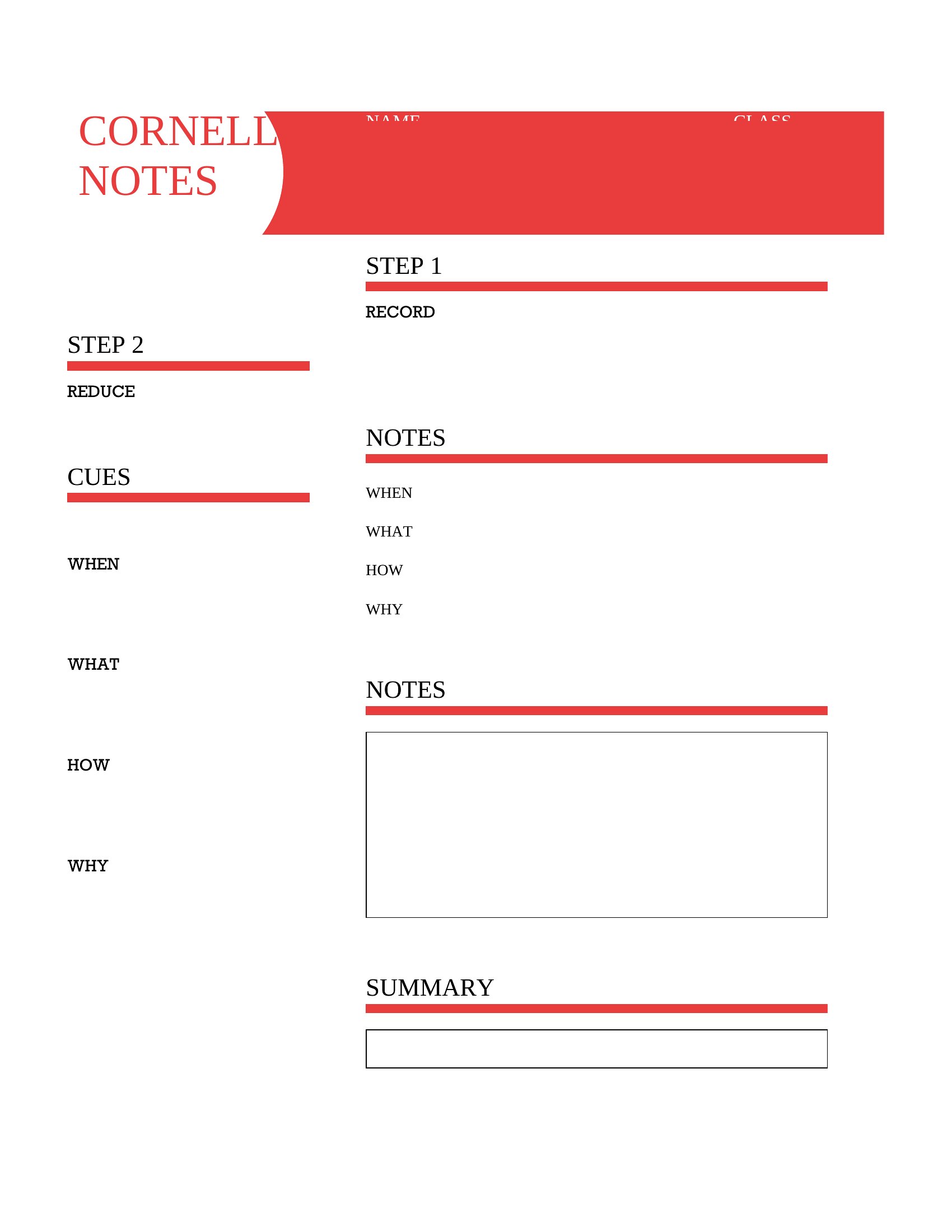
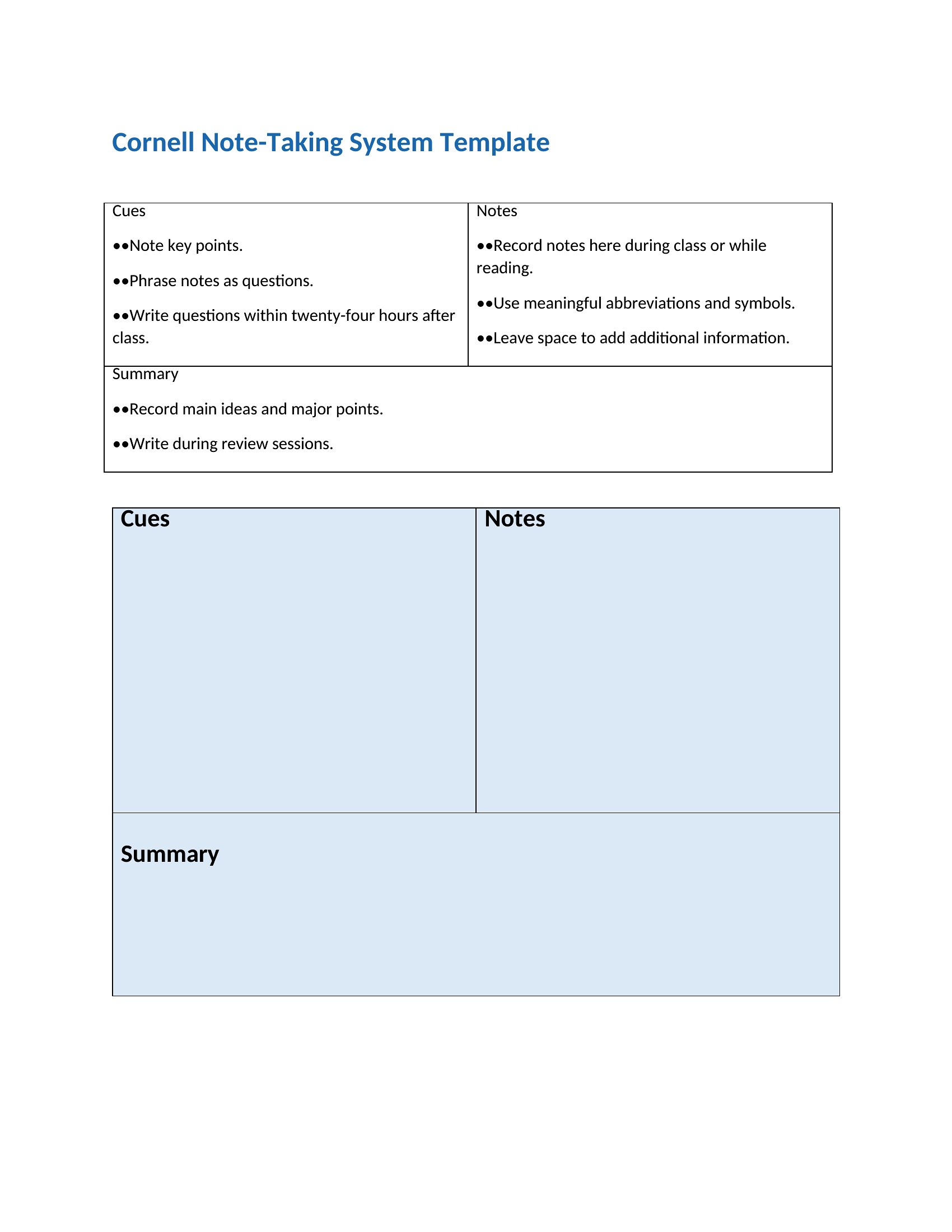
Cornell Notes Format
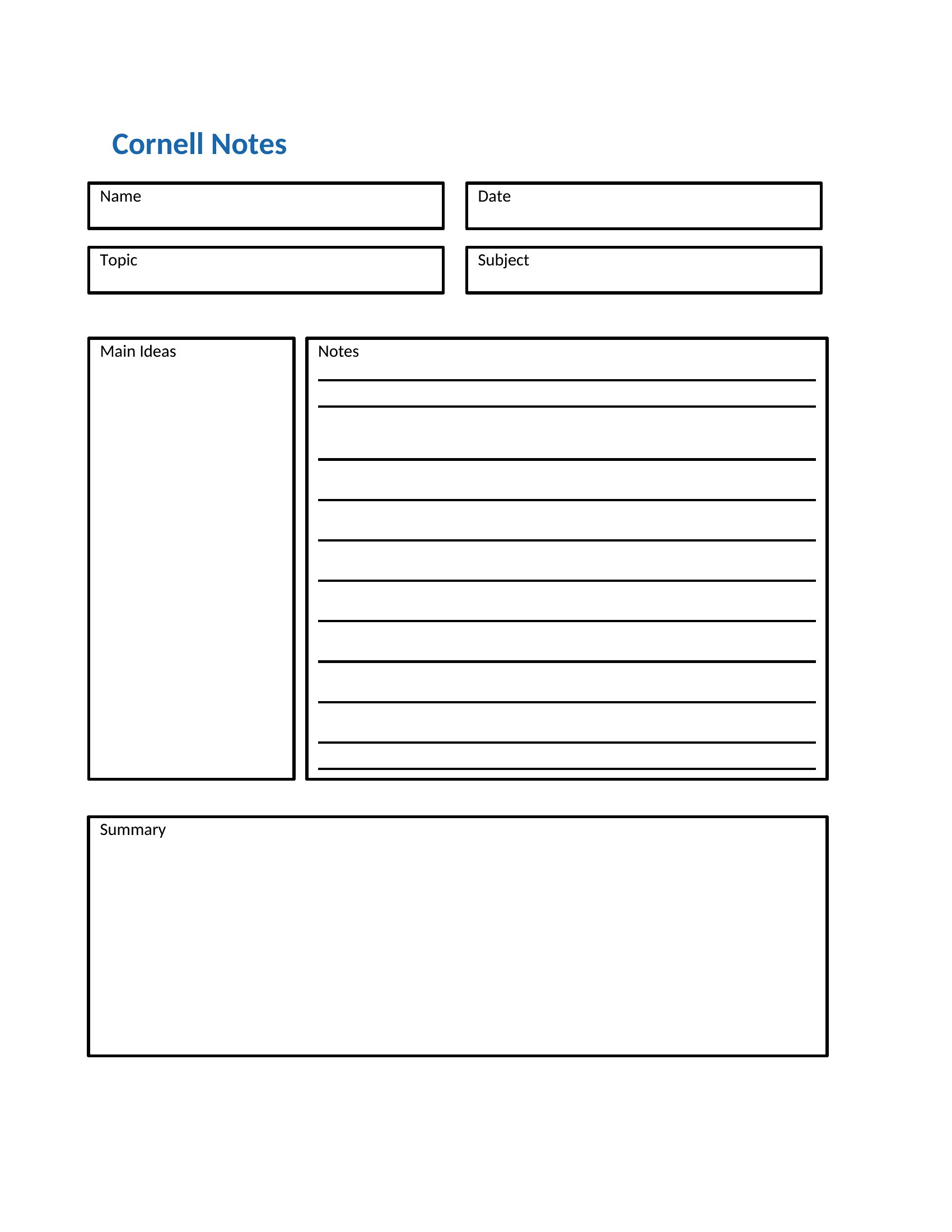
Cornell Note Taking
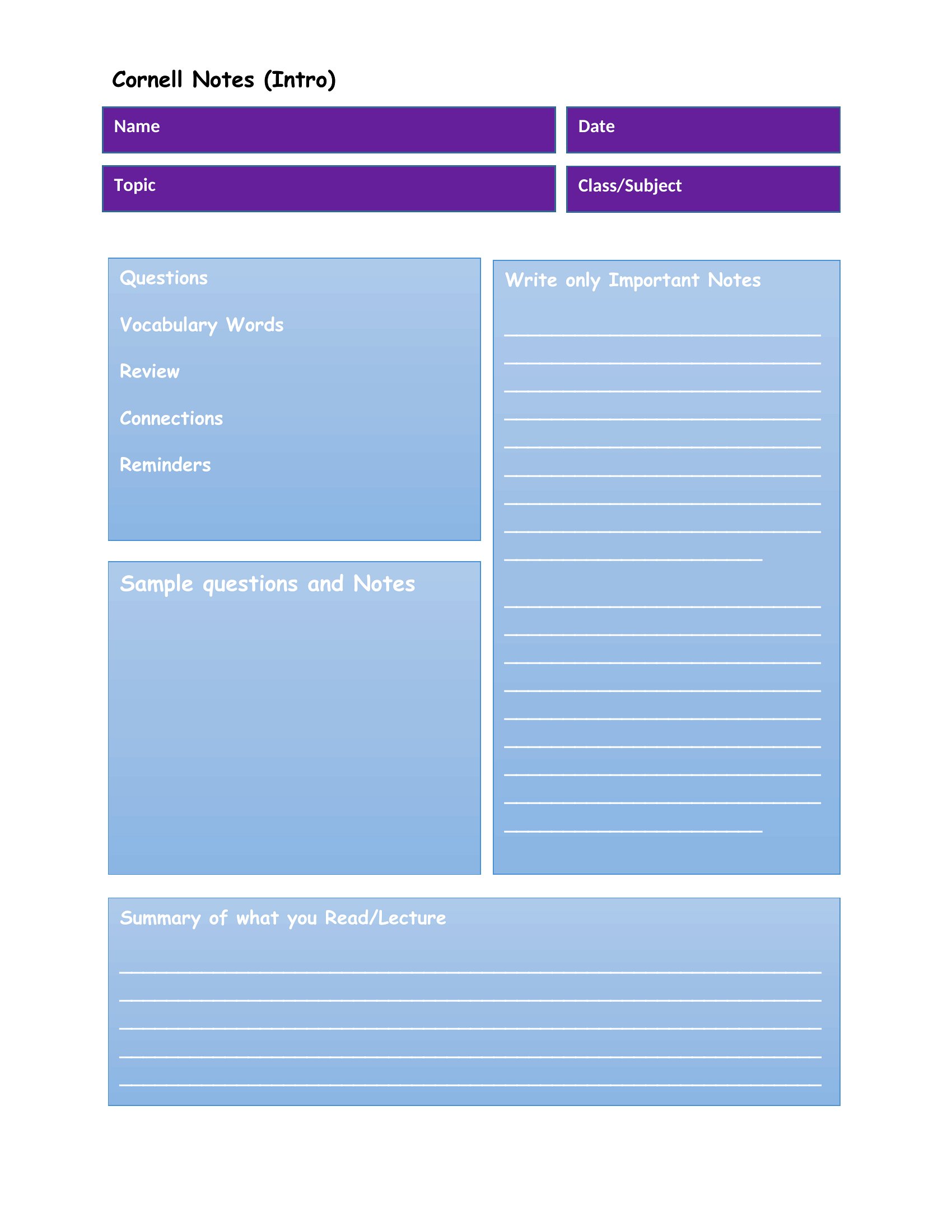
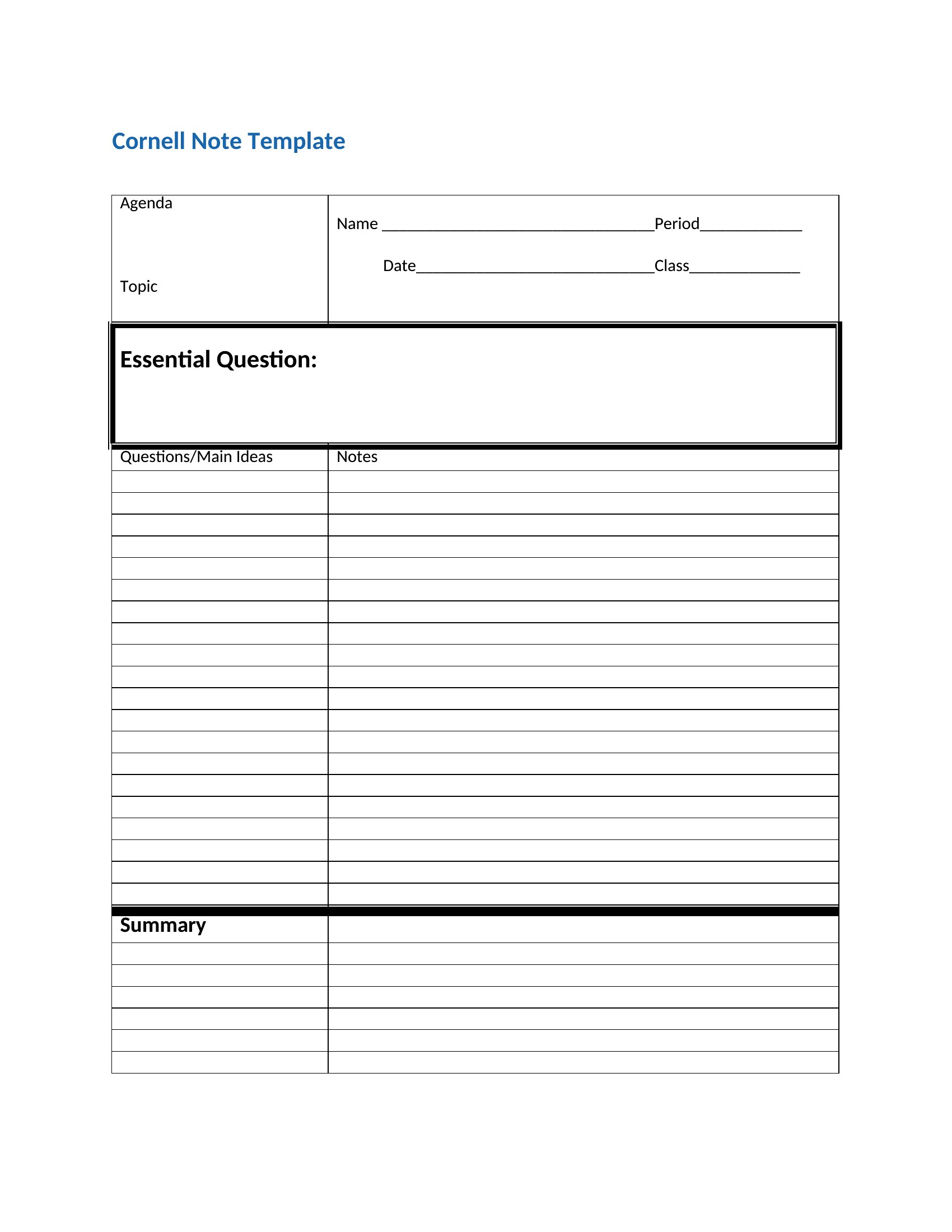
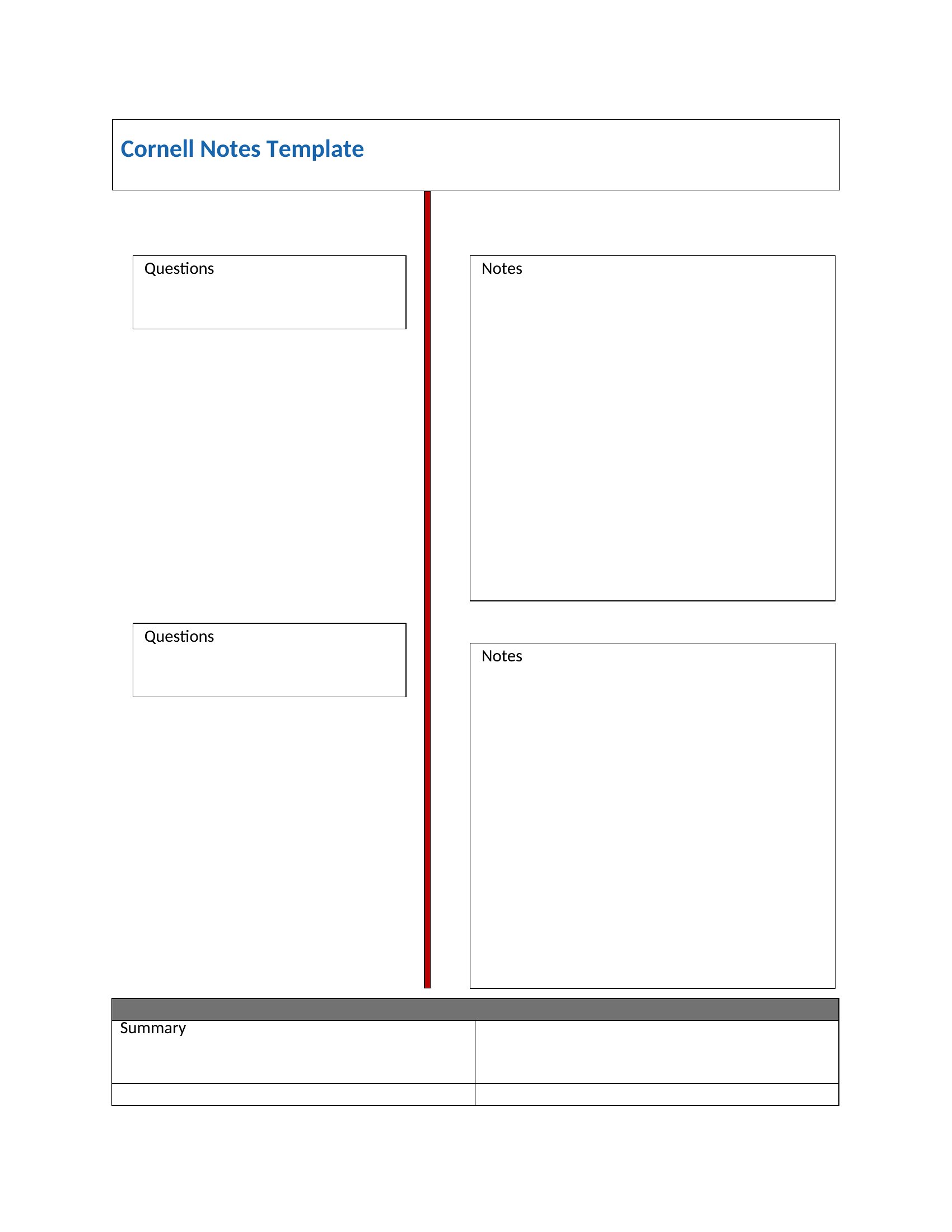
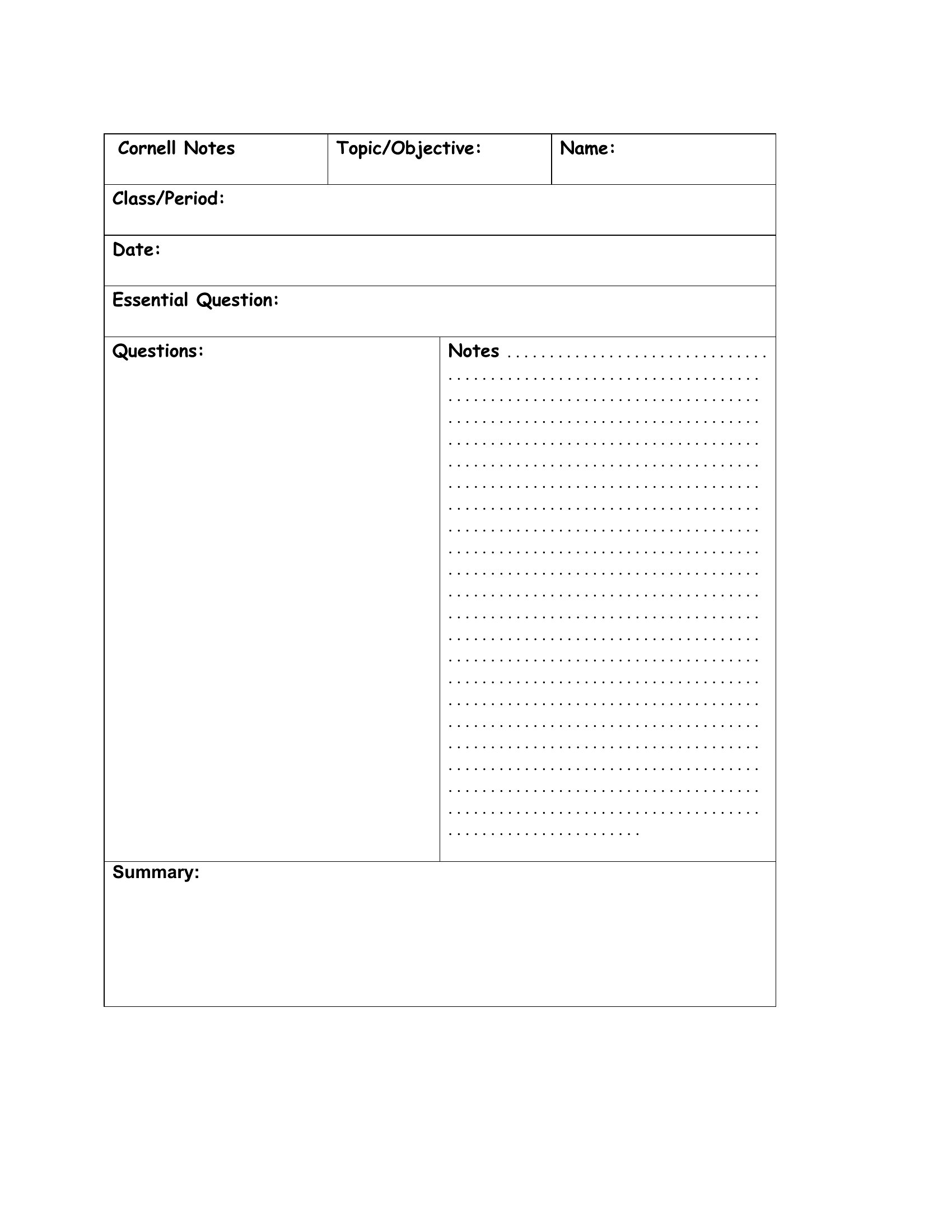
Cornell Style Notes
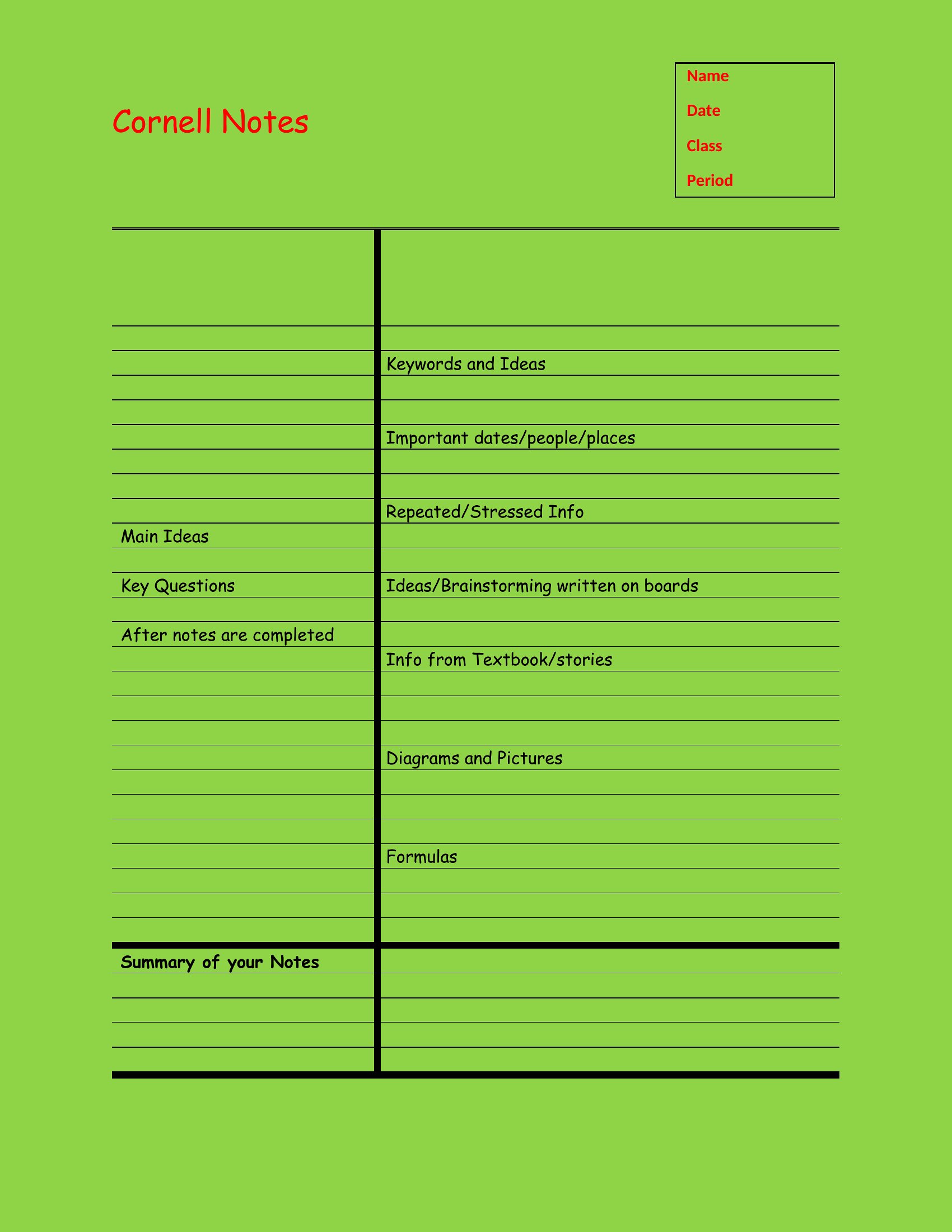
Cornell Note Example
Cornell Note
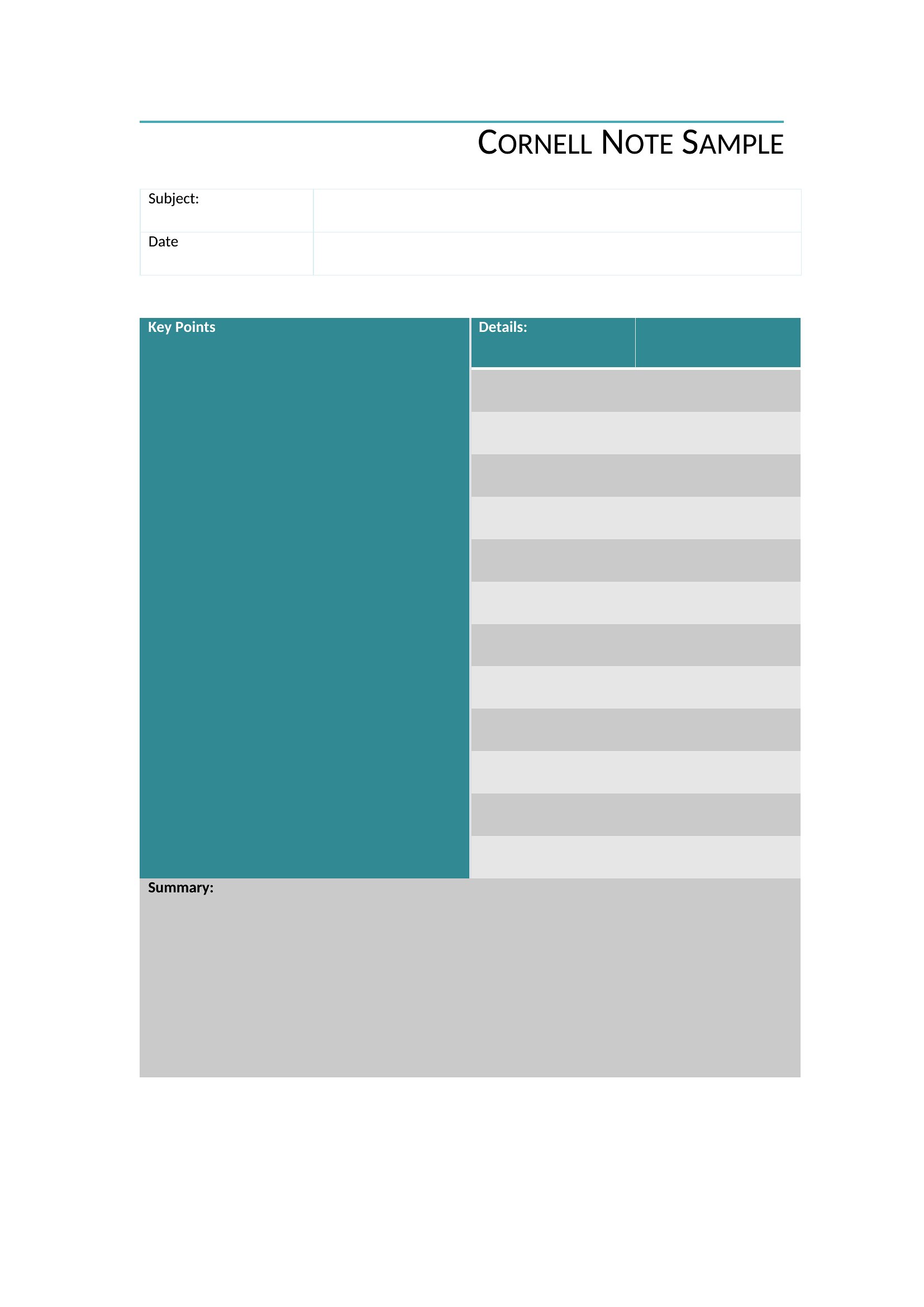
Cornell Method Notes
Frequently Asked Questions about Cornell Notes Templates
Are these Cornell Notes templates free to download?
Yes. Every Cornell Notes template in this collection is free to download from TemplateSpark. Just open the template you need, download it, and start editing right away — no subscription required to get started.
What file formats are available for Cornell Notes templates?
These Cornell Notes templates are available in Word and PDF. Pick the format that matches your workflow — each download keeps the original layout so it looks right whether you open, print, or share it.
Can I edit these Cornell Notes templates?
Yes. The editable files open in Microsoft Word (and compatible apps like Google Docs or LibreOffice), so you can change the text, colors, and layout to fit your needs, then save or export the finished Cornell Notes document.
How many Cornell Notes templates can I choose from?
This page collects 36 Cornell Notes templates so you can compare styles and layouts in one place. Browse the options, open the one that fits your purpose best, and download it in your preferred format.
Can I use Cornell Notes templates for commercial purposes?
In most cases, yes — these Cornell Notes templates are intended for both personal and business use. Check the license note on the template before redistributing or reselling, and avoid sharing the source files as your own product.
What is the Cornell Notes method?
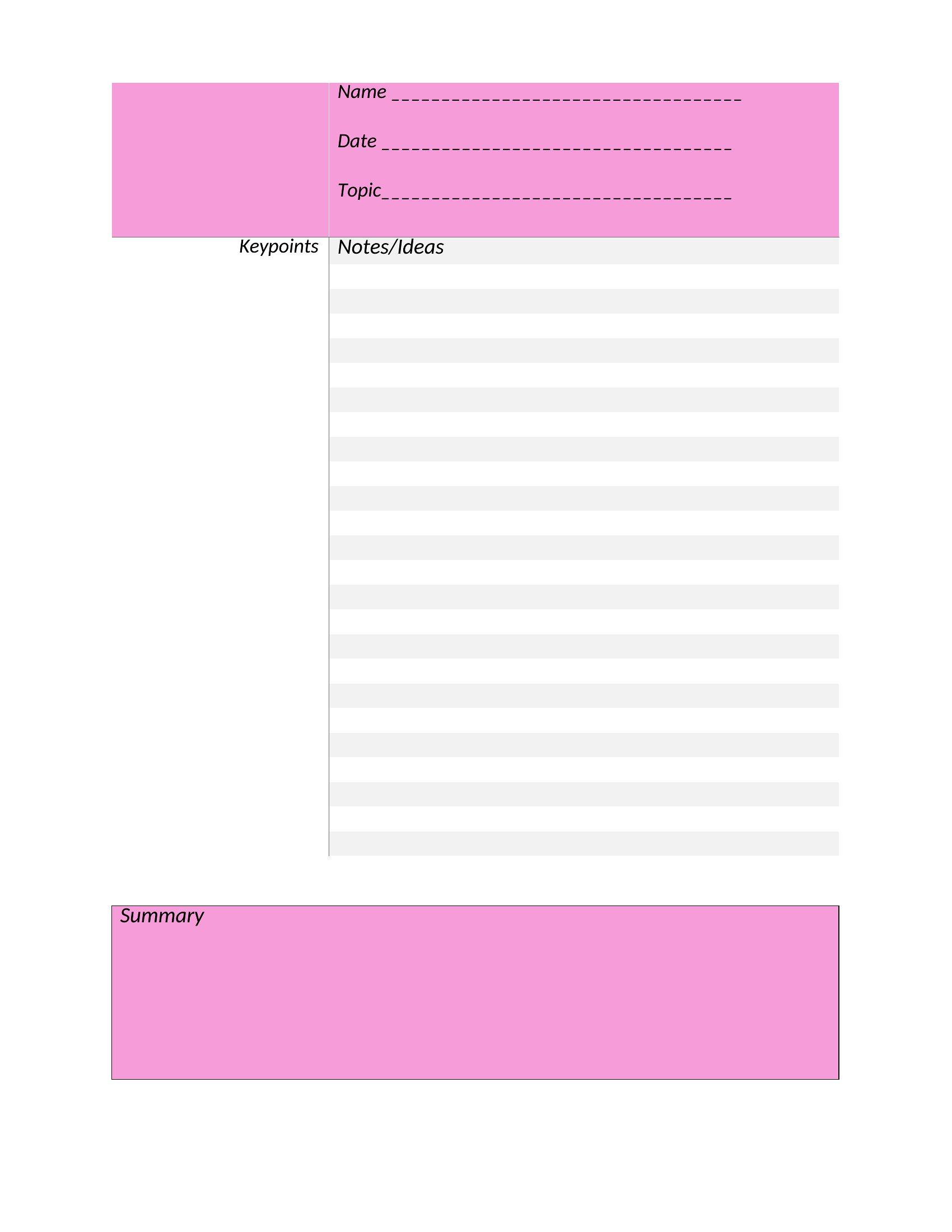
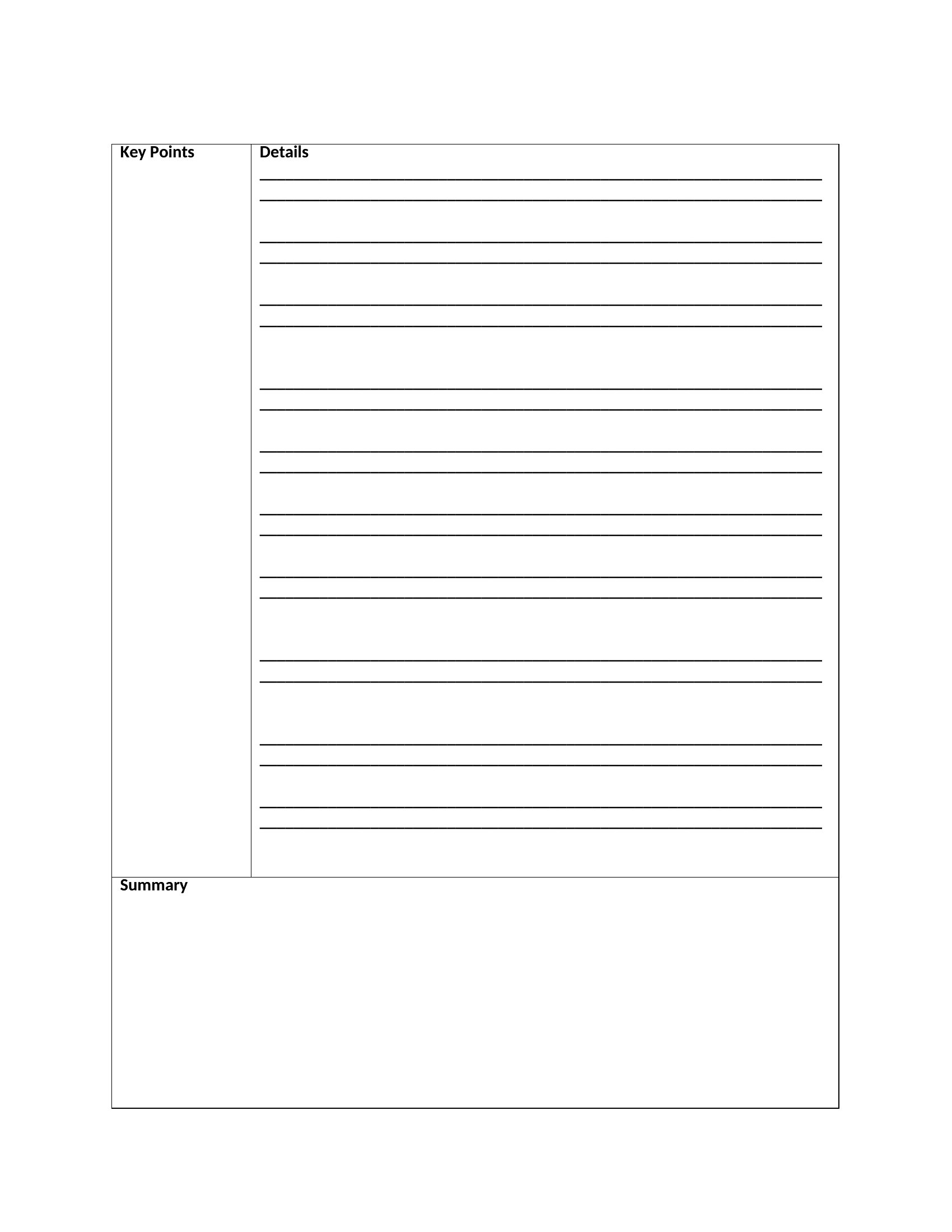
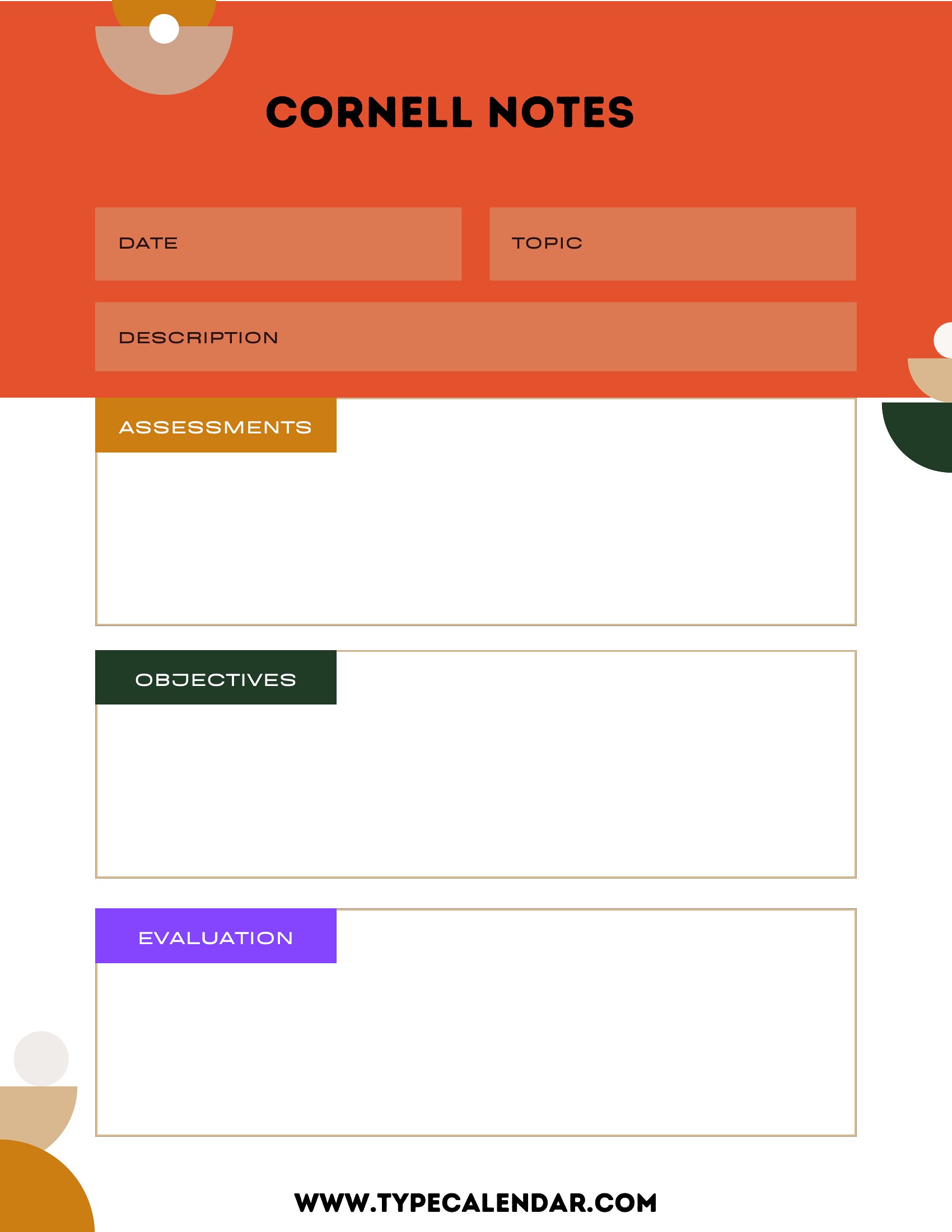
The Cornell Notes method is a note-taking system that divides a page into three areas: a wide notes column for main content, a narrow cue column for keywords and questions, and a summary section at the bottom. The structure encourages active review and helps information stick better than plain notes.
What goes in each section of a Cornell Notes page?
The right notes column holds detailed notes taken during a lecture or reading. The left cue column captures keywords, questions, and prompts written afterward. The bottom summary section condenses the main ideas in your own words. Together they support recall, review, and self-testing.
How do you use Cornell Notes to study effectively?
After class, fill the cue column with questions and key terms, then cover the notes and try answering using only the cues. Write a short summary to reinforce understanding. Reviewing this way turns passive notes into active recall practice, which improves retention before tests.
Comments
Join the conversation
Sign in to share your thoughts and leave a comment on this resource.