
Free Photography Contract Templates (Word)
General by raizapouls
Booking a shoot goes more smoothly when both sides agree on deliverables, rights, and payment up front, and a photography contract captures it all. These 40 templates suit portrait, wedding, product, and commercial work, covering session details, usage rights, and cancellation terms.
The templates are editable in Microsoft Word, so photographers can add their packages, fees, and timelines before sending one to a client. Clarify image rights and payment to head off misunderstandings, and check that your terms suit local rules. Pick the contract that matches your work, customize it, and book the job with confidence.
When to use this Photography Contract template
- A wedding photographer working with a couple in a new state needs a contract to outline deposit expectations, timeline adjustments for bad weather, and digital delivery formats to avoid last-minute surprises.
- A product photographer collaborating with an e-commerce brand requires clear terms on background removal licensing, retouching requests, and revision limits to prevent scope creep during a tight ad campaign.
- An event photographer hired by a corporate client must specify liability waivers for on-site issues, usage rights for social media posts, and rush fees for same-day edits to align with the client’s marketing deadlines.
- A freelance portrait photographer offering mini-sessions in community centers needs a contract to define package inclusions (e.g., edited files vs. prints), cancellation policies, and model release requirements for group photos.
Which format should I download?
All 40 Word templates are designed for customization, so choose based on your workflow needs. Use the basic templates if you’re new to contracts and want a straightforward structure to fill in your standard terms. Opt for the more detailed versions if you handle complex shoots with multiple deliverables, clients, or payment schedules. The ‘session-specific’ templates are ideal when you need to highlight unique aspects like travel logistics or equipment fees upfront. Word is the best choice here because it allows you to easily adjust clauses (e.g., adding a pet-sitting addendum for family portraits) and track changes during client reviews.
Choose from 40 Photography Contract Templates
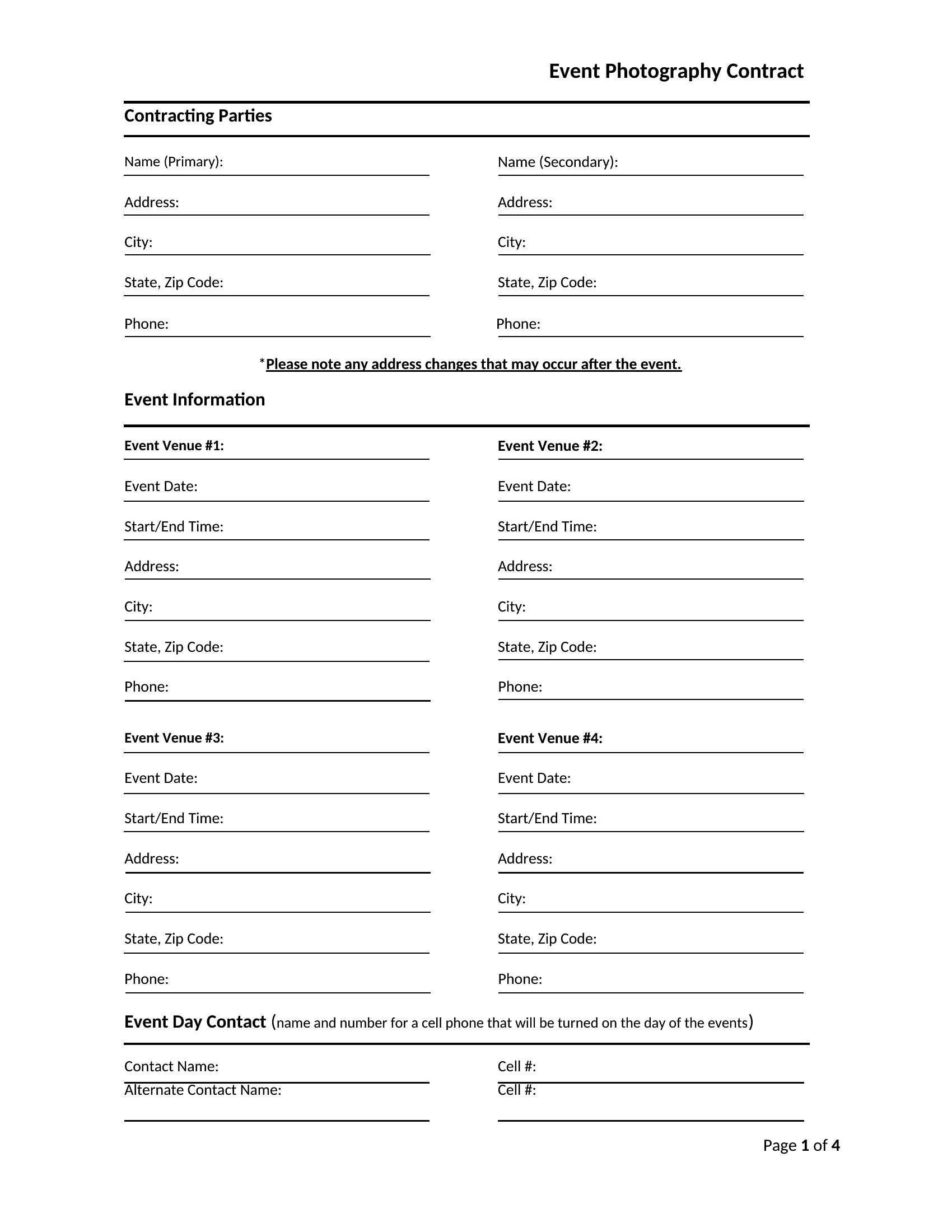
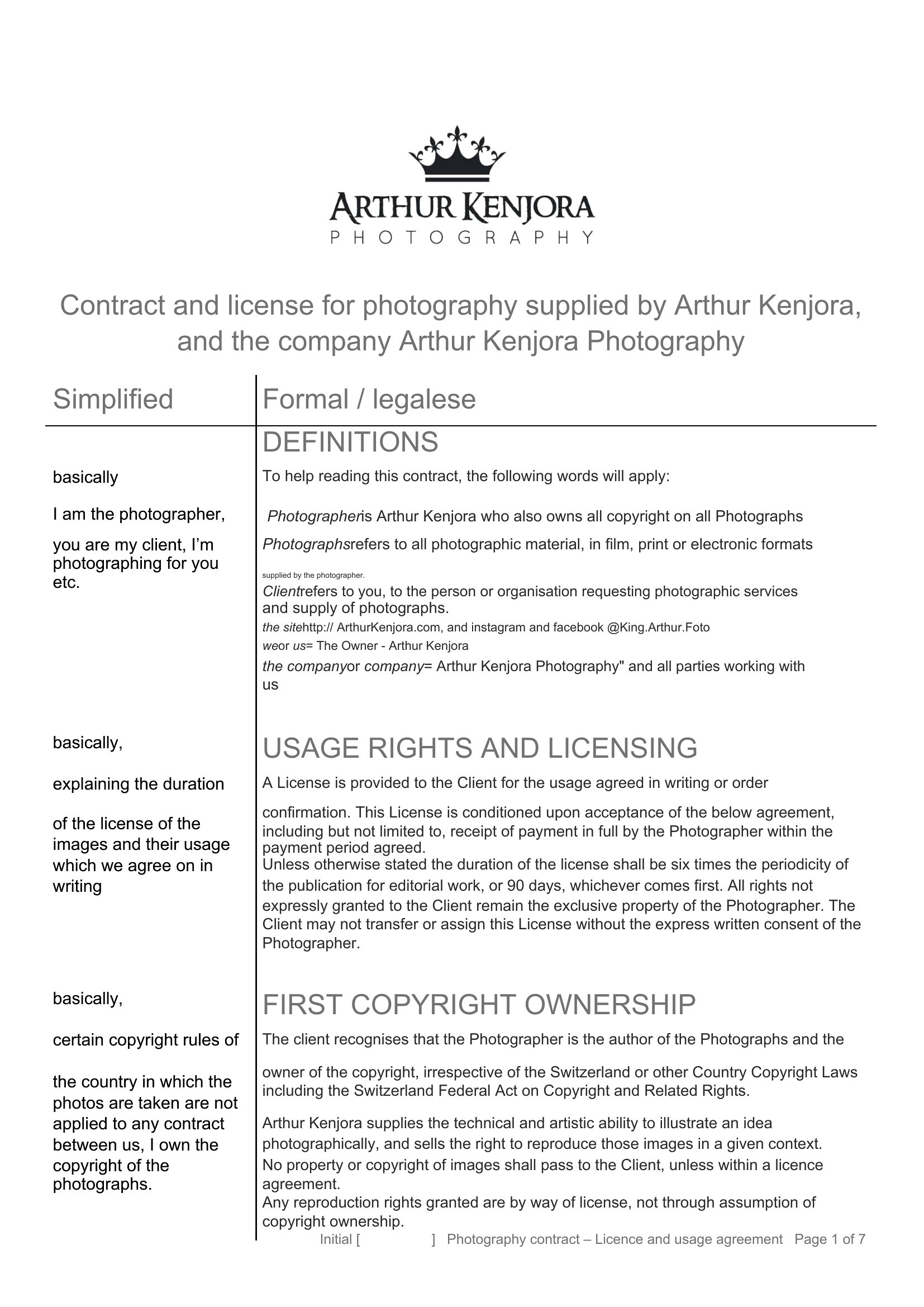
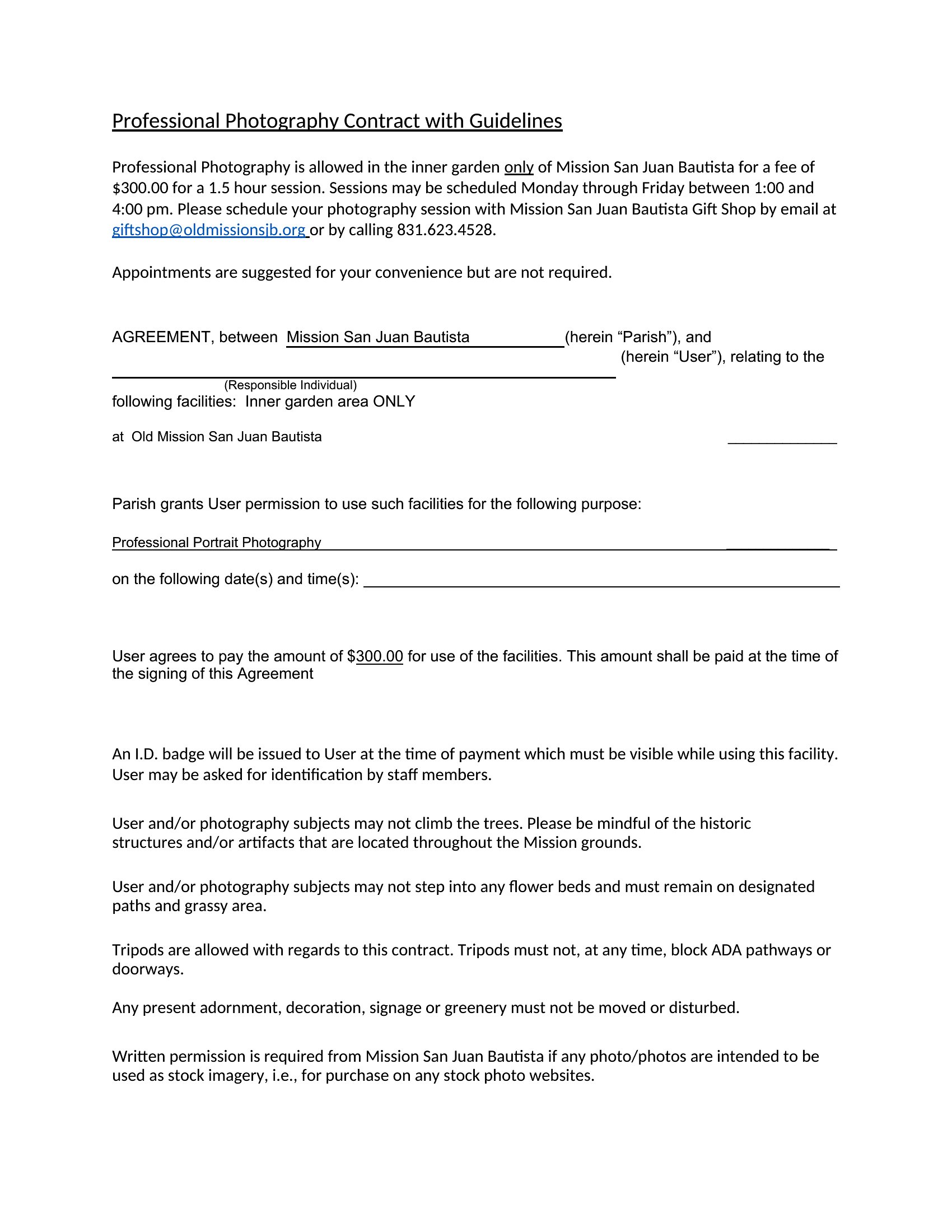
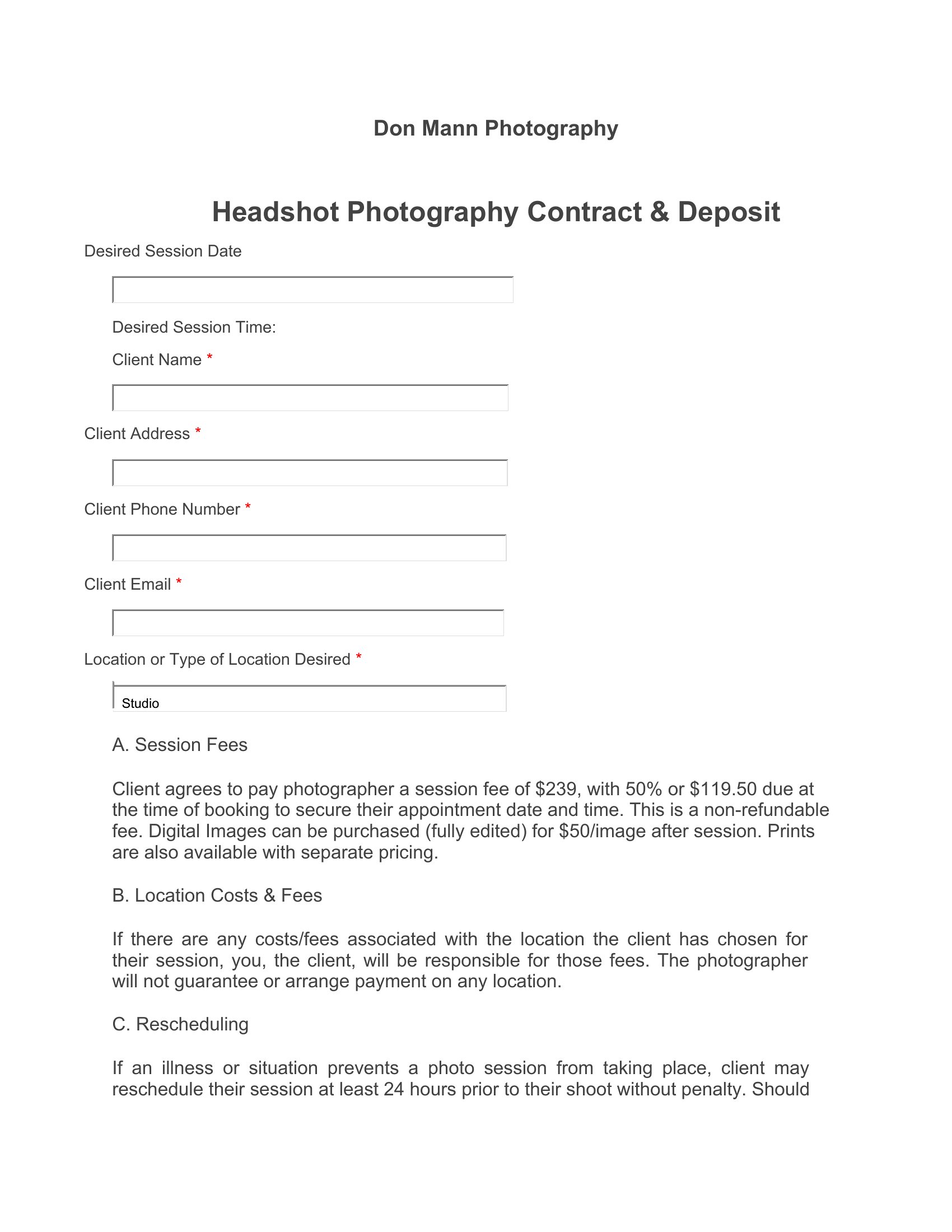
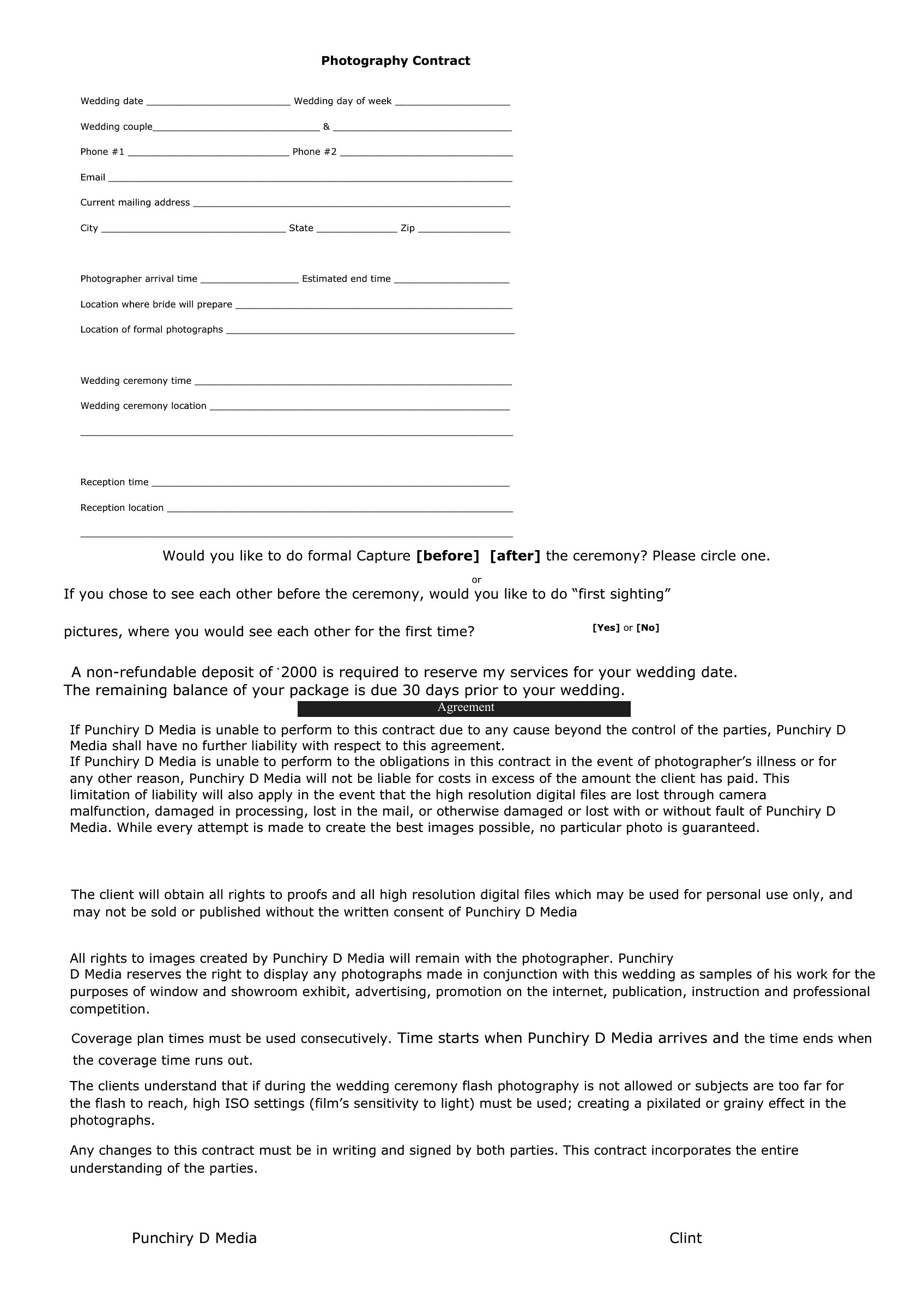
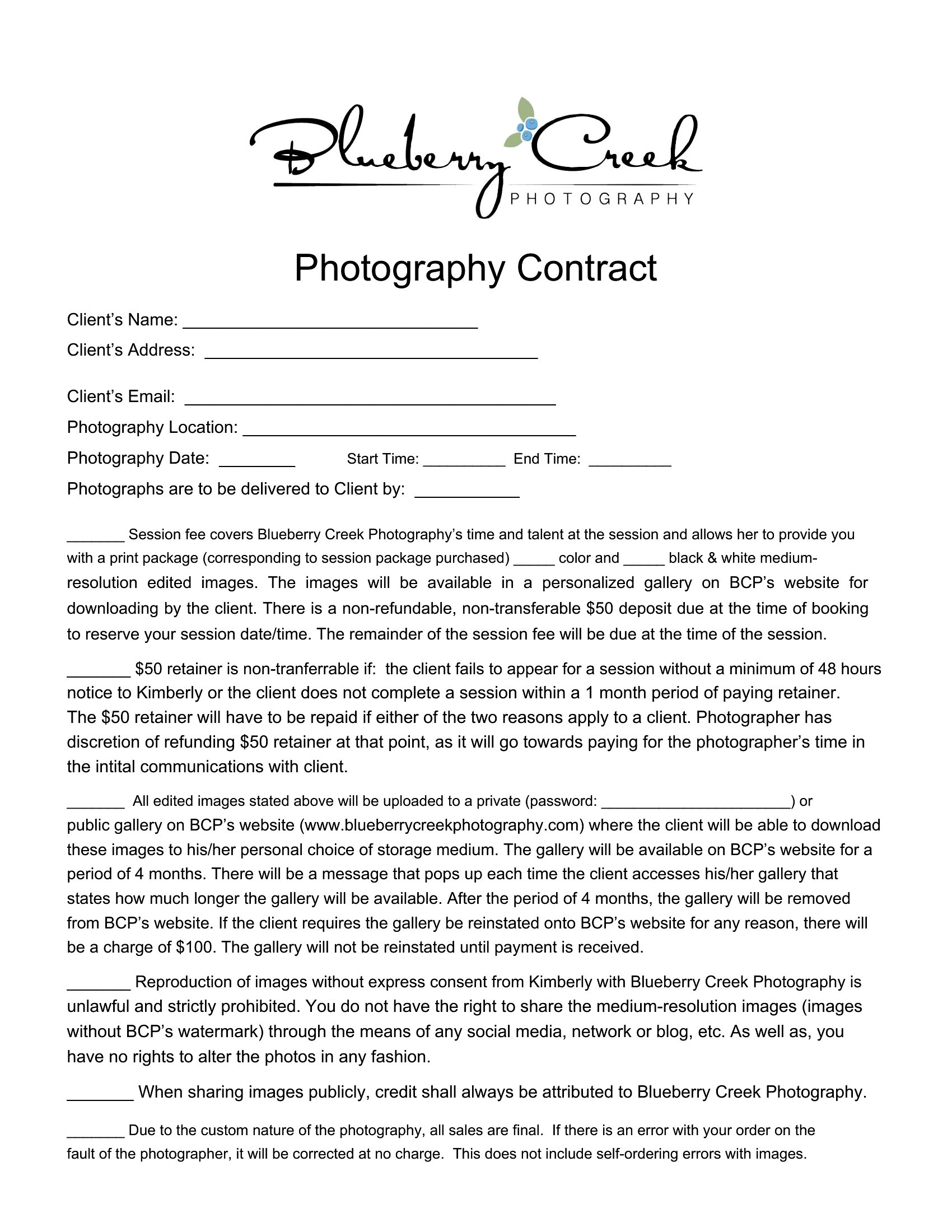
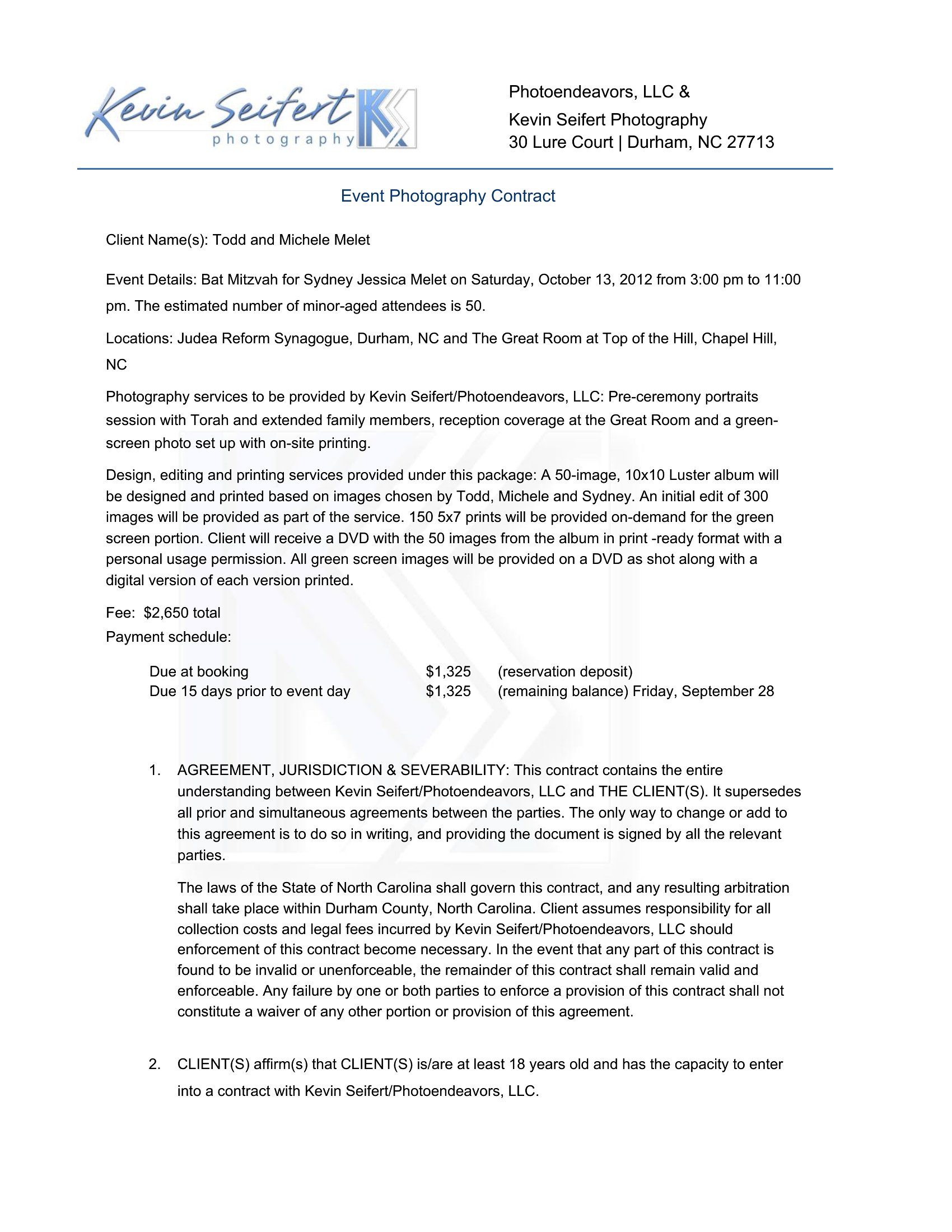
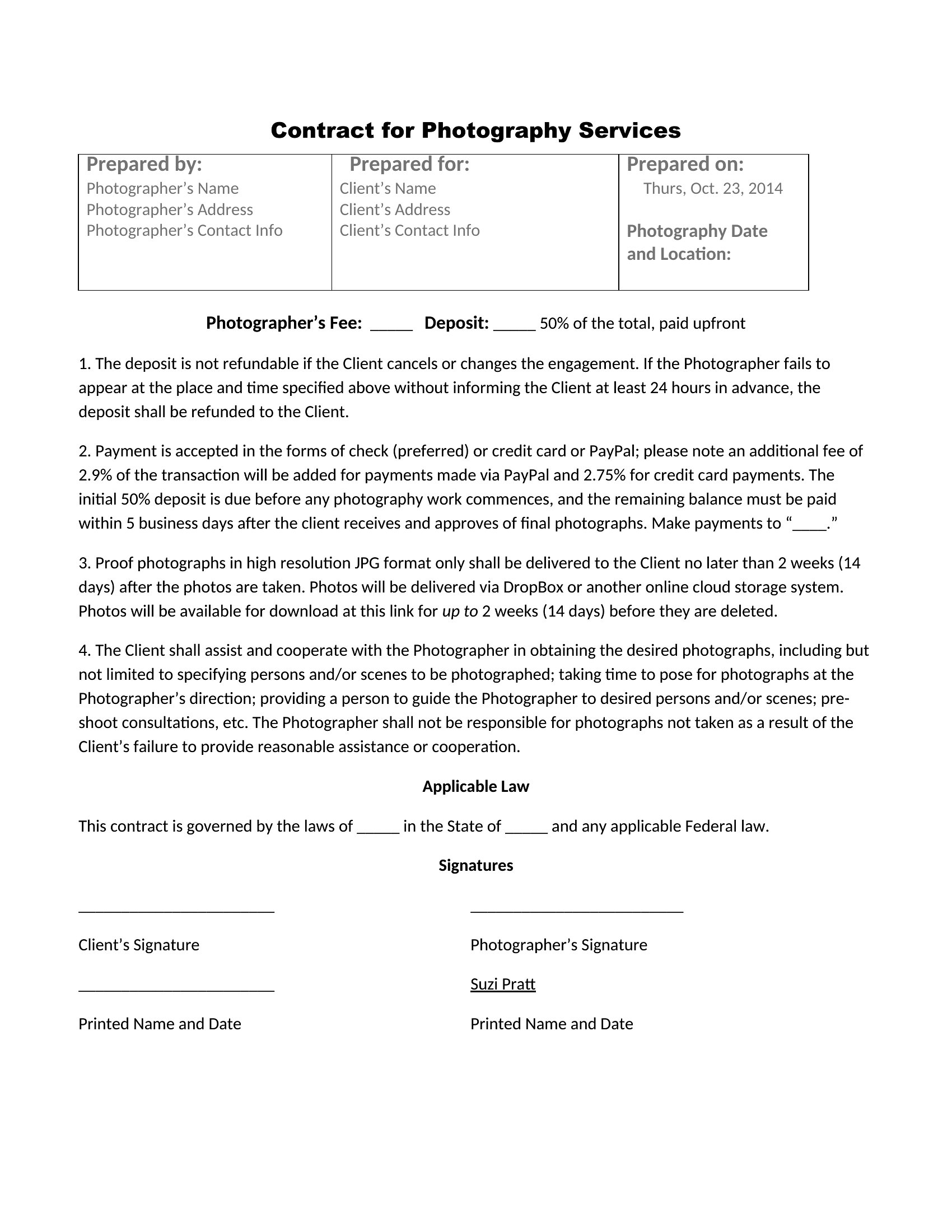
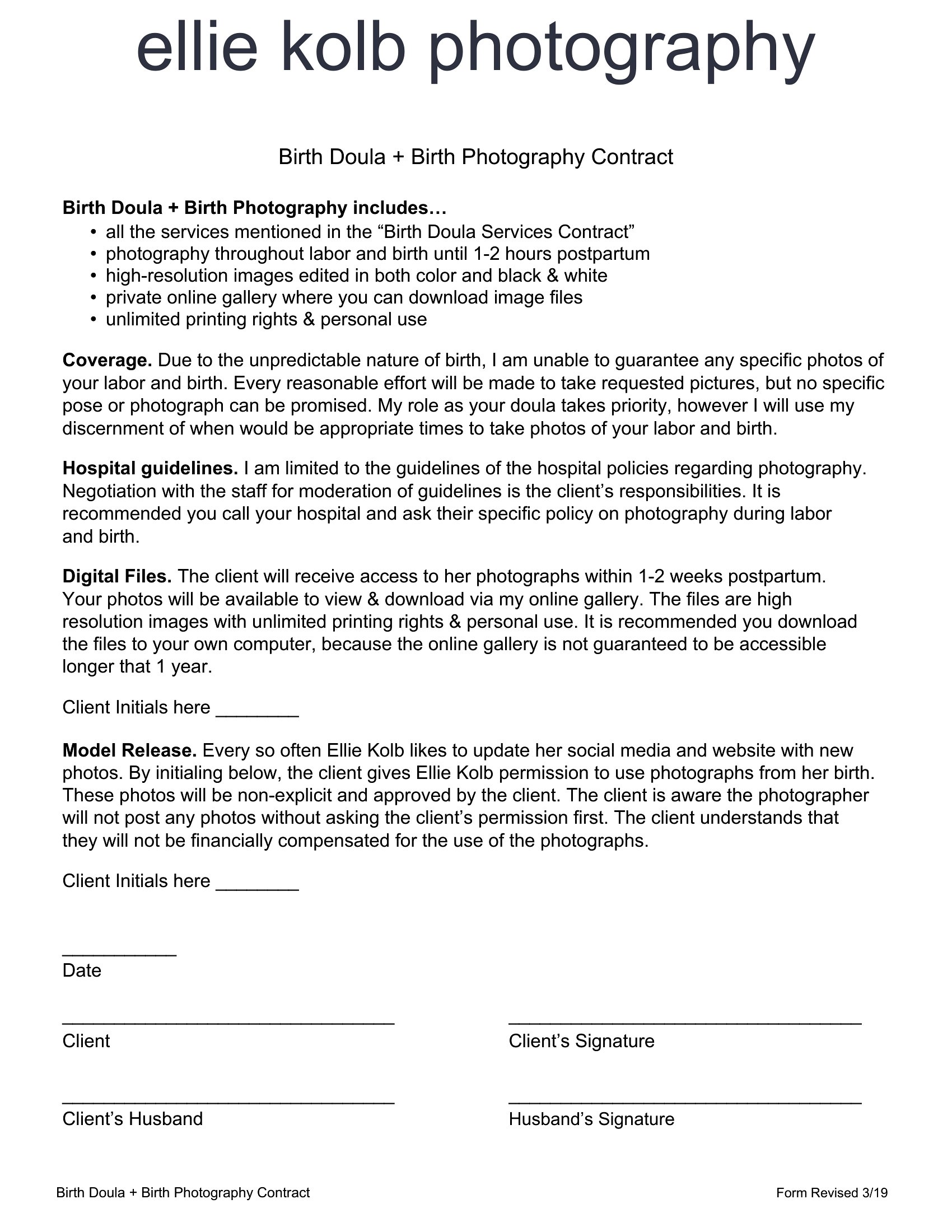
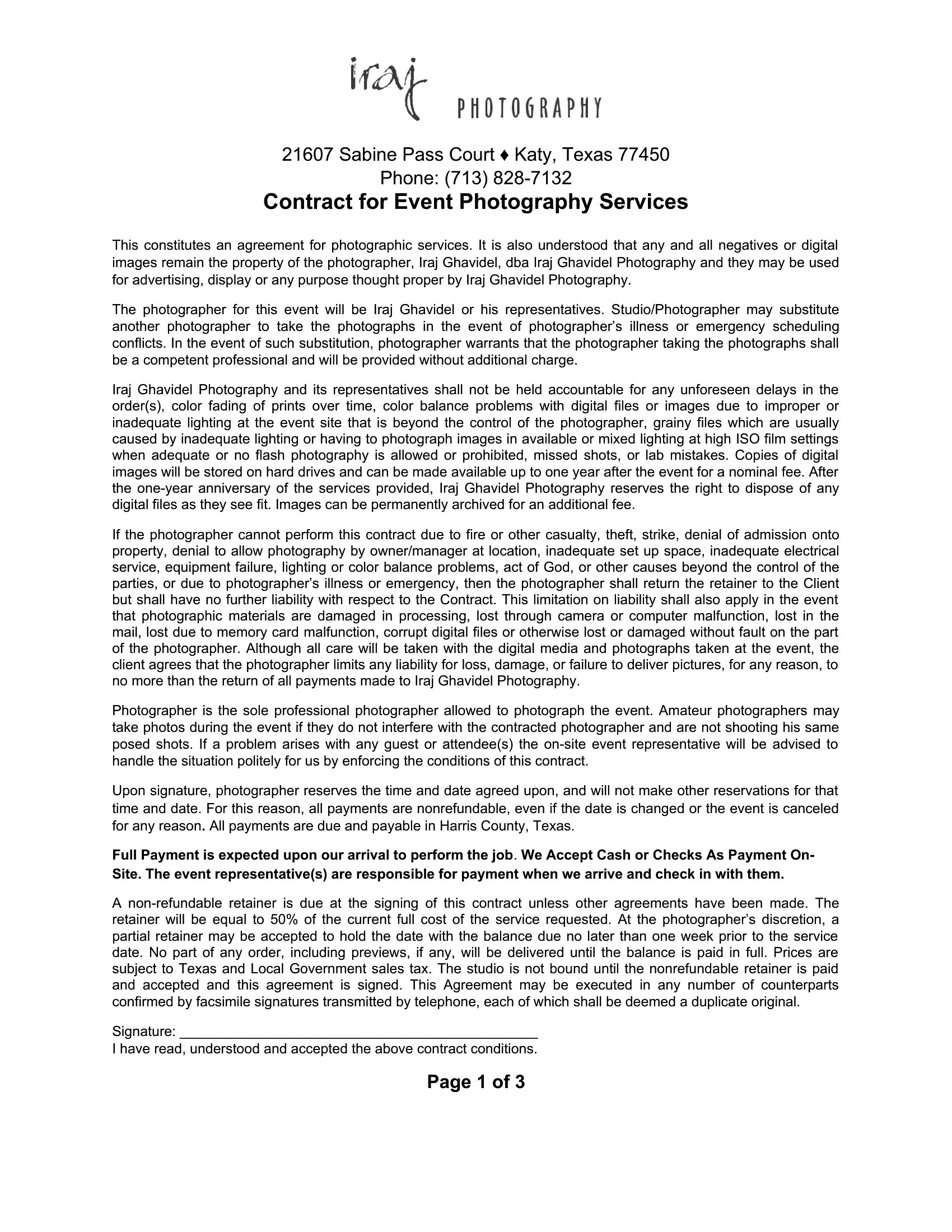
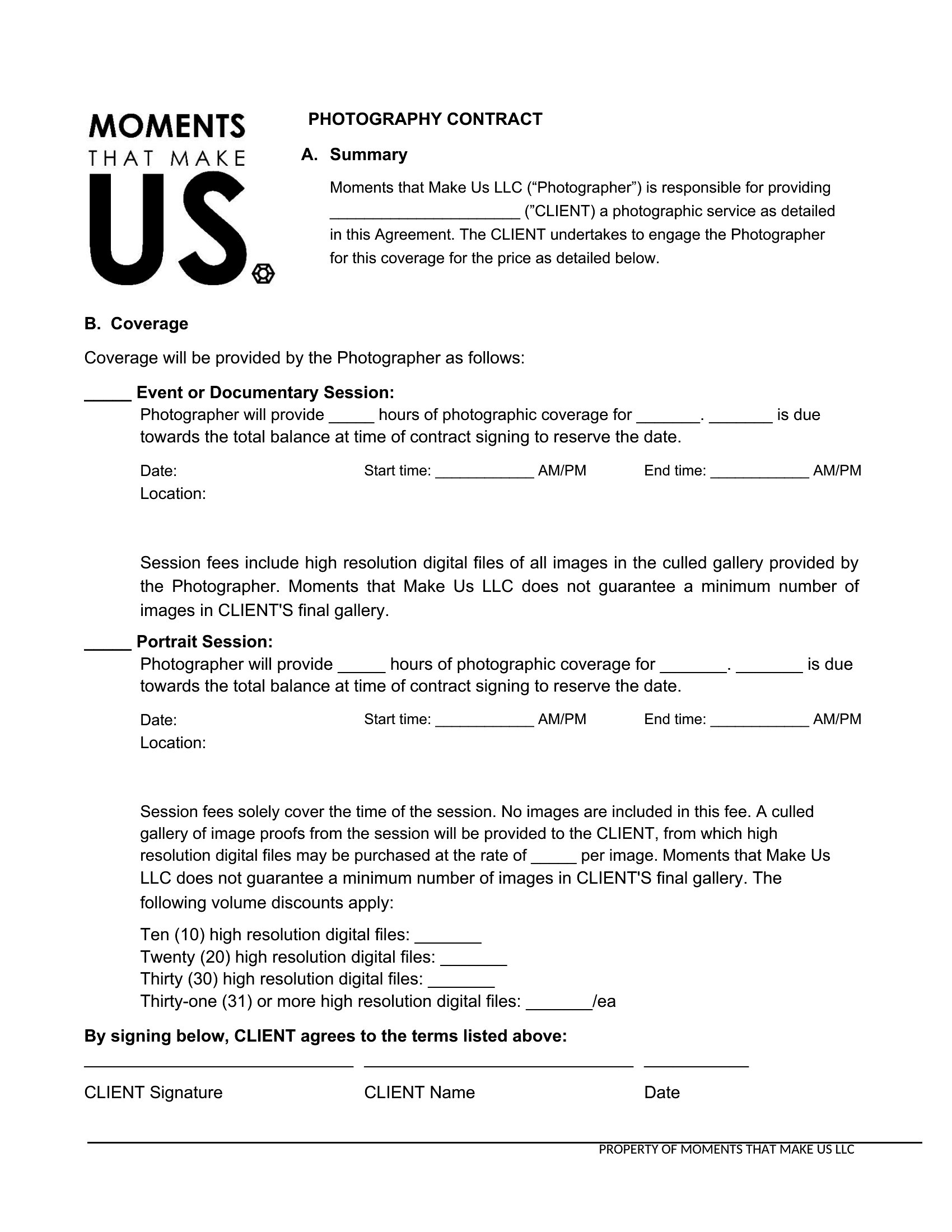
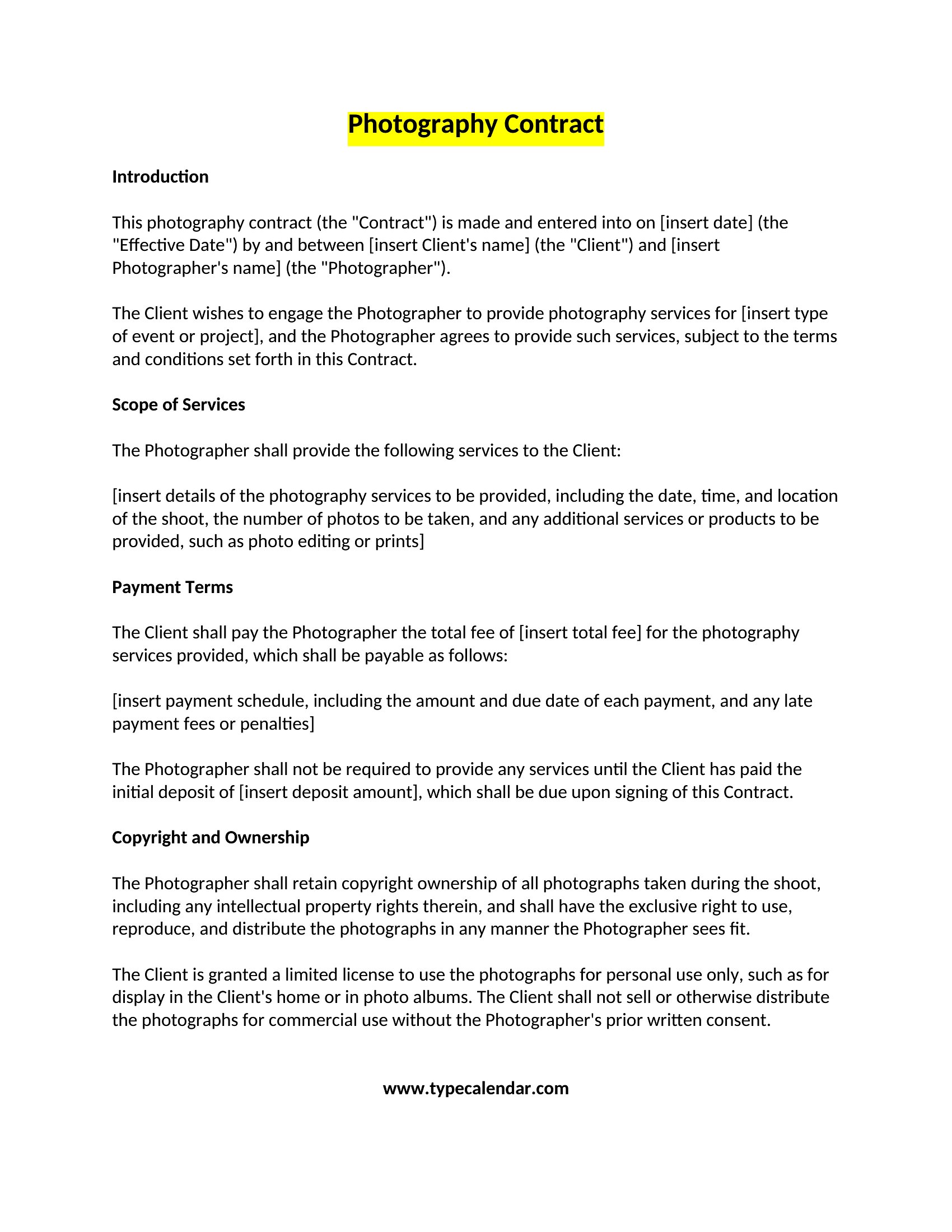
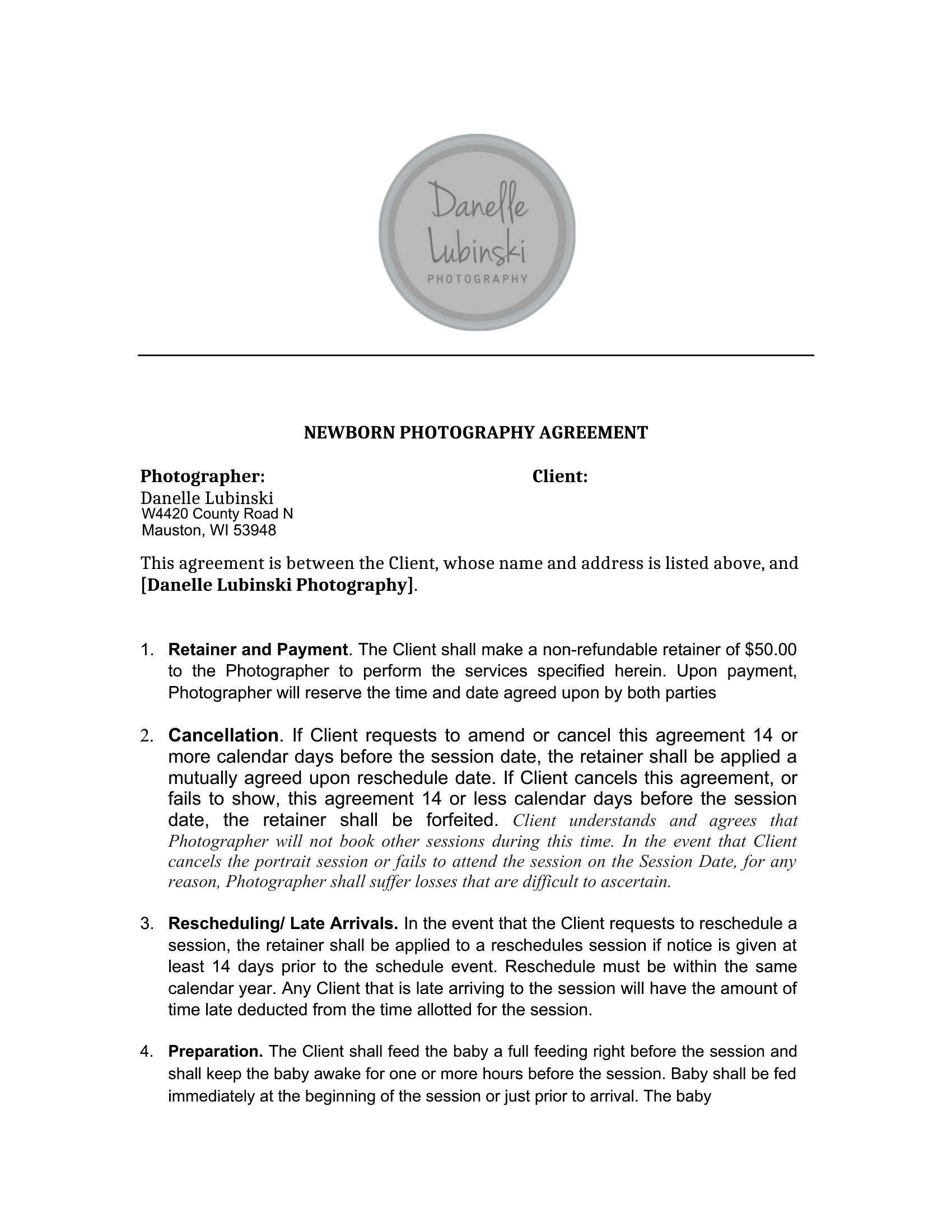
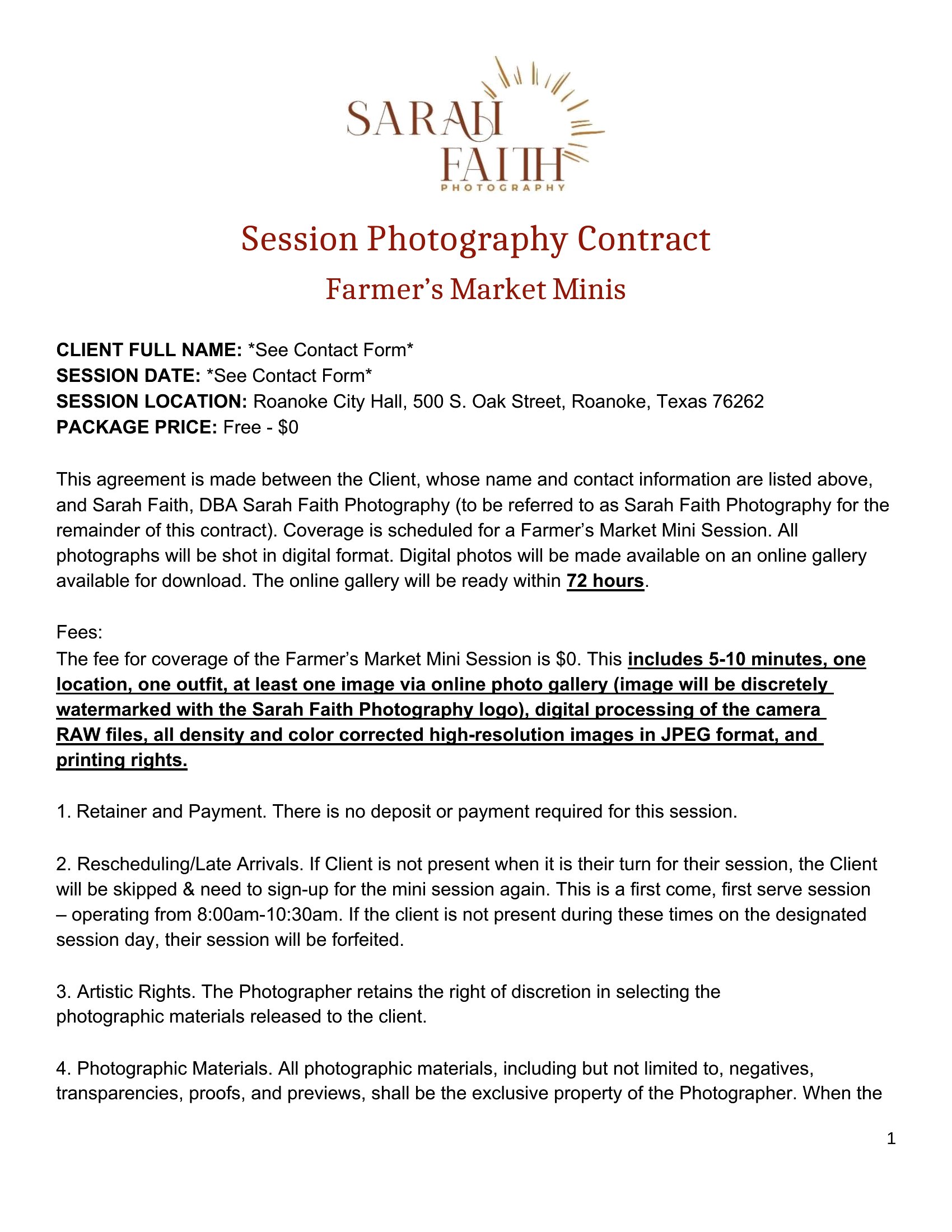
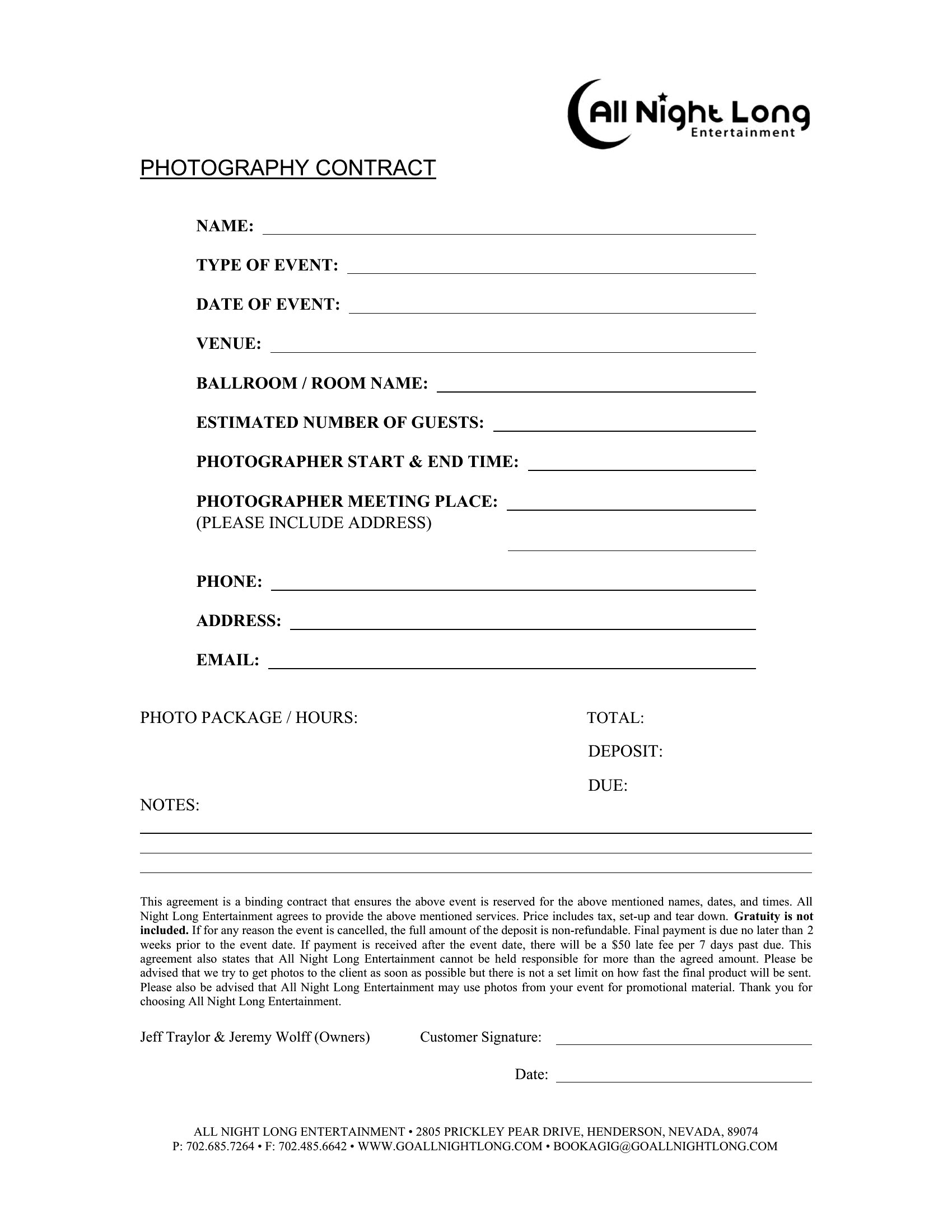
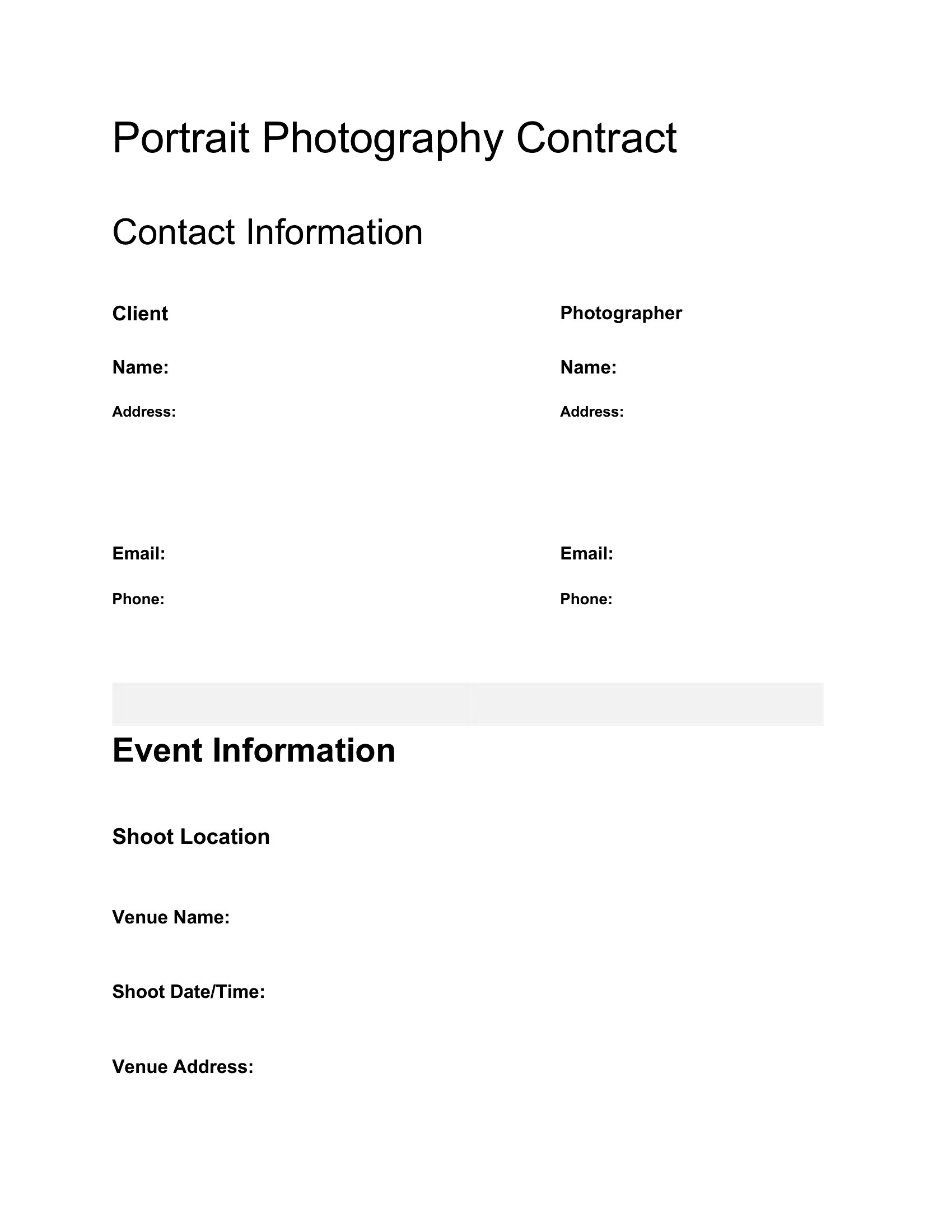
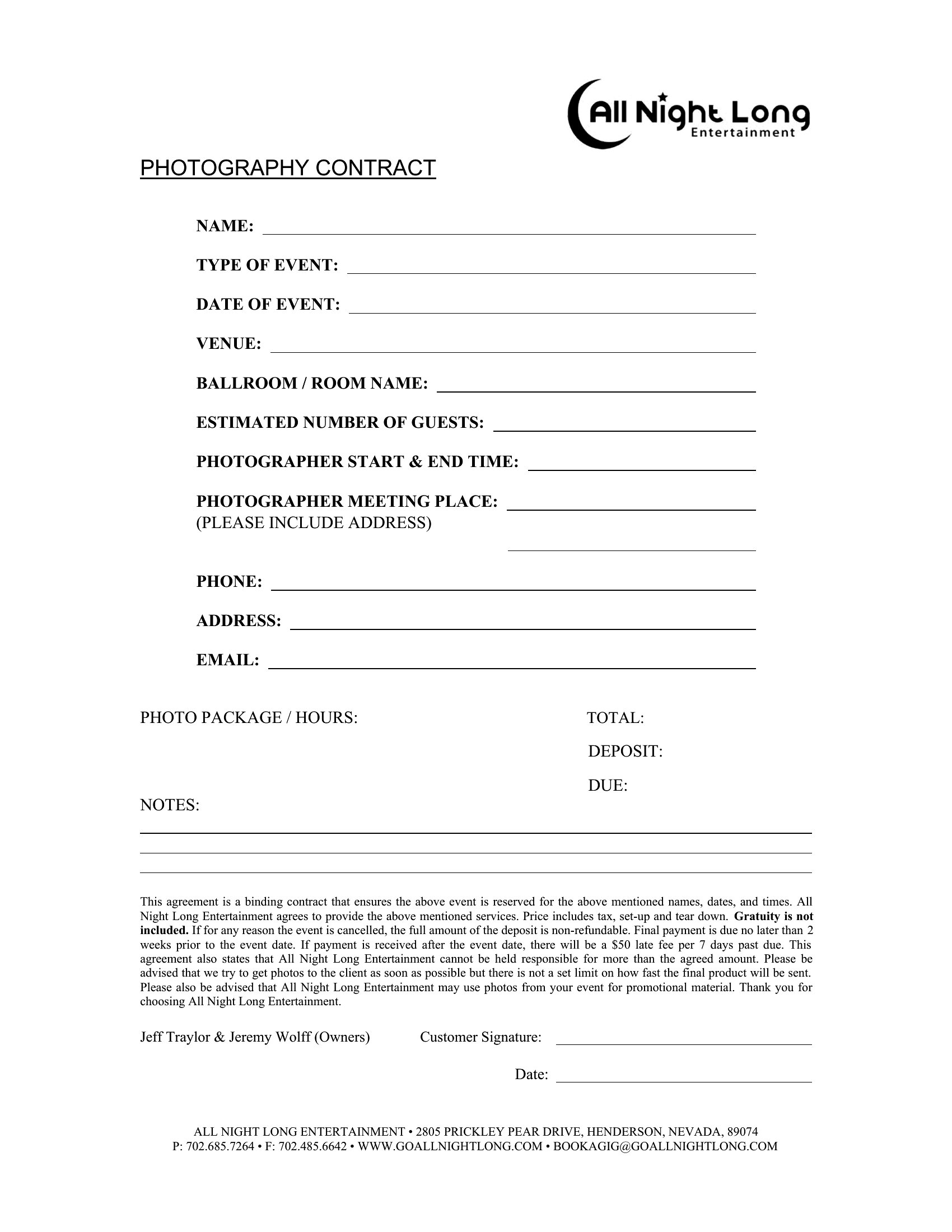
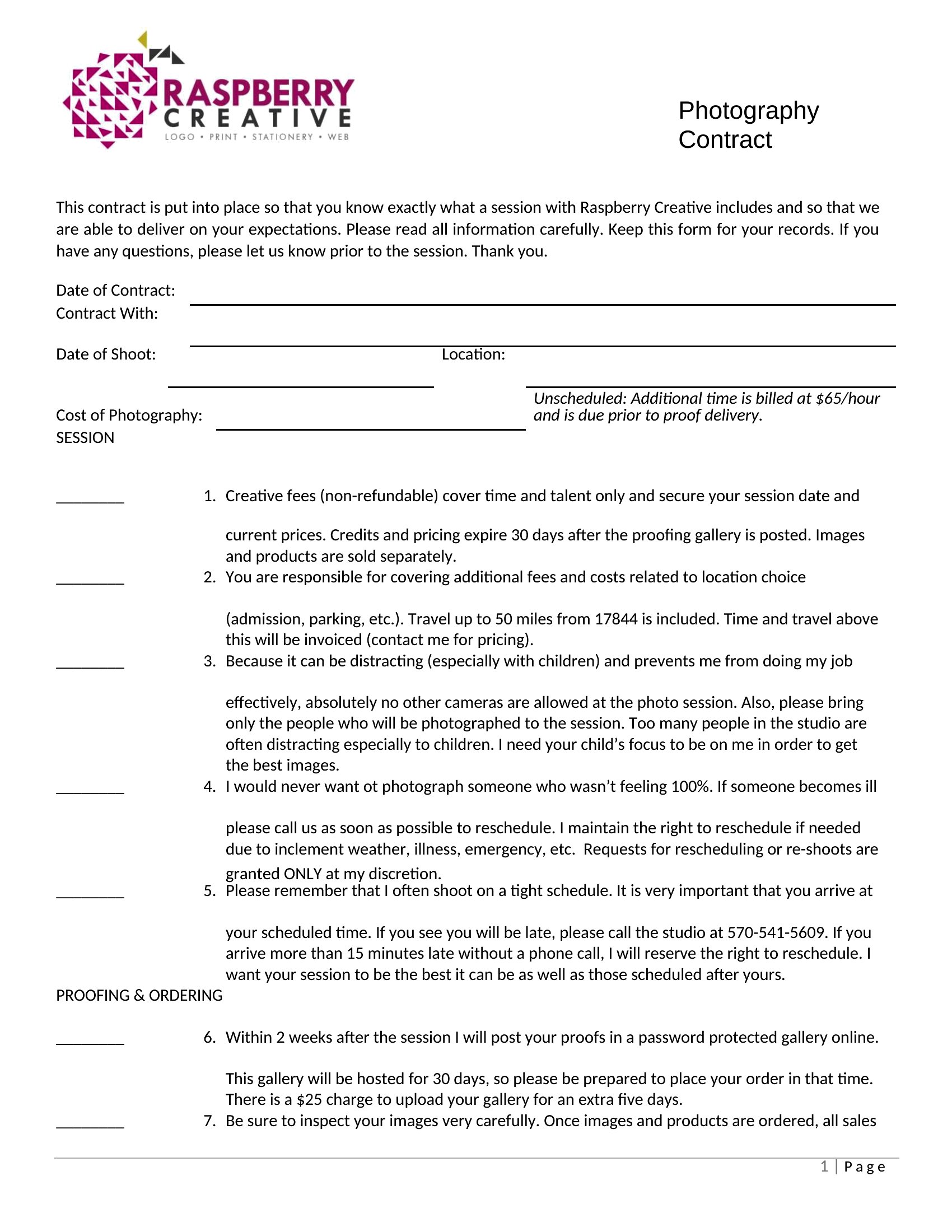
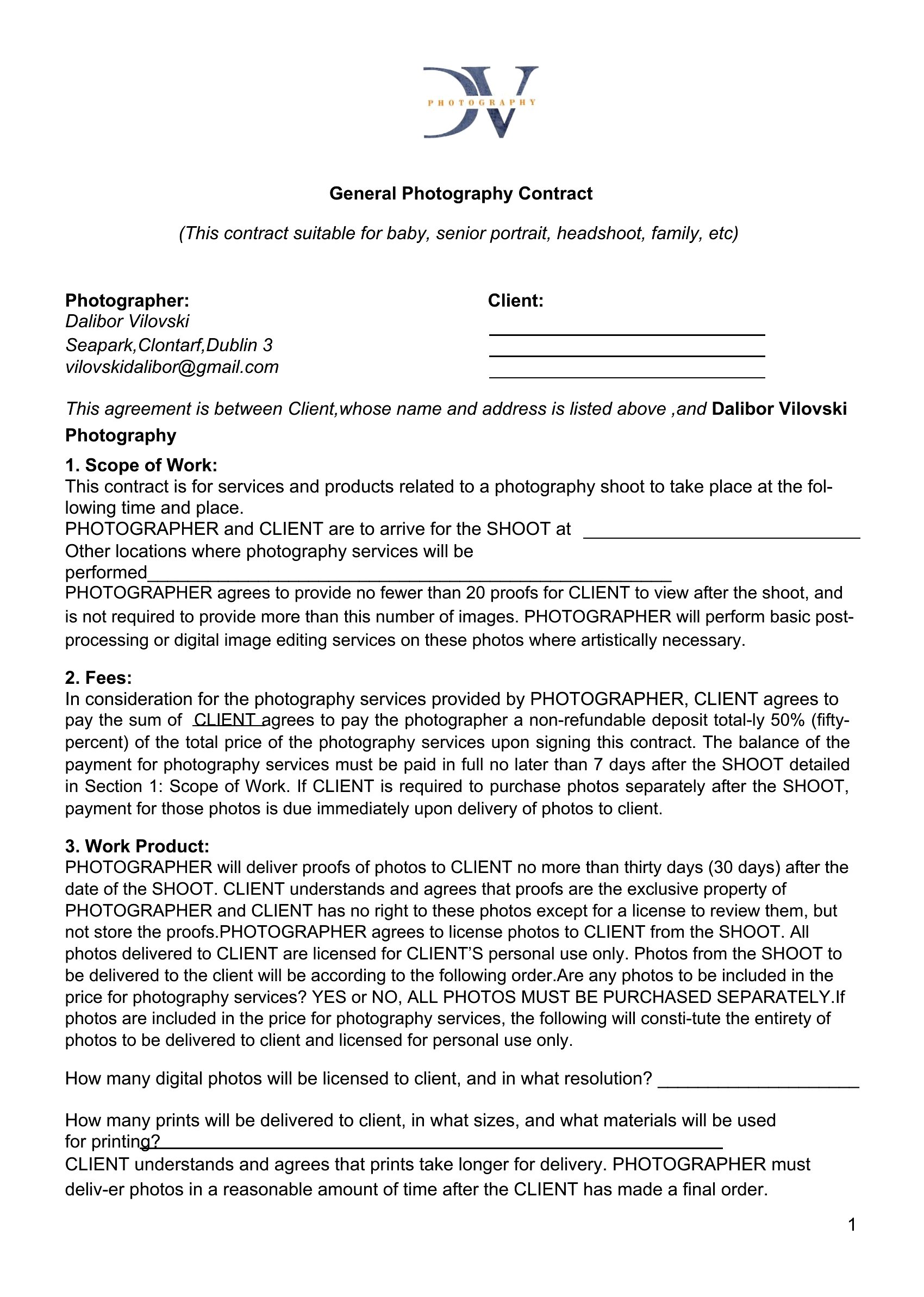
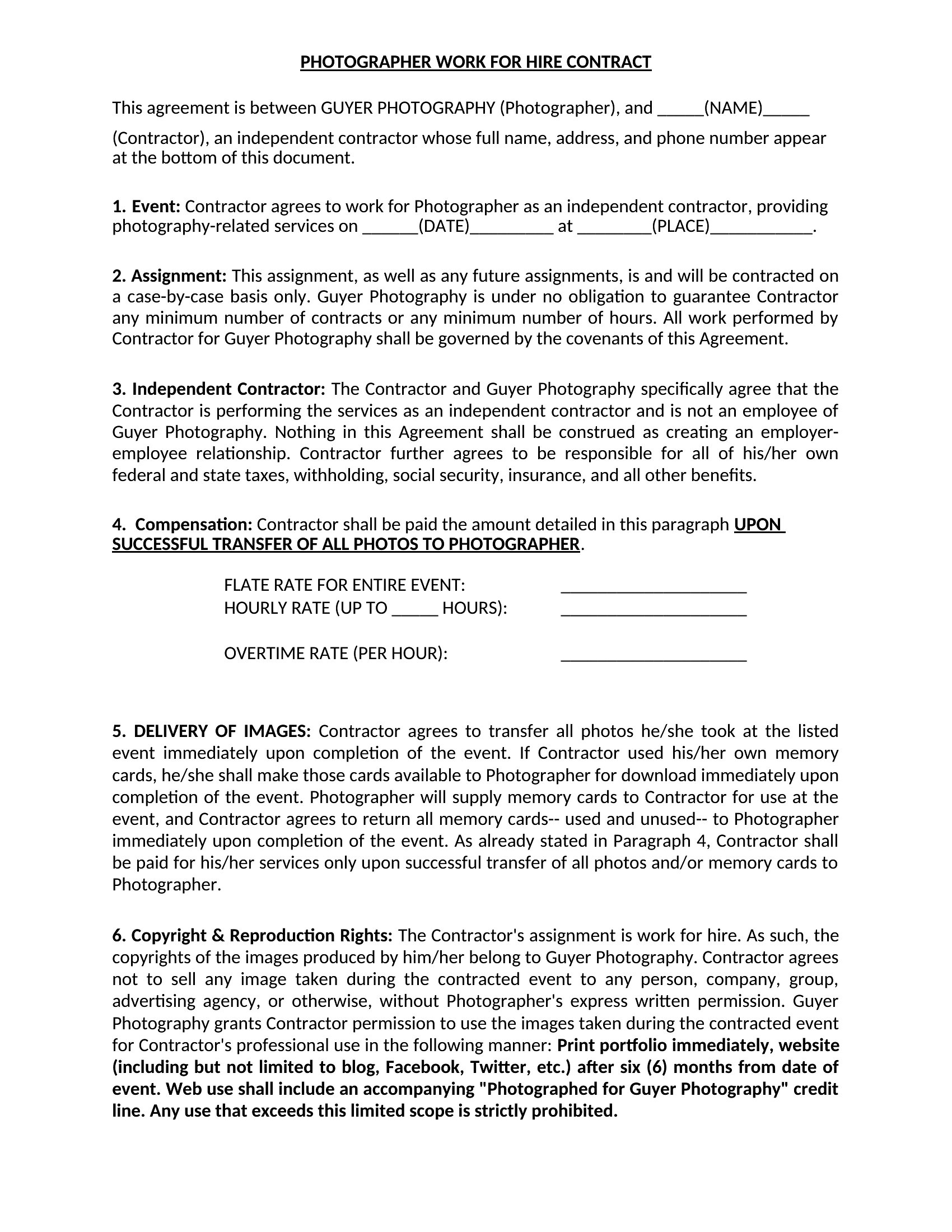
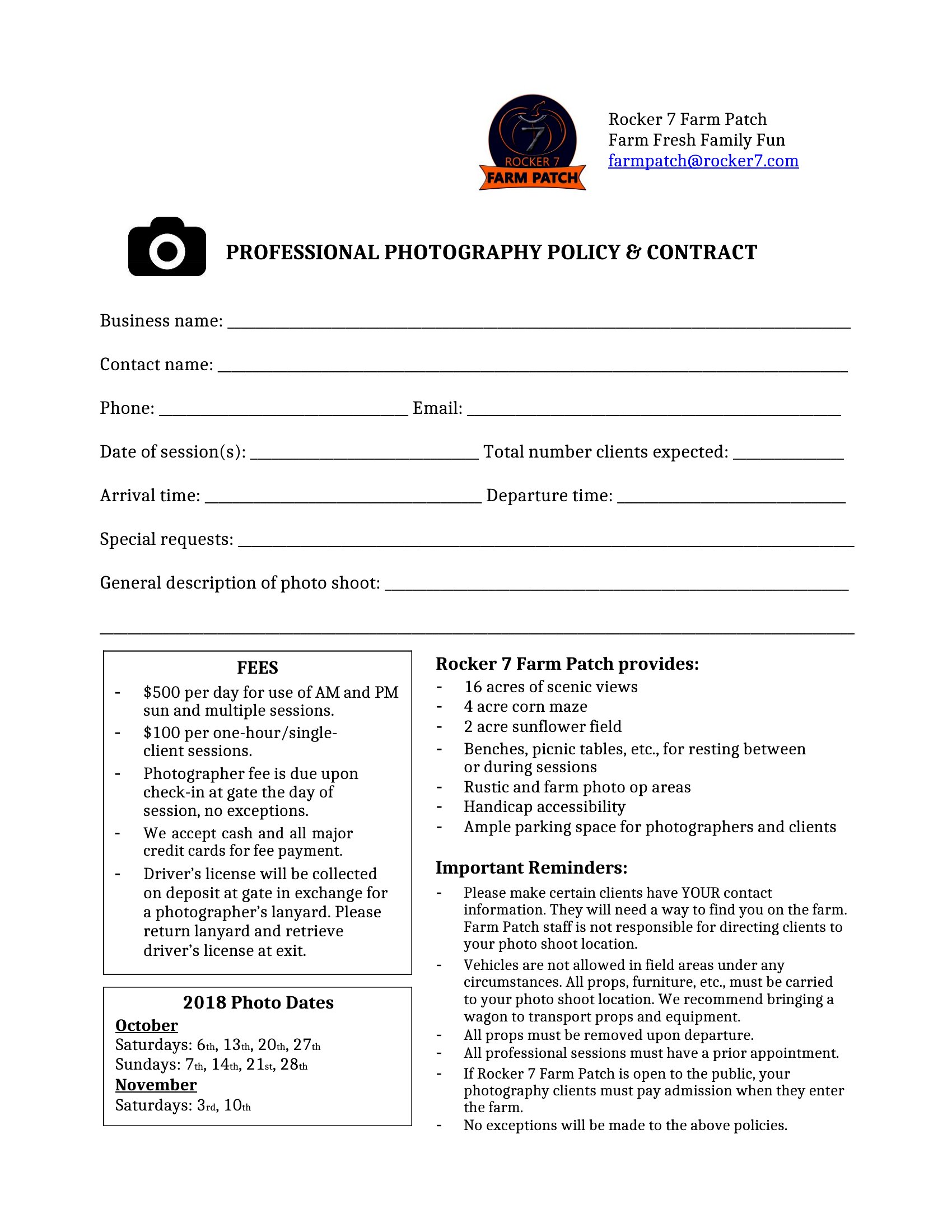
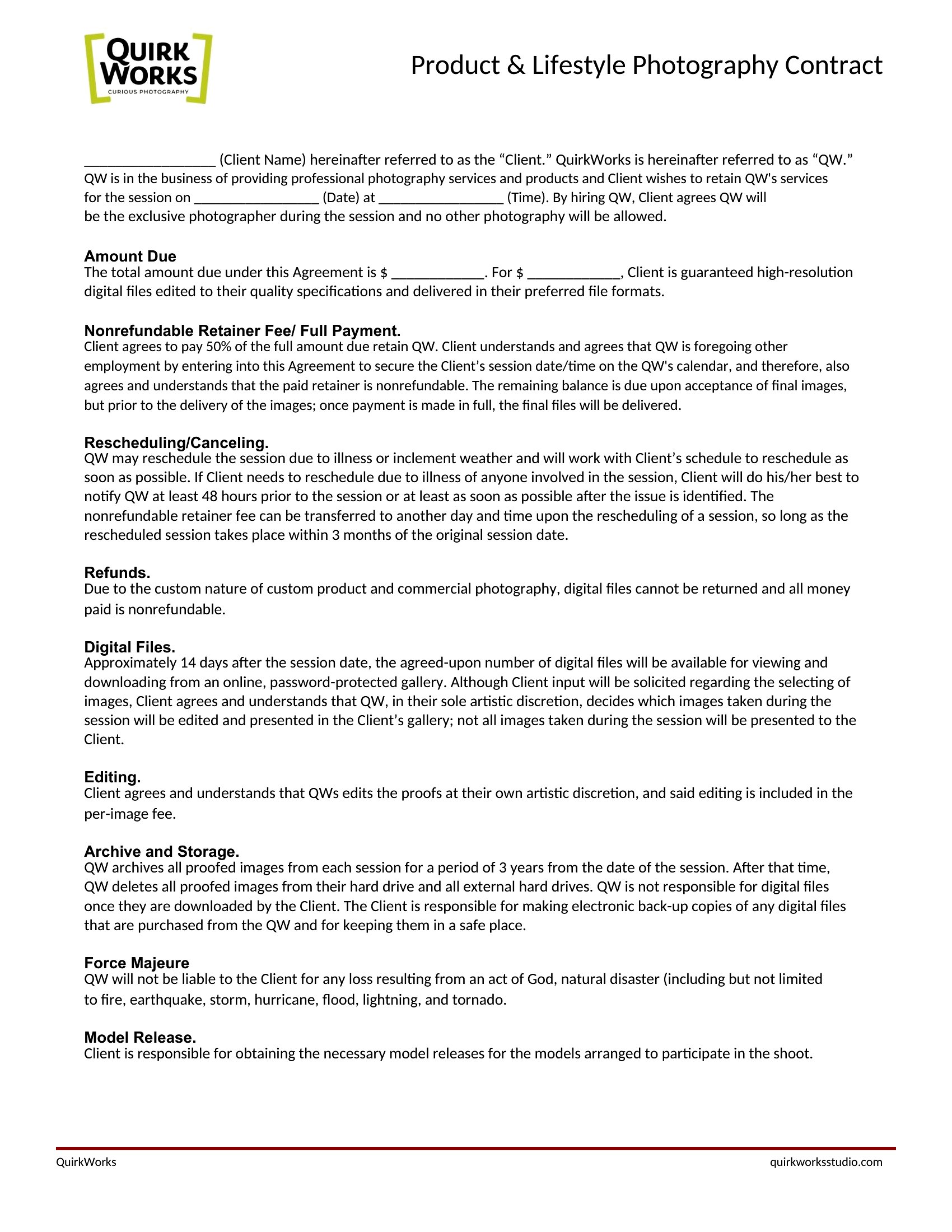
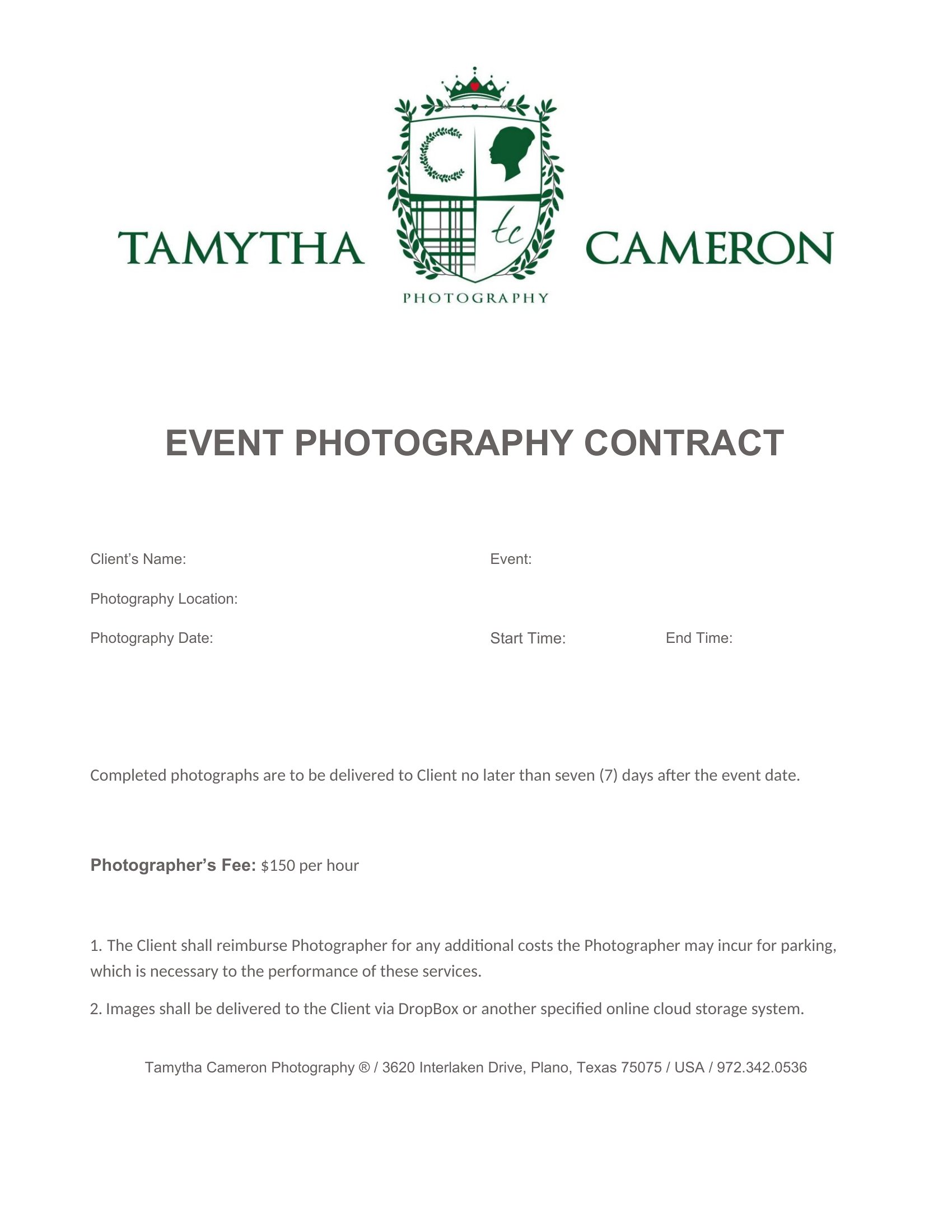
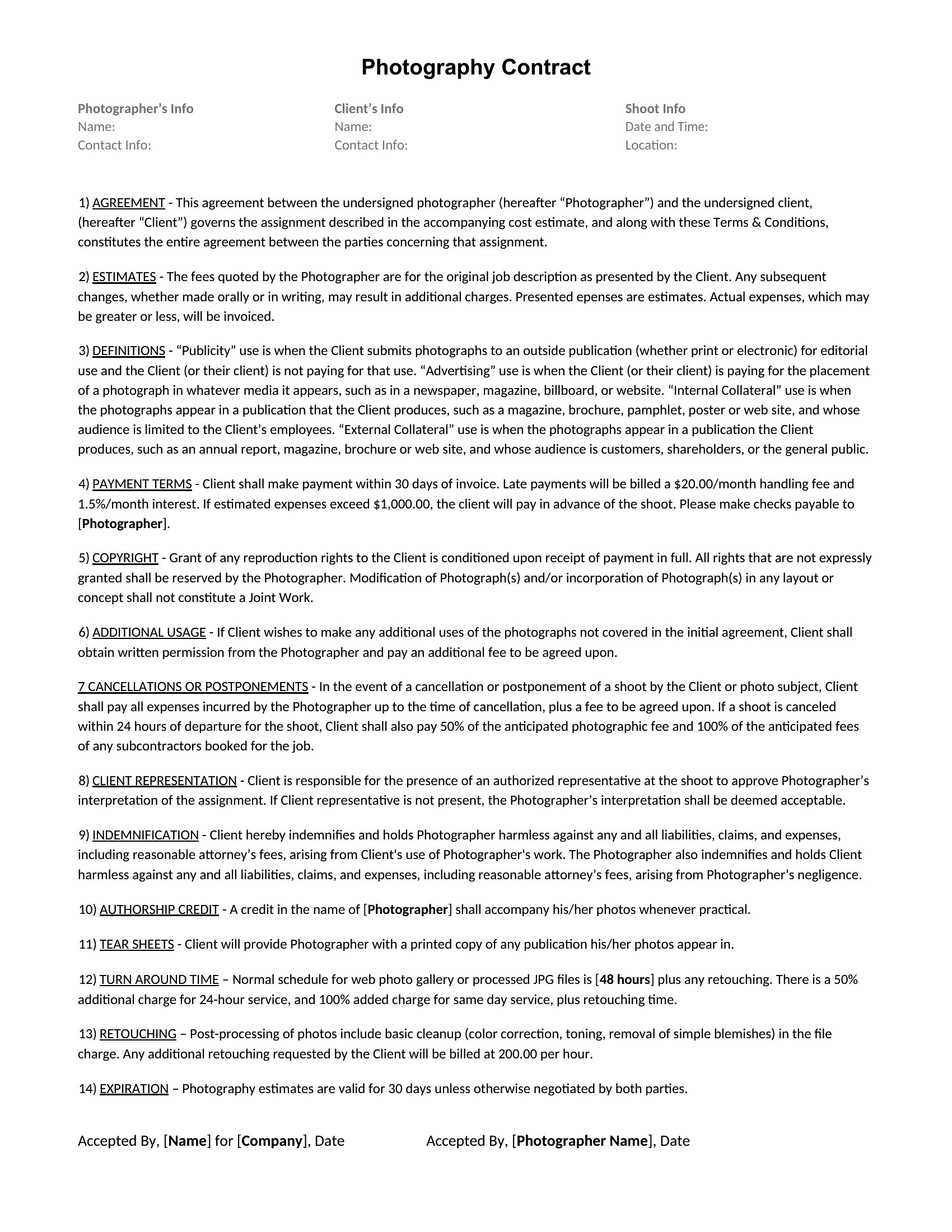
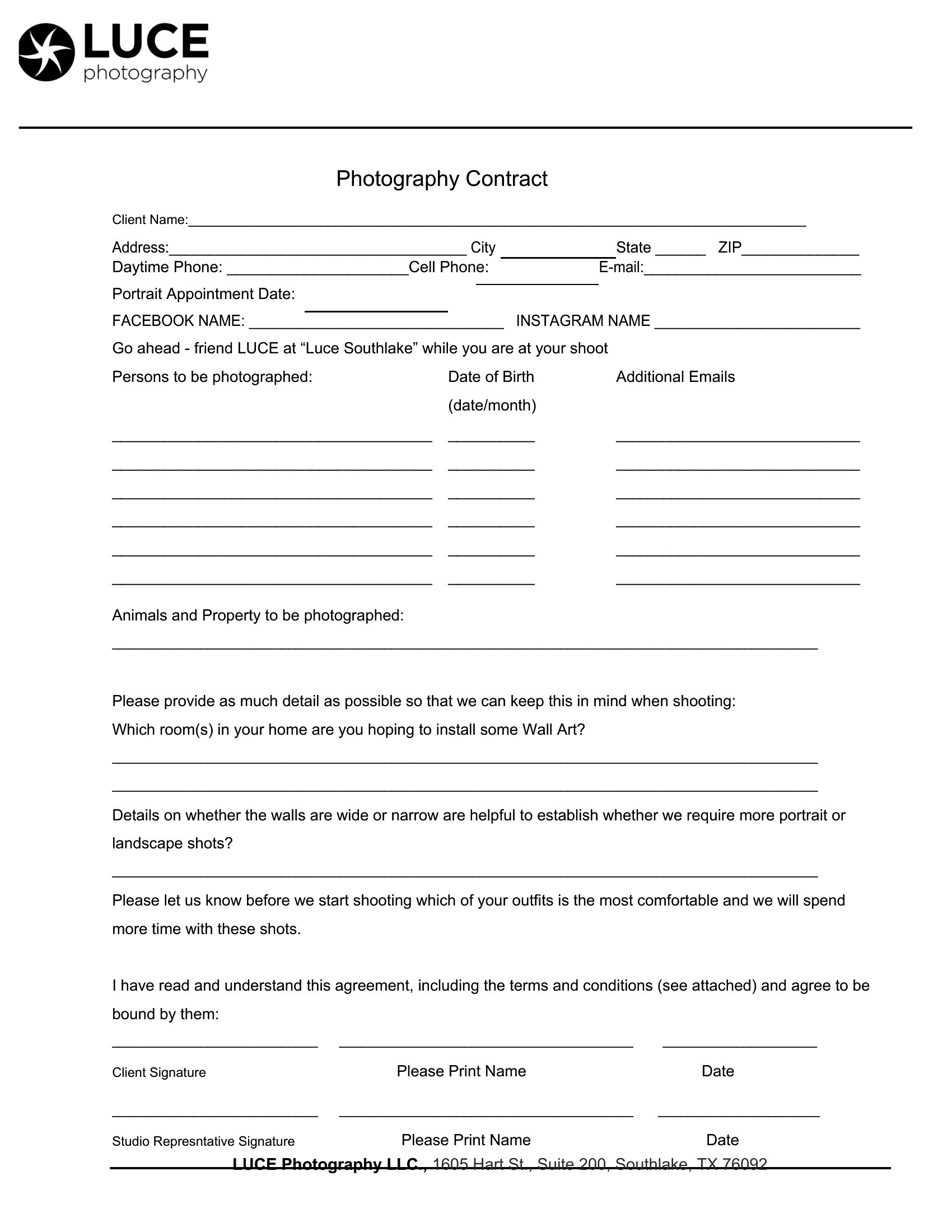
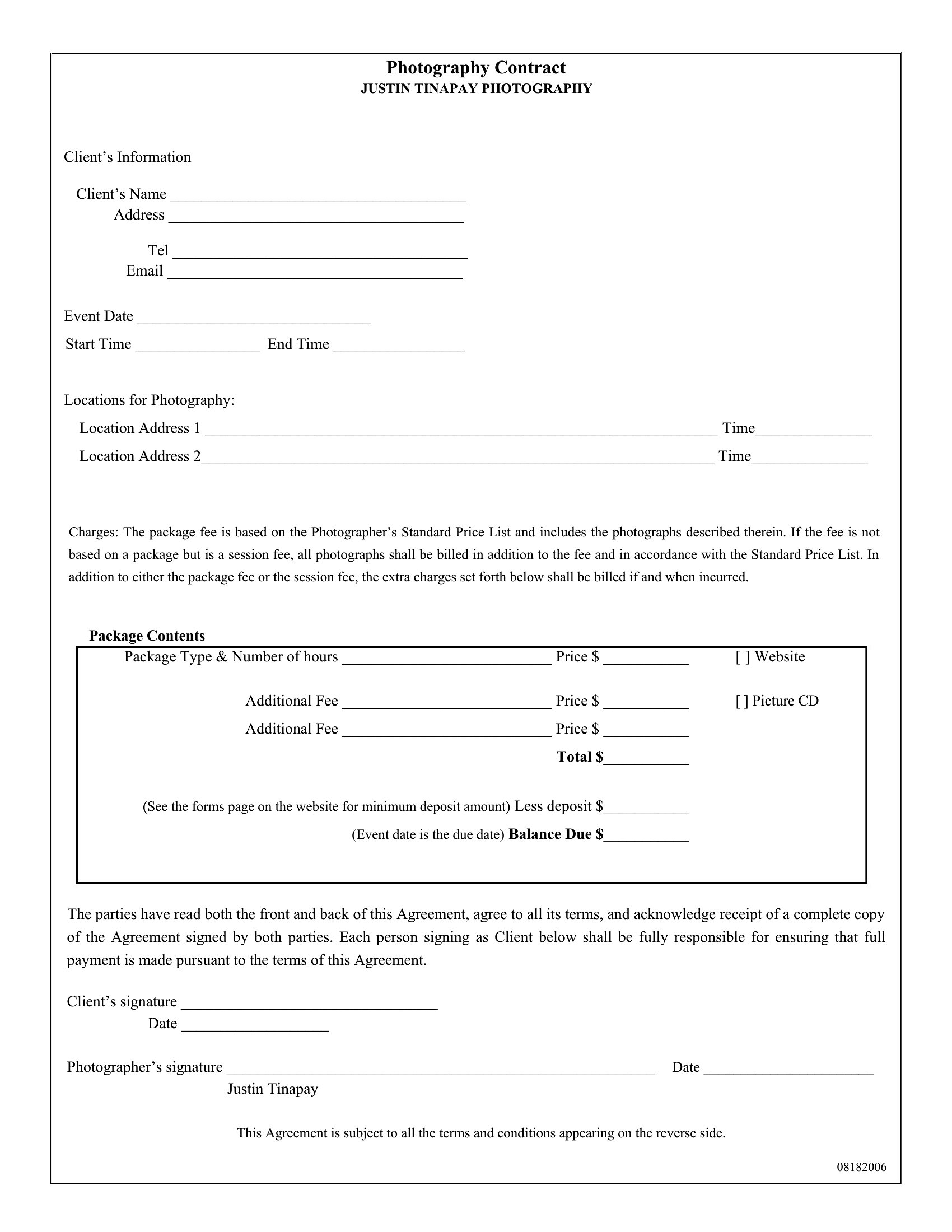
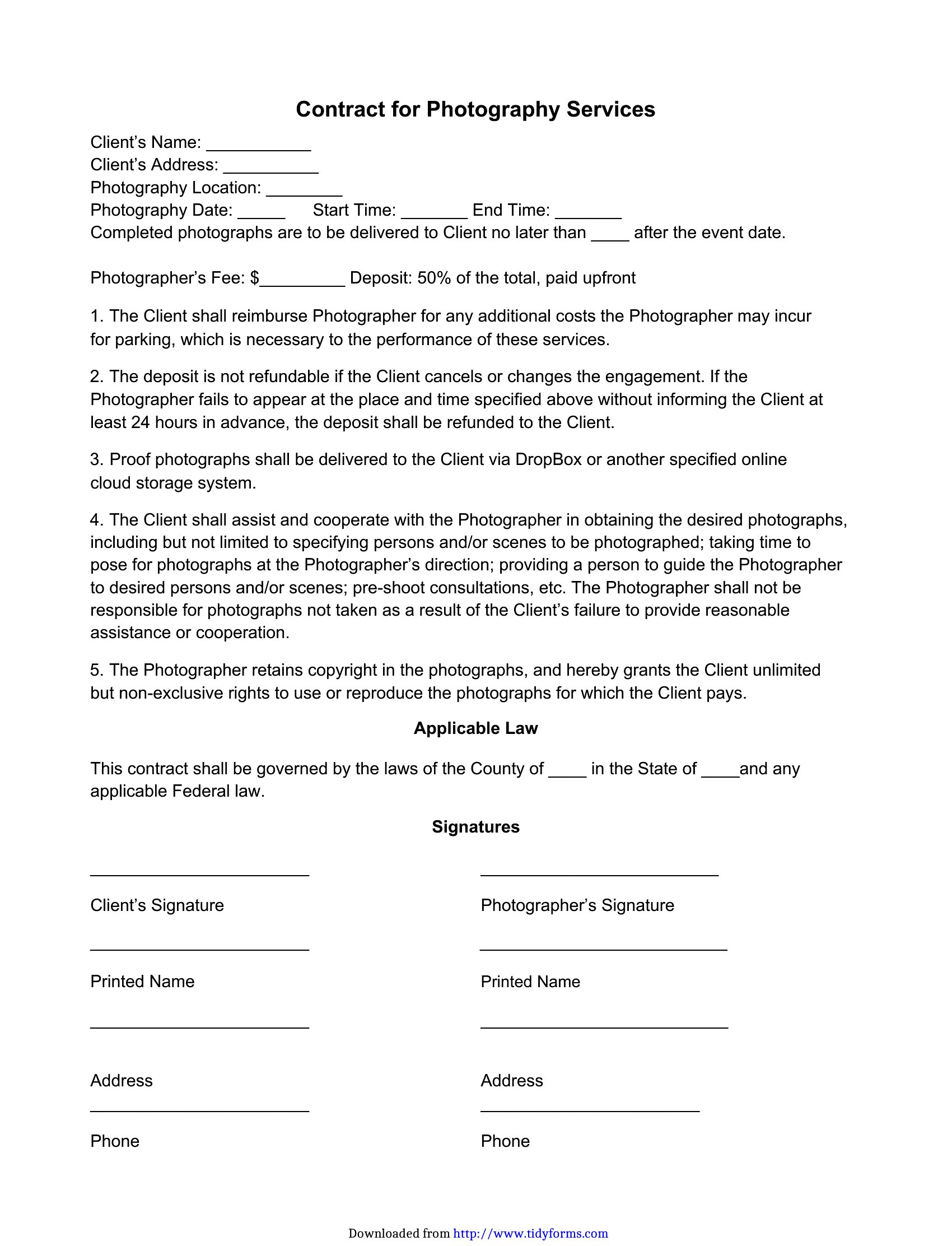
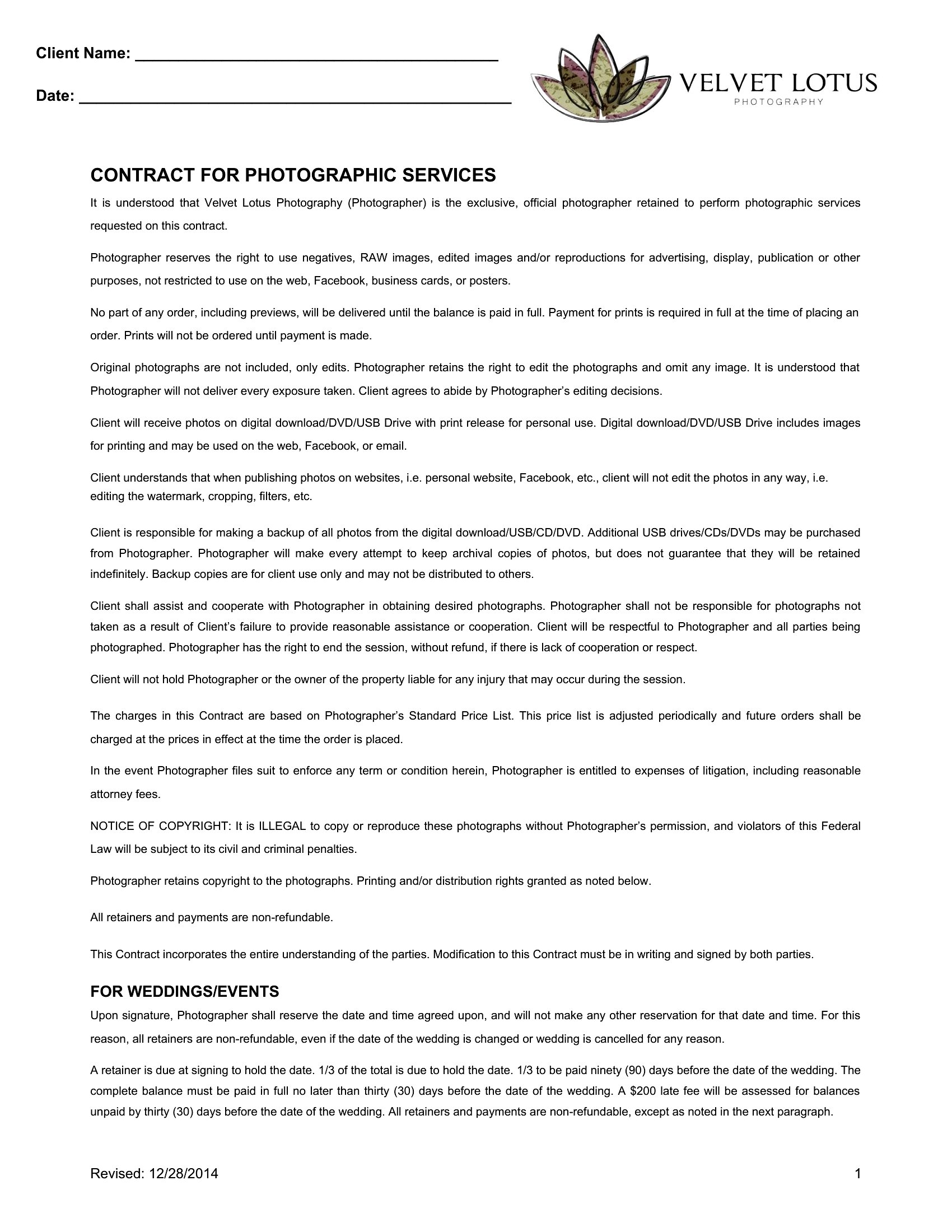
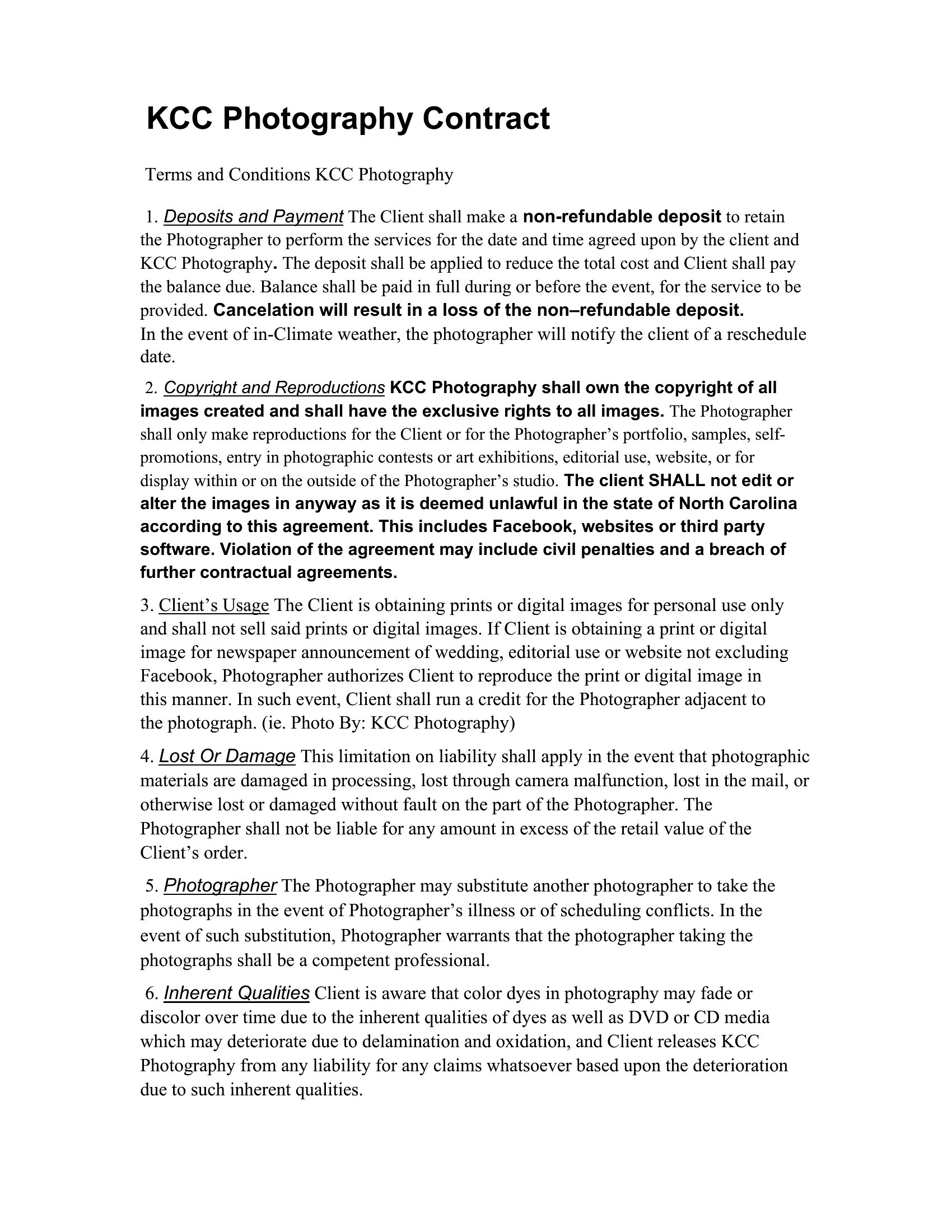
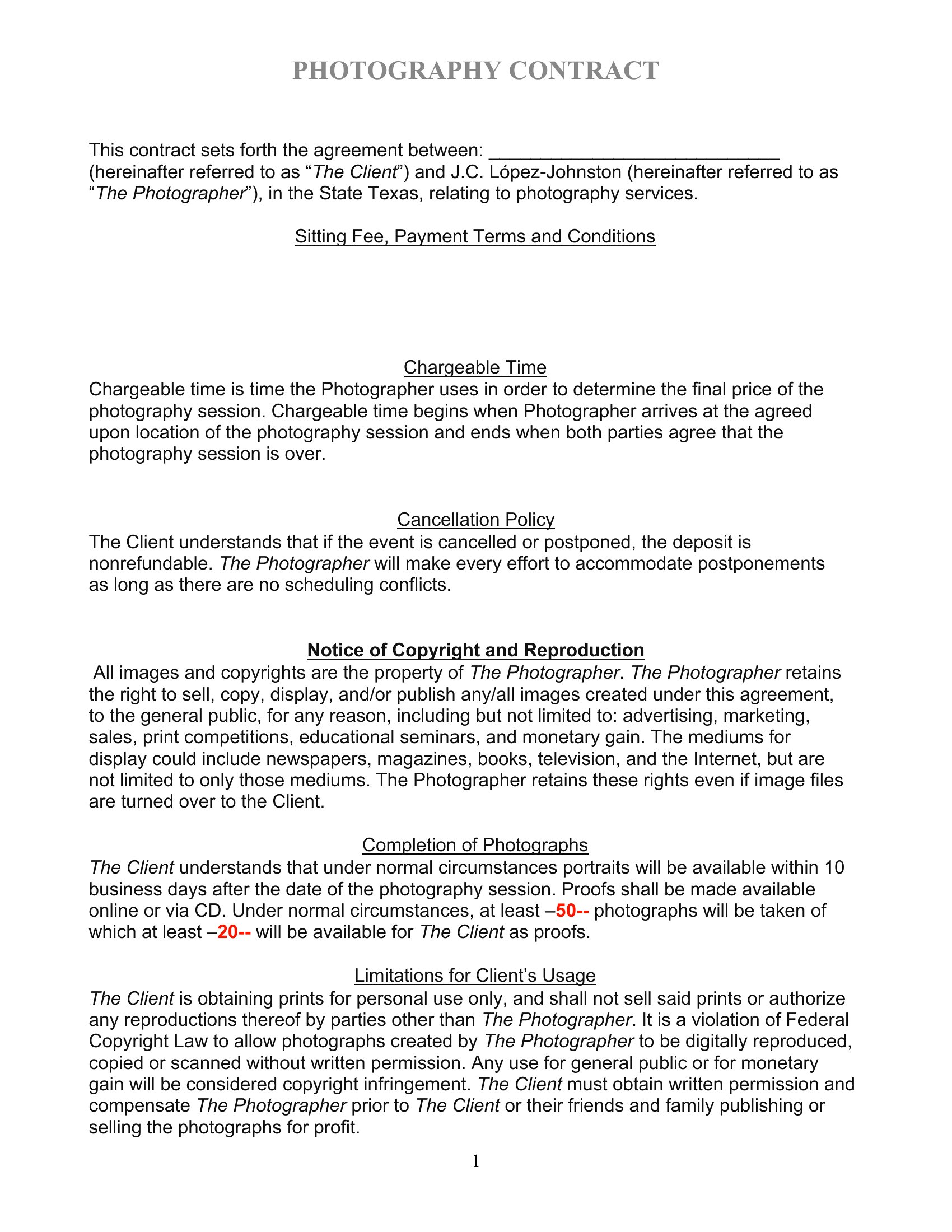
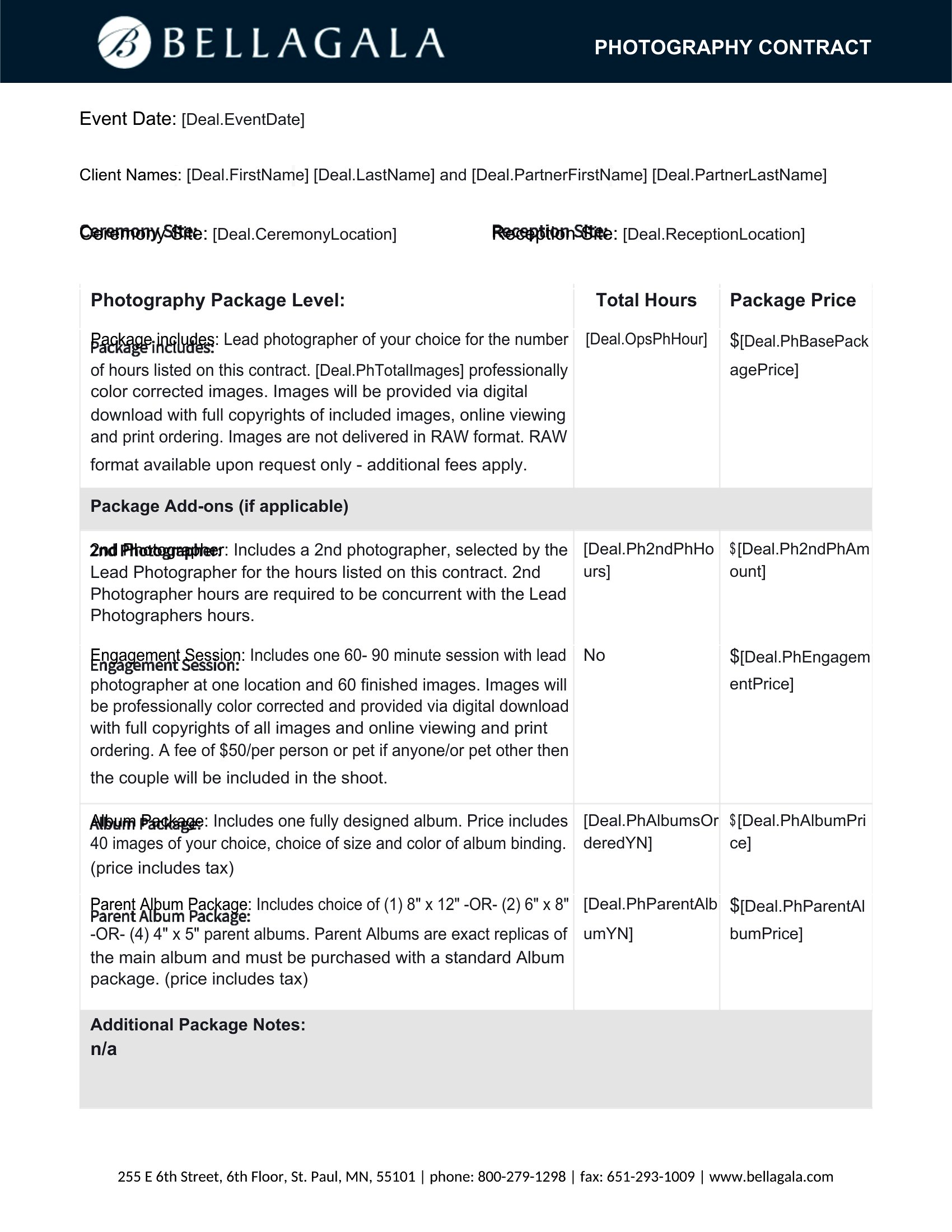
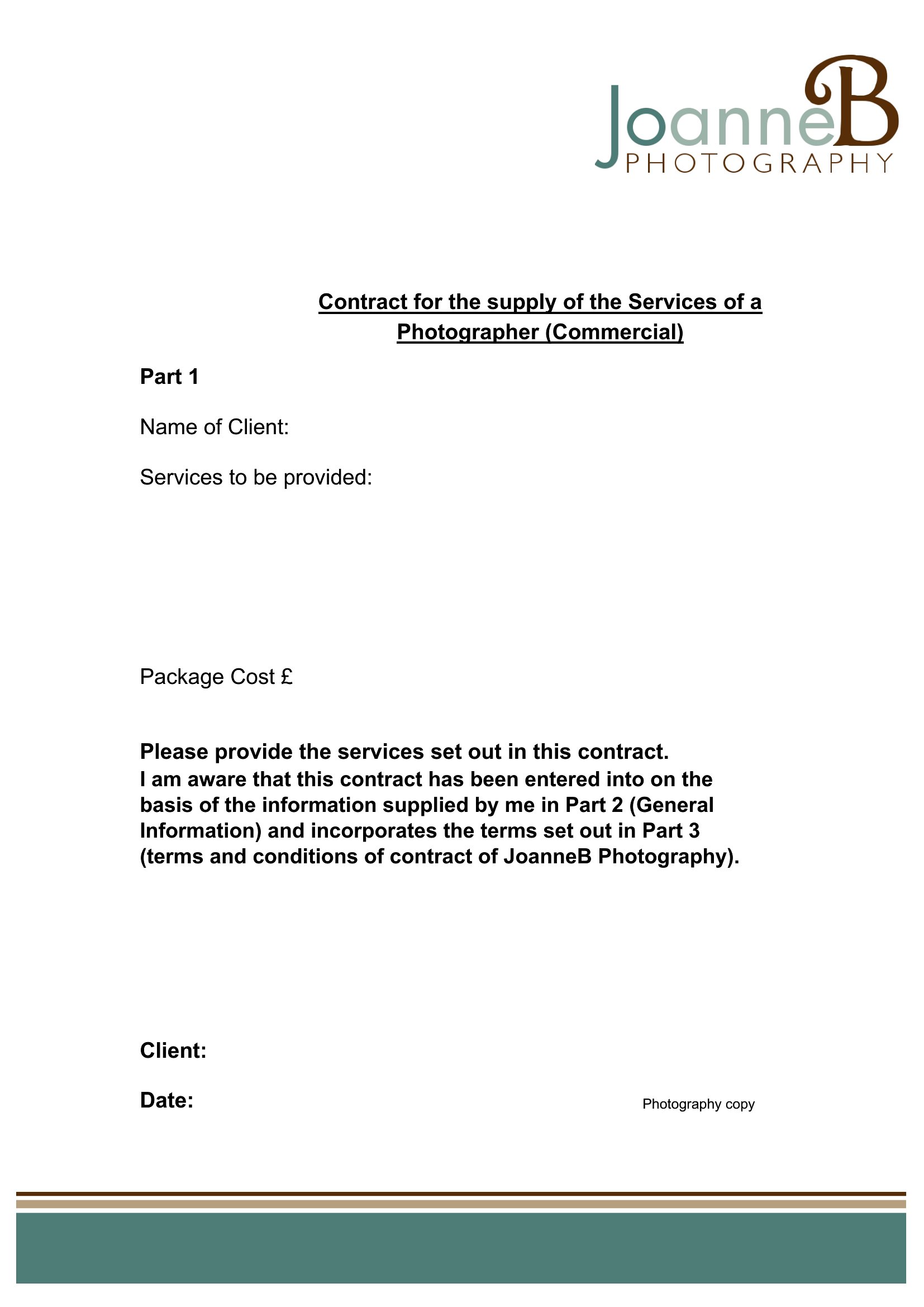
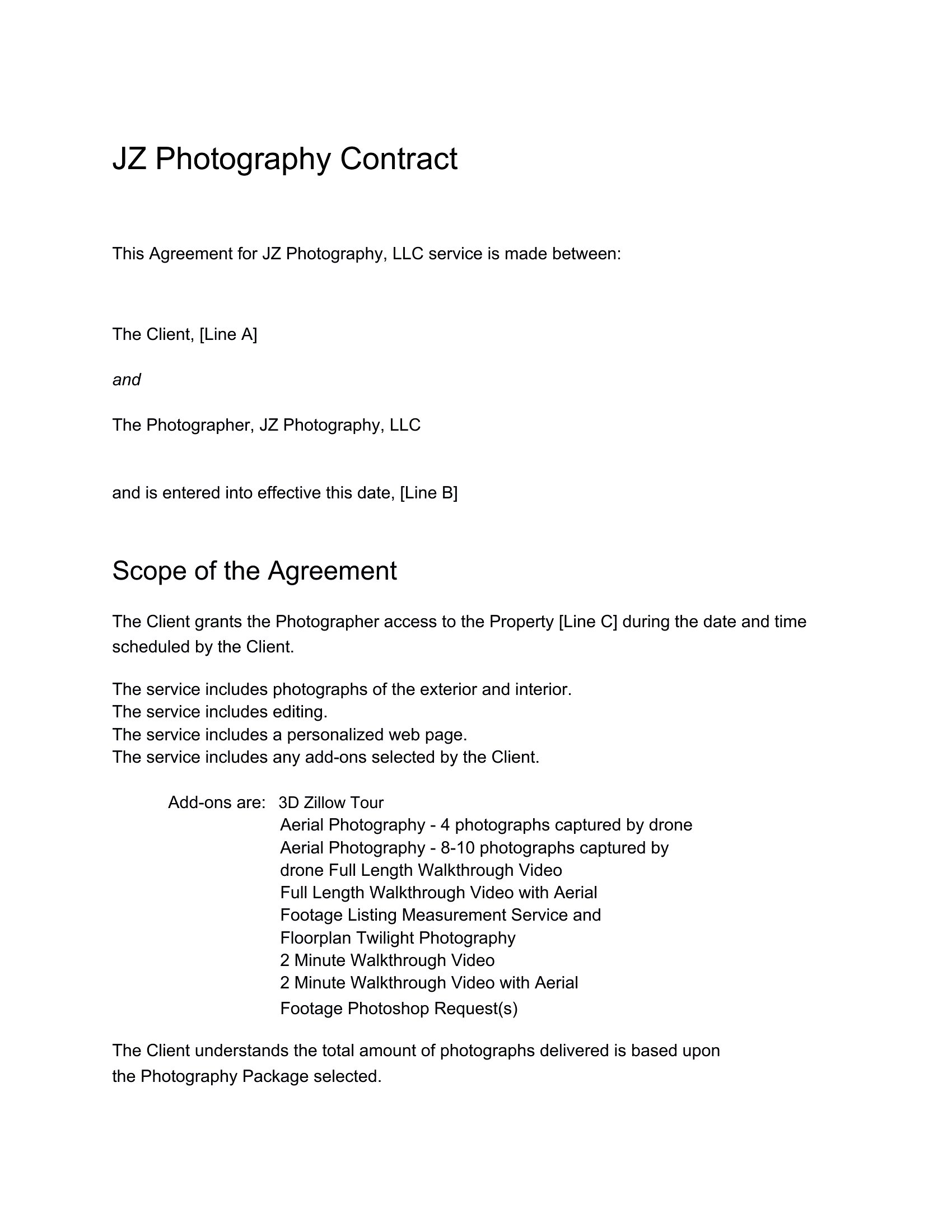
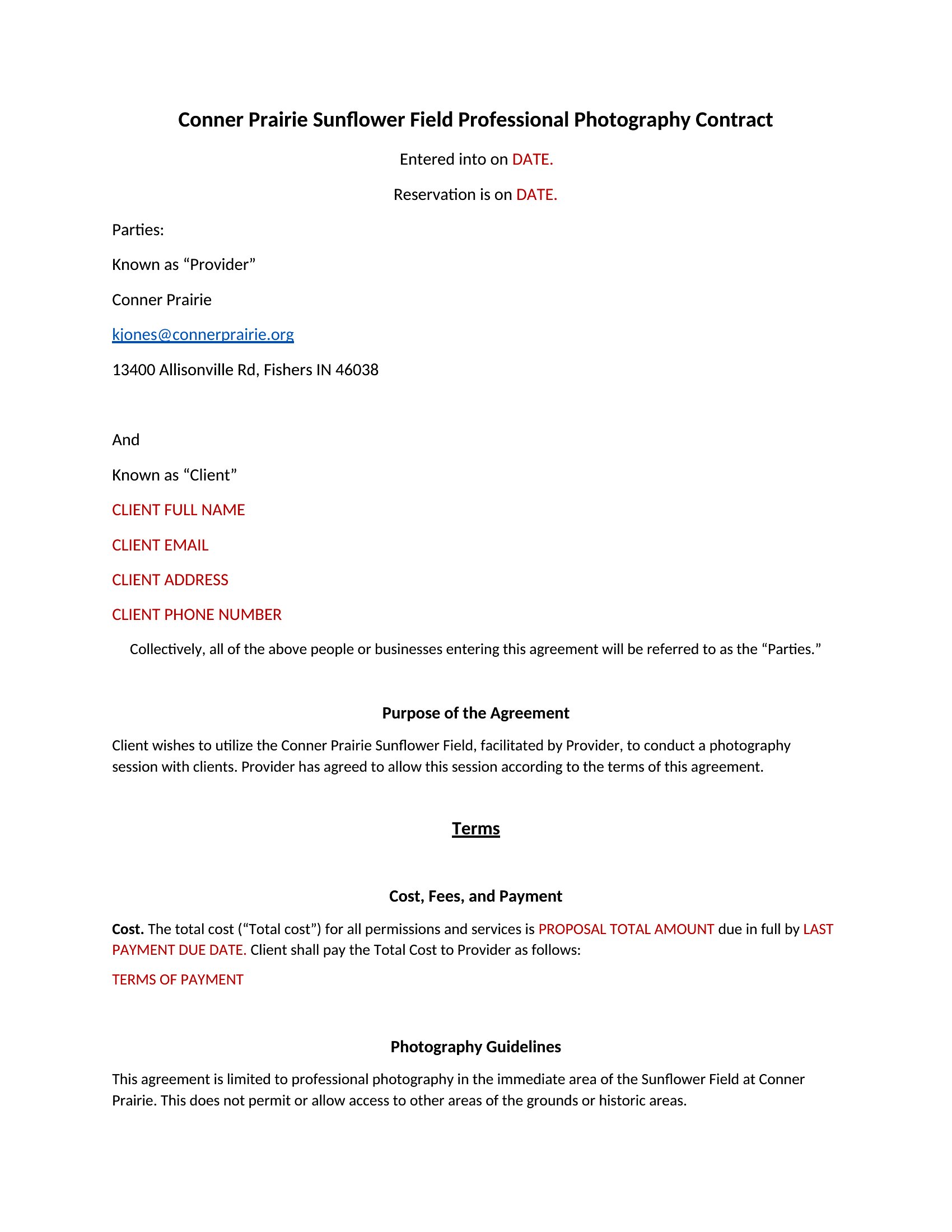
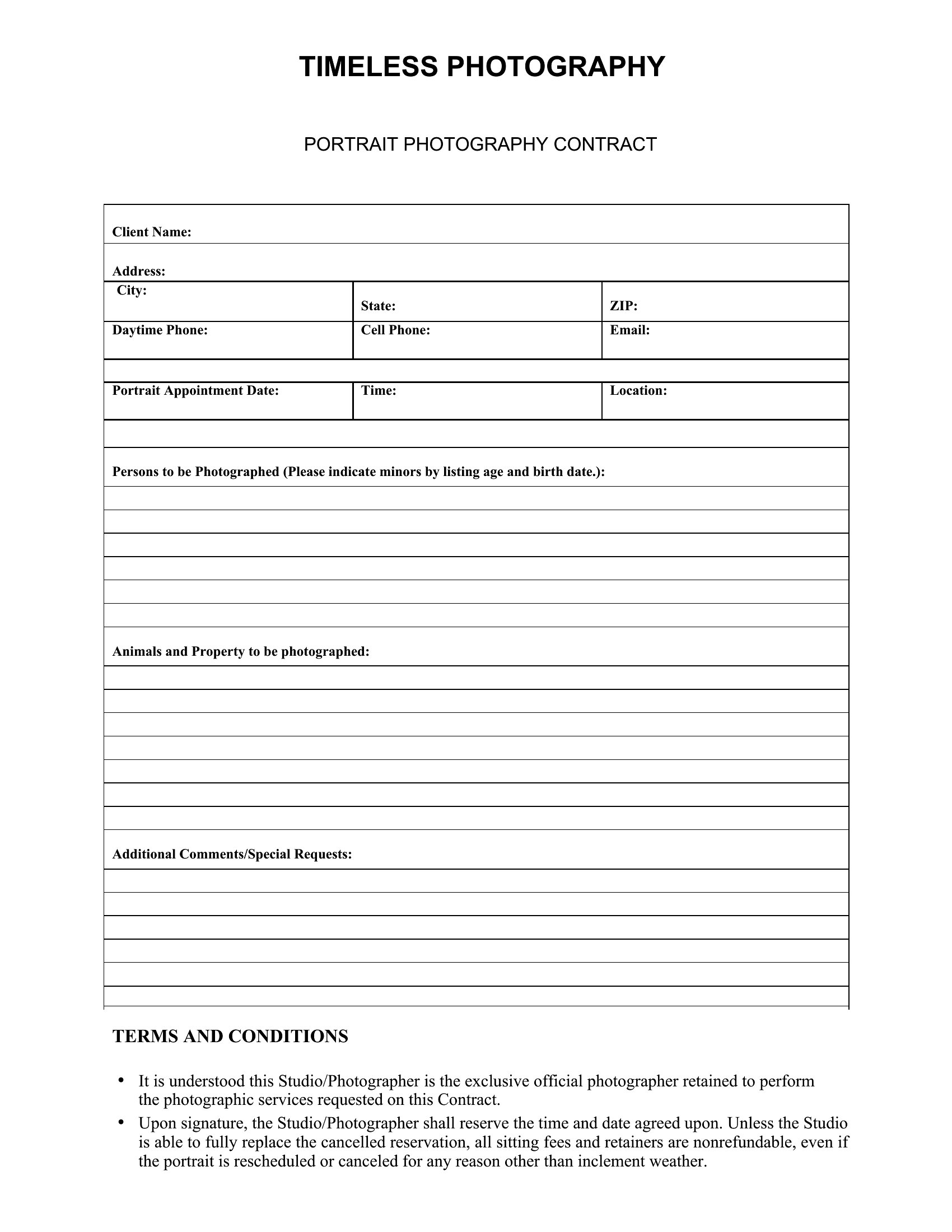
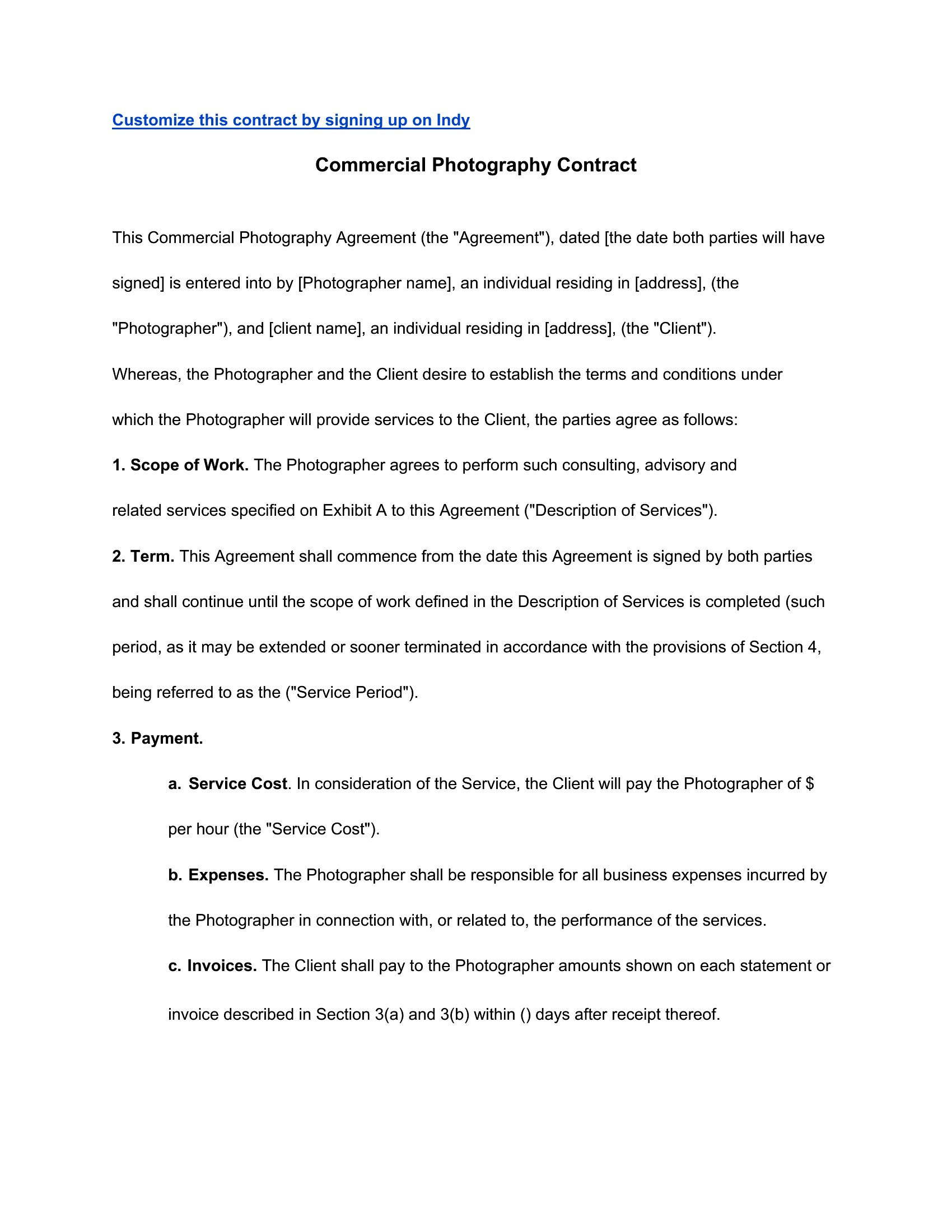
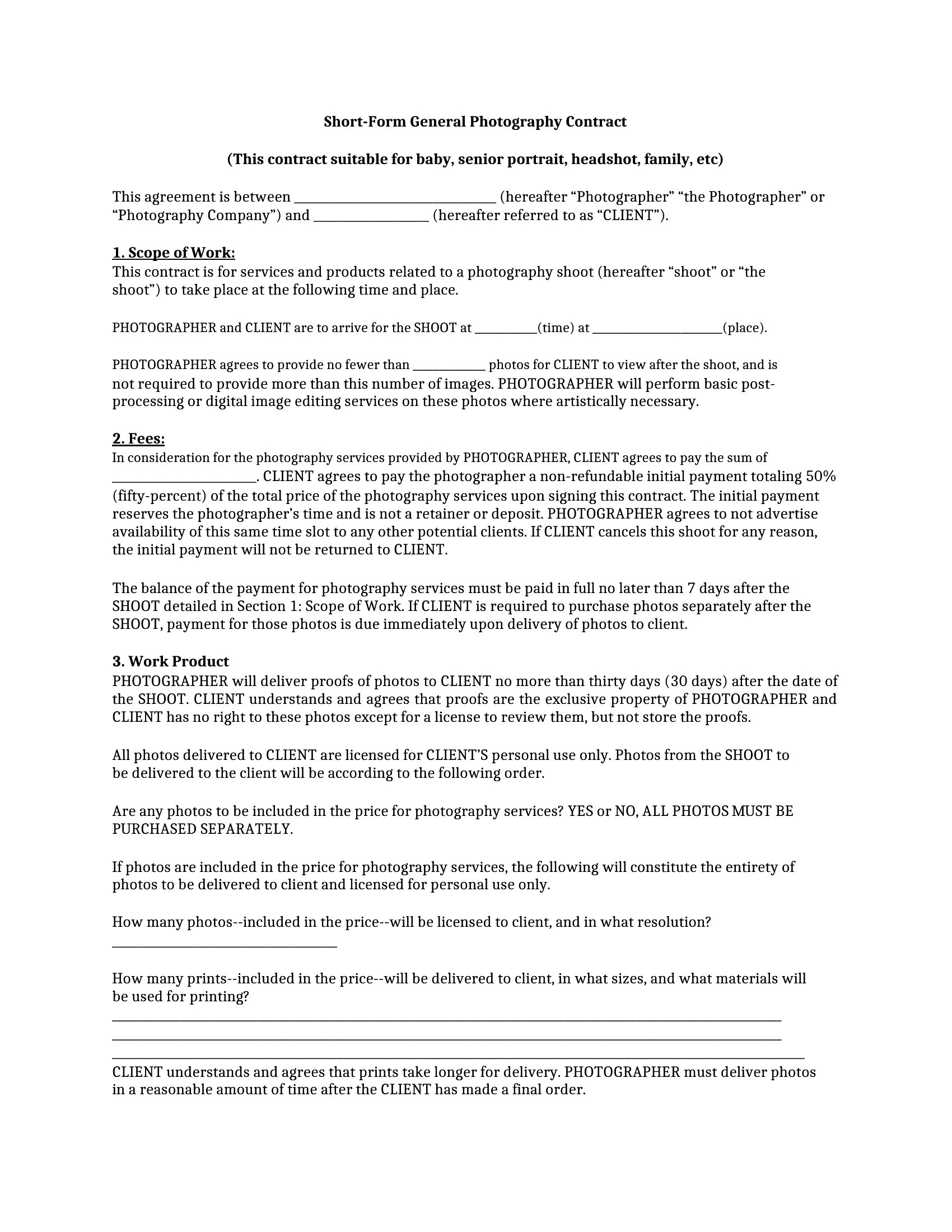
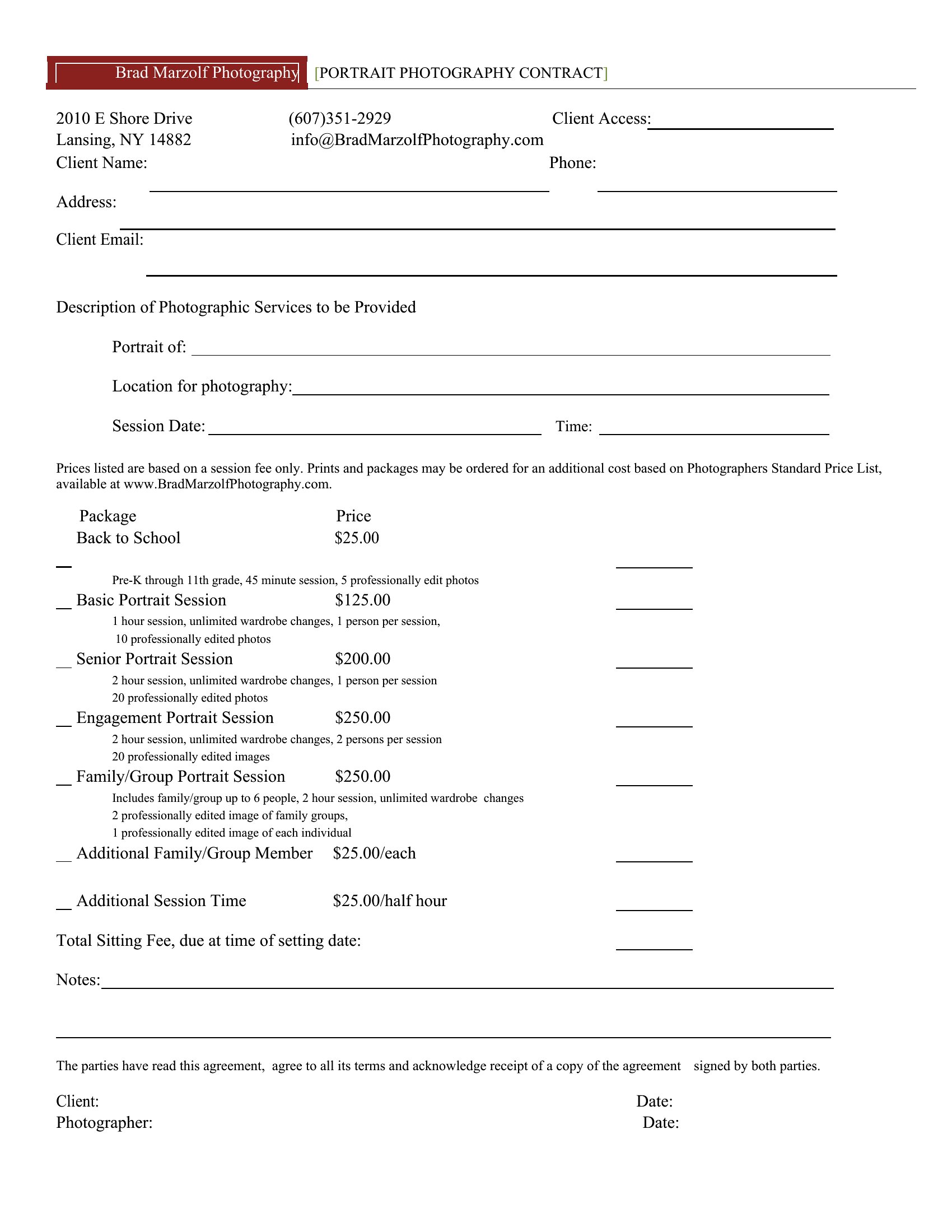
Photography Contract
How to use this Photography Contract template
Should I include a ‘work made for hire’ clause in my photography contract?
This depends on your business model and the project. A ‘work made for hire’ clause transfers ownership of the photos to the client immediately, which is common for commercial or branded content. However, if you plan to use the images for your portfolio or stock, omit this clause and negotiate usage rights instead. Consult a legal professional to tailor it to your state’s laws, as ‘work made for hire’ has specific requirements.
How detailed should I be about cancellation policies in my photography contract?
Be explicit about deadlines for cancellations or rescheduling, including any non-refundable deposit portions. For example, specify a 48-hour notice rule for weddings to allow you to rebook, or charge 50% of fees for last-minute cancellations. Include exceptions for emergencies (with documentation) and outline how unused deposits or credits will be applied. This protects you from no-shows while maintaining goodwill.
Can I use these templates if I’m photographing for a non-profit organization?
Yes, but you’ll likely need to modify clauses like payment terms or usage rights. Non-profits may offer discounted rates or donate services, so adjust the fee schedule accordingly. Clarify whether the organization can use the images for fundraising (with credit to you) or if you’ll retain rights for your portfolio. Add a clause about tax receipts if applicable. The templates provide a foundation, but review each section to ensure it aligns with the non-profit’s needs and your expectations.
Comments
Join the conversation
Sign in to share your thoughts and leave a comment on this resource.