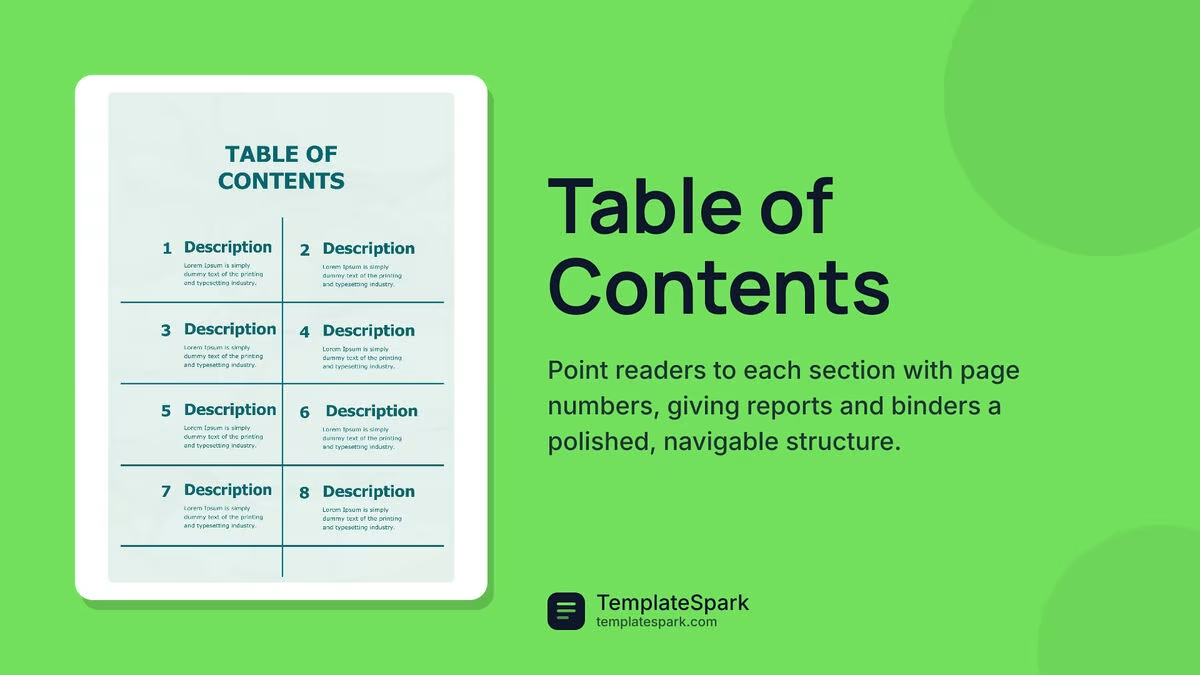
Free Table of Contents Templates (Word, PDF)
Life by nolhannguyen
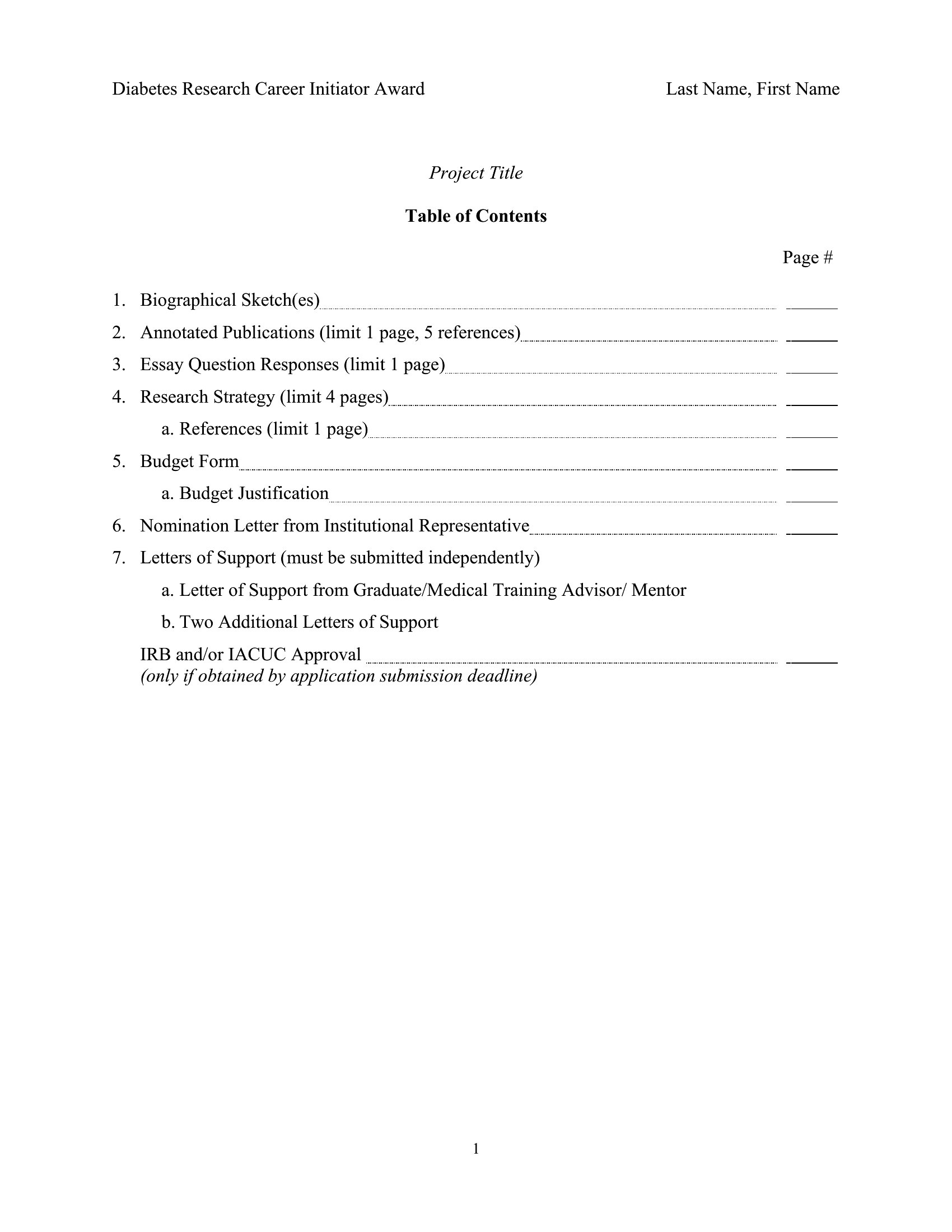
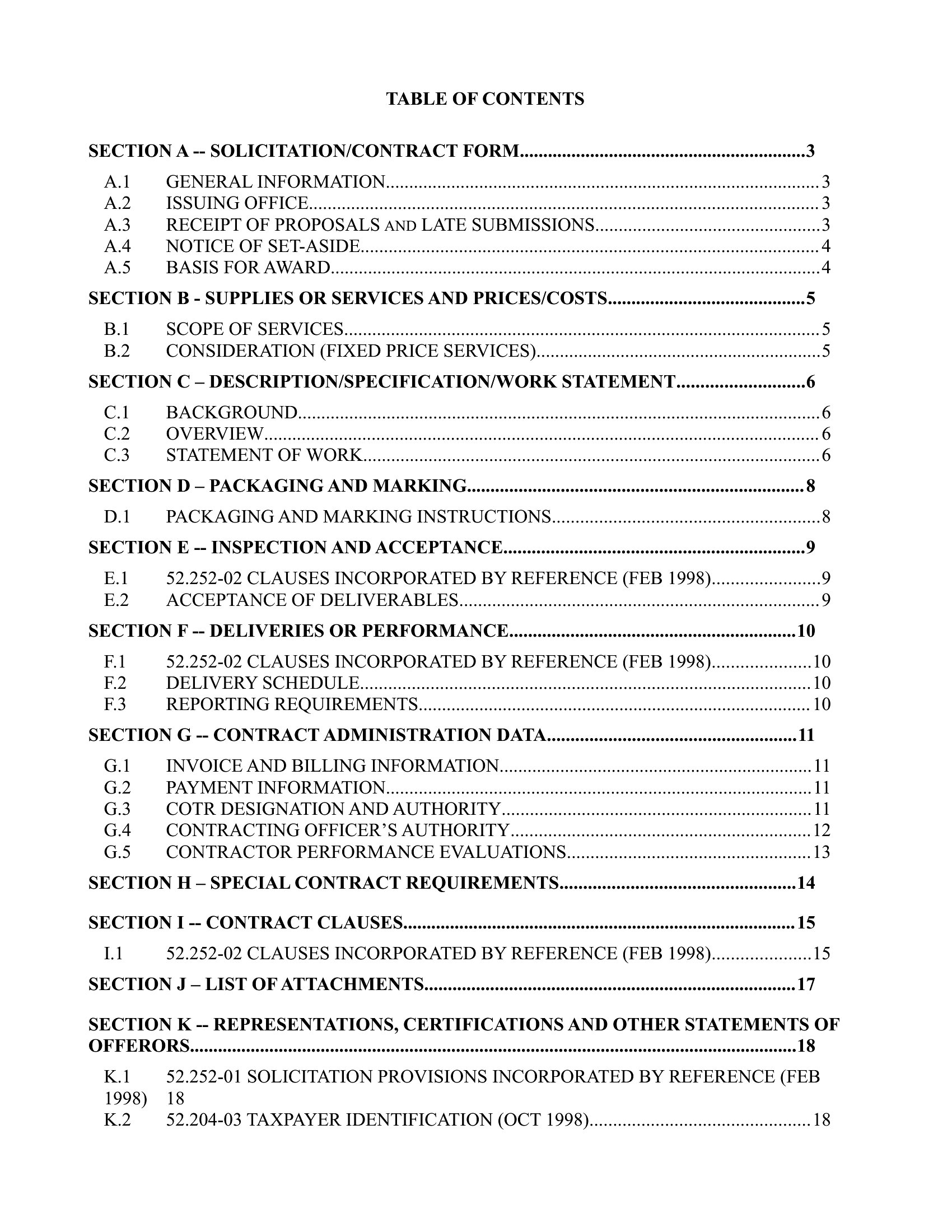
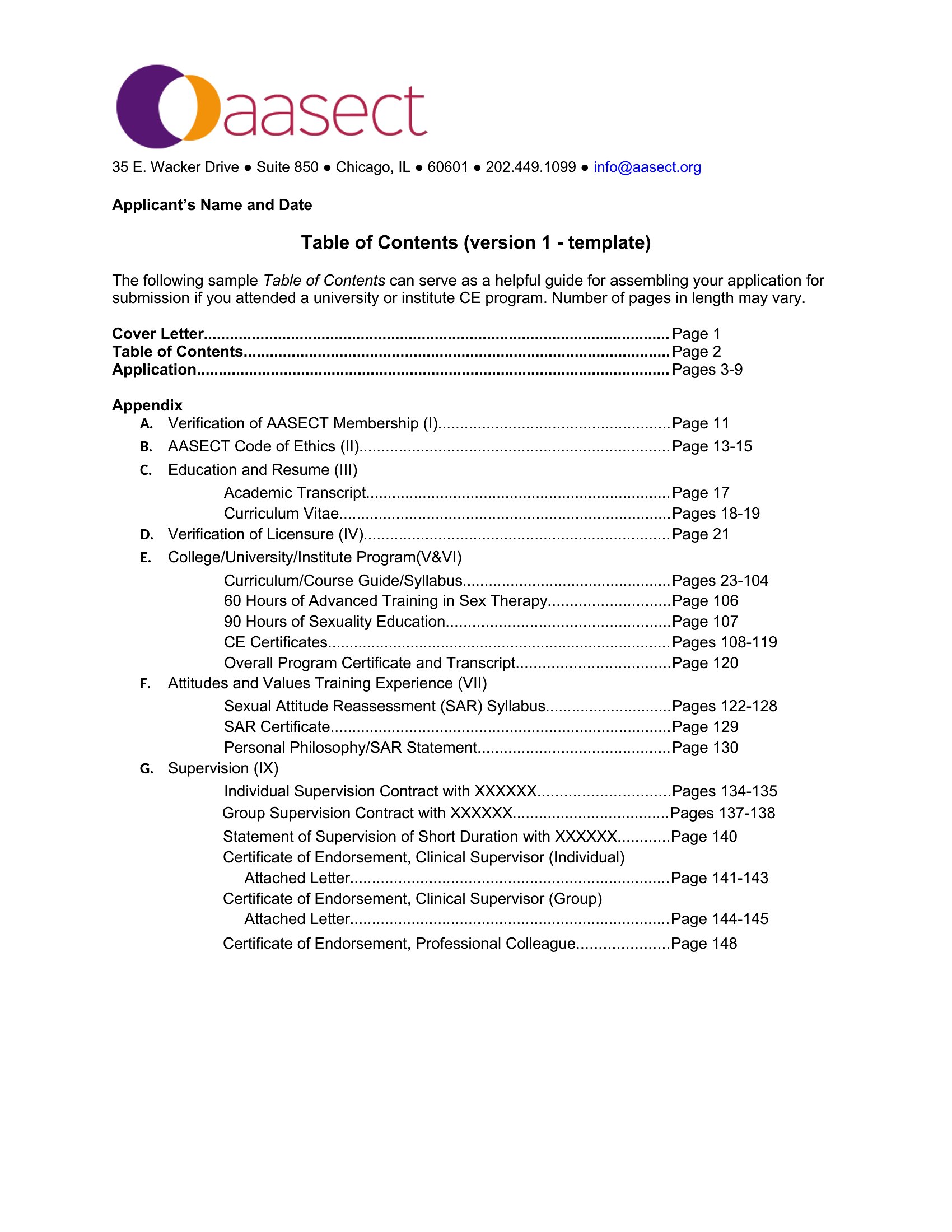
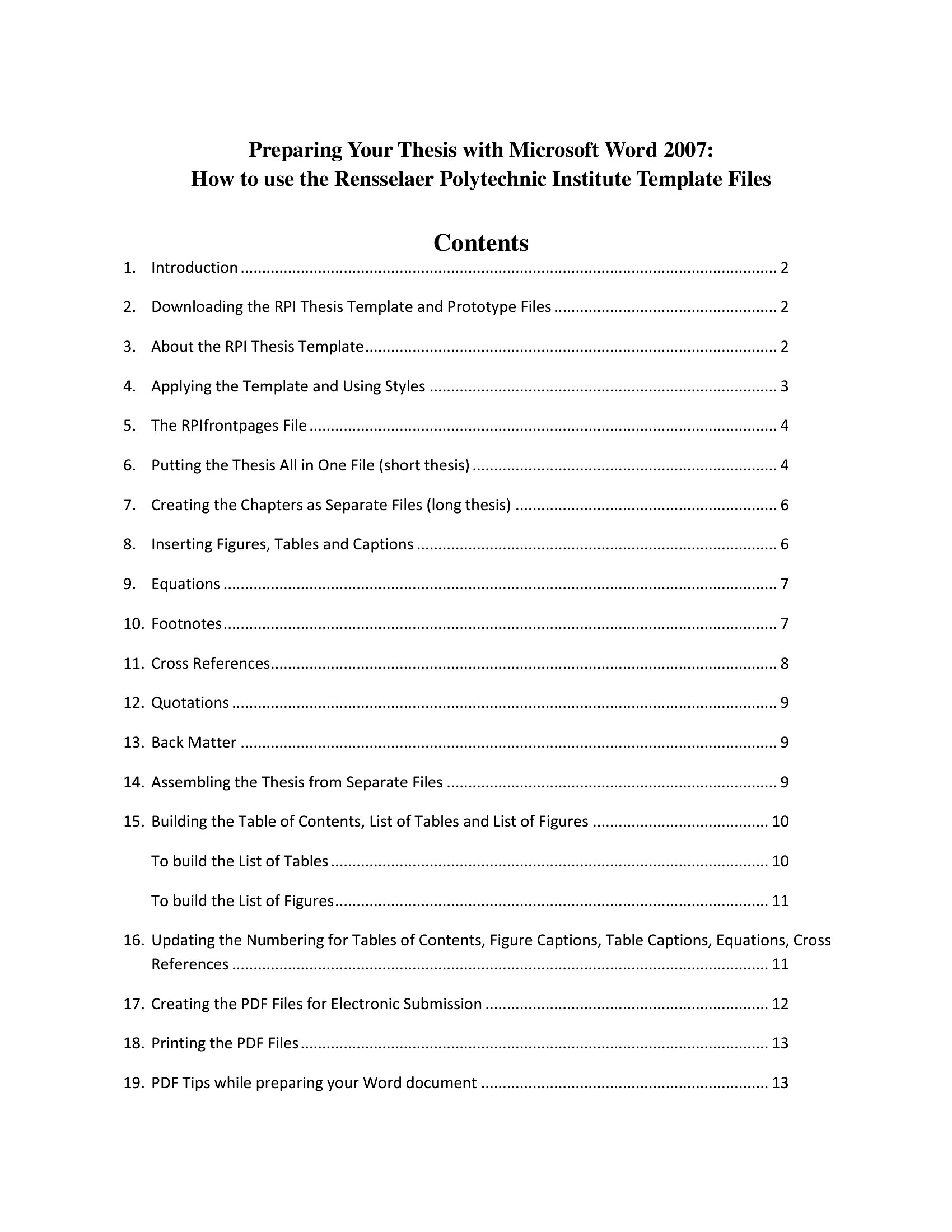
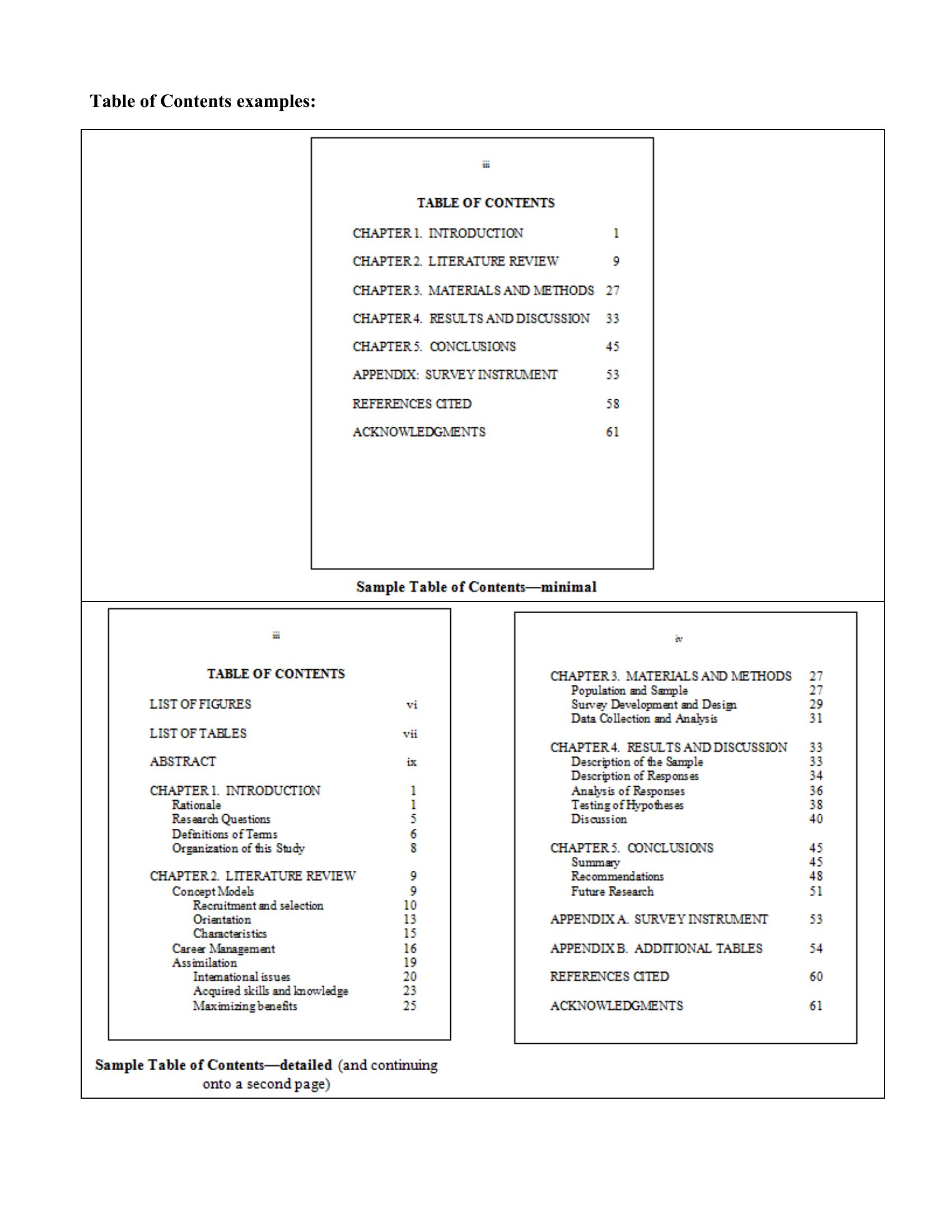
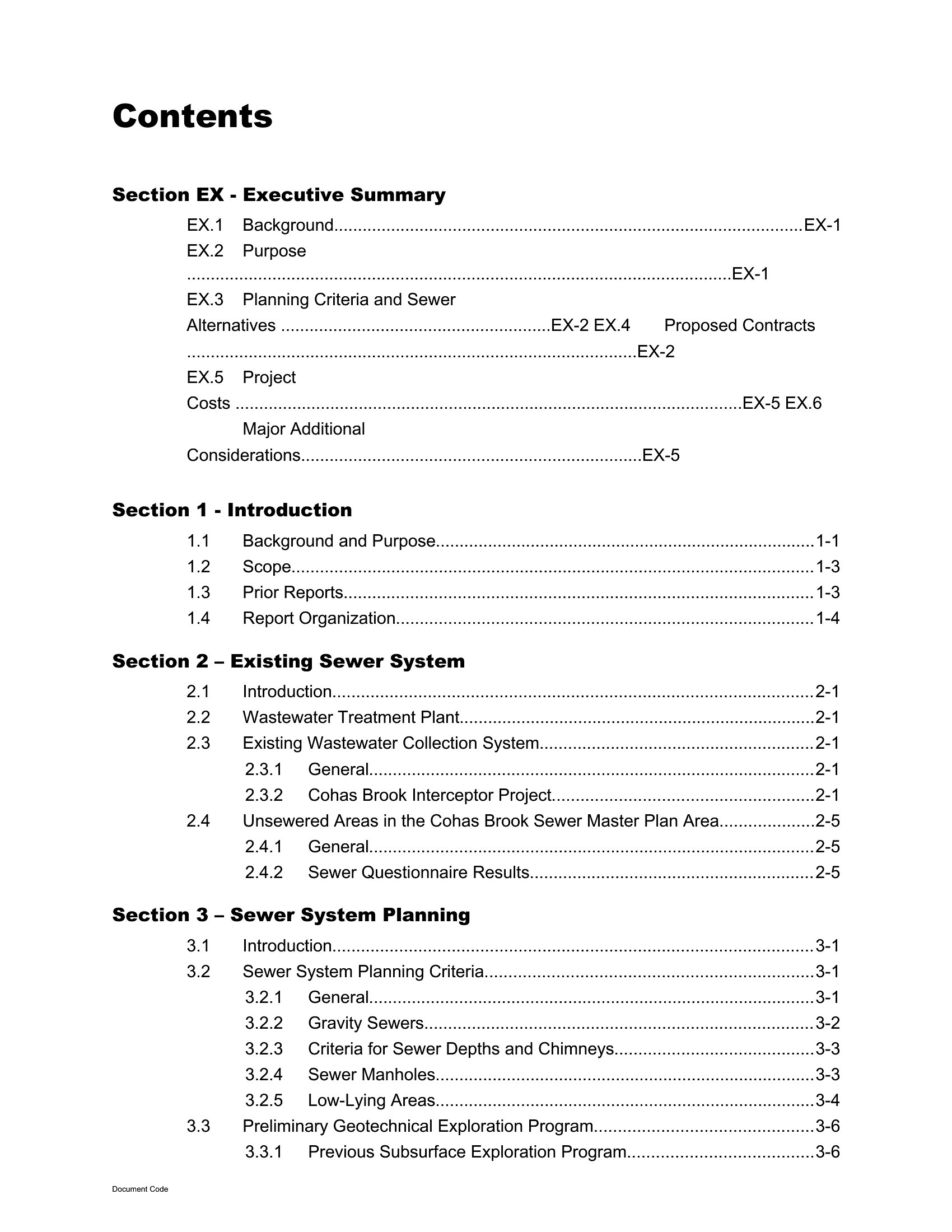
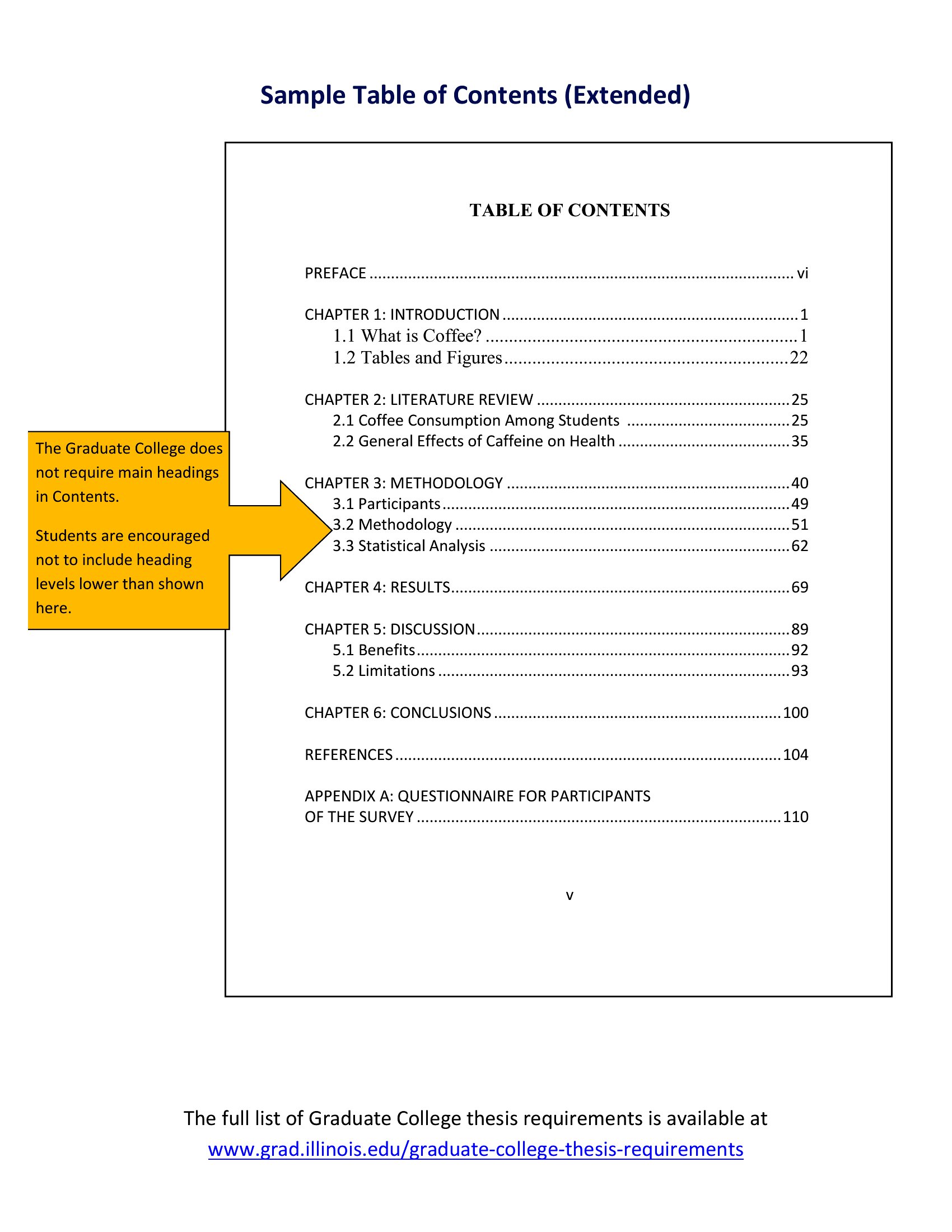
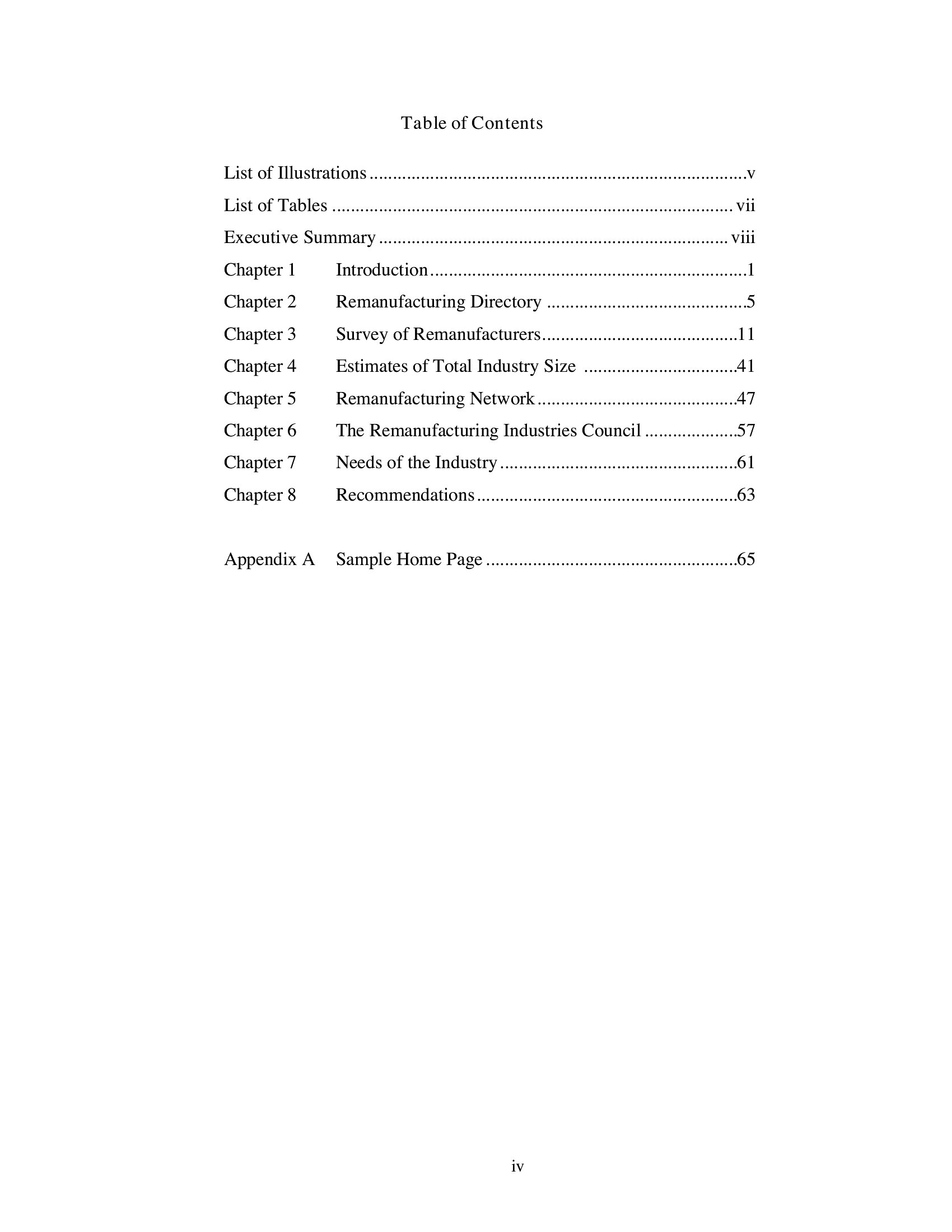
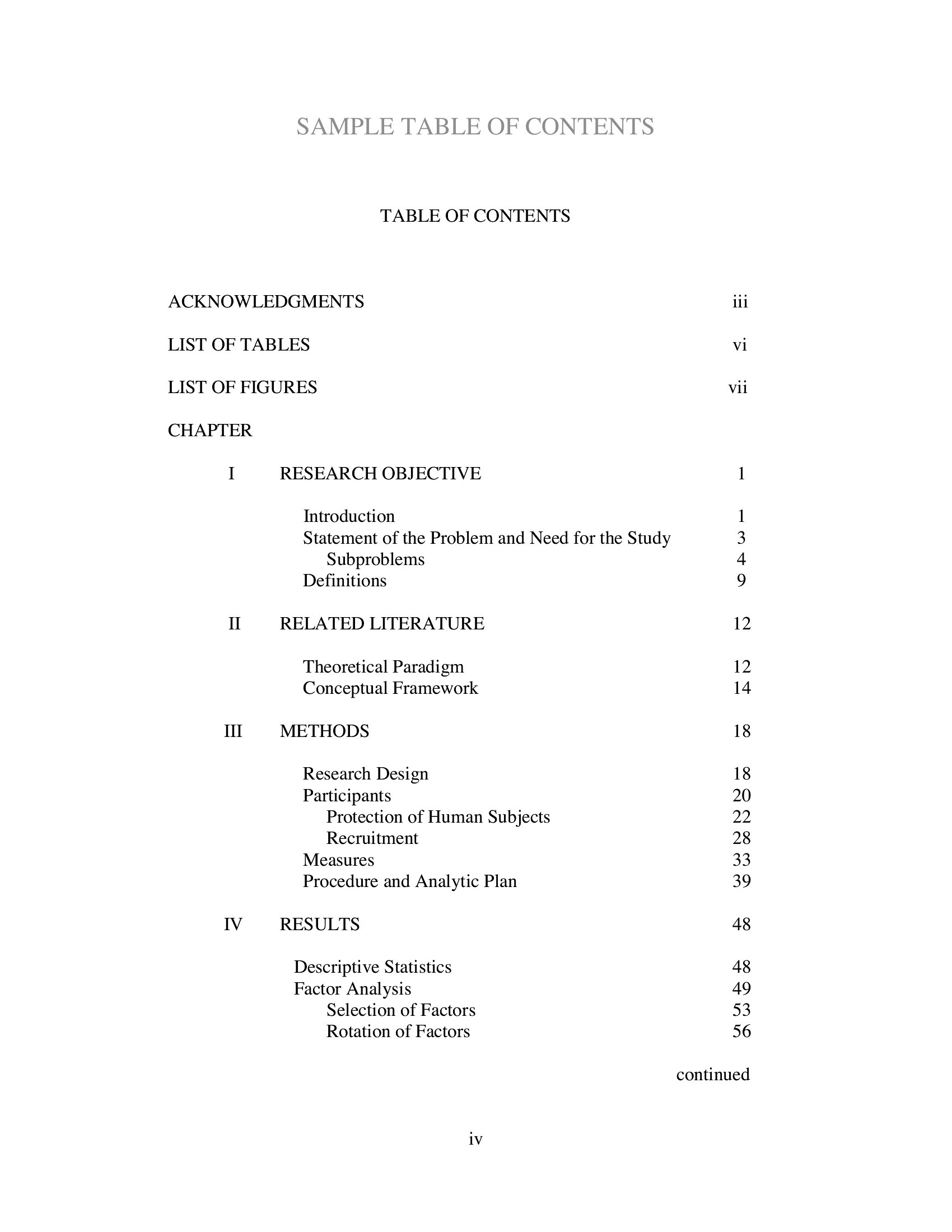
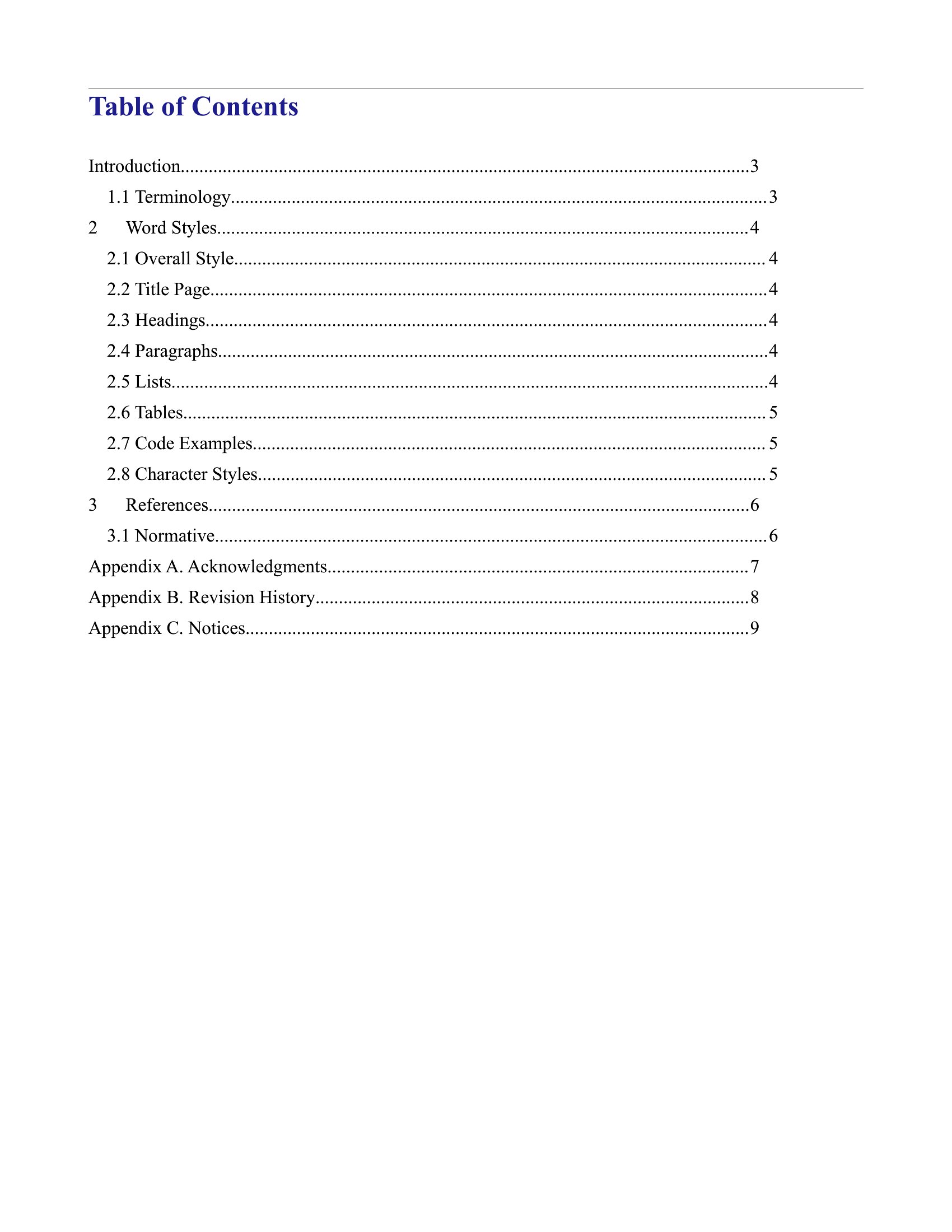
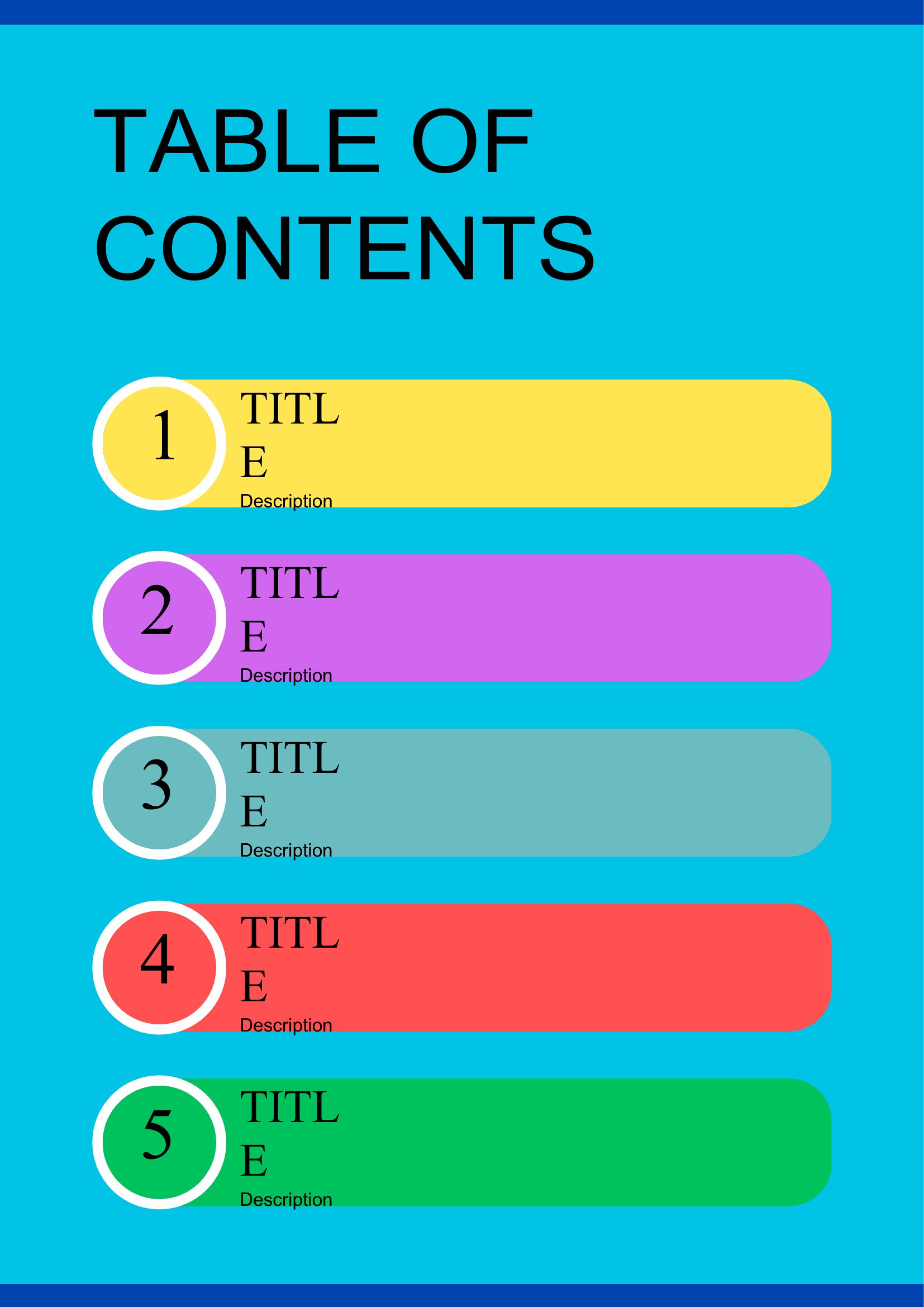
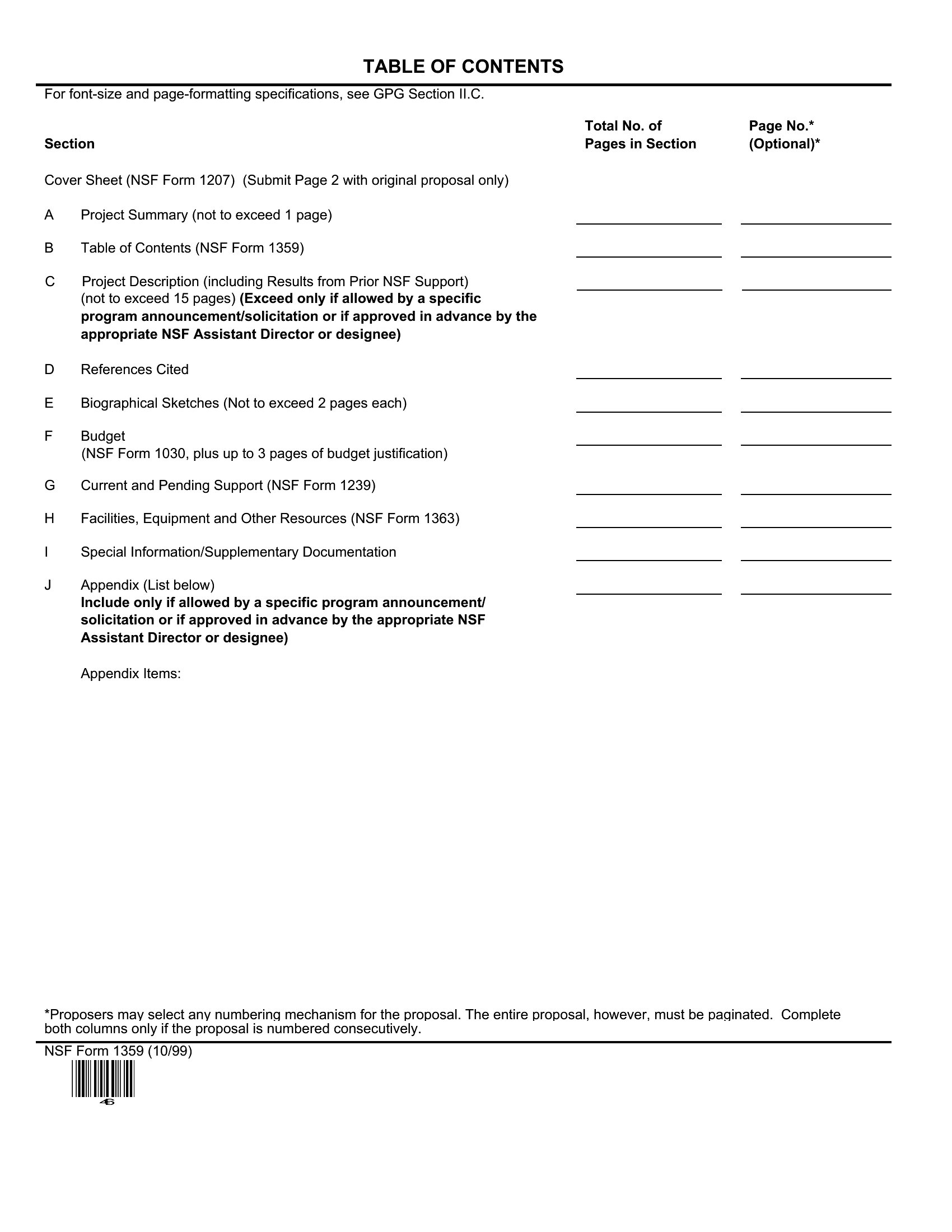
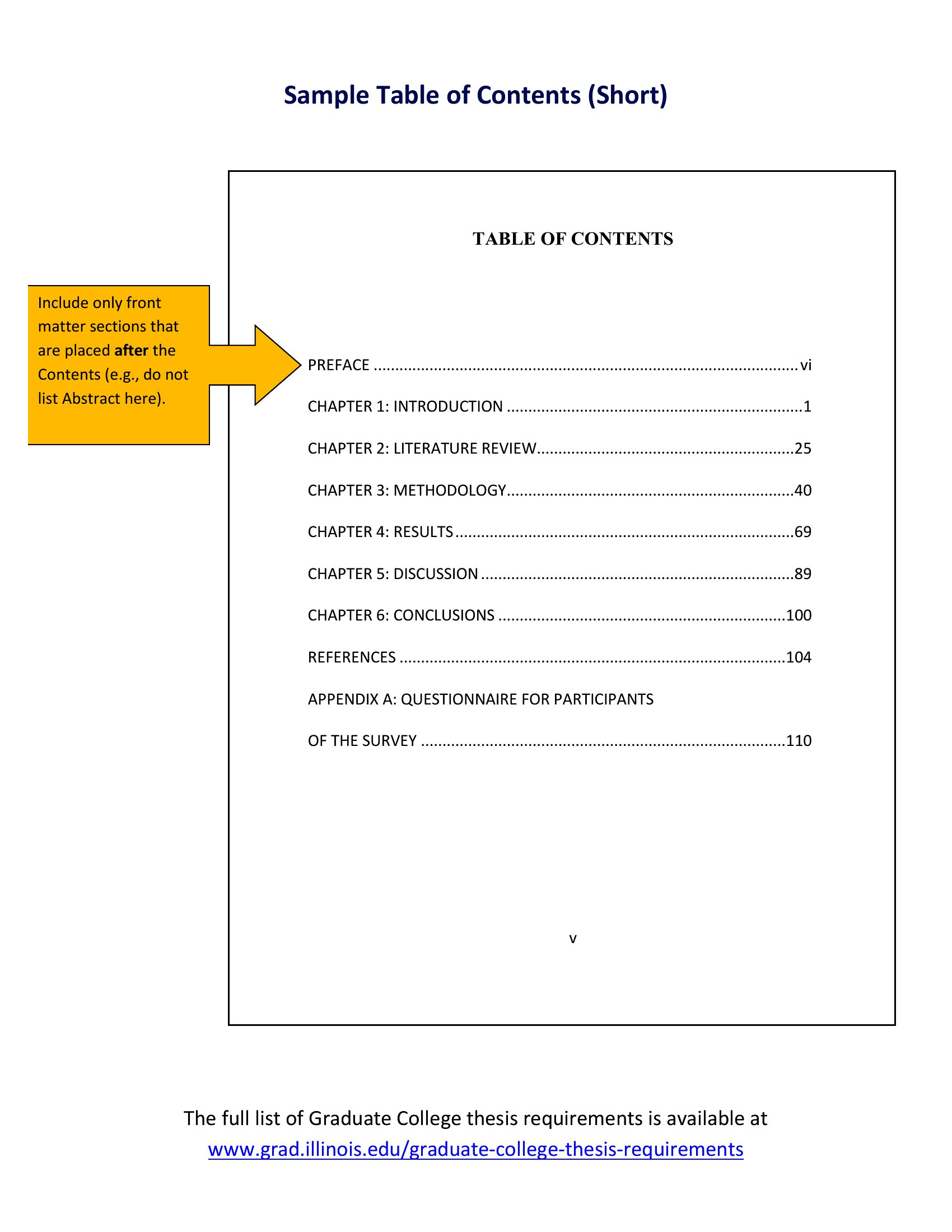
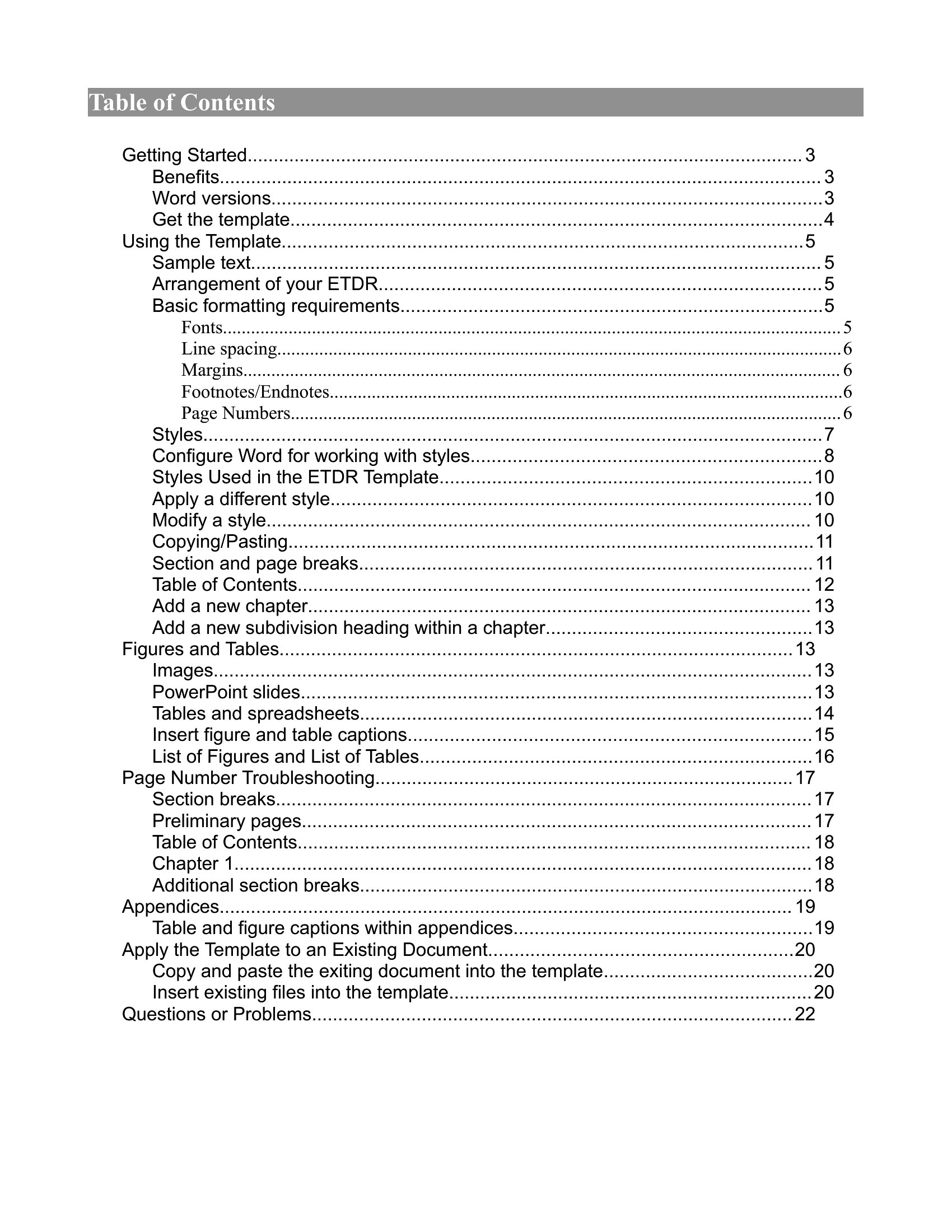
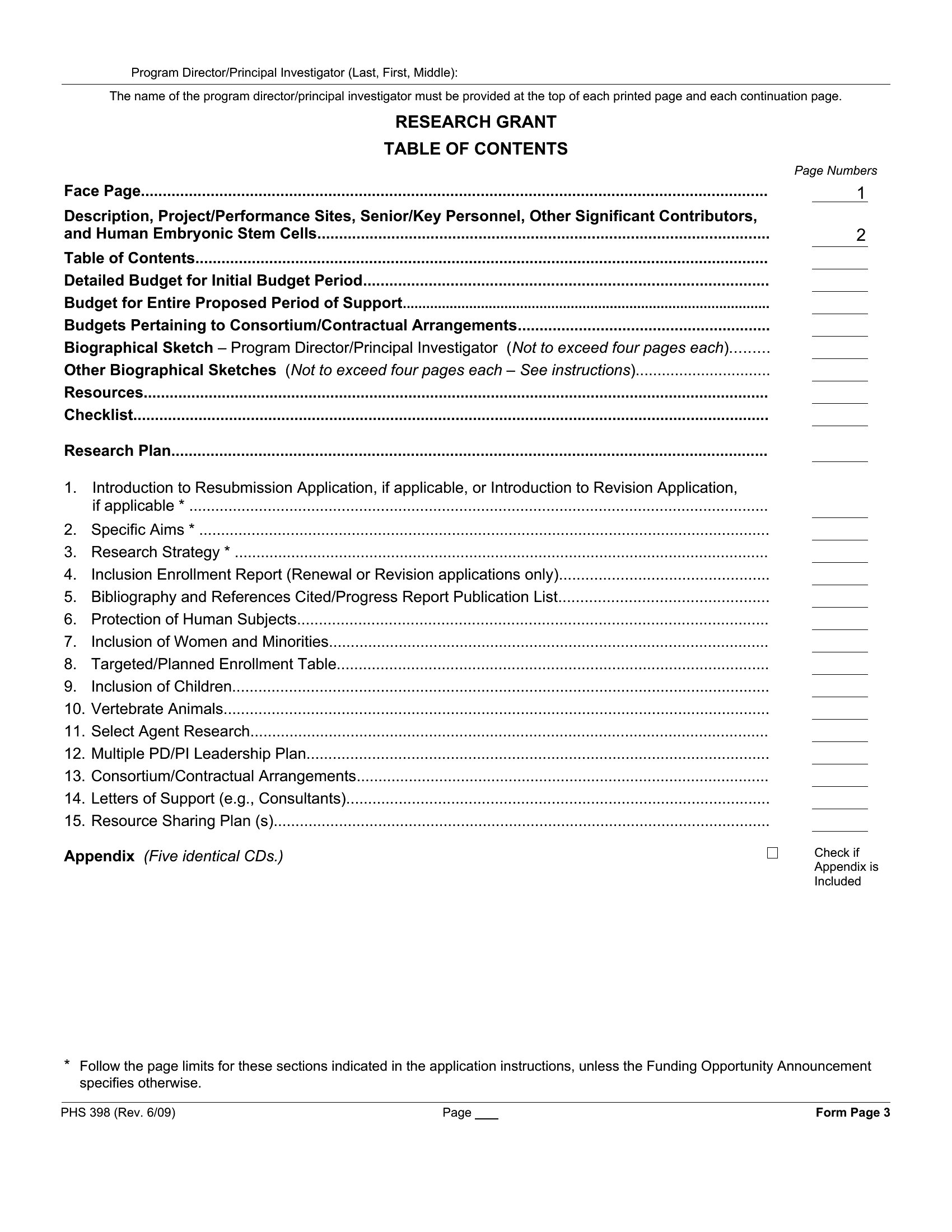
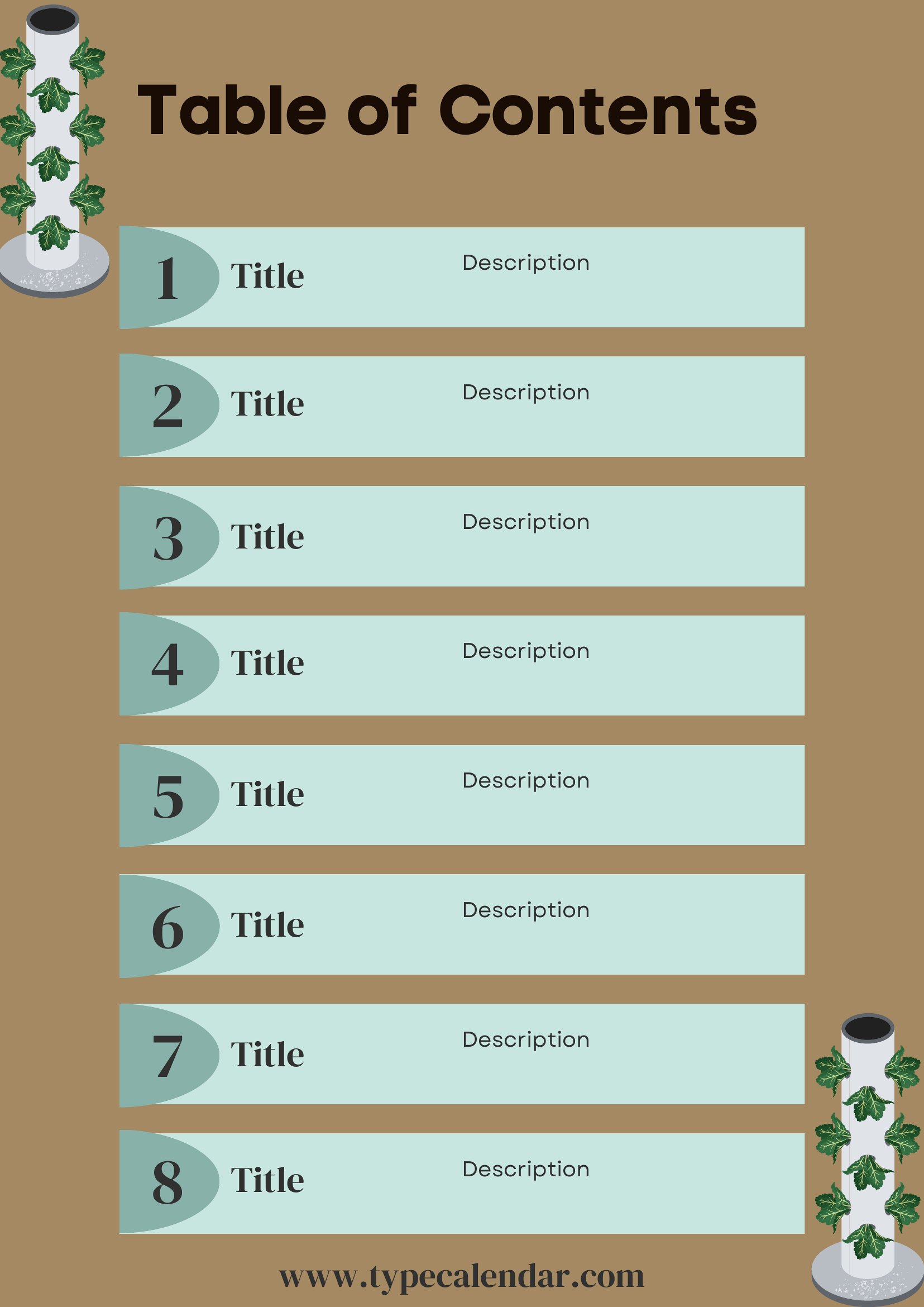
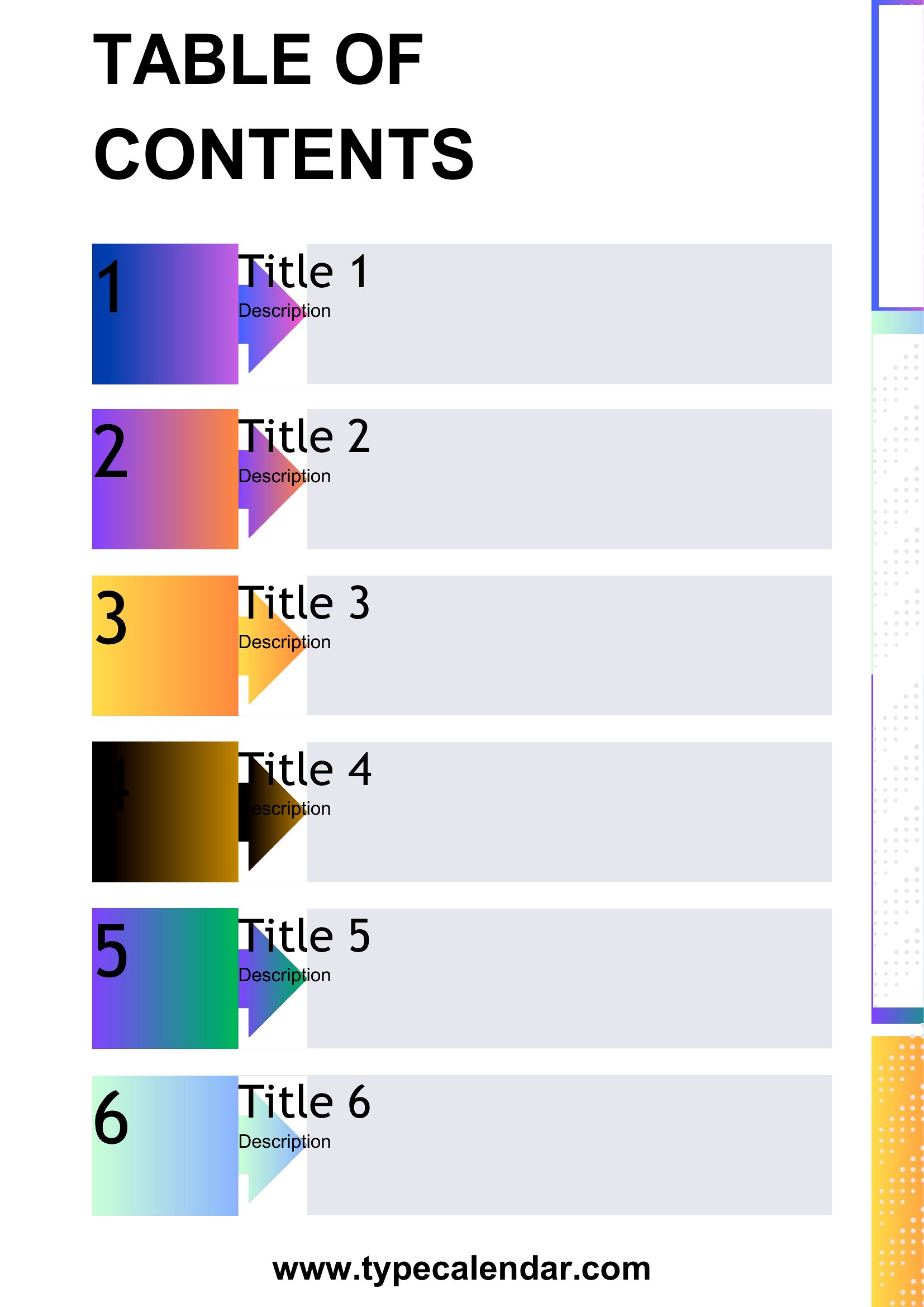
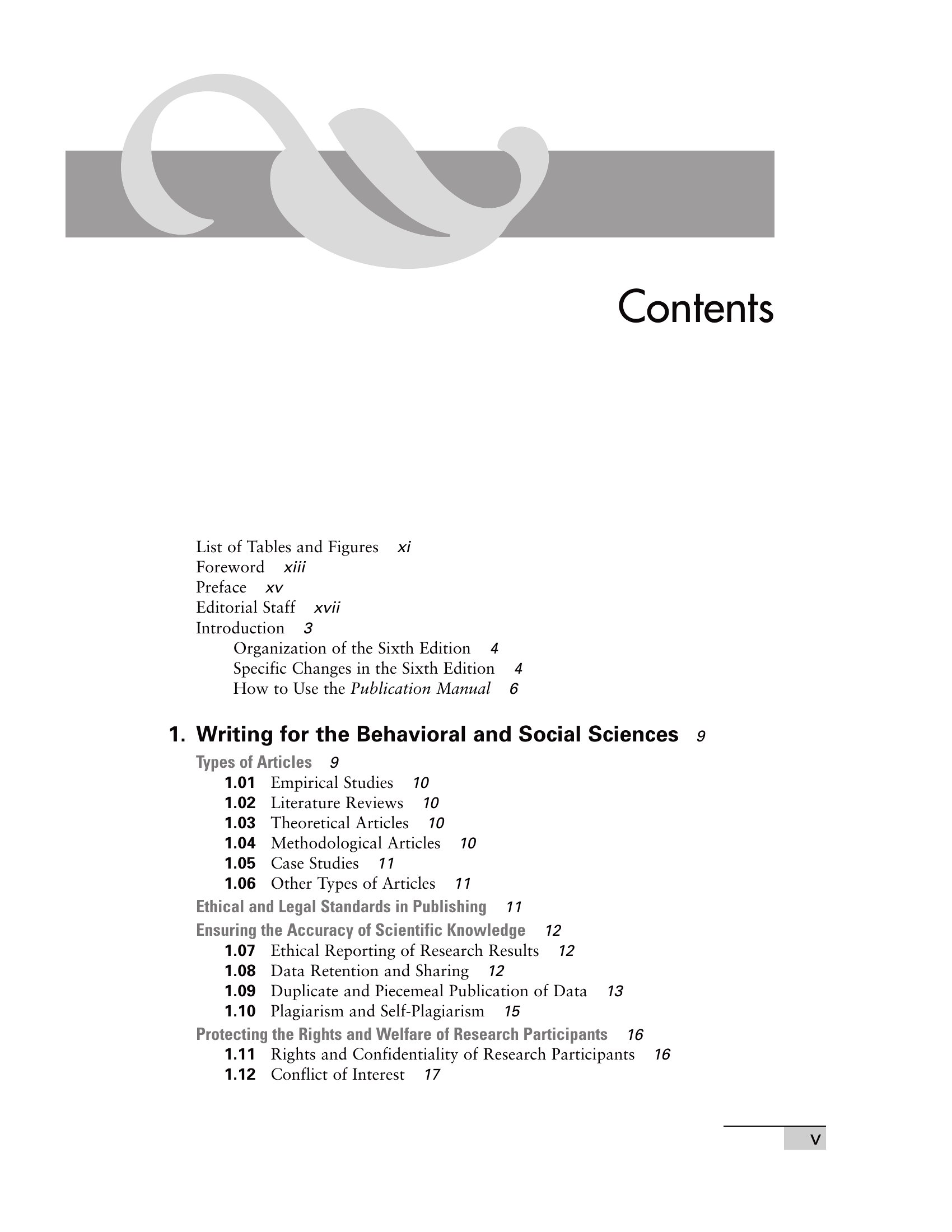
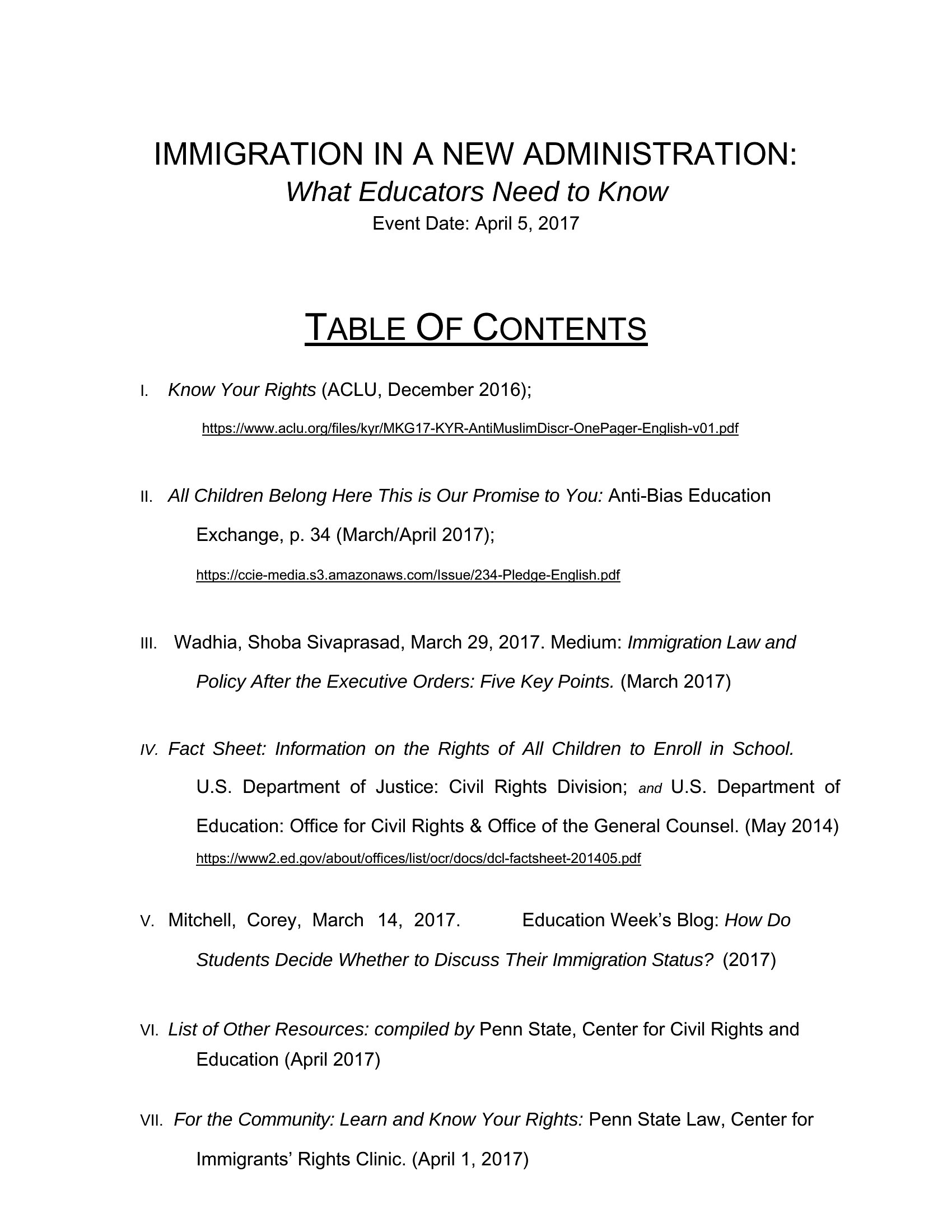
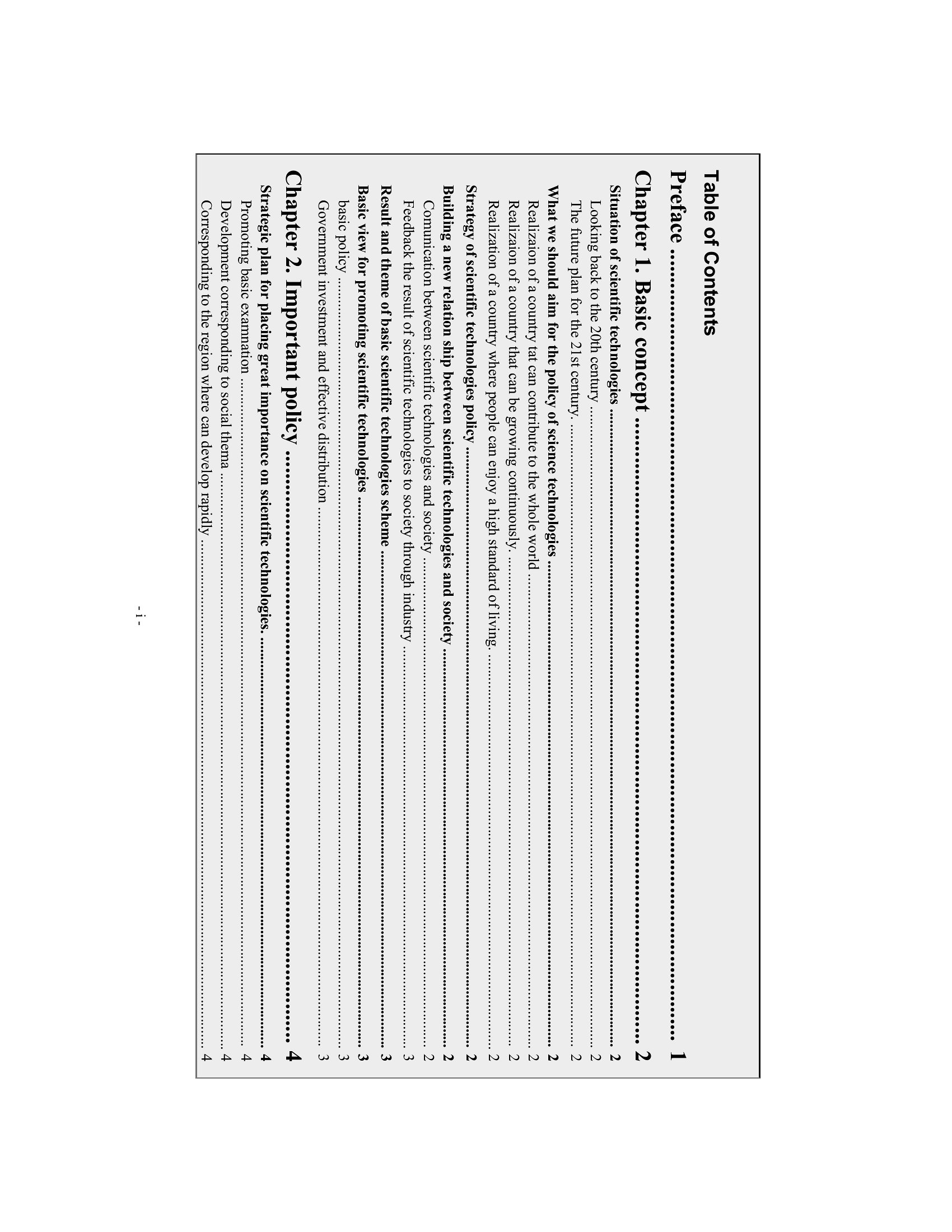
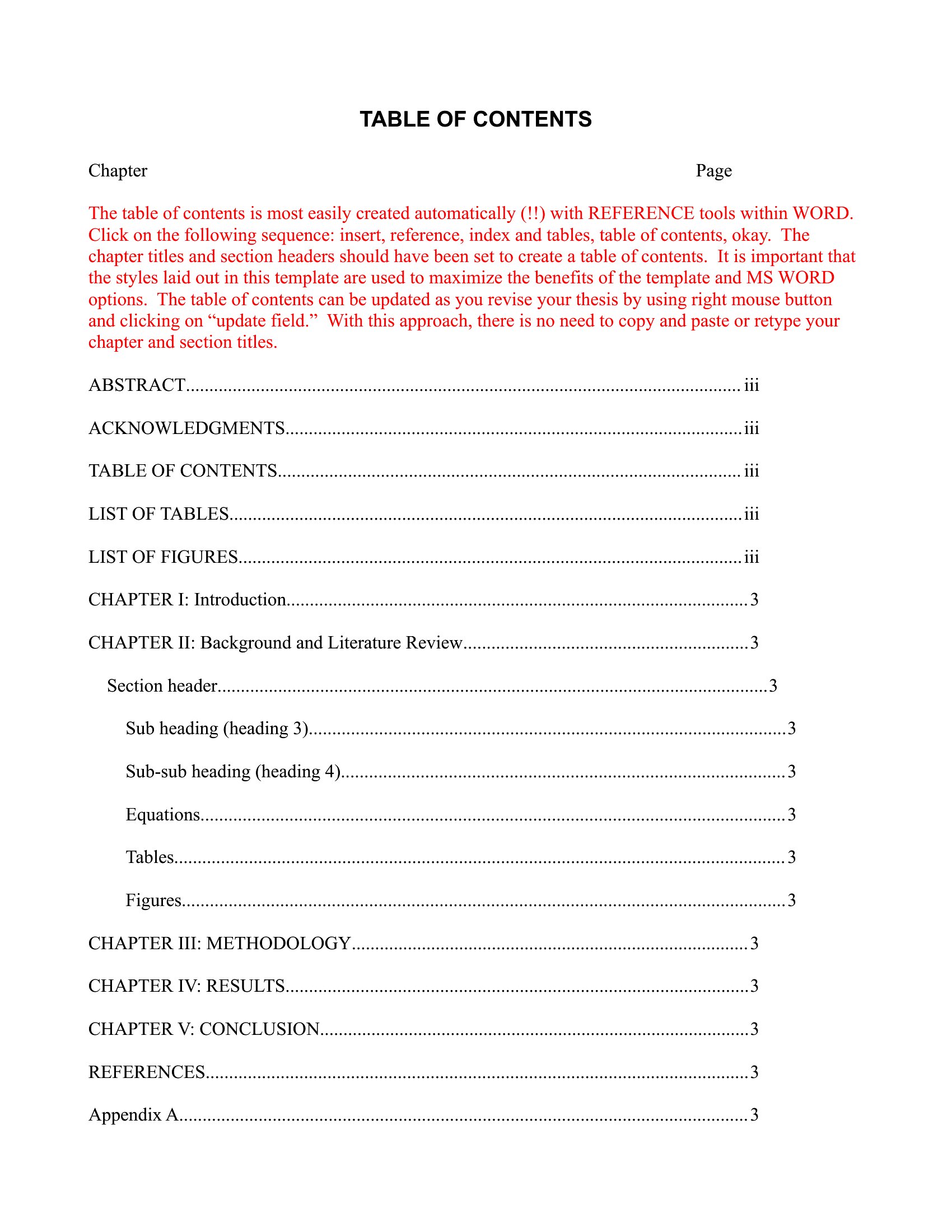
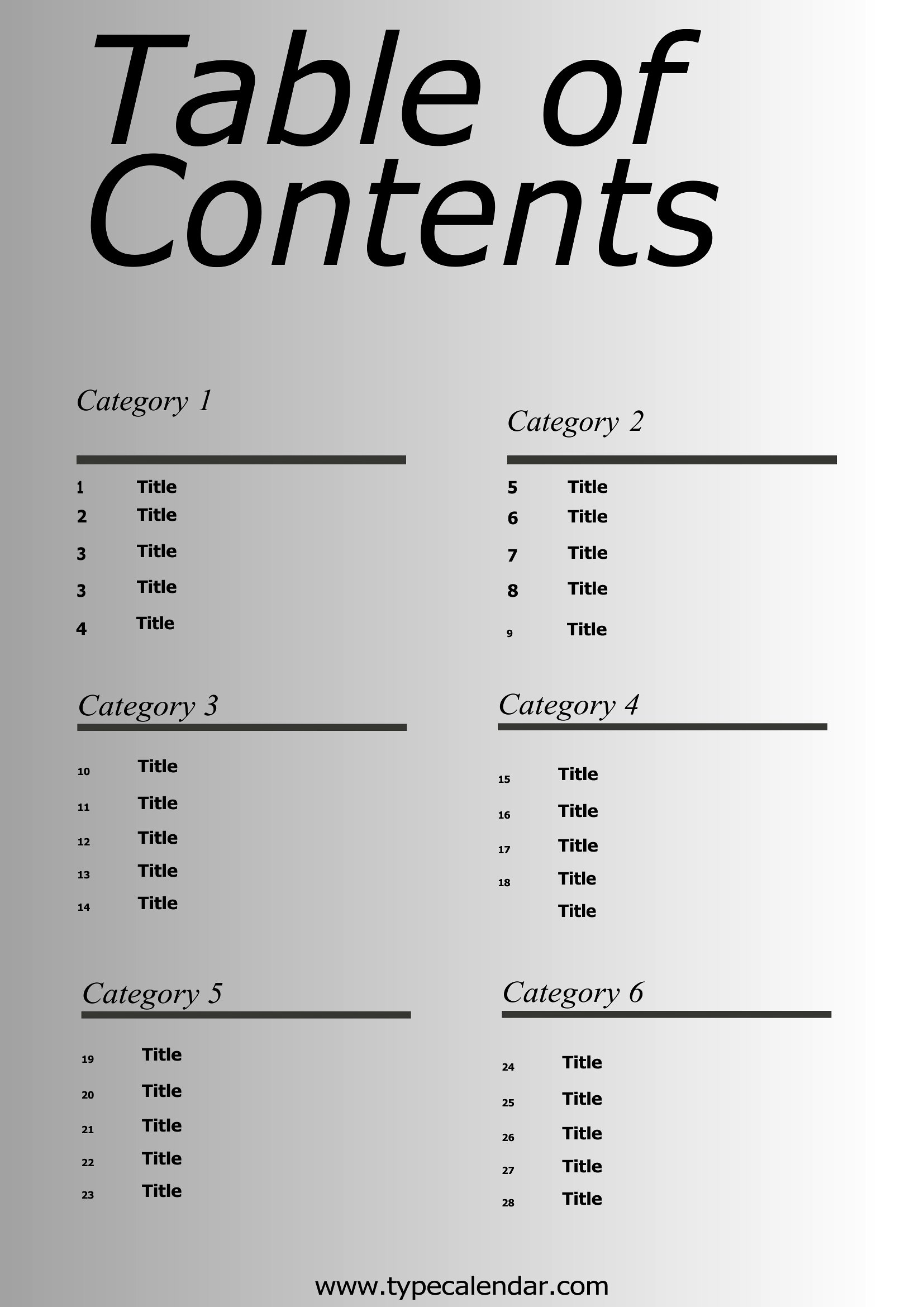
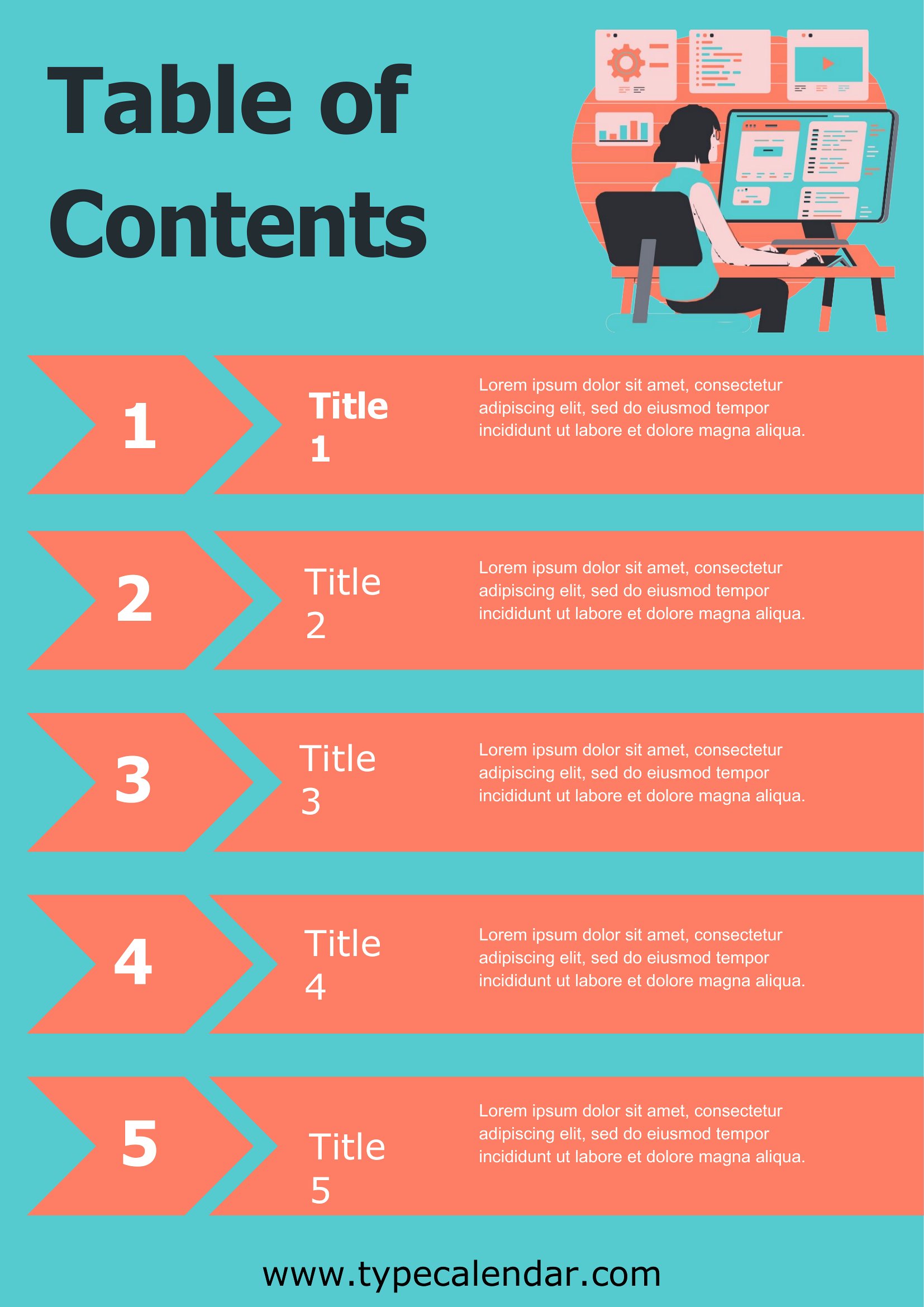
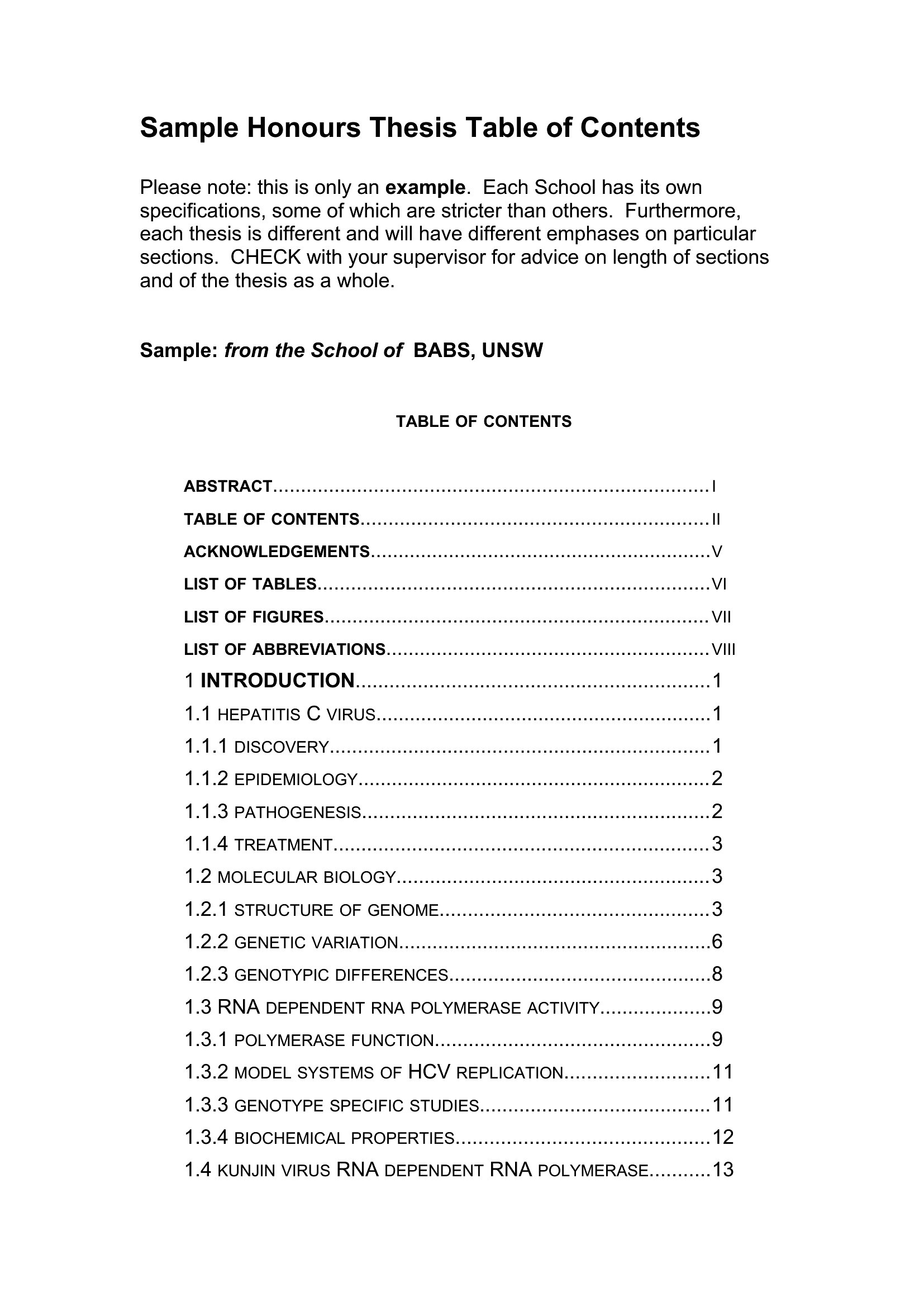
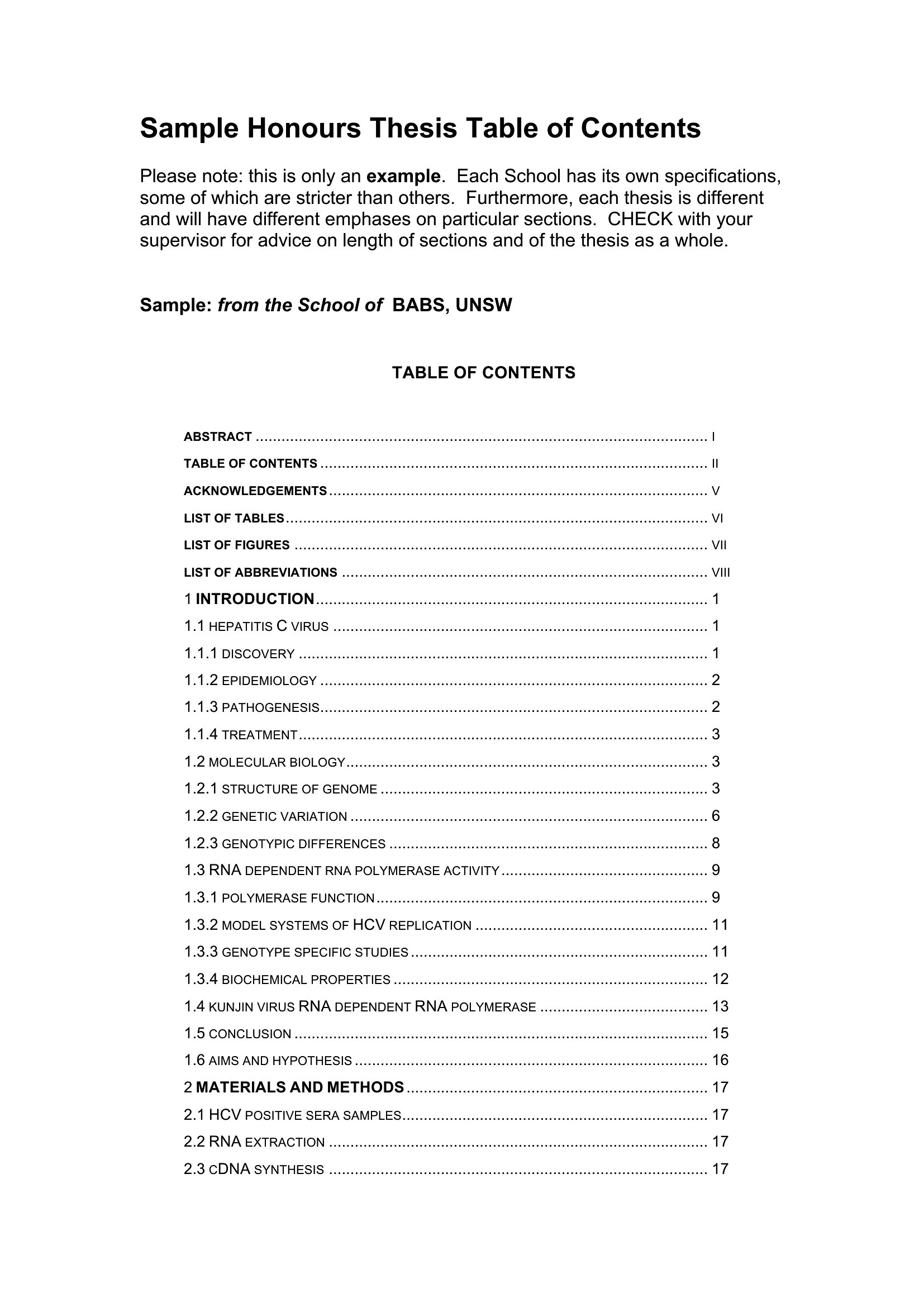
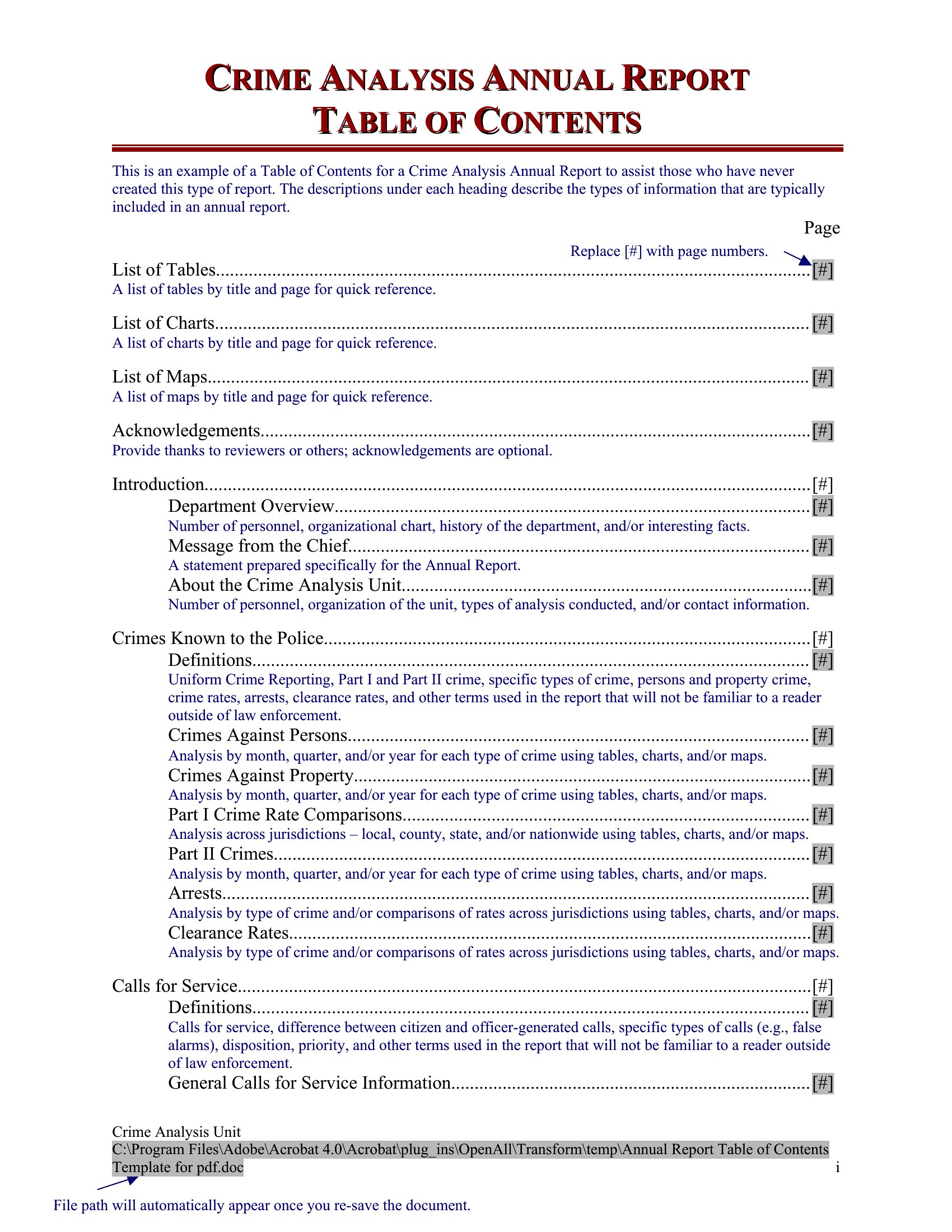
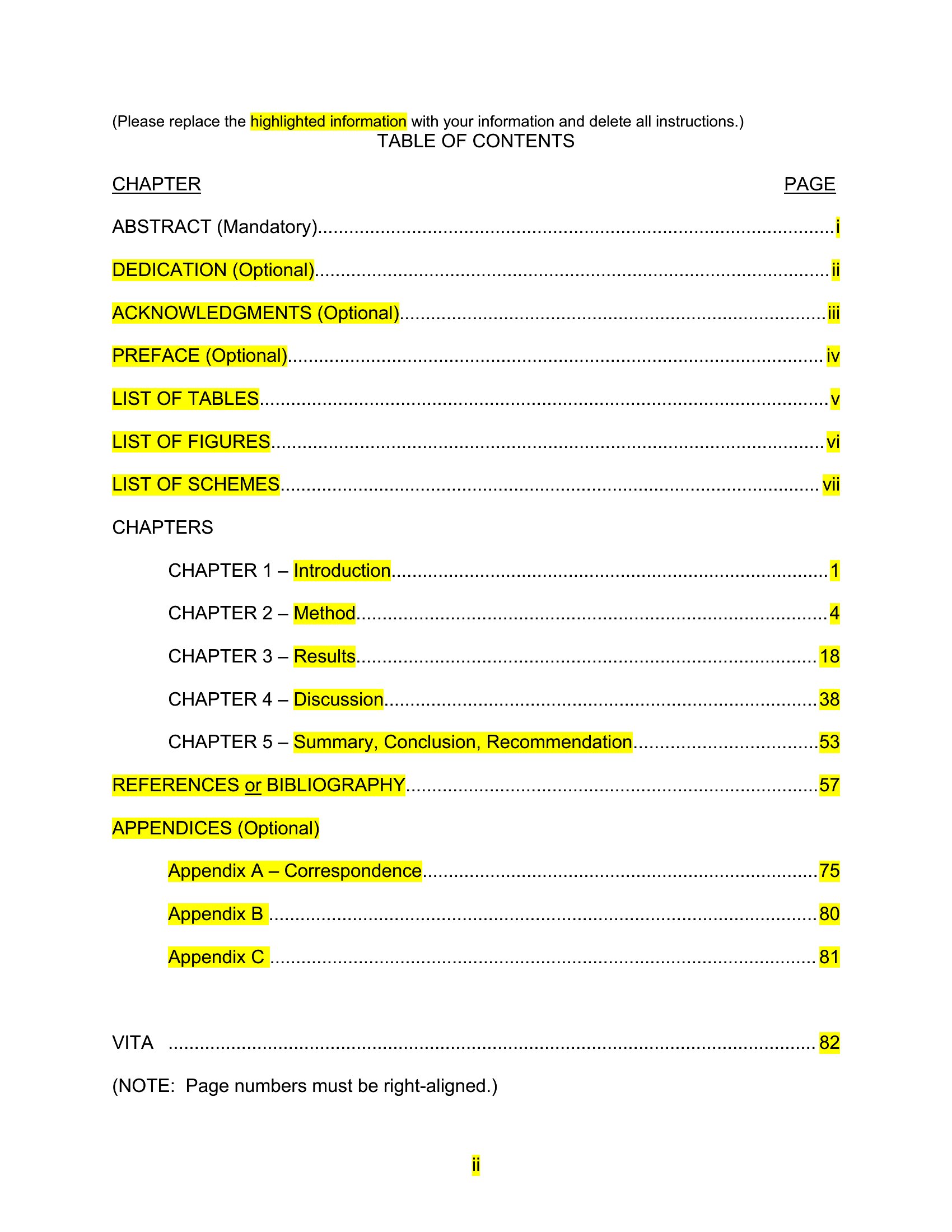
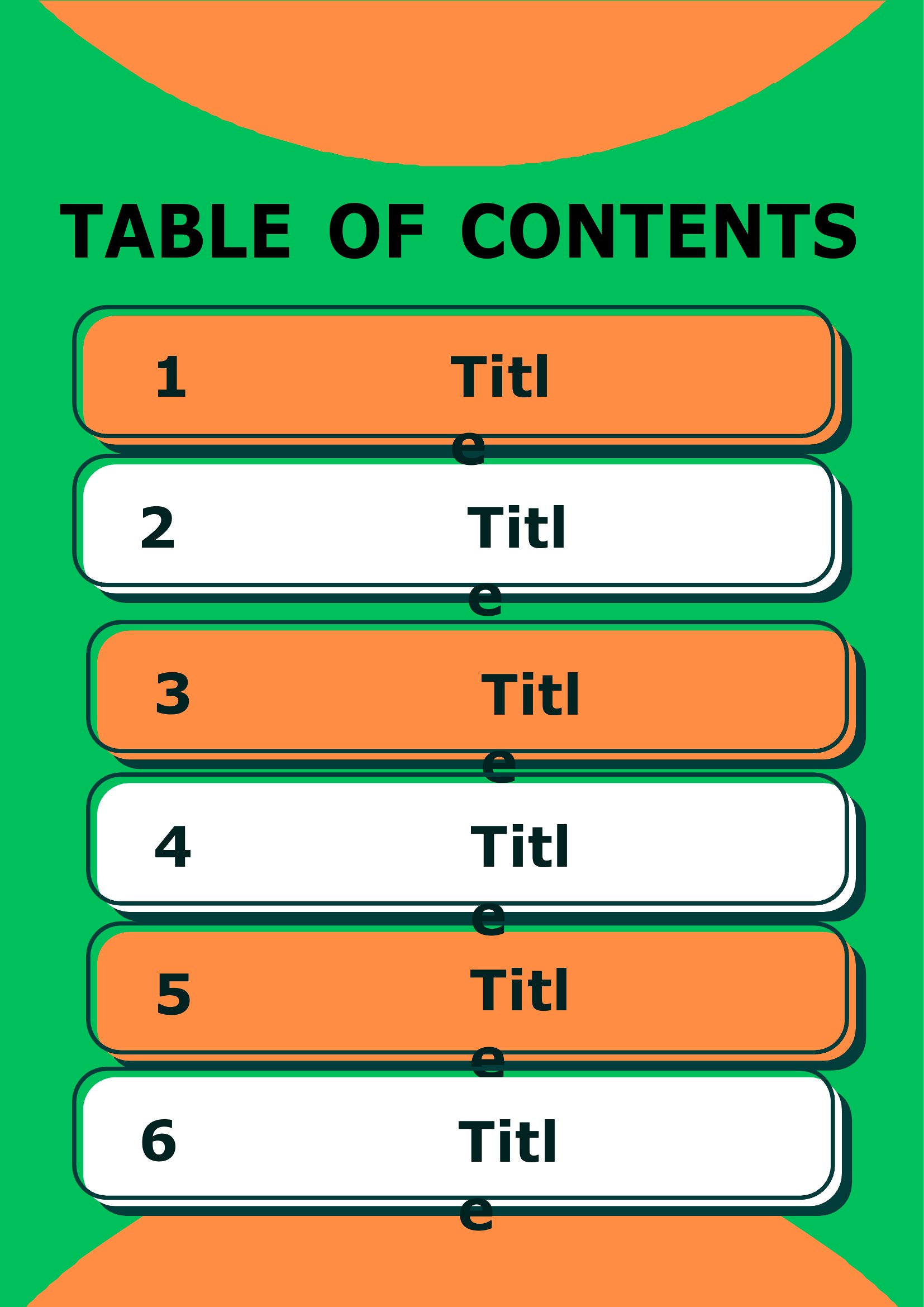
A clear table of contents helps readers jump straight to what they need, and it makes any report, manual, or family binder feel finished. This set of 32 templates gives students, writers, and home organizers ready layouts with aligned page numbers and room for chapters, sections, and subsections. Styles range from minimal lists to formal outlines with dotted leader lines.
Editable Word files let you type your headings and update page numbers as your document grows, while the PDFs print clean for a handwritten binder index. Match the style to your project, fill in the entries, and you've got a professional front page. Download the version you like and give your document a roadmap readers will actually use.
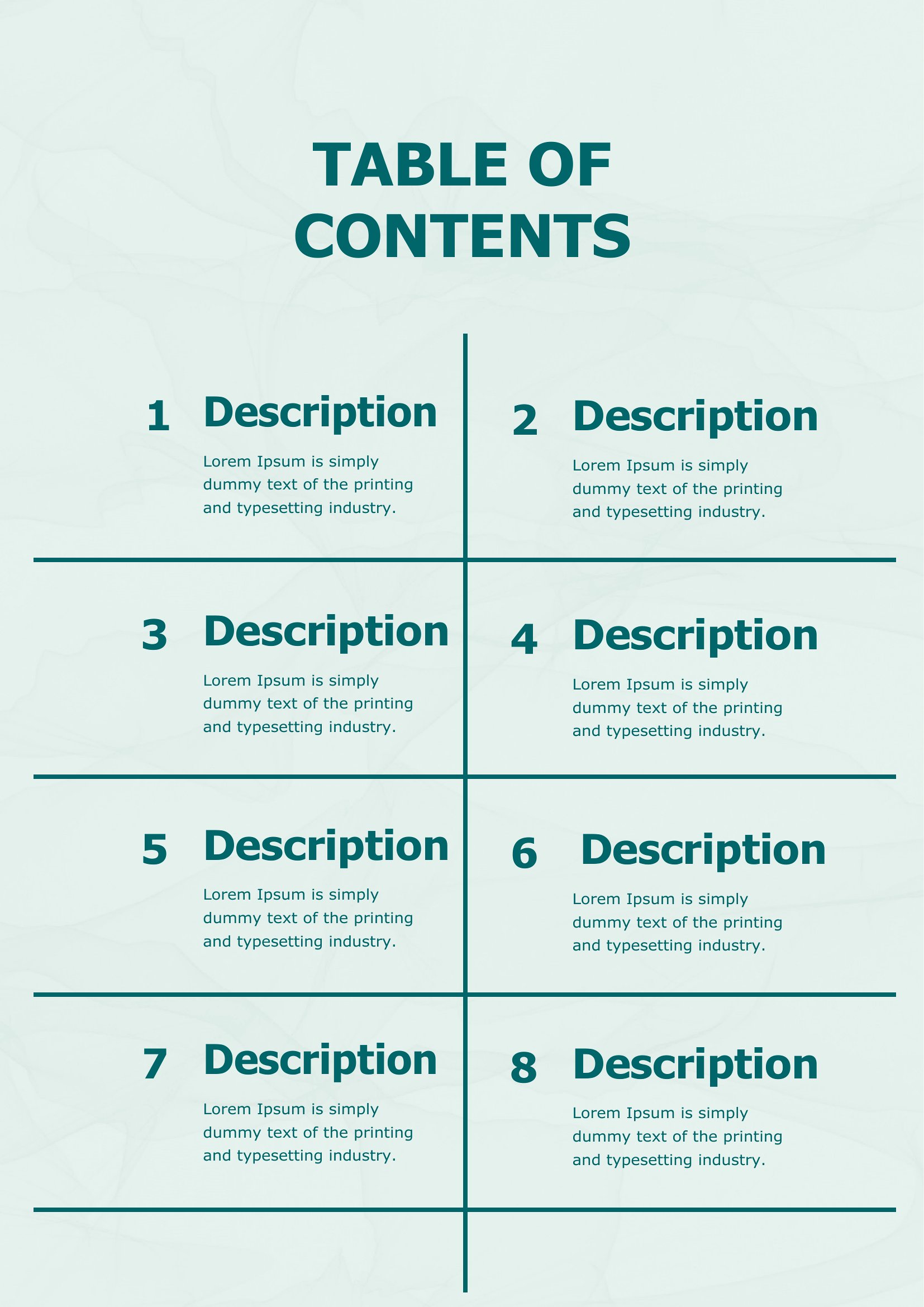
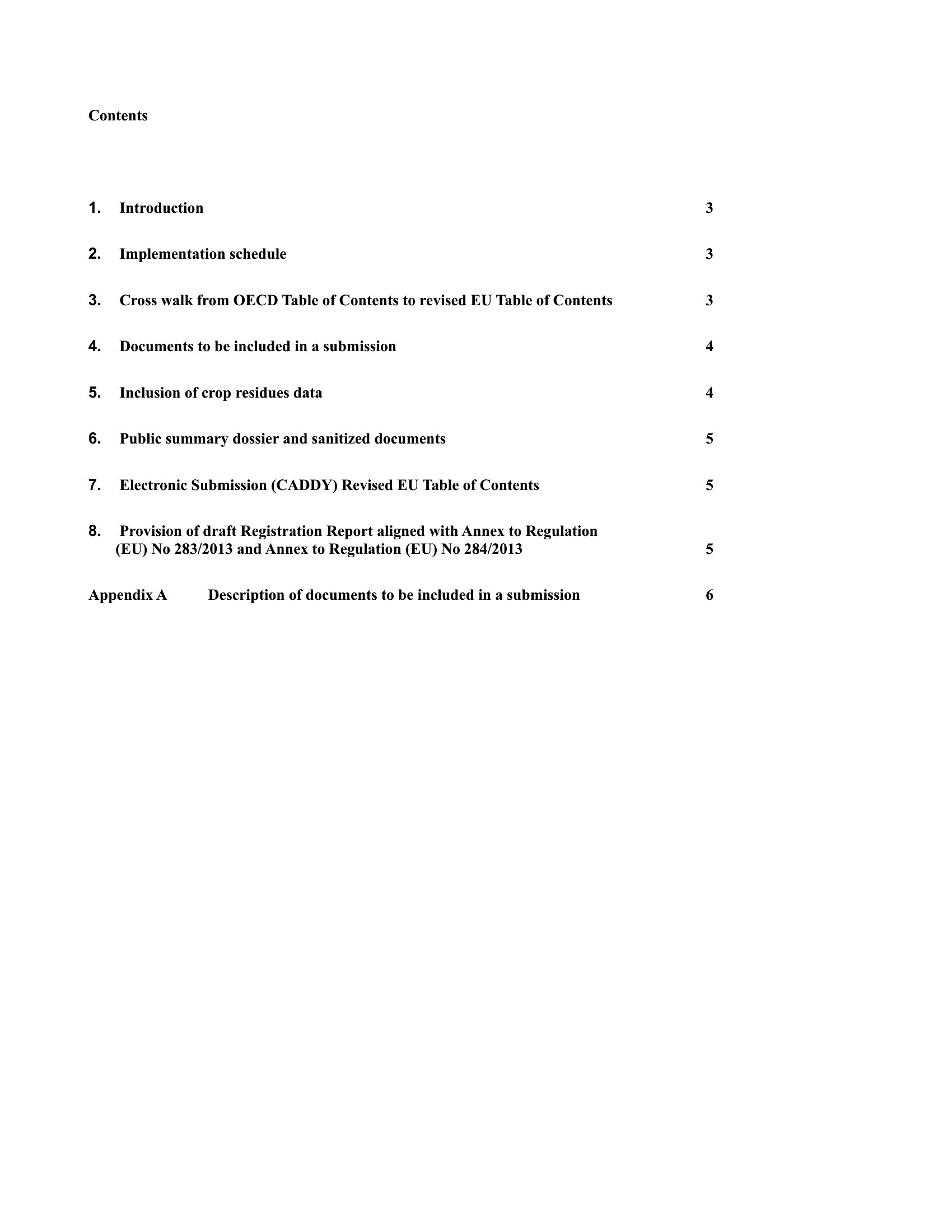
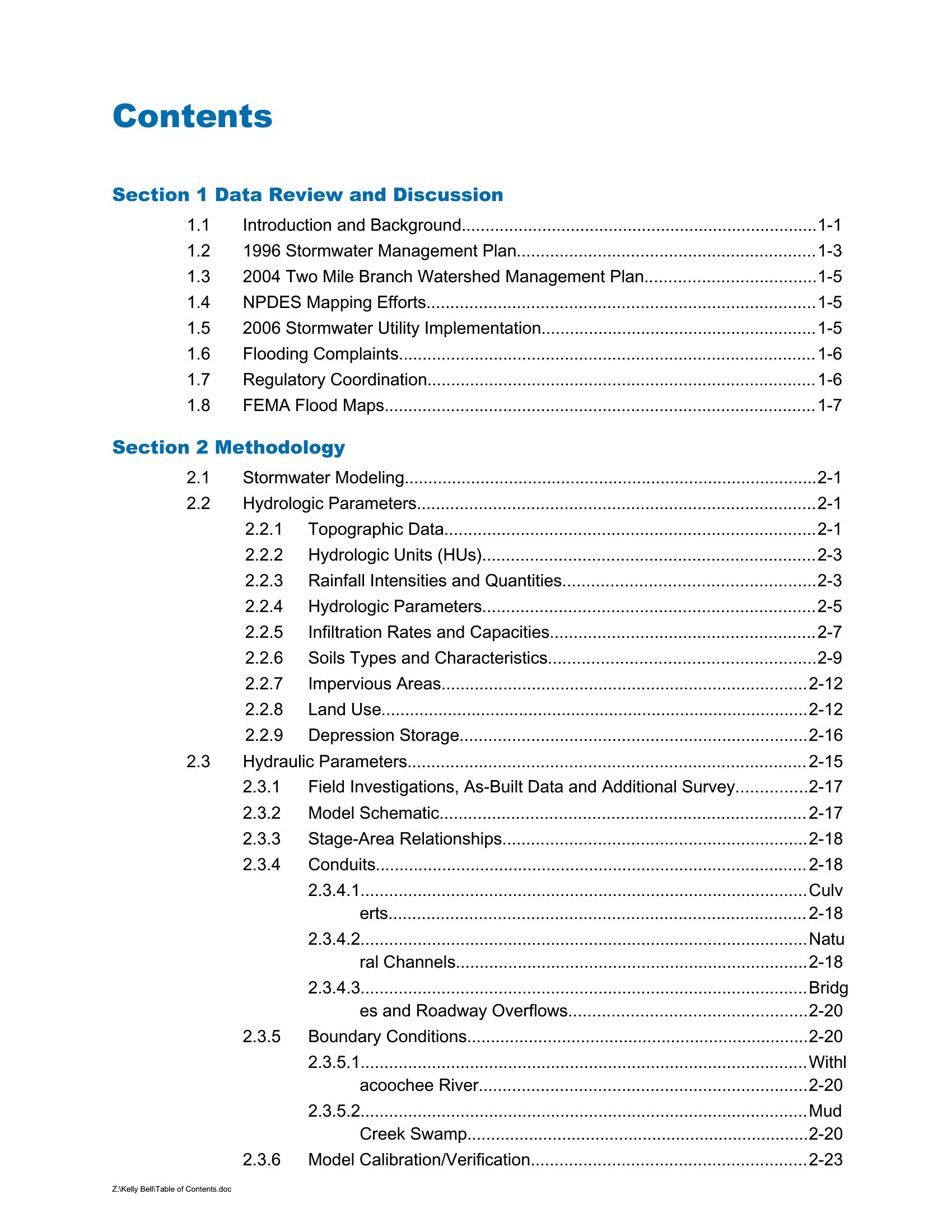
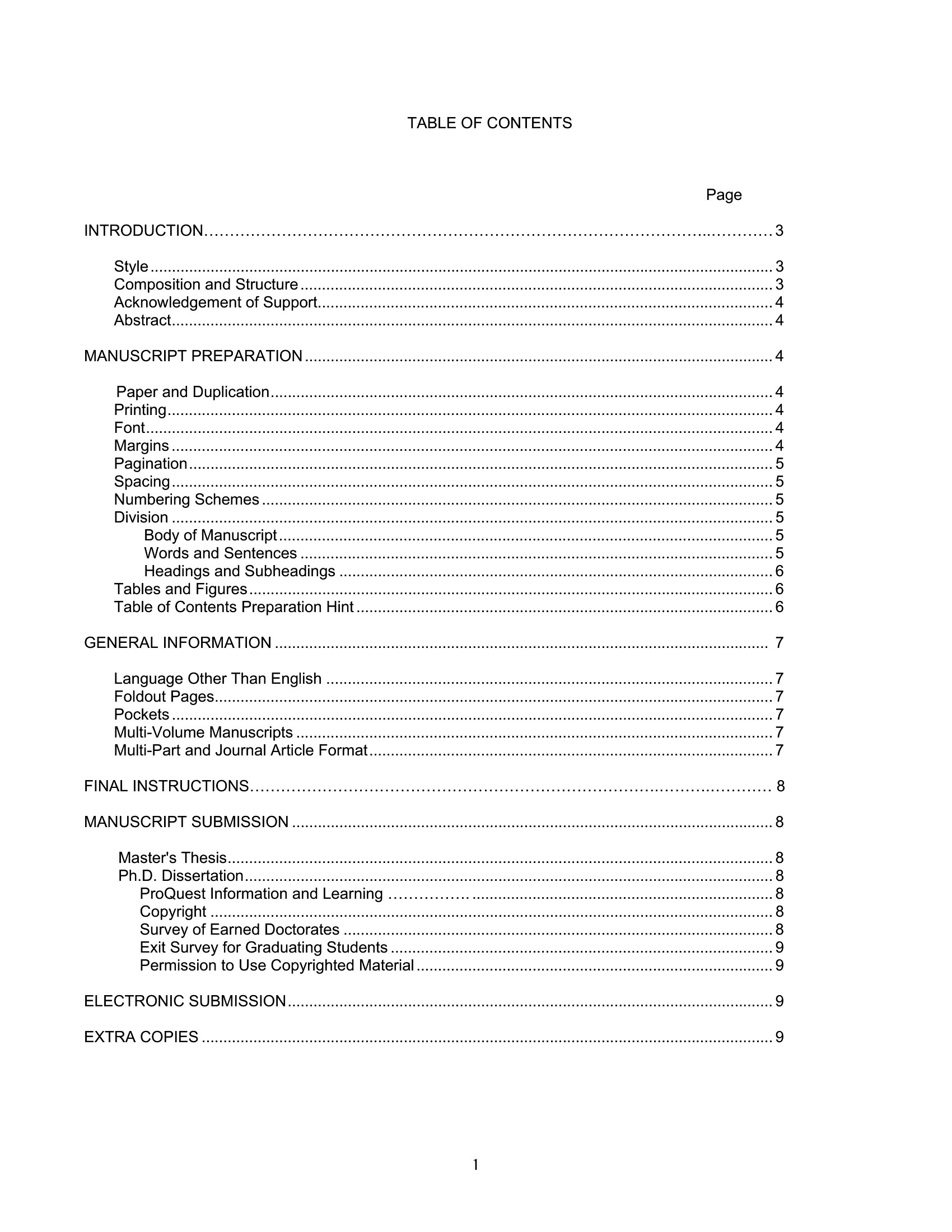
Choose from 32 Table of Contents Templates
Frequently Asked Questions about Table of Contents Templates
Are these Table of Contents templates free to download?
Yes. Every Table of Contents template in this collection is free to download from TemplateSpark. Just open the template you need, download it, and start editing right away — no subscription required to get started.
What file formats are available for Table of Contents templates?
These Table of Contents templates are available in Word and PDF. Pick the format that matches your workflow — each download keeps the original layout so it looks right whether you open, print, or share it.
Can I edit these Table of Contents templates?
Yes. The editable files open in Microsoft Word (and compatible apps like Google Docs or LibreOffice), so you can change the text, colors, and layout to fit your needs, then save or export the finished Table of Contents document.
How many Table of Contents templates can I choose from?
This page collects 32 Table of Contents templates so you can compare styles and layouts in one place. Browse the options, open the one that fits your purpose best, and download it in your preferred format.
Can I use Table of Contents templates for commercial purposes?
In most cases, yes — these Table of Contents templates are intended for both personal and business use. Check the license note on the template before redistributing or reselling, and avoid sharing the source files as your own product.
What is the purpose of a table of contents?
A table of contents lists the chapters, sections, and their page numbers so readers can quickly find what they need. It gives an overview of a document's structure, helps readers navigate long reports or manuals, and makes the finished work feel organized and complete.
How do you format a table of contents with aligned page numbers?
List each section title on the left and its page number on the right, with dot leaders or tabs connecting them so the numbers align neatly. Indent subsections under their main headings to show hierarchy. Consistent spacing and alignment keep the list clean and easy to scan.
What should be included in a table of contents for a report?
Include the major headings and subheadings with their page numbers, in the order they appear. You might list front matter like an introduction and back matter like appendices or references. Match the wording exactly to the headings in the document so readers find each section easily.
Comments
Join the conversation
Sign in to share your thoughts and leave a comment on this resource.