
Free Study Plan Templates (Word, Excel, PDF)
Academic by giraypekkan
A study plan turns a mountain of material into a manageable schedule, so you know what to review and when instead of cramming the night before. This collection of 47 templates helps students of all ages map out classes, assignments, and exam prep across the week or term.
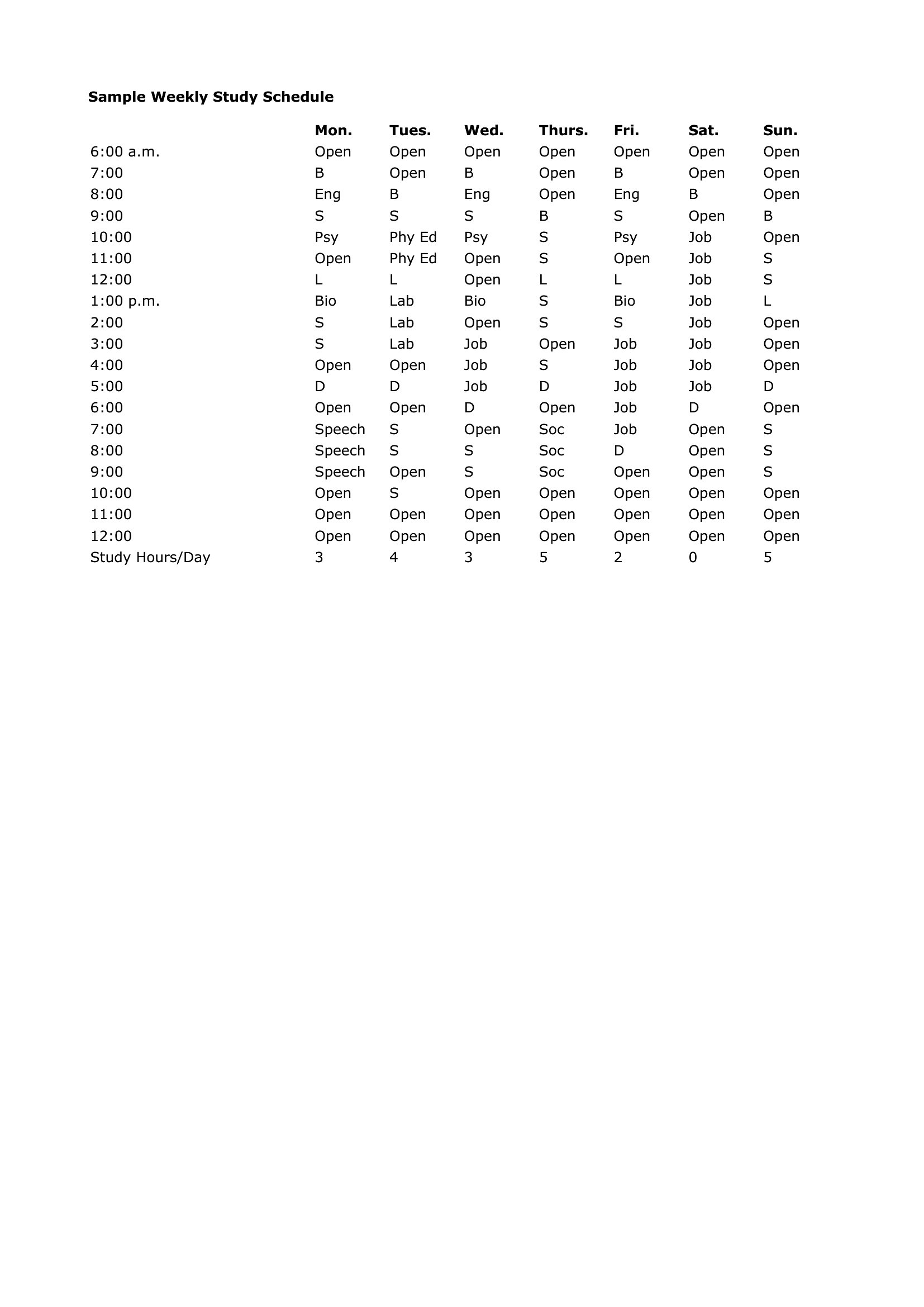
The Excel versions are great for building a weekly timetable that totals your hours, the Word files suit a customized plan, and the PDFs print for a desk or binder. Block out subjects, set goals, and check off topics as you cover them. It's free and easy to adjust as your workload shifts. Pick the format that fits how you study and lay out your plan for the next exam.
When to use this Study Plan template
- A high school student juggling AP classes, extracurriculars, and a part-time job needs a color-coded weekly study plan in Excel to balance after-school shifts with homework deadlines, ensuring they never miss an assignment or exam while maintaining their work schedule.
- College graduate preparing for the GMAT over three months uses a Word study plan template to break down practice tests, flashcards, and weak-area drills into daily 90-minute blocks, with built-in review sessions to track progress and adjust focus areas.
- A medical student in their second year of residency uses a PDF study plan template to organize anatomy lectures, clinical rotations, and board exam prep across a 12-week block, aligning study sessions with hospital shift schedules to avoid burnout.
- Parents helping their middle schooler with a reading comprehension unit download a fillable PDF study plan to assign nightly vocabulary exercises, chapter summaries, and discussion questions, ensuring consistent practice without overwhelming the child’s weekend activities.
Which format should I download?
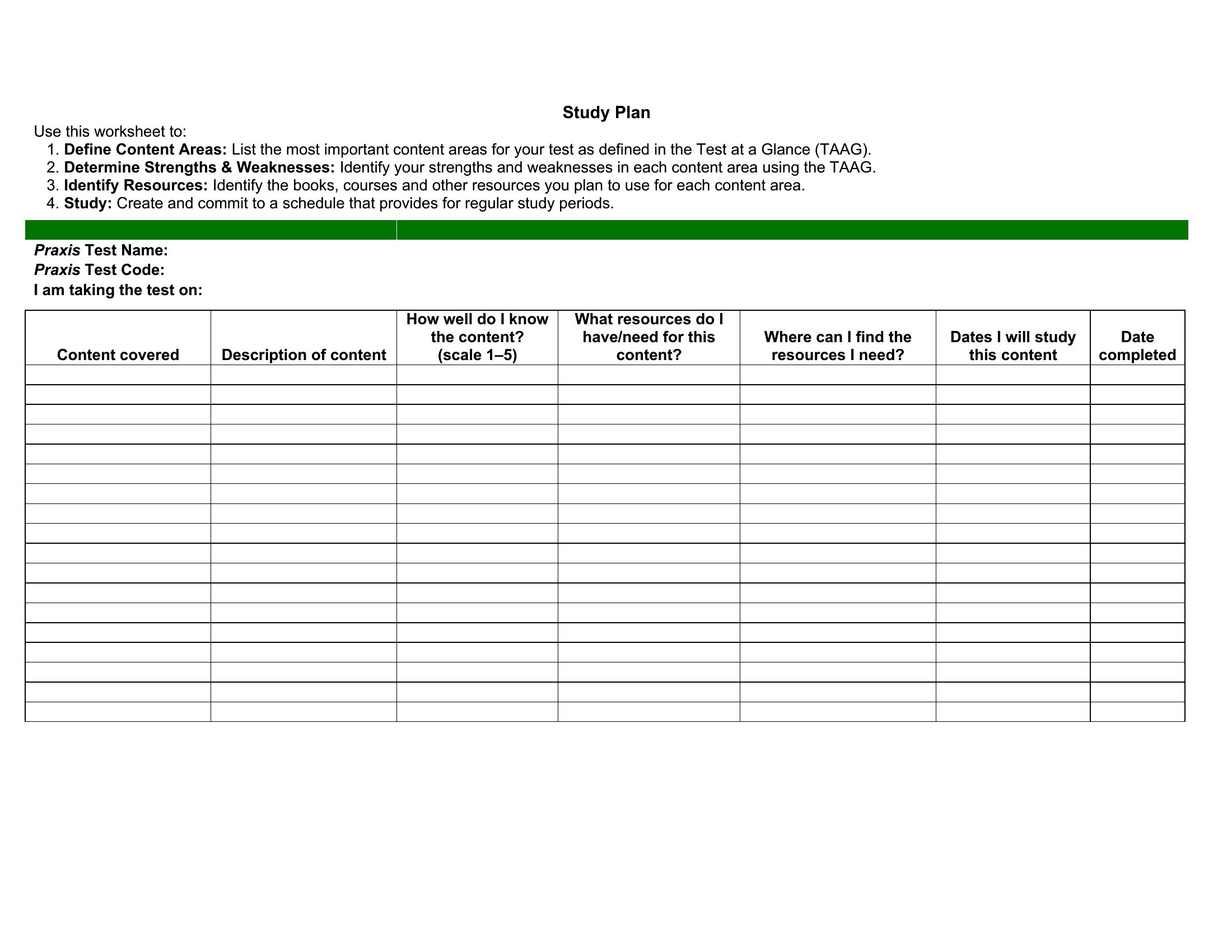
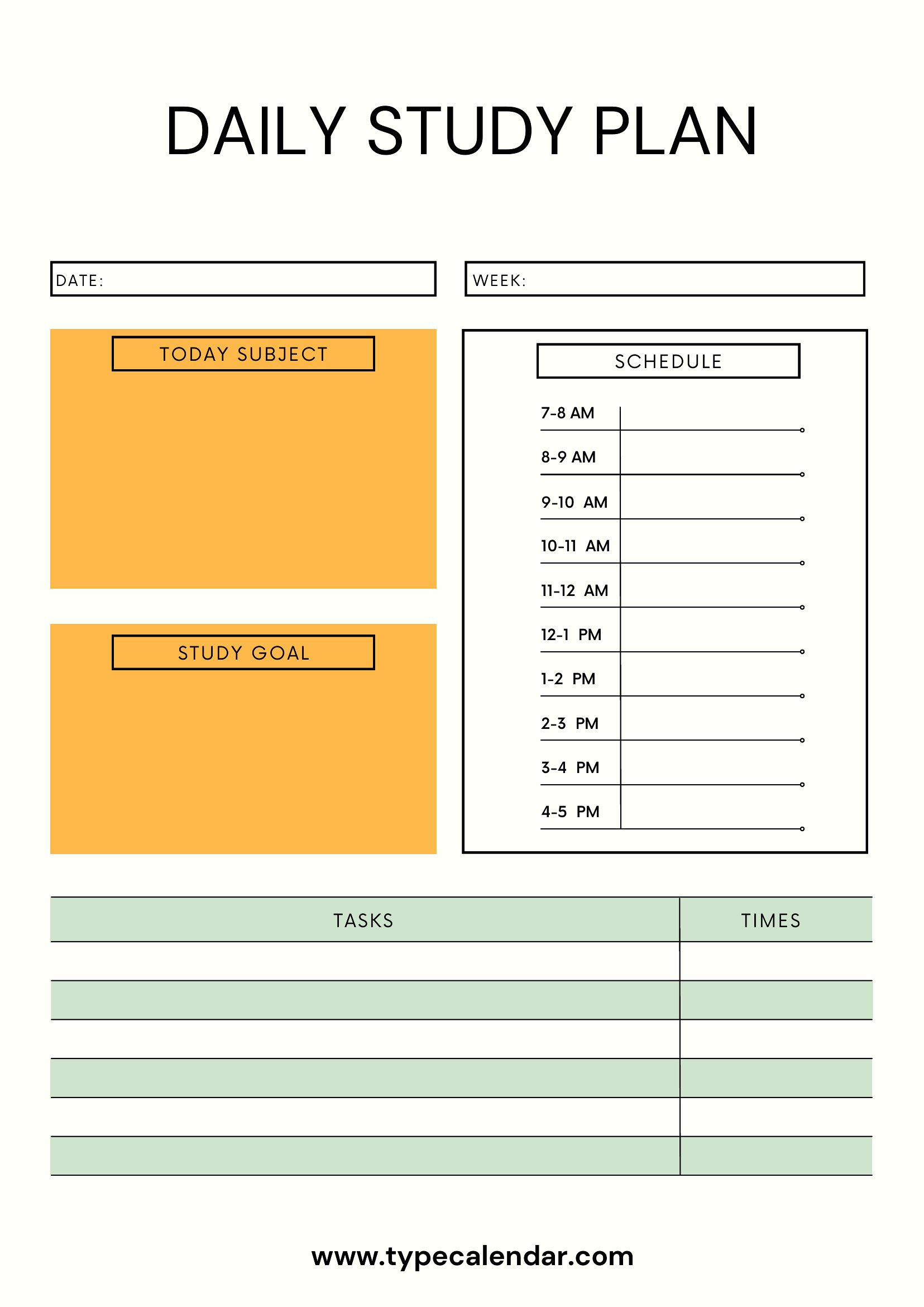
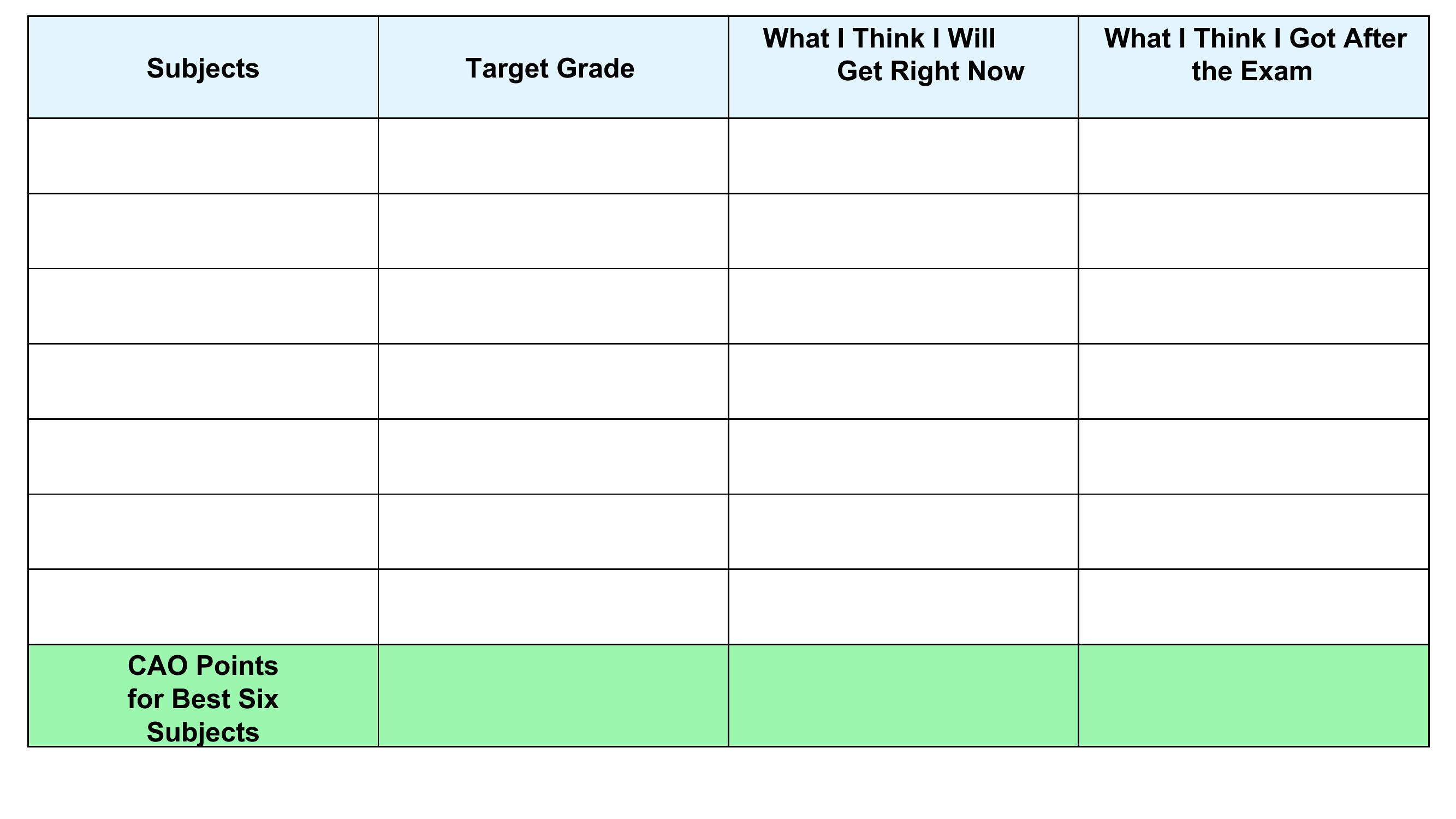
Choose Excel for a structured, math-based study plan where you need to track time allocations, weekly goals, or cumulative progress—its grid layout helps visualize hours spent reviewing each subject or topic. Opt for Word when you want a flexible, text-heavy plan that includes detailed notes, explanations, or customizable sections like a weekly reflection journal. Use PDF if you need a printable, shareable layout for group study sessions or to follow a pre-designed system (like the Pomodoro technique) without editing tools. The PDF format is ideal for distributing to peers or tutors who may not have Microsoft Office.
Choose from 47 Study Plan Templates
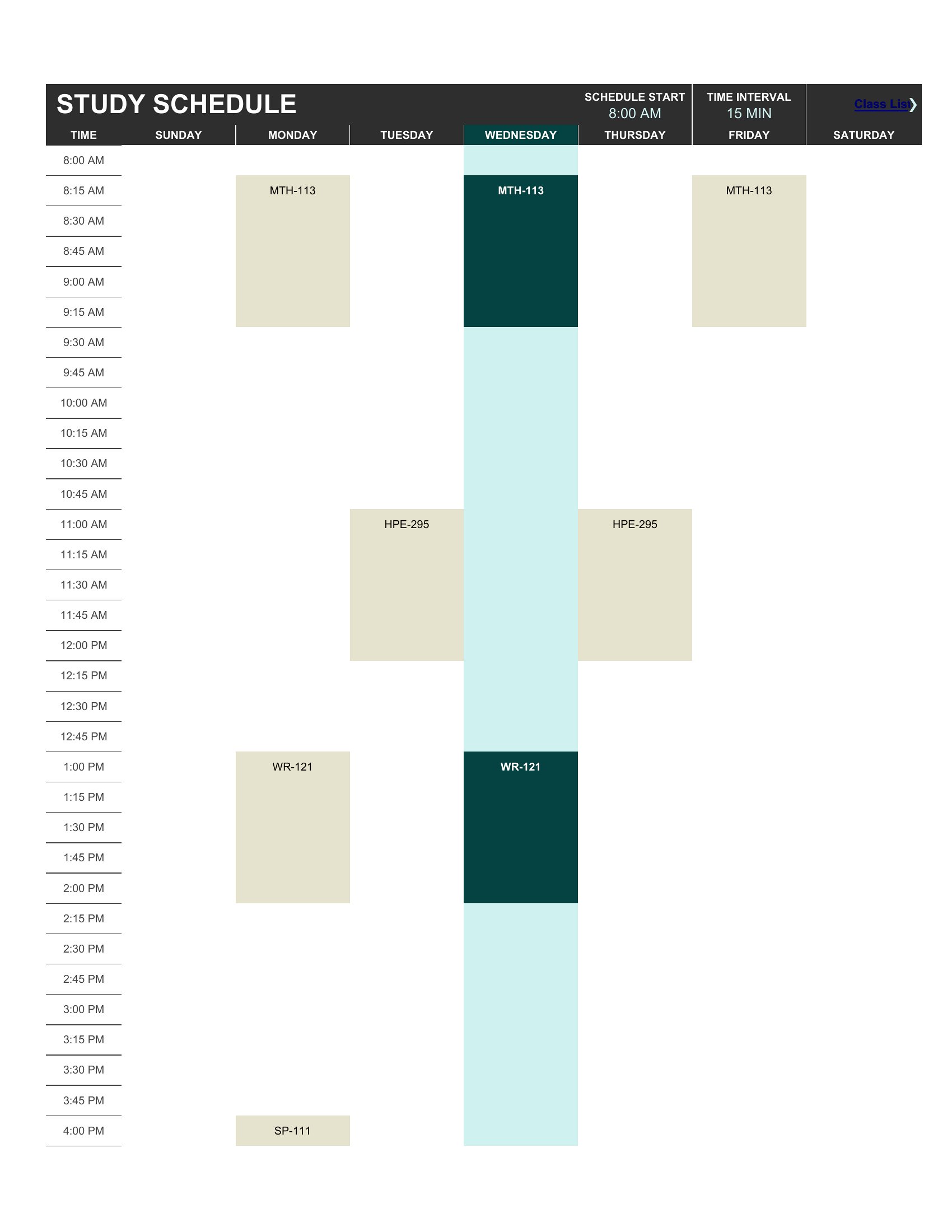
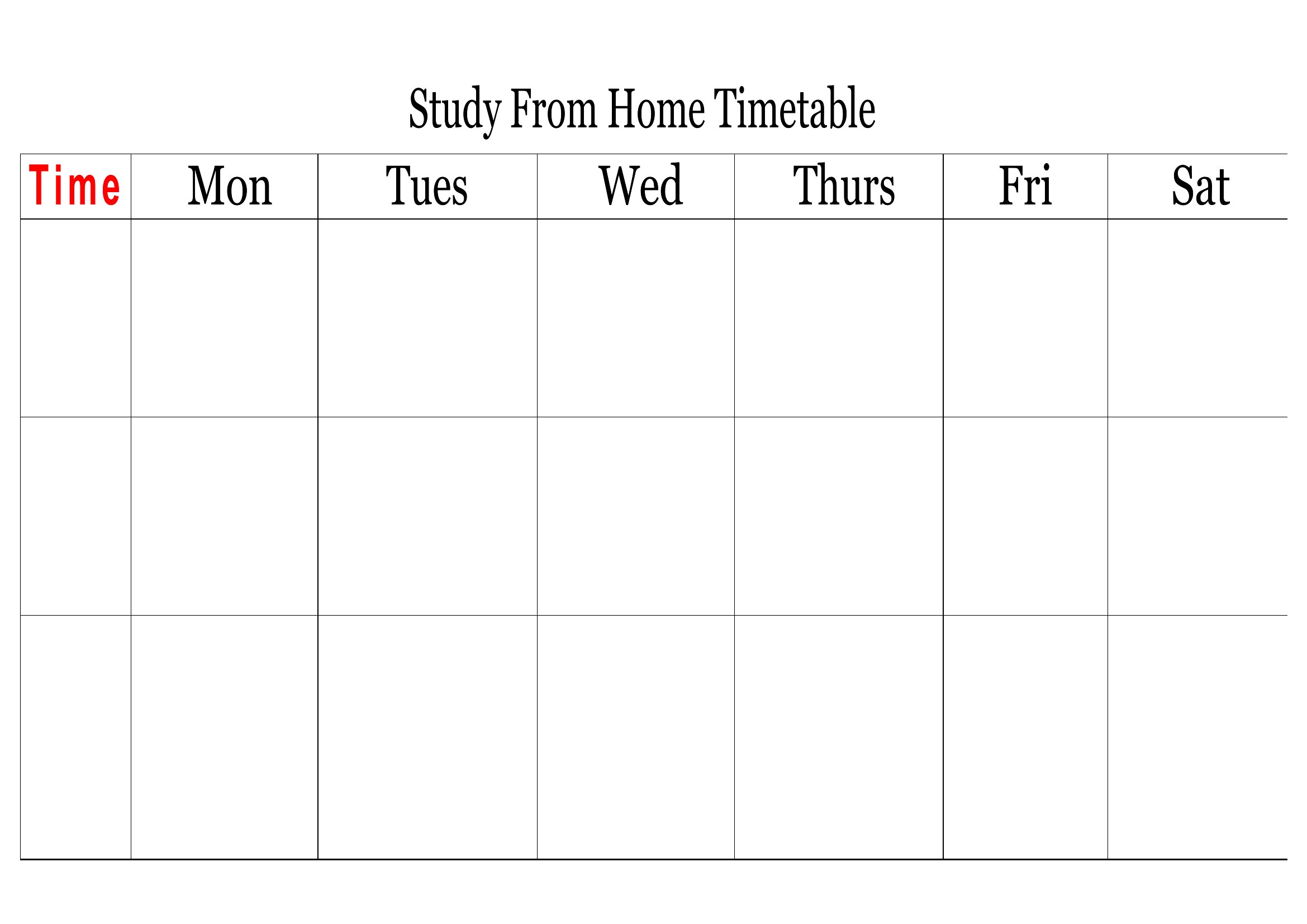
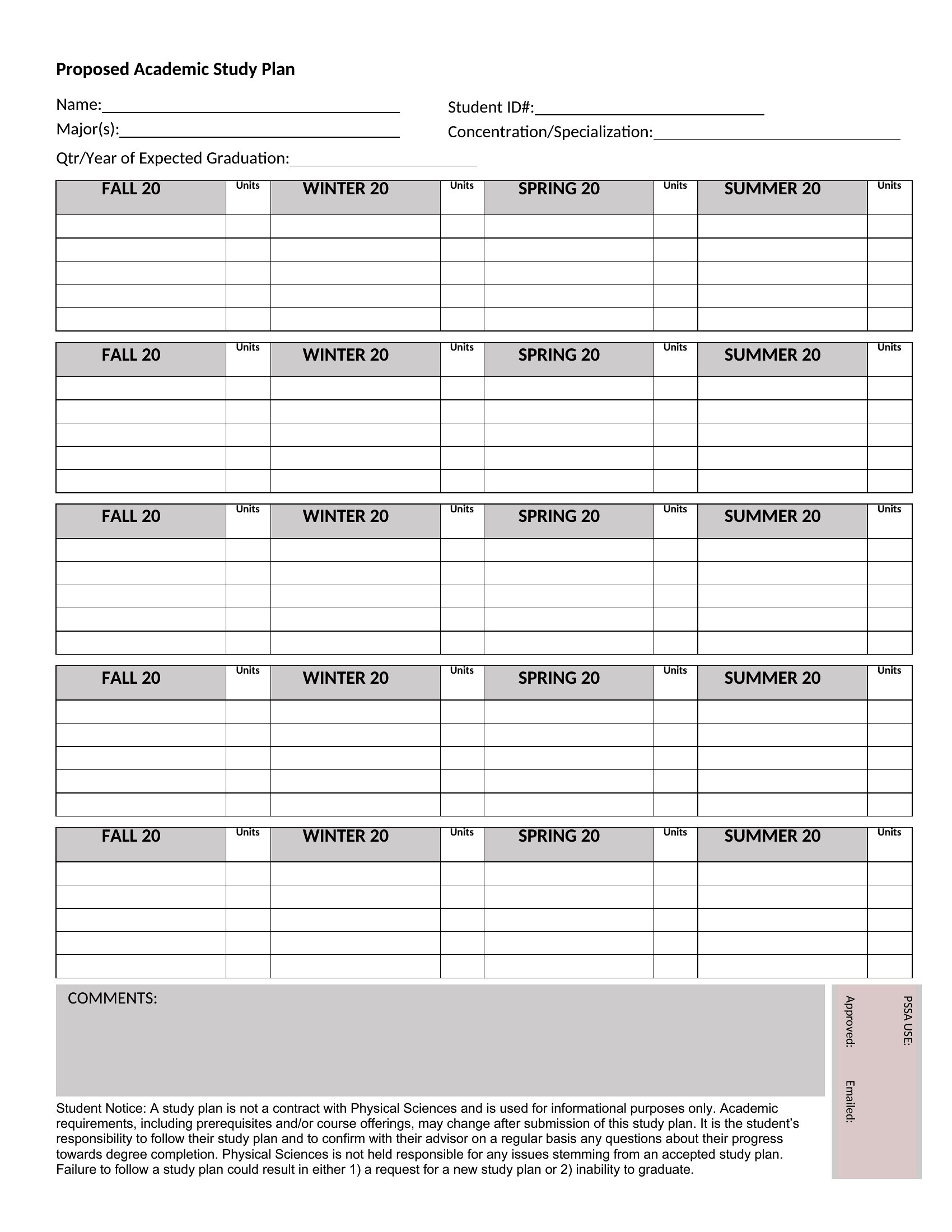
Study Plan For Exams
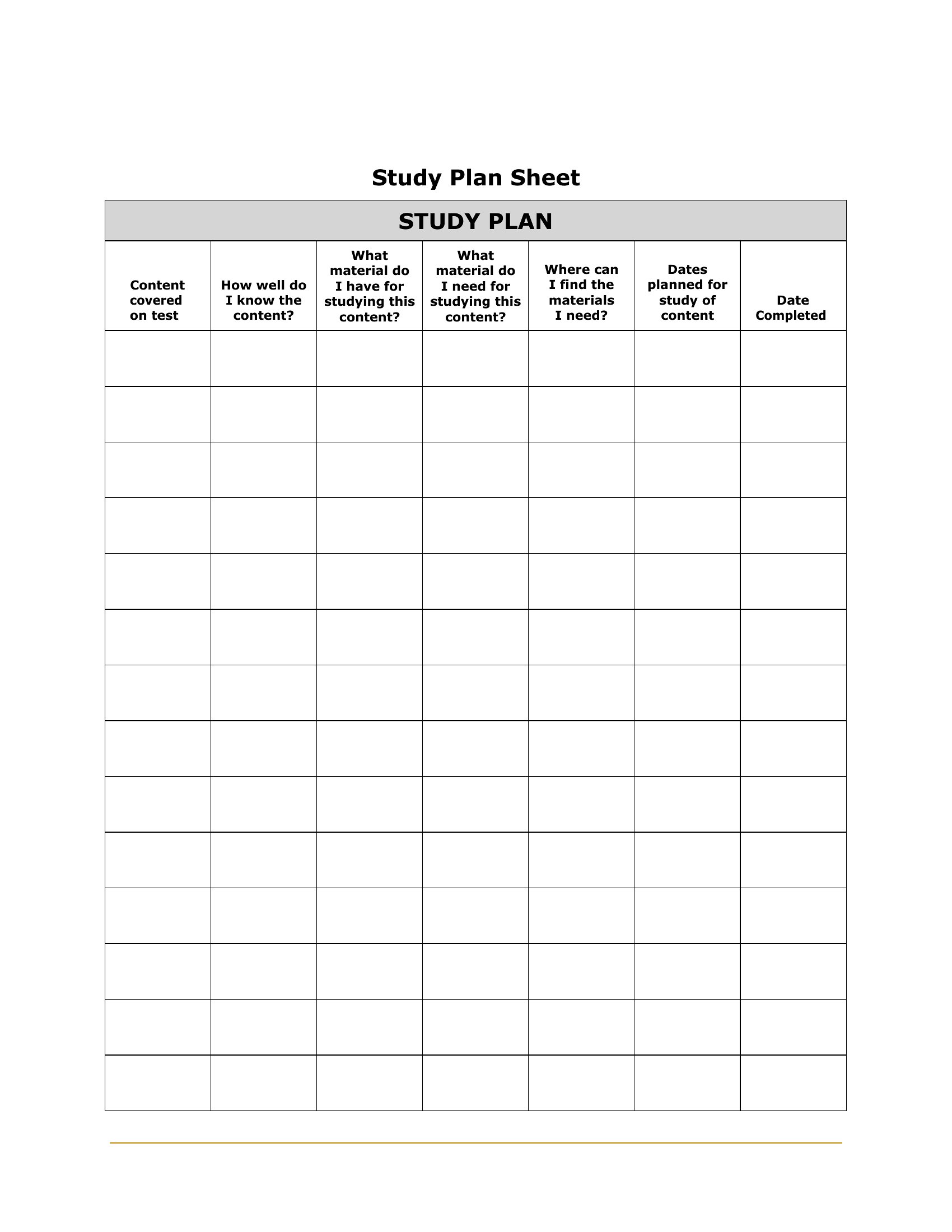
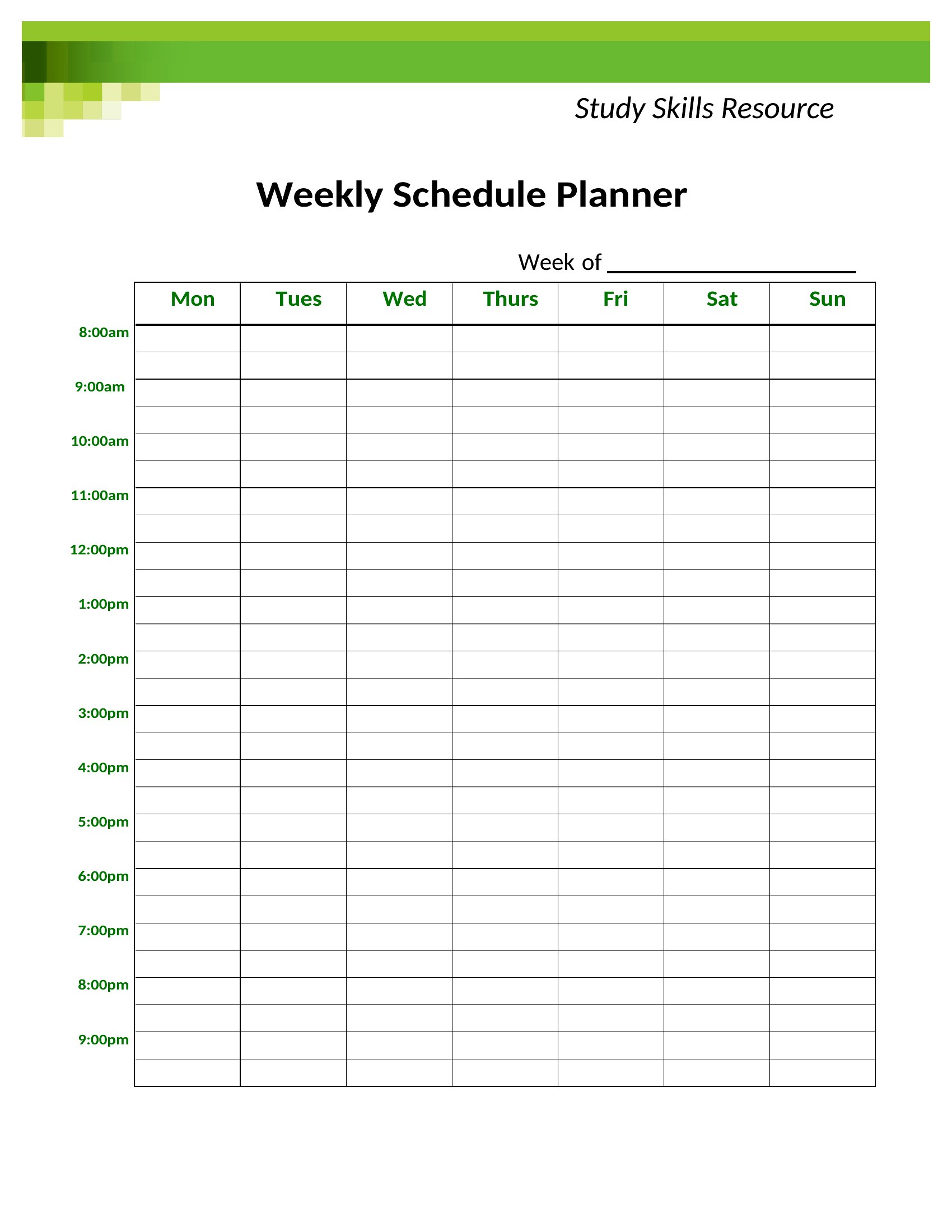
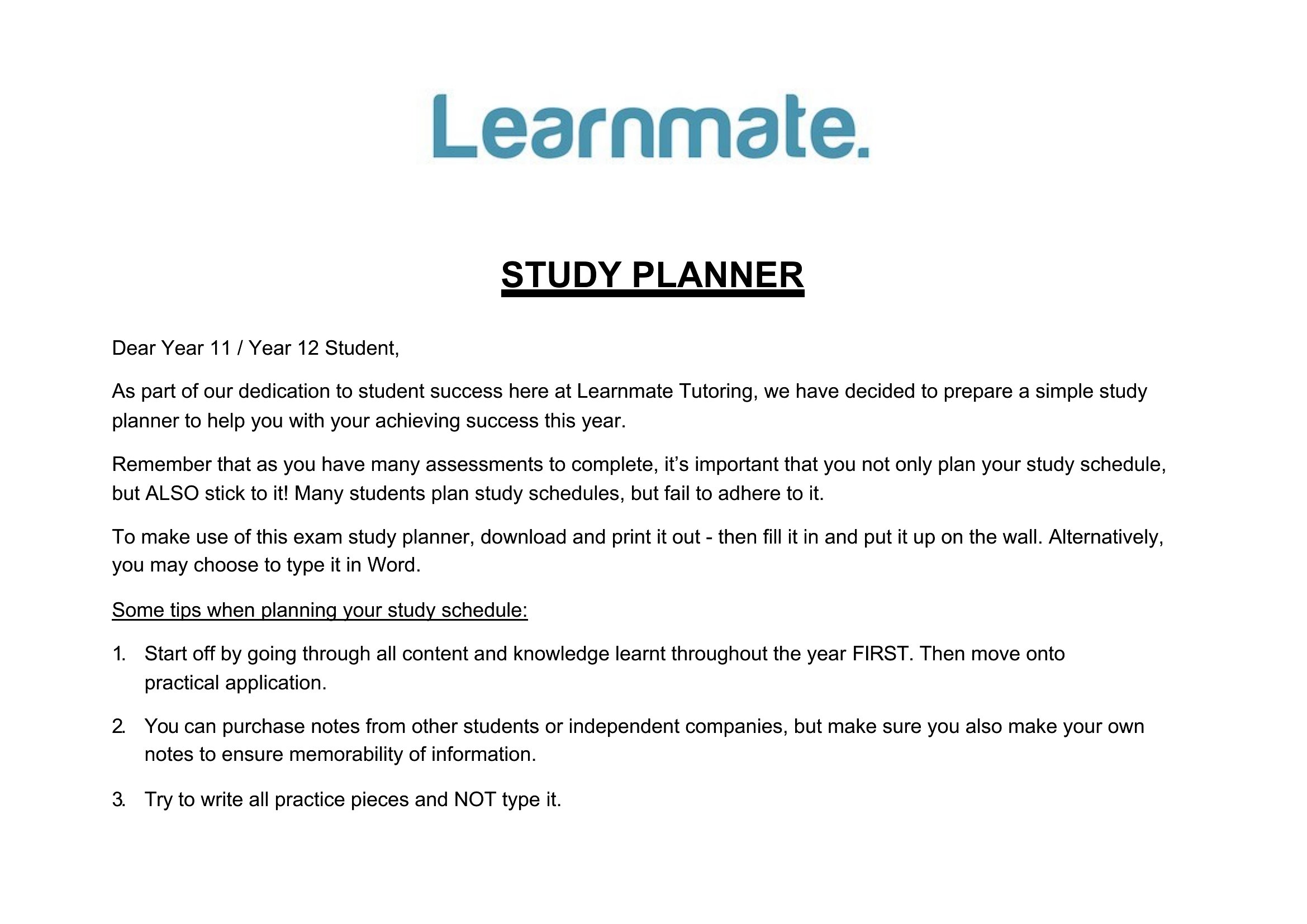
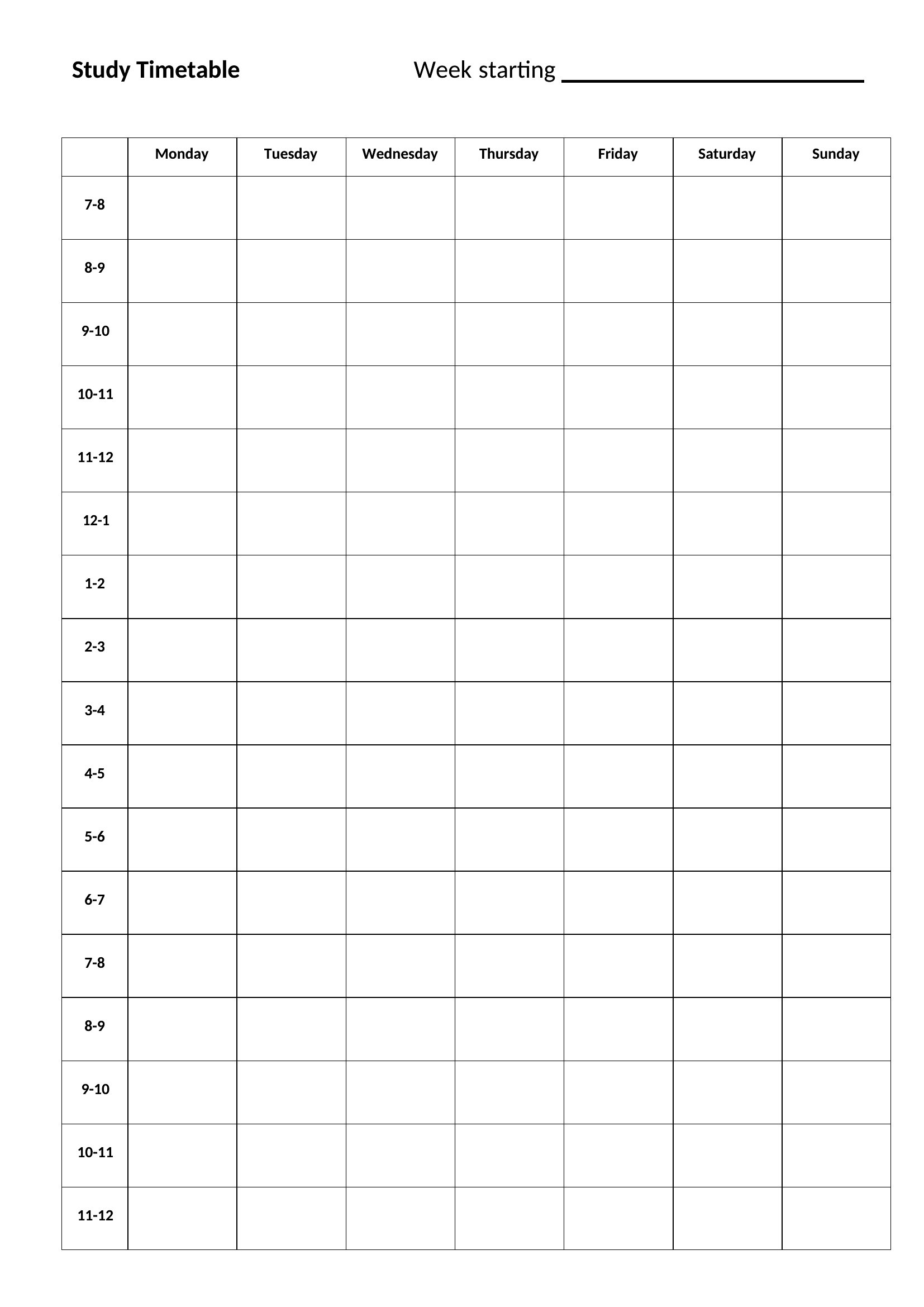
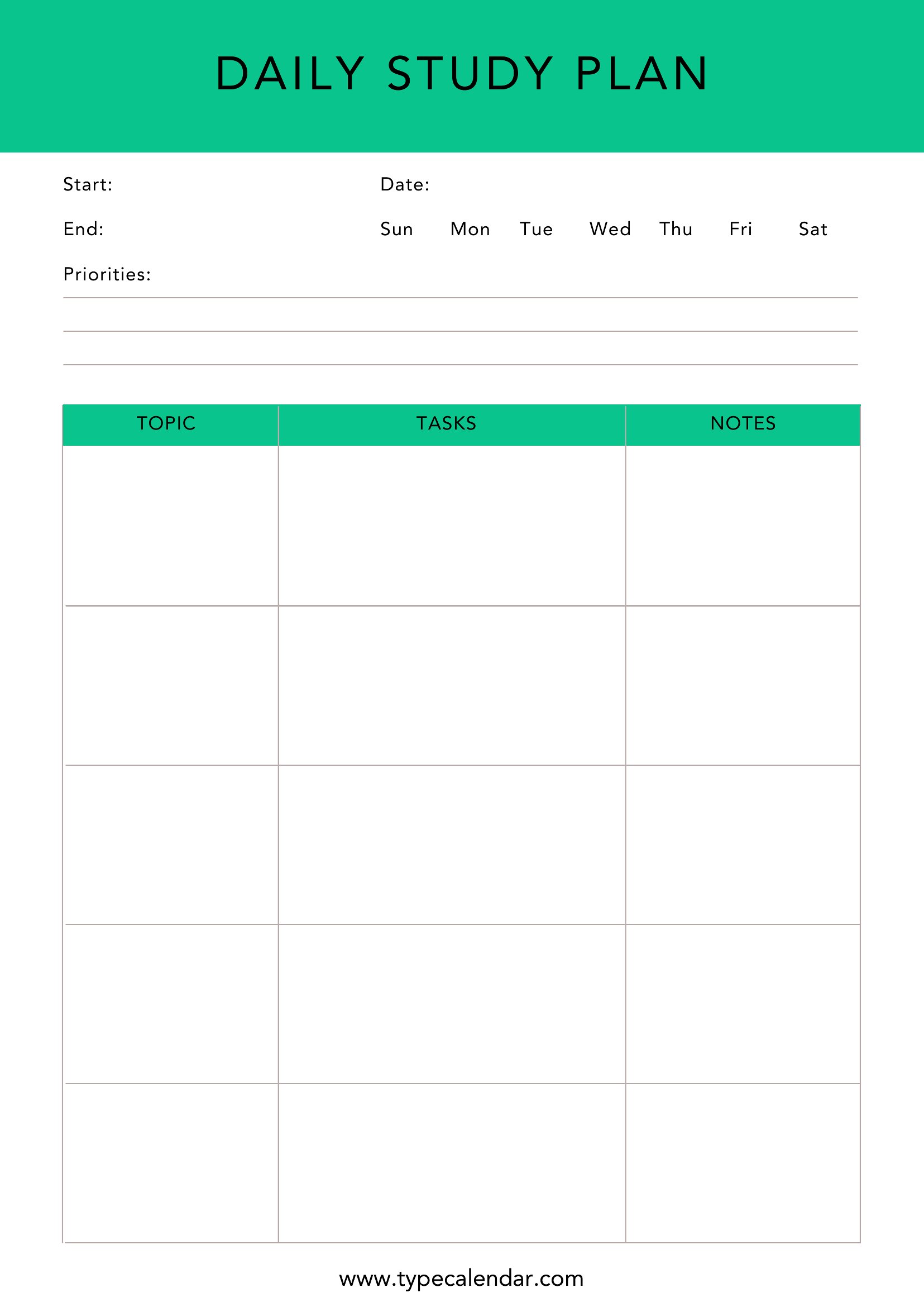
Free Study Plan
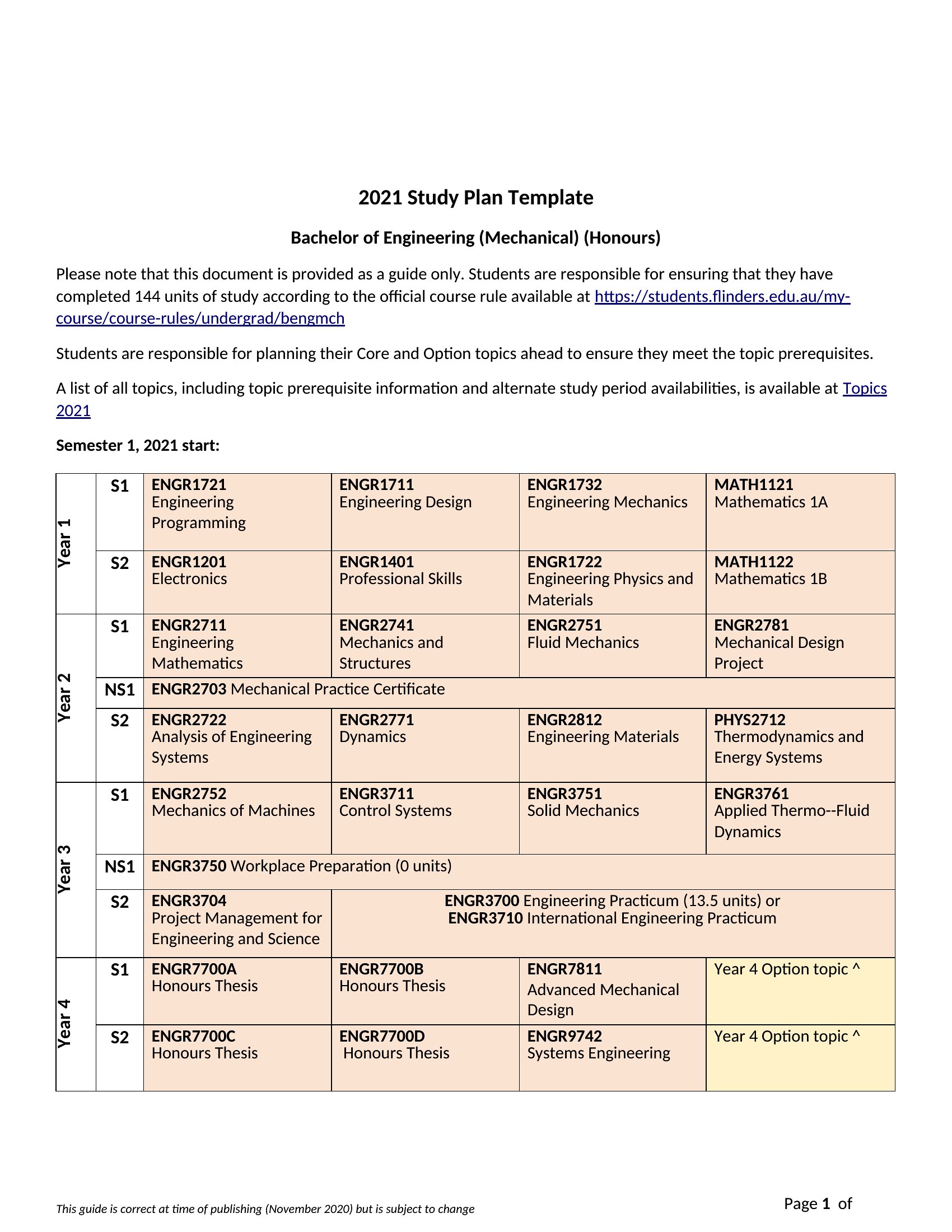
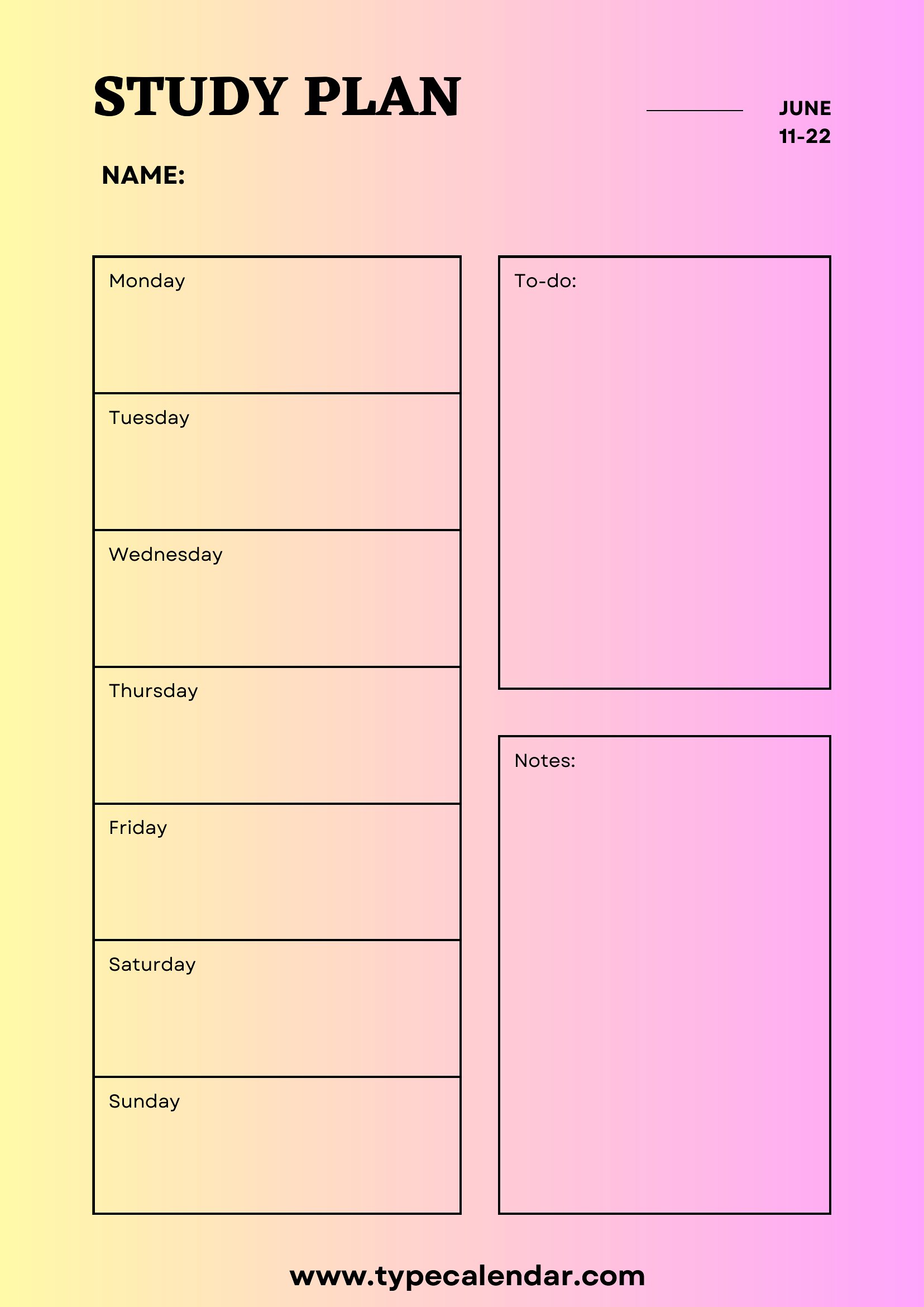
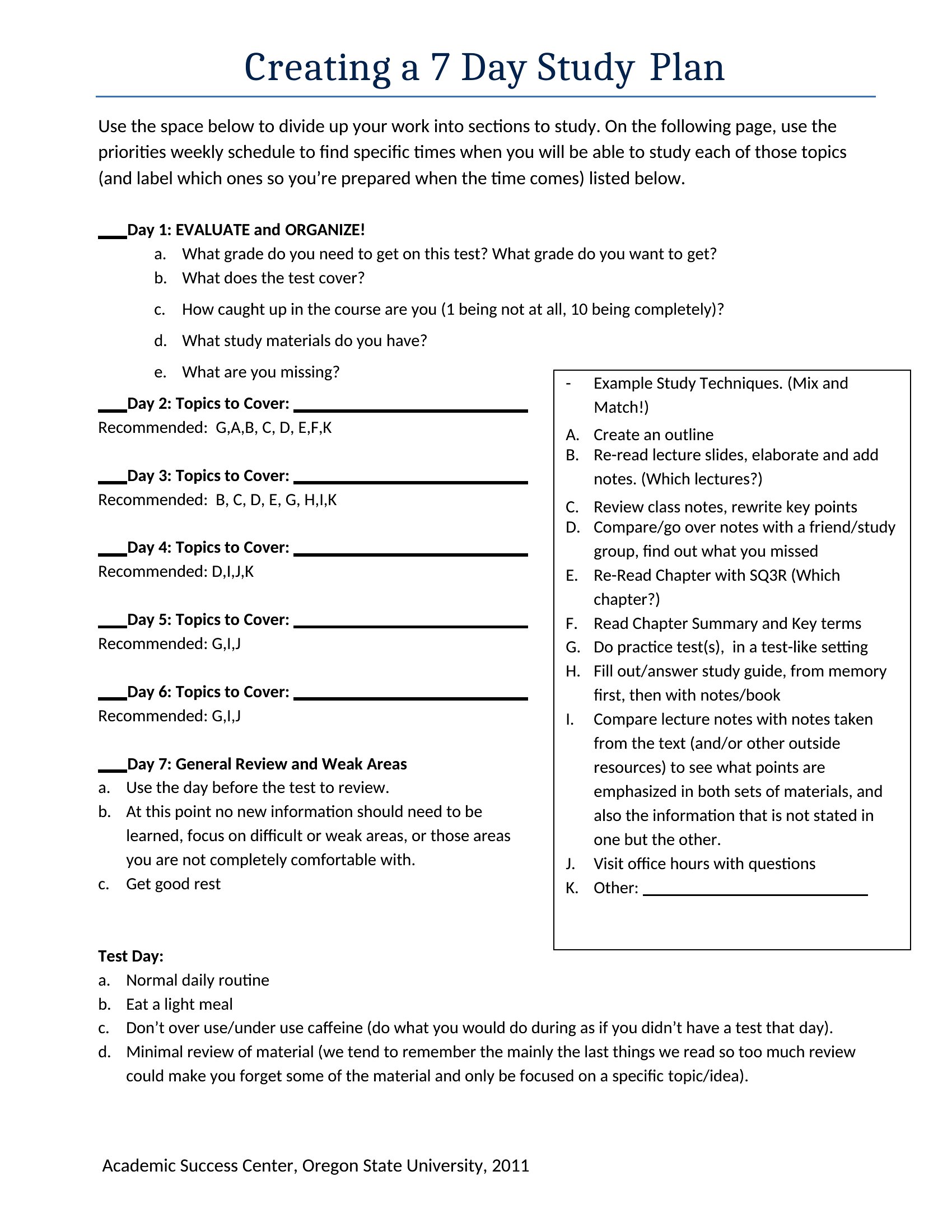
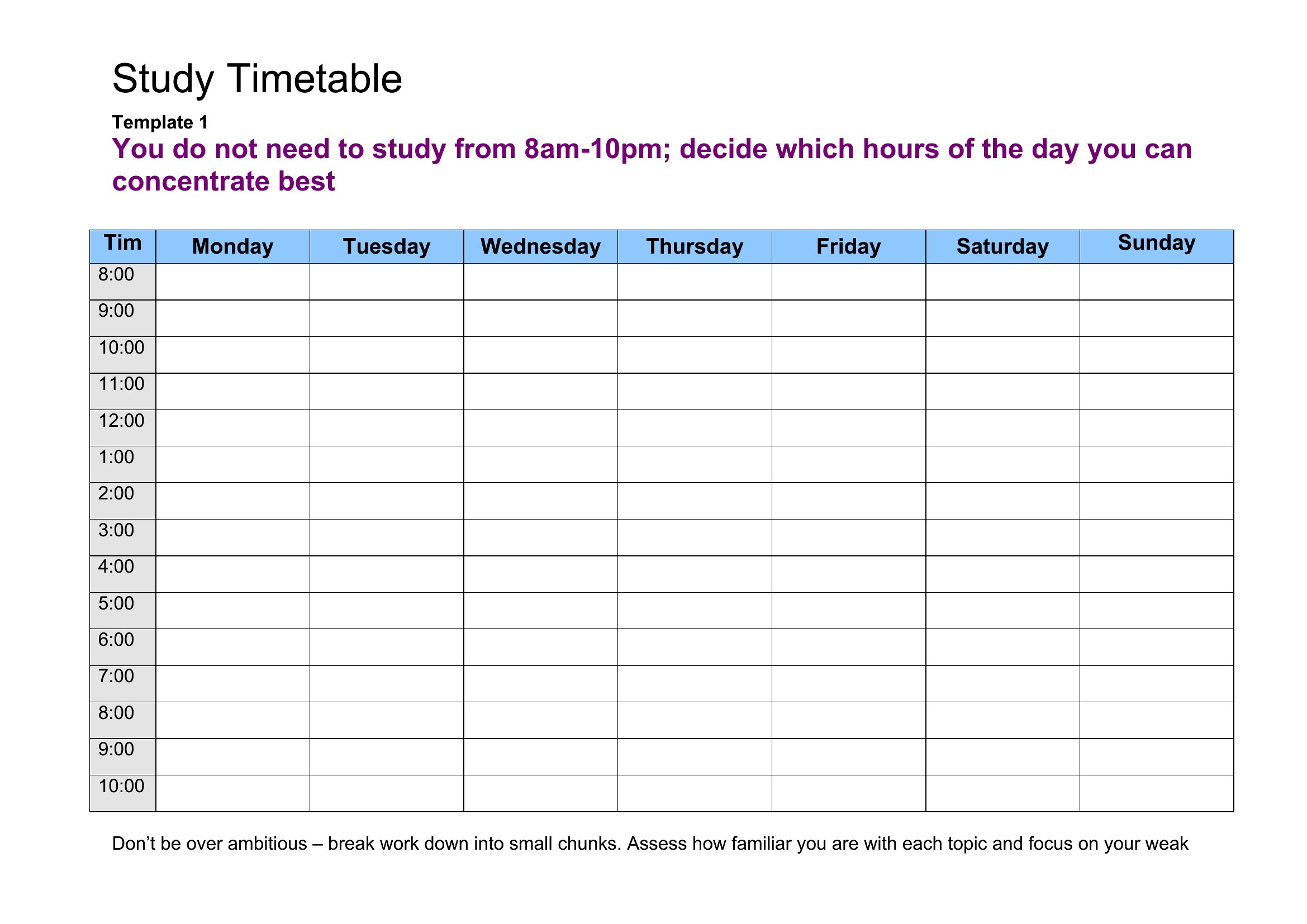
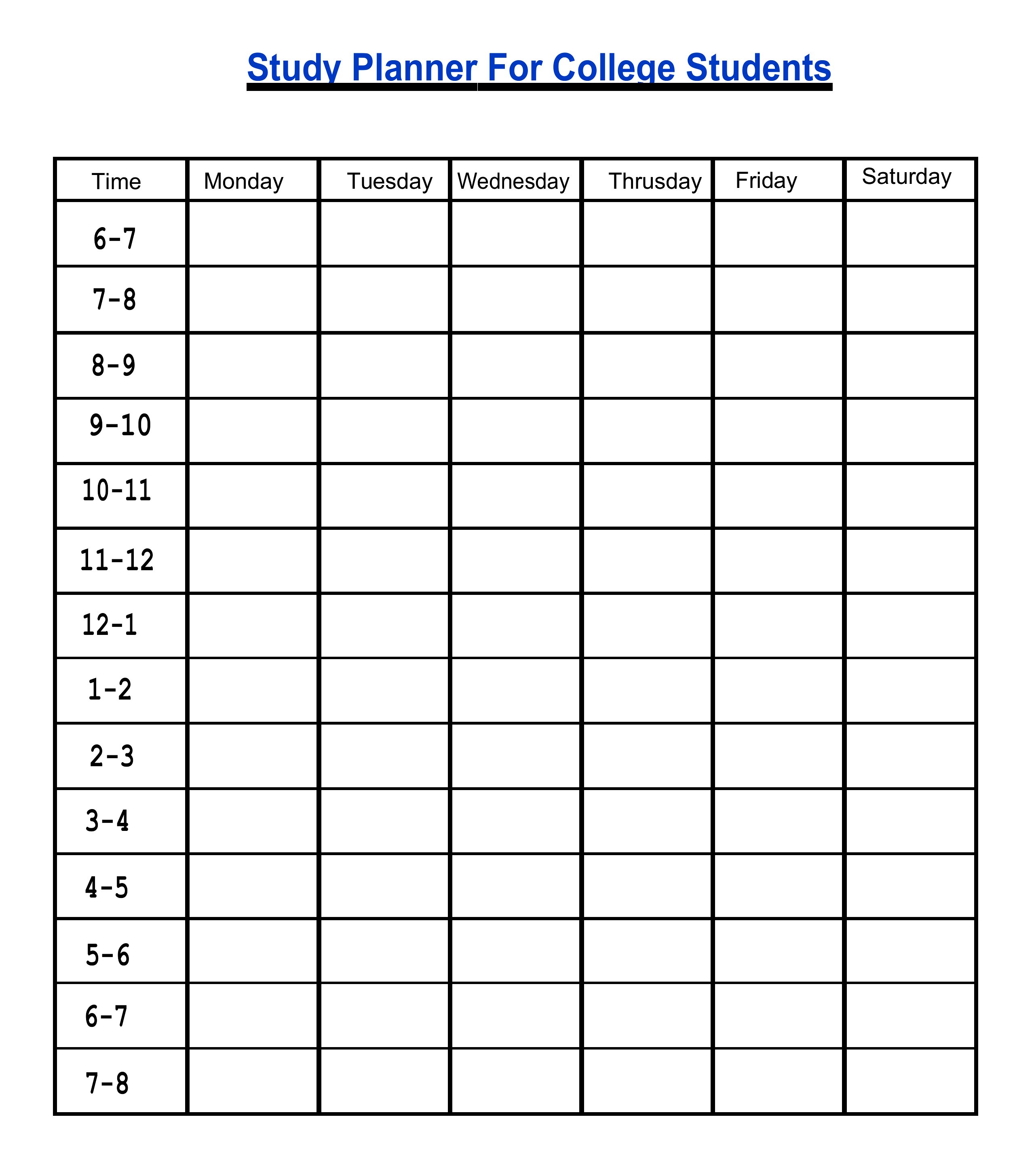
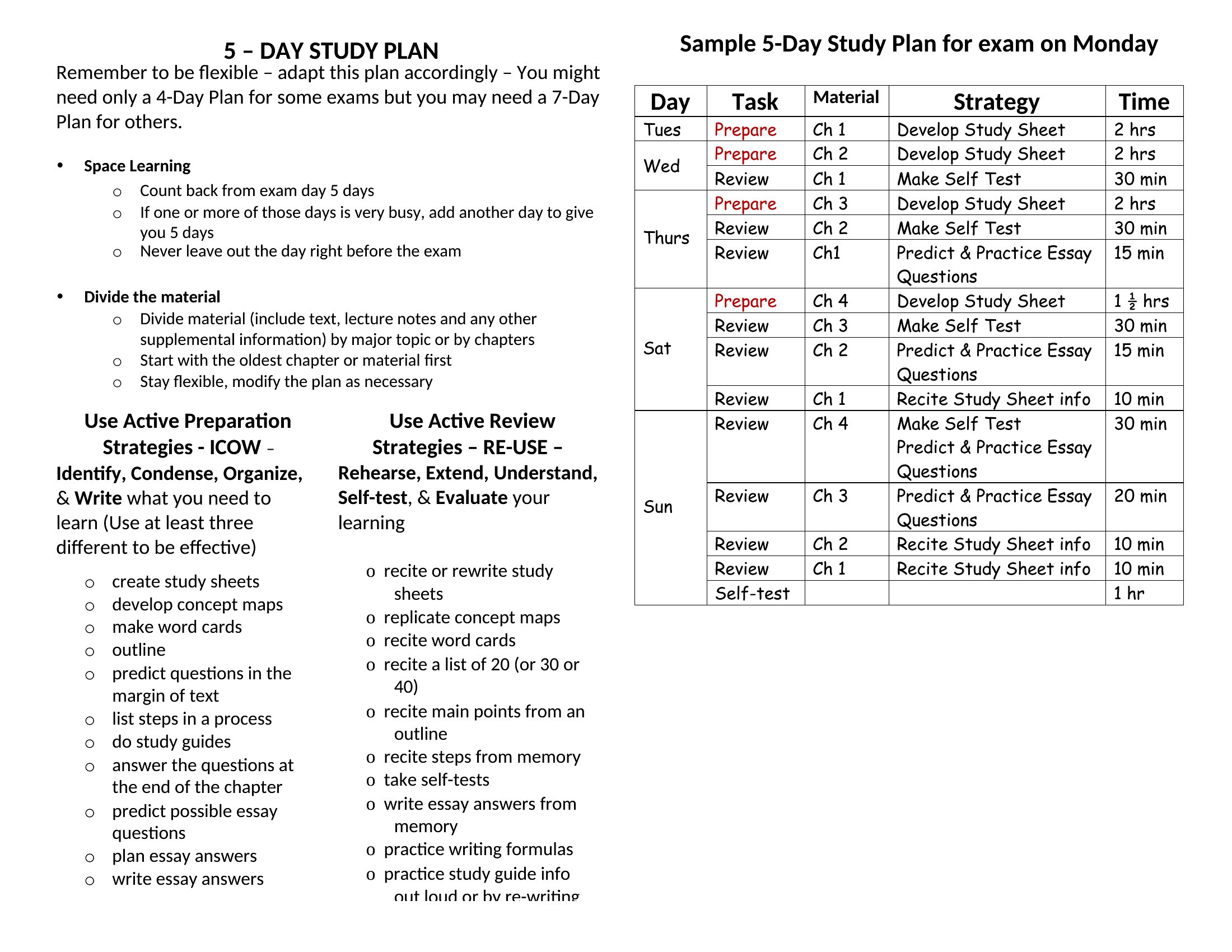
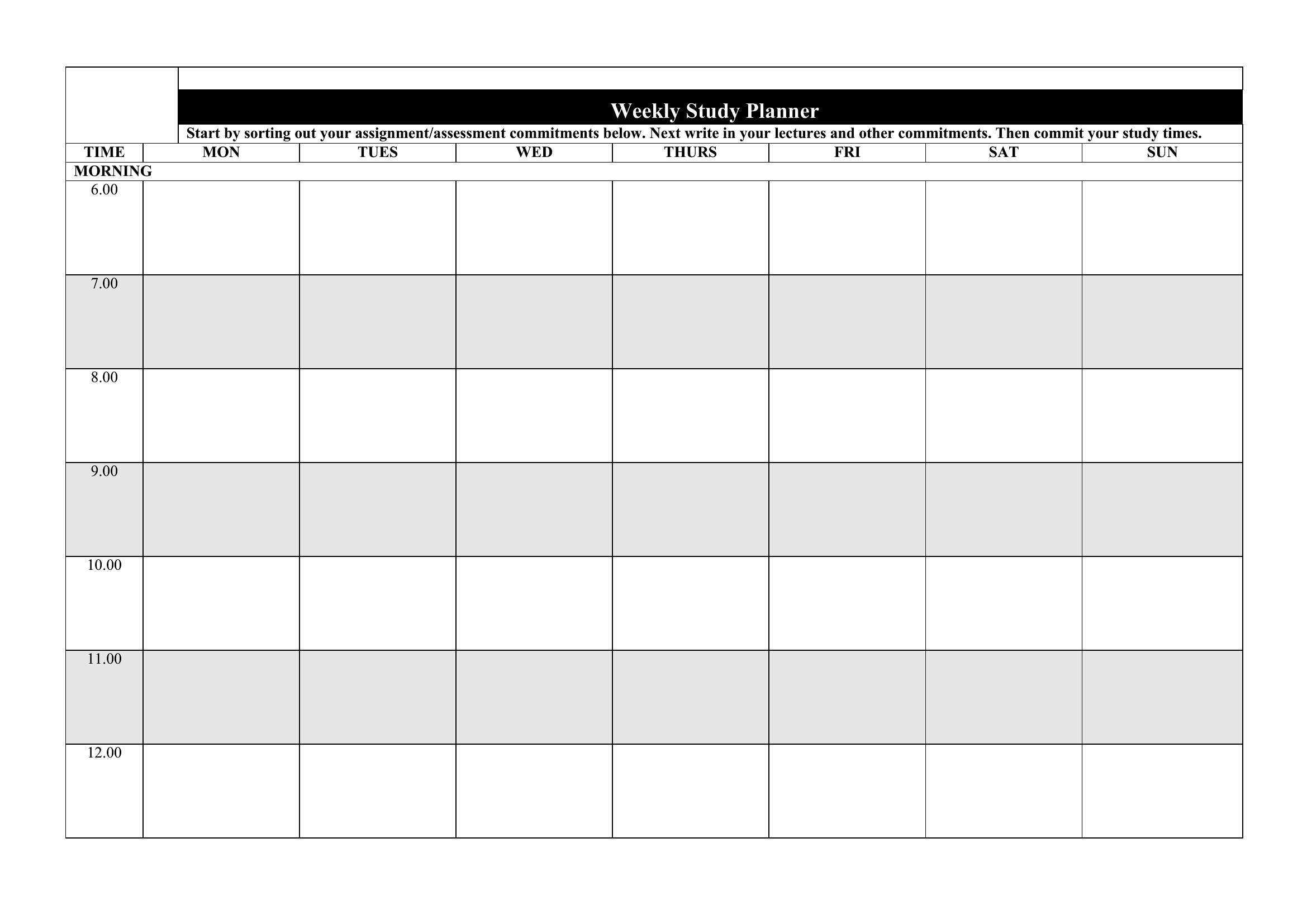
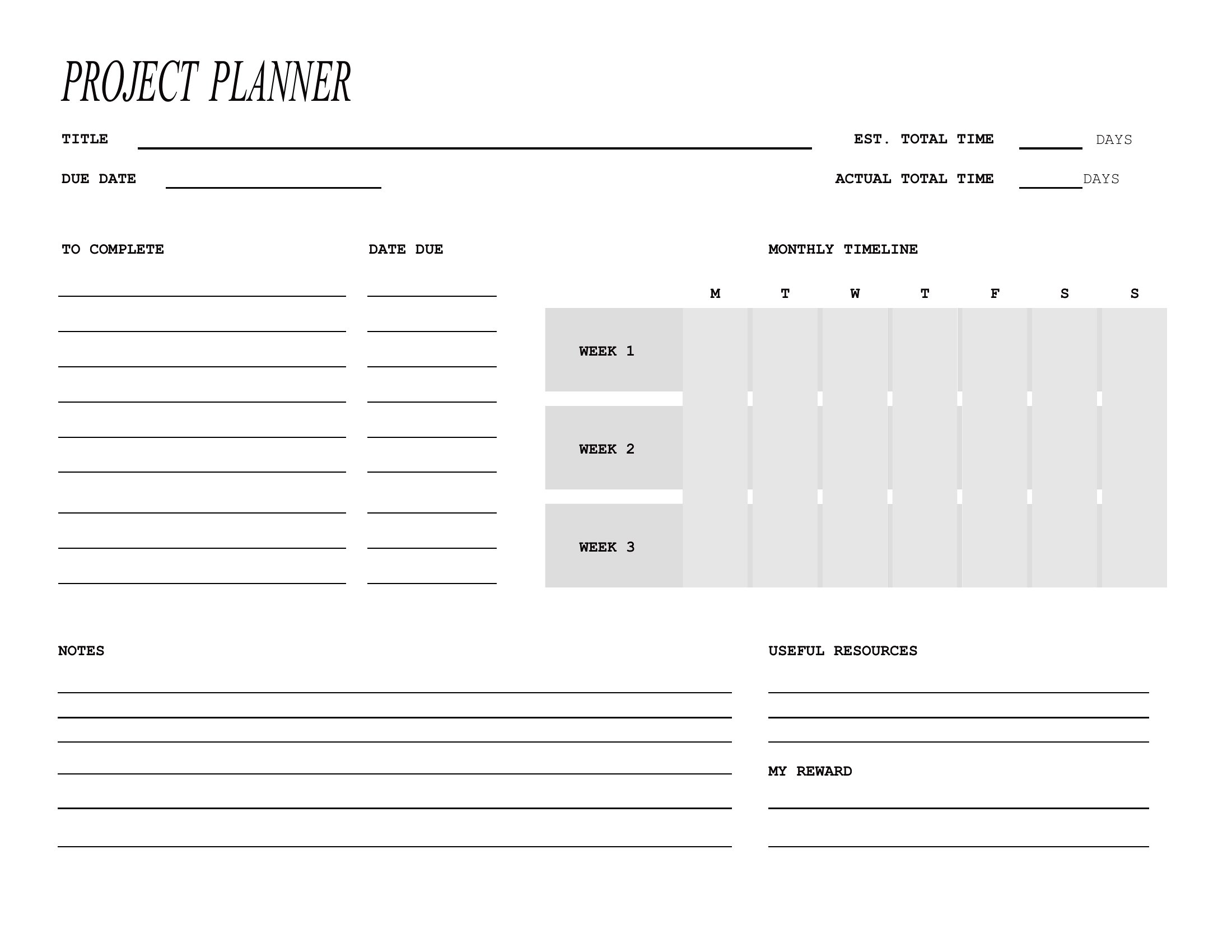
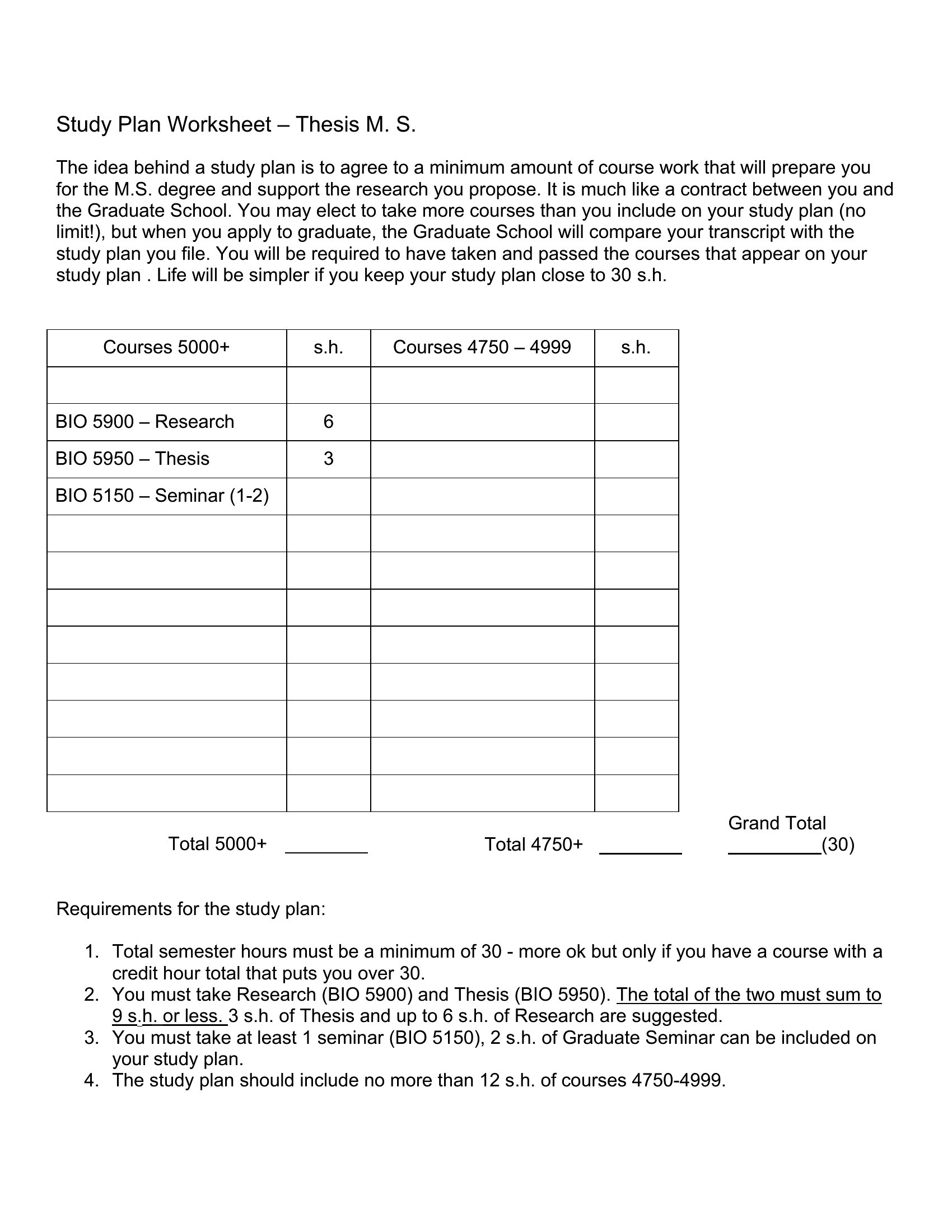
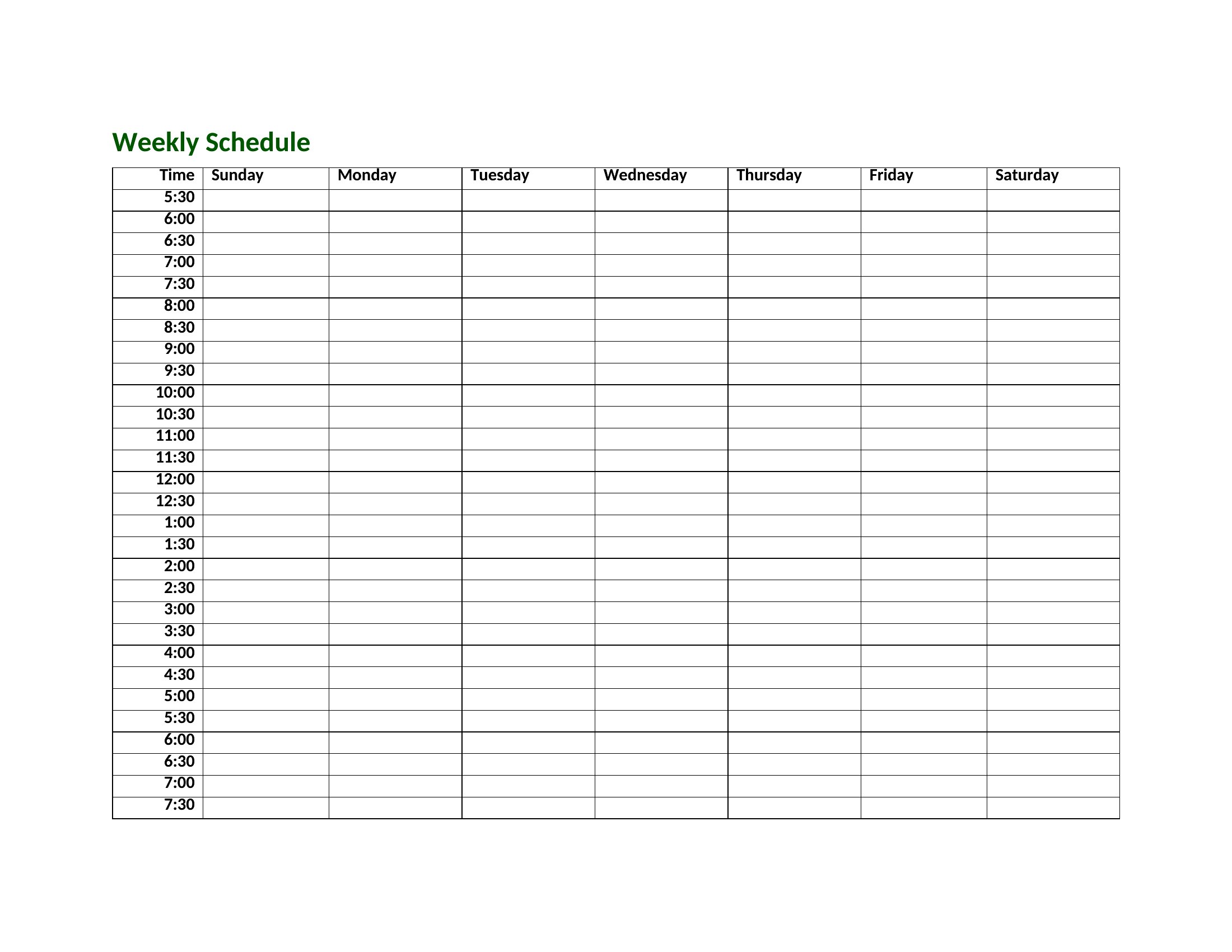
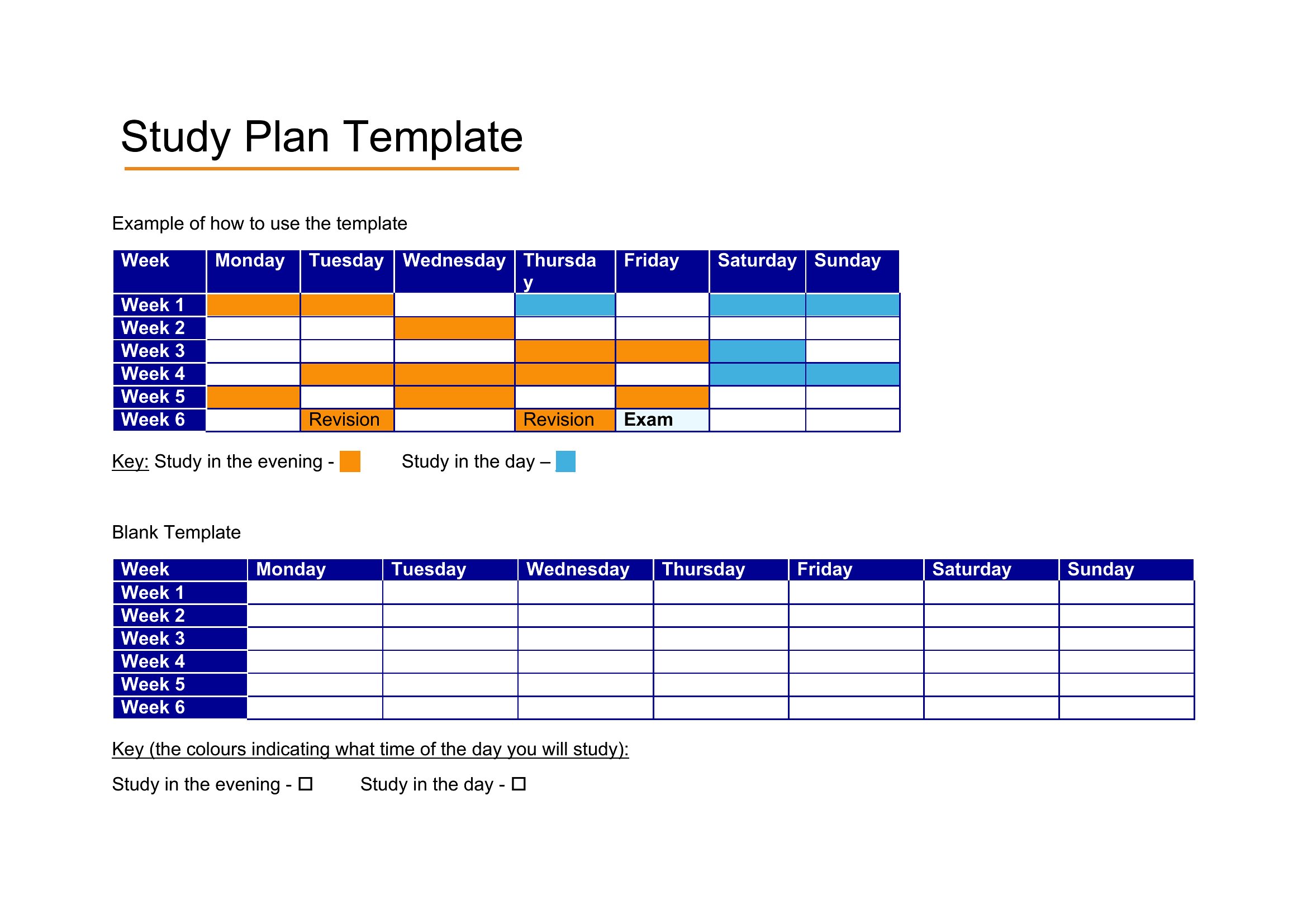
Study Plan Outline
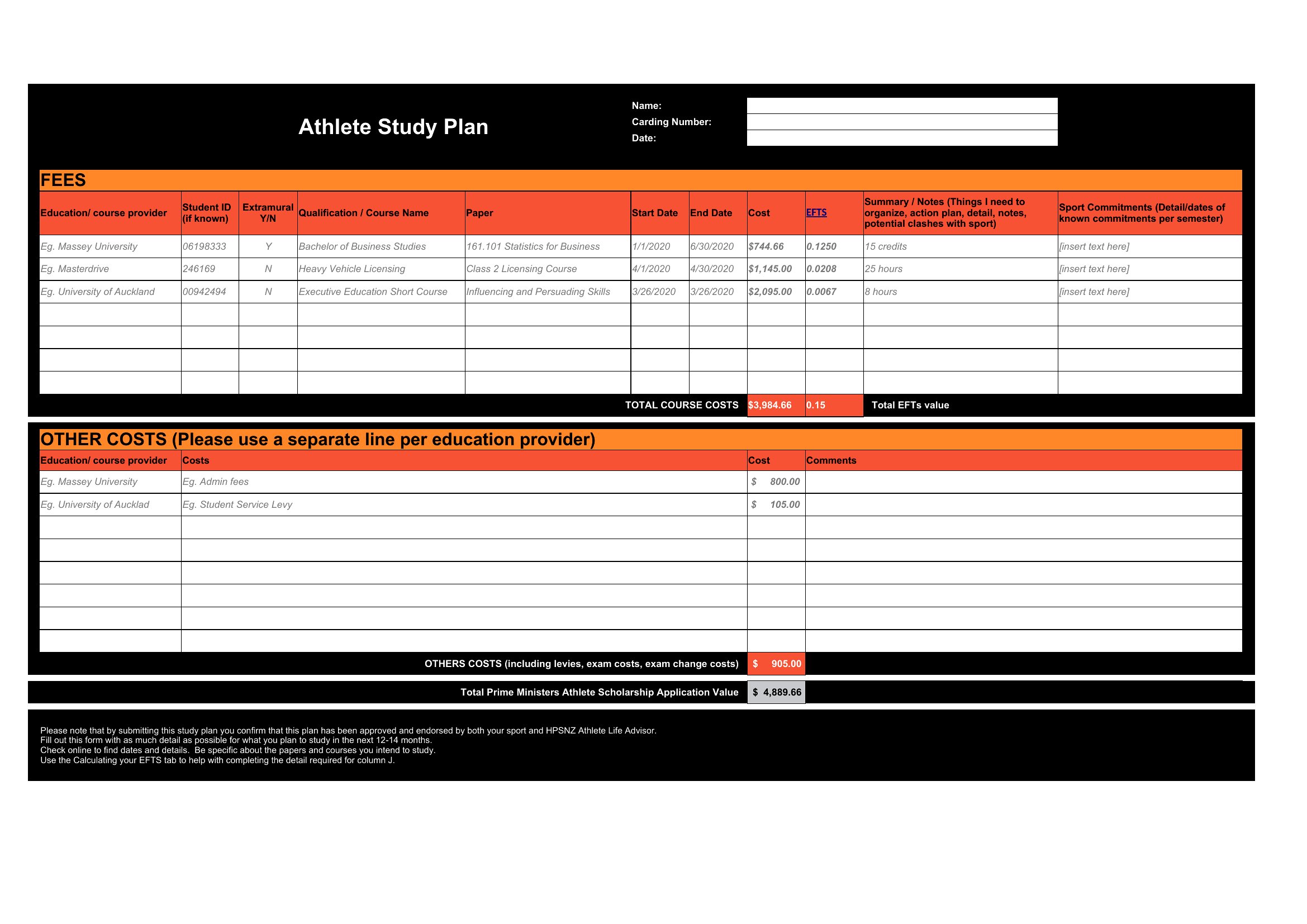
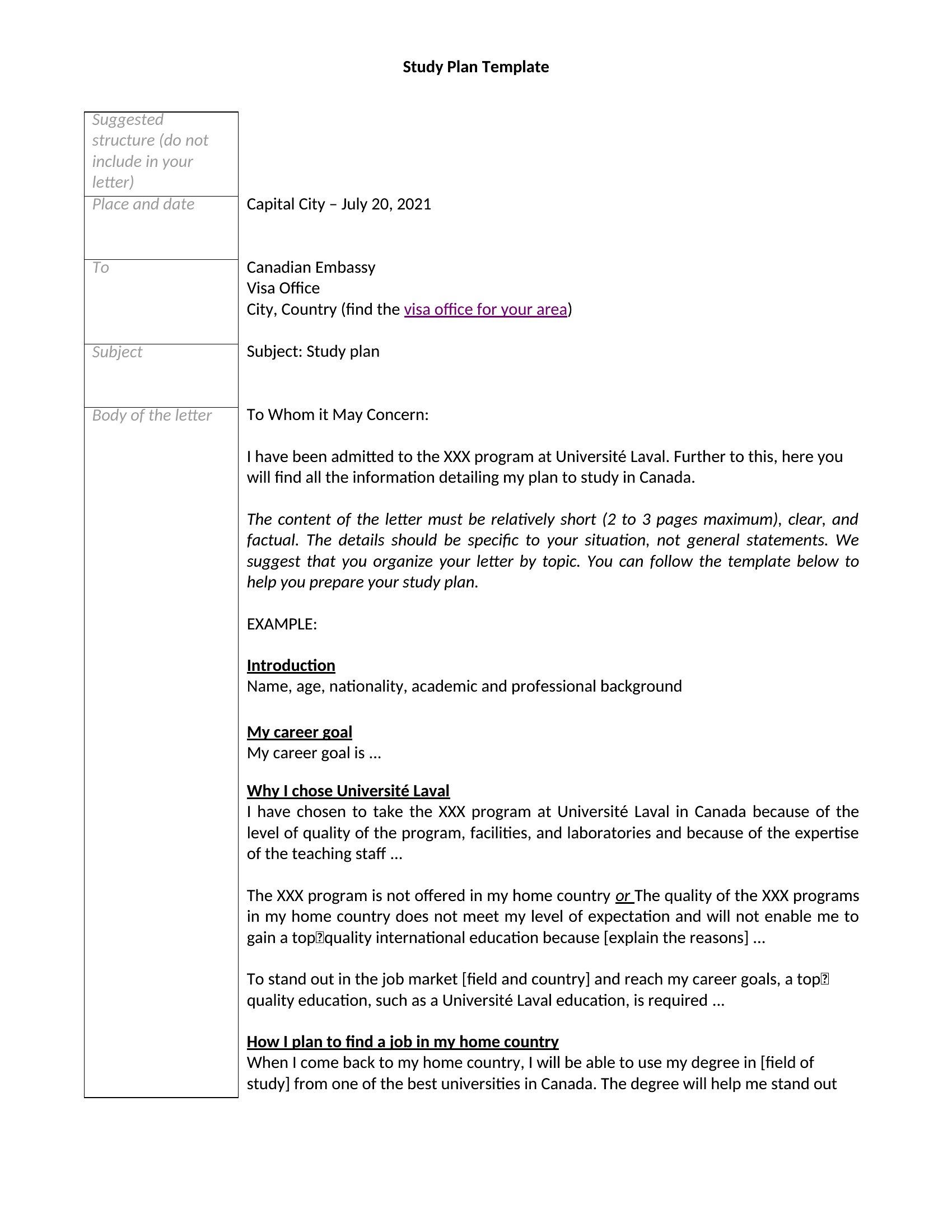
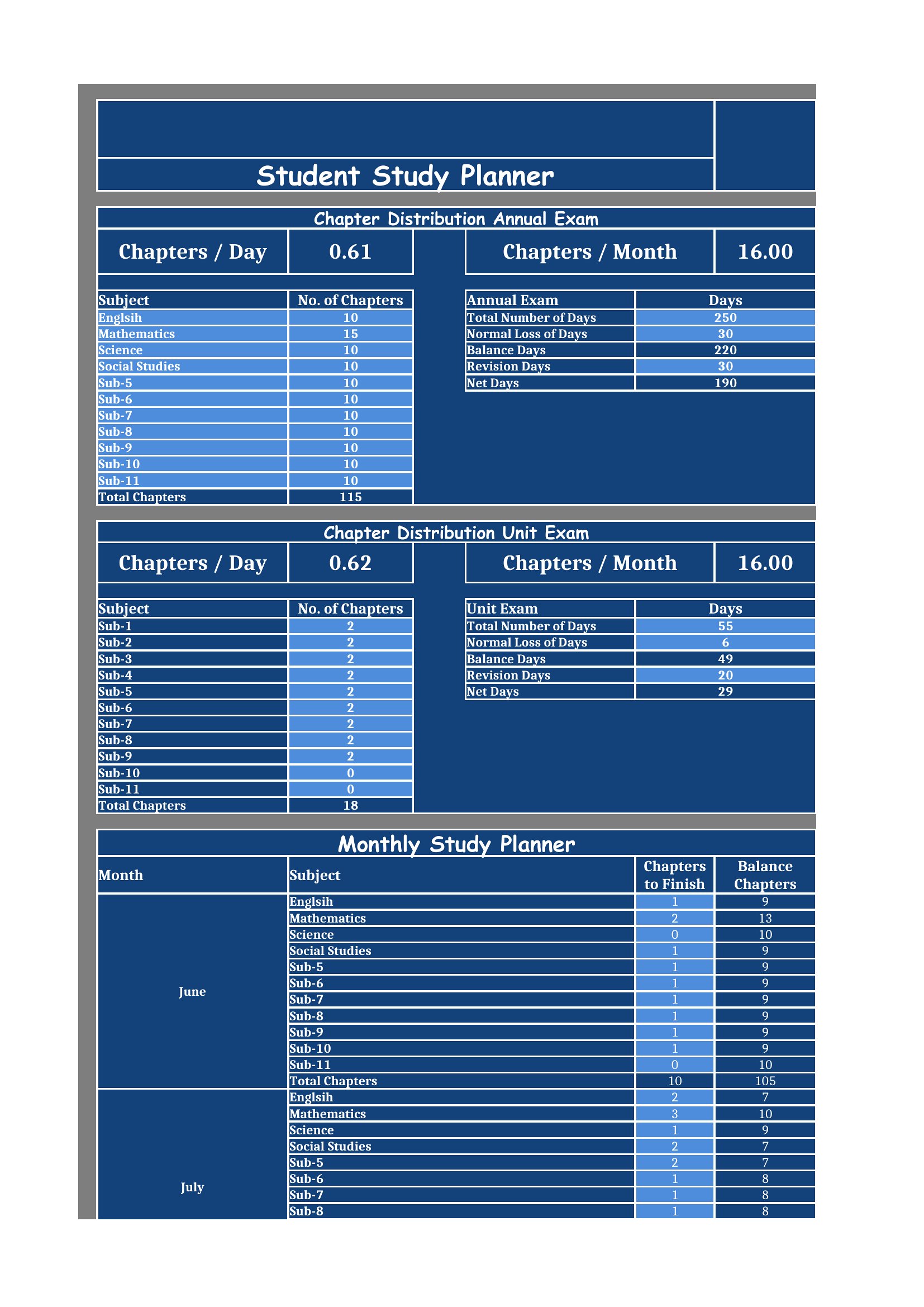
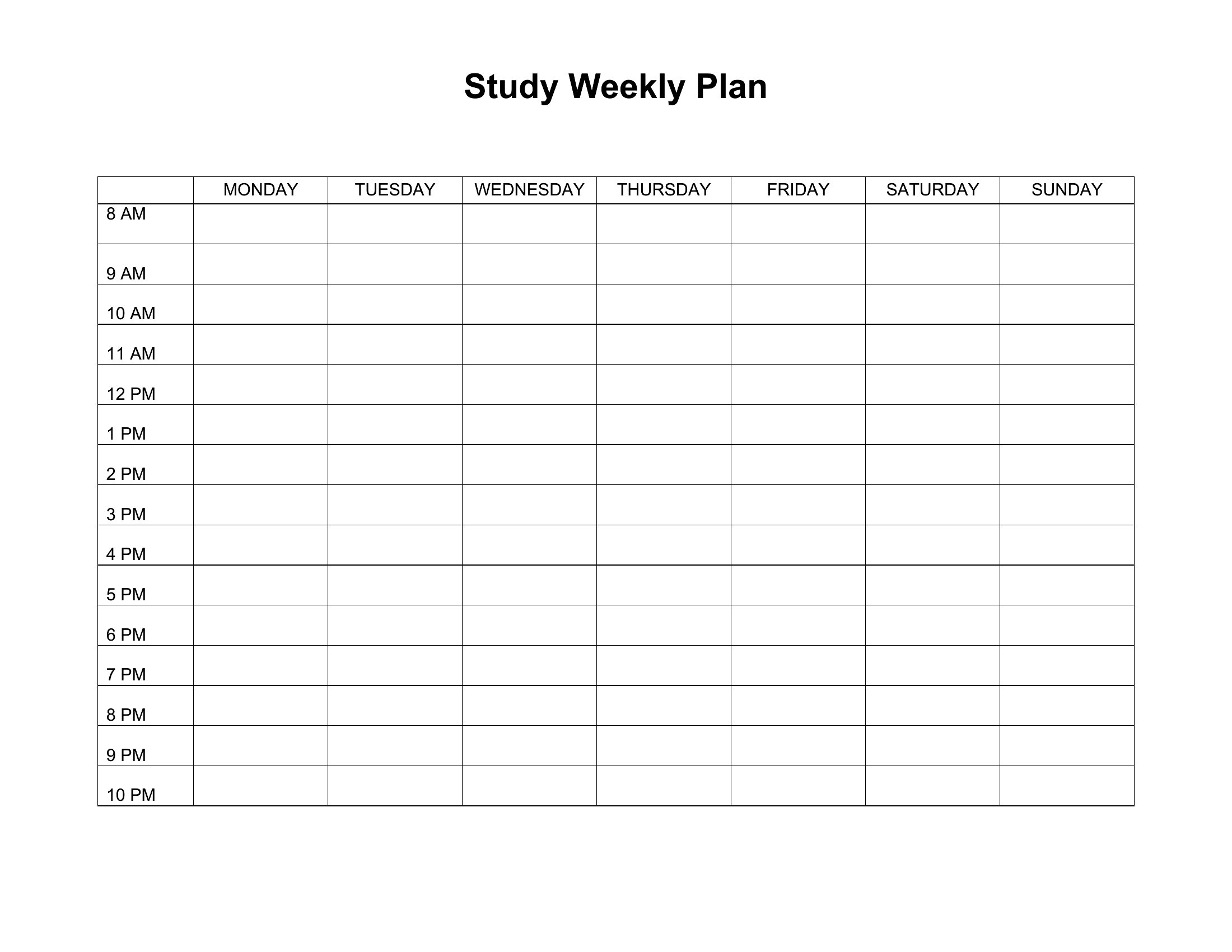
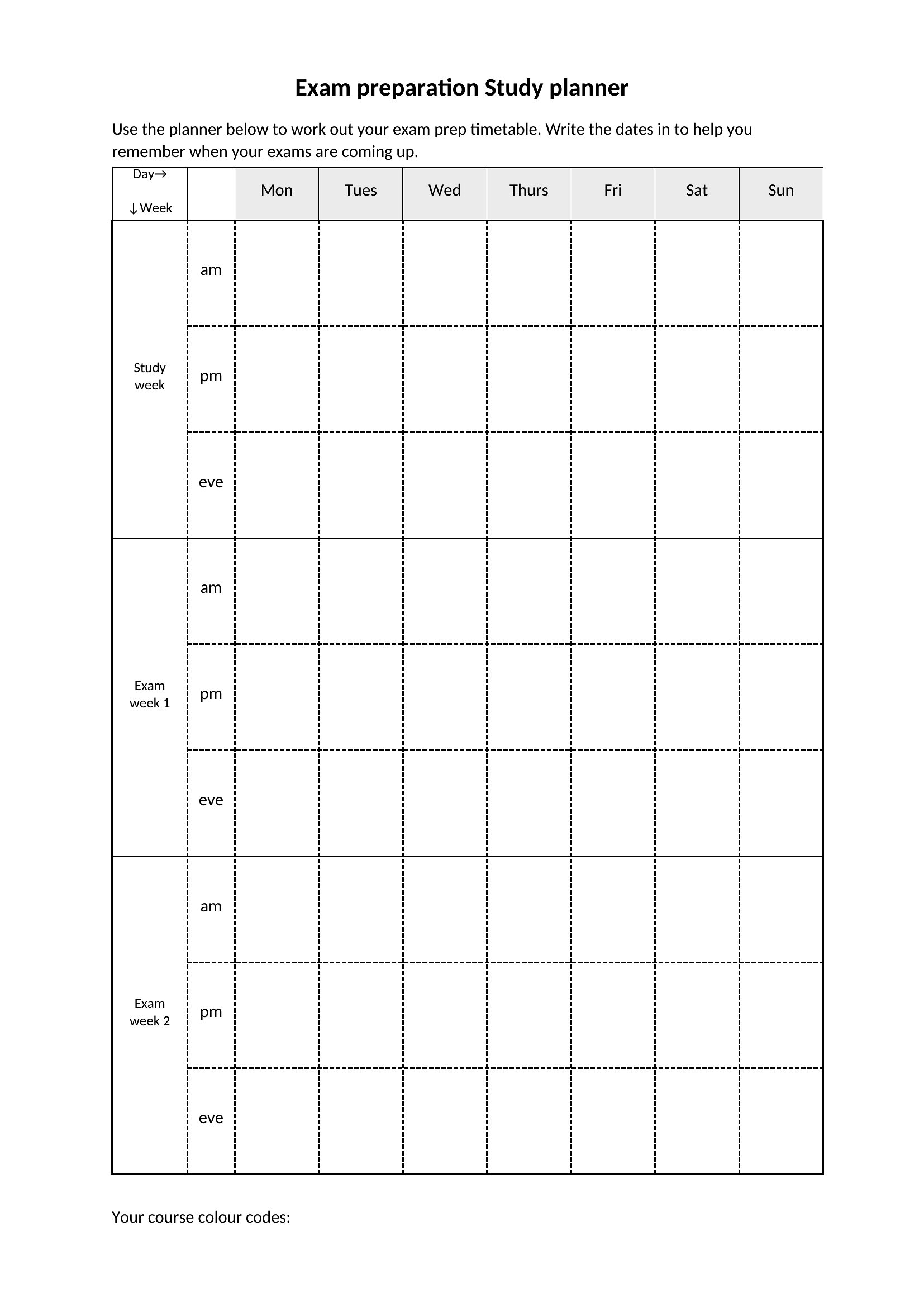
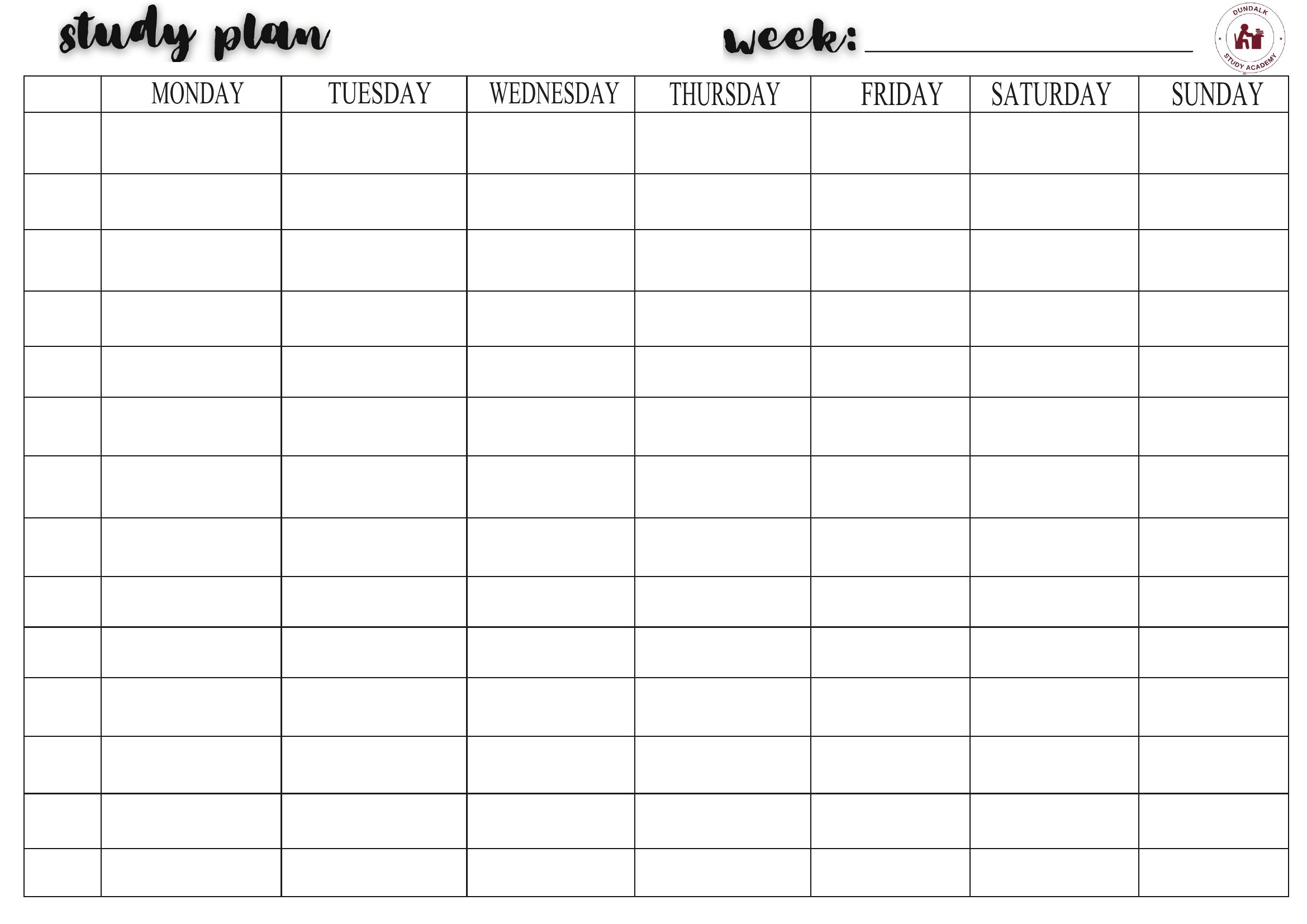
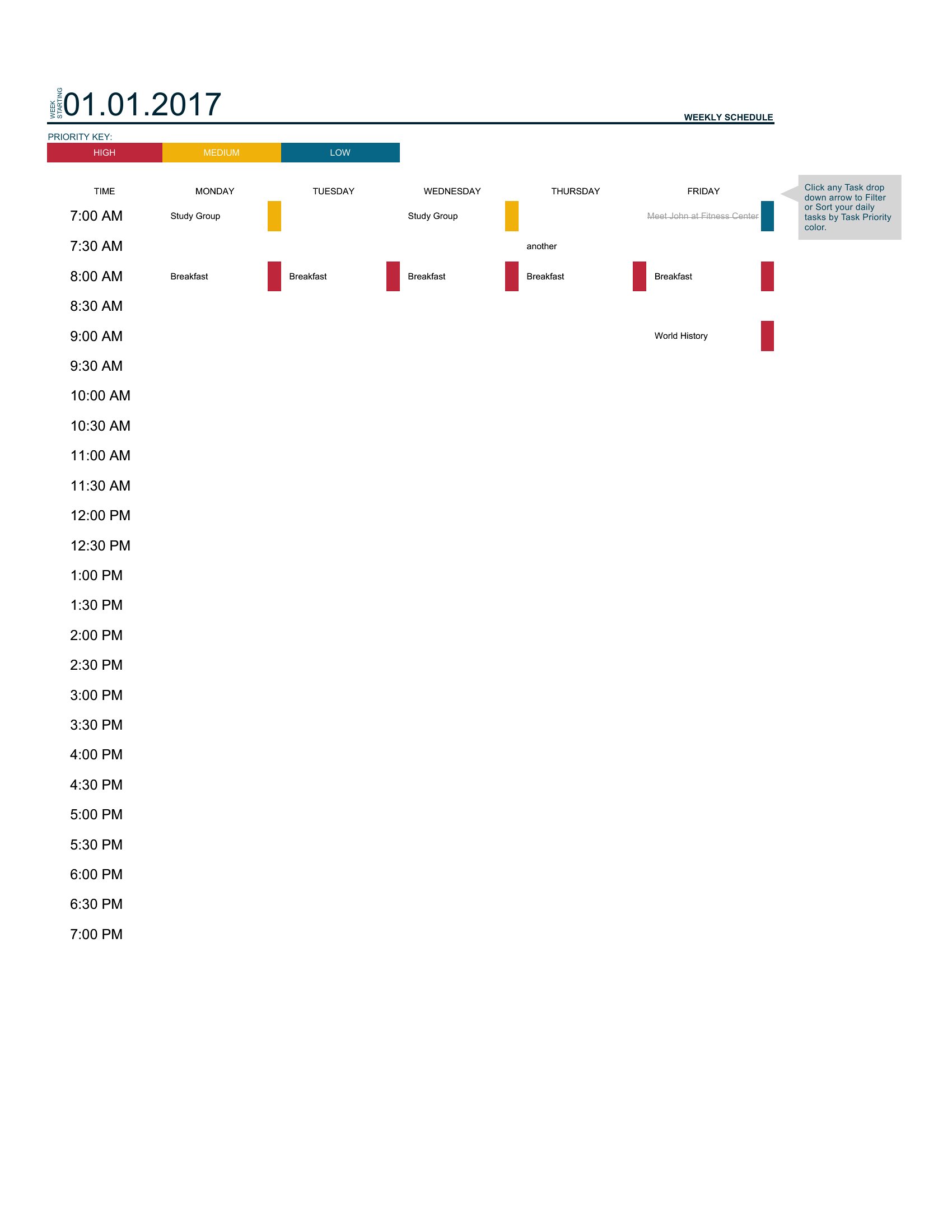
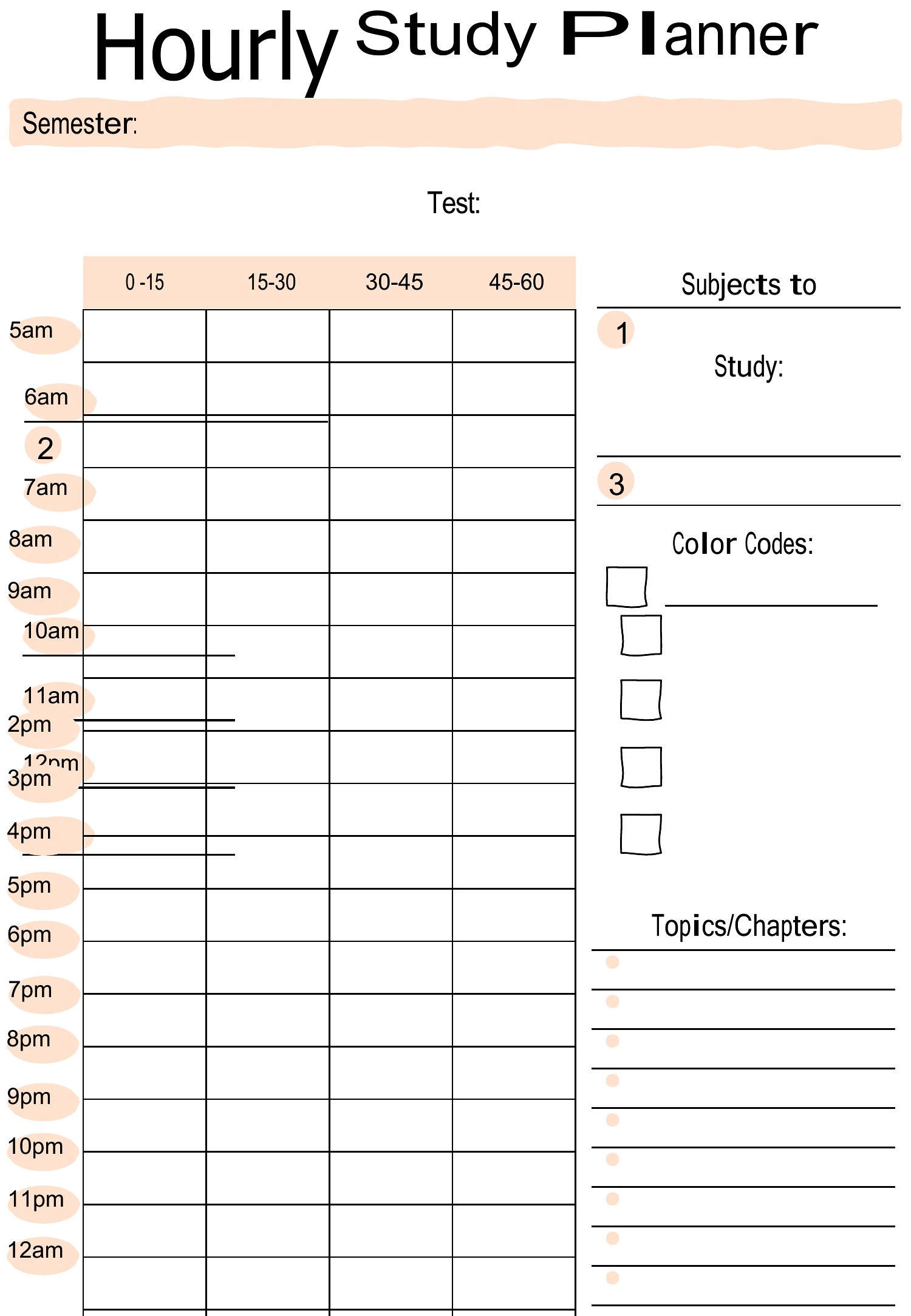
Printable Study Plan
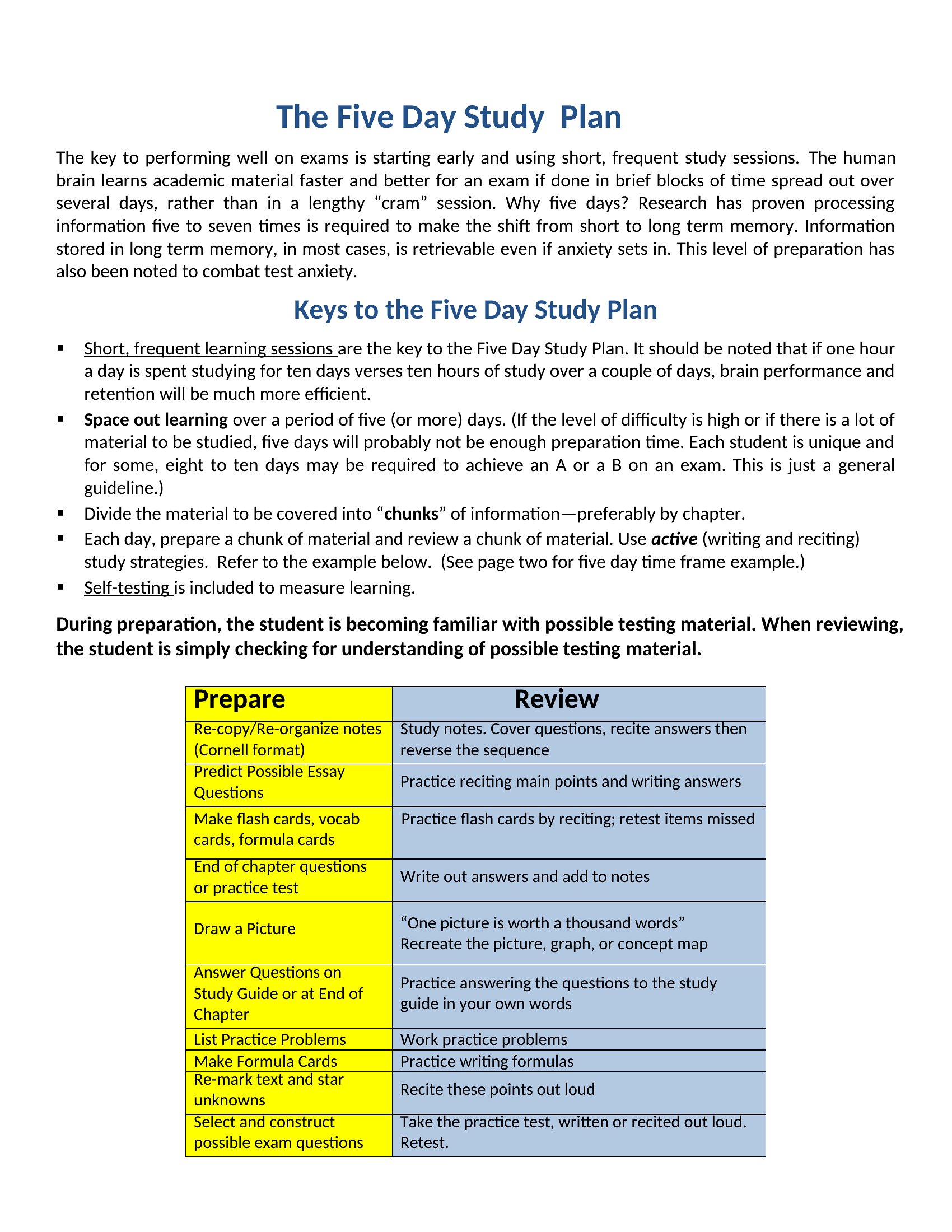
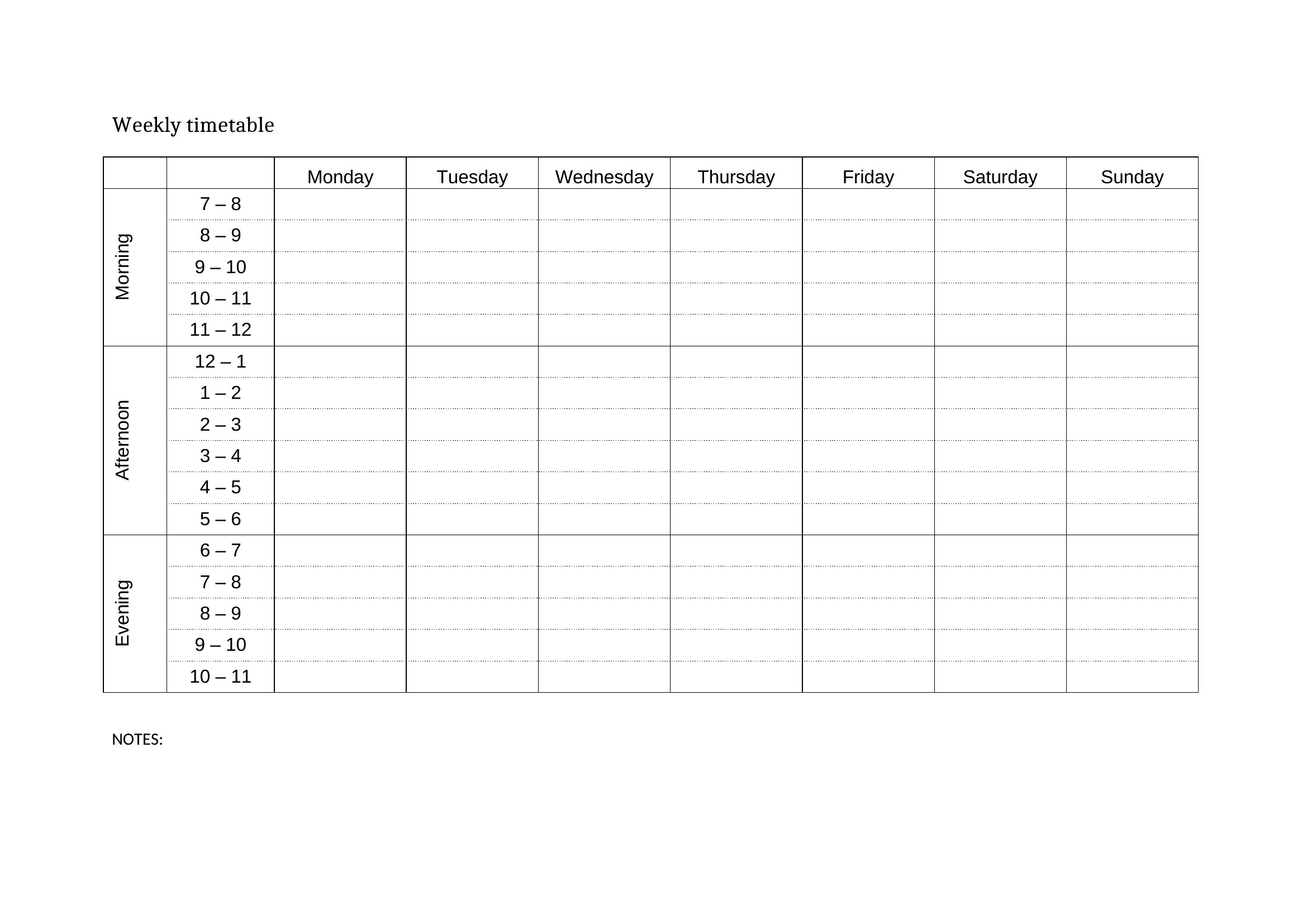
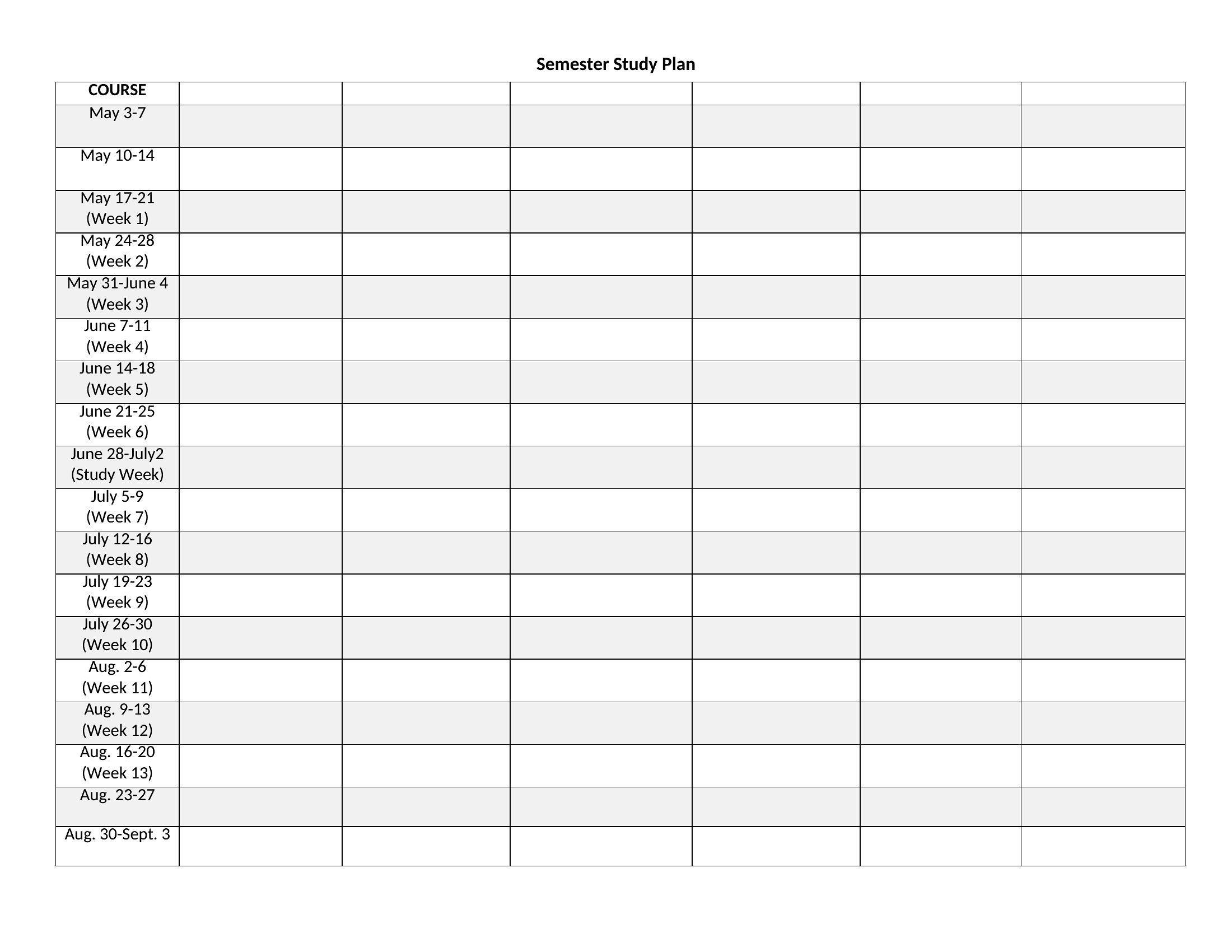
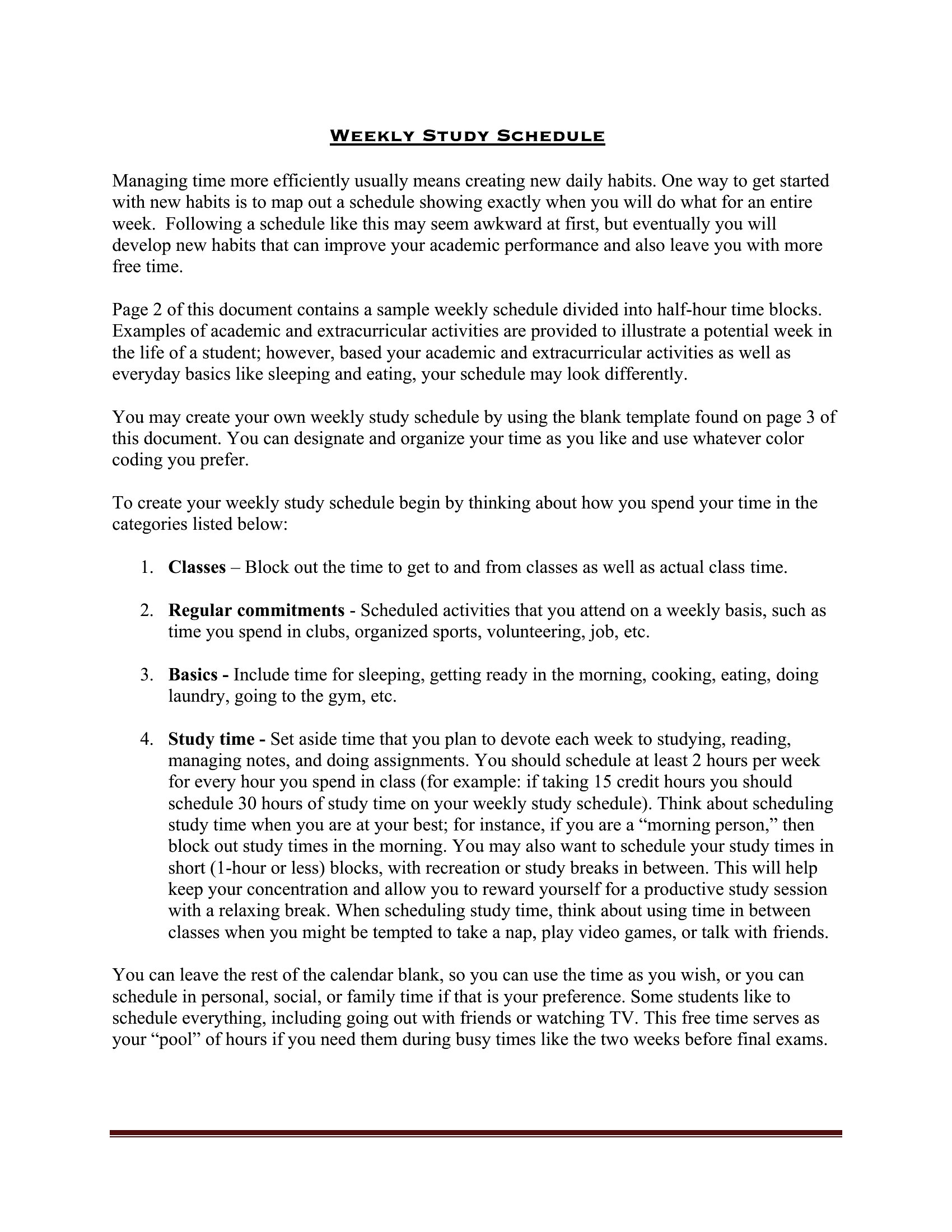
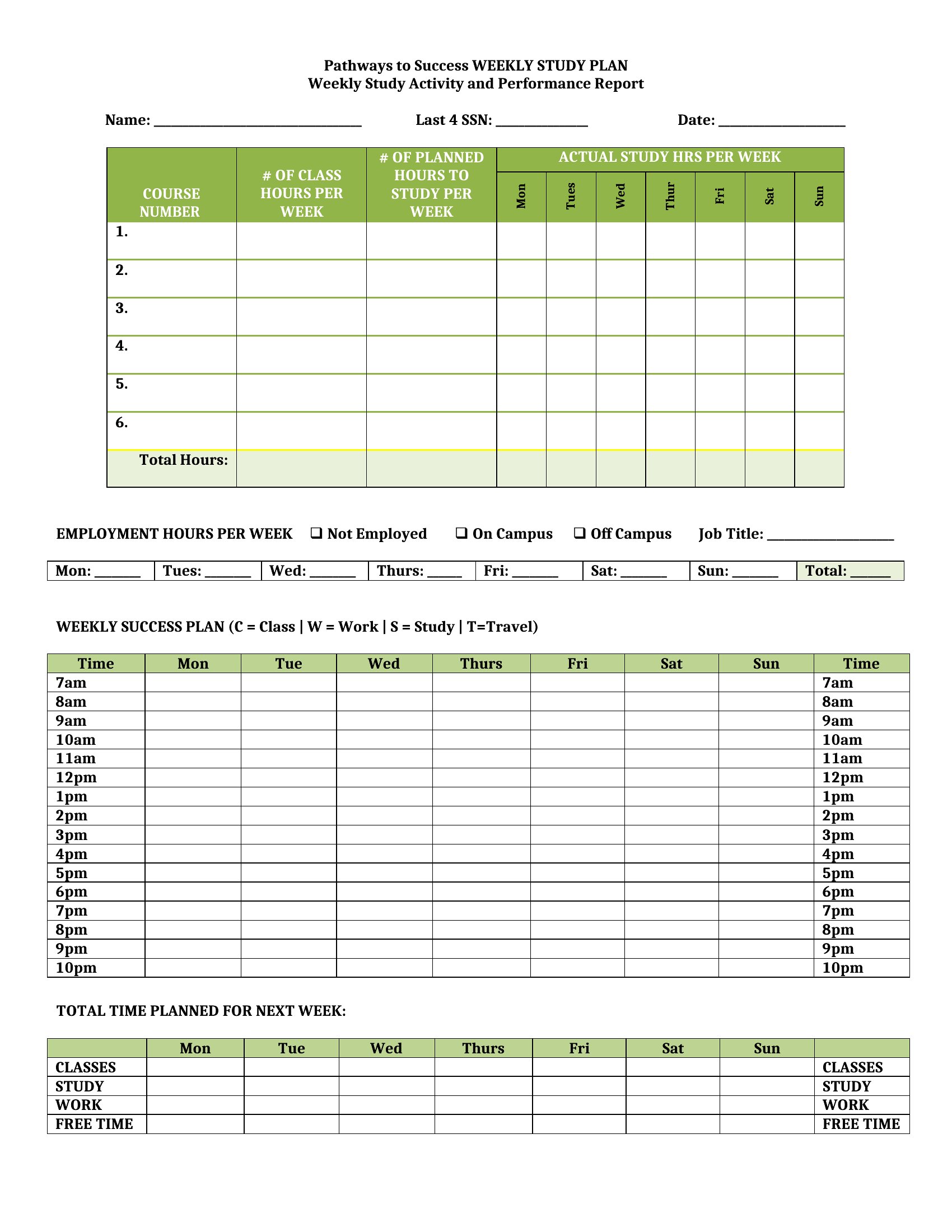
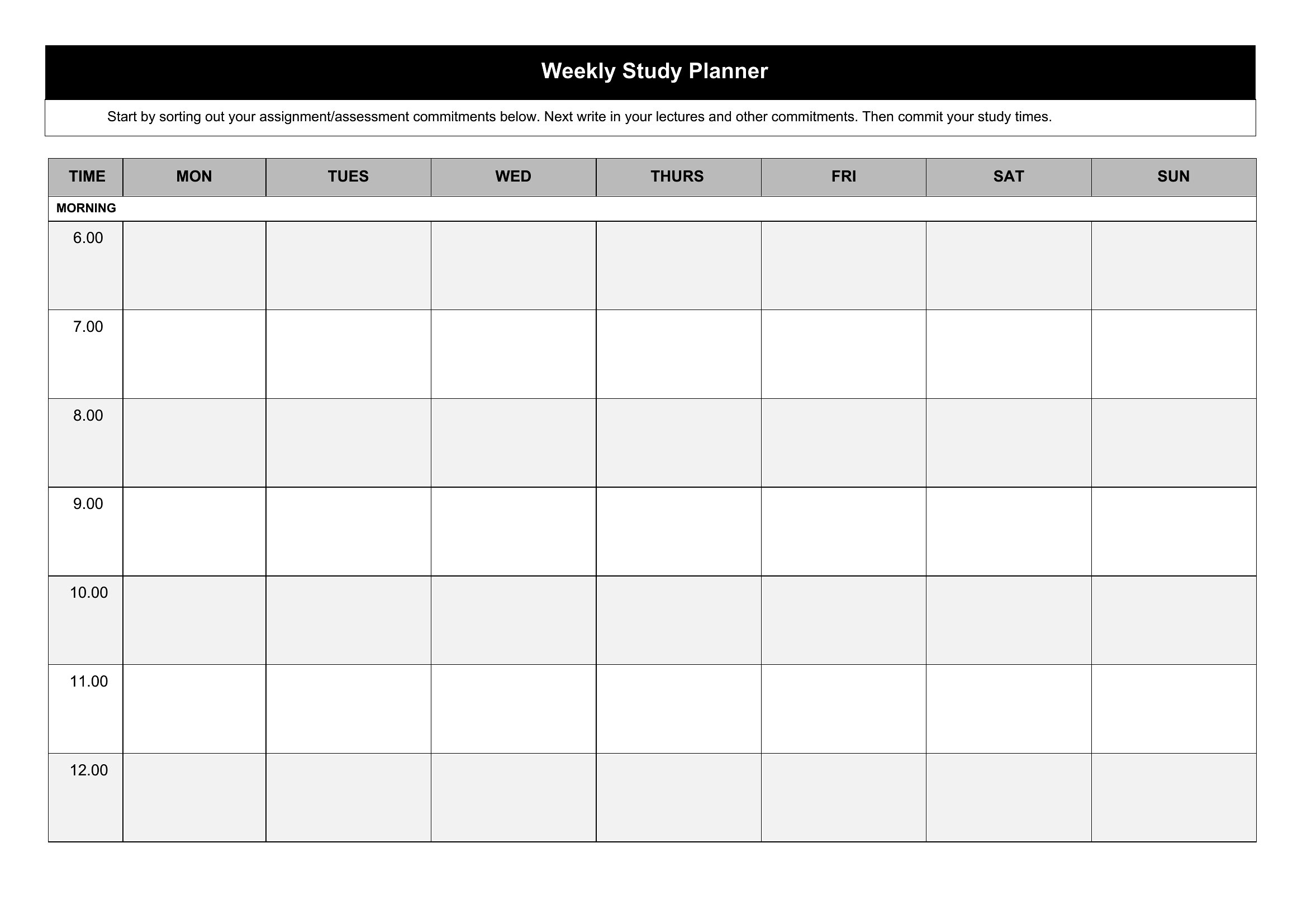
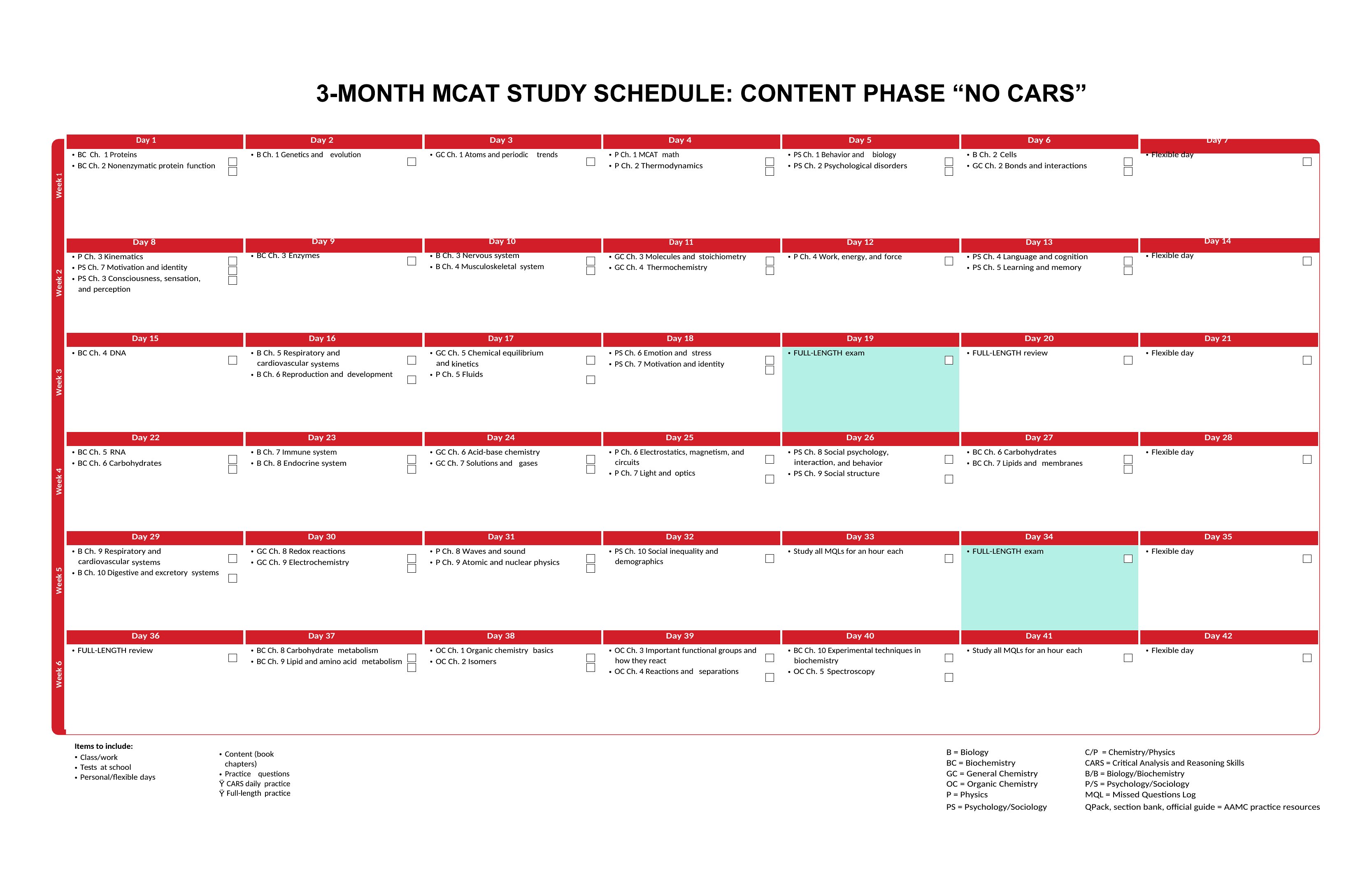
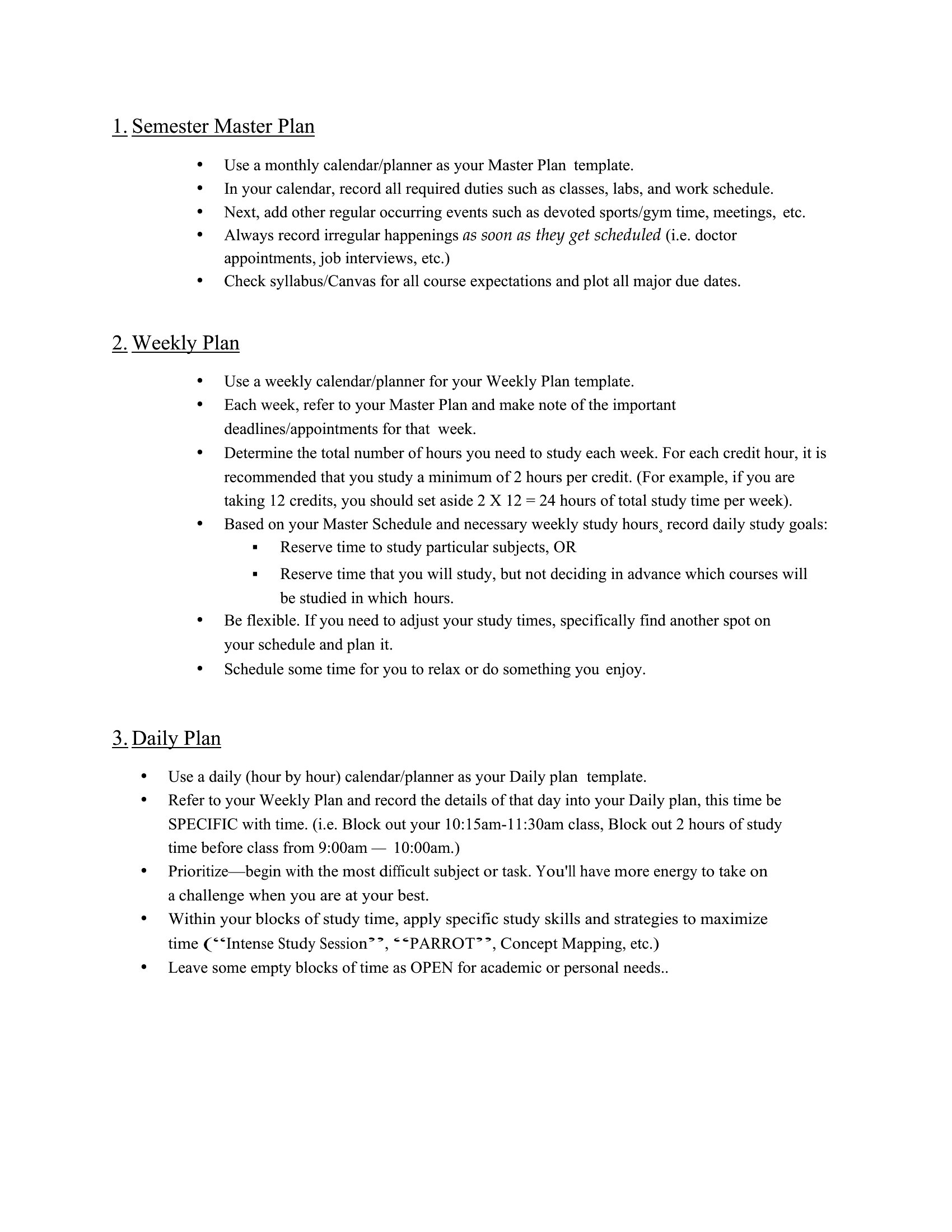
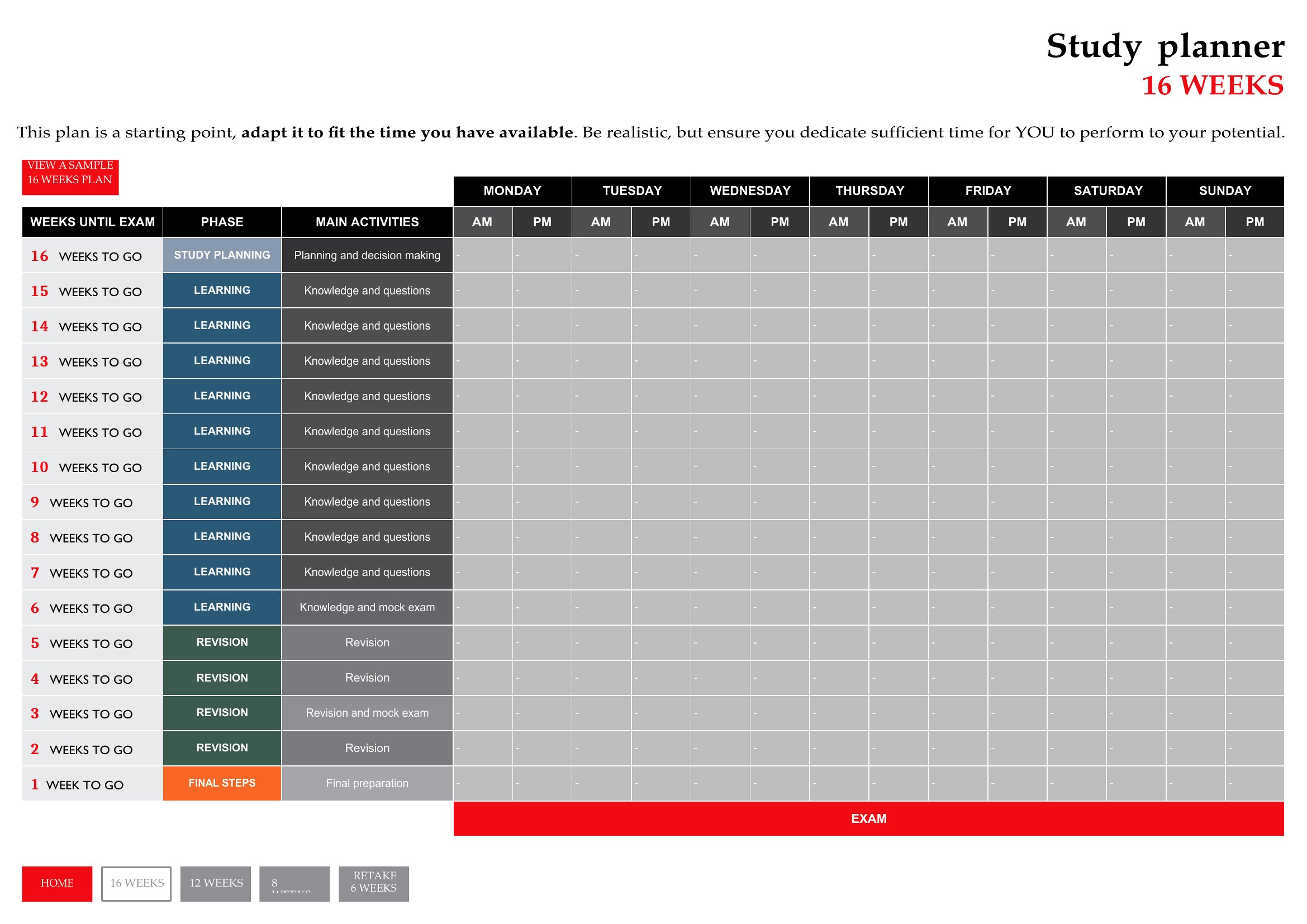
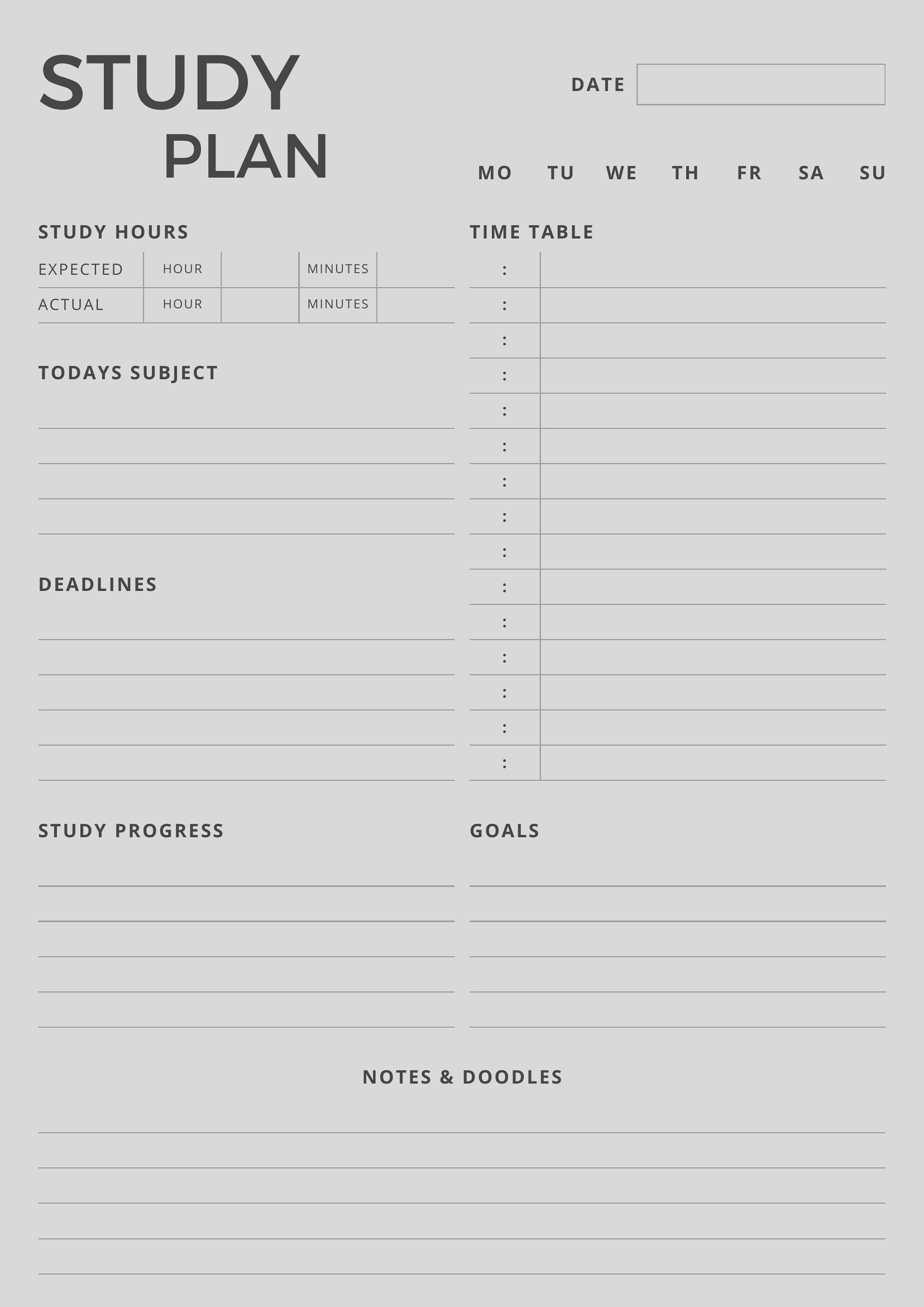
Blank Study Plan
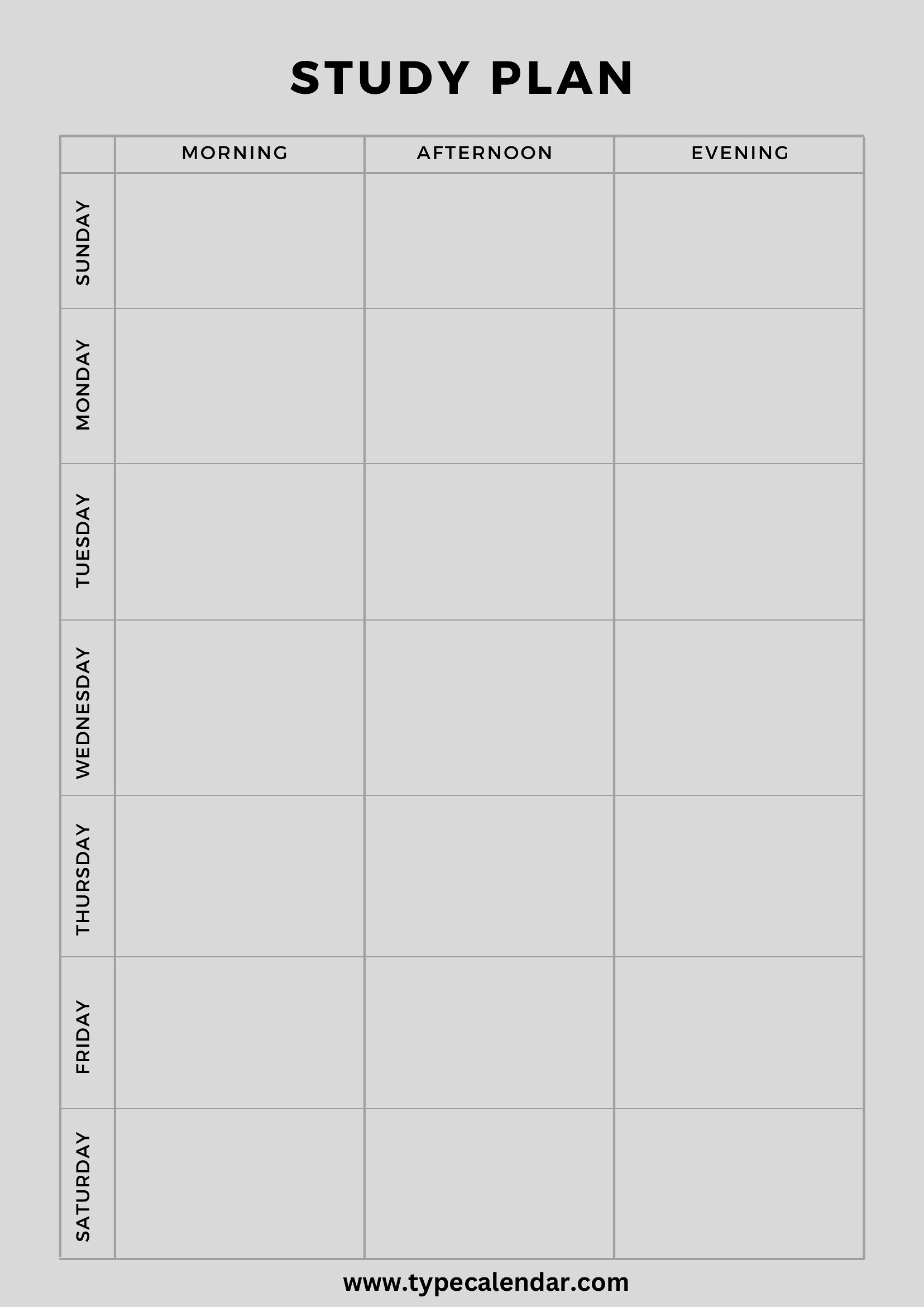
Study Plan
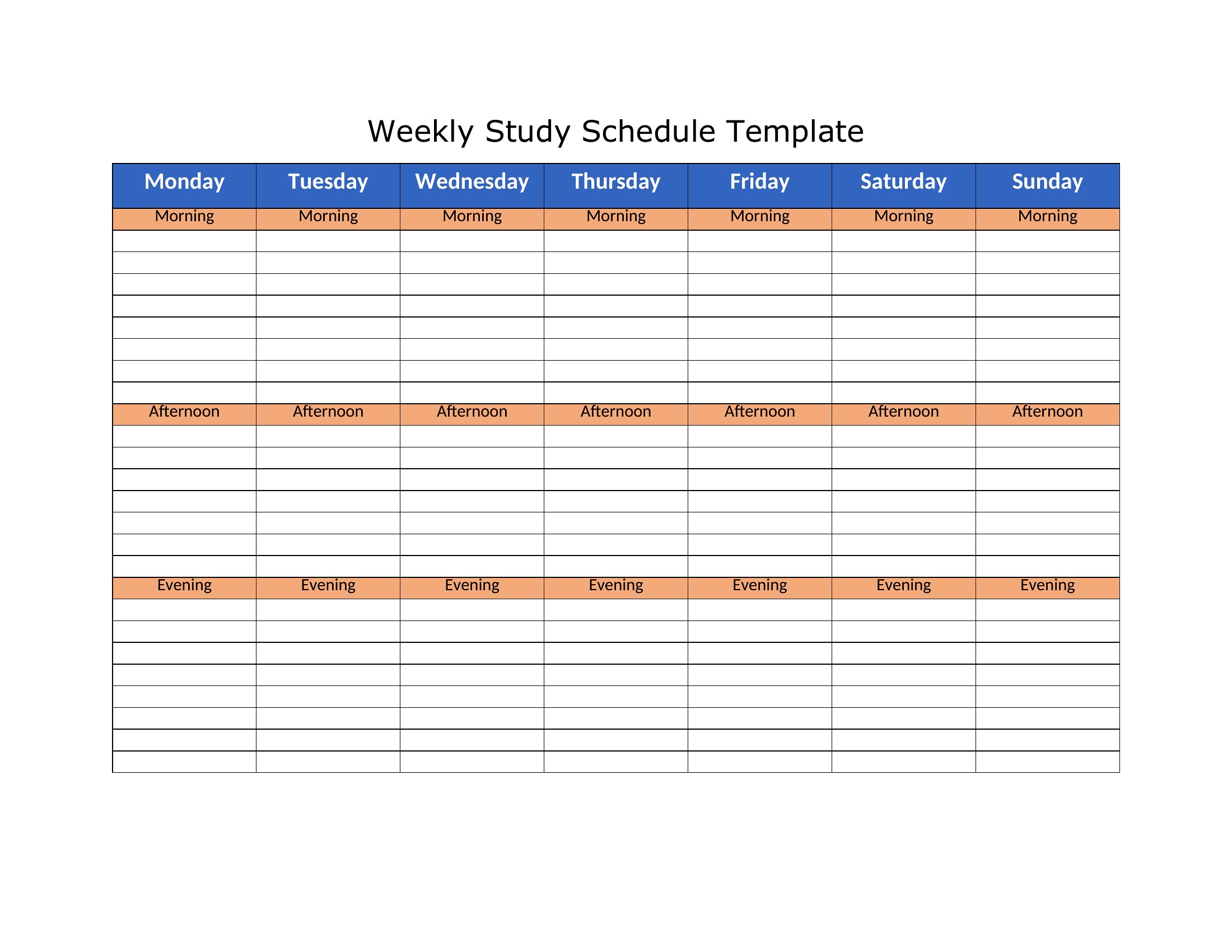
Study Plan Schedule
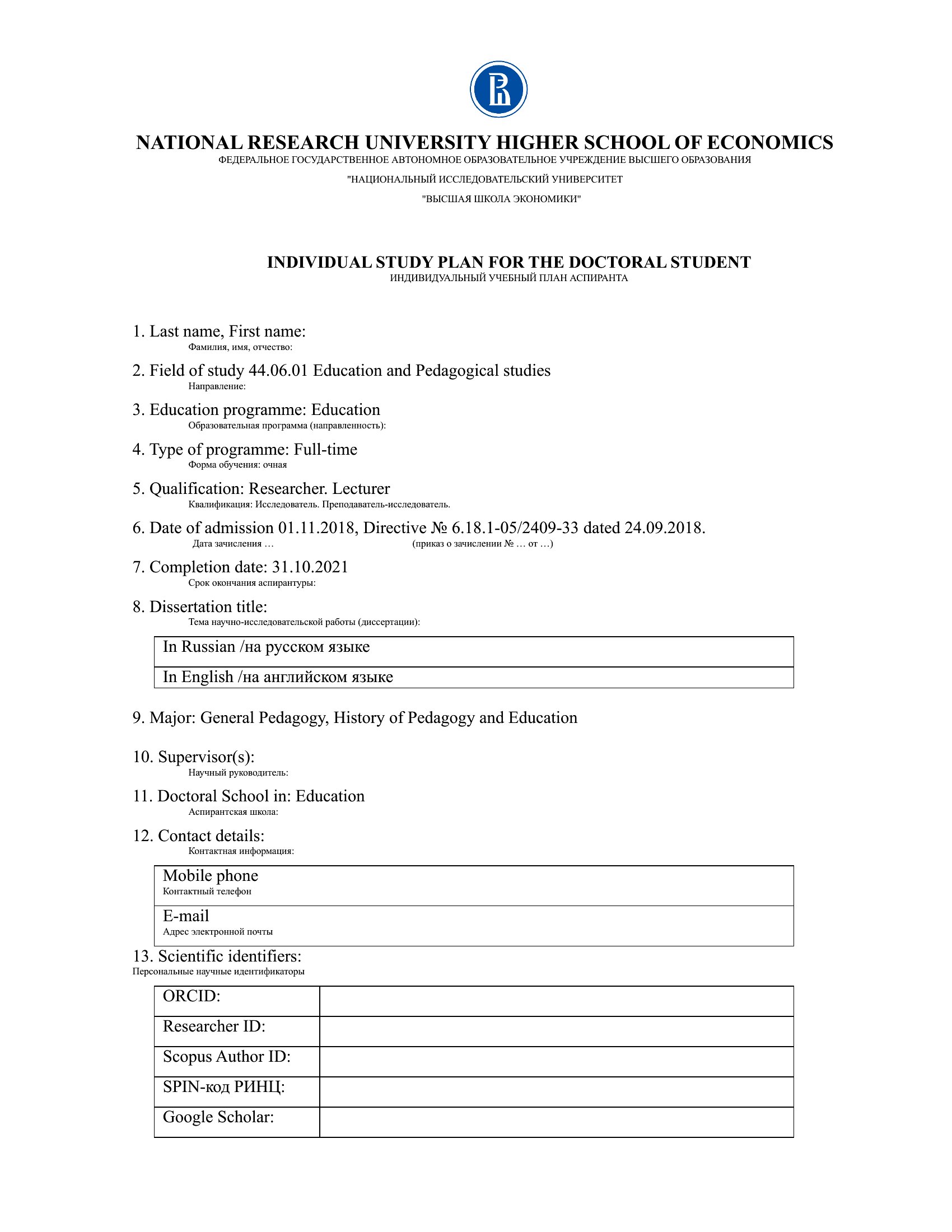
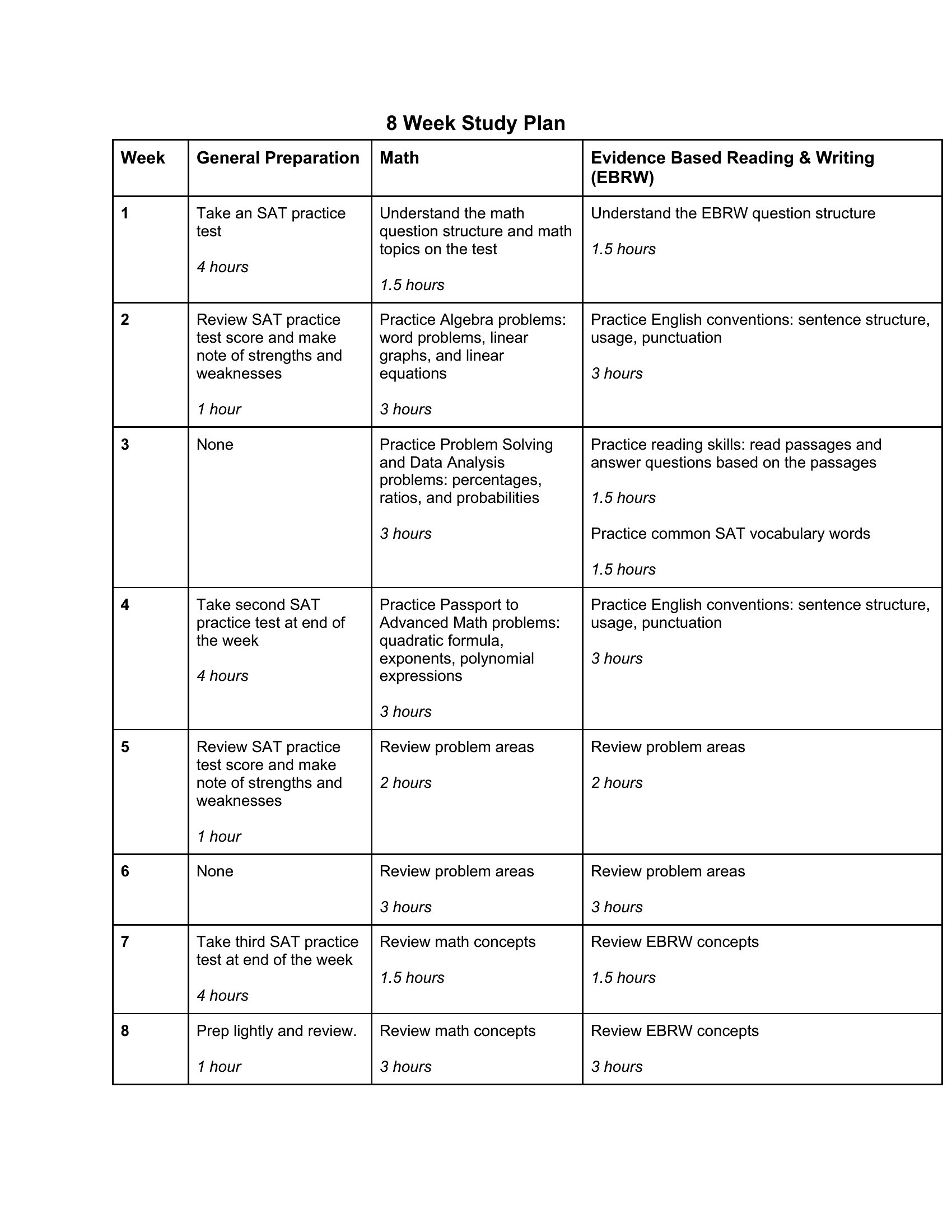
How to use this Study Plan template
How can I adjust a study plan template for subjects with irregular deadlines, like creative writing or lab reports?
Use the Word or Excel formats to add conditional formatting (in Excel) or highlighted sections (in Word) for projects with flexible deadlines. Break the task into phases—e.g., ‘Research,’ ‘Draft,’ ‘Revisions’—and assign due dates to each phase in the timeline. This keeps you on track even when the final submission date isn’t fixed. For PDFs, print a blank weekly planner and manually mark deadlines as they approach.
Can I use these templates for long-term goals beyond exams, like learning a language or preparing for a certification?
Yes, these templates work for any skill-building schedule. For language learning, replace ‘Chapter Reviews’ with ‘Vocabulary Lists’ or ‘Grammar Drills,’ and set milestones like ‘100 New Words/Week.’ For certifications, populate the plan with study modules, practice tests, and application deadlines. Excel is best for tracking cumulative progress (e.g., ‘Weeks Completed’), while Word suits detailed lesson plans.
What’s the best way to incorporate breaks or self-care into a study plan without feeling guilty about ‘wasted time’?
In Word or Excel, dedicate 1–2 blocks per week labeled ‘Active Recovery’ (e.g., 30-minute walks, stretching) or ‘Mental Health Day’ (no studying). Use the ‘Notes’ section in Word to justify breaks—link them to productivity, like ‘Research shows 25-minute focus sessions work best.’ In PDFs, sketch in a ‘Breaks’ column alongside study tasks to visualize balance. Frame breaks as part of your routine, not interruptions.
Comments
Join the conversation
Sign in to share your thoughts and leave a comment on this resource.